Creating a LinkedIn Company Page: Your First Step to Lead Generation
A LinkedIn Company Page is your business's official presence on LinkedIn that builds credibility, showcases your brand, and serves as a foundation for lead generation through content, employee advocacy, and paid campaigns.
You can set one up in less than 5 minutes, but optimizing it strategically positions you to capture qualified B2B leads.
TL;DR
- Without a company page, you're missing free visibility every single day on LinkedIn
- You need a personal LinkedIn profile with confirmed email to create a company page
- The entire setup process takes under 5 minutes using the "For Business" menu
- Essential post-launch actions: add detailed about section, post your first update, invite connections
- A complete page increases trust and unlocks LinkedIn Ads, analytics, and automation capabilities
Why Your Business Needs a LinkedIn Company Page Before Doing Anything Else
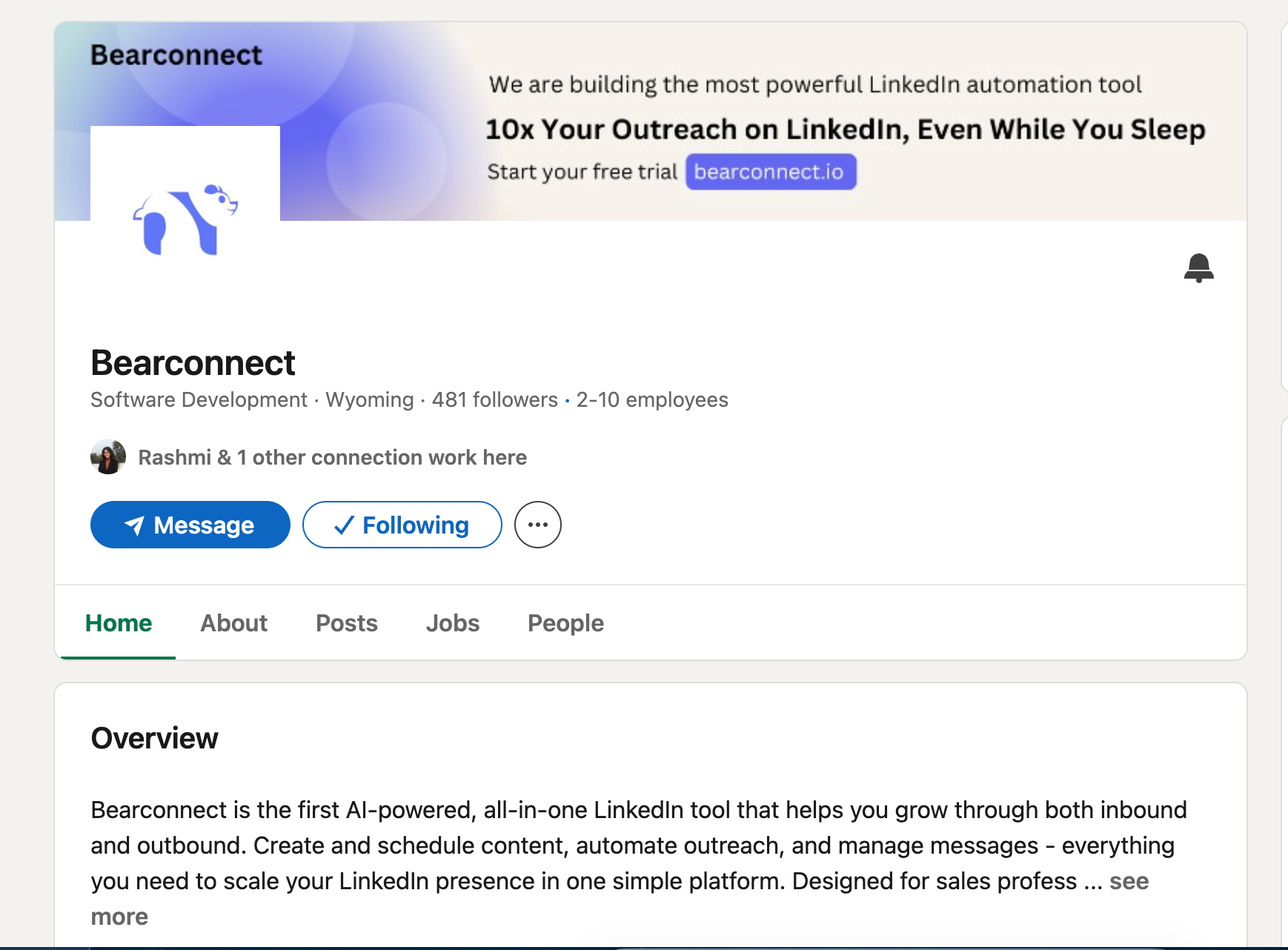
If you are a founder or freelancer without a company page, you are missing free visibility every single day.
Your LinkedIn Company Page does three critical things: builds credibility, shows your brand online, and attracts customers, partners, or even employees.
When prospects discover you through referrals or content, they immediately look up your business.
No company page signals you are either too small or not serious.
What a company page actually does:
- Validates legitimacy when prospects research you
- Creates a hub for content distribution beyond personal profiles
- Enables employee advocacy so your team can amplify your reach
- Unlocks LinkedIn Ads and sponsored content capabilities
- Provides analytics on follower demographics and engagement
Without a company page, you lose these channels before you even start.
The One Prerequisite You Must Have
You must have a personal LinkedIn profile before creating a company page.
LinkedIn requires this because company pages are managed through personal accounts. You cannot create a business page without a personal account first.
Your personal profile should have:
- Your real name and professional details
- A confirmed email address
- At least 5-10 connections
- Profile strength showing "Intermediate" or higher
If your personal profile is brand new (less than 24 hours old), wait 2-3 days before creating a company page.
How to Create Your LinkedIn Company Page in Under 5 Minutes
The setup process is straightforward. Follow these exact steps.
Step 1: Go to For Business
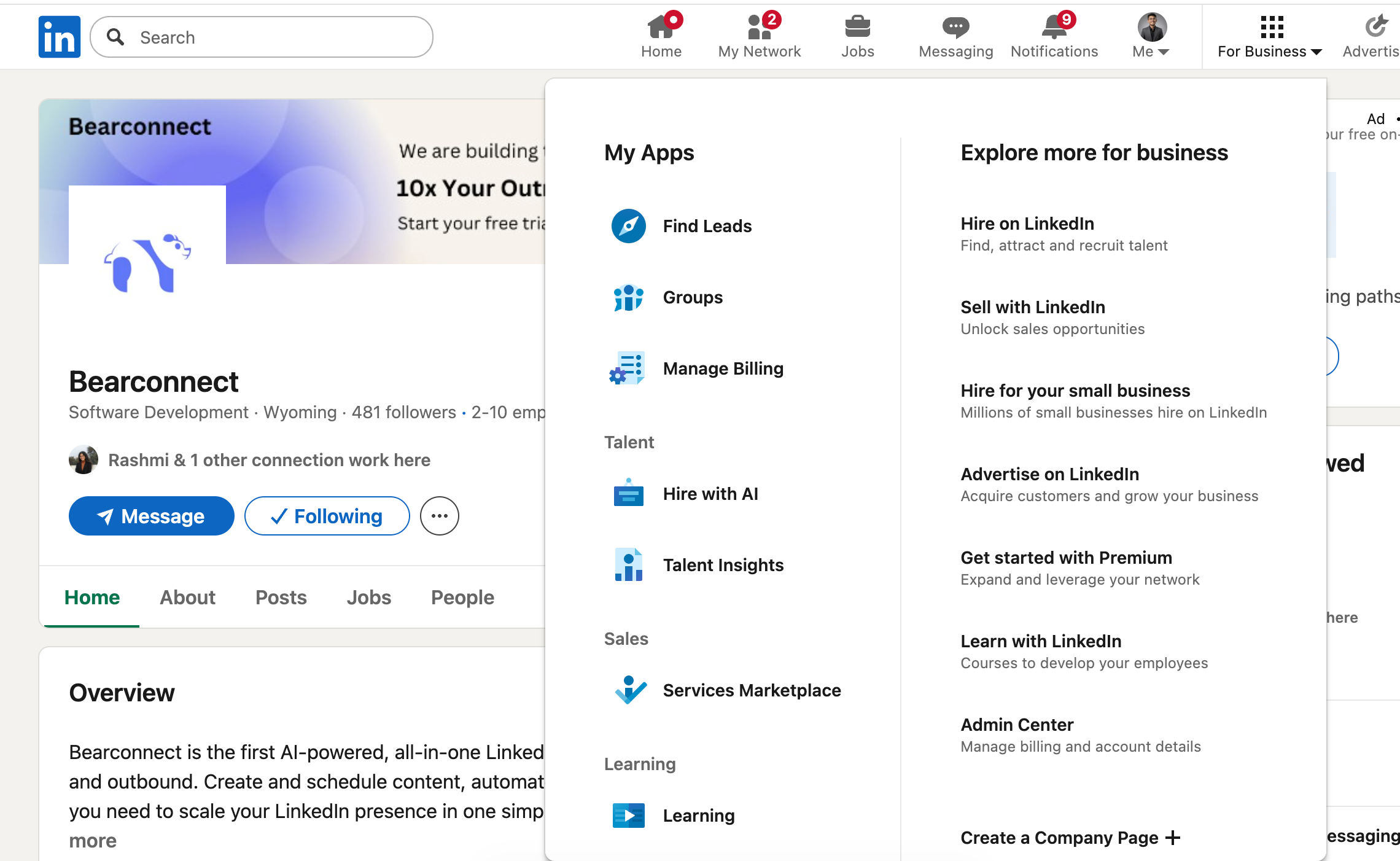
- Log into your personal LinkedIn account.
- Look at the top right corner of your dashboard and click on the icon labeled "For Business" (it looks like a grid of nine dots).
This opens a dropdown menu with various business tools and options.
Step 2: Find the Create a Company Page Option
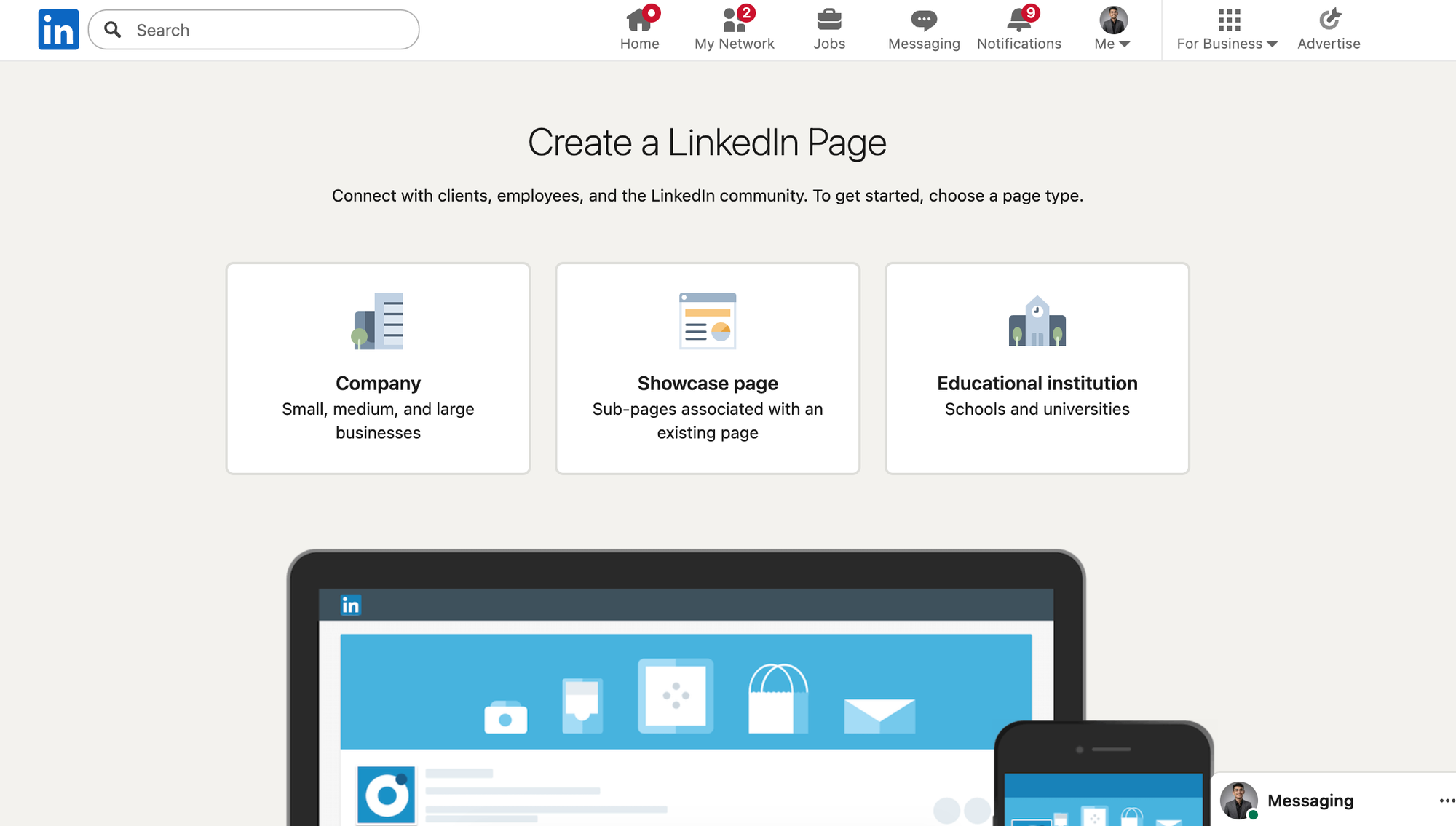
Once the For Business menu opens, scroll all the way down.
At the bottom of the menu, you'll see the option "Create a Company Page." Click on it.
LinkedIn will redirect you to the page creation tool.
Step 3: Select Your Page Type
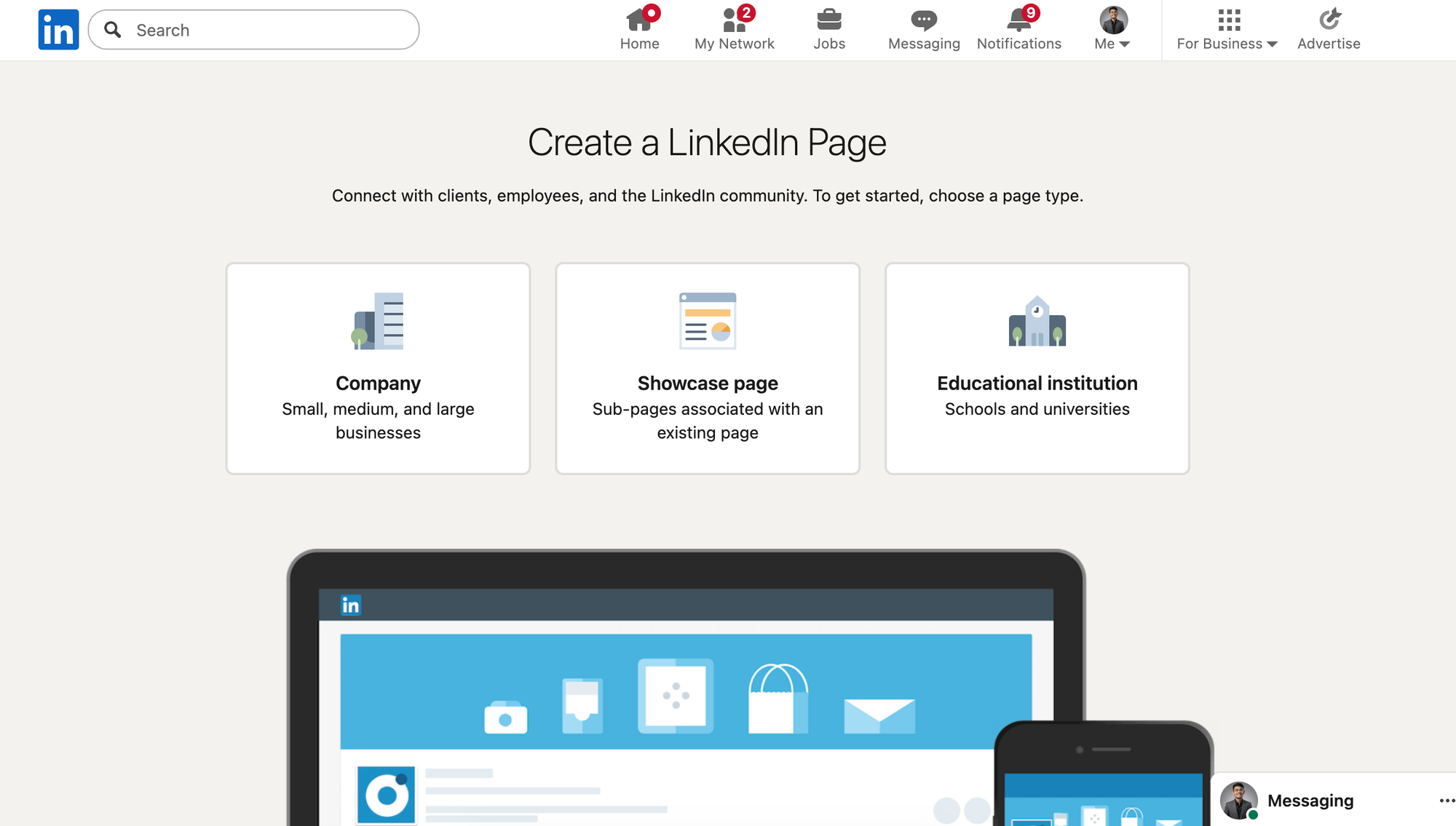
LinkedIn presents different options for the type of page you want to create.
Page type options:
- Small business (under 200 employees)
- Medium to large business (200+ employees)
- Showcase page (for specific product lines)
- Educational institution (schools only)
For most founders and freelancers, select "Small business." This is the right choice for startups, agencies, consultants, and solo entrepreneurs.
Step 4: Enter Your Company Details
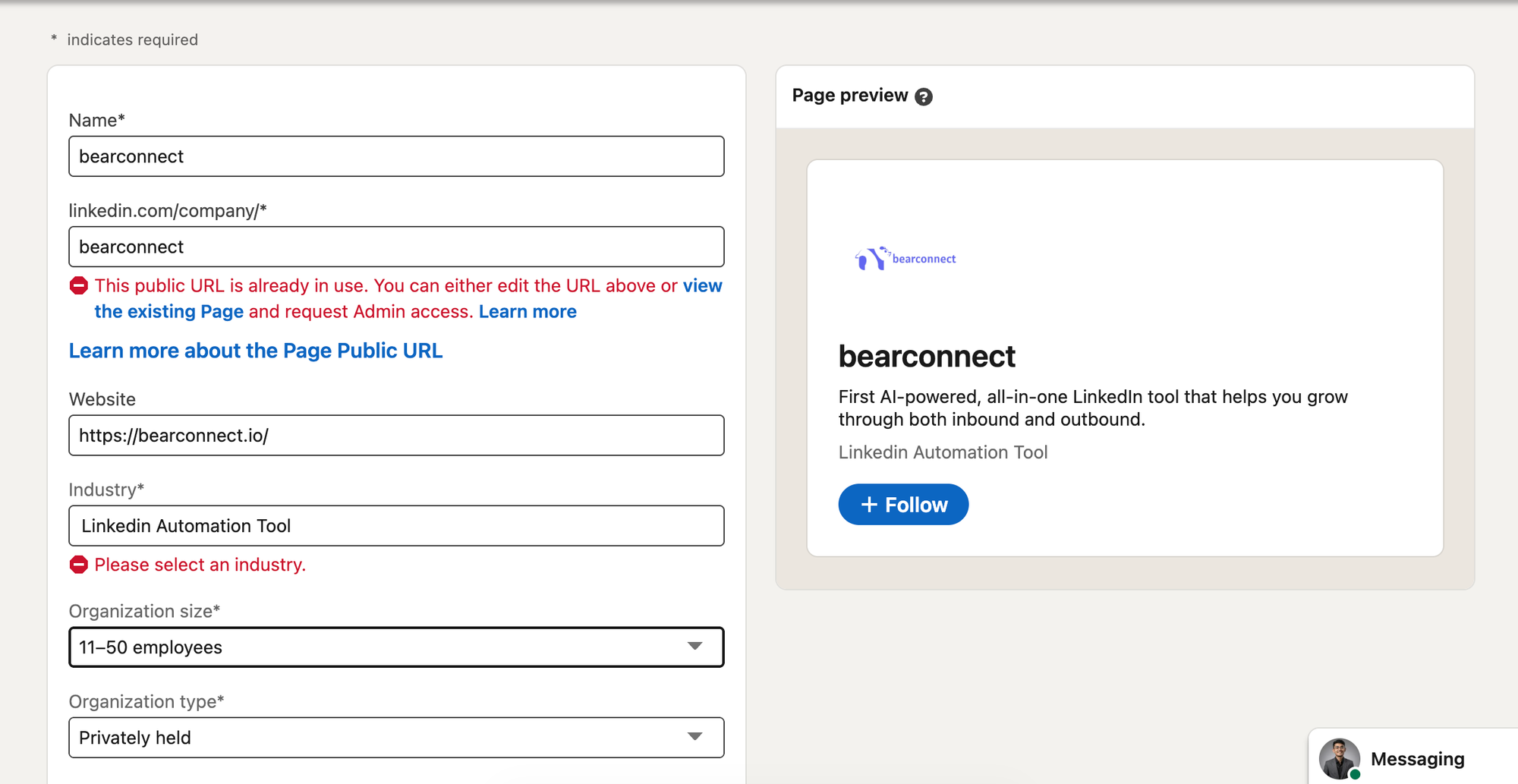
Take your time filling in these details correctly. You can edit them later, but accuracy matters from the start.
Required information:
- Company name (your official business name)
- LinkedIn public URL (choose a clean, branded URL)
- Website (your primary domain)
- Industry (select the most relevant category)
- Company size (be honest about employee count)
- Company type (private, public, partnership, etc.)
Make sure your website URL is correct. LinkedIn uses this to verify your business legitimacy.
Step 5: Add Your Branding Elements
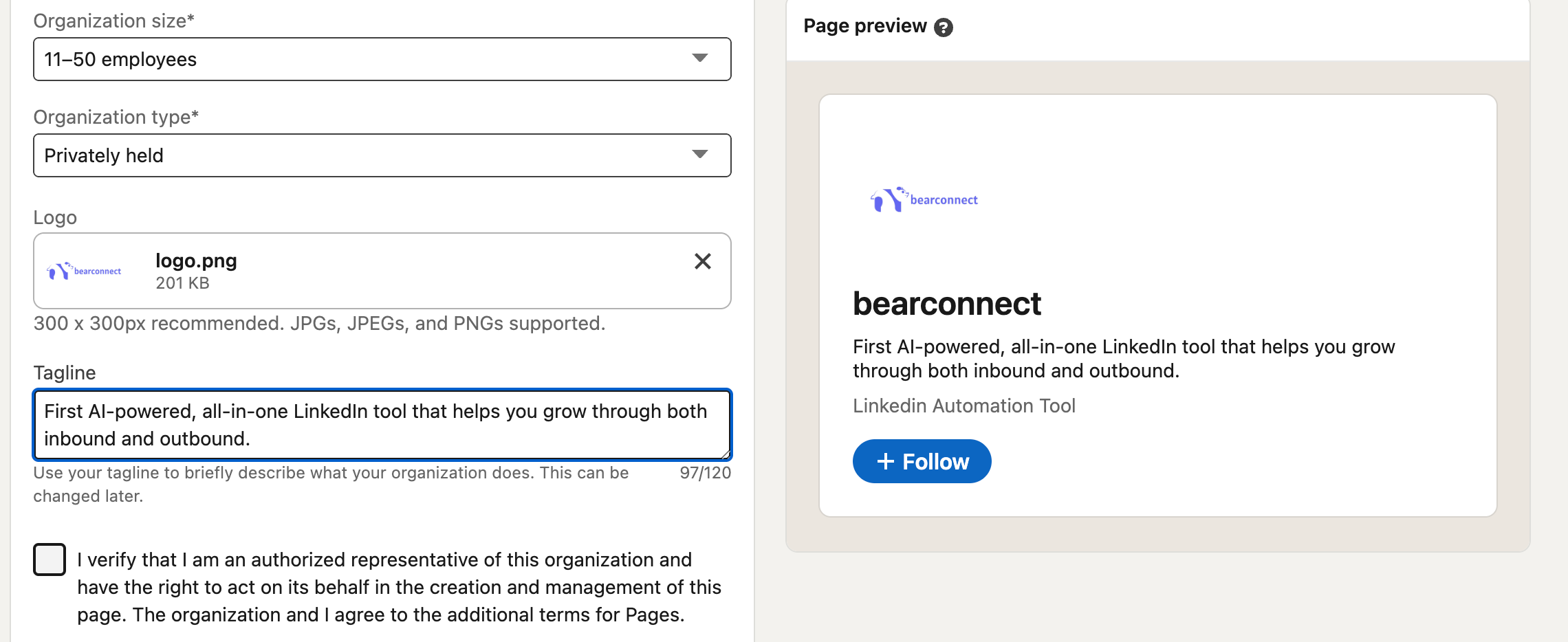
Visual branding builds recognition and trust.
Upload these assets:
- Logo: Your company logo must be clear and square format (minimum 300x300 pixels)
- Tagline: Add your company tagline that describes what you do
Your logo should be high quality. Blurry or pixelated logos damage credibility immediately. Use a square version of your logo, not a rectangular one.
Your tagline appears directly under your company name. Make it benefit-focused, not generic.
- Bad tagline: "Innovative solutions for modern businesses"
- Good tagline: "LinkedIn automation that books 15-30 sales calls monthly"
Step 6: Verify and Create Your Page
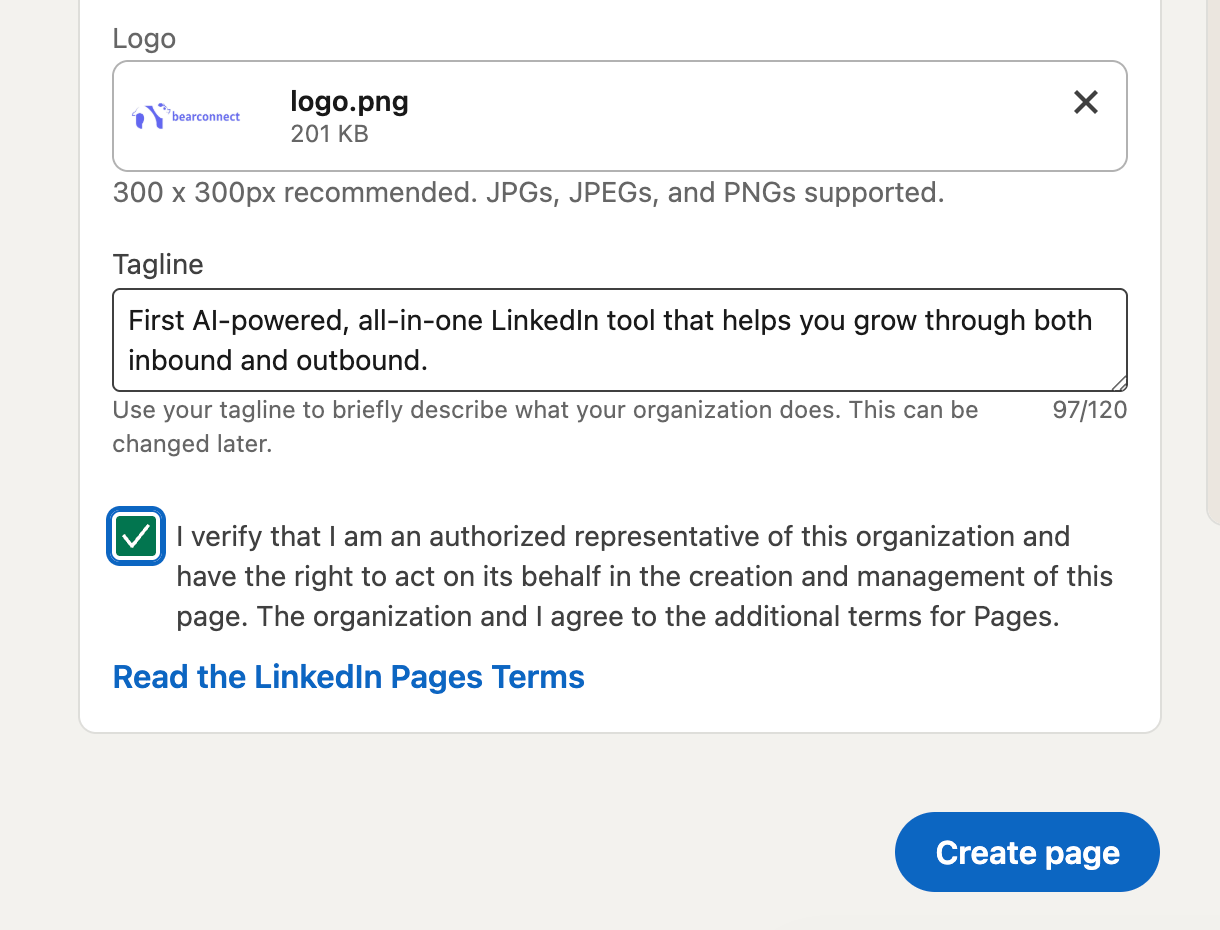
Once all fields are complete, click the "Verify and Create" button.
LinkedIn may take a few seconds to process your page. Once complete, your company page goes live immediately.
You now have an official LinkedIn Company Page.
3 Essential Things to Do Immediately After Launching Your Page
Creating the page is only the beginning.
An empty company page with no information looks abandoned. Complete these three actions within 24 hours of launch.
1. Add a Detailed About Section
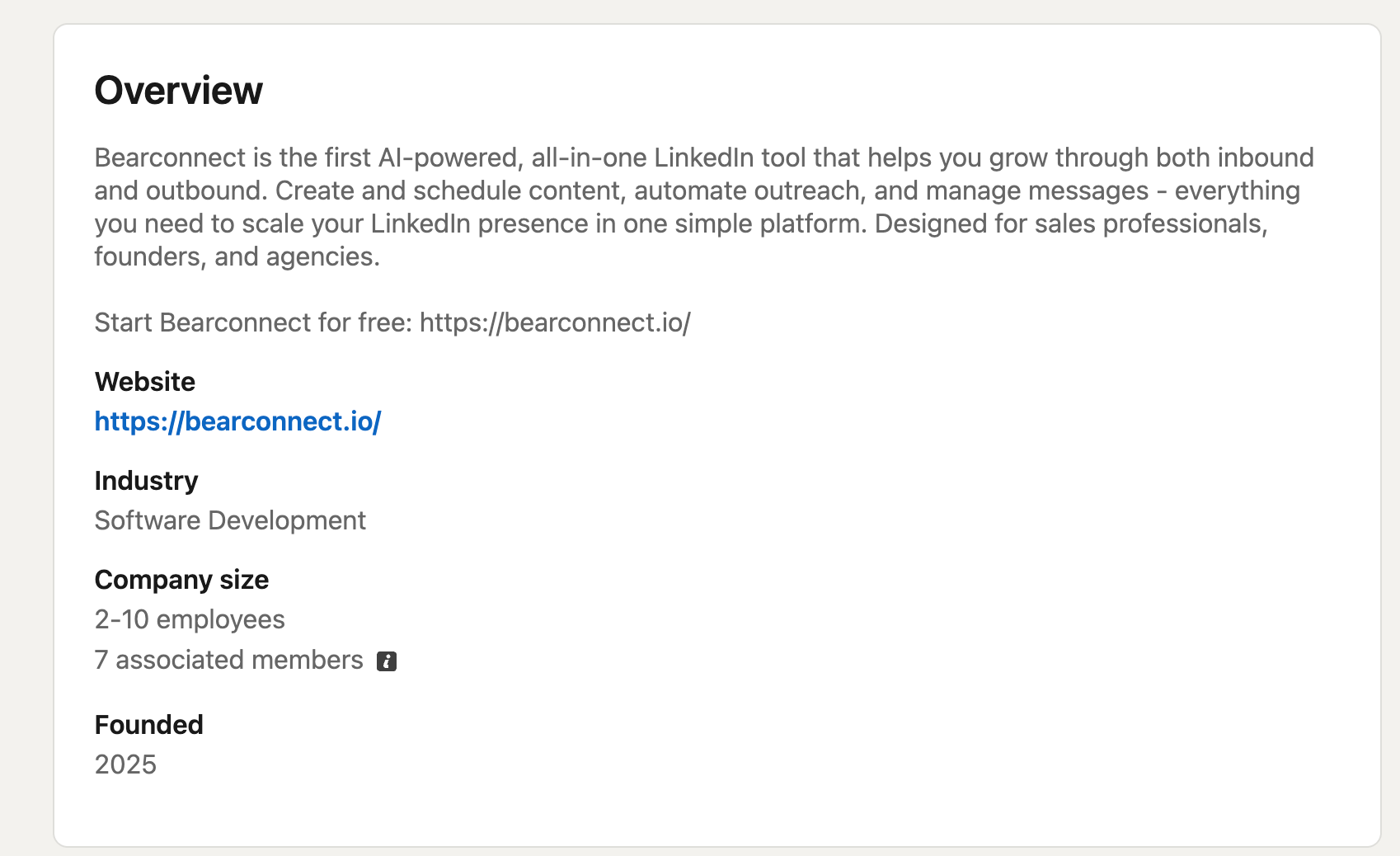
It is very important that you add a detailed about section.
This is where you explain who you help, what problem you solve, and why prospects should care. Most founders write vague corporate language here. Don't make that mistake.
Consider using post scheduling automation to maintain consistency without daily effort.
What to include:
- Who you help (specific audience, not "businesses worldwide")
- What problem you solve (concrete pain point)
- How you're different (your mechanism or approach)
- Proof of results (client outcomes or case studies)
Example:
"We help B2B SaaS founders generate qualified leads through LinkedIn automation. Our clients book 15-30 sales calls monthly without cold emailing or paid ads. Over 500 companies use our platform to automate outreach, schedule content, and manage conversations from one dashboard."
2. Post Your First Update Right Away
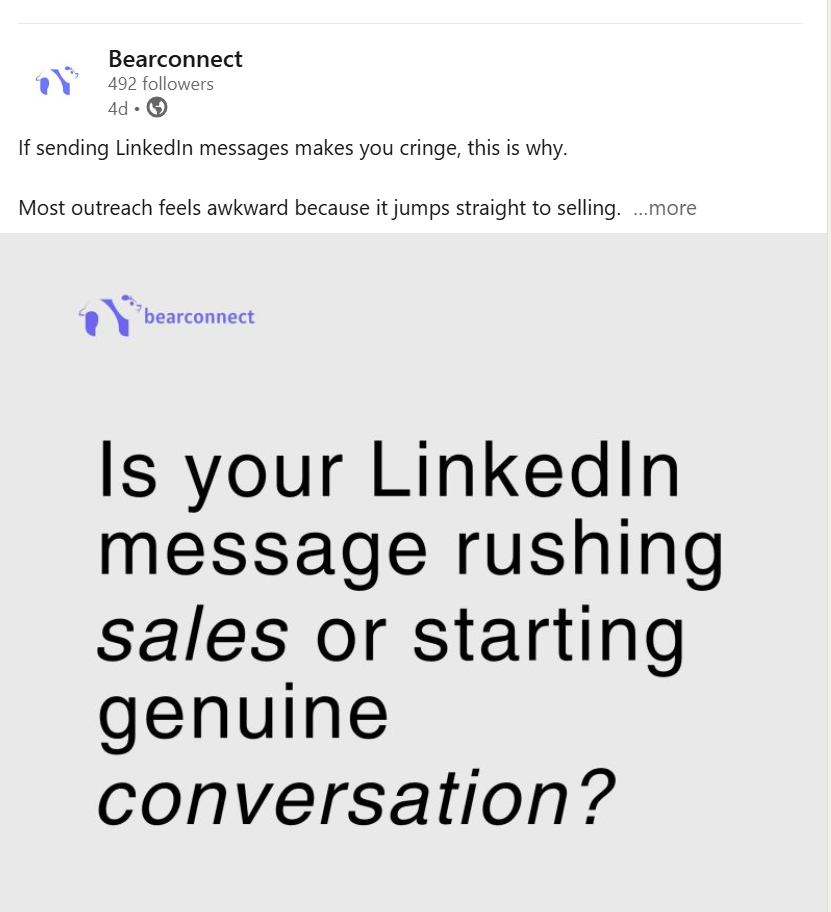
You should post your first update immediately after creating your page.
Even a simple intro post is fine. An empty feed signals inactivity and reduces trust.
First post ideas:
- Welcome message introducing your company
- Announcement of your official LinkedIn presence
- Value-driven tip or insight for your audience
- Customer success story or testimonial
Post something within the first 24 hours. Then commit to a consistent schedule (minimum 2-3x weekly).
3. Invite Your Connections to Follow the Page
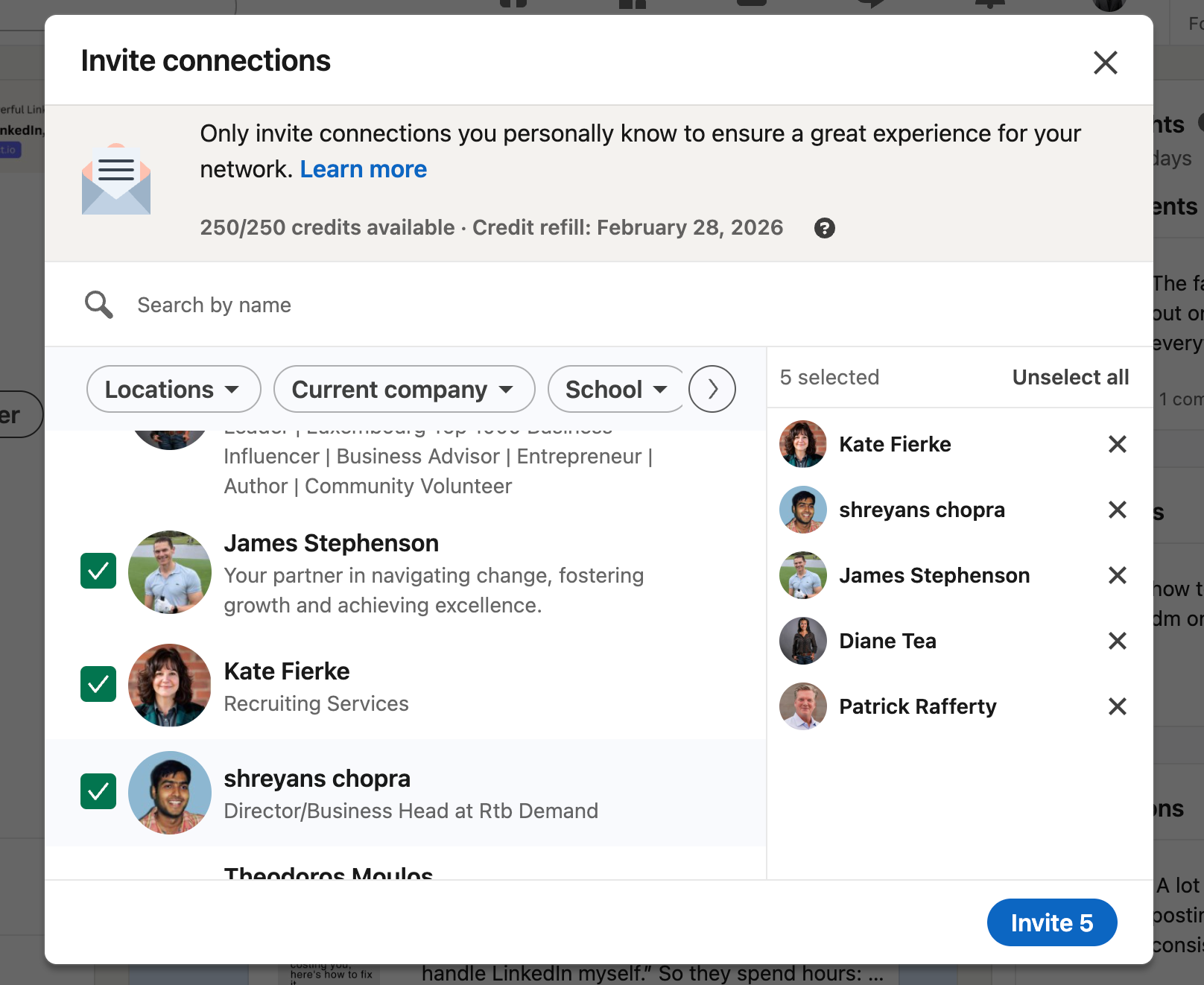
- Invite your connections to follow the page immediately.
- Follower count impacts credibility. Start by inviting your existing network: current clients, industry peers, employees, and past colleagues who know your work.
LinkedIn allows you to invite up to 100 connections at once. Use this feature immediately after launch.
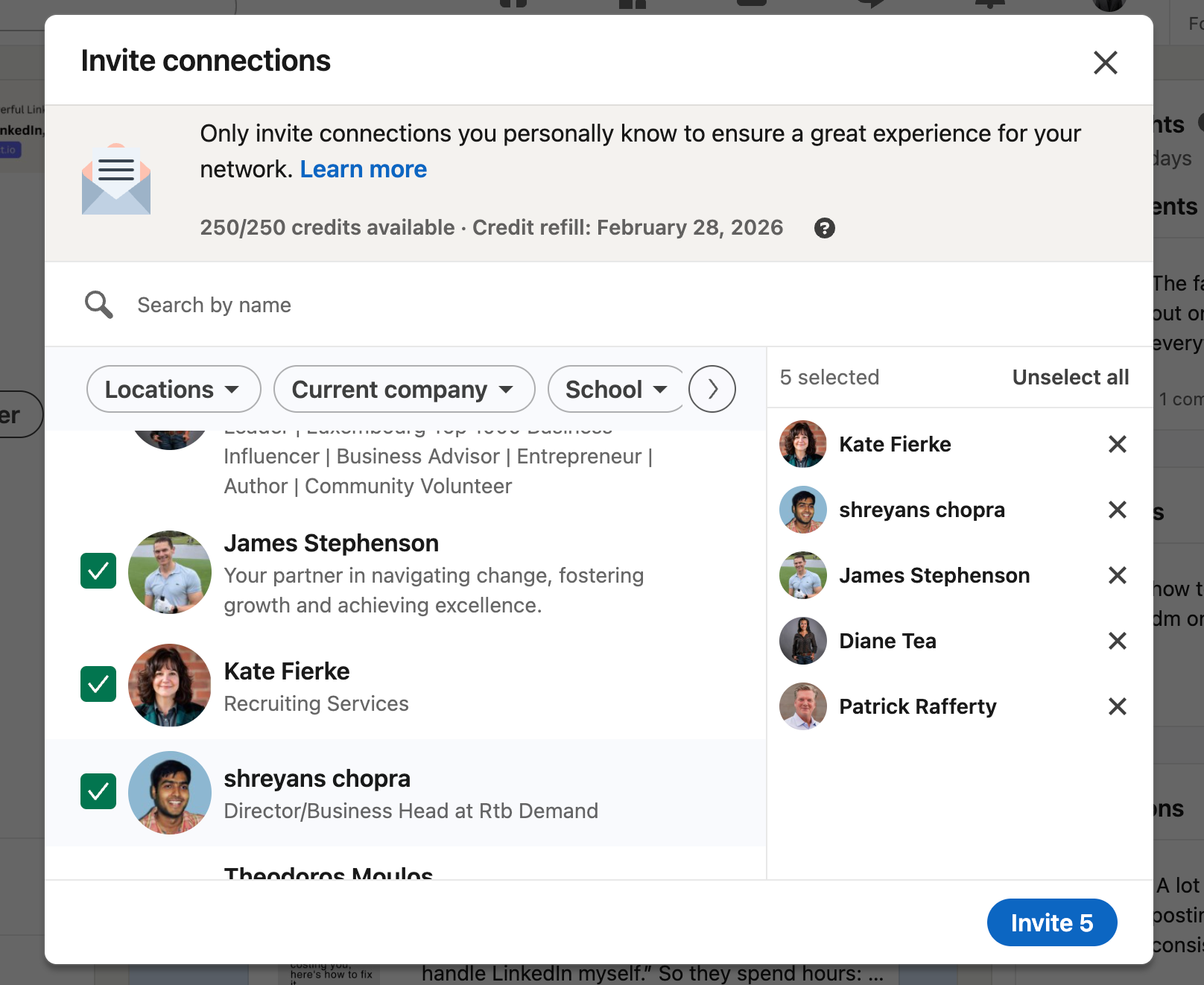
More followers increase your organic reach when you post content.
What Happens After You Create Your Company Page
Your page is live, but the real work begins now.
The ultimate goal is figuring out how to get conversations, leads, or replies. A company page gives you presence, but the real challenge is reaching the right people consistently.
Your next strategic moves:
- Enable LinkedIn Ads to run sponsored content targeting your ideal customers
- Activate employee advocacy so your team shares company content
- Post valuable content consistently (insights, frameworks, case studies)
- Engage with comments and messages to build relationships
- Analyze page analytics to understand what content resonates
A company page alone doesn't generate leads. It's the foundation that makes everything else possible.
How to Optimize Your Company Page for Maximum Lead Generation
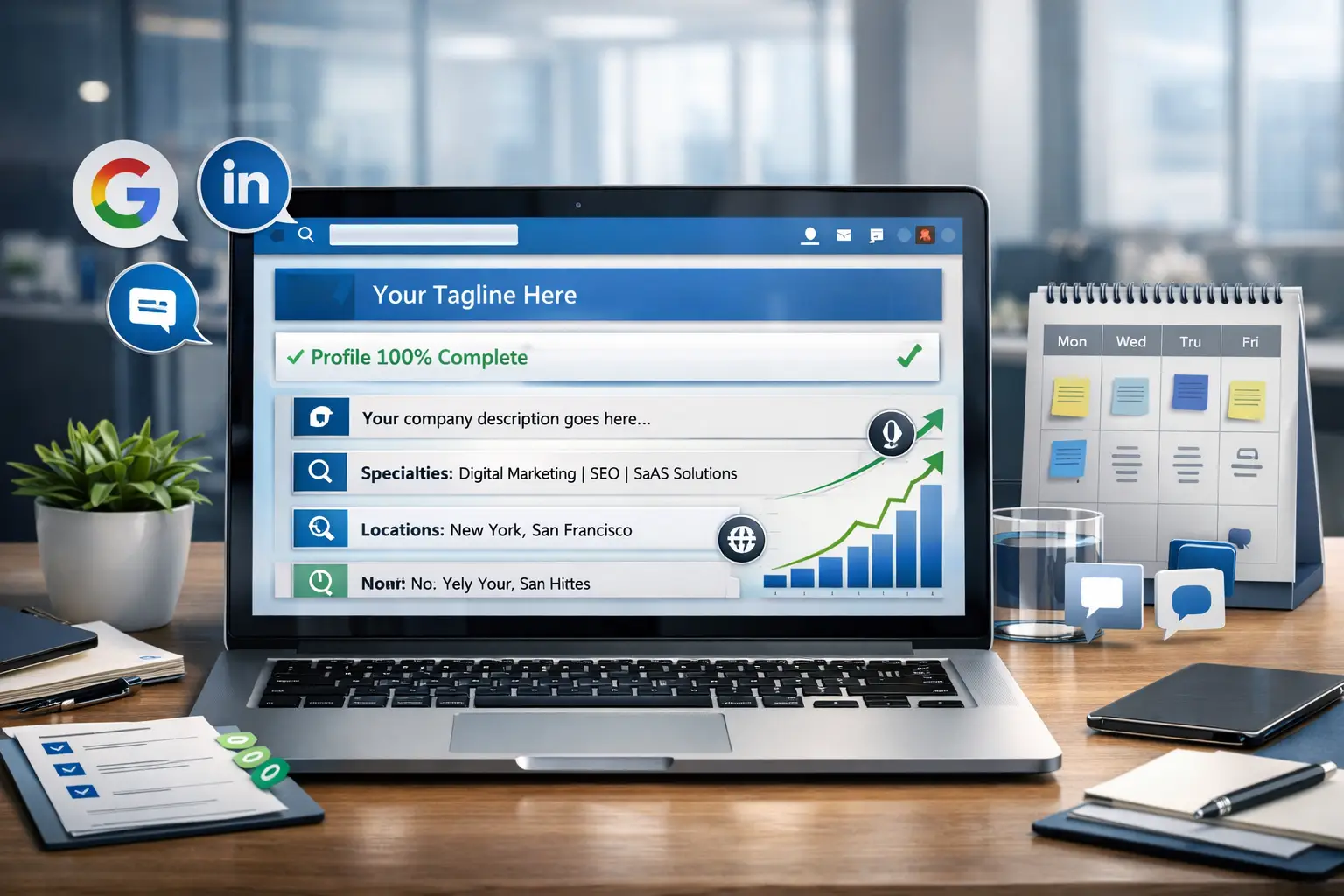
Most founders stop after creating the page. This is a mistake.
Optimization drives actual results.
1. Fill Out Every Section Completely
LinkedIn prioritizes complete profiles in search results. Incomplete pages rank lower and convert worse.
Complete these sections:
- Specialties (keywords prospects search for)
- Locations (adds local credibility if you have physical offices)
- Company updates (consistent posting history signals activity)
2. Add Strategic Keywords Throughout
LinkedIn Company Pages rank in Google search results. Use keywords your prospects actually search.
Where to place keywords:
- Tagline (primary keyword plus value proposition)
- About section (first 156 characters appear in search previews)
- Specialties (list services, tools, solutions)
- Company updates (use relevant hashtags)
Write naturally while incorporating terms prospects use when searching for solutions like yours.
3. Maintain a Consistent Posting Schedule
- Consistency matters more than volume.
- Post 2-3 times weekly minimum. Share actionable insights, client results, industry commentary, and frameworks your audience can implement immediately.
- Inconsistent posting kills momentum. If you can't commit to weekly posts, consider automation tools that schedule content in advance.
Common Mistakes That Kill Company Page Performance
Most founders make predictable errors that limit results.
Avoid these mistakes:
- Creating the page then abandoning it (ghost pages destroy credibility)
- Using low-quality logos or generic cover images
- Writing vague descriptions without clear value propositions
- Ignoring follower engagement and comments
- Failing to connect the page to a broader LinkedIn strategy
Beyond your company page optimization, consider how LinkedIn automation can multiply your reach.
Sales teams report 5-10x more connections when combining organic content with strategic outreach automation.
How to Measure If Your Company Page Is Actually Working
Track these metrics to gauge effectiveness.
Key performance indicators:
- Follower growth rate (quality over quantity)
- Post engagement rate (likes, comments, shares per post)
- Click-through rate to your website from page posts
- Inbound message volume from prospects
- Conversion rate from page visitors to qualified leads
For deeper insights into your outreach and content performance, advanced analytics tools show demographics, engagement trends, and conversion metrics.
Scaling Lead Generation Beyond Your Company Page

Creating the page is only the beginning.
Once your page is live and optimized, layer in these tactics to turn visibility into actual conversations and deals:
Advanced strategies:
- Personal brand building (founders posting from personal profiles get 5-10x more reach)
- LinkedIn automation for outreach and follow-ups
- Content scheduling to maintain visibility without daily effort
- Employee advocacy programs to multiply reach
- Paid campaigns targeting your ideal customer profile
To avoid spending hours manually reaching the right people, consider automation tools like Bearconnect.
To scale without spending hours manually reaching prospects, LinkedIn automation tools help you automate connection requests, send safe follow-ups, schedule posts across multiple LinkedIn accounts
Manage all replies in one unified inbox at $67 per month per LinkedIn account (or $57 per account when you connect 5 or more).
5 Frequently Asked Questions
1. How long does it take to create a LinkedIn Company Page?
The actual page creation takes less than 5 minutes. Adding detailed information, branding, and your first post takes another 15-20 minutes for complete optimization.
2. Can I create multiple company pages for different brands?
Yes, you can create separate pages for each brand or legal entity. Use showcase pages for product lines under one parent company.
3. How many followers do I need before my company page looks credible?
Aim for at least 50-100 followers in the first month. Start by inviting your network, employees, and existing clients to follow your page immediately after launch. Learn more about growing LinkedIn followers organically through strategic content and engagement.
4. Should I post from my company page or personal profile?
Both. Personal profiles get 5-10x more organic reach than company pages. Use your company page for official updates and your personal profile for thought leadership content.
Ready to Turn Your Company Page Into a Lead Generation System?
Your LinkedIn Company Page is live. Now make it work for you.
The difference between a static profile and a lead generation engine is consistency, strategy, and smart automation.
Post valuable content weekly, engage with your audience, and use safe automation tools that scale outreach without burning hours daily.
Learn how to generate qualified LinkedIn leads systematically through a proven framework.
Start building your LinkedIn lead generation system today. Your company page is ready. Now activate the strategy behind it.
Ready to Transform Your LinkedIn Strategy?
Join thousands of professionals already using Bearconnect to automate their outreach and grow their network.
7-day free trial • Cancel anytime
Related Articles

How B2B Sales Teams Close More Deals by Automating LinkedIn Outreach?
Automate LinkedIn outreach to help B2B sales teams generate leads, start conversations, and close more deals faster with proven strategies.
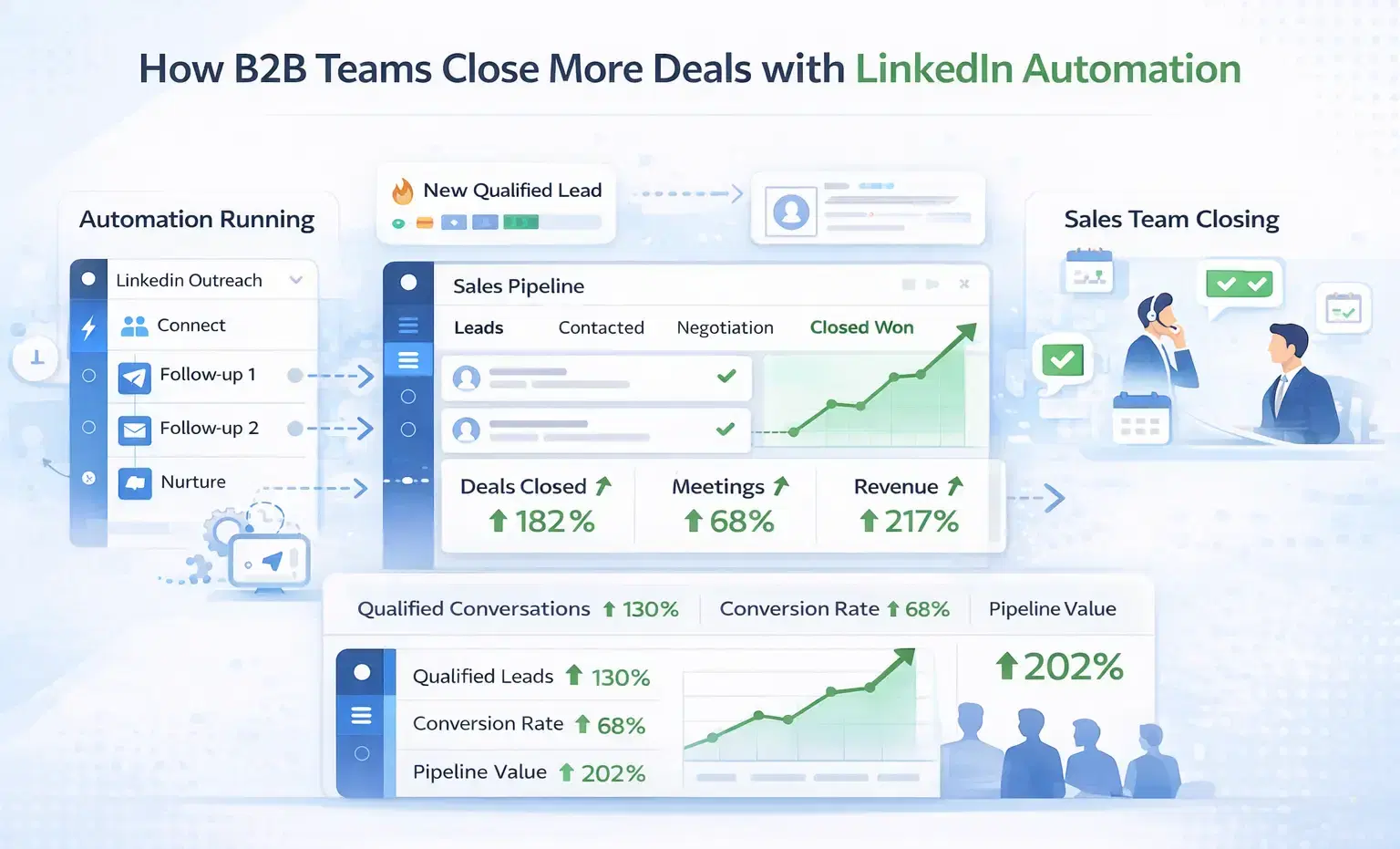
How B2B Sales Teams Close More Deals by Automating LinkedIn Outreach?
B2B sales teams waste hours on manual LinkedIn outreach. Automation fixes that more meetings, less grind, better conversions at scale.
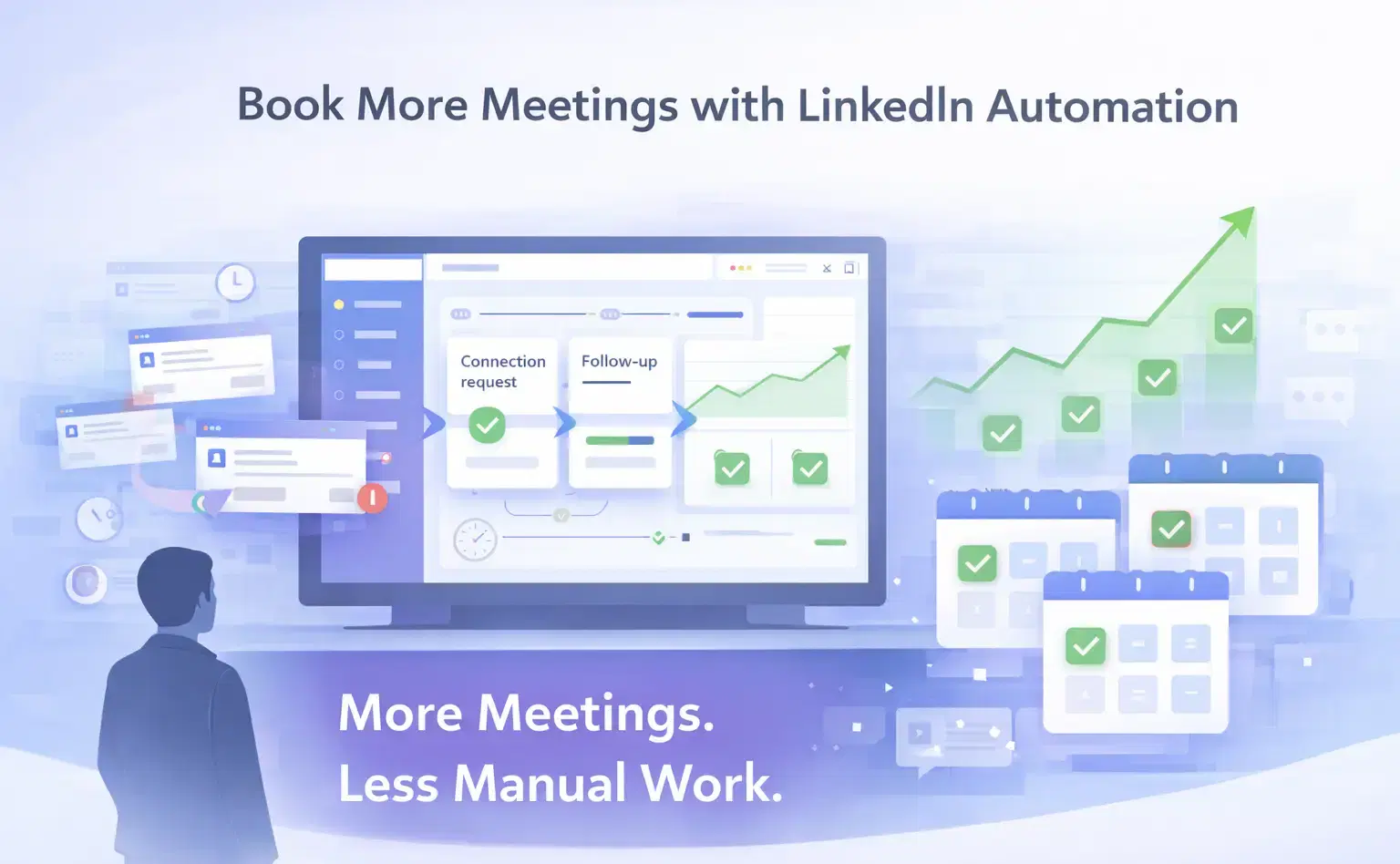
How Can SDRs Book More Meetings Using LinkedIn Automation?
SDRs can book more meetings with LinkedIn automation by streamlining outreach, automating follow-ups, and scaling conversations without manual effort.