The LinkedIn Automation Roadmap: Building a 90-Day Scaling Plan (with templates)
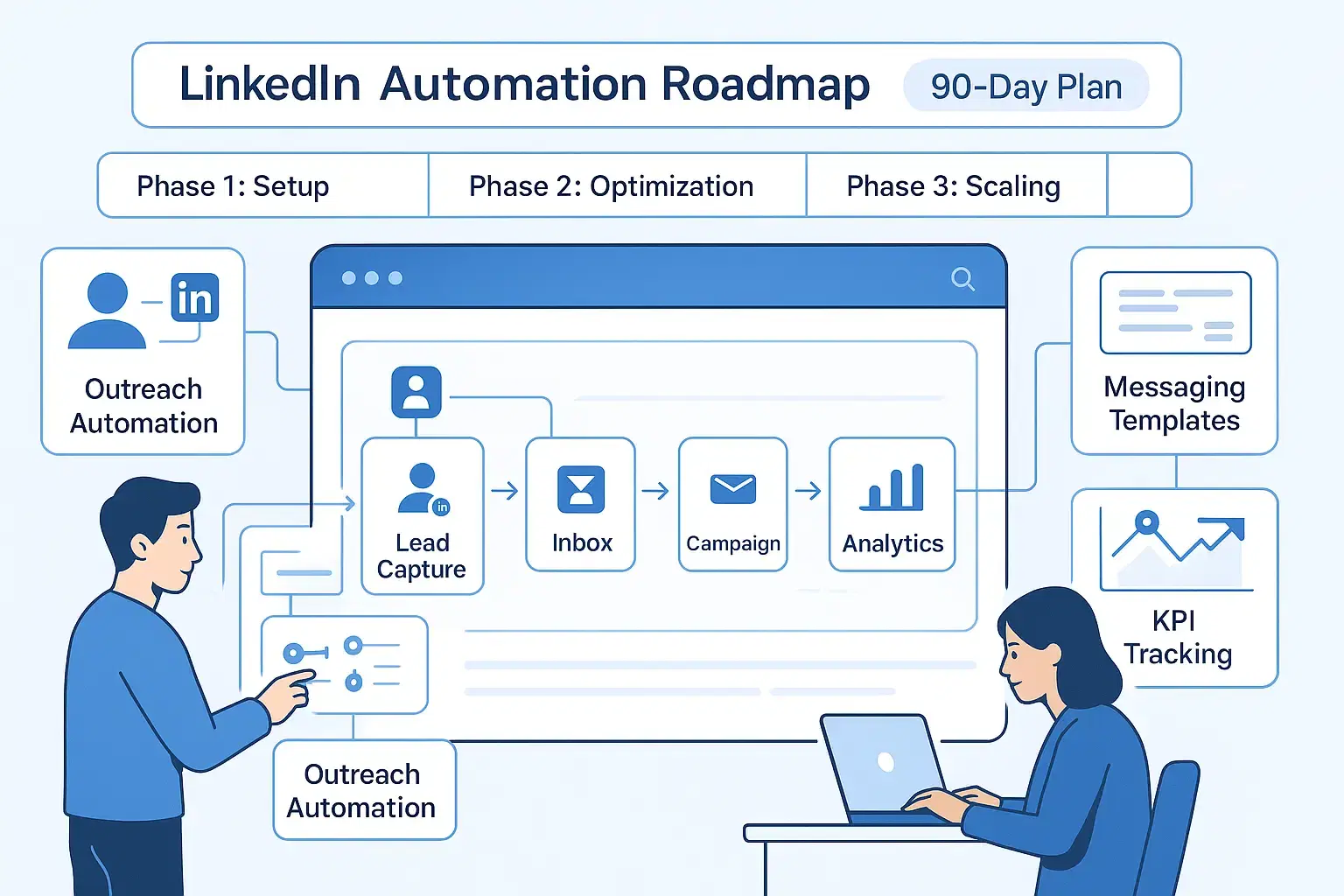
Most B2B teams send 20-30 LinkedIn connection requests weekly and wonder why they are not getting results.
The answer? No systematic plan.
A 90-day LinkedIn automation roadmap transforms random outreach into a predictable lead generation system that delivers 500+ qualified prospects monthly.
Here's exactly how to build yours.
Quick Summary
Most sales teams waste 10–15 hours weekly on manual tasks — this aligns with real data from our breakdown of how much time LinkedIn automation actually saves.
This roadmap breaks down exactly what to do in Days 1-30 (Foundation), Days 31-60 (Scale), and Days 61-90 (Optimize) to build a sustainable outreach system.
What you will get:
- Week-by-week implementation checklist
- Proven message templates that achieve 15-25% response rates
- KPI benchmarks from 10,000+ campaigns
- Safety protocols to avoid account restrictions
Why LinkedIn Automation Matters in 2026
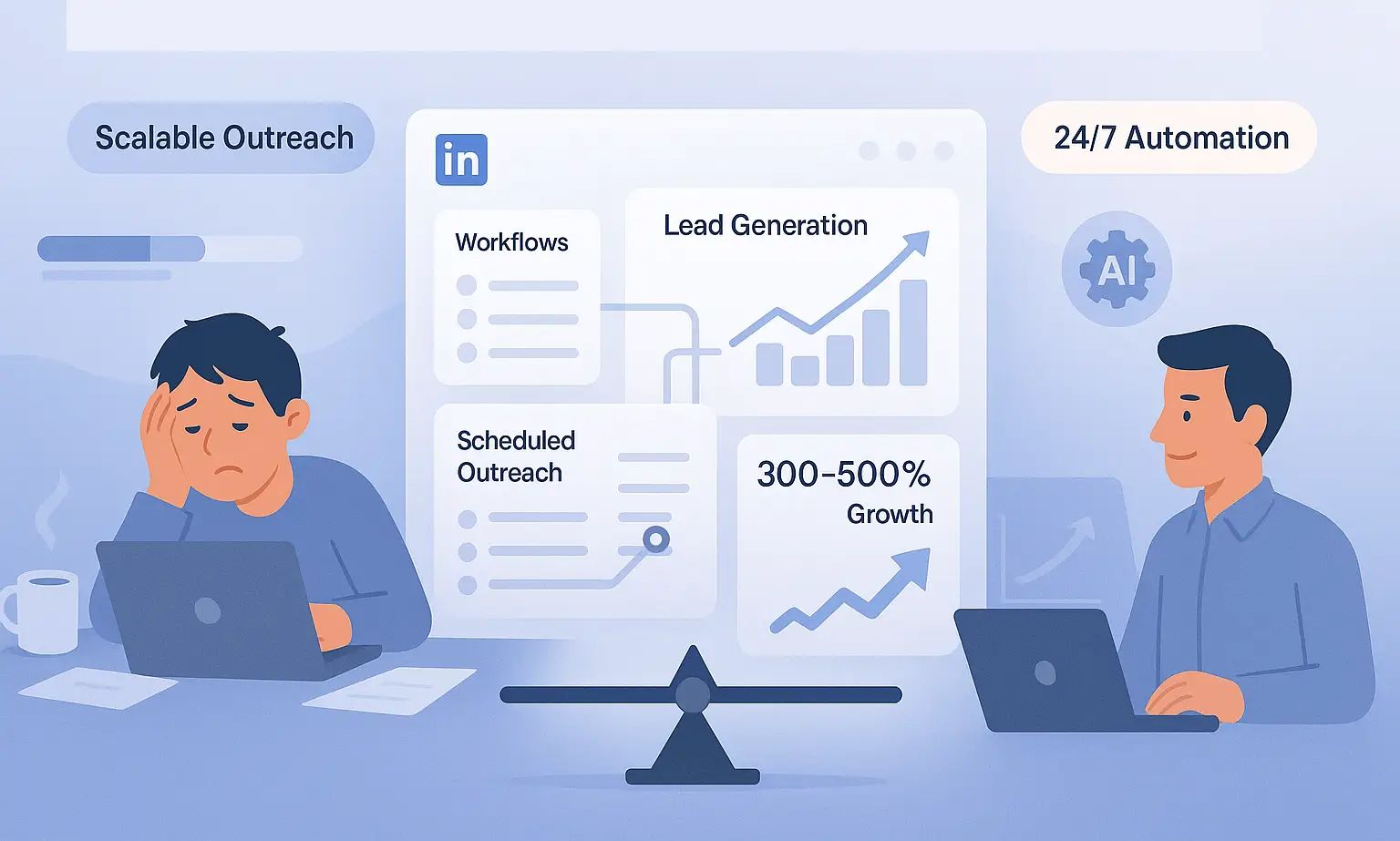
LinkedIn now has over 1 billion users, and 87% of B2B sales teams use automation to compete. Manual outreach simply cannot scale when decision-makers receive 50-100 connection requests weekly.
The reality:
- Sales reps spend 60-70% of time on non-revenue activities
- Automated campaigns run 24/7 generating leads while you sleep
- Teams using combined automation strategies see 300-500% increase in lead generation
Without a systematic 90-day plan, most teams either quit after week 2 or get their accounts flagged for aggressive automation.
Phase 1: Days 1-30 (Foundation & Setup)
Week 1: Account Optimization & Safety Setup

Goal: Prepare your LinkedIn profile and automation infrastructure.
Action Steps:
Profile optimization (Day 1-2)
- Update headline with target audience pain points
- Add specific results and metrics to experience section
- Include strategic keywords in About section
- Add professional banner image
Tool selection and integration (Day 3-4)
- Choose LinkedIn automation platform (Bearconnect costs $67/month per LinkedIn account, or $57/month for 5+ accounts )
- Set up unified inbox for multi-account management
Safety parameters configuration (Day 5-7)
- Start with 20-25 connection requests daily (gradually increase)
- Enable local IP and behavior mimicry features
- Set activity during business hours only (9 AM-5 PM)
- Add random delays between actions (15-45 minutes)
Week 2: Audience Research & List Building
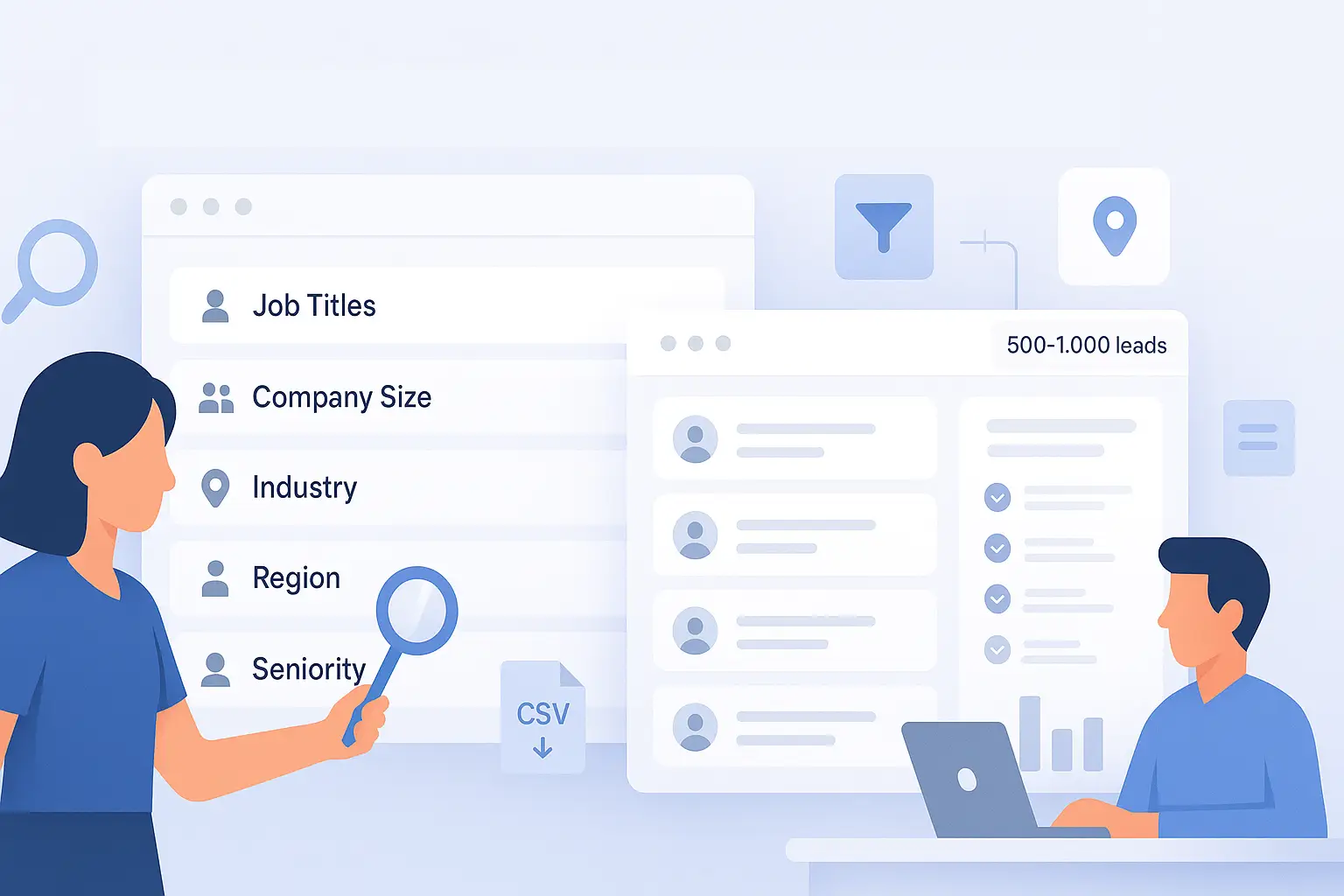
Goal: Identify your ideal customer profile (ICP) with laser precision.
Targeting criteria to define:
- Job titles (SDR, Sales Manager, VP Sales, Founder)
- Company size (10-500 employees for mid-market)
- Industry verticals (SaaS, Professional Services, Agencies)
- Geographic location (start with one region)
- Seniority level (Manager and above for decision-makers)
List building methods:
- LinkedIn Sales Navigator filters (if available)
- Boolean search strings for free accounts
- Import from CSV files with prospect data
- Competitor follower analysis
Target: Build lists of 500-1000 prospects per segment.
Week 3: Message Template Creation
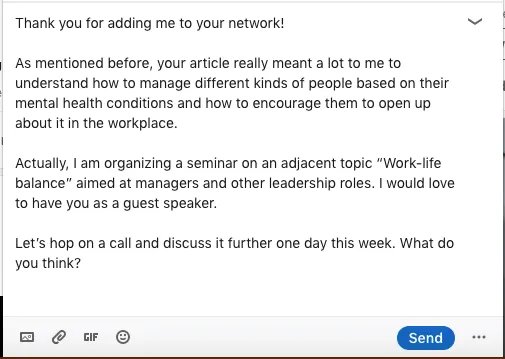
Goal: Write personalized templates that achieve 30%+ acceptance rates.
Connection Request Template (Best Performing):
Hi [First Name],

I noticed you're [specific observation about their role/company].

We help [their job title] at [company size] companies [specific benefit]. Would be great to connect and share insights.

[Your Name]
Why this works:
- References specific context (shows research)
- States clear value proposition
- Keeps character count under 200 (higher acceptance)
First Follow-Up Template (2 days after connection):
Thanks for connecting, [First Name]!

Quick question: what's your biggest challenge with [specific pain point] right now?

I've helped [similar companies] [specific result]. Happy to share what worked.
Performance benchmark: This template structure achieves 15-20% response rates.
Week 4: Campaign Setup & Testing
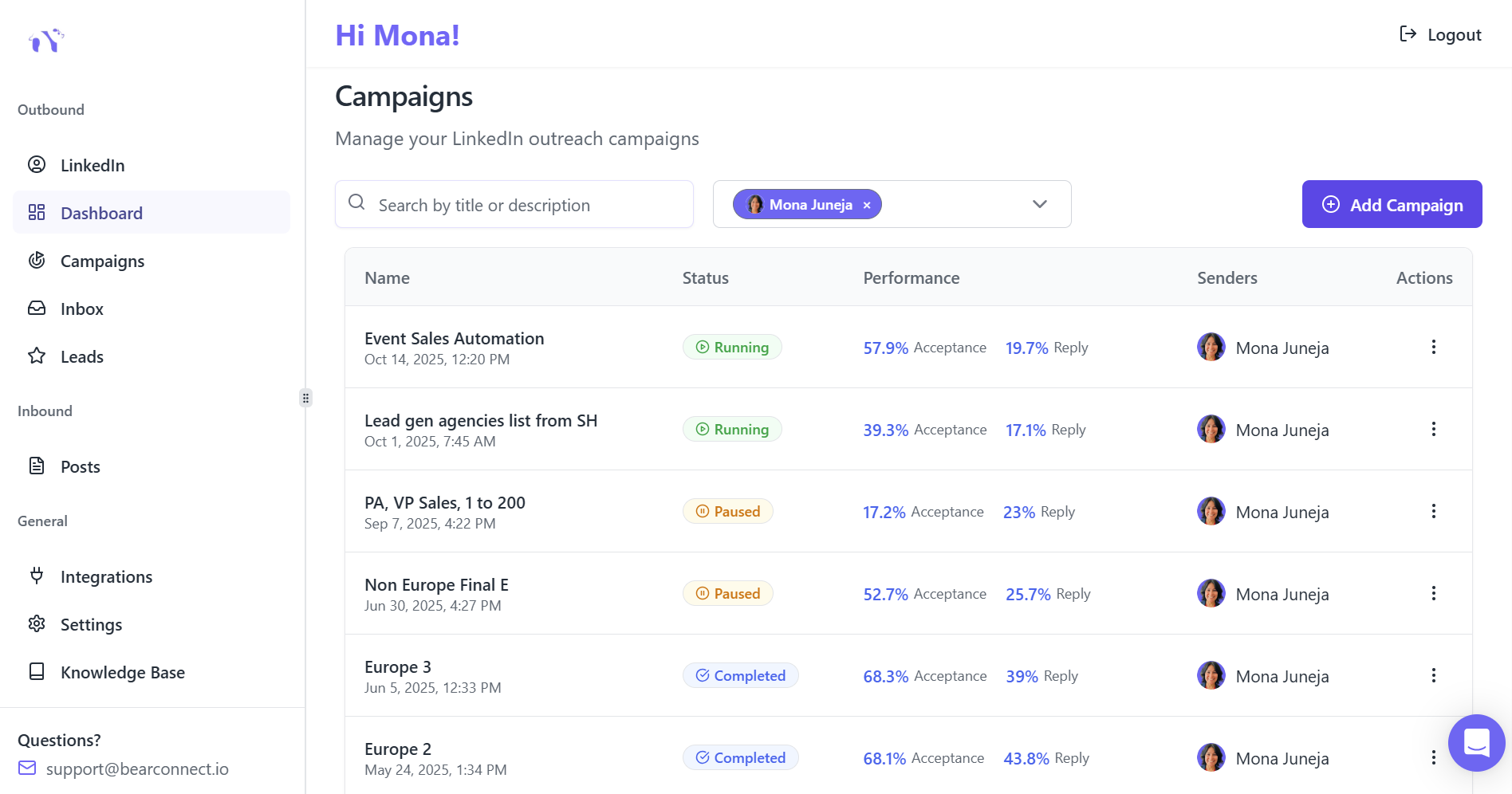
Goal: Launch your first small-scale test campaign.
Campaign configuration:
- Select 50-100 prospects from your list
- Set connection request quota: 25/day maximum
- Configure 3-step follow-up sequence (Day 2, Day 7, Day 14)
- Enable personalization tokens (First Name, Company Name, Job Title)
Testing variables:
- A/B test two different connection request messages
- Track acceptance rate, response rate, and conversation quality
- Goal acceptance rate: 40-50% is good, 50%+ is excellent
Phase 2: Days 31-60 (Scale & Diversify)
Week 5-6: Content Automation Setup

Goal: Build inbound visibility while running outbound campaigns.
Content strategy components:
- Generate 10-15 posts using AI tools
- Focus on actionable insights for your ICP
- Include personal stories and data-backed frameworks
- Scheduling workflow
- Batch create content for 2-4 weeks
- Schedule posts for Tuesday-Thursday, 9 AM-12 PM EST
- Maintain 3-5 posts weekly for algorithm favorability
- Content mix for engagement:
- 40% actionable tips and how-tos
- 30% original frameworks and insights
- 20% case studies with results
- 10% personal experiences with business lessons
Impact: Professionals using combined content + outreach strategies achieve 10.42% response rates (2x higher than outreach alone).
Week 7: Campaign Scaling & Segmentation
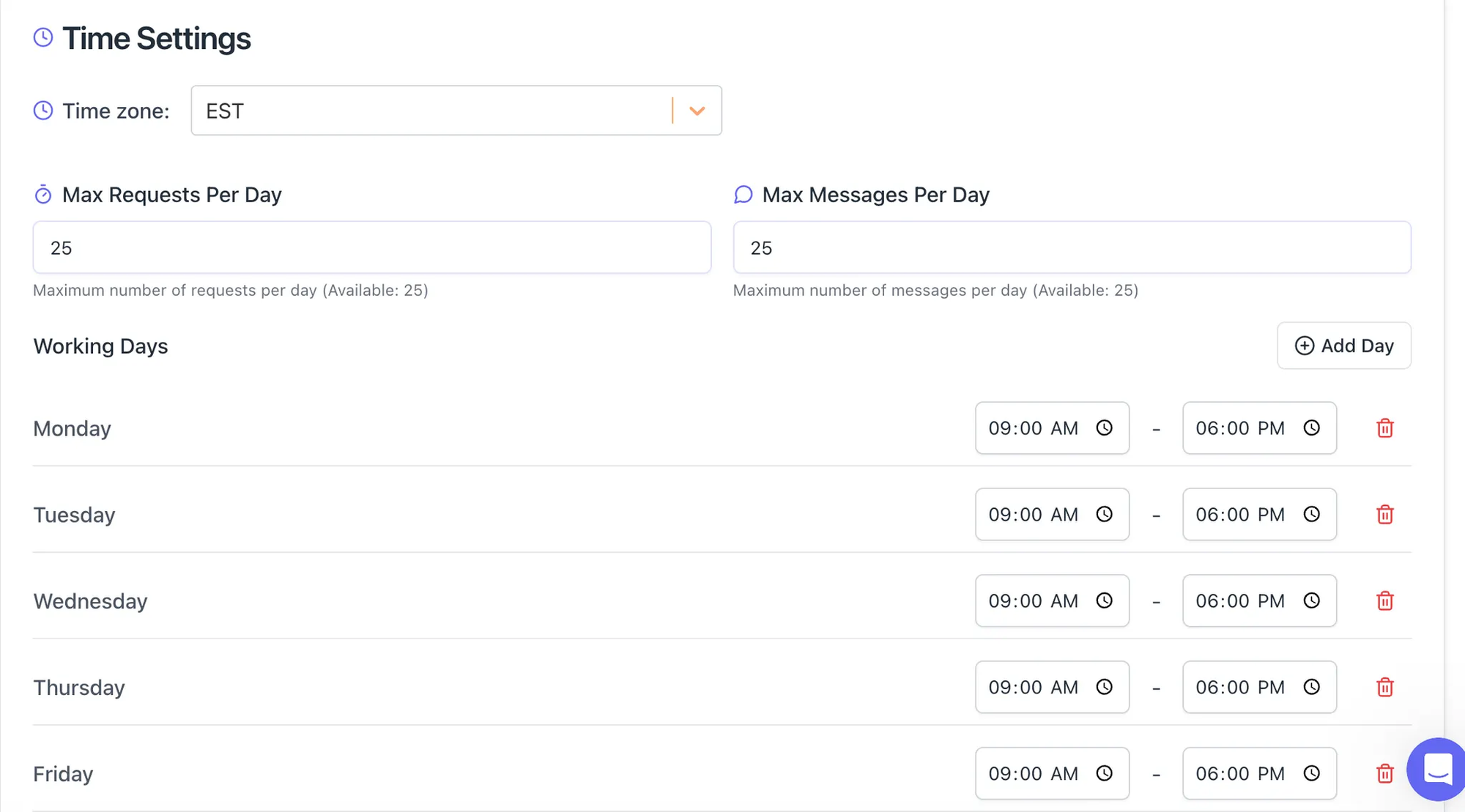
Scaling protocol:
- Increase daily quota by 10-15 requests weekly
- Launch 3-5 parallel campaigns targeting different segments
- Maintain personalization quality as you scale
- Monitor account health indicators daily
Campaign segmentation examples:
- Campaign 1: SaaS founders (50-200 employees)
- Campaign 2: Sales managers at tech companies
- Campaign 3: Agency owners in professional services
- Campaign 4: Recruiters at mid-market companies
Management tip: Use unlimited campaign features in tools like Bearconnect to run multiple sequences simultaneously.
Week 8: Advanced Drip Sequences
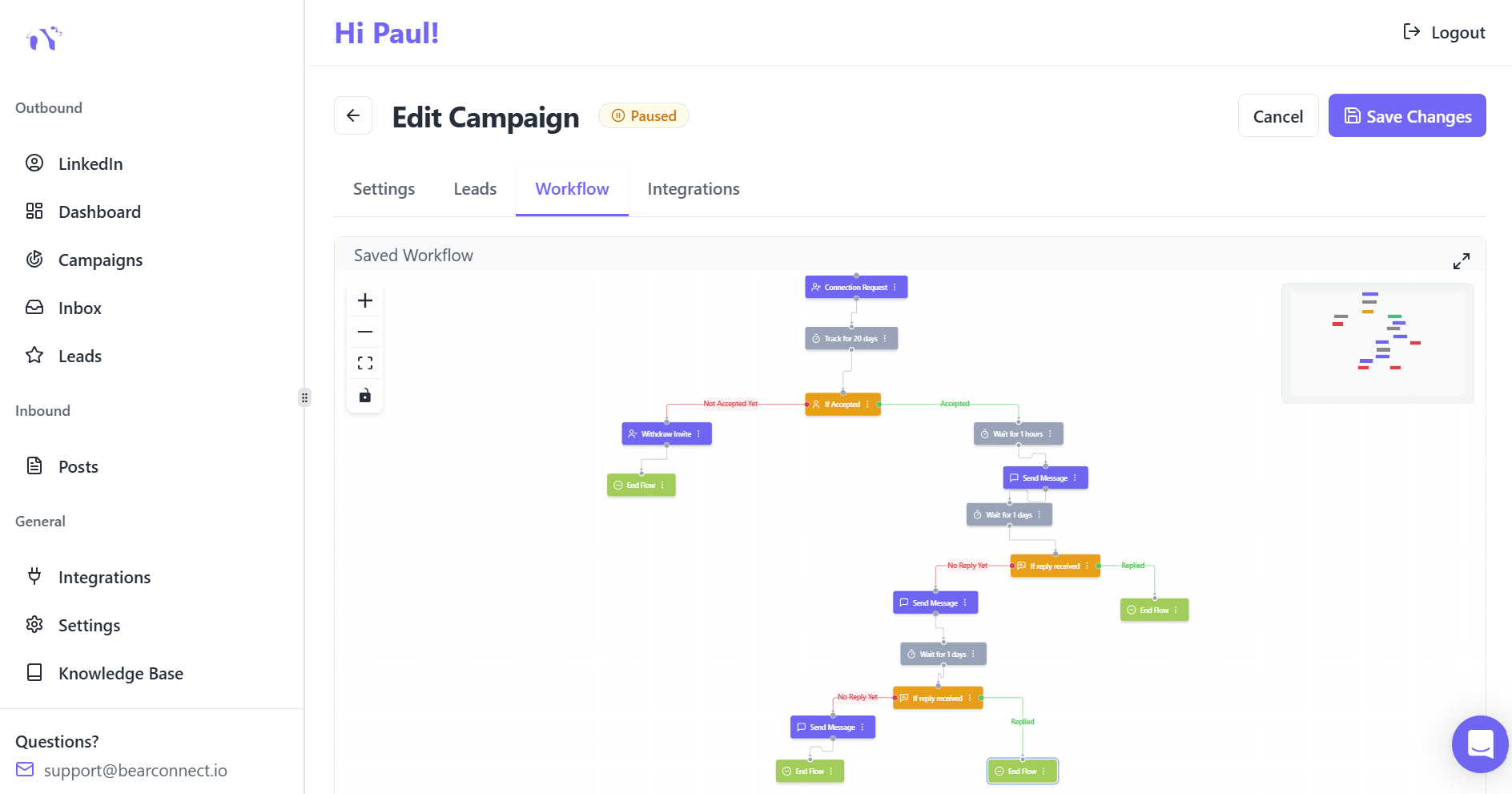
Goal: Build multi-step nurture sequences that convert cold contacts to meetings.
High-converting 5-step sequence:
Step 1 (Day 0): Personalized connection request
Step 2 (Day 2): Thank you + value-driven question
Step 3 (Day 7): Share relevant case study or insight
Step 4 (Day 14): Offer specific resource (template, guide, audit)
Step 5 (Day 21): Soft meeting invitation with clear agenda
Conditional logic to add:
- If prospect replies positively: Move to human handoff
- If prospect views profile: Send targeted follow-up
- If no response after Step 5: Tag as nurture and add to content audience
Conversion benchmark: Systematic drip sequences convert 5-15% of connections to qualified leads.
Phase 3: Days 61-90 (Optimize & Systematize)
Week 9-10: Data Analysis & Optimization
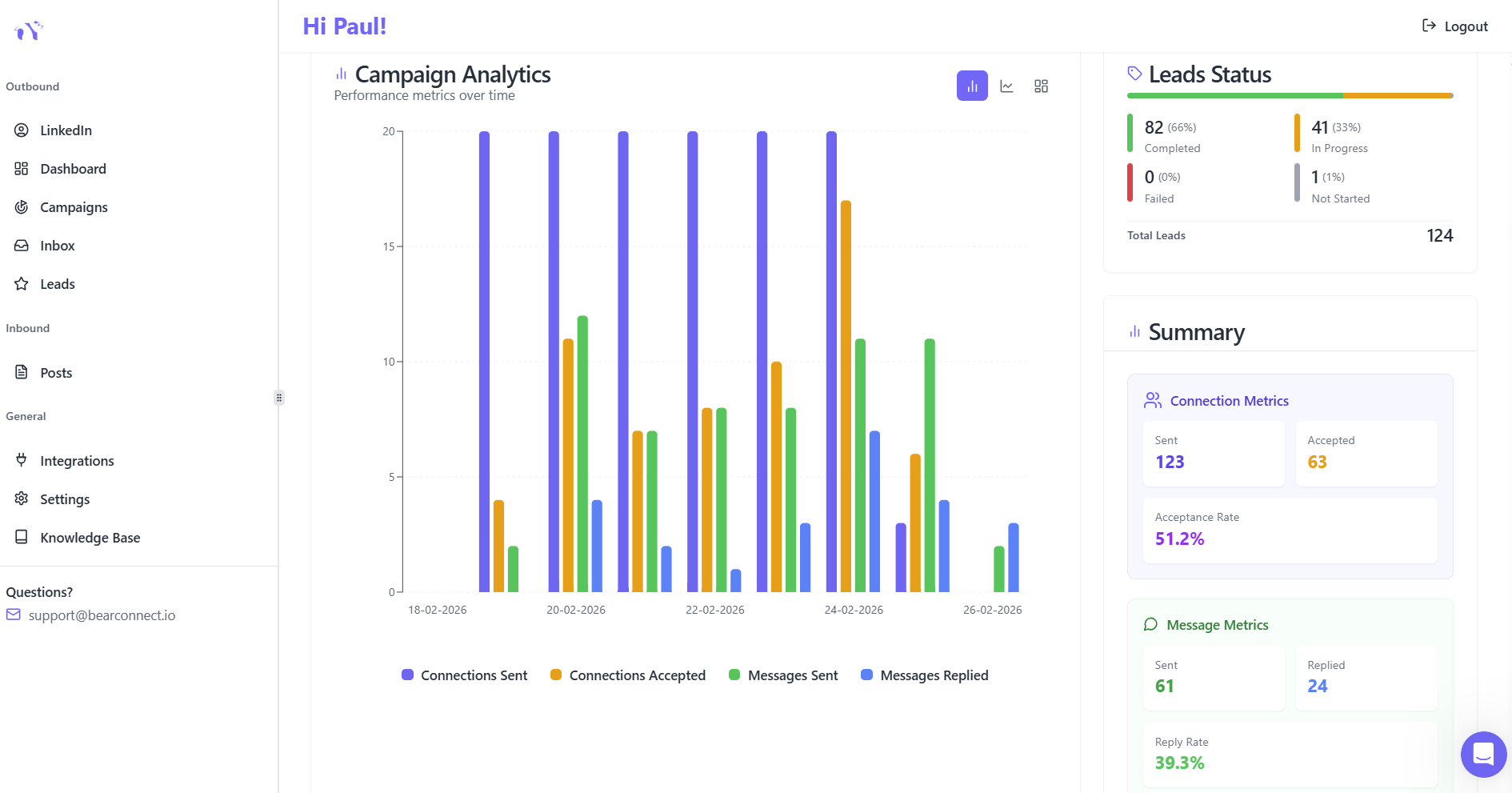
Goal: Identify what's working and double down on winners.
Critical KPIs to track weekly:
| Metric | Good Performance | Excellent Performance |
|---|---|---|
| Connection Acceptance Rate | 40-50% | 50%+ |
| Message Reply Rate | 20-30% | 30%+ |
| Positive Reply Rate | 20-40% | 40%+ |
| Lead Conversion Rate | 5-10% | 10-15% |
| Meeting Booking Rate | 2-5% | 8-15% |
Optimization actions:
- Pause campaigns with <30% acceptance rates
- A/B test new message variations for underperformers
- Scale top-performing campaigns by 50-100%
- Refine targeting criteria based on quality leads
Analytics focus: Track cost per lead, pipeline velocity, and revenue attribution.
Week 11: Team Training & Handoff Protocols
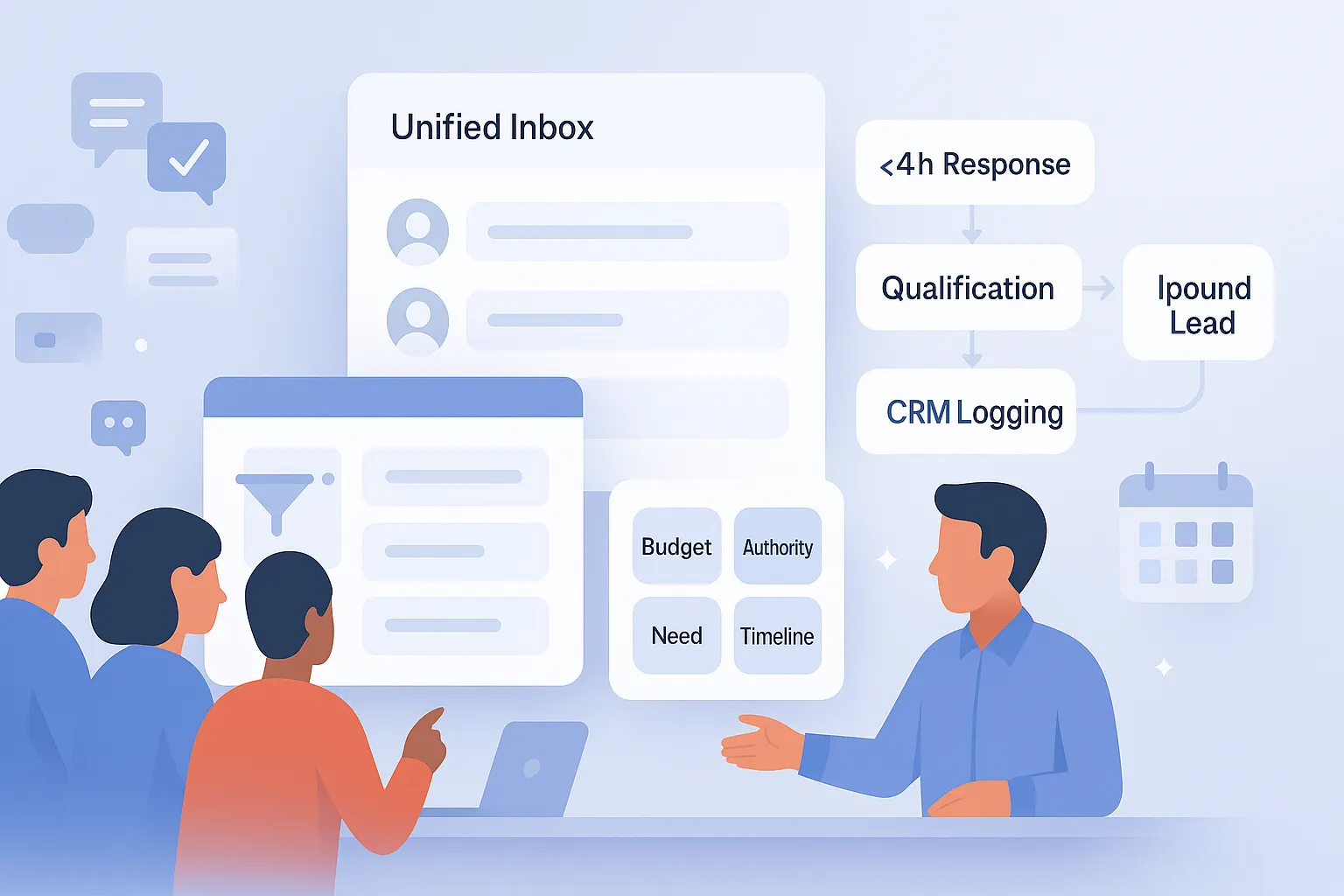
Goal: Create systems for sales team to handle automation-generated leads.
Response management system:
- Unified inbox for all LinkedIn conversations
- Response time SLA: <4 hours for hot leads
- Qualification framework (BANT: Budget, Authority, Need, Timeline)
- CRM integration for automatic lead logging
Team coordination:
- Daily stand-ups to review new qualified leads
- Weekly campaign performance reviews
- Shared playbook with best-performing scripts
Week 12: Long-Term Scalability Setup
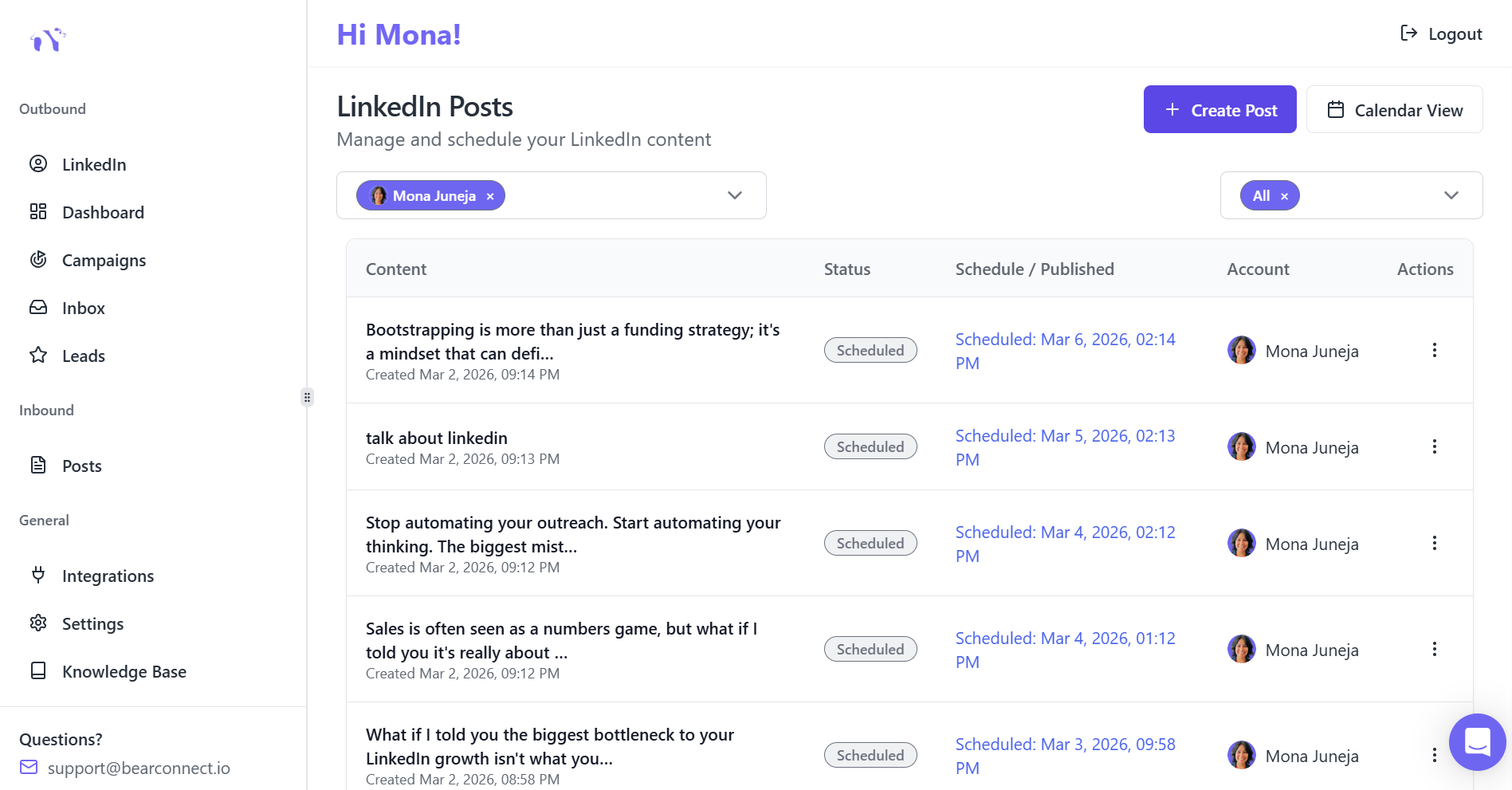
Goal: Build processes that sustain results beyond 90 days.
Sustainability checklist:
Content calendar:
- 30-day rolling content schedule
- Quarterly themes aligned with business goals
- Repurposing workflow (LinkedIn > email > blog)
Campaign library:
- Document all winning templates
- Create campaign playbooks by persona
- Build onboarding guide for new team members
Continuous improvement:
- Monthly KPI reviews with leadership
- Quarterly strategy adjustments
- Industry trend monitoring and adaptation
For the full theory plus frameworks behind this 90 day plan, read our LinkedIn Automation Ultimate Guide first.
Expected Results After 90 Days
Based on 10,000+ analyzed campaigns, B2B teams following this roadmap typically achieve:
Quantitative outcomes:
- 500-1000 new quality connections
- 75-150 qualified conversations started
- 15-30 booked meetings
- 5-10 opportunities added to pipeline
- 80% reduction in manual outreach time
Qualitative benefits:
- Predictable lead flow (no more feast-famine cycles)
- Stronger personal brand through consistent content
- Data-driven insights replacing guesswork
- Scalable system that doesn't require proportional time increase
Ready-to-Use Template Library
Template 1: Value-First Connection Request
Hi [First Name],

Saw your post about [specific topic]. Your point on [insight] resonated.

I work with [job title] at [company type] to [specific outcome]. Would value connecting.

Best,
[Name]
Acceptance rate: 45-52%
Template 2: Problem-Focused Opener
[First Name], quick question:

Are you currently using [tool/strategy] for [specific challenge]?

I've helped [similar role] reduce [pain point] by [metric]. Happy to share what worked.
Response rate: 18-24%
Template 3: Case Study Share
Hi [First Name],

Thought you'd find this interesting: [Company similar to theirs] went from [before state] to [after state] in [timeframe].

Would you be open to a 15-min call to see if similar approach could work for [their company]?
Meeting booking rate: 8-12%
Tools Stack for Success
Essential automation platform: Bearconnect ($67/month per LinkedIn account) provides unlimited campaigns, unified inbox, AI post creation.
Next Steps
LinkedIn automation transforms from guesswork to predictable system when you follow a structured 90-day roadmap. The difference between teams that succeed and those that quit is simple: they have a plan, they track metrics, and they optimize relentlessly.
The templates, benchmarks, and frameworks in this roadmap come from analyzing 10,000+ real campaigns. Your job now is execution.
Start with Week 1. Track your KPIs. Adjust based on data. By Day 90, you'll have a lead generation machine that runs itself.
Ready to automate your LinkedIn outreach the right way? Try Bearconnect's 90-day automation system and start scaling your pipeline today.
Frequently Asked Questions
How fast will I see results?
Expect initial responses within 2–4 weeks from your first test campaign; predictable, scalable results typically appear by Day 60–90 once you’ve optimized targeting and messages.
Is LinkedIn automation safe for my account?
Yes, if you follow conservative limits, enable local IP/behavior mimicry, add random delays, and ramp volume slowly; pause automation for 7–14 days if you see warning signs.
How personalized do messages need to be?
Use personalization tokens (first name, company, role) plus one short custom line that shows you did quick research. most top-performing templates are 1–2 sentences plus a tailored hook.
What KPIs should I watch weekly?
Track acceptance rate, message reply rate, qualified conversations, meetings booked, and cost-per-lead optimize campaigns that beat your baselines and pause those underperforming.
Do I need Sales Navigator or a CRM to start?
Not required to start. You can build lists with Boolean search and CSV imports but Sales Navigator speeds targeting and a CRM is recommended early for lead sync and pipeline tracking.
Ready to Transform Your LinkedIn Strategy?
Join thousands of professionals already using Bearconnect to automate their outreach and grow their network.
7-day free trial • Cancel anytime
Related Articles
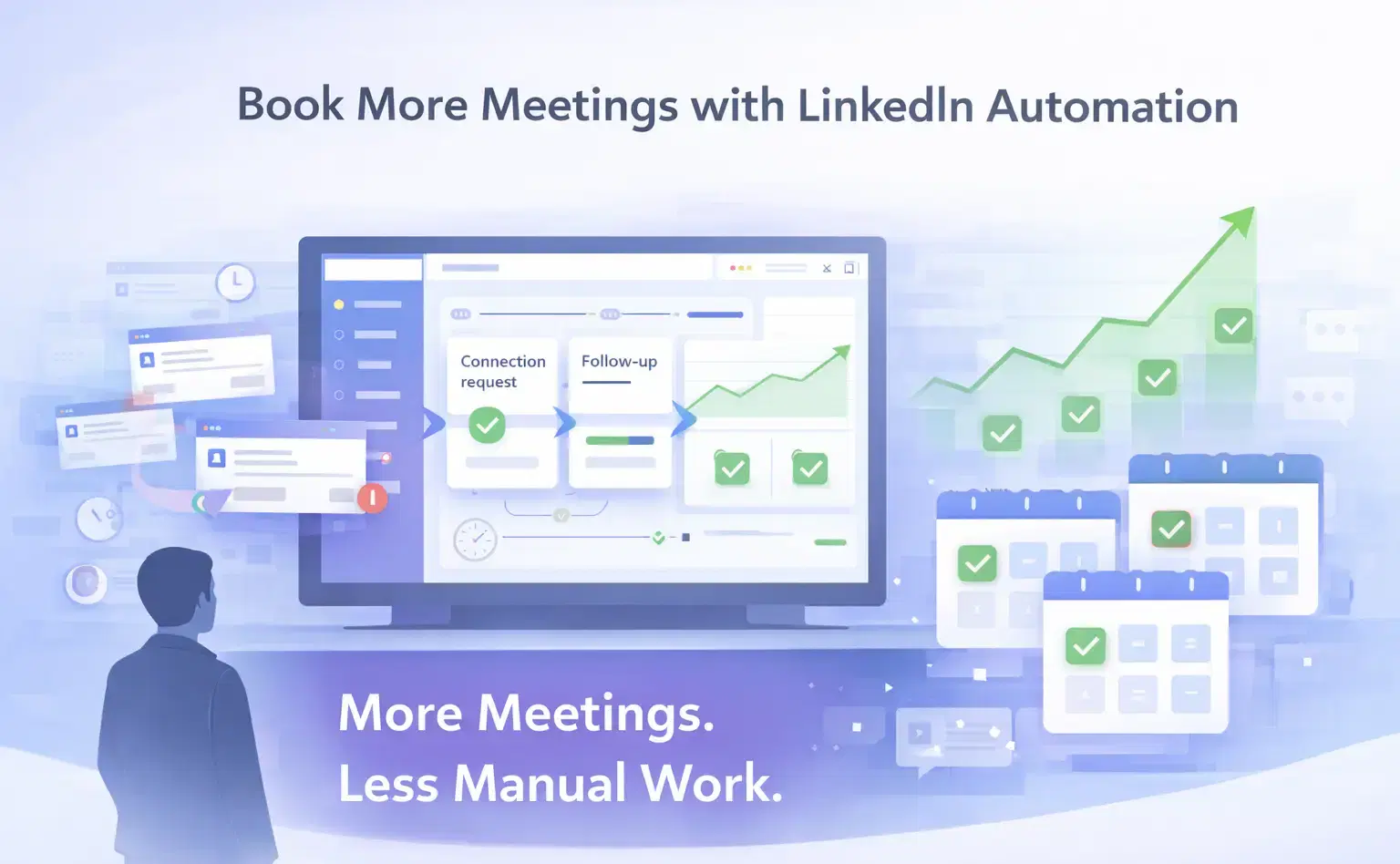
How Can SDRs Book More Meetings Using LinkedIn Automation?
SDRs can book more meetings with LinkedIn automation by streamlining outreach, automating follow-ups, and scaling conversations without manual effort.
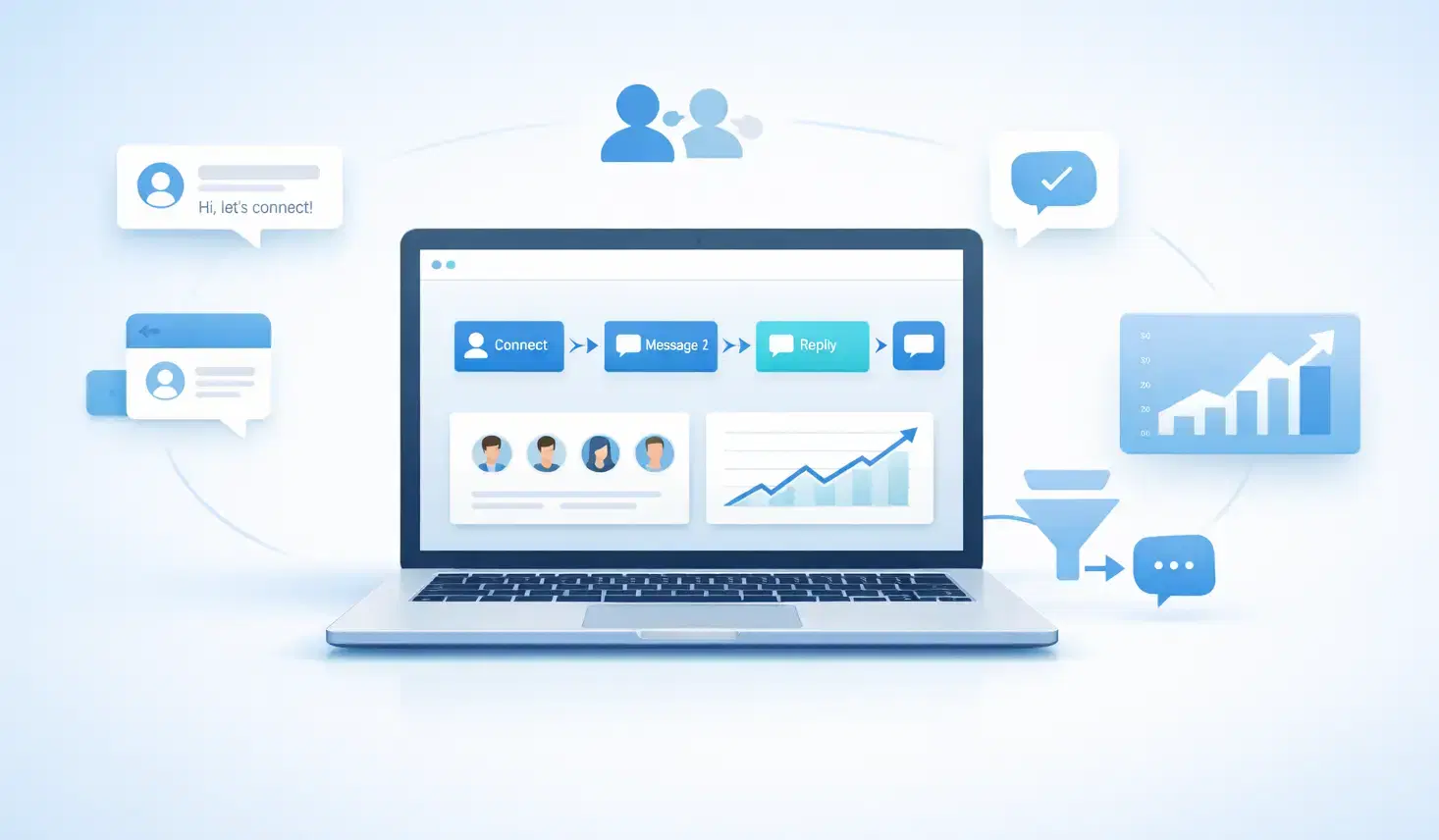
7 Best LinkedIn DM Tools for Outreach Automation in 2026
Looking for best LinkedIn DM tools in 2026? This guide compares top outreach automation tools by features, pricing, safety, and use cases so you can scale B2B lead generation with less manual work.
How to Automate Your Agency's LinkedIn Outreach (Without Getting Banned)
Learn how agencies automate LinkedIn outreach safely using smart limits, personalization, and automation tools to scale prospecting without risking account bans.