How Do Agencies Book 40+ Qualified Client Demos Per Month Using LinkedIn Automation?
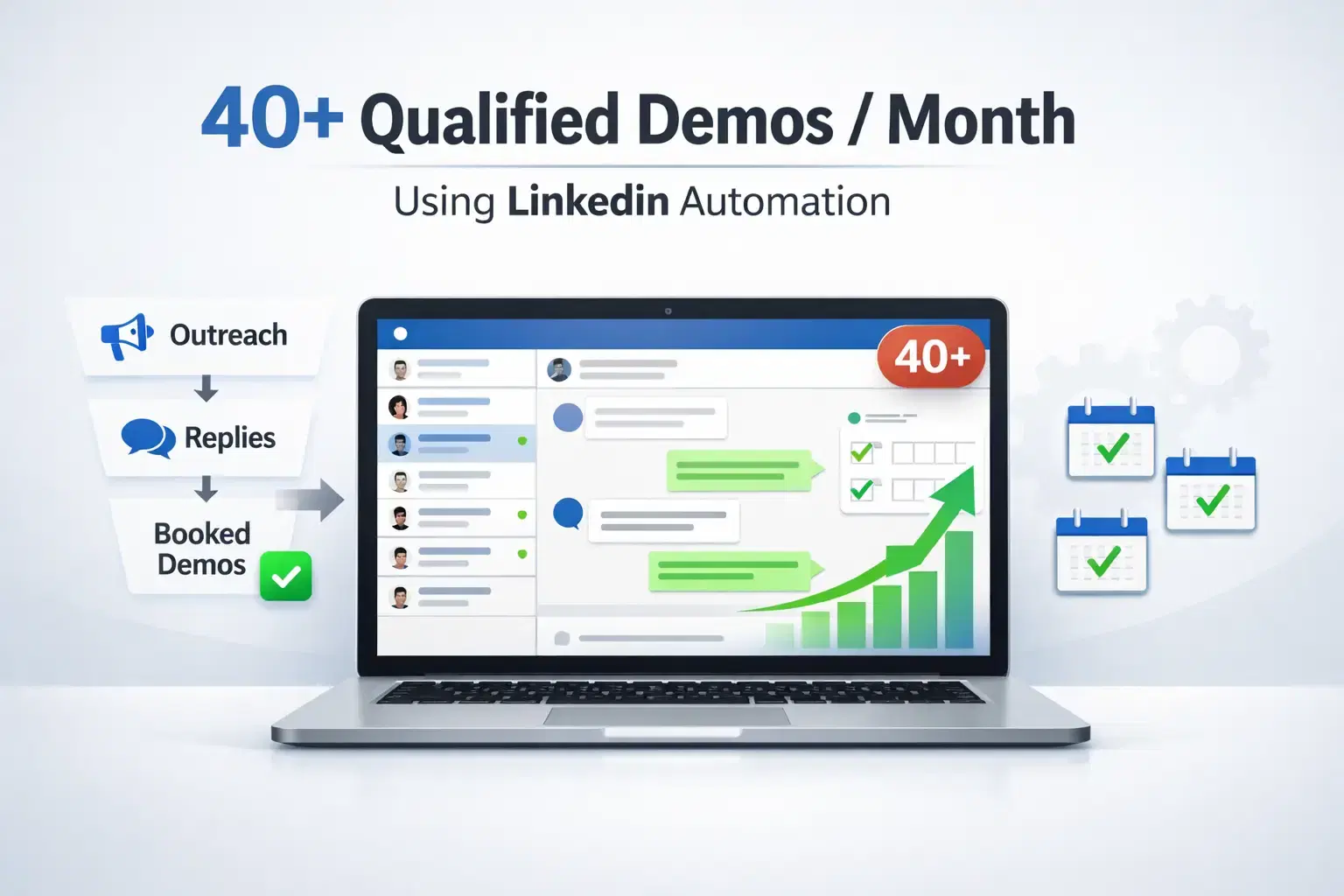
Most agencies book 4 to 6 demos per month through referrals and random outreach.
This agency built a repeatable system using LinkedIn automation and went from inconsistent leads to 40+ qualified demos every single month.
TL;DR
- Profile optimization is the foundation; weak profiles kill automation results before they start
- Clear ICP definition, including event-based targeting, drives higher acceptance and reply rates
- LinkedIn Sales Navigator filters layered with event attendee targeting creates precision outreach
- Bearconnect automated the full connection-to-demo sequence safely
- The combination of inbound content and outbound automation created a predictable, scalable pipeline
The Problem Before Automation

In this digital era, every B2B agency needs quality leads.
LinkedIn is where decision-makers actually spend their time, and LinkedIn automation is now the most efficient way to generate those leads without burning out your team.
But before this agency adopted a system, they faced a familiar set of problems:
- Relying on referrals and word of mouth with no predictable pipeline
- Spending 10 to 15 hours per week on manual LinkedIn outreach
- No clear Ideal Customer Profile (ICP) defined
- Zero structured targeting strategy
- Inconsistent follow-ups and missed conversations
The result: Some months great, most months unpredictable.
Step 1: Profile Optimization
Before running a single automation sequence, the LinkedIn profile was treated as a landing page.
Here is what was optimized:
- Banner: Clear statement of what the agency does and who it helps
- Headline: Pain-point driven, not a job title
- About section: Outcome-focused with social proof
- Featured section: Case studies and lead magnets
Why this matters: When an automated connection request lands, the prospect immediately visits the profile. A weak profile means your acceptance rate drops before your message is even read.
Pro Tip: Your profile is your first pitch. Treat it as a conversion page, not a resume.
Need help starting from zero? Here is how to create a great LinkedIn profile in 2026.
If you want the full checklist, read our step-by-step guide on how to optimize your LinkedIn profile before running automation.
Step 2: Defining the Perfect ICP
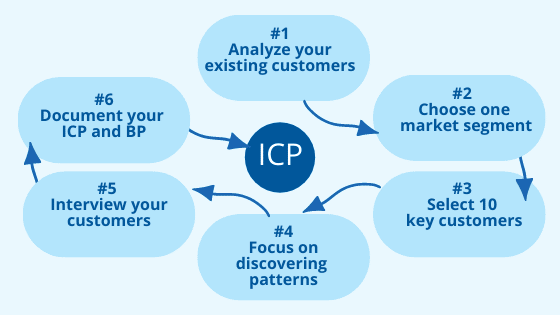
Vague targeting produces vague results. The agency got specific.
ICP breakdown used:
- Industry: B2B service providers, SaaS companies
- Job title: Founder, CEO, Head of Growth, Sales Director
- Company size: 50 to 100 employees
- Geography: US, UK, Canada, Australia
- Revenue signals: $1k to $10k+ monthly retainer capacity
- Behavioral signal: Actively participating in LinkedIn events related to growth, lead gen, or sales
For a deeper look at building prospect lists, read how to find leads on LinkedIn and how to generate LinkedIn leads step by step.
The behavioral targeting layer was the biggest unlock. People who join LinkedIn events on sales or lead generation topics are already in "solution-seeking mode." They are not passive scrollers.
They are active buyers.
Pro Tip: Add one behavioral signal to your ICP. Event participation alone can double your acceptance rate.
Step 3: LinkedIn Sales Navigator and Event-Based Targeting

LinkedIn Sales Navigator was used to build layered, high-intent prospect lists. If you are new to it, start with the LinkedIn Sales Navigator beginner's guide.
Filters applied:
- Job title plus seniority level
- Company size and industry
- Geographic targeting
- Recent activity signals (posted within 30 days)
The event-based targeting layer:
- Identified LinkedIn events relevant to the ICP (sales bootcamps, growth summits, lead gen webinars)
- Exported attendees as a targeted list
- These prospects had already demonstrated intent by registering for sales-related content
Why this works: Reaching someone right after they engaged with relevant content creates a warm context for your outreach. The reply rates from this segment were significantly higher than cold list targeting.
Pro Tip: Use LinkedIn event attendees as a micro-targeting filter. These prospects are 2 to 3x more likely to respond than standard filtered lists.
Compare LinkedIn automation tools vs Sales Navigator to decide which fits your workflow.
Step 4: Automating the Outreach with Bearconnect

Once the target list was ready, Bearconnect ran the full outreach sequence automatically, safely, and at scale.
The connection sequence used:
- Personalized connection request referencing a shared event or relevant topic
- Welcome message after acceptance (no pitch, just context)
- Value-based follow-up message (shared insight or resource)
- Soft CTA message asking for a 15-minute conversation
Bearconnect safety features used to protect the account:
- Local IP behavior mimicry to appear as organic human activity
- Smart throttling to stay within LinkedIn's daily action limits
- Gradual account warm-up before scaling volume
- Natural action delays between steps
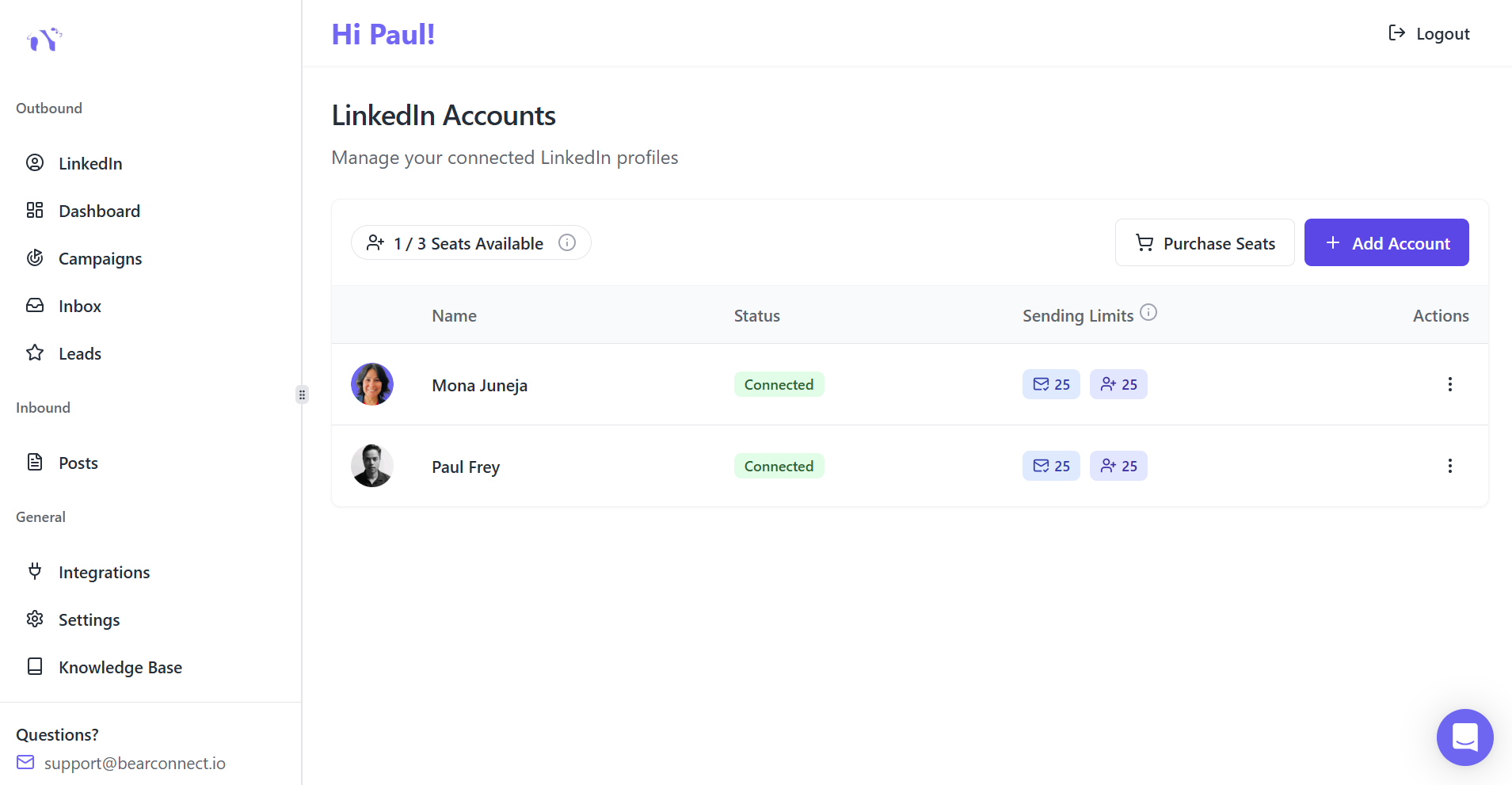
Multi-account management: The agency managed multiple client LinkedIn profiles from one Bearconnect dashboard, eliminating the need to switch between accounts. This saved the team hours each week.
Pro Tip: Want copy-paste ready templates? See these LinkedIn message templates for automation that get replies.
Step 5: Messaging Psychology That Converts
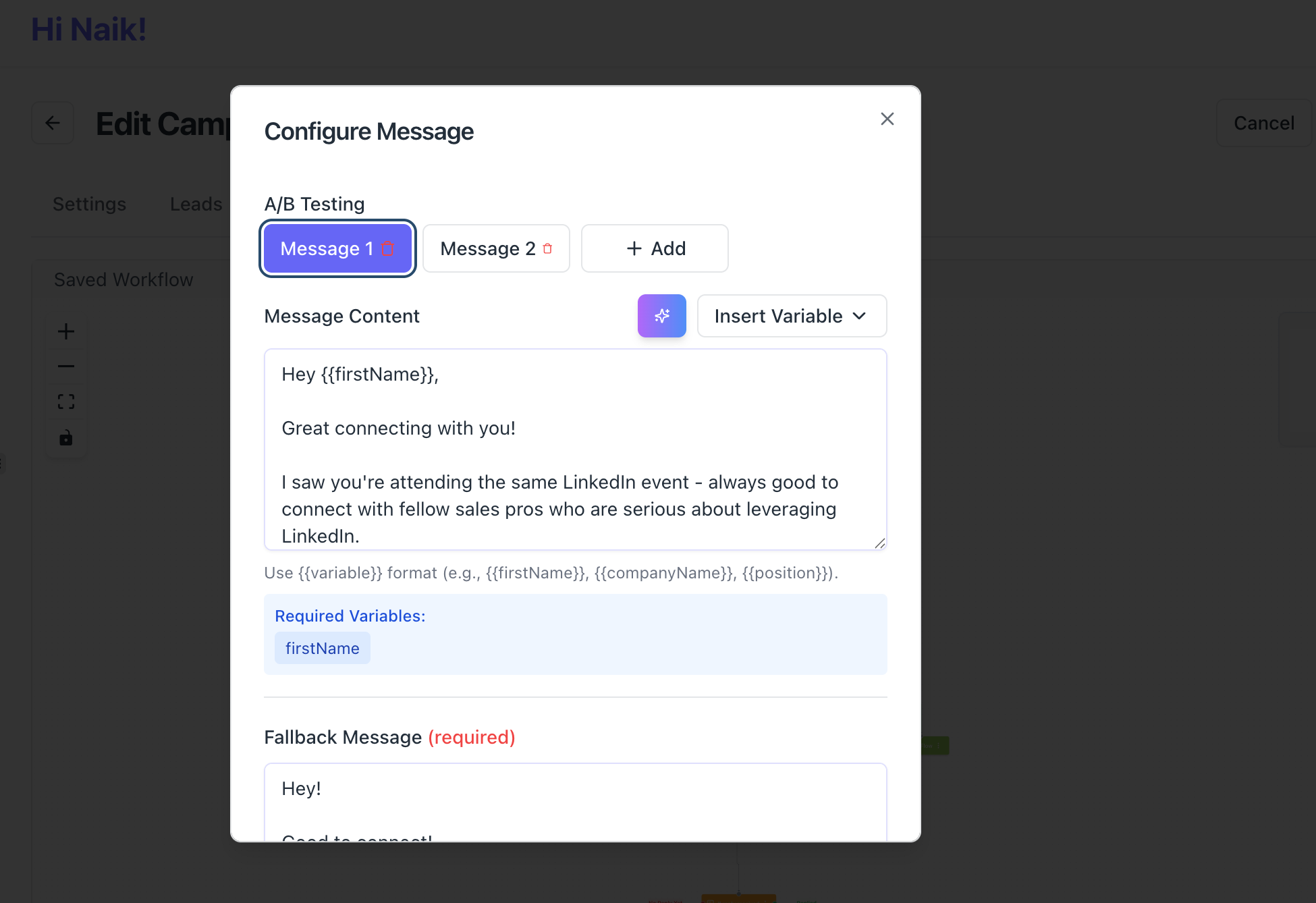
The message copy was built around one principle: earn the conversation before asking for anything.
Message structure that worked:
- Message 1 (Connection request note): Reference the shared LinkedIn event or relevant interest, no pitch
- Message 2 (Post-acceptance): Acknowledge the connection, mention one specific pain point they likely face
- Message 3 (Follow-up): Share a short insight, framework, or resource relevant to their role
- Message 4 (CTA): Ask a direct, low-friction question: "Would a quick 15-minute call make sense?"
What was deliberately avoided:
- No pitch in the first message
- No generic "I'd love to connect" opener
- No immediate service promotion
- No long paragraphs in any message
The copy felt like a human conversation because it was built around the prospect's context, not the agency's services.
Read the full guide on how to personalize LinkedIn outreach messages at scale.
Step 6: Inbound Content Running Simultaneously
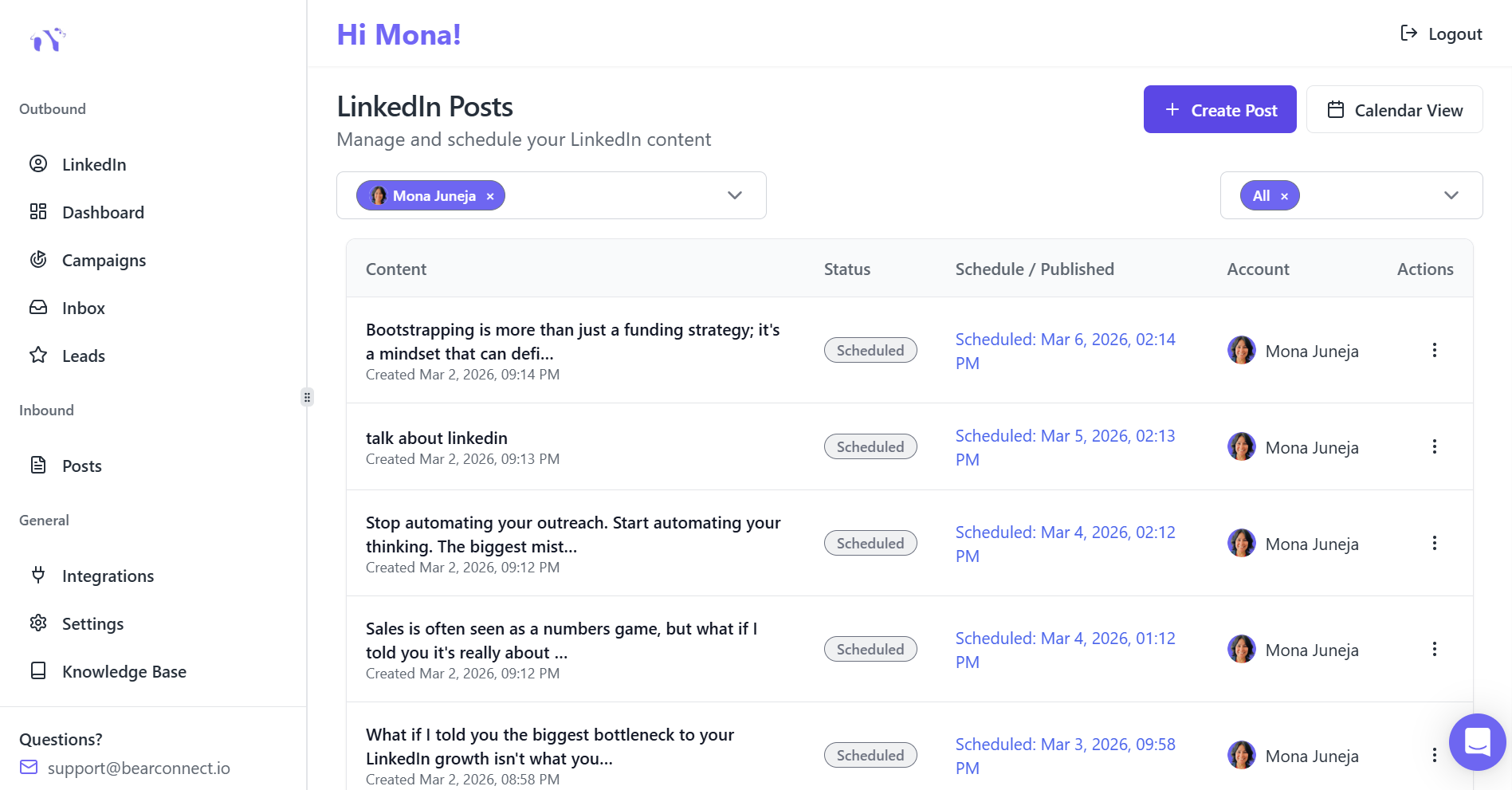
Outbound automation alone is not enough. The agency combined it with consistent LinkedIn content posting.
Content types posted weekly:
- Actionable frameworks their ICP could use immediately
- Short case studies showing real client results
- Thought leadership posts on lead generation and sales
- Behind-the-scenes agency process breakdowns
Why inbound content matters alongside outbound:
- When a prospect receives a connection request and visits the profile, they also see recent posts.
- A consistent content presence builds credibility instantly.
- Prospects who have seen your content before your outreach lands convert at a much higher rate.
Bearconnect's AI post generation and scheduling feature kept this content calendar running consistently across multiple team accounts without daily manual effort.
Pro Tip: Schedule 2 to 4 weeks of content in advance using Bearconnect. This ensures your profile stays active even during busy weeks, which strengthens every outreach campaign running simultaneously.
The Results
After 60 days of running this system:
| Metric | Before System | After System |
|---|---|---|
| Monthly demos booked | 4 to 6 | 40+ |
| Connection acceptance rate | Low, random | 25 to 35% |
| Reply rate to sequences | Below 5% | 10 to 18% |
| Hours spent on outreach per week | 12 to 15 | 2 to 3 |
| Lead source dependence | Referrals only | Systematic outreach |
The agency also cut its cost per lead by over 60% compared to paid advertising, with significantly higher intent from each lead.
Learn how to do LinkedIn outreach without being salesy.
Why This System Worked
There was no single magic tactic here.
The results came from five things working together:
- Profile positioned as a landing page before automation started
- Precise ICP including behavioral targeting signals
- Event-based targeting to reach prospects already in buying mode
- Bearconnect automation that ran safely with smart delays and local IPs
- Inbound content running alongside outbound to build trust passively
Remove any one of these five and the results drop. Together, they created a pipeline machine that runs without daily manual involvement.
The Replicable Framework (14-Day Launch Plan)
You can implement this system within 14 days:
- Day 1 to 2: Optimize LinkedIn profile fully, banner, headline, about, featured
- Day 3 to 4: Define ICP clearly with industry, title, company size, and behavioral signals
- Day 5 to 6: Build prospect list using Sales Navigator with event-based filtering
- Day 7 to 8: Connect LinkedIn accounts to Bearconnect
- Day 9 to 10: Build 4-step connection sequence with personalized message copy
- Day 11 to 12: Schedule 3 weeks of inbound content using Bearconnect AI post tool
- Day 13 to 14: Launch campaigns, monitor acceptance and reply rates in Bearconnect analytics dashboard
Frequently Asked Questions
1. Will LinkedIn automation get my account banned?
Not if you use a tool built for safety. Bearconnect uses local IPs, behavior mimicry, and smart daily limits to keep your account within LinkedIn's normal activity patterns. Gradual warm-up before scaling also significantly reduces detection risk.
2. Do I need LinkedIn Sales Navigator to run this system?
Sales Navigator improves targeting precision, but Bearconnect works independently without requiring it. You can build prospect lists through standard LinkedIn search and still run effective automation campaigns.
3. How quickly will I see results from LinkedIn automation?
Most users see measurable results within 2 to 4 weeks. Connection acceptance rates improve first, followed by replies, then demo bookings. The system compounds over time as your profile authority and messaging improve.
4. Will automated messages sound robotic to prospects?
Only if the copy is generic. Bearconnect supports dynamic personalization fields and multi-step drip sequences that feel conversational. Messages referencing specific events or pain points read as personal, not automated.
5. How much does Bearconnect cost for an agency managing multiple accounts?
Bearconnect is priced at $67 per month per LinkedIn account. When you connect 5 or more LinkedIn accounts, the price drops to $57 per month per account, making it significantly more affordable than competitors who charge $150 to $500 per seat.
Ready to Build Your Demo Pipeline?
If you run a B2B agency and want predictable demo flow without relying on referrals or paid ads, this system is ready to be implemented in your business.
Start your free 7-day trial at bearconnect.io and launch your first campaign within minutes, no technical setup required
Ready to Transform Your LinkedIn Strategy?
Join thousands of professionals already using Bearconnect to automate their outreach and grow their network.
7-day free trial • Cancel anytime
Related Articles
How to Set Up n8n Integration in Bearconnect: Build Self-Hosted LinkedIn Lead Workflows Without Code
Connect Bearconnect with n8n to automate LinkedIn lead workflows using flexible, self-hosted automation. Sync data across your CRM and tools, build custom workflows, and gain full control over your automation setup.
How to Set Up Make Integration in Bearconnect: Build Visual Lead Workflows Across Any App Without Code
Connect Bearconnect with Make to build visual LinkedIn lead workflows across your CRM, Slack, and other tools without code. Automate lead capture, streamline processes, and sync data seamlessly in real time.
How to Set Up Zapier Integration in Bearconnect: Auto-Send Leads to Your CRM, Slack, or Google Sheets
Connect Bearconnect with Zapier to automatically send LinkedIn leads to your CRM, Slack, or Google Sheets. This step-by-step guide helps you streamline workflows, reduce manual work, and capture leads in real time.