Best LinkedIn automation tools for sending personalized connection requests
Finding decision-makers on LinkedIn takes too much manual effort and often delivers disappointing results.
Sales teams and agencies face low acceptance rates, wasted time, and the constant risk of sending generic requests that get ignored.
The quickest solution is to use LinkedIn automation tools that craft personalized connection messages at scale.
These platforms boost acceptance, save hours, and protect your account by sending requests that actually get responses.
This guide reviews the top LinkedIn automation tools for sending tailored connection requests. Read on for detailed recommendations which help yopu take decision.
Why Use LinkedIn Automation for Personalized Connection Requests?
LinkedIn is critical for B2B networking, but manual outreach often eats up valuable time and yields inconsistent results. Automation lets you:
- Save hours by automating repetitive outreach tasks
- Personalize each connection request to resonate with prospects
- Grow your network faster with higher acceptance rates
- Follow up meaningfully through drip campaigns
- Keep your account safe with built-in compliance features
Choosing the right tool ensures your outreach stays authentic, effective, and risk-free.
LinkedIn’s own analysis shows that personalized messages lead to significantly higher engagement compared to generic templates.
What to Look for in LinkedIn Automation Tools
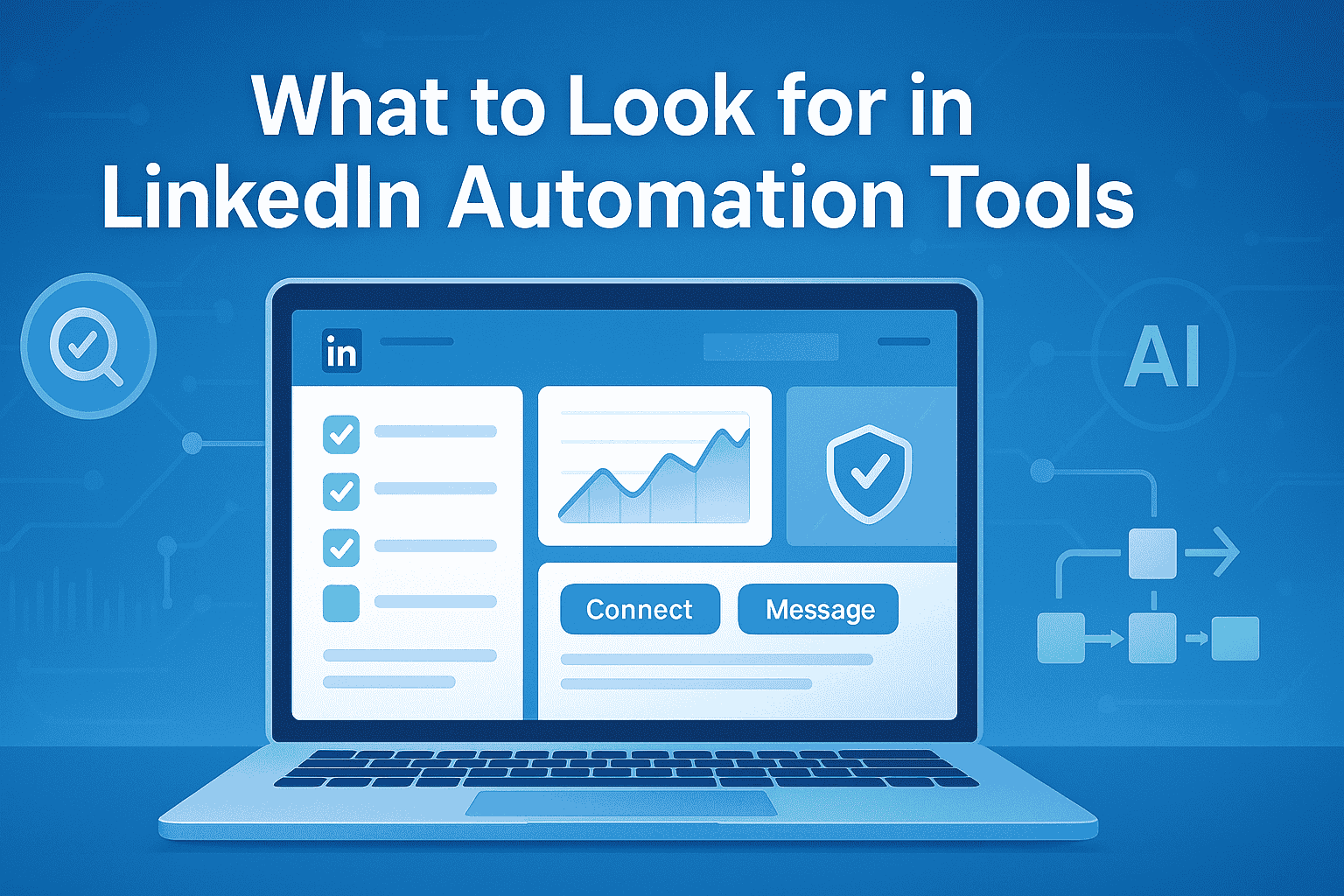
Choosing the right tool is critical for personalized, safe, and scalable LinkedIn outreach. Before deciding, consider these features:
1. Personalization at Scale
The tool should let you customize each message with names, companies, and relevant details. Automated messages that feel human get higher response rates.
2. Account Safety & Compliance
Ensure the platform uses techniques like local IP rotation, behavior mimicry, and daily limits so your LinkedIn account stays safe from restrictions.
3. Advanced Targeting
Look for filtering options by job title, industry, region, and seniority. This ensures your requests reach the right decision-makers.
4. Multi-step Sequences
The best tools offer automated follow-ups that nurture leads without appearing spammy, increasing the chance of meaningful responses.
5. Actionable Analytics
Real-time dashboards showing acceptance rates, replies, and campaign metrics enable you to quickly refine your approach.
6. Ease of Use
An intuitive interface plus easy multi-account management if you are with an agency or team will save time and reduce errors.
A 2023 HubSpot study found that 51 percent of B2B buyers respond positively to outreach that references a recent achievement or shared context.
| Tool | Pricing | Key Features | Best For | Account Safety | Personalization |
|---|---|---|---|---|---|
| Bearconnect | $67/account/month, $57/account/mo (5+ accounts) | Unlimited campaigns, Advanced targeting, AI content, Unified inbox | Agencies, sales teams | Local IP, mimicry | High |
| Expandi | ~$99/account/mo | Cloud-based, Smart filters, Drip campaigns | Agencies, safety-focused | Cloud limits, mimic | High |
| Dux-Soup | ~$49/account/mo | Auto-visits, CRM sync, Lead tagging | Freelancers, small teams | Basic throttling | Moderate |
| Linked Helper | ~$15/month (one time or subscription) | Workflow editor, Bulk actions, Custom sequences | Advanced/power users | Workflow control | Very High |
Top LinkedIn Automation Tools for Personalized Connection Requests
Here are some of the leading tools tailored for effective and safe LinkedIn outreach:
1. Bearconnect
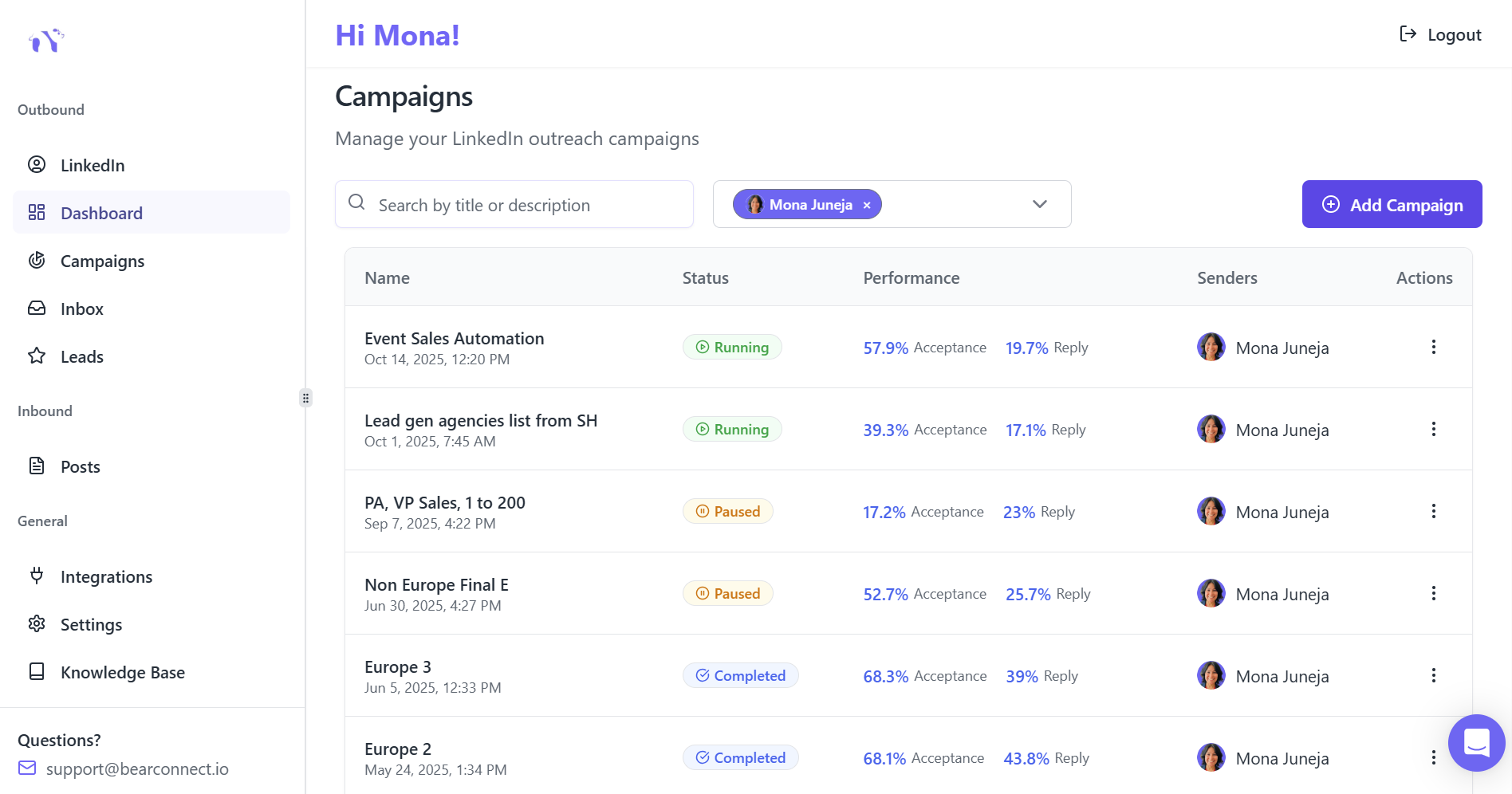
Pricing: $67 per LinkedIn account/month, $57 each if 5+ accounts connected
Bearconnect is an all-in-one automation platform designed for sales teams, agencies, and entrepreneurs.
It offers robust personalization, unlimited campaigns, smart behavior mimicry to protect accounts, and AI-powered content features supporting inbound marketing.
- Unlimited accounts and campaigns on one seat
- Advanced targeting and multi-channel drip workflows
- Local IP behavior to reduce LinkedIn restrictions
- Unified inbox for seamless message management
Ideal for agencies and teams looking to scale affordable, compliant outreach.
2. Expandi
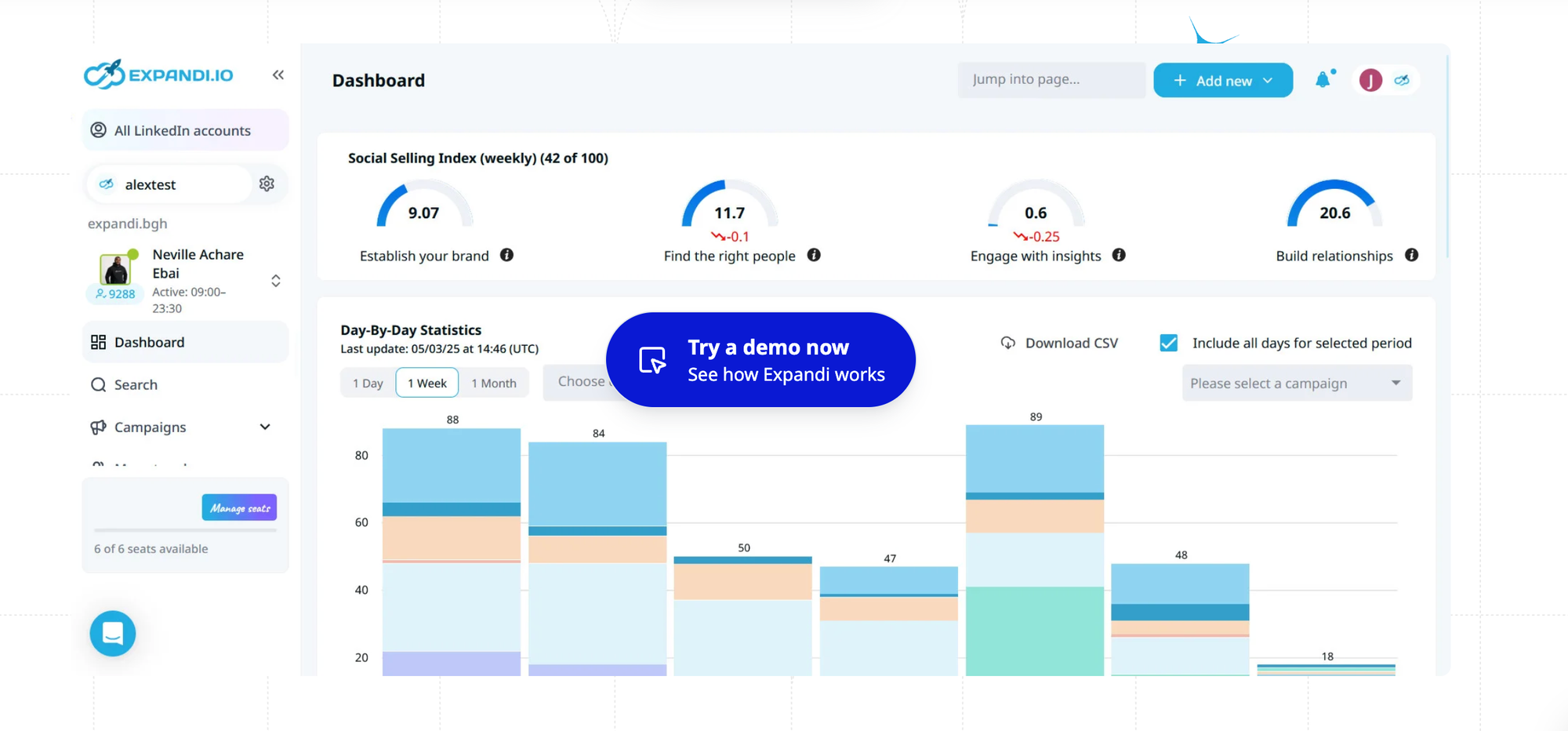
Expandi focuses on safety with cloud-based automation that mimics human behavior, ensuring compliance with LinkedIn limits. It supports personalized connection and follow-up campaigns with rich audience filters.
- Smart filters and CSV import targeting
- Automated follow-up sequences
- Safety limits for account protection
Well-suited for growing agencies and sales teams needing a safe, scalable tool.
3. Dux-Soup

Dux-Soup offers simple automation for profile visiting, personalized message sending, and lead tagging. It integrates smoothly with CRM systems to help nurture leads with minimal manual effort.
- Auto-profile visit and endorse features
- CRM sync capabilities
- Easy personalization setup
Fit for freelancers and smaller teams focusing on lead nurturing.
4. Linked Helper
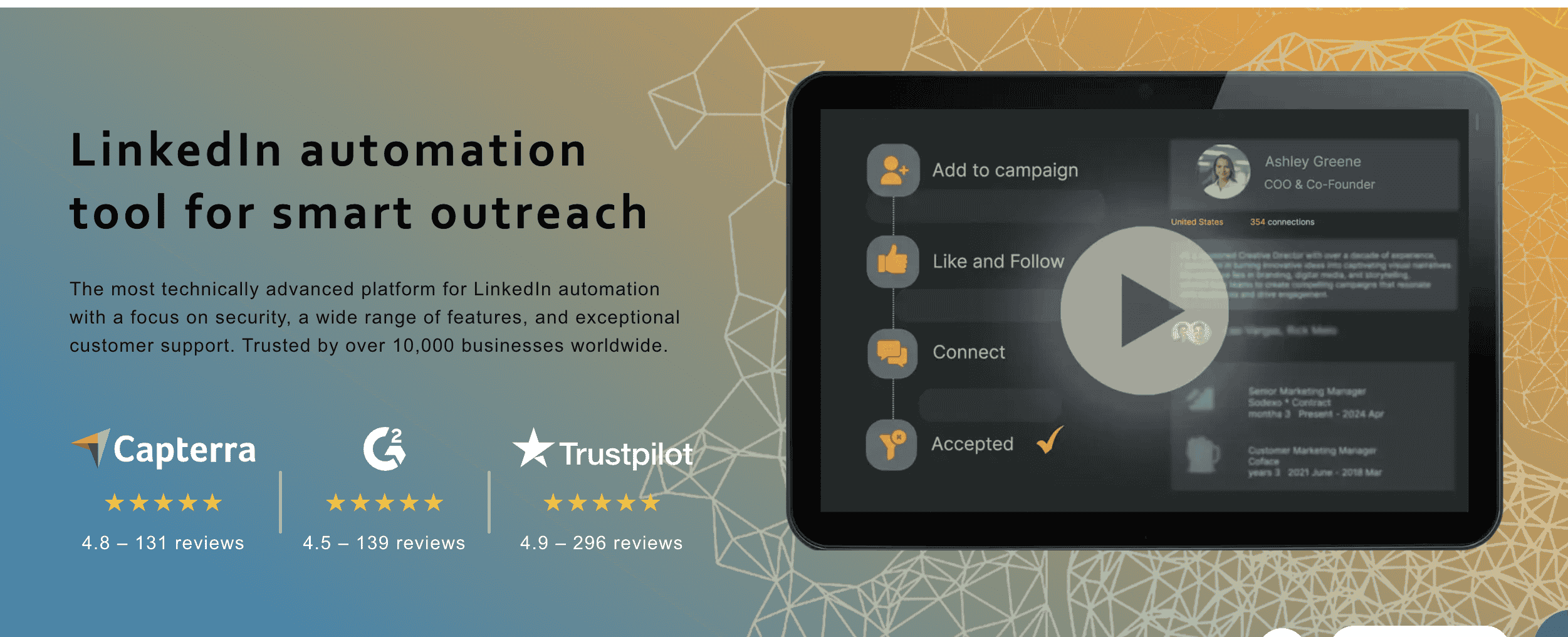
Linked Helper delivers deep customization through workflow editors, enabling highly tailored connection requests and messaging sequences. It automates many LinkedIn actions beyond just requests.
- Comprehensive workflow automation
- Personalization tokens for messaging
- Bulk messaging and delays
Perfect for tech-savvy users requiring advanced automation options.
How Personalization Really Increases Acceptance
Sending generic requests gets you ignored. Personalized messages like mentioning a prospect’s recent achievement or company show you did your homework and care about real connection.
Example: Generic vs. Personalized Connection Request
- Generic:“Hi, I’d like to add you to my professional network on LinkedIn.”
- Personalized:“Hi Alex, I noticed you recently expanded your team at ABC Corp. I help scaling SaaS companies like yours streamline outreach—would love to connect and share a few insights!”
The personalized request makes it clear the sender did research and has relevant value to offer. That instantly builds trust.
Industry wide data shows:
- Average LinkedIn connection acceptance rate: 18 to 25 percent
- Personalized connection requests: 35 to 55 percent acceptance range
- Multi step sequences improve replies by 22 to 38 percent
- Safe daily connection limit for most accounts: 40 to 80 per day, depending on age and trust score
Quick Personalization Tips
- Scan LinkedIn profiles for recent posts, new job roles, or shared interests.
- Use automation tools that pull dynamic fields (like first name, company, industry) into your template.
- Refer to a specific detail, shared group, or event when making your request.
Personalization shows you’re interested in starting a genuine conversation, not just adding another contact.
Step-by-Step: Setting Up a LinkedIn Automation Campaign
Harnessing automation is more than just flipping a switch. To maximize results and boost acceptance rates, follow these steps:
1. Define Your Ideal Customer Profile (ICP)
- Detail the industries, company sizes, seniority levels, and regions most likely to buy or engage with your offer.
- Example: Tech founders in SaaS companies with 11–50 employees, based in North America.
2. Select Filters and Import Leads
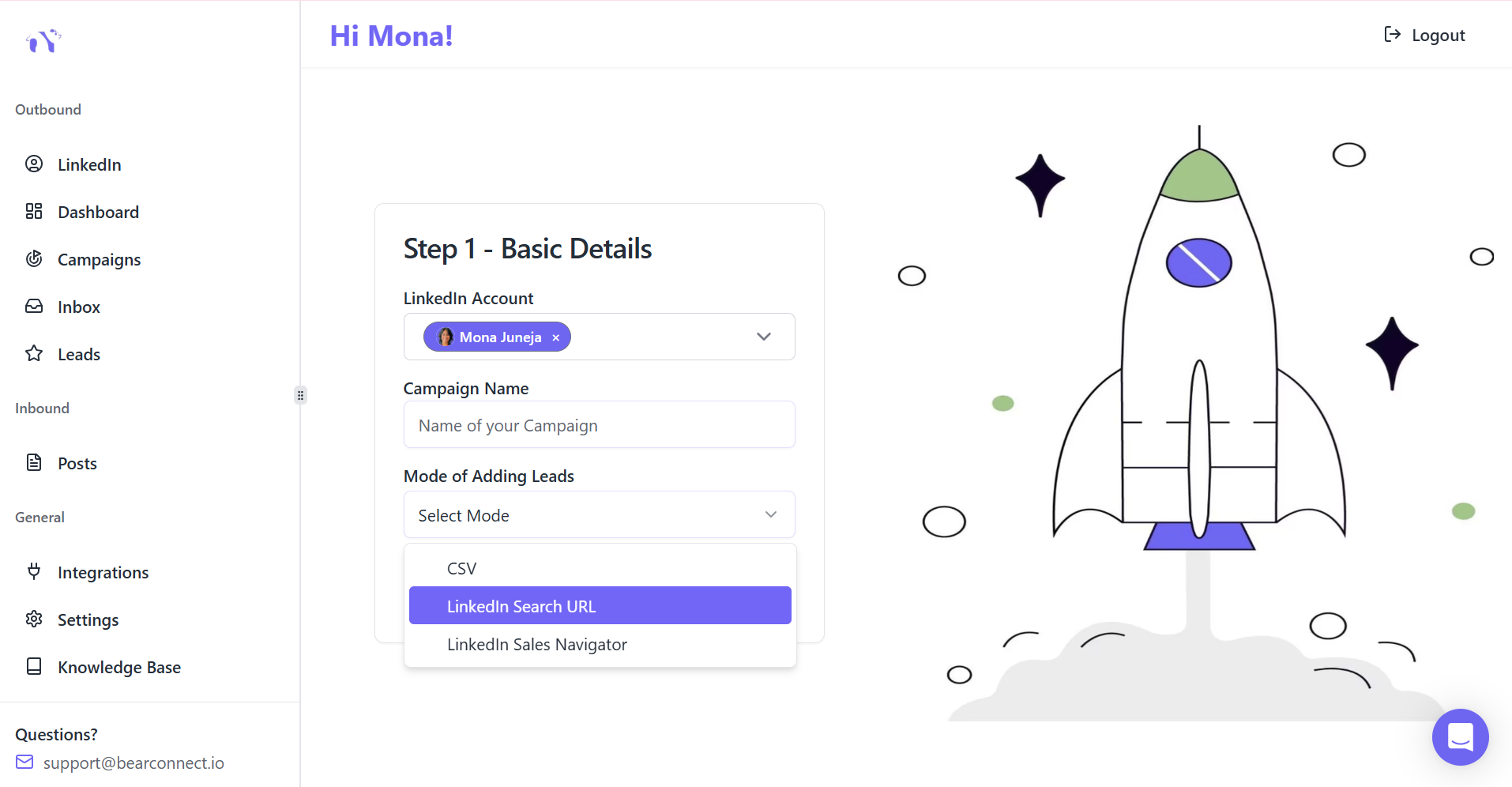
- Use LinkedIn search filters to identify prospects that match your ICP: job title, company, location, and more.
- Export or import these prospects into your automation tool—many platforms let you upload CSV files or integrate with LinkedIn directly.
3. Craft Personalized Templates
- Write two or three core templates.
- Use dynamic placeholders: [First Name], [Company Name], [Recent Achievement].
- Example: “Hi [First Name], congrats on [Recent Company Milestone]! Curious how you’re tackling [Relevant Pain Point] at [Company Name]. Open to connect?”
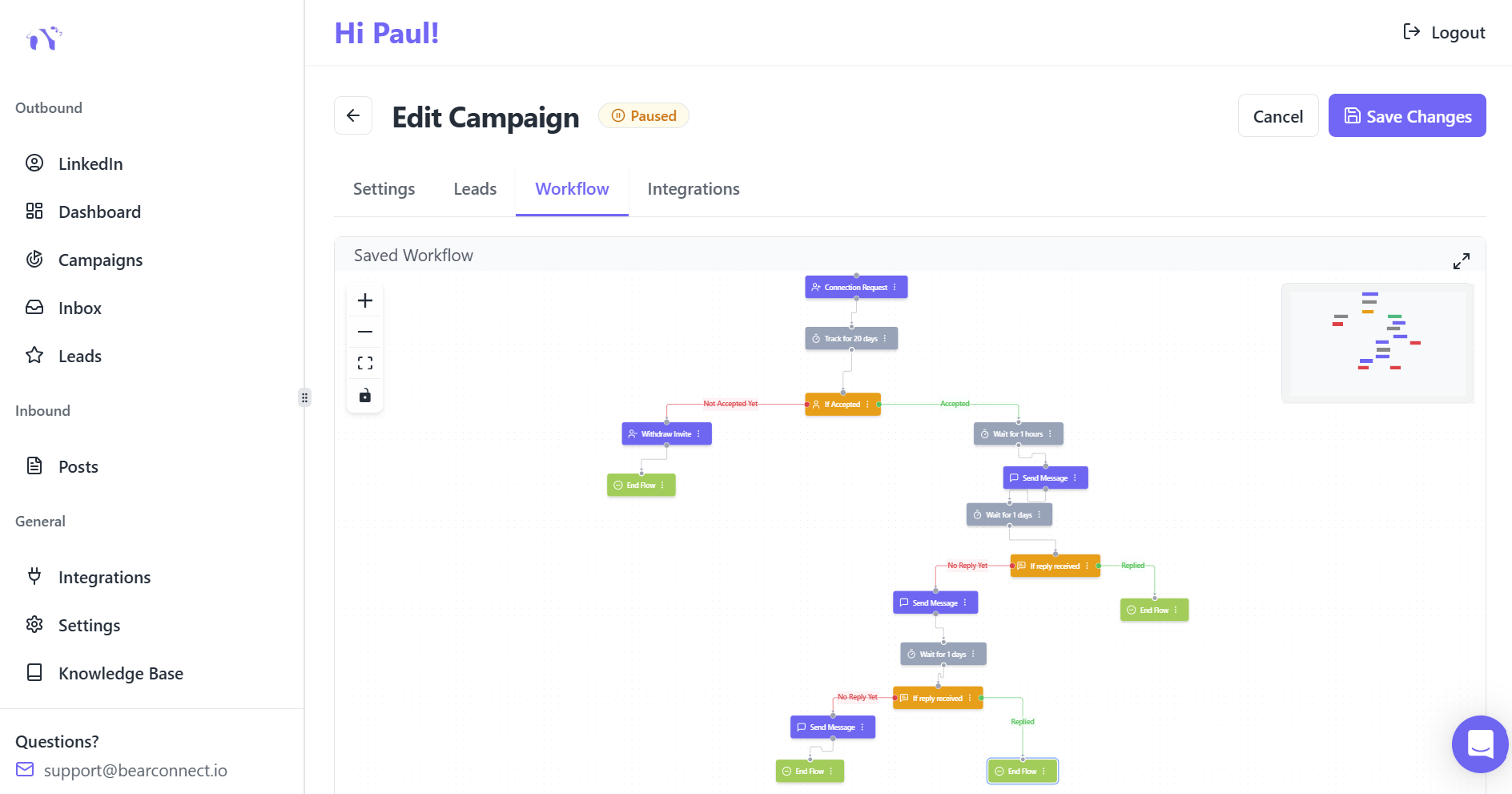
4. Map Out Follow-Up Sequences
- Plan 2–3 polite follow-up messages, spaced a few days apart.
- Mix value-driven comments (“Saw your team’s new project—impressive results!”) with soft calls to action (“Would networking make sense?”).
- Automation tools can queue these up and personalize each send.
5. Launch, Monitor, and Refine
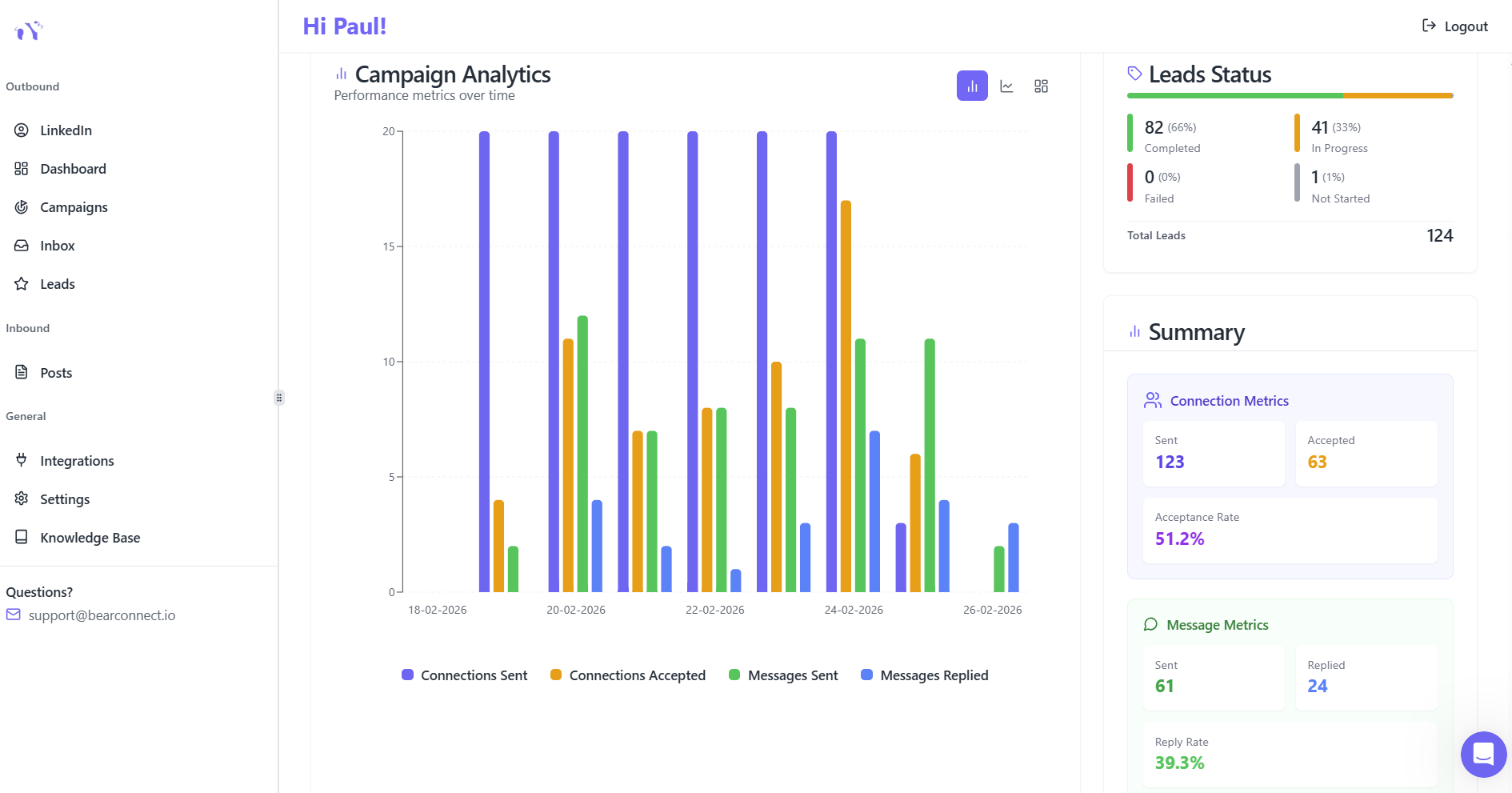
- Start with a small batch to test message resonance and acceptance rates.
- Review analytics for delivery, acceptance, and replies.
- Adjust your template and targeting based on early results and feedback.
Automating personalized outreach ensures every prospect receives relevant, timely, and engaging messages making it far more likely they’ll respond and move forward in your sales funnel.
Best Practices for LinkedIn Automation
To maximize results and maintain LinkedIn compliance:
- Set clear objectives: Align campaigns with your lead generation or branding goals.
- Write natural messages: Use personalization authentically to avoid spam perception.
- Ramp up slowly: Gradually increase your outreach volume to warm your account.
- Use follow-ups wisely: Multi-step drip sequences deepen engagement without pressuring prospects.
- Monitor campaigns: Analyze metrics regularly and adjust based on performance.
- Balance automation with genuine interaction: Respond personally to replies and engage beyond messaging to build trust.
Important Safety Note
While automation tools save time, users should always follow LinkedIn’s official activity guidelines.
Avoid sending too many requests too quickly and ensure that messages stay personalized and relevant.
Always monitor performance and adjust outreach volume gradually.
Conclusion
In today’s competitive LinkedIn landscape, automation tools are essential for sales teams, agencies, and freelancers seeking personalized, scalable outreach.
Bearconnect stands out with its affordability, safety features, and all-in-one approach, while Expandi, Dux-Soup, and Linked Helper offer strong alternatives based on your needs and technical comfort.
Implementing smart, personalized automation combined with authentic engagement will help you build meaningful connections and accelerate your lead generation on LinkedIn.
FAQs
1. What are the best LinkedIn automation tools for personalized connection requests?
The best tools for personalized LinkedIn connection requests include Bearconnect, Expandi, Dux-Soup, and Linked Helper. These platforms automate outreach while adding personalization tokens to improve acceptance rates.
2. How do LinkedIn automation tools personalize connection requests?
LinkedIn automation tools personalize requests by pulling data like name, company, role, and recent activity into your message. Some tools also use AI to generate context-based, human-like messages.
3. Are LinkedIn automation tools safe for sending connection requests?
LinkedIn automation tools are safe when they follow rate limits, use behavior mimicry, and send requests gradually. Tools with local IP rotation and safety throttling reduce the risk of account restrictions.
4. How many personalized LinkedIn connection requests can I safely send per day?
Most LinkedIn accounts can safely send 20-25 personalized connection requests per day. The exact limit depends on account age, activity history, and the safety controls of the tool you use.
5. Do personalized connection requests perform better than generic LinkedIn messages?
Yes. Personalized connection requests typically see 35–55% acceptance rates, compared to 18–25% for generic messages. Mentioning a prospect’s role, company, or recent achievement improves engagement.
Author bio:
Written by Mona Juneja, a B2B Sales Strategist with over 20+ years of sales experience at big names like Microsoft, Oracle, and DELL. I helped multiple Agencies streamline prospecting workflows, improve connection rates, and generate consistent sales-qualified leads through ethical LinkedIn automation practices.
Ready to Transform Your LinkedIn Strategy?
Join thousands of professionals already using Bearconnect to automate their outreach and grow their network.
7-day free trial • Cancel anytime
Related Articles
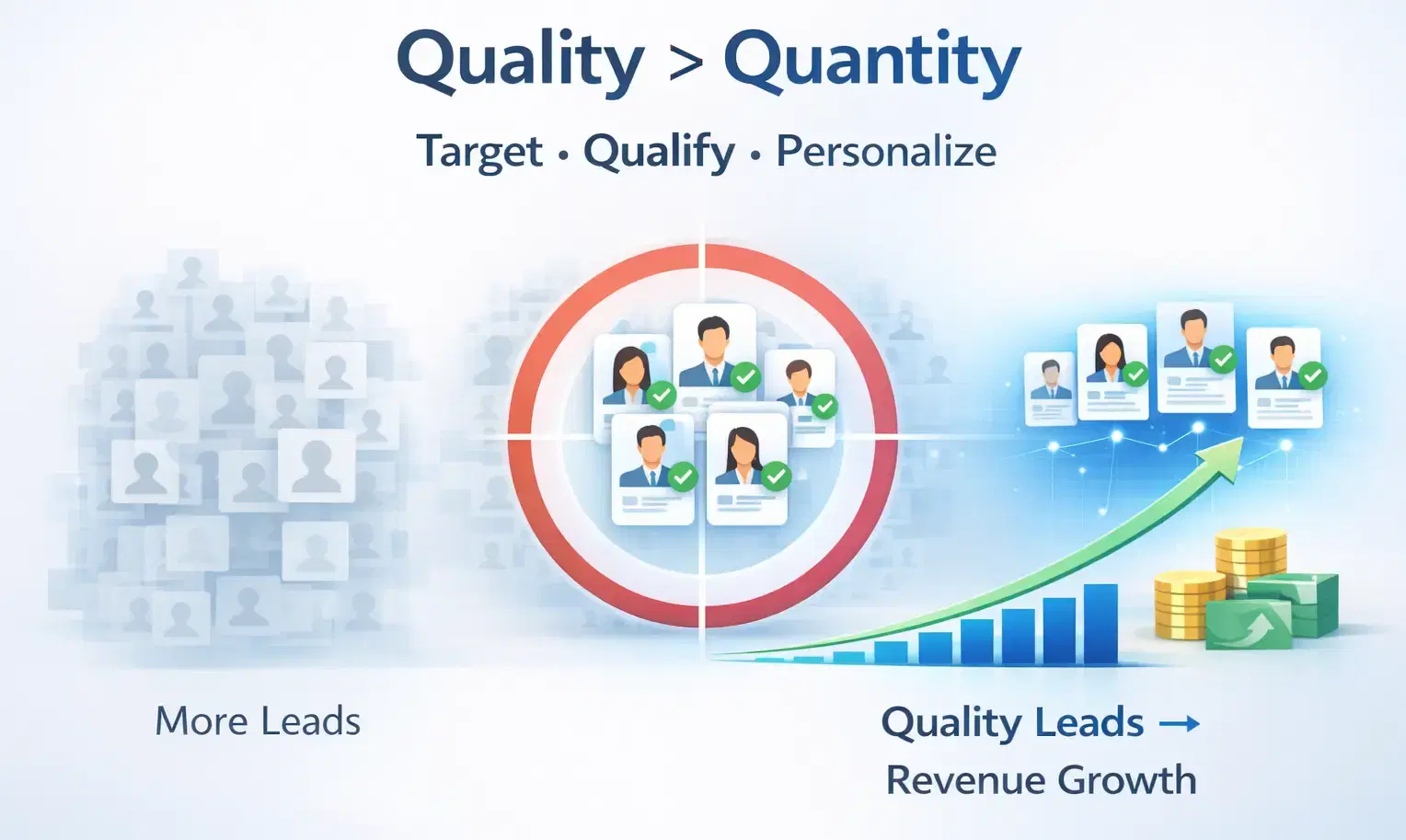
How to Generate High-Quality LinkedIn Leads (Not Just More Leads)
Learn how to generate high-quality LinkedIn leads using strict ICP targeting, layered qualification, and personalized outreach strategies that convert connections into real B2B revenue.
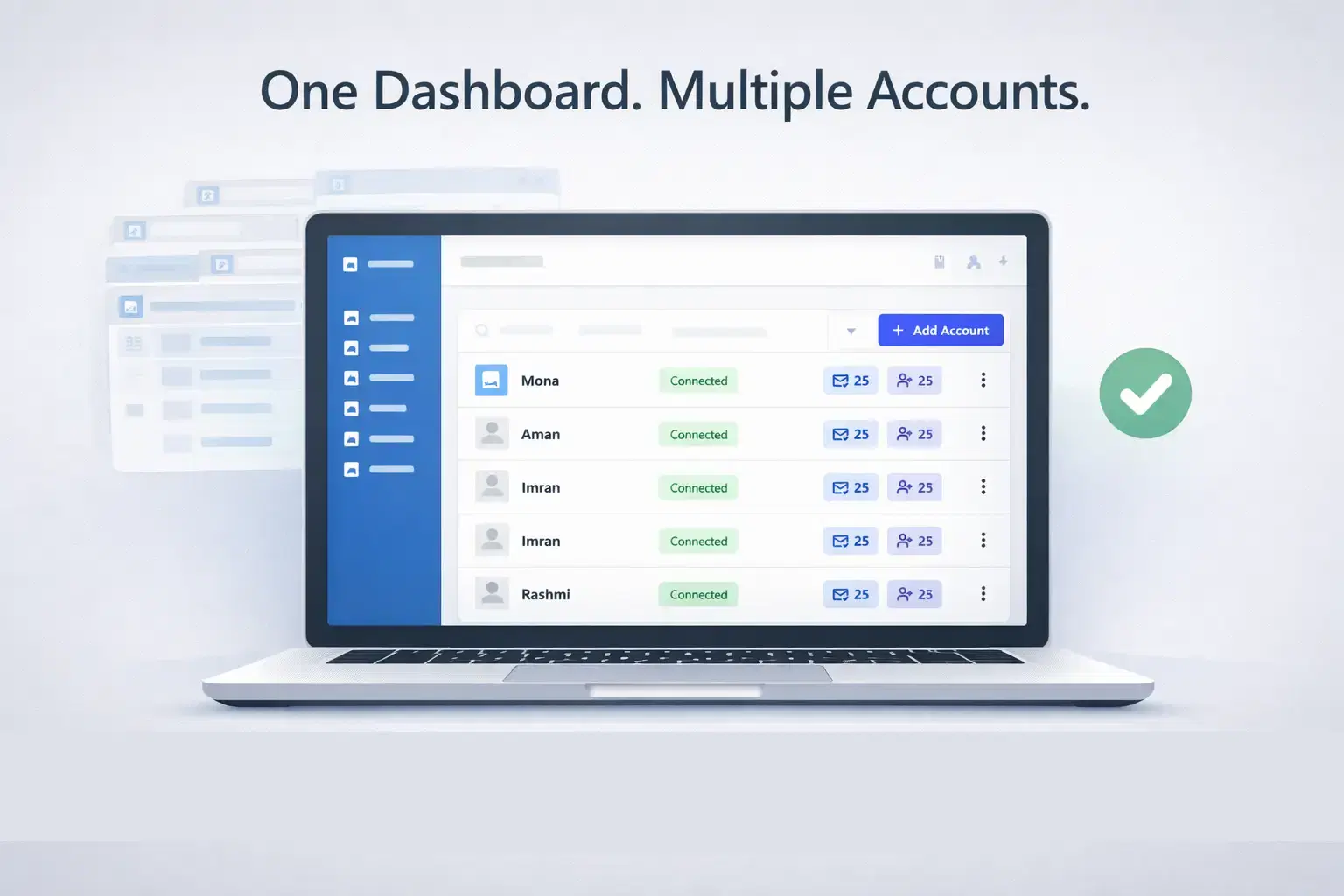
How Agencies Manage Multiple LinkedIn Accounts Without Switching Tabs
Learn how agencies manage multiple LinkedIn accounts without switching tabs using a centralized system that saves time, reduces errors, and scales outreach efficiently.
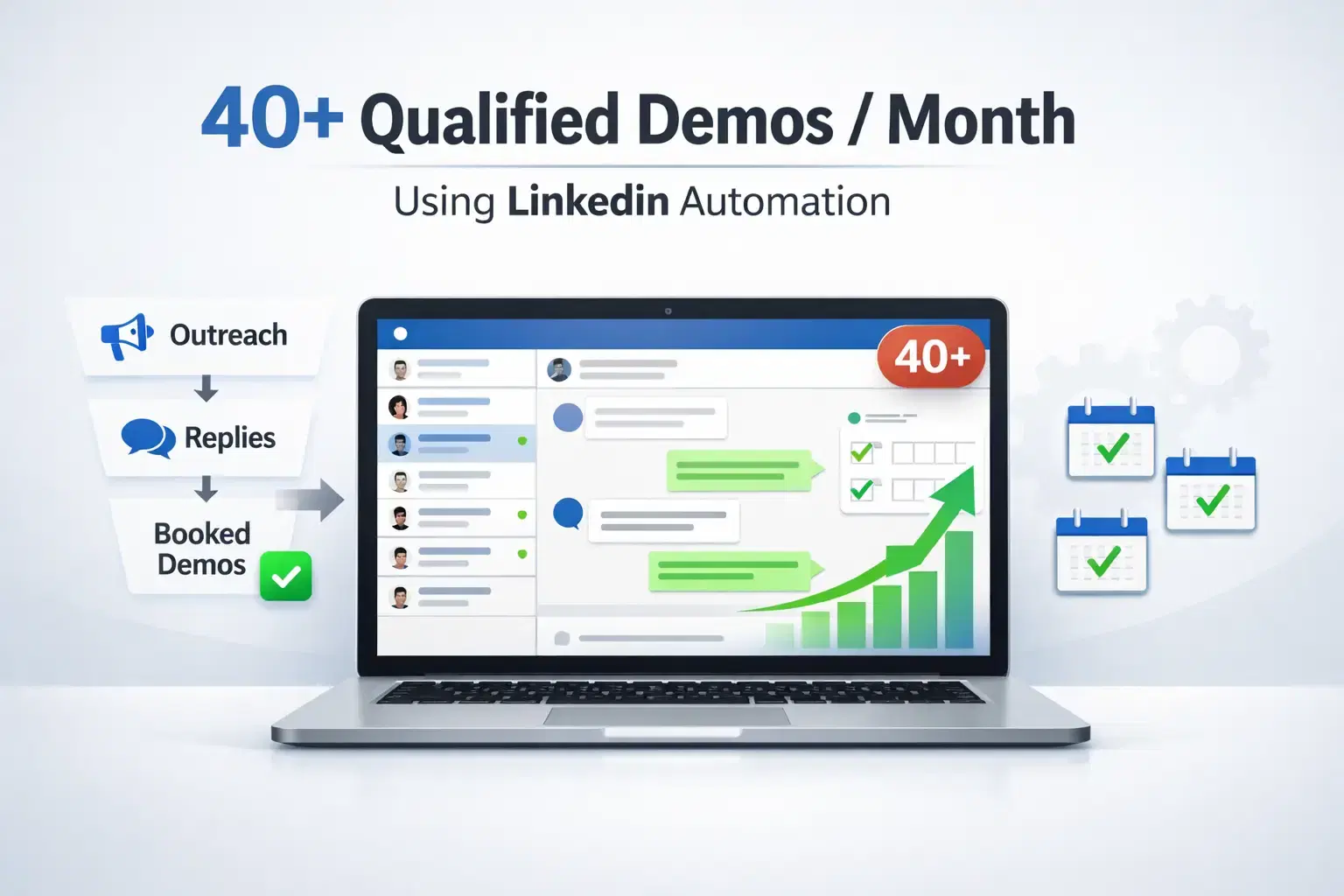
How Do Agencies Book 40+ Qualified Client Demos Per Month Using LinkedIn Automation?
Most agencies struggle to book consistent demos. This guide reveals the LinkedIn automation strategy agencies use to generate 40+ qualified client meetings every month.