How to Write LinkedIn Connection Requests That Don't Get Ignored
When we switched from 100 generic requests a day to 25 personalized ones, our acceptance rate moved from around 20% to just over 45%.
The difference comes down to one thing: showing you have done your homework before hitting send.
Your connection request competes with dozens of others in crowded inboxes where professionals decide within 3 to 5 seconds whether you are worth their time.
This guide shows you exactly how to craft messages that stand out and get accepted.
TL;DR: Quick Takeaways
What works:
- Personalize every request with specific profile details
- Keep messages under 200 characters for maximum impact
- Engage with their content before connecting
- Reference mutual connections when genuine
- Track acceptance rates and optimize based on data
What doesn't work:
- Generic “add me to your network” lines everyone scrolls past
- Pitching products or services in first message
- Sending too many requests too fast (over 30-40 daily)
- Neglecting your own profile optimization
Target benchmarks: Aim for 40% to 50% acceptance rates with proper personalization.
Why Your Connection Requests Get Ignored
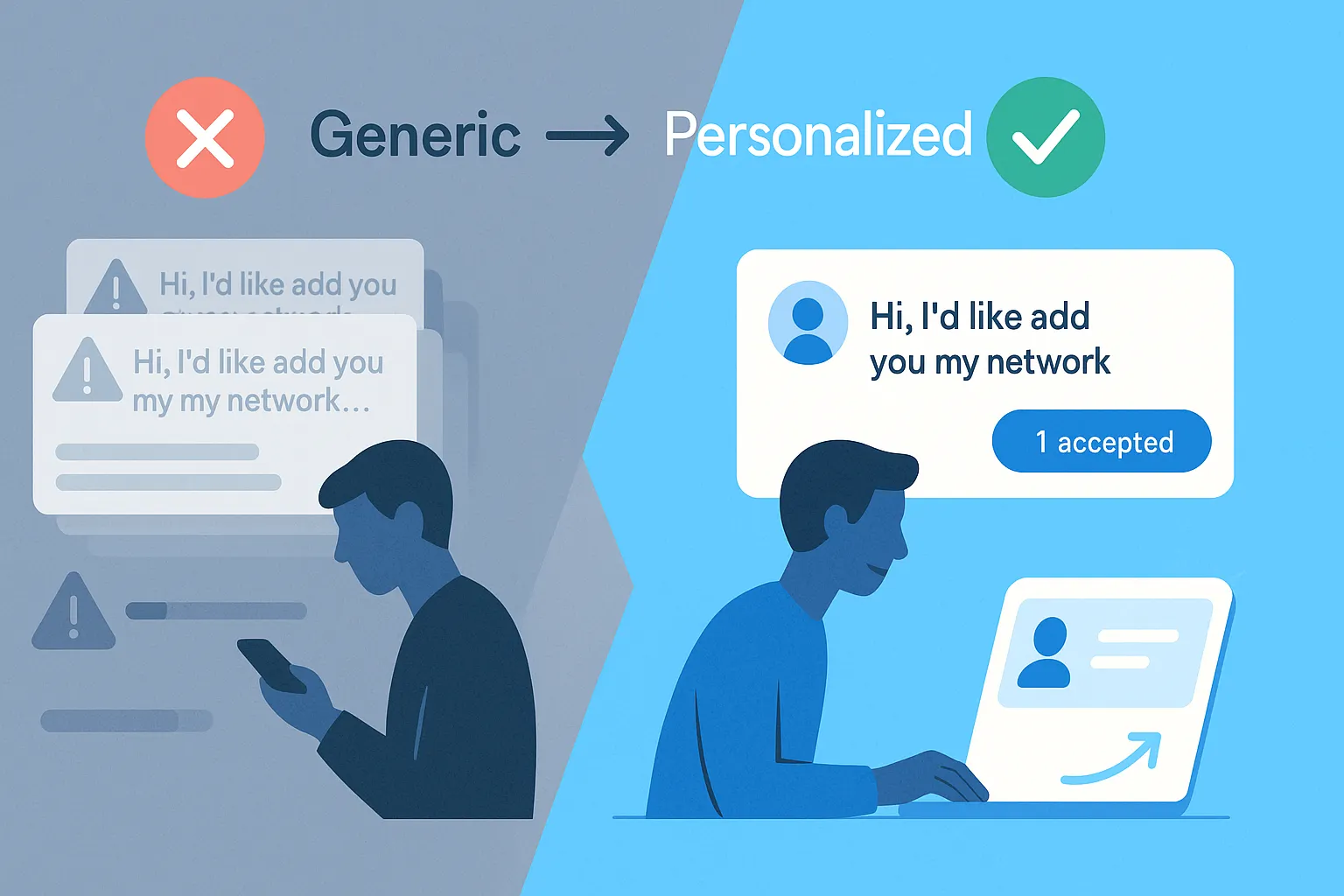
Generic templates destroy your credibility instantly. When someone receives "I'd like to add you to my professional network," their brain immediately flags it as automated spam.
Your request faces three critical barriers:
- Zero context - Recipients cannot figure out why you're reaching out
- No personalization - Messages could be sent to anyone with similar job titles
- Missing value proposition - What benefit do they get from accepting?
Industry data shows average LinkedIn connection acceptance rates hover around 30% across sectors.
Sales professionals see even lower rates between 18% and 25%, while highly personalized approaches can double or triple these numbers.
The core problem: Most people treat LinkedIn like a numbers game rather than relationship building. They blast 100 generic requests hoping 20 stick, when 30 personalized messages would yield better results.
The Research Phase: Your Secret Weapon
Before clicking connect, invest 60 to 90 seconds researching their profile. This separates your request from the 50 other generic messages sitting unread.
What to look for:
- Recent posts they've published or engaged with
- Job changes, promotions, or company milestones
- Shared connections who provide credibility context
- Common LinkedIn group memberships
- Industry events they've attended or spoken at
- Specific pain points mentioned in their content
This research creates personalization hooks that make your message impossible to ignore.
When someone sees you have referenced their recent promotion or commented on their article, they recognize genuine interest versus mass outreach.
Crafting Connection Messages That Convert
1. Keep It Short and Specific
LinkedIn limits connection notes to 300 characters, but effective messages use 150 to 200 characters. Brevity forces clarity.
Your message structure:
- Opening - Use first name and reference something specific (40-60 characters)
- Context - Explain common ground or connection reason (60-80 characters)
- Value hint - Suggest mutual benefit without pitching (40-60 characters)
Example that works:
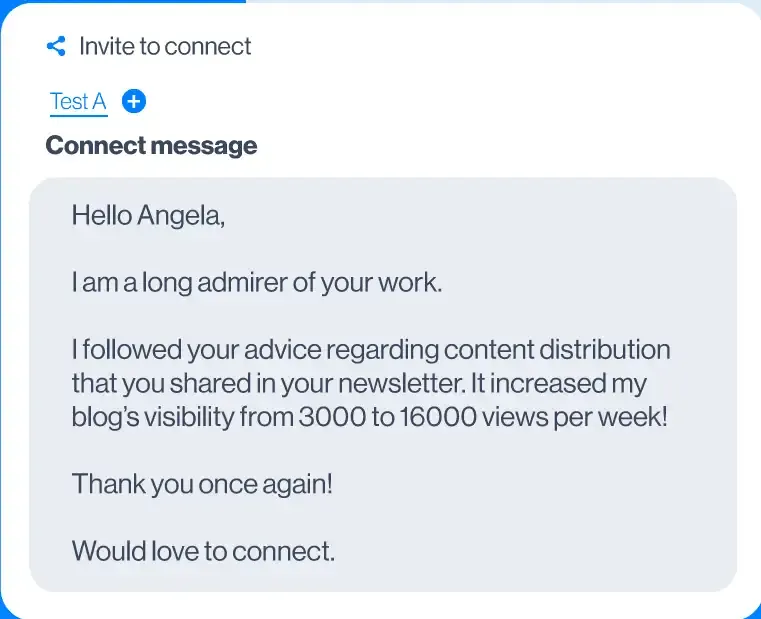
"Hi Alex, noticed you recently expanded your team at ABC Corp. I help scaling SaaS companies streamline outreach. Would love to connect and share insights".
Example that fails:
“Hi! Thought it would be great to connect and exchange ideas here on LinkedIn.”
The first shows effort and relevance. The second requires zero personalization and screams automation.
2. Use the Automate Connection Advantage
Mentioning shared connections creates instant credibility and trust. When prospects see you're connected to people they know, acceptance rates jump significantly.
How to reference connections:
"I noticed we're both connected with Sarah Chen. I've collaborated with her on several projects and thought we might share similar interests in B2B sales automation".
Critical rule: Only reference mutual connections when relationships are genuine and relevant. Weak name-dropping damages credibility faster than having no connections at all.
3. Lead With Value, Not Your Agenda
Your connection request should answer one question: "What's in it for me?" from the recipient's perspective.
Value-first approaches:
- "Saw your post on scaling outbound campaigns. We're solving similar challenges. Let's exchange insights"
- "Love your content on LinkedIn strategy. Would enjoy learning from your experience"
- "Both members of Sales Leaders Forum. Your comment on pipeline management resonated. Let's connect"
Each example focuses on mutual benefit rather than what you need.
4. Strategic Timing: When to Send Requests
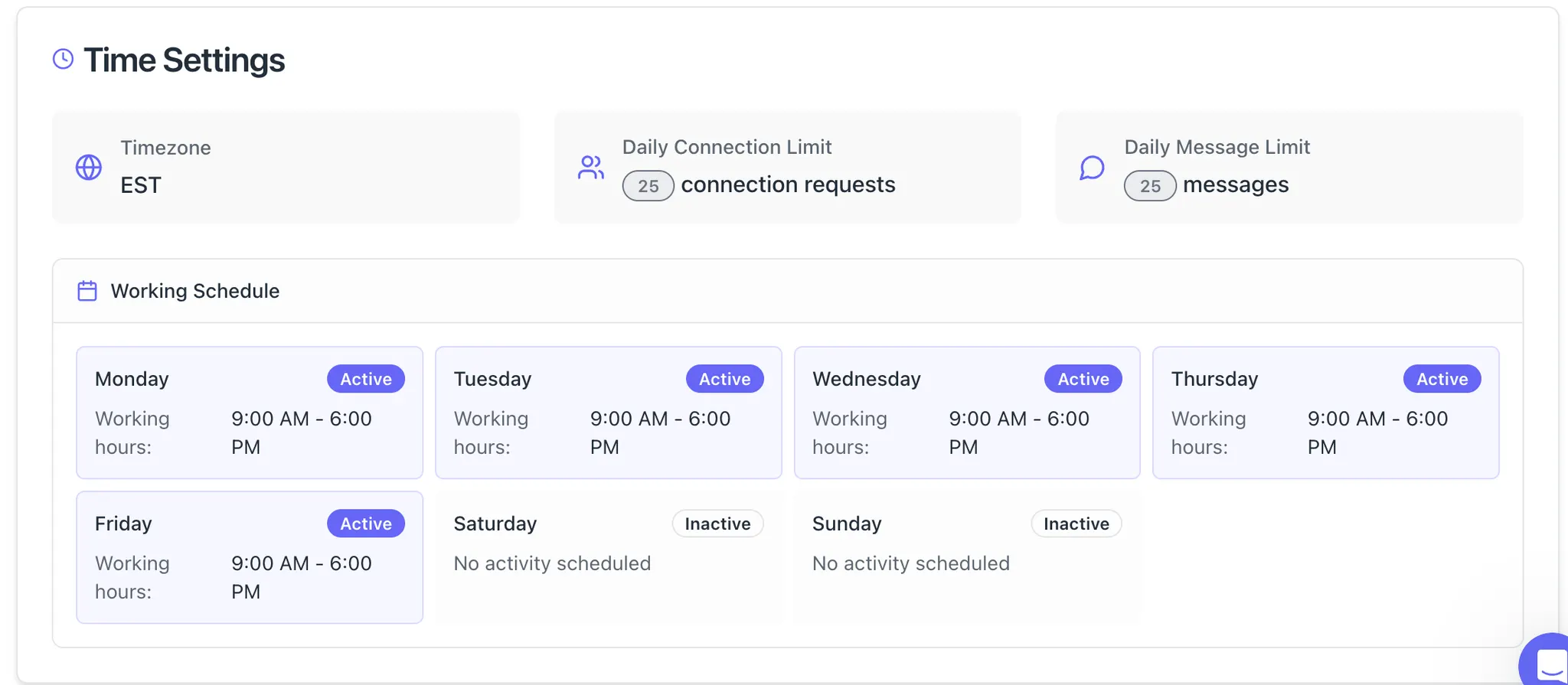
Engage before you connect. Liking and commenting on someone's posts 2 to 3 times before sending a connection request dramatically improves acceptance rates.
This pre-connection engagement accomplishes two goals:
- Makes your name familiar when they see your request
- Demonstrates genuine interest in their content and perspective
Skip meaningless engagement. Comments like "Great post!" or "Thanks for sharing!" add zero value and look automated.
Instead, ask thoughtful questions or share relevant insights that spark genuine conversation.
Optimal sending times: Tuesday through Thursday, between 9 AM and 12 PM in their time zone sees higher acceptance rates. Professionals check LinkedIn during morning routines and coffee breaks.
Real Examples: What High-Performers Send
1. Industry Peer Connection
"Hi Jordan, saw your post about scaling outbound campaigns at 50-person companies. We're tackling similar growth challenges at our SaaS startup. Would love to exchange insights".
Why it works: References specific content, shows common ground, suggests mutual value exchange.
2. Shared Interest Approach
"Hi Maria, noticed we're both active in the Sales Leaders Forum. Your recent comment about pipeline management in down markets resonated strongly. Let's connect".
Why it works: Points to shared community, references specific insight, explains connection reason.
3. Event-Based Outreach
"Hi David, great meeting you at the B2B Marketing Summit last week. Would love to continue our conversation about automation strategies and ROI measurement".
Why it works: Establishes real-world context, references specific conversation topic, suggests natural follow-up.
Each example includes specific details proving you have invested time understanding their world.
Critical Mistakes That Kill Acceptance Rates
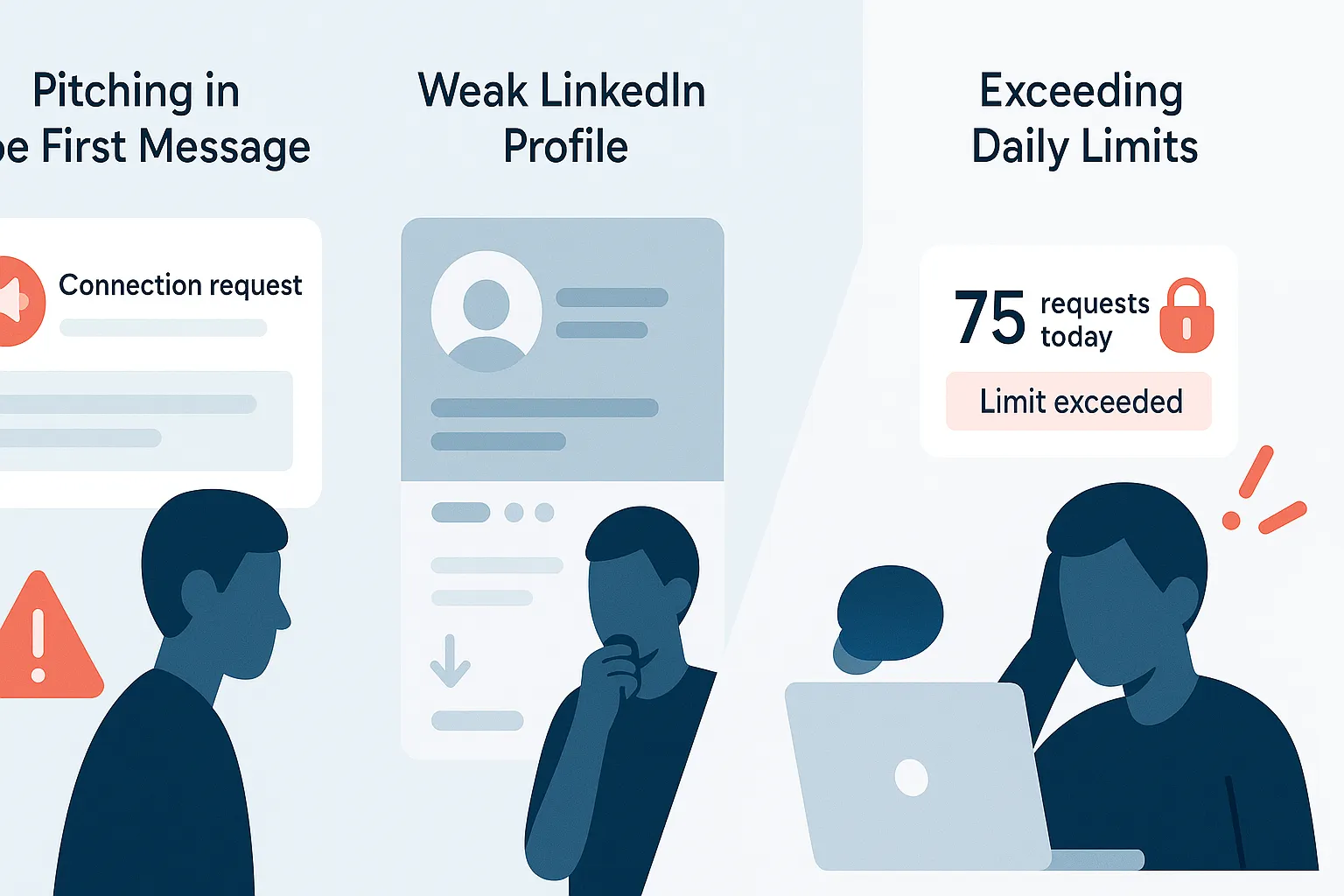
1. Pitching in Your First Message
Never sell in a connection request. Your goal is starting a relationship, not closing a transaction.
Save pitches for follow-up messages after they've accepted your request. Connection requests should focus entirely on why connecting makes sense, not what you are selling or offering.
2. Ignoring Your Own Profile
Before sending requests, audit your LinkedIn profile. No profile photo, vague headline, or minimal experience? People will ignore your invite regardless of message quality.
Your profile should clearly show:
- Who you are and what you do
- Value you bring to your network
- Why connecting with you matters
- Recent activity and engagement
A weak profile undermines even the best connection messages.
3. Exceeding Daily Limits
LinkedIn's daily limits range from 10 to 15 personalized requests for newer accounts up to 20 to 25 for established profiles. Exceeding these thresholds triggers spam detection and potential restrictions.
Target 20 to 25 quality requests daily rather than maxing out limits with generic outreach. Quality always beats quantity in relationship building.
Scaling Personalization With Automation
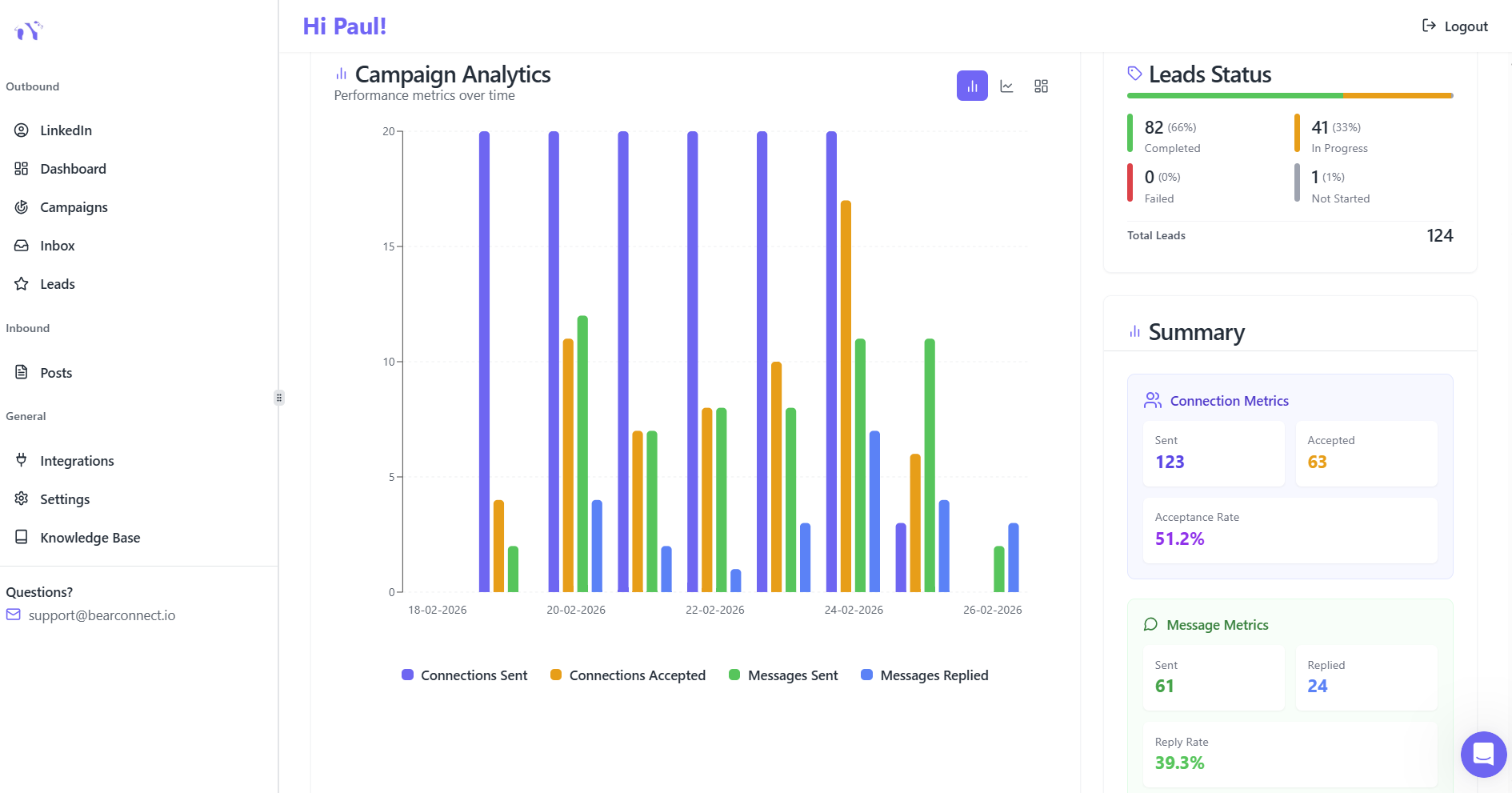
Professional LinkedIn automation tools help scale personalized outreach without sacrificing authenticity. The key is maintaining human elements through smart templates and dynamic fields.
What effective automation provides:
- Customizable templates with personalization tokens for names, companies, roles
- Natural delays between requests mimicking human behavior
- Auto-withdrawal of pending invites after 30 to 45 days
- Acceptance rate tracking and message optimization
- Campaign management across multiple sequences
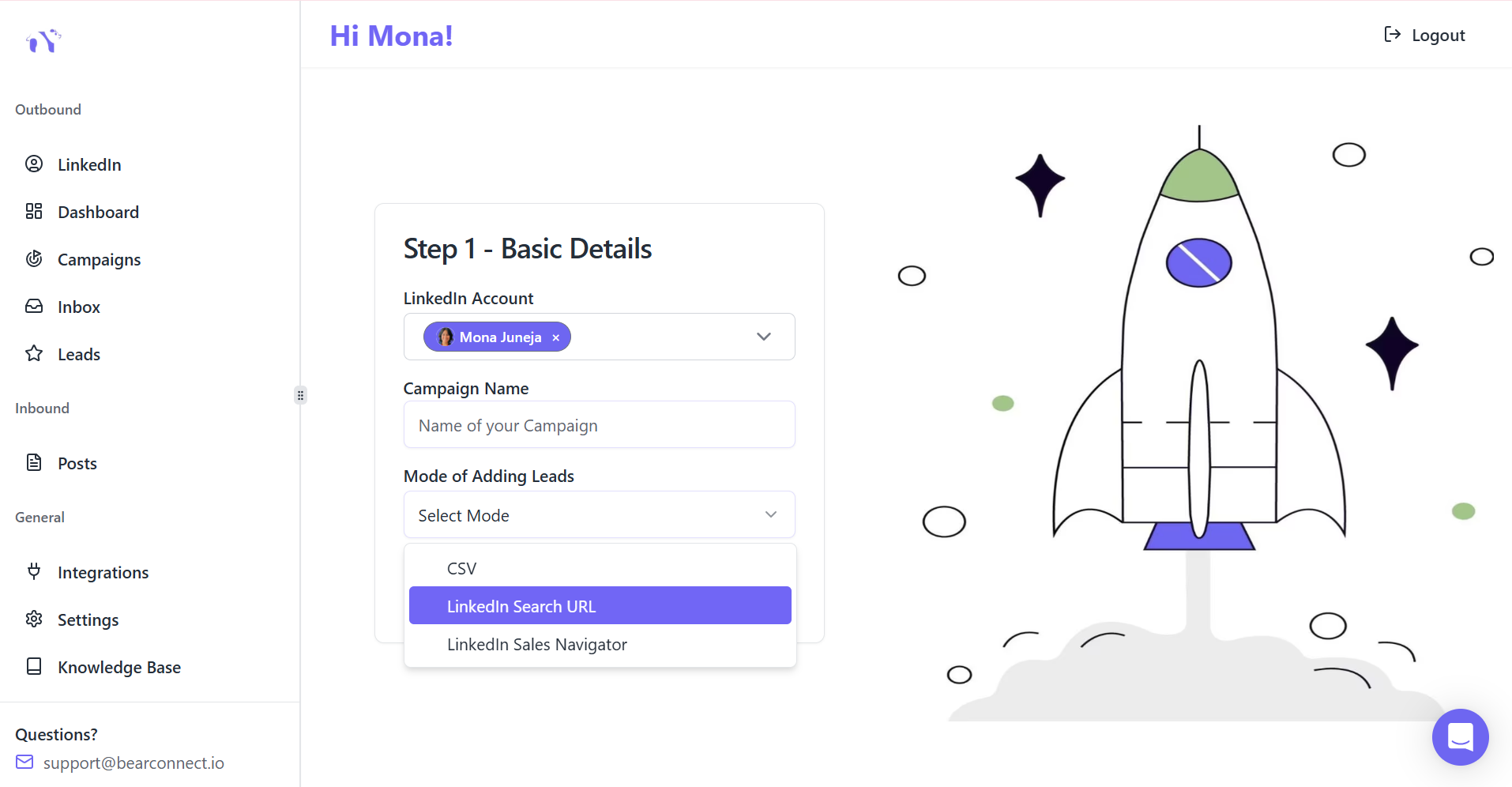
Bearconnect enables connection request automation while preserving personalization through behavior mimicry and local IP usage.
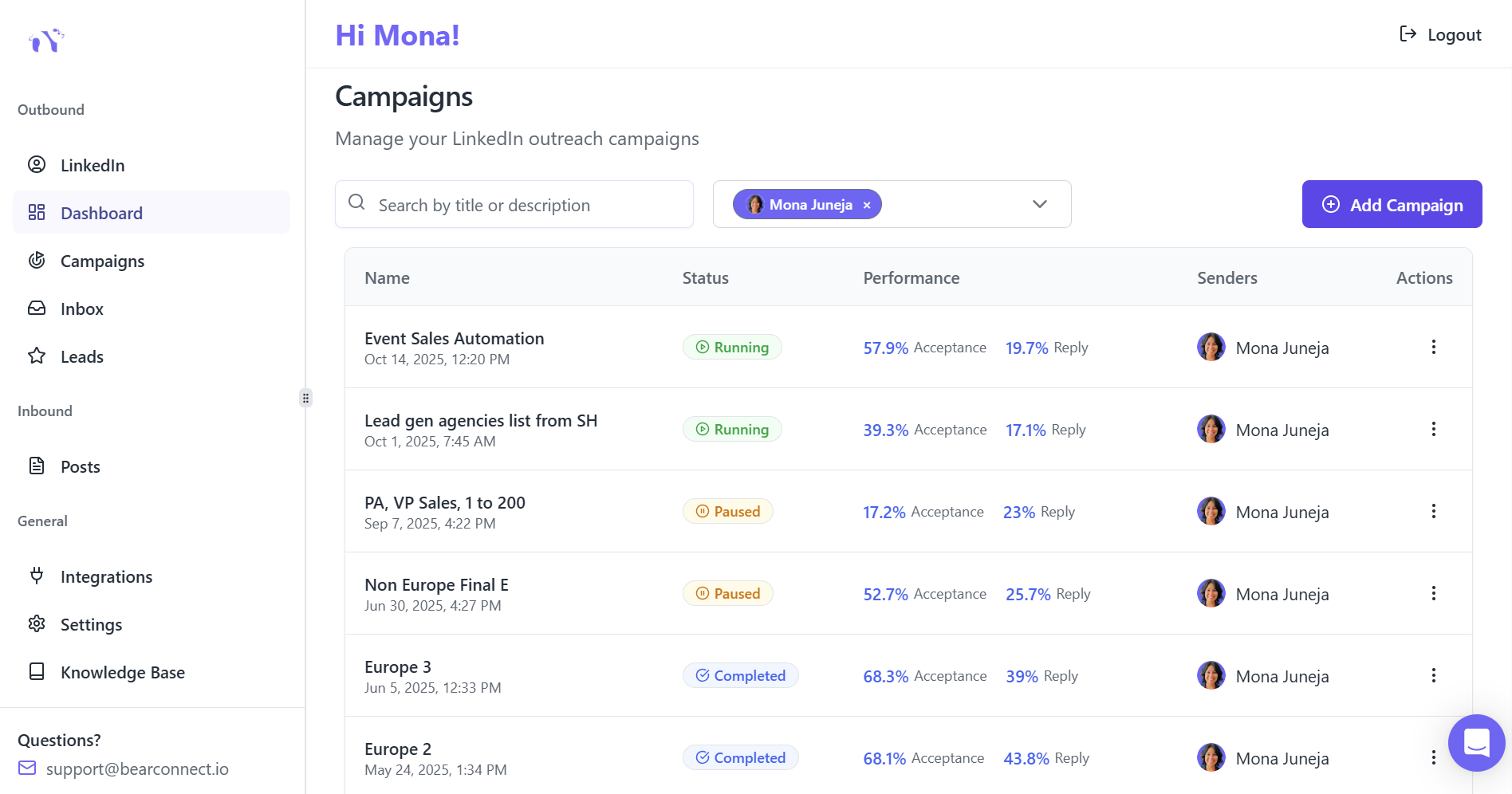
At $67 per month per LinkedIn account (or $57 per account when connecting 5 or more), professionals can scale quality outreach without manual time drain.
The platform handles drip sequences, follow-up automation, and unified inbox management so you focus on conversations that matter rather than repetitive tasks.
Measuring Success: Key Metrics to Track
Connection acceptance rate benchmarks:
- Excellent: 50% or higher
- Good: 40% to 50%
- Average: 30% to 40%
- Poor: Below 30%
If acceptance rates sit below 40%, revisit your personalization approach. Test different message templates and compare which hooks drive highest acceptance.
Follow-up response rates:
- Excellent: 30% or higher
- Good: 20% to 30%
- Average: 10% to 20%
- Poor: Below 10%
These numbers reveal whether accepted connections translate into meaningful conversations and business relationships.
The Follow-Up Sequence That Builds Relationships
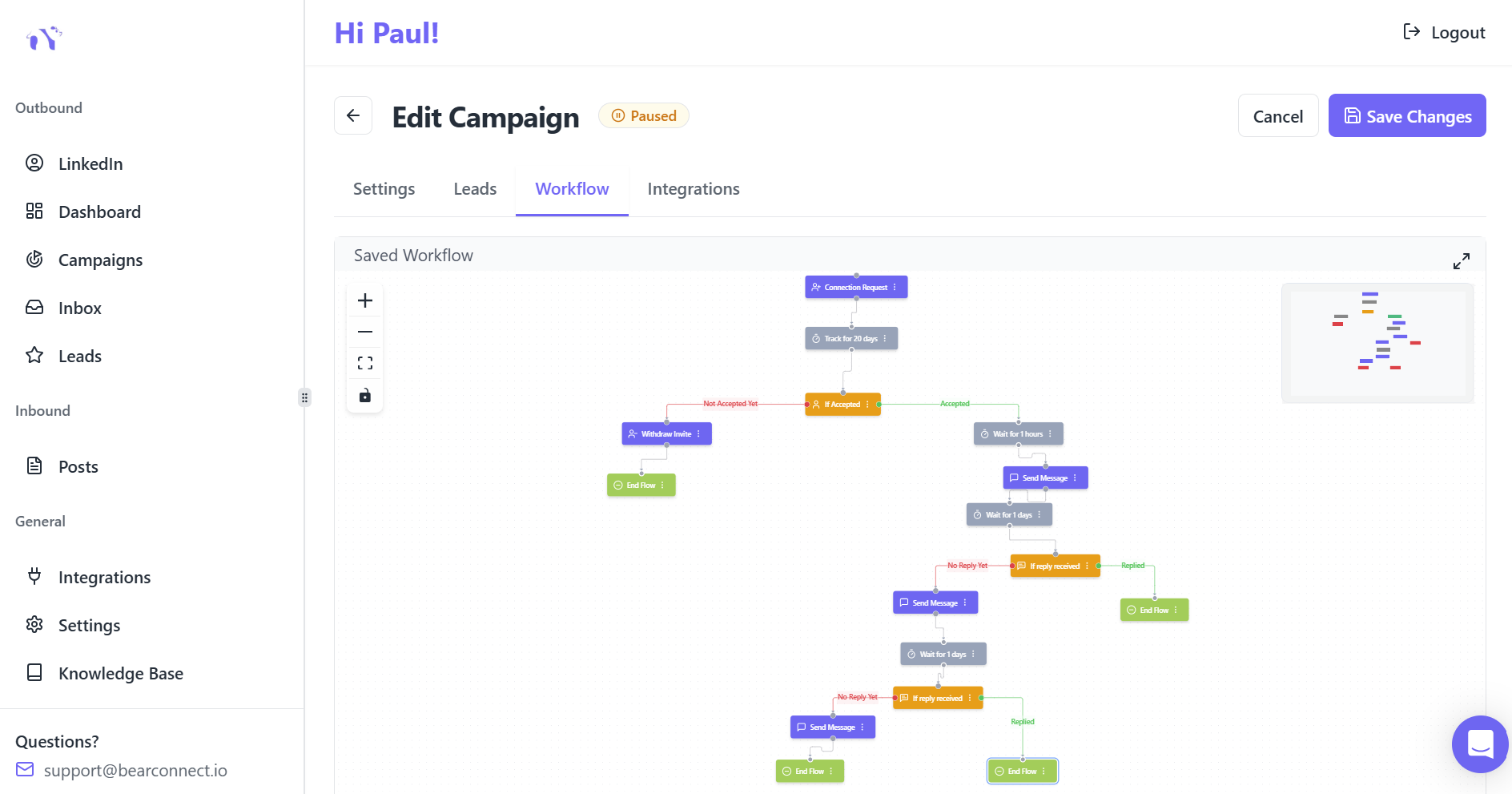
Acceptance is just the beginning. Your follow-up determines whether connections become conversations and eventually business outcomes.
Proven follow-up timeline:
- Day 1: Thank them for connecting with no pitch
- Day 3-4: Share something valuable related to their interests or recent activity
- Day 7-10: Ask thoughtful question about their work or challenges
- Day 14-21: Make soft offer or suggest collaboration if appropriate
This gradual approach builds trust rather than immediately demanding something. Each touchpoint should provide value before asking for anything in return.
Ready to turn ignored connection requests into real conversations and qualified opportunities?
Start by tightening up your research, sending fewer but more personalized invites, and testing one new connection message template this week while tracking your acceptance rate.
If you want to scale this without losing the personal touch, tools like Bearconnect can help you automate connection requests, follow‑ups, and analytics while keeping every message human and relevant.
Try Bearconnect free when you are ready, and see how much easier it feels to run consistent, high‑quality outreach without sacrificing authenticity.
Frequently Asked Questions:
1. How many LinkedIn connection requests should I send per day?
For most B2B users, 20 to 25 personalized connection requests per day is a safe and effective range. Newer accounts should start closer to 5 to 10 requests daily and scale slowly based on acceptance rates to avoid spam flags.
2. Should I always add a note to my LinkedIn connection request?
Adding a short, personalized note almost always improves acceptance rates because it gives context and shows you are not sending mass invitations. Even one or two sentences that reference a post, event, or mutual connection can make your request stand out in a crowded inbox.
3. What is a good first message to connect on LinkedIn?
A strong first message uses the person’s name, mentions something specific from their profile, and gives a clear reason for connecting in under 200 characters.
4. Why are my LinkedIn connection requests getting ignored?
Most requests get ignored because they look generic, lack context, or come from incomplete profiles with no clear value proposition. If your acceptance rate is consistently below 30 percent, review your profile, personalize every invite, and reduce your daily volume so you can focus on quality over quantity.
5. How do I quickly reach 500+ connections on LinkedIn without spamming?
The fastest sustainable path to 500+ quality connections is to optimize your profile, connect with people you already know, and send a small number of highly targeted, personalized requests each day.
Ready to Transform Your LinkedIn Strategy?
Join thousands of professionals already using Bearconnect to automate their outreach and grow their network.
7-day free trial • Cancel anytime
Related Articles
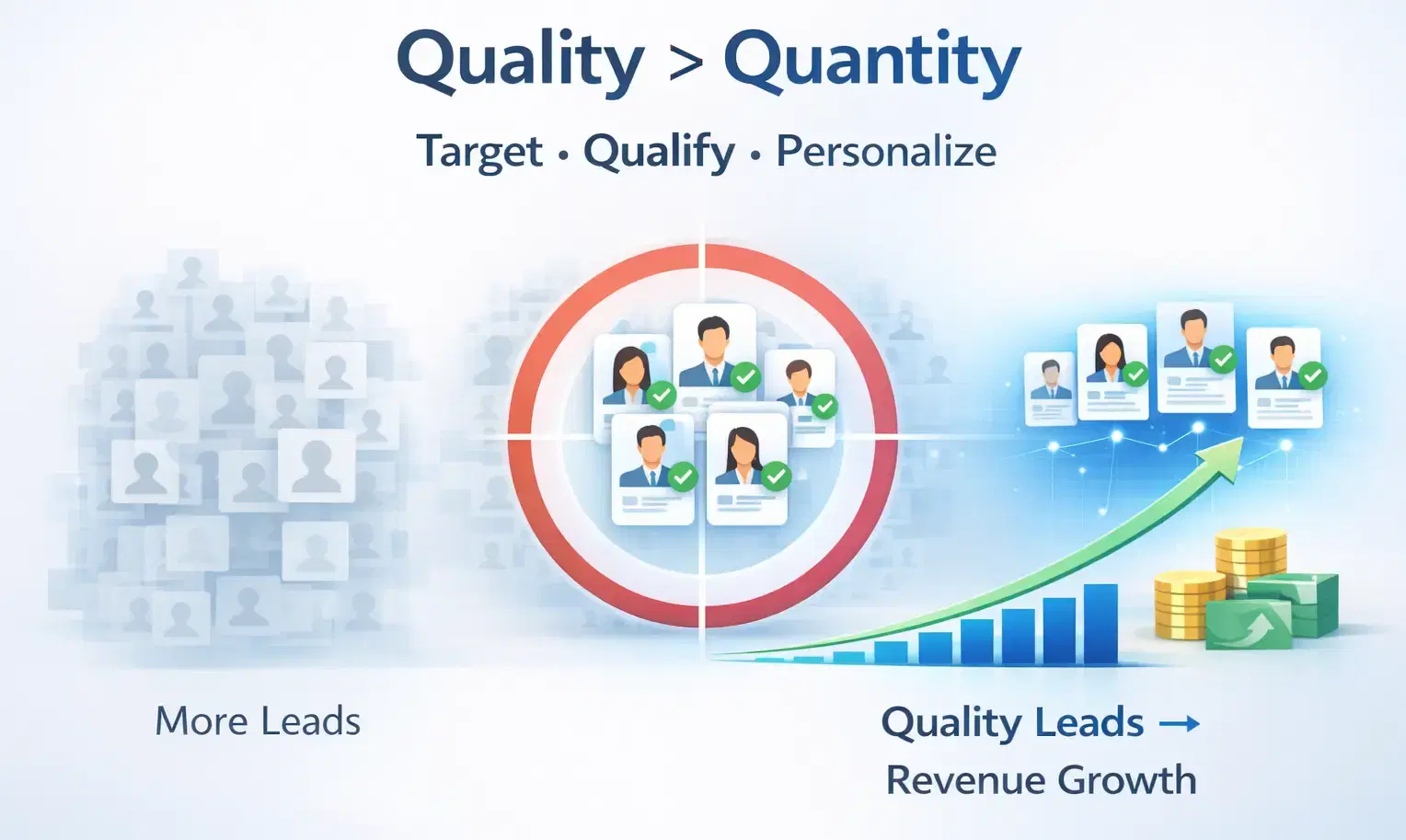
How to Generate High-Quality LinkedIn Leads (Not Just More Leads)
Learn how to generate high-quality LinkedIn leads using strict ICP targeting, layered qualification, and personalized outreach strategies that convert connections into real B2B revenue.
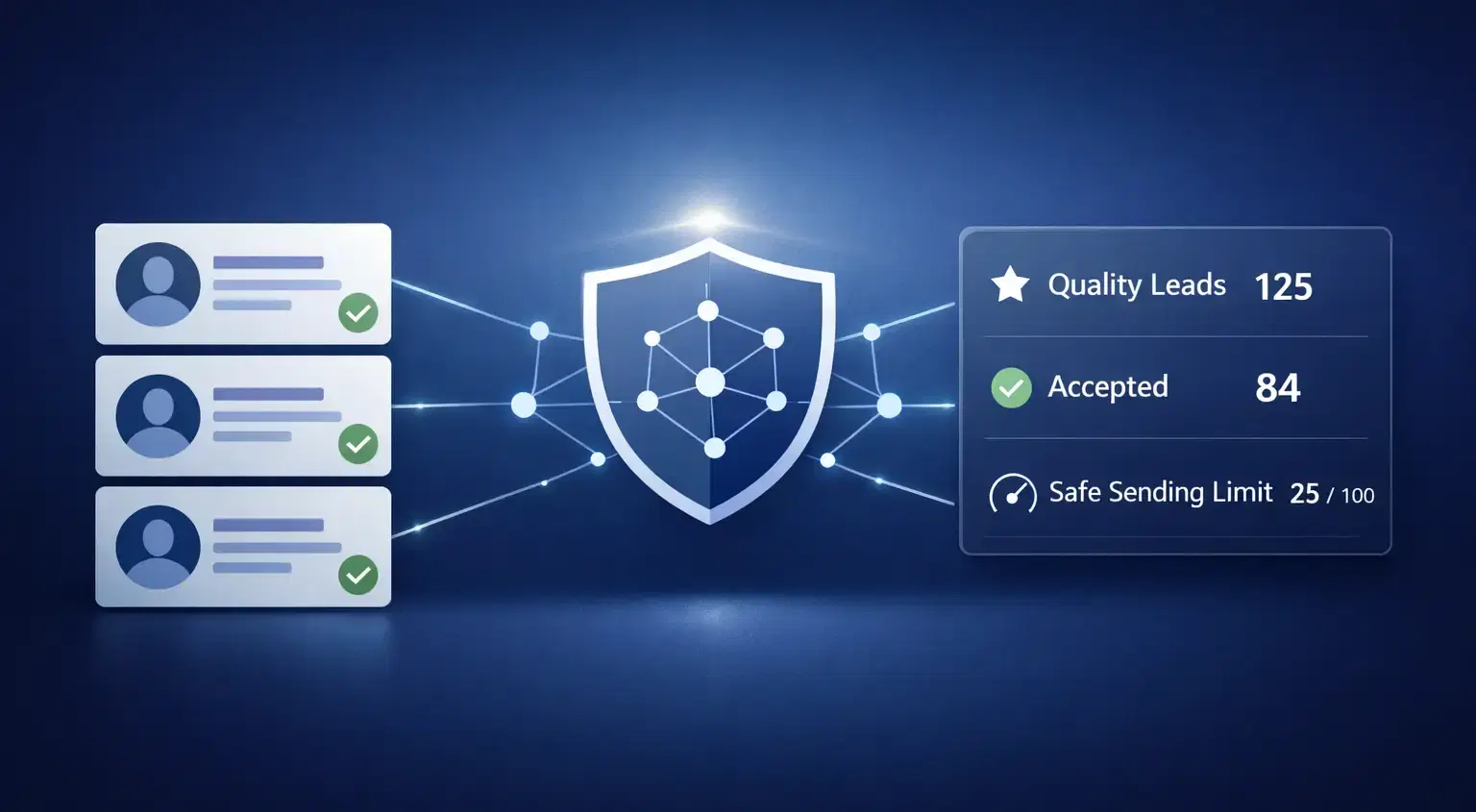
How Agencies Generate Quality LinkedIn Leads Without Burning Connections
Agencies generate quality LinkedIn leads using smart targeting, safe automation limits, and personalized outreach strategies. Learn how to scale prospecting without burning connections or risking account health.
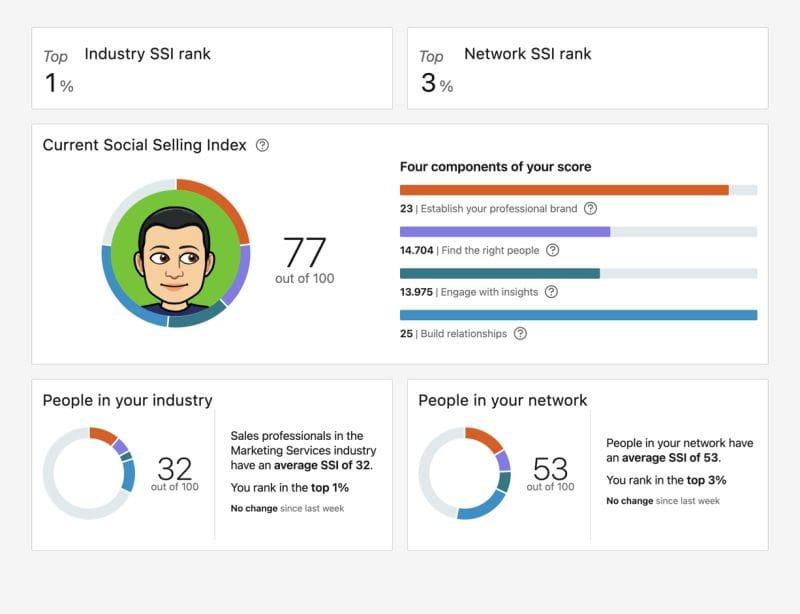
What Is LinkedIn's Social Selling Index? How to Improve Your Score
Learn what LinkedIn’s Social Selling Index (SSI) is, how it works, and proven strategies to improve your SSI score to boost personal branding, engagement, and B2B lead generation.