7 Best LinkedIn DM Tools for Outreach Automation in 2026

The best LinkedIn DM automation tools in 2026 are Bearconnect, HeyReach, Expandi, Dripify, Waalaxy, Lemlist, and Dux-Soup. Each solves a different outreach problem, from multi-account management to AI-powered context-aware replies.
This guide breaks down all 7 so you can pick the right one for your team size, budget, and outreach goals.
TL;DR
- Bearconnect is the best value for agencies at $67/month per LinkedIn account, with AI Inbox Reply that reads your previous chat history and the prospect's profile before writing the reply
- Most tools cost $99 to $999/month but lack multi-account support and AI reply features
- Cloud-based tools are significantly safer than Chrome extensions for LinkedIn automation
- The smarter buying metric is cost per lead, not monthly price
- Safe daily DM limit is 20 to 25 messages per account
7 Best LinkedIn DM Automation Tools at a Glance
Use this table to quickly match a tool to your use case before reading the full breakdown.
| Tool | Best For | Price/Month | Unified Inbox | Multi-Account | AI Reply | Free Trial |
|---|---|---|---|---|---|---|
| Bearconnect | Agencies, SDRs, multi-account | $67/account | Yes | Unlimited | Yes | Yes |
| HeyReach | Agency-scale outreach | $79+ | Yes | Yes | No | Yes |
| Expandi | Personalized cold outreach | $99 | No | Limited | No | Yes |
| Dripify | Sales teams, simple drip | $59+ | No | No | No | Yes |
| Waalaxy | Beginners, small teams | $49+ | No | No | No | Yes |
| Lemlist | Email + LinkedIn combo | $99+ | No | No | No | Yes |
| Dux-Soup | Budget Chrome extension | $14.99+ | No | No | No | Yes |
1. Bearconnect — Best LinkedIn DM Tool for Agencies and Multi-Account Users
Bearconnect is the strongest all-in-one option on this list because it combines DM automation, AI-powered inbox replies, multi-account management, and content scheduling in one platform at a fraction of what competitors charge.
Most LinkedIn DM tools stop at sending messages. Bearconnect adds a context-aware AI layer on top of the inbox itself.
Key Features
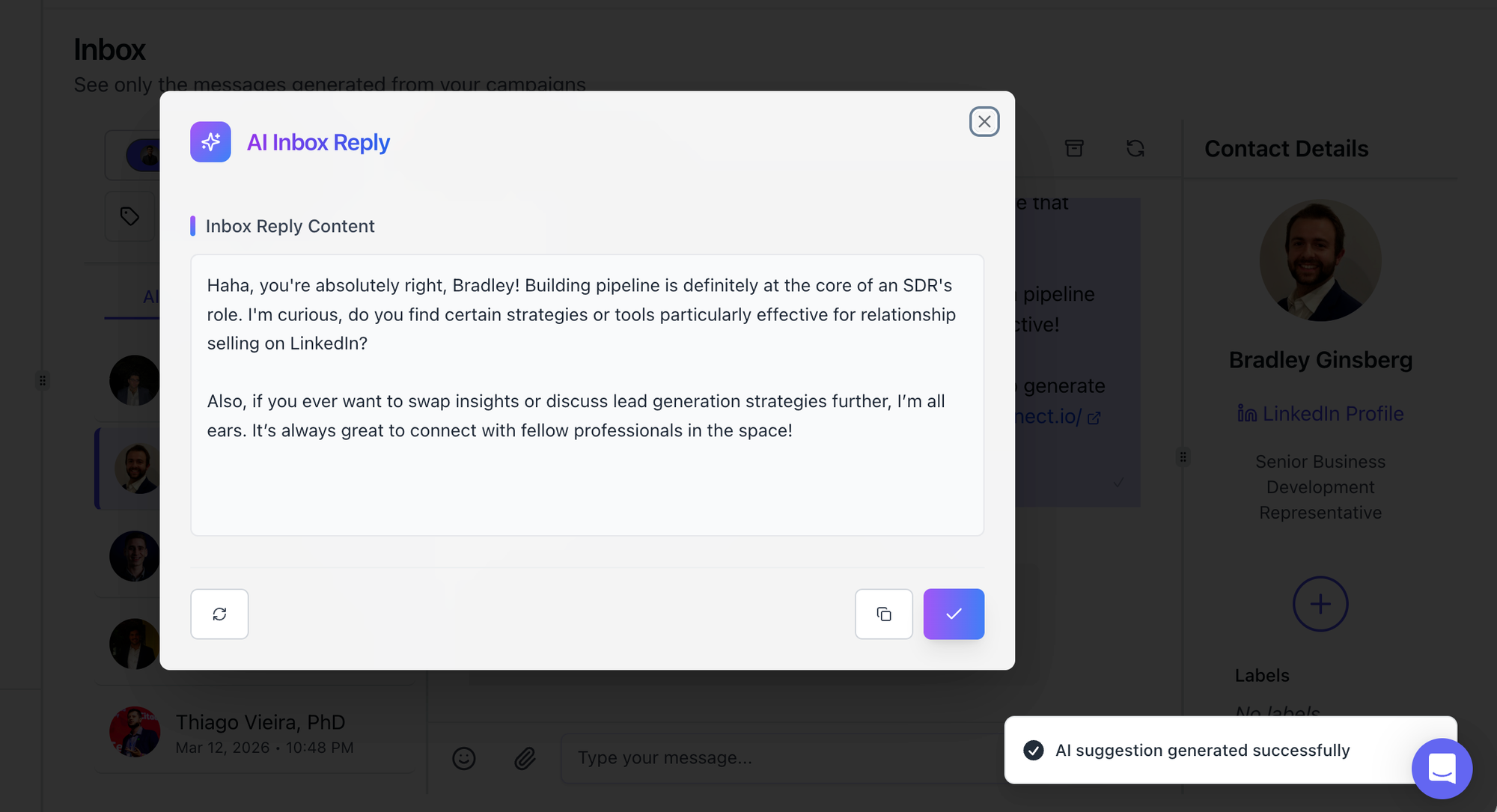
- AI Inbox Reply (Standout Feature): Bearconnect reads your previous conversation history with the prospect, analyzes their LinkedIn profile, job title, activity, and context, then generates a personalized reply automatically. This is not a saved template.
- Unified Inbox: Manage all LinkedIn messages in one place across every connected account from a single dashboard
- Unlimited LinkedIn account connections: Automate LinkedIn connection requests for as many profiles as needed on one subscription
- Drip sequence builder with personalization tokens and smart timing delays
It is a smart, context-aware message built around who the person actually is and what was already discussed in the thread. You can trigger it directly inside the Unified Inbox with one click.
- AI LinkedIn post creation and post scheduling built directly into the platform
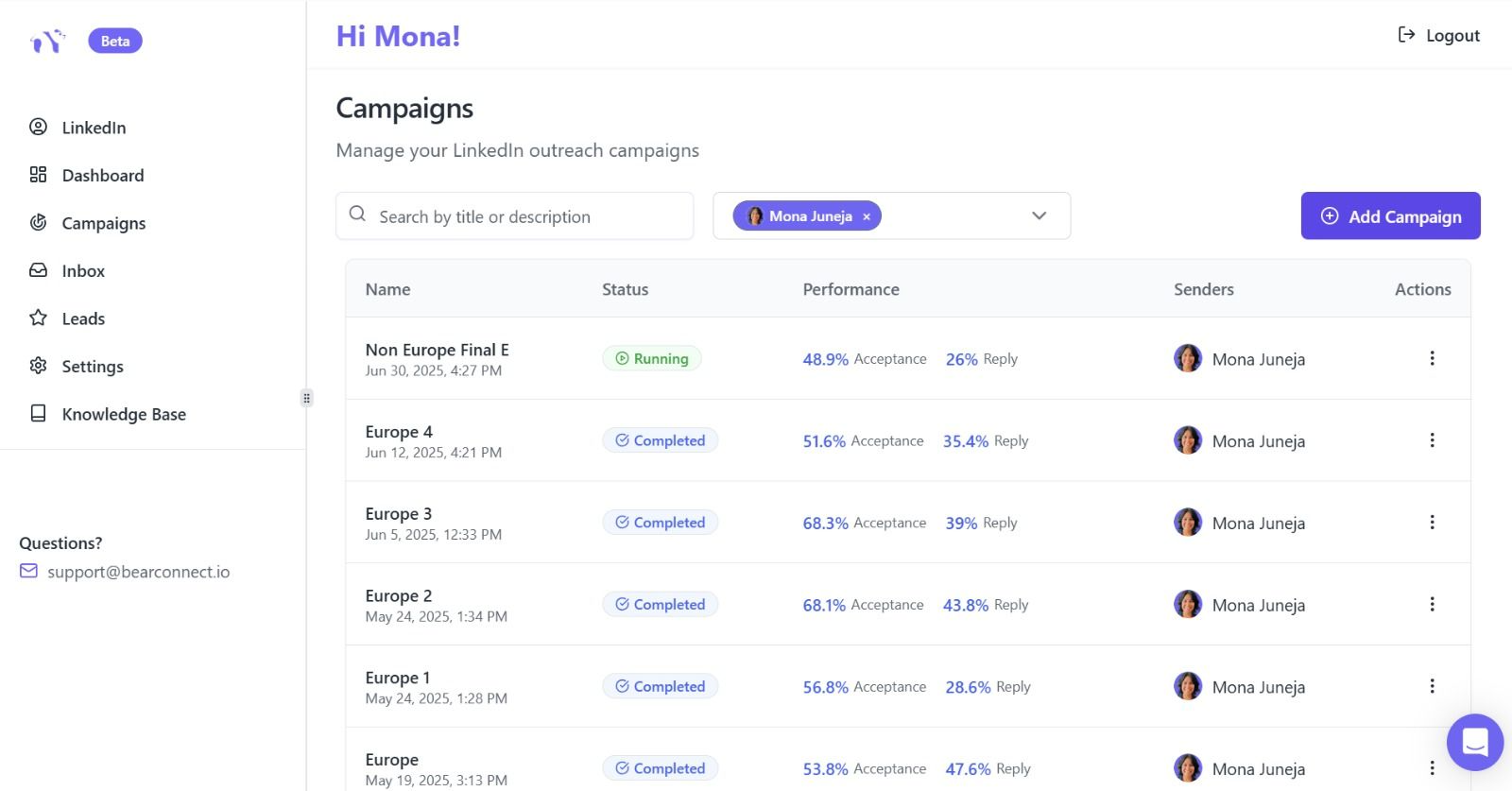
- LinkedIn outreach analytics: connection acceptance rates, reply rates, and campaign performance tracking
- Import your lead list directly into campaigns from CSV or CRM
- CRM integrations with HubSpot and Salesforce
- Local IP behavior mimicry to reduce LinkedIn detection risk
Pros
- Only tool on this list with AI Inbox Reply that reads conversation context before writing
- Unlimited LinkedIn accounts on one subscription, no per-seat caps
- Combines outbound DM automation and inbound content in one dashboard
- Significantly cheaper for agencies managing 5 or more accounts
- Campaigns launch in minutes, no technical setup required
Cons
- Newer platform, integrations library is still expanding
- No native email outreach channel (LinkedIn only)
Pricing
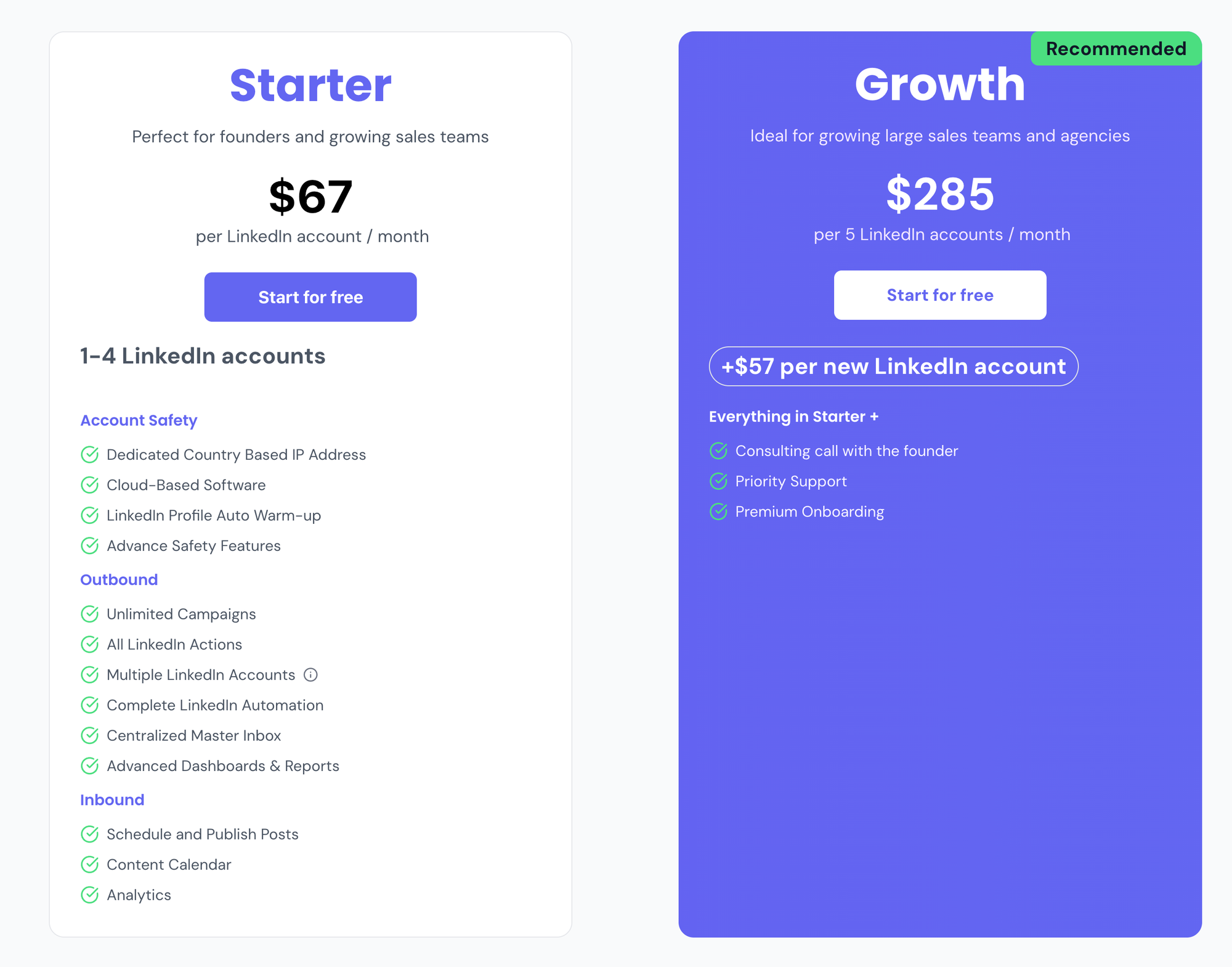
- $67/month per LinkedIn account
- $57/month per LinkedIn account for 5 or more accounts
- Unlimited LinkedIn accounts connectable on one subscription
Best For
Agencies managing multiple client LinkedIn profiles, SDRs running high-volume outreach, and any team that wants DM automation, AI-assisted replies, and content scheduling without juggling separate tools.
Pro Tip: Bearconnect's AI Inbox Reply is the only feature on this list that reads your previous chat thread and the prospect's LinkedIn profile before writing the reply. This removes the biggest friction in DM automation: generic follow-ups that kill response rates.
2. HeyReach — Best for Agency-Scale Multi-Account Outreach
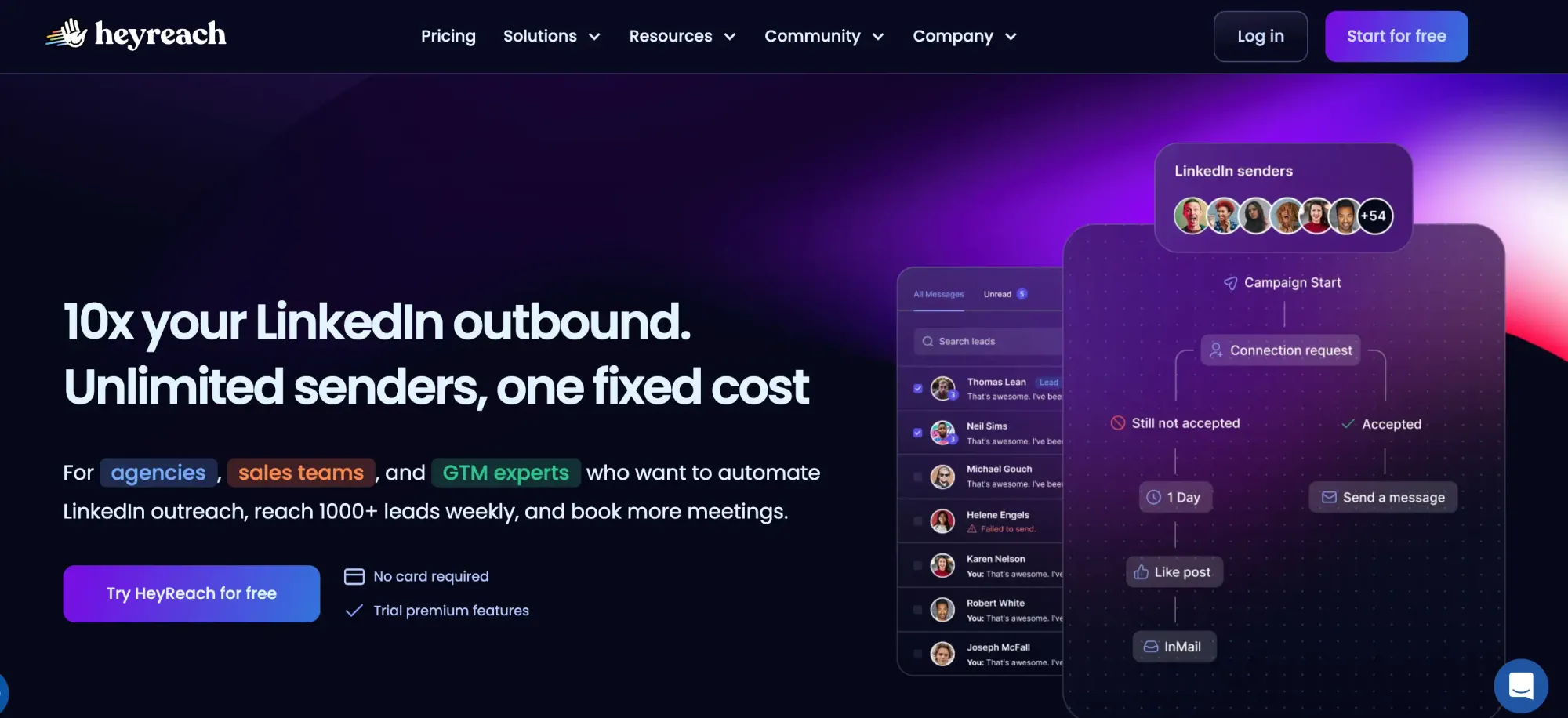
HeyReach is purpose-built for agencies running campaigns across multiple LinkedIn accounts simultaneously, with smart account rotation to stay within LinkedIn's daily action limits.
Key Features
- Multi-sender campaign rotation across accounts
- Unified inbox for all connected accounts
- Smart sequence builder with conditional branching
- Agency client management dashboard
- API and webhook support for custom workflows
Pros
- Strong account rotation logic for safe high-volume outreach
- Clean agency-facing dashboard
- Good API access for advanced integrations
Cons
- No AI-powered inbox reply feature
- No built-in content creation or post scheduling
- Higher price point for solo users or small teams
Pricing
Starts at $79/month per user. Agency plans available at higher tiers.
Best For
Agencies already running LinkedIn outreach at scale who need multi-account rotation and a client-facing reporting dashboard.
Read the full HeyReach review to see how it stacks up in a live agency outreach setup.
3. Expandi — Best for Hyper-Personalized Cold Outreach
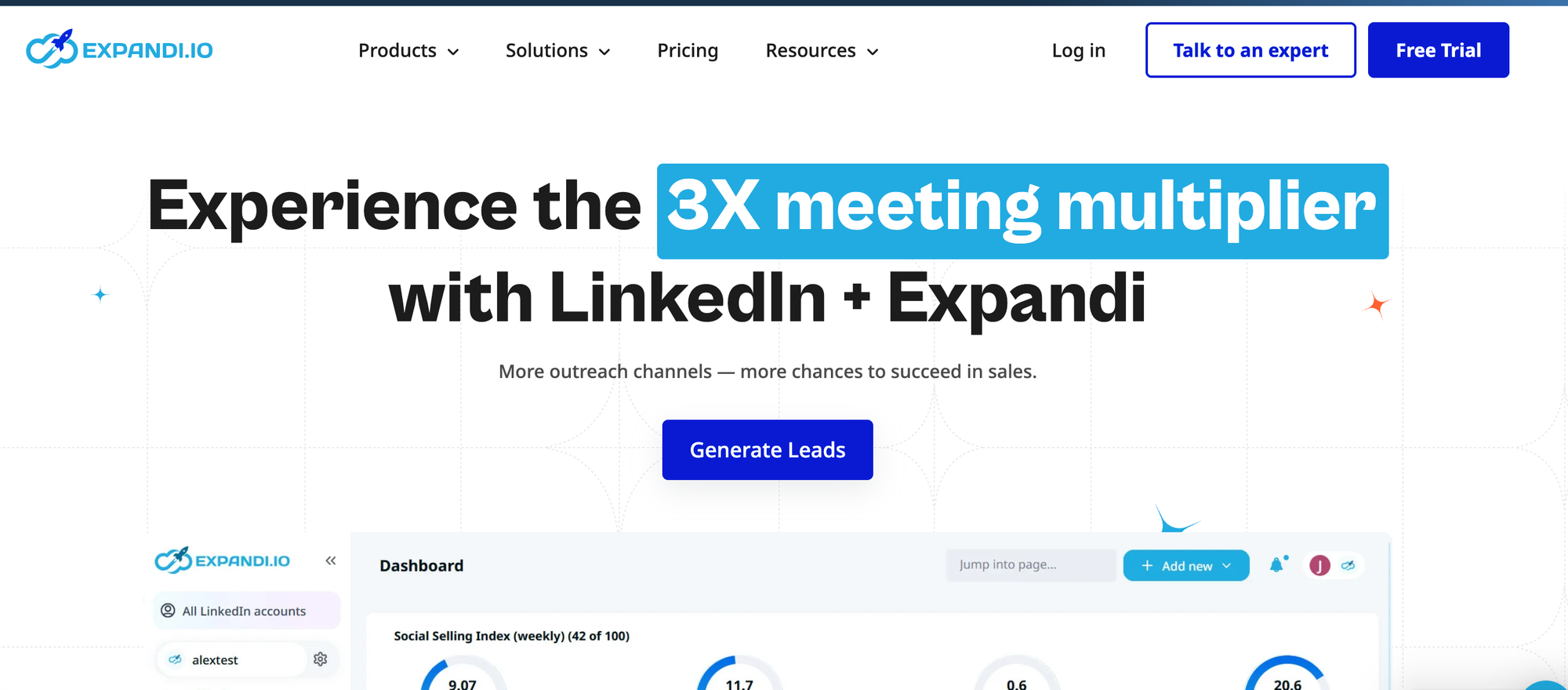
Expandi focuses on personalized outreach with dynamic image and GIF personalization inside DMs, which increases reply rates on cold sequences.
Key Features
- Dynamic image and GIF personalization inside messages
- Smart sequences with if/else conditional logic
- Cloud-based operation with dedicated IP per account
- Campaign templates for fast setup
- Webhooks for CRM connection
Pros
- Image personalization is a genuinely differentiated feature
- Cloud-based with dedicated IP, safer than Chrome extensions
- Solid sequence builder with branching conditions
Cons
- No unified inbox for multi-account management
- No AI reply feature
- Price is high relative to feature depth compared to Bearconnect
Pricing
$99/month per account.
Best For
Solo SDRs and growth marketers focused on cold outreach personalization for a single LinkedIn account.
Read the full Expandi review for a deeper breakdown of its personalization features.
4. Dripify — Best for Sales Teams Running Simple Drip Campaigns
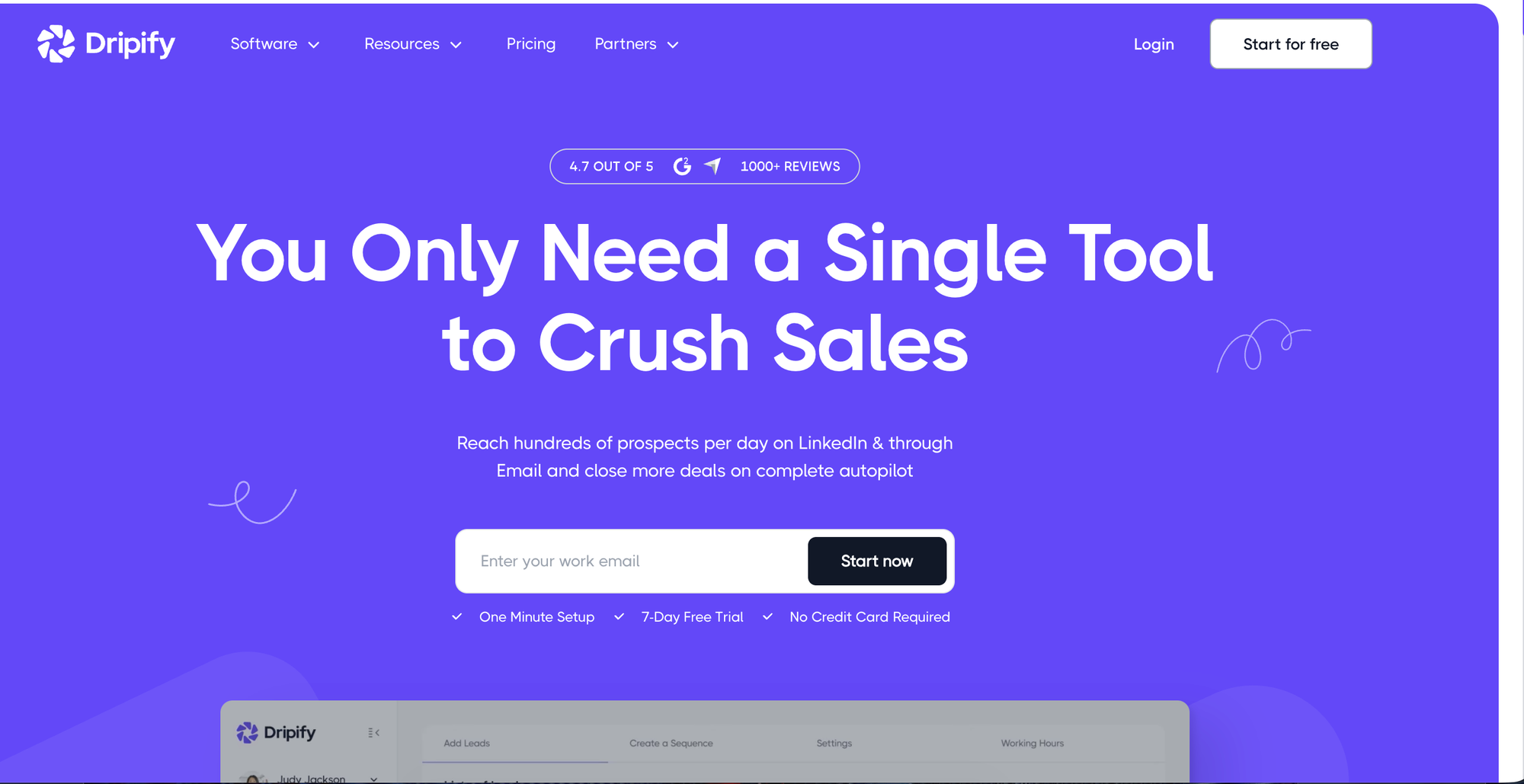
Dripify gives sales teams a clean visual interface to build multi-step LinkedIn drip sequences without any technical configuration.
Key Features
- Visual drag-and-drop drip sequence builder
- A/B testing for message variants
- Team collaboration features
- Basic analytics dashboard
- CSV lead import
Pros
- Very easy to set up, works well for non-technical users
- Team plan supports multiple users under one account
- Reasonable entry-level price
Cons
- No unified inbox for conversation management
- No multi-account support
- Limited analytics depth for performance optimization
- No AI features of any kind
Pricing
Starts at $59/month per user. Team plans available at higher tiers.
Best For
Small sales teams that want straightforward LinkedIn drip sequences without complex setup or multi-account requirements.
See the tested Dripify review for real campaign results and sequence performance data.
5. Waalaxy - Best for Beginners Starting LinkedIn Outreach
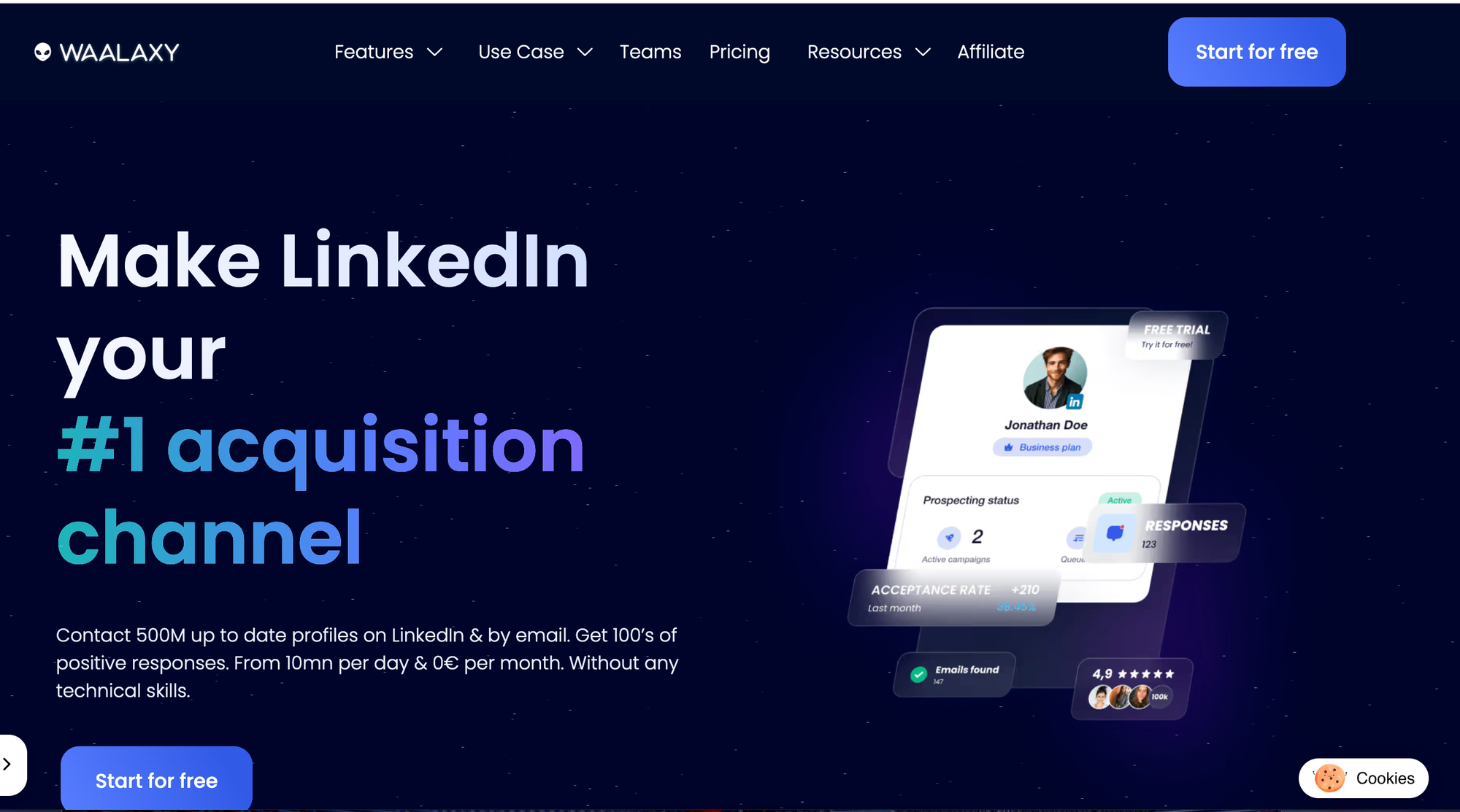
Waalaxy is the most beginner-friendly tool on this list, with pre-built campaign templates and a simple UI that gets first-time users running outreach quickly.
Key Features
- Pre-built outreach sequence templates
- LinkedIn and email combo outreach
- Chrome extension-based (no separate platform setup)
- Basic built-in lead database
- Team collaboration support
Pros
- Easiest onboarding experience on this list
- Pre-built templates reduce setup time significantly
- Affordable entry-level plan including a free tier
Cons
- Chrome extension increases LinkedIn detection risk
- No unified inbox for managing replies
- Limited customization at lower price tiers
- No AI reply or personalization features
Pricing
Free plan available. Paid plans start at $49/month.
Best For
Freelancers, recruiters, and first-time users running their first LinkedIn outreach campaigns with minimal technical setup.
Read the tested Waalaxy review to see how it performs for solo users on a tight budget.
6. Lemlist - Best for Combined Email and LinkedIn Outreach
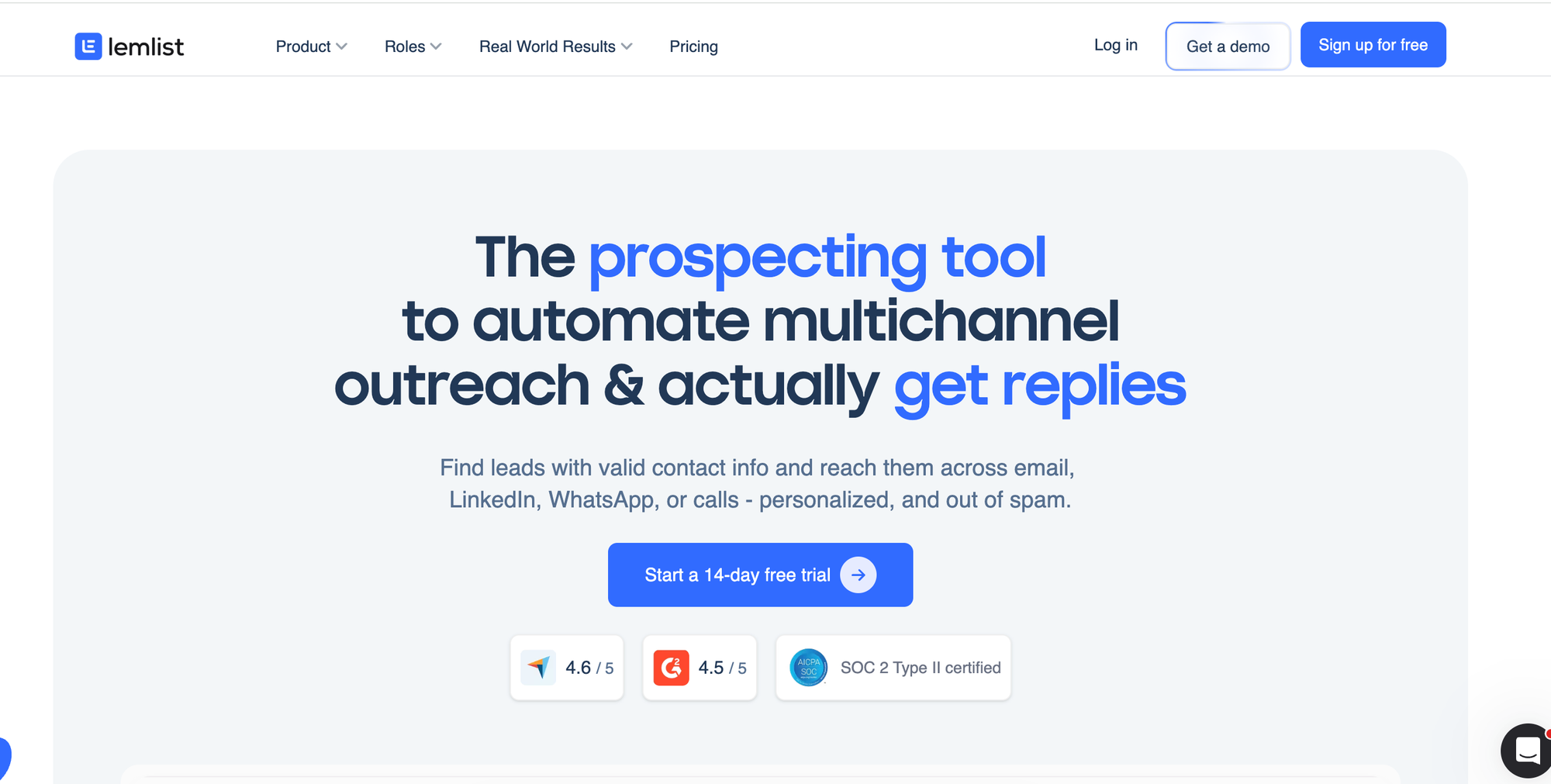
Lemlist covers both email and LinkedIn in a single outreach sequence, making it the right pick if your prospecting strategy runs across both channels.
Key Features
- Email and LinkedIn multichannel sequences
- Video and image personalization in messages
- Built-in lead database with email finder
- A/B testing for sequence optimization
- CRM integrations with major platforms
Pros
- Strong email outreach capabilities alongside LinkedIn
- Personalization options are above average for cold outreach
- Solid CRM integrations for lead pipeline management
Cons
- LinkedIn features are secondary to email outreach
- No unified LinkedIn inbox for conversation management
- No AI inbox reply
- Full feature access requires higher-tier pricing
Pricing
Starts at $99/month per user for multichannel access.
Best For
Teams running both cold email and LinkedIn outreach who want a single platform to manage both channels together.
The full Lemlist review 2026 covers real multichannel sequence performance and pricing tier breakdowns.
7. Dux-Soup - Best Budget Chrome Extension for LinkedIn Outreach
Dux-Soup is the most affordable entry point on this list and runs directly inside your LinkedIn browser session as a Chrome extension.
Key Features
- Auto-visit, connect, and message LinkedIn profiles
- Basic drip follow-up sequences
- CSV export for captured leads
- CRM webhooks for basic integrations
- Profile tagging and notes
Pros
- Very low monthly price, accessible for any budget
- Simple to get started with no platform learning curve
- Works inside the LinkedIn browser tab directly
Cons
- Chrome extension carries the highest LinkedIn detection risk on this list
- No unified inbox, no multi-account support
- No AI features
Pricing
Starts at $14.99/month. Pro plan at $55/month.
Best For
Budget-conscious solo users who want basic outreach automation and understand the higher account risk that comes with a Chrome extension approach.
Before choosing Dux-Soup, read the Dux-Soup review and safer alternatives to understand the full account risk picture.
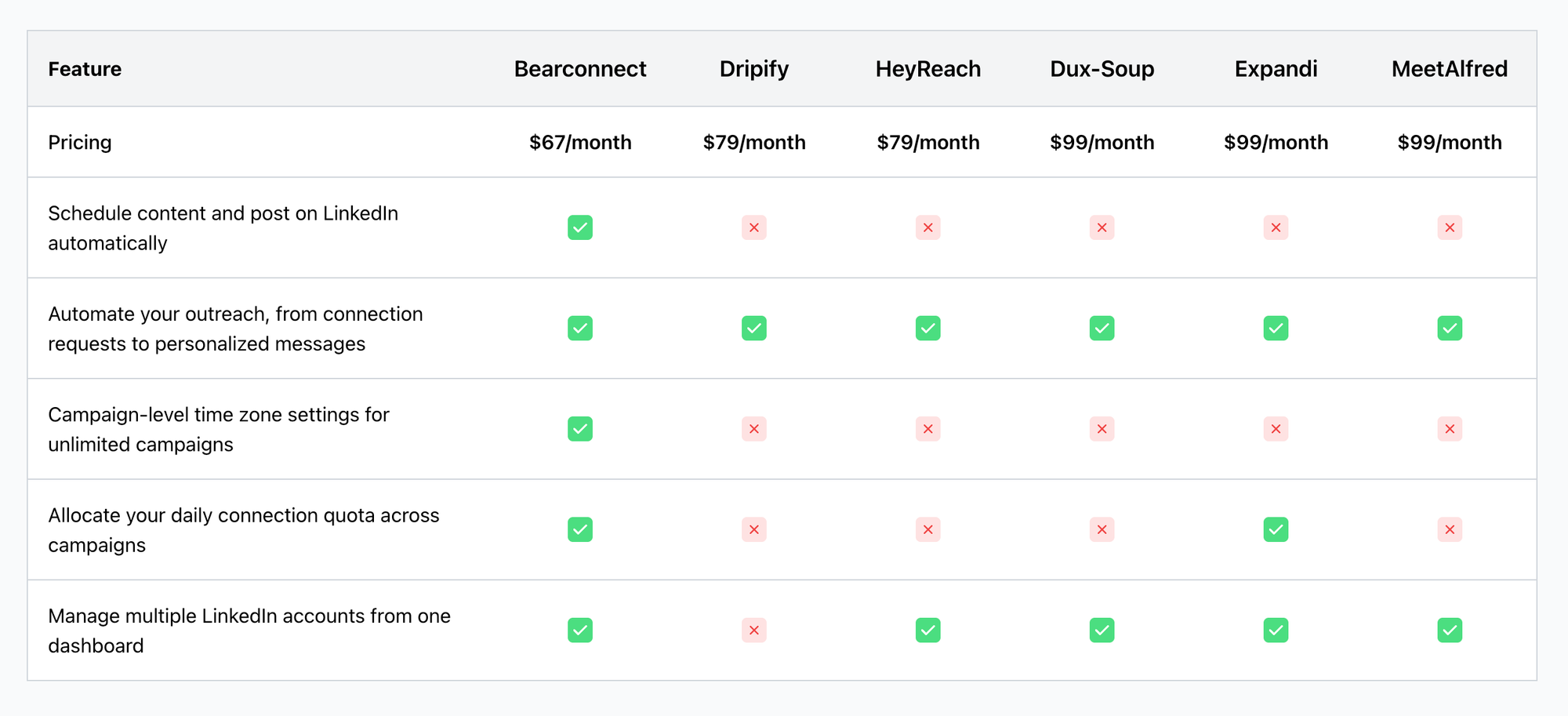
Best LinkedIn DM Automation Tools - Feature Comparison
| Tool | DM Automation | Multi-Account | Unified Inbox | AI Inbox Reply | AI Content | CRM Sync | Price/Month |
|---|---|---|---|---|---|---|---|
| Bearconnect | Yes | Unlimited | Yes | Yes | Yes | Yes | $67/account |
| HeyReach | Yes | Yes | Yes | No | No | Yes | $79+ |
| Expandi | Yes | Limited | No | No | No | Webhooks | $99 |
| Dripify | Yes | No | No | No | No | Yes | $59+ |
| Waalaxy | Yes | No | No | No | No | Limited | $49+ |
| Lemlist | Yes | No | No | No | No | Yes | $99+ |
| Dux-Soup | Yes | No | No | No | No | Webhooks | $14.99+ |
Cost Per Lead - What Each Tool Actually Costs You
Most teams pick tools based on monthly price. The smarter metric is cost per lead.
Formula: Cost Per Lead = Tool Monthly Cost / Estimated Leads Per Month
| Tool | Monthly Cost | Est. Leads/Month | Cost Per Lead |
|---|---|---|---|
| Bearconnect | $67 | 30 to 50 | ~$1.34 to $2.23 |
| Mid-range tool | $99 to $199 | 20 to 40 | ~$2.50 to $9.95 |
| Enterprise tool | $499 to $999 | 40 to 80 | ~$6.24 to $24.97 |
One closed B2B deal at $2,000 covers 29 months of Bearconnect. The ROI math is straightforward.
If you're deciding between these two, the Expandi vs Bearconnect comparison breaks down the exact differences in features and pricing.
How to Choose the Right LinkedIn DM Automation Tool
The right tool depends on your team size, outreach volume, and whether you need multi-account support.
Ask these 5 questions before you decide:
- Safety: Does the tool use cloud-based IP or a Chrome extension? Cloud is always the safer choice.
- Multi-account: Do you manage more than one LinkedIn profile? Most tools cap at 1 to 5 accounts.
- AI reply capability: Does it generate replies based on previous conversation and the prospect's actual profile data?
- CRM sync: Does it connect to HubSpot or Salesforce so qualified leads flow directly into your pipeline?
- Ease of setup: Can you launch your first campaign on day one without technical support?
If you answer yes to three or more of these, Bearconnect covers all five by default.
3 LinkedIn DM Automation Mistakes That Kill Your Results
Most outreach failures come from 3 avoidable mistakes, not from the tool itself.
Mistake 1: Using Chrome Extensions Without IP Rotation
- Chrome-based tools run through your real LinkedIn IP address. LinkedIn detects behavior patterns that look unnatural, like 50 connection requests in 20 minutes from the same browser.
- Use cloud-based tools with local IP mimicry and smart throttling instead. The extra safety is worth every dollar.
Mistake 2: Sending Generic DMs at Scale
- A DM that reads like a template gets ignored or reported. Y
- Your first message signals to the prospect whether you actually looked at their profile. Use personalization tokens at minimum.
- For follow-ups, use AI reply tools that pull from conversation history and profile context to write messages that sound like a real person wrote them.
Mistake 3: No Follow-Up Sequence After the First Connection
- The first DM rarely converts on its own. Most replies come from the second or third follow-up message.
- A 3 to 5 step drip sequence with natural timing delays is where real pipeline gets built.
Pro Tip: Set a 3-day delay between follow-up messages. Longer gaps feel more human. Shorter gaps feel like spam.
FAQ — LinkedIn DM Outreach Automation Tools
1. Is LinkedIn DM automation safe to use?
Yes, when you use cloud-based tools with behavior mimicry and smart throttling. Chrome extensions carry higher risk because they use your real browser IP. Tools like Bearconnect use local IP mimicry and gradual action ramp-up to reduce detection risk.
2. How much does LinkedIn DM automation cost?
Prices range from $14.99 to $99 per month depending on features and account limits. Bearconnect starts at $67/month per LinkedIn account and drops to $57/month per account for 5 or more accounts, making it one of the most cost-efficient options for teams and agencies.
3. Can I manage multiple LinkedIn accounts with one tool?
Most tools limit you to 1 to 5 LinkedIn accounts per subscription. Bearconnect supports unlimited LinkedIn account connections on one subscription, which is a clear advantage for agencies managing multiple client profiles.
4. What is AI Inbox Reply in Bearconnect?
AI Inbox Reply reads your existing conversation history with a prospect and analyzes their LinkedIn profile (job title, industry, role context) to generate a personalized reply automatically. It is not a saved template. It creates a context-specific message based on who the person is and what was already said in the thread.
5. Which LinkedIn DM tool is best for agencies?
Bearconnect is the strongest choice for agencies because it supports unlimited LinkedIn accounts, includes a Unified Inbox to manage all conversations in one place, and offers AI Inbox Reply for every conversation. Pricing drops to $57/month per account at 5 or more accounts, making it the most cost-efficient option at agency scale.
6. How many LinkedIn DMs can I send per day safely?
The safe range is 20 to 25 DMs per day per LinkedIn account. Tools with smart throttling manage this automatically. Consistently sending more than 50 per day increases your risk of account restriction.
Ready to Automate Your LinkedIn Outreach?
If you are still sending DMs manually or relying on a basic Chrome extension, you are leaving pipeline on the table every single day.
Start by automating LinkedIn connection requests and then activate the AI Inbox Reply inside the Unified Inbox to handle every follow-up with a message that actually sounds human. That combination alone replaces hours of manual work each week.
Ready to Transform Your LinkedIn Strategy?
Join thousands of professionals already using Bearconnect to automate their outreach and grow their network.
7-day free trial • Cancel anytime
Related Articles

How B2B Sales Teams Close More Deals by Automating LinkedIn Outreach?
Automate LinkedIn outreach to help B2B sales teams generate leads, start conversations, and close more deals faster with proven strategies.
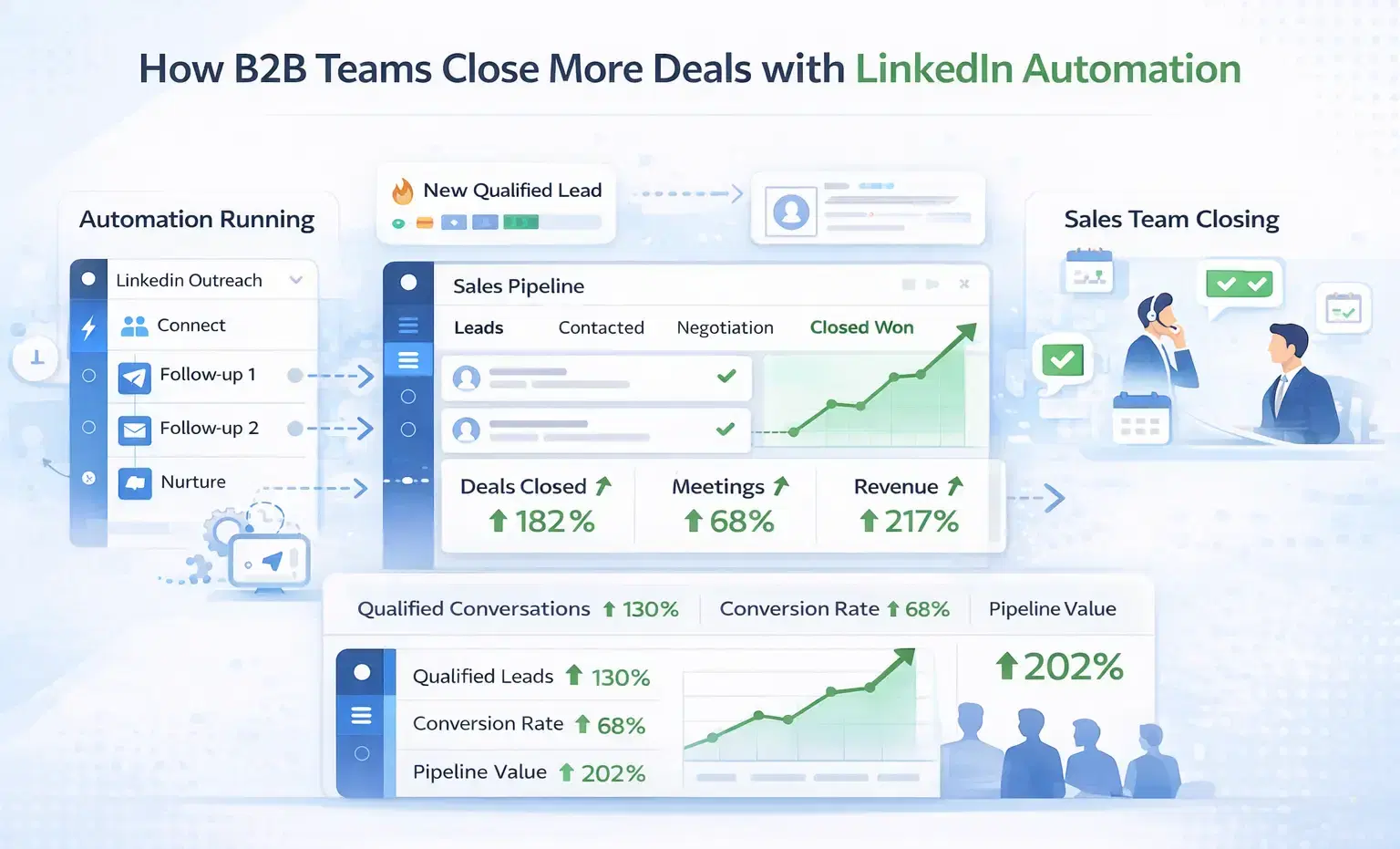
How B2B Sales Teams Close More Deals by Automating LinkedIn Outreach?
B2B sales teams waste hours on manual LinkedIn outreach. Automation fixes that more meetings, less grind, better conversions at scale.
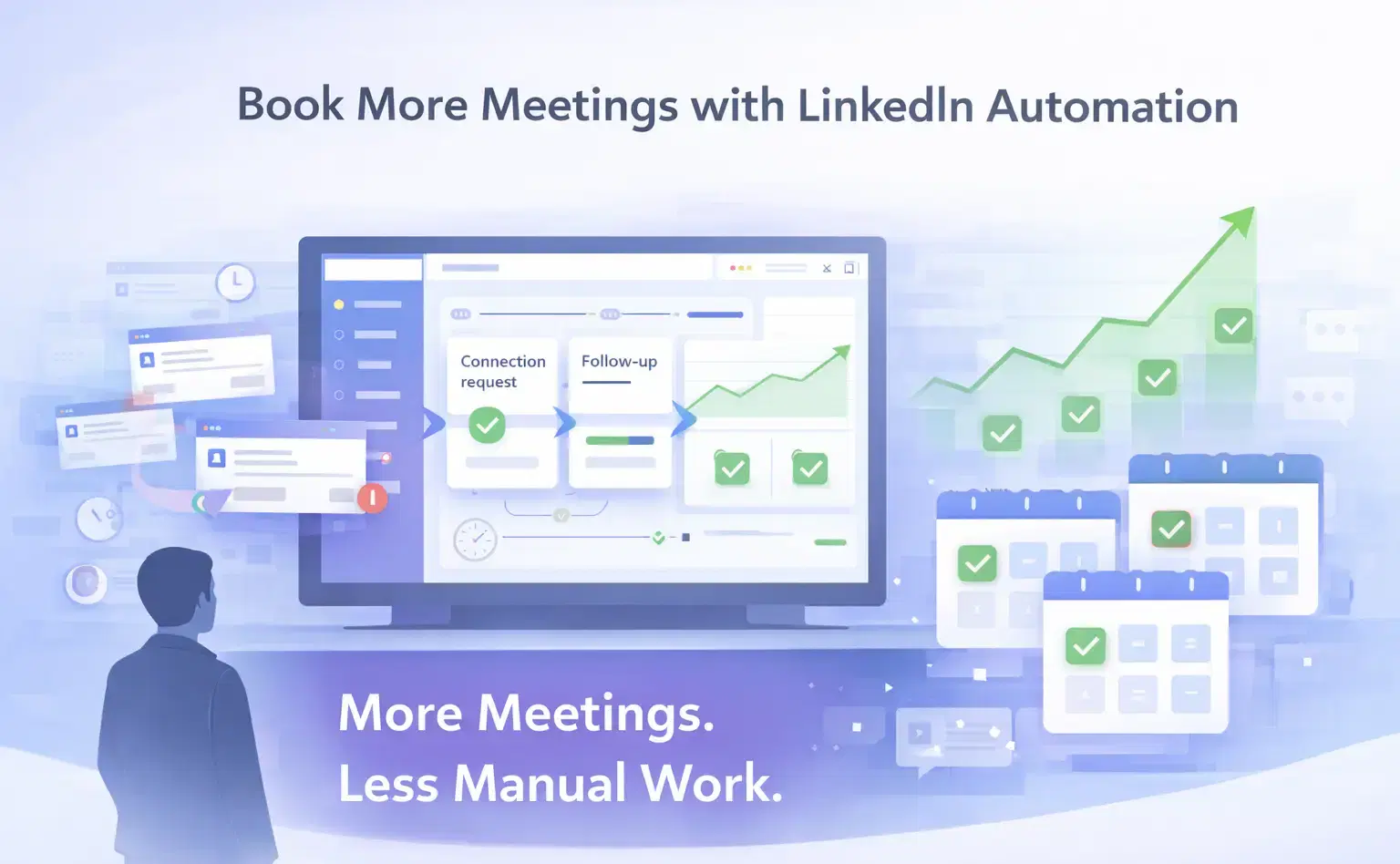
How Can SDRs Book More Meetings Using LinkedIn Automation?
SDRs can book more meetings with LinkedIn automation by streamlining outreach, automating follow-ups, and scaling conversations without manual effort.