How to See More LinkedIn Profile Viewers Without Paying for Premium (Free Methods)

You cannot see the complete list of everyone who viewed your LinkedIn profile without Premium.
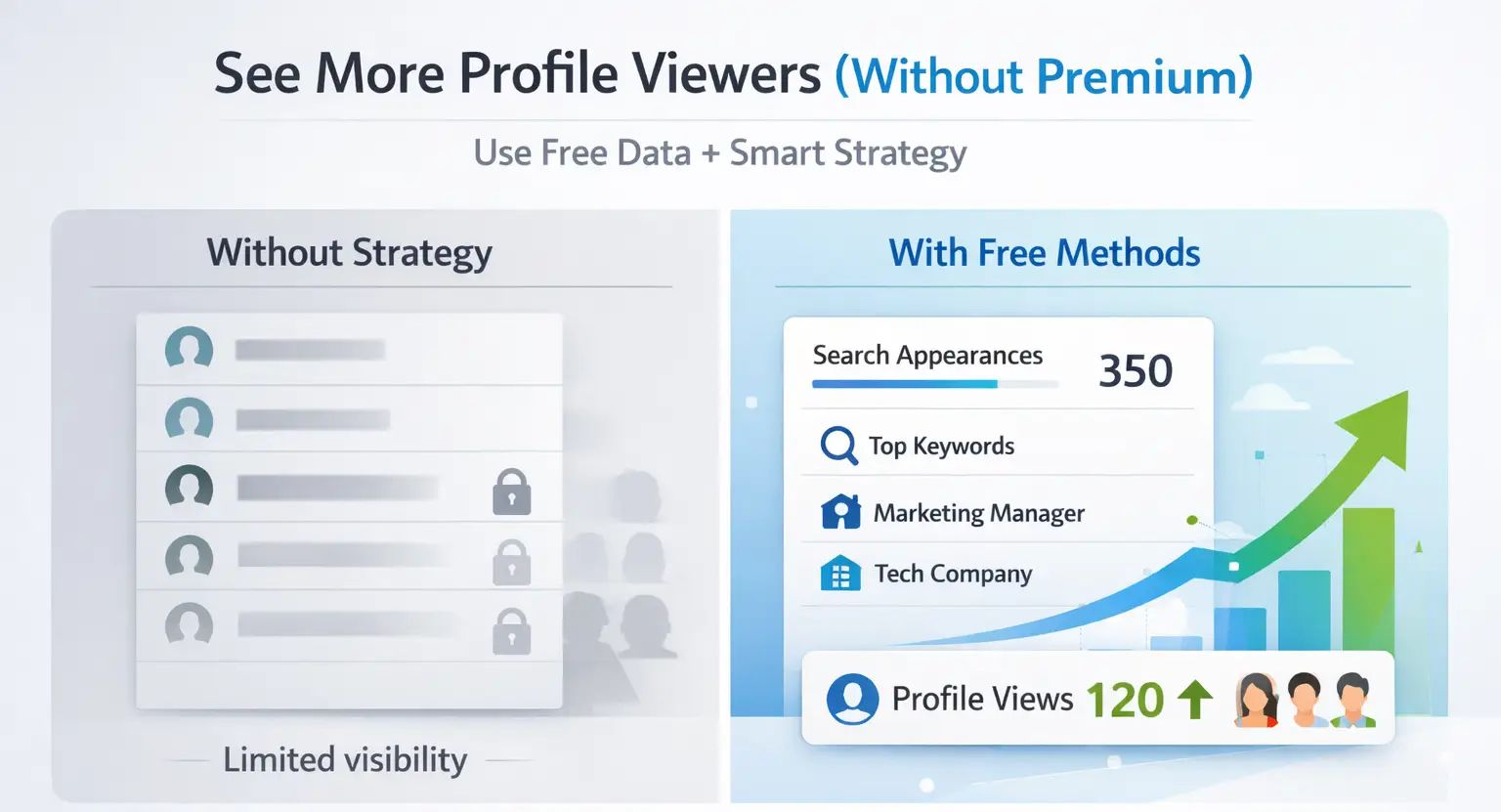
But you can use free methods to capture more viewer data, identify warm prospects, and dramatically increase the right people finding you.
TL;DR
- LinkedIn free accounts show only your 5 most recent profile viewers.
- Anonymous viewers stay hidden even with Premium.
- LinkedIn Search Appearances (free) reveals company, job title, and keyword data of people who found you.
- Checking daily instead of weekly helps you capture more names before they scroll off.
- Optimizing your profile and using strategic outreach generates better, more trackable profile views.
- Already covered this in depth in our guide on does LinkedIn show who viewed your profile if you want the full breakdown first.
Reality Check: What LinkedIn Actually Gives Free Users
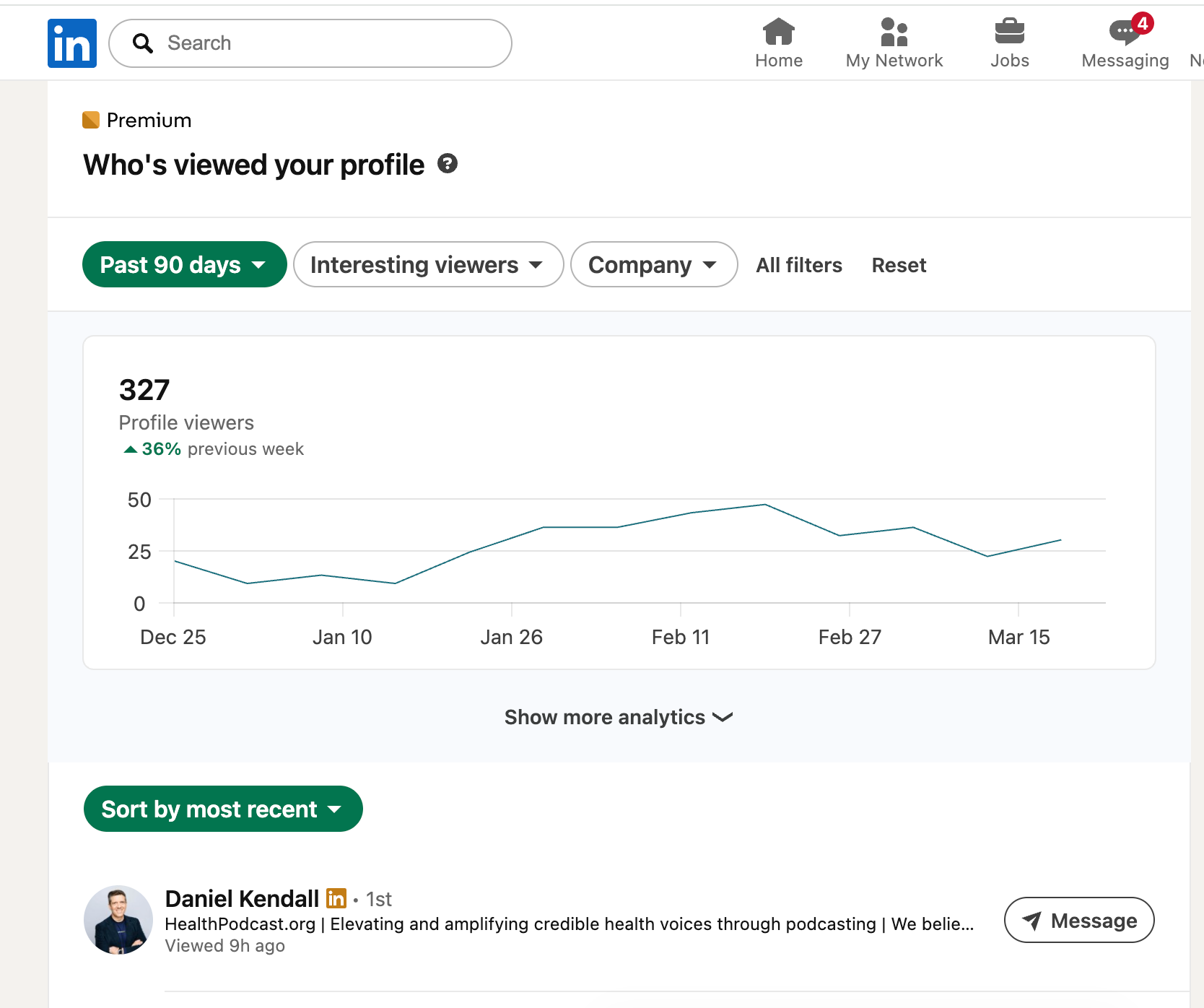
Free LinkedIn users get limited viewer data, and no workaround fully unlocks it.
Here is exactly what you can see on a free account:
- Names and headlines of your 5 most recent viewers (only if they browse in public mode)
- Total profile view count for the past 90 days
- Aggregated viewer data: top industries, job titles, and companies (no individual names)
- Basic "Search Appearances" data showing how people found you
What you cannot see for free:
- Viewers beyond the 5 most recent
- Repeat visitors
- Who viewed you more than a few days ago
- Anyone browsing in private mode (this stays hidden even with Premium)
If you are unsure whether your own profile settings are set to public or private, read our LinkedIn profile optimization guide before automation where we cover visibility settings in detail.
Free Method 1: Check Your Viewer List Daily (Not Weekly)
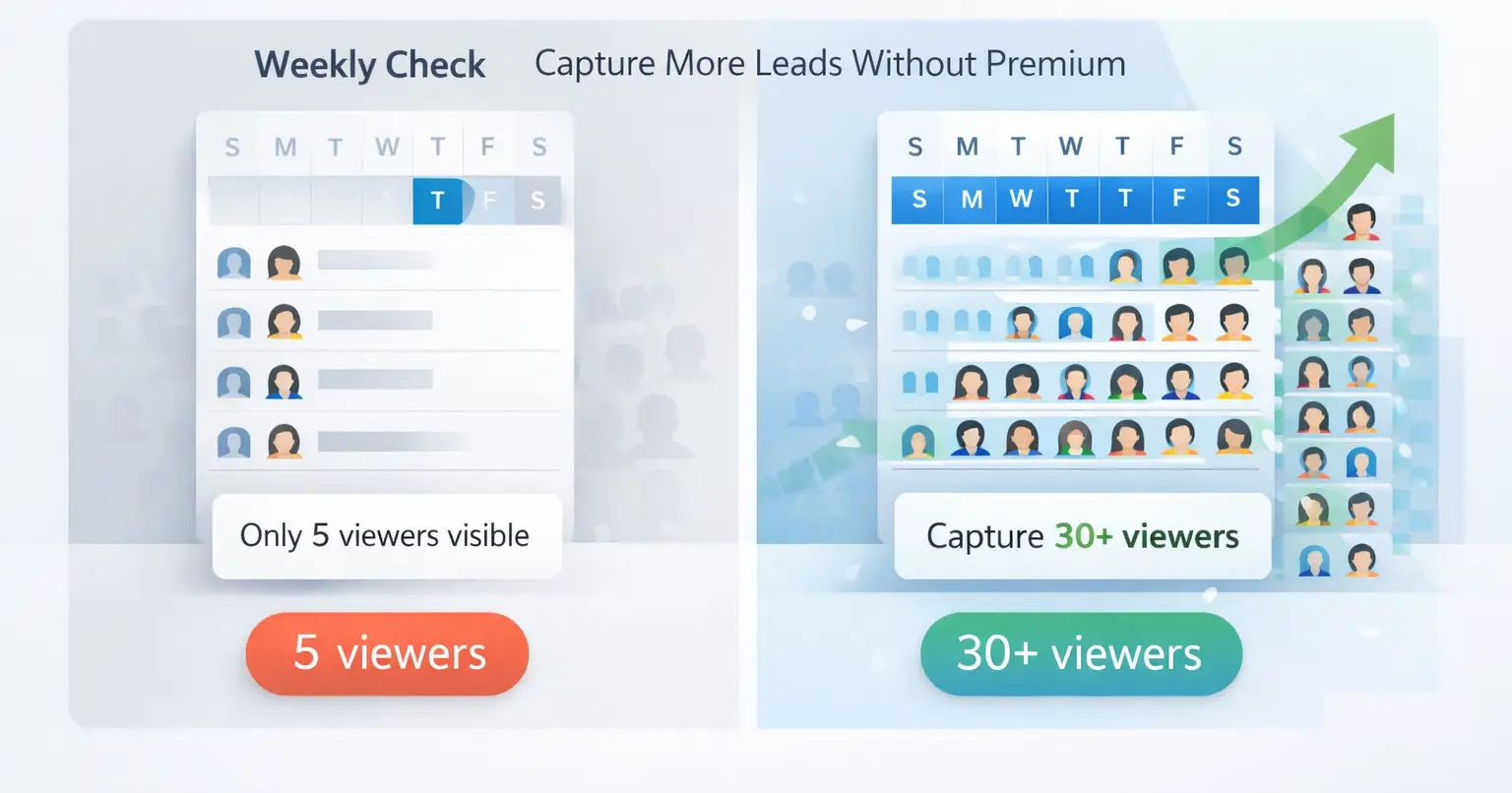
Checking your viewer list every day instead of every week lets you see significantly more viewers over time.
Your 5-viewer slot refreshes constantly. If your profile gets 8 to 10 views per day, the list cycles through multiple people every 24 hours.
Here is the simple math:
- 10 views per day x 7 days = 70 total viewers in a week
- A weekly checker sees only 5 names
- A daily checker captures up to 35 unique names across the same week
How to do it:
- Go to your LinkedIn profile
- Click "X people viewed your profile" below your profile picture
- Note the names and companies
- Repeat every morning before your list refreshes
Pro Tip: Once you identify a warm viewer, the next step is reaching out the right way. See our guide on LinkedIn connection requests that don't get ignored for exact templates.
Free Method 2: Use LinkedIn Search Appearances (Hidden Gold)
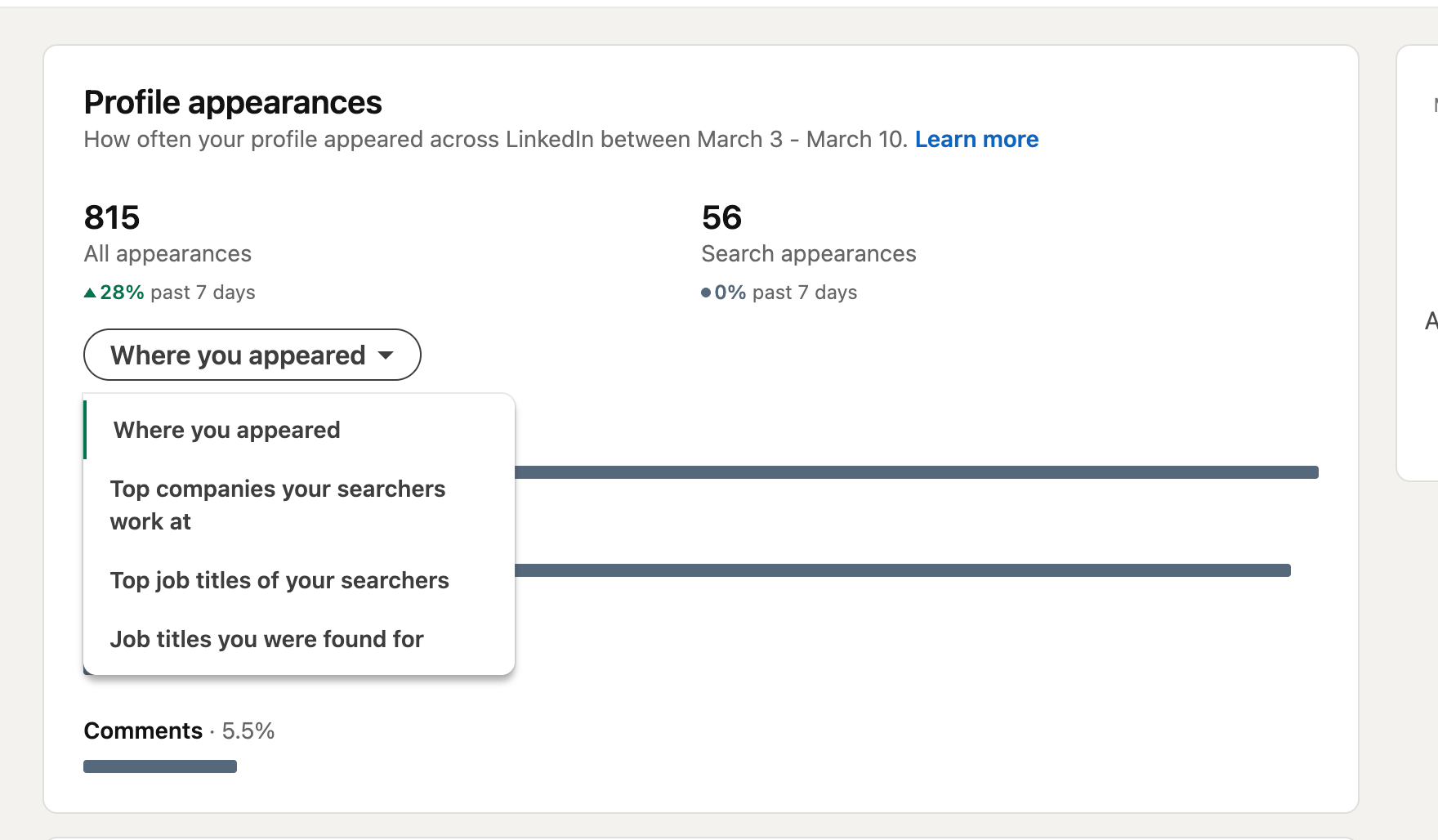
LinkedIn Search Appearances is the most underused free feature that reveals who is actively looking for profiles like yours.
This does not show individual names, but it tells you:
- What keywords people used to find your profile
- What companies those searchers work at
- What job titles those people hold
How to access it:
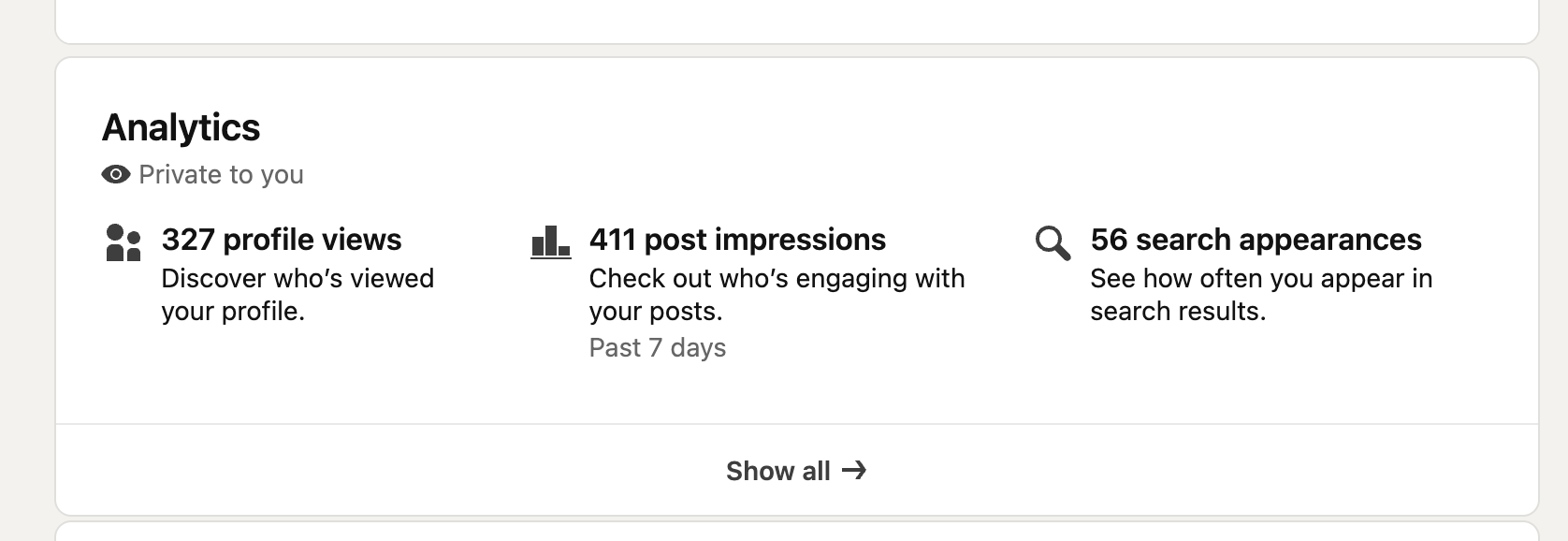
- Go to your LinkedIn profile
- Scroll to the "Analytics" section below your headline
- Click "Search appearances"
- Review the keywords, companies, and titles listed
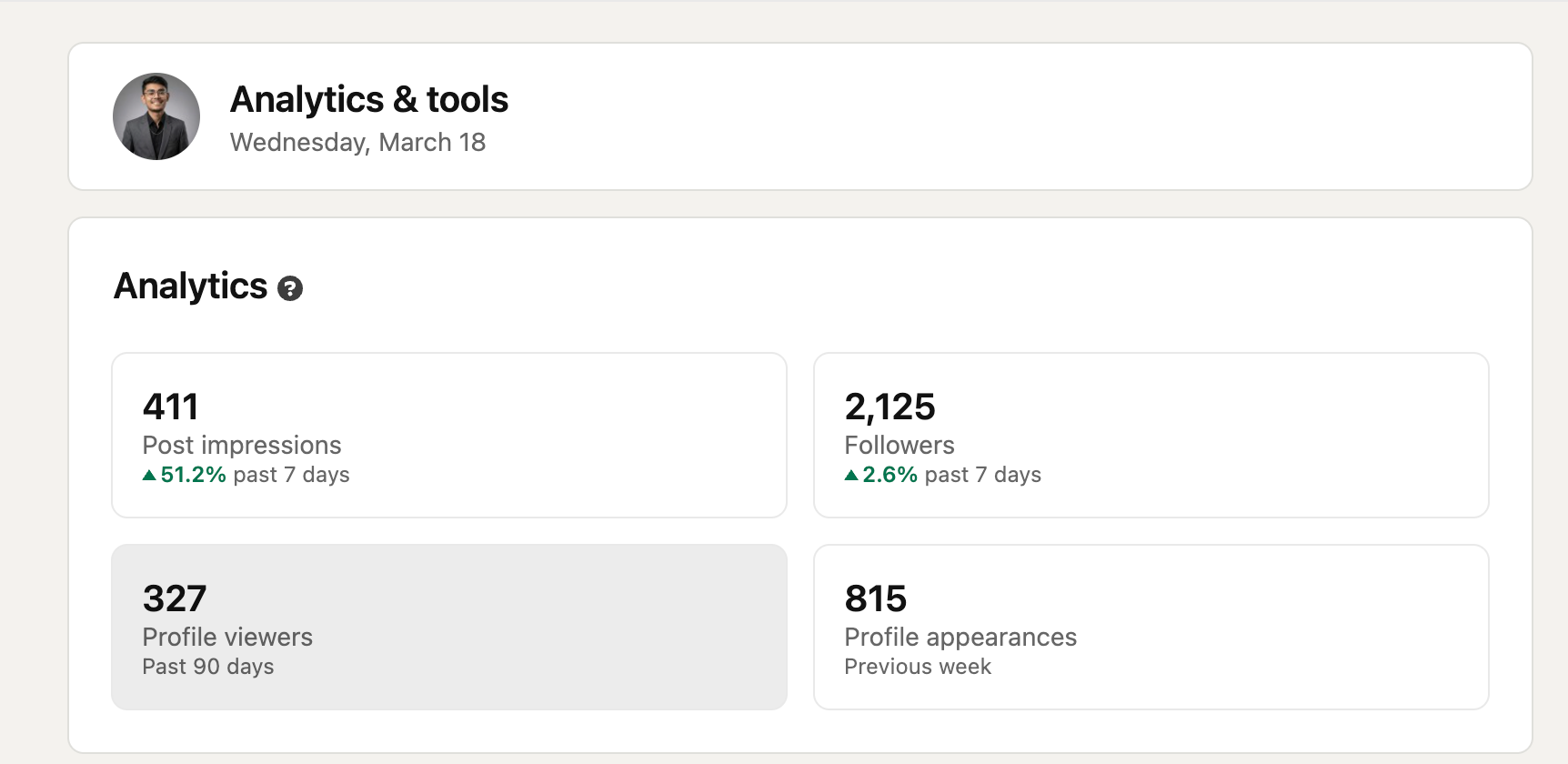
What to do with this data:
- If you see a target company listed, search that company on LinkedIn and look at who viewed your profile recently
- If a specific keyword appears, optimize your headline and About section around it
- Cross-reference company names with your 5 visible viewers to make educated guesses
Pro Tip: Need help rewriting your LinkedIn headline from scratch? Our guide on how to create a great LinkedIn profile walks you through every section with examples.
Free Method 3: Use Engagement Signals to Identify Warm Viewers
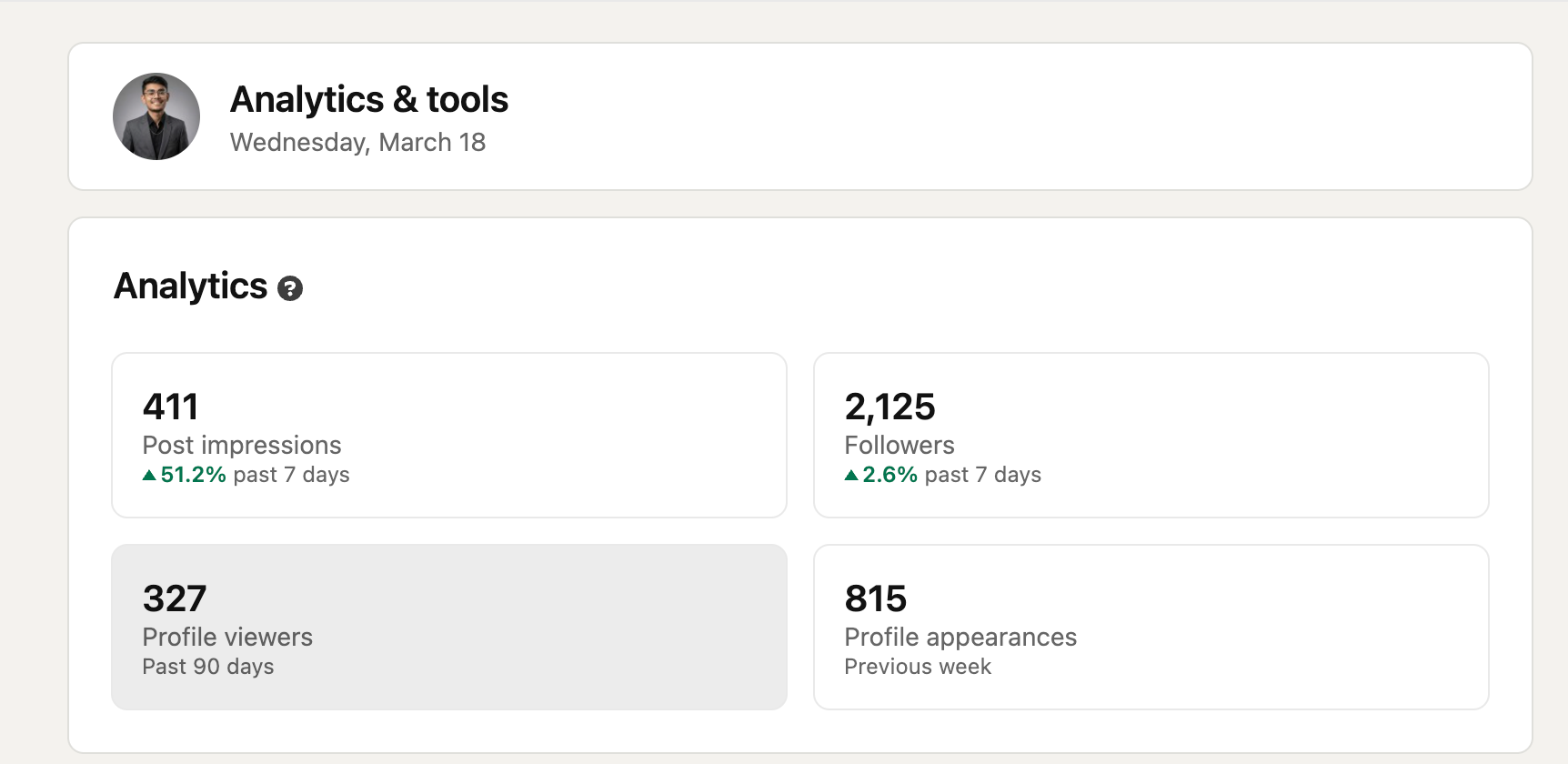
People who engage with your posts almost always viewed your profile first. This is a free way to build a larger viewer list.
Here is the logic: LinkedIn shows you exactly who liked, commented on, or shared your posts. These people did not come from nowhere. They saw your profile before or after engaging.
How to use this:
- After every post, check who engaged with it
- Cross-reference those names with your 5 visible profile viewers
- Build a manual list of warm leads who interacted with your content
Bonus signals to track:
- Who accepted your connection request in the past 7 days (they almost certainly checked your profile)
- Who replied to your DMs or InMails
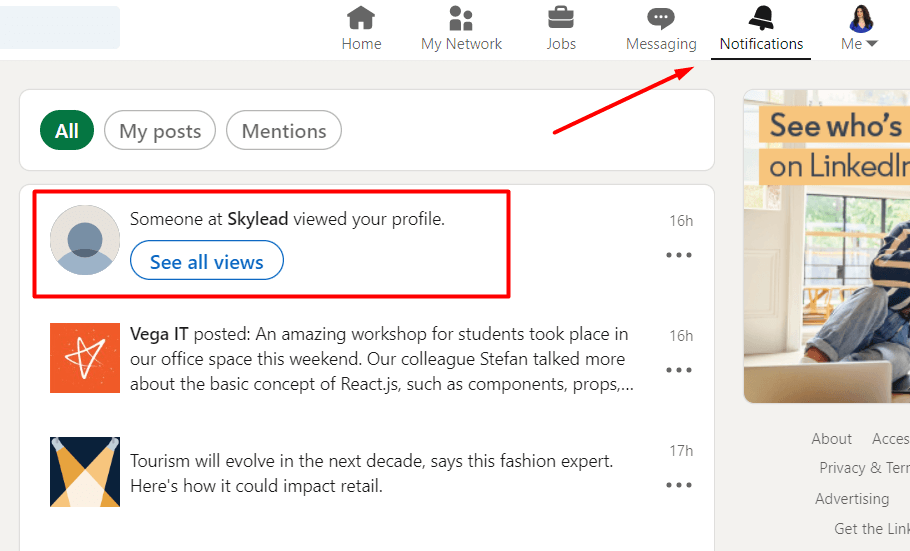
- Who clicked "Follow" on your profile (visible in your notifications)
Pro Tip: Combine this with Bearconnect's LinkedIn automation. When you send automated connection requests or follow-ups, you can track who responds and visited your profile as a result.
Free Method 4: Flip the Strategy (Make Viewers Come to You)
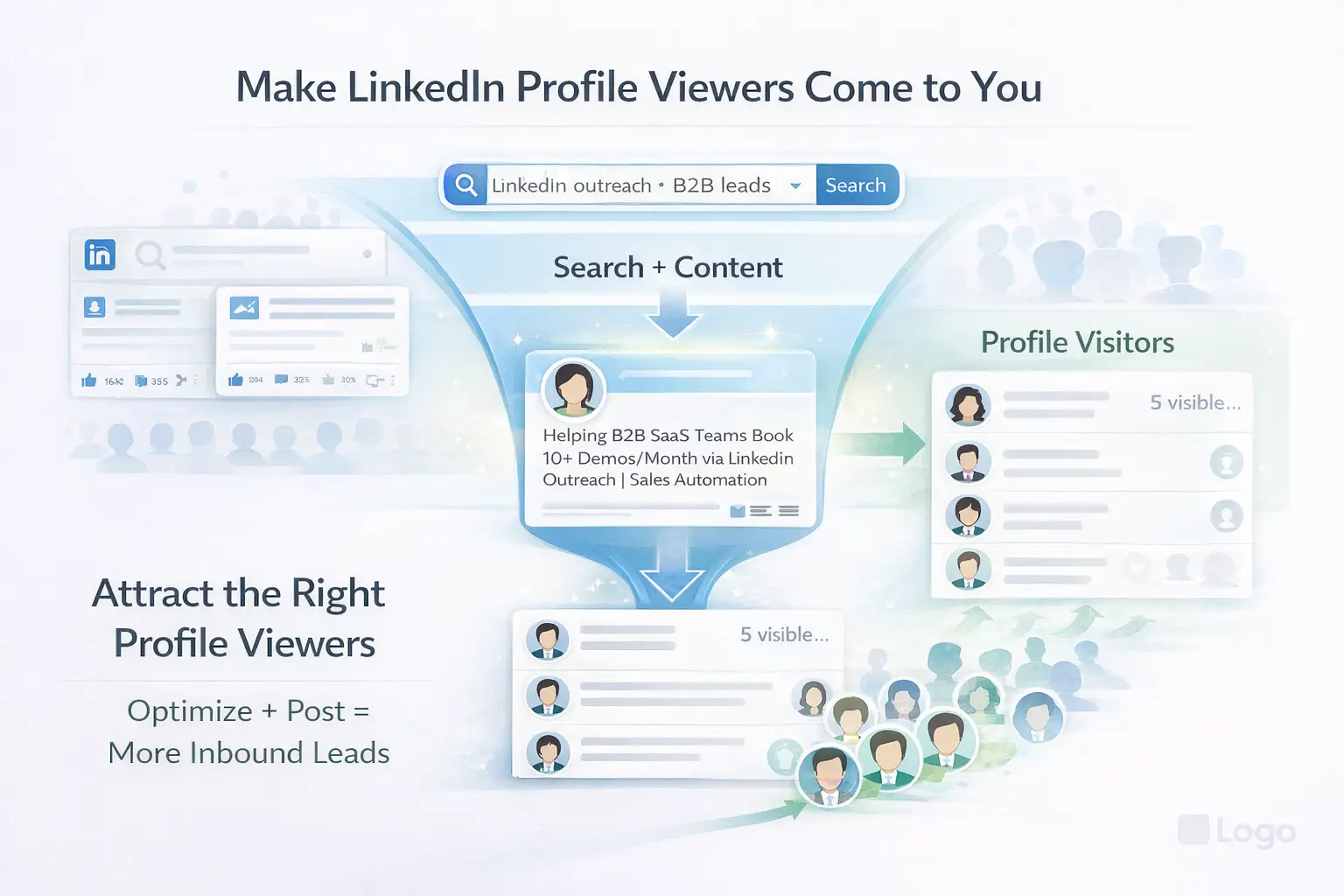
Instead of trying to see who found you, make it easy for the right people to find and contact you first.
This is the highest-leverage free method because it compounds over time.
1. Optimize Your Headline for Search Intent
Your headline is the single most indexed field on LinkedIn. Most people write a job title. Smart users write a value statement with keywords their buyers actually search.
- Weak headline: "Sales Manager at XYZ Corp"
- Strong headline: "Helping B2B SaaS Teams Book 10+ Demos/Month via LinkedIn Outreach | Sales Automation"
When the right buyers search LinkedIn, your profile appears. When they visit, they enter your visible 5-viewer list.
2. Post Content That Attracts Profile Visits
Posting actionable content creates a direct pipeline to your profile.
Here is why:
- LinkedIn pushes posts to people outside your network
- Every new reader can click your name and land on your profile
- This generates organic, targeted profile views at no cost
Post types that drive the most profile visits:
- "Lessons learned" posts (personal story with a business insight)
- Short how-to posts under 150 words
- Opinion posts on industry topics
- Posts that ask a direct question to your target audience
Pro Tip: Add a soft CTA at the end of every post like "Check my profile for [specific resource]." This turns post readers into profile visitors on purpose.
Free Method 5: Trigger Reciprocal Views With Strategic Profile Visits
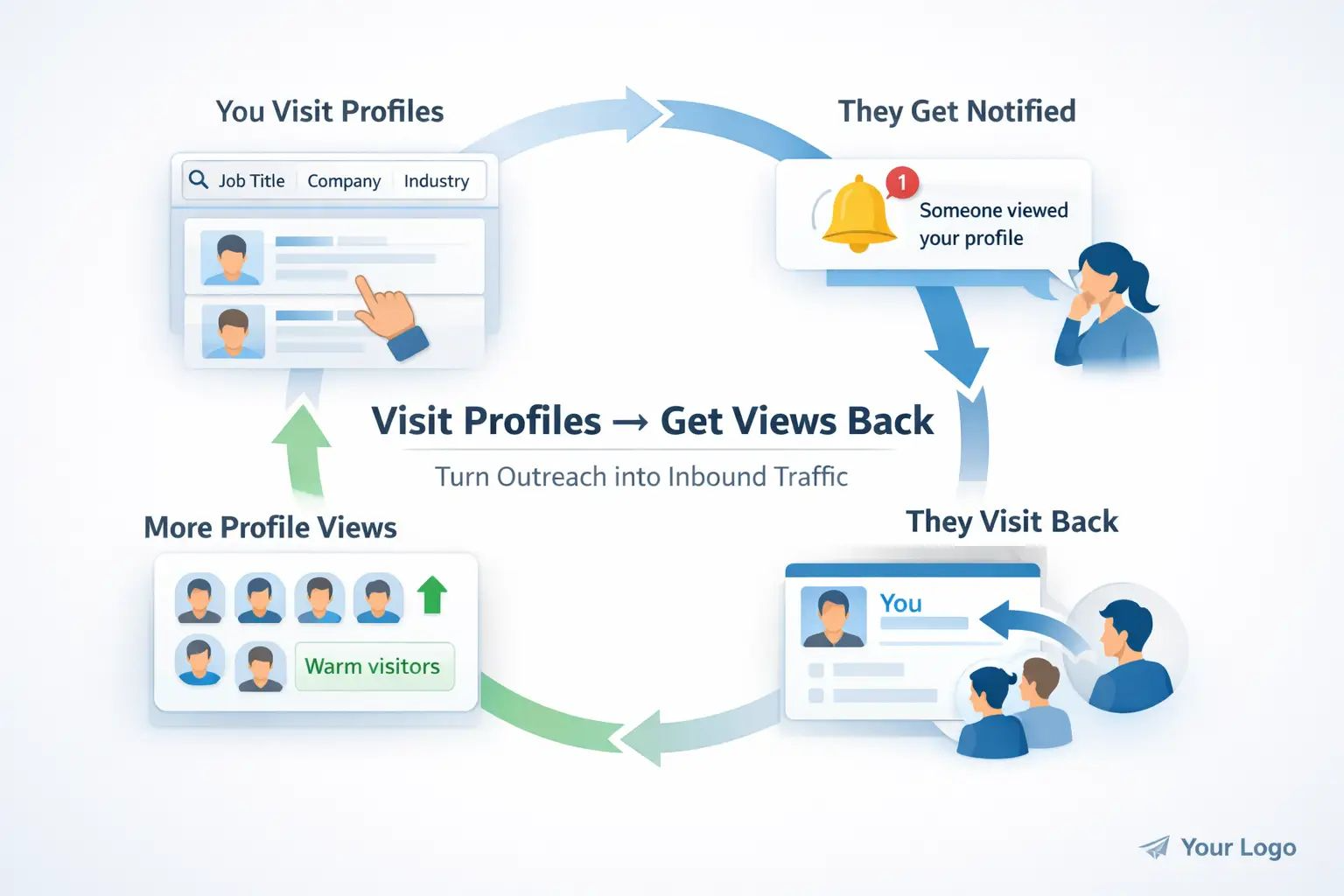
Visiting your target prospects' profiles is the simplest free tactic to get more of the right people visiting yours back.
LinkedIn notifies users when someone views their profile (in public mode). A significant percentage of people who receive that notification will click back to see who visited them.
How to do this manually:
- Search for your ideal customer profile on LinkedIn
- Visit 15 to 20 profiles per day
- Stay in public browsing mode (Settings > Visibility > Profile viewing options > Your name and headline)
- Check your viewer list the next morning for return visits
Doing this manually is fine to start, but if you want to scale it, here is how to automate LinkedIn connections safely without triggering restrictions.
How to scale this with automation:
- Tools like Bearconnect automate this process. You can set target filters (job title, company size, industry, location) and
- Systematically visit those profiles for you. This triggers a steady stream of return visits from your exact target audience every week, without manual effort.
This turns a passive feature into an active outbound channel.
What You Still Cannot See Without Premium
Some viewer data is permanently locked, regardless of how many free tricks you use.
Be clear on the hard limits:
| Feature | Free | Premium |
|---|---|---|
| Viewer names shown | Last 5 only | Up to 365 days |
| Anonymous viewers | Hidden | Still hidden |
| Repeat visitor tracking | No | Yes |
| Viewer filters (industry, title) | No | Yes |
| "How they found you" data | No | Yes |
The critical point: private mode viewers stay hidden even on Premium.
We cover exactly which third-party tools are safe and which ones put your account at risk in our LinkedIn automation tool warning guide.
When Does LinkedIn Premium Actually Make Sense?
LinkedIn Premium is worth it only if you are actively prospecting and need viewer history beyond 5 names.
Consider upgrading if:
- You get 20+ profile views per day and miss most of them
- You are running an active outbound sales sequence and need to prioritize warm inbounds
- You want to see which specific companies keep visiting your profile repeatedly
Do not upgrade just to satisfy curiosity. The free methods above, combined with consistent posting and strategic profile visits,
can generate more pipeline value than a Premium subscription at $59.99 to $99.99 per month.
Before spending on Premium, explore how tools like Bearconnect replace most of its lead generation benefits. See our full LinkedIn automation tools vs Sales Navigator comparison.
5 FAQs
Q1. Can I see all LinkedIn profile viewers for free?
No. LinkedIn's free plan limits you to the 5 most recent viewers. There is no legitimate method to unlock the full list without a Premium subscription. Anonymous viewers remain hidden on all plans.
Q2. Does checking LinkedIn Search Appearances show individual viewer names?
No. Search Appearances shows aggregated data including keywords, industries, and company names. It does not reveal individual identities. But it helps you identify what type of people are finding your profile organically.
Q3. Can a third-party app reveal all my profile viewers?
No legitimate app can do this. Any tool claiming to reveal your complete viewer list is either inaccurate or violates LinkedIn's Terms of Service. Avoid these tools as they put your account at risk of restriction.
Q4. Does visiting someone's profile make them visit mine back?
Not guaranteed, but it works frequently. LinkedIn notifies users when someone visits their profile. A large portion of those users click back to see who visited them, which puts them directly in your visible 5-viewer slot.
Q5. Does LinkedIn Premium show anonymous viewers?
No. If someone browses LinkedIn in private mode, their identity stays hidden regardless of your subscription plan. Premium only unlocks viewer history and filters for users who browse publicly.
Start Generating Better Profile Views Today
The most effective free approach is not finding a hack. It is generating the right profile visits so your 5 visible slots are always filled with warm, relevant prospects.
Start with these three actions today:
- Switch to public browsing mode and visit 15 target prospect profiles daily
- Check your Search Appearances and optimize your headline around those keywords
- Post one piece of actionable content this week and track the engagement signals
If you want to scale this without spending hours manually visiting profiles.
Try Bearconnect free and turn your LinkedIn profile into an inbound lead machine.
Also worth reading:
Ready to Transform Your LinkedIn Strategy?
Join thousands of professionals already using Bearconnect to automate their outreach and grow their network.
7-day free trial • Cancel anytime
Related Articles

How B2B Sales Teams Close More Deals by Automating LinkedIn Outreach?
Automate LinkedIn outreach to help B2B sales teams generate leads, start conversations, and close more deals faster with proven strategies.
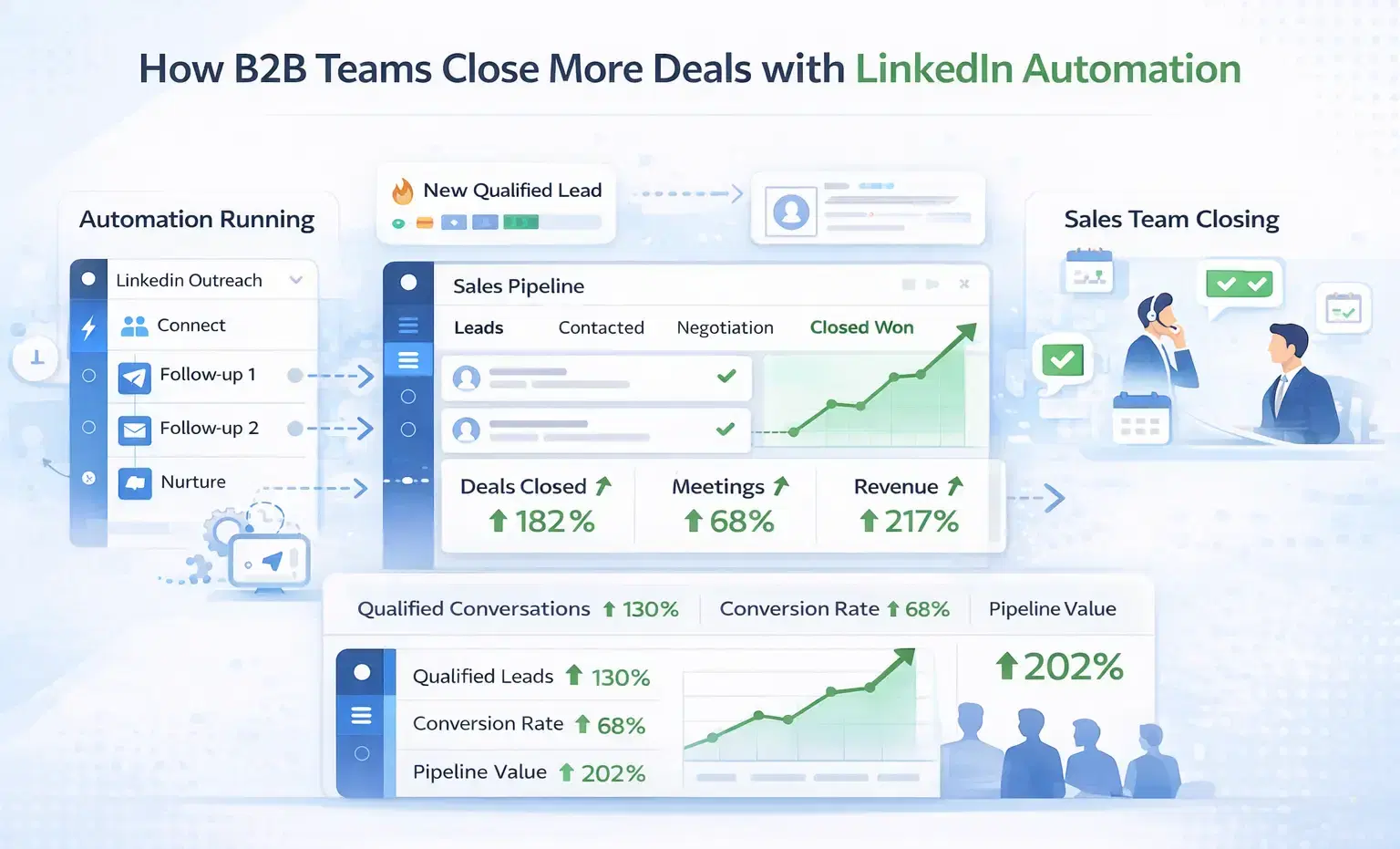
How B2B Sales Teams Close More Deals by Automating LinkedIn Outreach?
B2B sales teams waste hours on manual LinkedIn outreach. Automation fixes that more meetings, less grind, better conversions at scale.
How Can SDRs Book More Meetings Using LinkedIn Automation?
SDRs can book more meetings with LinkedIn automation by streamlining outreach, automating follow-ups, and scaling conversations without manual effort.