THE MISSED LEAD PROBLEM
The comment that said 'interested' three days ago? That person already found someone else.
"You built the audience. You wrote the post. You just missed the conversation it started."
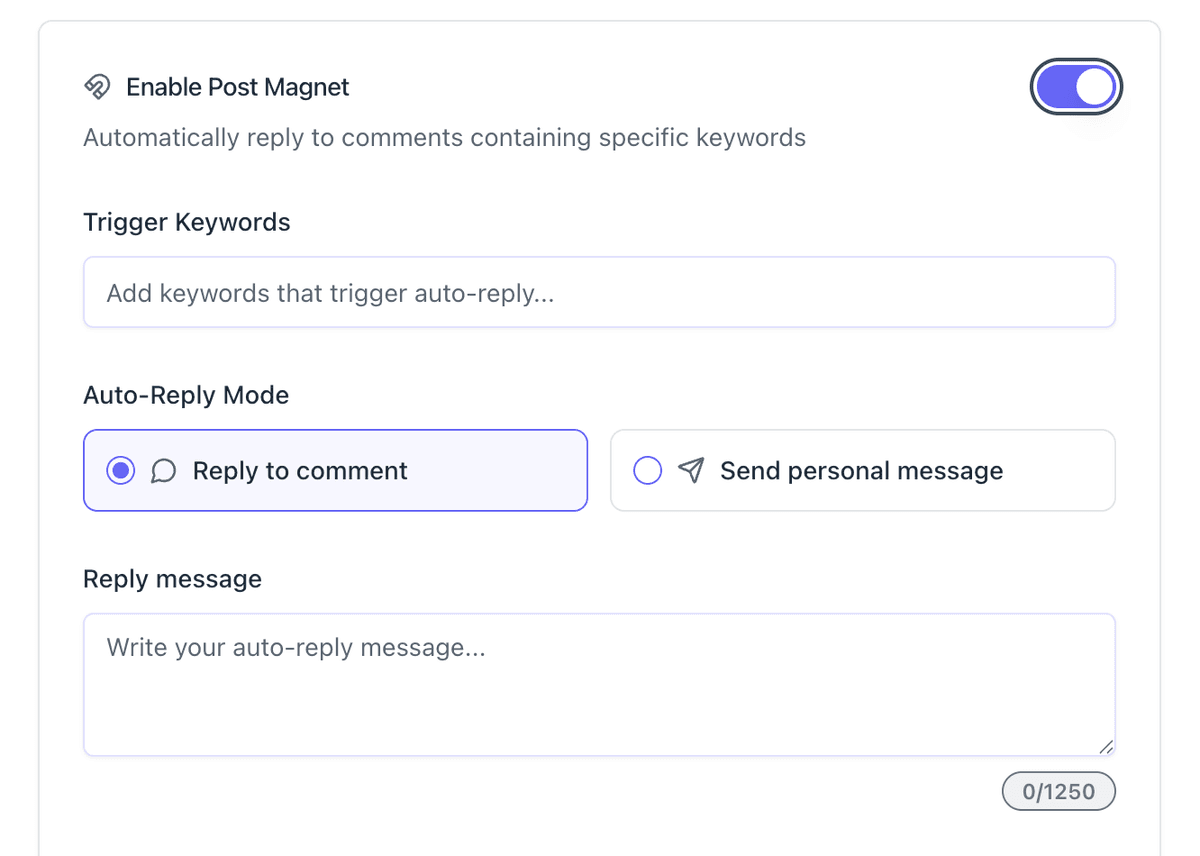
Set It Once. Bearconnect Handles Every Comment After That.
Post Magnet lives inside Bearconnect's Write Post section. You pick the trigger keyword. Anyone who comments that word gets an instant reply or a direct DM - automatically, with no action needed from you.
Setup Takes Seconds
Configure your digital twin once and let it run forever.
Enable Post Magnet
Open the Write Post section in your Bearconnect dashboard. Write or generate your LinkedIn post. Scroll down and toggle on "Enable Post Magnet."
Add Your Trigger Keywords
Type the keyword you want to detect in comments. Keep it short and specific. Mention it in your post so your audience knows what to comment.
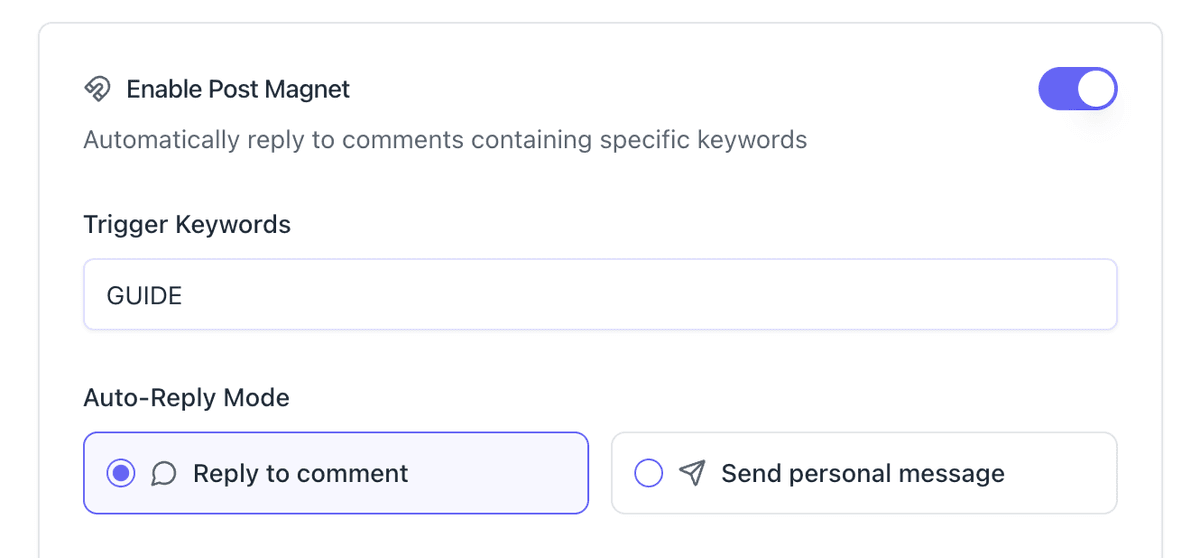
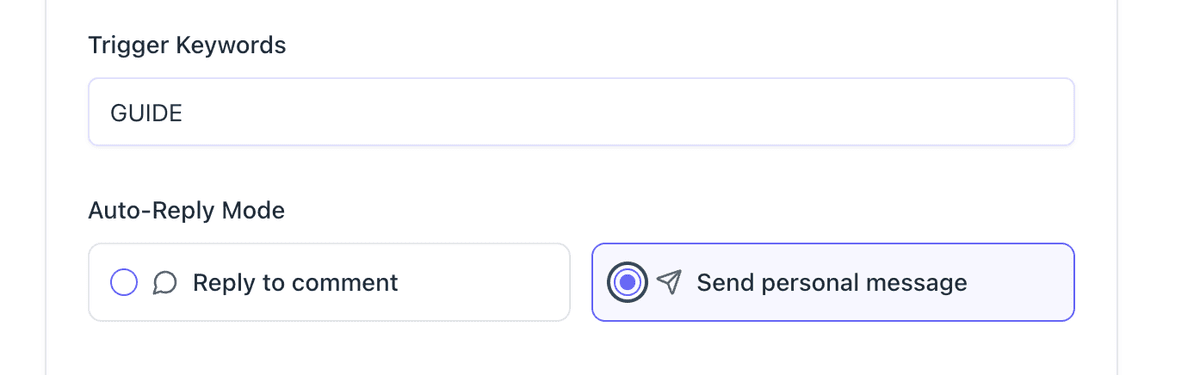
Choose Your Reply Mode
Pick "Reply to Comment" for public replies that build visible social proof. Pick "Send Personal Message" to deliver resources or start private sales conversations via DM.
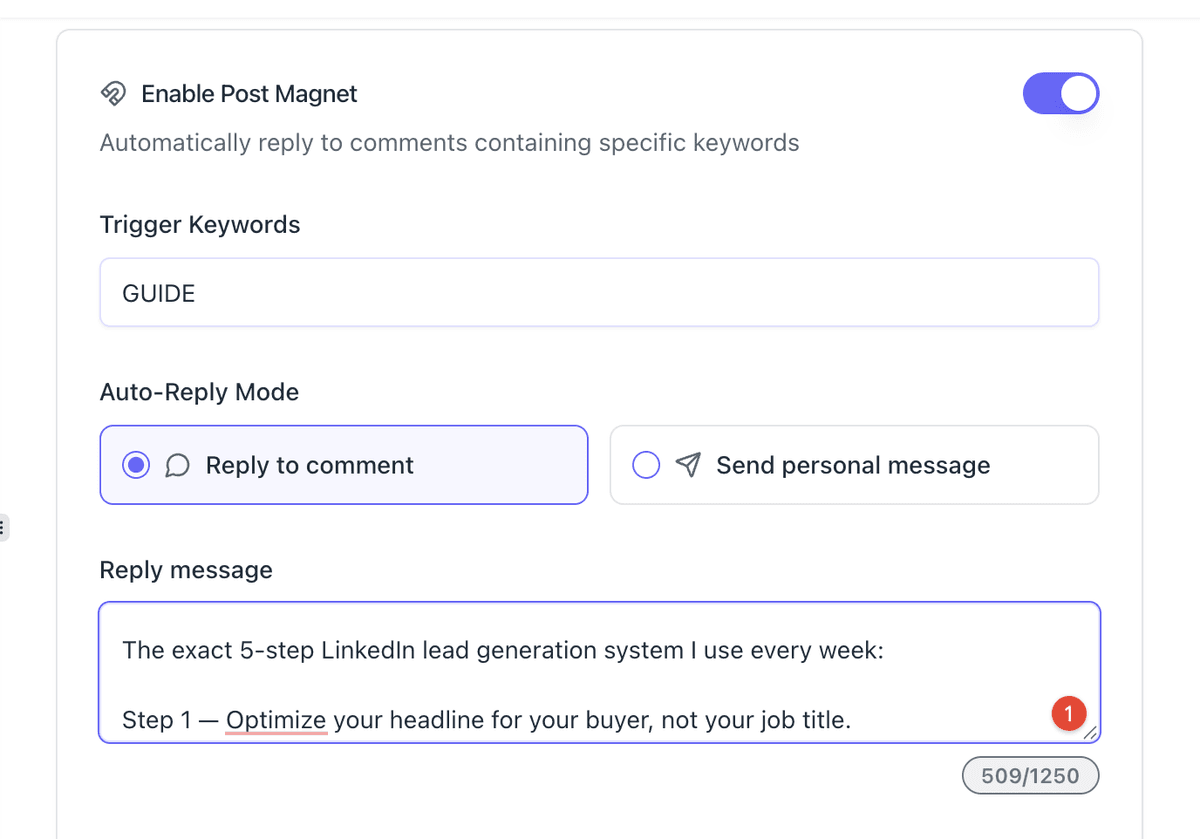
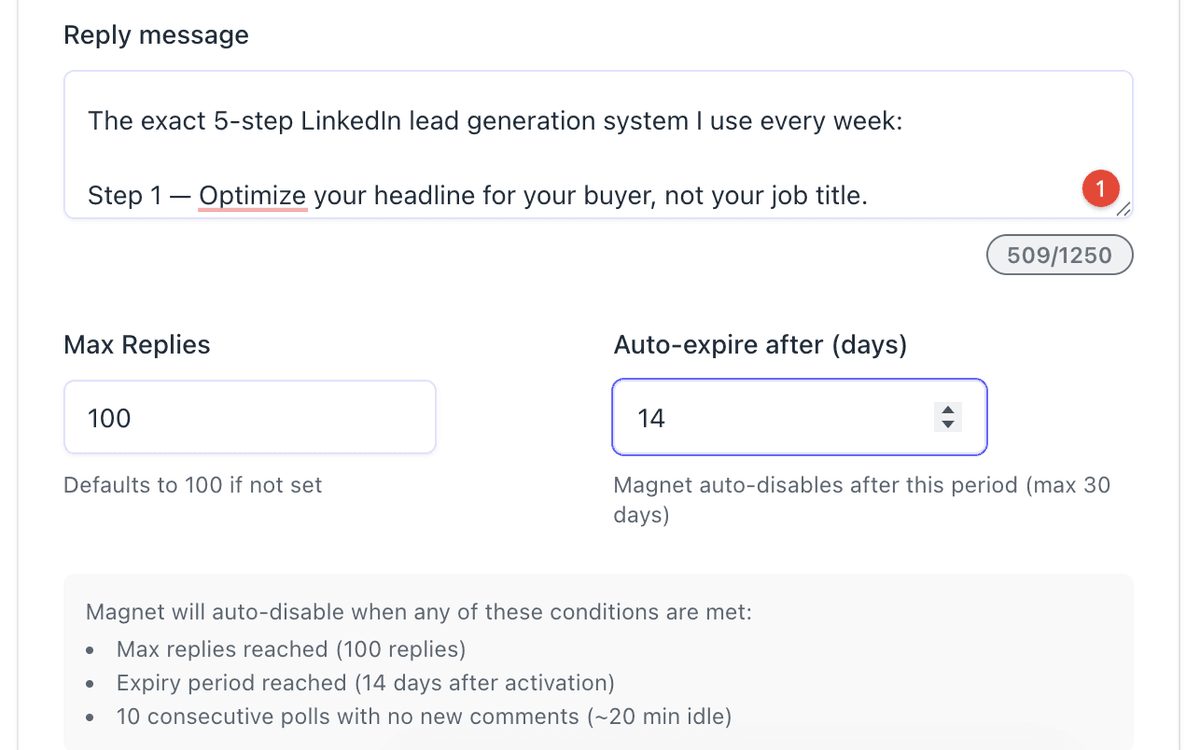
Write Your Reply Message
Write the message Bearconnect sends when the keyword triggers. Keep it conversational. Add a link, a resource, or a CTA that moves the conversation forward.
Set Your Limits and Publish
Set your max reply count (default 100) and your auto-expiry window (default 14 days). Add your First Comment if you want. Hit publish. Post Magnet is live.
Reply to comment
Visible to everyone on the post — not just the commenter.
- ✔Boosts post engagement and reach
- ✔Signals activity to LinkedIn’s algorithm
- ✔Encourages others to comment too
- ✔Builds social proof in public
Best for
Visibility and engagement growth
Send personal message
Goes straight to their inbox — private, personal, no audience.
- ✔Share links, PDFs, or case studies
- ✔Start a direct sales conversation
- ✔Deliver lead magnets privately
- ✔Optionally add a public comment too
Best for
Lead magnets and sales outreach
Loved by People Worldwide

Secure & Well-Designed
"Bearconnect stands out because it feels secure and well thought out. The campaign builder is easy to follow. The in-app guidance and tooltip…"

Dylan D.
Product Manager/ UX Design
Friendly Founder
"Friendly founder and good support. easy to use"

Charles R.
Owner-Executive Recruiter-Talent Acquisition
Essential Client Communication
"Highly useful in staying in touch with clients and prospective clients"

Bob B.
Managing Partner & CEO
Safe & Stable Automation
"What I like most about Bearconnect is that it feels safe and stable. Many LinkedIn automation tools feel risky, but Bearconnect has good acc…"

Gagan D.
Director
Very Easy to Use
"It´s very easy to use. I enjoy the Inbound->Posts feature to schedule my posts on Linkedin"

Carlos A.
Director & Founder
Swipe or use the arrows to see more reviews