How Agencies Manage Multiple LinkedIn Accounts Without Switching Tabs
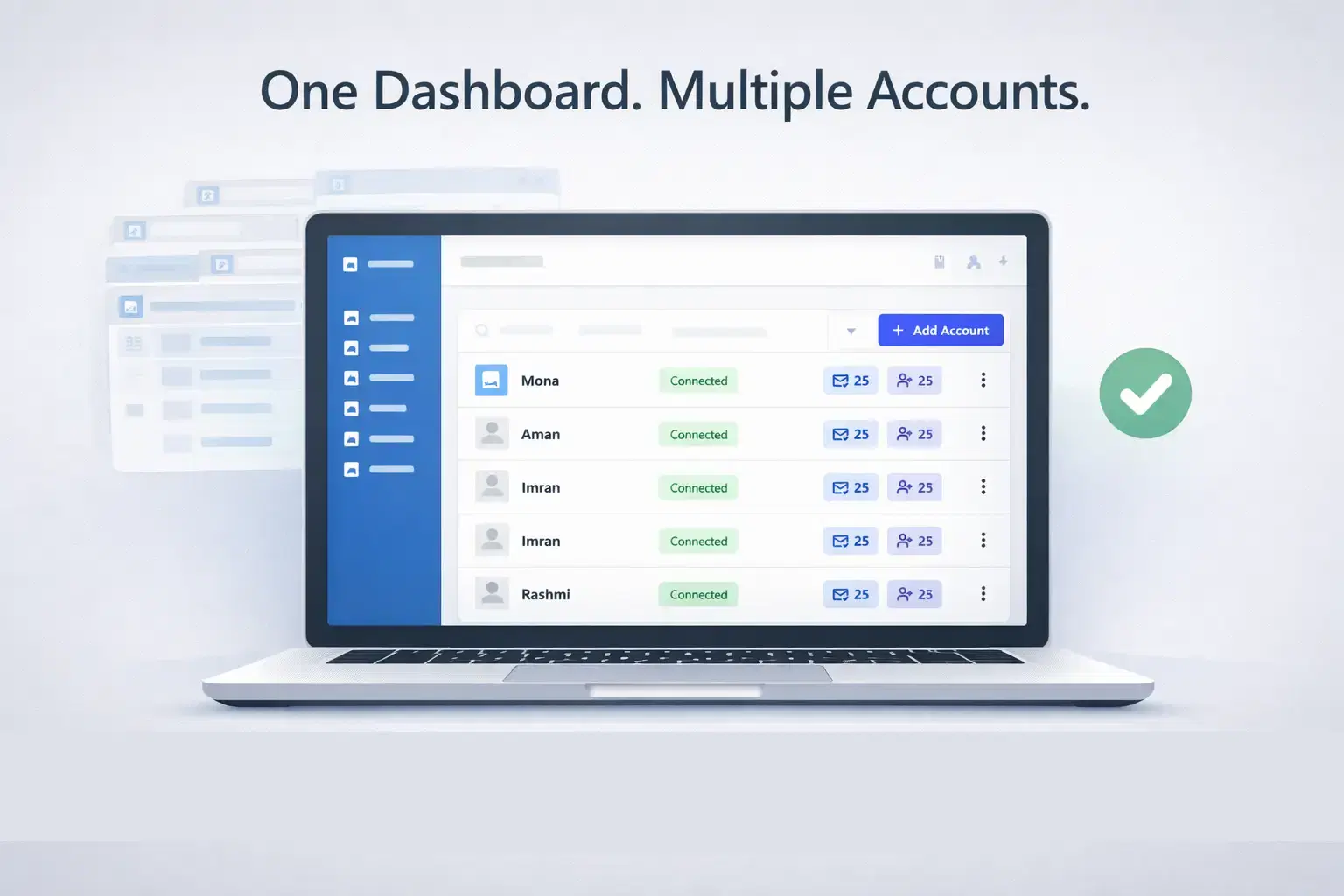
Agencies that scale LinkedIn outreach run everything from one centralized platform: every account, inbox, outreach campaign, and content schedule under a single dashboard login.
No browser juggling. No IP conflicts. No missed replies.
TL;DR
- Managing 5+ LinkedIn accounts across browser tabs wastes hours daily and increases ban risk
- Agencies need a centralized multi-account dashboard, not browser profile hacks
- Dedicated IPs per account are non-negotiable for long-term account safety
- A unified inbox pulls all account conversations into one feed so no lead gets missed
- Bearconnect manages unlimited LinkedIn accounts from one platform at $67/month per account ($57/month per account when you connect 5 or more)
The Hidden Productivity Drain Behind Constant Tab Switching
Picture this.
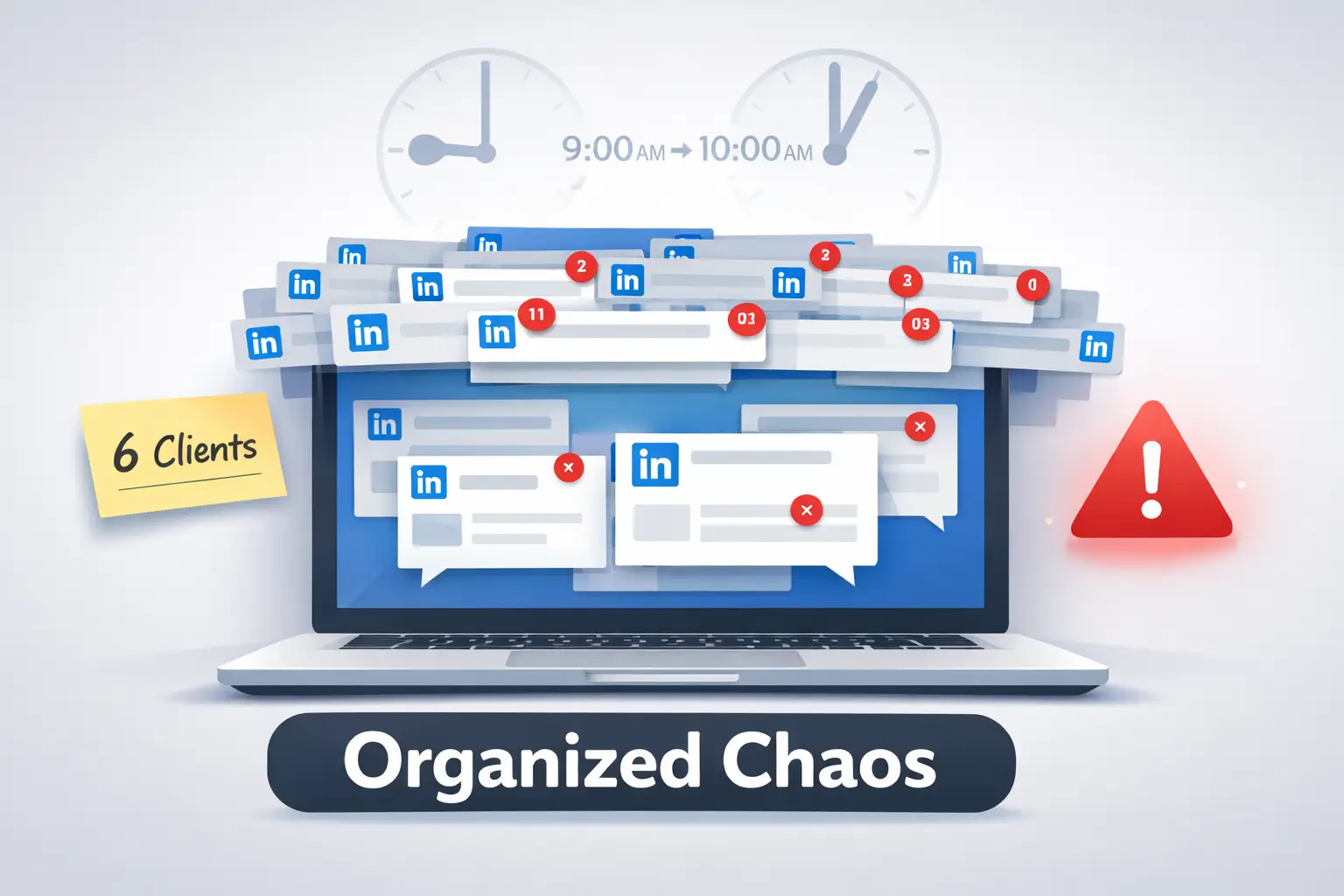
You manage LinkedIn outreach for 6 clients. It is 9 AM. You open Chrome Profile 1, log in to Account A, check the inbox, reply to 3 messages, then switch to Chrome Profile 2...
By 10 AM, you have replied to 11 messages. And opened 43 tabs.
That is not a system. That is organized chaos with a LinkedIn logo on it.
Agencies managing multiple LinkedIn accounts manually face three measurable costs:
- Time cost: Switching accounts, re-logging in, and manually tracking replies eats 2 to 4 hours per day per account manager
- Error cost: Replying from the wrong account, attaching the wrong template, or missing a hot lead buried in a background tab
- Risk cost: Multiple accounts accessing LinkedIn from one IP or device pattern triggers LinkedIn's activity detection and gets profiles flagged
The tab-switching workflow does not scale. It breaks under its own weight.
Why LinkedIn Makes Multi-Account Management Difficult by Default
LinkedIn officially allows one personal account per user. It does not offer a native multi-account manager for agencies.
So managing 5 client accounts by default means:
- 5 separate browsers or browser profiles
- 5 different IP addresses if you care about safety
- 5 inboxes to monitor at separate times
- 5 outreach sequences running in parallel with zero central visibility
LinkedIn actively scans for suspicious signals: same-device logins across different accounts, shared IPs, unusual login locations, and sudden spikes in activity. Any of these can trigger a restriction.
Which makes the “just use incognito” tip completely ineffective.. (Seriously. Stop.)
What Modern Agencies Require to Scale LinkedIn Operations
Forget the hacks. Agencies need infrastructure.
Here is the framework that high-performing agencies use to manage multiple LinkedIn accounts without losing control:
1. One Dashboard for All Accounts
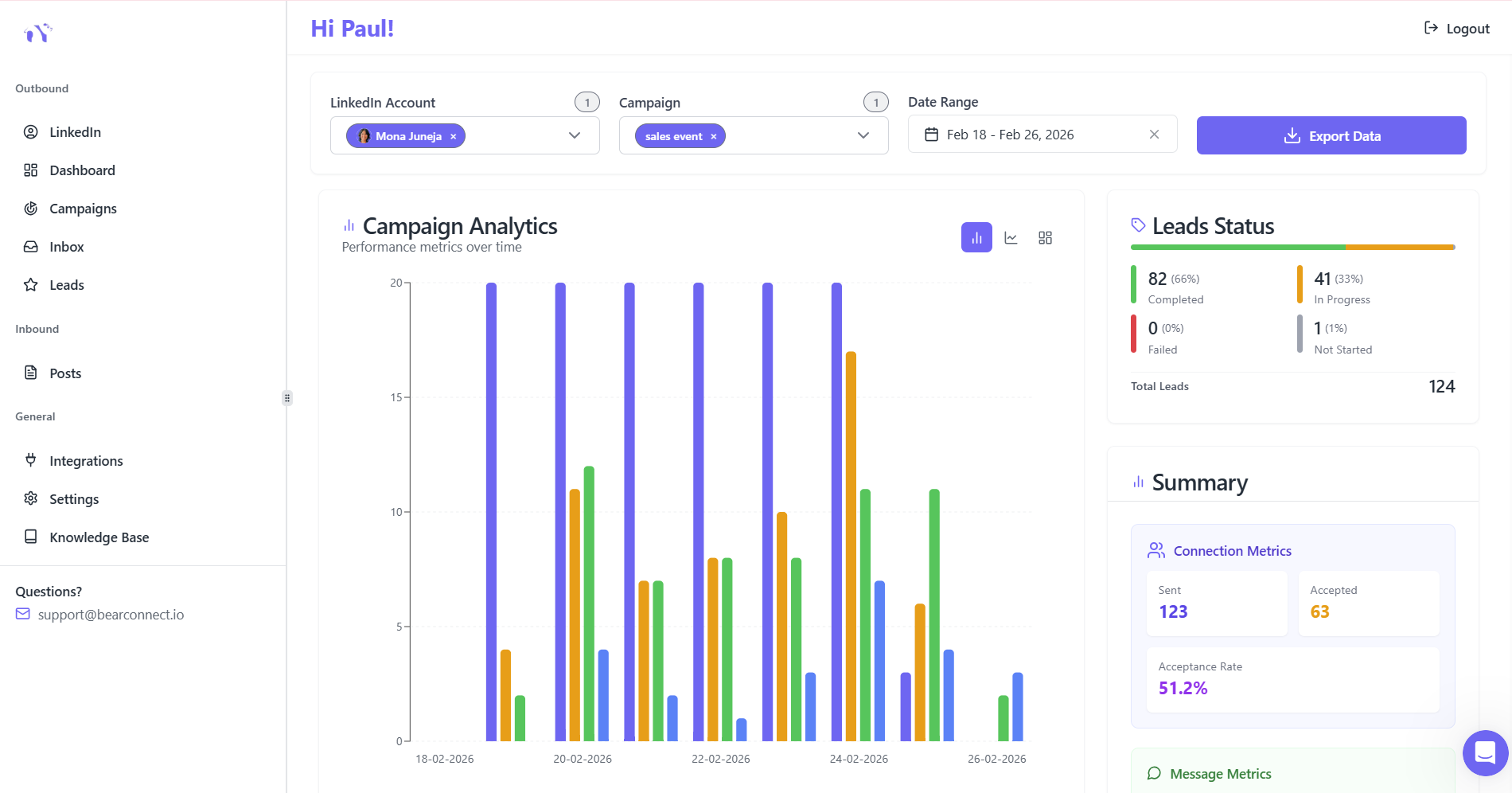
Every client account should be visible and operable from a single login session. Not a separate tool per client. One workspace, all accounts.
A proper multi-account dashboard lets you:
- → Switch between accounts with a single click
- → View all inboxes from one unified messages panel
- → Run separate campaigns per account simultaneously
- → Track each account's performance in one analytics view
2. Dedicated IP Per Account
- This is the foundation of sustainable multi-account management.
- Each LinkedIn account needs its own dedicated IP address.
- This signals to LinkedIn that each account operates independently, from its own unique location and device. No shared digital fingerprint.
Pro tip: Never route 5 accounts through one shared proxy. One flag on that proxy can restrict all five accounts at once.
So learn how to automate LinkedIn messages safely
3. Separate Outreach Sequences Per Account
Each account needs its own connection request flow, message templates, and follow-up cadence.
Mixing sequences across accounts causes messaging inconsistencies and creates real risk of sending the wrong message to the wrong prospect from the wrong profile. Clients notice that. Prospects do too.
4. Unified Inbox for All Replies
- Running outreach across 8 accounts means replies come in from 8 different places simultaneously.
- A unified inbox aggregates every reply from every account into one feed.
- You see the message, the account it came from, and the conversation history in one view. You respond without switching context.
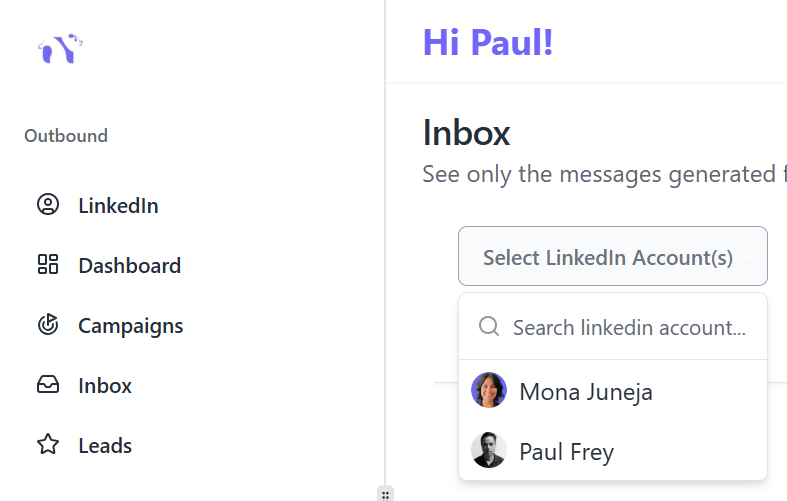
Pro tip: Filter your unified inbox by account when handing off responses to different team members. This keeps accountability clear and prevents double replies.
How Bearconnect Solves the Multi-Account Problem
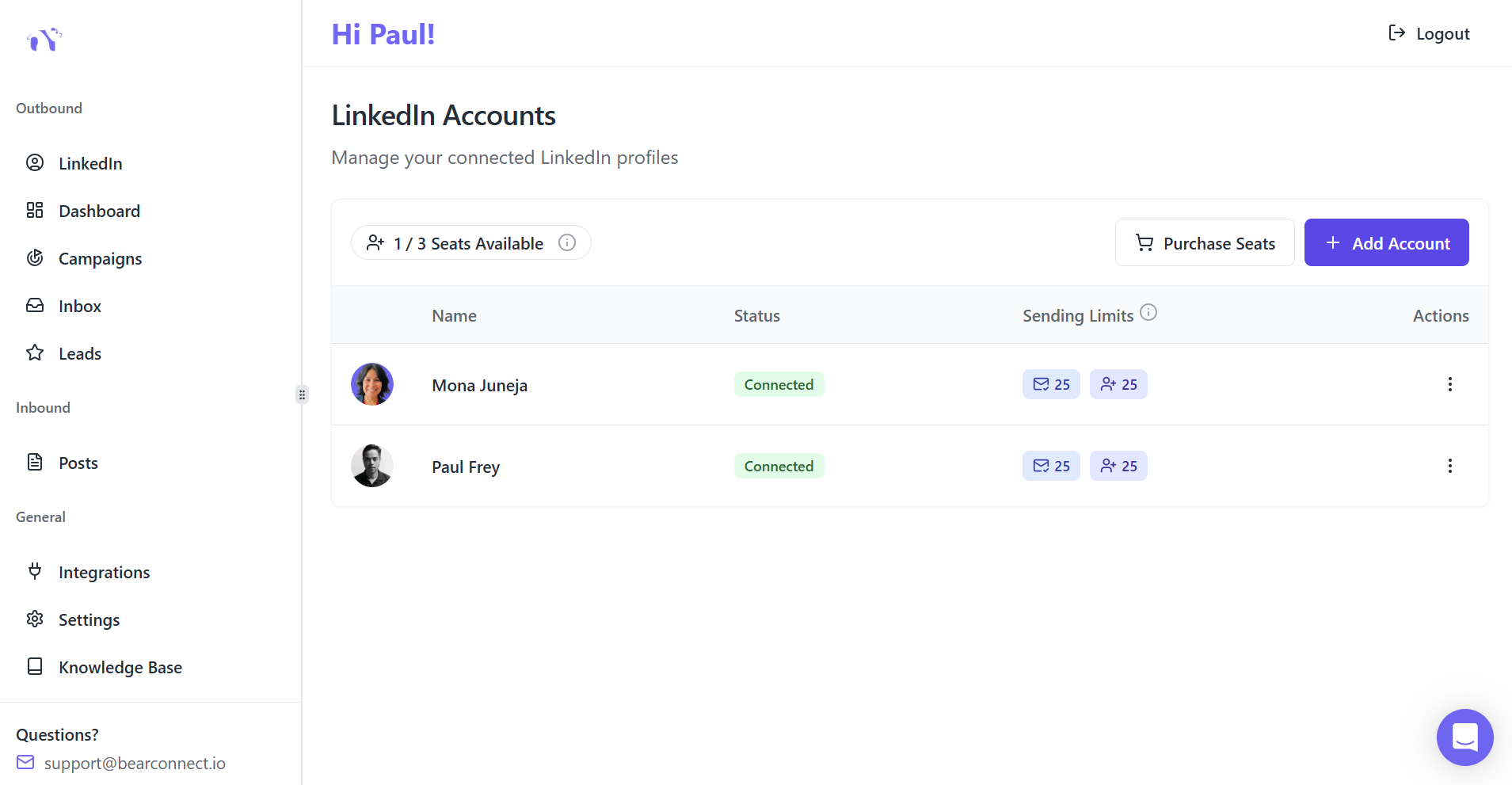
This is where Bearconnect changes the workflow entirely.
Bearconnect is a LinkedIn automation platform built for agencies and B2B sales teams managing multiple LinkedIn accounts.
The product is architected around multi-account operations, not retrofitted as a feature after the fact.
1. Unlimited LinkedIn Account Connections
- You connect as many LinkedIn accounts as your agency manages.
- Each account runs its own outreach, its own messaging sequences, and its own content calendar inside the same workspace.
- No per-client tool subscriptions. No separate logins. One platform for all of them.
2. Unified Inbox Across All Accounts

- Bearconnect pulls every LinkedIn conversation from every connected account into a single inbox view.
- You see who replied, from which account, and what stage of the sequence they are at. You respond without leaving the dashboard and without losing context between accounts.
3. Account-Level Analytics

Each account gets individual performance tracking:
- → Connection request send volume vs. acceptance rate
- → Reply rates per campaign and per message template
- → Profile view trends tied to outreach activity
- → Week-over-week lead generation per account
This makes client reporting a 10-minute task, not a 2-hour spreadsheet build.
4. Content Scheduling Per Account
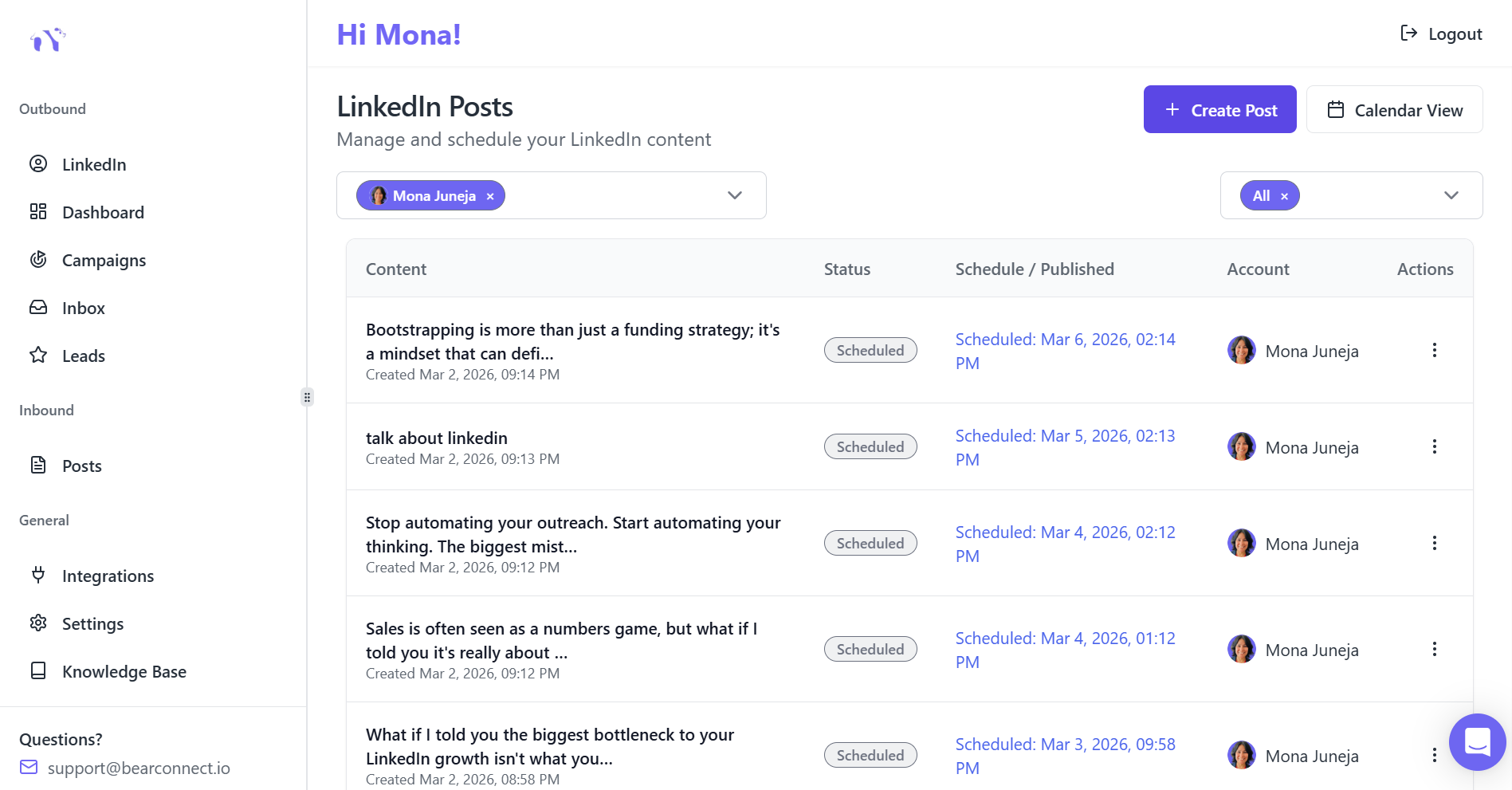
- Outreach without content on a profile is half a strategy at best.
- Bearconnect lets you write, schedule, and post LinkedIn content for each connected account directly inside the platform.
- No separate social media scheduler needed. Everything lives in one place.
Wait, You Might Be Thinking: "Is This Not Just Another LinkedIn Automation Tool?"
Fair objection. The market is crowded with LinkedIn automation platforms.
Most of them are built for one account.
You get one inbox, one campaign manager, one analytics dashboard. If you manage 5 clients, you need 5 separate subscriptions to 5 separate tools with 5 separate logins.
Bearconnect is designed from the ground up for the multi-account reality agencies actually operate in.
The difference is not just in the feature list. It is in the product architecture.
That is a real difference.
Agency Workflow: Before vs. After Centralization
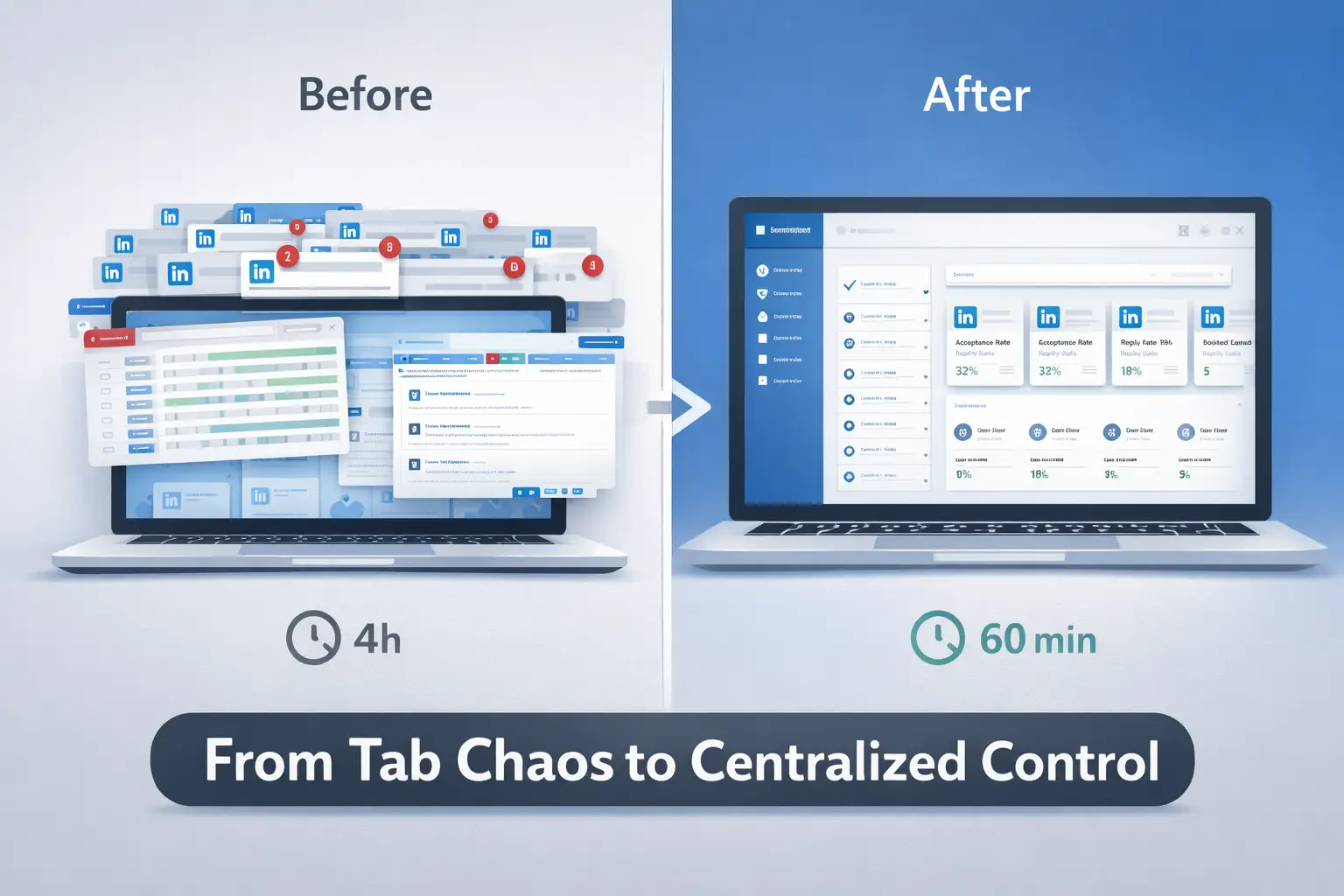
Let us make this concrete with a real operational comparison.
Before (Tab Chaos):
- Open Chrome Profile 1, log in to Client A, check inbox, reply, close
- Open Chrome Profile 2, log in to Client B, log replies into a spreadsheet
- Repeat for 5 more accounts across the morning
- Schedule posts from a separate social media tool
- Pull analytics manually every Friday before client calls
- Total daily account management time: 3 to 5 hours
After (Centralized in Bearconnect):
- Log in to Bearconnect once
- View all accounts and campaign statuses from the main dashboard
- Reply to all incoming messages from the unified inbox in sequence
- Check campaign KPIs per account in real time
- Schedule the week's posts for all accounts before 9:30 AM
- Total daily account management time: Under 60 minutes for the same workload
Removing friction from a process does not just save time. It saves mental bandwidth.
LinkedIn Account Safety Rules for Agencies Managing Multiple Accounts
Scale is worthless if accounts get restricted. Safety is the foundation, not an afterthought.
1. Warm Up New Accounts Before Running Outreach
A brand new or freshly connected account should never start at full outreach volume on Day 1.
Gradually increase daily connection requests over 2 to 3 weeks. Start at 5 to 10 per day, then move to 15, then to 25. This builds a normal-looking activity pattern for LinkedIn's system.
2. Respect Per-Account Daily Limits
LinkedIn's safe range for connection requests is roughly:
- New accounts (under 3 months old): 5 to 10 per day
- Established accounts (6 months to 1 year old): 10 to 15 per day
- Mature accounts (1 year or more with high SSI): Up to 25 per day
These are per-account limits. Not per-platform totals.
3. Use Personalized Outreach Messages
Generic connection messages produce high rejection rates. High rejection rates produce account flags.
Personalize every message based on a specific signal: a recent post they published, a mutual connection, a company announcement, or a shared professional interest.
4. Watch Acceptance and Reply Rates Weekly
If an account's connection acceptance rate drops below 20%, pause the campaign immediately.
Review the targeting criteria, message copy, and the account profile's completeness. A weak profile pulling poor acceptance rates is a risk signal you cannot ignore.
How to Scale From 1 Account to 5 or More
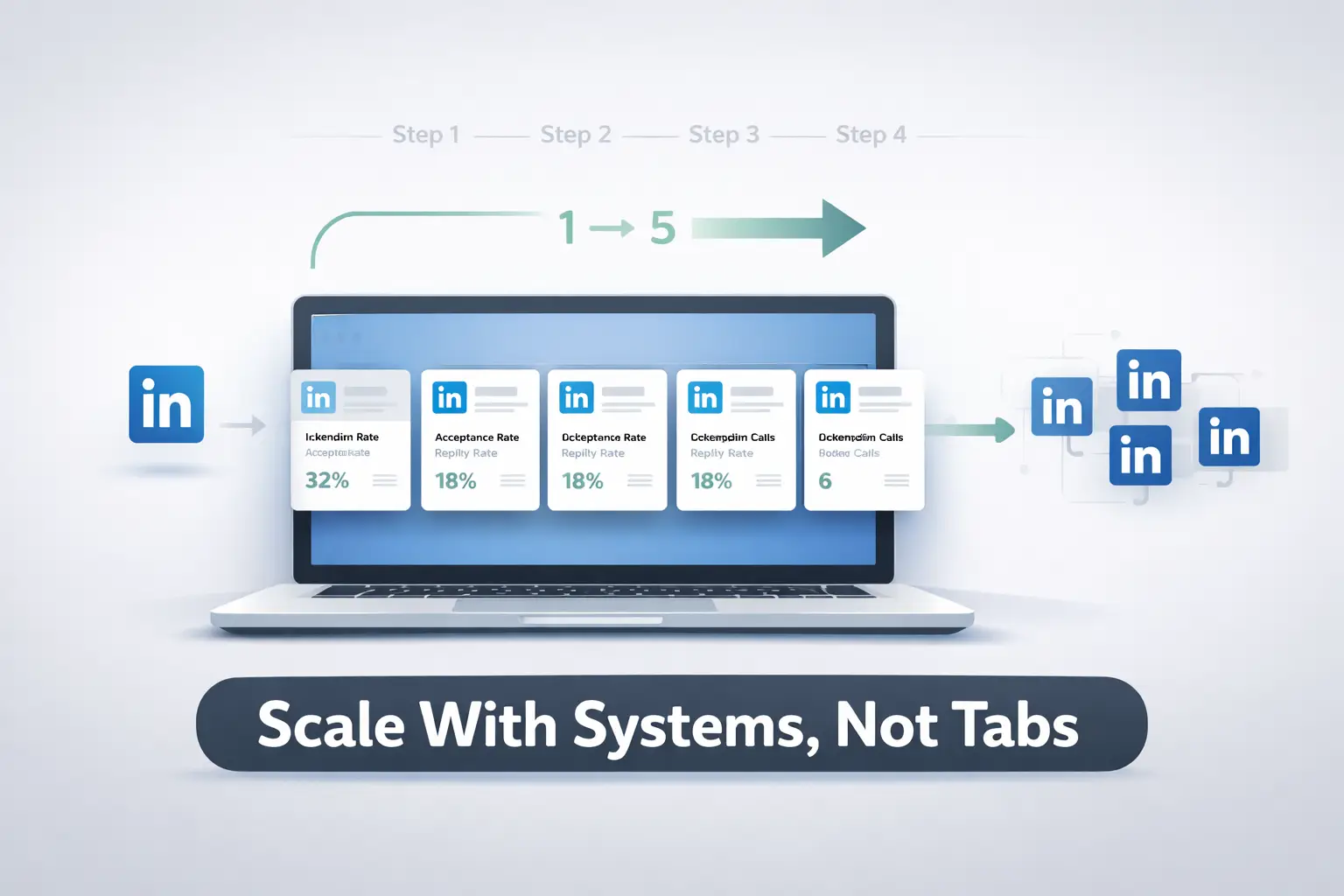
Scaling from one account to five is not doing the same thing five times.
It requires a sequential system.
Step 1: Validate your single-account setup first
- Is your connection acceptance rate above 30%?
- Is your reply rate above 15%?
- Is your sequence converting to booked calls?
If the answer to any of these is no, fix the system before scaling it.
Step 2: Connect Each Account Individually
- Introduce one new account every 1 to 2 weeks
- Assign each account its own ICP segment, geographic market, or industry vertical
- Let each new account warm up fully before activating outreach
Step 3: Set Up Account-Level Reporting in Advance
- Know your weekly KPIs per account: requests sent, accepted, replies, leads booked
- This protects you in client conversations and helps you identify underperforming accounts early
Step 4: Centralize everything in one platform
This is where Bearconnect pricing becomes relevant for agencies:
- $67 per month per LinkedIn account
- $57 per month per account when you connect 5 or more accounts
- No per-seat charges, no separate tool fees for inbox or analytics
A 5-account agency setup costs $285 per month. The hours saved in the first two weeks alone justify that cost.
The Right Infrastructure Changes Everything
Tab switching is not a LinkedIn problem. It is a tooling problem.
When agencies move from browser hacks to purpose-built multi-account infrastructure, three things happen immediately: response times get faster, accounts stay safer, and client reporting gets cleaner. Growth stops requiring more headcount.
The question is not whether you need centralized multi-account management.
You already know you do.
FAQs
Q1. Are Agencies Allowed to Handle Multiple Client LinkedIn Accounts?
Yes. Managing authorized client LinkedIn accounts as an agency is a legitimate and common practice. LinkedIn prohibits creating fake personal profiles, not professional management of real client accounts.
Q2. Will a multi-account tool get client LinkedIn accounts banned?
Not when the tool assigns dedicated IPs per account and enforces per-account daily action limits. The ban risk comes from shared IPs and over-automation. Platforms built for multi-account safety, like Bearconnect, isolate each account digitally so activity on one account never signals suspicious behavior on another.
Q3. What is the difference between a unified inbox and managing separate LinkedIn inboxes?
Separate inboxes require logging into each account individually and checking messages one at a time. A unified inbox pulls all messages from all connected accounts into a single feed so you see every conversation in context, respond without switching accounts, and never lose a warm reply in a background tab.
Q4. How many LinkedIn accounts can Bearconnect manage?
Bearconnect supports unlimited LinkedIn account connections from one dashboard. This makes it purpose-built for agencies managing multiple client accounts, sales teams with multiple SDR profiles, or growth operators running multi-seat outreach simultaneously.
Q5. What does it cost to manage multiple LinkedIn accounts with Bearconnect?
Bearconnect is priced at $67 per month per LinkedIn account. Connect 5 or more accounts and the price drops to $57 per month per account. For an agency running 5 client profiles, that is $285 per month for full outreach automation, unified inbox, content scheduling, and per-account analytics.
Ready to Run Every LinkedIn Account From One Tab?
If your agency manages more than 5 LinkedIn accounts, you already feel the friction every single day. Missed replies, inconsistent posting, no clear view across clients.
The solution exists, and it is not complicated.
Try Bearconnect, connect your first LinkedIn account in minutes, and see every account, every campaign, and every message in one clean dashboard.
Ready to Transform Your LinkedIn Strategy?
Join thousands of professionals already using Bearconnect to automate their outreach and grow their network.
7-day free trial • Cancel anytime
Related Articles
How to Generate High-Quality LinkedIn Leads (Not Just More Leads)
Learn how to generate high-quality LinkedIn leads using strict ICP targeting, layered qualification, and personalized outreach strategies that convert connections into real B2B revenue.
How Do Agencies Book 40+ Qualified Client Demos Per Month Using LinkedIn Automation?
Most agencies struggle to book consistent demos. This guide reveals the LinkedIn automation strategy agencies use to generate 40+ qualified client meetings every month.
How Do I Automatically Withdraw Pending LinkedIn Connection Requests in Bearconnect?
Automatically withdraw pending LinkedIn connection requests in Bearconnect. Improve acceptance rates and keep your outreach workflow clean.