What Is the Best Dripify Alternative for Agencies Managing Multiple LinkedIn Accounts?
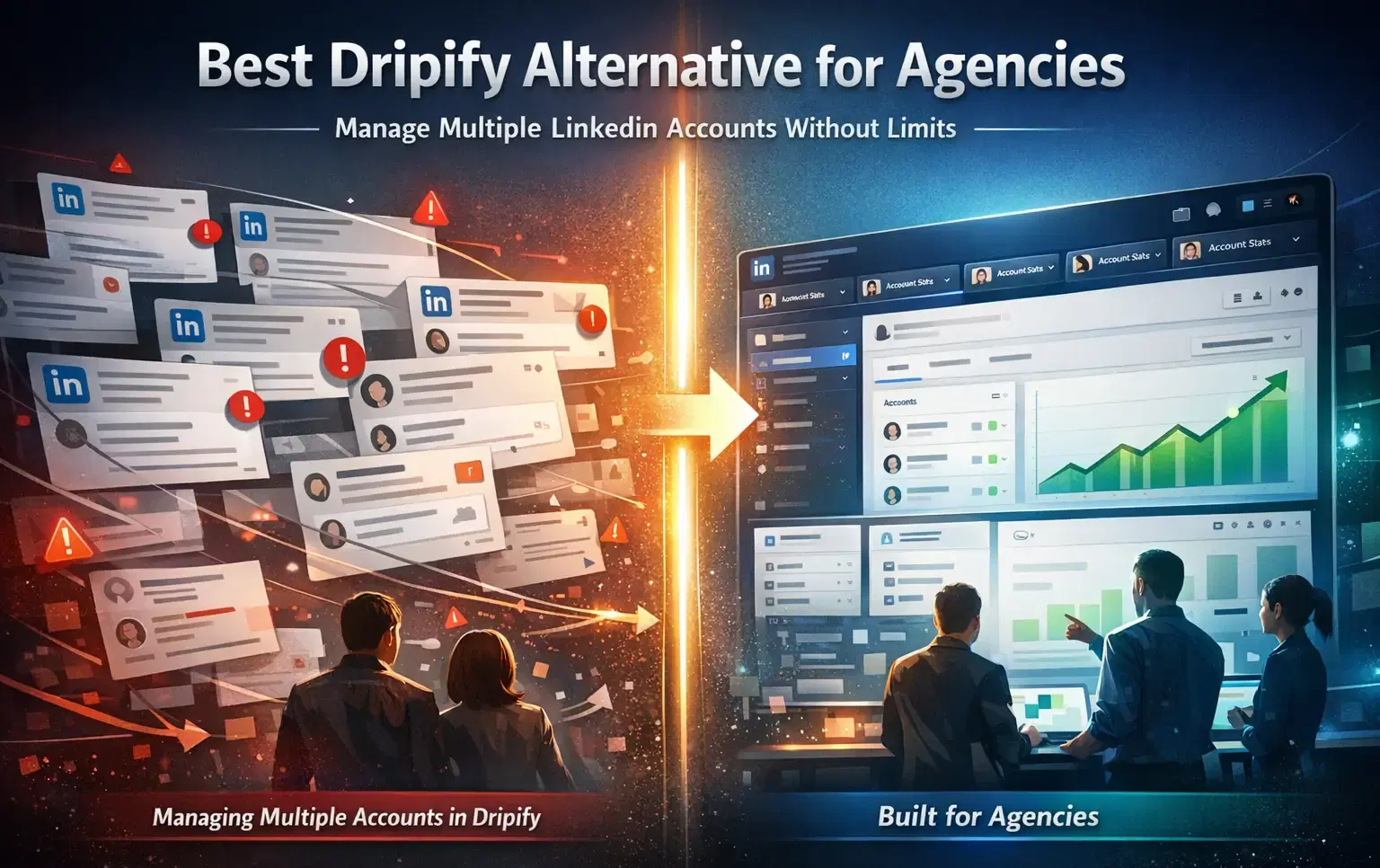
The best Dripify alternatives for agencies in 2026 are tools built for multi-client LinkedIn campaign management, not just single-user automation.
If you manage 5 or more client LinkedIn accounts, Dripify's pricing and inbox structure start working against you.
TL;DR
- Dripify works well for solo users but gets expensive and hard to manage at agency scale
- The best Dripify alternatives for agencies prioritize multi-account safety, centralized inbox, and transparent pricing
- Bearconnect is purpose-built for agencies, starting at $67/month per account and dropping to $57/month at 5+ accounts
- Key comparison criteria: pricing per seat, multi-account dashboard, safety features, reporting, and white-label support
- This guide ranks tools by what agencies actually care about, not by feature count
Why Agencies Outgrow Dripify
Dripify hits a ceiling the moment you manage more than 3 client accounts. Here is why:
- Each LinkedIn account needs a separate Dripify workspace
- There is no centralized inbox to manage all client conversations in one place
- Pricing scales linearly per seat with no volume discount for agencies
- Reporting is per account, not consolidated across all clients
- Team access and client management features are limited
An agency running 10 client campaigns on Dripify ends up juggling 10 separate dashboards, 10 separate inboxes, and a tool cost that compounds without delivering a better experience.
If you want to understand what Dripify actually does before comparing, read the Dripify tested review for a full breakdown of its features and limits.
What Agencies Actually Need in a LinkedIn Automation Tool
Most comparison articles rank tools by feature count. That is the wrong lens for agencies.
Here is what actually matters when you manage multiple client accounts:
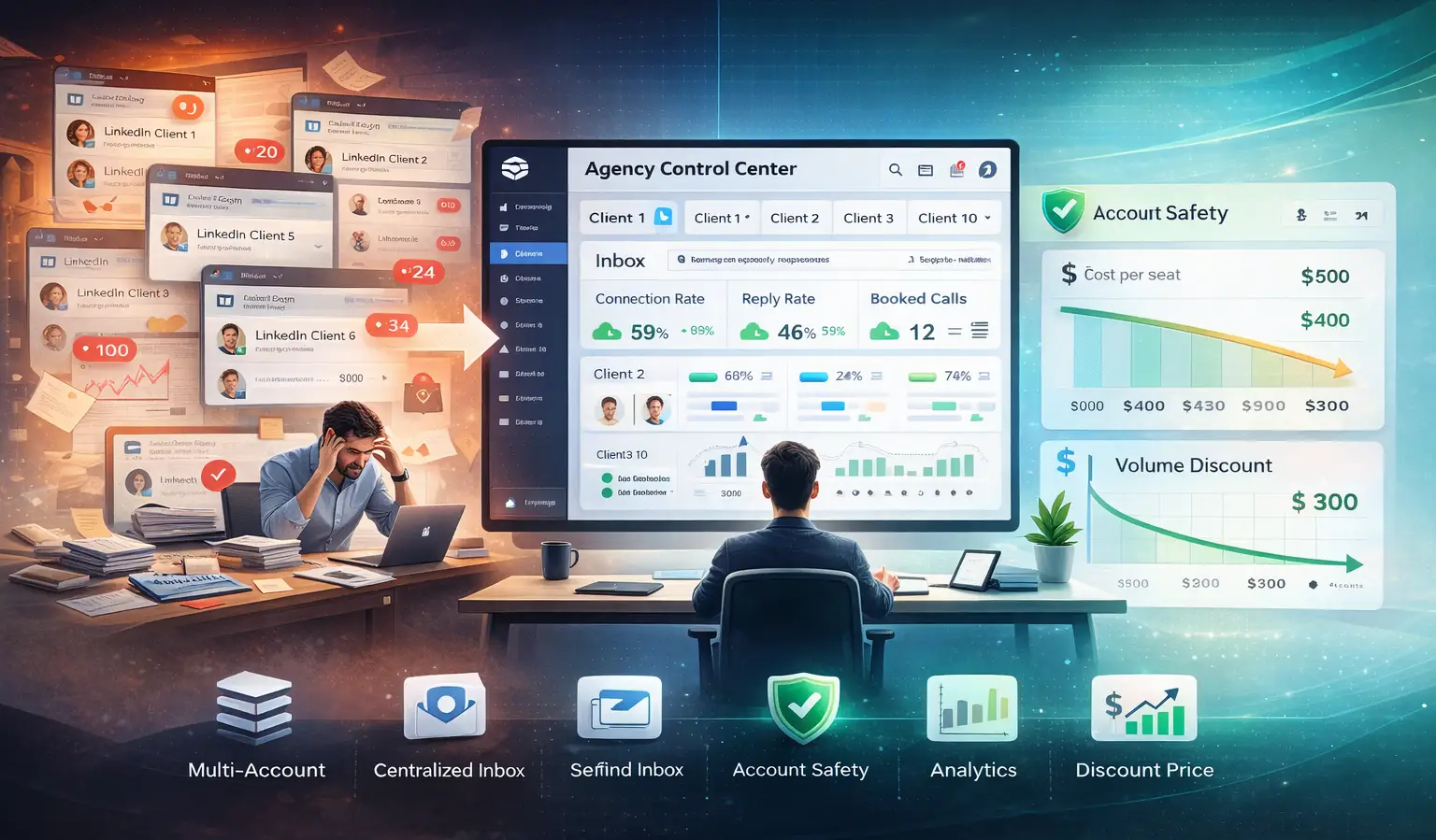
1. Multi-Account Management From One Dashboard
You need to switch between client campaigns without logging in and out. Every extra click is time your team wastes at scale.
2. Centralized Inbox Across All Accounts
When 10 clients get 50 replies each in a week, you need one place to see and respond to everything. Separate inboxes kill your response time and hurt client results.
3. Per-Account Pricing With Volume Discounts
Tools that charge flat per-seat prices with no agency pricing punish growth. You need cost per account to drop as you scale.
4. Account Safety Features
- LinkedIn bans accounts that show automation signals. Agencies need dedicated proxy support and human-like activity settings per account, not one shared session.
Before running any client campaign, read is LinkedIn automation against LinkedIn's policy so you understand what triggers account restrictions.
5. Campaign Analytics Per Client
- Clients want to see results. You need per-account reporting that you can pull quickly and present clearly.
- The LinkedIn automation 90-day scaling plan is a practical framework agencies use to structure client campaign reporting and delivery.
Pro tip: Before switching tools, list your top 3 operational bottlenecks with your current setup. The right alternative solves those specific problems, not just offers more features.
Best Dripify Alternatives for Agencies in 2026
1. Bearconnect (Best for Multi-Client Agency Workflows)
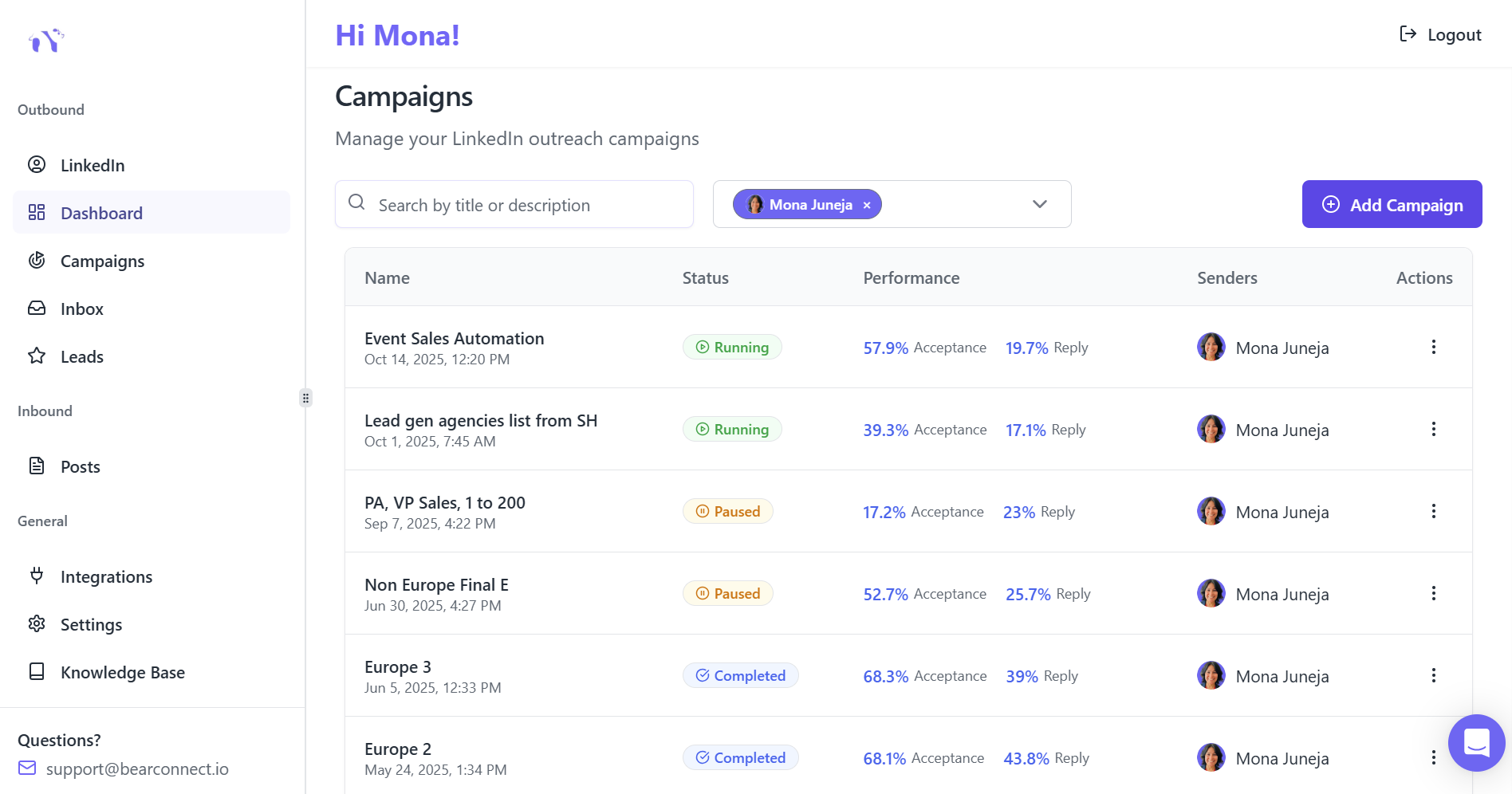
Bearconnect is built from the ground up for agencies managing multiple LinkedIn accounts. It solves the exact problems Dripify creates at scale.
What makes it agency-first:
- Manage all client LinkedIn accounts from a single dashboard
- Unified inbox pulls all client conversations into one view so nothing gets missed
- Dedicated IP per account keeps every client account safe from LinkedIn restrictions
- LinkedIn post scheduling and content tools built in, so you can upsell content management without adding tools
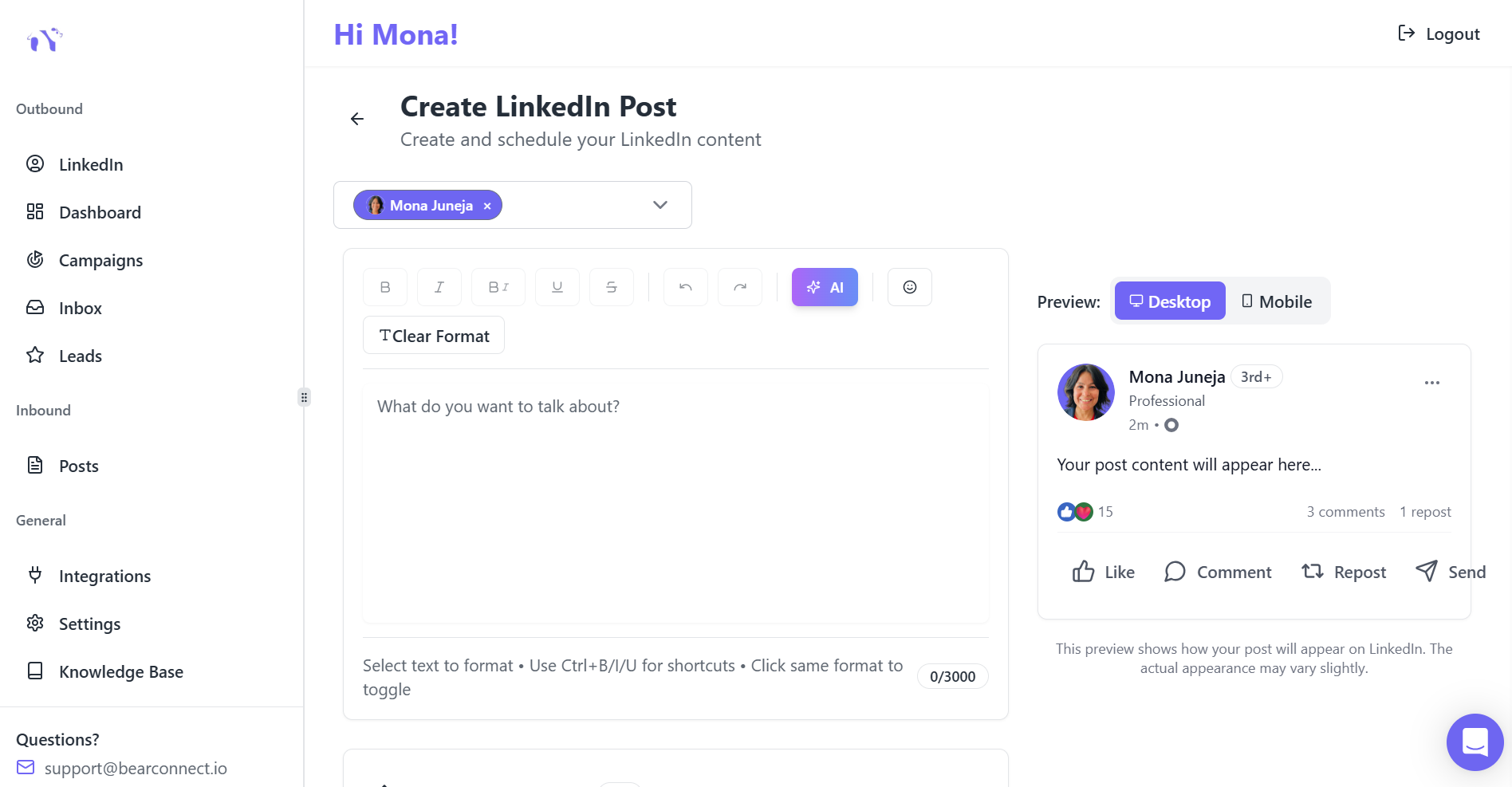
- Import data from LinkedIn, Sales Navigator, or CSV directly into campaigns
- Analytics dashboard gives you per-account performance data without switching logins
Pricing:
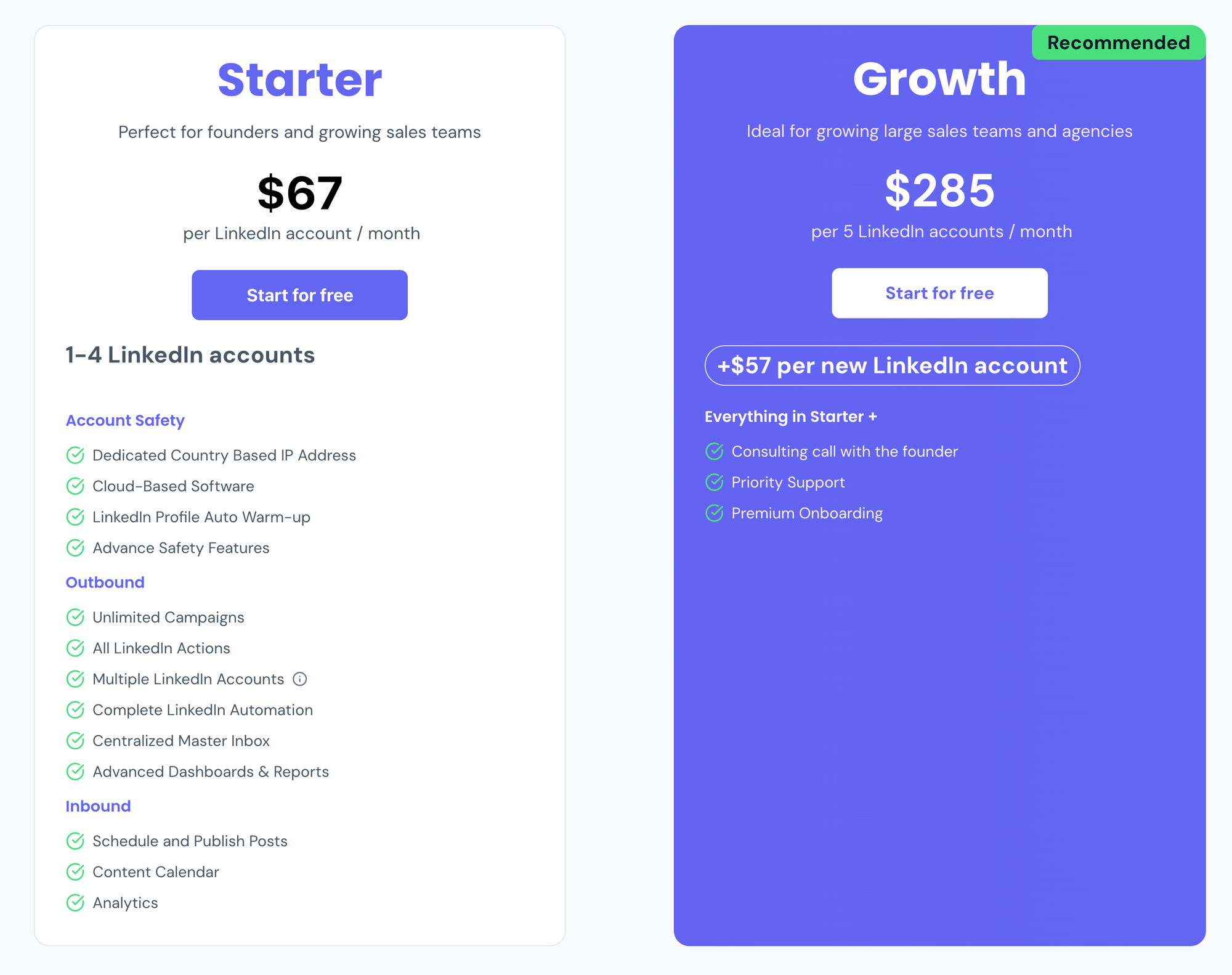
- $67/month per LinkedIn account
- Drops to $57/month per account when you connect 5 or more accounts
- 5 client accounts = $285/month total
That pricing model makes margins predictable. If you charge clients $500 to $800/month per account, your gross margin on tool cost alone sits above 40%.
2. Expandi (Good for Personalization, Expensive for Scale)
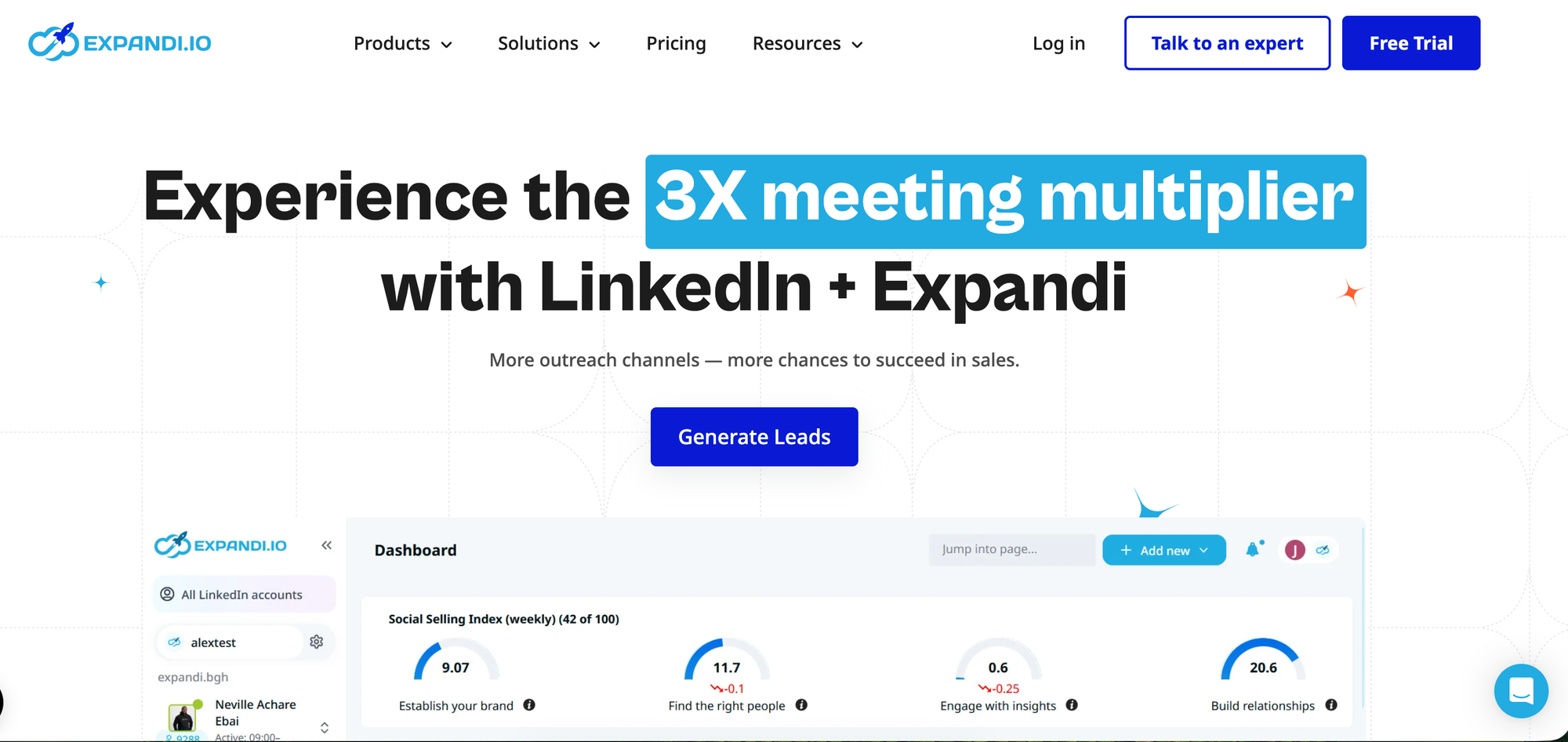
Expandi is a cloud-based LinkedIn automation tool with strong personalization features. It works well for individual campaigns with advanced conditional sequences.
Where it works:
- Strong image and GIF personalization in outreach messages
- Cloud-based so no browser extension needed
- Good sequence builder with conditional branching
Where it falls short for agencies:
- No centralized multi-account inbox
- Pricing per seat gets expensive quickly at 5+ accounts
- No built-in LinkedIn post scheduling
- Managing multiple client accounts still requires separate logins
For a direct head-to-head comparison between Expandi and Bearconnect on this exact issue, see Expandi vs Bearconnect.
3. Heyreach (Good for Volume Outreach Teams)
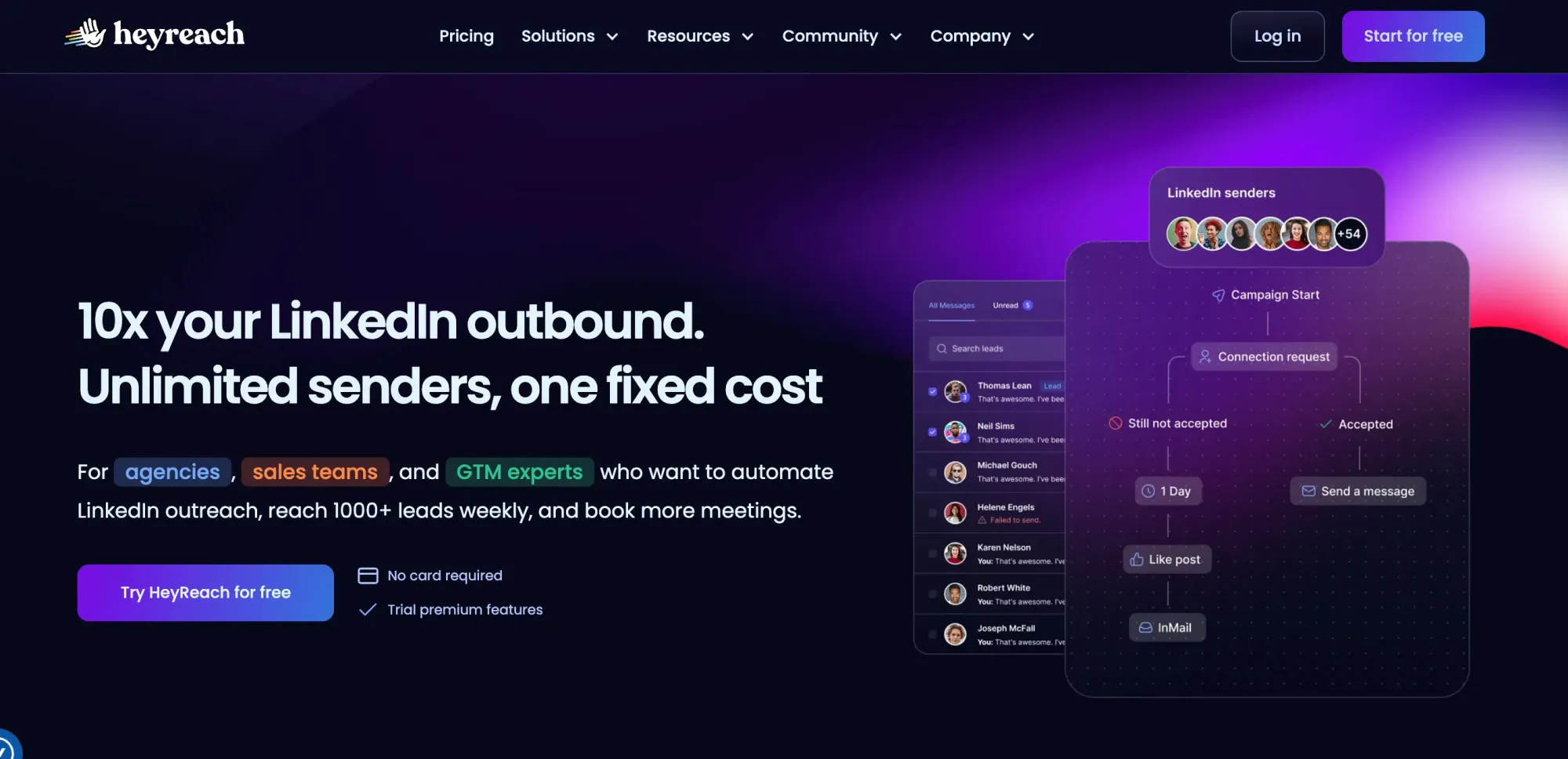
Heyreach focuses on high-volume LinkedIn outreach with team collaboration features.
Where it works:
- Built for teams sending at high volume
- Sender rotation across multiple LinkedIn accounts in a single campaign
- Good for agencies running outreach at volume for one client
Where it falls short for agencies:
- No built-in LinkedIn post scheduling
- Built for lead gen agencies but not for marketing agencies
For a direct head-to-head comparison between HeyReach and Bearconnect on this exact issue, see Heyreach review.
4. Dux-Soup (Budget Option, Low Scalability)
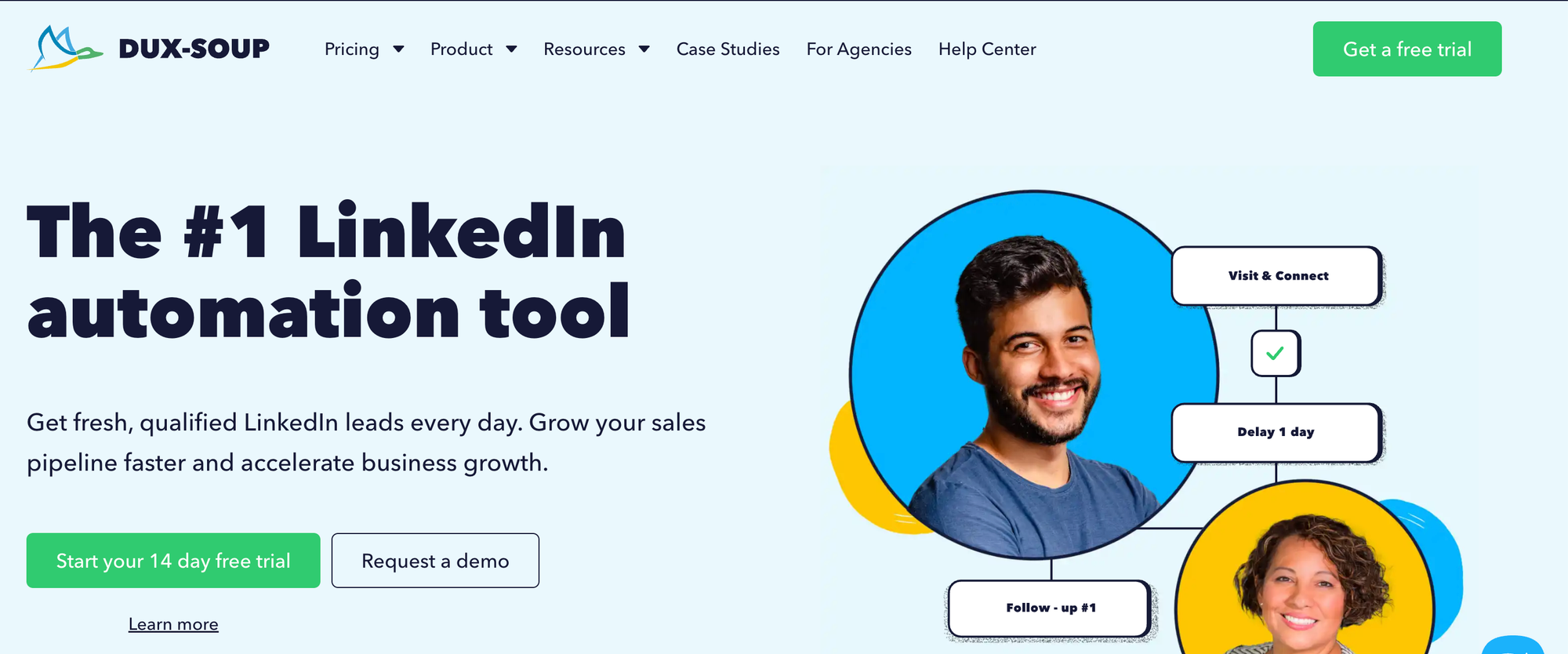
Dux-Soup is a browser extension-based LinkedIn automation tool with a low entry price.
Where it works:
- Very affordable for solo users or freelancers
- Simple setup with no complex configuration
- Works directly inside the LinkedIn browser interface
Where it falls short for agencies:
- Browser extension dependency creates safety risks at scale
- No centralized multi-account management
- Limited reporting and analytics
- Not designed for agency client management workflows
See the full Dux-Soup review and best alternatives if you are currently using it and looking to upgrade.
Side-by-Side Comparison Table
| Feature | Bearconnect | Expandi | Heyreach | Dripify | Dux-Soup |
|---|---|---|---|---|---|
| Multi-account dashboard | Yes | No | Yes | No | No |
| Centralized inbox | Yes | No | Yes | No | No |
| Volume pricing for agencies | Yes ($57 at 5+) | No | Yes | No | No |
| Dedicated IP per account | Yes | Yes | Yes | Yes | No |
| LinkedIn post scheduling | Yes | No | No | No | No |
| Built-in analytics | Yes | Yes | Yes | Yes | Limited |
| Best for | Agencies (5-50+ accounts) | Power users (1-3 accounts) | High-volume teams | Solo/small teams | Freelancers |
When to Switch From Dripify
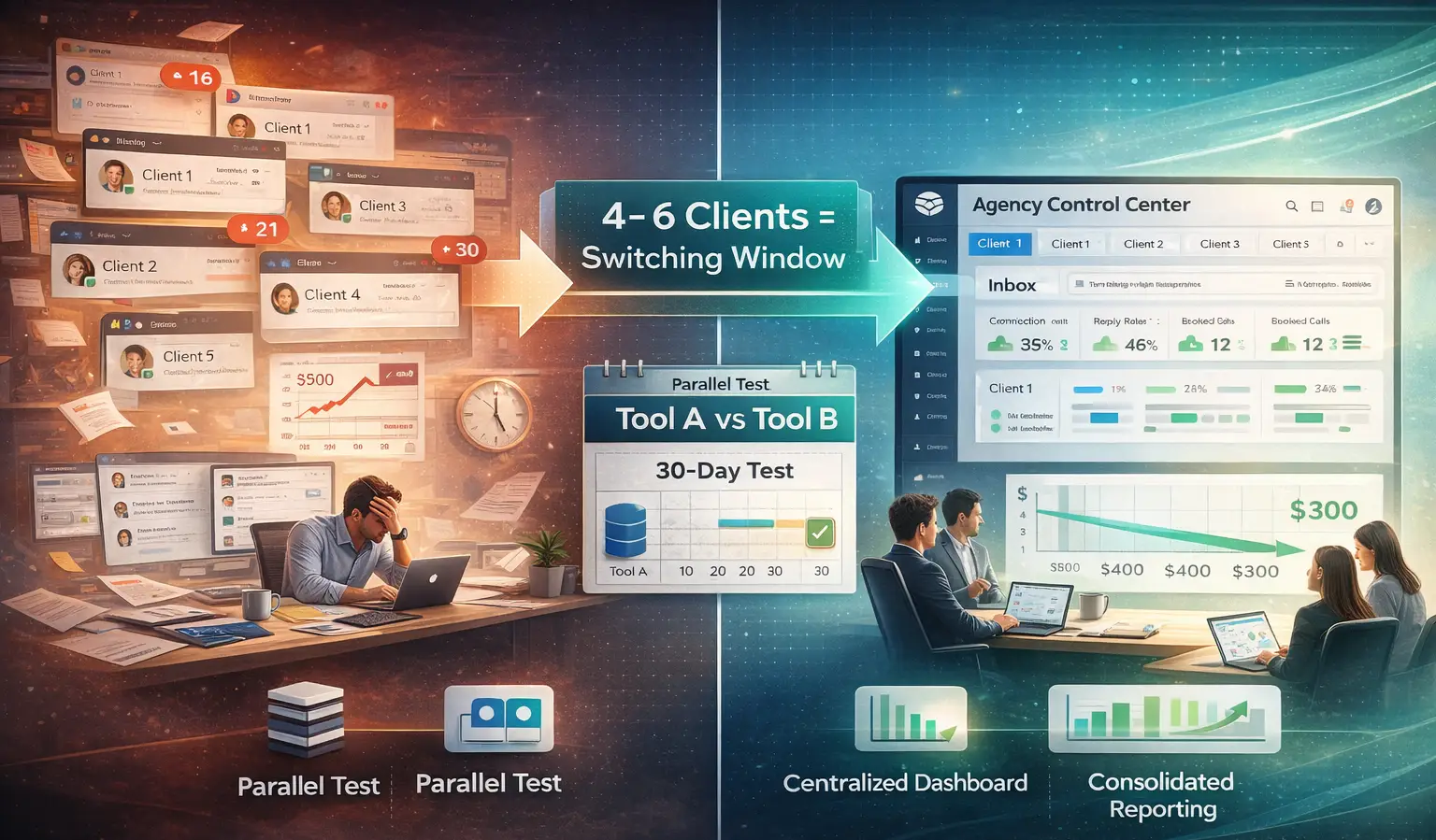
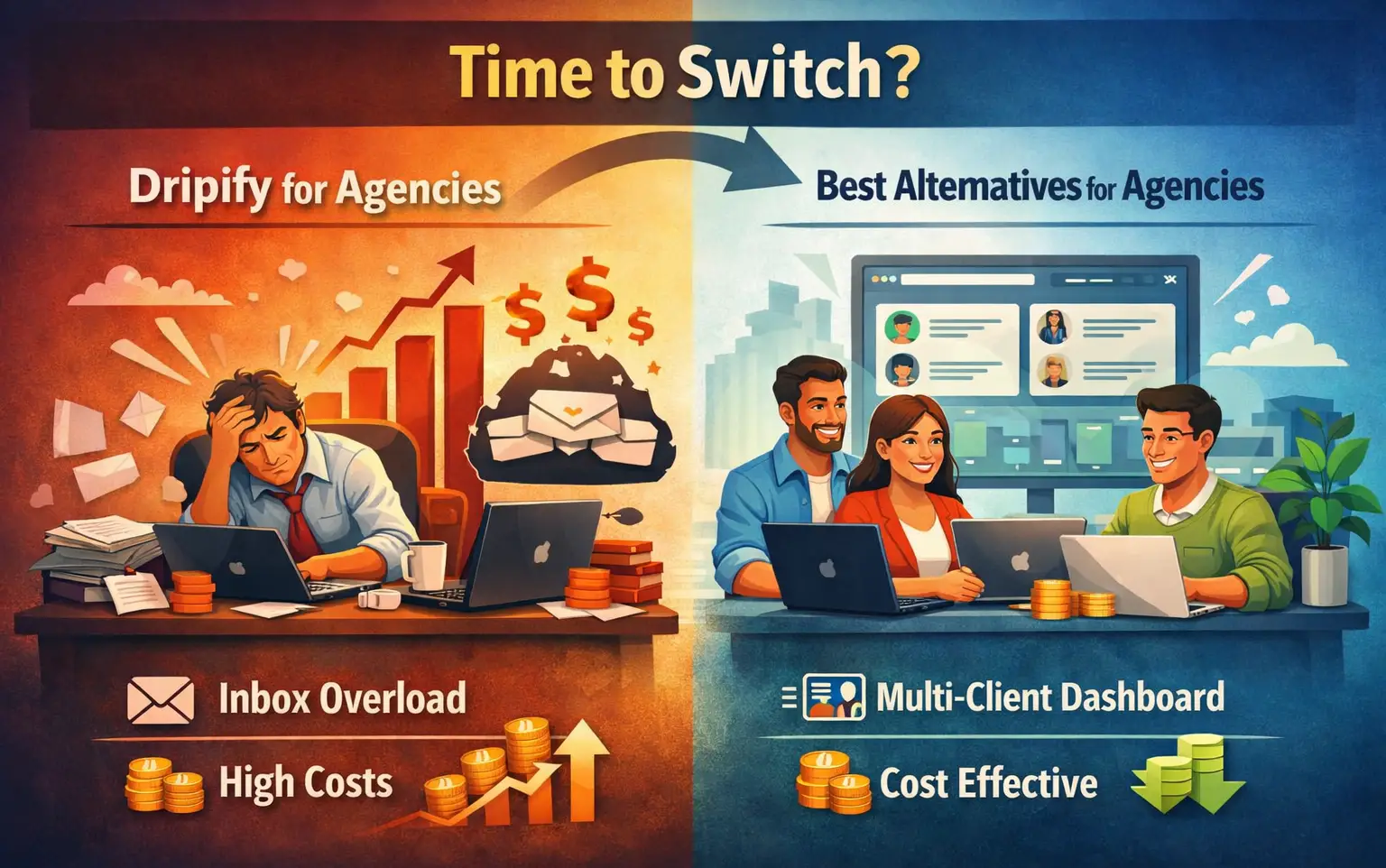
You know it is time to switch when these situations become routine:
- You spend more than 30 minutes per day switching between client dashboards
- Client replies sit unread in separate inboxes and response times slip
- Your monthly tool cost per client account has no volume discount
- You cannot pull a consolidated report across all client campaigns in one view
- You want to upsell content or inbox management but need separate tools to do it
Most agencies hit these friction points between client 4 and client 6. That is the natural switching window.
Switching is not complicated. Not if you pick the right tool.
Pro tip: Run a parallel test. Keep one client on Dripify and move one client to your new tool for 30 days. Compare your operational time and client results before fully committing.
Why Agency Pricing Model Matters More Than Features
A tool with 50 features but no volume pricing will cost you more than a tool with 20 features and an agency-friendly structure.
Here is a real example with Bearconnect:
- 5 client accounts at $57/month each = $285/month
- Resell at $500/month per client = $2,500/month in revenue
- Gross margin on tool cost = 88.6%
Even after accounting for your team's 3 to 5 hours per client per month, net margins stay strong. That is the business model that works.
Compare that to a tool where 5 accounts cost $450 to $600/month with no volume discount. Your margins compress immediately and the math stops working as you scale.
To see what realistic lead volume looks like from LinkedIn automation campaigns, read how many leads LinkedIn automation generates in 2026.
5 FAQs: Dripify Alternatives for Agencies
1. Is Dripify good for agencies?
Dripify works for solo users and small teams but lacks centralized inbox management, agency-tier pricing, and multi-account dashboards that agencies need at scale. Most agencies outgrow it between 3 to 5 client accounts.
2. What is the best free LinkedIn automation tool for agencies?
There are no fully free LinkedIn automation tools that are safe and scalable for agencies. Most free tools use browser extensions that create LinkedIn account risk. Starting with a low-cost paid tool like Bearconnect at $67/month per account protects your client accounts while keeping costs manageable.
3. Can I manage multiple client LinkedIn accounts from one tool?
Yes. Bearconnect lets you manage multiple client LinkedIn accounts from a single dashboard with a unified inbox, dedicated proxies per account, and per-account analytics without switching logins.
4. How is Bearconnect different from Dripify for agencies?
Bearconnect offers centralized multi-account management, a unified inbox across all client accounts, volume pricing ($57/account at 5+), built-in LinkedIn post scheduling, and analytics in one dashboard. Dripify requires separate workspaces per account with no consolidated view.
5. How much should an agency charge for LinkedIn lead generation?
Most agencies charge $400 to $800 per LinkedIn account managed per month. With Bearconnect's agency pricing at $57/account for 5+ accounts, your tool cost stays under $300 for a 5-client roster, leaving strong margins at any price point in that range.
Try the Tool Built for Agencies, Not Solo Users
If you are managing or planning to manage 5 or more client LinkedIn accounts, the tool you choose determines your margins, your operational load, and your client retention.
Start with 7 Day free trial & test it on one client campaign for 30 days. See how the unified inbox and multi-account dashboard compare to your current workflow.
Also check out safer Dripify alternatives if account safety is your primary concern when making the switch.
Visit bearconnect.io/pricing to see the full breakdown, or explore the agencies page to see how other agency founders use it to run client campaigns at scale.
Ready to Transform Your LinkedIn Strategy?
Join thousands of professionals already using Bearconnect to automate their outreach and grow their network.
7-day free trial • Cancel anytime