What Does CFBR Mean on LinkedIn? Commenting for Better Reach (And How to Use It)
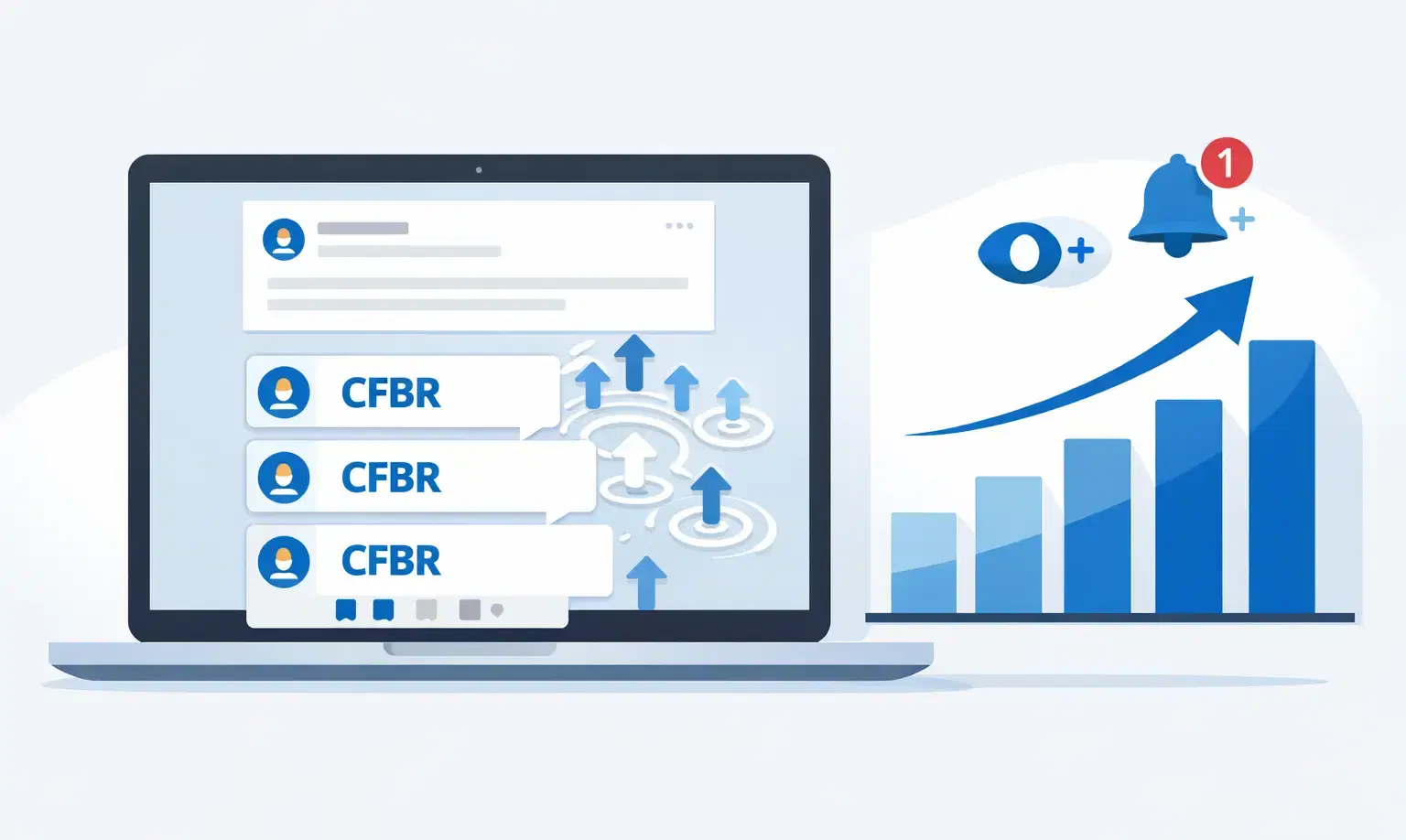
CFBR stands for "Commenting for Better Reach."
It is a LinkedIn engagement tactic where you leave comments on relevant posts to trigger the algorithm and push both that post and your own profile in front of a wider audience.
TL;DR
- CFBR = Commenting for Better Reach, a free LinkedIn visibility tactic
- Comments carry more algorithmic weight than likes or shares on LinkedIn
- Comment within 60 minutes of a post going live for maximum reach impact
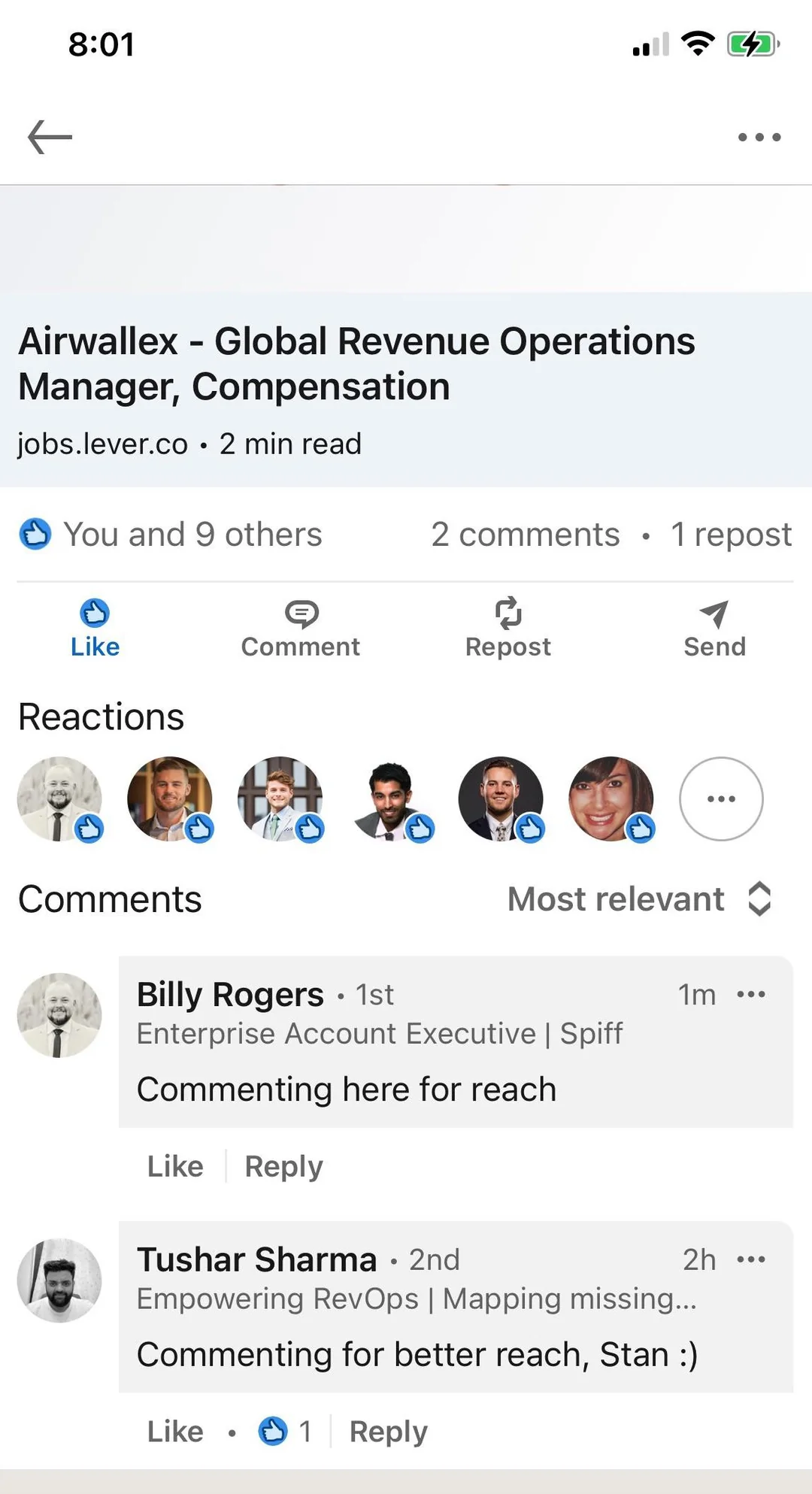
- Generic comments like "Great post!" or just typing "CFBR" hurt your credibility and now risk AI penalization
- For B2B sales, use CFBR as Step 1 in a 3-step warm prospect sequence before sending a connection request
What Does CFBR Stand For on LinkedIn?
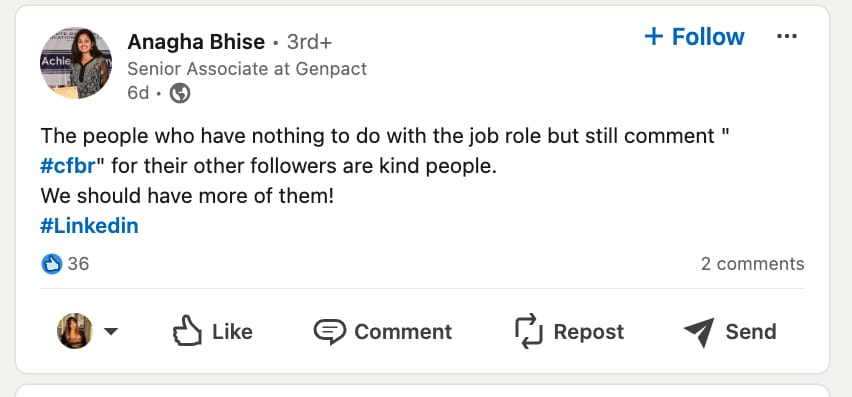
CFBR stands for "Commenting for Better Reach" and it originated as a mutual support tactic among LinkedIn creators.
- The term went viral in late 2022 during a wave of tech industry layoffs.
- When Amazon announced large-scale job cuts, affected employees posted about their situations on LinkedIn.
- Supportive connections commented "CFBR" as a signal that they were engaging with the post specifically to help it reach more people, including potential hiring managers.
Today, you see "CFBR" in the comment sections of posts across sales, marketing, tech, HR, and recruitment communities.
The core idea is simple: when you comment on someone's post, LinkedIn's algorithm interprets that as strong engagement and distributes the post to a larger audience.
Your comment benefits the original poster, and the visibility you gain from appearing in that comment thread benefits you.
How Does CFBR Work? The LinkedIn Algorithm Explained Simply
CFBR works because LinkedIn's algorithm weighs comments more heavily than likes or shares when deciding how widely to distribute a post.
Here is the exact 4-step cycle that happens when you leave a meaningful comment:
- You comment on a post from someone in your target audience or network
- LinkedIn's algorithm detects the engagement and scores the post higher
- The post gets shown to the author's extended network and sometimes to your network too
- Your profile appears in the comment thread, gaining visibility with everyone who reads the post
The Engagement Weight Hierarchy on LinkedIn
| Engagement Type | Algorithmic Weight | Why |
|---|---|---|
| Comment (2+ sentences) | Highest | Signals genuine interest and time investment |
| Comment (1 word or emoji) | Medium-low | Signals minimal effort |
| Like or reaction | Low | Passive signal, easy to do |
| Share | Medium | Content distribution but less personal signal |
The 60-Minute Golden Window
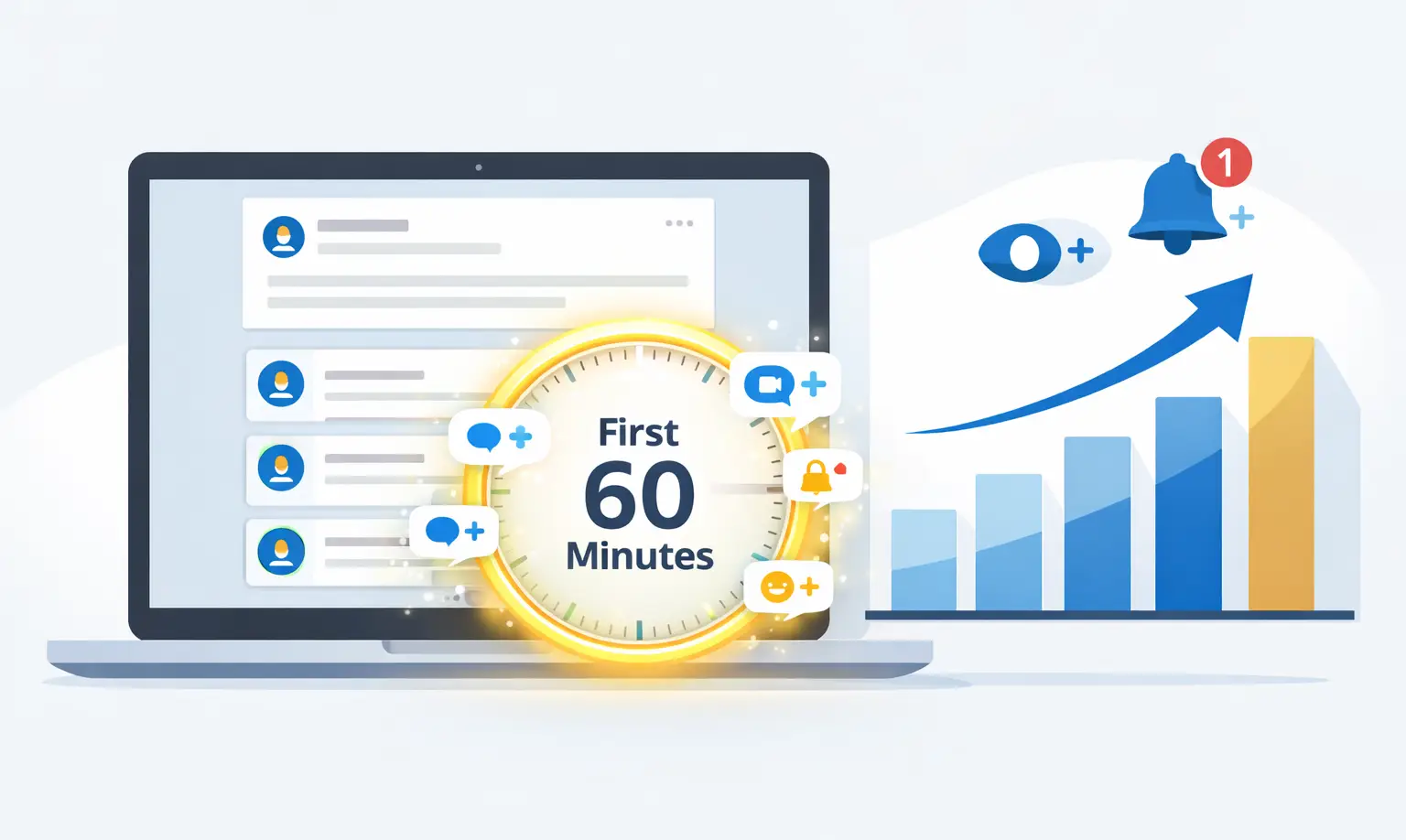
- Commenting within the first 60 minutes of a post going live gives you the highest algorithmic return.
- LinkedIn's algorithm evaluates early engagement velocity.
- A post that gets 5 meaningful comments in the first hour ranks significantly higher than a post that gets 50 comments spread over 3 days.
Pro Tip: Follow your target prospects and set a habit of checking LinkedIn for new posts each morning between 7 and 9 AM. Most B2B content goes live during this window.
CFBR vs. Generic Commenting: What Actually Works in 2026
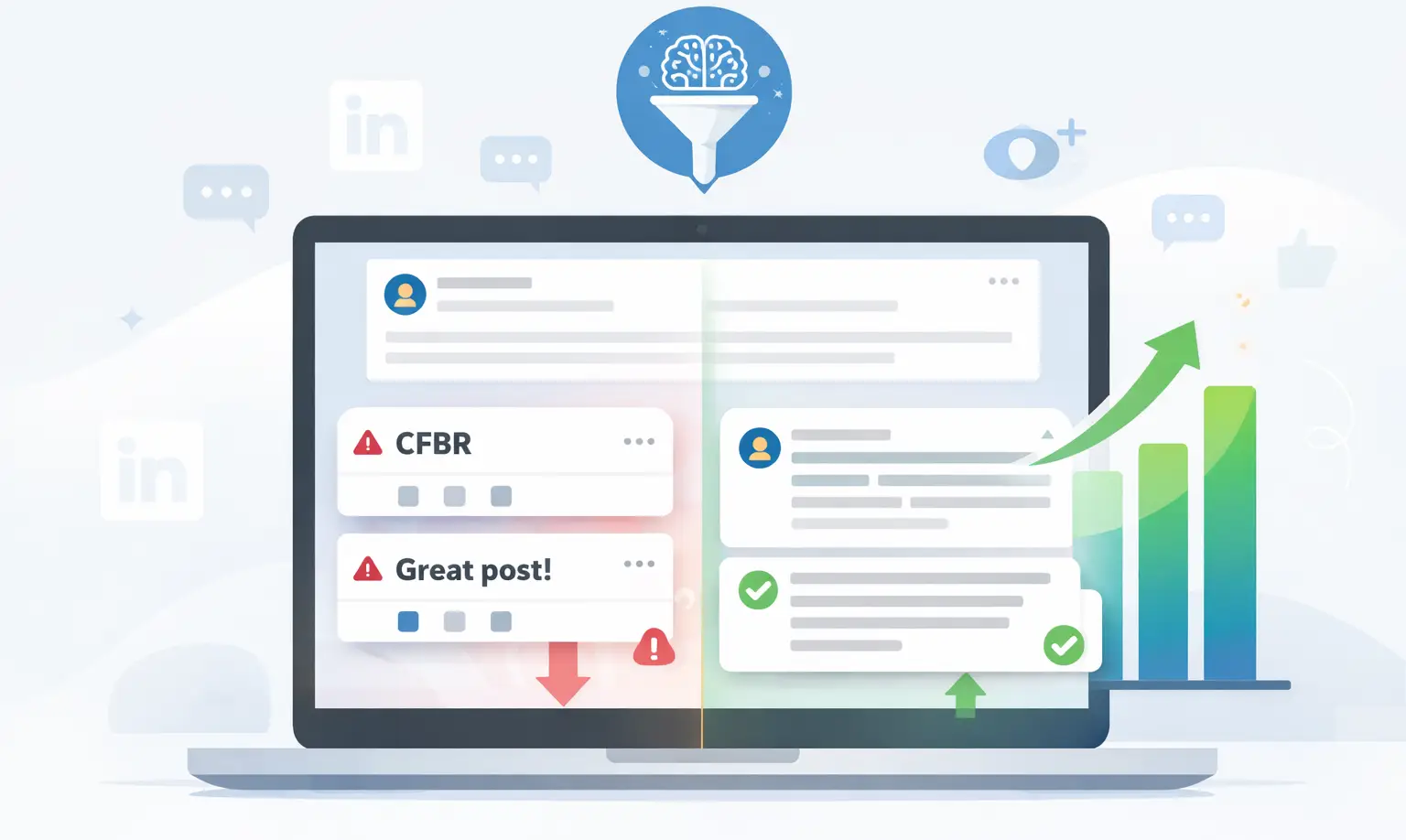
- Typing "CFBR" or "Great post!" as your comment no longer drives meaningful results and now actively risks algorithmic penalization.
- LinkedIn is rolling out AI-powered comment quality filters.
- These filters evaluate whether a comment adds genuine value to a conversation or simply inflates engagement numbers.
- Low-signal comments get deprioritized in distribution. High-signal comments get amplified.
This is a significant shift from 2022 and 2023 when any comment, including the word "CFBR" alone, would trigger an algorithmic boost.
Comment Quality vs. Impact Table
| Comment Type | Algorithmic Impact | Credibility Impact |
|---|---|---|
| "CFBR" or "Great post!" | Low, increasingly penalized | Damages your personal brand |
| Single emoji or short reaction | Very low | Neutral but forgettable |
| 2-sentence insight or observation | High | Builds thought leadership |
| Insight + specific question | Highest | Positions you as an expert |
Real example:
Commenting "Interesting!" on a VP's post gets ignored.
Commenting "Forecasting by stage age cut our deal slip rate by 30%. Have you tested this with your team?" gets a reply, a profile visit, and a connection request.
Pro Tip: Treat every comment as a micro-post. Add one insight. End with one question.
The CFBR Warm Outreach Sequence: Turn Visibility Into Leads
The most effective way to use CFBR is not as a standalone tactic but as Step 1 in a 3-step warm outreach sequence.
No competing guide covers this. Every other CFBR article treats commenting as the end goal. For B2B sales professionals, it is the starting point.
The 3-Step Warm Before You Connect Framework
| Step | Action | Timing | Goal |
|---|---|---|---|
| Step 1 | Leave a thoughtful comment on a prospect's post (CFBR) | Day 1 | Get your name in front of them naturally |
| Step 2 | Like 2 to 3 of their posts over the next 5 to 7 days | Days 2 to 7 | Build name recognition without being intrusive |
| Step 3 | Send a personalized connection request referencing their post | Day 8 to 10 | Convert familiarity into a real connection |
Why This Works
Cold outreach fails because there is no prior context. When a prospect already recognizes your name from their comment section, your connection request feels familiar, not random.
Real Scenario
A SaaS SDR targeting VP of Sales personas ran this exact sequence:
- Day 1: Left a 2-sentence insight on a prospect's post about CRM adoption
- Day 3 to 4: Liked 2 more of his posts
- Day 8: Sent a connection request: "I really agreed with your take on CRM adoption last week. Would love to connect."
Result: Acceptance rate significantly higher than cold outreach alone.
How Bearconnect Fits In
- You handle: Writing the comment (Step 1)
- Bearconnect handles: Follow-up likes and the personalized connection request (Steps 2 and 3)
No warm prospect goes cold while you focus on other work.
How CFBR Directly Improves Your LinkedIn SSI Score
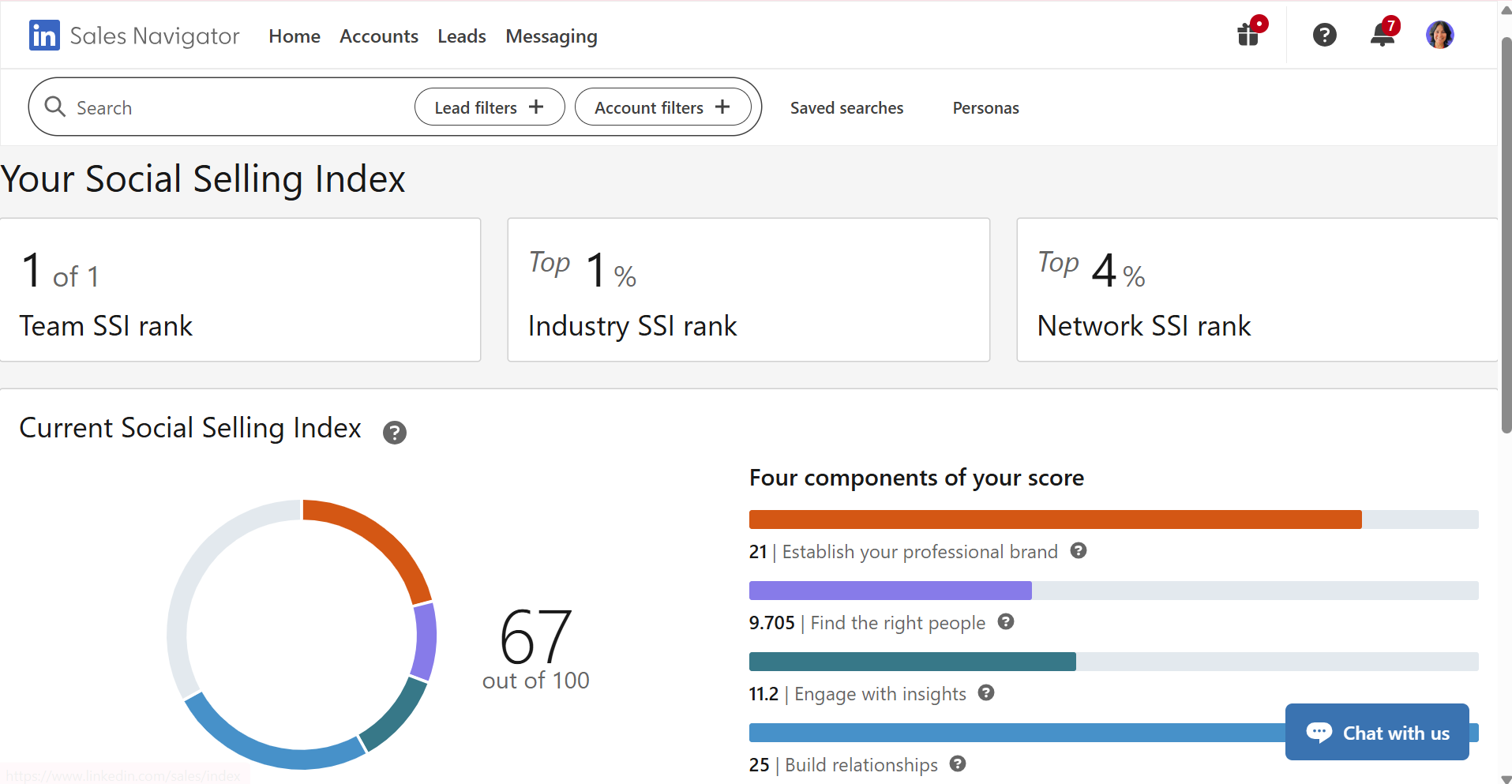
Consistent, quality commenting directly improves the "Engage with Insights" pillar of your LinkedIn Social Selling Index, worth 25 points.
- The LinkedIn Social Selling Index (SSI) measures your LinkedIn activity across 4 pillars.
- The Engage with Insights pillar tracks how frequently and meaningfully you interact with content on the platform.
- Daily commenting on relevant posts from your target audience is one of the fastest ways to raise this pillar score.
- A higher SSI score improves your profile visibility, InMail acceptance rates, and connection request success. CFBR, done correctly, feeds directly into this metric.
Read the full guide to improving your LinkedIn SSI score to see how CFBR fits into your complete LinkedIn growth system.
6 Benefits of Using CFBR on LinkedIn
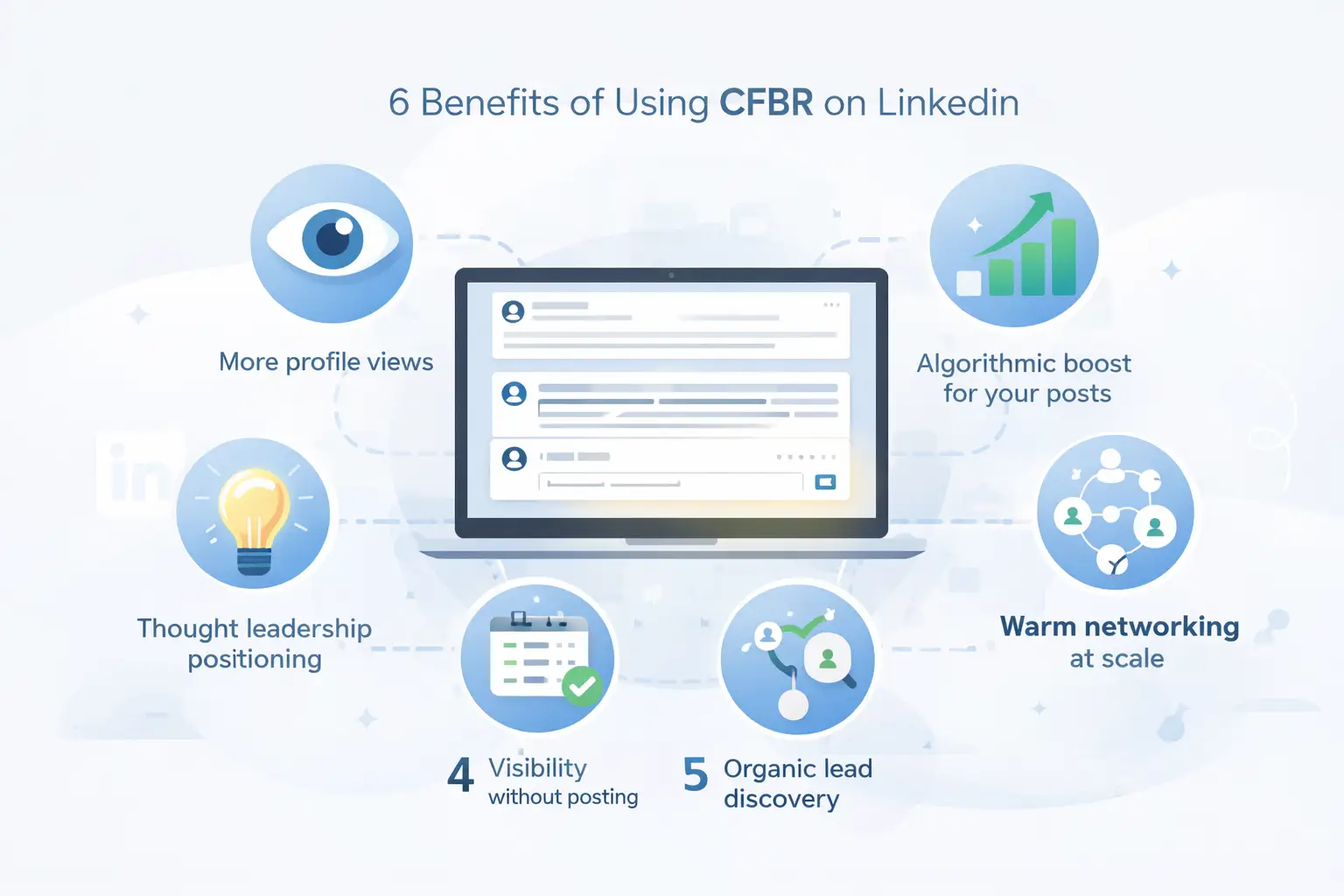
When you execute CFBR with quality and consistency, it delivers compounding visibility benefits at zero cost.
- More profile views: Your name and headline appear in every comment thread you join. Readers of that post see you even if they have never heard of you before.
- Algorithmic boost for your own content: LinkedIn rewards active users. The more you engage with others, the more the algorithm distributes your own posts.
- Warm networking at scale: Commenting on 5 targeted posts per day puts you in front of 5 new audiences daily without sending a single cold message.
- Thought leadership positioning: Consistent, insightful comments build a reputation in your niche faster than most people expect.
- No content creation required: CFBR gives you algorithmic activity on days when you have no post to publish yourself.
- Organic lead discovery: Prospects often check who commented on posts from people they follow. Your comment can bring qualified visitors to your profile without any outreach.
4 Downsides of CFBR (And How to Fix Each One)
CFBR has real drawbacks that most guides ignore. Knowing them helps you avoid the mistakes that hurt your brand.
- Generic comments damage credibility. Typing "CFBR" or "Love this!" signals low effort. Fix: Always write at least 2 sentences with a real observation.
- Late comments get buried. Comments left 6 or more hours after a post goes live receive little to no algorithmic amplification. Fix: Comment within the first 60 minutes using the Golden Window strategy.
- Commenting on wrong posts harms positioning. Commenting on viral memes or off-topic posts puts you in front of the wrong audience. Fix: Only comment on posts from your ICP or industry voices your prospects follow.
- No guaranteed reciprocation. CFBR is not a deal. The author may never engage back. Fix: Use it as a visibility play, not a direct exchange. The warm sequence converts visibility into connection.
5 Best Practices for Effective CFBR in 2026
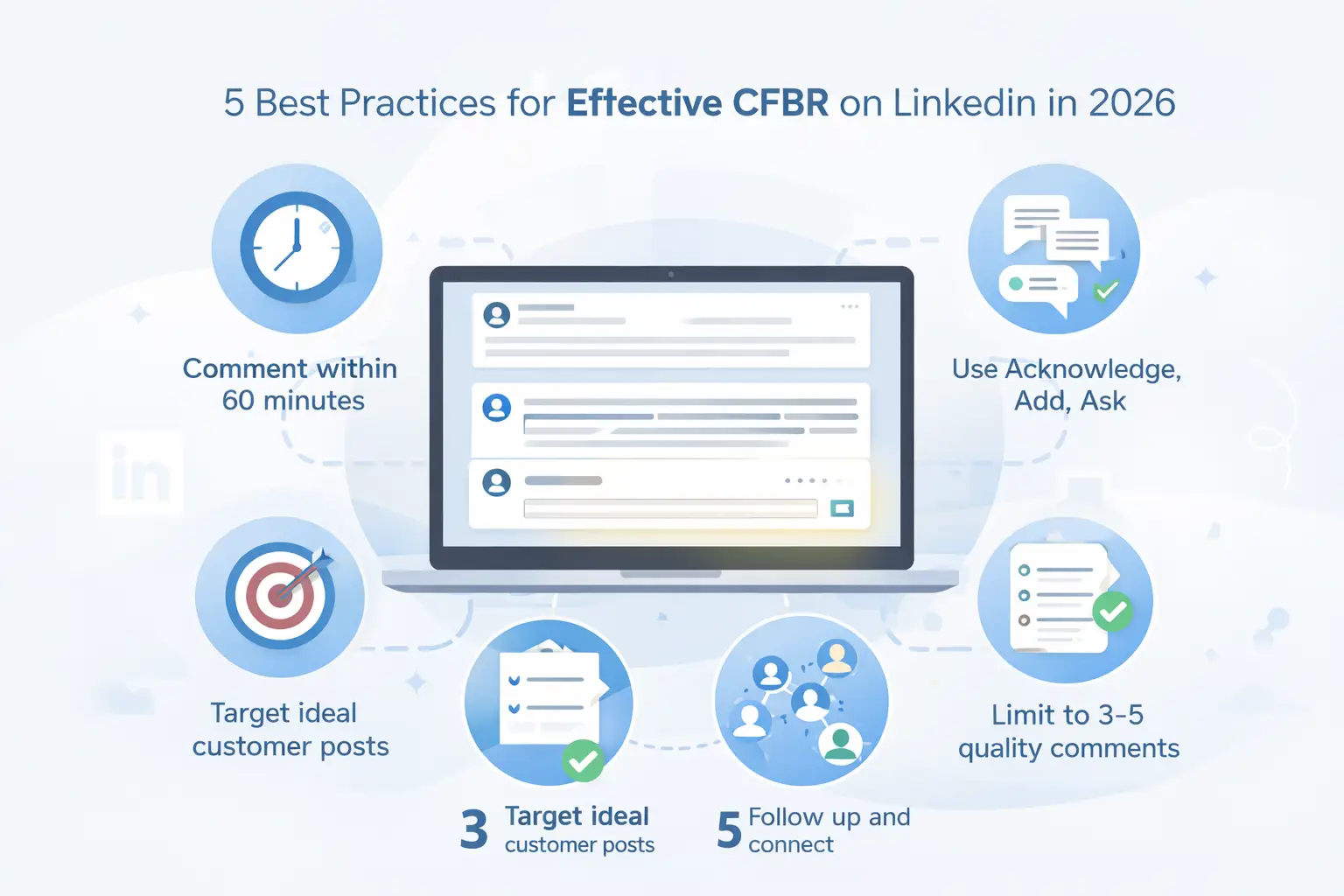
These 5 practices separate the 10% of LinkedIn commenters who build real authority from the 90% who create noise.
- Comment within 60 minutes of a post going live. Early engagement gets amplified. Late engagement gets ignored.
- Use the Acknowledge, Add, Ask formula. Acknowledge what the post said. Add your own perspective or a relevant data point. Ask a question that invites the author to reply. This 3-part structure takes 90 seconds and produces a comment that builds authority.
- Target posts from your ICP, not just popular creators. Commenting on posts from people you want as clients gives you direct visibility with your ideal customer. Chasing viral creators puts you in front of their audience, not yours.
- Limit to 3 to 5 quality comments per day. Volume without quality trains LinkedIn's algorithm to deprioritize your comments. Three insightful comments outperform twenty generic ones.
- Follow up with the warm sequence. Every meaningful comment you leave is Step 1 of a sales touchpoint. Log the interaction and follow up with likes and a personalized connection request within 7 to 10 days.
Pro Tip: Create a simple spreadsheet or use use Bearconnect's import and tracking features to log every prospect you have commented on.
How to Write a Good CFBR Comment: Formula and Examples
The Acknowledge, Add, Ask formula produces the highest-quality CFBR comments in the shortest amount of time.
The Formula
- Acknowledge: Reference something specific from the post (not just "great post")
- Add: Contribute your own perspective, experience, or data point
- Ask: End with a question to invite a reply and extend the conversation
Side-by-Side Examples
BAD Comment:
"Great post! CFBR"
Why it fails: Adds nothing. Signals zero effort. Damages your personal brand. Increasingly flagged as low-signal by LinkedIn's AI filters.
GOOD Comment:
"Your point on cold outreach timing resonates. In our experience, Tuesday and Wednesday morning messages consistently get 2x the response rate compared to Friday sends. Have you noticed specific days performing better for your team?"
Why it works: Specific to the post. Adds a real data point. Ends with a question. Makes the author want to reply. Puts your name in front of their entire audience as a credible contributor.
Ready to Turn CFBR Into a Lead Generation System?
CFBR works best when it is part of a structured outreach workflow, not a random daily habit.
The 3-step warm sequence (Comment, Like, Connect) is the framework that converts visibility into real pipeline.
Bearconnect manages Steps 2 and 3 of that sequence automatically. At $67/month per LinkedIn account (or $57/month when you connect 5 or more accounts),
it gives sales teams and agencies the infrastructure to run warm outreach at scale without losing the personal touch.
Start your free trial at bearconnect.io and connect your first LinkedIn account in under 5 minutes.
Frequently Asked Questions
Q1. What does CFBR stand for on LinkedIn?
CFBR stands for "Commenting for Better Reach." It is a LinkedIn tactic where users leave comments on posts to trigger the algorithm and increase visibility for both the post and the commenter's profile. The term became popular in 2022 during tech industry layoffs.
Q2. Does leaving "CFBR" as a comment still work in 2026?
No. Typing just "CFBR" as a comment now signals low effort and is increasingly flagged by LinkedIn's AI content quality filters. Generic comments get deprioritized in distribution. Meaningful 2-sentence comments with a genuine insight perform significantly better both algorithmically and for your personal brand.
Q3. How many comments per day should I leave for best LinkedIn reach?
Three to five quality comments per day is the optimal range for most LinkedIn users. Commenting more than that with thoughtful content is great, but volume without quality trains LinkedIn's algorithm to deprioritize your engagement. Consistency over days and weeks matters more than daily volume spikes.
Q4. Does CFBR help your LinkedIn SSI score?
Yes. Regular, meaningful commenting directly improves the "Engage with Insights" pillar of your Social Selling Index, which is worth 25 out of 100 points. LinkedIn tracks how consistently and relevantly you interact with content on the platform. Daily targeted commenting is one of the fastest ways to raise this pillar score.
Q5. Can I automate CFBR commenting safely on LinkedIn?
You should write your own comments manually since authentic, personalized comments are what make CFBR work. However, you can safely automate the follow-up steps in the warm outreach sequence, such as liking a prospect's posts and sending a personalized connection request after your initial comment.
Ready to Transform Your LinkedIn Strategy?
Join thousands of professionals already using Bearconnect to automate their outreach and grow their network.
7-day free trial • Cancel anytime