Does LinkedIn Have Read Receipts? Everything You Need to Know (2026 Guide)

Send LinkedIn messages to prospects. Want to know if they read them? Did that recruiter see your reply?
If you have been wondering does LinkedIn have read receipts? the answer is Yes.
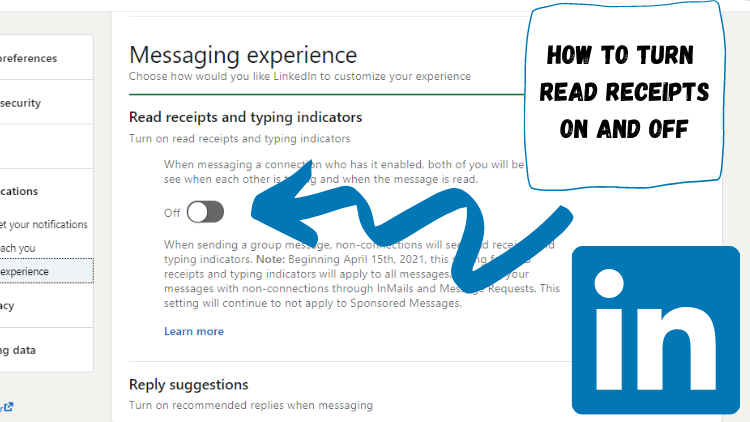
LinkedIn introduced this feature in 2017 to help users track message engagement.
In this comprehensive 2026 guide, you will learn:
- What LinkedIn read receipts are and how they work
- How to turn them on or off (desktop and mobile)
- Best practices for managing read receipts across teams
Let's dive in.
What Are LinkedIn Read Receipts?
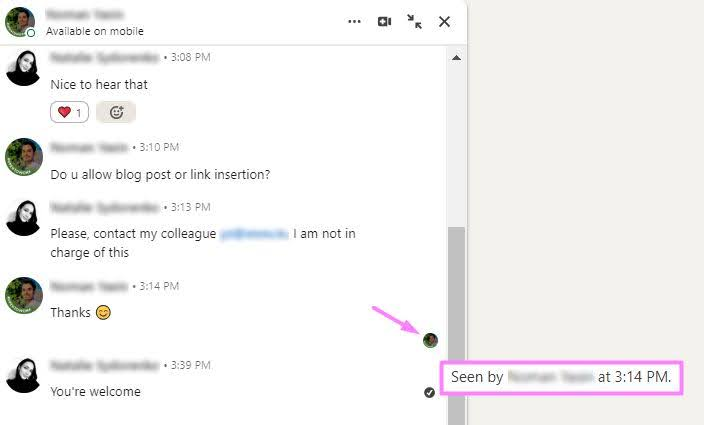
LinkedIn read receipts are visual indicators that show when someone has opened and read your message.
They show you who sees and engages with your messages.
- When a recipient reads your message, their profile picture appears as a small icon below your sent message.
- This gives you real-time visibility into message status.
Understanding Message Status Indicators
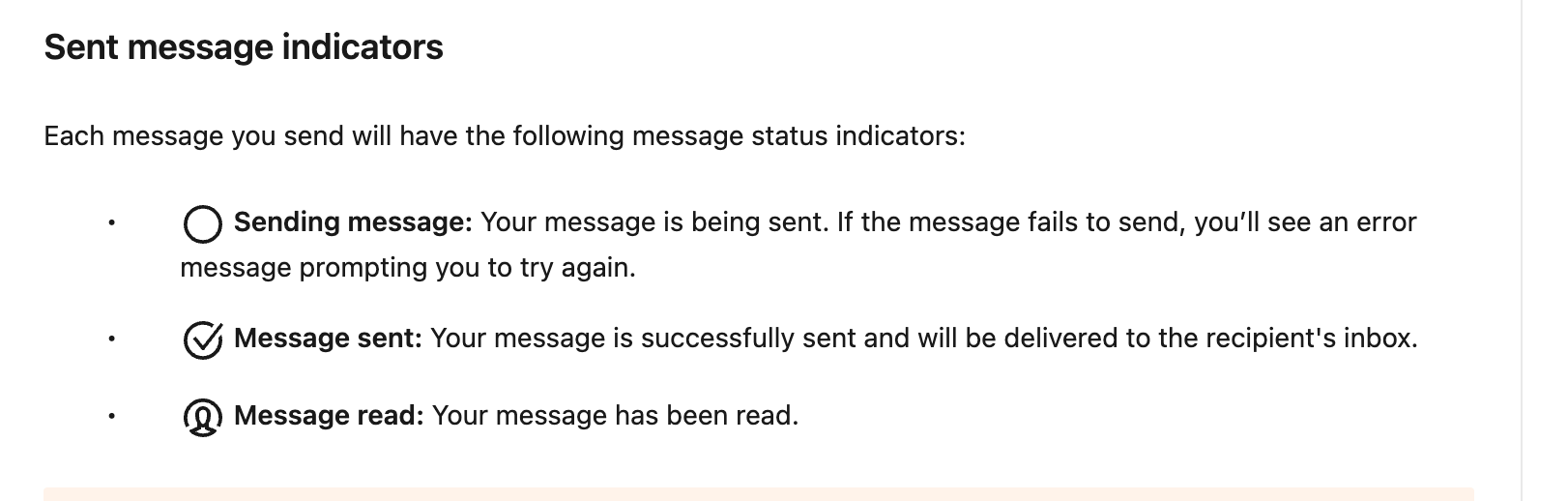
LinkedIn uses three different indicators to show message status:
| Status | Visual Indicator | What It Means |
|---|---|---|
| Delivered | Checkmark icon | Message sent successfully |
| Read | Recipient's profile picture | Message opened and viewed |
| Typing | "... is typing" text | Recipient is composing reply |
Important limitation: Read receipts and typing indicators don't work for InMail or Sponsored messages. They only function in regular LinkedIn messaging conversations.
How LinkedIn Read Receipts Work
Both users must turn on read receipts for it to work.
If you enable read receipts, you see when others read your messages. But they also see when you read theirs.
If you turn it off, you won't see read status from others. And they won't see yours.
What the Icons Look Like
When someone reads your message, look for these signs:
- Their profile photo appears below your message
- The photo stays visible even after you close the chat
- Desktop and mobile show the same icon
Differences by Device
Read receipts look different on each device:
- Desktop: Icons appear right away in the message panel. They are larger and clearer.
- Mobile app: Smaller profile icons show below messages in the chat.
- Browser on phone: Like desktop but made for smaller screens.
Managing many accounts? When you manage many LinkedIn accounts, tracking read status is hard. Tools with a unified inbox make this easier for teams.
Note: If read receipts don't appear, both users must turn on the feature in settings.
How to Turn On LinkedIn Read Receipts

Enabling read receipts is straightforward on both desktop and mobile platforms. Follow these step-by-step instructions.
Desktop Instructions
- Click the "Me" icon in the top navigation bar
- Select "Settings & Privacy" from the dropdown menu
- Navigate to "Data Privacy" in the left sidebar
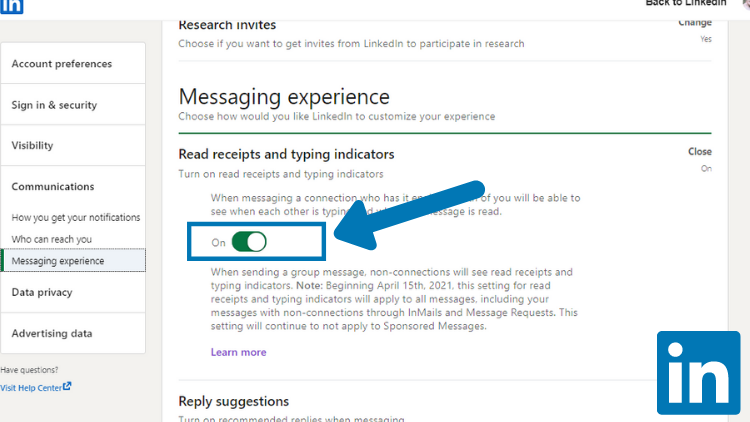
- Find "Messaging experience" section
- Select "Read receipts and typing indicators"
- Toggle "Delivery indicators" ON (blue switch)
Mobile Instructions (iOS & Android)
- Tap your profile picture in the top left corner
- Select "Settings" from the menu
- Go to "Communications" tab
- Select "Read receipts and typing indicators"
- Toggle the switch ON (turns blue when enabled)
Quick tip: Changes apply immediately to new conversations. Existing conversations may take a few minutes to update.
Premium vs Free: Premium and Free accounts have identical read receipt functionality no paid upgrade required.
How to Turn Off LinkedIn Read Receipts
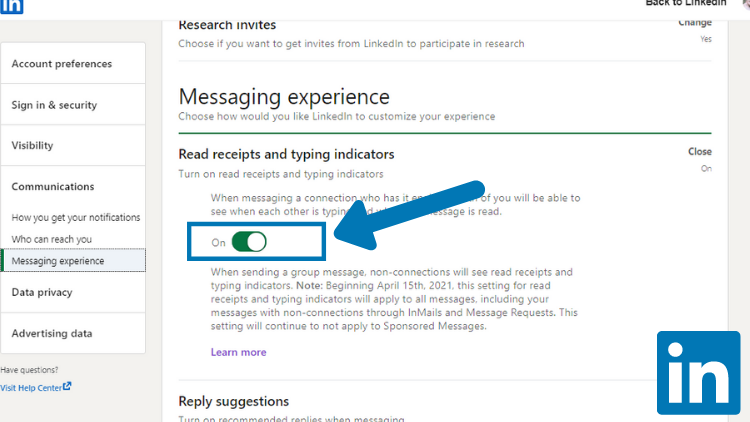
Want to read messages privately? Follow the same steps above and toggle the switch OFF instead.
Why Disable Read Receipts?
Many professionals choose to disable this feature for valid reasons:
1. Privacy when researching competitors
- Review profiles and messages without alerting others
- Gather competitive intelligence discreetly
2. Avoiding pressure to respond immediately
- Read messages on your own schedule
- Prevent expectation of instant replies
3. Strategic cold outreach timing
- Control when you appear engaged
- Plan thoughtful responses without pressure
Important trade-off: When you disable read receipts, you won't see others' read status either. It's an all-or-nothing feature.
Can You Read LinkedIn Messages Without Being Seen?
Primary Method: Disable Read Receipts
Turn off read receipts in your settings before opening messages. This prevents the sender from seeing you've read their message.

3 Additional Tactics
1. Mark as unread after reading (Desktop only)
- Read the message normally
- Right-click the conversation
- Select "Mark as unread"
- Sender still sees read receipt but your inbox shows unread
2. Read from notification preview (Mobile)
- View message content in push notifications
- Don't tap to open the full conversation
- Limited to first 50-80 characters
3. Avoid third-party browser extensions
- Many extensions claim to hide read status
- High account safety risk, violates LinkedIn terms
- Can result in account restrictions or bans
- Learn about safe LinkedIn automation practices
LinkedIn Read Receipts for Sales Teams
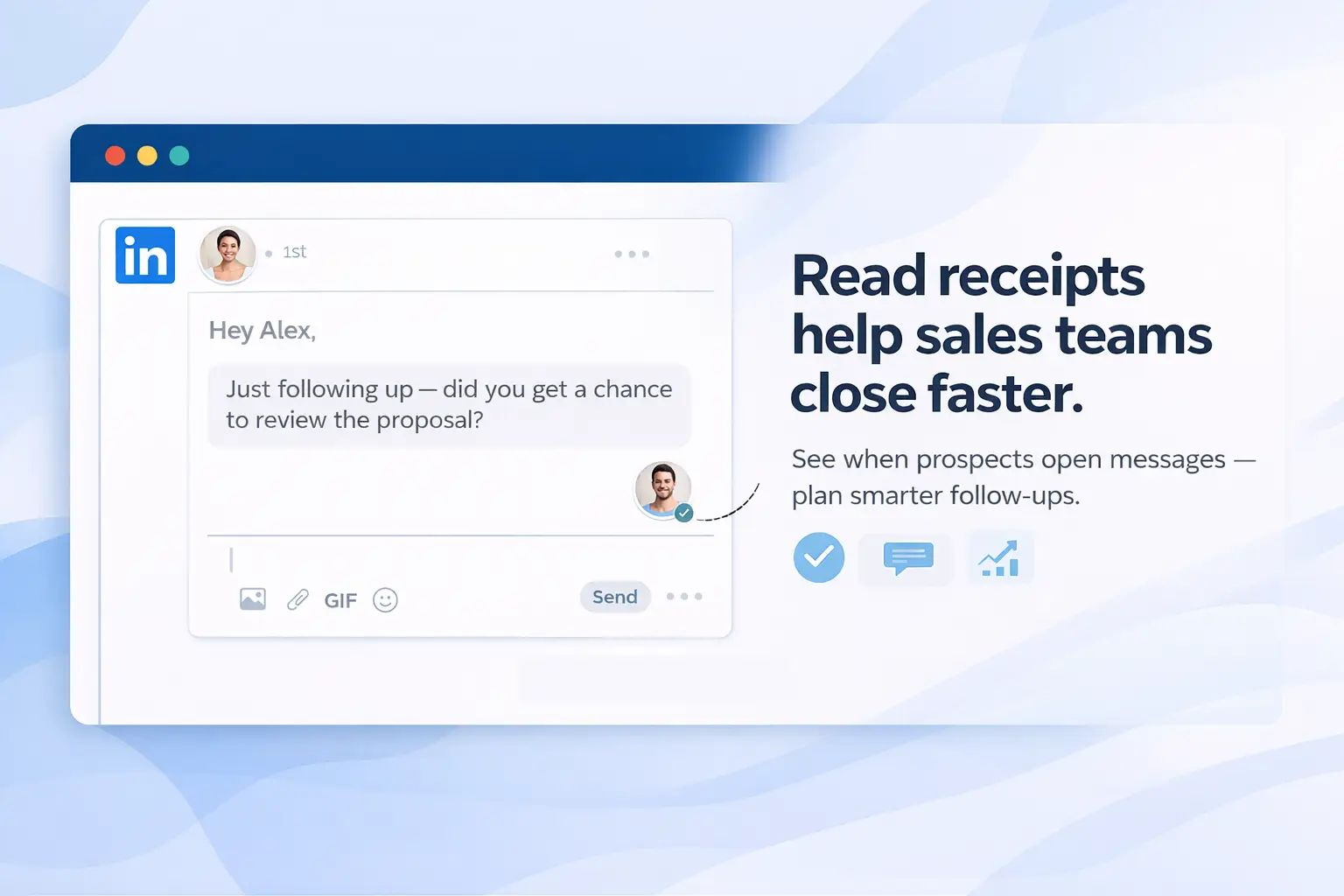
Read receipts become powerful tools when used strategically for B2B outreach and sales prospecting.
Sales professionals rely on read receipts to:
- Gauge prospect interest level based on read patterns
- Optimize follow-up timing with data-driven decisions
- Identify engaged vs unresponsive leads for prioritization
Want to master LinkedIn sales outreach? Check our complete LinkedIn outreach automation guide.
Strategic Uses for Sales Outreach
Scenario 1: Read + No Response
- Prospect saw your message but didn't reply
- Action: Follow up within 24-48 hours with value-add content
- Example: Share relevant case study or industry insight
Scenario 2: Not Read
- Message sits unread for 3+ days
- Action: Test different send times or subject hooks
- Try mornings (8-10 AM) or late afternoons (4-5 PM)
Scenario 3: Read Multiple Times
- Prospect opens message 2-3 times
- Action: High interest signal accelerate outreach
- Consider direct call or premium content offer
The Multi-Account Challenge
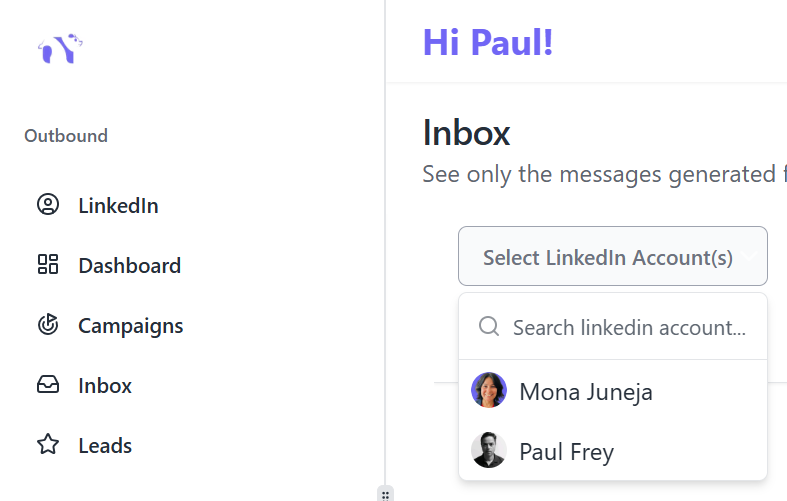
Agencies and sales teams often manage 5-10+ LinkedIn accounts. Tracking read status across all profiles is nearly impossible.
A sales rep with 3 LinkedIn accounts must:
- Log in and out repeatedly
- Track conversations in spreadsheets
- Risk duplicate outreach to same prospects
- Miss optimal follow-up windows
Bearconnect Solution for Teams
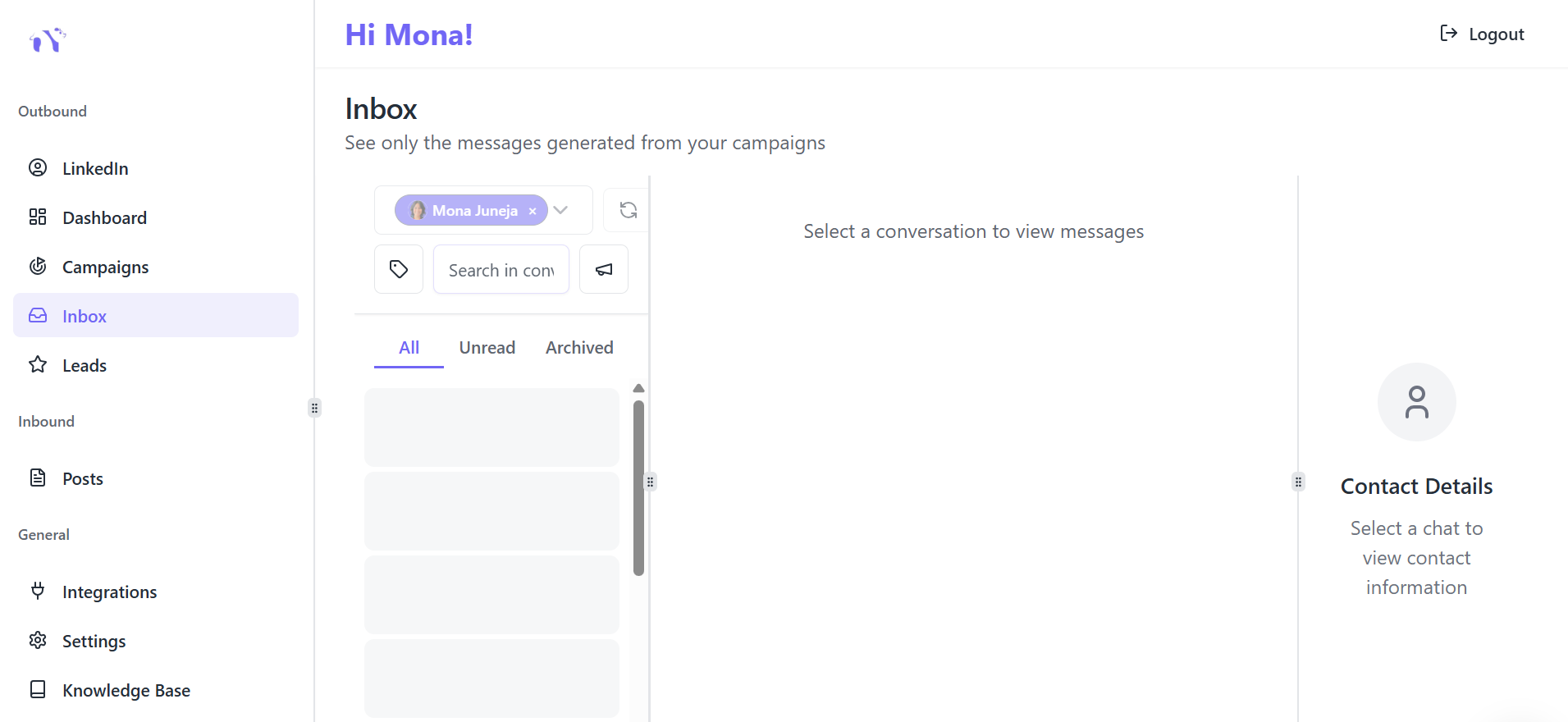
Bearconnect's unified inbox consolidates messages from all your team's LinkedIn accounts into one dashboard.
See read status, schedule follow-ups, and coordinate responses without account-switching chaos.
Pricing: Starting at $67/month per LinkedIn account (or $57/month for 5+ accounts).
3 Key Team Benefits
1. Monitor all conversations in real-time
- Single dashboard for entire team
- No account switching required
2. Prevent duplicate outreach to same prospect
- Team-wide conversation history
- Avoid embarrassing double messages
3. Analyze response patterns across accounts
- Track which messages get read and replied to
- Optimize your entire team's approach
Inconsistent read status? Check if the recipient disabled receipts mid-conversation this causes status to stop updating.
How to Use Read Receipts for Better Follow-Ups
Read receipts give you data to time your follow-ups strategically.
When prospect reads but doesn't respond:
- Wait 3-5 days before following up
- Add new value (case study, industry insight, helpful resource)
- Use proven message templates that get responses
- Avoid generic "just checking in" messages
- Reference something specific to re-engage
When message stays unread for 3+ days:
- Test different send times (mornings 8-10 AM often work better)
- Try a different subject approach
- Consider whether timing is right for outreach
Managing follow-ups across multiple LinkedIn accounts?
Automation tools like Bearconnect help you track read status and schedule strategic follow-ups across all your team's accounts.
Beyond Basic Read Receipts: Advanced Tracking
What LinkedIn Read Receipts DON'T Tell You
- Message sentiment or interest level — No emotional context
- How long they spent reading — Just that they opened it
- If they clicked any links — No engagement tracking
- Conversation patterns across your team — No unified analytics
Why Sales Teams Need More
Basic read/unread status isn't enough for data-driven outreach. Teams need conversation analytics, unified reporting, and collaborative inbox management.
Modern sales teams require:
- Response rate tracking by message type
- Team performance benchmarking
- Automated follow-up workflows
- CRM integration for complete picture
Bearconnect Advanced Features
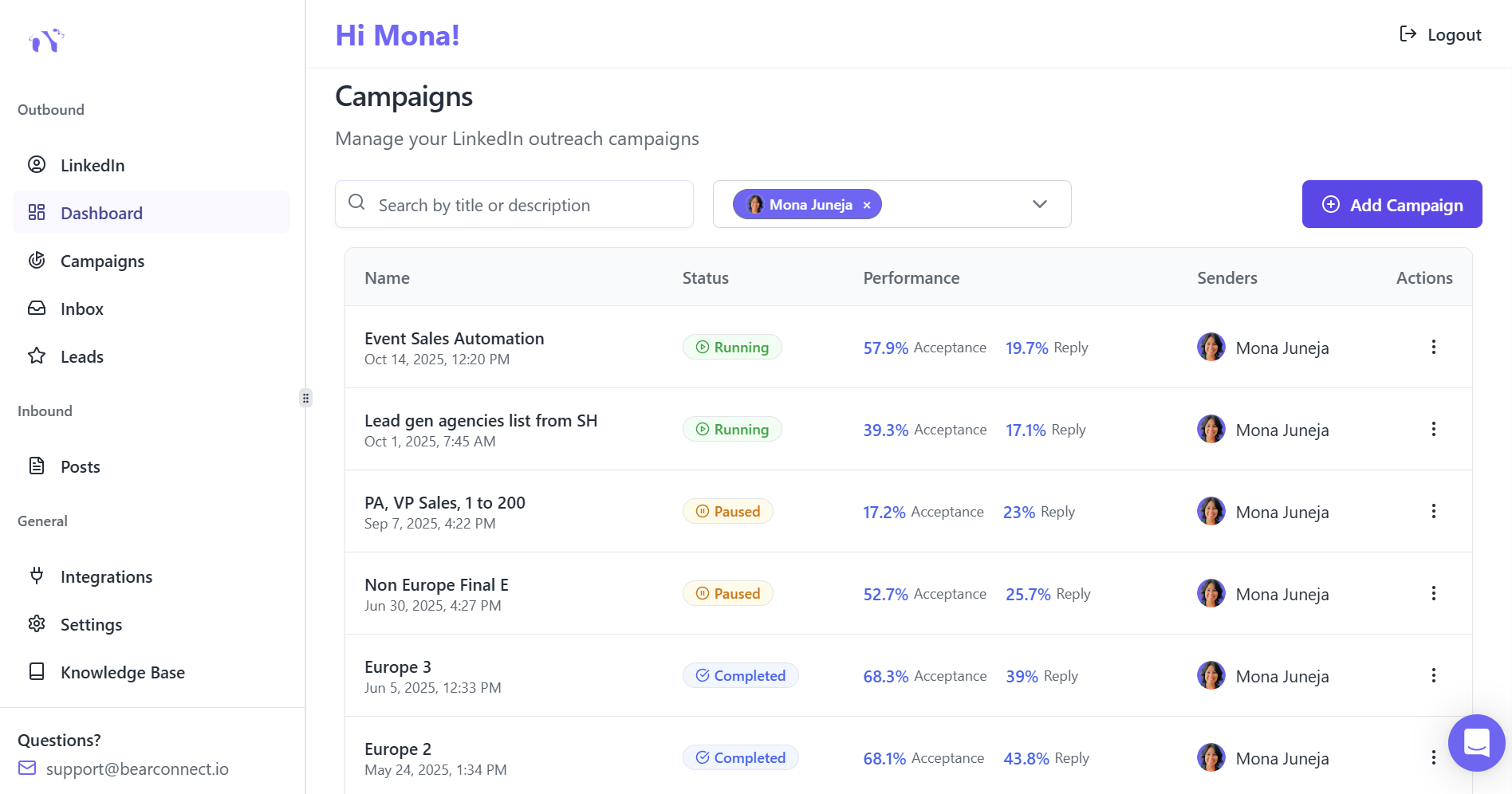
Unified Inbox
Manage multiple LinkedIn accounts from one dashboard without constant account switching.
Analytics Dashboard
Track response rates, and engagement across all conversations with visual reports.
Automation Tools
Schedule follow-ups based on read status and set up rule-based workflows.
Data Import
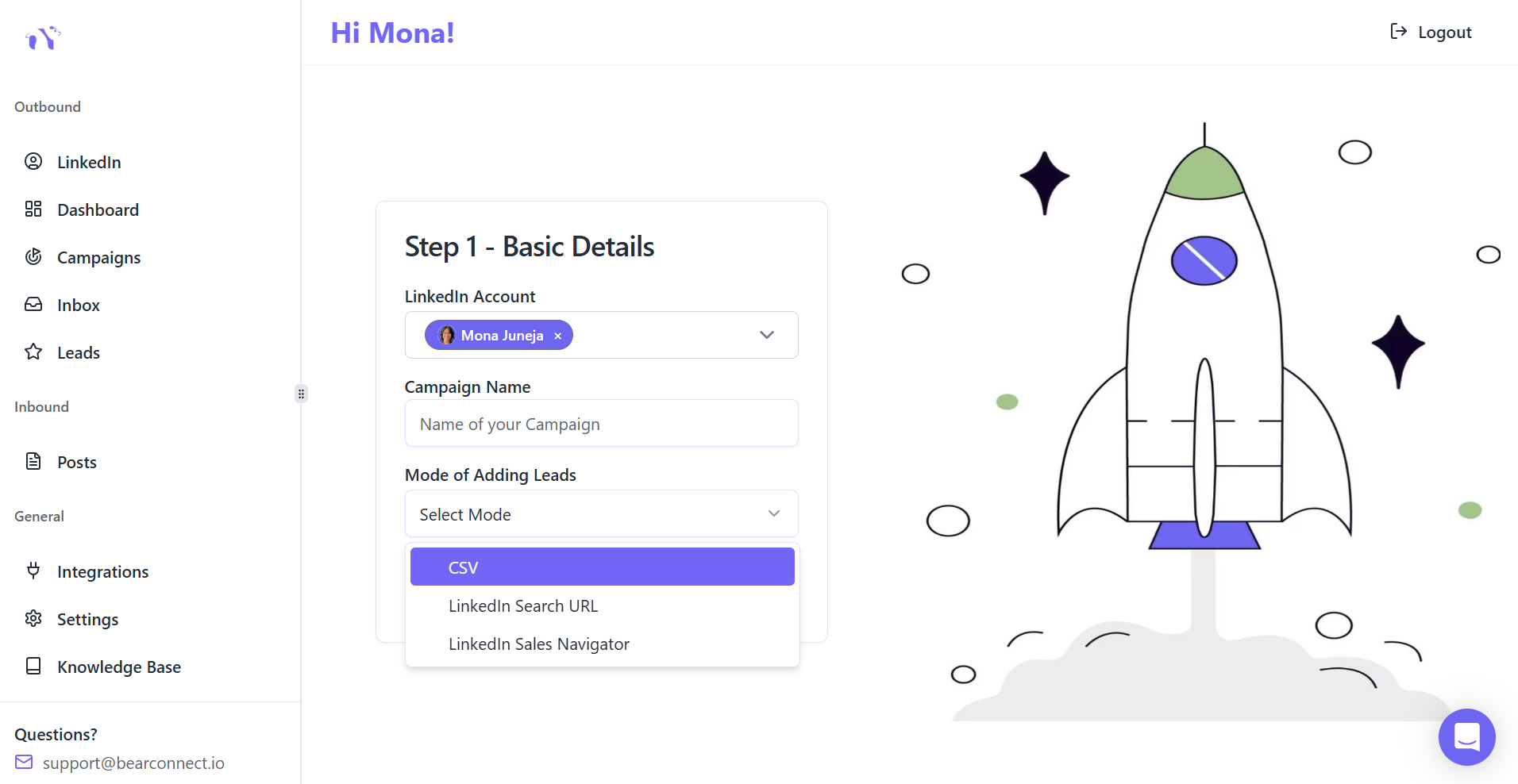
Pull LinkedIn conversation data for CRM integration and advanced reporting.
Team Collaboration
Assign messages, add internal notes, and prevent duplicates with shared context.
Ready to Scale Your LinkedIn Outreach?
Manage your entire team's LinkedIn messages with Bearconnect.
Start running campaigns with 7 day free trial
Stop juggling multiple accounts and start converting more conversations into opportunities.
Frequently Asked Questions
1. Does LinkedIn have read receipts?
Yes, LinkedIn introduced read receipts in 2017. When someone reads your message, their profile picture appears as a small icon below your sent message. Both users must have the feature enabled for it to work.
2. Can you tell if someone read your LinkedIn message?
Yes, if both you and the recipient have read receipts enabled in settings. You'll see their profile picture icon when they open your message. If disabled by either party, read status won't appear.
3. How do I turn off read receipts on LinkedIn?
Go to Settings & Privacy → Data Privacy → Read receipts and typing indicators → Toggle OFF. This prevents others from seeing when you read messages, but you won't see their read status either.
4. Can I read a LinkedIn message without the sender knowing?
Yes, disable read receipts in settings before opening messages. You can also read notification previews on mobile without opening the full conversation. Avoid third-party browser extensions as they risk account safety.
5. Why can't I see read receipts on some messages?
The other person likely has read receipts disabled in their settings. Both parties must enable the feature for it to work. InMail and Sponsored messages don't support read receipts regardless of settings.
Take Control of Your LinkedIn Messaging
You now understand how LinkedIn read receipts work, when to enable or disable them, and how to use read status data strategically.
Your next steps:
For individual users:
Enable read receipts in Settings → Data Privacy to track message engagement. Disable when you need to research competitors or read messages privately.
For sales teams managing 5+ LinkedIn accounts:
LinkedIn's native read receipts don't scale across multiple profiles. Consider unified inbox tools like Bearconnect to monitor read status, coordinate team responses, and prevent duplicate outreach.
Ready to Transform Your LinkedIn Strategy?
Join thousands of professionals already using Bearconnect to automate their outreach and grow their network.
7-day free trial • Cancel anytime
Related Articles
How to Add Promotion on LinkedIn: Complete Guide + Best Practices (2026)
Learn how to add a promotion on LinkedIn the right way. This guide walks you through updating your Experience section, highlighting achievements, and deciding when to notify your network so your job promotion strengthens your profile and boosts credibility in 2026.
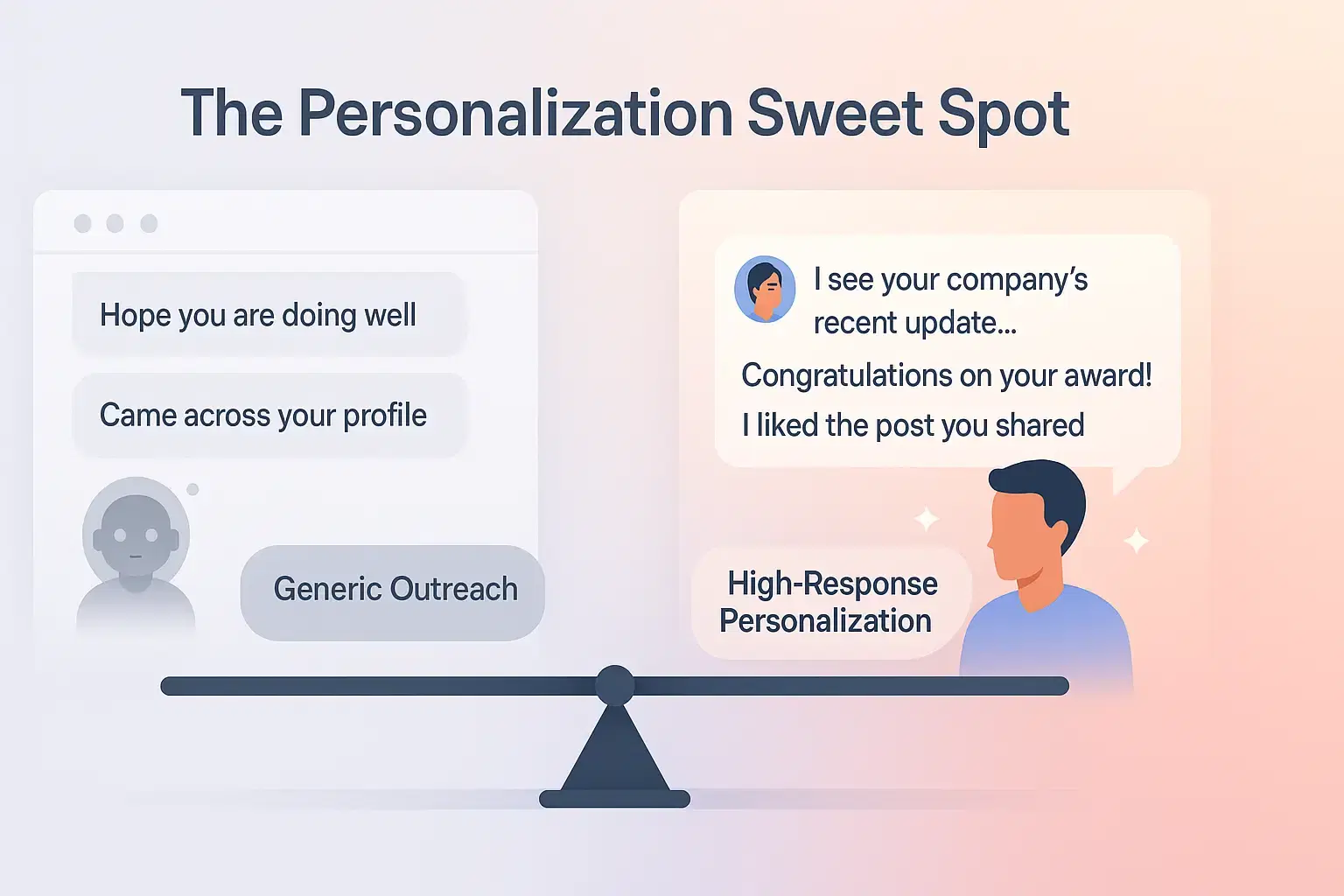
How to write personalized LinkedIn outreach messages that get responses
Learn how to craft personalized LinkedIn outreach messages that boost acceptance rates, avoid generic templates, and drive real conversations.