How Agencies Generate Quality LinkedIn Leads Without Burning Connections
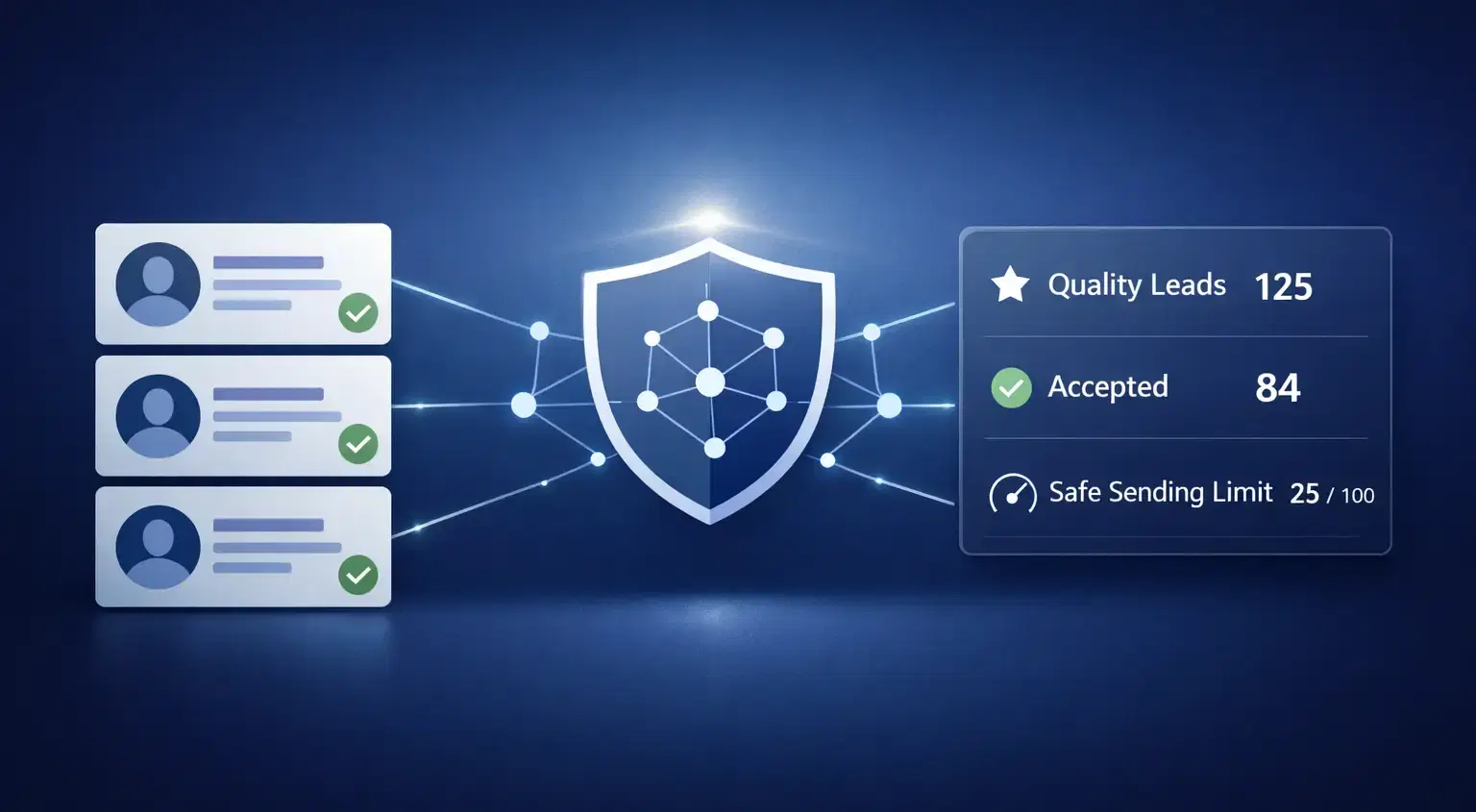
Agencies generate quality LinkedIn leads by targeting a precise ICP, sending trigger-based personalized messages, and using safe multi-account automation that distributes outreach load across profiles.
Sending fewer, better messages beats sending thousands of generic ones.
TL;DR
- Quality leads start with a tighter ICP, not a bigger list
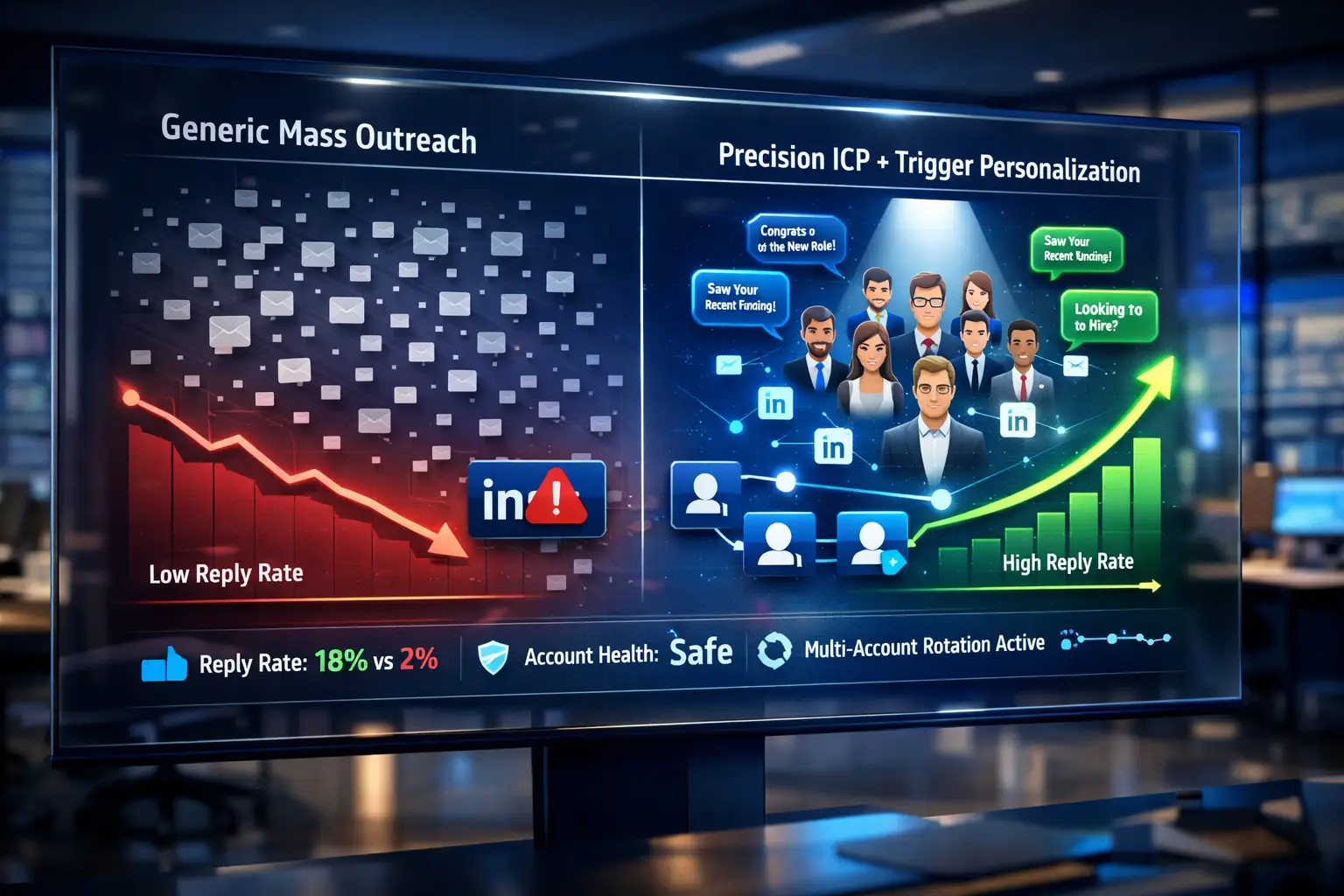
- Trigger-based personalization gets significantly higher reply rates than generic templates
- Multi-account rotation scales volume without risking a single profile
- Warm connection sequences outperform cold InMail for B2B agencies
- Safe automation tools keep daily limits in check and protect account health
- Warm connection sequences outperform cold InMail for B2B agencies
You added 500 connections last month. Got 3 replies. None were your ideal client.
Sound familiar? Me neither. (Okay, it does. That is exactly what volume-obsessed outreach looks like.)
The Real Problem Is Not Volume. It Is Fit.
Most agencies chase connection count. Wrong metric.
- A 10% reply rate from 50 targeted connections beats a 1% rate from 500 random ones. Every time.
- The market is immune to lazy outreach. People recognize a copy-paste template the second they read line one.
Quality over quantity is not a cliche here. It is survival.
Step 1: Build a Ruthlessly Specific ICP Before Any Outreach
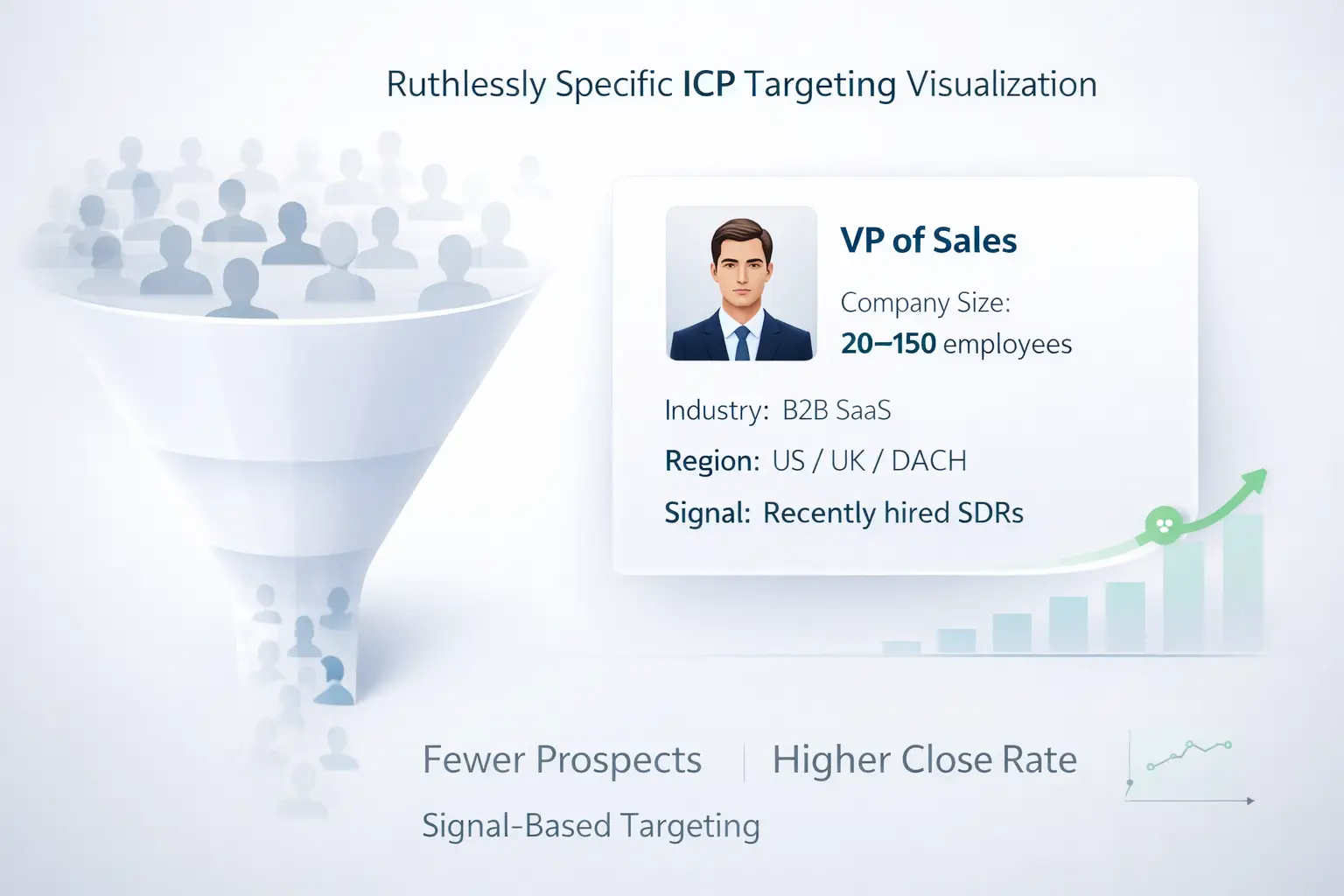
This is where 80% of agencies fail before they even send message one.
Your Ideal Customer Profile needs to be specific enough to disqualify most people. "B2B companies between 10 and 500 employees" is not an ICP. That is just a LinkedIn filter.
A real ICP looks like this:
- Role: VP of Sales or Head of Revenue
- Company size: 20 to 150 employees
- Industry: B2B SaaS, HR tech, or fintech
- Signal: Recently hired SDRs or posted about pipeline challenges
- Geography: US, UK, or DACH region
Use LinkedIn Sales Navigator filters to layer company signals like headcount growth or recent funding on top of your role-based targeting.
The more specific, the fewer people you message. The higher your close rate.
Pro tip: Build a "negative ICP" list. Filter out agency owners, freelancers, and students from your search before importing any list. They waste your weekly connection limit.
Step 2: Stop Sending Templates. Start Sending Triggers.
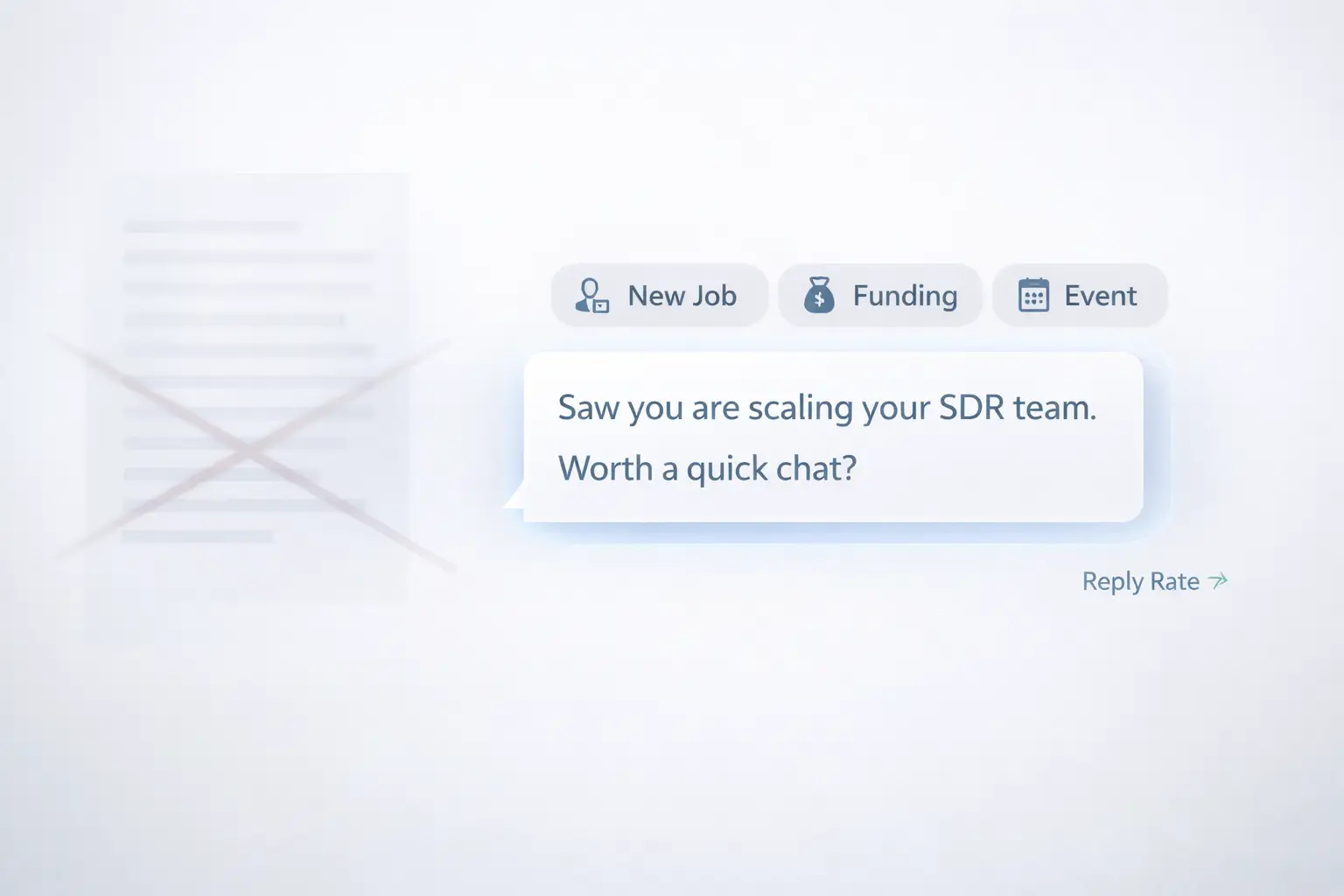
Templates are dead. Triggers are the new playbook.
Trigger-based prospecting replaces template-based guessing.
Examples of LinkedIn outreach triggers:
- New job title → congratulate and open a relevant conversation
- Posted about a challenge → reply with a specific, one-line solution
- Just raised funding → relevant if you solve a growth problem
- Hiring SDRs → they need outreach infrastructure, not motivation
- Attending an industry event → instant common ground
One sentence. That is all it takes to make a message feel human.
"Saw you are scaling your SDR team. We help agencies run outbound across 10 accounts without losing inbox control. Worth a quick chat?"
Short. Specific. Relevant. No paragraphs.
Pro tip: Keep your first message under 60 words. Anything longer reads like a pitch deck. Under 60 words reads like a conversation starter.
Step 3: Use Multi-Account Outreach to Scale Without Burning One Profile
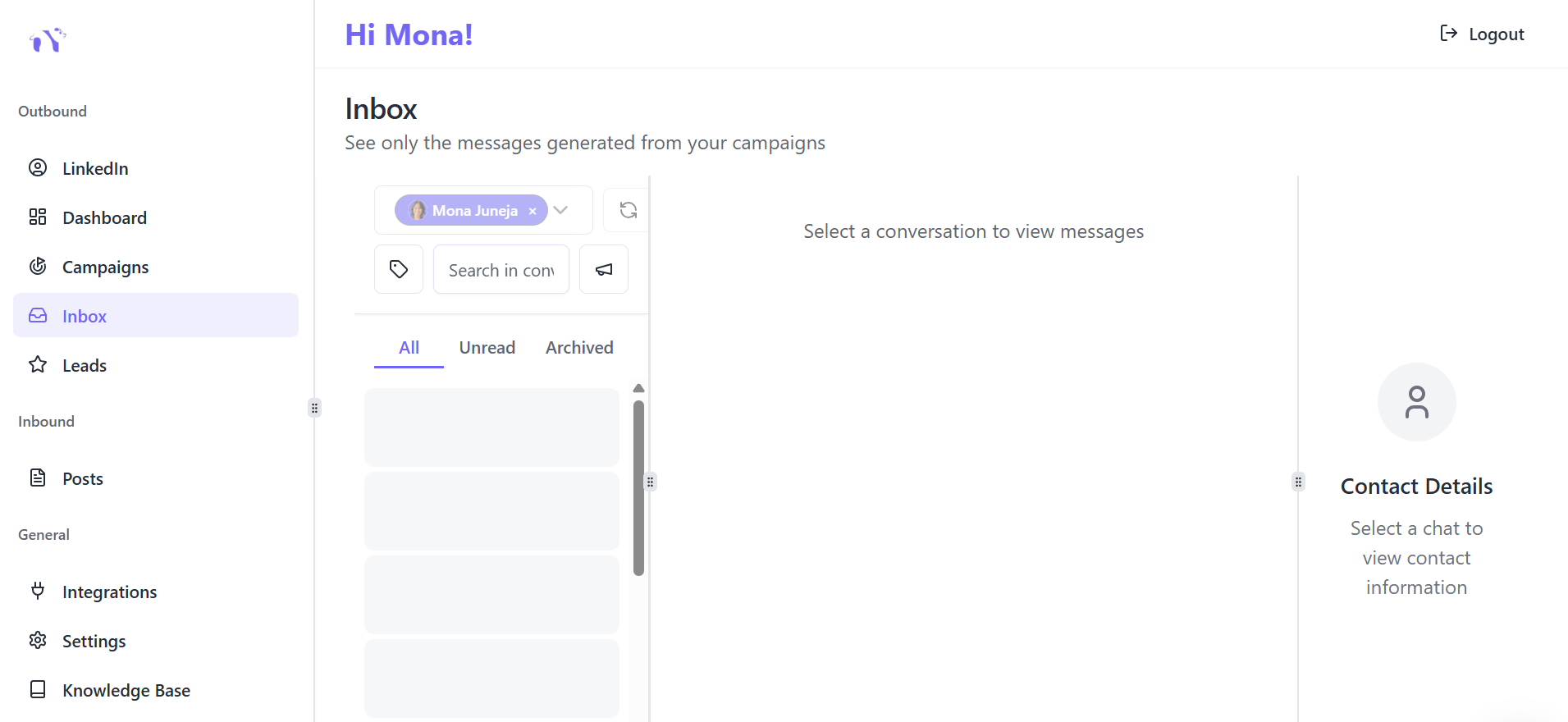
Here is where agencies leave the most money on the table.
- Running all outreach from one LinkedIn profile is risky. LinkedIn limits connection requests to roughly 100 per week per account.
- If you manage outreach for 10 clients through one profile, you will hit walls fast and risk restrictions.
The fix: distribute outreach across multiple LinkedIn accounts.
This is exactly what Bearconnect is built for. It lets agencies connect and manage multiple LinkedIn accounts from a single dashboard, run separate campaigns per client, and monitor performance without switching logins.
The result:
- More accounts ****→ more outreach capacity without limit pressure
- One dashboard → zero time wasted on manual account switching
- Separate campaigns → cleaner data and reporting per client
Segment each client's target list before assigning it to a campaign. Different industries, different seniority levels, different messages.
Step 4: A Sequence Structure That Converts Without Spamming
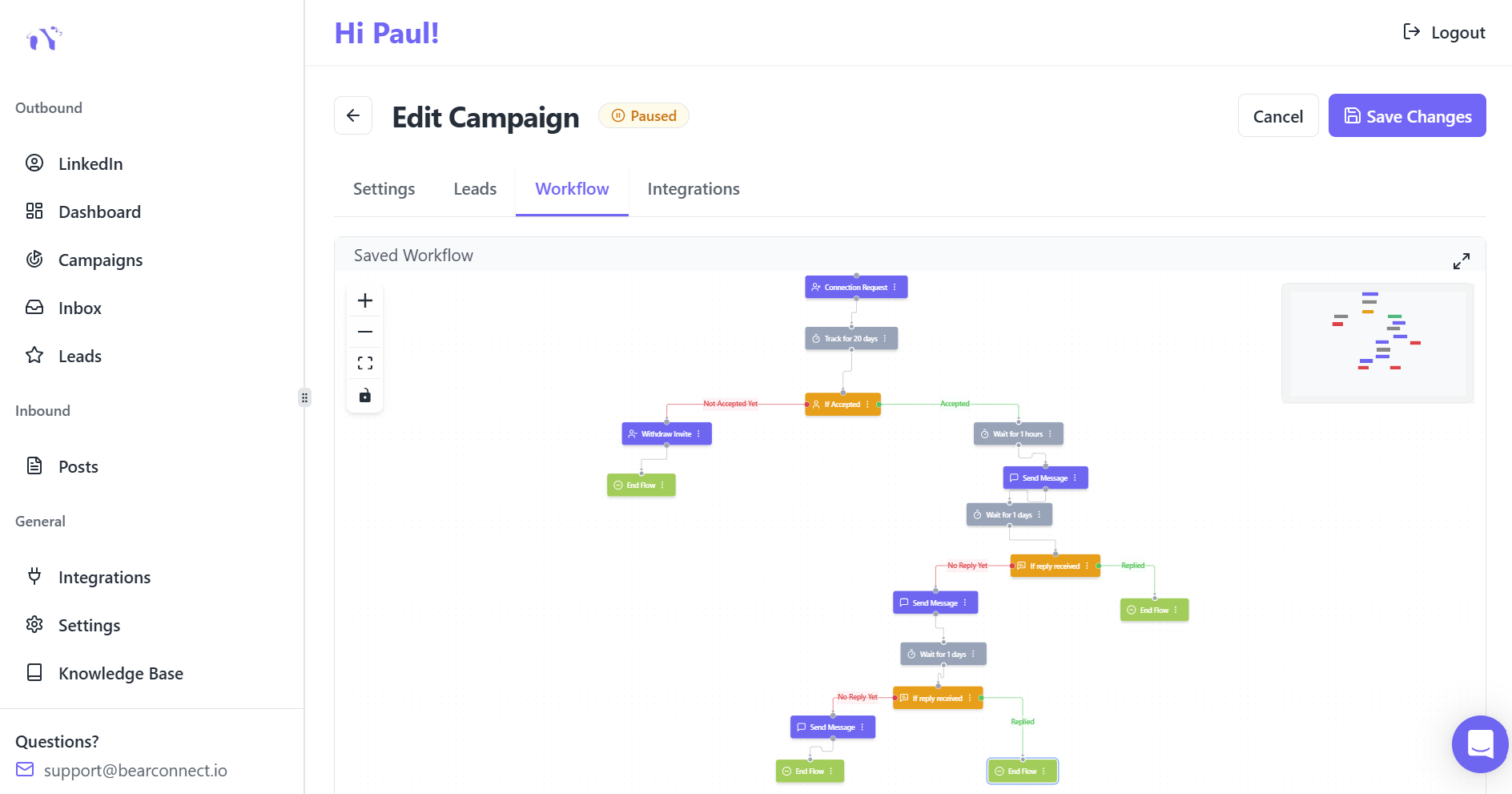
Most agencies send one message, get no reply, and give up. Or they follow up five times in three days and get blocked.
Both extremes burn connections.
Here is a sequence structure that works:
- Day 1: Personalized connection request, trigger-based note or no note
- Day 3: First message after accepting, under 60 words, specific to their situation
- Day 7: Value-add follow-up, share a relevant insight, post, or resource
- Day 14: Soft close, "Is this relevant for what you are working on right now?"
- Day 21: Final bump, no pressure, leaves the door open
Five touches. Spread over three weeks. Never aggressive.
This approach keeps reply rates high and connection burn low.
Step 5: Choose Automation That Respects LinkedIn Limits
Automation done right is invisible. Automation done wrong gets accounts restricted.
The difference comes down to two things: daily limits and human-like behavior.
Safe automation tools operate within LinkedIn's acceptable activity range:
- 20 to 30 connection requests per day per account
- Randomized message timing to mimic natural human activity
- Cloud-based operation with no Chrome extensions that leave footprints
Bearconnect operates as a cloud-based tool. No browser plugins. No sudden spikes in activity that flag the account. Outreach runs in the background without touching your client's browser session.
For agencies managing client accounts, this matters more than any other feature. A restricted client account is a client relationship at risk.
Wait, You Might Be Thinking: "Won't Automation Kill Personalization?"
Fair question.
Automation handles repetition. Personalization handles relevance. They are not opposites.
In practice: you write the trigger-based message logic with custom variables. The automation executes the sending schedule at safe intervals.
You handle the strategy. The tool handles the timing. You are not replacing human judgment. You are removing human delay.
How to Measure Lead Quality, Not Just Lead Volume
Most agency reports track connection count and message sends. That is vanity data.
Track these instead:
- Reply rate: Above 15% is strong for cold outreach
- Positive reply rate: Replies that are not "not interested"
- Meeting booked rate: The only number clients actually care about
- Connection acceptance rate: Below 25% means your ICP or message needs work
- Lead-to-close rate: Tracks whether LinkedIn leads actually convert to revenue
What Low Metrics Tell You
- High reply rate but low meeting rate → your hook works, your offer positioning does not
- Low acceptance rate → your profile credibility or targeting is weak
- High volume but zero replies → pure template problem, fix the message first
If your reply rate is high but meeting rate is low, fix the offer, not the outreach.
Real Agency Scenario
A B2B LinkedIn lead gen agency managing outreach for 8 SaaS clients switched from single-account volume blasting to a multi-account, trigger-based system using Bearconnect.
Results after 60 days:
- Connection acceptance rate improved from 18% to 34%
- Positive reply rate went from 4% to 11%
- Zero account restrictions across all 8 client profiles
The change was not about sending more. It was about sending smarter, from more accounts, with better triggers.
5 FAQs: Quality LinkedIn Lead Generation for Agencies
Q1: How many LinkedIn connection requests should an agency send per day?
Stay between 20 and 30 per day per account to avoid restrictions. LinkedIn's algorithm flags sudden spikes, so consistent low-volume daily activity performs better than batch sending on a single day.
Q2: Is it safe to use LinkedIn automation tools for client accounts?
Yes, if the tool is cloud-based and operates within LinkedIn's activity thresholds. Tools like Bearconnect do not use Chrome extensions, which significantly reduces detection risk and keeps client accounts safe.
Q3: How do agencies manage outreach for multiple clients without mixing campaigns?
Use a multi-account management platform that separates each client's LinkedIn account, campaigns, and inbox in one place. Bearconnect lets agencies run all client accounts from one dashboard with zero cross-contamination between campaigns.
Q4: What is a realistic positive reply rate for LinkedIn cold outreach?
For well-targeted, personalized outreach, a 10 to 15% positive reply rate is achievable. Anything below 5% usually signals a weak ICP match or a generic message template that needs to be replaced with trigger-based messaging.
Q5: Should agencies use LinkedIn InMail or connection requests for outreach?
Connection requests followed by direct messages consistently outperform InMail for cold outreach. InMail works better for highly targeted, high-ticket scenarios where you cannot connect first due to profile type restrictions.
Ready to Run Quality LinkedIn Outreach Across All Your Clients?
If you are still switching between accounts manually or running all outreach from one profile, you are losing hours every week and putting client accounts at risk.
Bearconnect lets agencies manage multiple LinkedIn accounts, run personalized outreach campaigns, and track every client's results from one dashboard.
All while staying inside safe activity limits.
Try Bearconnect.io and see how agencies scale quality outreach without burning connections or accounts.
Ready to Transform Your LinkedIn Strategy?
Join thousands of professionals already using Bearconnect to automate their outreach and grow their network.
7-day free trial • Cancel anytime
Related Articles
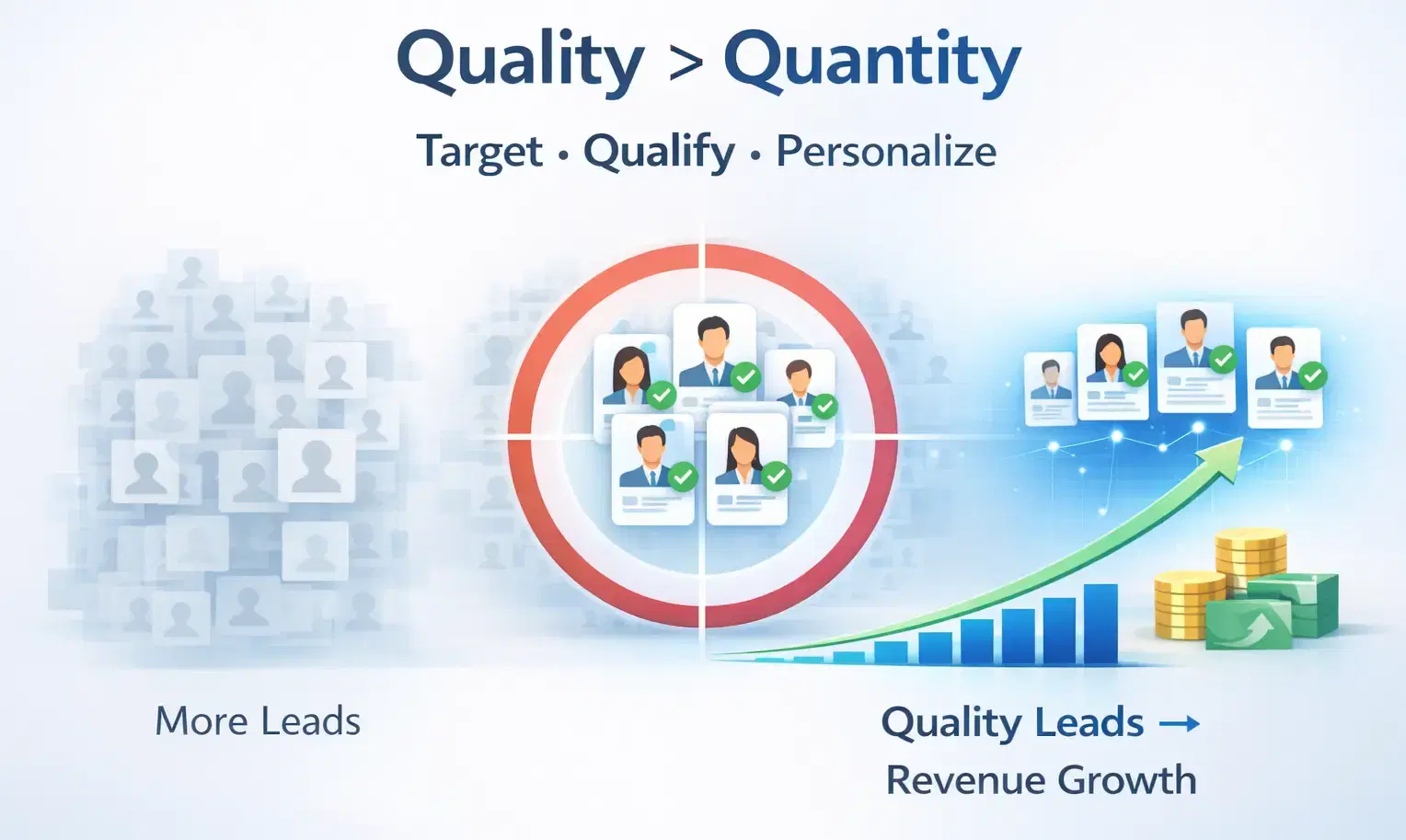
How to Generate High-Quality LinkedIn Leads (Not Just More Leads)
Learn how to generate high-quality LinkedIn leads using strict ICP targeting, layered qualification, and personalized outreach strategies that convert connections into real B2B revenue.
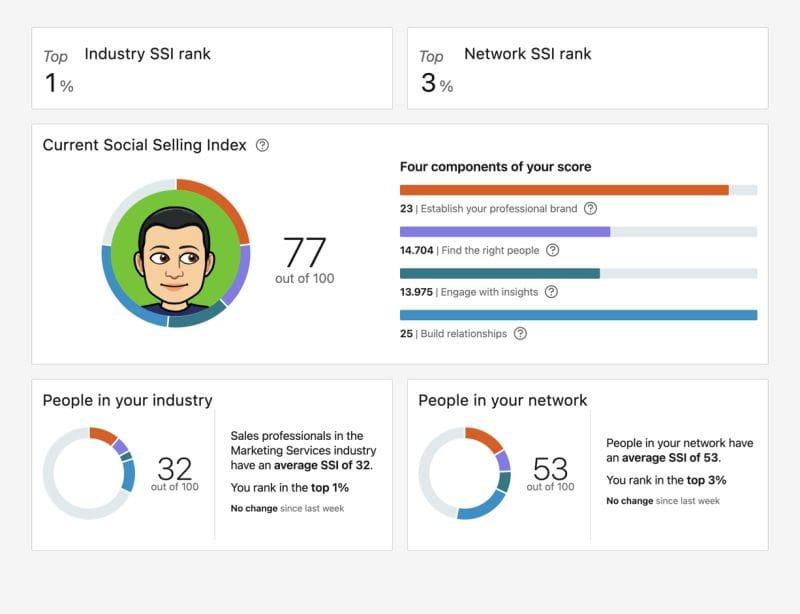
What Is LinkedIn's Social Selling Index? How to Improve Your Score
Learn what LinkedIn’s Social Selling Index (SSI) is, how it works, and proven strategies to improve your SSI score to boost personal branding, engagement, and B2B lead generation.
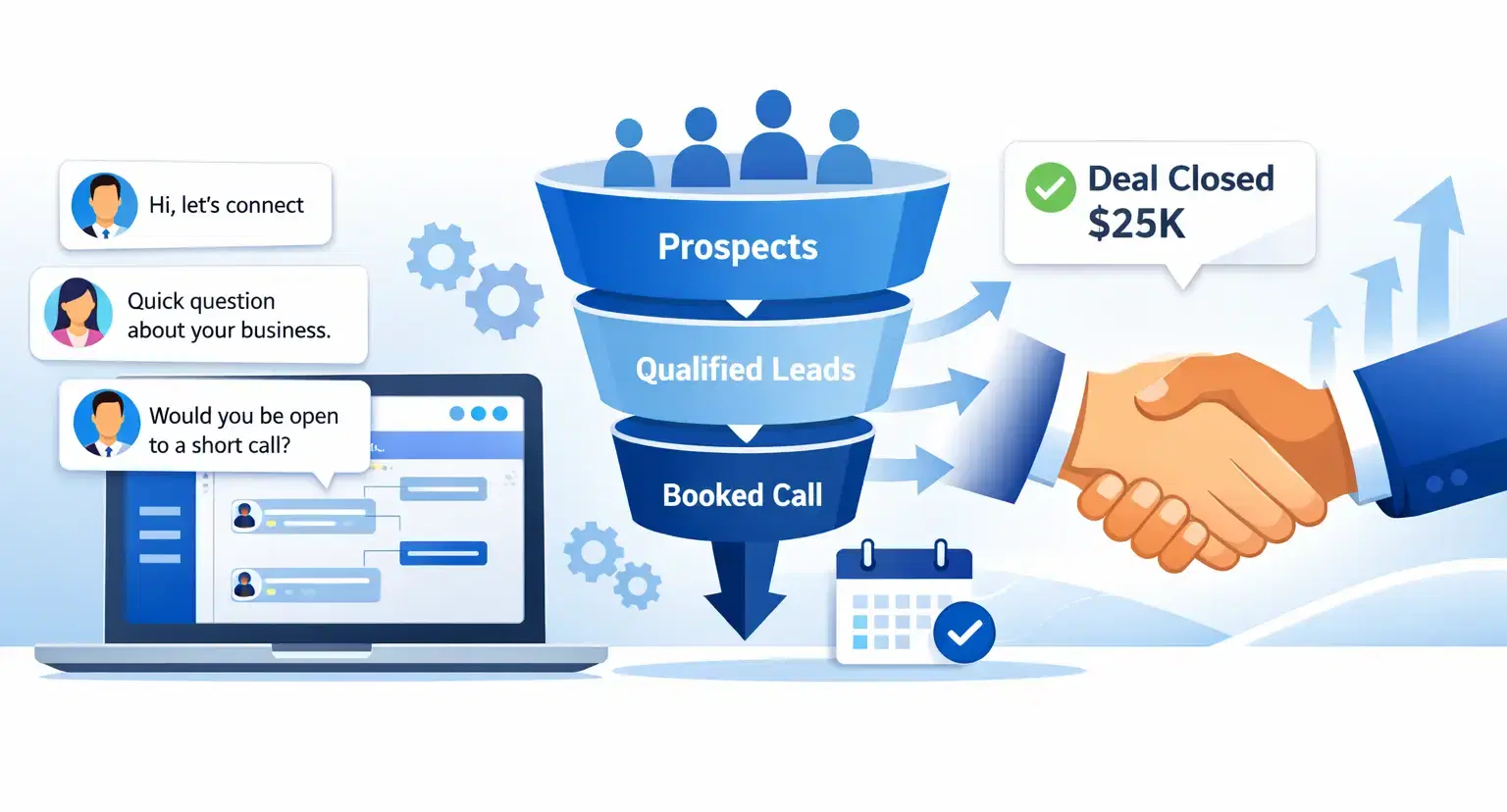
High Ticket Sales on LinkedIn: How to Close Big Deals with LinkedIn Automation
Learn how to close high-ticket B2B deals on LinkedIn using smart automation, lead qualification, and proven outreach strategies that turn prospects into booked calls.