How Agencies Run LinkedIn Outreach Campaigns for 10+ Clients at Once
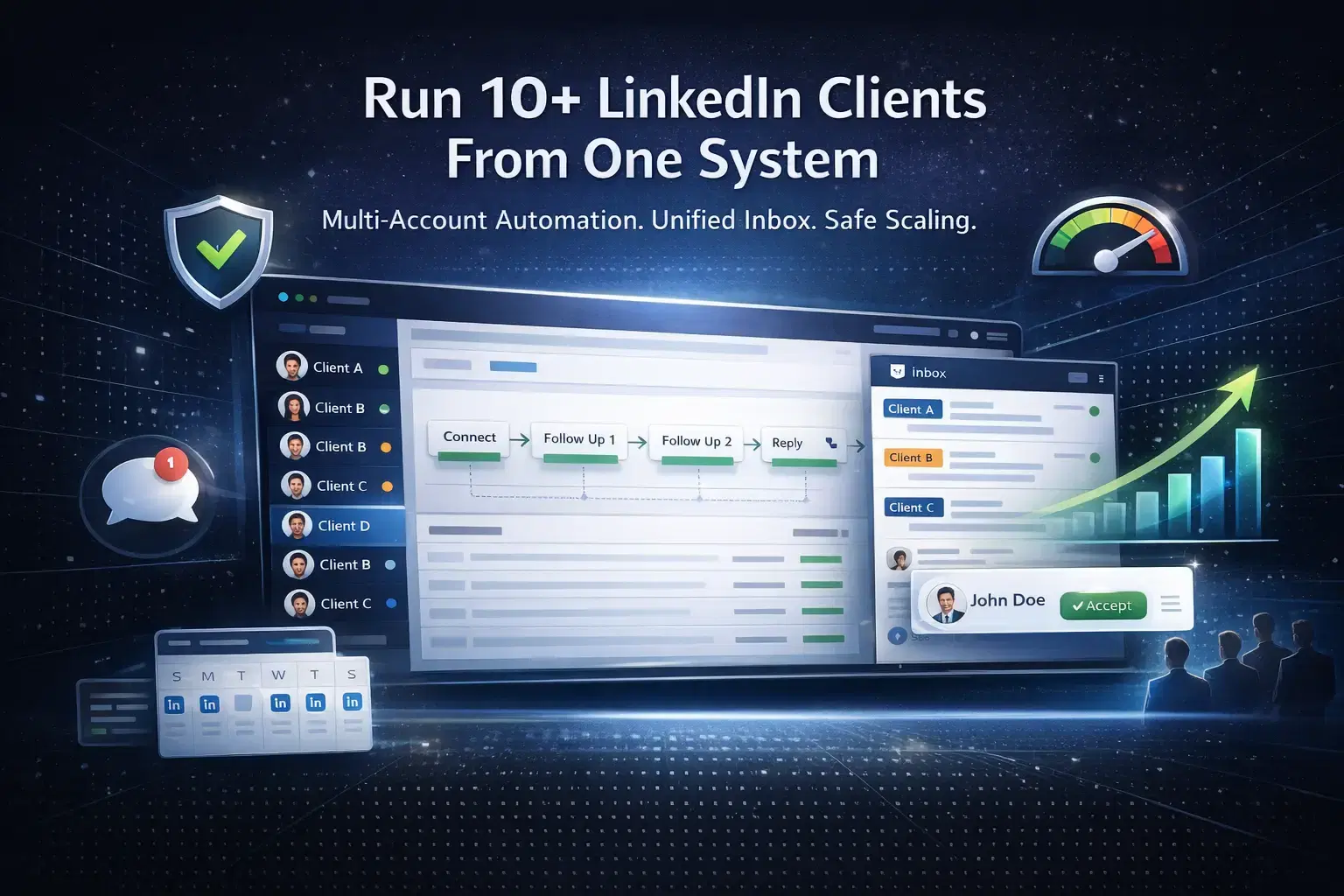
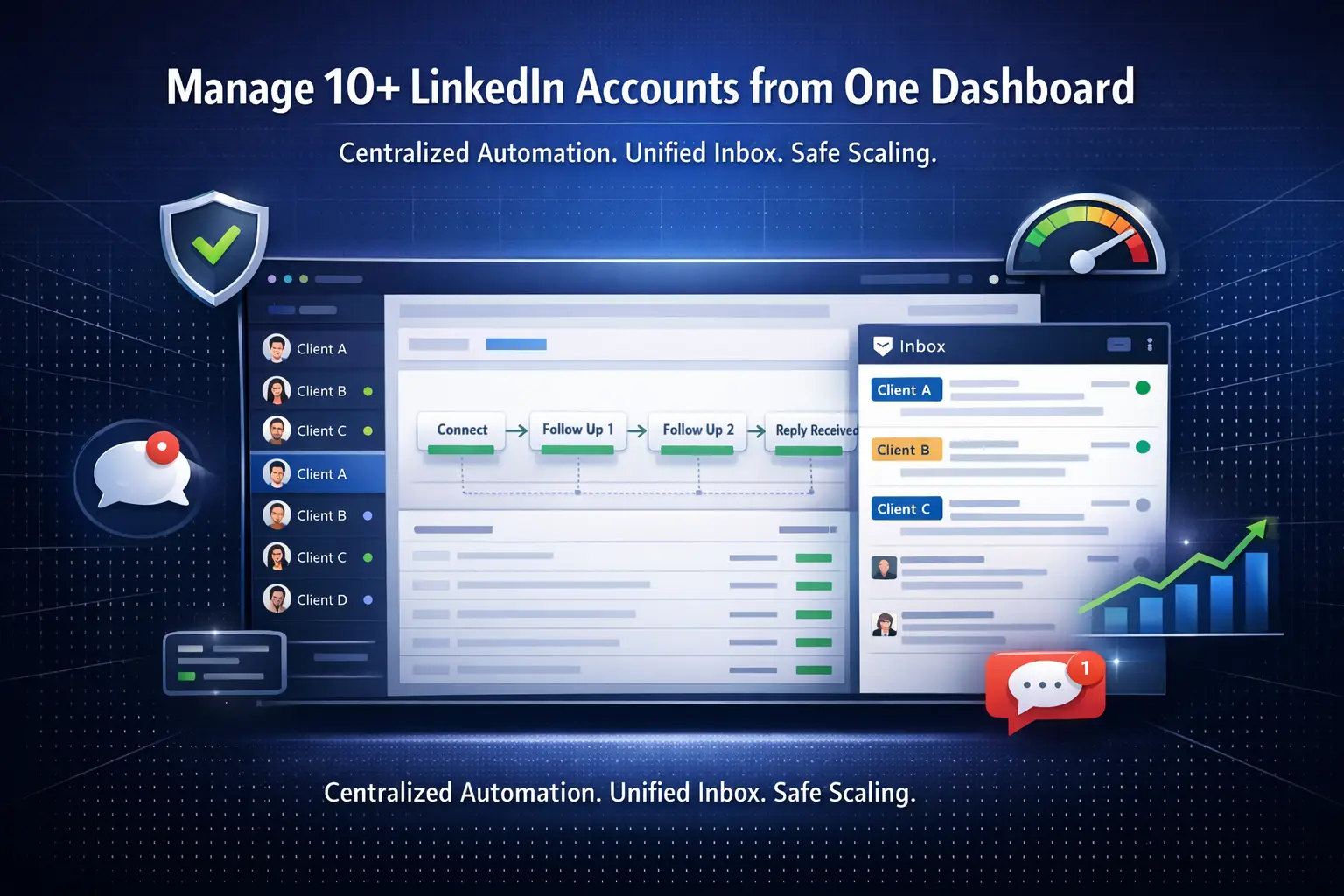
Agencies manage LinkedIn outreach for 10+ clients simultaneously by using a centralized multi-account automation platform, structured campaign workflows, a unified inbox, and clear per-client reporting.
The key is replacing tab-switching chaos with one dashboard that handles every account, campaign, and conversation in one place.
TL;DR
- Managing 10+ client LinkedIn accounts manually is impossible at scale without automation.
- Agencies use multi-account tools to run separate, isolated campaigns per client from one dashboard.
- A unified inbox prevents missed replies and keeps conversations organized across all accounts.
- Safety layers like smart throttling and behavior mimicry protect every client account from LinkedIn flags.
- Tools like Bearconnect let agencies connect unlimited LinkedIn accounts at $67/month per LinkedIn account (or $57/month per account when connecting 5 or more), making multi-client outreach cost-effective.
Why Agencies Struggle to Scale LinkedIn Outreach

Manually managing even 5 client LinkedIn accounts breaks down fast. Messages scatter across profiles, follow-ups get missed, and no one has a clear view of what is working.
The typical agency pain points at scale:
- Switching between multiple LinkedIn logins wastes hours every week
- No centralized view of replies, pending connections, or active sequences
- Campaign performance varies widely with no easy way to compare clients
- Risk of account bans increases when automation is applied carelessly across accounts
The fix is not hiring more people. It is building a system.
See how agencies are solving this with Bearconnect's agency-focused platform.
The Core Framework Agencies Use
Successful agencies run multi-client LinkedIn outreach on a 4-layer framework**: account isolation, campaign structure, inbox centralization, and analytics.**
Here is what each layer looks like in practice:
- Account isolation - Each client LinkedIn profile is connected separately, with its own campaign settings and safety parameters.
- Campaign structure - Every client has targeted sequences, defined ICP filters, and personalized messaging.
- Unified inbox - All replies from all accounts land in one place so nothing slips through.
- Analytics layer - Per-client dashboards track acceptance rates, reply rates, and lead conversions.
How to Set Up Multi-Client LinkedIn Campaigns
Step 1: Connect All Client Accounts to One Platform
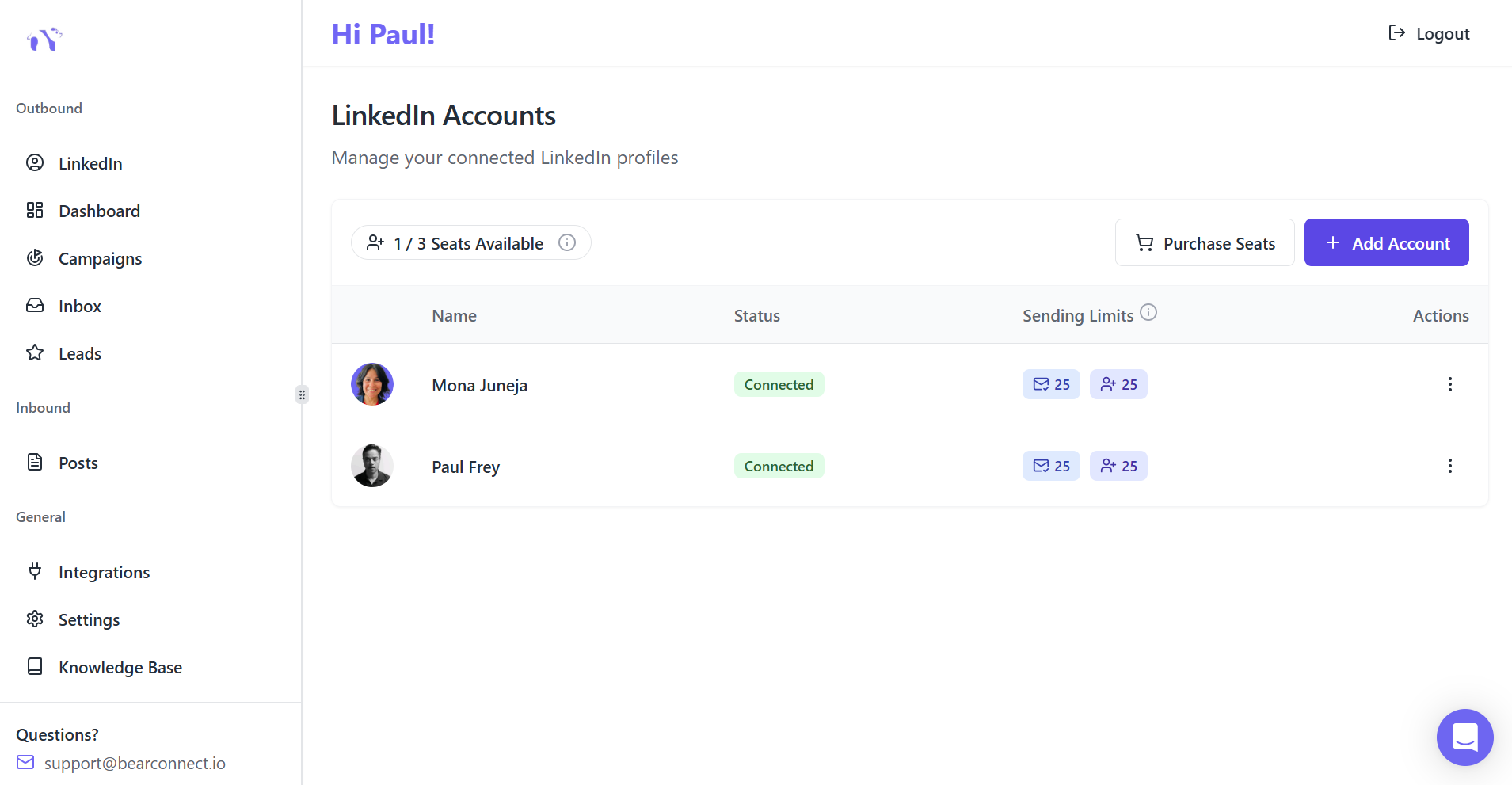
- The first action is connecting every client LinkedIn profile to a single multi-account tool.
- This removes the need to log in and out of separate accounts and lets you view all campaigns from one screen.
- With Bearconnect, agencies can connect unlimited LinkedIn accounts under one platform.
- There are no hard caps on the number of profiles, which means one operations manager can oversee 15 client accounts from a single dashboard.
At the end of Step 1, add: "New to this? Read our LinkedIn automation beginner guide to understand how account connections work.
Step 2: Create Dedicated Outreach Sequences for Each Client
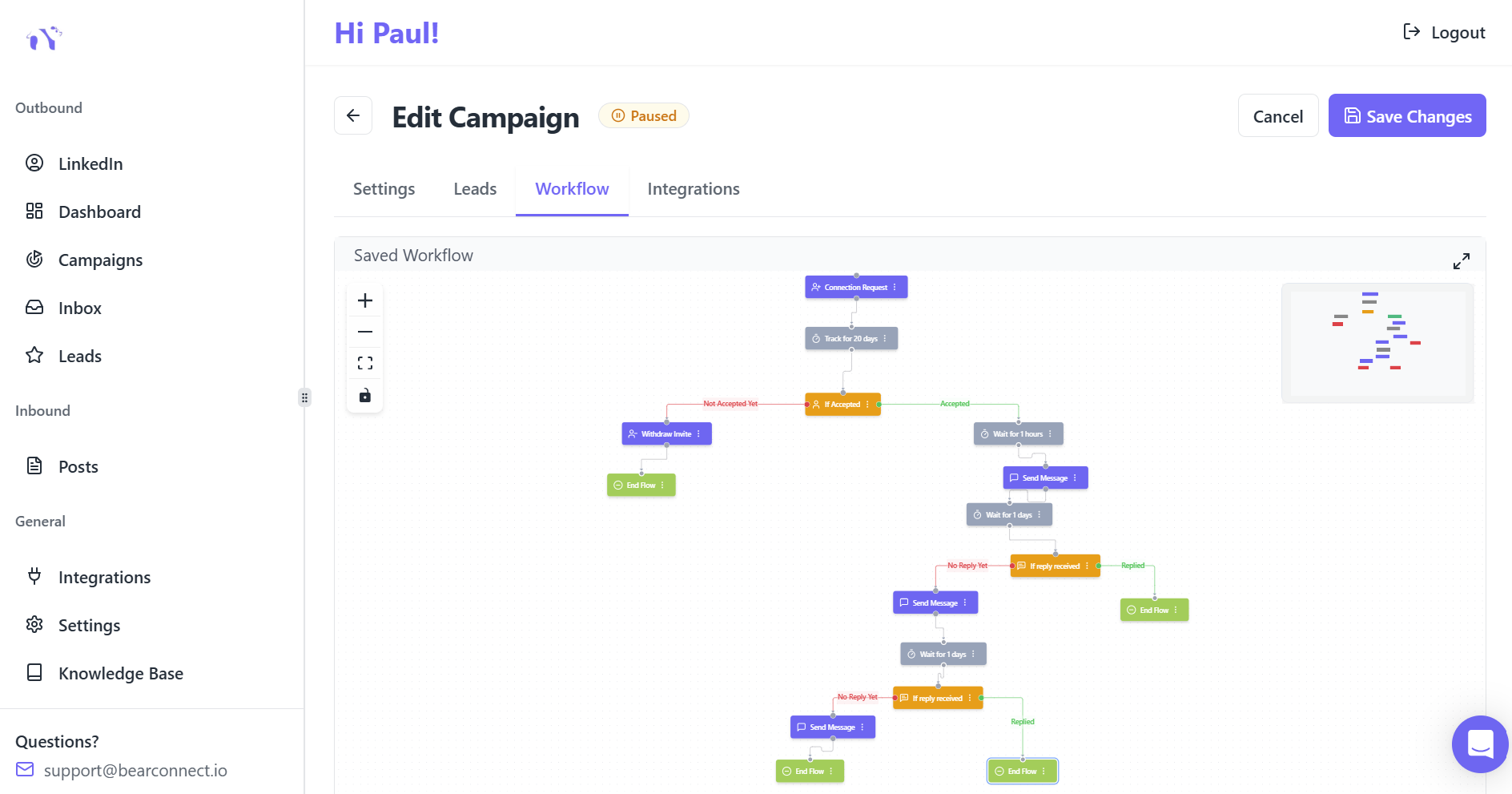
Each client needs its own campaign, audience filter, and message sequence. Mixing client outreach into shared sequences destroys personalization and makes reporting impossible.
Set up per-client campaigns with:
- Job title, seniority, industry, and geography filters for each ICP
- Personalized connection request messages using dynamic fields
- Multi-step follow-up sequences with smart delays between messages
- Separate campaign names for easy tracking
Use personalized connection request messages using dynamic fields to improve acceptance rates across every client account.
Step 3: Define Daily Action Limits Per Account
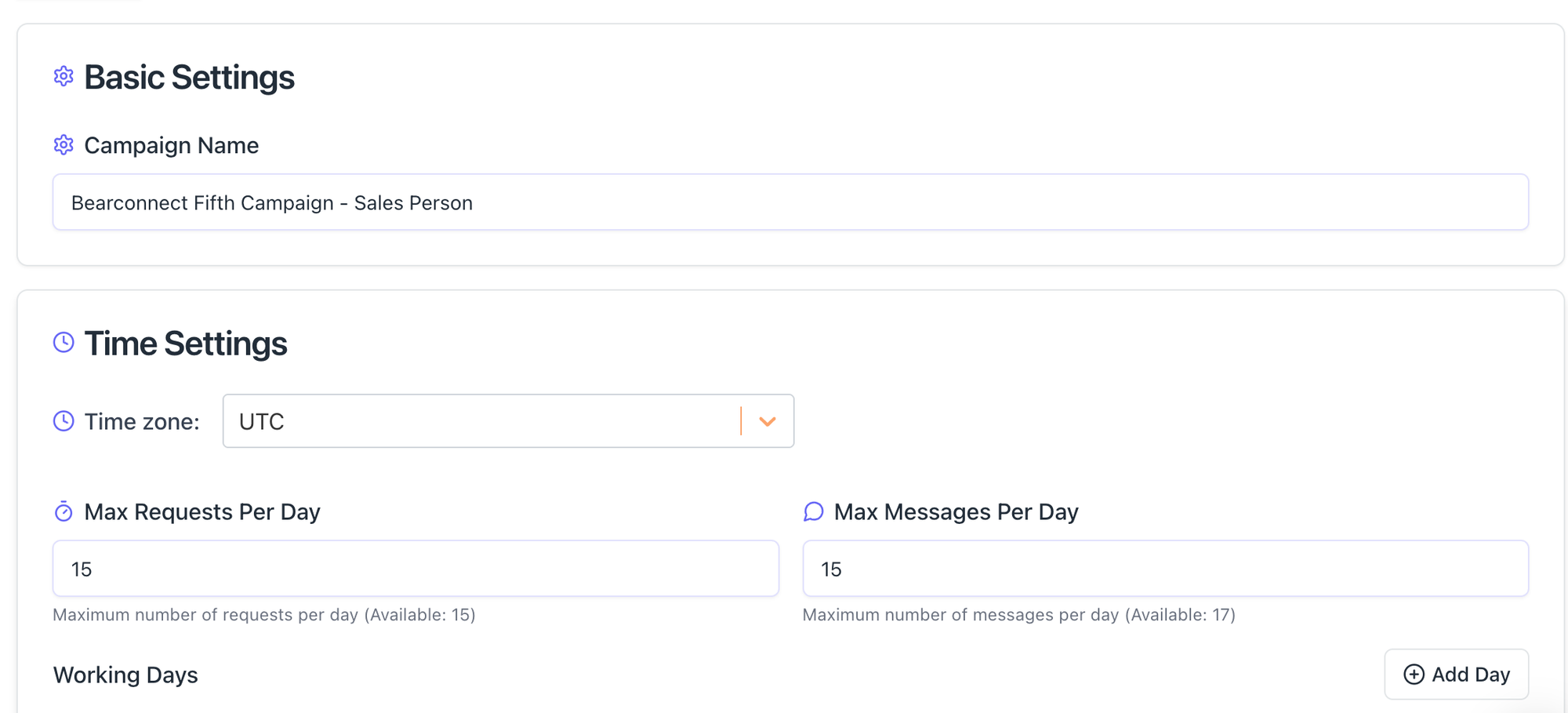
LinkedIn flags accounts that fire off hundreds of actions per day. Every client account needs its own throttle settings.
Agencies that protect clients at scale follow these guardrails:
- Keep connection requests under LinkedIn's safe daily threshold
- Use gradual account warmup for new or fresh profiles
- Randomize action timing so behavior does not look robotic
- Operate from local IPs to mimic organic user behavior
Pro Tip: Never launch a brand-new client account at full volume. Warm it up over 2 to 3 weeks by slowly increasing daily actions. This dramatically reduces the risk of restrictions.
Step 4: Centralize All Client Conversations in a Single Dashboard
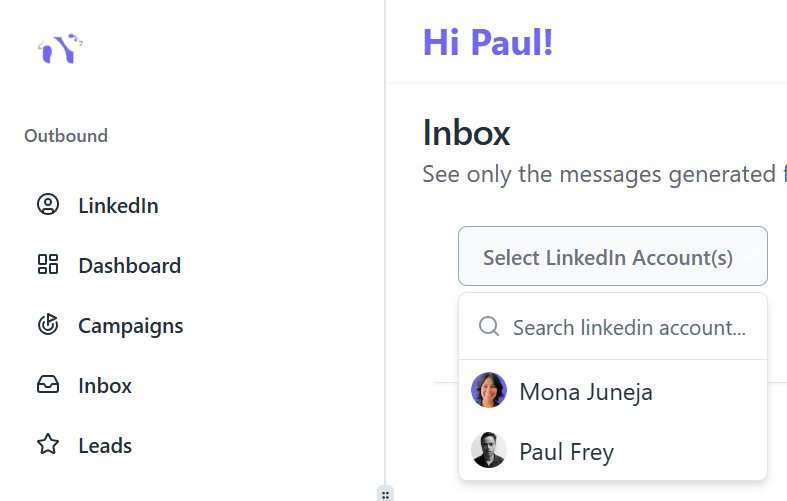
A unified inbox is non-negotiable when running 10+ client accounts. Without it, hot leads sit unanswered for days because replies are buried across multiple logins.
Bearconnect's unified inbox consolidates messages from all connected LinkedIn accounts into one thread view.
Agency teams can:
- See and respond to every message without switching accounts
- Filter conversations by client profile
- Track conversation history per prospect
- Assign responses to team members if needed
Step 5: Monitor Client-Specific Results Through Dedicated Analytics Panels
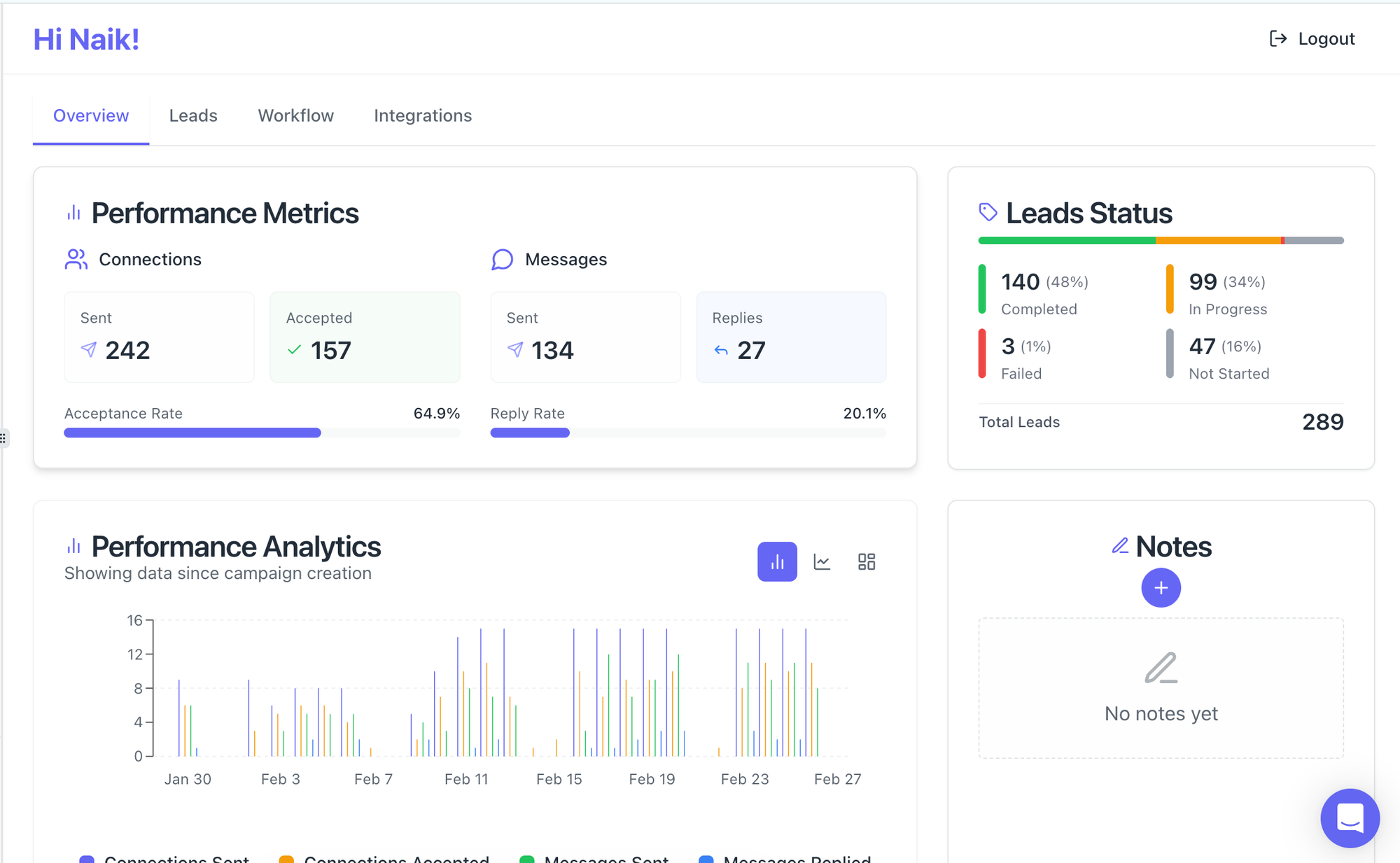
Analytics is how agencies justify their retainer and identify what to optimize. Gut feeling does not scale. Data does.
Key metrics to track per client:
- Connection request acceptance rate (benchmark: 15 to 30%)
- First-message response rate (benchmark: 5 to 15%)
- Lead-to-conversation conversion rate (benchmark: 2 to 10%)
- Campaign comparison across different sequences
Pro Tip: Build a simple weekly report per client using campaign dashboard exports. Send it every Monday. Clients who see numbers stay longer and refer more.
Keeping Client Accounts Safe at Scale
Account safety is the biggest concern agencies face when running LinkedIn automation for multiple clients at once.
One banned account damages client trust and takes months to recover.
The safety stack agencies use:
- Smart throttling - Caps daily actions within LinkedIn's tolerance zone
- Behavior mimicry - Actions are paced to look like a human, not a bot
- Local IP operation - Each account operates from a realistic location
- Gradual warmup - New accounts start slow and increase volume over weeks
- Independent operation - No reliance on LinkedIn Sales Navigator, reducing detection risk
How Agencies Structure Their Tech Stack
The best-performing LinkedIn outreach agencies keep their tech stack lean: one automation tool, one CRM, and one reporting layer.
A practical agency tech stack:
| Layer | Tool Type | Function |
|---|---|---|
| Outreach automation | Multi-account LinkedIn tool | Campaigns, sequences, inbox |
| CRM sync | HubSpot or Salesforce | Auto-log leads and conversations |
| Reporting | Dashboard exports or Google Sheets | Weekly client reports |
| Content scheduling | Built-in post scheduler | Keep client profiles active |
Bearconnect integrates directly with HubSpot and Salesforce, automatically syncing leads as they respond. This keeps the entire pipeline visible without manual data entry.
Scaling Content Alongside Outreach
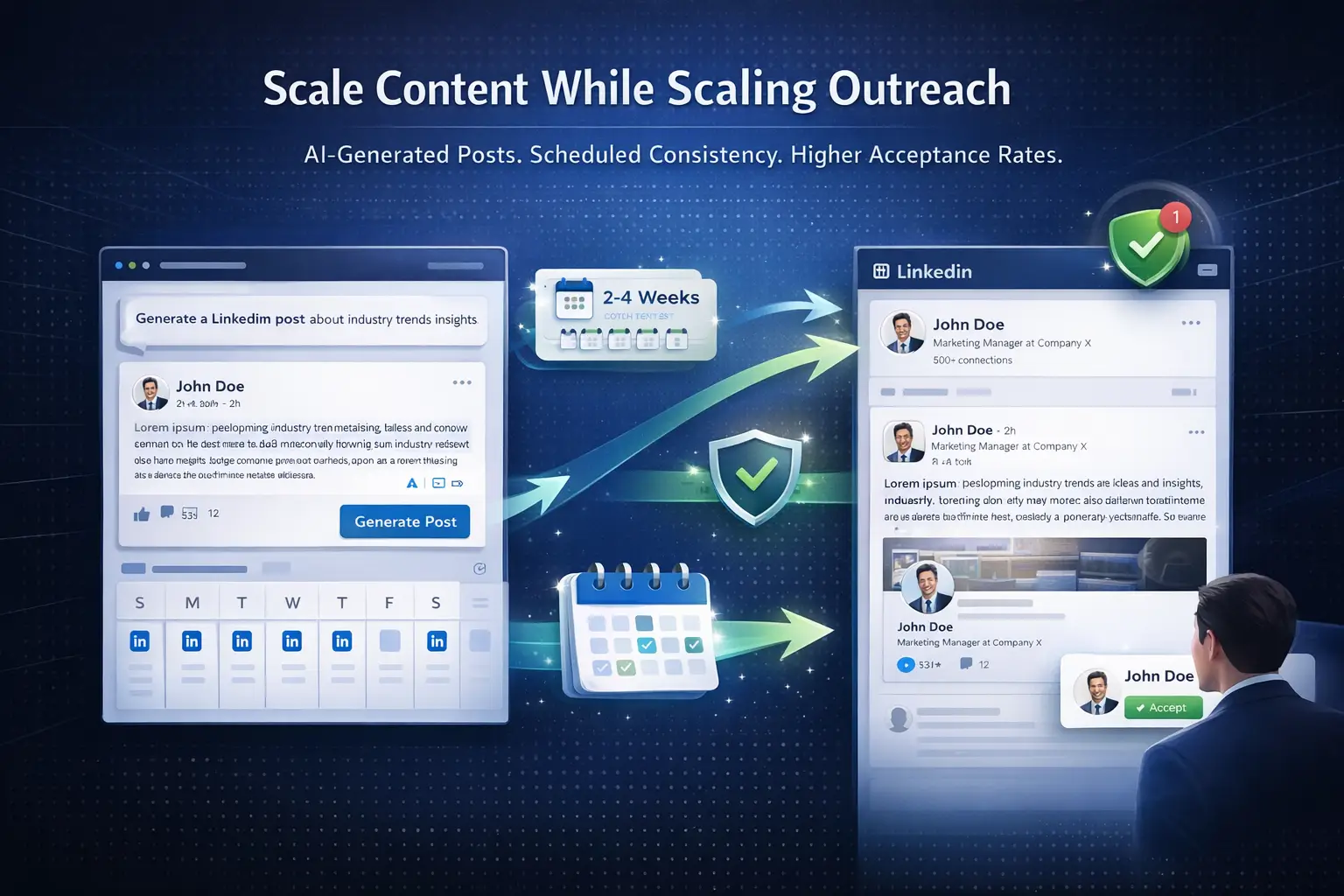
Outreach alone is not enough. Client LinkedIn profiles need consistent content to build trust before a prospect replies.
Agencies that win combine outbound automation with inbound content:
- Schedule 3 to 5 posts per week per client using AI-assisted content tools
- Use AI post generation to remove the bottleneck of writing content for every profile
- Batch-create 2 to 4 weeks of content at once and schedule it in advance
- Active profiles get higher connection acceptance rates because prospects check the feed before accepting
Pro Tip: Build a simple content calendar for each client during onboarding. Two posts per week minimum. Profiles with consistent content see 20 to 50% higher acceptance rates on connection requests.
The Agency Cost Equation
Multi-client LinkedIn outreach becomes profitable only when tool costs do not scale linearly with client count.
This is where pricing structure matters:
- Traditional tools charge $150 to $500 per LinkedIn account per month
- For 10 clients, that is $1,500 to $5,000 per month in tool costs alone
- Bearconnect charges $67 per month per LinkedIn account, dropping to $57 per month per LinkedIn account when connecting 5 or more accounts
- For a 10-client agency at $57 per account, total tool cost is $570 per month vs. up to $5,000 with competitors
The margin difference is significant and directly impacts what agencies can charge or retain as profit.
What a Week Looks Like for an Agency Running 10+ Clients
A well-run agency follows a repeatable weekly rhythm to keep every client campaign healthy.
- Monday - Review all client analytics dashboards, identify underperforming campaigns, send weekly reports
- Tuesday to Wednesday - Respond to hot leads in unified inbox, optimize message sequences where response rates are low
- Thursday - Launch new campaigns or A/B test variations for active clients
- Friday - Batch-create and schedule next week's LinkedIn content for all client profiles
This structure lets one outreach manager comfortably handle 10 to 15 client accounts without burning out.
5 FAQs: LinkedIn Outreach for Agencies
1. Can one tool manage LinkedIn outreach for multiple clients simultaneously?
Yes. Tools like Bearconnect let agencies connect unlimited LinkedIn accounts under one platform and manage all campaigns, messages, and analytics from a single dashboard. There is no need to log in and out of separate accounts.
2. How do agencies avoid getting client LinkedIn accounts banned?
Agencies use smart throttling, gradual account warmup, behavior mimicry, and local IP settings to keep automation within LinkedIn's safe activity zones. Starting new accounts at low volume and increasing gradually is the most reliable safety practice.
3. How much does it cost to run LinkedIn outreach for 10 clients?
With Bearconnect, it costs $57 per month per LinkedIn account when connecting 5 or more, which means 10 client accounts cost $570 per month total. Competing tools charge $150 to $500 per account, making multi-client management far more expensive.
4. What metrics should agencies report to LinkedIn outreach clients?
The core metrics are connection acceptance rate, first-message reply rate, lead-to-conversation conversion, and campaign comparison data. Most automation platforms export these from their analytics dashboards for easy client reporting.
5. Do agency-managed LinkedIn profiles need to post content too?
Yes. Profiles with consistent content see significantly higher connection acceptance rates because prospects review the feed before accepting. Scheduling 2 to 3 posts per week per client profile is a best practice for improving overall campaign performance.
Ready to Run LinkedIn Outreach at Agency Scale?
If you manage 5 or more LinkedIn client accounts and still rely on manual workflows or separate tools per client, you are leaving efficiency and margin on the table.
Explore how Bearconnect helps agencies manage unlimited LinkedIn accounts, automate multi-step campaigns, centralize every inbox, and track results, all from one affordable platform.
Start with one client account and see the difference before scaling. Visit bearconnect.io to get started.
Ready to Transform Your LinkedIn Strategy?
Join thousands of professionals already using Bearconnect to automate their outreach and grow their network.
7-day free trial • Cancel anytime
Related Articles
Best La Growth Machine Alternative for LinkedIn Automation in 2026
La Growth Machine can feel costly and complex. This guide covers the best La Growth Machine alternative for LinkedIn automation in 2026, focused on simplicity and replies.
LinkedIn Outreach Automation: Complete Guide for Sales Teams in 2026
Learn how sales teams use LinkedIn automation to achieve 10.3% response rates, save 15-20 hours weekly, and 3x pipeline. Complete 2026 guide with proven strategies and best practices.