LinkedIn Lead Generation: 11 Tactics That Actually Fill Your Pipeline (2026)
The fastest way to fill your B2B pipeline through LinkedIn lead generation is to combine a high-converting profile, targeted outreach sequences, and consistent content into one repeatable system.
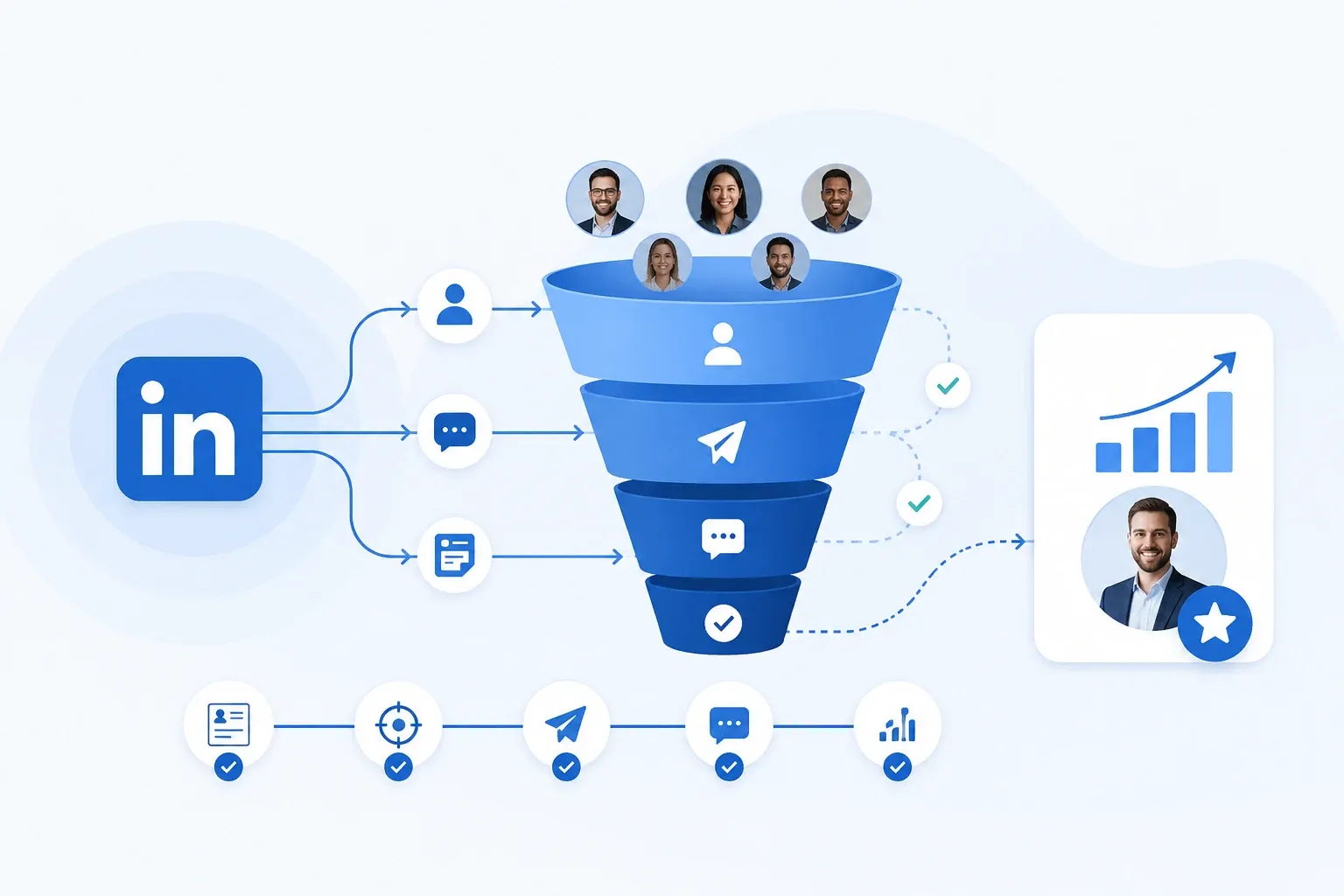
Not one tactic in isolation. All of them working together.
I have spent the last two years running LinkedIn campaigns for B2B clients across SaaS, consulting, and agency verticals.
The tactics below are the ones that moved real pipeline. Not the ones that looked good in a screenshot.
TL;DR
- Your LinkedIn profile is your landing page. Fix it before you do anything else.
- Targeted prospect lists beat mass outreach every time. Quality in, quality out.
- Drip sequences that space messages over days (not hours) get replies, not blocks.
- Posting content and running outreach in parallel creates a compounding inbound + outbound loop.
- Turning post engagers into outreach leads is one of the highest-intent moves you can make right now.
1. Turn Your LinkedIn Profile Into a Landing Page
Your profile is the first thing a prospect sees after your connection request. If it reads like a resume, they skip it. If it reads like a clear answer to their problem, they accept.
Most people optimize for peers. "10 years of experience in B2B SaaS" means nothing to a prospect who wants to know if you can help them grow revenue.
Here's what to fix:
- Headline: State who you help and the outcome. Not your job title. ("I help B2B teams book 30+ qualified calls/month from LinkedIn" beats "Senior Account Executive at XYZ Corp.")
- About section: First two lines are everything. LinkedIn truncates after that. Lead with the prospect's problem, then your solution.
- Banner image: A simple CTA or value proposition. Not your company logo floating in space.
- Featured section: Pin a case study, a booking link, or your best-performing post.
This takes 30 minutes. It changes every interaction that follows.
If you want help refining this step, read how to create a great LinkedIn profile.
2. Build Laser-Focused Prospect Lists With LinkedIn Search URLs
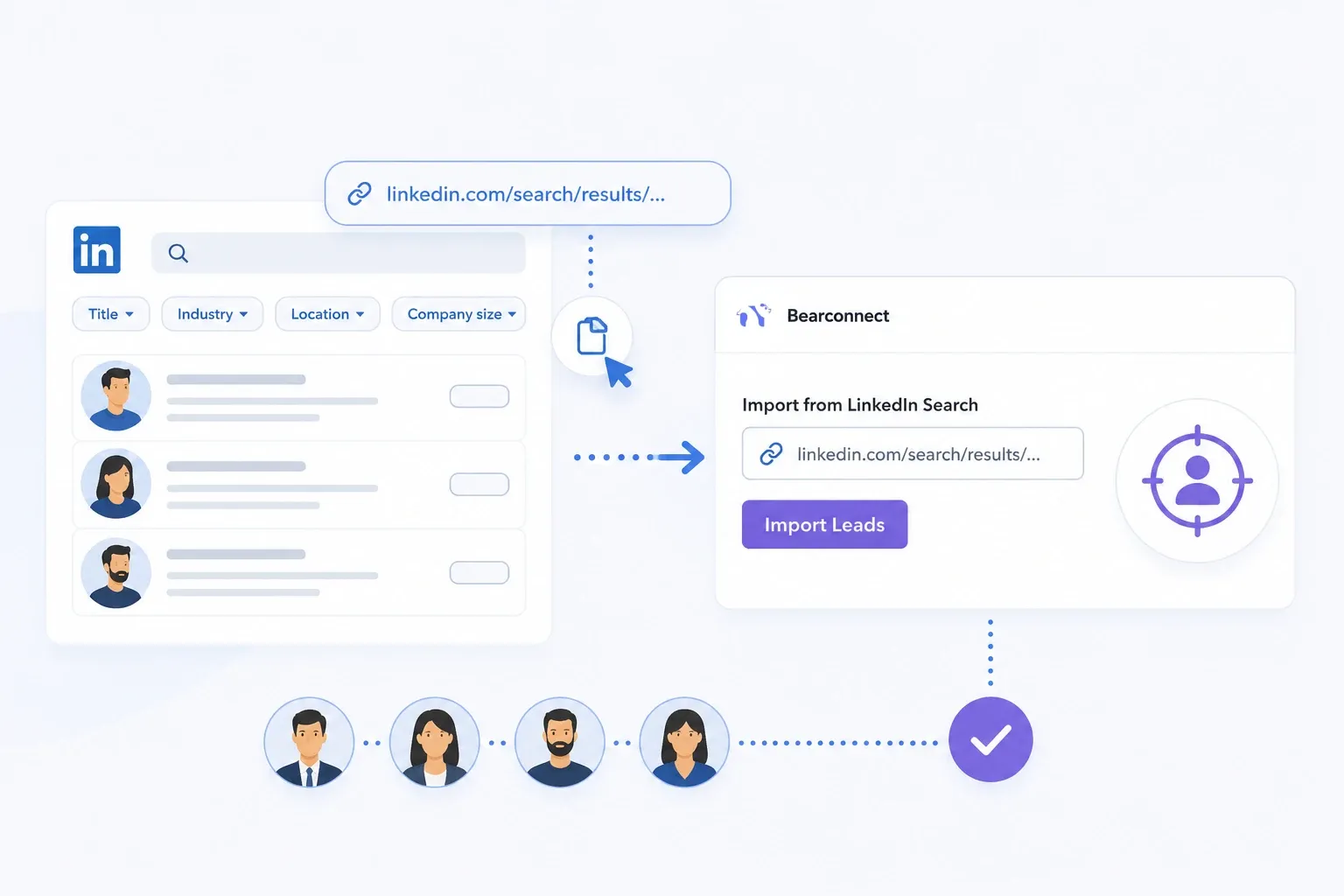
Outreach quality starts with list quality. A vague search means vague results.
A tight search means every connection request lands in front of someone who could actually buy.
- LinkedIn's native search filters (title, location, industry, company size) are powerful enough for most use cases. Copy that search URL and you have a targeted lead list ready to import.
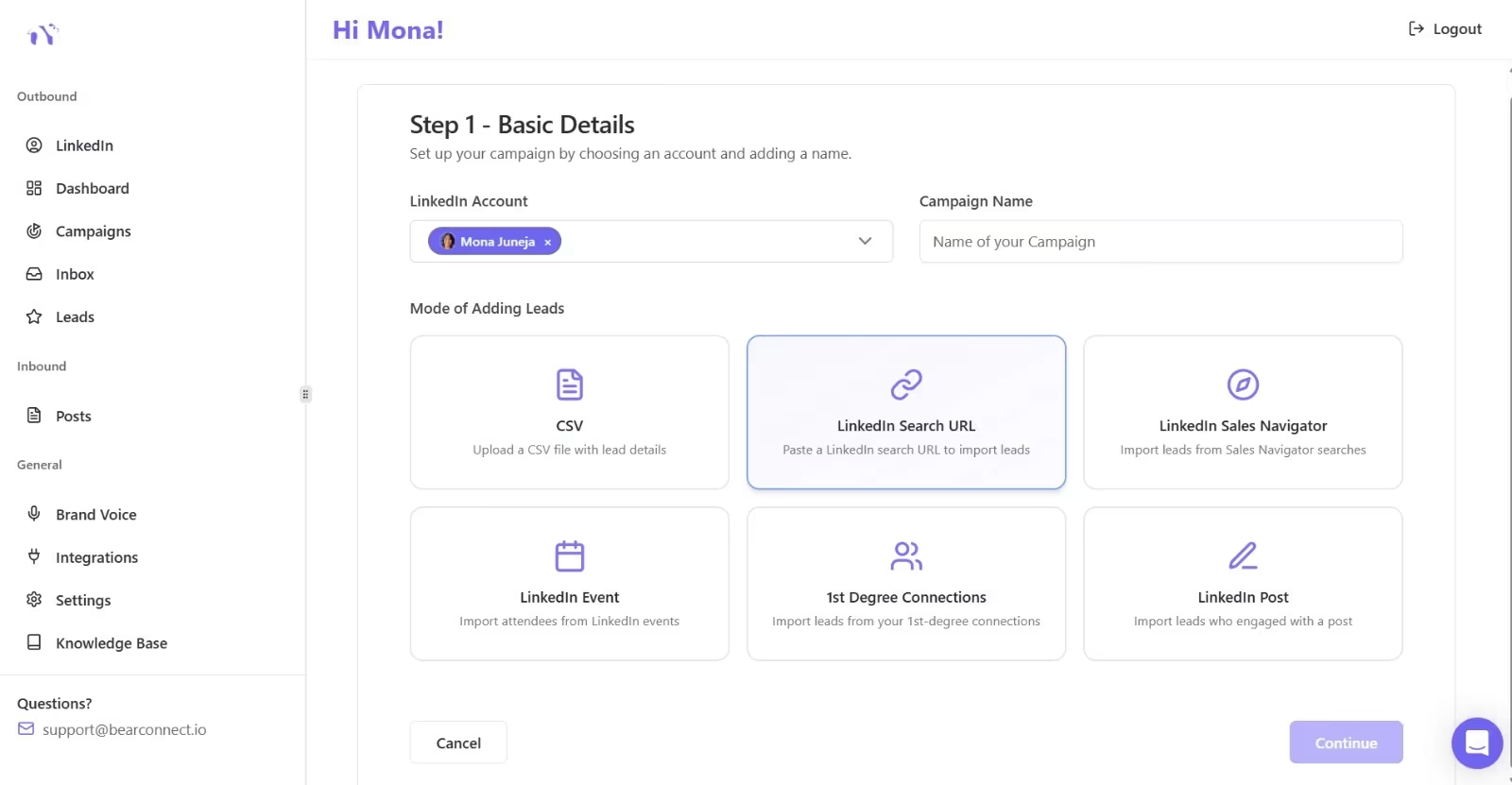
Tools like Bearconnect let you paste a LinkedIn Search URL directly into a campaign and start outreach automatically. No CSV exports, no manual imports. You go from search to live campaign in under two minutes.
If you have access to LinkedIn Sales Navigator, the filters get even sharper: years in role, company headcount growth, recent job changes, technologies used. More on that in Tactic 7.
You can also explore Bearconnect's Import Data feature to see how this works.
3. Send Personalized Connection Requests (at Scale)
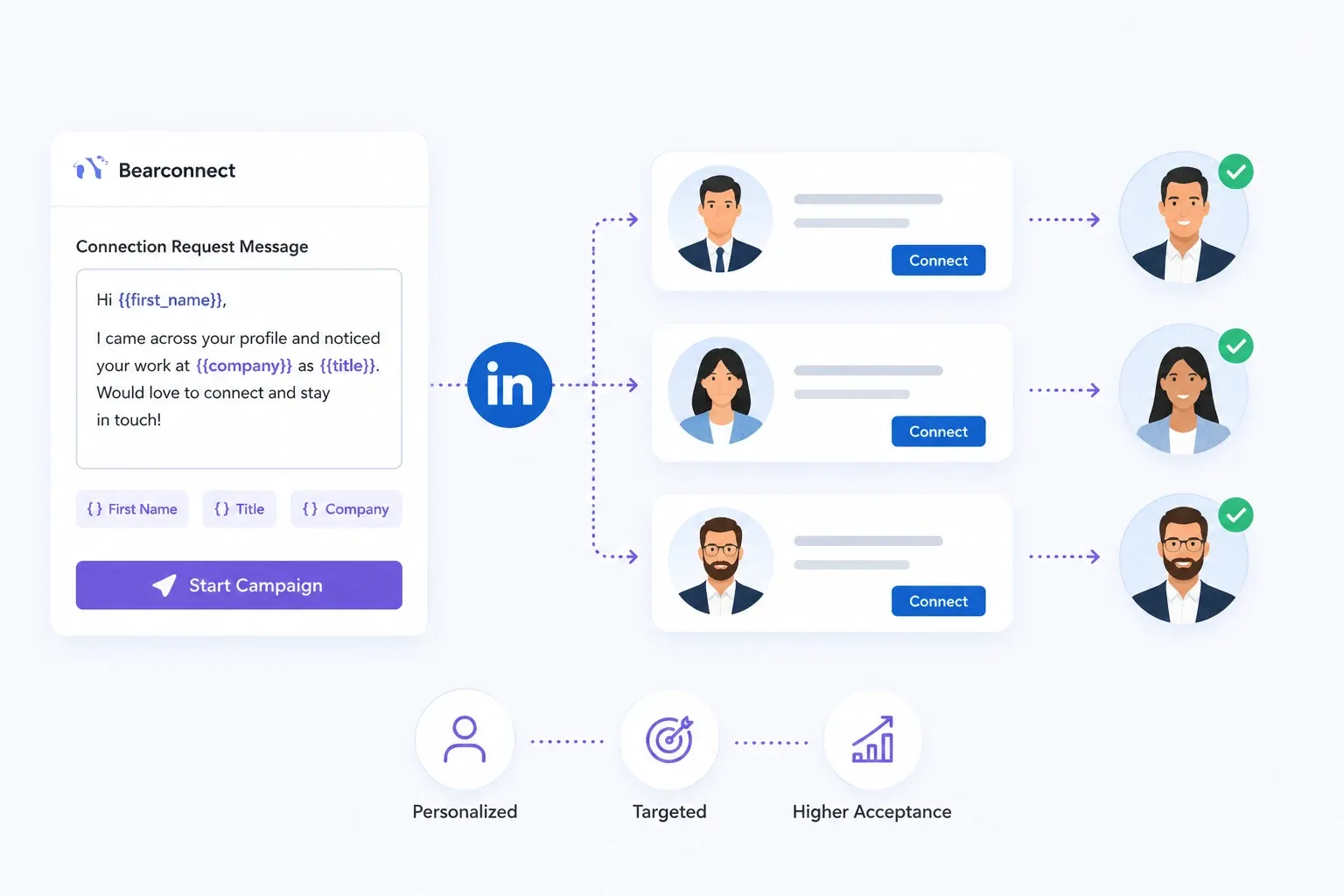
Personalized connection requests get accepted at significantly higher rates than blank ones. That's not news. The challenge is doing it at scale without losing the human touch.
The key is variable-based personalization layered on top of good targeting. When your list is tight (Tactic 2), even a simple note referencing their role, company, or a shared connection feels relevant.
Every tactic below performs better on a credible brand presence, so start by creating a LinkedIn company page that is optimised for lead capture.
What works:
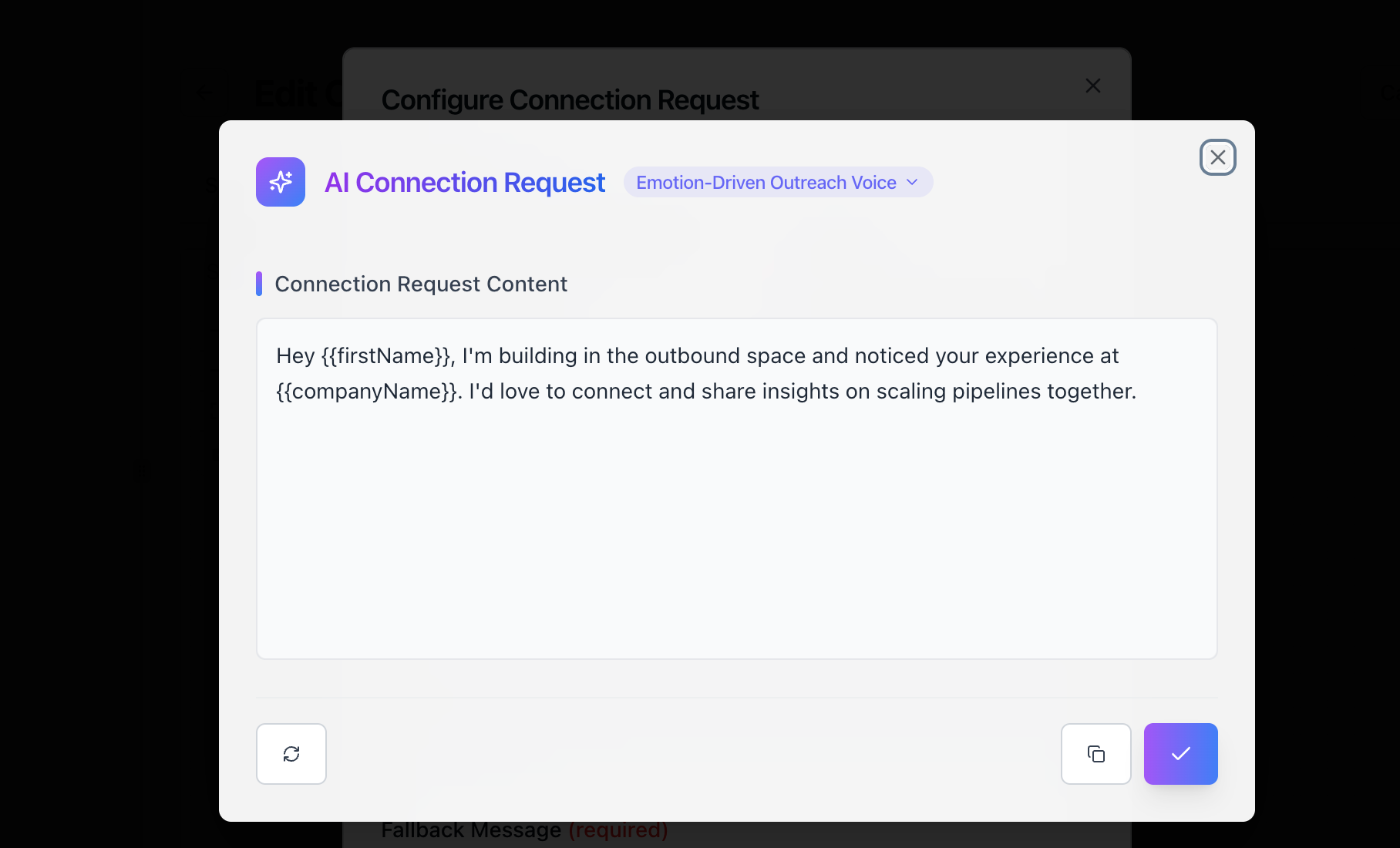
- Keep it under 300 characters. LinkedIn's connection note limit forces brevity. That's a feature, not a bug.
- Reference something specific. Their recent post, their company's growth, their title. One detail proves you didn't spray-and-blast.
- Don't pitch in the connection request. The goal is to get accepted. The pitch comes later in the sequence.
With Bearconnect's campaign builder, you can set up personalized connection requests with dynamic fields (first name, company, title) and let them run on autopilot.
If you want more tactical examples, check out how to automate LinkedIn connections and how to personalized LinkedIn outreach messages.
4. Build Drip Sequences That Nurture, Not Spam
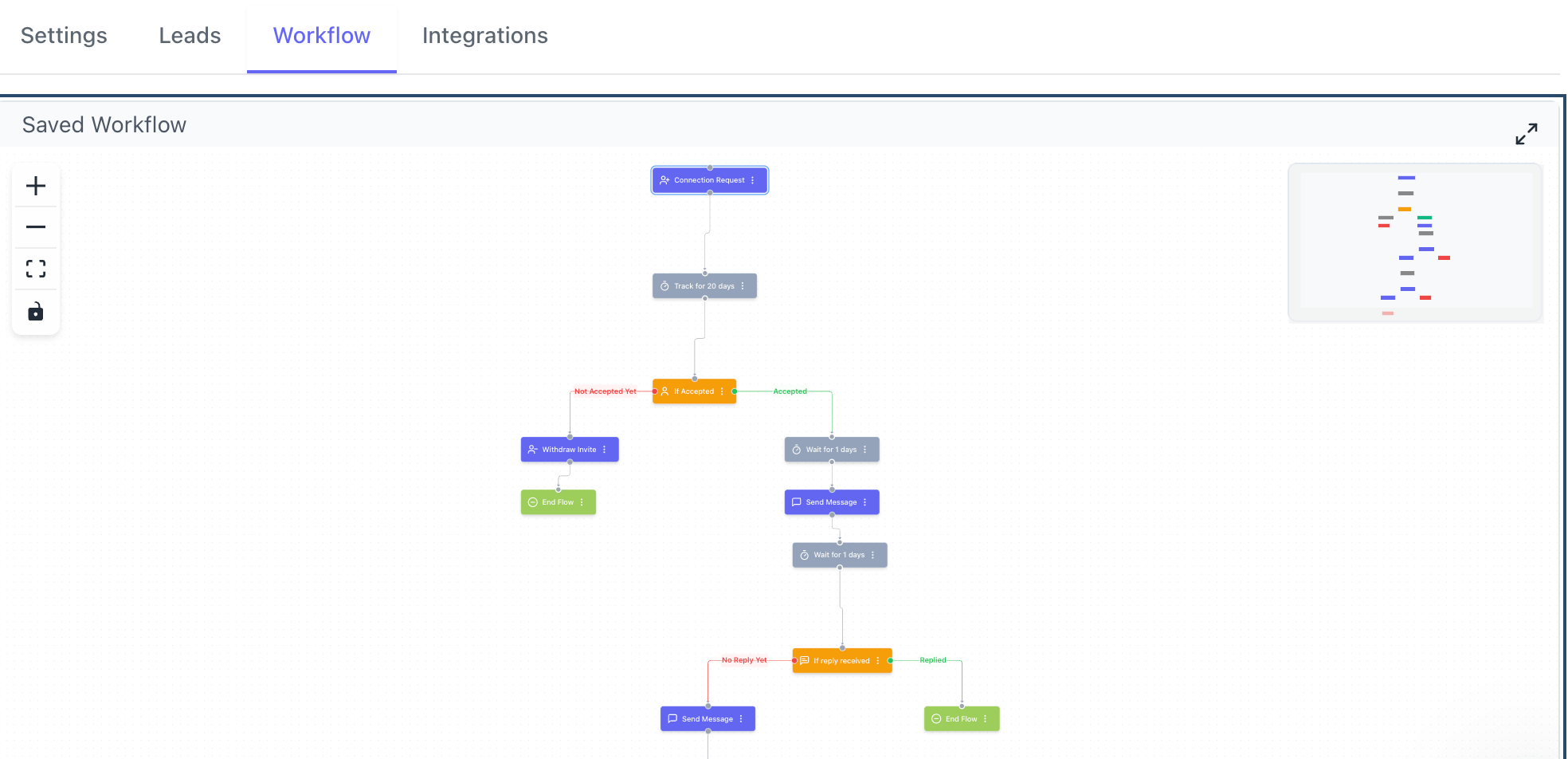
A single connection request is not a LinkedIn lead generation strategy. It's a handshake. The follow-up sequence is where pipeline actually gets built.
I tested dozens of sequence structures.
The ones that consistently generate replies follow a simple pattern:
- Message 1 (day 1 after acceptance): Value-first. Share a relevant resource, insight, or observation. No pitch.
- Message 2 (day 3-4): Light question. Ask about their current approach to the problem you solve. Open a conversation.
- Message 3 (day 7-8): Soft CTA. Offer a quick call, a free audit, or a relevant case study.
- Message 4 (day 14, optional): Breakup message. "No worries if the timing isn't right. Happy to stay connected."
The spacing matters. Back-to-back messages within hours feel aggressive. Messages spread over days feel like a real person following up.
Pro tip: Build your drip sequences inside a tool like Bearconnect so the entire flow runs automatically. You set the timing, the message templates, and the conditions. Then you focus on replying to the people who respond.
For deeper sequence ideas, read book meetings on LinkedIn DMs with this 7-step sequence and LinkedIn drip campaigns for B2B consultants.
5. Post Consistent Content to Attract Inbound Leads
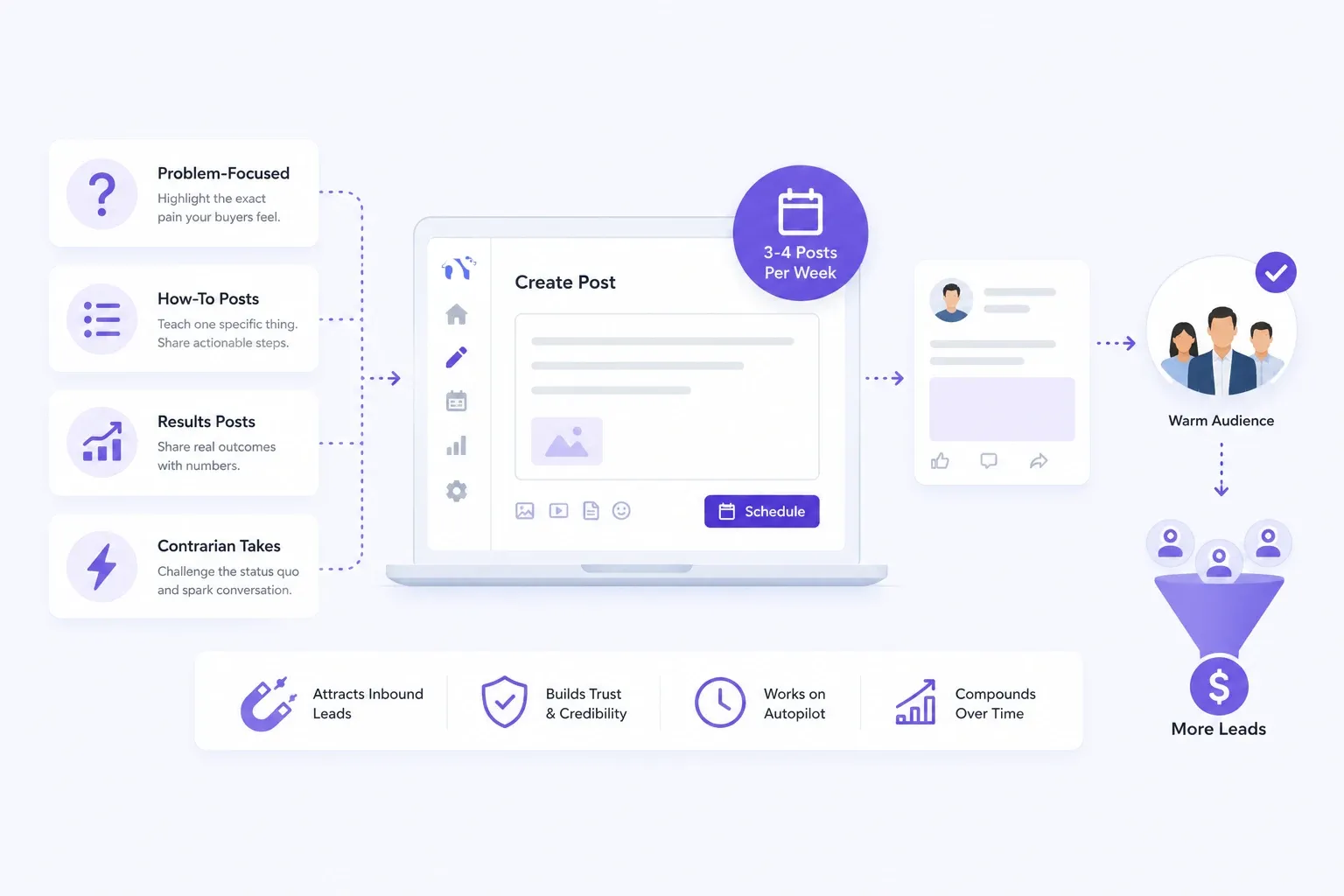
Outbound fills the pipeline now. Content fills it later, on autopilot, with warmer leads.
The biggest misconception about LinkedIn content is that you need to go viral. You don't. You need to post consistently so that when a prospect sees your connection request, they check your profile, see recent relevant content, and think: "This person actually knows what they are talking about."
What to post for lead generation specifically:
- Problem-focused posts: Name the exact pain your buyers feel. No solution yet. Just the problem.
- How-to posts: Teach one specific thing. Framework posts ("3 steps to X") perform consistently.
- Results posts: Share real outcomes. "We helped a client go from X to Y." Specific numbers build trust.
- Contrarian takes: Challenge conventional wisdom in your space. These get engagement and attract people who think like your buyers.
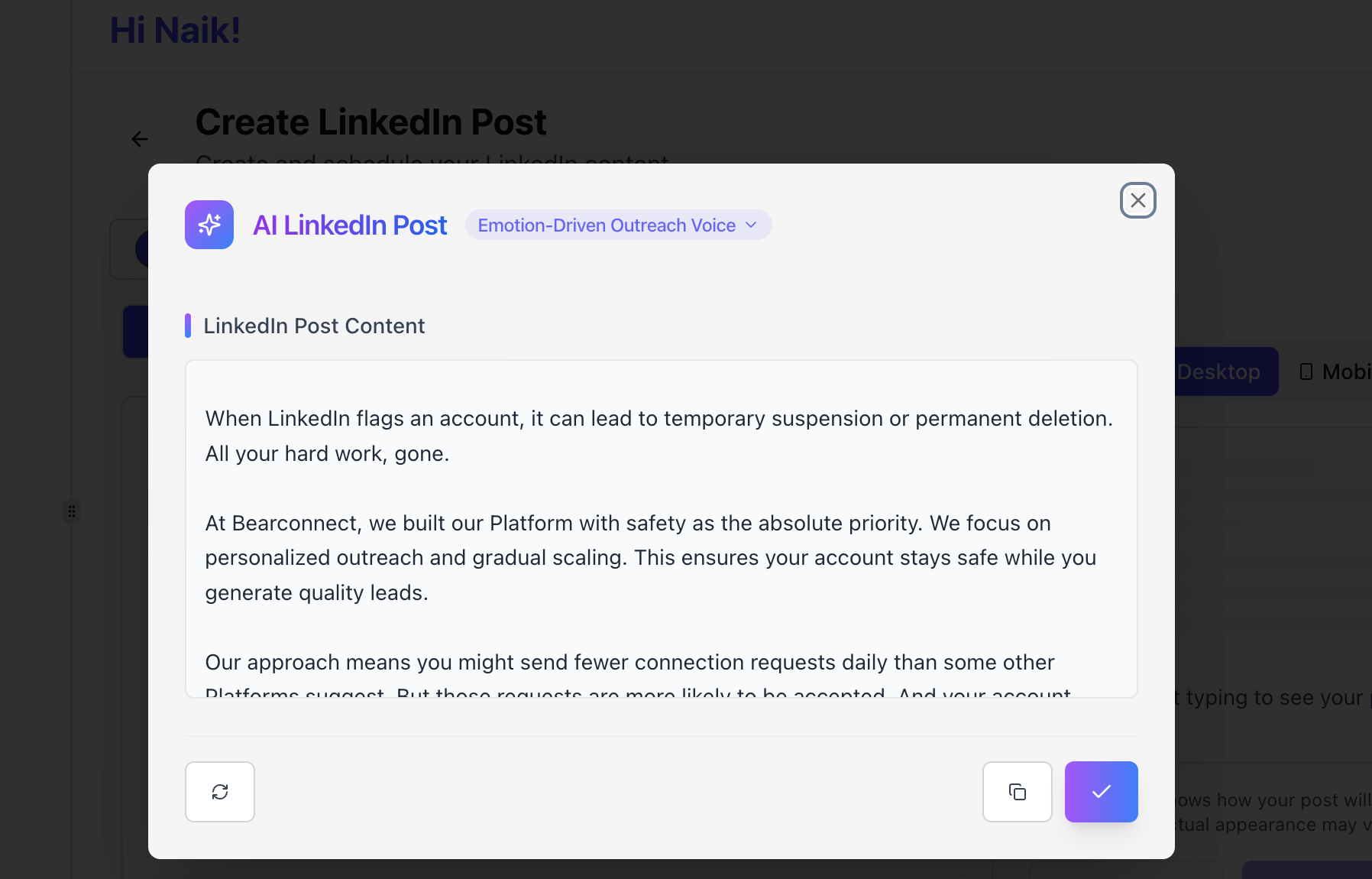
Three to four posts per week is the sweet spot. Bearconnect's Write Posts feature handles the writing and scheduling in one place, and Brand Voice helps keep your content consistent.
6. Turn Post Engagers Into Outreach Leads
This is one of the most underrated LinkedIn lead generation tactics in 2026.
Someone who liked or commented on a relevant post has already raised their hand. They've shown intent. And most people never follow up on it.
Here's the play: find a post in your niche (yours, a competitor's, an industry leader's) that's getting strong engagement. The people interacting with that post are self-selecting as interested in the topic.
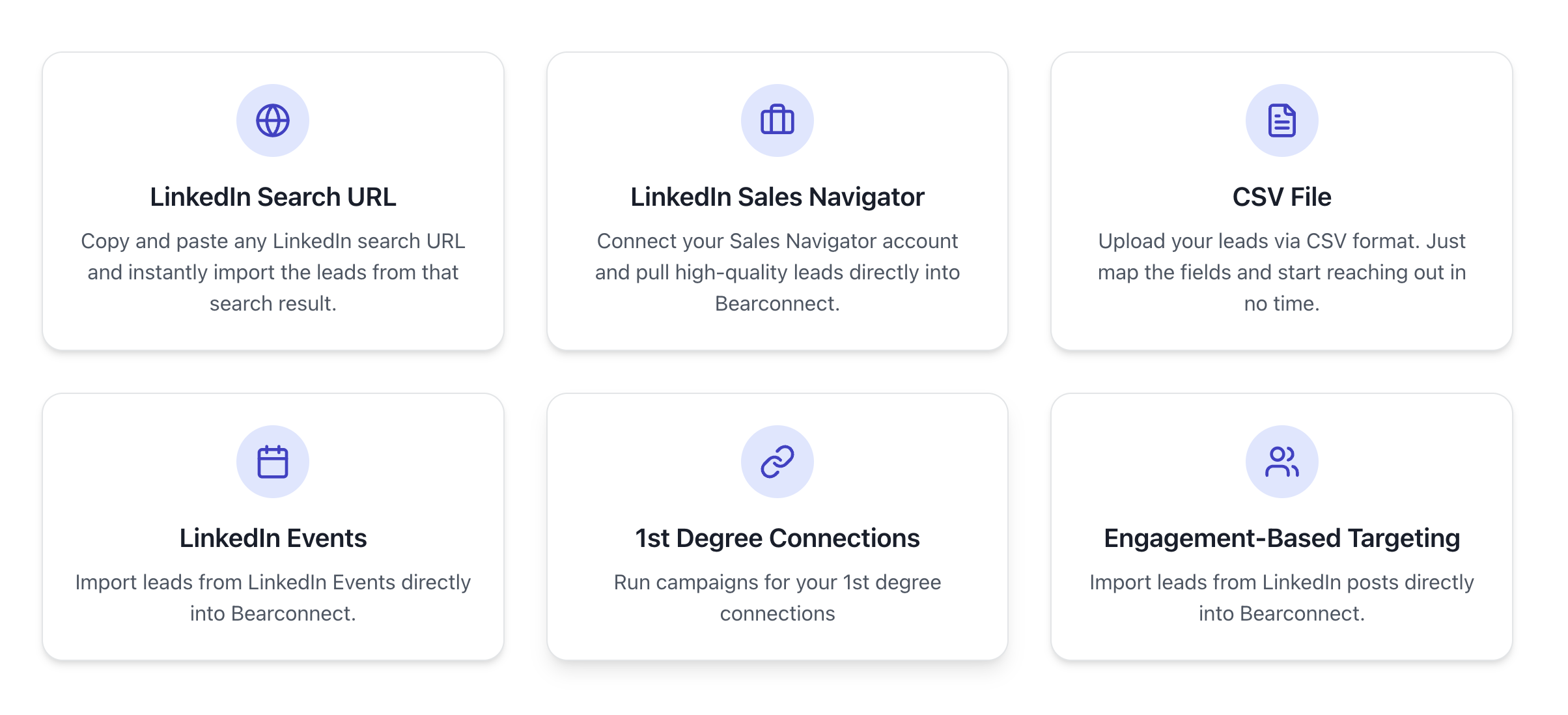
With Bearconnect's LinkedIn Post lead import, you paste the post URL into a campaign, and the platform imports everyone who liked or commented.
Then your drip sequence kicks in automatically. No CSV, no scraping, no third-party tools.
Think about how warm that outreach feels. "Hey, I saw you commented on [Name]'s post about [Topic]. I've been working on something similar and thought you might find this useful."
That's not cold outreach. That's informed outreach. And it converts at a noticeably higher rate than blind connection requests.
For more on this, read how to import leads from LinkedIn post and auto reply LinkedIn comments with Post Magnet.
7. Use LinkedIn Sales Navigator for Advanced Targeting
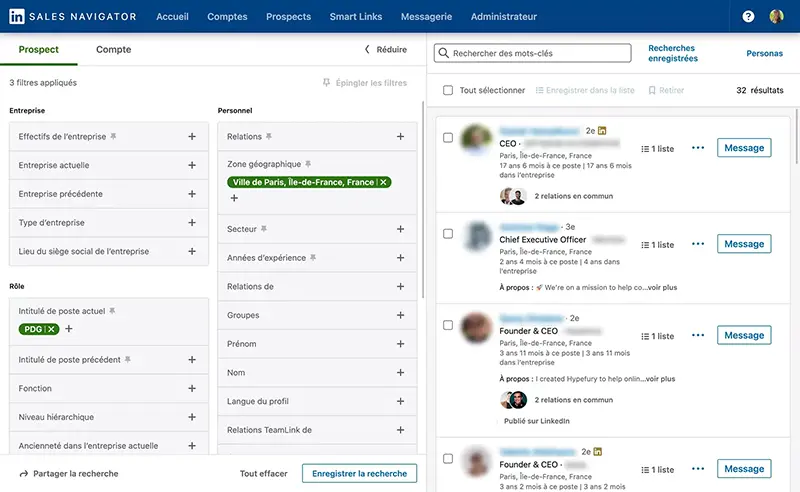
Sales Navigator is worth the investment if your deal sizes justify it. The advanced filters (company headcount growth, years in current role, recent activity, seniority level) let you build prospect lists that basic LinkedIn search simply can't match.
Where it shines for lead generation:
- Boolean search: Combine title filters with company attributes for surgical targeting.
- Lead recommendations: Navigator surfaces prospects similar to your existing wins.
- Saved searches with alerts: Get notified when new people match your criteria. Fresh leads, every week, on autopilot.
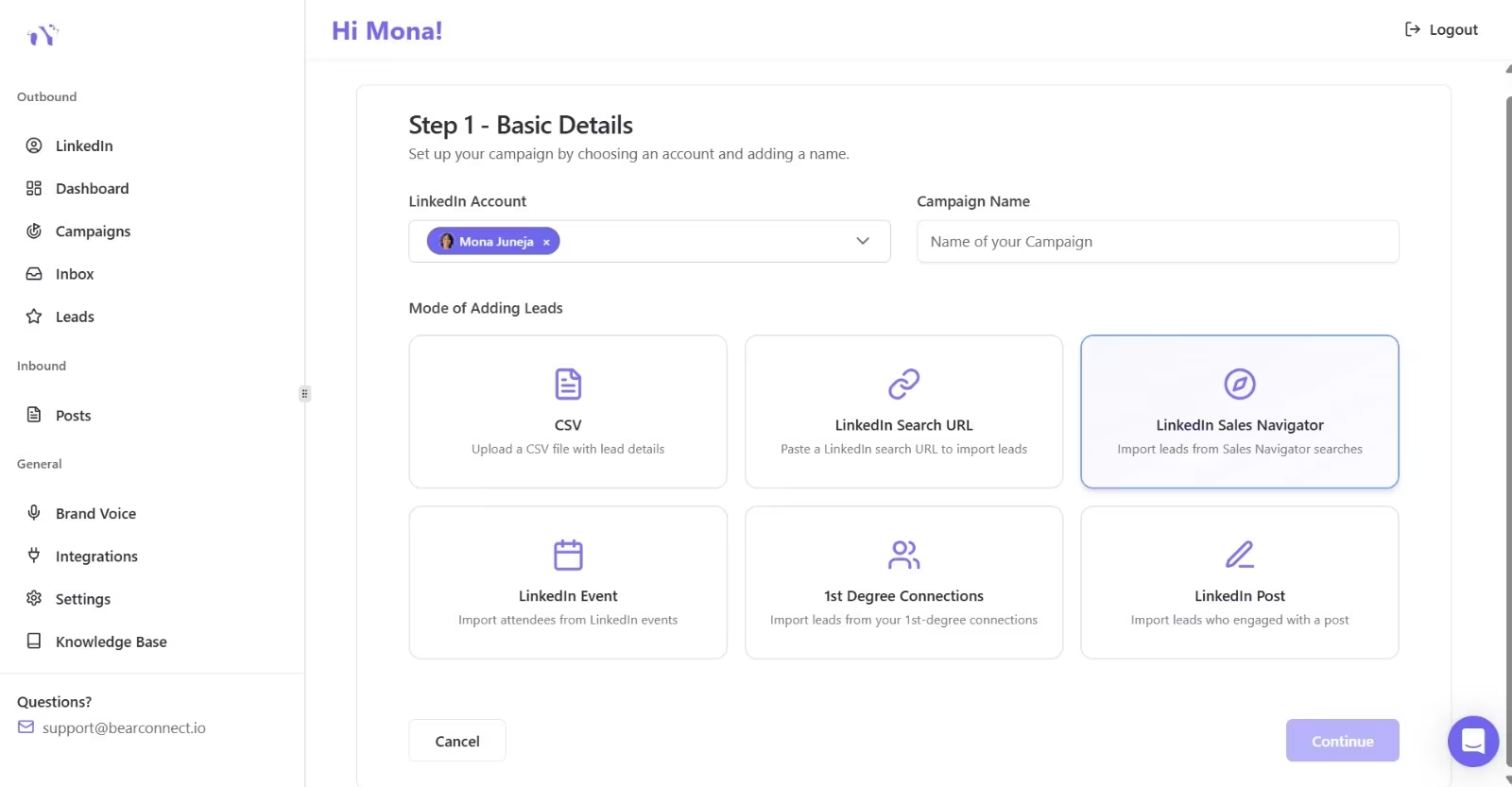
If you're using Sales Navigator, you can paste the search URL directly into a Bearconnect campaign the same way you would a standard LinkedIn search. Same workflow, sharper targeting.
If you want a deeper breakdown, read LinkedIn Sales Navigator beginner's guide and best LinkedIn Sales Navigator alternatives.
8. Leverage LinkedIn Events for Warm Lead Lists
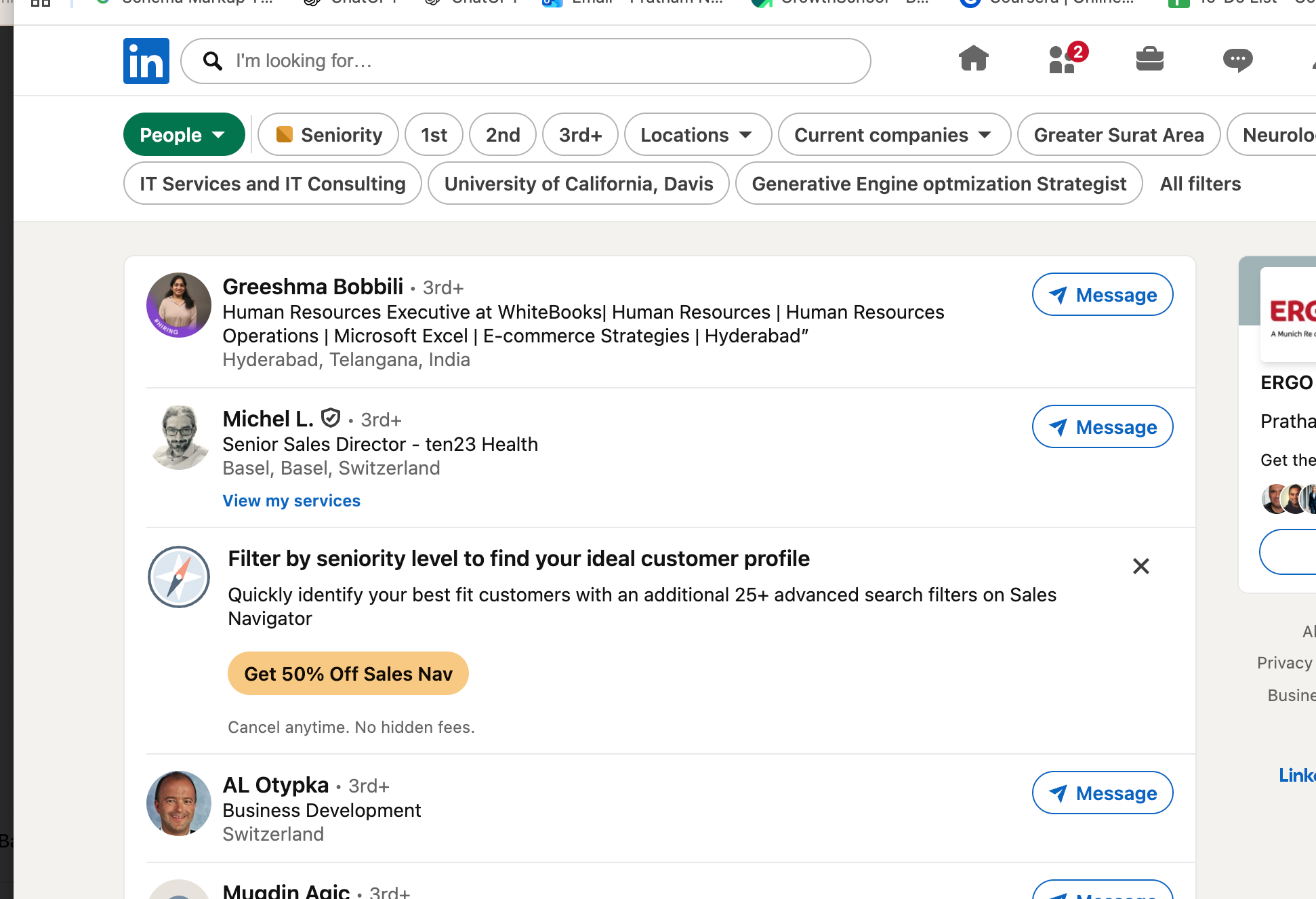
LinkedIn Events are an overlooked goldmine. People who register for an industry event are signaling interest in a specific topic. That's intent data sitting in plain sight.
The tactic: find relevant industry webinars, virtual summits, or networking events on LinkedIn. Import the attendee list.
Then reach out with context: "I saw you're attending [Event]. I'm working on [related thing]. Would love to connect."
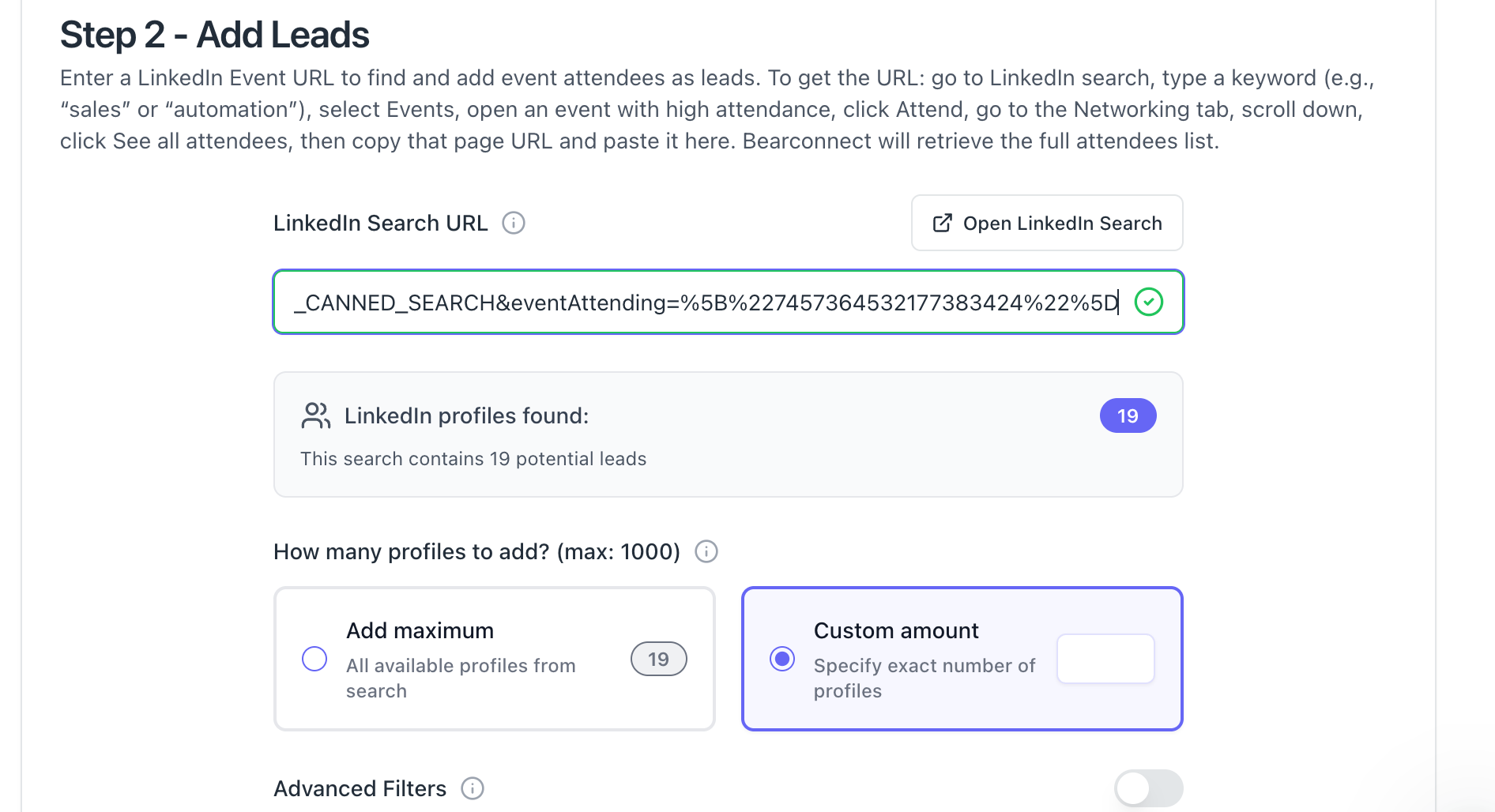
Bearconnect supports LinkedIn Event attendee imports as a lead source. You select the event, import the attendees, and run your sequence.
9. Comment Strategically on Prospect and Industry Posts
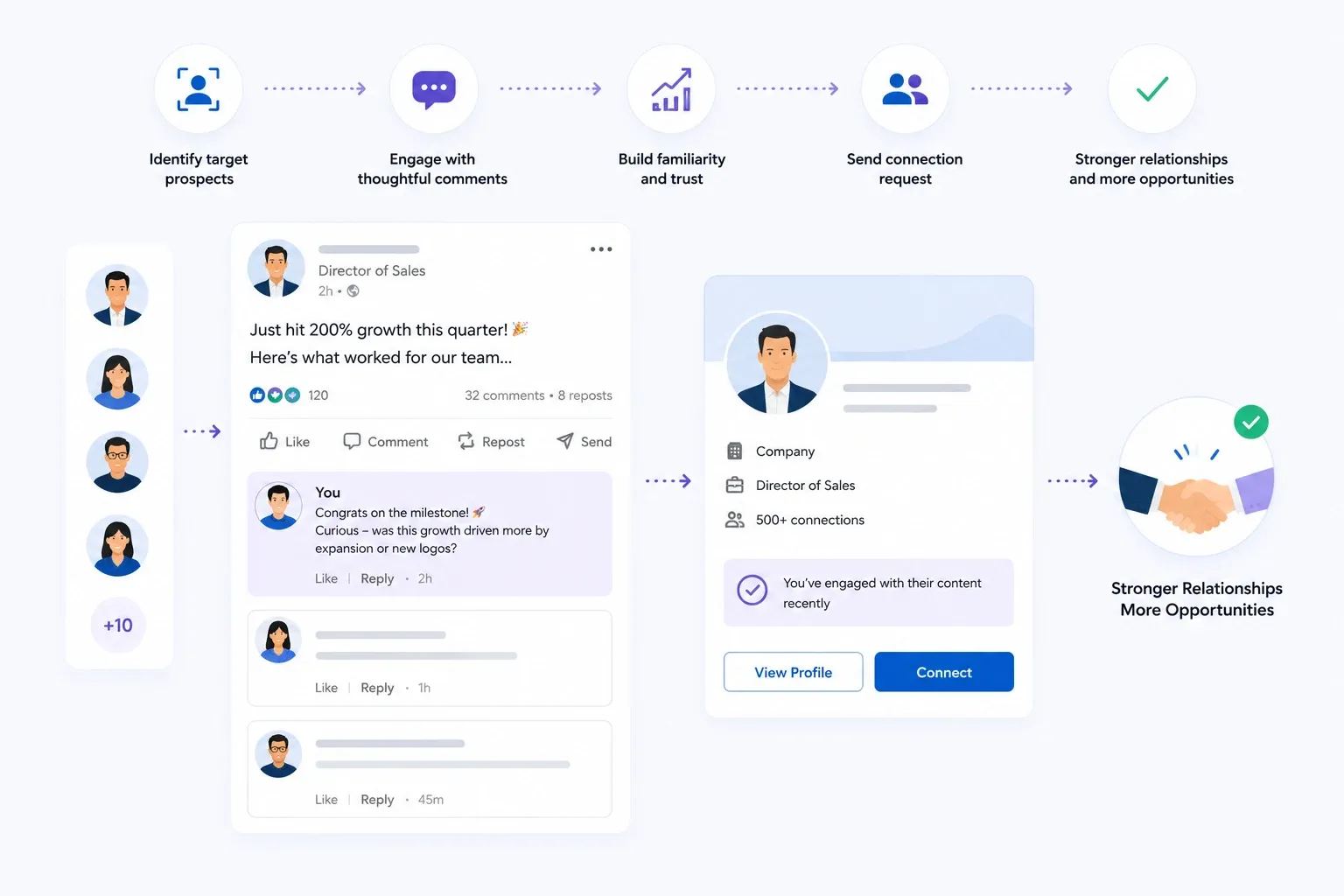
Commenting is free, underused, and surprisingly effective for warming up prospects before you ever send a connection request.
- The approach is simple. Identify 10-15 target prospects or industry voices. Spend 10 minutes a day leaving thoughtful comments on their posts.
- Not "Great post!" Actual substance. Add a perspective. Share a related data point. Ask a follow-up question.
- After a week or two of genuine engagement, your name is familiar. When the connection request arrives, it doesn't come from a stranger. It comes from someone they recognize.
This doesn't scale the way automation does. But for high-value targets (enterprise accounts, strategic partners, key decision-makers), the manual investment pays off.
To support this strategy, consistent posting through Write Posts can help strengthen your profile and authority.
10. Run Content and Outreach in Parallel
Here's the real unlock. Most people treat LinkedIn content and LinkedIn outreach as separate activities. Content over here, prospecting over there. That's leaving pipeline on the table.
The compounding loop looks like this:
- Post content → builds visibility and credibility
- Run outreach campaigns → puts you in front of targeted prospects
- Prospects check your profile → see your content, perceive authority
- Post engagers appear → import them as warm leads (Tactic 6)
- Conversations from outreach → feed ideas for new content
Inbound and outbound aren't competing strategies. They're two halves of the same system.
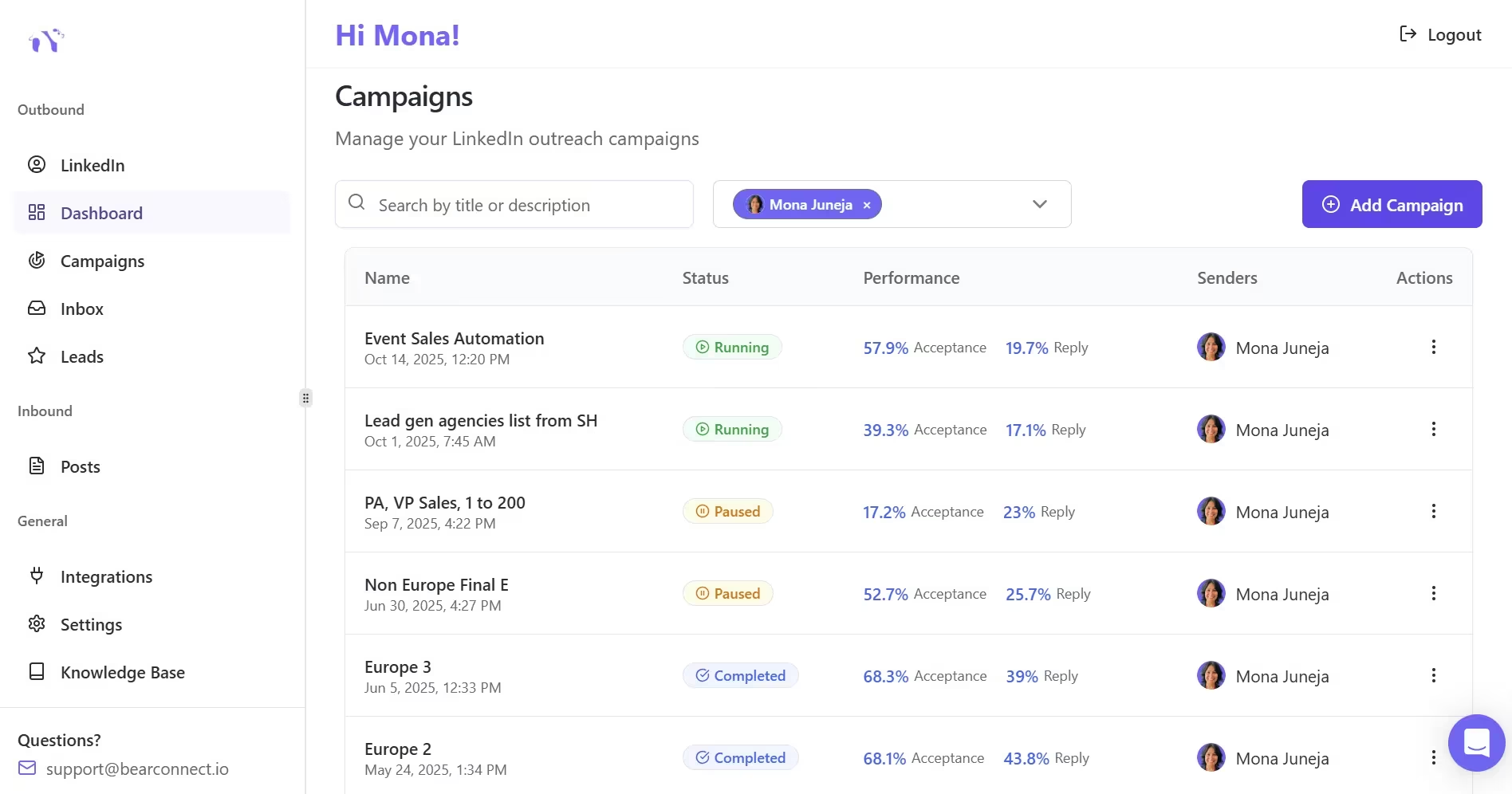
This is exactly why Bearconnect was built as one platform for both. You schedule posts, run outreach campaigns, manage replies in a unified inbox, and import post engagers into campaigns. All from one dashboard.
At Bearconnect pricing, the entire inbound + outbound loop costs less than most teams spend on a single outreach tool.
11. Manage Everything From a Unified Inbox
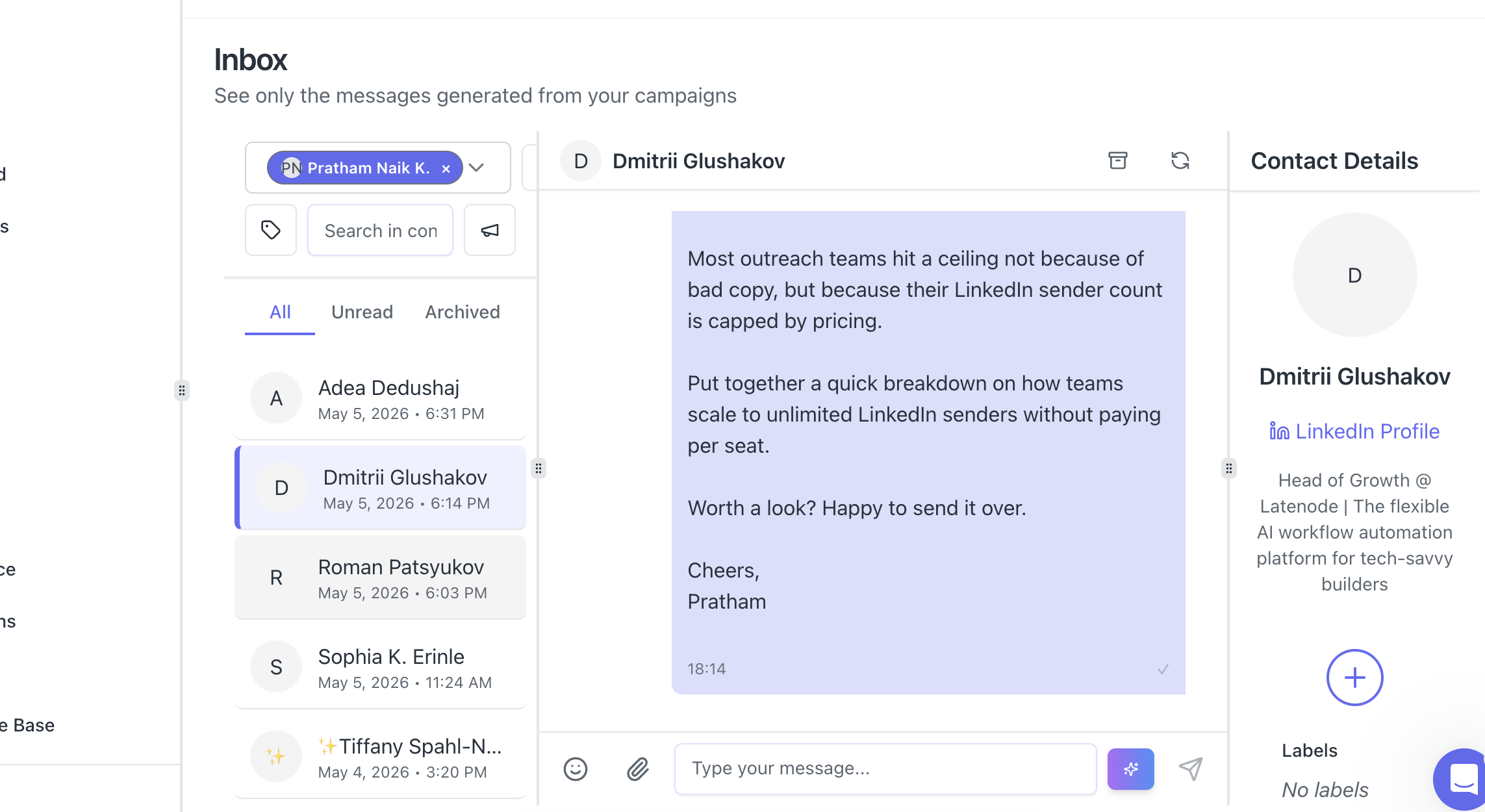
Once you're running multiple campaigns, posting content, and getting replies from several directions, the inbox becomes the bottleneck.
Conversations spread across LinkedIn tabs, tools, and accounts.
A unified inbox pulls every conversation into one place. You see all replies, across all LinkedIn accounts and campaigns, in a single view. You reply from the same place. Nothing slips through the cracks.
Pro tip: If you're an agency managing client accounts, a unified inbox isn't a nice-to-have. It's the difference between scaling and drowning.
Bearconnect's unified inbox lets you manage conversations across every connected LinkedIn account, with reply-on-behalf functionality so your team can respond without logging into each client's LinkedIn.
If you're an agency, you may also want to check the Agencies page and how agencies run LinkedIn outreach for clients.
Wait, You Might Be Thinking: "Do I Really Need a Tool for This?"
Fair question. You can do most of these tactics manually. Profile optimization, commenting, posting, even sending connection requests one by one.
But here's the math. Sending 30 personalized connection requests manually takes about an hour. Running a 4-message drip sequence across 100 prospects takes constant calendar reminders and copy-pasting. Managing 5 client accounts means 5 browser tabs, 5 logins, 5 inboxes.
At some point, manual effort hits a ceiling. The tactics still work. Your time just runs out.
That's where a platform like Bearconnect earns its keep. Not because the tactics change. Because you can actually execute all 11 of them without hiring a team.
If you want to compare tools, see Expandi alternative, HeyReach alternative, and Dripify alternative.
5 FAQs About LinkedIn Lead Generation
1. What is the best LinkedIn lead generation strategy for B2B in 2026?
The most effective approach combines outbound outreach (targeted connection requests + drip sequences) with inbound content (consistent posting + engaging with prospects). Running both in parallel creates a compounding effect where each channel reinforces the other.
2. How many connection requests should I send per day on LinkedIn?
Keep it under 25-30 per day for mature accounts. New or low-activity accounts should start slower (10-15 per day) and ramp up over 2-3 weeks. Quality of targeting matters more than volume. Tools like Bearconnect pace your activity to match safe daily limits automatically.
3. Is LinkedIn automation safe for lead generation?
It depends on the tool. Cloud-based platforms that use local IPs, mimic human behavior patterns, and respect daily activity limits are significantly safer than browser extensions or aggressive bots. Bearconnect is cloud-based, uses local IPs, and lets you control send limits per account.
4. How much does LinkedIn lead generation cost with tools?
It varies widely. Most LinkedIn automation tools charge $100-$300+ per month per seat. Bearconnect costs $67/month per LinkedIn account, or $57/month per account when you connect 5 or more. For an agency running 5 client accounts, that's $285/month total.
5. Can I do LinkedIn lead generation without Sales Navigator?
Absolutely. LinkedIn's free search filters (title, location, industry) work well for most targeting needs. Tools like Bearconnect let you import leads from a standard LinkedIn search URL, LinkedIn Events, post engagers, CSV files, and 1st-degree connections. Sales Navigator adds sharper filters, but it's not a requirement.
Start Filling Your Pipeline
These 11 tactics aren't theoretical. They're the same plays that B2B teams, founders, and agencies are using right now to generate qualified conversations on LinkedIn.
Pick two or three tactics from this list and start this week. If you want to run them all from one place (content, outreach, lead imports, unified inbox), give Bearconnect a try.
Your pipeline will thank you.
Ready to Transform Your LinkedIn Strategy?
Join thousands of professionals already using Bearconnect to automate their outreach and grow their network.
7-day free trial • Cancel anytime
Related Articles

LinkedIn Automation: The Complete Guide for 2026
What LinkedIn automation is, how it works, what LinkedIn allows, safe limits, how to choose a tool and how to run your first campaign.
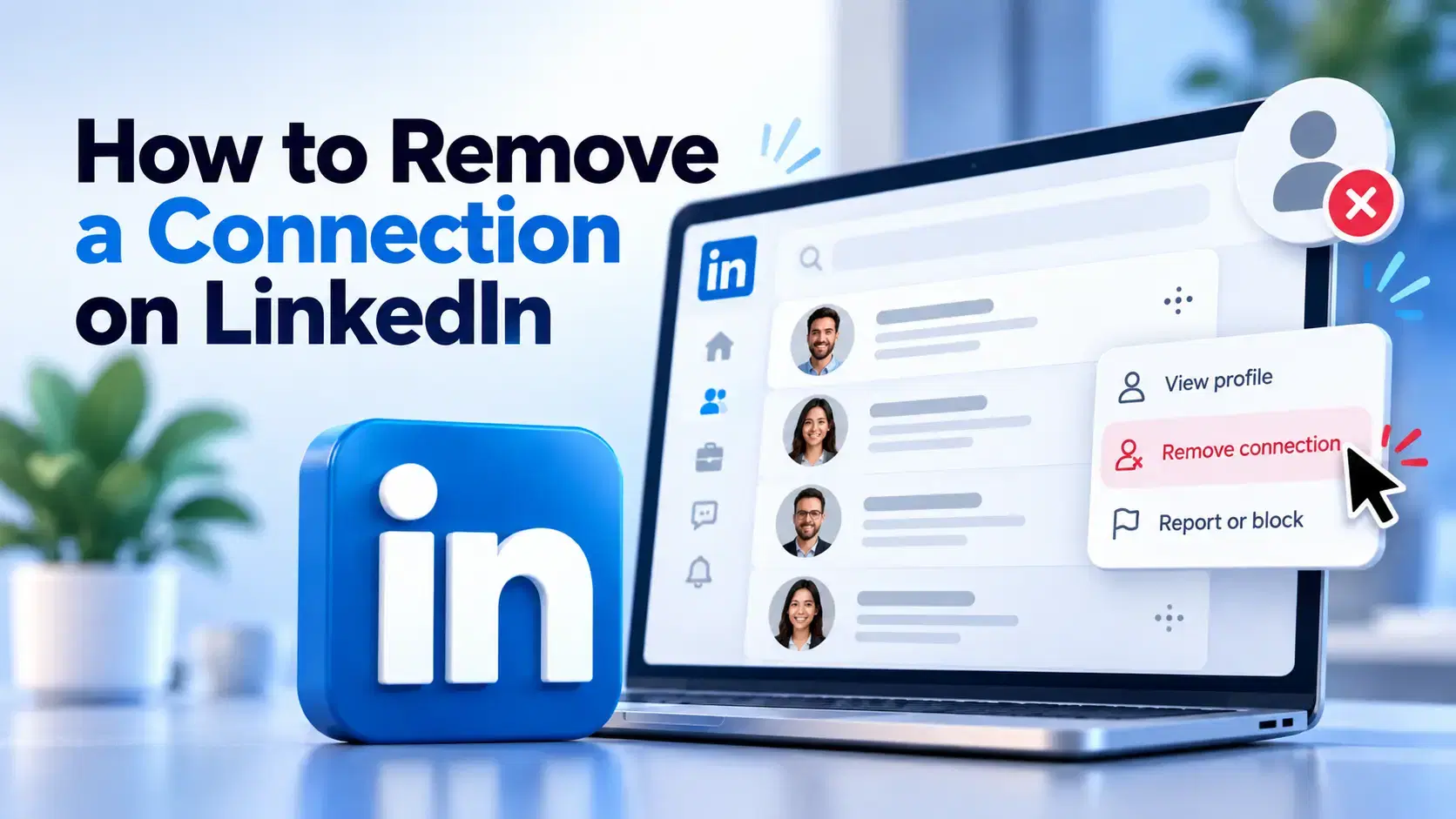
How to Remove a Connection on LinkedIn (Do They Get Notified?)
Removing a LinkedIn connection takes a few clicks, but most people want to know one thing first: does the other person get notified? This guide covers the steps on desktop and mobile, and what changes afterward.
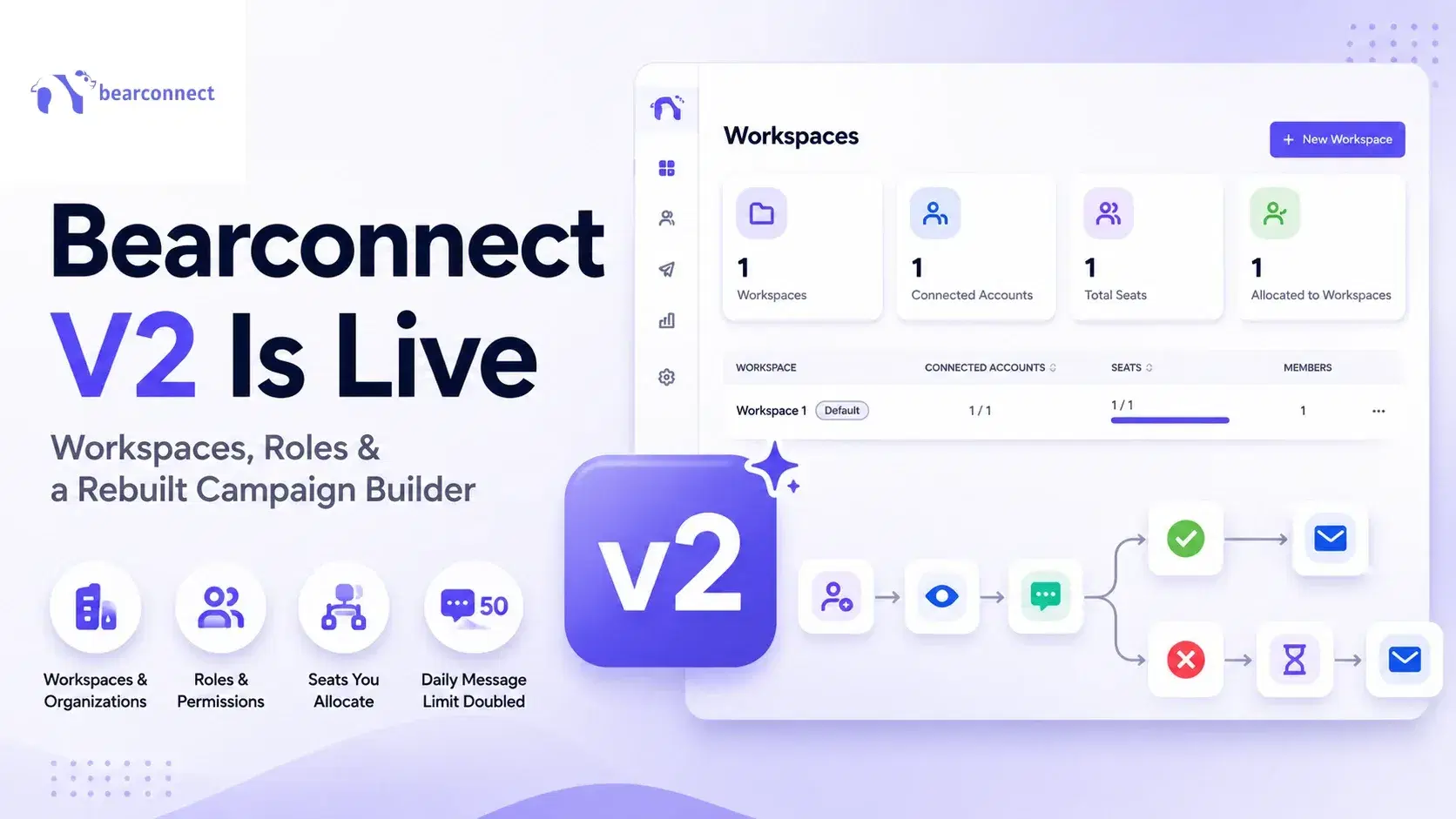
Bearconnect V2 Is Live: Workspaces, Roles and a Rebuilt Campaign Builder
Bearconnect V2 introduces dedicated workspaces, flexible roles, and a rebuilt campaign builder, giving agencies and sales teams more control over every LinkedIn account they manage.