LinkedIn Message Templates for Automation that Get 3x More Replies
You send 50 LinkedIn messages daily. You get 2 replies. Both say 'not interested.
It’s not LinkedIn Automation tool , it’s your template.
Most messages sound like bots, and your prospects can smell it instantly.
Industry data shows average reply rates hover below 5%. Yet some marketers consistently hit 20–30%. What’s the secret?
Strategic templates that blend automation speed with human-like personalization.
In this blog, you will get proven message frameworks that drive 3x more replies without rewriting every DM manually.
Understanding LinkedIn Message Template Performance in 2025
LinkedIn message templates can outperform cold email but only when they’re built intentionally.
Recent benchmarks show LinkedIn message replies averaging 10.3%, almost double the 5.1% seen in standard cold email outreach.
Different industries see different results.
Professional service firms often hit 10.42%, while SaaS companies hover around 4.77%.
This gap has nothing to do with the automation tool. It’s almost always the quality of the template and how well it matches the audience.
Here’s what healthy LinkedIn outreach looks like in 2025:
- 25–30% connection acceptance for targeted campaigns
- 20–30% first-message reply rates when sequencing is optimized
- 10–15% reply rates = acceptable
- 20%+ reply rates = strong, well-optimized campaigns
Personalized templates consistently beat generic ones.
Data shows that adding relevant context boosts replies by 32–48%, depending on the industry and seniority of the recipient.
High-Converting Connection Request Templates
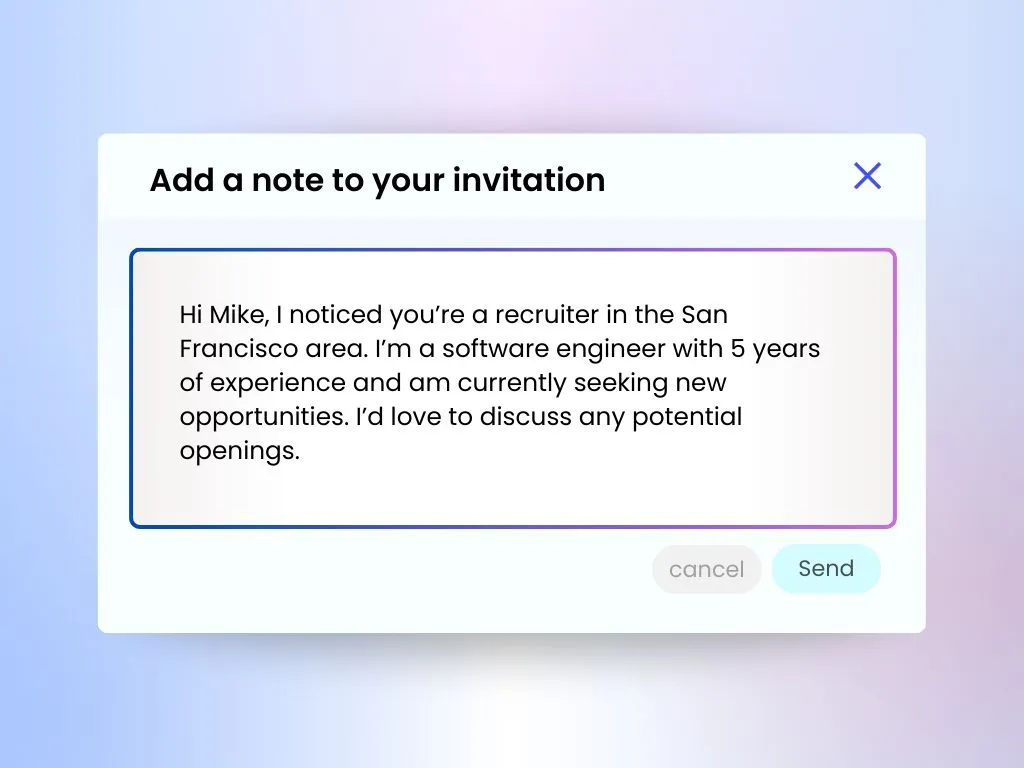
Connection requests represent your first touchpoint, making template quality critical. These automation templates establish initial rapport before deeper outreach begins.
Template 1: Shared Interest Approach

"Hi [First Name], noticed your recent post about [specific topic]. Your perspective on [detail] resonated with my work in [your field]. Would value connecting to exchange insights."
- This template works because specificity demonstrates genuine interest.
- Acceptance rates climb to 40-67% when personalization references actual profile activity.
Template 2: Mutual Connection Bridge

"[First Name], we're both connected with [mutual connection name]. Given your work in [their industry], thought there might be valuable overlap with my focus on [your specialty]. Open to connecting?"
- Mutual connections increase trust signals, boosting acceptance rates significantly.
- The template maintains brevity while establishing credibility through social proof.
Template 3: Value-First Proposition

"Hi [First Name], came across your profile while researching [industry topic]. I've compiled insights on [relevant challenge] that might interest someone in your role. Happy to share if useful."
- Leading with value rather than requests converts better.
- This approach positions you as a resource before making any demands on the recipient's time.
If you want to automate this step while still sounding human, check out our detailed guide on how to automate LinkedIn connection requests
Follow-Up Message Templates That Drive Replies
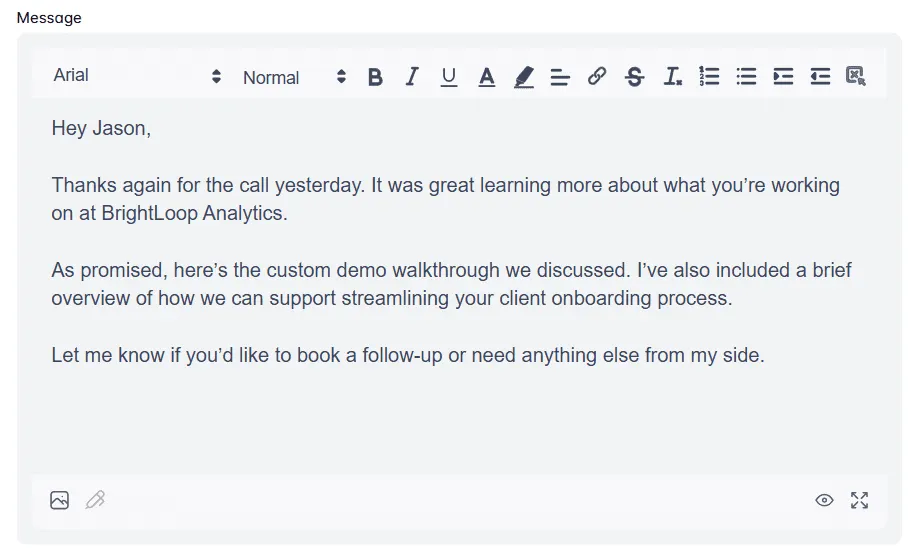
Most LinkedIn conversations die after initial connection acceptance because follow-up automation templates lack strategic sequencing.
Well-crafted follow-ups achieve 20-30% response rates through deliberate timing and value delivery.
Follow-Up Template 1: Contextual Value Share (Send 2-3 days after acceptance)
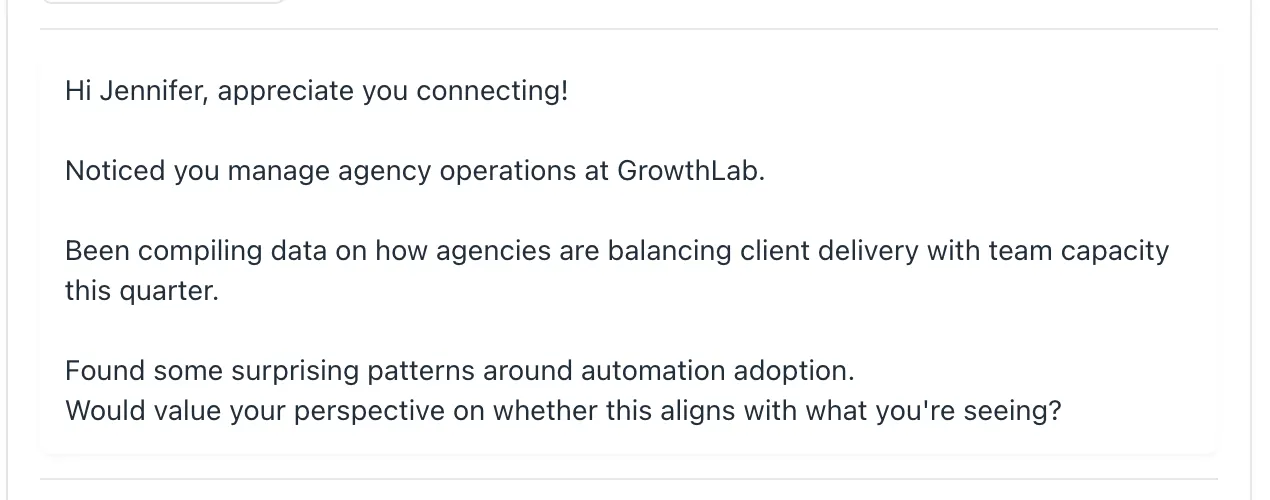
"Thanks for connecting, [First Name]. Saw you're focused on [their responsibility]. Just published research on [related challenge] affecting [their industry]. Thought this might be relevant: [insight]. Curious about your approach to this?"
- This template combines acknowledgment, relevance, and genuine curiosity.
- Including a specific question increases reply likelihood by creating a natural conversation opening.
Follow-Up Template 2: Problem-Awareness Framework (Send 5-7 days after first message)
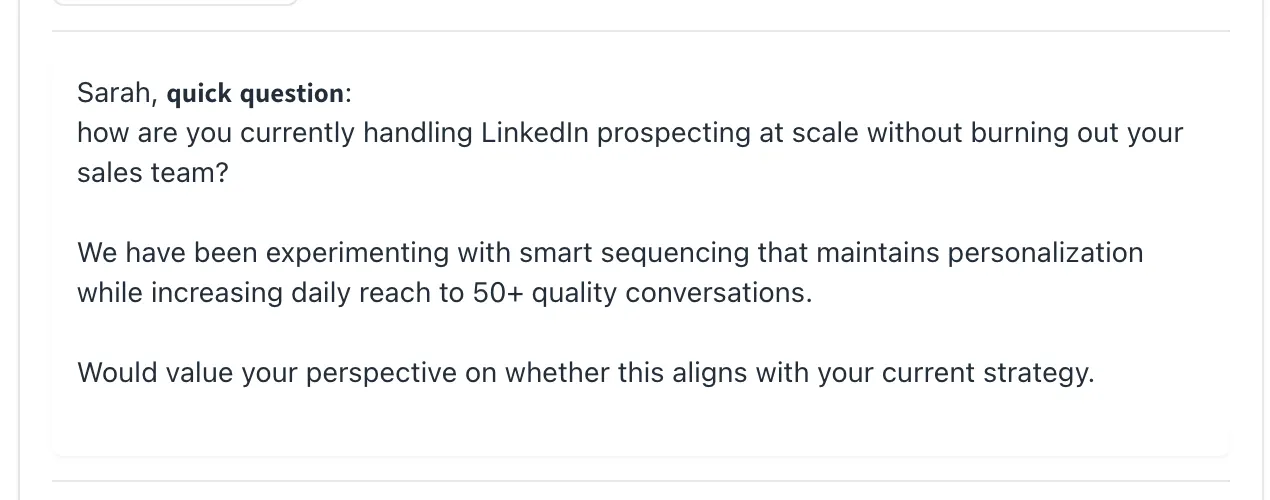
"[First Name], quick question: how are you currently handling [specific challenge in their role]? We've been experimenting with [approach] and seeing interesting results. Would value your perspective on whether this aligns with what you're seeing."
- Problem-focused templates work because they position you as peer rather than vendor.
- The question format invites dialogue rather than demanding commitment.
Follow-Up Template 3: Case Study Reference (Send 10-14 days after previous message)
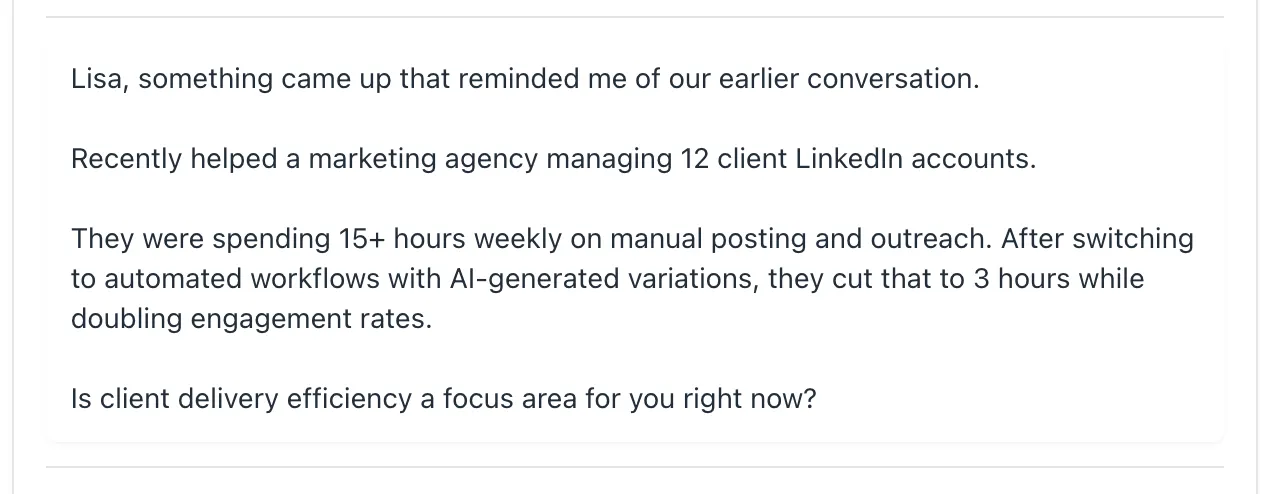
"[First Name], thought you'd find this interesting. Worked with [similar company/role] who faced [challenge]. They implemented [approach] and saw [specific metric improvement]. Does this challenge resonate with your current priorities?"
Case studies provide social proof while maintaining conversational tone. Specific metrics demonstrate credibility without sounding salesy.
LinkedIn Outreach Templates for Different Industries
Generic templates fail because professional contexts vary dramatically. Industry-specific message templates acknowledge unique challenges while maintaining automation efficiency.
1. SaaS Outreach Template:
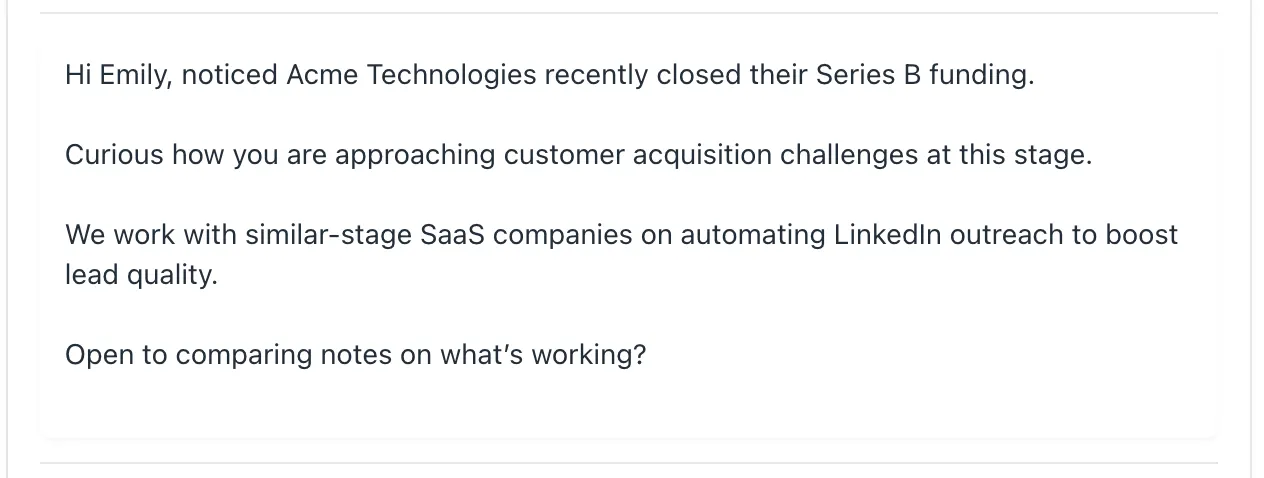
"[First Name], noticed [Company Name] recently [funding/launch/expansion news]. Curious how you're approaching [specific growth challenge] at this stage. We work with similar-stage companies on [solution area]. Open to comparing notes on what's working?"
- SaaS professionals respond to growth-focused language and peer comparisons.
- This template positions the conversation as knowledge exchange rather than sales pitch.
2. Agency Owner Template:
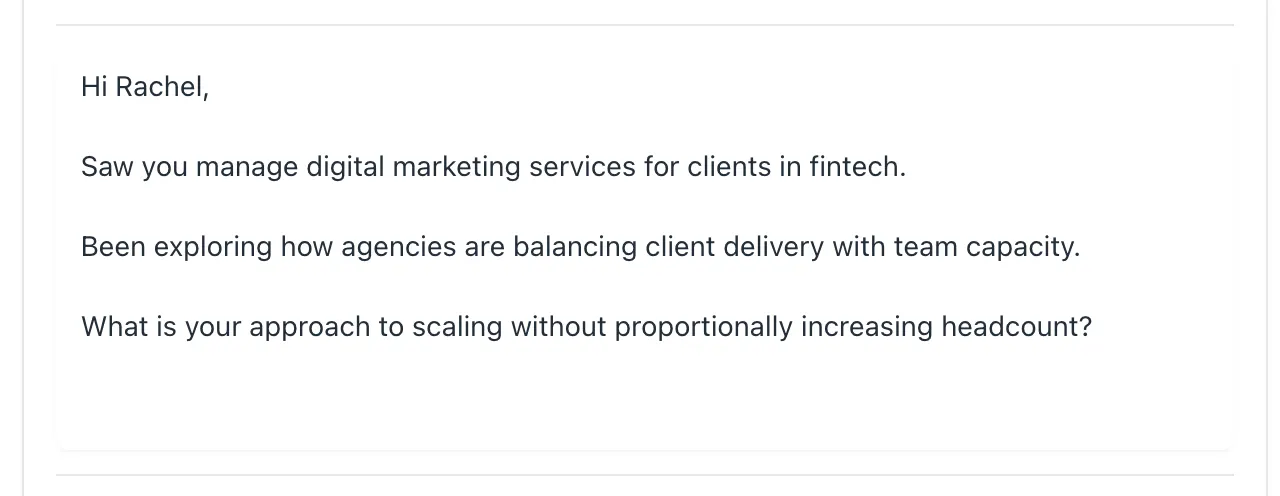
"Hi [First Name], saw you manage [service type] for clients in [industry]. Been exploring how agencies are balancing client delivery with team capacity. What's your approach to scaling without proportionally increasing headcount?"
- Agency owners face universal scaling challenges.
- This template demonstrates industry understanding while introducing automation as a natural solution to their stated problem.
3. Sales Team Template:
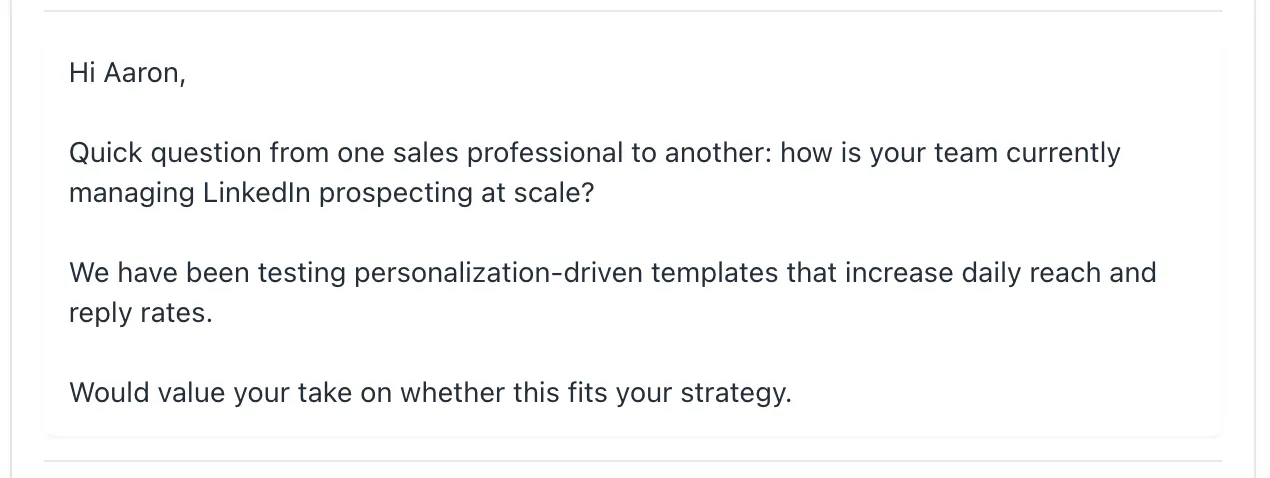
"[First Name], quick question from one sales professional to another: how is your team currently managing LinkedIn prospecting at scale? We've been testing approaches that maintain personalization while increasing daily reach. Would value your take on whether this aligns with your strategy."
- Peer-to-peer framing works exceptionally well with sales professionals who recognize the prospecting challenge immediately.
- The conversational tone lowers resistance while establishing common ground.
Implementing Custom Automation Workflows
LinkedIn automation templates deliver their full potential when integrated into intelligent, multi-step workflows instead of being used as one-off messages.
A proven, effective workflow typically follows this sequence:
- Start with a personalized connection request that grabs attention
- Wait 2-3 days before sending the first value-driven message
- Follow up 5-7 days later with a problem-awareness focused outreach
- Send a case study or results-oriented message 10-14 days after the previous contact
This approach nurtures prospects thoughtfully, building trust and engagement over time.
How Bearconnect Simplifies Workflow Automation
Platforms like Bearconnect make it easy to build and manage these complex workflows at scale.
1. Customizable message sequencing
Bearconnect’s drip sequence builder lets you create multi-step campaigns where each message builds naturally on the previous interaction.
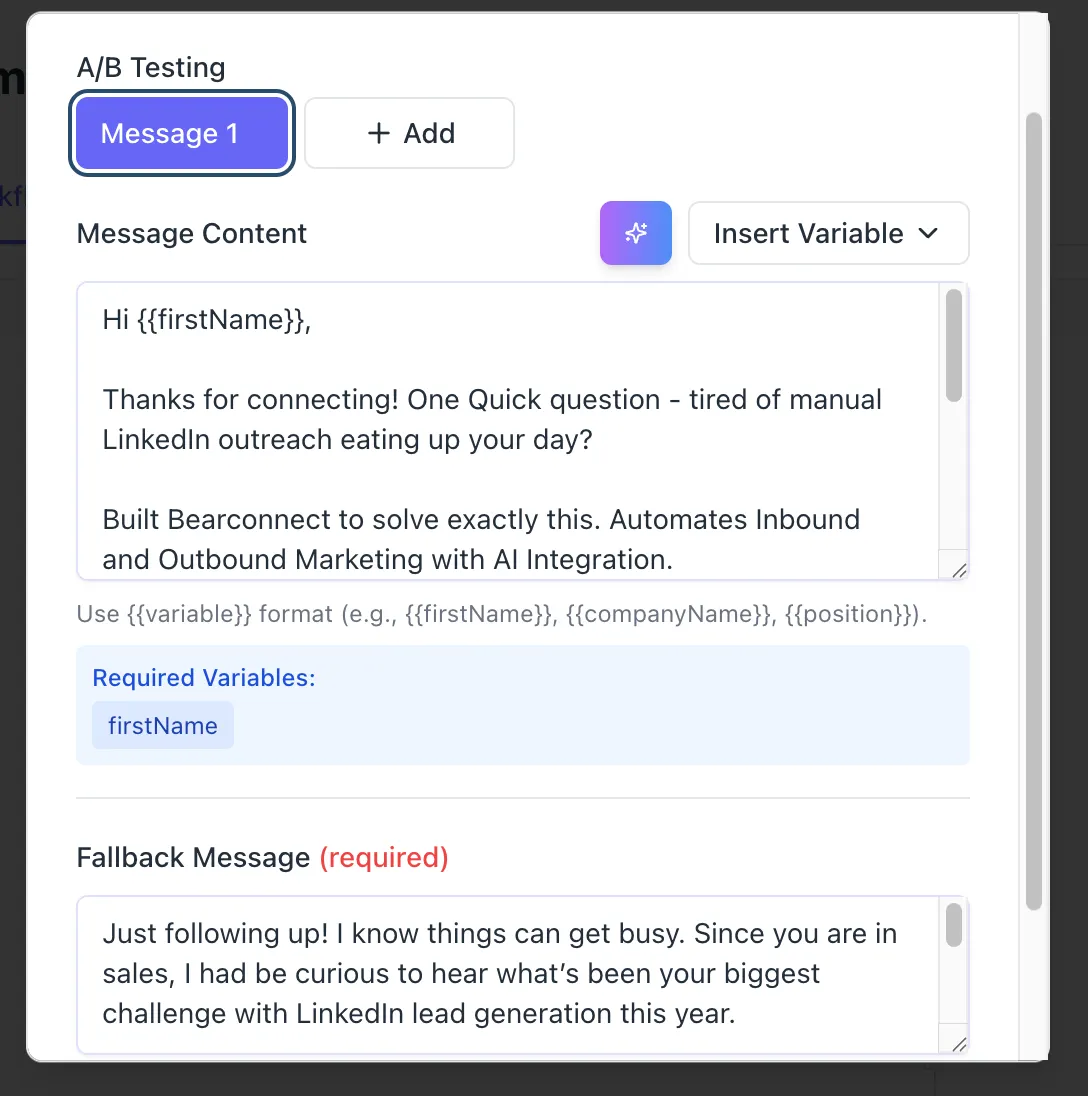
2. AI-powered content variations
The AI content creation feature generates personalized message variations, so each outreach feels authentic and tailored without manual effort.
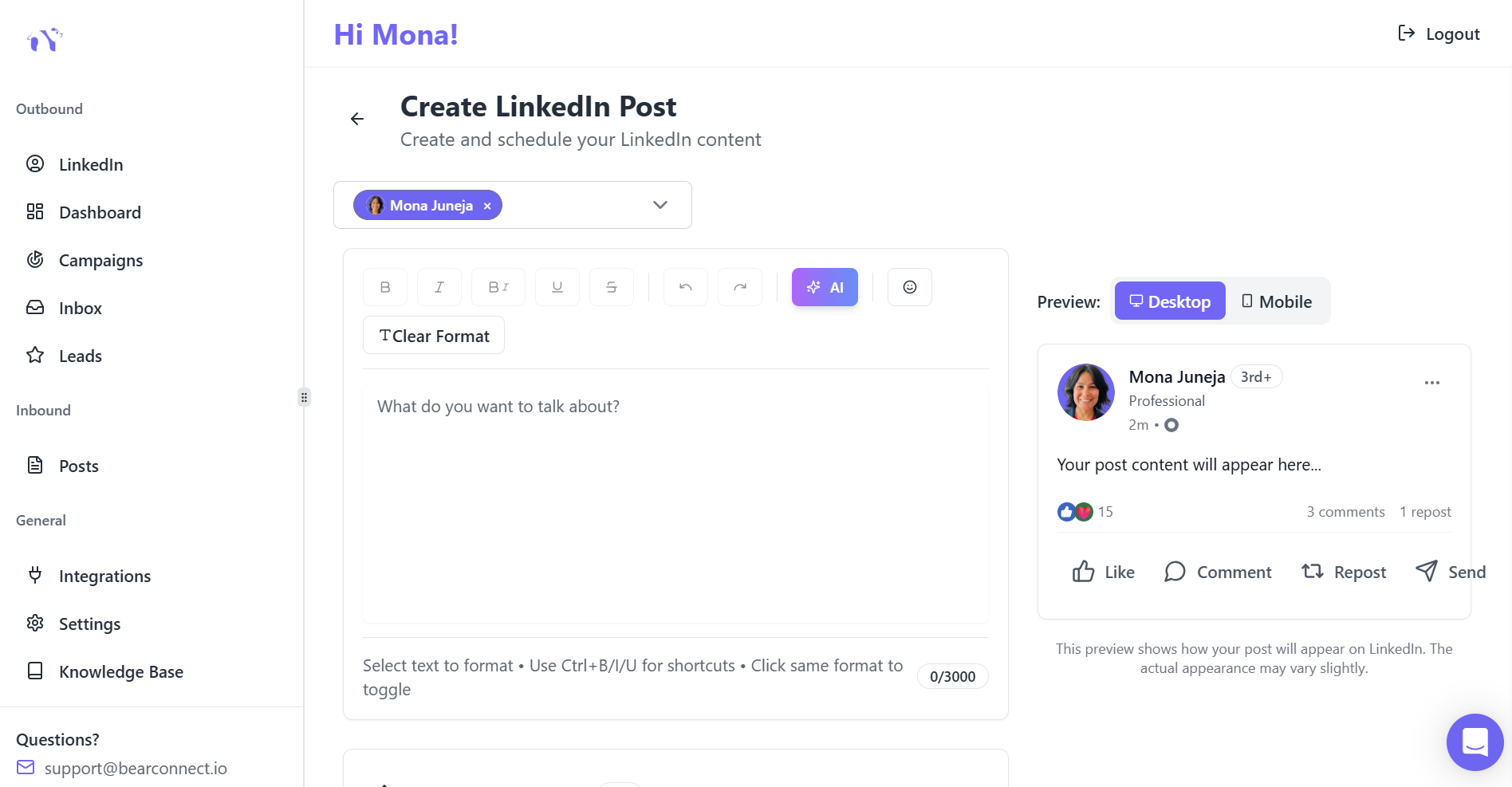
3. Unified inbox management
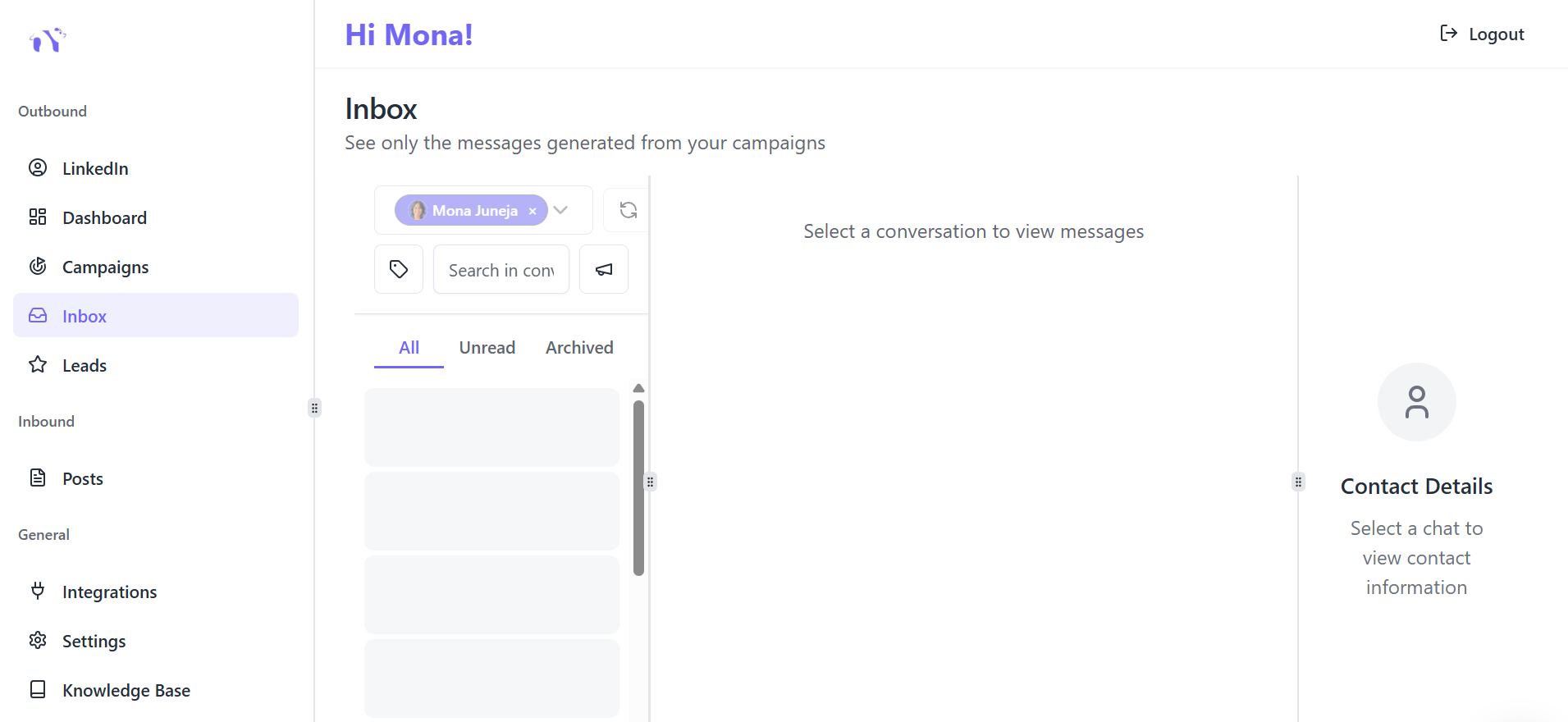
Responses from multiple LinkedIn accounts consolidate into a single inbox, ensuring no conversation slips through the cracks.
Cost-Effective Automation for Growing Teams
- At $67 per month per LinkedIn account or a discounted rate of $57 per account when connecting five or more.
- Bearconnect’s pricing makes it affordable for agencies, sales teams, and entrepreneurs managing significant prospecting volumes.
- This pricing model lets professionals scale their outreach campaigns efficiently while keeping costs predictable and manageable.
Template Optimization Based on Response Data
The highest-performing LinkedIn message templates evolve through continuous testing and data analysis. Track these metrics to refine your automation templates:
- Acceptance Rate by Template Type: Compare performance across different connection request approaches. Templates mentioning mutual connections typically outperform generic introductions by 15-25%.
- Reply Rate by Message Position: First follow-ups achieve highest engagement, with response rates dropping 30-40% on subsequent messages unless you introduce new value.
- Response Length as Quality Indicator: Longer replies signal higher engagement and qualification. Templates generating 3+ sentence responses indicate stronger prospect interest.
- Meeting Conversion Metrics: Track which templates drive actual calls versus surface-level exchanges. Value-first approaches convert to meetings 2-3x more effectively than direct pitch templates.
Common Template Mistakes That Kill Reply Rates
Most LinkedIn automation templates fail for predictable reasons. Avoiding these errors immediately improves performance:
- Excessive Length: Messages exceeding 150 words get skimmed or ignored. Keep templates between 50-150 words, front-loading the most important information.
- Obvious Automation Signals: Templates using formal language like "I hope this message finds you well" trigger spam recognition. Write as you would text a professional acquaintance.
- Value-Free Outreach: Templates requesting meetings without offering anything create immediate resistance. Lead with insight, resource, or introduction before making asks.
- Missing Personalization Variables: Automation templates must include dynamic fields for name, company, role, or recent activity. Messages without customization elements achieve 32-48% lower response rates.
- Weak Call-to-Action: Vague endings like "let me know your thoughts" generate fewer replies than specific, low-commitment asks such as "worth a brief 15-minute conversation next week?"
Measuring Template Performance and Scaling Success
LinkedIn automation succeeds when you identify winning templates and systematically scale their deployment. Start by establishing baseline metrics, then optimize based on performance data.
Response Rate Benchmarks for 2025
Understanding what "good" looks like helps you gauge your campaign effectiveness:
- 5-8% indicates typical automation performance
- 15-25% demonstrates psychologically-informed, well-crafted messaging
- 25%+ requires advanced behavioral targeting and continuous optimization
Track and Optimize Weekly
Monitor your campaigns weekly and make adjustments when performance dips:
- Revise templates if connection acceptance rates drop below 20%
- Refine messaging when reply rates fall under 10%
Small, data-informed template modifications can yield 15-30% performance improvements.
Conclusion
LinkedIn message templates drive 3x better replies when they balance automation efficiency with authentic personalization.
Focus your templates on specific value delivery, maintain conversational tone, and sequence strategically across multi-touch workflows.
Start with industry-specific templates, track performance metrics weekly, and continuously refine based on acceptance and reply data.
The combination of proven templates and intelligent automation creates sustainable LinkedIn outreach that generates qualified conversations at scale.
Frequently Asked Questions
1. Do LinkedIn message templates really improve reply rates?
Yes, but only when they include context and personalization.
2. How can I make automated LinkedIn messages sound more human?
Use specific details like role, company news, or recent posts. Avoid formal “bot phrases” and keep messages between 50–150 words. This mirrors the blog’s key insight: personalization boosts replies by 32–48%.
3. What is the ideal sequence for LinkedIn outreach automation?
A proven workflow is:
- Personalized connection request
- Value-focused follow-up (after 2–3 days)
- Problem-awareness message (after 5–7 days)
- Case-study message (after 10–14 days)
This sequence, explained in the blog, consistently generates higher engagement.
4. Why do most LinkedIn outreach templates fail?
Common reasons include:
– They are too long
– They use generic, automation-triggering language
– They provide no value
– They lack personalization fields
Your blog outlines how these mistakes reduce response rates by 30–40%.
5. How do I know if my LinkedIn templates are performing well?
Track key metrics weekly:
– 25–30% connection acceptance (healthy)
– 20–30% reply rate on first messages (strong)
– 10%+ reply rate overall (acceptable)
Your blog explains that ongoing optimization boosts performance by 15–30%.
Author bio:
Written by Mona Juneja, a B2B Sales Strategist with over 20+ years of sales experience at big names like Microsoft, Oracle, and DELL. I helped multiple Agencies streamline prospecting workflows, improve connection rates, and generate consistent sales-qualified leads through ethical LinkedIn automation practices.
Ready to Transform Your LinkedIn Strategy?
Join thousands of professionals already using Bearconnect to automate their outreach and grow their network.
7-day free trial • Cancel anytime
Related Articles
How B2B Sales Teams Close More Deals by Automating LinkedIn Outreach?
Automate LinkedIn outreach to help B2B sales teams generate leads, start conversations, and close more deals faster with proven strategies.
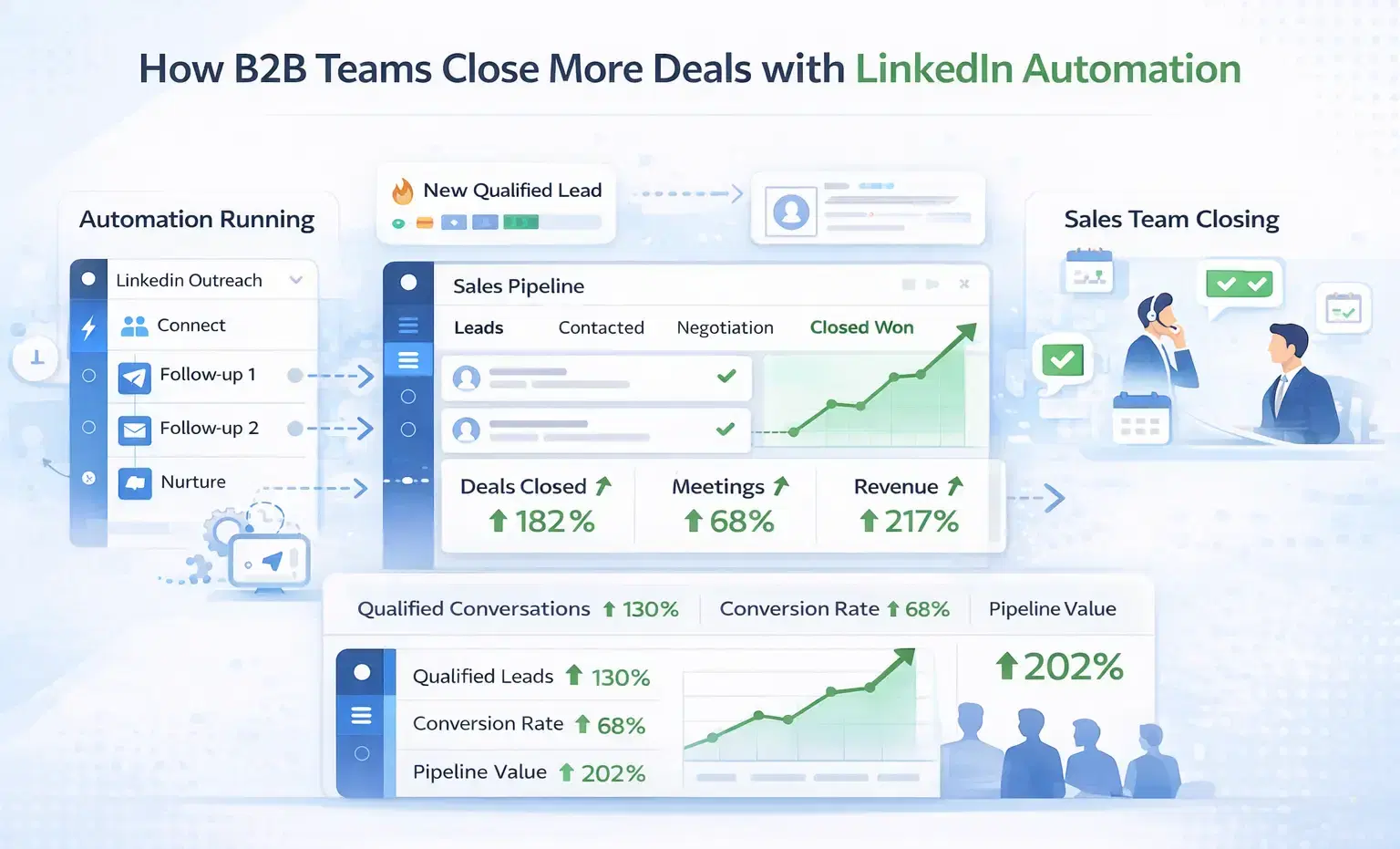
How B2B Sales Teams Close More Deals by Automating LinkedIn Outreach?
B2B sales teams waste hours on manual LinkedIn outreach. Automation fixes that more meetings, less grind, better conversions at scale.
How Can SDRs Book More Meetings Using LinkedIn Automation?
SDRs can book more meetings with LinkedIn automation by streamlining outreach, automating follow-ups, and scaling conversations without manual effort.