LinkedIn Outreach for Beginners: 8 Rules to Get Replies Without Getting Ignored
You get replies on LinkedIn when you send short, personalized messages that focus on the other person, not your pitch.
Most beginners get ignored because they treat outreach like advertising instead of conversation.
TL;DR
- Personalize every message. Generic copy-paste messages get deleted fast.
- Never pitch in your first message. Start a conversation first.
- Keep messages short, 3 to 5 lines maximum.
- Follow up 2 to 3 times before moving on.
- Sound like a real person, not a bot or a sales script.
Why Most LinkedIn Outreach Fails Before It Starts
The biggest reason beginners fail at LinkedIn outreach is sending the wrong message at the wrong stage.
They open with a pitch, paste the same message to 200 people, and wonder why no one replies. LinkedIn users are professionals. They can spot a template in 3 seconds.
Before you send a single message, read our LinkedIn outreach beginner guide to understand the basics. Your goal in the first message is to start a conversation, not close a deal.
Rule 1: Personalization Beats Every Generic Message
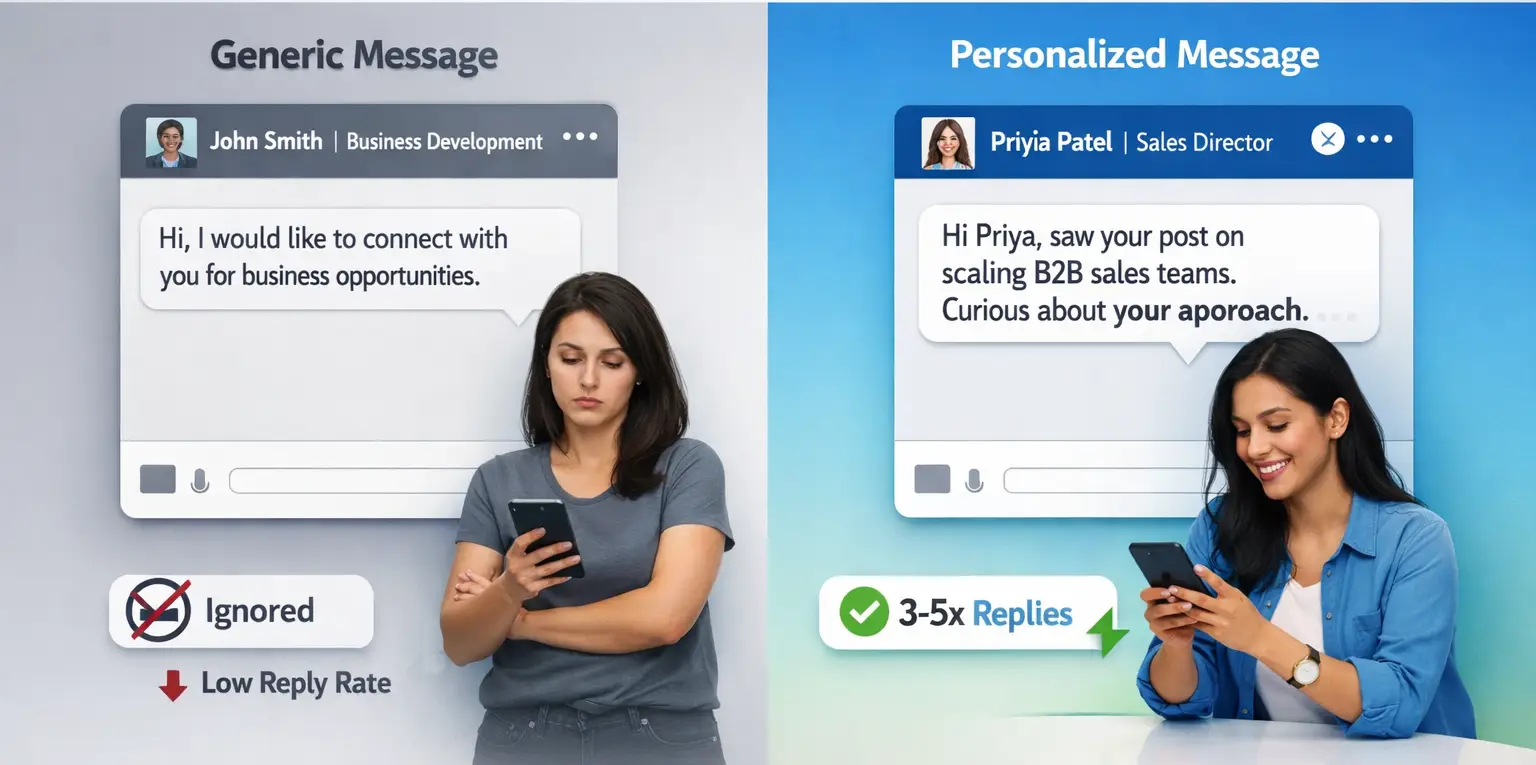
Personalized messages get 3 to 5x more replies than generic ones.
When you mention something specific about the person's profile, a recent post they shared, or a challenge relevant to their role, they notice.
It tells them you actually looked at their profile before reaching out.
How to personalize quickly:
- Reference their job title and a specific challenge tied to it
- Mention a post they recently published
- Note the company they work at and what you know about their space
- Use their first name, always
Read our detailed guide on how to personalize LinkedIn outreach messages for ready-to-use templates and examples.
Example:
"Hi Priya, saw your post on scaling B2B sales teams without burning out reps. Relevant to something I've been exploring. Would love to hear your take."
That message takes 90 seconds to write and performs far better than any mass blast.
If you use automation, learn how to send personalized connection requests at scale without making them feel robotic.
Rule 2: Never Pitch in the First Message
Your first message should open a door, not close a deal.
The moment you pitch in message one, you signal that you only care about selling. The prospect feels used, not valued.
The correct approach is a two-step process:
- Message 1: Start a genuine conversation. Ask a question, share an observation, or reference something relevant to them.
- Later messages: Once they engage, you can naturally move toward what you offer.
For a full breakdown of how to reach out without pushing prospects away, read our guide on LinkedIn outreach without being salesy.
Pro Tip: Think of your first message as a handshake. You don't hand someone a brochure during a handshake.
Rule 3: Aim for Conversation, Not Conversion
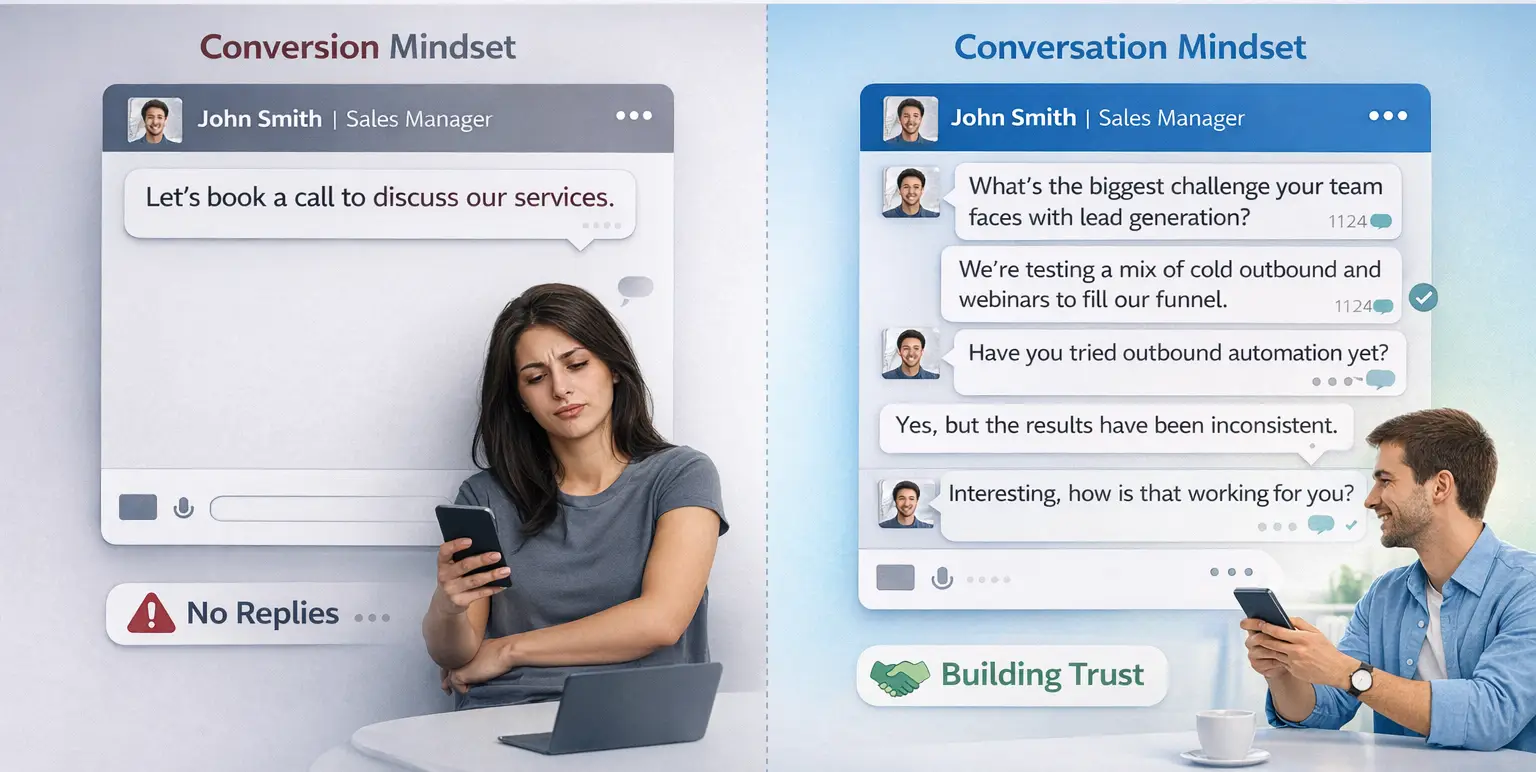
More back-and-forth equals more trust, which leads to more deals.
Beginners treat LinkedIn like email marketing. They send one message and expect a yes or no. Real outreach builds a thread of conversation before any ask.
Ask questions that are easy to answer:
- "What's the biggest challenge your team faces with [X]?"
- "Have you tried [approach]? Curious how it's worked for you."
- "What does your current process look like for [specific task]?"
Not sure whether to use cold outreach or warm prospecting?
See our comparison of cold outreach vs warm prospecting on LinkedIn to choose the right strategy for your stage.
These questions get replies. Replies build relationships. Relationships convert.
Rule 4: Keep Every Message Short and Direct
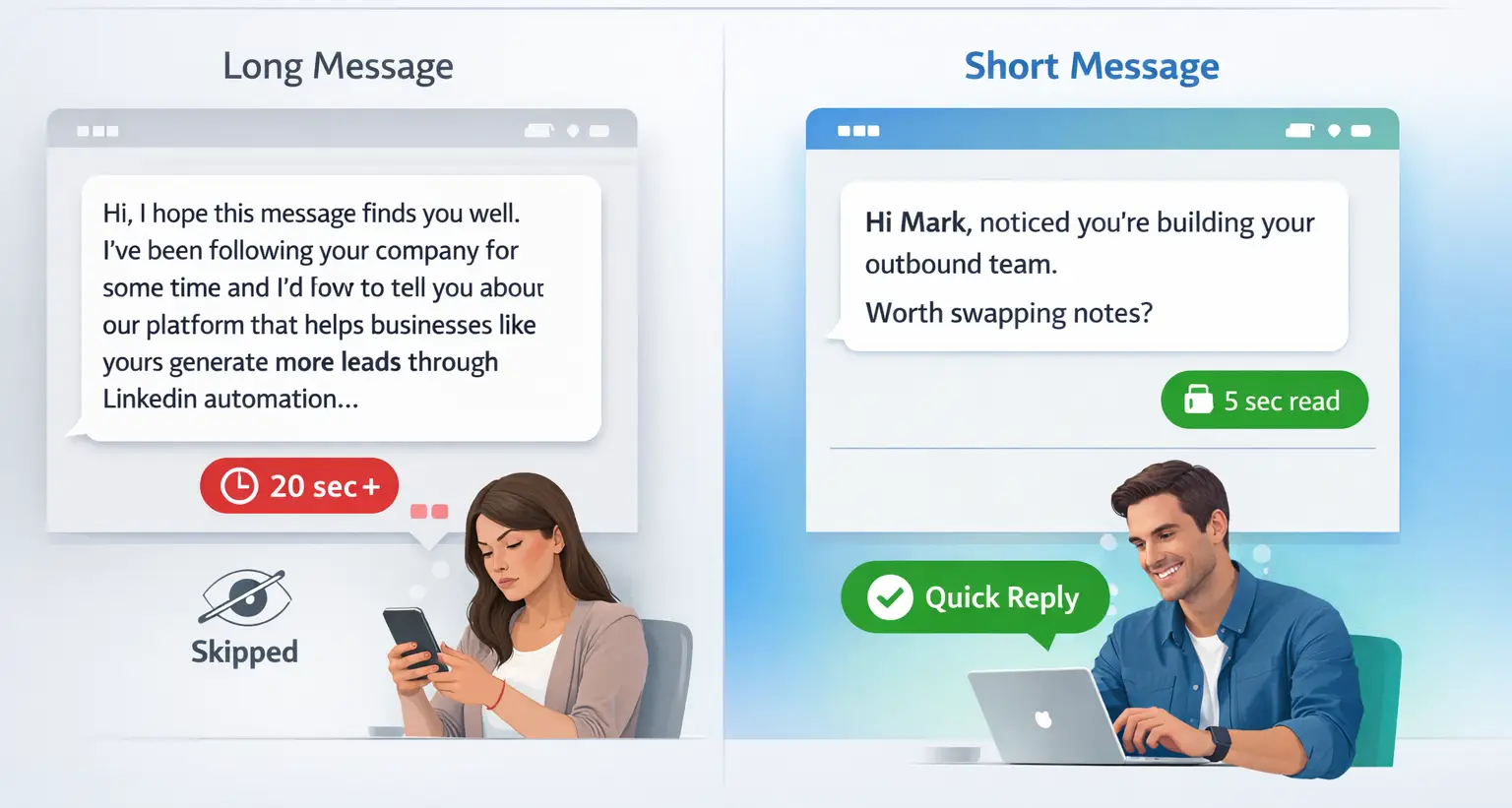
If your message takes more than 20 seconds to read, most people will not read it.
Long paragraphs signal effort, but they also signal that you did not respect their time. LinkedIn is not email. People skim it between meetings.
Message length benchmark:
- Connection request note: 1 to 2 sentences max
- First follow-up message: 3 to 4 lines
- Second follow-up: 2 to 3 lines
Need a starting point? Use our collection of LinkedIn message templates for outreach automation to structure your sequences.
Bad example:
"Hi, I hope this message finds you well. I've been following your company for some time and I'd love to tell you about our platform that helps businesses like yours generate more leads through LinkedIn automation..."
Good example:
"Hi Mark, noticed you're building your outbound team. Working on something similar with a few SaaS founders. Would it be useful to swap notes?"
Rule 5: Focus on Them, Not You
Prospects do not care about what you do. They care about what you can do for them.
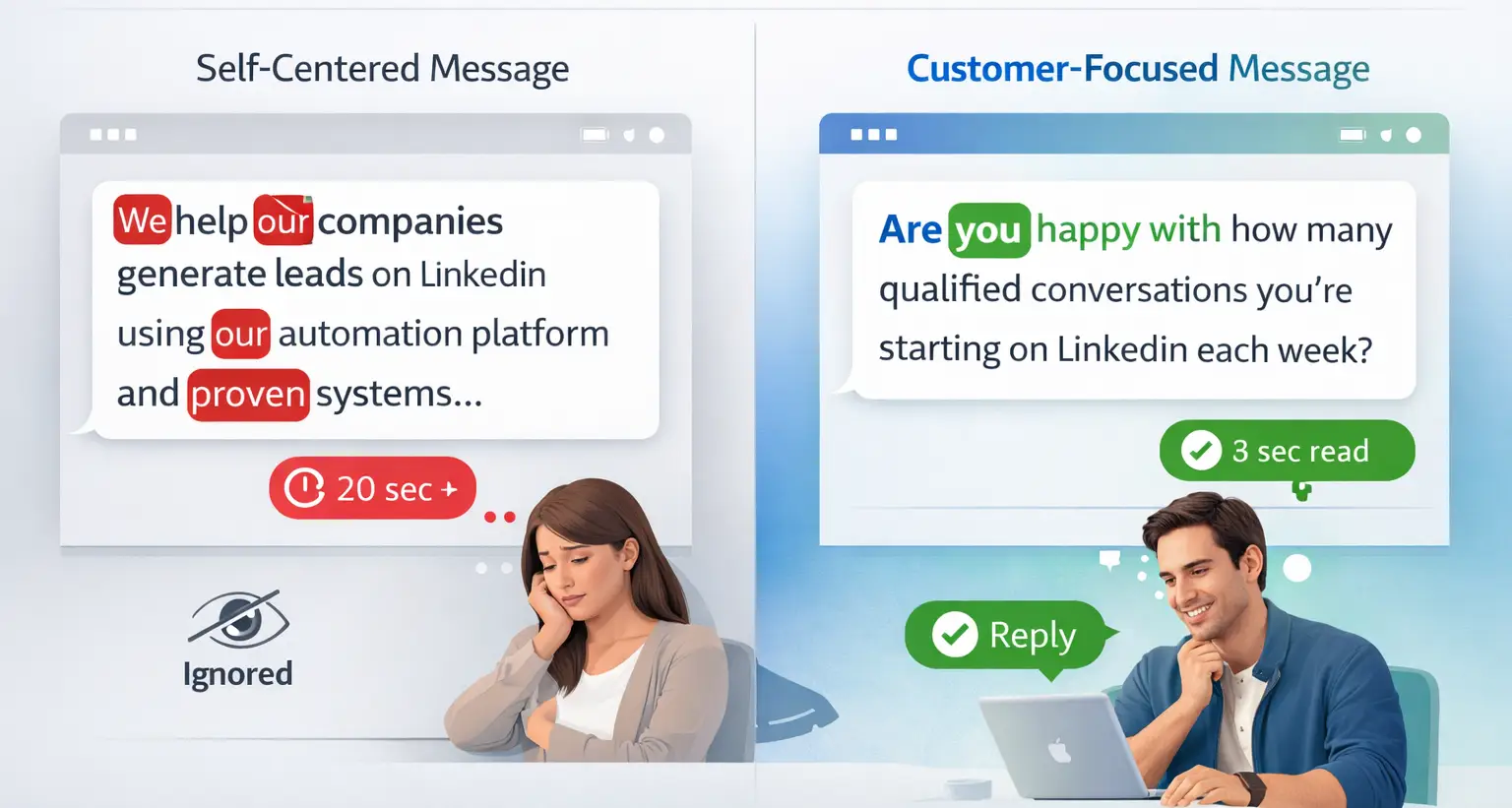
This is the most common beginner mistake. Messages filled with "we help," "our platform," "I work with" all signal that the sender is only thinking about themselves.
Reframe your thinking:
- Instead of: "We help companies generate leads on LinkedIn."
- Write: "Are you currently happy with how many qualified conversations you're starting on LinkedIn each week?"
Shift from broadcasting to asking. Put them at the center of the message.
Pro Tip: Before sending, re-read your message and count how many times you used "I" or "we." If it's more than once, rewrite.
Rule 6: Use a Soft, Low-Friction CTA
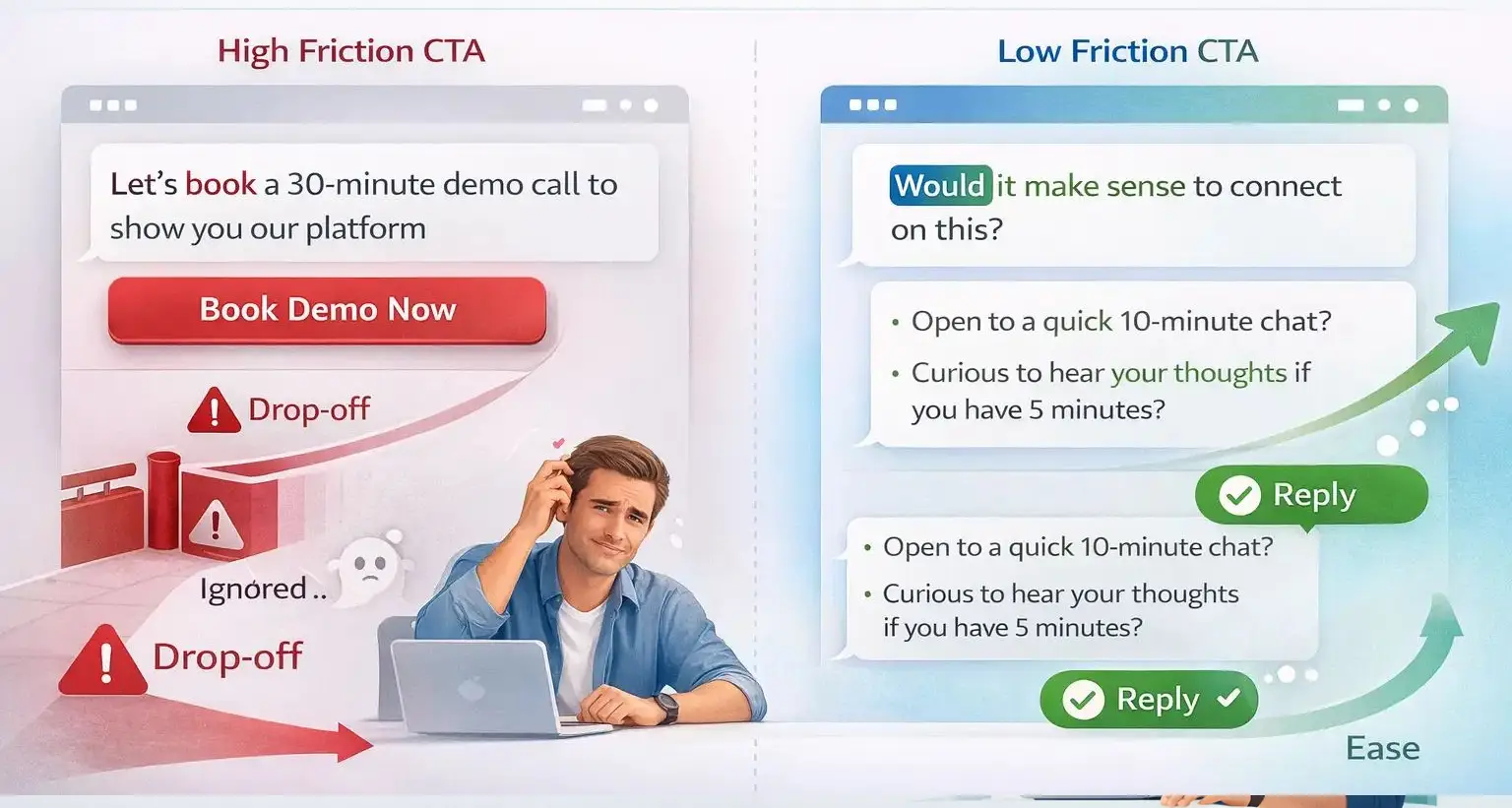
A hard ask in a cold message almost always gets ignored.
Asking someone who doesn't know you to "book a 30-minute demo call" is high friction. It requires commitment from someone who has zero trust in you yet.
Low-friction CTAs that work:
- "Would it make sense to connect on this?"
- "Open to a quick 10-minute chat this week?"
- "Curious to hear your thoughts if you have 5 minutes?"
These asks feel like a natural next step in a conversation. They don't feel like a sales funnel.
Rule of thumb: Your CTA should feel like asking a colleague a question, not closing a sale.
Rule 7: Timing and Follow-Ups Matter More Than You Think
Most replies come after the second or third follow-up, not the first message.
LinkedIn outreach data consistently shows that a single message is not enough. People miss messages. Life happens. A polite follow-up is not annoying. It is expected.
A simple follow-up sequence:
- Day 1: Send a short, personalized connection request that doesn't get ignored
- Day 3 to 4 after accepting: Send first message (conversational, no pitch)
- Day 7 to 8: Gentle follow-up referencing your first message
- Day 14: Final follow-up, short and friendly
Pro Tip: Never say "just following up." Instead, add a new piece of value each time. Share a relevant article, a quick insight, or a question based on something new you noticed about their profile.
If there's still no reply after three attempts, move on. Do not over-message.
Rule 8: Sound Human, Not Like Automation
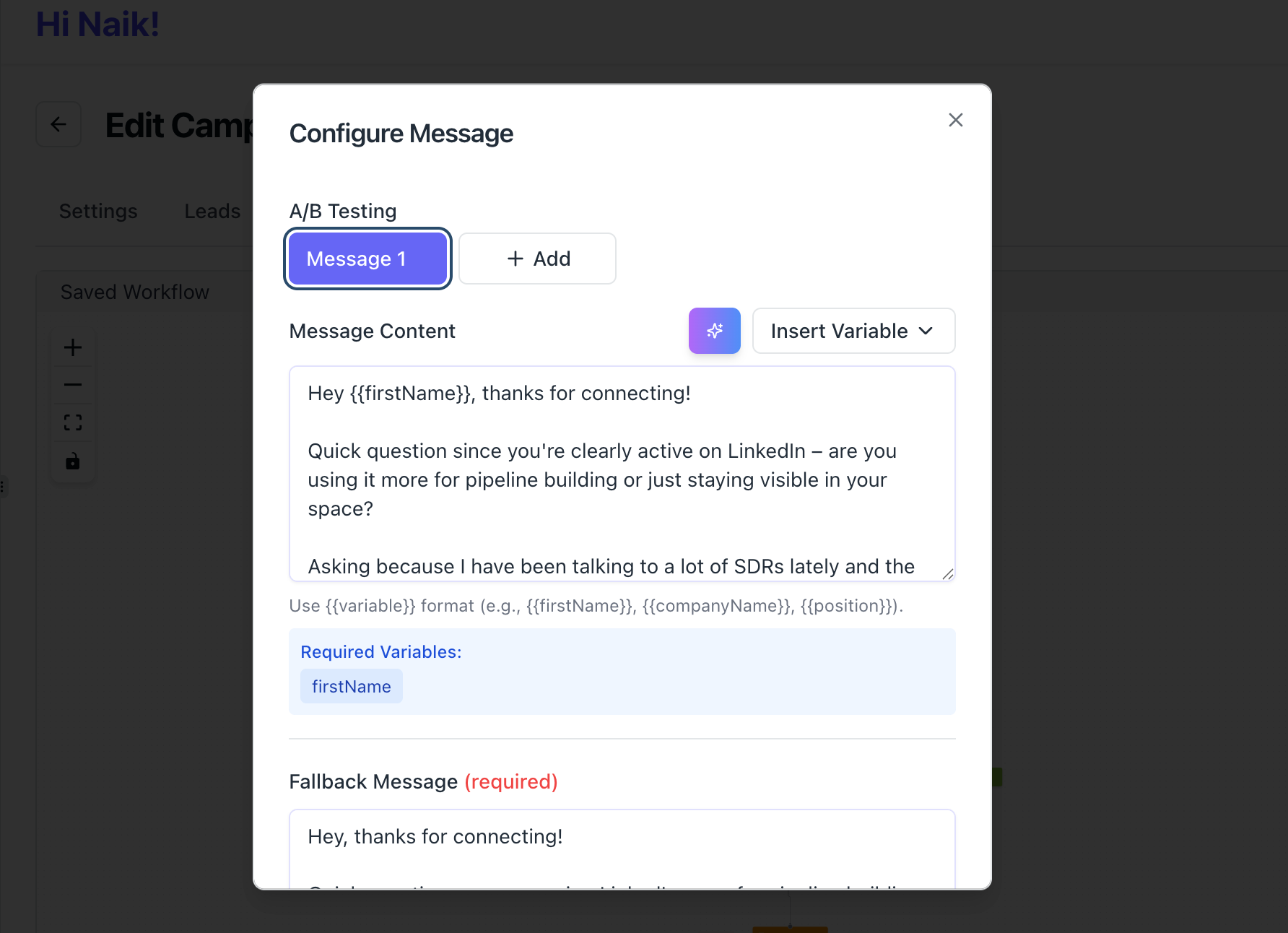
The fastest way to get ignored or reported on LinkedIn is to sound like a bot.
Generic phrases, overly formal language, and robotic sentence structures tell your prospect that a human did not write this message.
Even if you use automation tools to scale your outreach, the messaging itself must sound natural.
Signs your message sounds robotic:
- Starting with "I hope this message finds you well"
- Using "synergy," "leverage," or "circle back"
- Copy-pasting the same message with only the name changed
Signs your message sounds human:
- Conversational tone with natural phrasing
- Specific detail that only applies to that person
- A genuine question, not a sales question
Learn how to automate LinkedIn messages safely and how to automate connection requests without losing personalization so your outreach scales without feeling robotic.
How Bearconnect Helps You Scale Outreach Without Losing the Human Touch
Scaling personalized outreach manually is not realistic. That's where a tool like Bearconnect comes in.
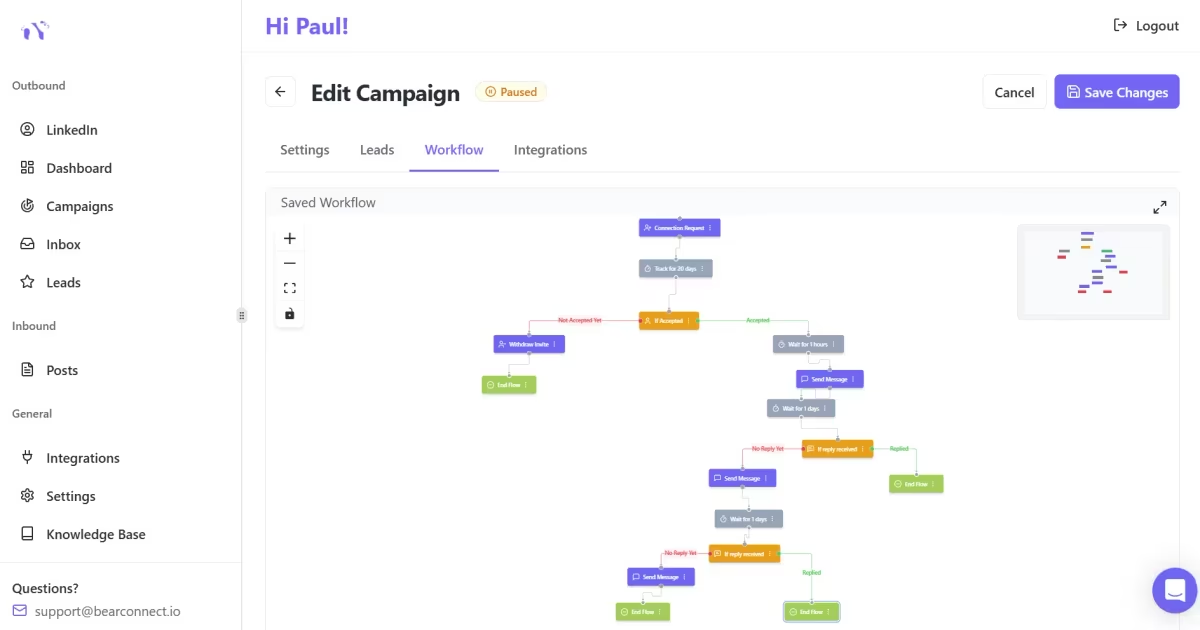
Bearconnect lets you automate connection requests and follow-up sequences while keeping personalization through dynamic fields for name, job title, company, and more.
You set up drip sequences that feel conversational, and the tool handles the timing and delivery.
Key features that support human-sounding outreach:
- Dynamic personalization fields so every message has a personal touch
- Multi-step drip sequences with natural delays between messages
- Unified inbox to manage all replies from multiple LinkedIn accounts in one place
- AI post creation to stay visible with consistent content alongside your outreach
- Advanced analytics to track connection acceptance rates and reply rates by campaign
Bearconnect starts at $67/month per LinkedIn account.
If you connect 5 or more LinkedIn accounts, the price drops to $57/month per account, making it one of the most cost-effective options compared to competitors.
A Quick Outreach Framework to Apply Today
Here is a simple framework beginners can use immediately:
The CPFA Framework:
- C - Connect: Send a short, relevant connection note
- P - Personalize: First message references something specific about them
- F - Follow-Up: Add new value with each follow-up, spaced 5 to 7 days apart
- A - Ask: Once trust is established, make a soft, low-friction ask
This framework keeps your outreach structured without making it feel scripted.
LinkedIn Outreach Benchmarks to Know
Understanding what "good" looks like helps you measure your own performance:
| Metric | Beginner Benchmark | Optimized Target |
|---|---|---|
| Connection acceptance rate | 15 to 20% | 25 to 35% |
| First message reply rate | 5 to 10% | 15 to 25% |
| Follow-up reply rate | 3 to 8% | 10 to 15% |
| Qualified lead conversion | 1 to 3% | 5 to 10% |
If your numbers are below these benchmarks, the issue is almost always either poor personalization or a first message that pitches too early.
Start Applying These Rules Today
LinkedIn outreach for beginners does not require a massive network or expensive tools.
It requires the right approach: short messages, genuine personalization, conversation-first thinking, and consistent follow-ups.
If you want to apply these 8 rules at scale without sending every message manually, try Bearconnect.
It automates your outreach sequences, manages replies from all your LinkedIn accounts in one place, and keeps your messaging feeling personal even at volume.
Want to go deeper?
Read our guide on how to generate high-quality LinkedIn leads or follow our 90-day LinkedIn automation scaling plan to build a full outbound system.
Start with one campaign, track your reply rates, and adjust based on what works.
Frequently Asked Questions
Q1: What should I write in my first LinkedIn outreach message?
Keep your first message short, 3 to 4 lines maximum. Reference something specific about the person, ask one easy question, and avoid pitching. Your goal is to start a conversation, not close a deal.
Q2: How many follow-up messages should I send if I get no reply?
Send 2 to 3 follow-ups spaced 5 to 7 days apart. Each follow-up should add something new, an insight, a question, or a relevant resource. Stop after three attempts with no response.
Q3: Is LinkedIn outreach automation safe to use?
Yes, when done correctly. Tools like Bearconnect use behavior mimicry and smart throttling to stay within LinkedIn's daily action limits. Avoid tools that send hundreds of requests per day without limits, as those risk account restrictions.
Q4: What is a good LinkedIn connection request acceptance rate for beginners?
A 15 to 25% acceptance rate is normal for beginners. If you personalize your connection note and target a well-defined audience, you can push this toward 30 to 35%.
Q5: How is Bearconnect different from other LinkedIn outreach tools?
Bearconnect combines outbound automation, AI content creation, and a unified inbox in one platform at $67/month per LinkedIn account, compared to $150 to $500/month for most competitors. It supports unlimited campaigns and LinkedIn accounts with no hard caps, making it practical for agencies and growing teams.
Ready to Transform Your LinkedIn Strategy?
Join thousands of professionals already using Bearconnect to automate their outreach and grow their network.
7-day free trial • Cancel anytime
Related Articles
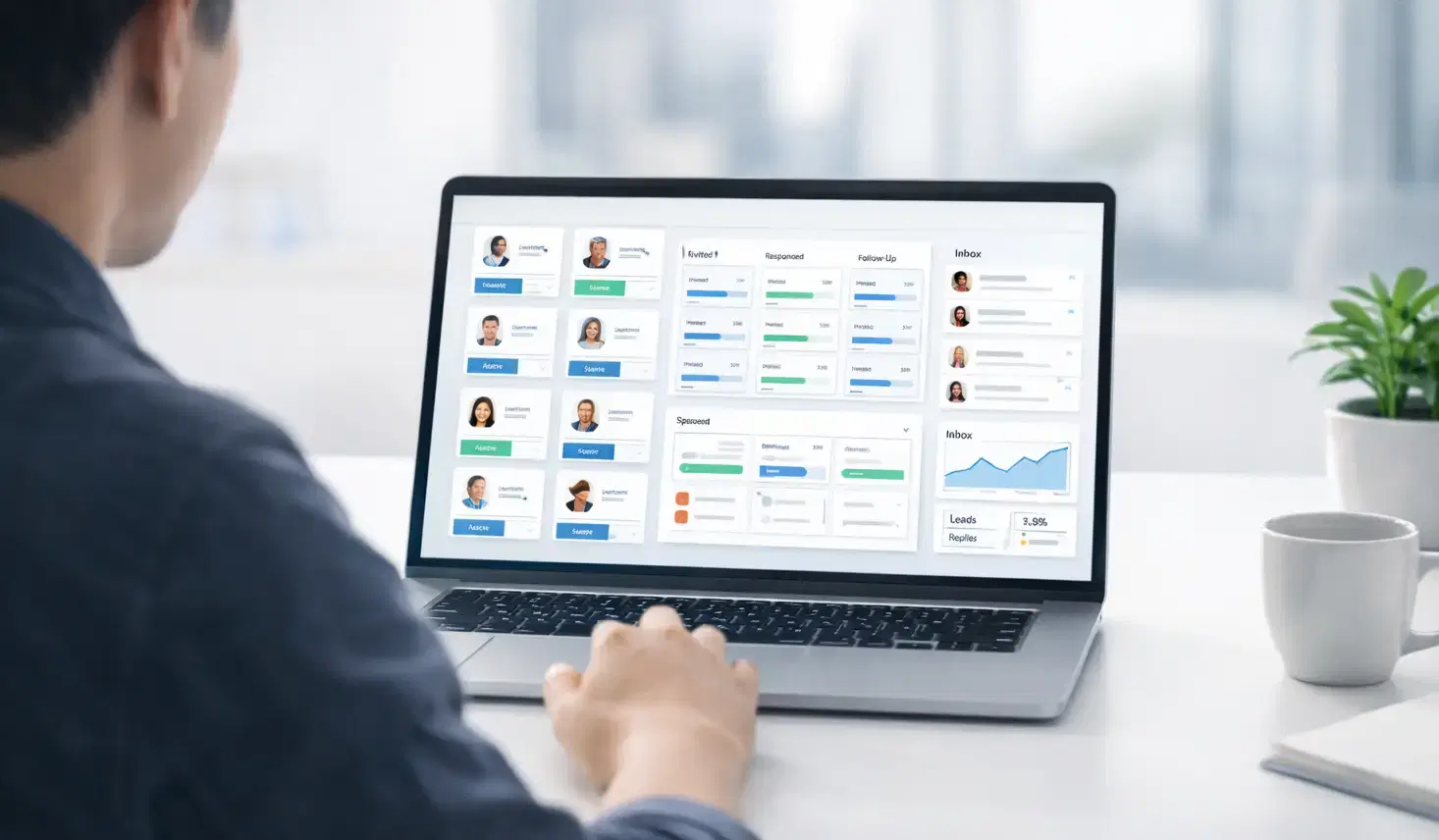
How Agencies Run LinkedIn Outreach Campaigns for 10+ Clients at Once
Learn how agencies manage LinkedIn outreach for 10+ clients with one platform, unified reporting, safer automation, and scalable campaign operations.
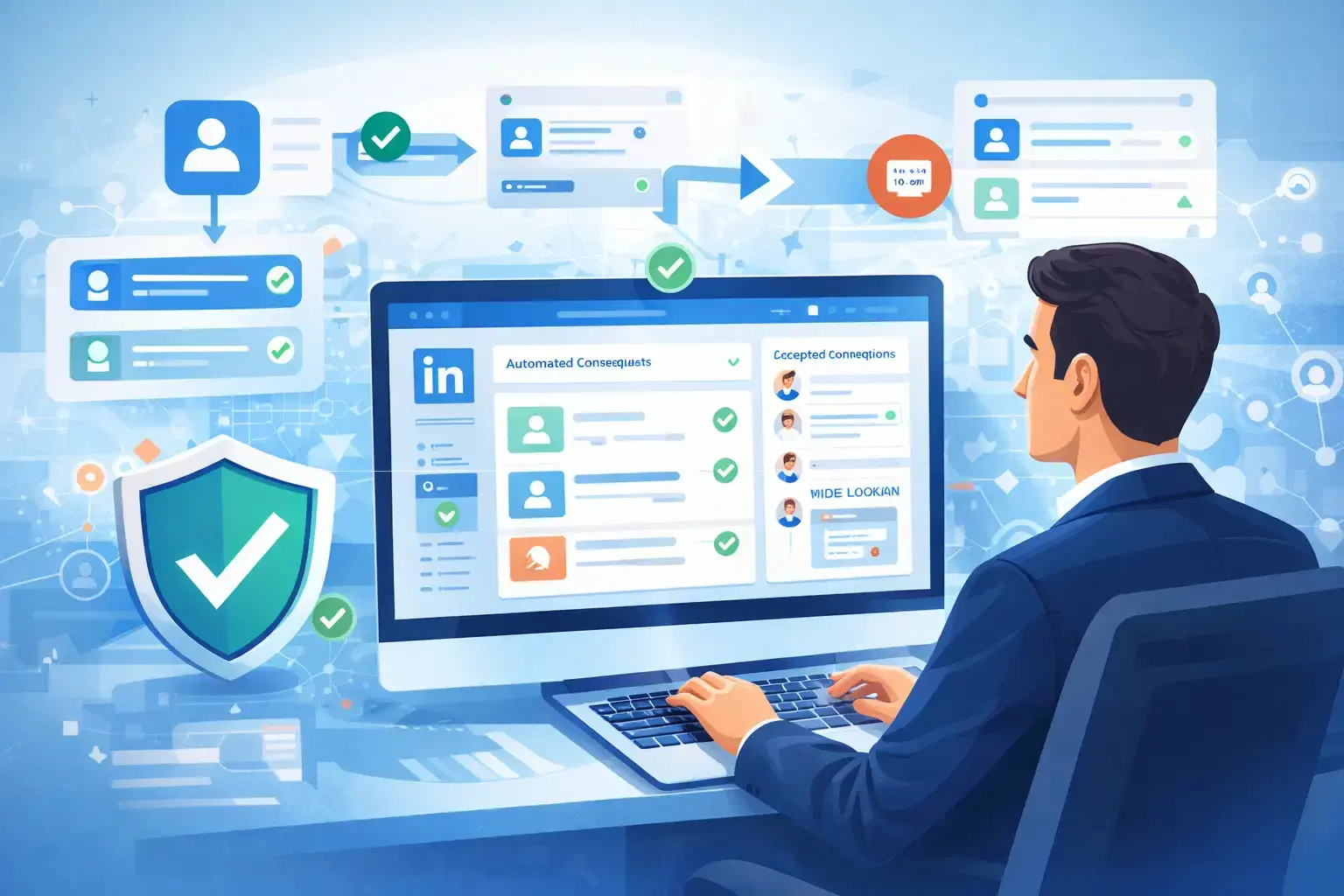
How to Auto Connect on LinkedIn and Book More Meetings Without Bans
Learn how to auto connect on LinkedIn safely and turn connections into booked meetings. Discover automation strategies, safe limits, and outreach tips to avoid bans.
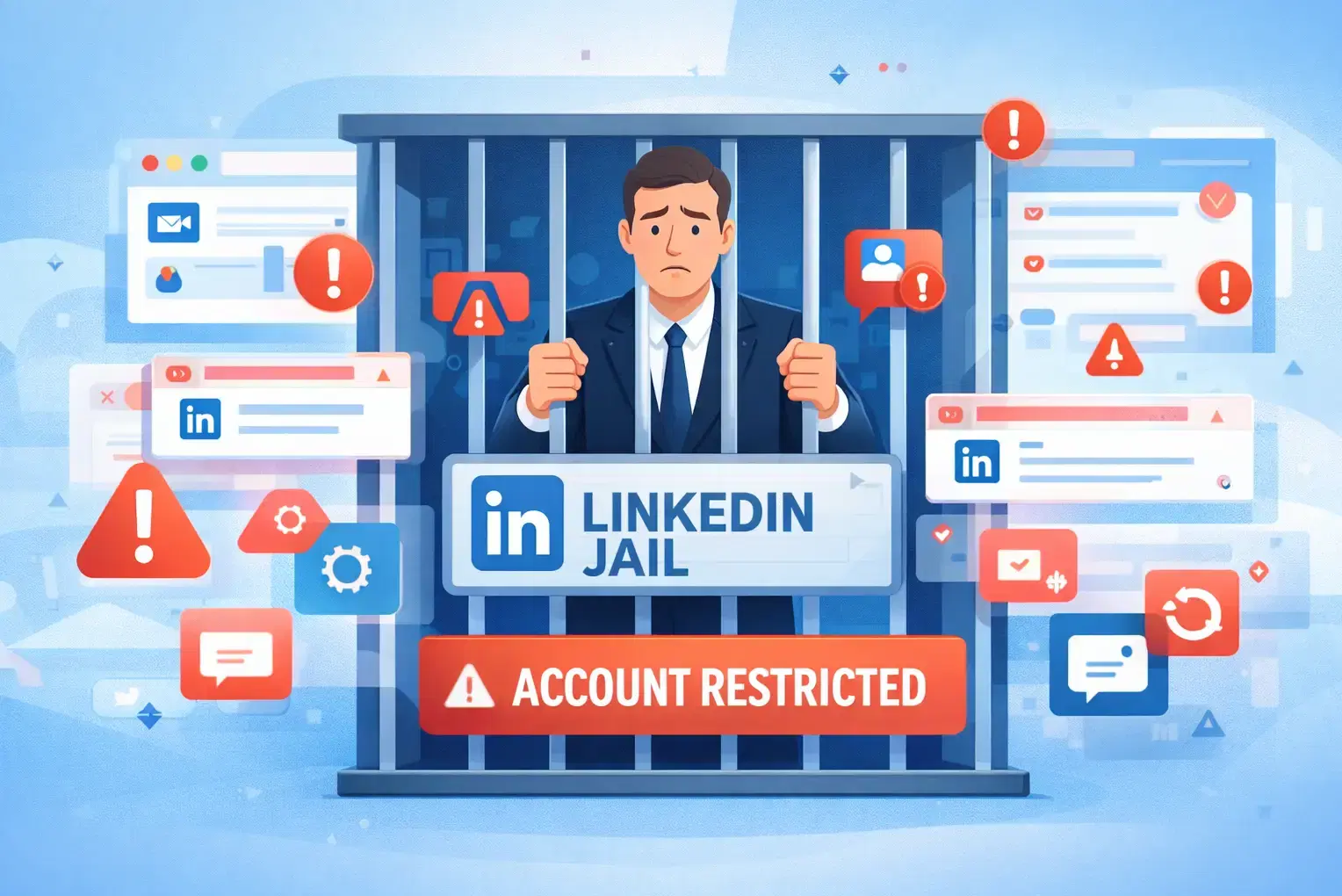
LinkedIn Jail: How to Avoid It When Using Automation (2026 Guide)
Avoid LinkedIn jail when using automation. Learn safe LinkedIn activity limits, automation best practices, and outreach strategies to prevent account restrictions in 2026.