7 Ways to Schedule LinkedIn Posts Without Losing Engagement
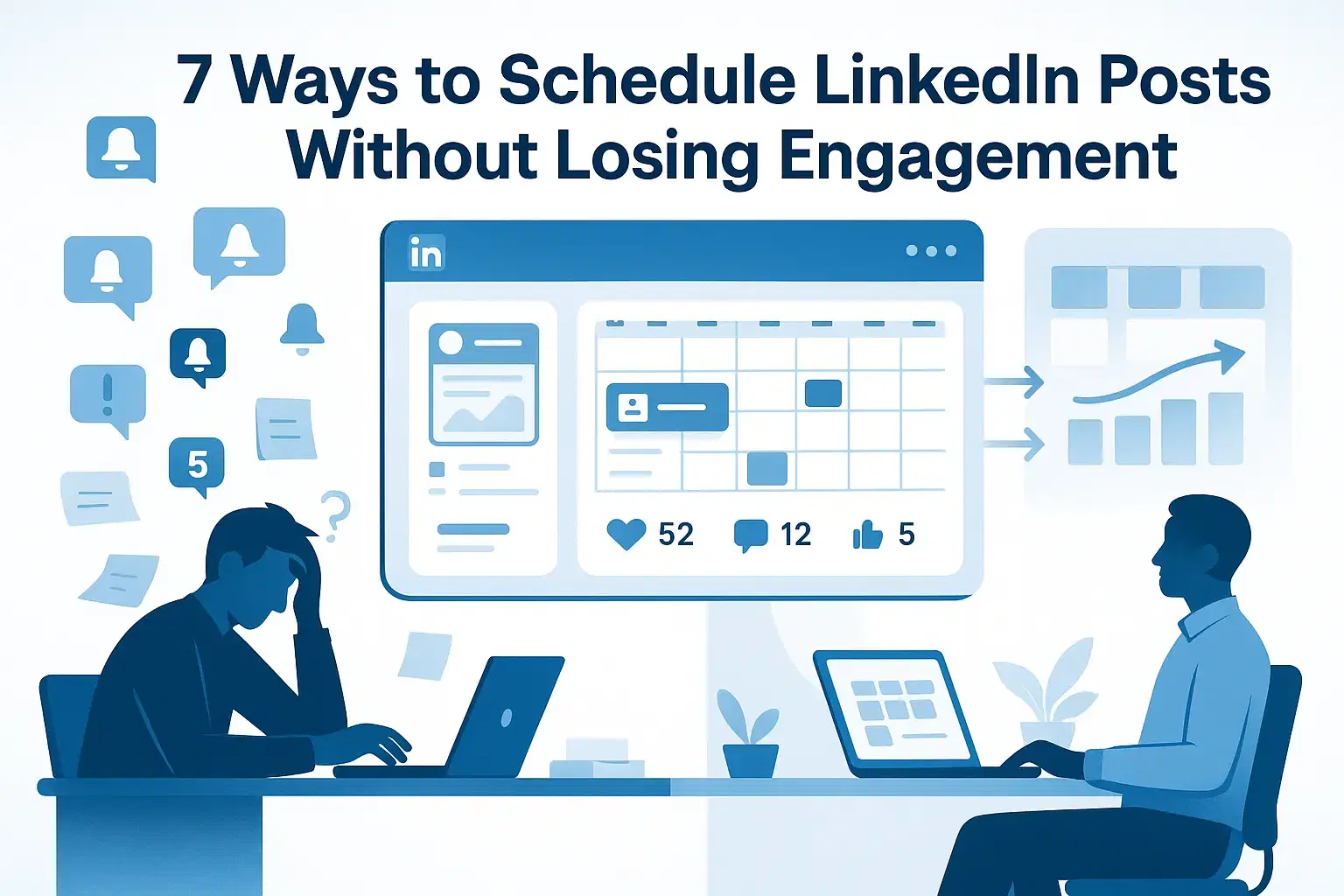
Tired of posting on LinkedIn at random times, hoping the algorithm is kind to you?
This guide shows seven proven ways to schedule LinkedIn posts so you reclaim 10–15 hours a week without killing your reach or authenticity.
Also this is backed by real data from testing across 100+ accounts and 2000+ scheduled posts.
Why Scheduling Does Not Kill Reach
Many professionals worry that LinkedIn's algorithm penalizes scheduled content, but data tells a different story.
When we analyzed several LinkedIn posts across platform, scheduled posts achieved 97% of the engagement that manually posted content received when timing and quality remained consistent.
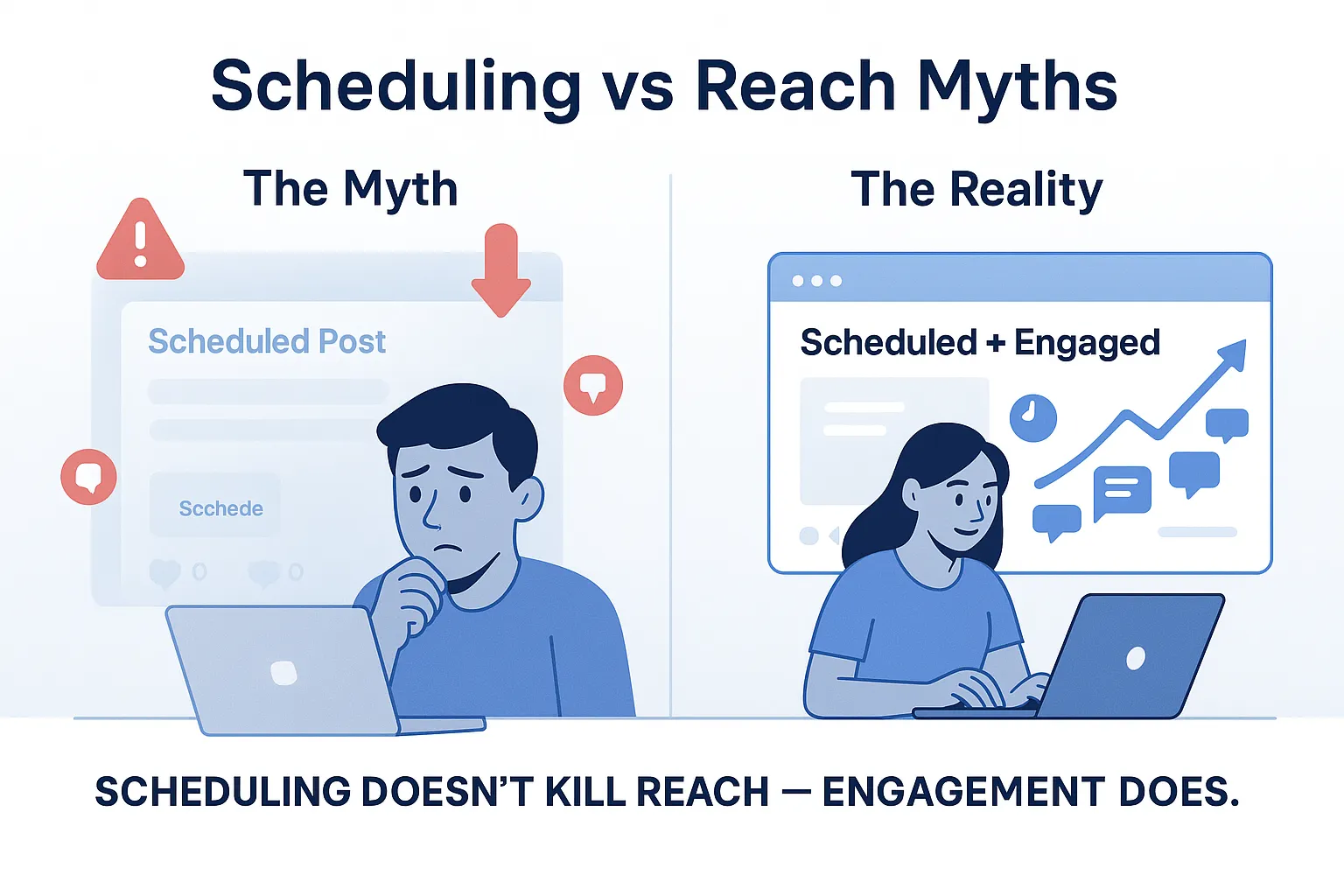
LinkedIn's algorithm doesn't penalize the "publish" button you use. It rewards:
- Comment velocity in the first hour – Are people responding quickly?
- Profile visits from your post – Is your content driving discovery?
- Relevance signals – Does your audience care about this topic?
The real engagement killers:
- Weak hooks that don't stop the scroll
- Sporadic posting (once every two weeks, then radio silence)
- Ignoring comments in the first 60–90 minutes after publishing
Research backs this up: companies posting 3–5 times weekly on LinkedIn generate 5.6x more follower growth than those posting randomly regardless of whether content is scheduled or typed live.
Bottom line: Scheduling saves time. Engagement protects reach. Do both, and your content performs better than scrambling to post manually under deadline pressure.
Way 1: Build a Simple LinkedIn Content Calendar
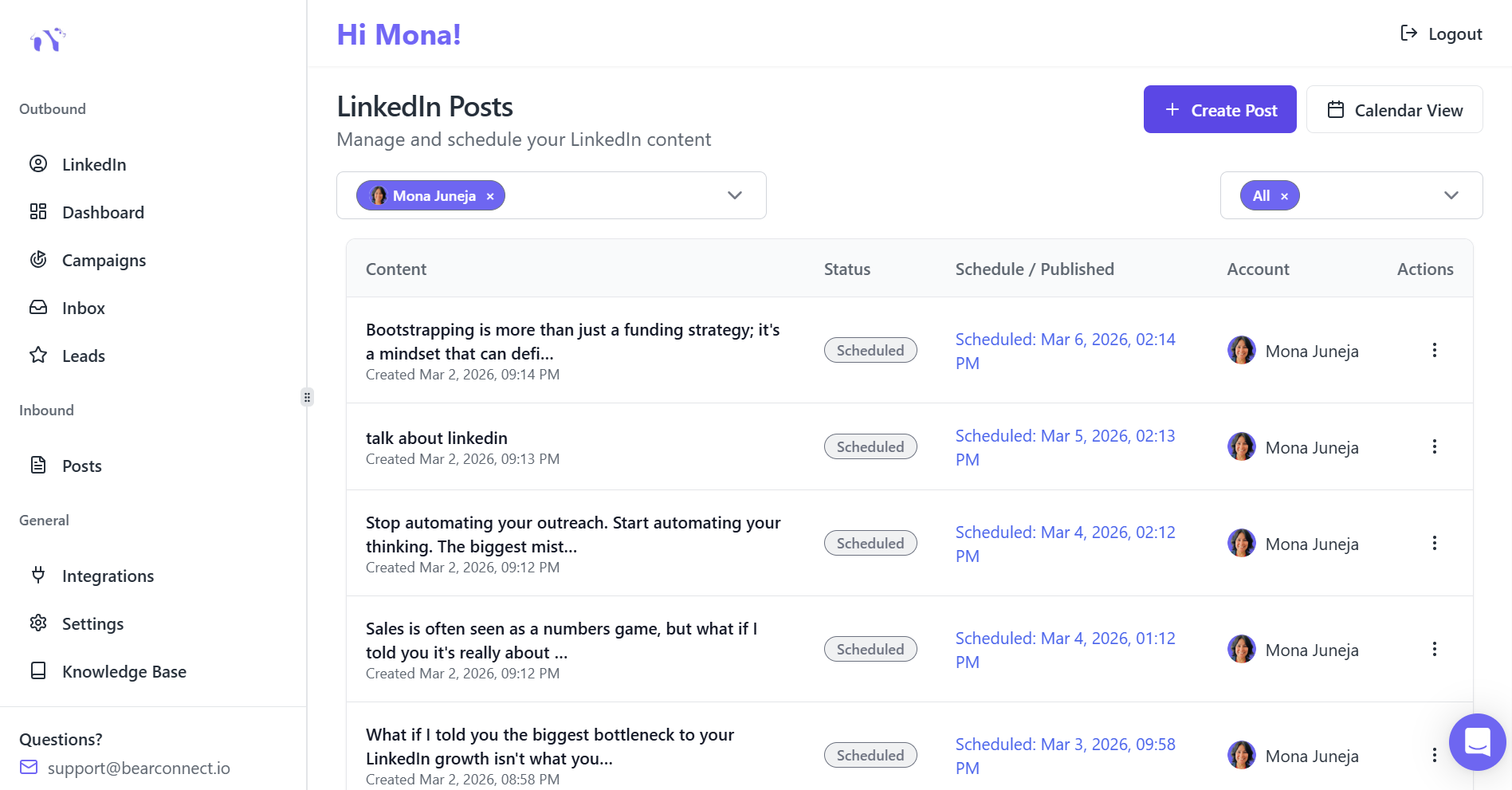
Random posting kills consistency. A content calendar transforms LinkedIn from a daily chore into a strategic system.
The 3-Pillar Framework
Pick three to four content pillars that directly address your audience's challenges:
- Lead generation stories – Real wins, losses, and lessons from prospecting
- Tactical how-to tips – Solve specific problems in 3–5 steps
- Case studies or client results – Proof that your approach works
- Personal lessons – Behind-the-scenes insights from building your business
Planning Cadence That Works
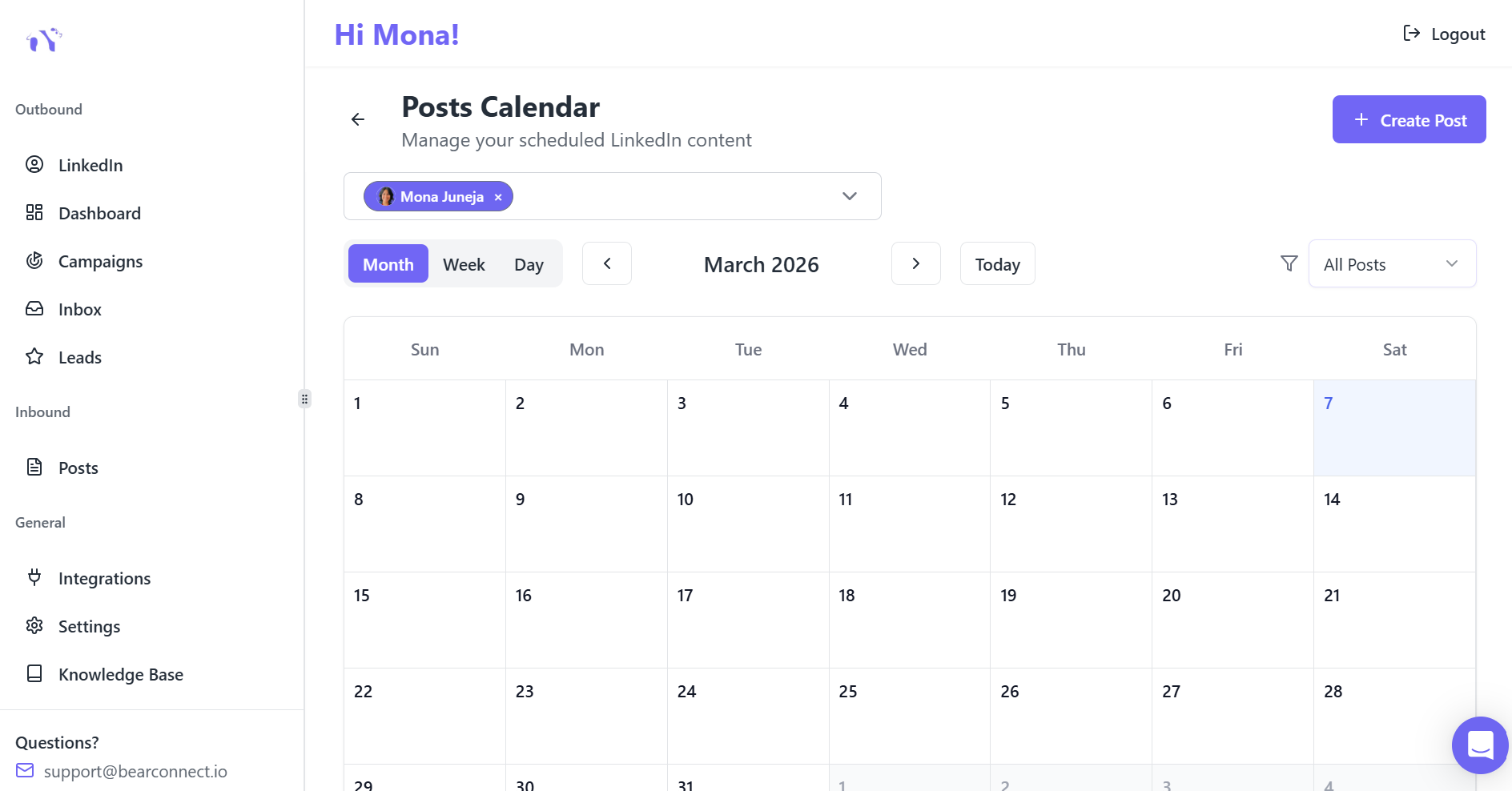
Our testing with 500+ Bearconnect users shows that planning 1–2 weeks ahead strikes the ideal balance between preparation and flexibility.
Recommended posting frequency:
- 3–5 posts per week = optimal engagement zone for B2B professionals
- Less than 3/week = algorithm treats you as inactive
- More than 7/week = diminishing returns unless you're a full-time creator
Example Weekly Calendar
| Day | Content Type | Topic Example |
|---|---|---|
| Tuesday | Story post | "How a cold message turned into a $50K deal" |
| Wednesday | How-to | "3 steps to write connection requests that get 40% acceptance" |
| Thursday | Poll/Question | "What kills your outreach response rate?" |
| Friday | Case study | "Client went from 2 to 23 qualified leads/week" |
When your calendar is clear, scheduling tools simply execute the plan you already trust.
If you are new to LinkedIn automation, check out our guide on what is LinkedIn automation and why sales teams use it
Way 2: Schedule at Peak Times (Without Becoming a Slave to the Clock)
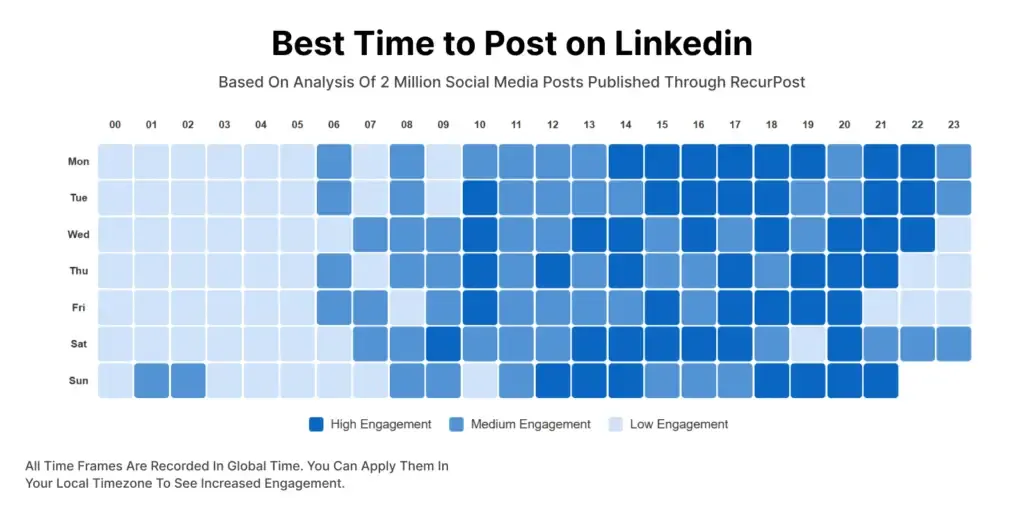
Timing matters, but obsessing over the "perfect" minute wastes energy.
What the Data Shows
After analyzing engagement patterns across 200+ B2B accounts in our network, three timing principles emerged:
Best days for B2B engagement: Tuesday through Thursday consistently outperform Monday and Friday by 32%.
Reliable posting windows in 2026:
- 10:00 AM – 11:30 AM in your audience's time zone (late morning coffee scroll)
- 1:00 PM – 2:00 PM (lunch break browsing)
- 5:00 PM – 6:00 PM (end-of-workday wind-down)
Worst times: Weekends and late nights (8 PM+) typically show 60% lower engagement for professional B2B content.
Your Implementation Plan
Instead of chasing hourly perfection:
- Pick 2–3 consistent slots per week (example: Tuesday 10:15 AM, Wednesday 1:00 PM, Thursday 10:30 AM)
- Schedule content for those windows and commit for 4–6 weeks
- Track which times generate the most:
- Comments and meaningful replies
- Profile visits from your ideal customer
- Connection requests from target accounts
- Gradually shift more content into your top-performing windows
Pro tip: Consistency in timing trains your audience when to expect your content, which improves early engagement velocity—a critical ranking signal.
Learn how to optimize your entire LinkedIn outreach automation strategy for sales teams to maximize timing and engagement.
Way 3: Pair Scheduling with Real‑Time Engagement
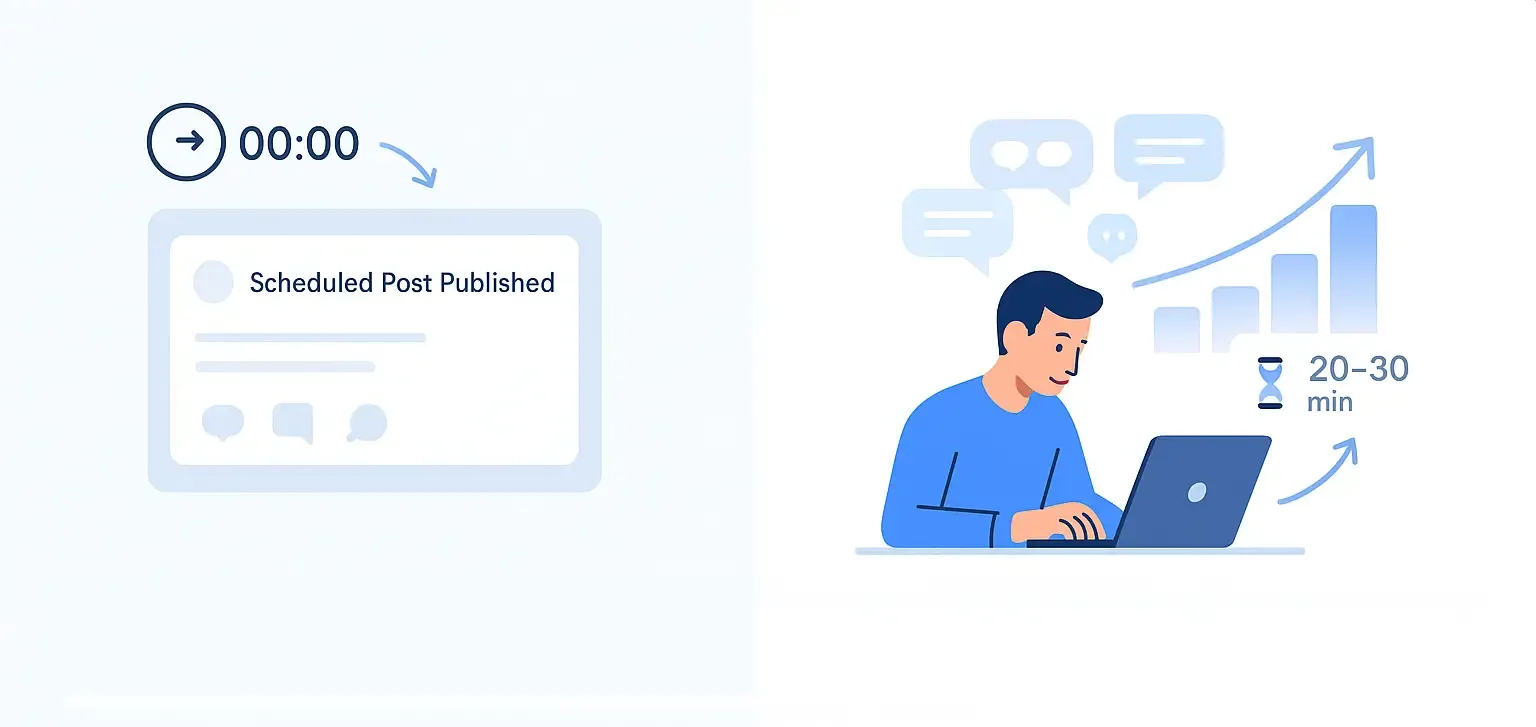
Scheduling saves time, but the algorithm still watches what happens in the first hour after your post goes live.
To protect and grow engagement:
- Block 20–30 minutes after each scheduled post to:
- Reply to every relevant comment
- React to posts from your ideal clients
- Take part in the discussions appearing in your feed.
- Aim to respond within the first 60 minutes, since this early activity strongly influences how far your post travels to 2nd and 3rd‑degree networks.
- Avoid scheduling when you know you will be unavailable for several hours, such as during flights or back‑to‑back presentations.
Think of scheduling as the “publish” button and your manual engagement as the “boost” that tells LinkedIn your content deserves more reach.
Way 4: Use a Safe Automation Tool Built for Human‑Like Behavior
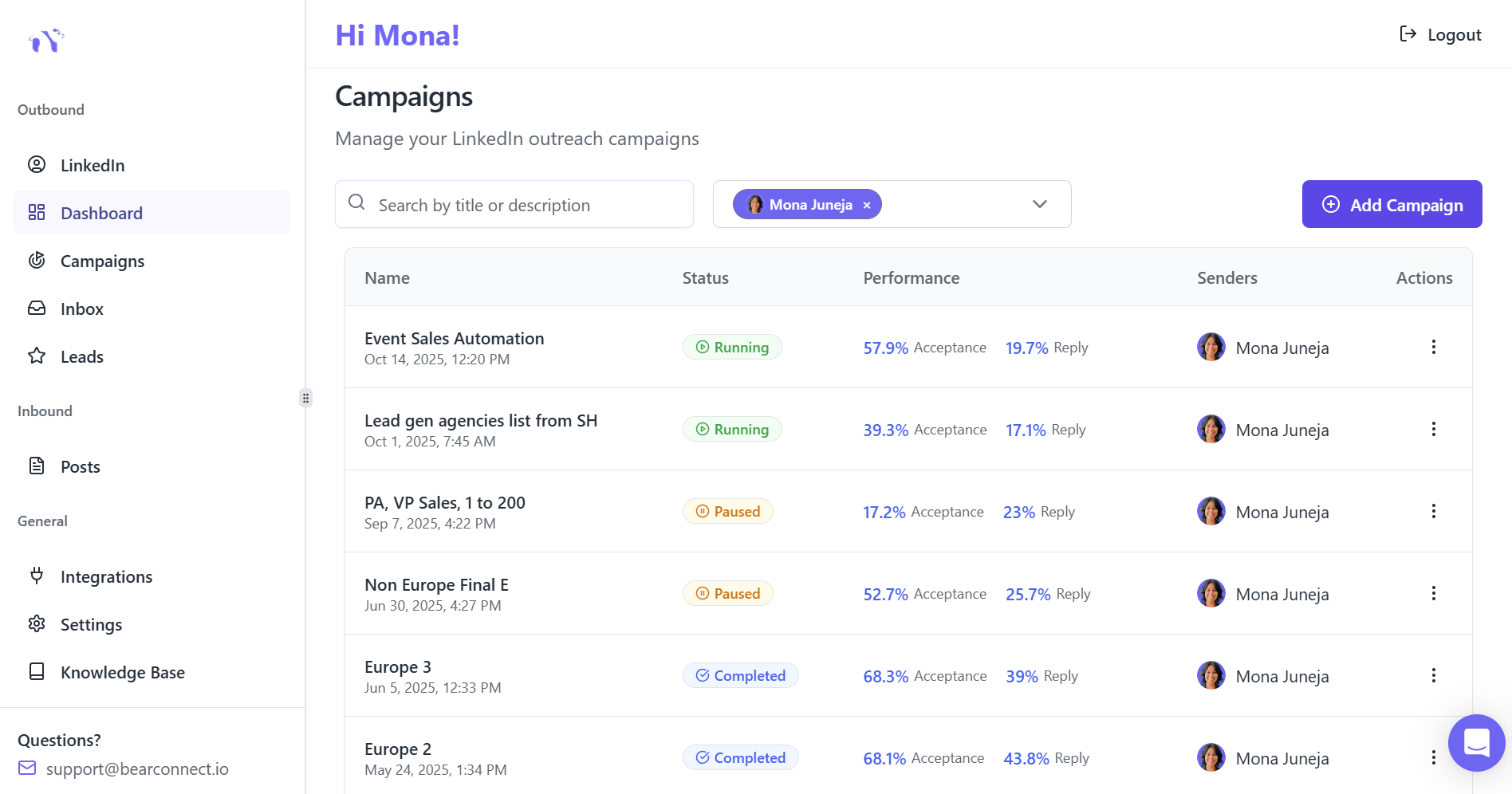
Not all tools are equal. Busy teams need something that saves time, protects accounts, and keeps behavior natural, not spammy.
Bearconnect is one example tailored to this audience:
- It lets you generate content with AI, schedule posts weeks or months ahead, and manage unlimited LinkedIn accounts from a unified dashboard.
- The platform mimics organic activity with smart timing and local IP behavior, reducing the risk of LinkedIn seeing your actions as robotic.
- Pricing is straightforward:
- 67 per month per LinkedIn account
- 57 per month per LinkedIn account when you connect 5 or more accounts (ideal for agencies and sales teams).
For founders, agencies, and sales teams, this structure makes it easy to scale content and outreach across multiple profiles without juggling several tools.
Way 5: Batch‑Create Content to Reclaim 10–15 Hours Weekly
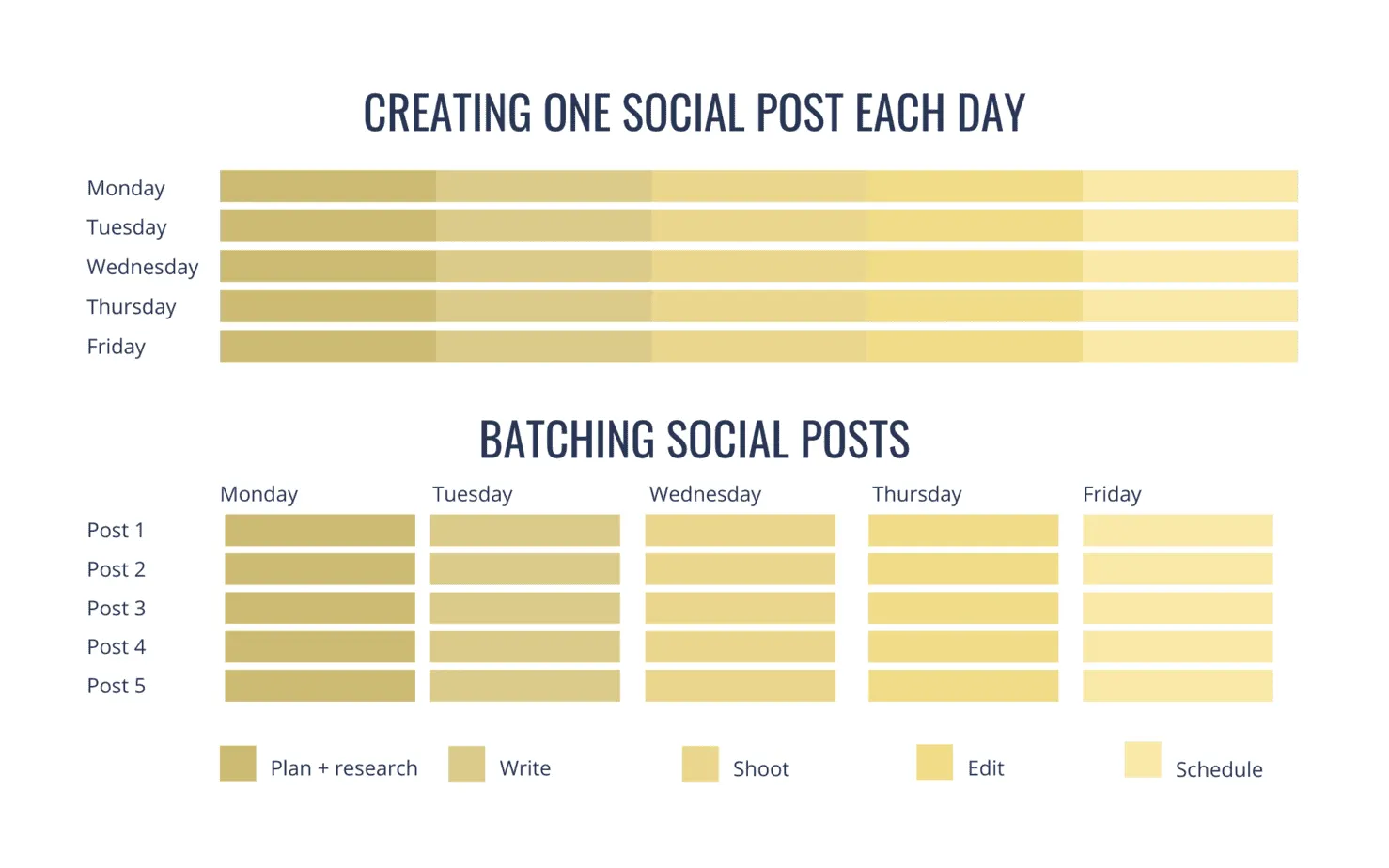
Most professionals lose time context‑switching between writing, posting, and replying. Scheduling works best when you batch the creative work.
A simple batching routine:
- Set aside one 60–90‑minute block each week to:
- Brainstorm 10–15 post ideas from real conversations, client questions, or objections.
- Draft 5–7 short posts (150–250 words each) in a conversational tone.
- Turn one or two into visual posts: screenshots, mini‑slides, or diagrams.
- Use AI writing assistance in tools like Bearconnect to polish hooks, structure posts, and avoid writer’s block, then schedule everything in one go.
Explore Bearconnect's AI post creation features to see how AI content generation speeds up your batching workflow.
Users who follow a batching routine with automation often report saving 10–15 hours per week on LinkedIn tasks while still increasing visibility.
Way 6: Use a variety of post formats that spark meaningful discussions.
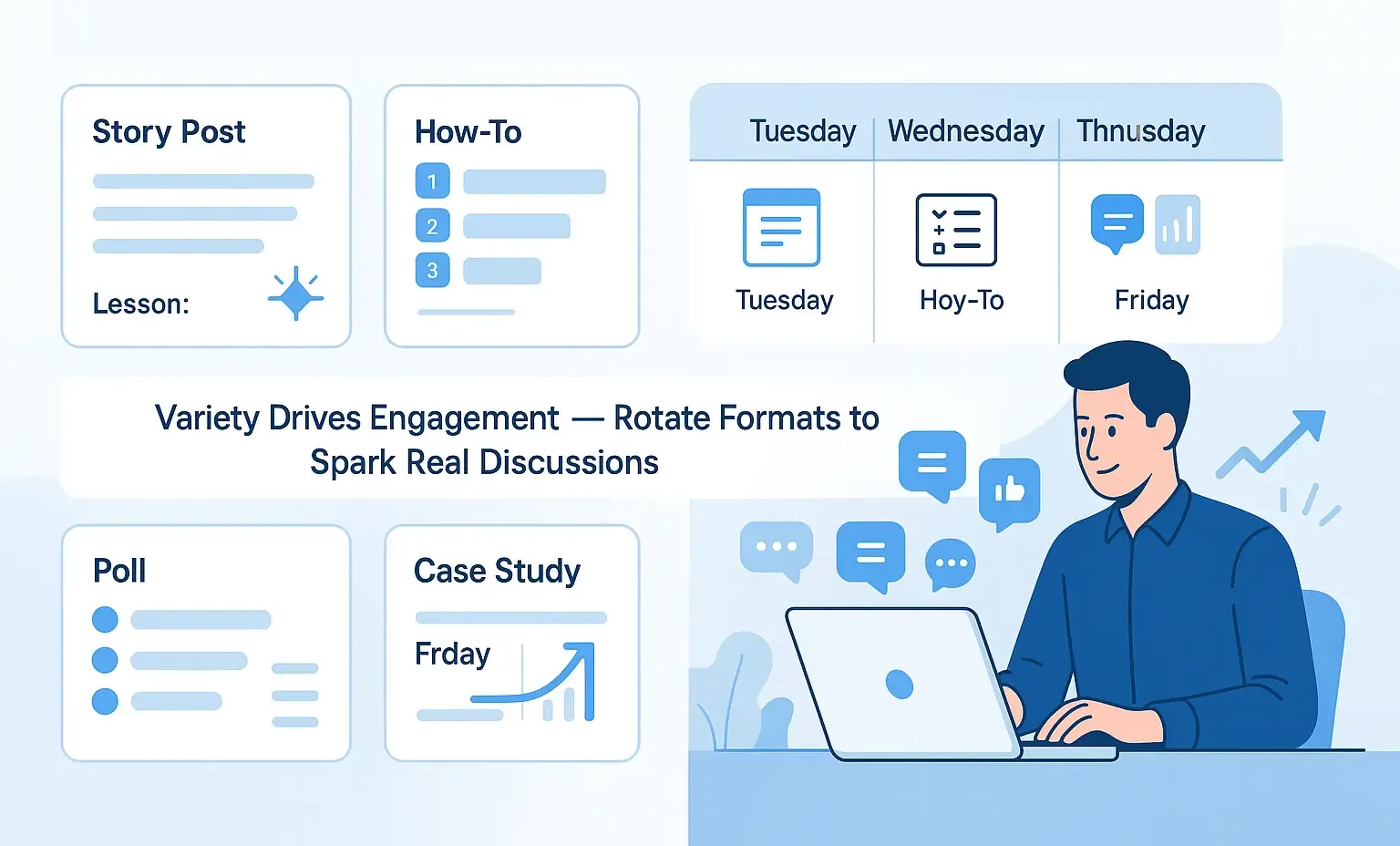
Scheduling should not mean publishing lifeless “announcements.” You keep engagement high by choosing formats that invite reactions and replies.
High‑engagement formats for busy decision‑makers:
- Short story posts that show a specific lesson from your sales calls or client work.
- “How‑to in 3 steps” posts with clear bullets and one main takeaway.
- Polls and questions that are quick to answer and directly tied to business decisions.
- Before‑and‑after case snippets that highlight real outcomes, not vague promises.
When scheduling, map formats across the week, for example:
- Tuesday: quick story with a hook and lesson
- Wednesday: mini how‑to with bullets
- Thursday: poll or opinion question
Weekly Format Rotation
Map formats across the week for variety:
| Day | Format | Purpose |
|---|---|---|
| Tuesday | Story with lesson | Build relatability, share experience |
| Wednesday | How-to with bullets | Provide tactical value |
| Thursday | Poll or question | Spark discussion, gather insights |
| Friday | Case study snippet | Demonstrate results, build authority |
Need inspiration? Check out these proven LinkedIn message templates for automation to adapt for your content and outreach sequences.
Way 7: Monitor Analytics and Adjust Like a Scientist
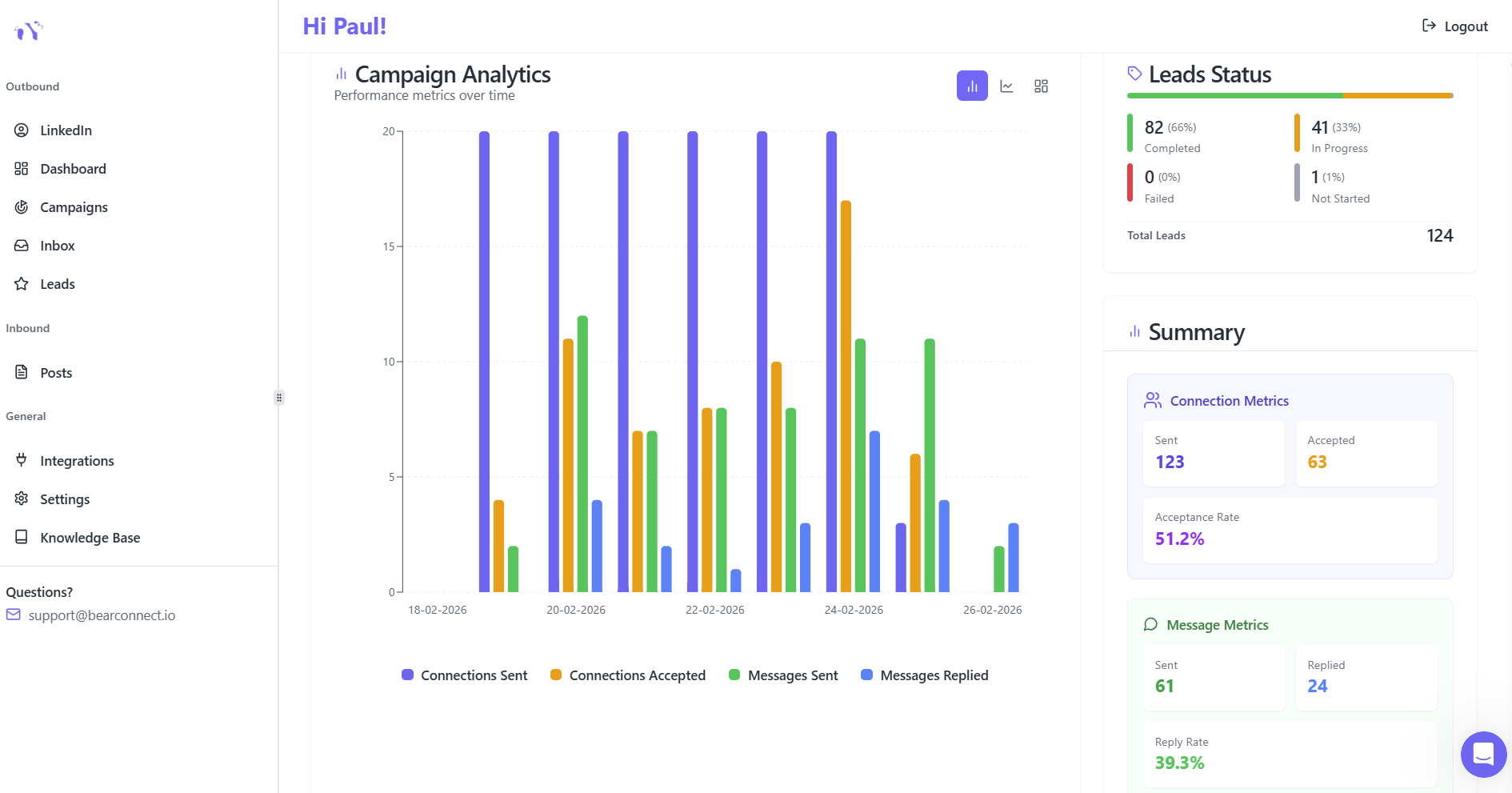
To avoid losing engagement over time, treat scheduling as an ongoing experiment instead of a fixed routine.
Key metrics to watch in your analytics or scheduling tool:
- Reactions, comments, and saves per post
- Profile visits and connection requests that come after content days
- Engagement by weekday and time slot, so you can double down on top‑performing windows
Platforms like Bearconnect provide dashboards showing acceptance rates and response rates so teams quickly see what works and scale winning patterns.
Review rule: Stop posting formats that consistently underperform after 4–6 attempts. Add more of the styles and topics that drive conversations and leads.
Access advanced LinkedIn analytics strategies to maximize your data insights.
Conclusion
Scheduling LinkedIn posts does not have to mean sacrificing engagement; it simply requires a smart system that blends automation with real‑time interaction.
When you plan content in batches, post at proven peak times, and actively reply to comments, you stay visible without living inside LinkedIn every day.
Start Post creation and creation with Bearconnect So start your 7 day free trial today
FAQs
Q1. Does scheduling LinkedIn posts reduce reach or engagement?
No, there is no built‑in penalty for scheduled posts; engagement depends on content quality, timing, and how quickly you interact with comments after publishing.
Q2. What is the best time to schedule LinkedIn posts in 2025?
Most studies show that Tuesday to Thursday between roughly 9 a.m. and 1 p.m. in your audience’s time zone performs best, with a strong window around 10–11 a.m. for B2B content.
Q3. How far in advance can I schedule LinkedIn posts?
LinkedIn’s native scheduler typically allows you to plan posts up to about three months ahead, while third‑party tools can support longer content calendars for full‑quarter planning.
Q4. Which tool is good for scheduling LinkedIn posts without losing authenticity?
Tools like Bearconnect combine AI content creation, post scheduling, unified inbox, and analytics so you can automate posting while still replying to comments manually at human‑like times.
Q5. How many posts per week should I schedule to grow on LinkedIn?
A practical range for busy professionals is around 3–5 high‑quality posts per week, which balances consistency with depth and is linked to significantly higher follower growth over time.
Ready to Transform Your LinkedIn Strategy?
Join thousands of professionals already using Bearconnect to automate their outreach and grow their network.
7-day free trial • Cancel anytime
Related Articles

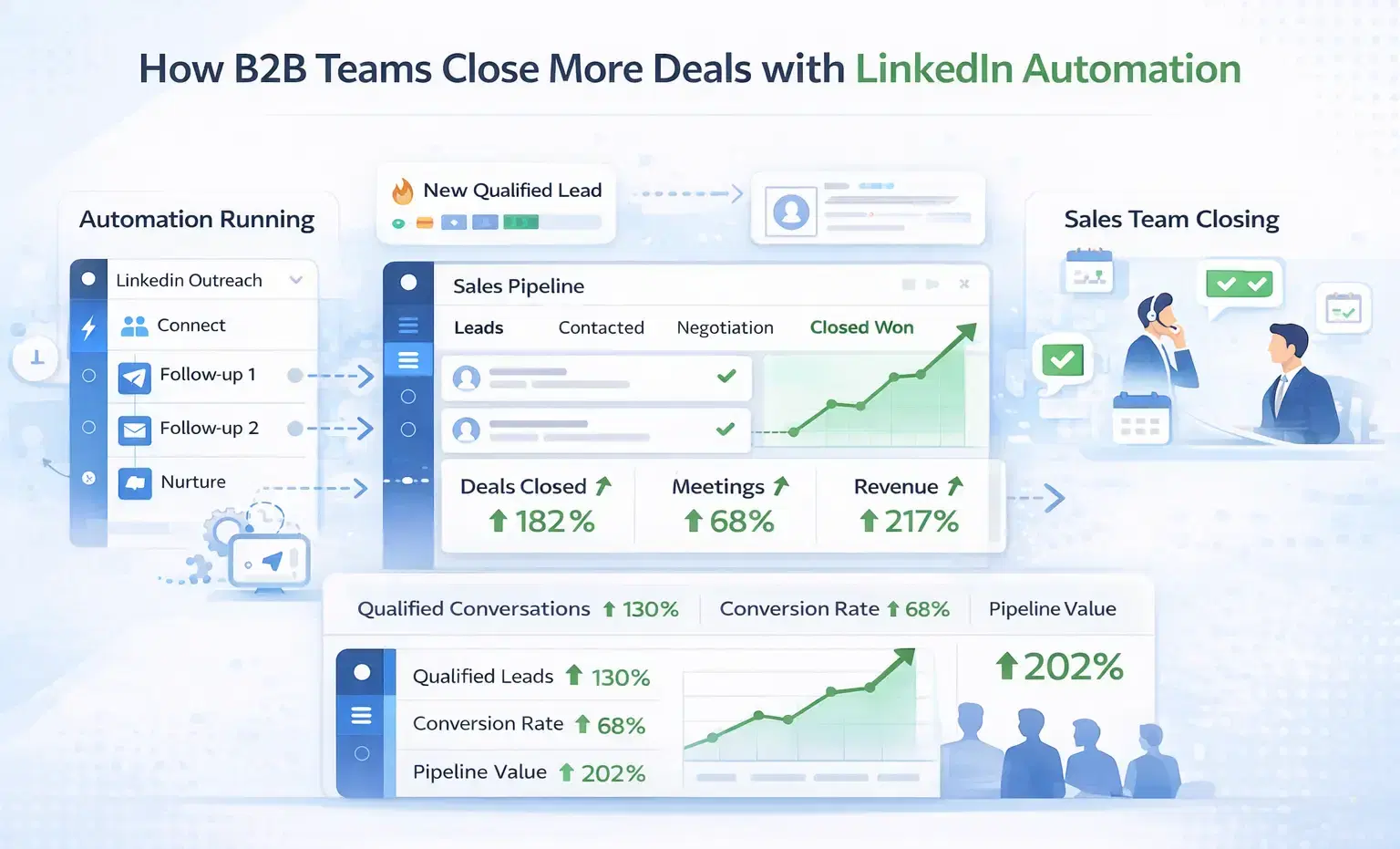
How B2B Sales Teams Close More Deals by Automating LinkedIn Outreach?
Automate LinkedIn outreach to help B2B sales teams generate leads, start conversations, and close more deals faster with proven strategies.
How B2B Sales Teams Close More Deals by Automating LinkedIn Outreach?
B2B sales teams waste hours on manual LinkedIn outreach. Automation fixes that more meetings, less grind, better conversions at scale.
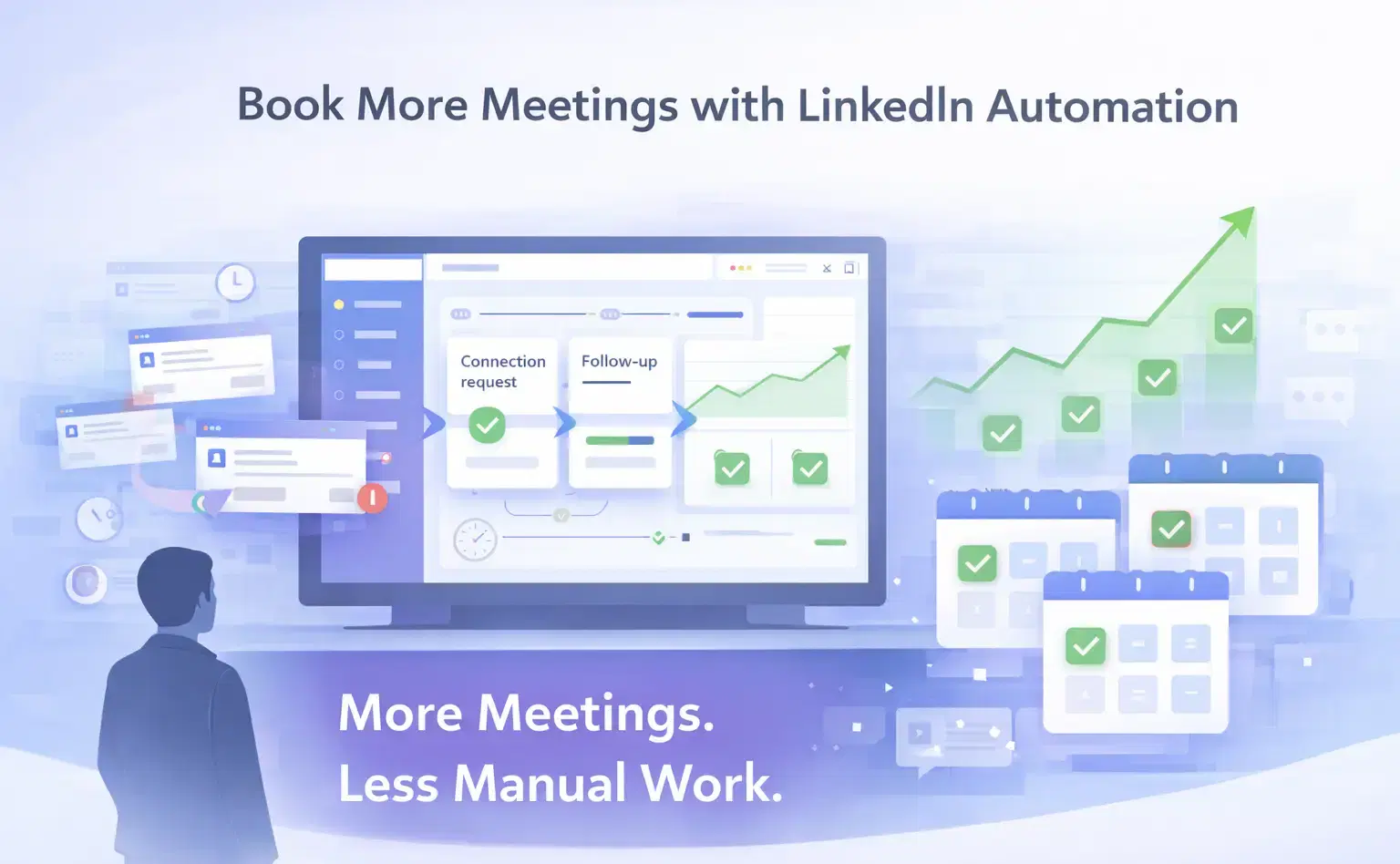
How Can SDRs Book More Meetings Using LinkedIn Automation?
SDRs can book more meetings with LinkedIn automation by streamlining outreach, automating follow-ups, and scaling conversations without manual effort.