LinkedIn Search URL
Already have a search set up on LinkedIn? Paste the URL and we'll pull in every lead from those results — no manual copying.
Black Friday: 50% Off for 6 Months - Use Code
Claim offerWhether you're sourcing leads directly from LinkedIn or using a CSV file, Bearconnect makes it easy to kickstart your campaign with the right contacts.
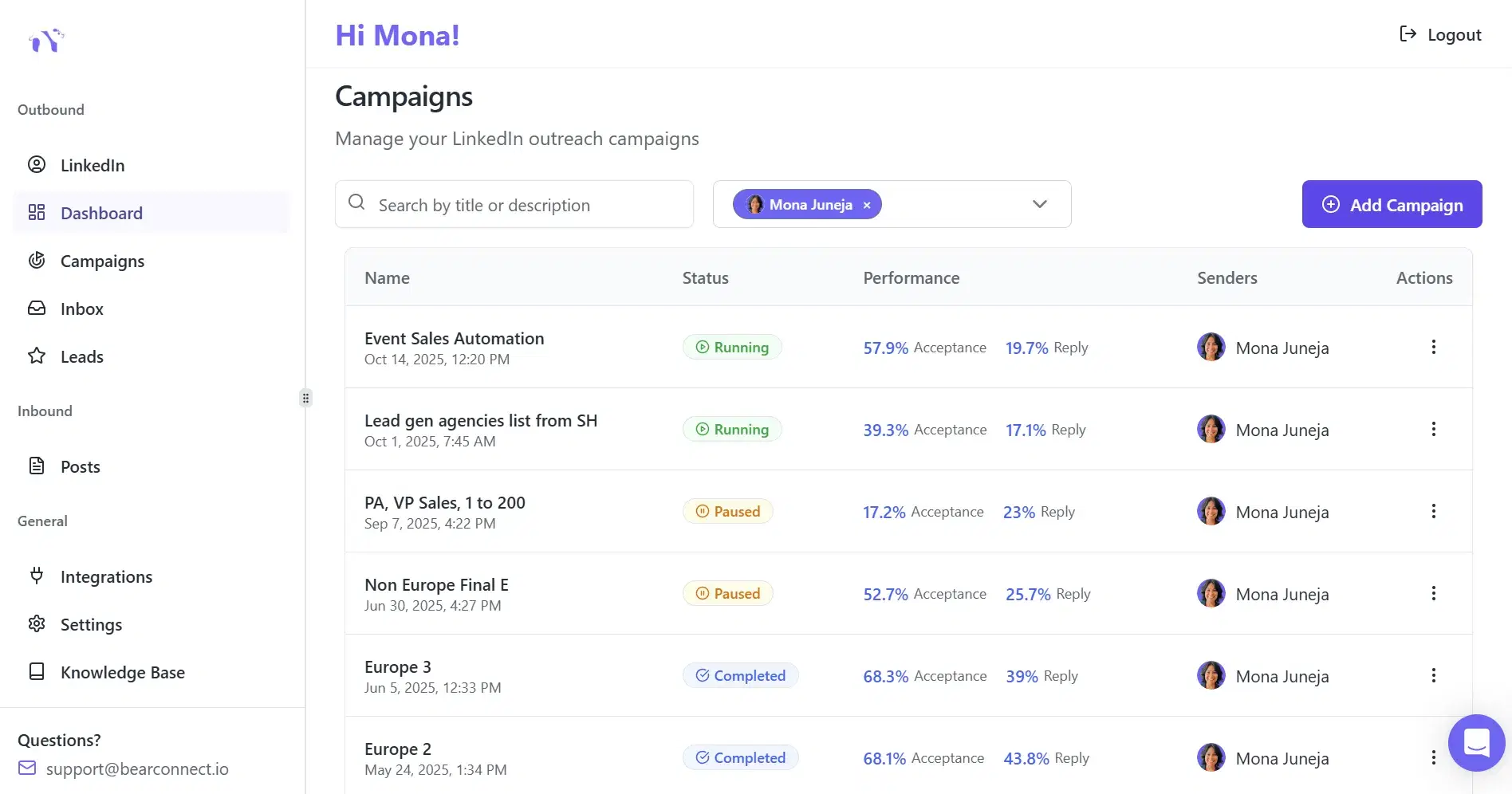
There are 6 ways to import your leads into Bearconnect.
Already have a search set up on LinkedIn? Paste the URL and we'll pull in every lead from those results — no manual copying.
Connect your Sales Navigator account once and import its precision-filtered leads straight into your campaigns.
Already have a list? Upload your CSV, map the columns, and you're ready to start reaching out in minutes.
Re-engage the network you already built. Launch campaigns straight to your existing LinkedIn connections.
Turn people who liked or commented on a LinkedIn post into warm prospects — they already raised their hand.
Pull in members from LinkedIn groups relevant to your niche — shared-interest leads who are easier to convert.
Dive deeper into how each import method works to streamline your lead acquisition process.
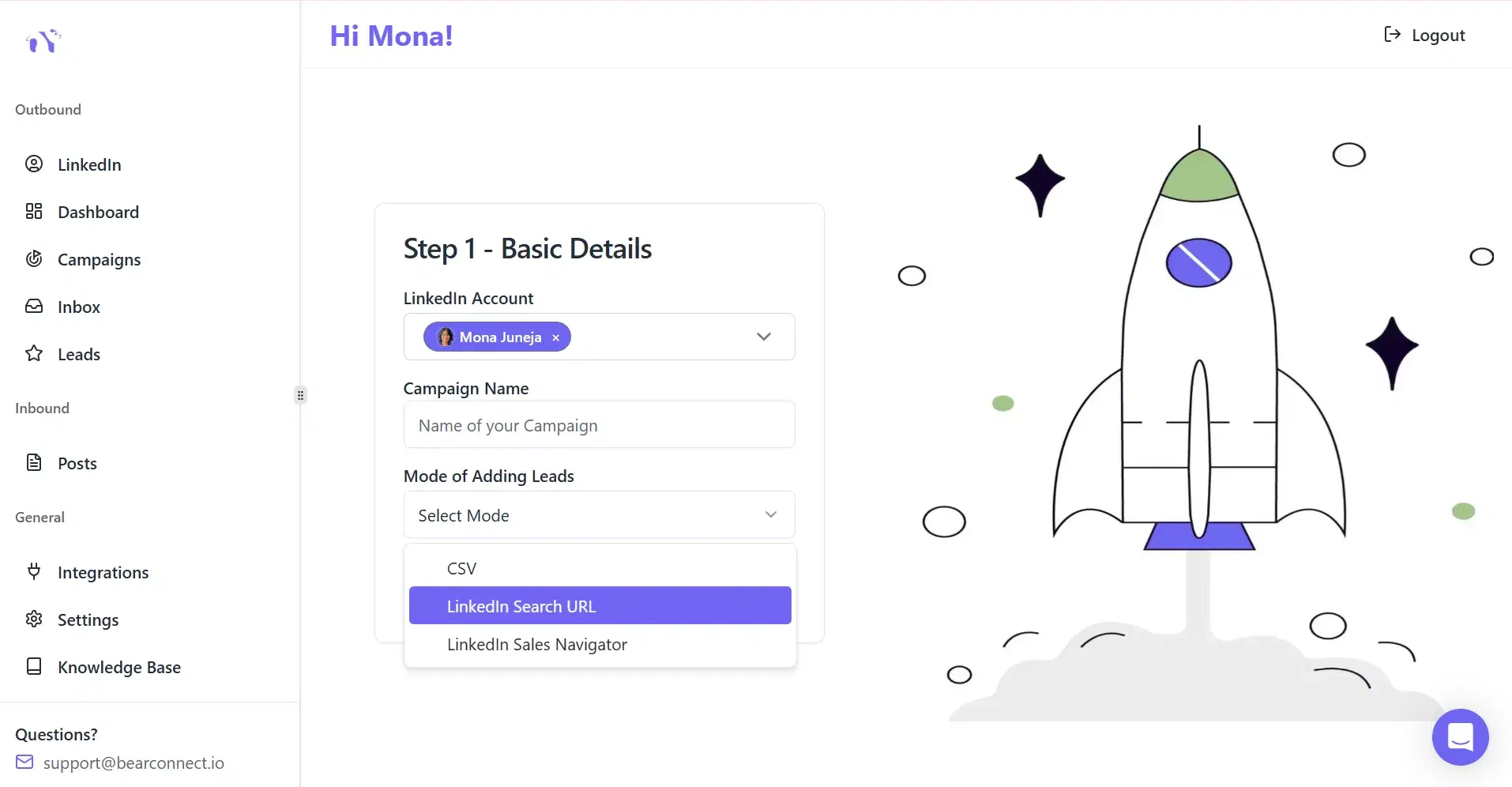
Perform a targeted LinkedIn search to find leads, then just paste the URL into Bearconnect.
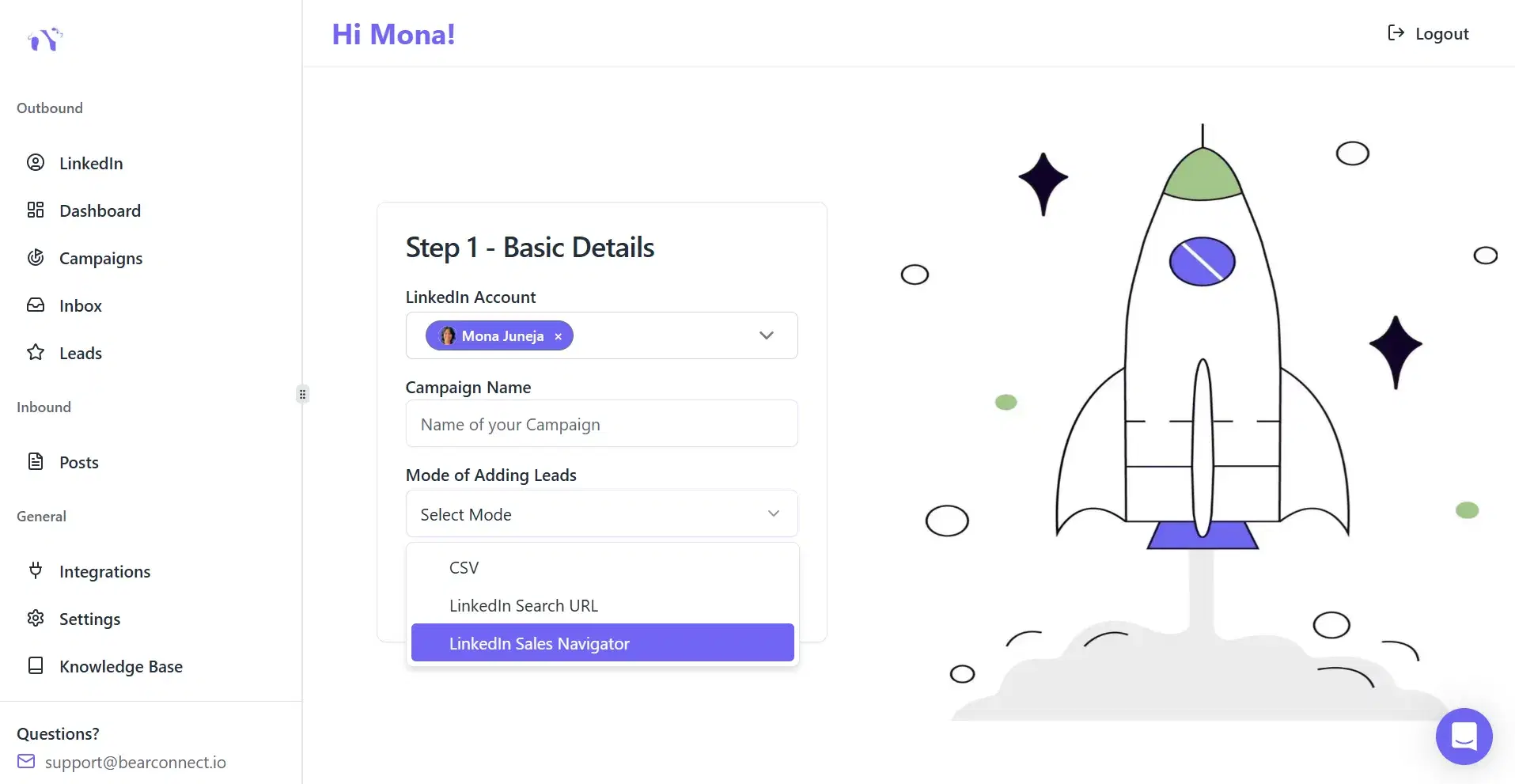
Perform a targeted LinkedIn Sales Navigator search to find leads, then just paste the URL into Bearconnect.
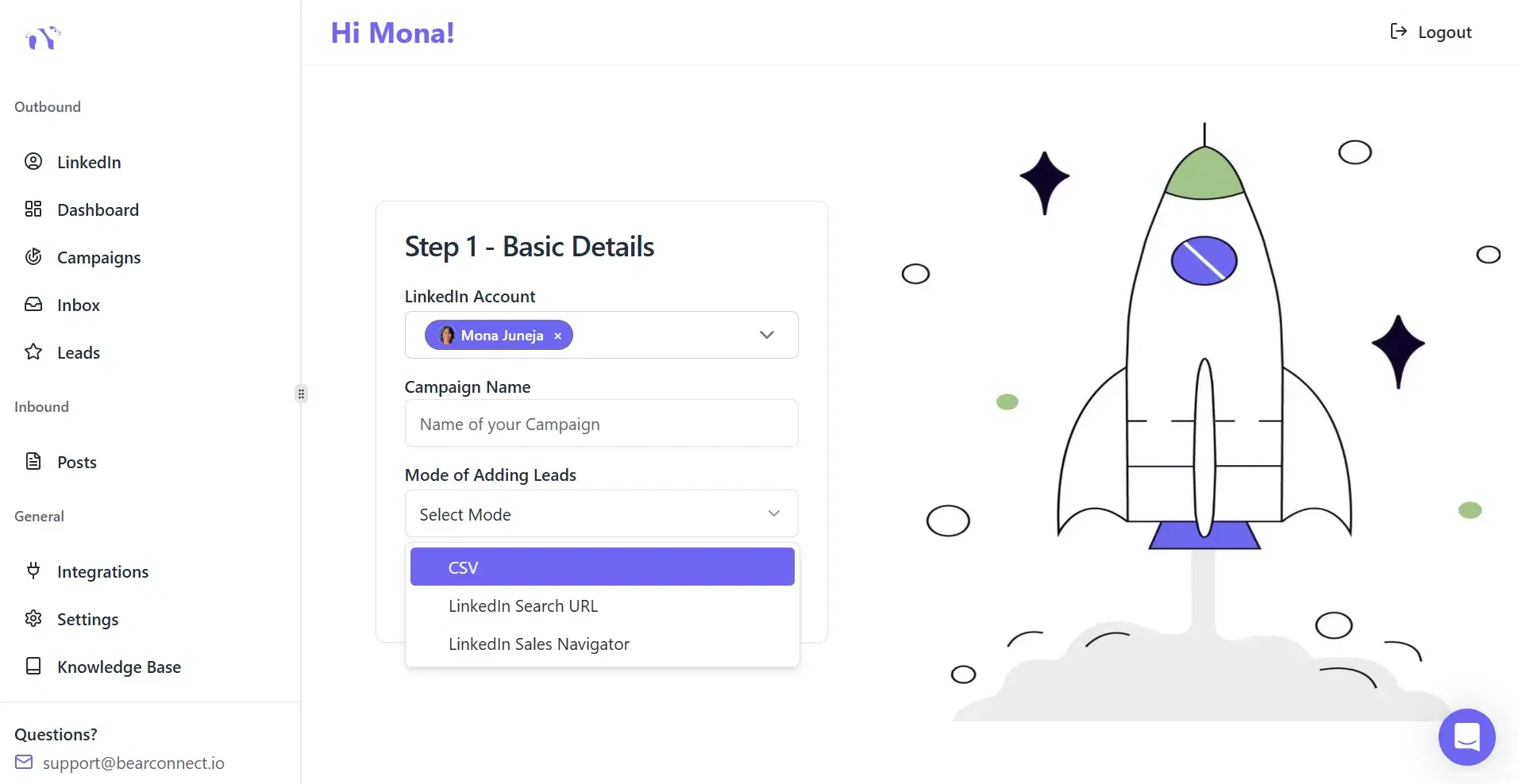
Have a list of leads ready? Simply upload your CSV file to Bearconnect.

Run campaigns for your 1st degree connections by importing them directly into Bearconnect.

Import users who have engaged with any LinkedIn posts to target warm leads.