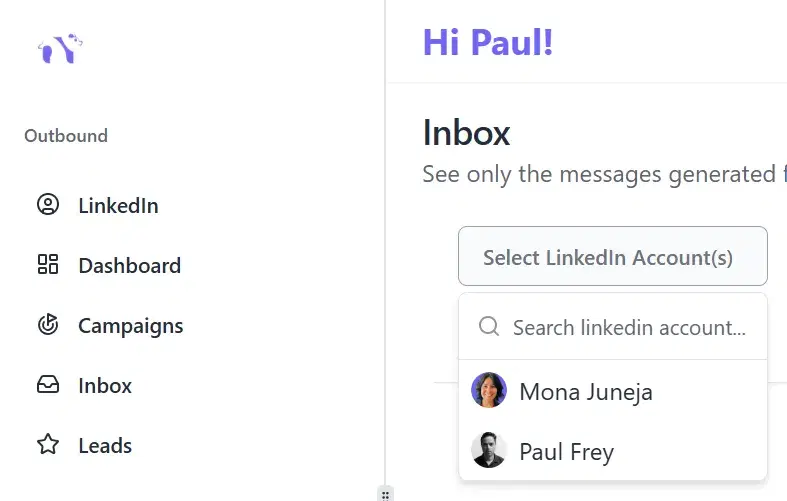
Seamless Account Switching
Instantly switch between tens, even hundreds of accounts, reply to messages, and keep your network engaged – all without the hassle of juggling multiple logins.
Black Friday: 50% Off for 6 Months - Use Code
Claim offerManage all your LinkedIn accounts from one powerful inbox and boost
LinkedIn lead generation with Bearconnect.
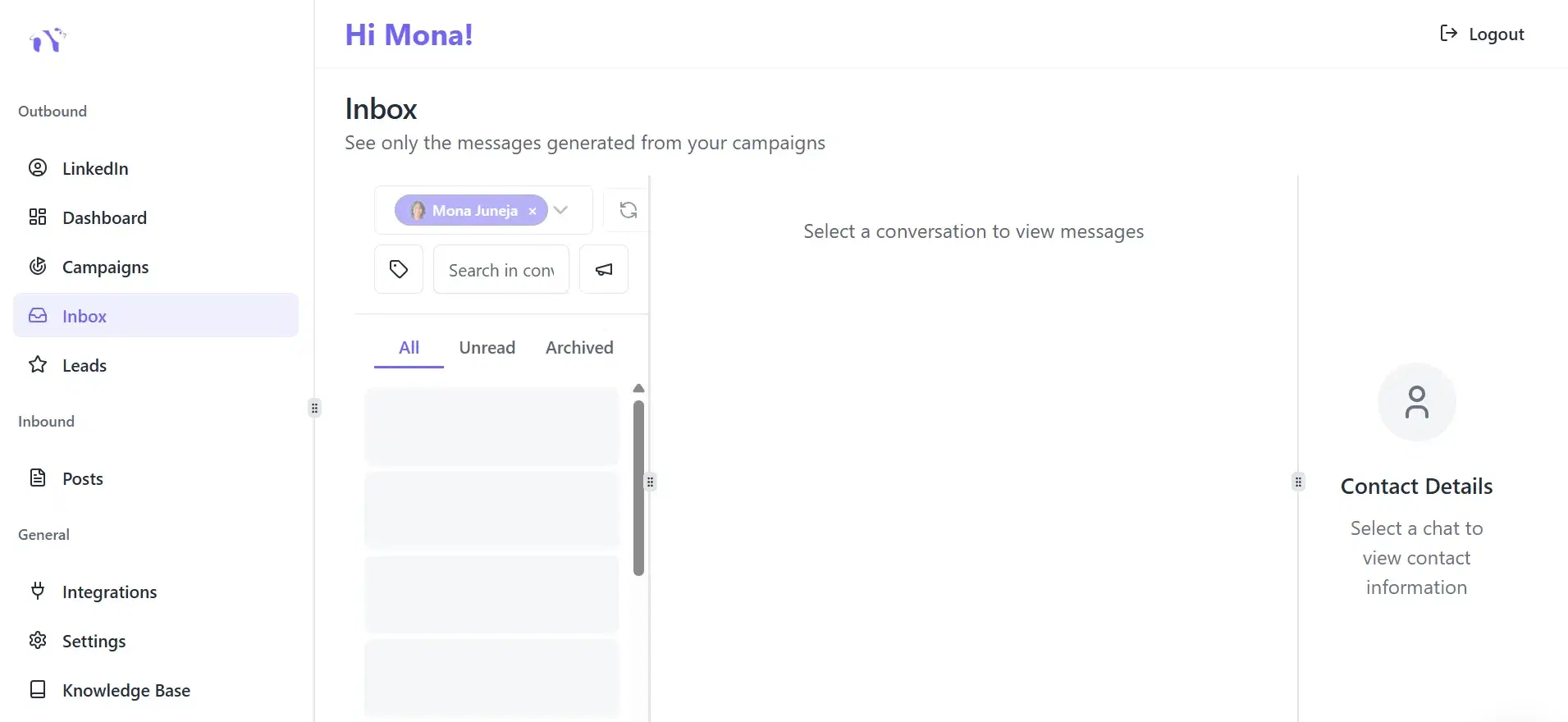
Replies from several LinkedIn accounts pile up fast. Bearconnect's Unified Inbox brings every conversation into one place, sorts it for you, and helps you answer faster.
Instantly switch between tens, even hundreds of accounts, reply to messages, and keep your network engaged – all without the hassle of juggling multiple logins.
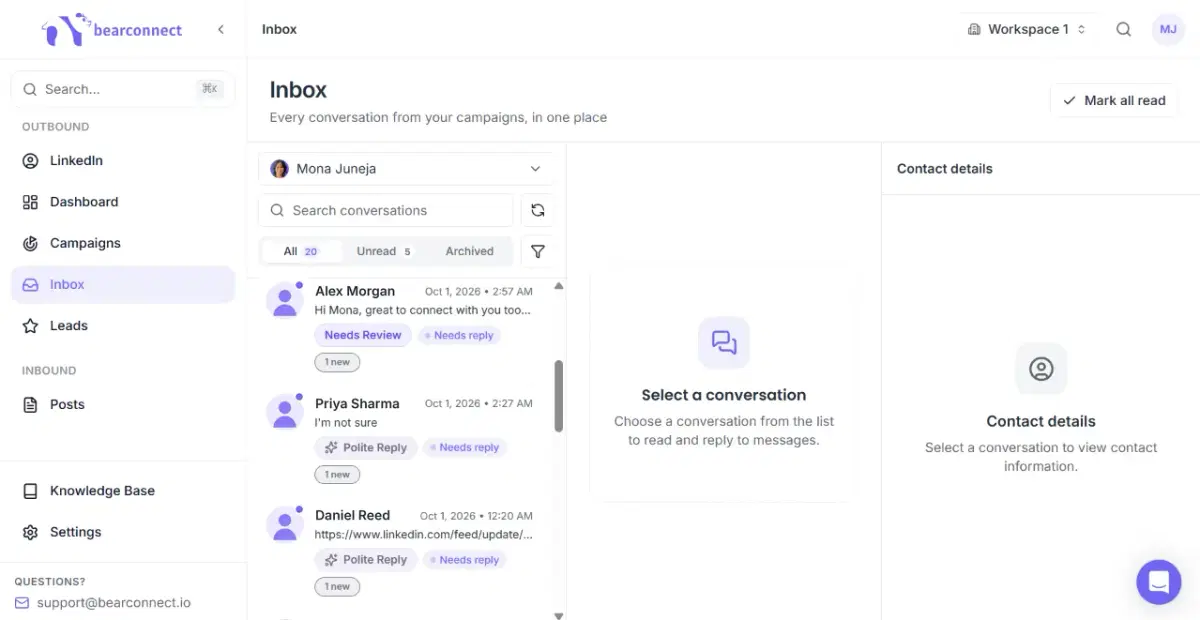
Bearconnect reads each reply and labels the conversation on its own: Interested, Not Interested, Needs Review, Meeting Booked or Polite Reply. You see who is ready for a follow-up and who to skip before you open a single chat.
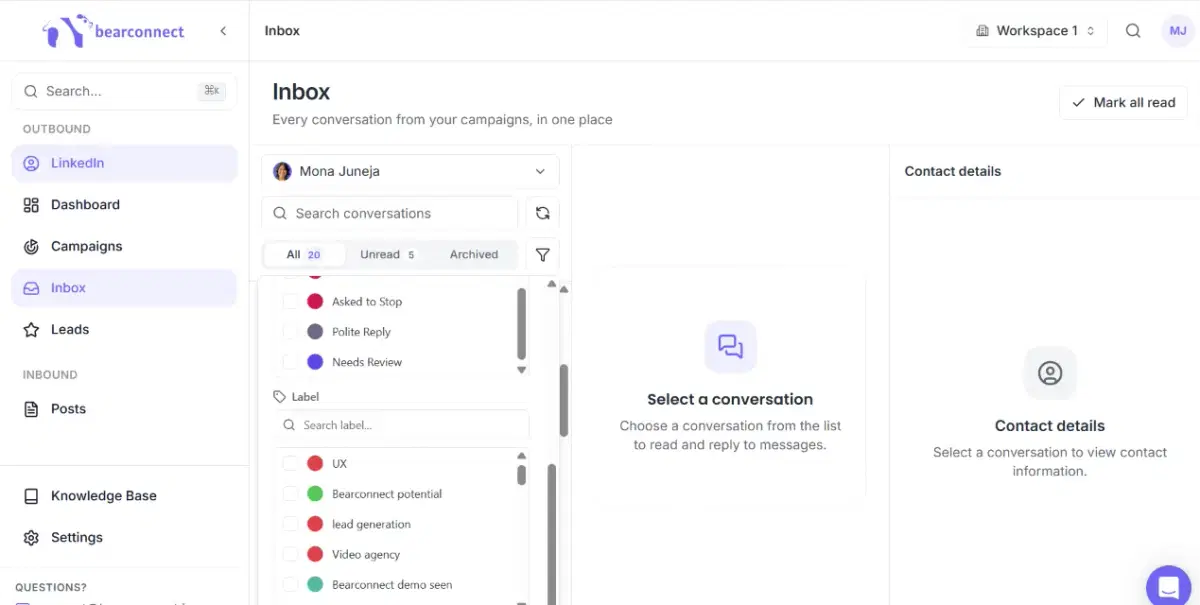
Add your own labels too to separate potential leads and keep your outreach organized.
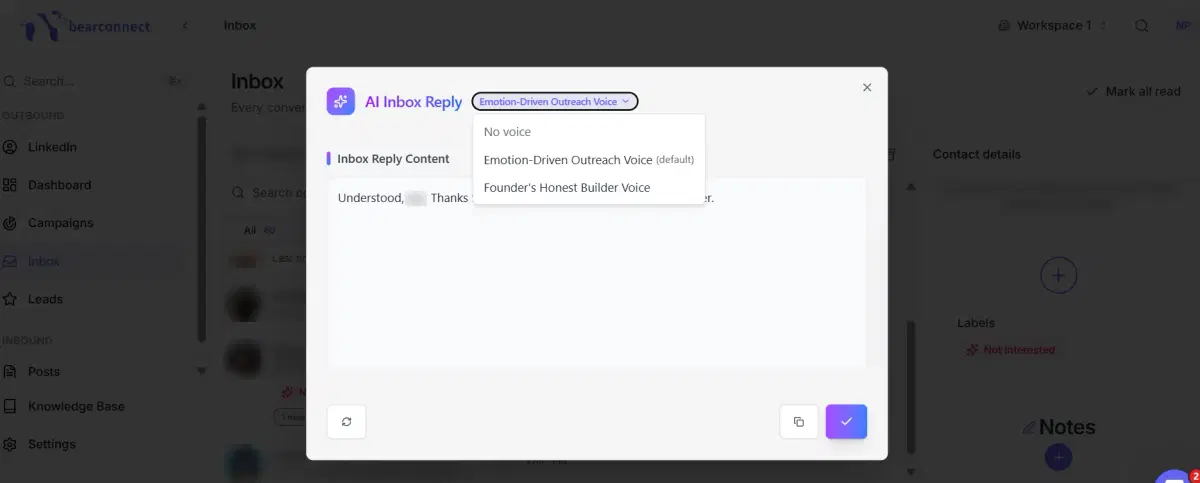
Click the AI button in any chat and Bearconnect reads the full conversation, then drafts a reply in the custom brand voice you choose. Regenerate it, copy it, or send it to the chat with one click. No brand voice created yet? Pick No voice for a plain reply.
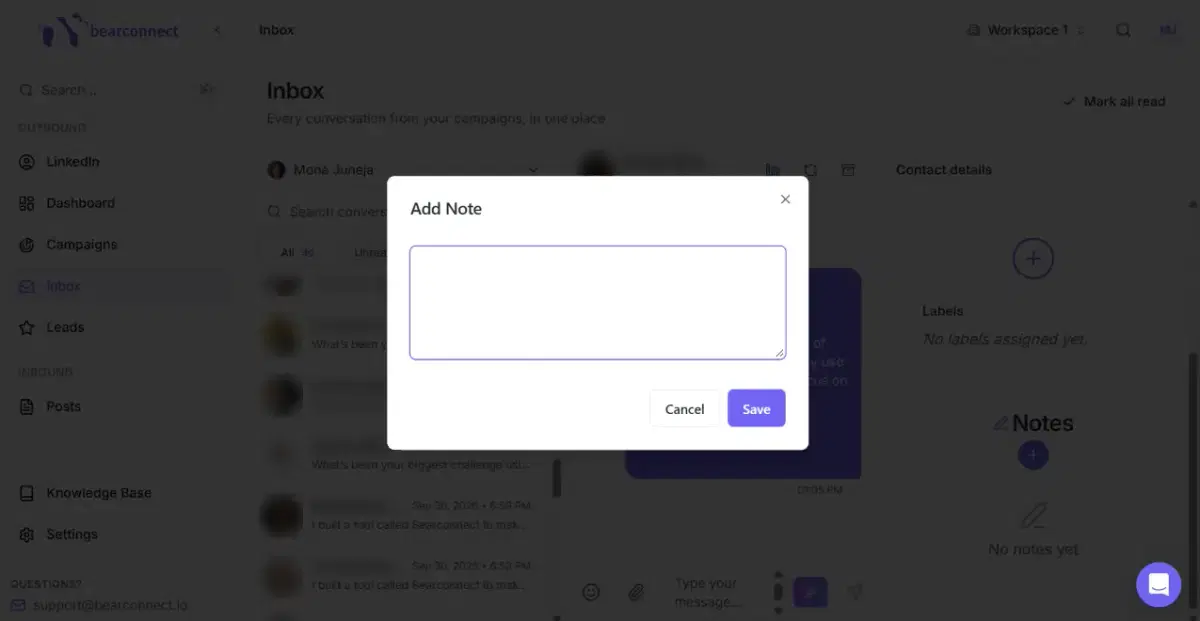
Keep track of key details about your prospects in the Notes section - it's private and just for you.