Cloud-Based vs Browser LinkedIn Automation: Which Is Safer?
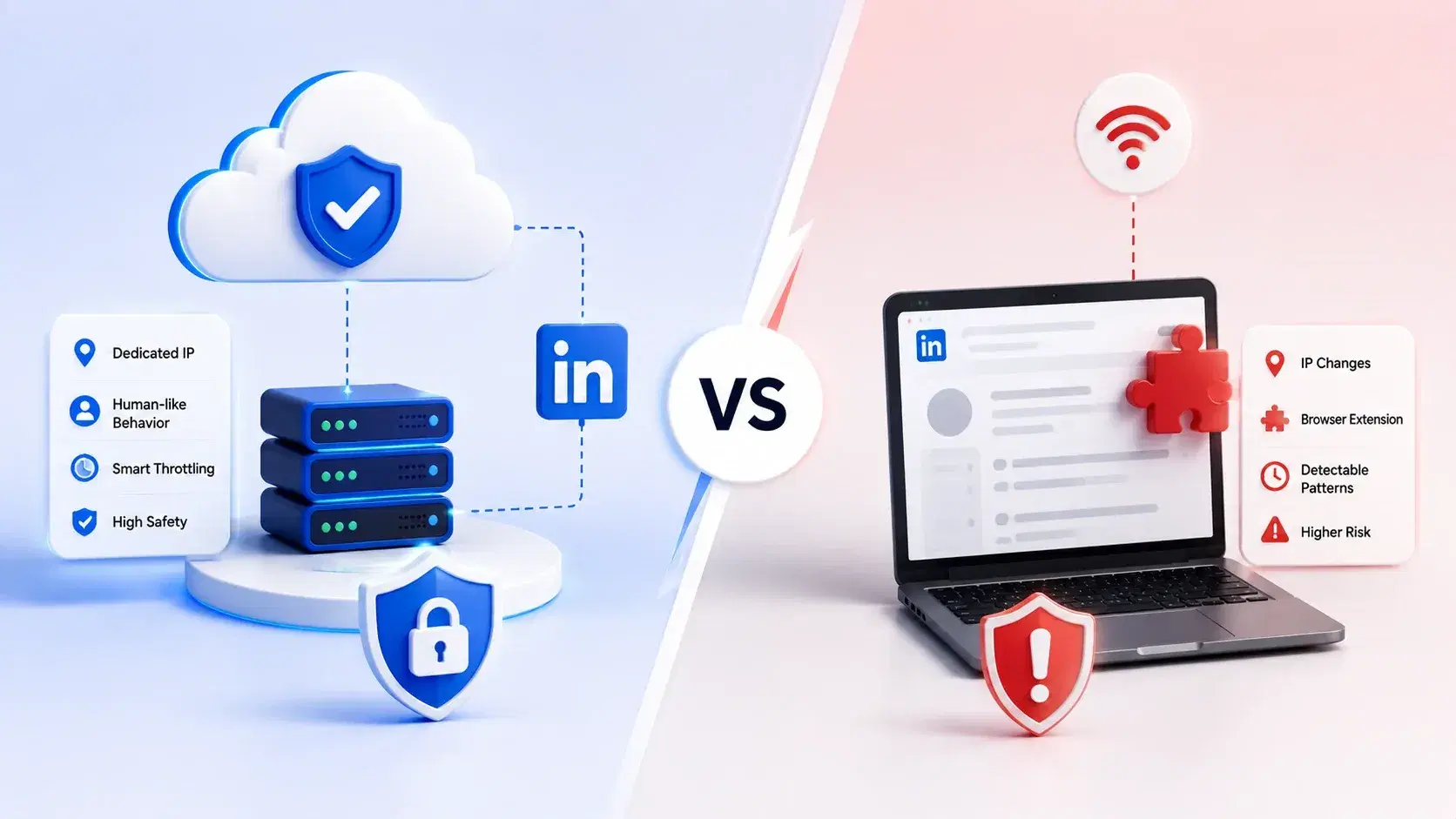
In the cloud-based vs browser LinkedIn automation debate, the cloud wins on account safety because it runs from stable, dedicated IPs with human-like pacing,
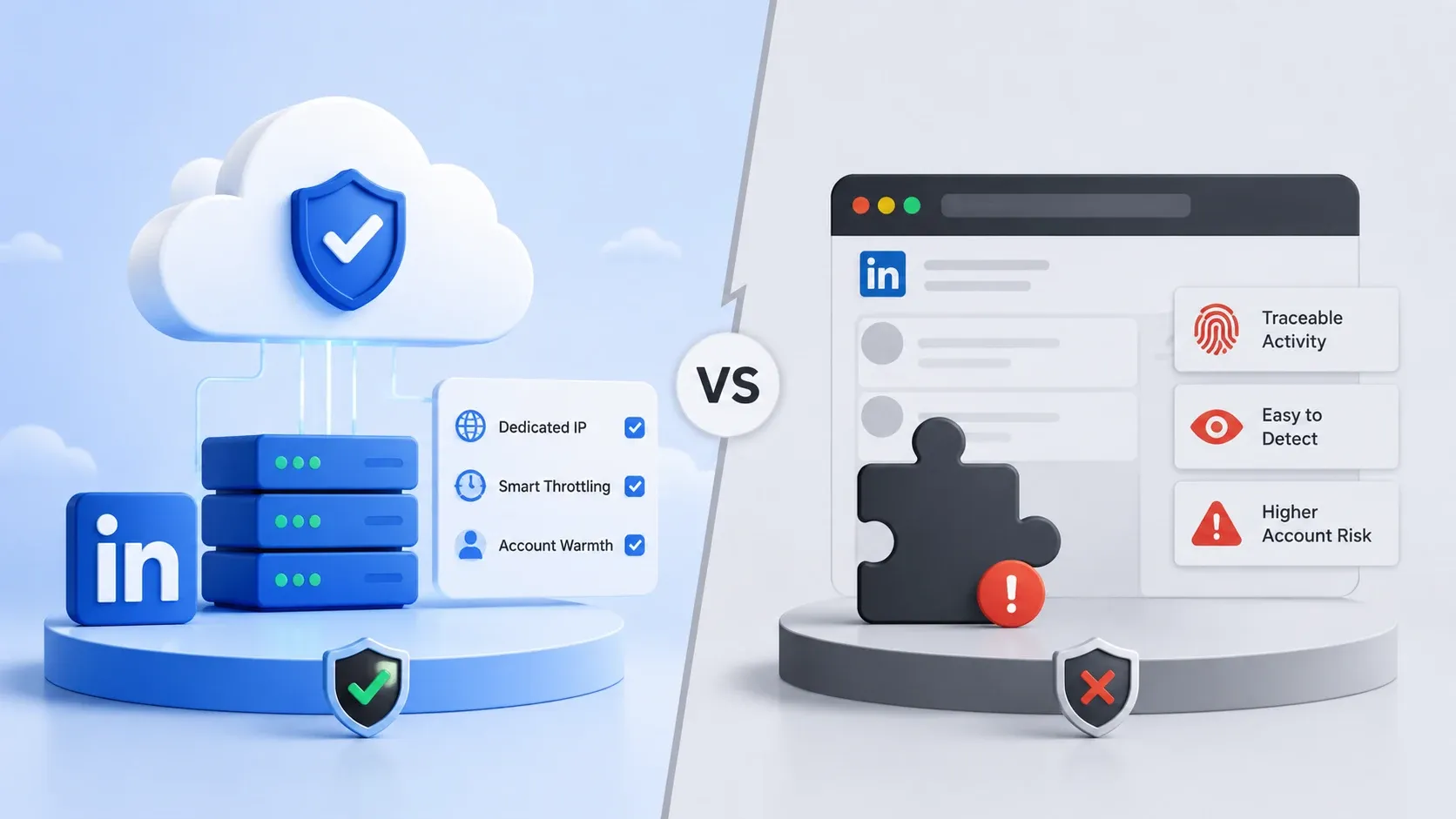
While browser extensions tie every action to your live login session and leave footprints LinkedIn can flag.
TL;DR
- Cloud-based is the safer architecture. It uses dedicated IPs, runs server-side, and mimics human behavior, which lowers LinkedIn detection risk.
- Browser LinkedIn automation is riskier. Chrome extensions inject scripts into your live session, so LinkedIn can spot the automated patterns more easily.
- Cloud-based vs browser LinkedIn automation, which one is safer? Cloud, in almost every real scenario, especially at scale or across multiple accounts.
- Browser tools only "win" in one narrow case: a single account, tiny volume, and a tight budget.
- For safe scaling, I use a cloud-based tool. Bearconnect runs in the cloud with Local IPs, Smart Throttling, and Account Warmth built in, at $67/month per LinkedIn account.
What Is Browser-Based LinkedIn Automation?
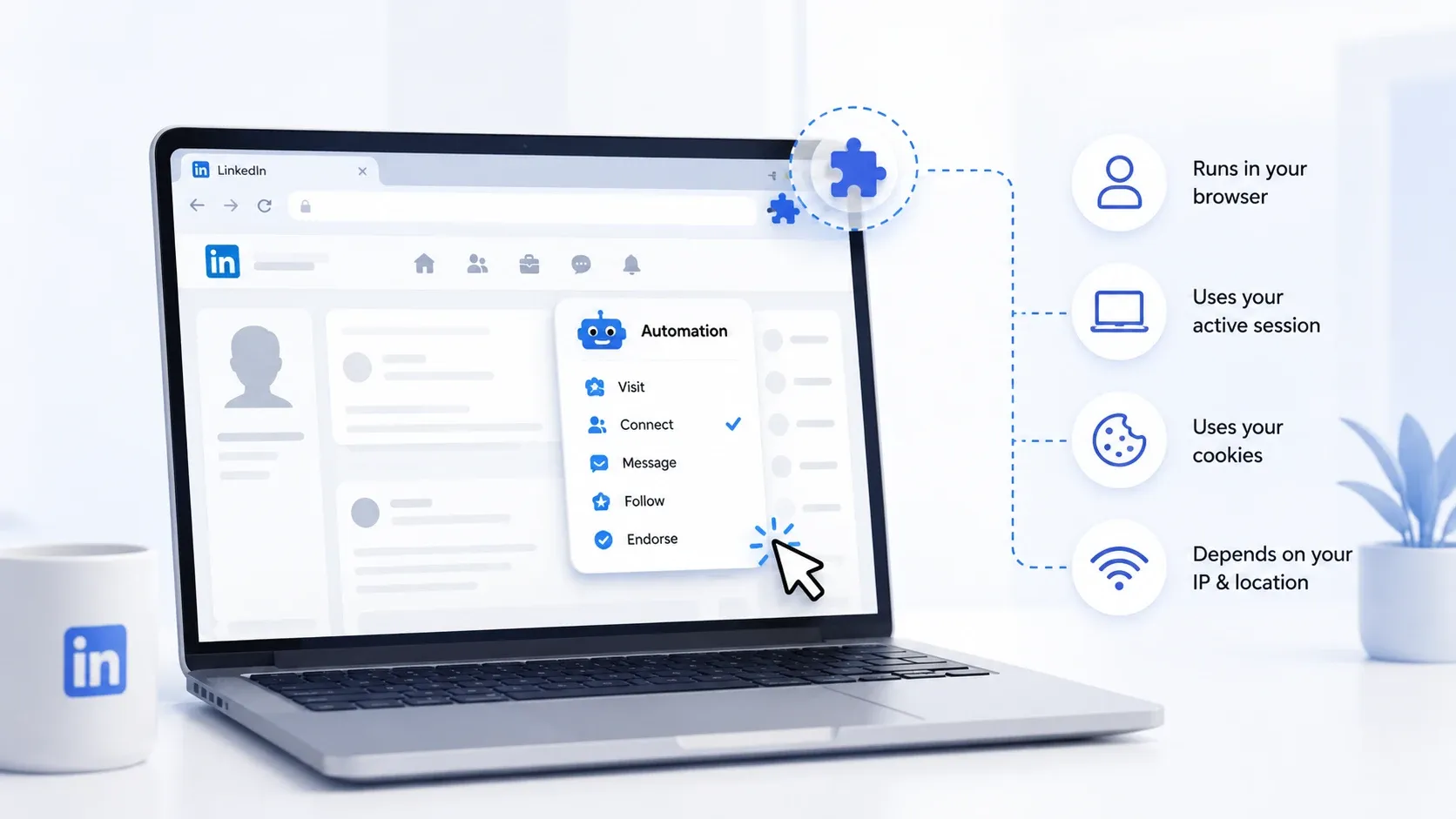
Browser LinkedIn automation runs as a Chrome (or Edge) extension that controls LinkedIn directly inside your open browser tab.
- It clicks, sends, and scrolls using your active session, on your machine, with your laptop powered on.
- Tools like Linked Helper work this way. The extension simulates your mouse and keyboard on the live page.
Sounds harmless. It is not, at scale.
- The catch is simple. Every action fires from your real browser, your real cookies, and whatever IP your laptop happens to be on that day.
- Close the tab and automation stops. Switch from office Wi-Fi to home Wi-Fi and your "location" jumps.
Real scenario: A founder I know ran a Chrome extension for outreach. He worked from a cafe one morning, home that night, and a co-working space the next day. Three IPs in 24 hours, same account, hundreds of actions. LinkedIn restricted him within a week. The tool did its job. The architecture got him flagged.
What Is Cloud-Based LinkedIn Automation?
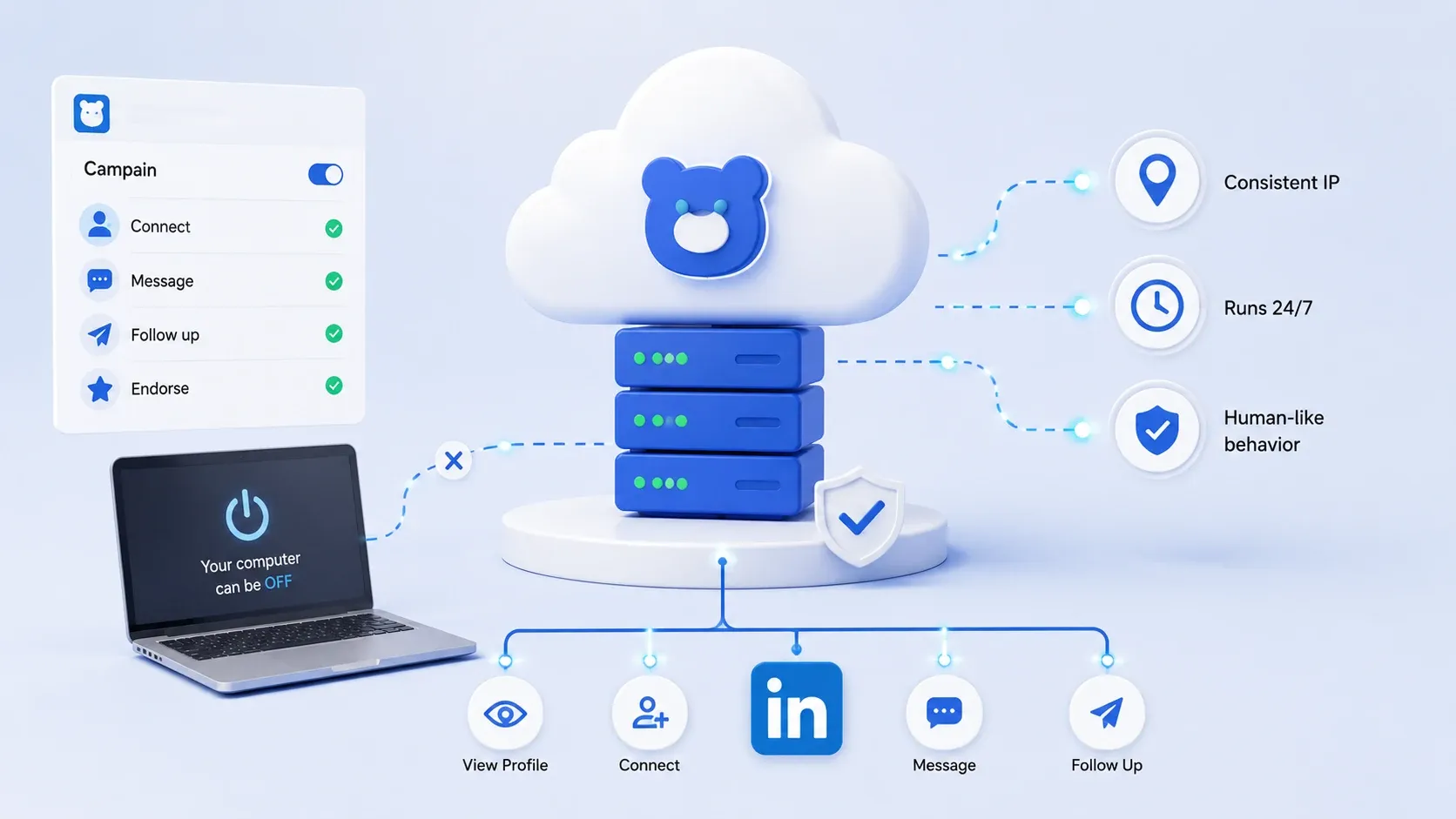
Cloud-based LinkedIn automation runs on a remote server, not inside your browser, so it keeps working even when your computer is off. Your campaigns sit in the cloud, tied to a consistent IP, sending actions on a steady, human-like schedule.
- This is the model Bearconnect uses. You set up a campaign once. It runs server-side, around the clock, from a stable location.
- No open tab. No "my laptop died so my sequence stopped." No IP jumping between coffee shops.
That single difference, where the automation lives, drives almost every safety gap between the two models.
Why the "where it runs" question matters so much
LinkedIn does not just watch what you do. It watches how, where, and how fast you do it. Cloud-based tools control all three of those signals. Browser tools control almost none of them.
Best Cloud-Based LinkedIn Automation Tools
| Tool | Starting Price | Key Strengths | Best For You If |
|---|---|---|---|
| Bearconnect | $67/month per account ($57 for 5+) Annual Plan : 56$/month per account | Local IPs, Smart Throttling, Account Warmth, AI content creation, Unified Inbox, drip campaigns, post scheduling, lead import | You want an all-in-one cloud platform that covers outreach, AI content, and multi-account management from one safe dashboard |
| Expandi | $99/month per account | Cloud-based, dedicated IPs, smart sequences, multi-channel outreach | You run agency-scale outreach and want a well-known cloud tool, but budget is less of a concern |
| Dripify | $79–99/month per user | Visual drip builder, CRM integrations (HubSpot, Salesforce, Pipedrive), A/B testing | You need a clean drag-and-drop sequence builder and CRM sync, and do not need content automation |
| Waalaxy | $66/month | Multi-channel (LinkedIn + email), easy UI, budget-friendly | You are a solopreneur who wants simple outreach across LinkedIn and email without heavy setup |
| HeyReach | Custom/Agency pricing | Built for agencies, high-volume outreach, team collaboration | You run a large agency and need volume-first outreach at scale across many client accounts |
How LinkedIn Detects Automation (The Part Nobody Explains)
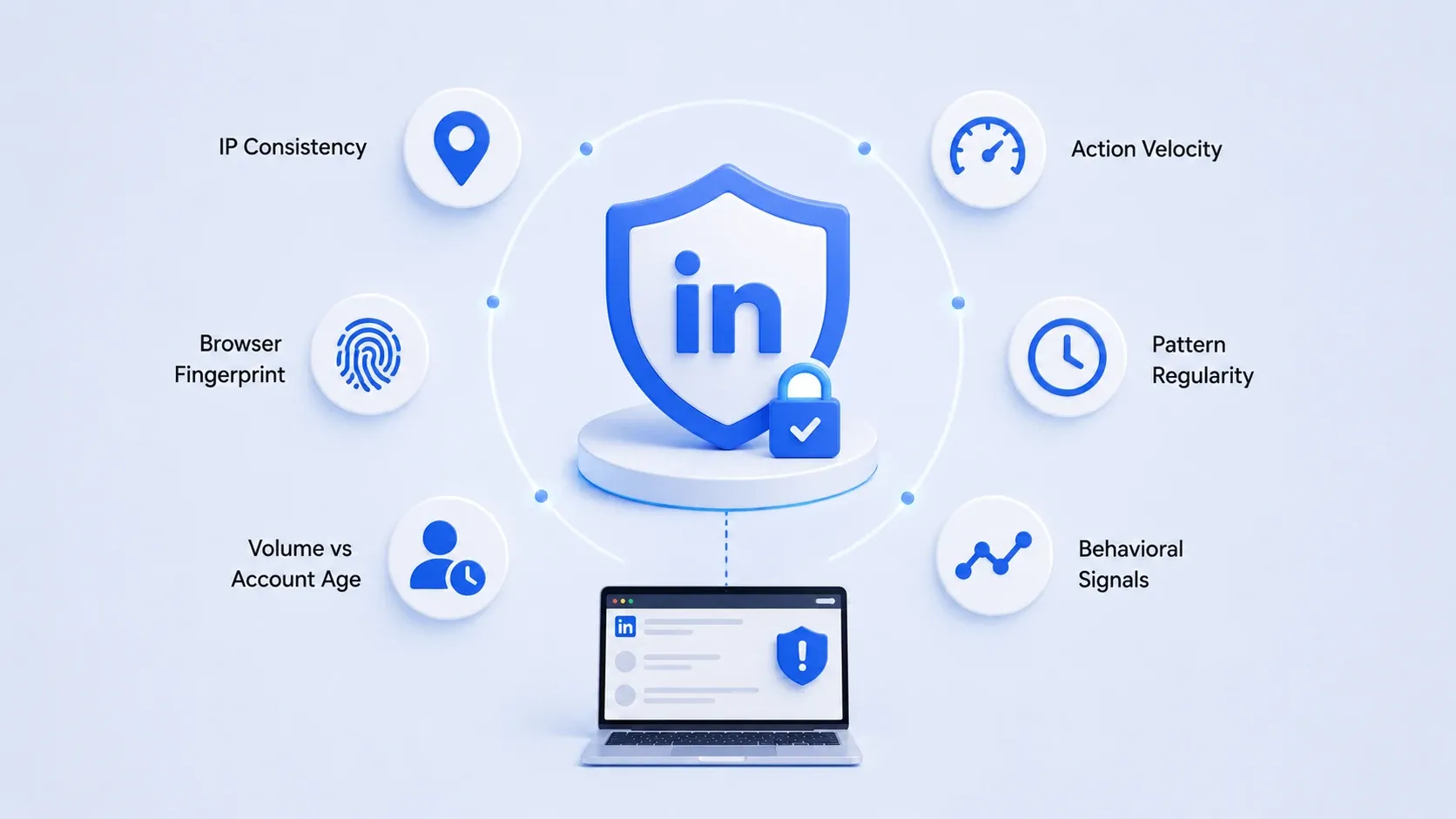
LinkedIn flags accounts based on behavioral and technical signals, not a single "automation switch." Understanding these signals is the whole reason cloud beats browser on safety.
Here is what LinkedIn actually watches:
- IP consistency → A real human logs in from a stable location. Sudden IP hops look automated.
- Action velocity → 80 connection requests in 10 minutes is not human. A human spaces them out.
- Pattern regularity → Exact 30-second gaps between every action scream "script."
- Browser fingerprint → Extensions inject detectable code into the LinkedIn page DOM.
- Volume vs account age → A 2-week-old account blasting 200 invites is an instant red flag.
Browser-based linkedin automation struggles with most of these. It runs on your shifting IP, leaves an extension fingerprint, and often fires actions in rigid patterns. Cloud-based tools were built to smooth every one of these signals out.
A quick real-world example
I once split-tested two accounts doing the exact same outreach volume. One ran on a browser extension over hotel and home Wi-Fi during a work trip. The other ran cloud-side on a fixed IP.
Same messages. Same daily caps. Same audience.
The browser account caught a warning inside ten days. The cloud account ran clean for months. The only variable that changed was the architecture underneath, not the outreach itself. That is the whole argument in one experiment.
Cloud-Based vs Browser LinkedIn Automation: The Safety Comparison
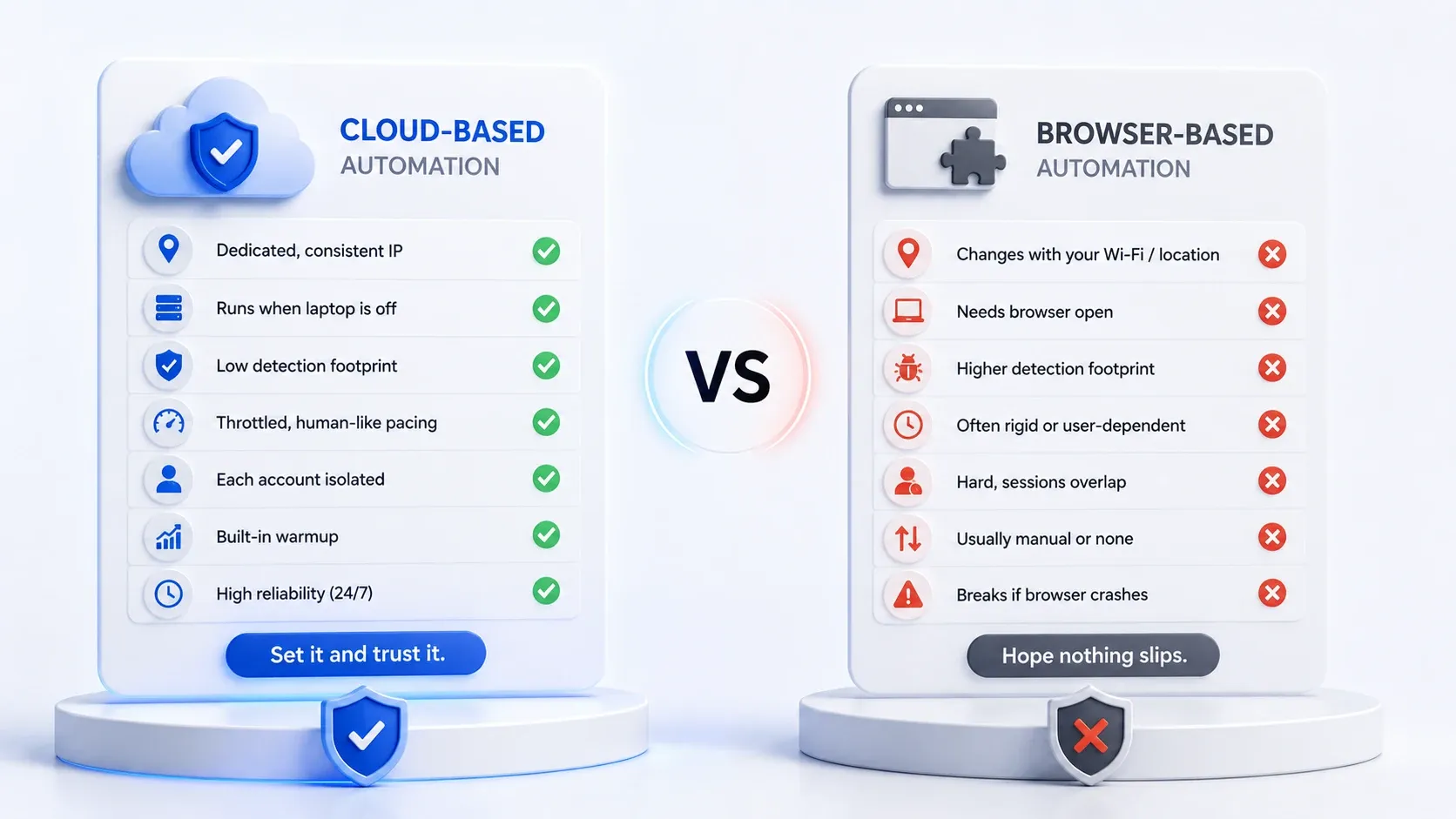
Cloud-based automation beats browser-based automation on every safety factor that LinkedIn actually scores.
If you're trying to figure out which is safer, cloud-based or browser-based LinkedIn automation, this is the exact comparison I use. It's also the answer I give whenever someone asks me which approach is safer.
| Safety Factor | Cloud-Based Automation | Browser LinkedIn Automation |
|---|---|---|
| IP stability | Dedicated, consistent IP | Changes with your Wi-Fi or location |
| Runs when laptop is off | Yes, server-side | No, needs browser open |
| Detection footprint | Low, no page-level injection | Higher, injects scripts into the page |
| Action pacing | Throttled, randomized, human-like | Often rigid or user-dependent |
| Multi-account isolation | Each account isolated | Hard, sessions overlap on one machine |
| Account warmup | Built-in gradual ramping | Usually manual or none |
| Reliability | High, runs 24/7 | Breaks if browser crashes or sleeps |
Wait, you might be thinking: isn't browser automation fine for one account?
For one account at very low volume, browser tools can survive. I will be honest about that.
- If you send 10 carefully spaced invites a week from the same home IP and never push limits, a Chrome extension might never get you flagged.
Scraper-style tools like PhantomBuster carry the highest risk, which is why we compared safer options in this PhantomBuster alternatives (Portuguese guide).
Which Tool Is Better, Cloud-Based or Browser LinkedIn Automation?
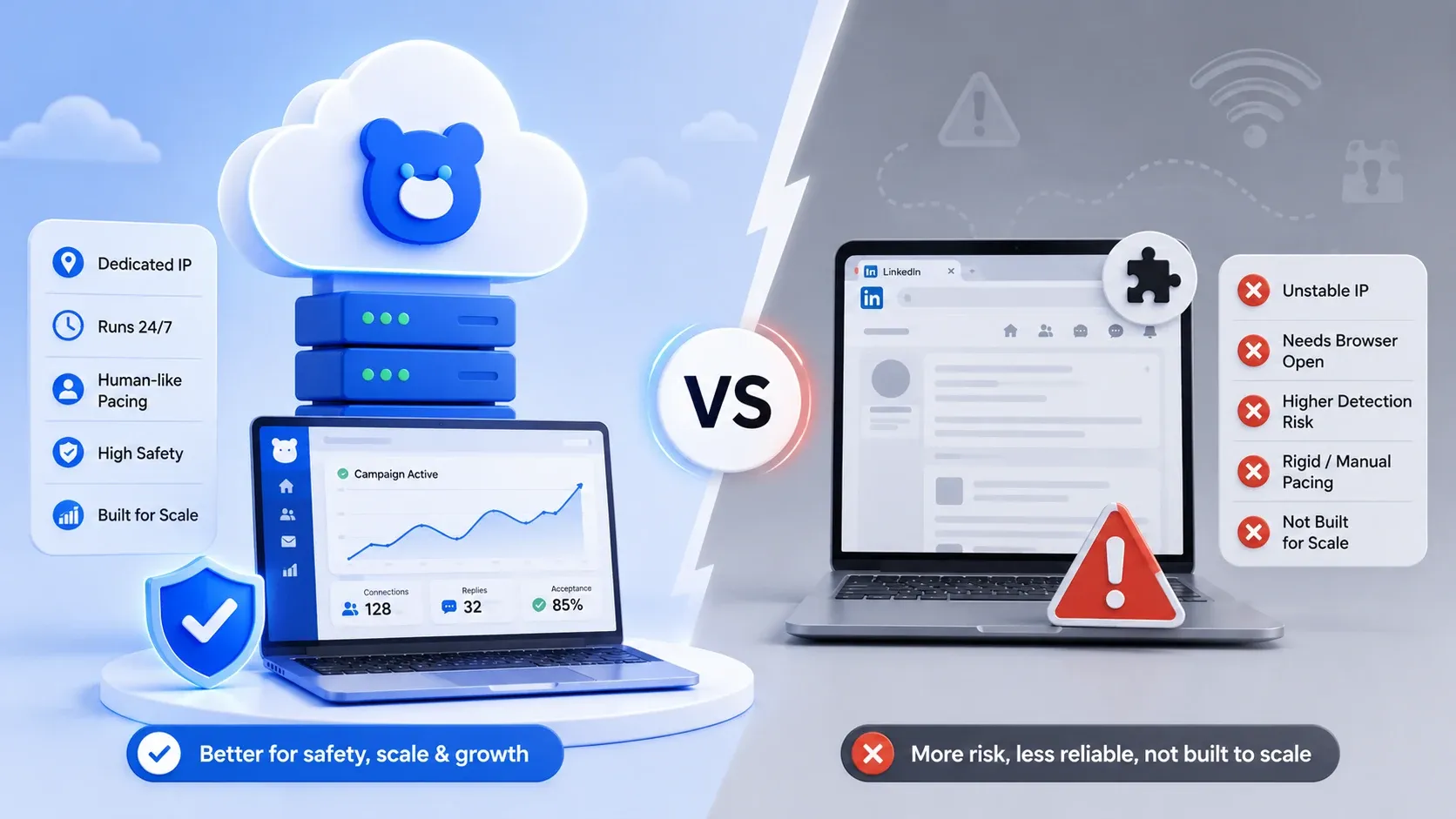
For safety, scale, and reliability, cloud-based is better than browser-based for almost everyone running real outreach.
When people ask which one is better, cloud-based or browser LinkedIn automation, my answer depends on exactly one thing:
are you running a serious automated LinkedIn campaign, or just dabbling?
Pick browser-based if:
- You manage exactly one account.
- Your volume is tiny and occasional.
- You want the cheapest possible entry and accept the risk.
Pick cloud-based if:
- You run consistent outreach week after week.
- You manage 2 or more LinkedIn accounts.
- You want it running while you sleep.
- Account safety is non-negotiable (it should be).
Most founders, SDRs, and agencies fall into the second list. That is why cloud is the practical winner, not just the technical one.
Pro tip: Before you pick any tool, ask the vendor one question: "Does each LinkedIn account get a dedicated IP?" If they dodge it, that tells you everything about their safety model.
The Multi-Account Problem Browser Tools Cannot Solve
Browser-based automation breaks down the moment you manage more than one LinkedIn account, because every session shares the same machine and browser. This is the single biggest reason agencies move to the cloud.
Picture an agency running outreach for 6 clients. With a browser extension, that means juggling 6 logins, 6 sets of cookies, and constant session switching on one computer.
LinkedIn sees six accounts operating from one device fingerprint. That is a textbook automation pattern.
Cloud-based linkedin automation isolates each account. Each one runs its own campaigns, on its own stable IP, in its own environment, all visible from a single dashboard.
Where a unified inbox changes the game
Beyond safety, multi-account browser setups create chaos in your replies. Conversations scatter across six logins. Leads go cold while you hunt for the right tab.
Cloud tools like Bearconnect pull every account into one unified inbox, so you reply from one screen without logging in and out. Safer and saner.
How to Run a Safe Automated LinkedIn Campaign
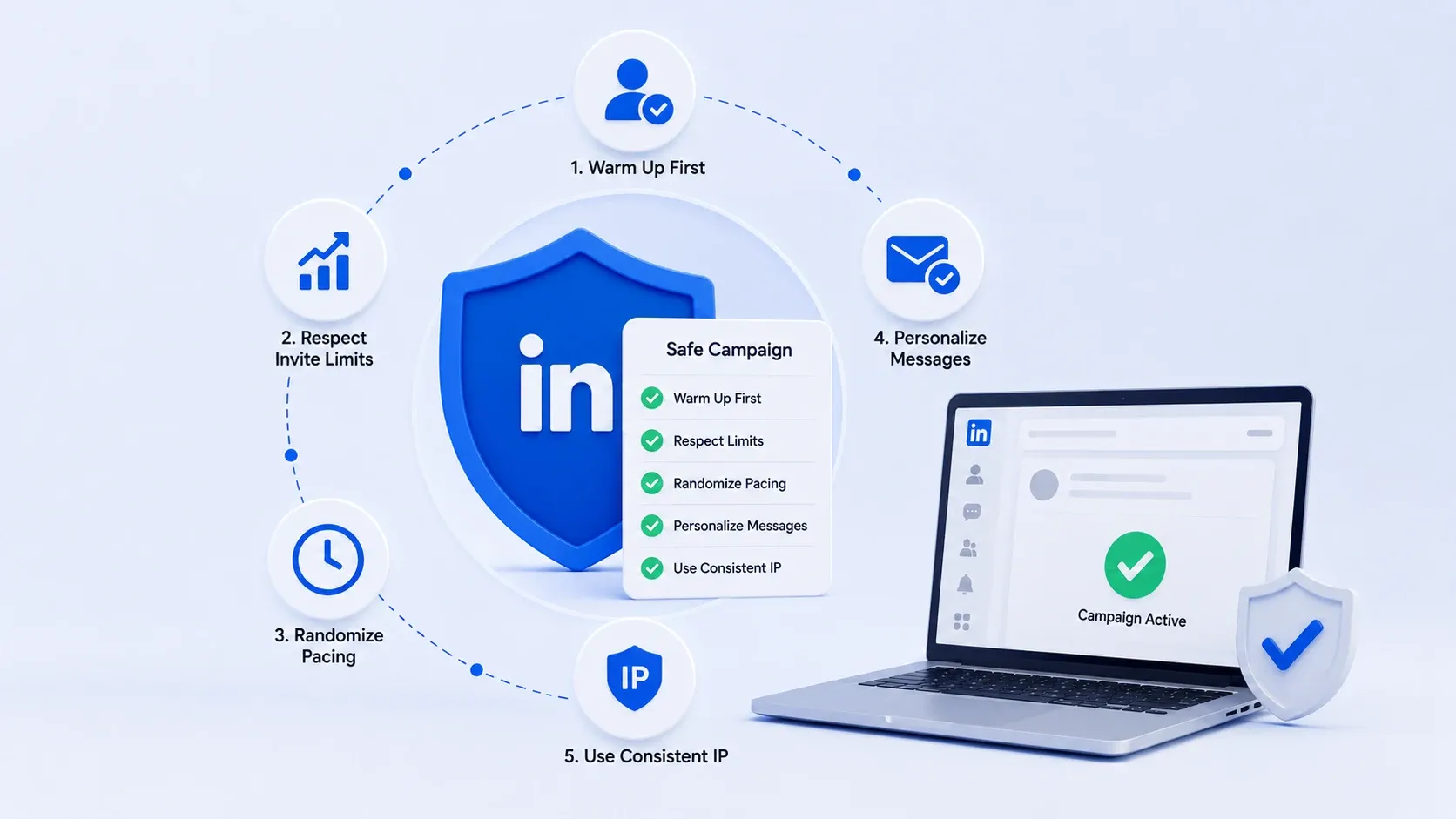
You can run a safe automated LinkedIn campaign on any tool by respecting LinkedIn's limits, warming accounts gradually, and keeping behavior human. The tool matters, but discipline matters just as much.
Here is the framework I follow on every account:
- Warm up first. New or dormant accounts ramp slowly. Start with a handful of actions a day, then build over 2 to 3 weeks.
- Respect the invite ceiling. LinkedIn enforces a weekly invitation limit (commonly cited around 100 to 200 per week). Stay under it.
- Randomize pacing. Vary delays between actions. Rigid timing is the easiest pattern to detect.
- Personalize at the start of sequences. Generic blasts get reported. Reported accounts get reviewed.
- Keep one consistent IP per account. This is where browser tools fail and cloud tools win.
Notice how many of those steps depend on infrastructure, not just effort. You can personalize manually. You cannot manually fake a stable IP from a Chrome extension.
That is the quiet argument for cloud-based automation. It handles the safety mechanics you cannot reliably do by hand.
Pro tip: Treat your oldest, most-connected LinkedIn account as your crown jewel. Test any new automation tool on a secondary account first, for two weeks, before you ever point it at your main profile.
Where Bearconnect Fits In - AI Powered cloud-based LinkedIn automation platform
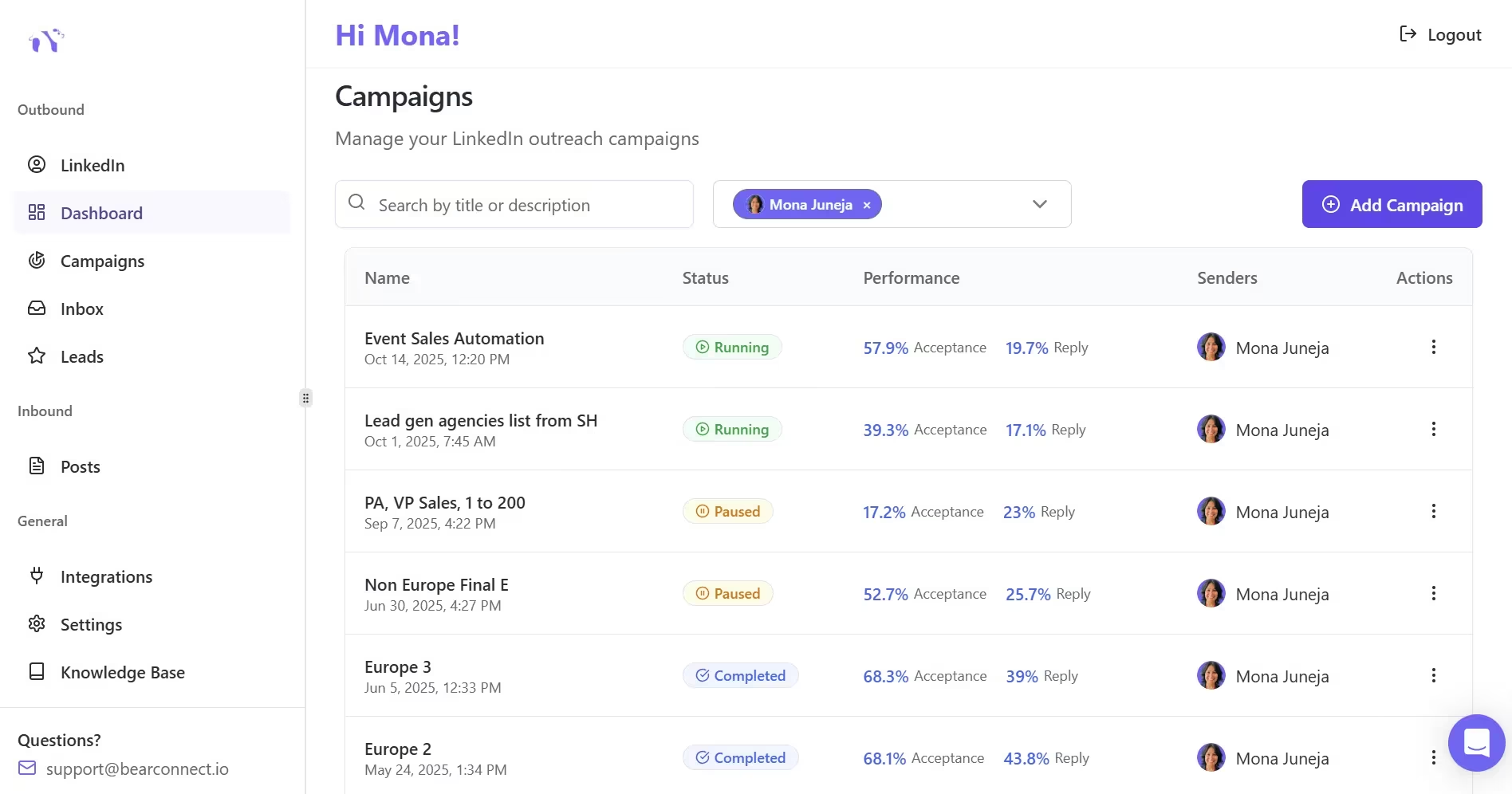
Bearconnect is a AI Powered cloud-based LinkedIn automation platform built around the exact safety signals LinkedIn scores. From my experience testing tools, the safety features are not bolt-ons. They are the foundation.
Here is what handles the risk side:
- Local IPs → Actions run from real, consistent geographic locations, not your shifting Wi-Fi.
- Behavior Mimicry → Automation paces and randomizes actions so they look human, not robotic.
- Smart Throttling → It respects LinkedIn's daily action limits automatically.
- Account isolation → Manage multiple accounts safely from one unified inbox.
On top of safety, it runs the full workflow: connection requests, drip campaigns, AI LinkedIn content, post scheduling, and turning post engagers into leads, without CSV juggling or extra tools.
The pricing math (especially for agencies)
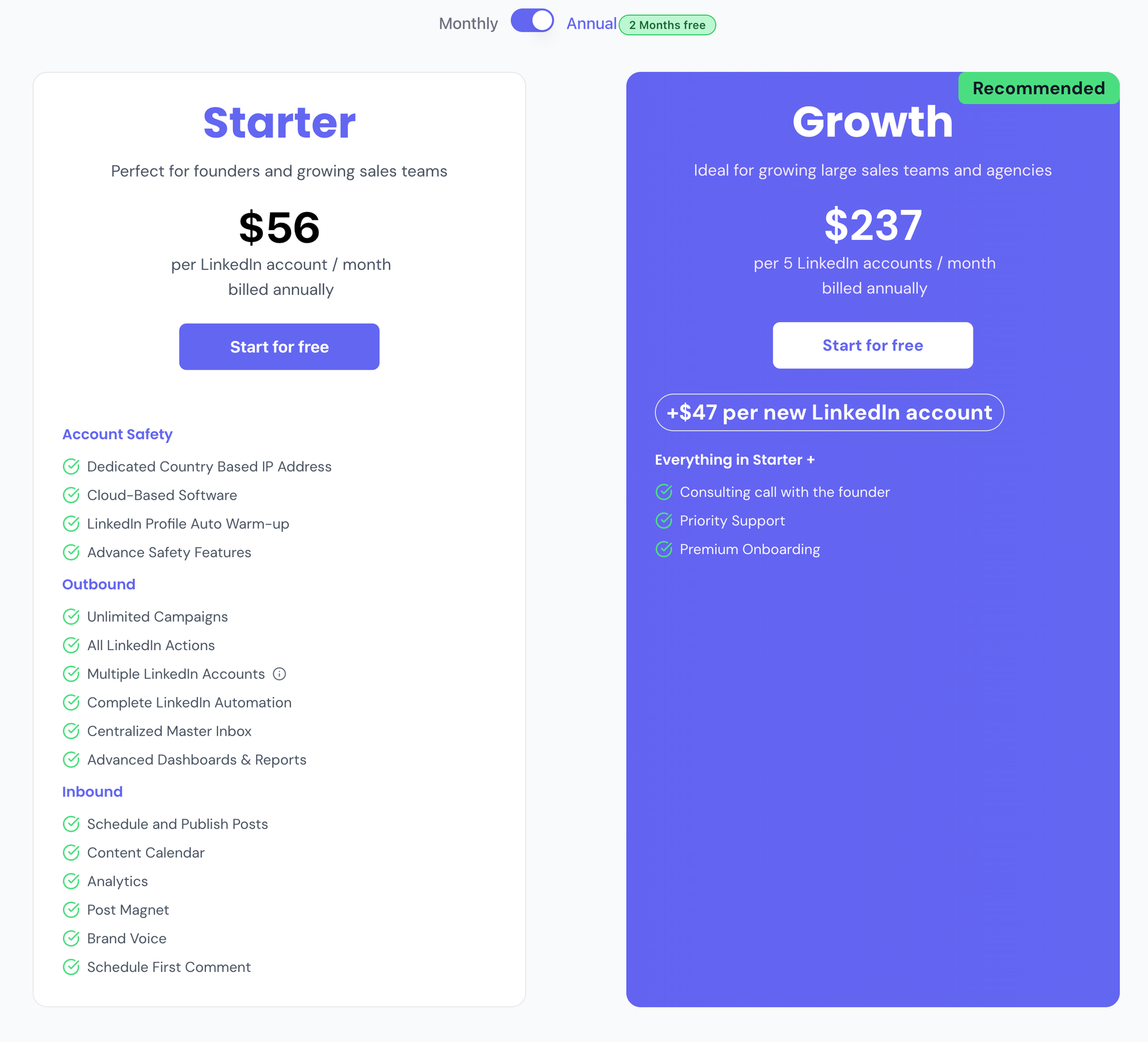
Bearconnect is $67 per month per LinkedIn account, and it drops to $57 per month per account once you connect 5 or more. You pay per account you connect, not a flat fee, so the cost scales with your actual usage.
For an agency, that math is friendly:
- → 5 accounts at $57 = $285/month total
- → Resell client outreach at a healthy multiple on that base
- → Every account isolated and safe, managed from one dashboard
That structure is hard to match with a browser extension, where scaling means more machines, more risk, and more session chaos.
The Verdict
Cloud-based wins the cloud-based vs browser LinkedIn automation question on safety, and it is not close for anyone running real volume.
Browser tools have a place: one account, low volume, tight budget. Everyone else is safer, and frankly calmer, in the cloud.
If your LinkedIn account is tied to your pipeline, your reputation, or your agency's revenue, do not gamble it on a Chrome extension and a coffee-shop IP.
Run it from the cloud. Sleep better.
Frequently Asked Questions
1. Cloud-based vs browser LinkedIn automation, which one is safer
Cloud-based is safer. It runs from a stable dedicated IP with human-like pacing, while browser extensions tie actions to your live session and shifting IP, which LinkedIn detects more easily.
2. Can LinkedIn detect browser-based automation?
Yes, more readily than cloud-based. Browser extensions inject scripts into the LinkedIn page and run on changing IPs, creating technical and behavioral footprints LinkedIn's systems can flag.
3. Will I get banned for using LinkedIn automation?
Not automatically, if you respect limits, warm up your account, and keep behavior human. Bans usually come from aggressive volume, rigid patterns, or unstable IPs, which cloud tools are built to avoid.
4. Is cloud-based LinkedIn automation worth it for a single account?
Often yes. Even with one account, you get a stable IP, 24/7 operation, and built-in throttling. A browser tool only makes sense if your volume is very low and budget is your only concern.
5. Why is cloud-based better for agencies running multiple accounts?
Because it isolates each account on its own IP and environment, then unifies replies in one inbox. Browser tools force multiple logins on one machine, which looks automated and raises ban risk.
Ready to automate LinkedIn without risking your account? Try Bearconnect, the cloud-based platform with Local IPs, Smart Throttling, and Account Warmth built in, starting at $67/month per LinkedIn account.
Run safe outreach across every account from one dashboard. Visit bearconnect.io to get started.
Ready to Transform Your LinkedIn Strategy?
Join thousands of professionals already using Bearconnect to automate their outreach and grow their network.
7-day free trial • Cancel anytime
Related Articles
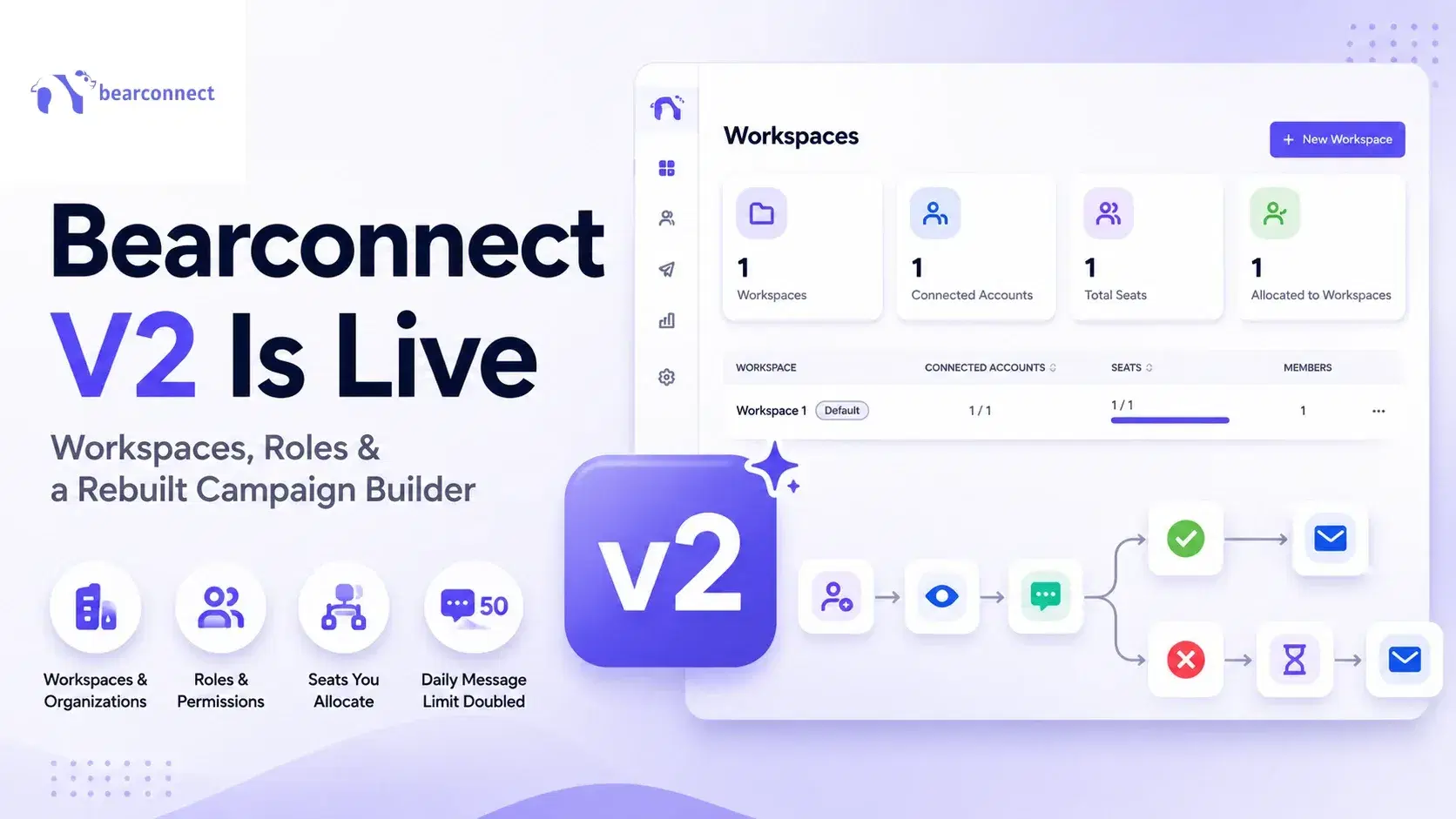
Bearconnect V2 Is Live: Workspaces, Roles and a Rebuilt Campaign Builder
Bearconnect V2 introduces dedicated workspaces, flexible roles, and a rebuilt campaign builder, giving agencies and sales teams more control over every LinkedIn account they manage.
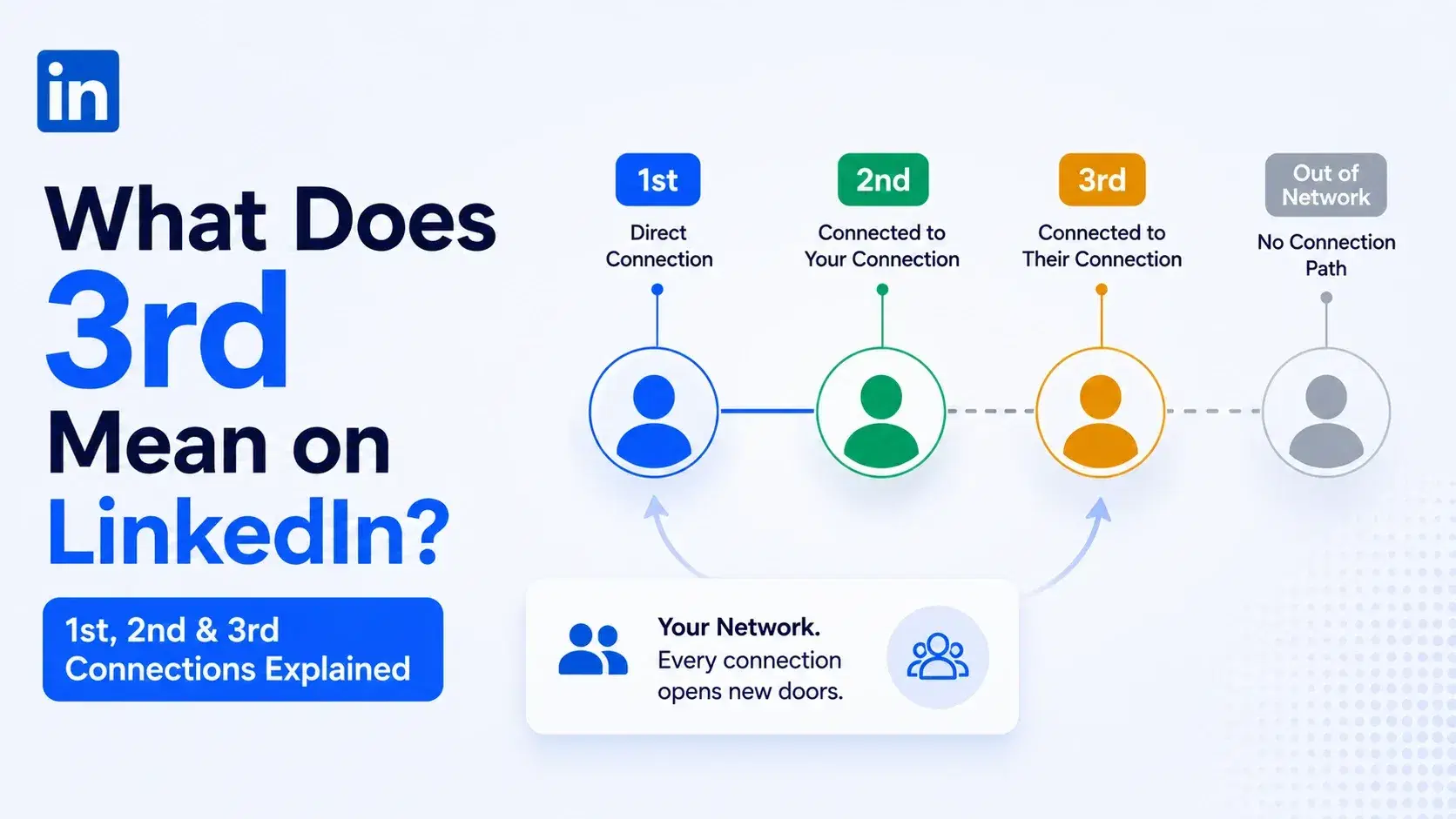
What Does 3rd Mean on LinkedIn? 1st, 2nd and 3rd Connections Explained
That gray 3rd next to a name is not a wall, it is a puzzle. Here is what 1st, 2nd, and 3rd degree connections mean, and how to reach any of them.
Dripify vs Waalaxy: Which LinkedIn Tool Should You Pick in 2026?
Compare Dripify vs Waalaxy on features, pricing, safety, and performance. Find the right LinkedIn outreach tool and discover a smarter alternative.