Time Savings Calculator: How Much Time Does LinkedIn Automation Really Save?

LinkedIn automation saves professionals 30-40 hours monthly by eliminating repetitive outreach tasks like sending connection requests, crafting follow-ups, and scheduling content.
Sales teams using automation report reclaiming 15-20 hours weekly that can be redirected toward high-value activities like closing deals and strategic conversations.
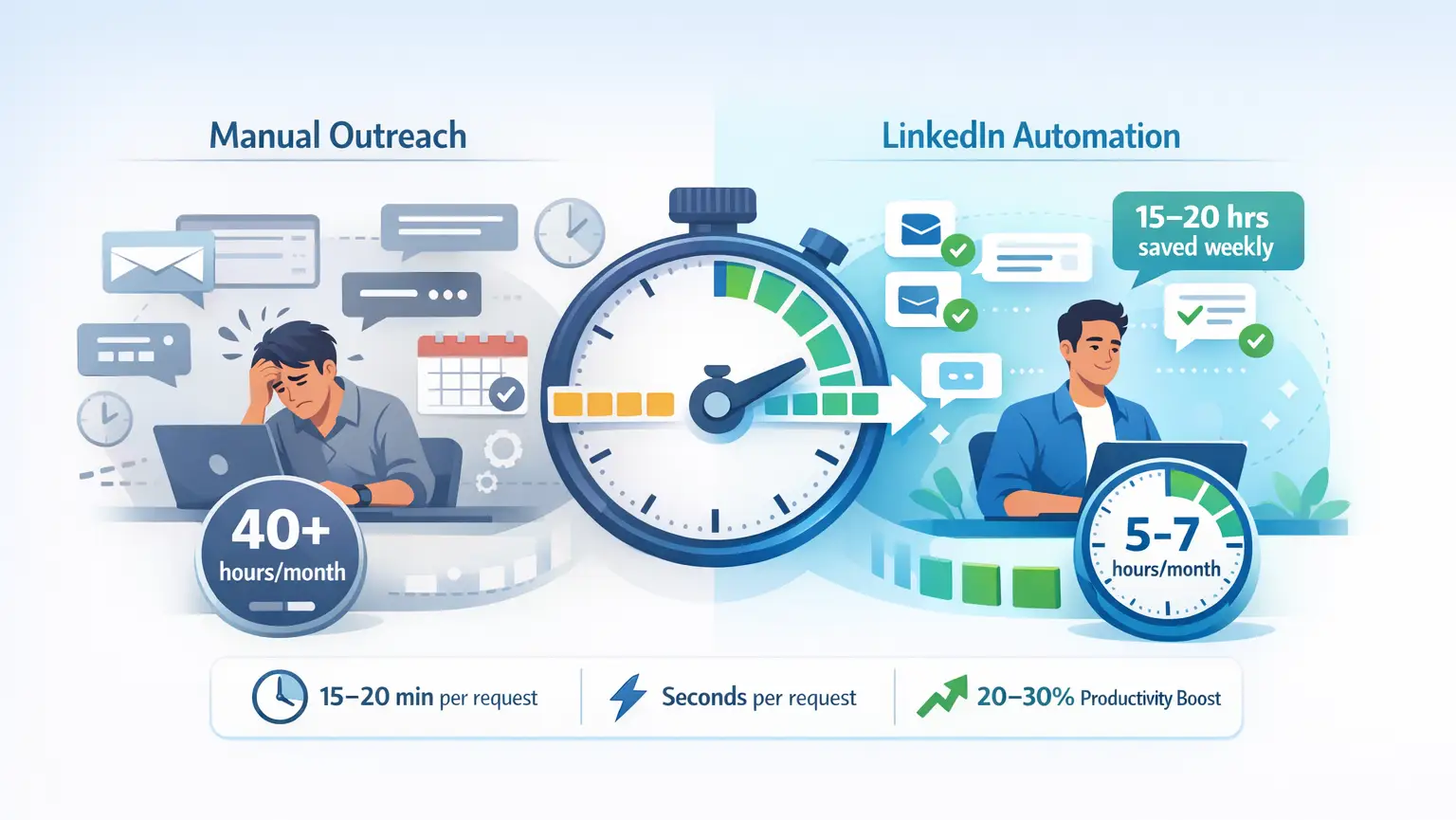
TL;DR: Time Savings at a Glance
- Manual LinkedIn outreach consumes 40+ hours monthly on repetitive tasks
- Automation reduces this to 5-7 hours monthly for campaign management
- 15-20 minutes per personalized connection request manually vs. seconds with automation
- Sales professionals save 15-20 hours weekly using automation tools
- Teams redirect saved time to revenue-generating activities, improving productivity by 20-30%
The Real Cost of Manual LinkedIn Outreach
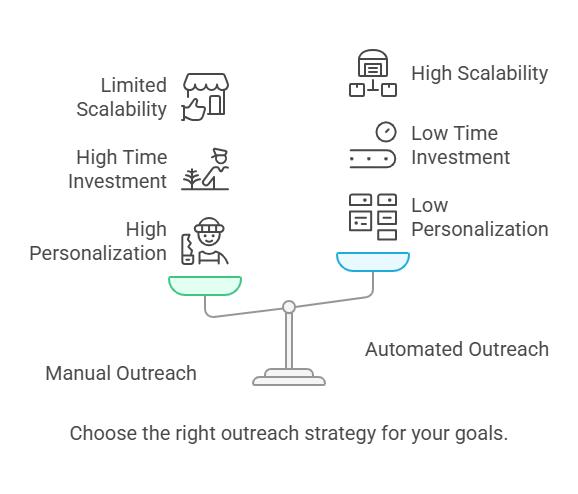
Manual LinkedIn prospecting drains resources faster than most professionals realize.
Time breakdown per manual activity:
- Personalized connection request: 15-20 minutes
- Individual follow-up message: 10-15 minutes
- Prospect background research: 5-10 minutes
- Daily connection management: 30+ minutes
Reaching just 50 prospects manually requires 20+ hours weekly. For sales teams targeting 200-400 connections monthly, manual outreach becomes impossible without sacrificing quality or burning out your team.
The opportunity cost is staggering. Sales professionals waste 60-70% of time on non-revenue activities when managing outreach manually.
How Automation Transforms Your Time Investment
LinkedIn automation fundamentally changes the time equation.
Before automation:
- 40 hours monthly on repetitive outreach tasks
- 20+ hours weekly reaching 50 prospects
- Limited scalability without hiring additional team members
After automation:
- 5-7 hours monthly managing campaigns
- 15-20 hours weekly saved for strategic work
- 200-400 qualified connections monthly per person
Automation handles the volume while you focus on the conversations that actually convert.
The system runs 24/7, sending connection requests during optimal times, following up consistently, and never forgetting a prospect.
Breaking Down the Time Savings Calculator
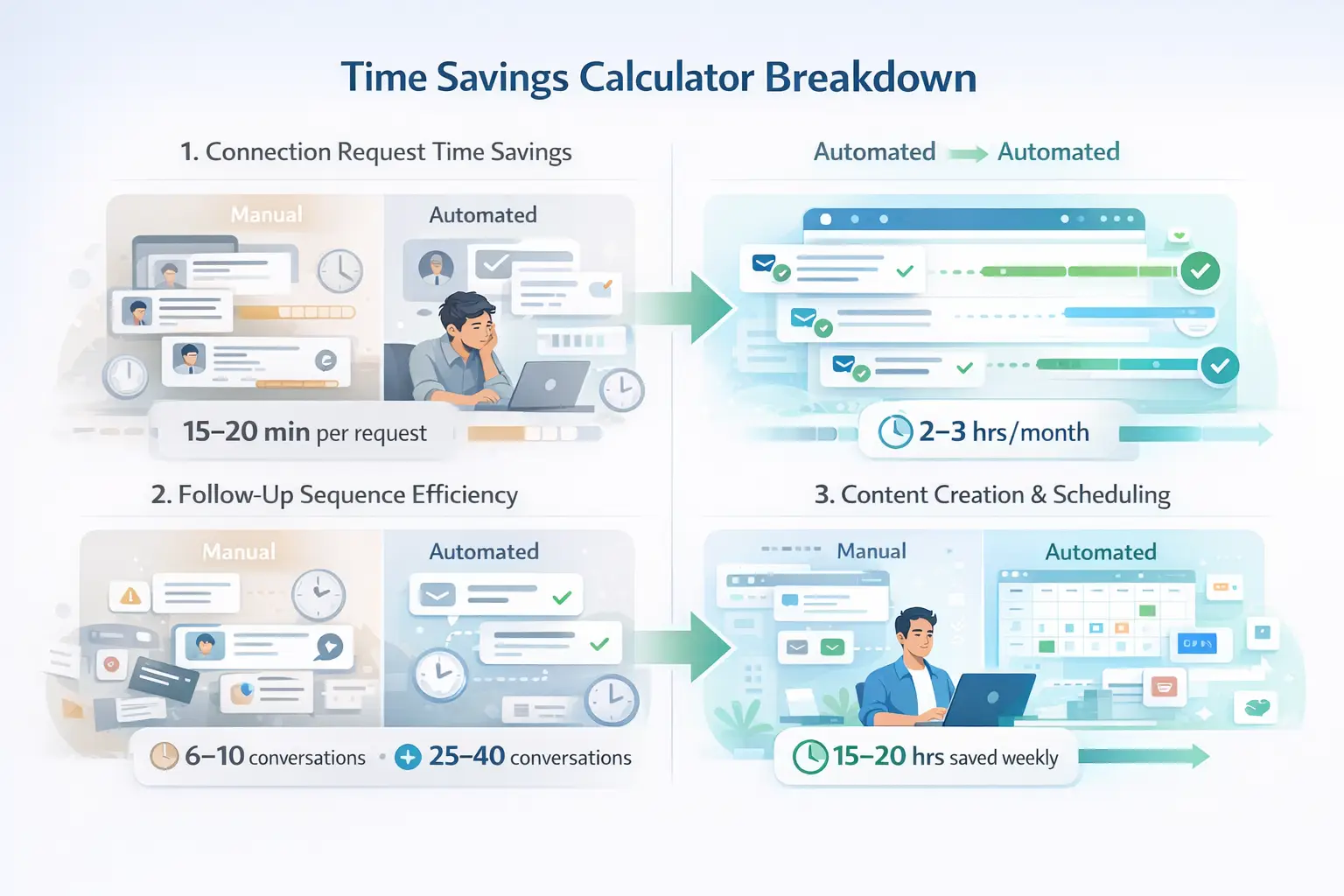
Let's quantify exactly where automation saves time.
1. Connection Request Time Savings
Manual approach:
- 15-20 minutes per personalized request
- 50 requests weekly = 12.5-16.7 hours
- 200 requests monthly = 50-67 hours
Automated approach:
- Setup time: 30 minutes for campaign template
- Ongoing: 2-3 hours monthly for monitoring
- Time saved: 47-64 hours monthly
2. Follow-Up Sequence Efficiency
Manual follow-ups:
- 10-15 minutes per message
- Inconsistent timing and frequency
- High error rate and forgotten prospects
- Multi-step campaigns run automatically
- Perfect timing every time
- 25-40 warm conversations monthly vs. 6-10 manually
- Time saved: 15-20 hours weekly
3. Content Creation and Scheduling
Manual posting:
- 30-60 minutes daily finding content ideas
- Inconsistent posting schedule
- Managing multiple accounts is chaotic
Automated posting:
- Batch content creation once weekly
- Scheduled weeks in advance
- Maintain visibility without daily effort
- Time saved: 10-15 hours weekly
Real-World Time Savings Examples
Solo Sales Professional
Before automation:
- 40 hours monthly on LinkedIn tasks
- 50-100 connections monthly
- 6-10 meaningful conversations
After automation:
- 5-7 hours monthly managing campaigns
- 200-400 connections monthly
- 25-40 meaningful conversations
- Net result: 33-35 hours saved monthly (See real case study)
Sales Team of 5 People
Manual approach total:
- 200 hours monthly across team (40 hours × 5)
- 250-500 total connections
- Limited pipeline consistency
Automated approach total:
- 25-35 hours monthly for campaign oversight
- 1,000-2,000 qualified connections
- Predictable, scalable pipeline
- Net result: 165-175 hours saved monthly
Agency Managing 10 Client Accounts
Before automation:
- 400+ hours monthly managing separate tools
- High labor costs ($2,000/week)
- Scattered campaign management
After automation (unified platform):
- 40-50 hours monthly across all accounts
- Reduced labor costs ($1,000/week)
- Centralized dashboard management
- Net result: 350+ hours saved monthly
What to Do With Your Reclaimed Time
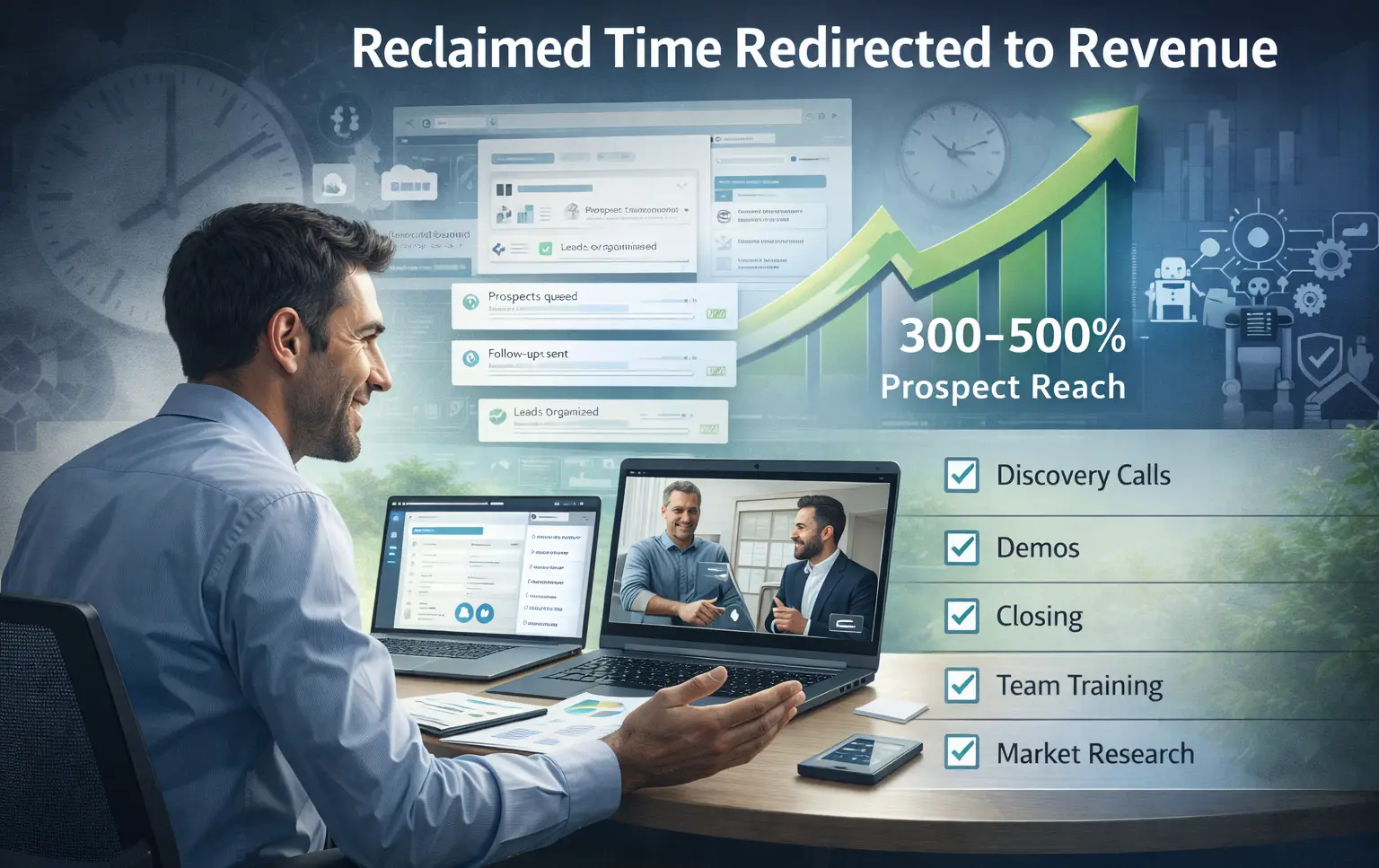
The real ROI isn't just saving time; it's redirecting that time to revenue-generating activities.
High-value activities enabled by automation:
- Discovery calls with warm prospects
- Personalized demo presentations
- Strategic relationship building
- Closing conversations with qualified leads
- Team training and development
- Product knowledge deepening
- Market research and competitive analysis
Sales professionals report 300-500% increase in daily prospect reach while maintaining personalization quality. The automation handles volume while you handle value.
Measuring Your Personal Time Savings
Calculate your potential time savings with this framework:
Step 1: Track your current time investment
- Hours spent on connection requests weekly
- Time crafting follow-up messages
- Daily LinkedIn management time
- Content creation and posting hours
Step 2: Identify automation opportunities
- Repetitive outreach tasks
- Scheduled follow-up sequences
- Content calendar management
- Lead tracking and organization
Step 3: Calculate the gap
Manual hours - Automated hours = Time reclaimed
Step 4: Assign value
Time saved × Your hourly rate = Monthly ROI
Time Savings vs. Results Quality
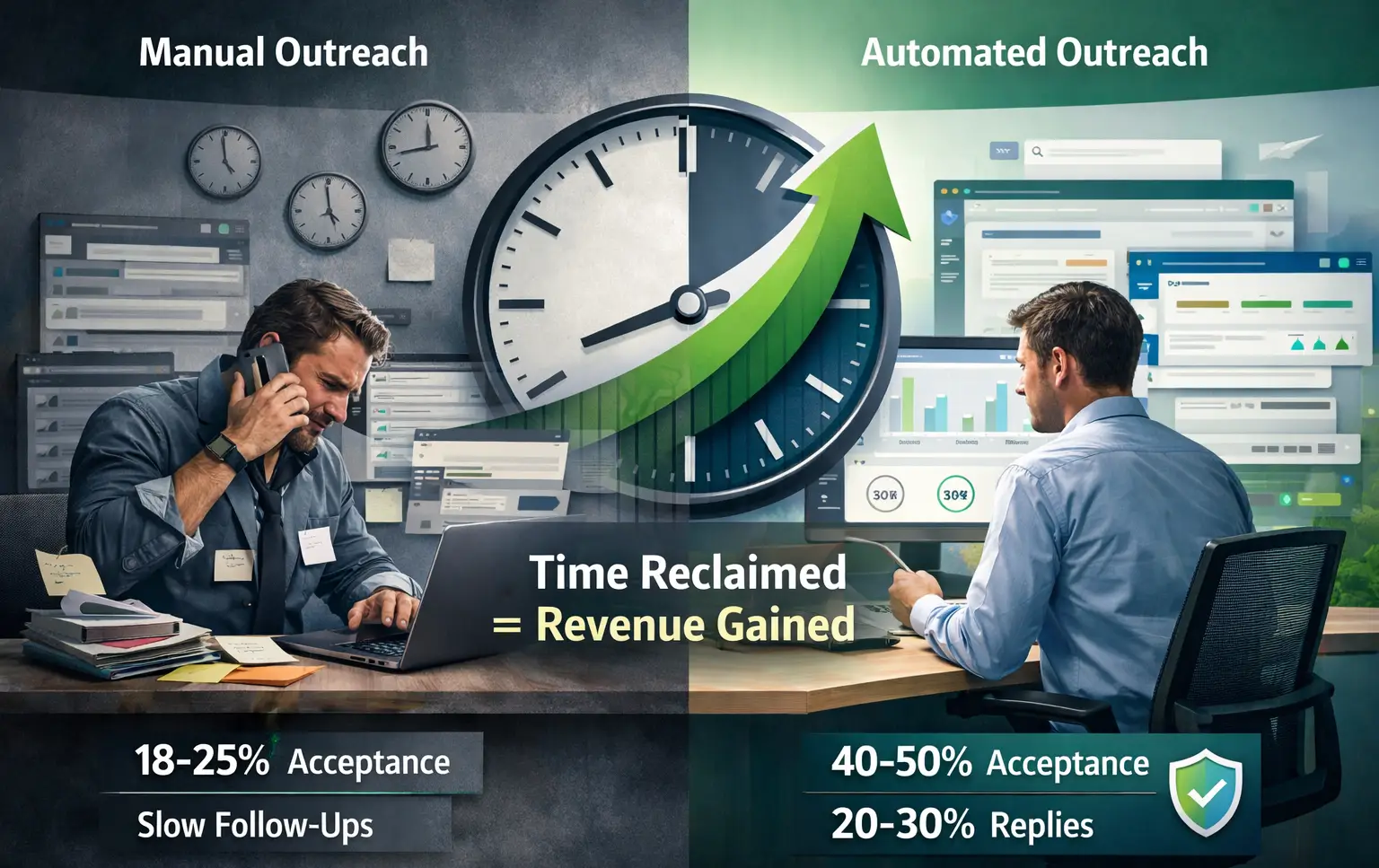
A common concern: Does automation sacrifice quality for speed?
The data says no. When implemented correctly:
- Connection acceptance rates: 40-50% with automation vs. 18-25% manually
- Response rates: 20-30% with personalized sequences
- Lead quality: Improved due to better targeting and consistency
- Account safety: Protected with smart throttling and behavior mimicry
Quality automation amplifies personalization at scale. You're not choosing between time and results; you're achieving both simultaneously.
Common Time-Wasting Mistakes to Avoid
Even with automation, professionals waste time on preventable errors:
Mistake 1: Over-complicating campaigns
Keep sequences simple. Three to five touchpoints typically outperform longer sequences.
Mistake 2: Neglecting campaign monitoring
Set aside 30-60 minutes weekly to review performance metrics.
Mistake 3: Generic messaging at scale
Automation enables personalization, not replacement of it. Use dynamic fields and targeted segmentation.
Mistake 4: Ignoring response timing
Automated outreach requires human follow-through. Respond to engaged prospects within hours, not days.
ROI Timeline: When to Expect Time Savings
Week 1: Setup phase
- 2-4 hours configuring campaigns
- Profile optimization
- Sequence creation
- Initial time investment
Week 2-4: Optimization
- 5-7 hours weekly monitoring performance
- Refining messaging based on data
- Adjusting targeting parameters
- Time savings begin appearing
Month 2+: Full automation benefit
- 5-7 hours monthly management
- 30-35 hours saved monthly
- Consistent pipeline generation
- Maximum time ROI achieved
Most users report time-positive results within 30 days of implementation. The initial setup investment pays dividends immediately.
How to Select an Automation Tool That Saves You the Most Time
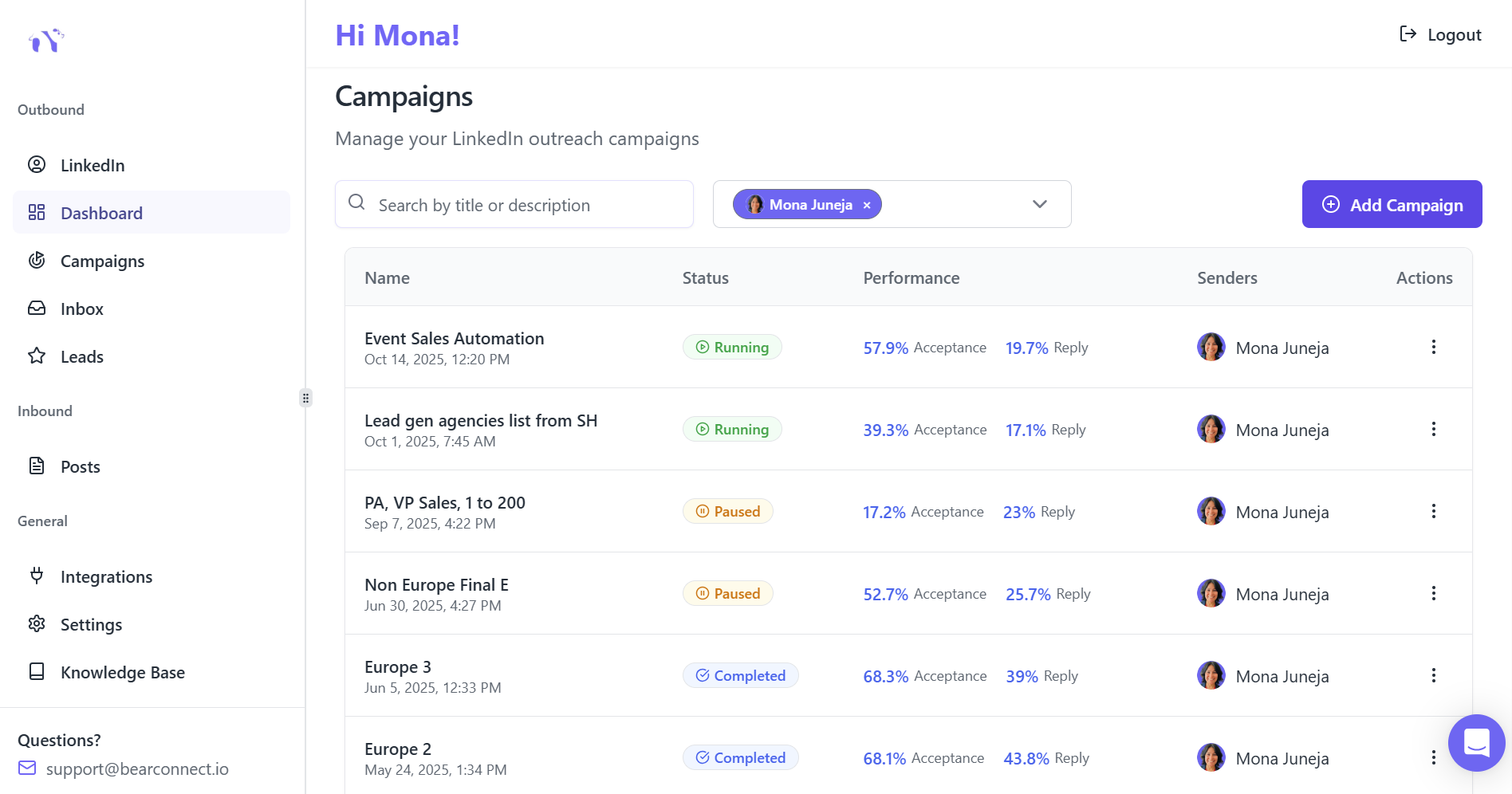
Not all automation platforms deliver equal time efficiency.
Key features for time savings:
- Unified inbox managing all conversations in one place
- Unlimited campaign support for diverse segments
- Drip sequence builder for automated follow-ups
- Content scheduling for consistent visibility
- Advanced analytics for quick performance assessment
Tools like Bearconnect consolidate multiple functions into one dashboard, eliminating time lost switching between platforms.
Your Next Step
Time is your most valuable asset. LinkedIn automation gives you 30-40 hours monthly to invest in activities that actually grow your business.
Calculate your current time investment in LinkedIn outreach. Compare it to the 5-7 hours monthly that automation requires. The gap represents your opportunity.
Ready to reclaim your time and scale your outreach? Explore how LinkedIn automation transforms your productivity while maintaining the authentic connections that drive business growth.
5 Frequently Asked Questions
1. How much time does LinkedIn automation actually save per week?
LinkedIn automation saves 15-20 hours weekly by eliminating repetitive tasks like sending connection requests, crafting follow-ups, and scheduling posts. This time can be redirected to high-value activities like discovery calls and closing deals.
2. Does automation work for small teams or solo professionals?
Yes, solo professionals benefit significantly from automation. Individual users report reducing LinkedIn time from 40 hours monthly to just 5-7 hours while increasing connections from 50-100 to 200-400 monthly. The ROI is often highest for small teams with limited resources.
3. Will automation make my outreach feel impersonal?
Not when done correctly. Modern automation tools enable personalization at scale using dynamic fields, targeted segmentation, and multi-step sequences. Many users see connection acceptance rates between 40% and 50% when using personalized automation
4. How long before I see time savings from automation?
Most professionals experience time savings within 2-4 weeks of implementation. Initial setup requires 2-4 hours, but by month two, you'll invest only 5-7 hours monthly while achieving better results than 40+ hours of manual work.
5. Is the time saved worth the cost of automation tools?
Absolutely. At $67 monthly per LinkedIn account ($57 per account per month when connecting 5+ accounts), automation tools deliver 30-35 hours saved monthly. If your hourly value exceeds $2-3, the ROI is positive within the first month, not counting improved lead generation results.
Ready to Transform Your LinkedIn Strategy?
Join thousands of professionals already using Bearconnect to automate their outreach and grow their network.
7-day free trial • Cancel anytime
Related Articles
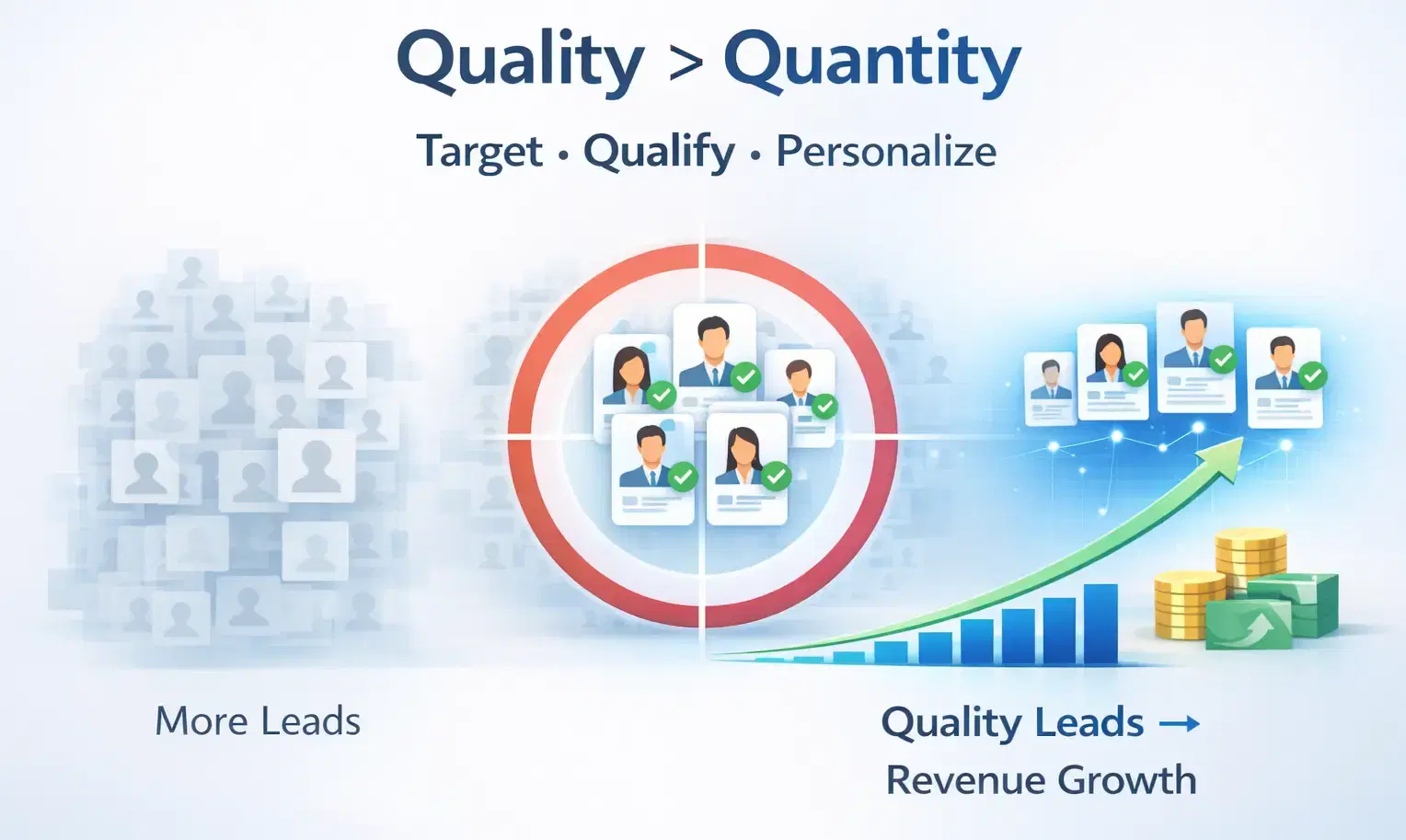
How to Generate High-Quality LinkedIn Leads (Not Just More Leads)
Learn how to generate high-quality LinkedIn leads using strict ICP targeting, layered qualification, and personalized outreach strategies that convert connections into real B2B revenue.
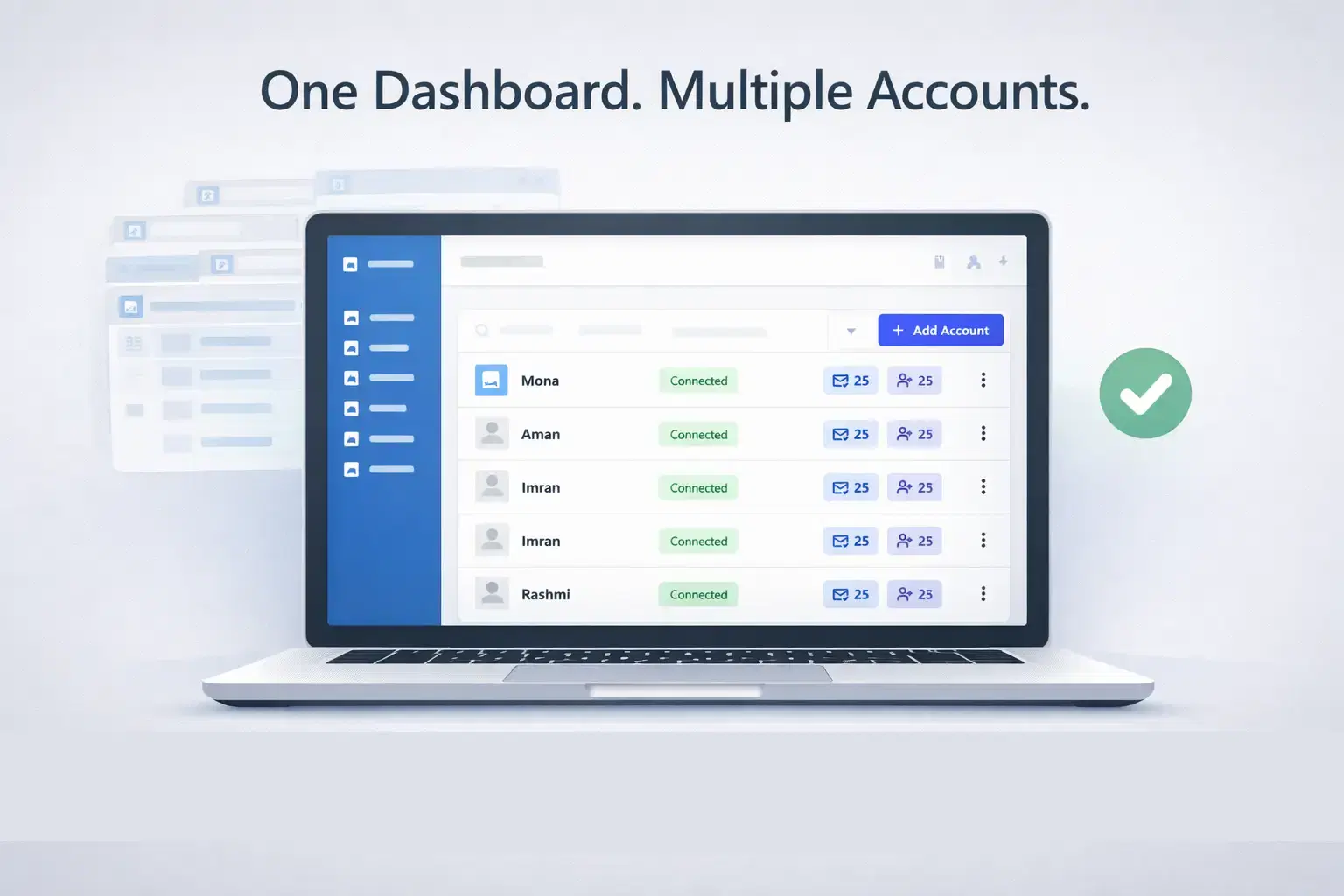
How Agencies Manage Multiple LinkedIn Accounts Without Switching Tabs
Learn how agencies manage multiple LinkedIn accounts without switching tabs using a centralized system that saves time, reduces errors, and scales outreach efficiently.
How Do Agencies Book 40+ Qualified Client Demos Per Month Using LinkedIn Automation?
Most agencies struggle to book consistent demos. This guide reveals the LinkedIn automation strategy agencies use to generate 40+ qualified client meetings every month.