How to Increase LinkedIn Impressions in 2026: 9 Tactics That Actually Work
You increase LinkedIn impressions by writing for dwell time, not reach. Post fewer but deeper pieces, earn substantive comments in the first hour, and give the algorithm relevance signals rather than relying on recency tricks.
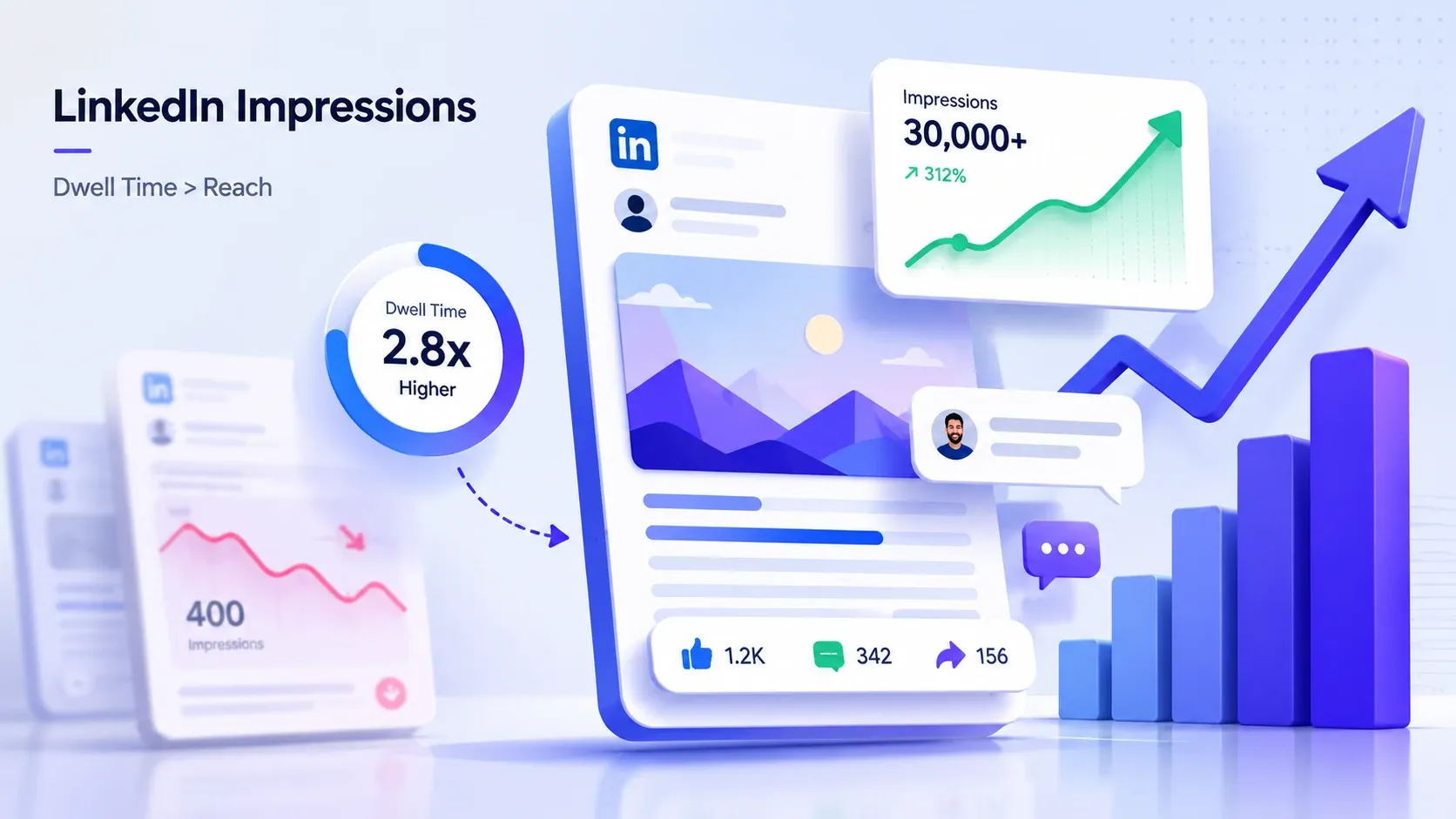
That single shift is what separated my posts that hit 30,000 views from the ones that died at 400. Below are the 9 tactics I now run on every account, with the algorithm logic behind each one.
TL;DR
- Impressions in 2026 follow relevance and dwell time, not posting frequency or hashtags.
- Long-form posts, carousels, and "how I" stories win because they hold attention longer.
- Post once per day max. A second post within 24 hours usually cannibalizes both.
- The first 30 to 60 minutes decide your reach. Substantive comments matter far more than likes.
- Track impressions per post in LinkedIn analytics, then repeat the formats your audience actually rewards.
Why your impressions dropped 40 to 65 percent
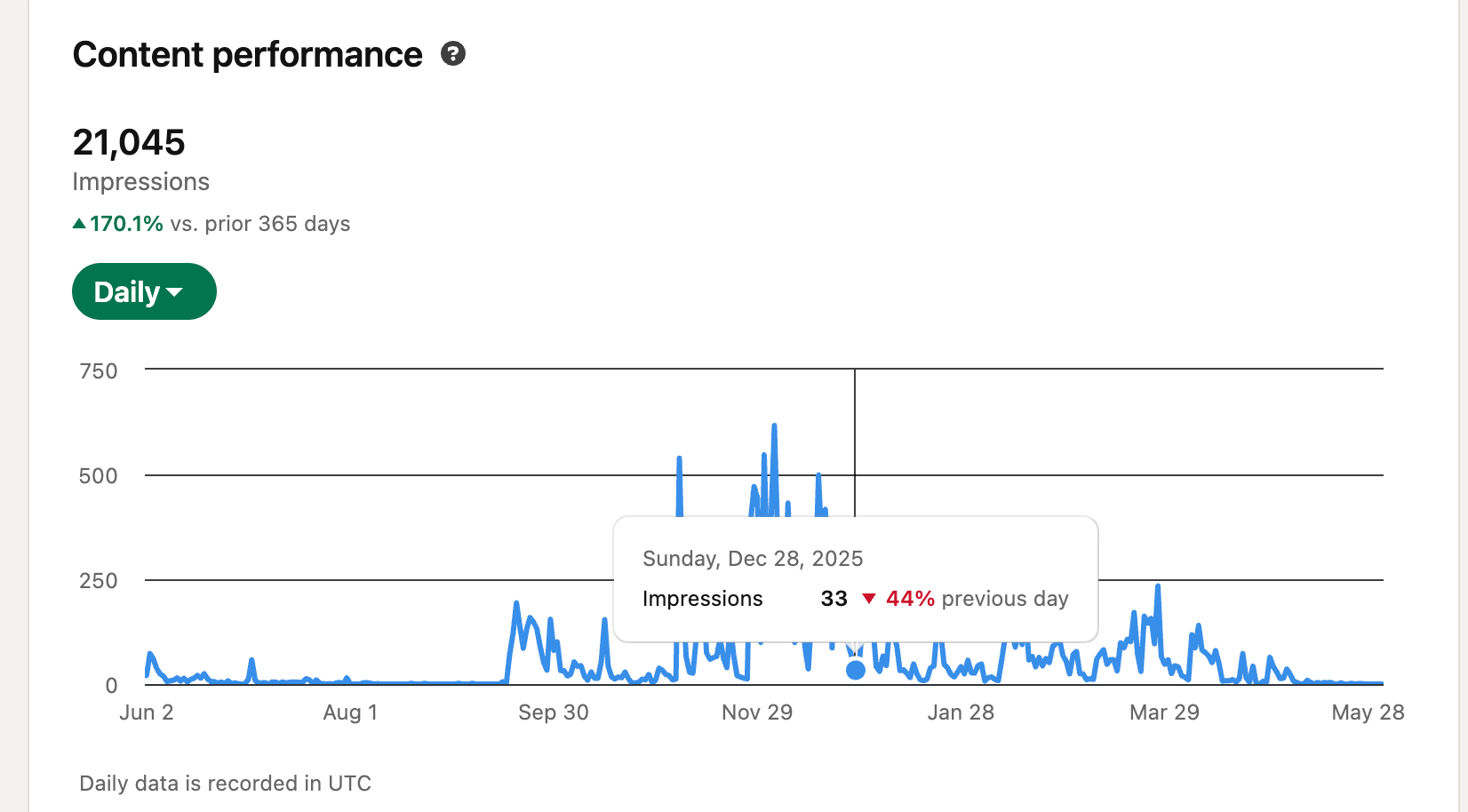
Most creators I talk to saw their impressions fall somewhere between 40 and 65 percent across 2025 and 2026.
They did not get worse at posting. The rules changed underneath them.
Old advice quietly stopped working. Short one-liner posts, five hashtags, posting twice a day, begging for likes. All of it lost its edge as LinkedIn rebuilt the feed around relevance and watch time.
Here is the good news.
The new system rewards depth, and depth is something you can actually control.
These 9 tactics are the updated playbook I use to claw impressions back, and they work whether you have 800 connections or 80,000.
What LinkedIn impressions actually mean in 2026
An impression is one appearance of your post on one person's screen, and in 2026 the algorithm decides how many of those you get based on relevance, not recency. Understanding this reframes everything below.
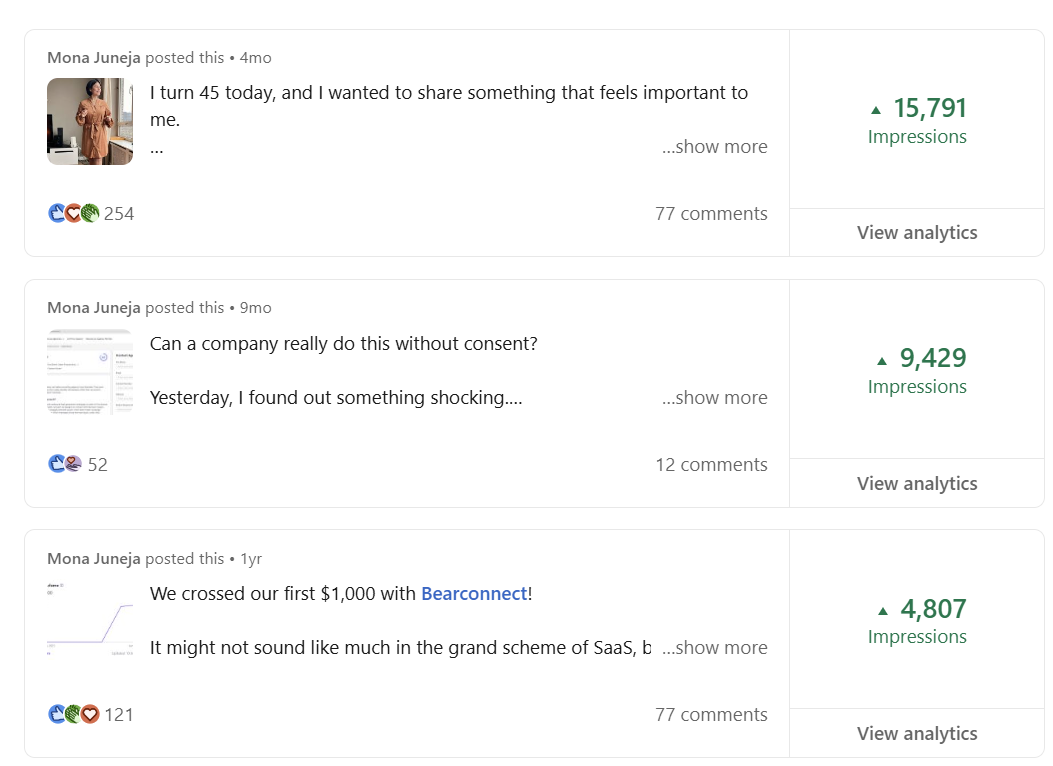
Let me clear up the two terms people mix up constantly.
- Impressions → total times your post showed up on screens (one person can generate several).
- Reach → the number of unique people who saw it.
Impressions are almost always higher than reach, because the same person scrolls past your post more than once. When your goal is visibility and pipeline, impressions are the number to chase.
For a full breakdown, see our guide on what impressions on LinkedIn actually are.
1. Relevance now beats recency
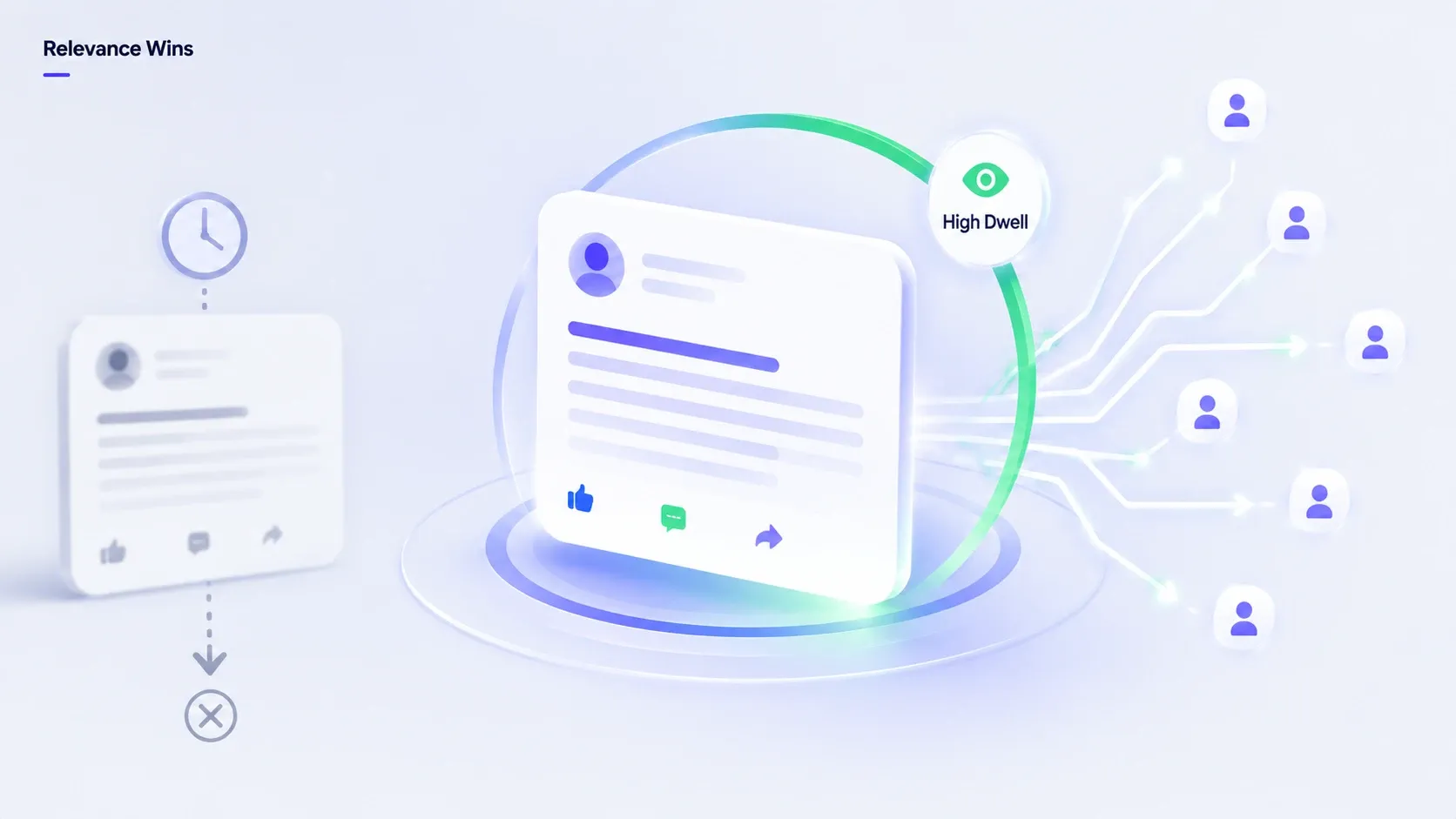
- The biggest change is simple to state. LinkedIn moved from showing you recent posts to showing you relevant ones.
- In the old feed, fresh posts got an automatic burst. In the 2026 feed, your post gets shown to a small test group first.
- If that group engages and lingers, LinkedIn expands distribution.
If they scroll past, your post stalls. Posting at "the perfect time" matters far less than posting something the test group cannot ignore.
2. Dwell time is the signal that quietly runs everything
- Dwell time, the seconds a reader spends on your post before scrolling, is the metric most people never optimize for. It is the one that moved my numbers most.
- A like takes a second. A post someone reads for 25 seconds tells the algorithm something a like never could.
- That is why long-form text, carousels, and stories outperform clever one-liners now. They buy attention, and attention is the currency.
Pro tip: Before you publish anything, ask one question. "Would a stranger stop scrolling and actually read this for 20 seconds?" If not, rework the first three lines.
If you mention a customer or partner, tag them so the post reaches their network too. Here is how to tag people in your LinkedIn posts, comments and articles.
The 9 tactics that actually work in 2026
1. Write long-form posts (800 to 1,000 words)
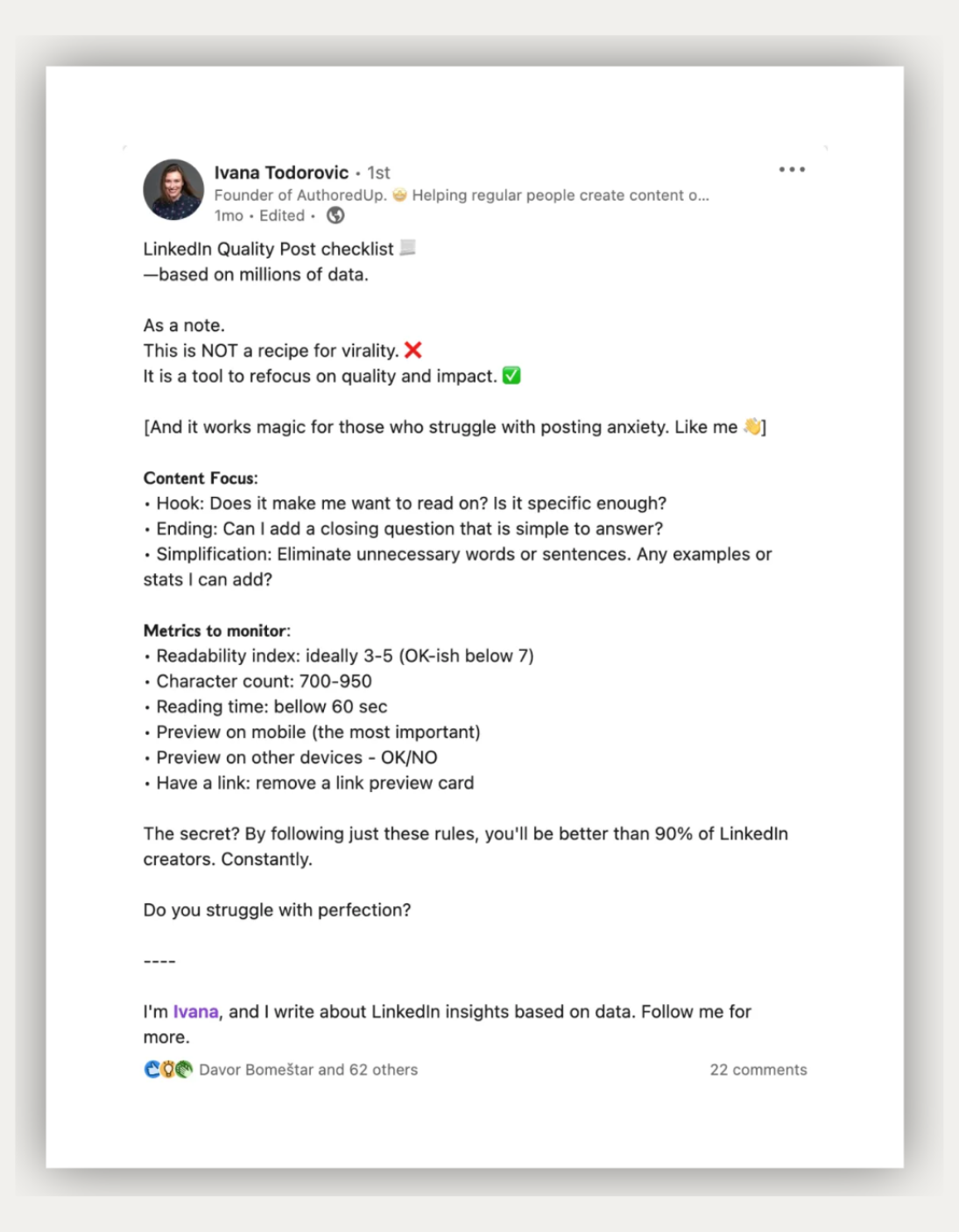
Long-form posts win in 2026 because they generate the dwell time the algorithm now prizes. The era of the three-line "hot take" earning 50,000 views is mostly over.
Why it works:
- A reader who spends 30 to 40 seconds on your post sends a far stronger relevance signal than ten quick likers.
- Longer, well-structured posts hold people in place, and that watch time pushes you into wider distribution.
Real example: I rewrote a thin 90-word post that flopped into a 900-word breakdown of the same idea, with a story, a framework, and three takeaways. Same topic, same week. The long version pulled roughly 9x the impressions.
Action steps:
- Open with a hook line that creates curiosity or tension.
- Break the body into short 1 to 2 line paragraphs so it stays scannable.
- End with one clear takeaway or a question that invites comments.
If you need post format inspiration, check out these 7 proven LinkedIn post ideas that actually convert.
2. Use carousels over video for dwell time
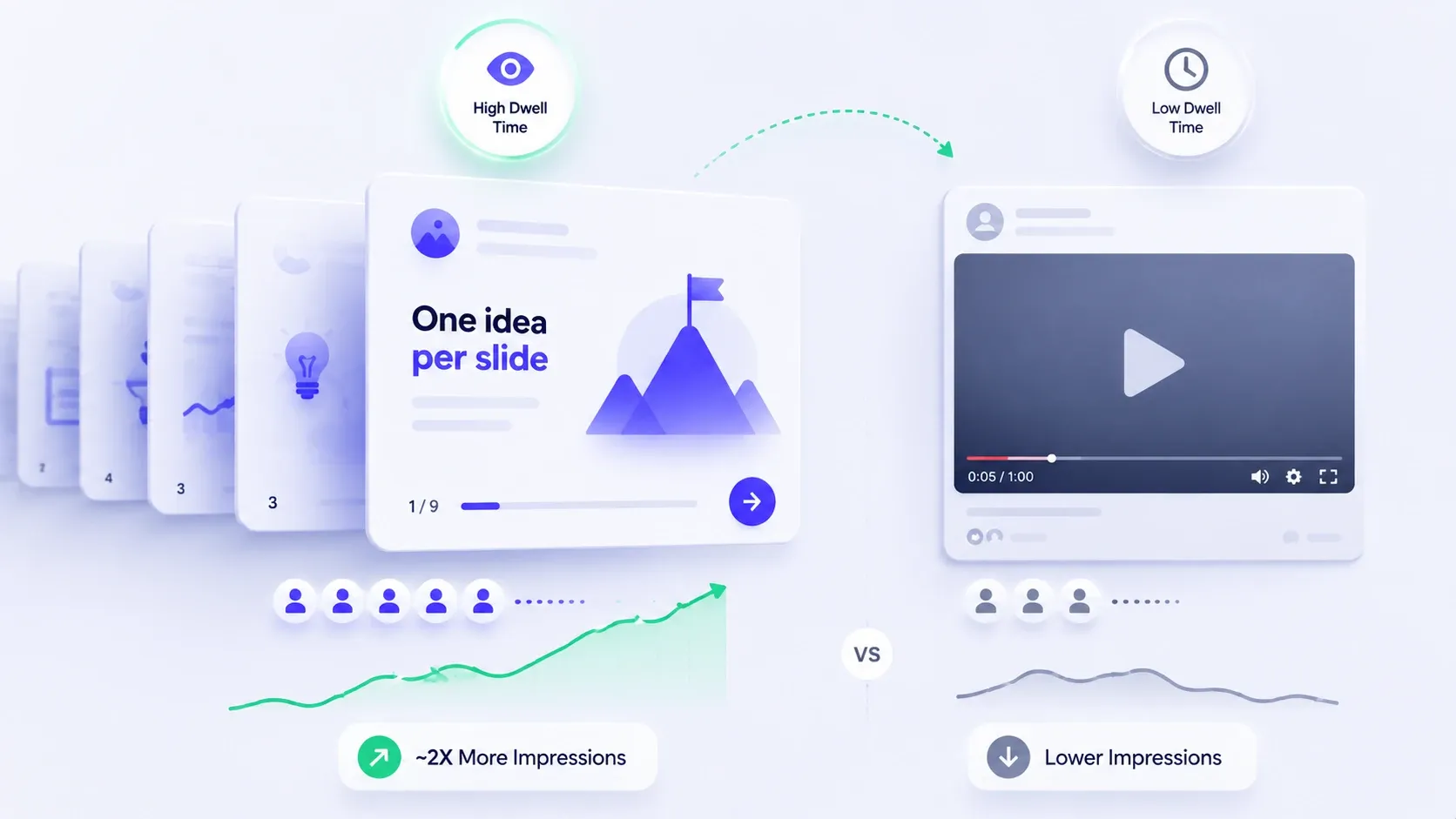
Carousels (document posts) consistently out-perform native video for impressions, by close to 2x in most algorithm analyses I trust. The reason is mechanical, not magical.
Why it works:
- Every swipe is a fresh dwell-time signal. A 10-slide carousel can hold a reader for a minute or more,
- while many videos lose people in the first five seconds. More swipes → more watch time → wider reach.
Real example: I turned a written post that did fine into a 9-slide carousel with one idea per slide. The carousel held people roughly three times longer and reached an audience the text version never touched.
Action steps:
- Put your strongest hook on slide 1, big and readable on mobile.
- Use one idea per slide so swiping feels effortless.
- End with a slide that tells people exactly what to do next.
Company-page posts get their own reach curve, so set up a company page correctly before you invest in content.
3. Optimize your profile and headline keywords
Your profile keywords decide which topics LinkedIn associates you with, and that association shapes who your posts reach. Most people treat the headline as a job title. That is a wasted ranking asset.
Why it works:
- LinkedIn maps your profile to topics, then matches your content to people interested in those topics.
- If your headline, About section, and recent posts all reinforce the same themes, the algorithm understands your relevance and distributes you to the right cohort.
- A stronger profile also lifts your LinkedIn SSI score, which feeds into distribution.
Real example: I changed a headline from a vague title to a clear "I help [audience] do [outcome]" format using the exact terms my buyers search. Within a few weeks, profile views from my target niche climbed noticeably, and posts on that theme started reaching warmer audiences.
Action steps:
- Identify the 3 to 4 keywords your ideal reader actually searches.
- Work them naturally into your headline, About section, and post copy.
- Keep your content themes tight. Random topics confuse the relevance map.
Need a deeper walkthrough? Here is our guide on how to create a great LinkedIn profile.
4. Post once per day, max
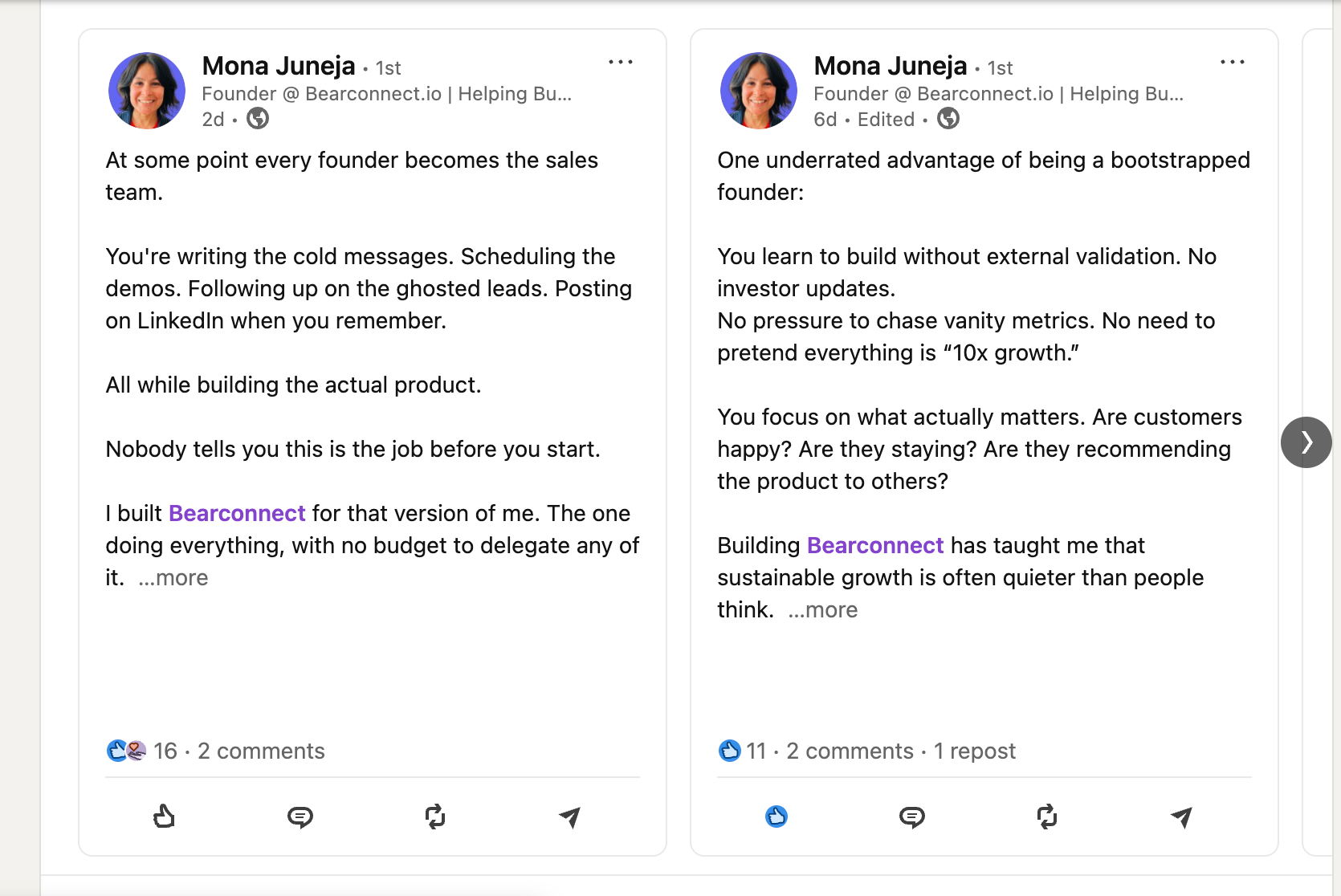
Posting once a day beats posting twice, because a second post within 24 hours usually splits and suppresses your reach. Reports put that self-inflicted penalty around 20 percent.
Why it works:
- When you publish again too soon, the new post competes with the old one for the same audience window. LinkedIn rarely pushes both.
- You end up cannibalizing your own distribution and training the algorithm to expect lower engagement per post.
Real example: I ran a two-week test. Week one, two posts a day. Week two, one post a day. The single daily post outperformed the doubled-up week on total impressions, with half the effort.
Action steps:
- Cap yourself at one feed post per 24 hours.
- Space posts at least 18 to 24 hours apart.
- Spend the saved time on comments instead (see tactic 5).
If maintaining a daily rhythm manually feels exhausting, scheduling your LinkedIn posts in advance keeps you consistent without burning out.
5. Drive 15+ word comments in the first 30 minutes
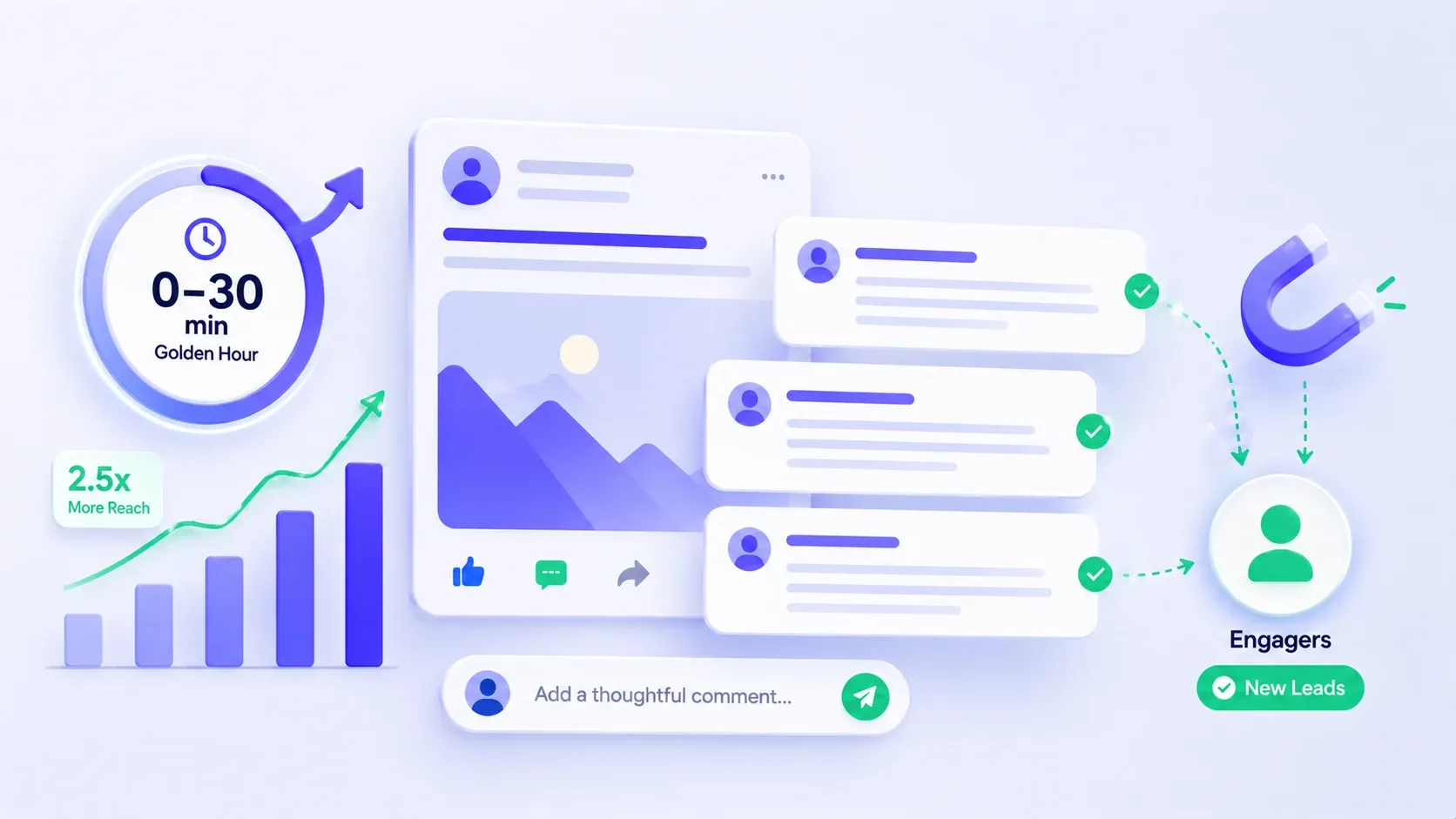
The first 30 to 60 minutes after you publish decide your ceiling, and substantive comments in that window can lift reach by roughly 2.5x. This is the "golden hour," and most people sleep through it.
Why it works:
- Early engagement tells the algorithm your post is worth expanding. But not all engagement is equal.
- A 15-word reply signals real interest far more than a one-word "Great post." LinkedIn reads depth, not just count.
Real example: I started replying to every early comment with a genuine 2 to 3 sentence answer instead of a thumbs-up emoji. Those threads kept the post active, and the same content that used to flatten out kept climbing for hours.
Action steps:
- Be online for 30 to 60 minutes after you publish.
- Reply to every comment with a real, multi-sentence response.
- Ask a question in your post so comments arrive longer and faster.
Once comments start rolling in, you can also auto-reply to LinkedIn comments and capture those engagers as leads using Bearconnect's Post Magnet feature.
Running these tactics across more than one account, or just tired of juggling tools?
Here is where it gets practical. Tactics 1 through 5 demand consistency, fast content creation, and being present in your comments at the right time.
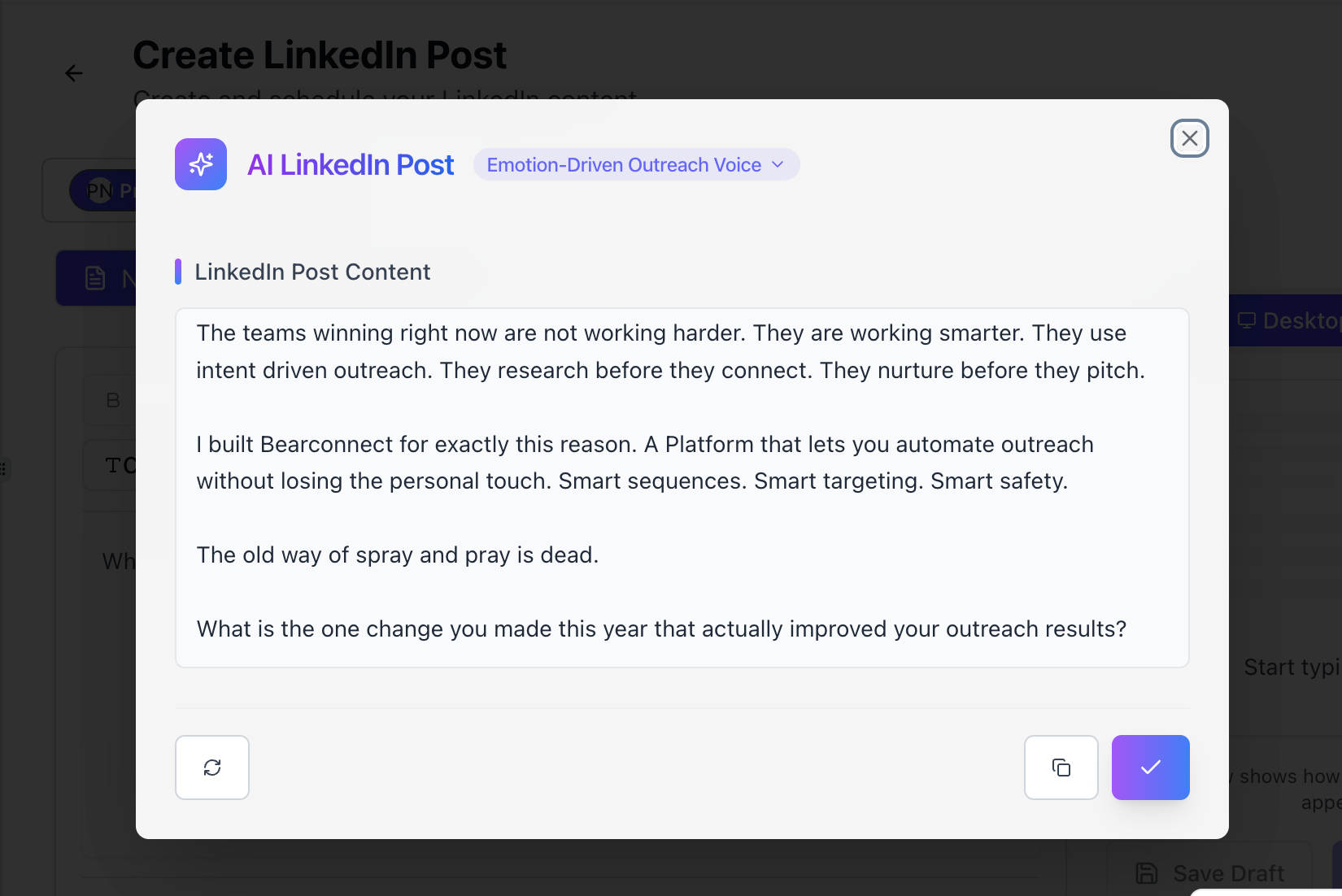
This is the gap Bearconnect fills. It is an AI-powered LinkedIn platform that handles the operational side of growth in one place:
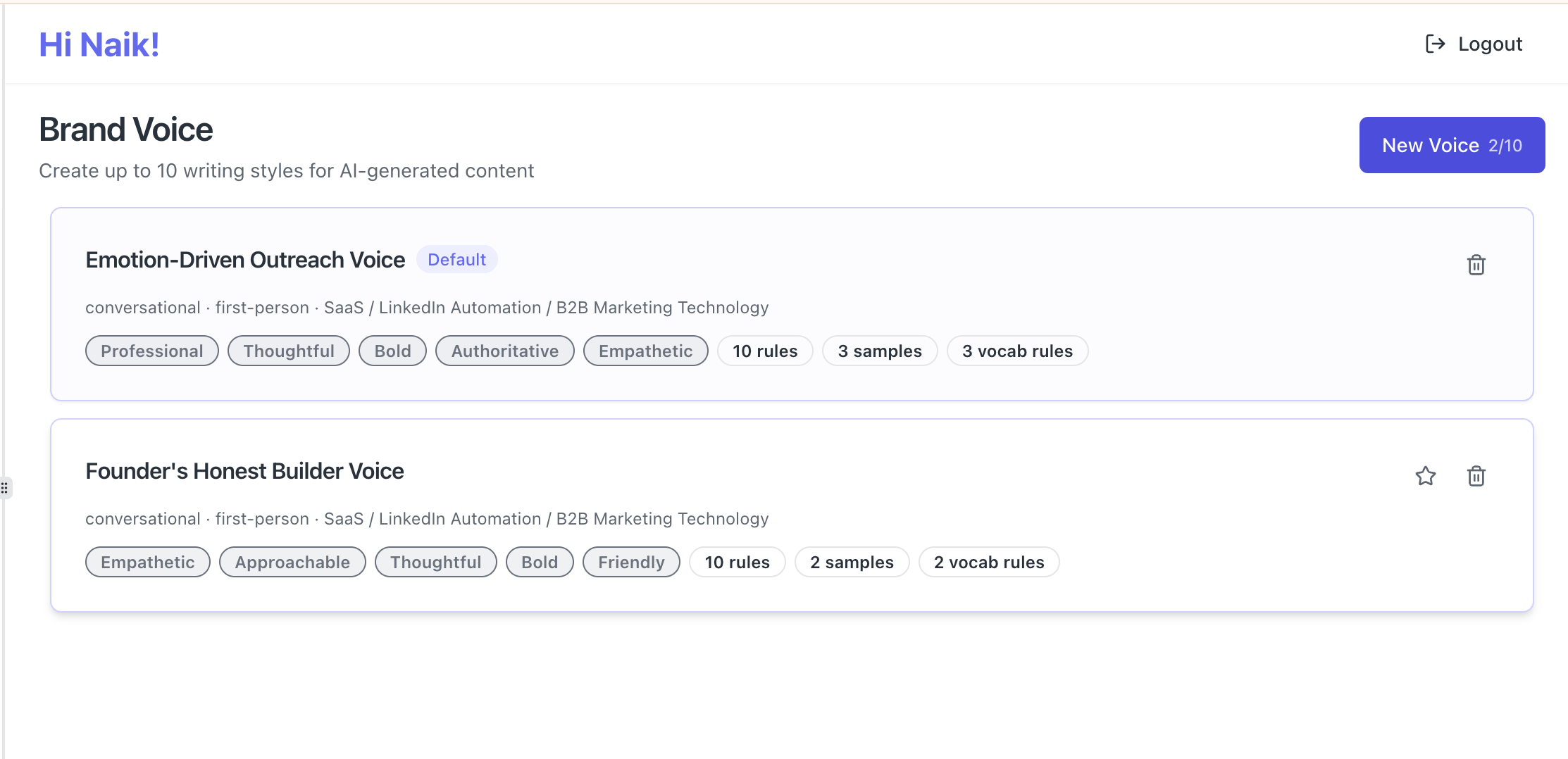
- AI post creation → draft long-form posts and carousels fast, in your own brand voice.
- Post scheduling → batch and schedule posts weeks ahead so you keep the one-a-day rhythm without daily effort.
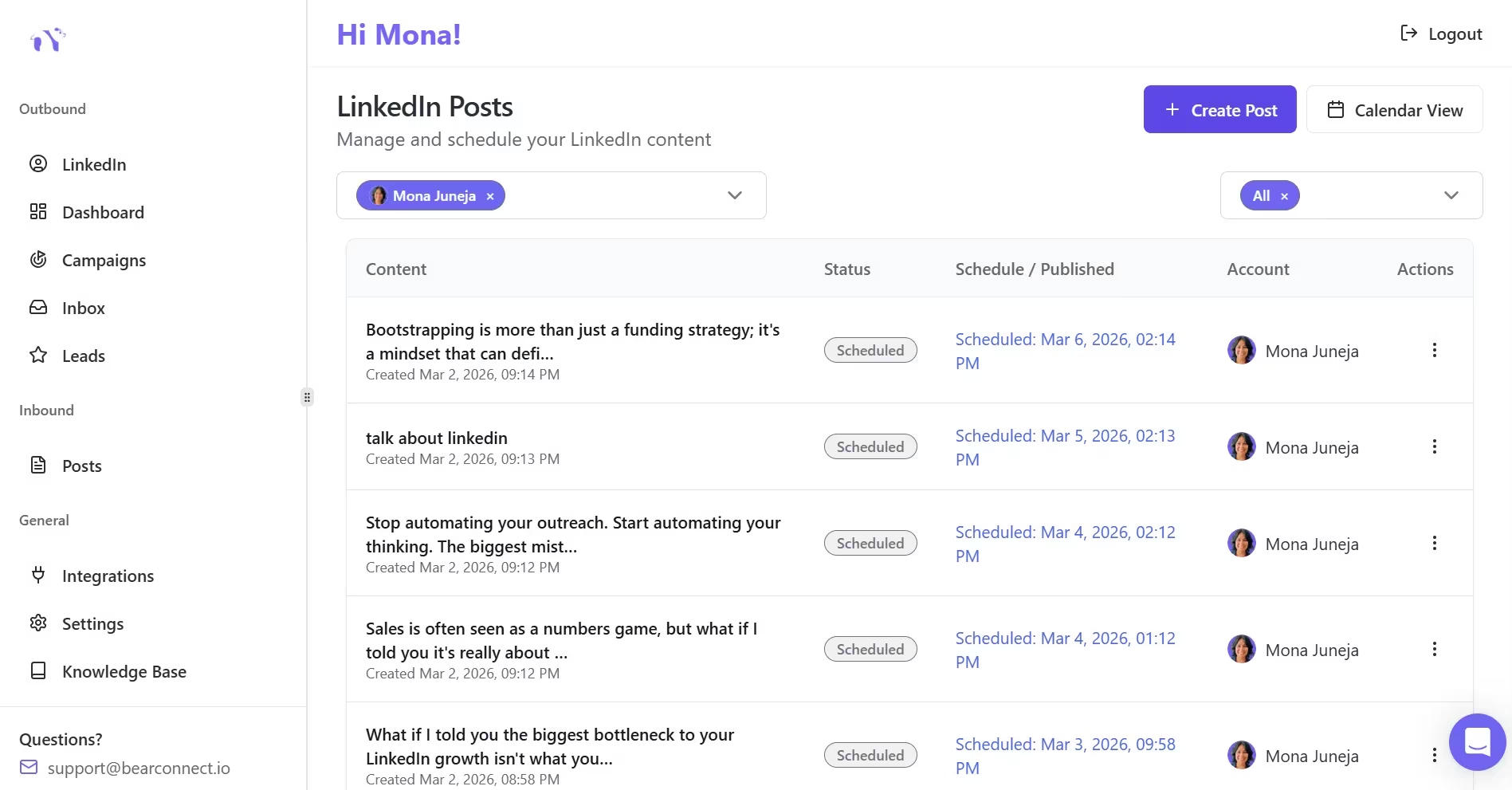
- Unified inbox → manage conversations from every connected account in one view, so the relationships your impressions create actually turn into replies.
| LinkedIn accounts | Bearconnect price | Total monthly cost | Notes |
|---|---|---|---|
| 1 to 4 accounts | $67 per account | $67 x number of accounts | Standard rate. bearconnect |
| 5 accounts | $57 per account | $285 | 5 x $57 = $285. bearconnect |
| Agency margin example | Charge client retainer | Healthy resale margin | Useful for managed service offers. bearconnect |
Bearconnect does not track your post impressions for you. LinkedIn's native analytics does that. Bearconnect runs everything around it.
If you see people dropping a short "CFBR" under a post, read our explainer on the CFBR meaning on LinkedIn to understand how that one comment pushes a post back into the feed.
6. Shift from "how-to" to "how I" storytelling
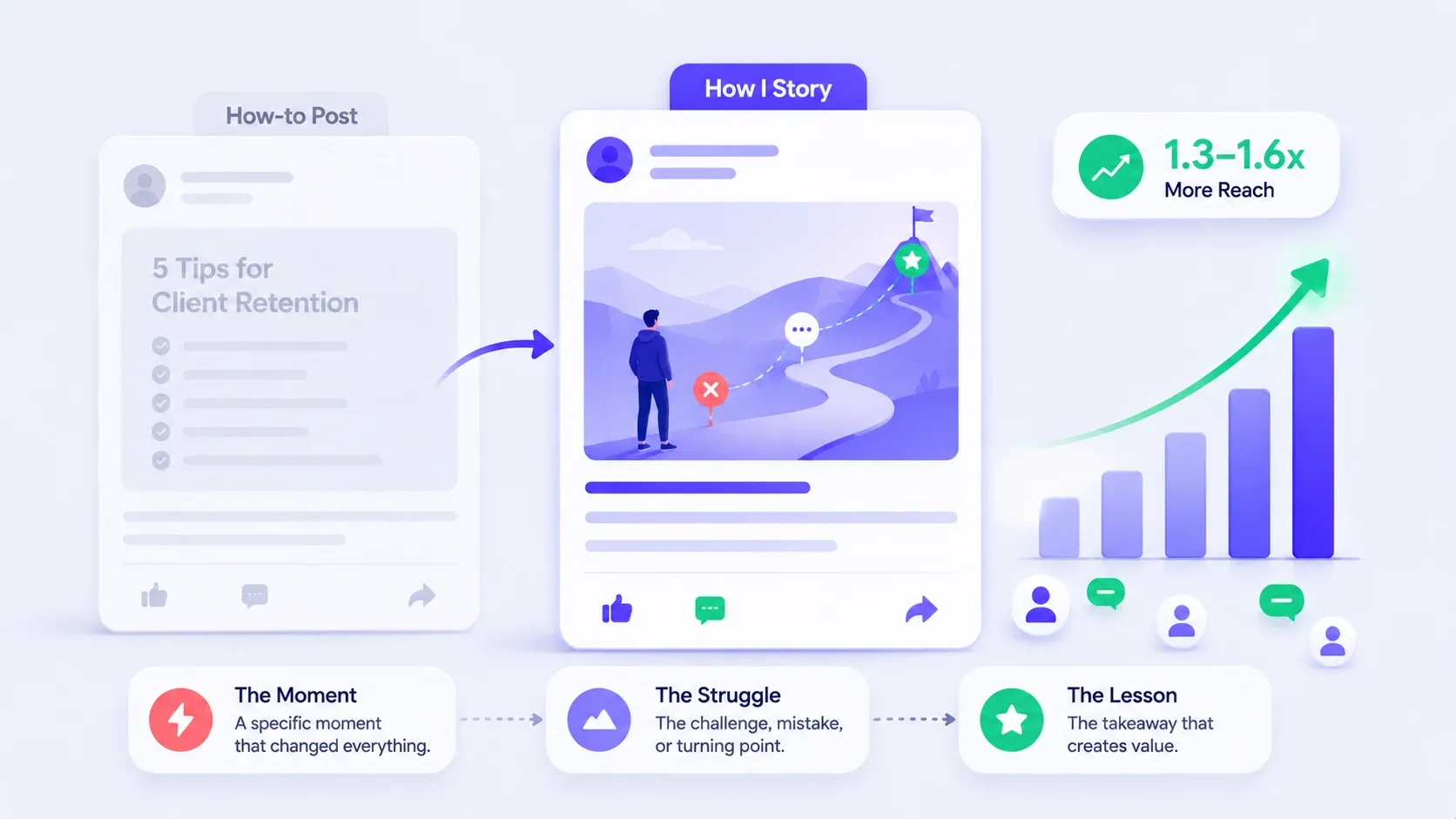
"How I" posts beat generic "how-to" posts because a personal story holds attention and earns trust at the same time. Analyses I have seen put the lift around 1.3 to 1.6x.
Why it works:
- People scroll past advice they have seen before. They stop for a real story.
- "How I lost a client and what it taught me" pulls a reader in, while "5 tips for client retention" reads like every other post in the feed.
Story → dwell time → reach.
Real example: I took a standard tips post and rewrote it as a first-person story about the exact moment I learned the lesson, then folded the tips inside the story. Same advice, wrapped in experience. It tripled the comments.
Action steps:
- Start with a specific moment, not a general claim.
- Show the struggle before the lesson. Tension keeps people reading.
- Land the takeaway at the end so the value is unmistakable.
Want more format ideas that drive engagement? See these LinkedIn post ideas that actually grew followers.
7. Comment on trending posts in your niche
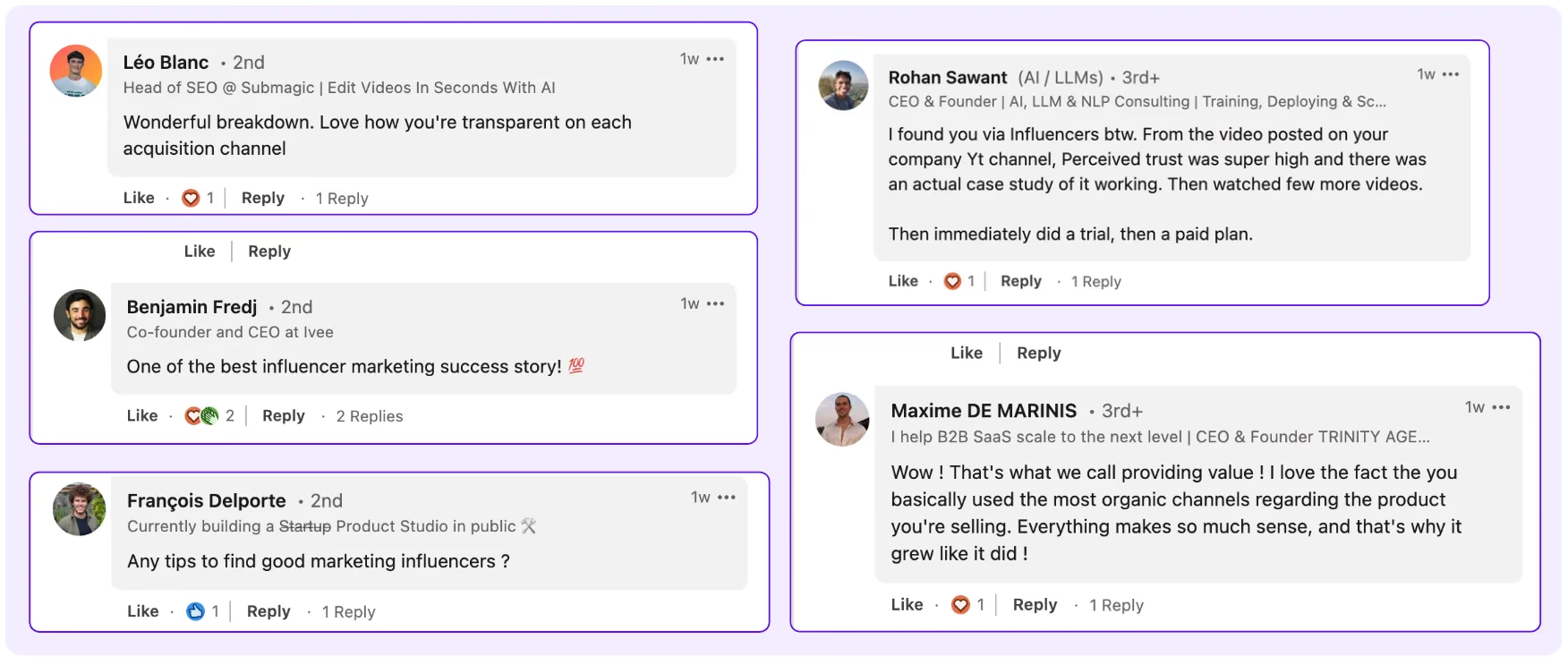
Commenting on large, trending posts is the fastest underused way to borrow someone else's audience. One sharp comment can earn you more impressions than your own post that day.
Why it works:
- When a post is getting heavy reach, the comment section rides along.
- A thoughtful, early, top comment on a 20,000-impression post can pull thousands of views to your name and profile.
- A single strong comment on a big post can collect 20,000+ impressions on its own.
Real example: I left a genuine, opinionated 40-word comment on a creator's viral post early in its life. That one comment out-reached my own posts for the week and sent a wave of profile visits.
Action steps:
- Pick 3 to 5 active creators in your niche and watch for their posts.
- Comment early with a real opinion or a useful add, not "Agreed!"
- Make your comment a mini post. 15 to 40 words of actual value.
8. Use keywords in your copy instead of relying on hashtags
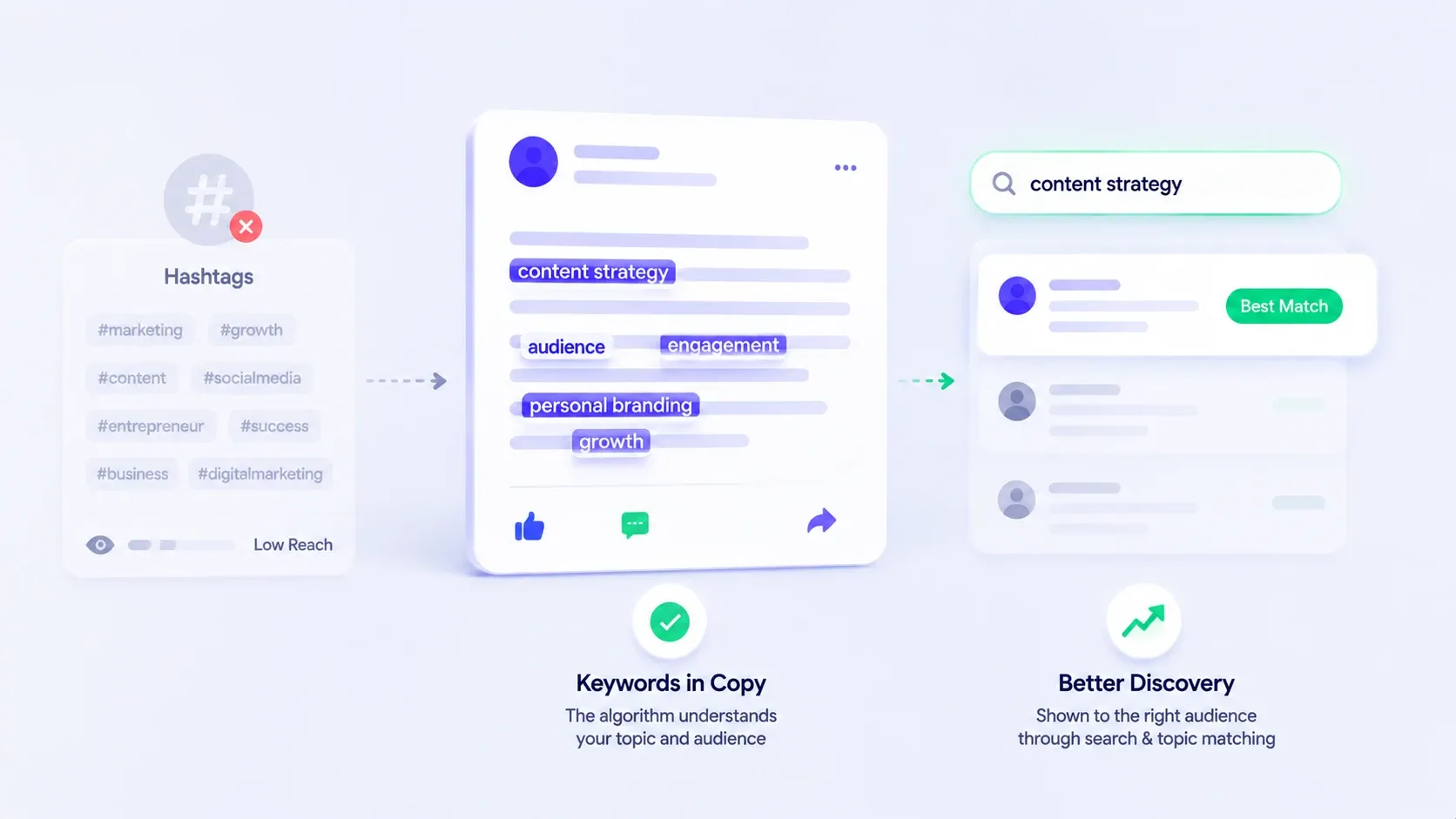
Keywords inside your post copy now do the discovery work hashtags used to. Hashtags lost most of their distribution power, while LinkedIn search and topic matching lean on the words in your text.
Why it works:
- The algorithm reads your post to understand its topic and who should see it.
- Natural keywords your audience uses help it route your content correctly. A wall of hashtags does nothing for reach and clutters the post.
Action steps:
- Write the way your audience searches, using their real phrases.
- Limit yourself to 1 to 3 relevant hashtags at most.
- Reinforce the same topic keywords across your post and profile.
9. Track impressions per post and double down
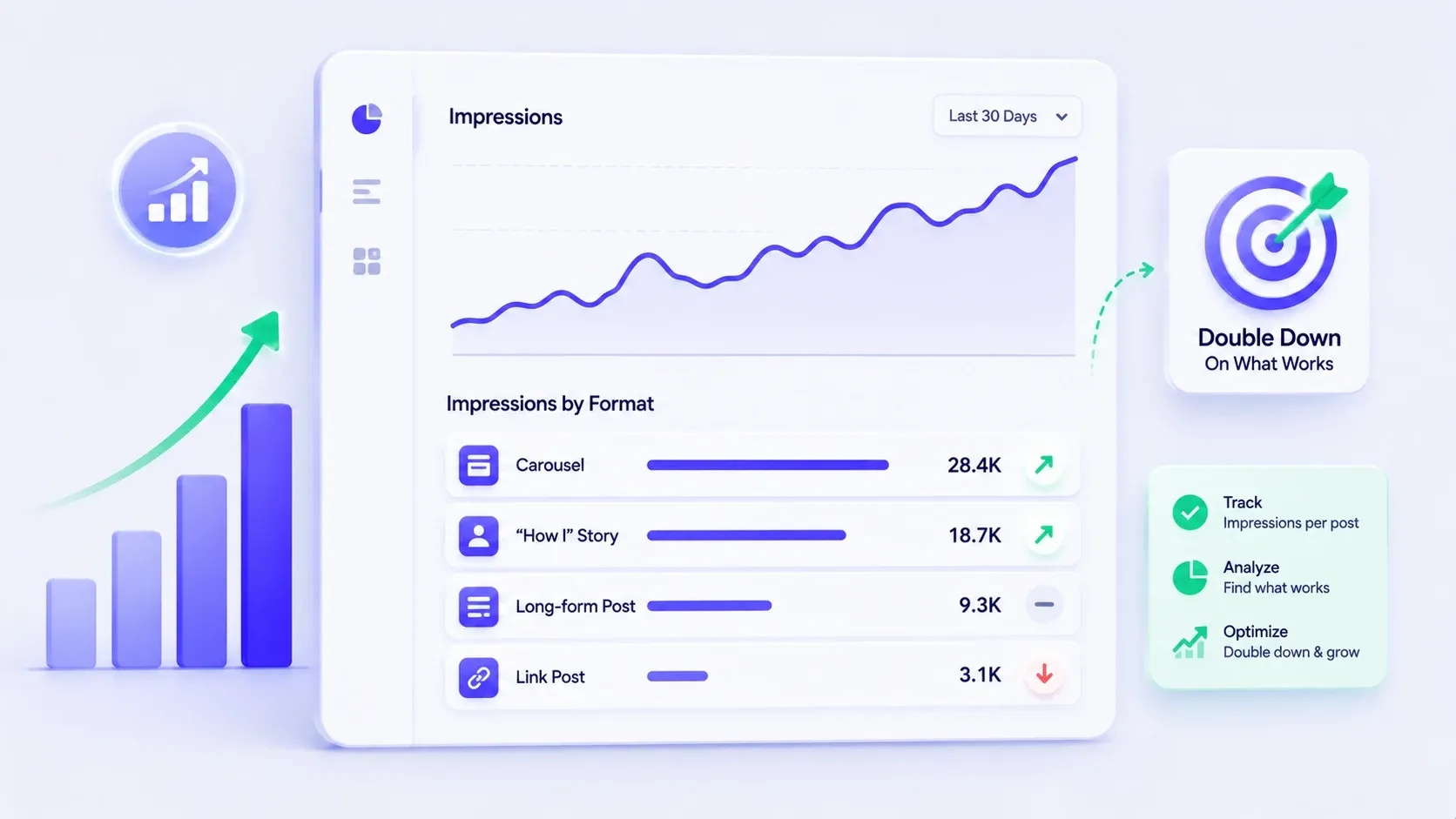
You cannot grow impressions you do not measure, so track every post and repeat what your specific audience rewards. Generic advice gets you started. Your own data finishes the job.
Why it works:
- Every audience is different. The format that wins for a recruiter may flop for a SaaS founder.
- When you watch your own impressions by post type, you stop guessing and start compounding on what works for your cohort.
Real example: After a month of logging impressions per post in a simple sheet, I found carousels and "how I" stories carried my reach, while link posts dragged it down. I cut the losers and leaned into the winners. Reach climbed without more effort.
Action steps:
- Open LinkedIn's native analytics and note impressions per post weekly.
- Tag each post by format (long-form, carousel, story, link).
- Each month, cut the bottom format and double the top one.
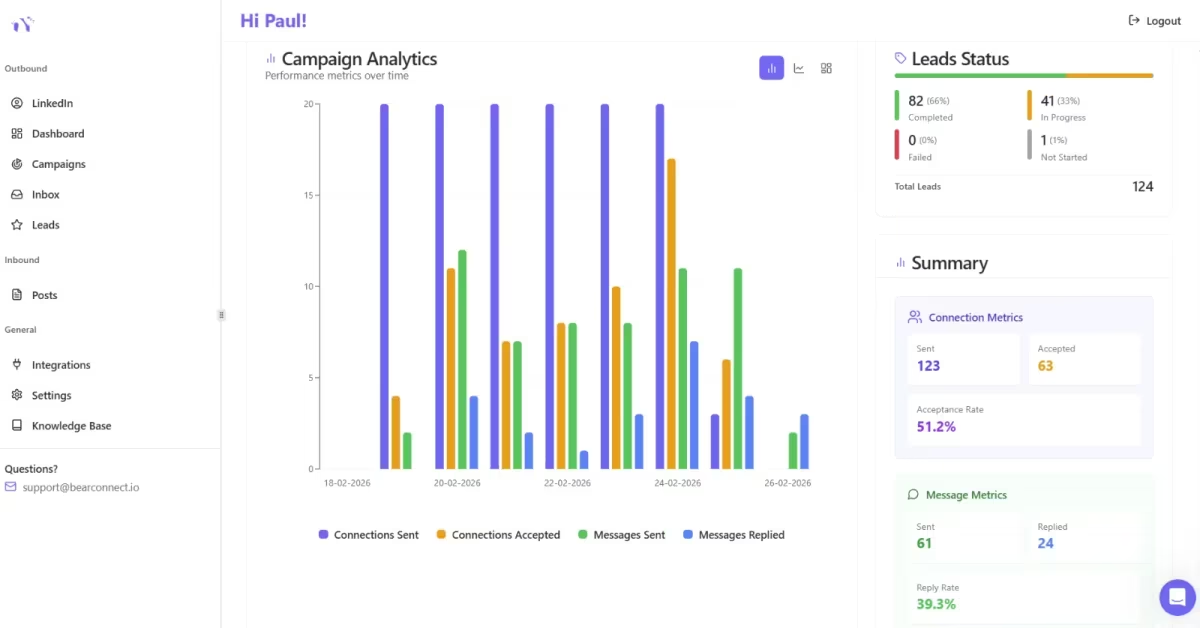
For the outreach and campaign side of your data, Bearconnect's analytics and reporting dashboard tracks connection acceptance rates, reply rates, and lead conversion so you can optimize that funnel too.
Try this, then track it
Focus on three things only:
- Create posts for dwell time.
- Publish during your golden hour.
- Use your own analytics to guide the next post.
Do not judge results too early. Track impressions on day 1, then review again on day 14.
If you want to save time, Bearconnect can handle AI post creation, scheduling, multi-account management, and your unified inbox in one place. That lets you stay consistent while the repetitive work runs in the background.
Start with tactic 1 today. Measure on day 14. Then repeat what works.
FAQ
1. Why did my LinkedIn impressions drop so much in 2025 and 2026?
Your impressions likely dropped because LinkedIn shifted from recency to relevance and dwell time. Old tactics like short posts, heavy hashtags, and posting multiple times a day stopped working. Depth and early engagement now drive reach.
2. What post format gets the most impressions on LinkedIn now?
Carousels (document posts) and long-form text posts get the most impressions because they generate the highest dwell time. Each swipe and each line read adds a watch-time signal, which the 2026 algorithm uses to widen distribution.
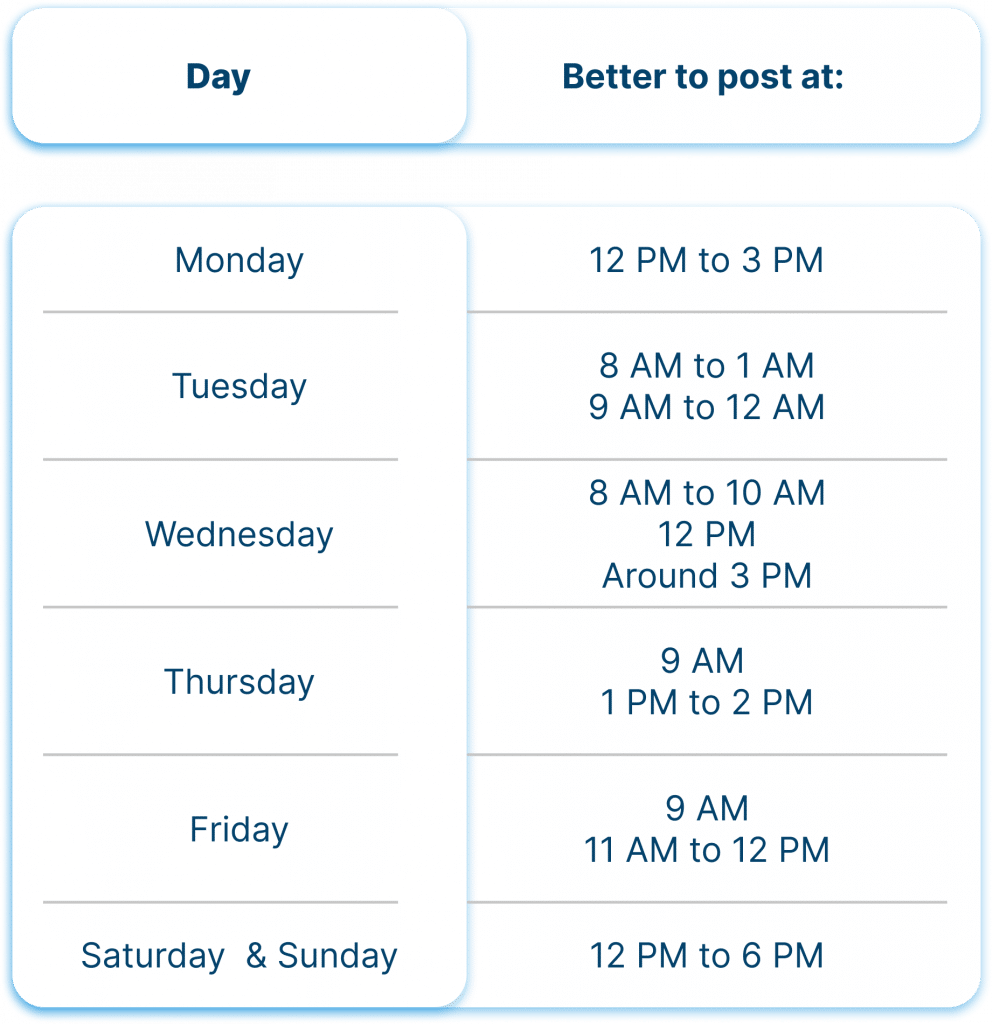
3. What is the best time to post on LinkedIn in 2026?
The best time is whenever your specific audience is active and you can engage for the next hour. Posting time matters far less than relevance and golden-hour engagement now. Check your own analytics and pick a window you can stay present for.
4. Do hashtags or keywords work better for LinkedIn reach?
Keywords in your post copy work better than hashtags in 2026. The algorithm reads your text to match topics and route distribution, while hashtags lost most of their reach power. Use one or two hashtags at most and focus on natural keywords.
5. Which engagement signals matter most for impressions?
Dwell time and substantive early comments matter most. A 15-word comment in the first 30 to 60 minutes signals far more relevance than a like. Quick, deep engagement after publishing decides how far your post travels.
Ready to Transform Your LinkedIn Strategy?
Join thousands of professionals already using Bearconnect to automate their outreach and grow their network.
7-day free trial • Cancel anytime