LinkedIn Automation for Recruiters: Save 20 Hours a Week Finding and Messaging Candidates
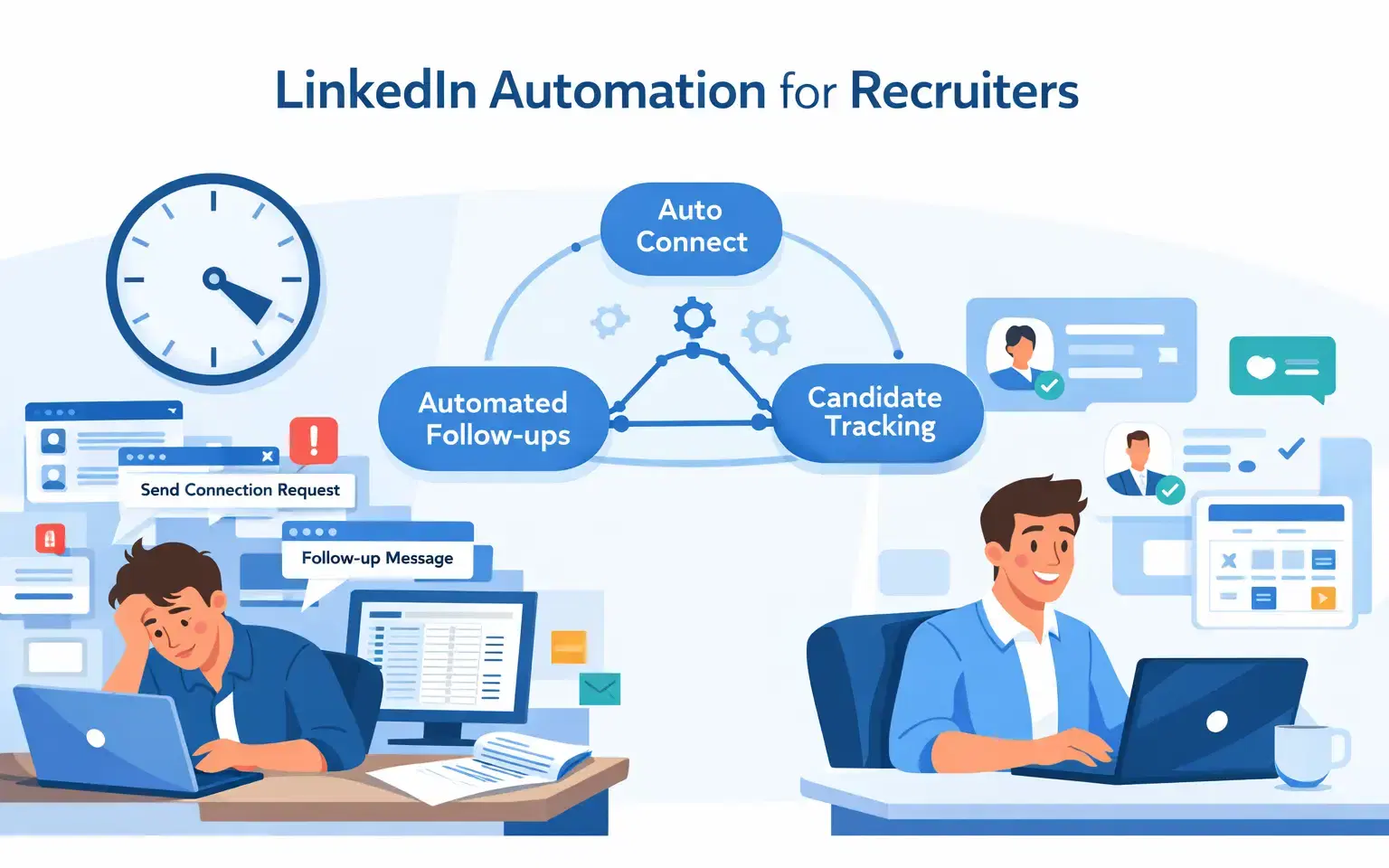
Yes. LinkedIn automation for recruiters eliminates the most time-consuming manual tasks like connection requests, follow-up sequences, and candidate tracking, giving recruiters back 15 to 20 hours every week to focus on actual hiring decisions.
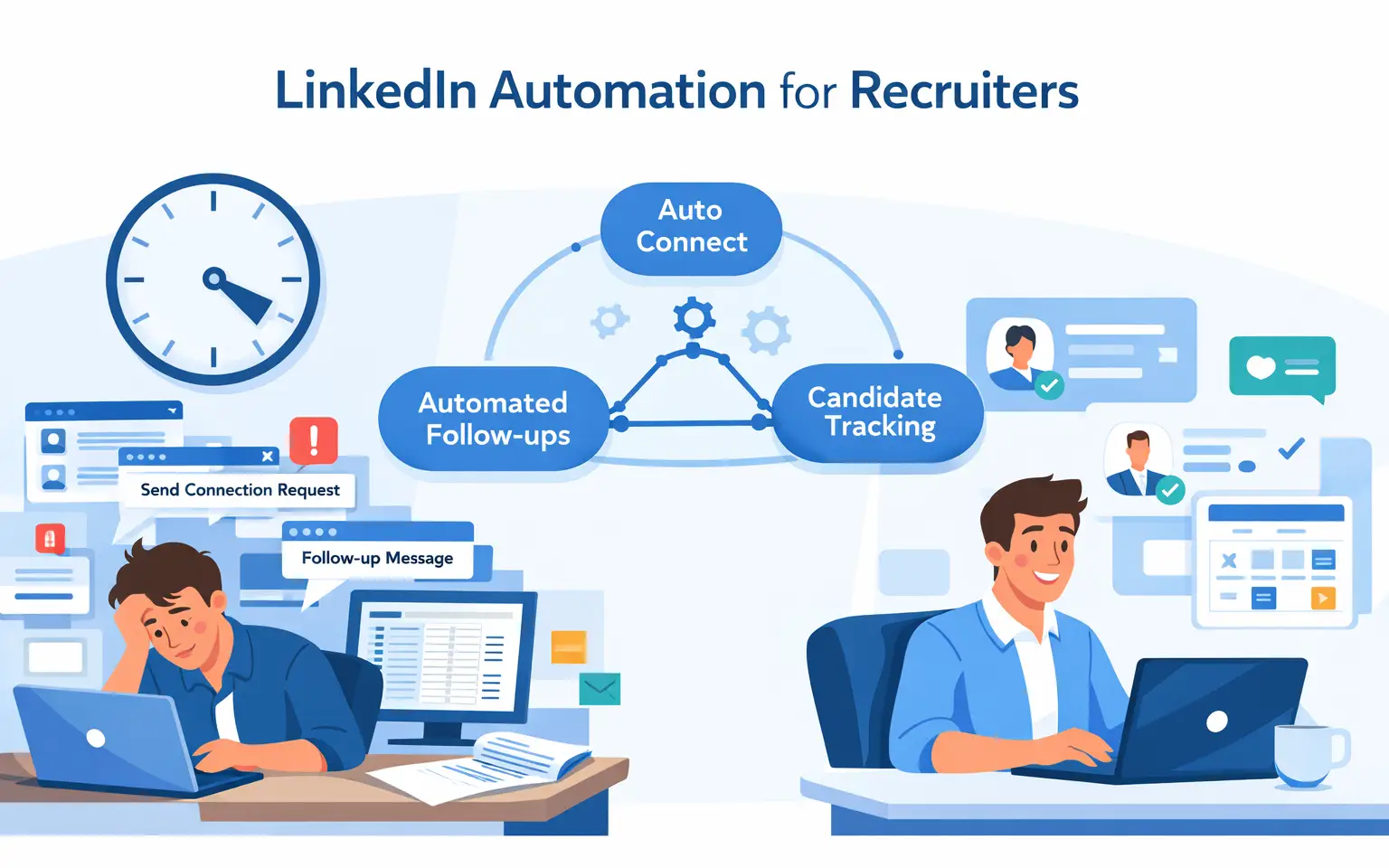
TL;DR
- Manual LinkedIn recruiting wastes 20+ hours per week on repetitive, low-value tasks
- The biggest single time drain is managing replies across multiple LinkedIn accounts (6 hrs/week)
- LinkedIn automation handles outreach, follow-ups, and candidate tracking automatically
- Bearconnect offers all-in-one LinkedIn automation for recruiters starting at $67/month per account
- Best results come from combining automation with personalized messaging and consistent content
This guide is for you if you are:
- A recruiter or talent acquisition manager who sources candidates on LinkedIn daily
- A staffing agency managing multiple LinkedIn profiles for different clients
- A hiring manager spending more time on outreach admin than on actual interviews
If any of these describe your situation, LinkedIn automation for recruiters will directly reduce your workload and increase the number of qualified candidates you reach every week.
What is LinkedIn Automation for Recruiters?

LinkedIn automation for recruiters is software that handles repetitive LinkedIn tasks automatically, on a schedule, within safe daily limits.
Instead of manually sending hundreds of connection requests or writing follow-up messages one by one, the tool runs your outreach in the background while you focus on qualified conversations.
Core tasks it handles:
- Sending targeted connection requests to pre-filtered candidates
- Automating multi-step follow-up message sequences
- Managing candidate replies in a centralized inbox
- Tracking where each candidate sits in your outreach pipeline
- Scheduling recruitment content consistently on your LinkedIn profile
It is not about spamming candidates. It is about making your outreach consistent, scalable, and measurable.
Why Recruiters Lose 20+ Hours a Week on LinkedIn (Without Automation)
Most recruiters underestimate exactly how much time LinkedIn's repetitive tasks consume. When you break it down by task, the numbers are stark.
Average weekly time lost without automation:
| Task | Time Per Week |
|---|---|
| Sending connection requests manually | 4 hours |
| Writing and sending follow-up messages | 5 hours |
| Managing replies across multiple accounts | 6 hours |
| Tracking candidate progress manually | 5 hours |
| Total | 20 hours |
That is half a full-time work week spent on tasks a tool can handle in the background.
Real-world example: A recruiter at a staffing agency managing three LinkedIn profiles spends her mornings logging in and out of each account, copy-pasting follow-up messages, and checking separate conversation threads.
By Friday, she has spent more time on admin than on actual candidate conversations.
The Recruiter Time Audit: Where Your 20 Hours Actually Go
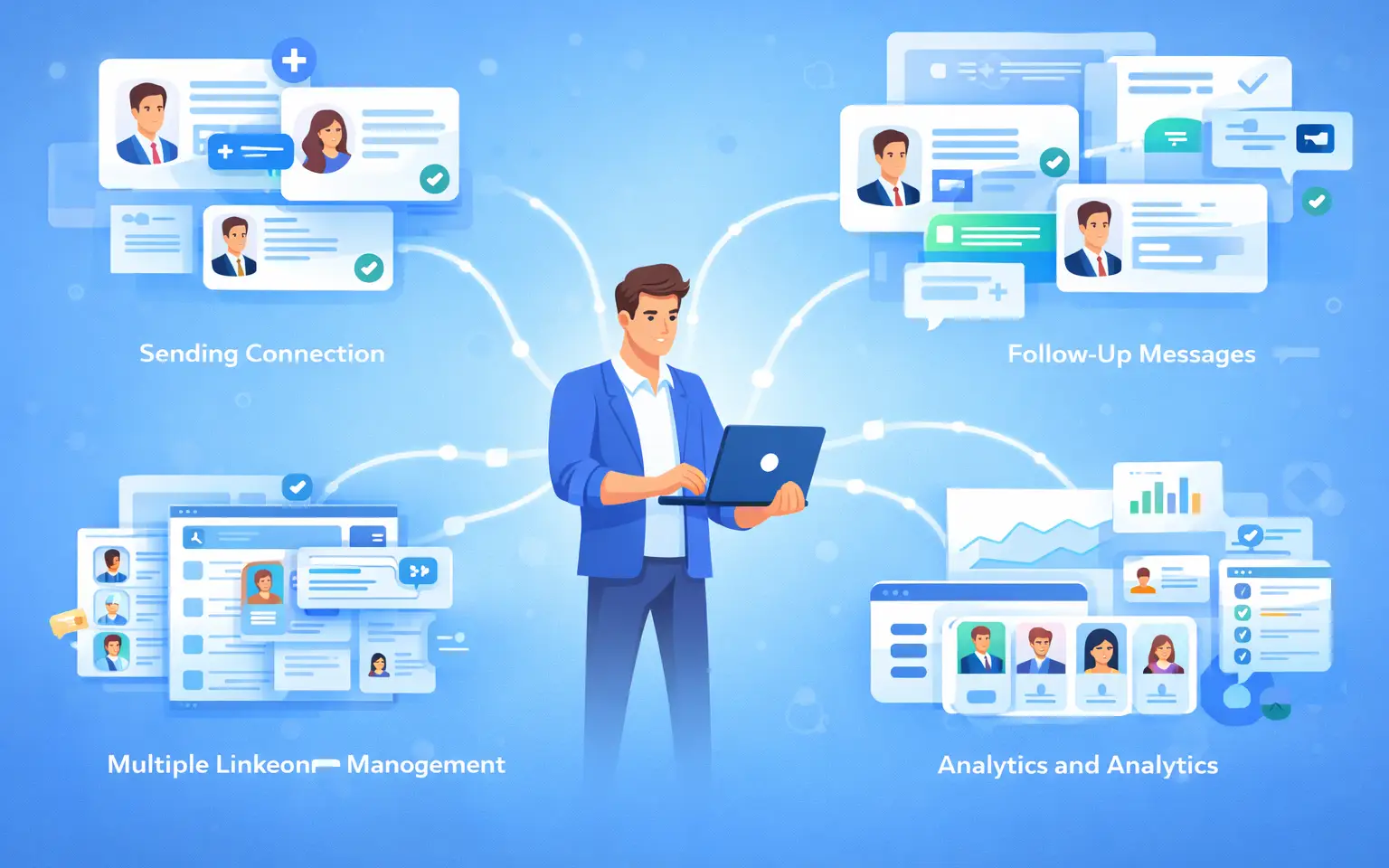
This framework shows exactly which task drains which hours, and which automation feature eliminates each one. No other guide breaks this down at this level of detail.
1. Sending Connection Requests (4 hrs/week)
- Manually finding, filtering, and sending connection requests to qualified candidates takes far longer than recruiters expect.
- For 100 targeted requests, you spend roughly 4 hours per week just on this step.
What automation does: Using Sales Navigator or Simple Linkedin search let you set audience filters including job title, location, industry, and seniority level.
The tool like Bearconnect sends connection requests daily within LinkedIn's safe activity limits. You configure it once and it runs continuously.
2. Writing and Sending Follow-Up Messages (5 hrs/week)
- Writing personalized follow-ups for candidates at different outreach stages is exhausting at scale.
- Most recruiters either skip follow-ups entirely or send generic messages that get ignored.
What automation does: Bearconnect's drip sequence builder lets you create multi-step message sequences with smart delays.
If a candidate does not reply to message one, message two goes out automatically after three days. Personalization tokens keep every message feeling direct and relevant.
What a 3-Step Recruiting Drip Sequence Looks Like
Here is a real example of what your automated sequence should look like. This structure gets replies without feeling aggressive.
Message 1: Connection Request Note (Day 0)
"Hi [First Name], I came across your profile while sourcing for a [Job Title] role at [Company Name]. Your background in [Skill or Industry] looks like a strong fit. Would love to connect."
Message 2: First Follow-Up (Day 3, if no reply)
"Hey [First Name], following up on my earlier note. We have an opening for [Job Title] that matches your experience closely. Happy to share a few details if you are open to a quick 10-minute chat."
Message 3: Final Follow-Up (Day 7, if still no reply)
"Totally understand if the timing is not right. I will keep your profile on file for future roles. Feel free to reach out any time you are open to new opportunities."
3. Managing Replies Across Multiple Accounts (6 hrs/week)
- This is the single biggest time drain for any recruiter managing more than one LinkedIn profile.
- Logging in and out to check separate conversation threads adds up fast.
What automation does: Unified inbox consolidates messages from all connected LinkedIn accounts into one dashboard.
You reply to every candidate from one place without switching profiles or losing track of any conversation thread.
4. Tracking Candidate Progress Manually (5 hrs/week)
Maintaining a spreadsheet or sticky note system to track which candidate received which message, and where they are in your funnel, is slow and error-prone.
What automation does: Advance analytics dashboard shows connection acceptance rates, reply rates, and campaign performance by segment.
You can also sync candidate data directly to HubSpot or Salesforce so your CRM updates automatically.
Pro Tip: Time yourself on each of these four tasks this week. Most recruiters are shocked to realize how much of their day goes to admin rather than hiring conversations.
Key Benefits of LinkedIn Automation for Recruiters
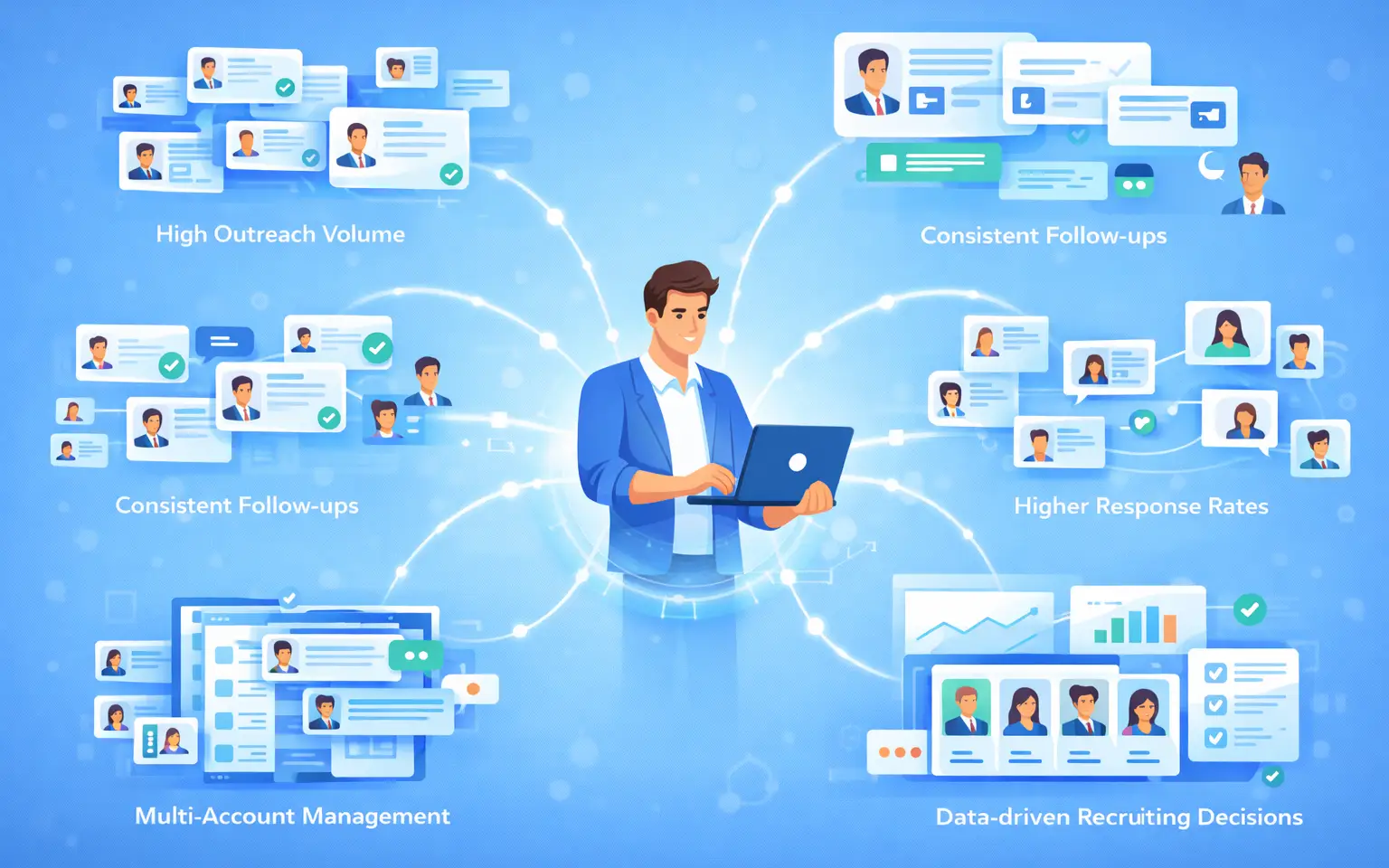
LinkedIn automation for recruiters delivers measurable outcomes that go beyond time savings alone.
1. Higher outreach volume without extra headcount
One recruiter using automation can run the same outreach volume that would normally require a 3-person team. You scale output without scaling cost.
2. Consistent follow-up that actually happens
Candidates rarely respond to the first message. Automated sequences ensure every candidate receives timely follow-ups without you manually tracking who needs what at which stage.
3. Better candidate response rates
Personalized, well-timed messages outperform cold generic InMails. Automation tools let you personalize at scale using dynamic fields like first name, current company, or job title.
4. Data-driven recruiting decisions
You track which message templates generate the most replies, which candidate segments convert best, and where people drop off in your outreach funnel.
5. Multi-account management for agencies
Staffing agencies managing multiple client accounts can run separate campaigns for each client from one dashboard without paying for separate tool subscriptions per profile.
6. Reach Passive Candidates at Scale
- Most high-quality candidates on LinkedIn are not actively applying for jobs. Automation lets you reach these passive candidates consistently without a manual daily effort.
- Low-pressure message sequences work best here. A message that says "just keeping you in mind for future roles" converts passive candidates far better than an urgent job-push message.
How LinkedIn Automation Works: Core Features to Look For
Not every LinkedIn automation tool is built for recruiting workflows. These are the features that actually matter.
1. Automated Connection Requests with Audience Targeting
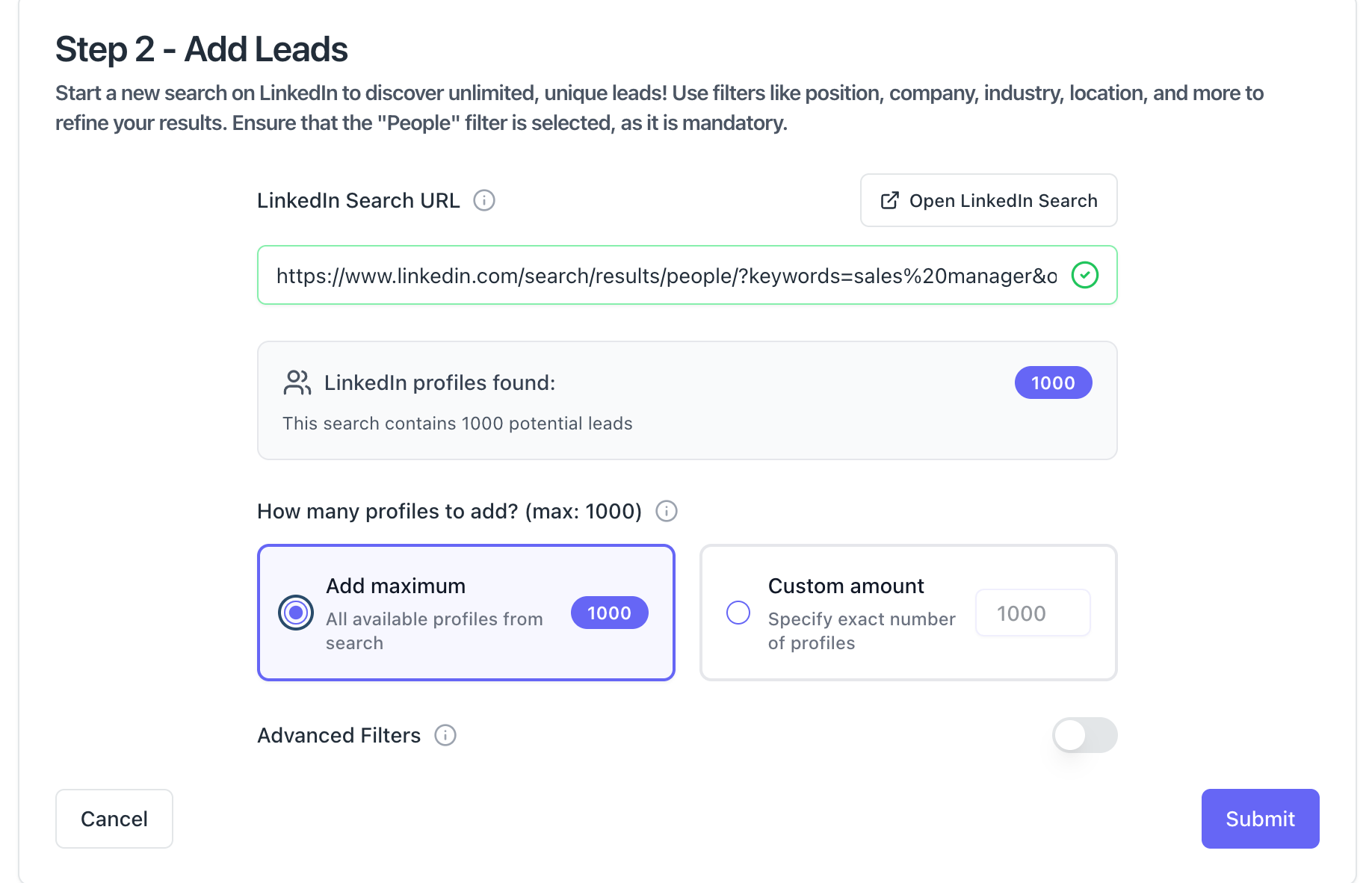
The tool should filter candidates by job title, location, industry, and seniority level. Requests should go out gradually each day, never in bulk, to stay within LinkedIn's safe limits.
2. Drip Sequence Builder
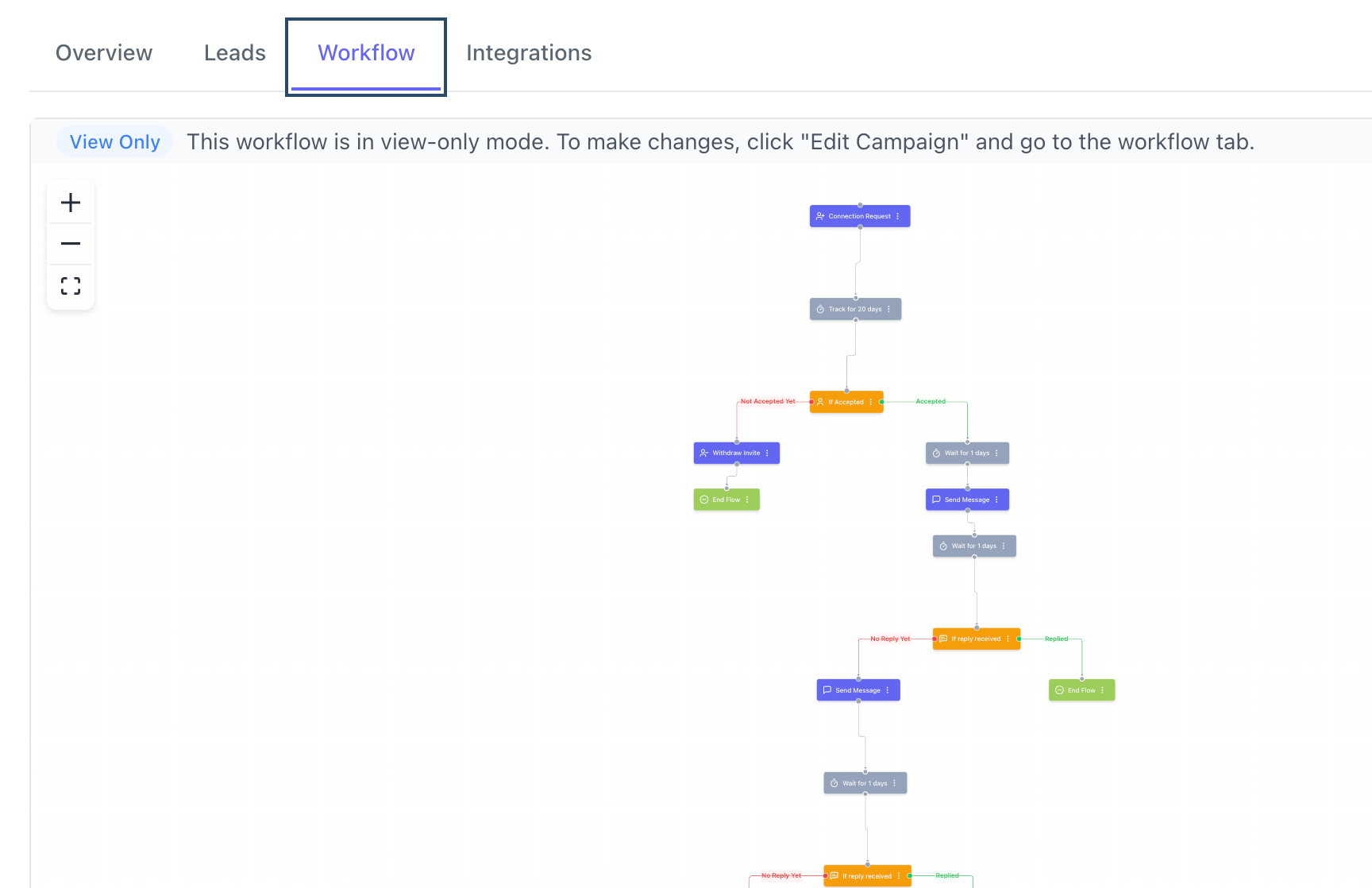
You need multi-step messaging with conditional logic. If a candidate replies, the sequence stops. If they do not reply, the next message sends automatically after a set delay. This keeps outreach human without requiring daily manual attention.
3. Unified Inbox for Multiple Accounts
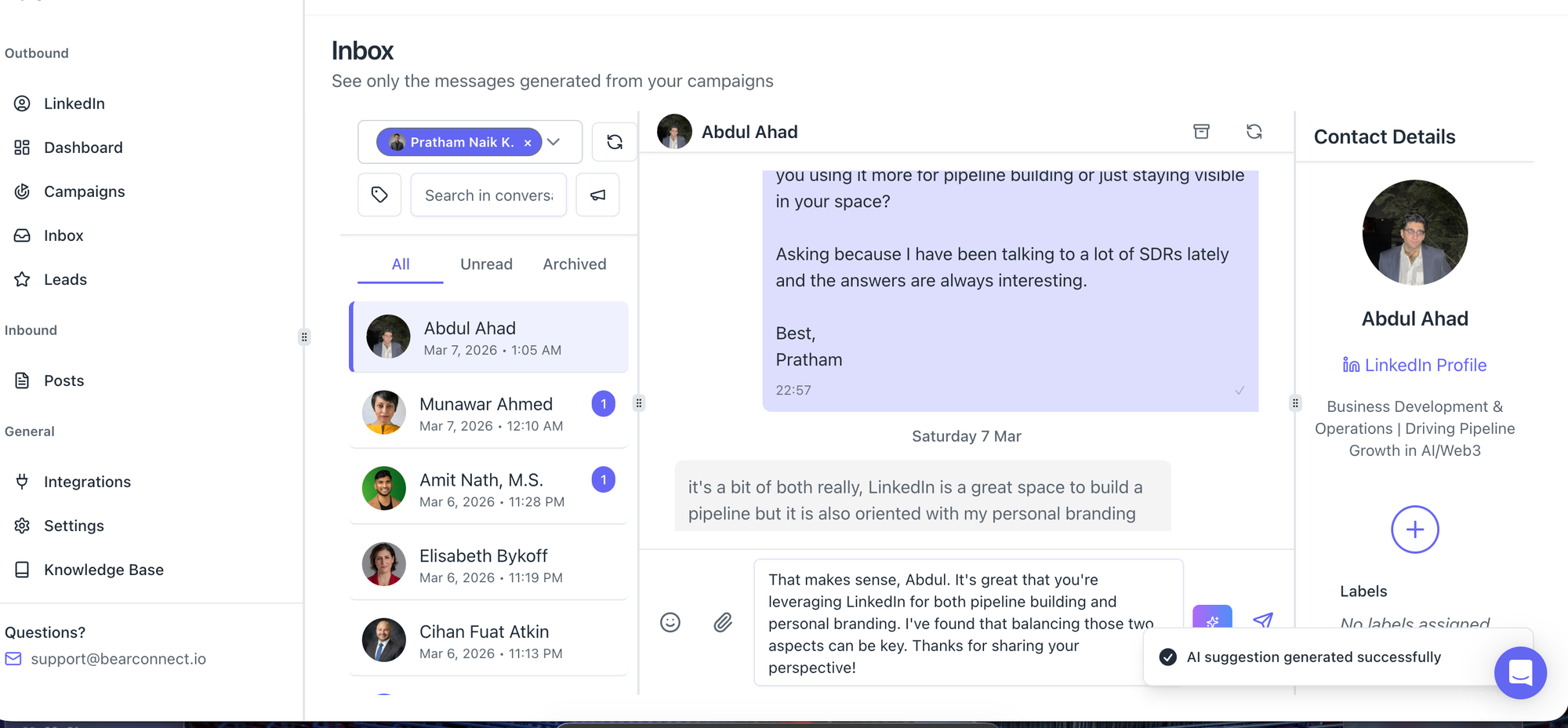
Critical for agencies and recruiters managing more than one LinkedIn profile. All conversations must sit in one place so you never miss a reply from a qualified candidate.
4. Analytics and Campaign Reporting
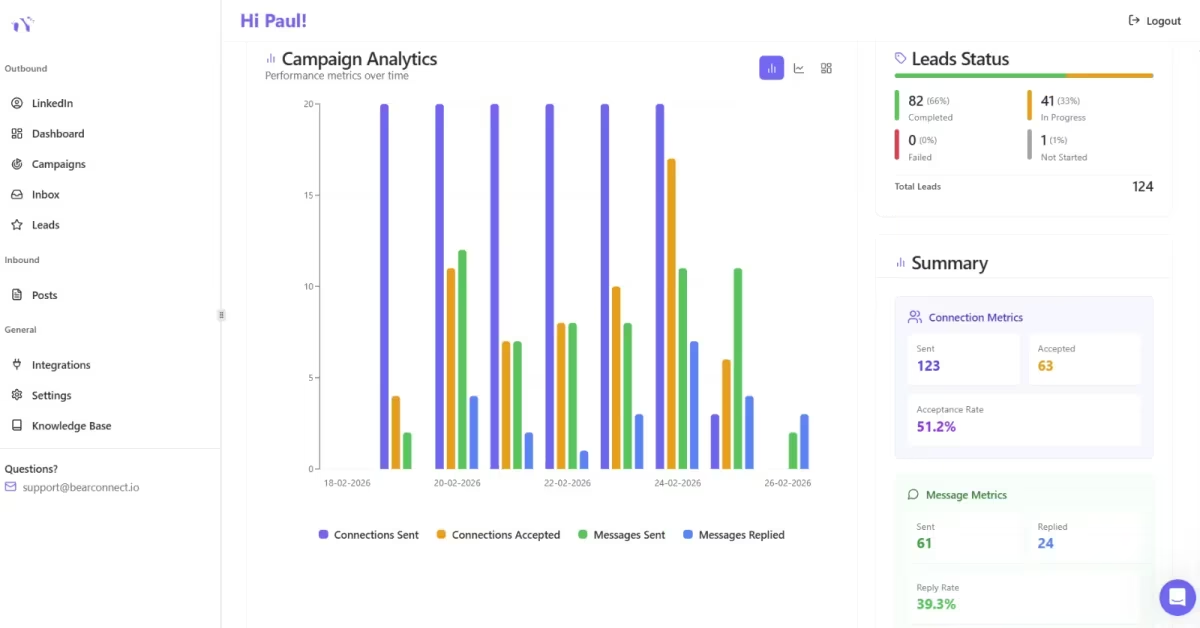
You need connection acceptance rates, reply rates, and performance data per campaign. Without this, you cannot optimize your outreach over time.
5. CRM Integration
Direct sync with HubSpot or Salesforce means candidate data flows into your CRM automatically when they accept a connection or reply. No manual data entry needed.
6. Account Safety Features
The tool must operate within LinkedIn's daily action limits and use behavior mimicry to appear as a real user. Look specifically for local IP support and account warm-up functionality.
Pro Tip: Avoid any tool that promises unlimited daily actions. LinkedIn restricts accounts that exceed safe activity thresholds. A tool that respects limits protects your years of built network.
Bearconnect: LinkedIn Automation Built for Recruiters
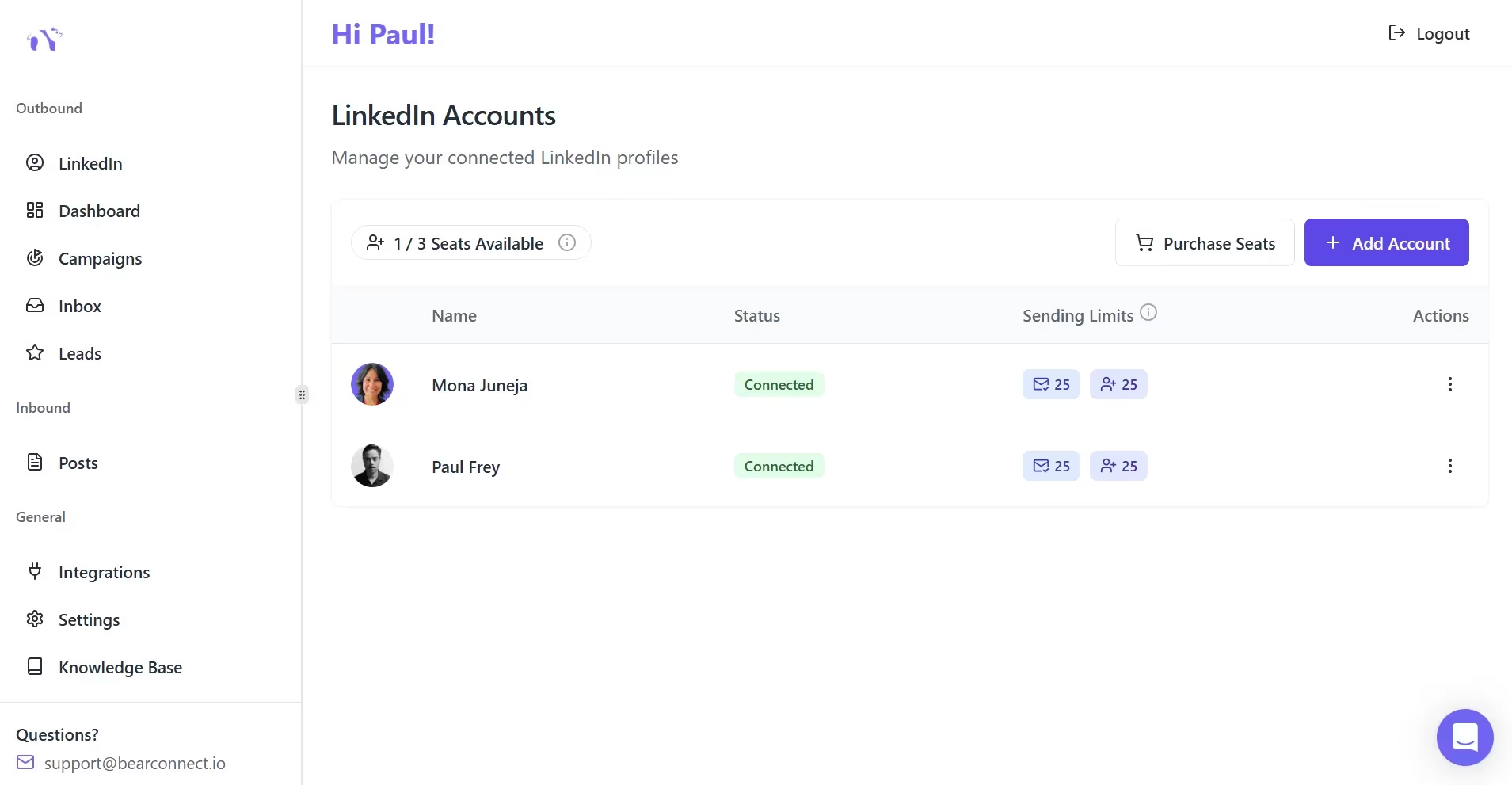
Bearconnect is an all-in-one LinkedIn automation platform built for recruiters, agencies, and sales teams who want scalable outreach without enterprise-level pricing.
Key features for recruiting workflows:
- Automated connection requests with advanced candidate targeting
- Multi-step drip sequences with personalization tokens
- Unified inbox for all connected LinkedIn accounts in one dashboard
- AI post creation and scheduling for employer branding content
- Advanced analytics and campaign tracking by segment
- CRM integrations with HubSpot and Salesforce
- Local IP and behavior mimicry for account safety
- Runs 24/7 in the cloud with no browser extension required
Pricing:
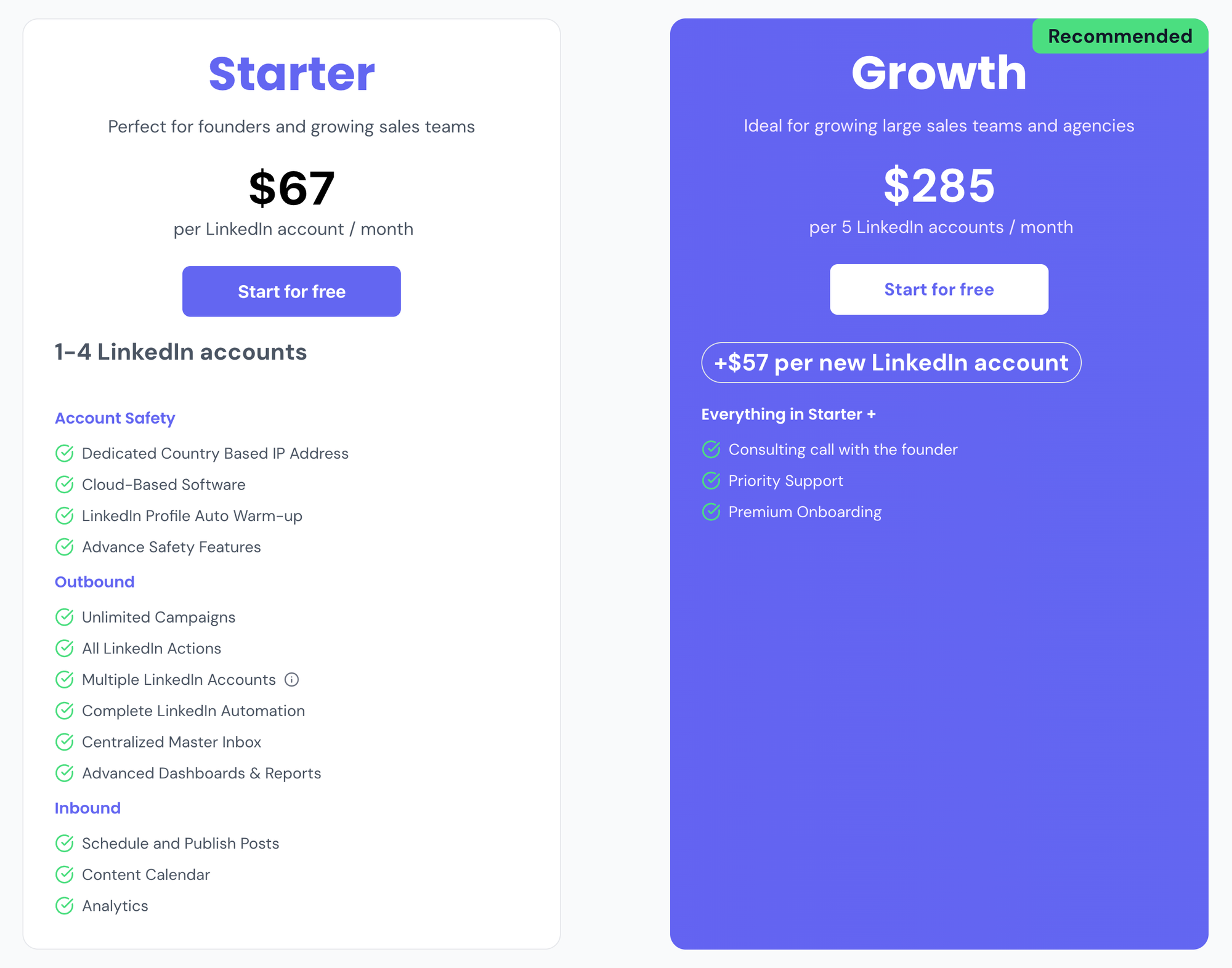
- $67/month per LinkedIn account
- $57/month per account when you connect 5 or more accounts (designed for agencies)
- 7-day free trial without any limitation
For a 3-person recruiting team each managing one LinkedIn account, Bearconnect costs $201/month total. One quality hire from automated outreach typically covers months of that investment.
LinkedIn Automation Tools: Feature and Pricing Comparison
| Feature | BearConnect | Expandi | Dux-Soup |
|---|---|---|---|
| Price per account | $67/mo | $99/mo | $55/mo (Turbo) |
| Unified inbox | Yes | No | No |
| Unlimited account connections | Yes (one seat) | No | No |
| AI post creation | Yes | No | No |
| Drip sequences | Yes | Yes | Yes |
| CRM integration | HubSpot, Salesforce | Limited | HubSpot |
| Account safety | Local IP + mimicry | Cloud-based | Browser extension |
| Free trial | 7 days | 7 days | 14 days |
Best Practices and Safety Tips for LinkedIn Automation for Recruiters
LinkedIn automation is safe when you follow the right approach. These practices protect your account and keep your outreach effective long-term.
1. Warm Up New Accounts Before Automating
Do not run automation on a brand new LinkedIn account at full speed from day one. Gradually increase daily activity over two to three weeks. Bearconnect handles this automatically with its built-in account warm-up feature.
2. Keep Daily Action Limits Conservative
LinkedIn's safe threshold sits at roughly 20 to 30 connection requests per day for standard accounts. Tools that push 100+ requests daily put your account at risk of restriction.
3. Personalize Every First Message
Even with automation running, your first message must feel personal. Use the candidate's name, current role, or company name. Generic openers get ignored and increase the chance of being reported.
4. Review Reply Rates Every Week
If your connection acceptance rate drops below 15%, your targeting or message copy needs adjustment. Check analytics weekly, not monthly. Small changes in copy produce large changes in response rates.
5. Run Content Alongside Your Outreach Campaigns
Recruiters who post employer branding content consistently alongside automated outreach see 2 to 3 times higher reply rates. Candidates recognize your profile before receiving a message, which builds instant trust.
Pro Tip: Use Bearconnect's AI post scheduling to keep your LinkedIn profile active while outreach campaigns run in the background. Active profiles with recent content get significantly higher connection acceptance rates.
5 FAQs: LinkedIn Automation for Recruiters
Q1. Is LinkedIn automation safe for recruiters to use?
Yes, when used correctly. Tools that stay within LinkedIn's daily action limits, use behavior mimicry, and operate from local IPs are safe. Bearconnect uses all three safety layers to protect your account from restrictions or bans.
Q2. Will candidates know my outreach messages are automated?
Not if you personalize them correctly. Use dynamic fields to include the candidate's name, role, or company in every message. A well-written automated message is indistinguishable from a manual one when personalization is done right.
Q3. Can I manage multiple LinkedIn recruiting accounts from one platform?
Yes. Bearconnect lets you connect unlimited LinkedIn accounts to a single dashboard. You manage all candidate conversations, campaigns, and analytics from one place without switching between profiles.
Q4. How many candidates can I realistically reach per week?
At safe daily limits of 20 to 30 connection requests per day, you reach 100 to 150 new candidates per week per LinkedIn account. With three accounts connected in Bearconnect, that is 300 to 450 candidates per week from one recruiter.
Q5. How long does it take to set up a recruiting campaign in Bearconnect?
Under 15 minutes for your first campaign. Connect your LinkedIn account, set your audience filters, write your message sequence, and start. No technical setup, no complex onboarding, and no developer required.
Start Saving 20 Hours a Week on LinkedIn Recruiting
LinkedIn automation for recruiters is not a shortcut. It is a smarter system. You stop spending hours on tasks a tool handles automatically and start spending that time on conversations that actually lead to hires.
Bearconnect gives you automated connection requests, multi-step follow-up sequences, a unified inbox for all your accounts, and full campaign analytics, starting at $67/month per LinkedIn account.
Try Bearconnect free for 7 days at bearconnect.io.
Ready to Transform Your LinkedIn Strategy?
Join thousands of professionals already using Bearconnect to automate their outreach and grow their network.
7-day free trial • Cancel anytime
Related Articles
How Can SDRs Book More Meetings Using LinkedIn Automation?
SDRs can book more meetings with LinkedIn automation by streamlining outreach, automating follow-ups, and scaling conversations without manual effort.
7 Best LinkedIn DM Tools for Outreach Automation in 2026
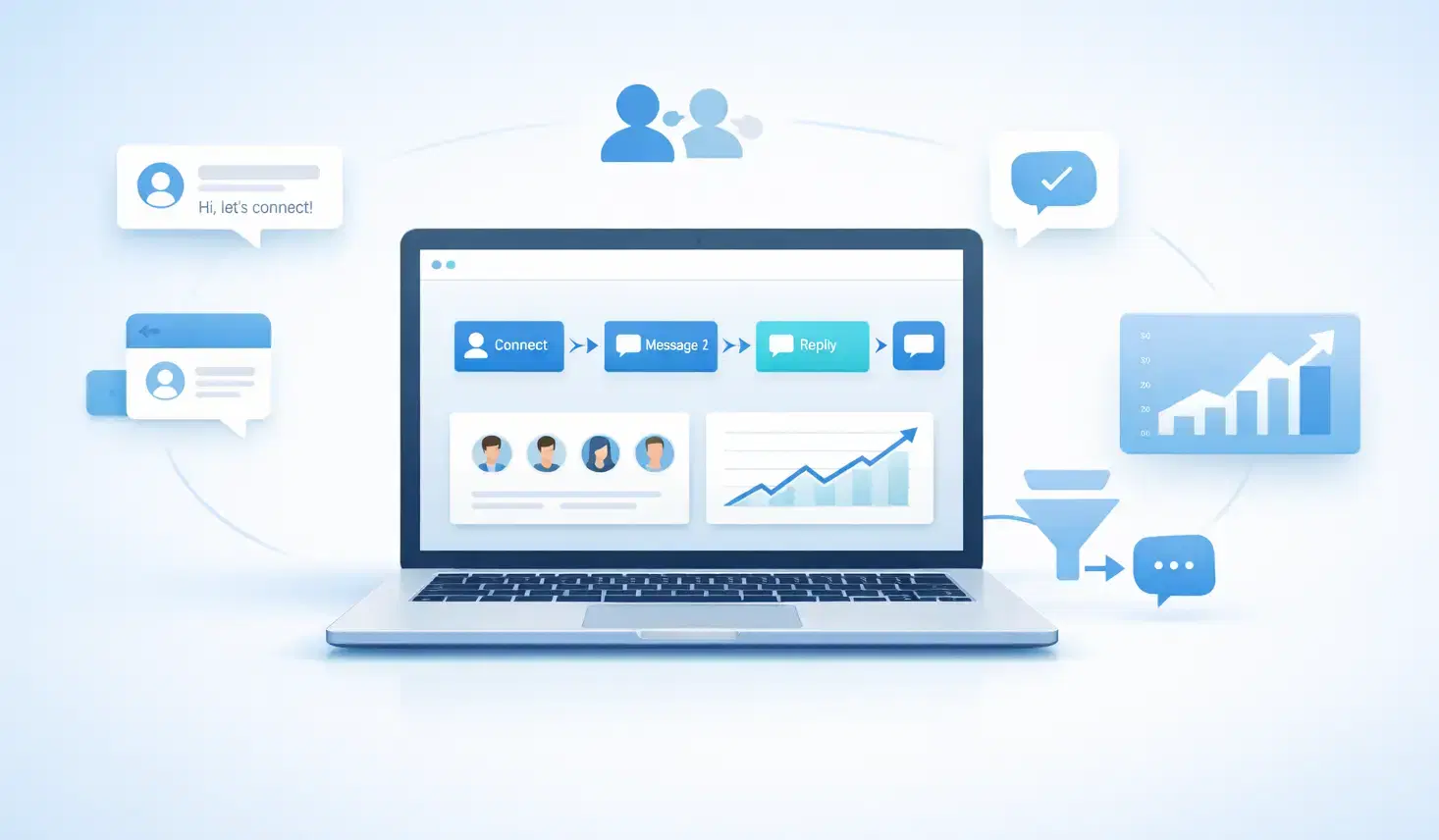
Looking for best LinkedIn DM tools in 2026? This guide compares top outreach automation tools by features, pricing, safety, and use cases so you can scale B2B lead generation with less manual work.
How to Automate Your Agency's LinkedIn Outreach (Without Getting Banned)
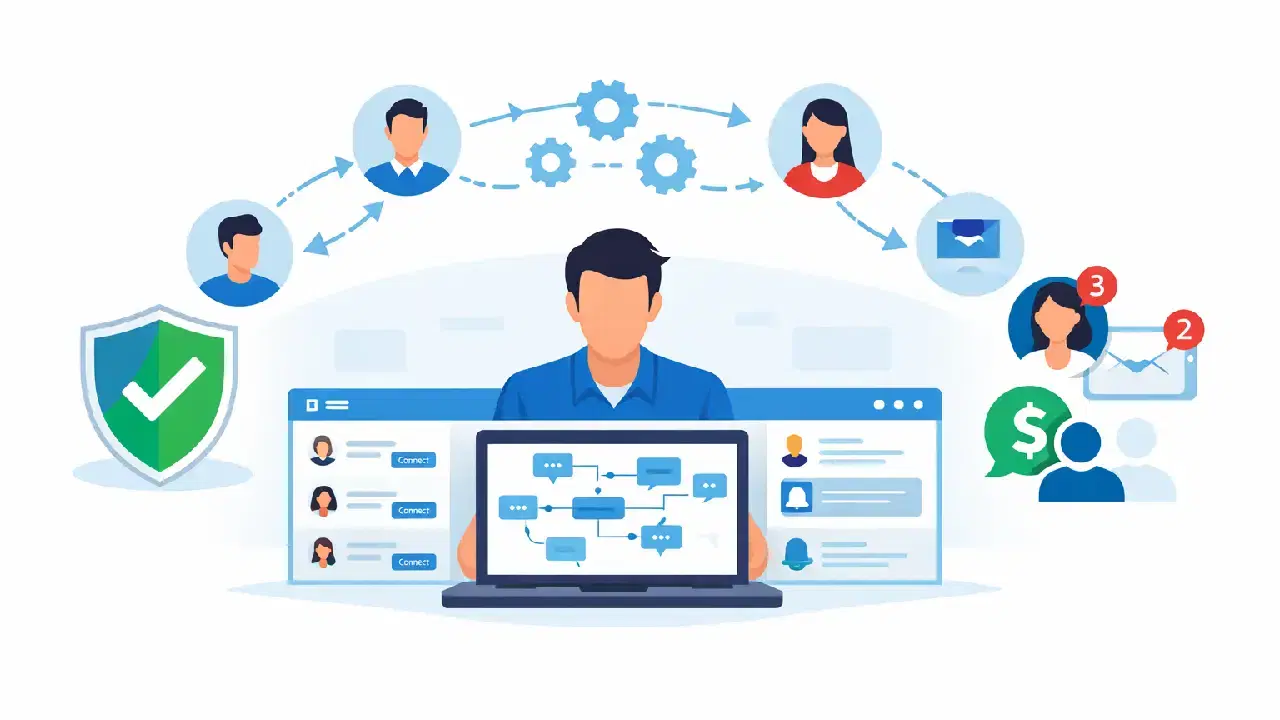
Learn how agencies automate LinkedIn outreach safely using smart limits, personalization, and automation tools to scale prospecting without risking account bans.