LinkedIn Jail: How to Avoid It When Using Automation (2026 Guide)
You can avoid LinkedIn jail by staying within LinkedIn's safe activity limits, using a cloud-based automation tool, and personalizing your outreach so it mimics natural human behavior.
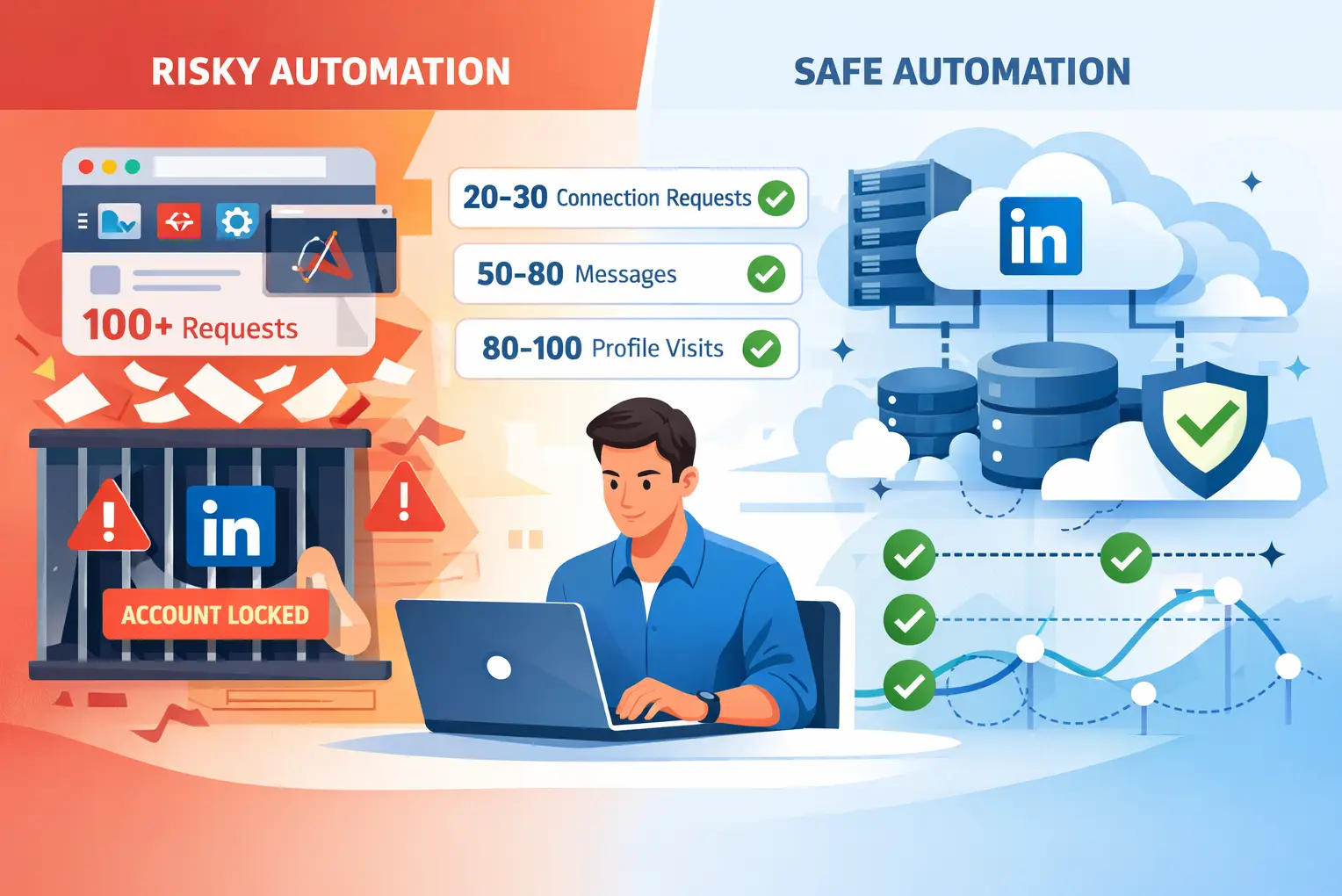
TL;DR
- LinkedIn jail is a temporary or permanent account restriction triggered by suspicious, bot-like activity
- The most common triggers are sending too many connection requests too fast, bulk messaging, and using browser extension automation tools
- Browser extensions are riskier than cloud-based tools because LinkedIn detects script injection directly in your browser session
- Safe daily limit: 20 to 30 connection requests, 50 to 80 messages, and 80 to 100 profile visits
- Cloud-based tools like Bearconnect use dedicated IPs and human-like activity pacing to significantly reduce your restriction risk.
What Is LinkedIn Jail?
LinkedIn jail is a temporary or permanent account restriction that LinkedIn applies when it detects unusual, bot-like, or policy-violating activity on your account.
It is not always a permanent ban. The restriction can range from a soft warning that lasts 24 hours to a full account closure, depending on how severe or repeated the violations are.
Two main types of LinkedIn account restrictions:
- Temporary restriction: Your account gets limited for a few hours to 30 days. You can log in but cannot send connection requests or messages.
- Permanent ban: LinkedIn closes your account entirely. This usually happens after repeated violations or aggressive scraping activity.
Most users who land in LinkedIn jail are running automation tools without the right safety settings. If you are new to this, read our LinkedIn automation beginner guide before scaling any campaign.
How Do You Know You Are in LinkedIn Jail?
You are likely in LinkedIn jail if LinkedIn limits your ability to send connections or messages, with or without a visible warning.
1. Visible Warning Signs
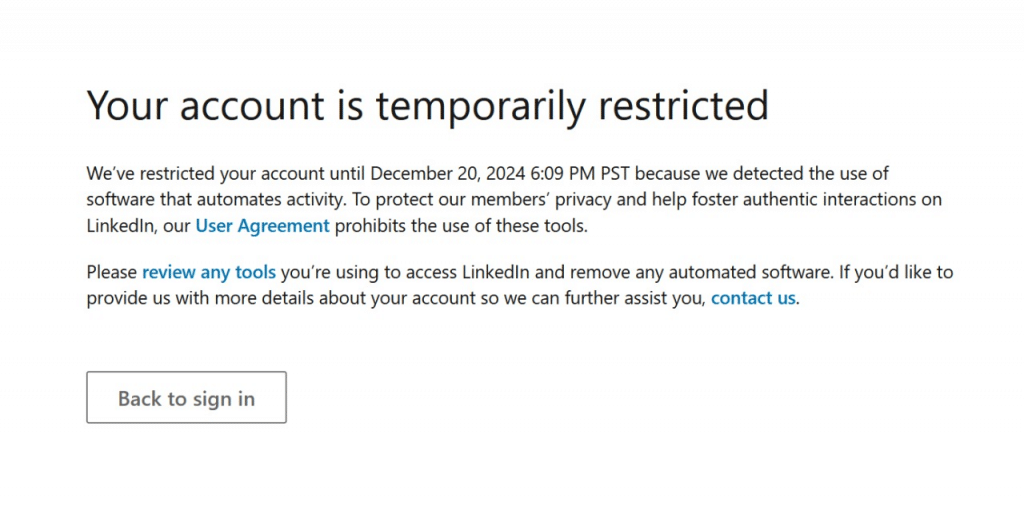
- A message appears: "Your account has been temporarily restricted"
- You cannot send connection requests even though your limit shows as available
- Messages stop delivering to recipients
- LinkedIn prompts you to verify your identity via email or phone
2. The Shadow Ban: A Sneakier Version
A LinkedIn shadow ban is different from a standard restriction. LinkedIn does not notify you.
- Your account still looks active to you, but LinkedIn quietly suppresses your visibility in search results and feed distribution.
- If your connection acceptance rate drops sharply or your post reach collapses without any warning, you may be shadow banned rather than jailed.
Pro Tip: Track your weekly connection acceptance rate. A sudden drop below 20% is usually the first signal. Learn how your LinkedIn SSI score reflects your overall account health in real time.
Why Does LinkedIn Restrict Accounts?
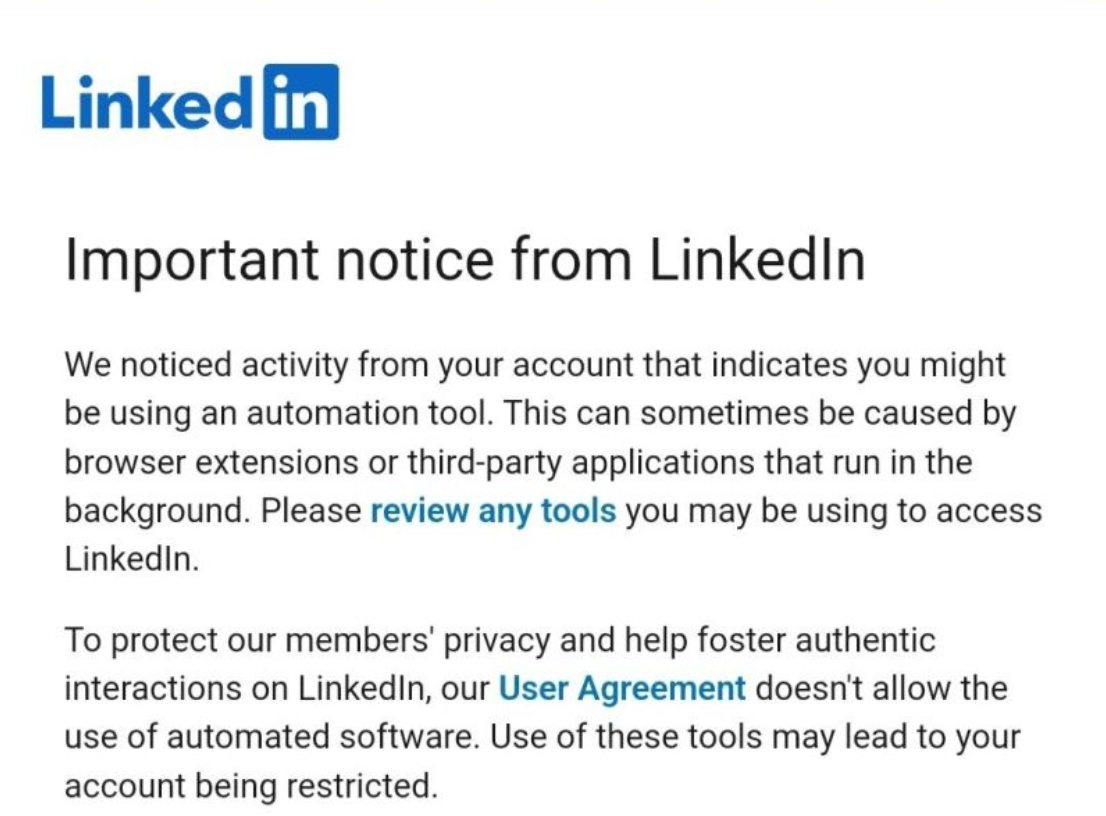
LinkedIn restricts accounts that display activity patterns a human could not realistically produce.
LinkedIn's algorithm monitors the speed, volume, and consistency of your actions. Any pattern that looks automated or spam-like triggers a flag.
Common Causes of LinkedIn Jail
- Sending too many connection requests in a short window - LinkedIn detects burst activity instantly
- High rejection or ignore rate on connection requests - If 30% or more of requests go unanswered or get reported as spam, your account gets flagged
- Sending identical copy-paste messages in bulk - No variation in message text is a direct spam signal
- Using browser extension automation tools - These inject scripts into your browser session, which LinkedIn's front-end security detects
- Logging in from multiple IP addresses in a short time - Looks like a compromised or shared account
- Visiting hundreds of profiles in minutes - A clear signal of automated scraping
- Using third-party tools that violate LinkedIn's Terms of Service - Not all automation tools are built with compliance in mind
LinkedIn actively flags accounts using non-compliant tools. Read our full breakdown on LinkedIn automation tool warnings and what triggers detection.
Not sure if your current tool is compliant? Check is LinkedIn automation against LinkedIn's policy in 2026.
How Long Does LinkedIn Jail Last?
LinkedIn jail duration depends on the type of violation and whether it is your first offence.
LinkedIn rarely communicates the exact restriction period. Most first-time restrictions lift automatically if you stop the triggering activity immediately.
| Restriction Type | Typical Duration |
|---|---|
| First-time soft warning | 24 to 48 hours |
| Temporary account restriction | 7 to 30 days |
| Repeated violations | 30 to 90 days |
| Permanent ban | Indefinite |
Note: LinkedIn Premium and Sales Navigator accounts have slightly higher activity tolerance but are not immune to restrictions.
How to Get Out of LinkedIn Jail
Stop all automation activity immediately the moment you notice a restriction. Continuing to run campaigns while restricted extends the penalty period.
Step-by-Step Recovery Plan
- Pause all automation tools right away - Stop every active campaign or sequence
- Log in manually and check for verification requests - Complete any identity verification LinkedIn asks for
- Submit an appeal through the LinkedIn Help Center - Keep your message short, honest, and professional
- Avoid logging in from new devices or locations - Changing your device or IP during a restriction raises additional red flags
- Warm up your account slowly after recovery - Start with 5 to 10 manual connection requests per day before resuming any automation
Pro Tip: When submitting your appeal, do not explicitly mention using a third-party tool. Focus on your genuine intent to connect with relevant professionals and your commitment to following LinkedIn's community guidelines.
Cloud-Based Automation vs Browser Extensions: The Key Safety Difference
Cloud-based automation tools are significantly safer than browser extensions because they operate completely outside your browser environment.
This is the single most important distinction that most LinkedIn safety guides skip entirely. The type of tool you use matters more than the volume of activity you run.
1. Why Browser Extensions Get Caught Faster
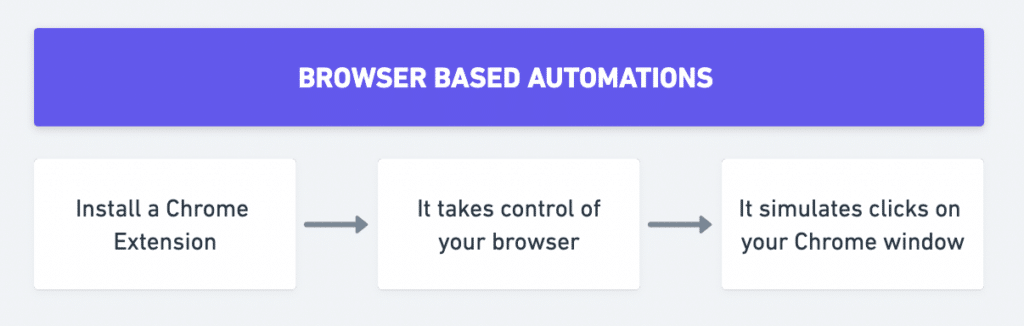
Browser extensions work by injecting JavaScript code directly into your active LinkedIn session inside your browser. LinkedIn's front-end security detects this because:
- Injected scripts create unusual page behavior patterns
- Actions fire at non-human speeds within the same browser session
- The extension operates inside your exact browser fingerprint
- LinkedIn can read these signals directly from your session data
Result: Users running browser extensions face restrictions faster, even when staying within low activity volumes.
Browser extension users face restrictions faster, even at low volumes. See why users are switching to safer automation alternatives.
2. Why Cloud-Based Tools Are the Safer Choice
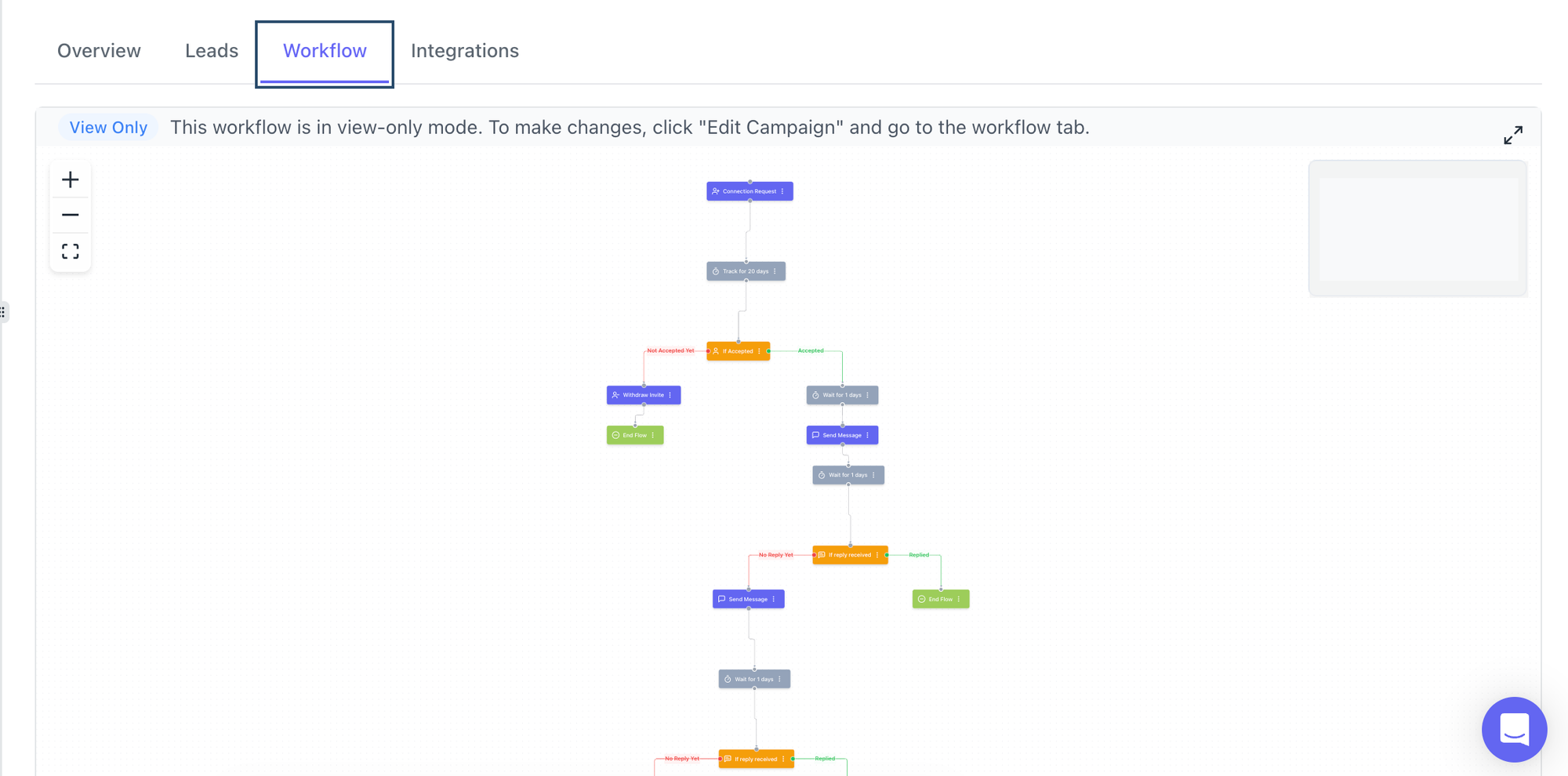
Cloud-based LinkedIn automation tools run on remote servers, completely separate from your browser. Here is what that difference means in practice:
- Dedicated IP per account: Each LinkedIn account operates from a consistent, fixed IP address rather than your home or office network
- Human-like activity timing: Randomized delays between actions mimic natural browsing behavior
- No browser fingerprint exposure: LinkedIn cannot detect script injection because none happens in your browser
- Built-in pacing controls: Actions spread across hours and days, not minutes
Bearconnect is a cloud-based LinkedIn automation platform built for safe outreach at scale. See how it works behind the scenes.
LinkedIn Daily Limits You Must Follow in 2026
Staying within LinkedIn's activity limits is non-negotiable. Crossing the thresholds below even once can trigger an account restriction.
Safe Daily Activity Benchmarks
| Action | Safe Daily Limit | Risky Threshold |
|---|---|---|
| Connection requests | 20 to 30 per day | Above 50 per day |
| Follow-up messages | 50 to 80 per day | Above 100 per day |
| Profile visits | 80 to 100 per day | Above 150 per day |
| InMail messages | 10 to 15 per day | Above 25 per day |
| Post engagement actions | 30 to 50 per day | Above 80 per day |
Pro Tip: New accounts should withdraw old pending requests before scaling. Learn how to auto-withdraw LinkedIn connection requests to keep your account health clean.
7 Proven Strategies to Avoid LinkedIn Jail When Using Automation
Use all seven strategies together. Using just one or two gives you partial protection only.
1. Switch to a Cloud-Based Automation Tool
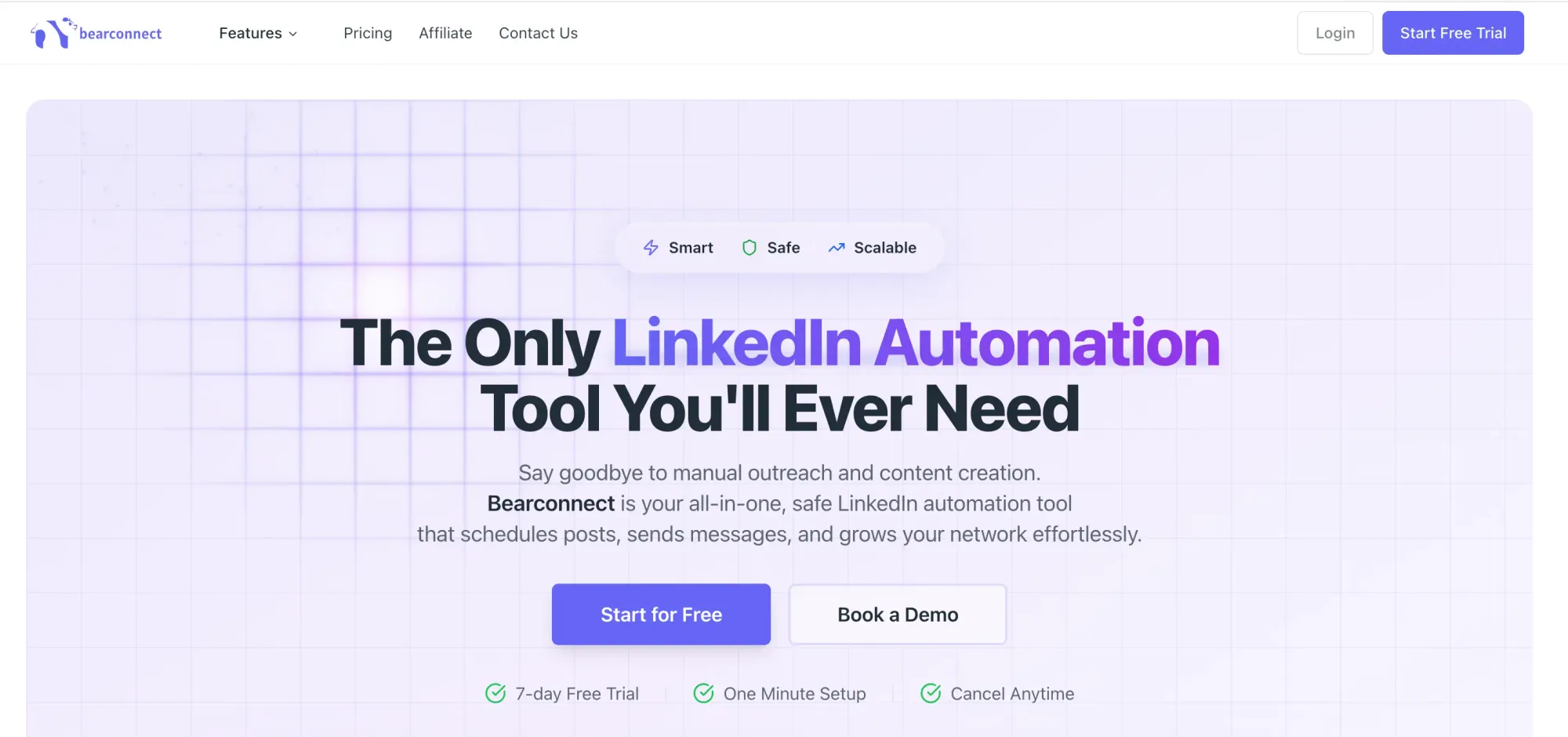
This is the foundational step. A cloud-based platform like Bearconnect runs from remote servers with dedicated IPs, so LinkedIn cannot detect automation in your browser session.
2. Stay Below LinkedIn's Daily Limits
Set your automation to 15 to 20 connection requests per day maximum. A conservative volume with a high acceptance rate is always safer than maximum volume with low engagement.
3. Personalize Every Single Message
Use dynamic variables like first name, company name, or a specific profile detail in every message. Get ready-to-use LinkedIn message templates for automation that feel human, not robotic.
4. Warm Up New Accounts Before Running Automation
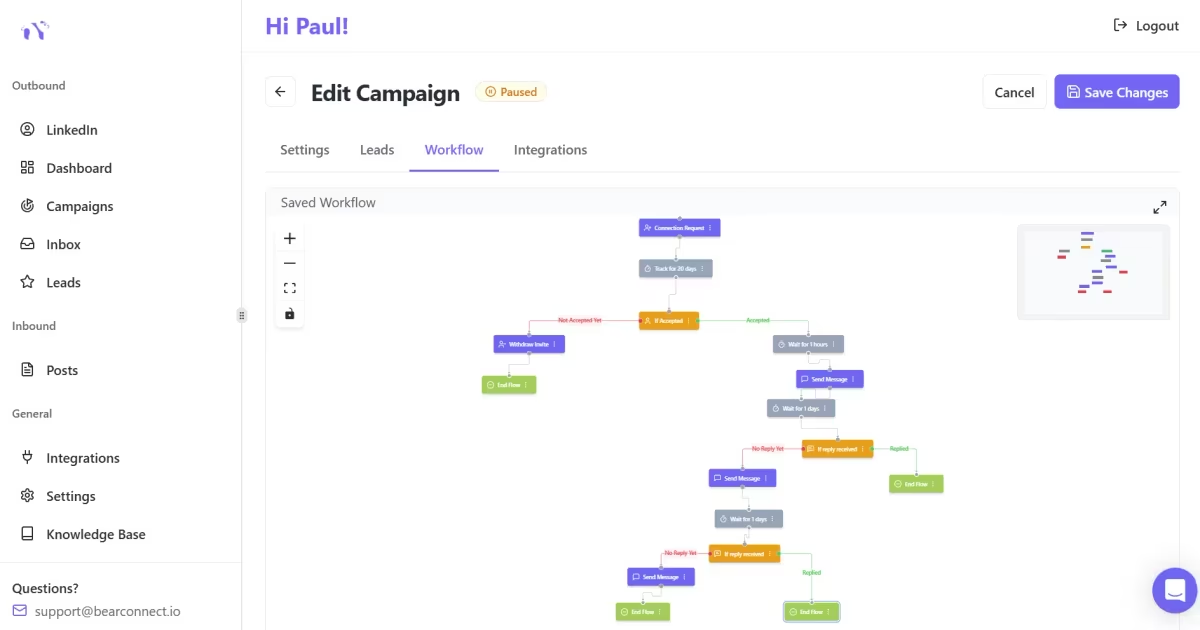
Never launch automation on a brand-new account at full speed. Follow the dos and don'ts of LinkedIn automation every founder should know before going live.
5. Target Specific, Relevant Audiences
Random or overly broad targeting drives up your rejection and spam-report rate. Use precise filters to reach the right people. Learn how to automate LinkedIn connection requests without losing personalization.
6. Use One IP Address Per LinkedIn Account
Running two LinkedIn accounts from the same IP signals coordinated bot activity to LinkedIn. Cloud-based tools like Bearconnect assign a dedicated IP per account automatically.
7. Monitor Acceptance and Reply Rates Every Week
A healthy connection acceptance rate sits between 25% and 40%. If your acceptance rate drops below 20%, audit your targeting and messaging. Our guide on personalized LinkedIn outreach messages covers exactly how to fix low-performing campaigns.
Frequently Asked Questions
Q1. What exactly is LinkedIn jail?
LinkedIn jail is a temporary or permanent account restriction LinkedIn applies when it detects bot-like or policy-violating behavior. It limits your ability to send connections, messages, or access certain platform features until the restriction period ends.
Q2. How long does LinkedIn jail last?
A first-time restriction typically lasts 24 to 48 hours. More serious violations result in restrictions lasting 7 to 30 days. Repeated violations can lead to a permanent account closure with no recovery option.
Q3. Can I use LinkedIn automation without getting banned?
Yes. Use a cloud-based tool that runs from dedicated servers, stay within safe daily activity limits, personalize every message, and warm up your account before scaling. Browser extensions carry a significantly higher ban risk than cloud-based platforms.
Q4. What is the safest number of connection requests per day?
For standard LinkedIn accounts, 20 to 30 connection requests per day is the safe range. New or recovering accounts should start at 5 to 10 per day and scale by 10% each week over a 3 to 4 week warm-up period.
Q5. Is Bearconnect safe to use for LinkedIn automation?
Yes. Bearconnect is a cloud-based LinkedIn automation tool that runs on remote servers, assigns dedicated IPs per account, uses randomized human-like timing between actions, and includes built-in daily safety limits. It is specifically designed to help users scale outreach without triggering LinkedIn restrictions.
Scale Your LinkedIn Outreach Without the Risk
If you are serious about LinkedIn lead generation in 2026, the tool you choose matters as much as the strategy you follow.
Bearconnect gives you cloud-based LinkedIn automation with dedicated IPs, human-like activity pacing, and built-in safety controls so you can grow your pipeline consistently without risking your account.
Start your free trial at bearconnect.io and run LinkedIn outreach that scales safely.
Ready to Transform Your LinkedIn Strategy?
Join thousands of professionals already using Bearconnect to automate their outreach and grow their network.
7-day free trial • Cancel anytime
Related Articles
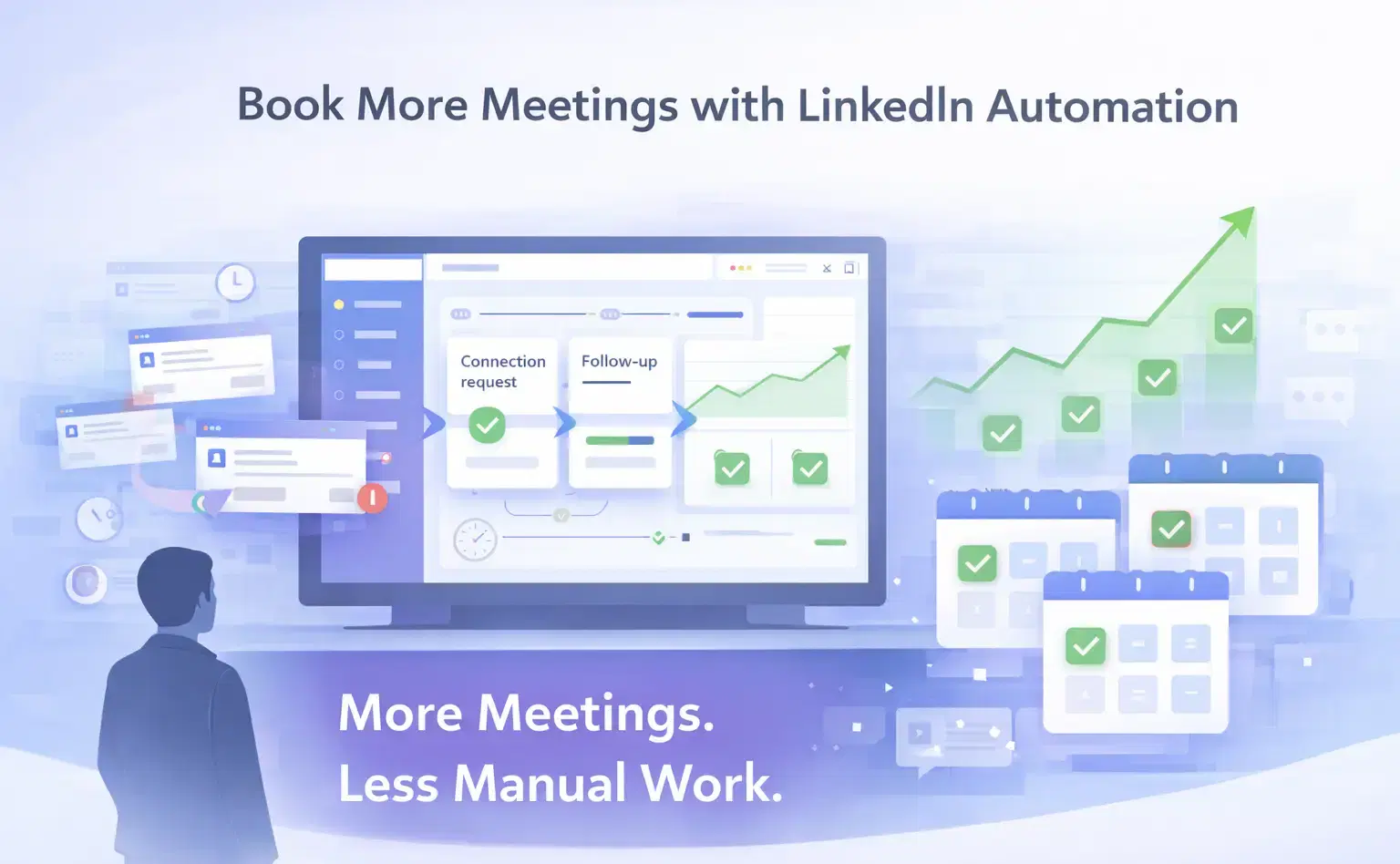
How Can SDRs Book More Meetings Using LinkedIn Automation?
SDRs can book more meetings with LinkedIn automation by streamlining outreach, automating follow-ups, and scaling conversations without manual effort.
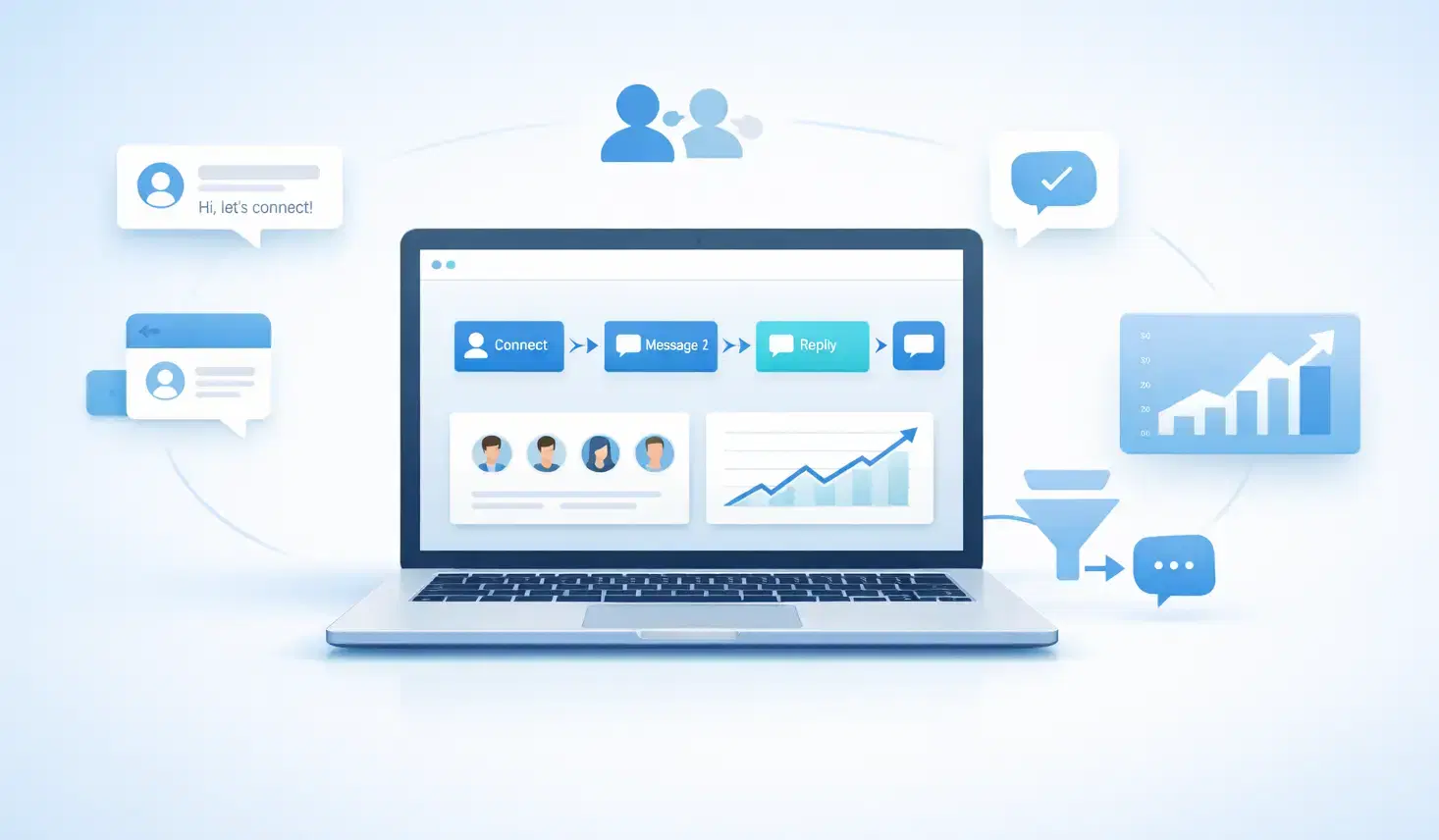
7 Best LinkedIn DM Tools for Outreach Automation in 2026
Looking for best LinkedIn DM tools in 2026? This guide compares top outreach automation tools by features, pricing, safety, and use cases so you can scale B2B lead generation with less manual work.
How to Automate Your Agency's LinkedIn Outreach (Without Getting Banned)
Learn how agencies automate LinkedIn outreach safely using smart limits, personalization, and automation tools to scale prospecting without risking account bans.