How Many LinkedIn Messages Can You Send Per Day? (2026 Safe Limits)

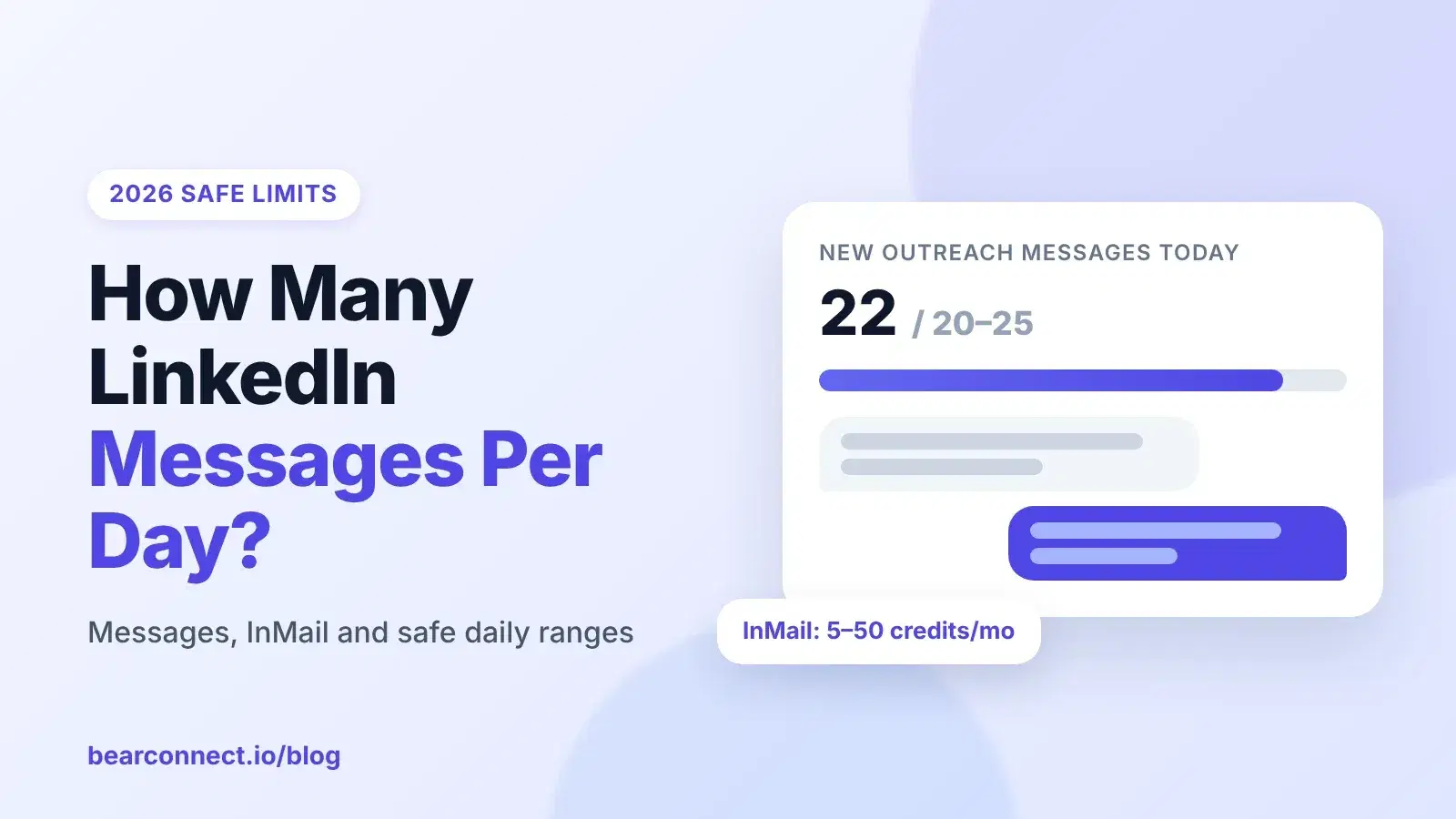
Short answer: LinkedIn does not publish a daily message limit, but it limits how many messages you can send in a set period and may restrict accounts that send a very high number in a short time. Keep new outreach messages to about 20–25 a day on an established account. Messaging people you are not connected to needs InMail credits: 5 to 50 a month, depending on your plan.
Search "LinkedIn message limit" and you will find answers ranging from about 20 a day to 200 a day. They cannot all be right, and LinkedIn has not published any of them. What LinkedIn does document is how it limits messaging, which counts for more than any single number.
This guide covers every type of LinkedIn message: direct messages to connections, InMail, Open Profile and group messages. Each number is labelled with its source.
LinkedIn messaging limits at a glance (2026)
| Message type | Limit | Source |
|---|---|---|
| Messages to 1st-degree connections | No published number. LinkedIn limits volume over a time period. | LinkedIn Help |
| InMail, Premium Career | 5 credits a month (rolls over to a maximum of 15) | LinkedIn Help |
| InMail, Premium Business | 15 credits a month (rolls over to a maximum of 45) | LinkedIn Help |
| InMail, Sales Navigator (all editions) | 50 credits a month (rolls over to a maximum of 150) | LinkedIn Help |
| InMail, Recruiter Lite | 30 credits a month (rolls over to a maximum of 120) | LinkedIn Help |
| InMail credit back | Returned if the recipient replies within 90 days | LinkedIn Help |
| Open Profile messages | Free to send to Premium members with Open Profile on. Free senders get a limited number a month. | LinkedIn Help |
| Messages to fellow group members | Allowed without connecting | LinkedIn Help |
| Personalised notes on connection requests (free) | Up to 5 a month, 200 characters each | LinkedIn Help |
| Recommended pace for new outreach messages | About 20–25 a day (established account); around 10 a day on a new account, built up over 2–3 weeks | Bearconnect recommendation |
Is there a daily message limit on LinkedIn?
There is a limit, but LinkedIn does not publish it as a daily number. Its help article on high message volume says two things:
- LinkedIn limits how many messages a member can send in a certain period;
- if you send a very high number of messages in a short time, or LinkedIn detects patterns that suggest an automation tool, your account may be restricted.
So the real limit is a mix of volume, speed and behaviour. Fifty thoughtful replies in ongoing conversations look nothing like fifty identical cold pitches sent in ten minutes, even though the count is the same.
How many LinkedIn messages can you send per day safely?
Split your messages into two groups, because they carry very different risk:
1. New outreach messages (first message to a new connection)
These carry the most risk because they are unsolicited and often similar to one another. Recommended pace:
| Account | New outreach messages per day |
|---|---|
| New or recently inactive account | Around 10, built up over 2–3 weeks |
| Established account with a healthy reply rate | About 20–25 |
These ranges are Bearconnect's recommendation, not a LinkedIn rule. Sending well over this every day raises your risk of restriction, so if replies drop or LinkedIn shows a warning, slow down.
2. Replies in active conversations
Replying to people who have written back to you is ordinary use of LinkedIn messaging. There is no reason to cap your replies to a fixed number. Just avoid copy-pasting the same reply to everyone.
How many InMails can you send on LinkedIn?
InMail is LinkedIn's paid message for people you are not connected to. Its limit is the simplest one, because it is a fixed number of credits:
- Premium Career: 5 InMail credits a month (unused credits accumulate to a maximum of 15)
- Premium Business: 15 a month (maximum 45)
- Sales Navigator: 50 a month on every edition (maximum 150)
- Recruiter Lite: 30 a month (maximum 120)
If the recipient replies within 90 days, LinkedIn returns the credit. A strong InMail therefore costs you nothing, which is a good reason to write fewer and better ones. For InMail pricing and reply-rate tips, see our LinkedIn InMail guide.
Can you message someone on LinkedIn without connecting or using InMail?
Yes. LinkedIn documents two free routes:
- Open Profile: Premium members can turn on Open Profile so that anyone can message them free. If you are on a free account, LinkedIn limits how many Open Profile messages you can send each month.
- Groups: you can message fellow members of a LinkedIn group you both belong to, without being connected.
Use these sparingly and personally: recipients can still report an irrelevant message as spam.
Are connection request notes counted as messages?
No. The note you attach to a connection request falls under LinkedIn's invitation limits, not its messaging limits. Free accounts can add a personalised note to up to five requests a month (200 characters); Premium members get unlimited notes of up to 300 characters. The invitations themselves have a separate weekly limit. See our full guide to LinkedIn connection request limits.
What happens if you send too many messages on LinkedIn?
LinkedIn can temporarily restrict your account. According to LinkedIn Help, a temporary restriction is lifted automatically at the time stated in the restriction notice. Repeated temporary restrictions can lead to a permanent restriction, which is why the first warning is your signal to slow down, not to try a workaround.
Warning signs to act on straight away:
- a LinkedIn notice about high message volume or unusual activity;
- a sudden drop in reply rate, which often means messages are being ignored or reported.
If any of these appear, pause outreach for several days and restart at a lower volume.
How to get more replies without sending more messages
- Message people who already know you. Someone who just accepted your request, liked your post or viewed your profile is usually more likely to reply than a cold contact.
- Lead with relevance, not a pitch. Mention something specific to them, ask one easy question, and keep it short.
- Use a short sequence, not a flood. One first message and one or two spaced follow-ups usually work better than five follow-ups in a week.
- Stop when someone replies. Follow-ups should end automatically once a person responds.
- Track reply rate weekly. If it falls, change the message before you raise the volume.
Need wording that works? Start with these personalised LinkedIn outreach message ideas.
Can you automate LinkedIn messages without hitting the limit?
LinkedIn's User Agreement prohibits bots and unauthorised automated methods for sending messages, and LinkedIn says it may restrict accounts that show automation patterns. No tool can promise your account will never be restricted, so the honest goal is to keep your activity at the pace and quality of a careful human user.
Bearconnect is designed for exactly that:
- it runs in the cloud, with a dedicated, country-based IP for each LinkedIn account;
- it applies smart limits and human-like delays, and warms up new accounts automatically;
- it runs smart follow-ups, and every conversation lands in one unified inbox so you can reply personally.
For a full setup walkthrough, read how to automate LinkedIn messages safely.
Frequently asked questions
How many messages can you send on LinkedIn per day?
LinkedIn does not publish a daily message limit. It limits how many messages a member can send in a certain period and may restrict accounts that send a very high number in a short time. For new outreach messages, about 20 to 25 a day is a safe pace on an established account; start a new account around 10 a day. Replies in active conversations are normal messaging.
How many InMails can you send per month?
Premium Career includes 5 InMail credits a month, Premium Business 15, Sales Navigator 50 and Recruiter Lite 30. Unused credits accumulate up to 15, 45, 150 and 120, and a credit is returned when the recipient replies within 90 days.
Can you message someone on LinkedIn without being connected?
Yes: with an InMail credit, by messaging a Premium member who has Open Profile turned on, or by messaging a fellow member of a group you both belong to. Free accounts can send only a limited number of Open Profile messages each month.
What happens if you send too many messages on LinkedIn?
LinkedIn may temporarily restrict your account. The restriction lifts automatically at the time shown in the notice, but repeated temporary restrictions can lead to a permanent one.
Is the LinkedIn message limit the same as the connection request limit?
No. Connection requests have their own weekly invitation limit, and notes on requests have a separate monthly allowance on free accounts. Messages to connections are limited by volume and behaviour, and InMail by your monthly credits.
Send fewer, better messages, and let follow-ups run themselves. Bearconnect paces your outreach, runs smart follow-ups and keeps every conversation in one unified inbox. Start your 7-day free trial.
Sources
- LinkedIn Help: High volume of messages sent
- LinkedIn Help: InMail message credits and renewal process
- LinkedIn Help: InMail crediting and renewal in Sales Navigator
- LinkedIn Help: Manage your Open Profile settings
- LinkedIn Help: LinkedIn Messaging overview
- LinkedIn Help: Personalize invitations to connect
- LinkedIn: User Agreement
Ready to Transform Your LinkedIn Strategy?
Join thousands of professionals already using Bearconnect to automate their outreach and grow their network.
7-day free trial • Cancel anytime
Related Articles
LinkedIn X-Ray Search: How to Find Any Profile with Google (2026 Guide + 10 Templates)
LinkedIn X-Ray search lets you find public LinkedIn profiles with Google. Learn the operators, copy 10 search strings and turn results into outreach.
LinkedIn Connection Request Limits in 2026 (Daily, Weekly, New vs Old Accounts)
LinkedIn doesn't publish a daily cap, but weekly invitation limits are real. See 2026 limits for requests, notes and connections, plus a safe ramp-up plan.
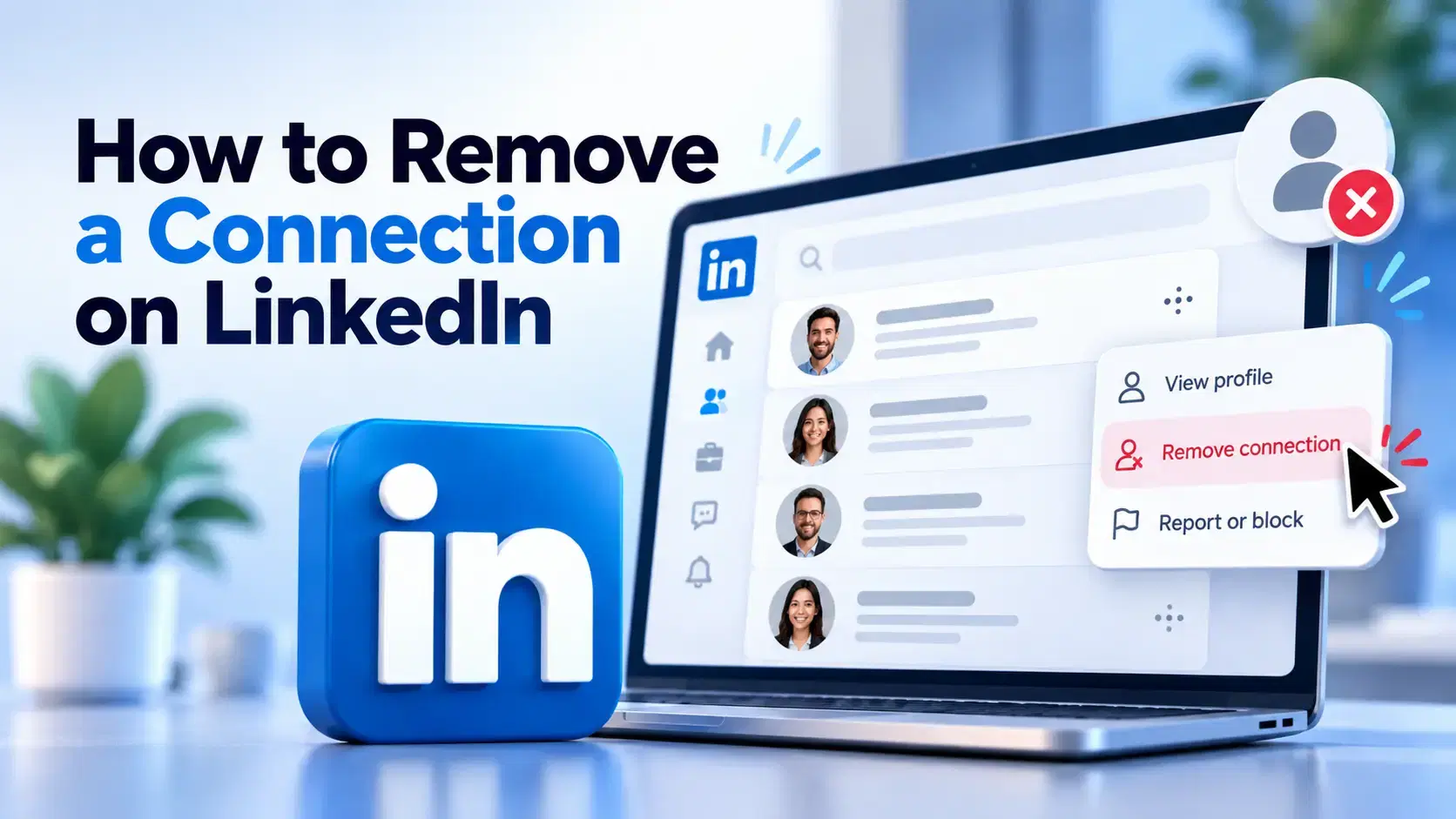
How to Remove a Connection on LinkedIn (Do They Get Notified?)
Removing a LinkedIn connection takes a few clicks, but most people want to know one thing first: does the other person get notified? This guide covers the steps on desktop and mobile, and what changes afterward.