LinkedIn Connection Request Limits in 2026 (Daily, Weekly, New vs Old Accounts)

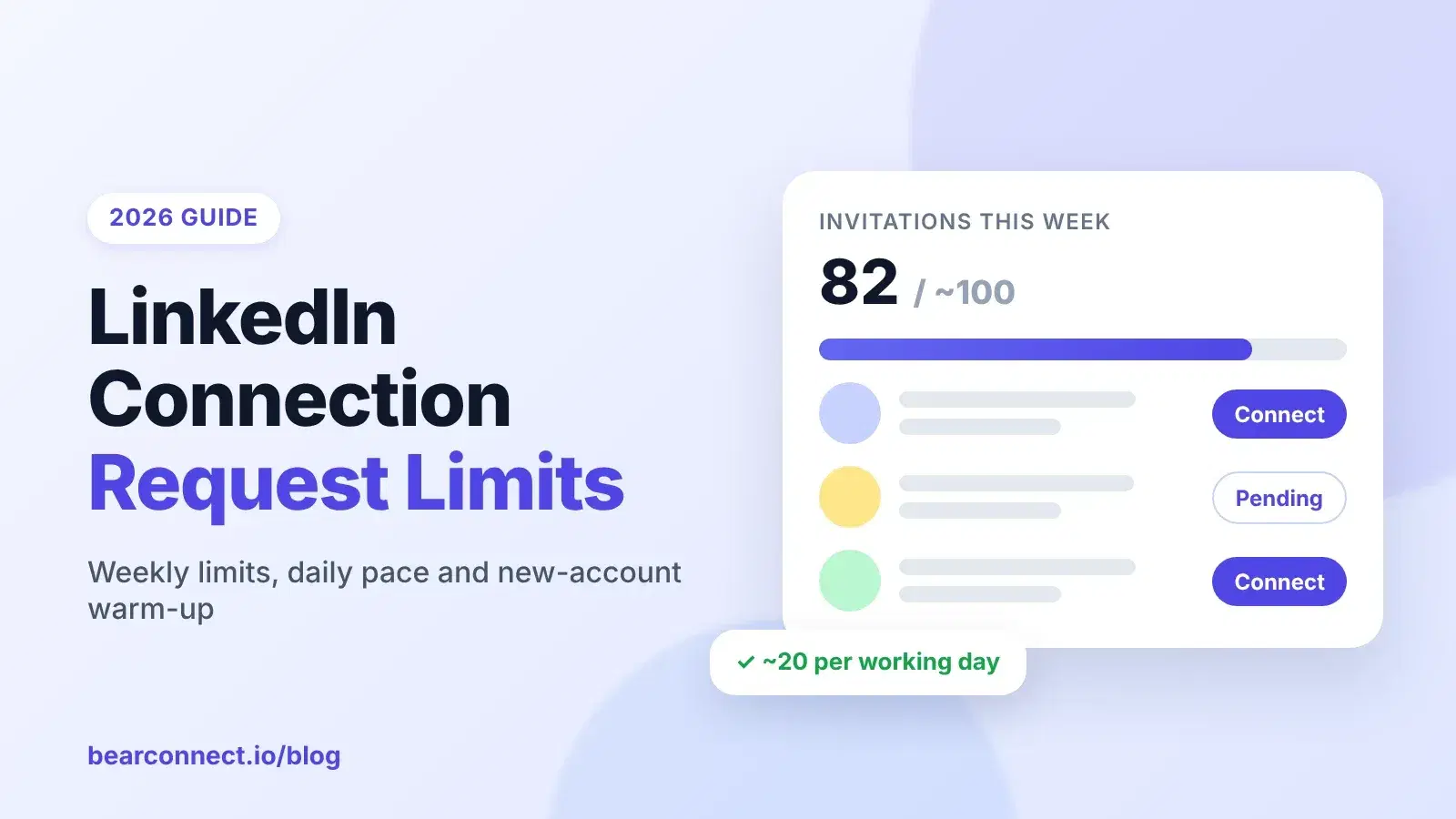
Short answer: LinkedIn enforces a weekly invitation limit but does not publish the number. Most users report a ceiling of about 100 connection requests a week. There is no official daily cap: send about 20 per working day on an established account, or 5–10 a day on a new one. Free accounts can add a personalised note to only 5 requests a month.
If LinkedIn has ever stopped you mid-campaign and told you that you have reached the invitation limit, you already know the limit is real. What is confusing is the number. LinkedIn keeps the exact figure private, so the internet is full of guesses that range from 80 to 250 a week.
This guide separates three things that are usually blended together: what LinkedIn officially says, what users actually hit, and what we recommend you send. Each number below is labelled with its source.
LinkedIn connection limits at a glance (2026)
| Limit | Number | Source |
|---|---|---|
| Weekly connection requests | Not published. About 100 a week is the ceiling most users report. | LinkedIn confirms the limit exists; the number comes from user reports |
| Daily connection requests | No official daily cap | LinkedIn Help (limits are described per week and by behaviour) |
| Wait after hitting the invitation limit | Up to one week | LinkedIn Help |
| Personalised notes, free account | Up to 5 a month, 200 characters each | LinkedIn Help |
| Personalised notes, Premium | Unlimited, 300 characters each | LinkedIn Help |
| Re-inviting someone after you withdraw | Blocked for up to 3 weeks | LinkedIn Help |
| Unanswered invitations | Expire after 6 months | LinkedIn Help |
| Maximum 1st-degree connections | 30,000 | LinkedIn Help |
| Followers | Unlimited | LinkedIn Help |
| Recommended pace, established account | About 20 a working day (around 100 a week) | Bearconnect recommendation |
| Recommended pace, new account | 5–10 a day, built up over 2–3 weeks | Bearconnect recommendation |
What is the LinkedIn connection request limit?
The LinkedIn connection request limit is the maximum number of invitations to connect that LinkedIn lets one account send over a period. LinkedIn applies it to protect members from spam and to keep requests relevant. When you exceed it, LinkedIn temporarily blocks new invitations.
LinkedIn describes the limit by behaviour rather than by a fixed number. Its help article on invitation restrictions names the triggers:
- sending a large number of invitations in a short time;
- many of your invitations being ignored, left pending, or marked as spam by the recipients;
- activity that suggests an automation tool.
That is why two people can hit the limit at very different volumes. An account whose requests are usually accepted can send more without trouble than one whose requests are mostly ignored.
How many connection requests can you send per week on LinkedIn?
About 100 per week is the ceiling most users and outreach tools report today. LinkedIn does not publish the number and it is not the same for every account. Users commonly report that older accounts with a complete profile and a high acceptance rate get more room, and that new accounts get less. Treat 100 as a ceiling to stay under, not a target to hit.
LinkedIn also tracks standard invitations and personalised invitations separately, so the monthly allowance for personalised notes is a different counter from the weekly invitation limit.
How many connection requests can you send per day?
LinkedIn has no official daily limit. The practical way to stay under a weekly ceiling of about 100 is to spread requests evenly across the working week:
- Established account (several months of normal activity): about 20 requests per working day.
- New or recently inactive account: start at 5–10 a day and build up over 2–3 weeks.
Even pacing matters as much as the total. Sending 100 requests in one hour looks like the "large number of invitations in a short time" that LinkedIn lists as a trigger. Sending 20 a day across five working days does not.
Do new LinkedIn accounts have lower limits?
In practice, yes. LinkedIn does not publish separate numbers by account age, but a new account has little history of accepted requests, so it pays to start slowly. Warm the account up gradually:
| Period | Requests per working day | What to watch |
|---|---|---|
| Week 1 | 5–10 | Complete your profile first: photo, headline, About section |
| Week 2 | 10–15 | Acceptance rate. Pause if most requests are ignored. |
| Week 3 | 15–20 | Pending requests. Withdraw anything older than about two weeks. |
| Week 4 onward | About 20 (around 100 a week) | Any LinkedIn warning. If you see one, drop back a stage. |
This ramp is Bearconnect's recommendation based on the triggers LinkedIn documents. It is not a LinkedIn rule.
Does LinkedIn Premium or Sales Navigator increase the limit?
LinkedIn does not list a higher weekly invitation allowance for Premium or Sales Navigator. What LinkedIn officially documents is how paid plans change the way you can reach people:
- Premium: unlimited personalised notes of up to 300 characters, instead of 5 a month at 200 characters on a free account.
- Premium and Sales Navigator: InMail credits to message people you are not connected to: 5 a month on Premium Career, 15 on Premium Business and 50 on Sales Navigator.
So Premium helps you write better requests, and InMail gives you a channel that does not use invitations at all. Neither removes the weekly invitation limit.
What is the limit on personalised connection notes?
According to LinkedIn Help, free (Basic) members can add a personalised note to up to five connection requests a month, each up to 200 characters. Premium members have no limit on personalised notes, and each note can be up to 300 characters. Some free users report a different monthly allowance, so check your own account if the number matters for a campaign.
If you only get five notes a month, save them for your highest-value prospects and send the rest of your requests without a note. Our LinkedIn connection request message templates are written to fit within both the 200- and 300-character limits.
How many pending connection requests can you have?
LinkedIn does not publish a number, but "too many outstanding invitations" is a restriction type of its own, and it can last up to a month. LinkedIn also treats invitations that are "left pending" as a negative signal.
Three facts from LinkedIn Help shape how you should manage pending requests:
- Unanswered invitations expire after six months.
- Withdrawing an invitation does not return it to your balance of available invitations.
- After you withdraw, you cannot invite the same person again for up to three weeks.
Withdrawing will not buy you extra invitations, but it does keep your pending count low, and that protects you from the outstanding-invitations restriction. A practical rule is to withdraw requests that have not been accepted after about 14 days. Here is how to withdraw pending LinkedIn connection requests automatically.
What happens when you hit the LinkedIn invitation limit?
LinkedIn temporarily stops you sending new invitations. Based on LinkedIn Help:
- After reaching the invitation limit, you can send invitations again within one week.
- Most invitation restrictions are removed automatically within one week.
- A restriction for too many outstanding invitations can last up to one month.
- LinkedIn cannot remove invitation restrictions on request. You have to wait it out.
While you wait, you can still message existing connections, engage with posts and follow people. Use the time to withdraw old pending requests so you do not hit the limit again as soon as it resets.
What is the maximum number of connections on LinkedIn?
LinkedIn caps every account at 30,000 first-degree connections. Once you reach it, "Follow" becomes the default button on your profile and you cannot send or accept invitations unless you remove connections. Followers are unlimited, so if you are near the cap, invite people to follow you instead of connecting.
How to get more out of every connection request
Because the limit is tied to how people respond, the best way to get more room is to send requests that get accepted:
- Target tightly. Send requests to people who match your ideal customer and have a reason to accept: a shared industry, a mutual connection, or engagement with your posts. LinkedIn X-Ray search is a free way to find them.
- Fix your profile first. A clear photo, headline and About section give people a reason to accept before you send a single request.
- Personalise where it counts. Use a short, specific note for your best prospects. Never pitch in the request itself.
- Track your acceptance rate weekly. A falling rate is an early warning, because ignored invitations are one of the restriction triggers LinkedIn lists.
- Withdraw stale requests after about two weeks.
- Spread activity across the week instead of sending in bursts.
Can you automate connection requests without hitting the limit?
Be careful here. LinkedIn's User Agreement prohibits bots and unauthorised automated methods, and LinkedIn says it may restrict accounts that show patterns of automation. No tool can guarantee an account will never be restricted, so the risk depends heavily on how the tool behaves.
Bearconnect is built to keep your activity within the limits described in this guide:
- it runs in the cloud, with a dedicated, country-based IP for each LinkedIn account, rather than as a browser extension;
- it warms up new profiles automatically and applies smart limits with human-like behaviour;
- it withdraws stale connection requests automatically, so pending invitations don't pile up.
For the full setup, read how to automate LinkedIn connection requests, or start with our complete guide to LinkedIn automation in 2026.
Frequently asked questions
How many connection requests can I send per week on LinkedIn?
LinkedIn does not publish an exact number. The ceiling most users and outreach tools report is about 100 connection requests per week, and it varies by account. Treat it as a ceiling, not a target.
Is there a daily connection request limit on LinkedIn?
LinkedIn does not state a daily cap; the limit users hit is weekly. To stay under it, send about 20 requests per working day on an established account. On a new account, start at 5 to 10 a day and build up over 2 to 3 weeks.
Does LinkedIn Premium increase the connection request limit?
LinkedIn does not list a higher weekly invitation allowance for Premium. What Premium officially changes is personalised notes: unlimited notes of up to 300 characters, instead of five a month at up to 200 characters on a free account.
What is the maximum number of connections on LinkedIn?
LinkedIn allows up to 30,000 first-degree connections. After that you cannot send or accept new invitations unless you remove connections, but people can still follow you, and followers are unlimited.
What happens if I hit the LinkedIn invitation limit?
LinkedIn temporarily stops you sending invitations. You can send invitations again within one week, and most restrictions are removed automatically within a week. A restriction for too many outstanding invitations can last up to one month. LinkedIn cannot remove these restrictions on request.
Does withdrawing a LinkedIn connection request give the invitation back?
No. Withdrawing does not return the invitation to your balance of available invitations, and you cannot invite the same person again for up to three weeks. It is still worth doing, because LinkedIn treats many pending invitations as a negative signal.
Stay within LinkedIn's limits without counting requests by hand. Bearconnect paces your requests, warms up new accounts and withdraws stale invitations automatically. Start your 7-day free trial.
Sources
- LinkedIn Help: Types of restrictions for sending invitations
- LinkedIn Help: Invitation limit reached
- LinkedIn Help: Withdraw an invitation
- LinkedIn Help: Expiration of invitations
- LinkedIn Help: Personalize invitations to connect
- LinkedIn Help: Network size limit
- LinkedIn Help: InMail message credits and renewal process
- LinkedIn Help: Prohibited software and extensions
- LinkedIn: User Agreement
Ready to Transform Your LinkedIn Strategy?
Join thousands of professionals already using Bearconnect to automate their outreach and grow their network.
7-day free trial • Cancel anytime
Related Articles
How Many LinkedIn Messages Can You Send Per Day? (2026 Safe Limits)
How many LinkedIn messages can you send per day? LinkedIn doesn't publish a number. See official InMail limits, restriction triggers and safe daily ranges.
LinkedIn X-Ray Search: How to Find Any Profile with Google (2026 Guide + 10 Templates)
LinkedIn X-Ray search lets you find public LinkedIn profiles with Google. Learn the operators, copy 10 search strings and turn results into outreach.
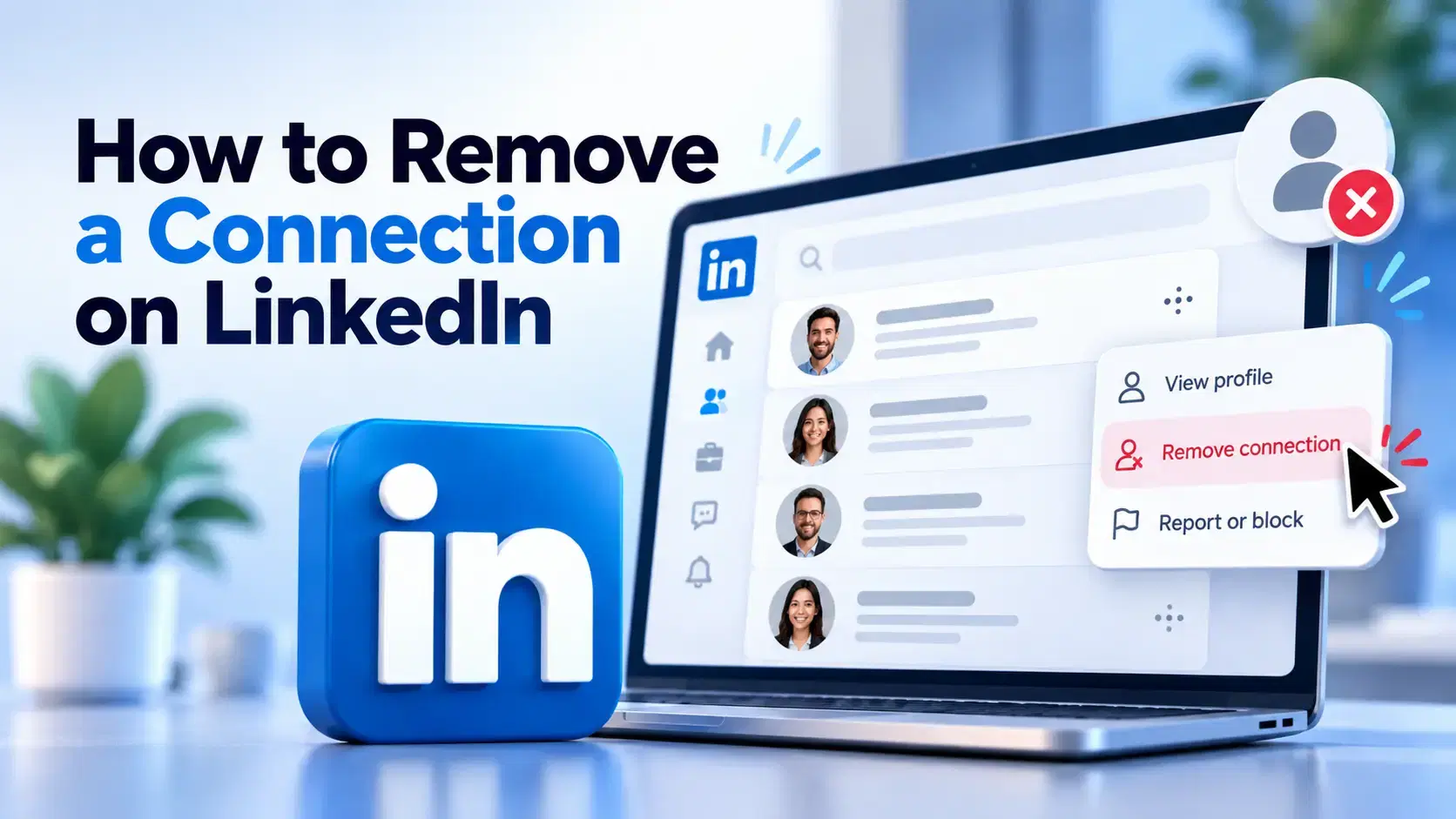
How to Remove a Connection on LinkedIn (Do They Get Notified?)
Removing a LinkedIn connection takes a few clicks, but most people want to know one thing first: does the other person get notified? This guide covers the steps on desktop and mobile, and what changes afterward.