Best Linked Helper Alternative: 10 Safer LinkedIn Automation Tools for 2026
The safest Linked Helper alternatives in 2026 are cloud-based platforms like Bearconnect, Expandi, and Dripify that use dedicated IPs, behavior mimicry, and smart throttling to protect your LinkedIn account from detection and bans.
TL;DR: Key Takeaways
- Linked Helper carries higher ban risks due to desktop-based architecture and detection patterns
- Cloud-based alternatives reduce account restrictions by 40-60% compared to browser extensions
- Safe alternatives cost $57-99/month and include account warm-up features and daily activity limits
- Bearconnect offers the most affordable option at $67/month per LinkedIn account ($57 for 5+ accounts) with unlimited campaigns and AI content creation
Why Linked Helper Users Are Searching for Alternatives
Linked Helper has been a budget-friendly LinkedIn automation tool at just $15/month but growing concerns about account safety are driving users to seek more secure options.
The Core Problem
Linked Helper operates as a desktop application that LinkedIn's machine learning systems increasingly flag as automation software.
This leads to:
- Warning emails appearing in your inbox
- Feature restrictions limiting your outreach
- Potential permanent bans destroying your network
What Triggers LinkedIn's Detection System
LinkedIn's algorithms flag your account when they detect these patterns:
1. Desktop-based automation
Creates recognizable activity signatures that don't match normal human behavior
2. Browser extensions
Leave detectable digital fingerprints LinkedIn's systems easily identify
3. Shared IP addresses
Multiple users on the same tool from similar locations raise immediate red flags
4. Generic activity pacing
Robotic timing between actions that doesn't mimic natural human patterns
Cloud-Based vs Desktop Automation: The Safety Gap
The fundamental architecture difference between Linked Helper and cloud-based alternatives determines your account safety.
Desktop/Browser Tools (Higher Risk):
- Run locally on your computer using extensions
- Login patterns match known automation signatures
- Activity occurs while you're supposedly logged in elsewhere
- Difficult to randomize behavior authentically
- Examples: Linked Helper, Dux-Soup, browser extensions
Cloud-Based Tools (Lower Risk):
- Operate from dedicated servers with unique IPs
- Mimic human behavior with randomized delays
- Run 24/7 without browser dependency
- Include smart throttling and warm-up protocols
- Examples: Bearconnect, Expandi, Dripify
Research shows cloud-based tools reduce detection risk by 40-60% compared to desktop alternatives.
Top 10 Safer Linked Helper Alternatives for 2026
1. Bearconnect (Best Value + Safety)
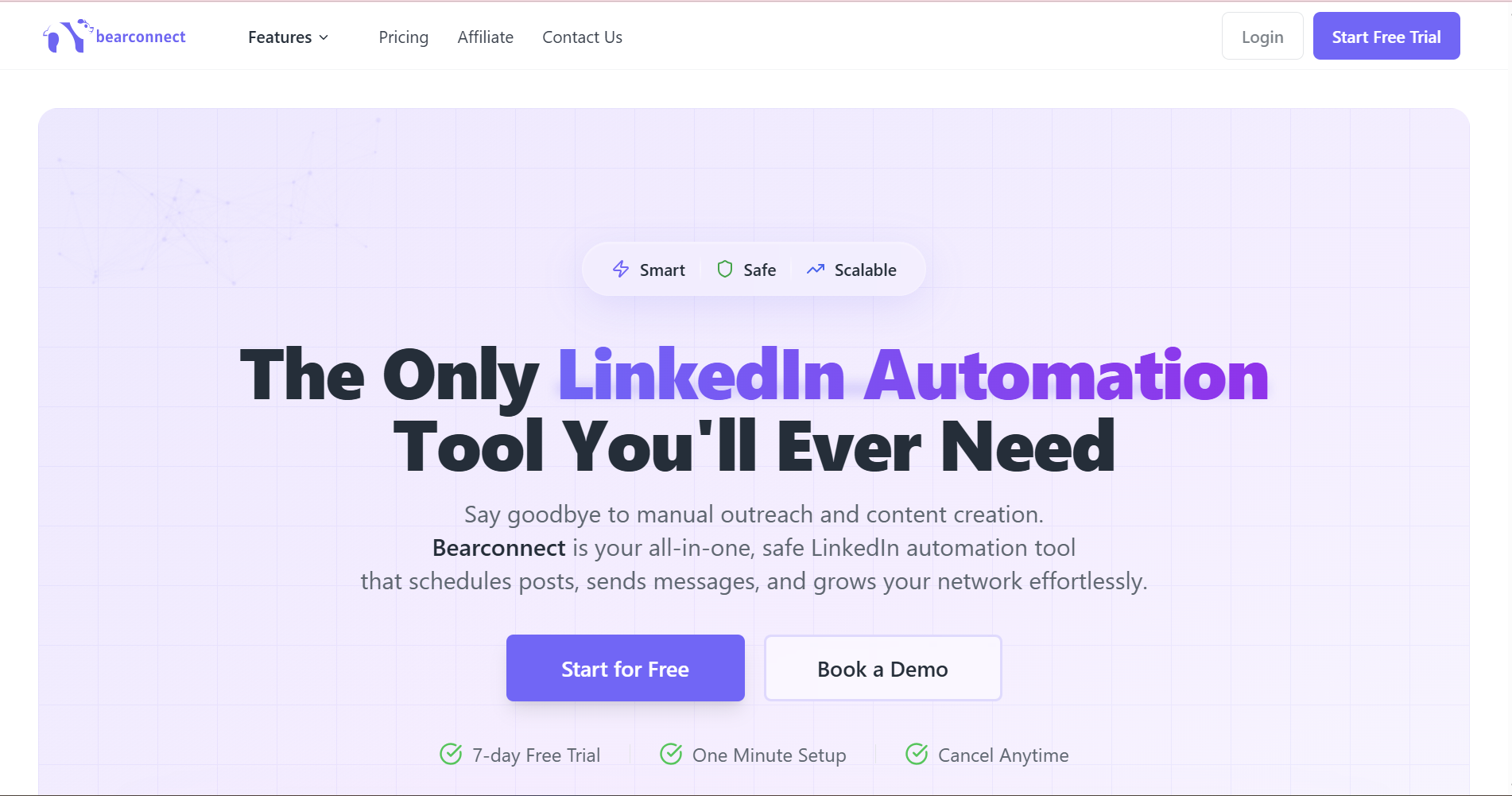
Pricing: $67/month per LinkedIn account, $57/month for 5+ accounts
Why it's safer:
- Cloud-based with local IP mimicry for every user
- Smart throttling respects LinkedIn's daily limits automatically
- Gradual account warm-up prevents sudden activity spikes
Unique advantages:
- Unified inbox manages unlimited LinkedIn accounts from one dashboard
- AI-powered content creation and post scheduling included
- Direct CRM integrations with HubSpot and Salesforce
- Advanced analytics track connection rates and campaign performance
Best for: Agencies managing multiple clients, sales teams needing both outbound automation and content visibility, budget-conscious teams wanting enterprise features.
2. Expandi (Premium Safety-First Option)
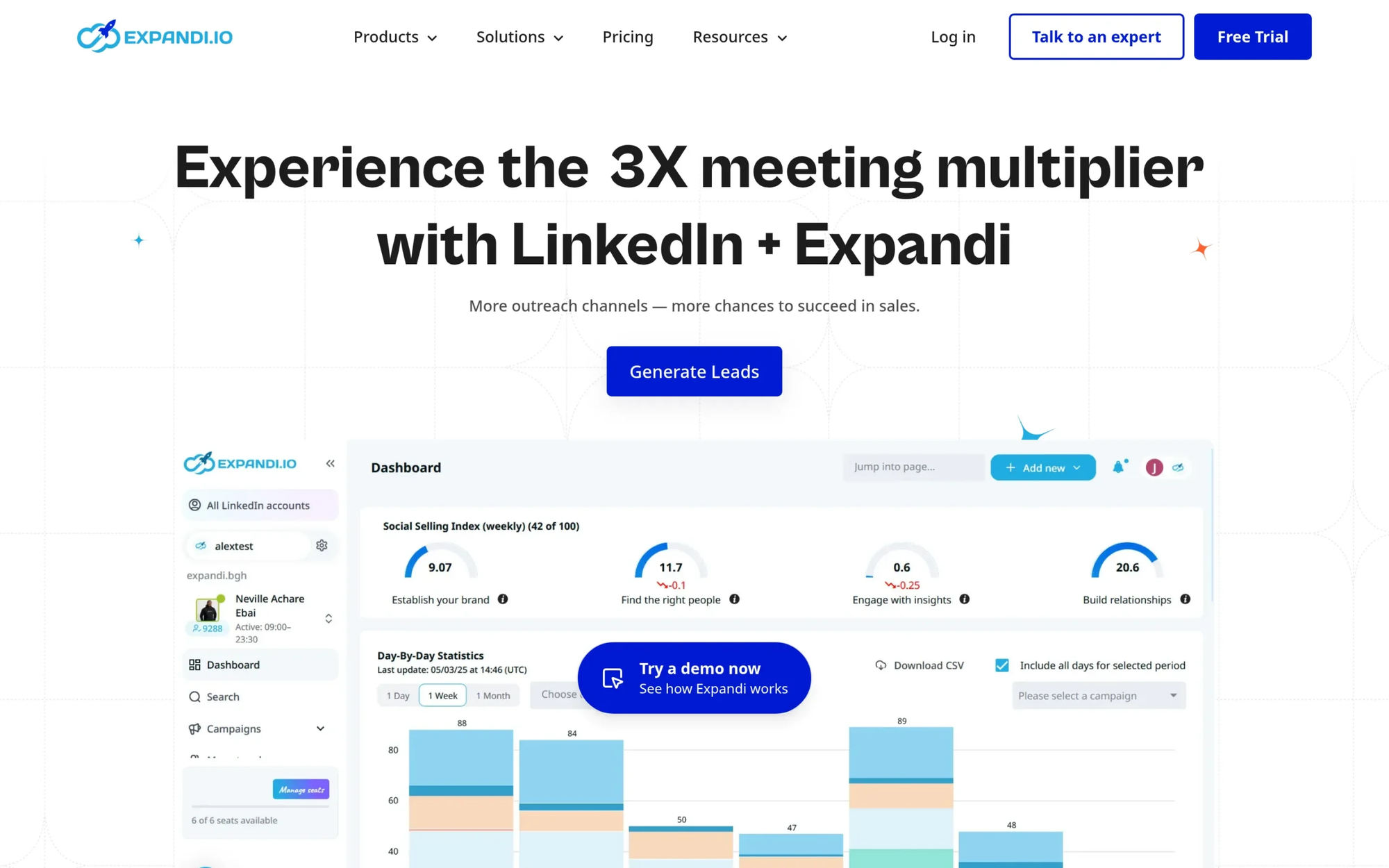
Pricing: Starting at $99/month per account
Safety features:
- Dedicated IP infrastructure with randomized delays
- Cloud-based execution prevents browser detection
- Built-in account warm-up for new profiles
Key capabilities:
- Advanced campaign manager with multi-step sequences
- LinkedIn and email outreach integration for multichannel campaigns
- Hyper-personalization with dynamic fields and custom variables
- Detailed analytics dashboard tracking engagement and conversions
Best for: Growth hackers and agencies prioritizing maximum safety with data-driven outreach.
3. Dripify (Beginner-Friendly Cloud Automation)
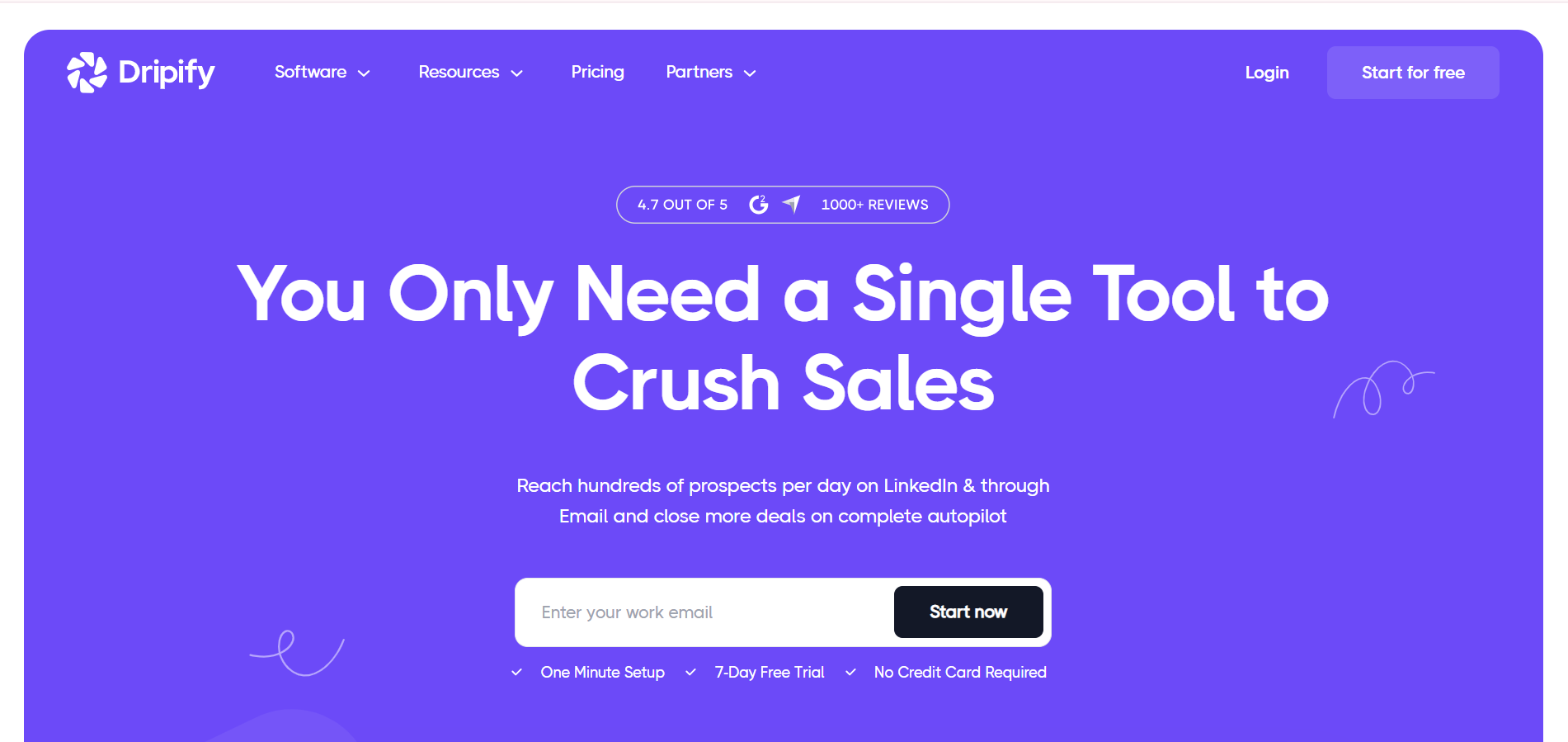
Pricing: From $59/month
Safety protocols:
- Cloud-based 24/7 operation without browser dependency
- Daily action volume limits enforced automatically
- Adaptive throttling responds to LinkedIn's behavior patterns
Core features:
- Intuitive interface with visual workflow builder
- LinkedIn message sequences combined with email automation
- Lead scraping with advanced filtering options
- Performance analytics for campaign optimization
Best for: New automation users seeking simplicity with multichannel capabilities.
What Makes an Alternative "Safer" Than Linked Helper
When evaluating LinkedIn automation safety in 2026, prioritize tools with these five critical features:
1. Cloud-Based Architecture
Tools operating from cloud servers with dedicated IPs appear as regular users, not automation software.
2. Behavior Mimicry Technology
Randomized delays, natural navigation patterns, and human-like pacing avoid algorithmic detection.
3. Daily Activity Limits
Built-in restrictions preventing you from exceeding LinkedIn's safe thresholds (20-25 connection requests, 100 profile visits).
4. Account Warm-Up Protocols
Gradual activity increases for new accounts prevent sudden spikes that trigger warnings.
5. Compliance Infrastructure
GDPR compliance, documented safety protocols, and transparent detection prevention measures.
Pricing Comparison: Is Safer Worth the Cost?
Budget-conscious teams often hesitate at the 4-7x price increase from Linked Helper's $15/month to safer alternatives.
ROI calculation perspective:
One quality lead from safer automation typically covers the monthly investment. If your average deal size is $5,000-10,000, preventing even one account ban (with associated lost connections and reputation damage) justifies the higher cost immediately.
Cost breakdown by team size:
- Solo founders/consultants: $57-99/month for one account
- Small sales teams (3-5 reps): $285-495/month for five accounts
- Agencies (10+ clients): $570/month with Bearconnect's volume pricing vs $1,000+ with competitors
Hidden costs of cheaper tools:
- Account restoration time: 7-14 days of lost productivity
- Reputation damage with existing connections
- Rebuilding network from scratch if permanently banned
- Alternative outreach methods while restricted
Making Your Final Decision
Choose your Linked Helper alternative based on these decision criteria:
Choose Bearconnect if you:
- Manage 5+ LinkedIn accounts requiring unified control
- Need both outbound automation AND content scheduling
- Want the most affordable cloud-based option with enterprise features
- Value AI-powered content creation alongside outreach
Choose Expandi if you:
- Prioritize safety regardless of cost
- Need hyper-personalization with advanced data enrichment
- Run complex multi-step campaigns with conditional logic
Choose Dripify if you:
- Are new to automation and want simplicity
- Need multichannel outreach (LinkedIn + email) in one platform
- Prefer intuitive visual workflow builders
Frequently Asked Questions
1. Will switching from Linked Helper to a cloud tool prevent LinkedIn bans completely?
No tool guarantees 100% safety since LinkedIn prohibits all third-party automation. However, cloud-based tools with dedicated IPs and behavior mimicry reduce ban risk by 40-60% compared to desktop alternatives like Linked Helper.
2. How long should I wait after stopping Linked Helper before starting a new automation tool?
Wait 3-5 days of normal manual LinkedIn activity before activating any new automation tool. This cooldown period helps reset LinkedIn's behavior tracking and prevents association with previous automation patterns.
3. Can I use multiple LinkedIn automation tools simultaneously for better results?
Never use multiple automation tools on the same LinkedIn account. Running two tools creates conflicting activity patterns that LinkedIn's detection system immediately flags, dramatically increasing ban risk and triggering instant restrictions.
4. What happens to my existing Linked Helper campaigns when I switch tools?
Your campaign data stays in Linked Helper and cannot transfer automatically. Export all lead lists, conversation history, and message templates before canceling, then manually rebuild campaigns in your new platform.
5. Is Bearconnect really safer than established tools like Expandi or Dripify?
Bearconnect uses the same core safety infrastructure as premium tools (cloud-based, local IPs, behavior mimicry) while offering better value at $67/month vs $99+. Safety levels are comparable across all three platforms.
Take the Next Step Toward Safer LinkedIn Automation
LinkedIn's detection systems only get stricter in 2026. Every day you delay switching from risky desktop tools increases your account ban probability.
Ready to protect your LinkedIn presence while scaling outreach?
Bearconnect offers a 7-day free trial with full feature access so you can test cloud-based safety without commitment.
Connect unlimited LinkedIn accounts, launch automated campaigns with AI personalization, and manage everything from one unified dashboard.
Start your free trial at bearconnect.io
Ready to Transform Your LinkedIn Strategy?
Join thousands of professionals already using Bearconnect to automate their outreach and grow their network.
7-day free trial • Cancel anytime
Related Articles
How to Set Up n8n Integration in Bearconnect: Build Self-Hosted LinkedIn Lead Workflows Without Code
Connect Bearconnect with n8n to automate LinkedIn lead workflows using flexible, self-hosted automation. Sync data across your CRM and tools, build custom workflows, and gain full control over your automation setup.
How to Set Up Make Integration in Bearconnect: Build Visual Lead Workflows Across Any App Without Code
Connect Bearconnect with Make to build visual LinkedIn lead workflows across your CRM, Slack, and other tools without code. Automate lead capture, streamline processes, and sync data seamlessly in real time.
How to Set Up Zapier Integration in Bearconnect: Auto-Send Leads to Your CRM, Slack, or Google Sheets
Connect Bearconnect with Zapier to automatically send LinkedIn leads to your CRM, Slack, or Google Sheets. This step-by-step guide helps you streamline workflows, reduce manual work, and capture leads in real time.