8 Best Linked Helper Alternatives in 2026: Cloud Tools That Run With Your Computer Off

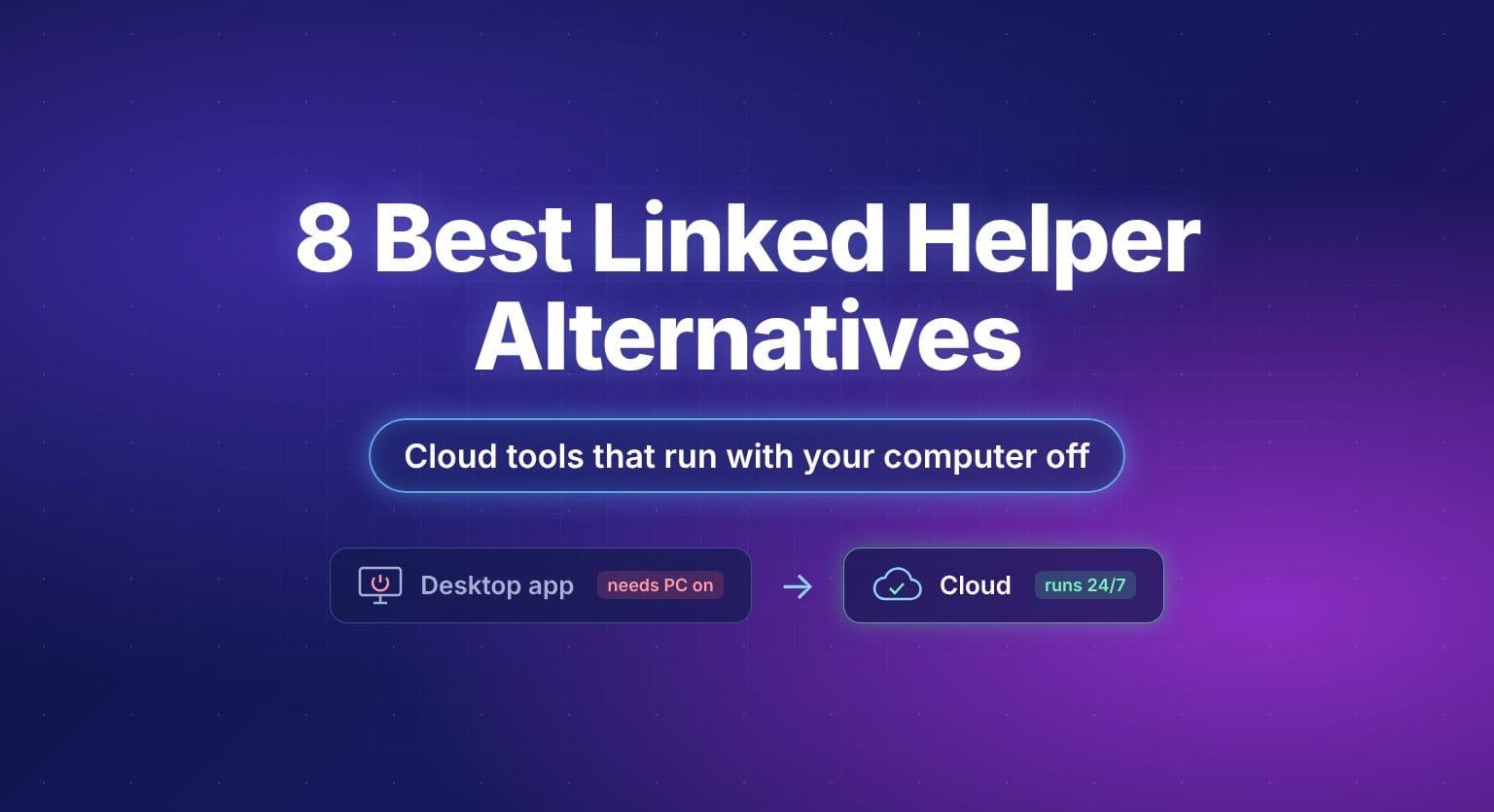
Short answer: Linked Helper is a feature-packed LinkedIn automation tool from $15 per LinkedIn account a month, but it's desktop software: your computer (or a VPS you rent) has to stay on for campaigns to run, and you buy proxies separately. If you want automation that runs in the cloud with your computer off, the best Linked Helper alternatives are:
- Bearconnect (our product): cloud LinkedIn outreach plus LinkedIn content, with a dedicated IP and warm-up, $67 per account.
- Dripify: simple cloud LinkedIn and email sequences, $79 per user.
- Expandi: cloud LinkedIn and email with Salesforce, $99 per seat.
- Closely: LinkedIn and email with a residential proxy and white label, from $65.
- Meet Alfred, SalesRobot, Botdog and La Growth Machine for multichannel, AI replies or voice notes.
If price matters most and you're happy to keep a computer or VPS running, Linked Helper is hard to beat.
Last checked: November 2026. Every price and feature comes from each vendor's own website, linked in each section and in the Sources. We haven't run campaigns with every tool, so we don't quote reply rates or ban rates we can't back up. Prices change often, so check before you buy.
Linked Helper at a glance
| Linked Helper | |
|---|---|
| What it is | LinkedIn automation software that "runs as a desktop app" |
| Price | Standard $15 per LinkedIn account a month (Local) or $29.90 (Cloud); Pro $45 (Local) or $59.90 (Cloud); "from $8.25" with term and volume discounts |
| License | "1 license = 1 LinkedIn account" |
| Discounts | 3 months −11%, 6 months −33%, 12 months −45%; volume from 10 licences (−10%) up to −50%, and they multiply |
| Plans | Standard and Pro (Pro lifts the 20-a-day cap on advanced actions and adds more data and AI credits) |
| Versions | Local (data on your device) or Cloud storage (cloud backups, incoming webhooks); both run on your computer or VPS |
| Free trial | 14 days of full Pro access, no card |
| Runs with your computer off | No: "that machine has to be on with the app running", or rent a VPS |
| Proxies | Your own IP or a proxy you buy separately |
| Native CRMs | HubSpot, Salesforce, Pipedrive, Zoho, Close, HighLevel and more |
| Users | "500,000+ users" |
Why people look for a Linked Helper alternative
Linked Helper is powerful: it has lead sources most tools don't (Recruiter projects, event attendees, group members, post engagers, school alumni), a unified inbox, built-in AI and a dozen native CRMs. People switch mainly for practical reasons:
- Your computer has to stay on. Linked Helper is desktop software on both versions. For 24/7 campaigns you rent a VPS, which you buy separately.
- You manage proxies yourself. It runs from your own IP or a proxy you buy, rather than one included per account.
- Standard has daily caps on advanced actions. Group and event messages, invites, likes and comments, and native CRM sends are capped at 20 a day on Standard; Pro lifts them.
- No LinkedIn post scheduling. It can like and comment on posts with AI, but doesn't list writing or scheduling your own.
To be fair to Linked Helper: it's a desktop app, not a browser extension ("No code injected into the LinkedIn page"), it publishes warm-up guidance, and it's one of the cheapest options on the market.
The 8 best Linked Helper alternatives
1. Bearconnect: best for cloud outreach plus LinkedIn content
Bearconnect is our product, so weigh this section accordingly.
Bearconnect runs in the cloud, so campaigns keep going with your computer off, and every feature is on one plan.
- Safety included: a dedicated country-based IP for each LinkedIn account, automatic warm-up and daily limits, with nothing to buy separately.
- Lead sources: LinkedIn search, Sales Navigator, CSV, 1st-degree connections, post engagers and LinkedIn Groups.
- Content: AI-written LinkedIn posts in your Brand Voice, scheduling, and Post Magnet, which replies or sends a DM when someone comments a keyword on your post.
- Inbox: one inbox across all your accounts, with AI Inbox Reply, and unlimited team members.
- Integrations: native HubSpot and Pipedrive (Pipedrive creates deals when prospects reply), plus Zapier, Make, n8n and webhooks.
Pricing (bearconnect.io/pricing): $67 per LinkedIn account a month, or $57 each from 5 ($285 for 5). $56 billed annually. 7-day free trial.
vs Linked Helper: Bearconnect costs more per account but includes the cloud, the IP and warm-up, and adds LinkedIn content. Linked Helper has more lead sources (Recruiter, events, alumni) and more native CRMs, at a lower price.
2. Dripify: best for simple cloud LinkedIn and email
Dripify runs campaigns "on our servers, so nothing depends on your browser being open or your machine being on", with a dedicated IP in your location and LinkedIn and email in one sequence.
Pricing (dripify.com/pricing): Pro $79 per user a month ($59 billed annually); Advanced $99 ($79). 7-day trial, no card. Read our Dripify review.
3. Expandi: best for teams that need Salesforce
Expandi is cloud-based with a dedicated country-based IP, profile auto warm-up, LinkedIn and email in one sequence, and native HubSpot, Salesforce and Pipedrive.
Pricing (expandi.io/pricing): $99 per seat a month, or $79 billed annually. Read our Expandi review.
4. Closely: best for LinkedIn and email with white label
Closely runs in the cloud with a dedicated residential proxy for each LinkedIn account and a warm-up mode, plus unlimited email, one inbox and white label.
Pricing (closelyhq.com/pricing): $65 a month for 1 LinkedIn account ($39 billed annually), $159 for 3, $259 for 5.
5. Meet Alfred: best for LinkedIn, email and X
Meet Alfred runs from the cloud with a dedicated IP per account, limits by account type and randomised delays. Multi-Channel adds email, X and social post scheduling.
Pricing (meetalfred.com/pricing): $59 per seat a month (LinkedIn Only), $69 (Multi-Channel); $39 / $49 billed annually. 7-day trial, no card. Read our Meet Alfred review.
6. SalesRobot: best for AI replies and voice notes
SalesRobot runs in the cloud with a dedicated IP per account, and adds InMail, voice and video notes and an AI appointment setter. Email is a $15 add-on.
Pricing (salesrobot.co/pricing): $59 per account a month (Basic), $79 (Advanced), $99 (Professional); $39 / $59 / $79 billed annually. 14-day trial, no card. Read our SalesRobot review.
7. Botdog: best for a focused LinkedIn tool with an account health score
Botdog is cloud-based with per-action limits tuned to your account type and a live account health score, plus InMail, voice notes and an AI inbox assistant.
Pricing (botdog.co/pricing): Solo $79 per account a month ($55.33 billed yearly). Read our Botdog review.
8. La Growth Machine: best for true multichannel
La Growth Machine is "100% cloud-based" with a dedicated mobile proxy per identity, and runs LinkedIn, email, voice messages, calls and X in one sequence.
Pricing (lagrowthmachine.com/pricing): €60 per identity a month (Basic), €120 (Pro), €180 (Ultimate). 14-day trial, no card. See our La Growth Machine alternatives.
Also worth a look: Dux-Soup's cloud plan (STACKED cloud, $99 per seat), if you want another option with native Salesforce. Read our Dux-Soup review.
What 5 LinkedIn accounts cost per month
| Tool (plan) | 5 accounts, monthly billing | Runs with your computer off | IP or proxy included |
|---|---|---|---|
| Linked Helper (Standard) | $75 + VPS + proxies | Only on a VPS | No, bought separately |
| Closely (Essential) | $259 | ✓ | ✓ Residential proxy |
| Bearconnect | $285 | ✓ | ✓ Country-based IP |
| Meet Alfred (Multi-Channel) | $345 | ✓ | ✓ Dedicated IP |
| Dripify (Pro) | $395 | ✓ | ✓ Local IP |
| SalesRobot (Advanced) | $395 | ✓ | ✓ Dedicated IP |
| Botdog (Solo) | $395 | ✓ | Not stated |
| Expandi (Business) | $495 | ✓ | ✓ Country-based IP |
| La Growth Machine (Pro) | €600 | ✓ | ✓ Mobile proxy |
Linked Helper's price drops further with longer terms and 10+ licences. Its site doesn't list VPS or proxy prices, because you buy them from other providers.
How to choose your Linked Helper alternative
| If you… | Pick |
|---|---|
| Want cloud LinkedIn outreach plus LinkedIn content | Bearconnect |
| Want simple cloud LinkedIn and email | Dripify |
| Need Salesforce with LinkedIn and email | Expandi |
| Want LinkedIn and email with white label | Closely |
| Want LinkedIn, email and X with social scheduling | Meet Alfred |
| Want InMail, voice notes and AI replies | SalesRobot or Botdog |
| Need calls and voice messages in one sequence | La Growth Machine |
| Want the lowest price and don't mind running a computer or VPS | Stay with Linked Helper |
Desktop vs cloud: is Linked Helper safe?
No LinkedIn automation tool is risk-free: LinkedIn's User Agreement doesn't allow automation, and Linked Helper itself says it "cannot eliminate the risk of LinkedIn restrictions".
The difference is where the work happens. Linked Helper runs on your machine, from your own IP or a proxy you set up, and only works while that machine is on. Cloud tools run on the vendor's servers with a dedicated IP or proxy per account included, and keep a steady pattern 24/7. Neither approach makes an account untouchable, but cloud tools take the setup off your hands.
Whatever you use, keep to around 100 connection requests a week, warm up new accounts slowly (Linked Helper suggests 10–15 actions a day for the first two weeks) and personalise your messages. More in the safest LinkedIn automation tools.
How to switch from Linked Helper
- Export your leads to CSV (Linked Helper supports profile export on both plans).
- Stop Linked Helper campaigns so two tools don't contact the same people.
- Connect your LinkedIn accounts to the new tool and let it warm them up.
- Import your leads by CSV, or rebuild your list from LinkedIn or Sales Navigator search.
- Rebuild your sequences and start at a low volume for the first week or two.
Frequently asked questions
What is the best Linked Helper alternative?
For cloud LinkedIn outreach plus LinkedIn content, Bearconnect ($67 per account). For simple cloud LinkedIn and email, Dripify. For Salesforce, Expandi. For white label, Closely.
Does Linked Helper run when my computer is off?
No. Linked Helper is desktop software on both the Local and Cloud versions, so the computer running it must be on. For 24/7 campaigns you can run it on a VPS, which you buy separately.
How much does Linked Helper cost?
Linked Helper Standard costs $15 per LinkedIn account a month on the Local version, or $29.90 on the Cloud version. Longer terms (up to −45% for 12 months) and volume (from 10 licences) reduce it, and the two discounts multiply, which is how it reaches "from $8.25". Pro costs $45 (Local) or $59.90 (Cloud) and lifts the daily caps on advanced actions. There's a 14-day free trial with no card.
Is Linked Helper a Chrome extension?
No. It's a desktop app for your computer or a VPS. Linked Helper says there's "No code injected into the LinkedIn page".
Which is better, Linked Helper or Dripify?
Linked Helper is cheaper ($15 vs $79) with more lead sources and native CRMs, but needs your computer or a VPS running and proxies you buy. Dripify runs in the cloud with a dedicated IP included and LinkedIn and email in one sequence. Choose Linked Helper for price and depth, Dripify for simplicity.
Will switching to a cloud tool stop LinkedIn restrictions?
No tool can guarantee that. A cloud tool with a dedicated IP and warm-up lowers some risks, but your volume, targeting and messages matter most. Start slowly after switching.
Sources
All checked November 2026.
- Linked Helper: pricing, homepage, features, safety kit
- Bearconnect: pricing
- Dripify: pricing
- Expandi: pricing
- Closely: pricing, LinkedIn automation
- Meet Alfred: pricing
- SalesRobot: pricing
- Botdog: pricing
- La Growth Machine: pricing
- LinkedIn: User Agreement

About the author
Mona Juneja
Mona spent 20+ years in sales at Microsoft, Oracle and Dell before founding Bearconnect in 2024. She writes about LinkedIn outreach, automation safety and the tools sales teams use.
Ready to Transform Your LinkedIn Strategy?
Join thousands of professionals already using Bearconnect to automate their outreach and grow their network.
7-day free trial • Cancel anytime
Related Articles
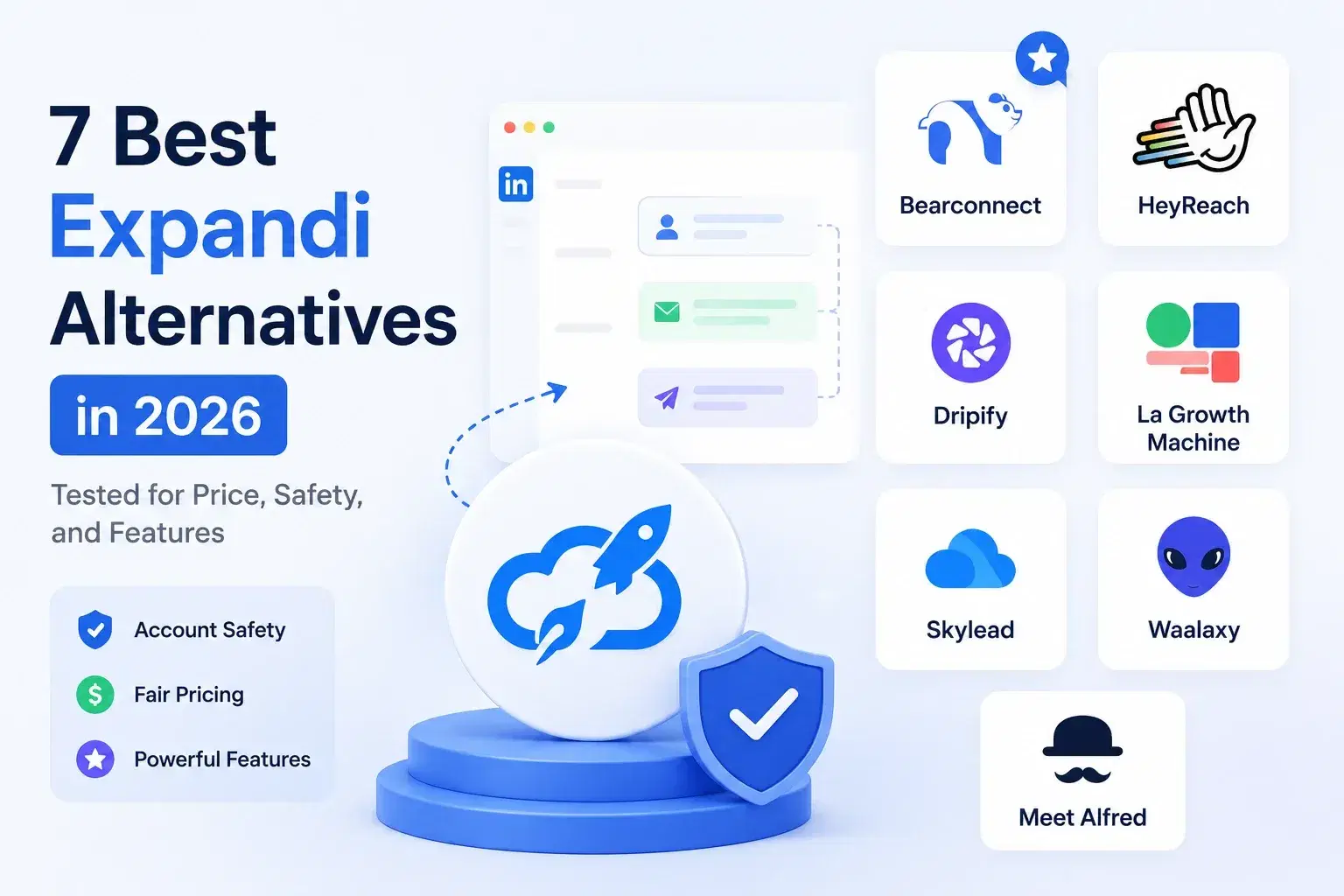
7 Best Expandi Alternatives in 2026: Pricing, Features and Who Each Suits
Seven Expandi alternatives compared on pricing, channels, inbox and agency features, with a source for every price and a section on when to stay with Expandi.
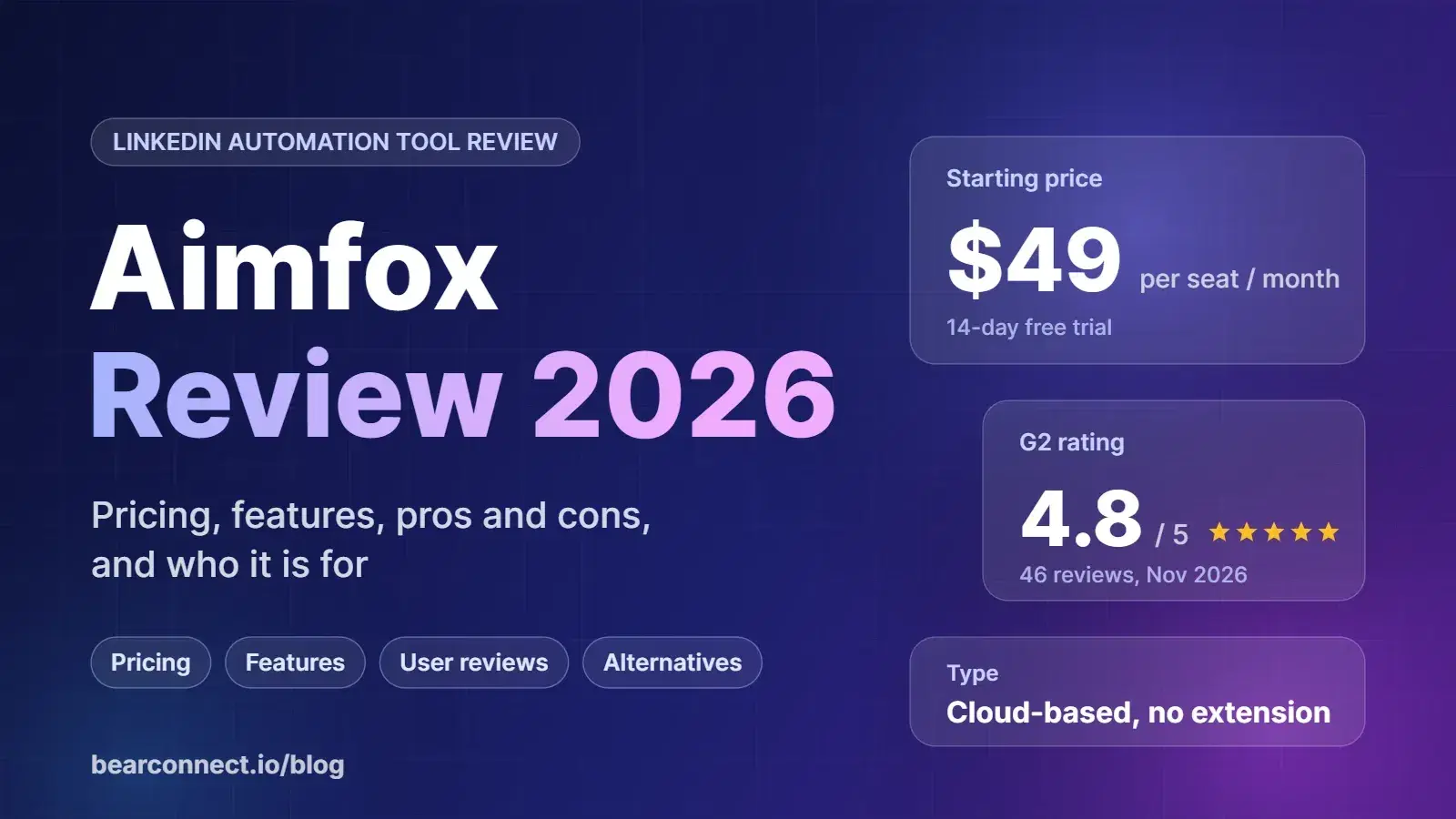
Aimfox Review 2026: Pricing, Features, Pros and Cons, and Who It Is For
An honest look at Aimfox in 2026: pricing, features, user reviews, who it suits, and when to look elsewhere.
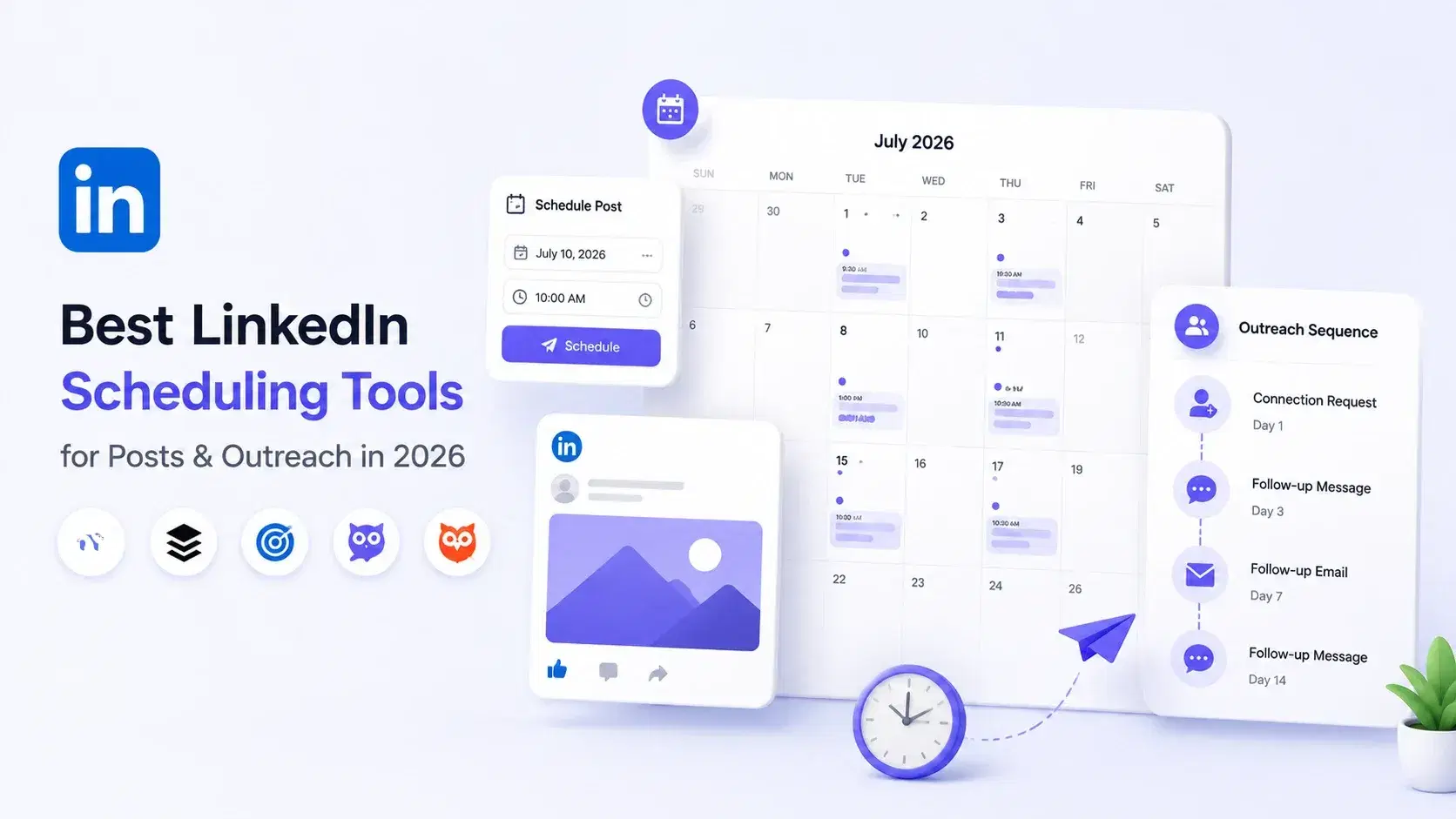
Best LinkedIn Scheduling Tools for Posts & Outreach in 2026
Choosing the right LinkedIn scheduling tool can make or break your outreach results in 2026. This guide compares top platforms for scheduling posts, automating outreach, and growing your network so you can pick the one that fits your workflow.