Best LinkedIn Scheduling Tools for Posts & Outreach in 2026
The best LinkedIn scheduling tools in 2026 are the ones that handle both content and outreach in one place, and my top pick for that combined job is Bearconnect, Buffer, Taplio, Supergrow, and Hootsuite covering narrower posting needs.
If you only want to queue posts, the free native LinkedIn scheduler is enough.
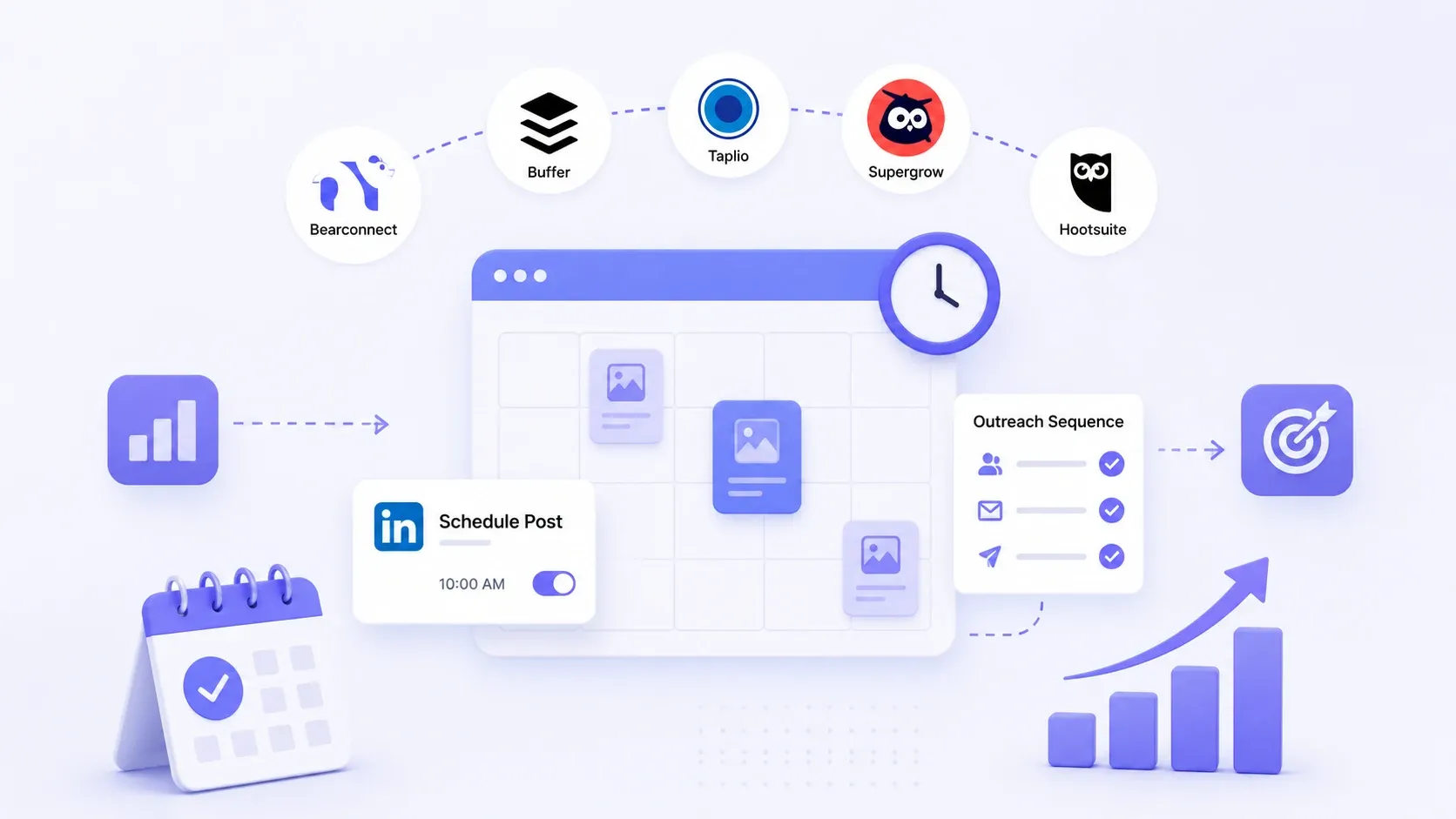
If you want to schedule posts and run outreach at scale, you need a dedicated LinkedIn automation tool.
TL;DR
- Posts only, zero budget → LinkedIn native scheduler or a free plan from Buffer.
- Personal brand growth → Taplio or Supergrow for AI-assisted content.
- Posts plus outreach in one workflow → Bearconnect, built for LinkedIn lead generation.
- Agencies and teams → pick a tool priced per account so multiple profiles stay affordable.
- Match the tool to your goal → a scheduler keeps you visible, but only outreach turns that visibility into replies, revenue and pipeline.
Why I Stopped Trusting "Just Post Consistently" Advice
Picture this. You block Friday to batch a month of LinkedIn posts, then Monday hits and you are back to typing straight into the box at 9pm, tired, hoping something lands.
Me neither. Here is why.
Consistency is not a willpower problem. It is a tooling problem. The right LinkedIn scheduling tools remove the daily decision, and the best ones also handle the follow-up conversations that actually turn posts into pipeline.
From my experience testing these platforms across client accounts, the split is simple. Most tools schedule posts. Very few connect posting to outreach. That gap is where deals leak.
What Is a LinkedIn Scheduling Tool, Really?
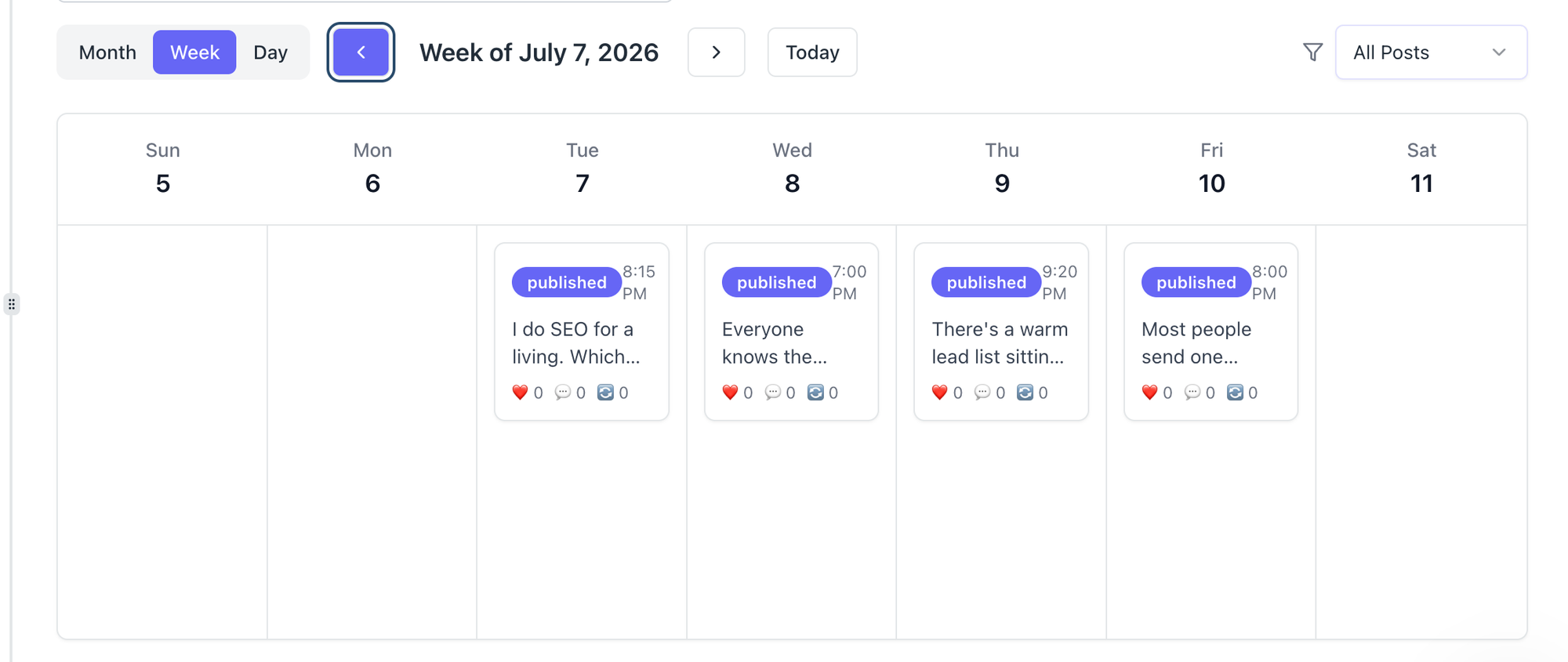
A LinkedIn scheduling tool is software that queues your posts to publish automatically at set times, so you create content in batches instead of posting live. That is the baseline definition, and almost every tool clears it.
The real difference sits one level deeper.
- Posting schedulers → queue content = consistency.
- Outreach schedulers → queue connection requests and messages = pipeline.
- All-in-one platforms → do both = fewer tabs, tighter workflow.
Here is the trap. Most "best of" lists only rank posting schedulers. They quietly ignore outreach, which is half of why people log into LinkedIn in the first place.
Post Scheduling vs Outreach Scheduling (the Part Most Guides Skip)
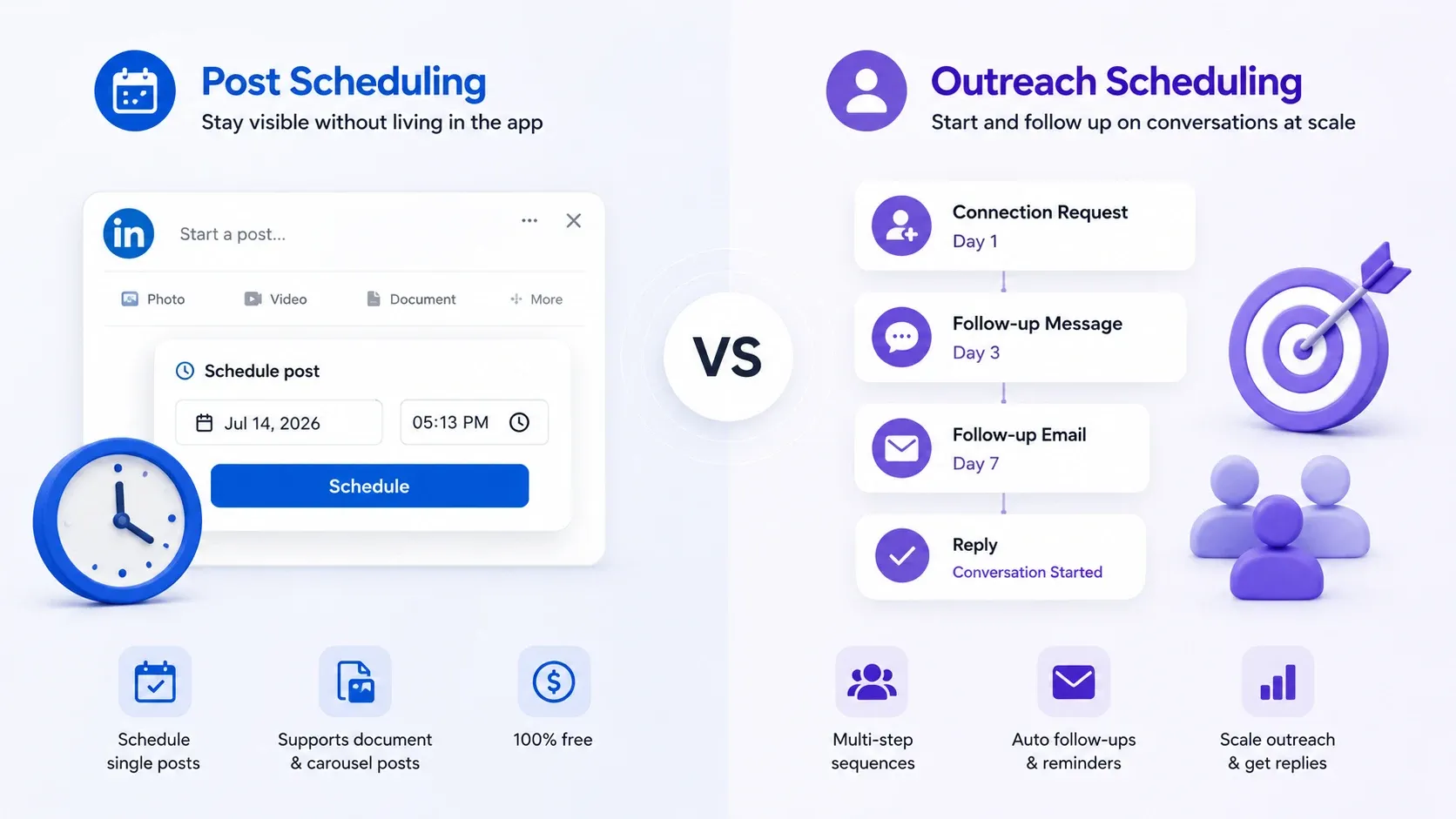
Post scheduling and outreach scheduling solve two different problems, and confusing them is the most common buying mistake I see.
- Post scheduling answers: How do I stay visible without living in the app?
- Outreach scheduling answers: How do I start and follow up on conversations at scale?
A content creator mostly needs the first. A founder or sales team needs both. When someone tells me their scheduler "is not working," they usually bought a posting tool and expected outreach results.
Native LinkedIn Scheduler vs Third-Party Tools
LinkedIn already includes a free native scheduler, so start there before you pay for anything. You will find the clock icon right inside the post composer.
The native scheduler covers the basics well.
Schedule single posts, including document and carousel posts.
Pick a date and time without any extra login.
Pay nothing.
But it stops fast. No content calendar view, no analytics, no outreach, and no multi-account support. For one person posting a few times a week, that is fine. For anything serious, you outgrow it quickly.
Why Schedule LinkedIn Posts and Outreach in 2026?
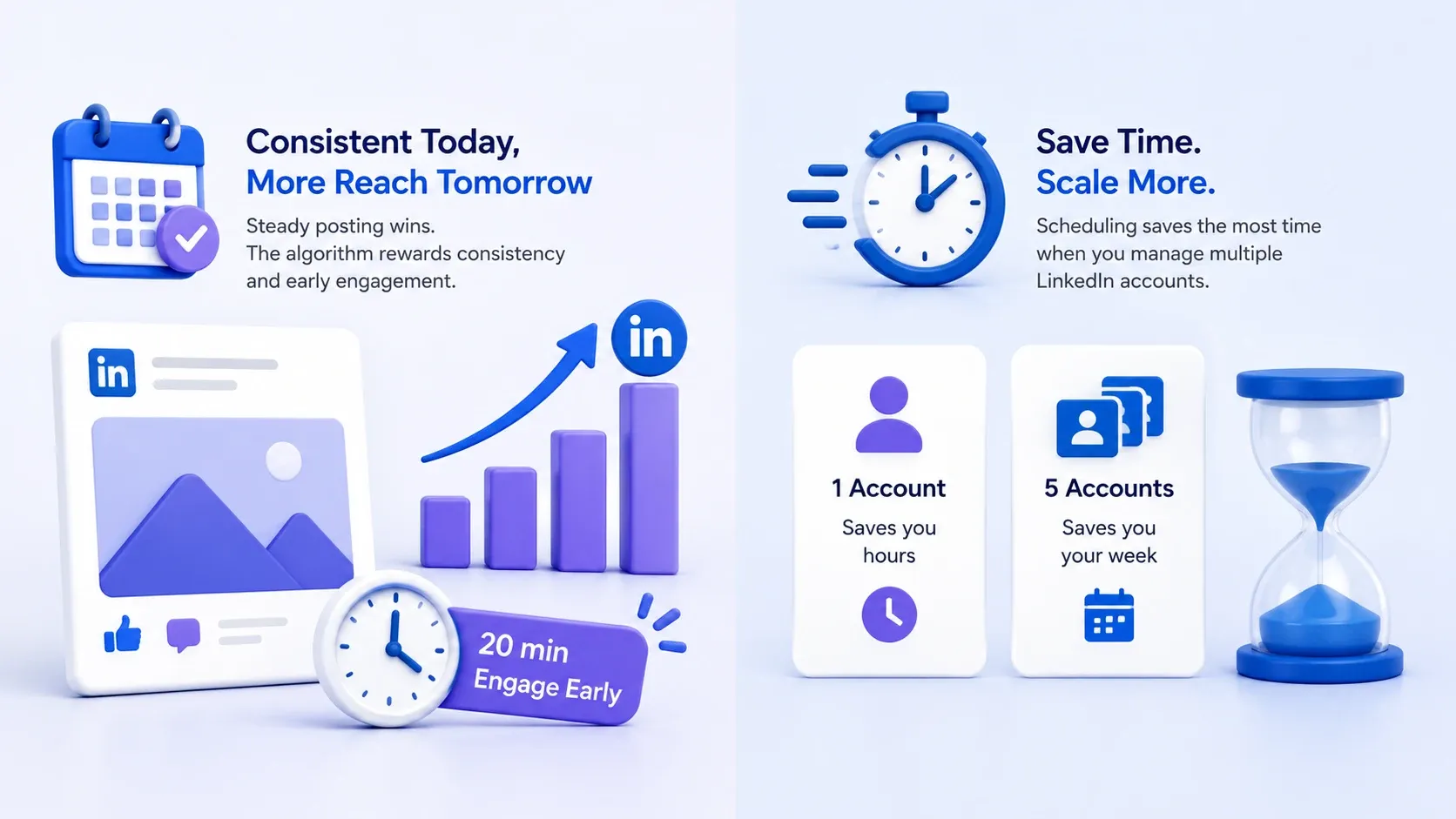
Scheduling wins because it protects the one thing the LinkedIn algorithm rewards most: consistency without burnout. When you post on a steady rhythm, you stop gambling on motivation.
1. Consistency and How the 2026 Algorithm Treats You
Steady posting beats sporadic bursts, and scheduling is the only reliable way to stay steady. The algorithm favors accounts that show up predictably and earn early engagement.
Pro tip: schedule your posts, then block 20 minutes right after each goes live to reply to comments, because early engagement is what pushes reach.
2. Time Saved When You Run More Than One Account
Scheduling saves the most time for people who manage multiple profiles, which is exactly who searches for these tools. Founders, agencies, and sales teams rarely run one account.
- 1 account → scheduling saves you hours.
- 5 accounts → scheduling saves you your week.
This is also where pricing models start to matter, and where a lot of tools quietly punish you for growing.
What Should I Look for in a LinkedIn Scheduling Tool?
Judge every tool against five criteria, not just "can it post." Skip this checklist and you will overpay for features you never touch.
Core Posting Features
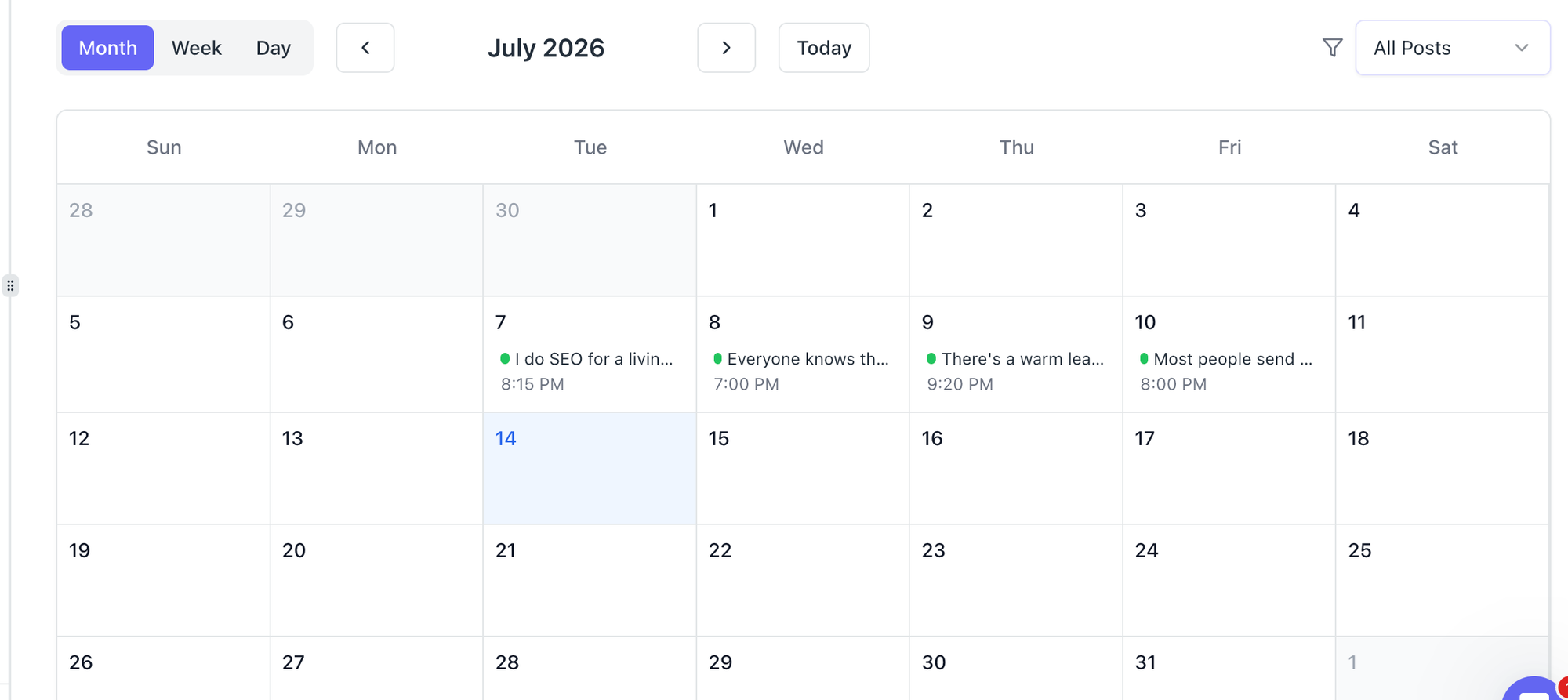
Strong posting features are the price of entry, so confirm they exist before anything else.
- Bulk scheduling and a queue.
- A visual content calendar.
- Drafts and a preview that matches the live post.
- Support for carousels and document posts.
Outreach and Automation Features
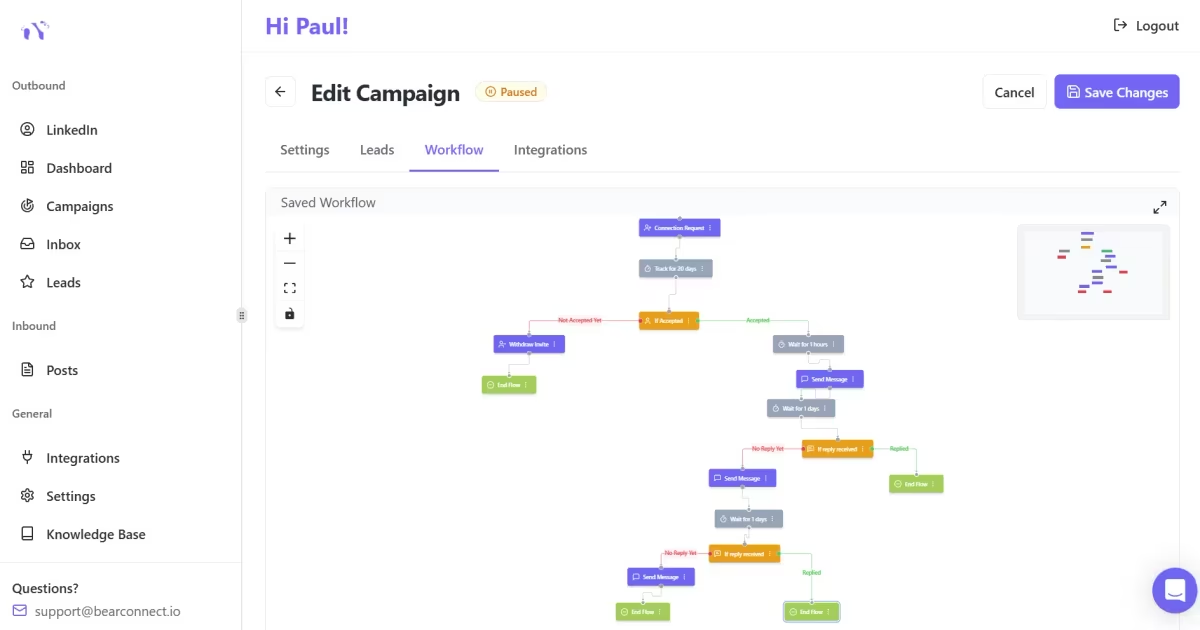
Outreach features separate a scheduler from a growth tool, and this is the category most lists ignore. Look for the ability to sequence conversations, not just posts.
- Scheduled connection requests with sensible daily limits.
- Message and follow-up sequences.
- Lead capture from post engagement, so commenters become conversations.
Multi-Account and Team Support
Multi-account support decides whether the tool scales with you or against you. This is a budget question disguised as a feature question.
- Watch the pricing model closely.
- Per-account or unlimited-account pricing → predictable as you grow.
Account Safety and LinkedIn Limits
Safety matters more than any feature, because a banned account erases every gain. Aggressive automation is the fastest way to get restricted.
Pricing Model: Per Account vs Flat Fee
- Always read pricing as "cost per account," not the sticker number, because that is what you actually pay as you scale. A cheap-looking flat fee often hides per-seat add-ons.
- I will show you exactly how this math plays out in the Bearconnect section below, because it is the clearest example of per-account pricing done in the buyer's favor.
Scheduling is far easier once you have a properly configured company page for LinkedIn with admins and content pillars defined.
The Best LinkedIn Scheduling Tools for 2026 (Ranked)
| Tool | Best for | Free plan | Post scheduling | Outreach and automation | Pricing model |
|---|---|---|---|---|---|
| Bearconnect | Posts plus outreach in one place | Trial based | Yes, AI assisted | Yes, full outreach suite | Per account, unlimited accounts |
| Turrboo | Multi-network scheduling with inbox | Yes | Yes, AI assisted | No LinkedIn outreach | Flat per plan, users bundled |
| Buffer | Simple, clean post scheduling | Yes | Yes | No | Per channel |
| Taplio | Personal brand and AI content | No | Yes, AI assisted | Light | Per seat |
| Supergrow | Creators wanting AI writing help | Trial based | Yes, AI assisted | Light | Per seat |
| Hootsuite | Multi-network social teams | Limited | Yes | No LinkedIn outreach | Per seat |
1. Bearconnect - The Only AI Powered Linkedin Scheduling & Outreach automation tool
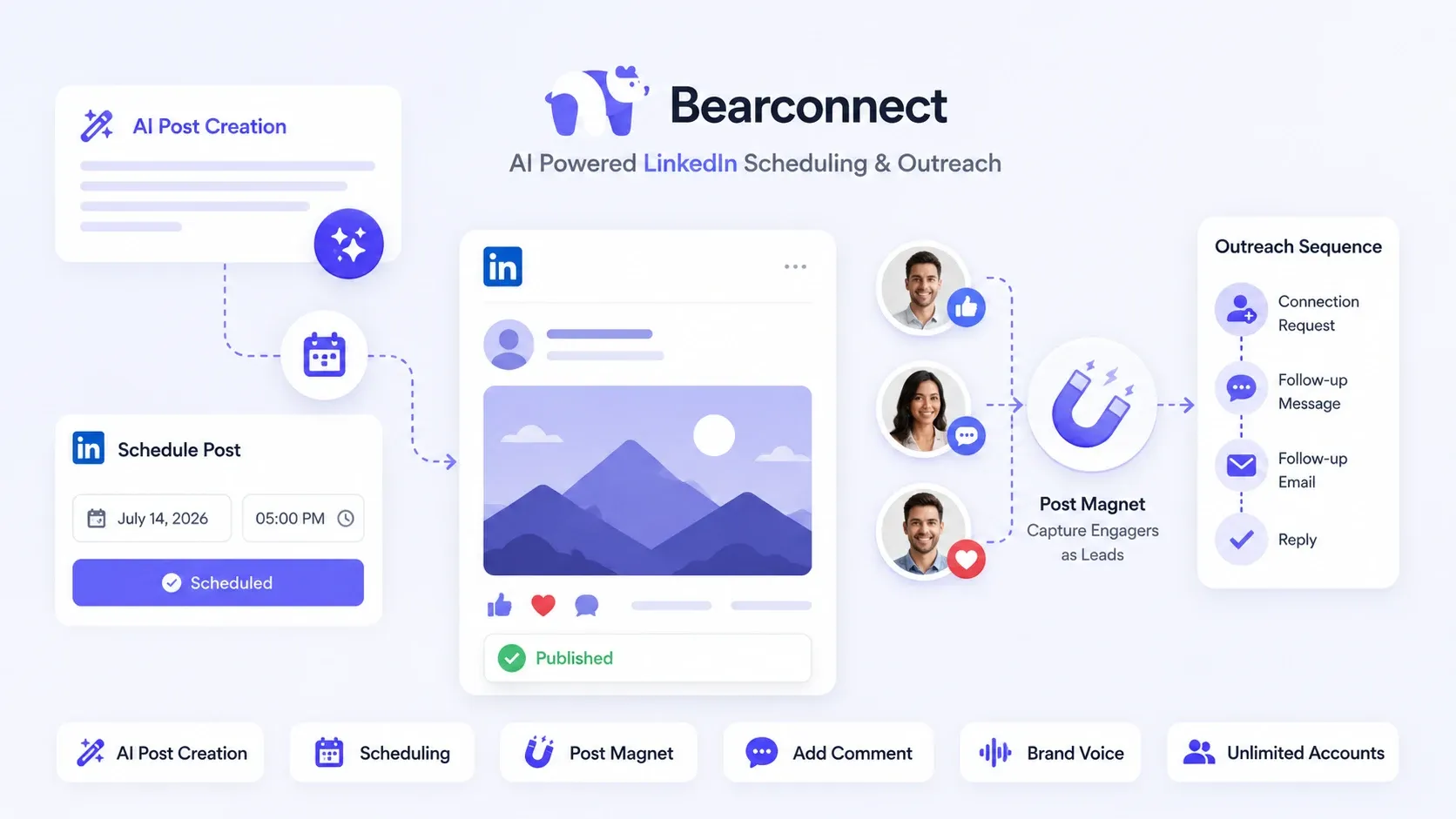
Bearconnect wins the combined "posts and outreach" job, which is why it sits at the top of this list. It treats content and conversations as one workflow instead of two disconnected tools.
Most schedulers stop the moment your post goes live. Bearconnect keeps going. The people who like and comment become leads you can actually reach, so your content feeds your pipeline instead of just your ego.
What it brings to the table:
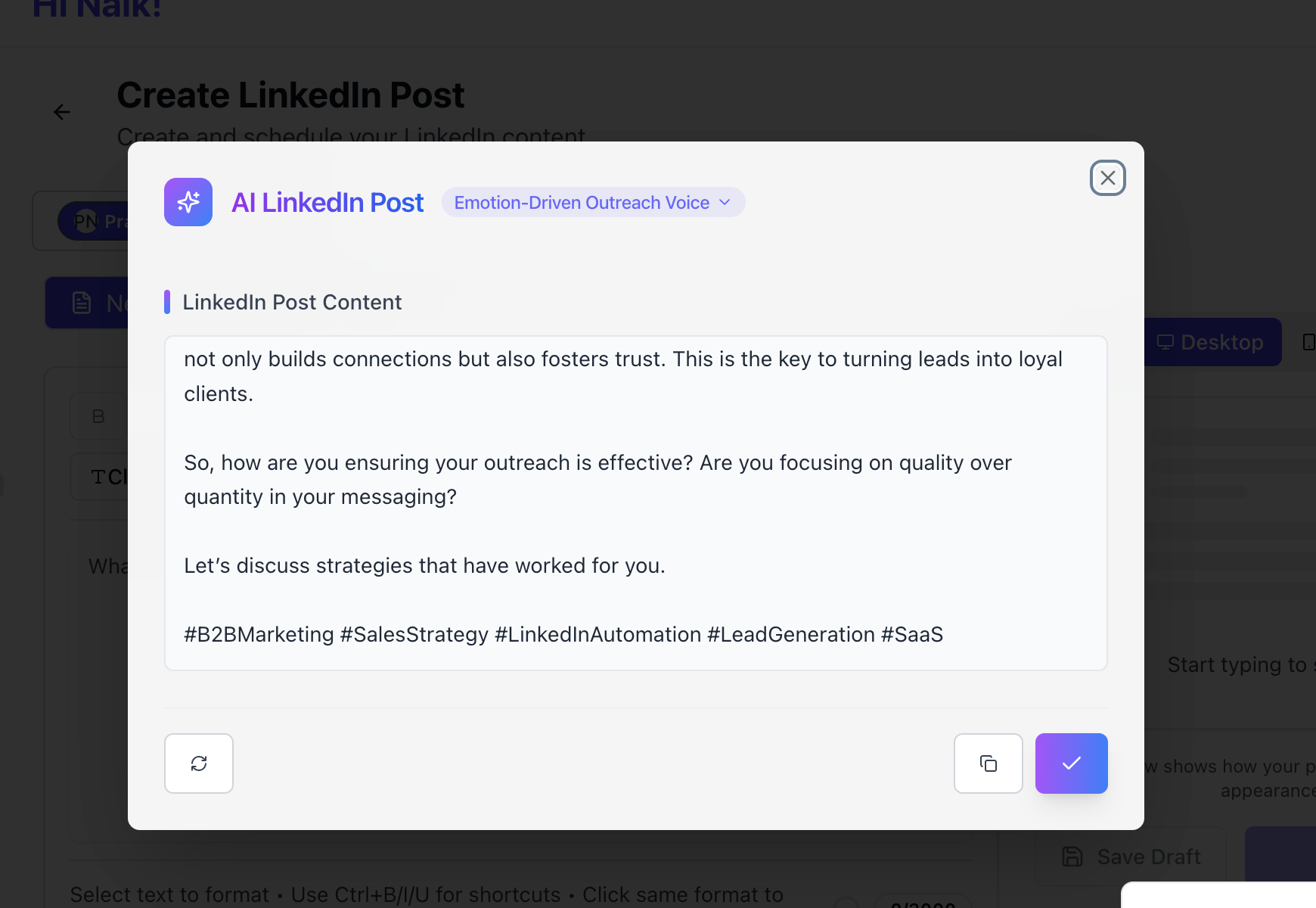
- AI LinkedIn post creation → draft on-brand posts fast and beat the blank page.
- Scheduling → queue content on a steady cadence without leaving the platform.
- Post Magnet → capture leads from the people who engage with your posts.
- Add comment → schedule the first comment to boost reach and add context.
- Brand voice → keep every post sounding like you, not like a robot.
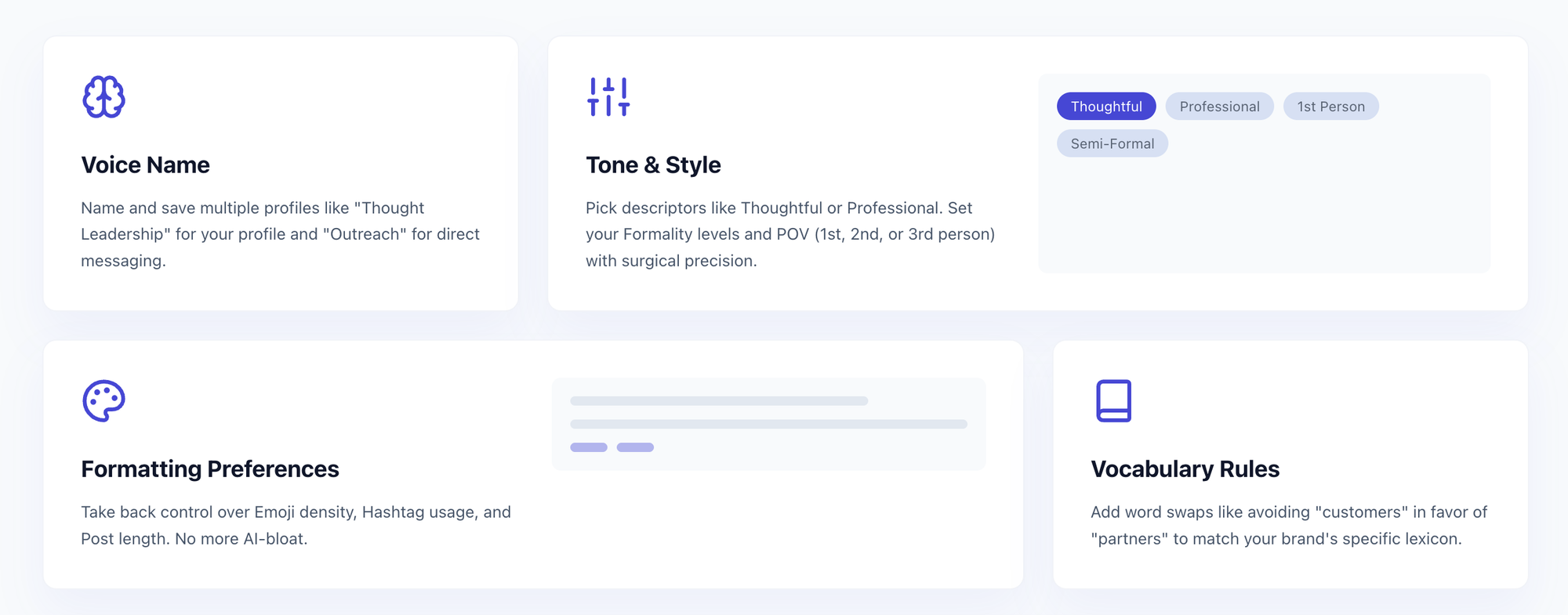
Here is where it earns the top spot in practice. You write and schedule a post, Post Magnet pulls in everyone who engages, and you move those warm leads straight into a personalized outreach sequence.
One loop. No exporting lists, no second tool, no lost momentum.
It also scales cleanly for people running more than one profile, since you can manage unlimited LinkedIn accounts under a single subscription.
Founders, sales teams, and agencies feel that difference most.
I break down the full pricing math in its own section below, because the per-account model is the part buyers misjudge most.
2. Turrboo
Turrboo suits teams who want LinkedIn scheduling as part of a broader social media workflow. It covers LinkedIn alongside Facebook, Instagram, TikTok, X, YouTube, Pinterest, and Google Business Profile from one dashboard.
Strengths → free plan with 2 channels, flat pricing with users bundled, built-in inbox and analytics.
Limits → no LinkedIn outreach sequences, and the inbox starts on the $59/mo Team plan.
It’s a good fit if you want posting and engagement handled together and outreach isn’t a priority yet.
3.Buffer
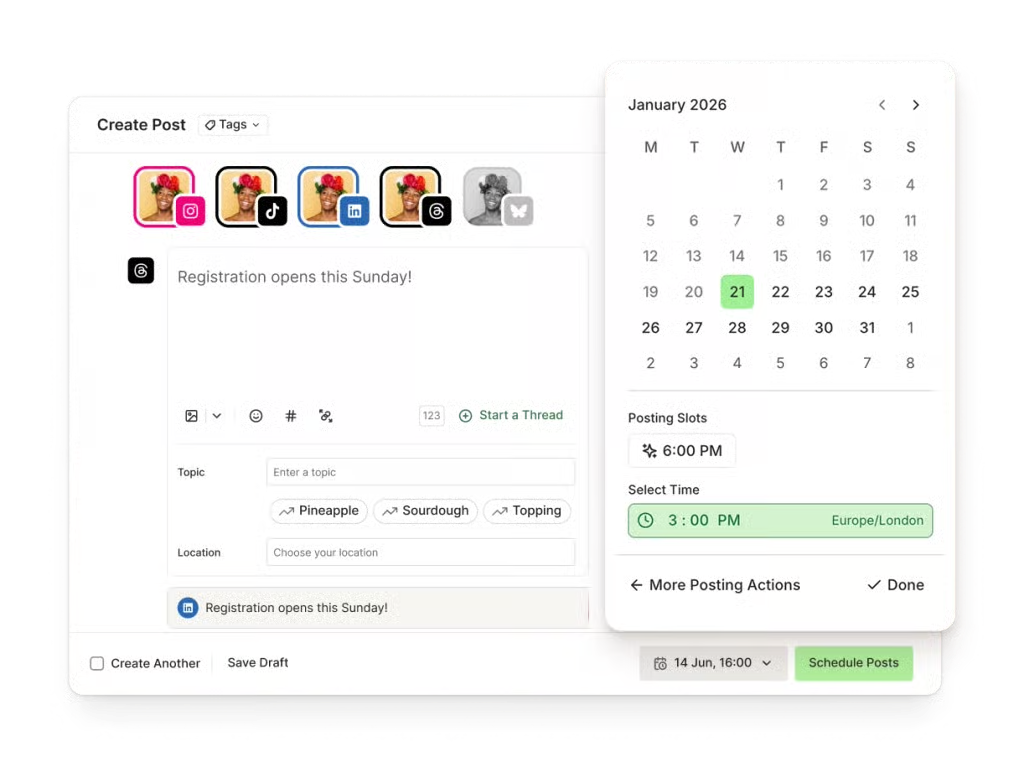
Buffer is the cleanest choice for someone who only wants to schedule posts and nothing else. It is simple, reliable, and has a genuinely usable free plan.
- Strengths → clean interface, free tier, quick setup.
- Limits → no LinkedIn outreach, and multi-channel costs add up.
If your entire goal is a tidy content queue, Buffer does that job well and gets out of your way.
4. Taplio
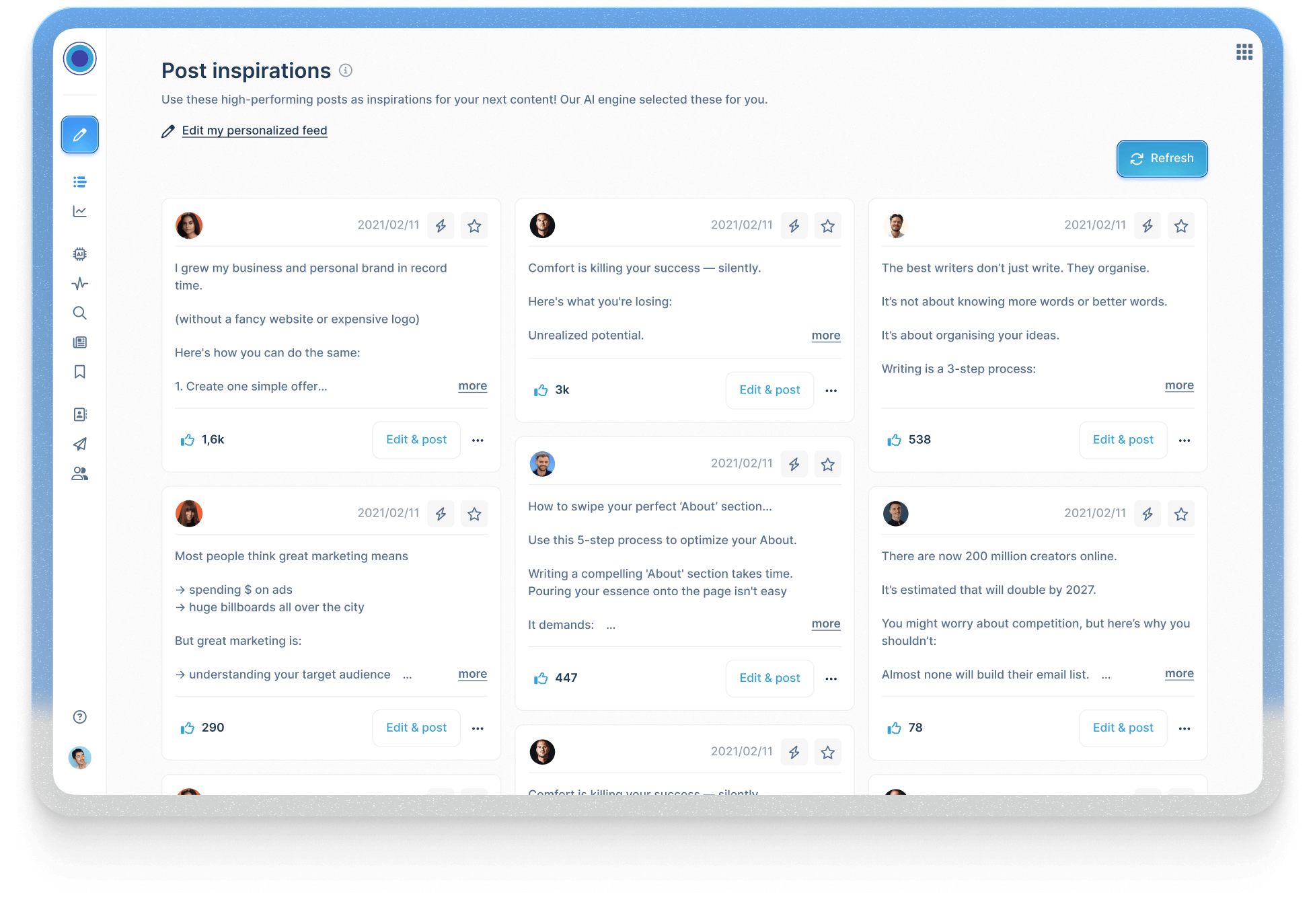
Taplio fits creators who want AI help writing personal-brand content on LinkedIn specifically. It leans into hooks, inspiration, and post ideas.
- Strengths → LinkedIn-native focus, strong AI writing prompts, analytics.
- Limits → outreach is light, and there is no free plan.
Know why it is popular? Because it makes the blank-page problem disappear.
5. Supergrow
Supergrow suits solo creators who want fast AI-assisted writing and a simple posting workflow. It sits in a similar lane to Taplio.
- Strengths → AI content help, carousel support, creator-friendly.
- Limits → built for content, not serious outreach.
It is a good pick if writing is your bottleneck and outreach is not on your roadmap yet.
6. Hootsuite
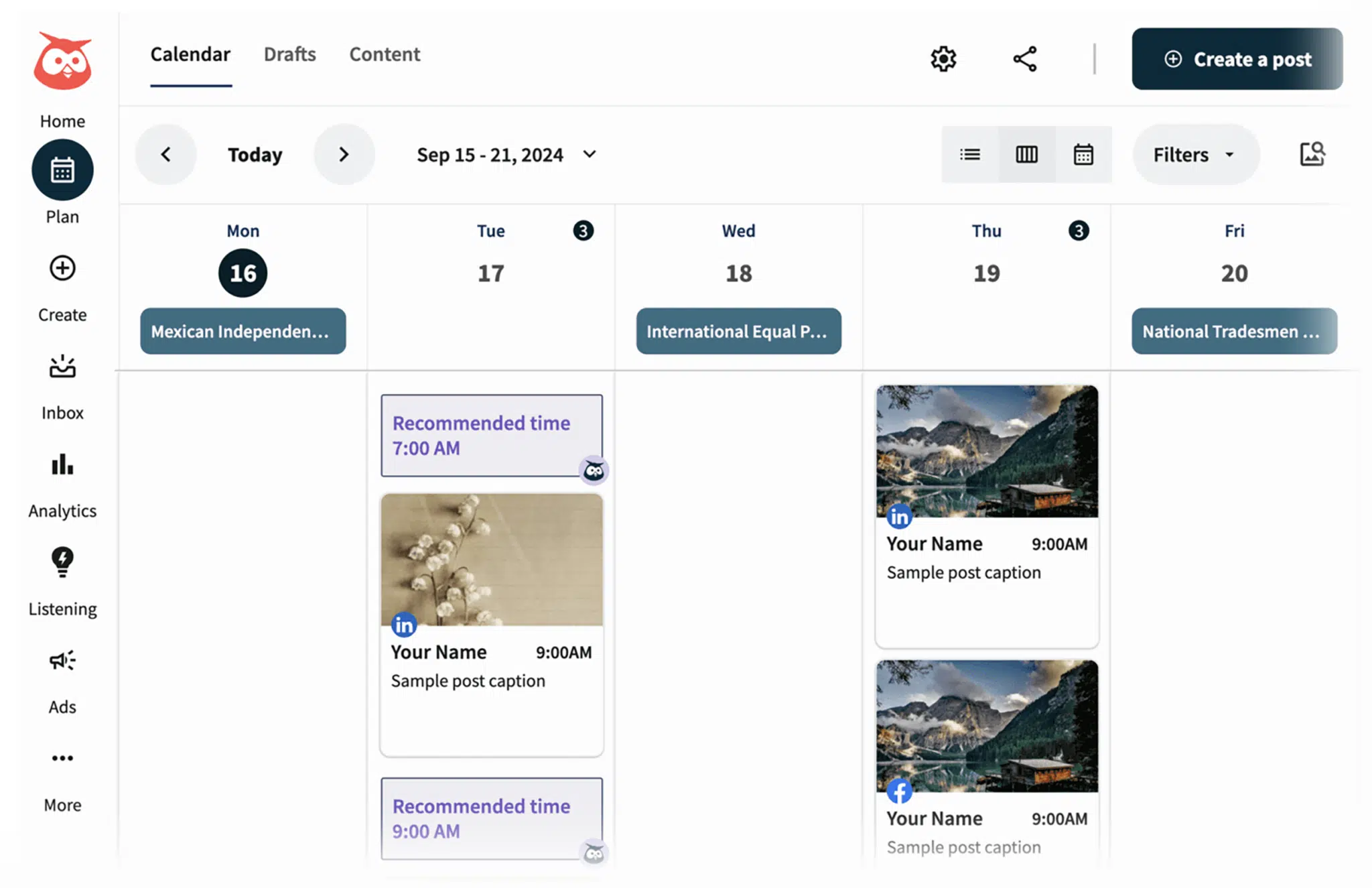
Hootsuite makes sense for teams managing many social networks at once, with LinkedIn as one of several. It is a broad social suite, not a LinkedIn specialist.
- Strengths → multi-network coverage, team roles, mature analytics.
- Limits → no LinkedIn outreach, and pricing runs high for small teams.
If LinkedIn is your main channel, a specialist tool usually serves you better.
LinkedIn Scheduling Tools: Cost Comparison
| Tool | Free plan | Starting paid price | Pricing model | Notes |
|---|---|---|---|---|
| Bearconnect | Trial based | $67 per account per month (1 to 4 accounts) | Per account, unlimited accounts | Drops to $57 per account at 5+ accounts. |
| Turrboo | Yes | $29 per month (7 channels) | Flat per plan, users bundled | Team plan at $59 adds inbox and 3 users |
| Buffer | Yes | Approx $5 to $10 per channel per month | Per channel | Cheap for one channel, adds up across many. |
| Taplio | No | Approx $39 per month | Per seat | LinkedIn-native content focus. |
| Supergrow | Trial based | Approx $19 to $39 per month | Per seat | Creator-focused AI writing. |
| Hootsuite | Limited | Approx $99 per month | Per seat | Multi-network suite, priciest entry point. |
What Are the Best Free LinkedIn Scheduling Tools?
The best free option for most people is LinkedIn's own native scheduler, followed by Buffer's free plan. Free is enough when your only goal is posting on a schedule.
Good free routes:
- LinkedIn native scheduler → zero cost, built in, basic.
- Buffer free plan → a real queue with limited channels.
What You Give Up on Free Plans
Free plans cost you scale, not basics, and that trade is fine until you grow. You lose the features that matter once posting becomes a system.
- No bulk scheduling.
- No outreach or lead capture.
- Little or no analytics.
- Usually one account only.
Free is a starting line, not a finish line. The moment you manage more than one account or want outreach, free plans stop paying for themselves.
What Are the Best LinkedIn Tools for Outreach and Automation?
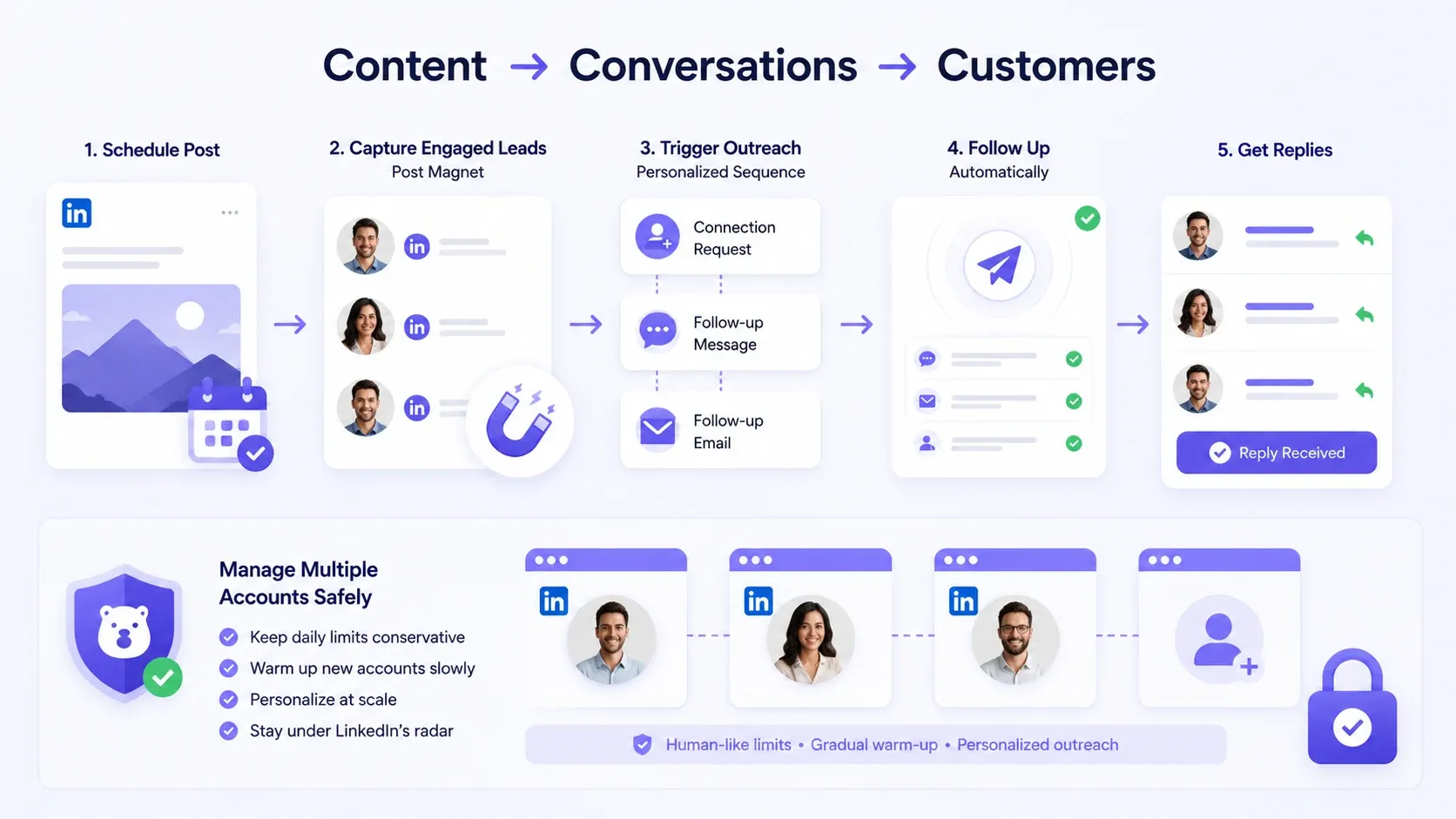
The best outreach tools are the ones that connect your content to conversations, and that is a much shorter list than posting tools. Posting builds attention. Outreach turns attention into pipeline.
Scheduling Posts and Outreach in One Workflow
Running posts and outreach in one tool beats stitching two tools together, because your content and conversations finally share context. When someone engages with a post, you can act on it immediately.
The workflow looks like this:
- Schedule the post.
- Capture engaged leads with a feature like Post Magnet.
- Trigger a personalized outreach sequence.
- Follow up automatically until they reply.
→ Content plus outreach in one loop = fewer dropped leads.
Managing Outreach Across Multiple Accounts Safely
Safe multi-account outreach depends on human-like limits and gradual warm-up, not raw volume. This is where cheap automation gets people banned.
Keep daily requests conservative.
Warm up new accounts slowly.
Personalize at scale instead of spraying the same message.
Pro tip: cap connection requests well below LinkedIn's weekly ceiling and personalize the first line, because reply rates rise and restriction risk drops.
How Do I Schedule a LinkedIn Post, Step by Step?
You can schedule a LinkedIn post natively in under a minute, with no third-party tool required. Here is the exact flow.
- Start a new post in the composer.
- Click the clock icon near the Post button.
- Choose your date and time.
- Click Schedule.
- Review it under "Scheduled posts" to confirm.
That covers single posts. For bulk scheduling, calendars, and outreach, you move to a tool that can automate your LinkedIn posts end to end.
Can You Schedule LinkedIn Articles and Carousels?
Yes, you can schedule carousels natively, but not articles or newsletters, and this trips up a lot of people. The distinction is about post type.
- Carousels and document posts → schedulable, since LinkedIn treats them as document posts.
- Articles and newsletters → not schedulable through the native scheduler today.
This is hard to work around. Not impossible. Plan articles manually and reserve your scheduler for standard and document posts.
When Is the Best Time to Post on LinkedIn in 2026?
The best time to post is when your specific audience is active, and for most B2B audiences that lands on weekday mornings. Treat published "best time" charts as starting points, not gospel.
Common patterns I see hold up:
- Tuesday to Thursday tend to outperform.
- Mid-morning, in your audience's main time zone, tends to win.
- Weekends usually underperform for B2B.
Why Choose Bearconnect as Your LinkedIn Scheduling and Outreach Tool?
Choose Bearconnect when you want posting and outreach to live in one system instead of paying for two tools that do not talk to each other. That single-workflow design is its core advantage.
What you get in one place:
- AI LinkedIn post creation → beat the blank page and draft on-brand posts quickly.
- Scheduling → queue your content on a steady cadence.
- Post Magnet → turn people who engage with a post into captured leads.
- Add comment → schedule the first comment to add context and lift reach.
- Brand voice → keep every post sounding like you across all your accounts.
The differentiator is simple: you can run unlimited LinkedIn accounts under one subscription. For agencies and teams, that is the line item that decides the winner.
How Do I Choose the Right Tool for Me?
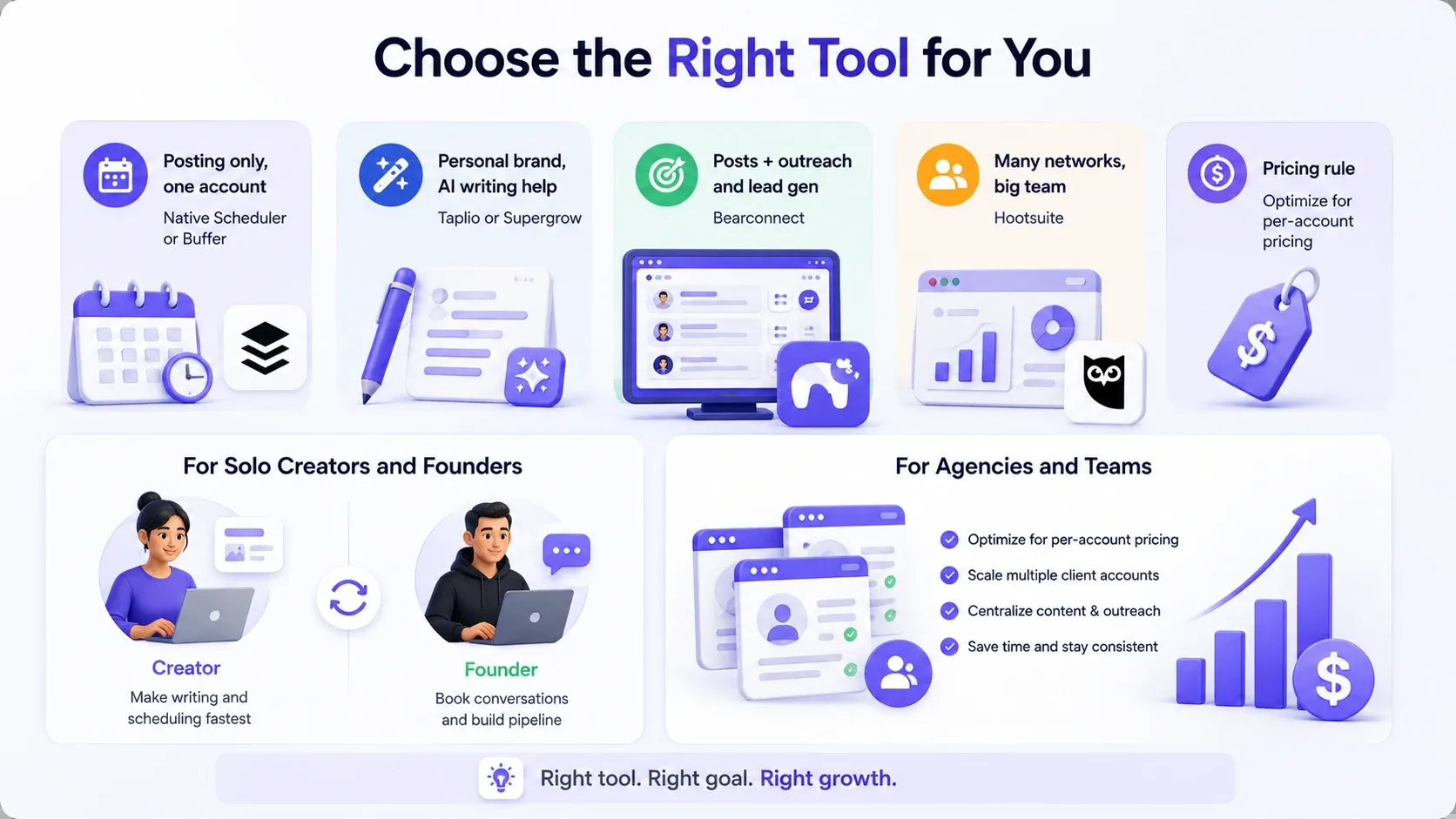
Choose based on whether you need posting only or posting plus outreach, then match the pricing model to how many accounts you run. That single decision removes most of the confusion.
Quick decision guide:
- Posting only, one account → native scheduler or Buffer.
- Personal brand, AI writing help → Taplio or Supergrow.
- Posts plus outreach and lead gen → Bearconnect.
- Many networks, big team → Hootsuite.
For Solo Creators and Founders
Solo creators should optimize for content speed, while founders should optimize for outreach. Your goal decides your tool.
- Creator → pick the tool that makes writing and scheduling fastest.
- Founder → pick the tool that also books conversations, because posts alone rarely fill a pipeline.
For Agencies and Teams Managing Multiple Accounts
Agencies should optimize for per-account pricing above every shiny feature, because that is the number that scales with you.
- Confirm the cost per account at your real account count.
- Confirm safety controls, since you are responsible for client accounts.
- Confirm outreach features if lead gen is part of the service.
Frequently Asked Questions
1. Does LinkedIn have a native scheduler?
Yes, LinkedIn has a free built-in scheduler inside the post composer. Click the clock icon, pick a date and time, and schedule. It handles basics but offers no bulk scheduling, analytics, or outreach.
2. Can you schedule LinkedIn articles?
No, the native scheduler does not support articles or newsletters. It does support standard posts, including carousels and document posts. Plan articles manually and use scheduling for regular posts.
3. What is the best free LinkedIn scheduling tool?
LinkedIn's native scheduler is the best free option for most people, with Buffer's free plan close behind. Both cover simple posting well. Neither includes outreach or multi-account support.
4. Can you schedule outreach messages, not just posts?
Yes, but only with a dedicated LinkedIn automation tool, not the native scheduler. Tools like Bearconnect let you sequence connection requests and follow-ups. Keep daily limits conservative to protect your account.
5. Is it safe to automate LinkedIn outreach?
Yes, when the tool mimics human behavior, respects daily limits, and warms up new accounts. Risk comes from high-volume, spammy automation. Personalized, capped outreach stays far safer than aggressive blasting.
Final Verdict: Which LinkedIn Scheduling Tool Wins in 2026?
Bearconnect wins for anyone who needs posts and outreach together, while Buffer, Taplio, and Supergrow win narrower posting-only jobs. Your choice comes down to one question: do you only want to publish, or do you want to publish and start conversations?
- Publish only → native scheduler, Buffer, Taplio, or Supergrow.
- Publish and grow pipeline → Bearconnect.
Your Next Step
Start free, then scale into outreach once posting is a habit. Schedule one week of posts this week, using the native scheduler or a free plan, and measure your early engagement.
When you are ready to connect that content to real conversations, try a tool built for posts and outreach together, run one small outreach sequence, and watch how many replies a single scheduled post can create.
Ready to Transform Your LinkedIn Strategy?
Join thousands of professionals already using Bearconnect to automate their outreach and grow their network.
7-day free trial • Cancel anytime
Related Articles

LinkedIn Automation: The Complete Guide for 2026
What LinkedIn automation is, how it works, what LinkedIn allows, safe limits, how to choose a tool and how to run your first campaign.
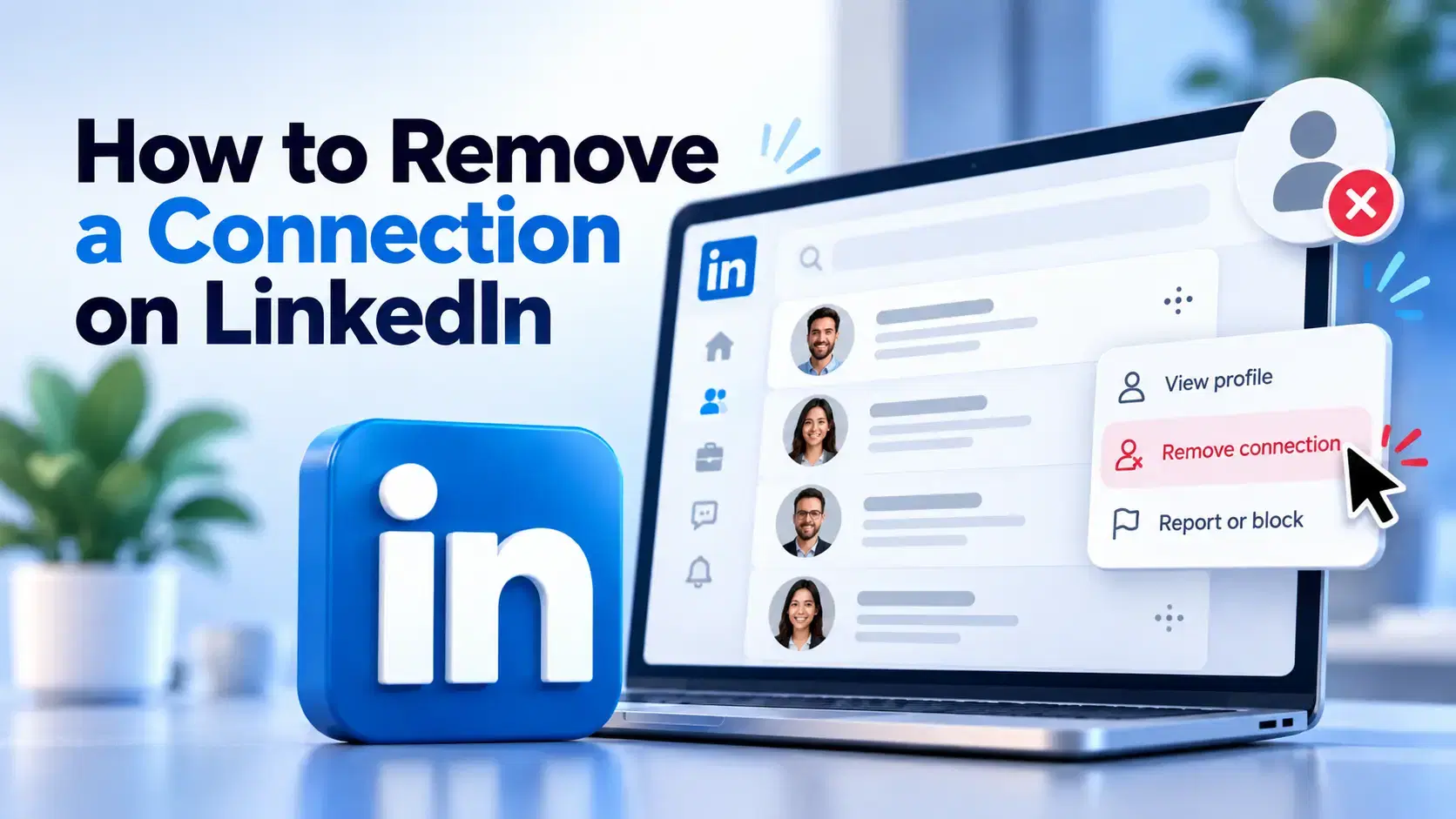
How to Remove a Connection on LinkedIn (Do They Get Notified?)
Removing a LinkedIn connection takes a few clicks, but most people want to know one thing first: does the other person get notified? This guide covers the steps on desktop and mobile, and what changes afterward.
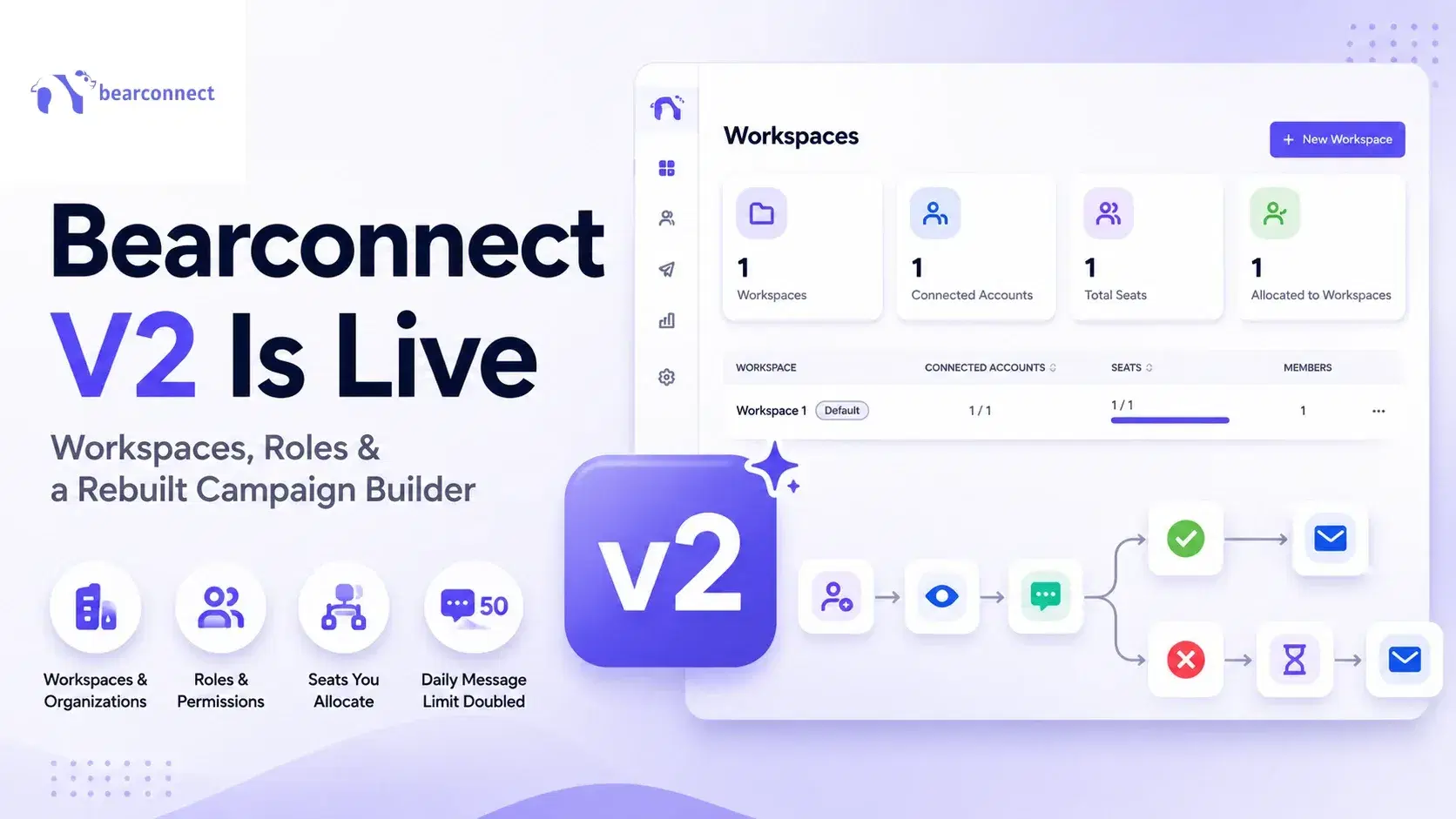
Bearconnect V2 Is Live: Workspaces, Roles and a Rebuilt Campaign Builder
Bearconnect V2 introduces dedicated workspaces, flexible roles, and a rebuilt campaign builder, giving agencies and sales teams more control over every LinkedIn account they manage.