How to Reach Out to a Recruiter on LinkedIn: Message Templates That Actually Get Replies
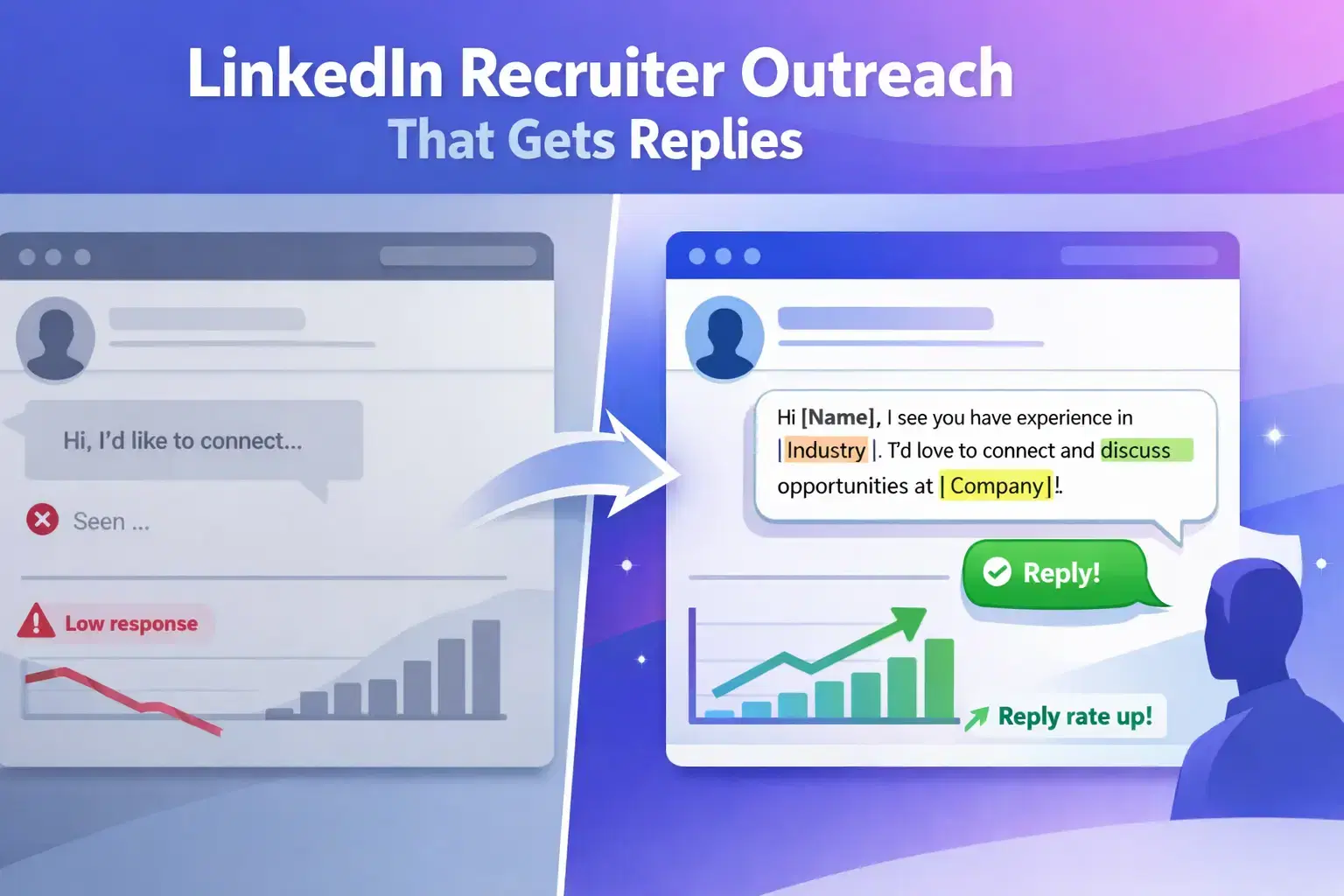
The fastest way to get a recruiter's attention on LinkedIn is to send a short, specific, personalized message that references their work or an open role, and asks for one clear thing.
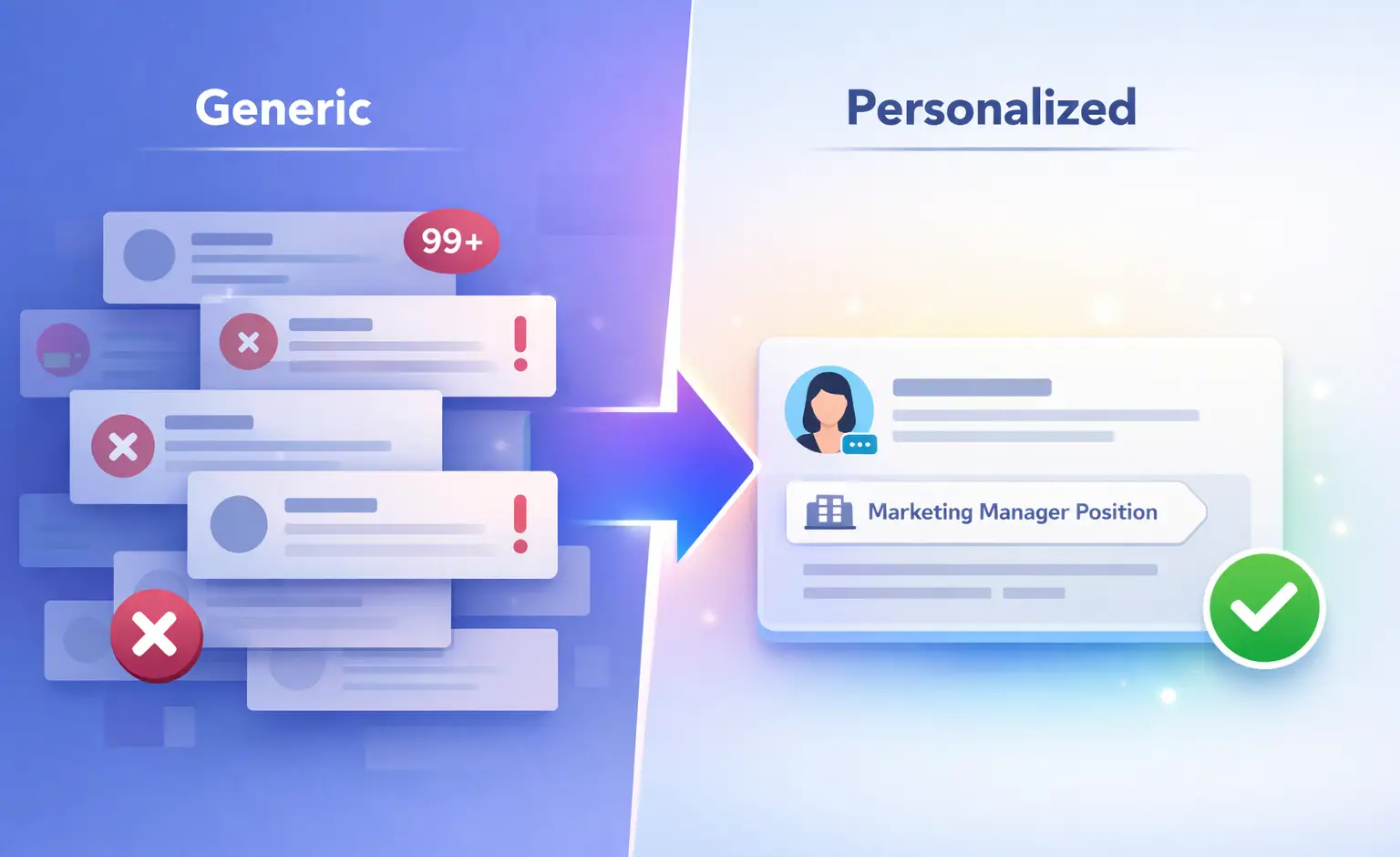
Generic messages get ignored. Specific ones get replies.
TL;DR
- Recruiters receive dozens of messages daily. Personalization is the only thing that separates yours from the noise.
- Send a connection request with a short note first, then follow up with your main message after they accept.
- Reference a specific role, their company, or something they posted. Never open with "I'm looking for a job."
- Keep your first message under 100 words. One ask only.
- Use templates as starting points, not copy-paste scripts.
Why Most LinkedIn Messages to Recruiters Get Ignored
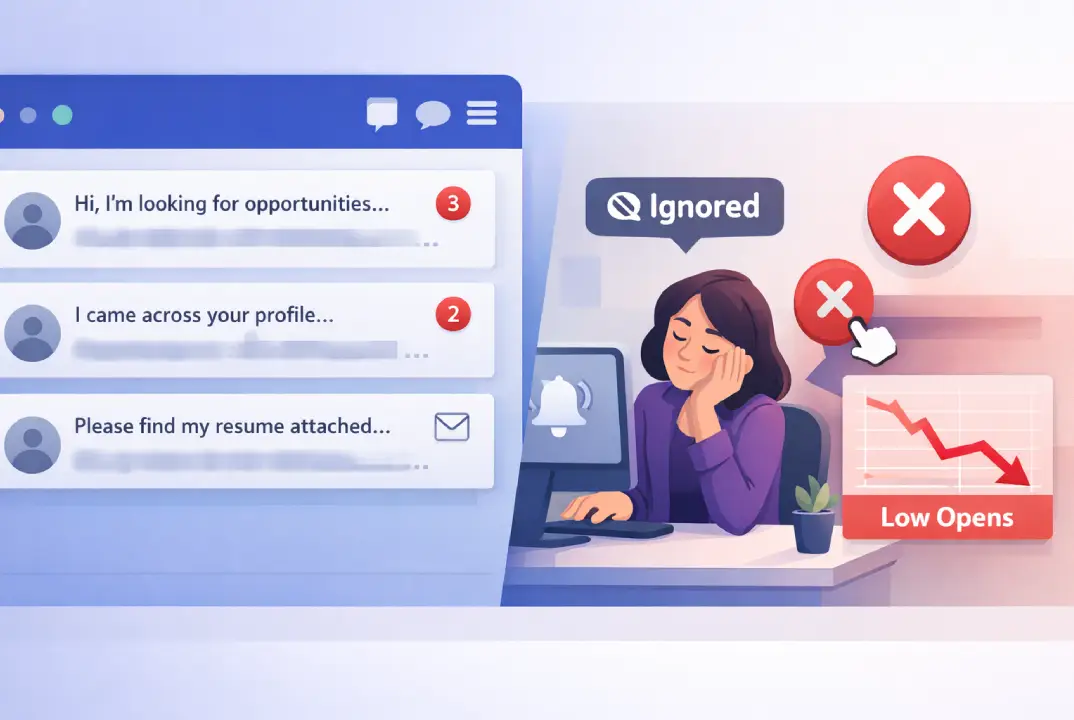
Most messages fail before the recruiter even reads them. The subject line (or the first 6 words visible in the notification) decides whether they open it or not.
Here is what recruiters consistently report seeing in their inbox:
- "Hi, I'm looking for new opportunities..."
- "I came across your profile and wanted to connect."
- "Please find my resume attached."
These messages signal zero effort. Recruiters are not passive mailboxes. They are evaluating whether a candidate can communicate clearly, professionally, and with relevance.
A weak opener tells them everything they need to know before they even click.
The core problem: Most job seekers treat a LinkedIn message like a job application form. Recruiters respond to conversations, not applications.
If you want to understand why most connection requests that don't get ignored have one thing in common, it is specificity from the very first line.
What a Recruiter Actually Sees When Your Message Lands
This is the section most LinkedIn advice skips. Understanding recruiter psychology dramatically improves your reply rate.
When a recruiter receives your message, they process three things in under 10 seconds:
- Who is this person? They check your name, headline, and profile photo before reading a single word.
- Is this relevant to me? They scan for a role title, a company name, or a mutual connection.
- What do they want? If the ask is unclear or too big ("Can we schedule a call to discuss my career?"), they move on.
What triggers a reply
- You reference a specific job posting they own
- Your headline matches a role they are currently hiring for
- You mention a mutual connection or shared group
- You ask one simple, answerable question
What triggers being ignored
- Your message is longer than 150 words
- You attach a resume in the first message
- You ask to "hop on a quick call" before any rapport exists
- Your profile has no photo, no summary, or a generic headline
Pro Tip: Check the recruiter's recent LinkedIn activity before messaging. If they posted about a specific role or shared content about a skill you have, reference it directly. That one line of personalization is the difference between 10% and 40% reply rates.
Before You Message: Set Up These 3 Profile Elements
Your profile is your credibility check. A recruiter opens your profile the moment they see your message notification. Take 20 minutes to optimize your LinkedIn profile before you send a single message.
1. Headline
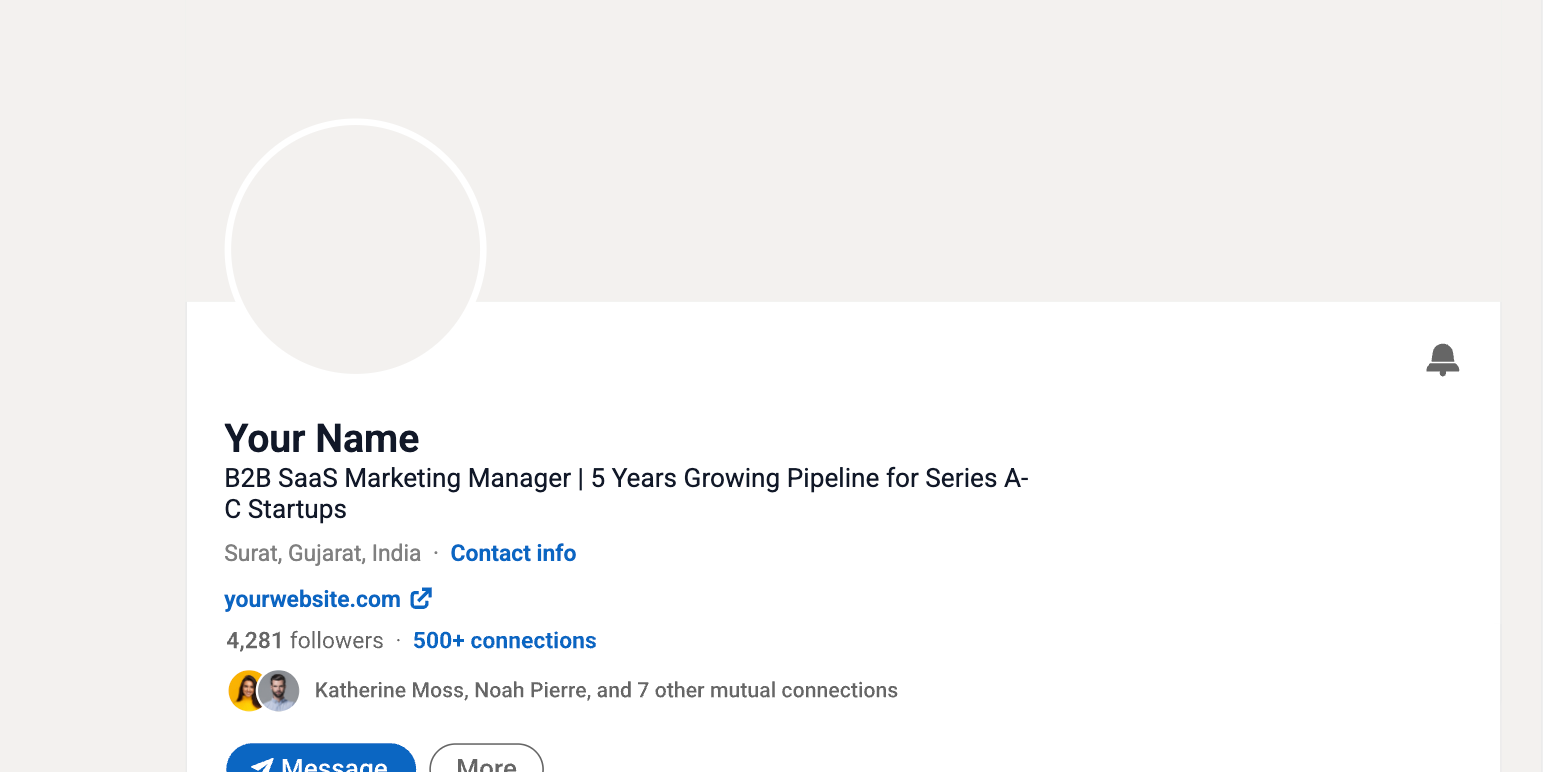
Do not write "Open to Work." Write the role you want plus your strongest credential.
- Weak: "Open to Work | Marketing Professional"
- Strong: "B2B SaaS Marketing Manager | 5 Years Growing Pipeline for Series A-C Startups"
2. Summary (About Section)
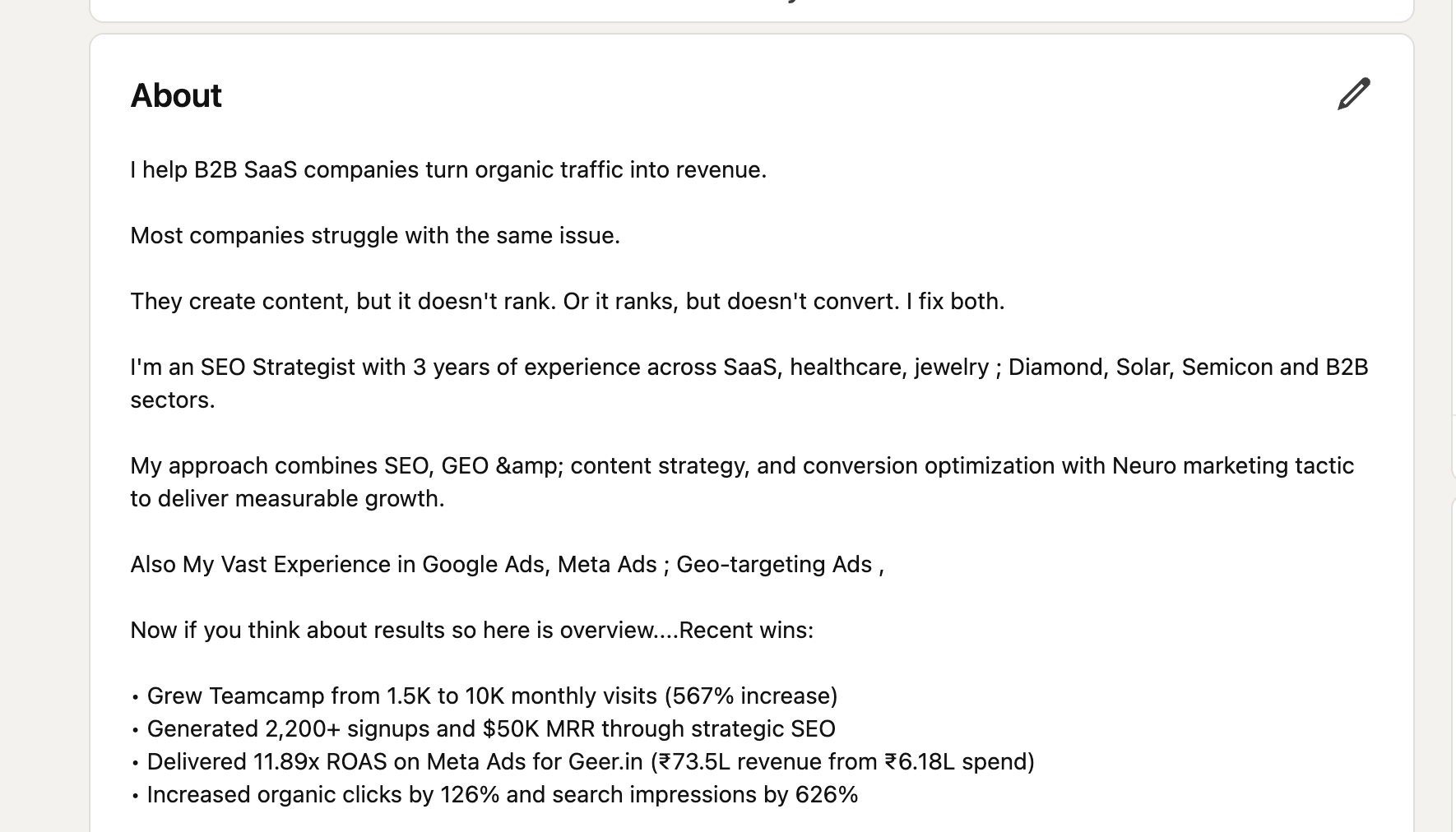
Write 3 to 5 sentences max. State what you do, who you do it for, and what result you create. Include the job title you are targeting naturally in the first sentence.
3. Featured Section
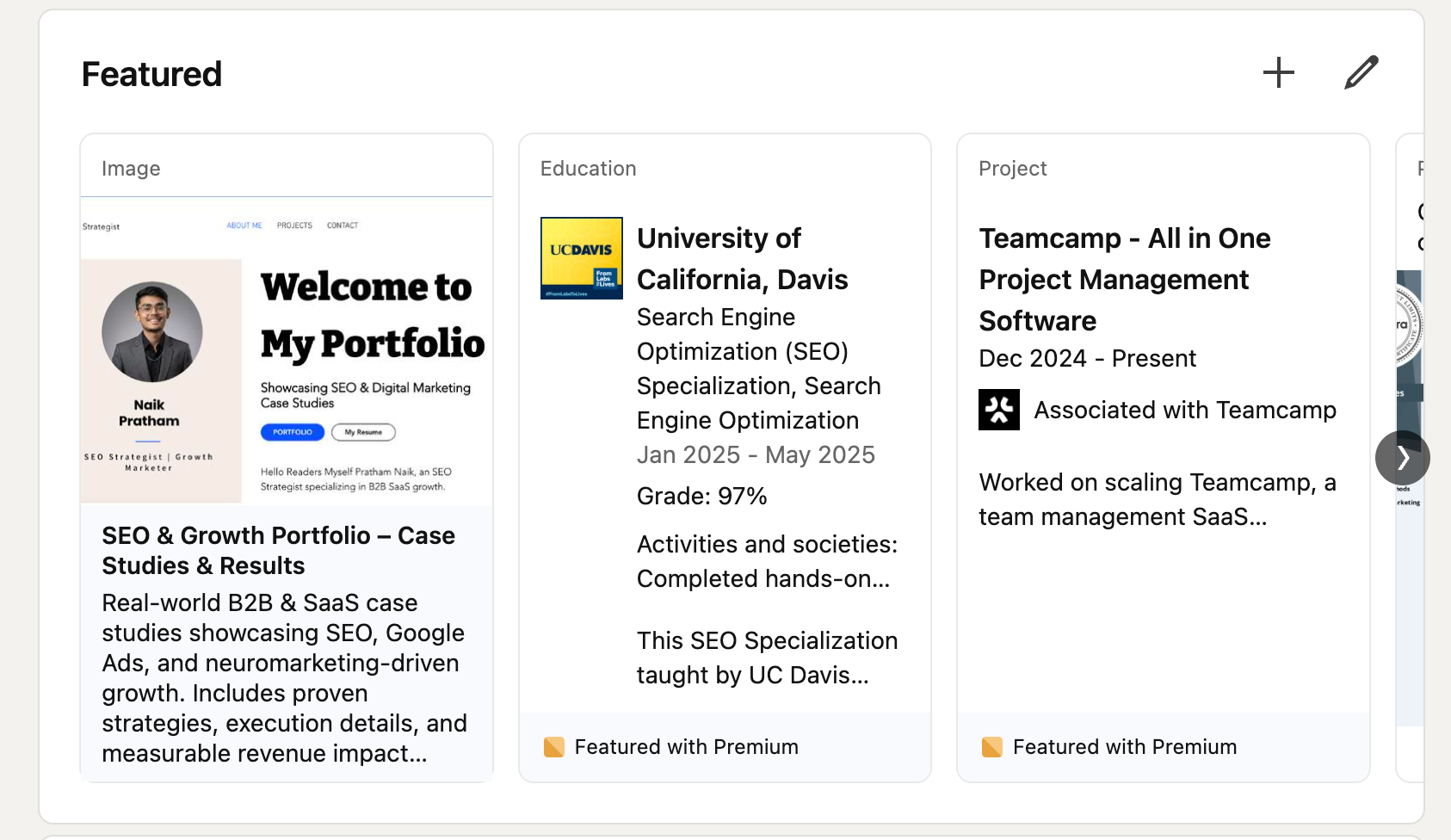
Pin your best work. A portfolio piece, a published article, or a case study result. Recruiters who land on your profile after reading your message should see proof within seconds.
The 3 Types of LinkedIn Outreach to Recruiters
Different situations need different message types. Using the wrong format is a common mistake.
| Situation | Best Format |
|---|---|
| No prior connection | Connection request + short note |
| Already 1st degree connected | Direct message |
| No connection option available | LinkedIn InMail |
| After applying for a role | Follow-up DM to recruiter |
Agency Recruiter vs. In-House Recruiter: Different Message Angles
Understanding how LinkedIn outreach works differently for recruiters by type helps you craft the right opener every time.
| Type | Their Goal | What They Respond To |
|---|---|---|
| Agency/Staffing Recruiter | Place candidates to earn commission | Your availability, skills match, willingness to move fast |
| In-House/Corporate Recruiter | Fill roles for one company | Specific interest in their company, culture fit signals |
- For agency recruiters: Lead with your current status and target role. They want to move quickly. A message like "I am actively looking for [role] roles in [industry], open to discussing what you have on the pipeline" works well.
- For in-house recruiters: Lead with your interest in the company specifically. Mention a product launch, a recent hire, or their team's work. Generic openings fail here.
Recruiters often ask for your link, so learn how to find and share your LinkedIn profile URL in a clean, custom format.
How to Reach Out to a Recruiter on LinkedIn: Step-by-Step
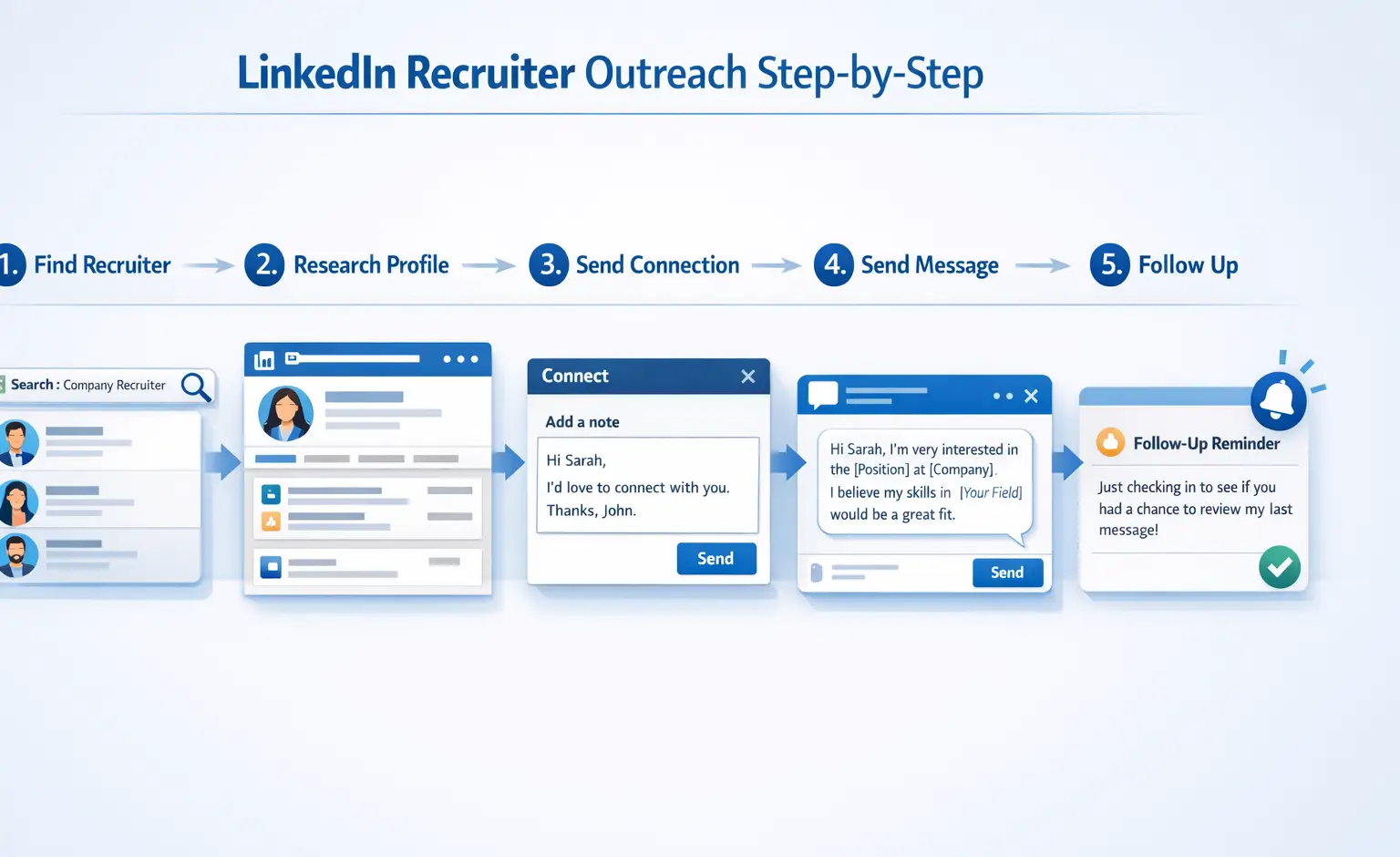
Follow this exact sequence for the highest reply rate.
Step 1: Find the right recruiter
Search for "[Company Name] Recruiter" or "[Company Name] Talent Acquisition" on LinkedIn. Filter by people at that company. Prioritize recruiters who post actively or have recent job postings in your field.
Step 2: Read their profile and recent posts
Spend 2 minutes here. Look for:
- Active job postings they own
- Content they shared recently
- Mutual connections or groups
Step 3: Send a connection request with a short note
Keep it under 300 characters (LinkedIn's limit for connection notes). State who you are, why you are connecting, and nothing else.
Step 4: After they accept, send your main message
Wait for acceptance. Then send your message within 24 hours while you are still fresh in their memory. Keep it under 100 words.
Step 5: Follow up once if no reply in 5 to 7 days
One follow-up is professional. Two follow-ups starts to feel pushy. Space them out and keep the second message even shorter than the first.
LinkedIn Message Templates That Actually Get Replies
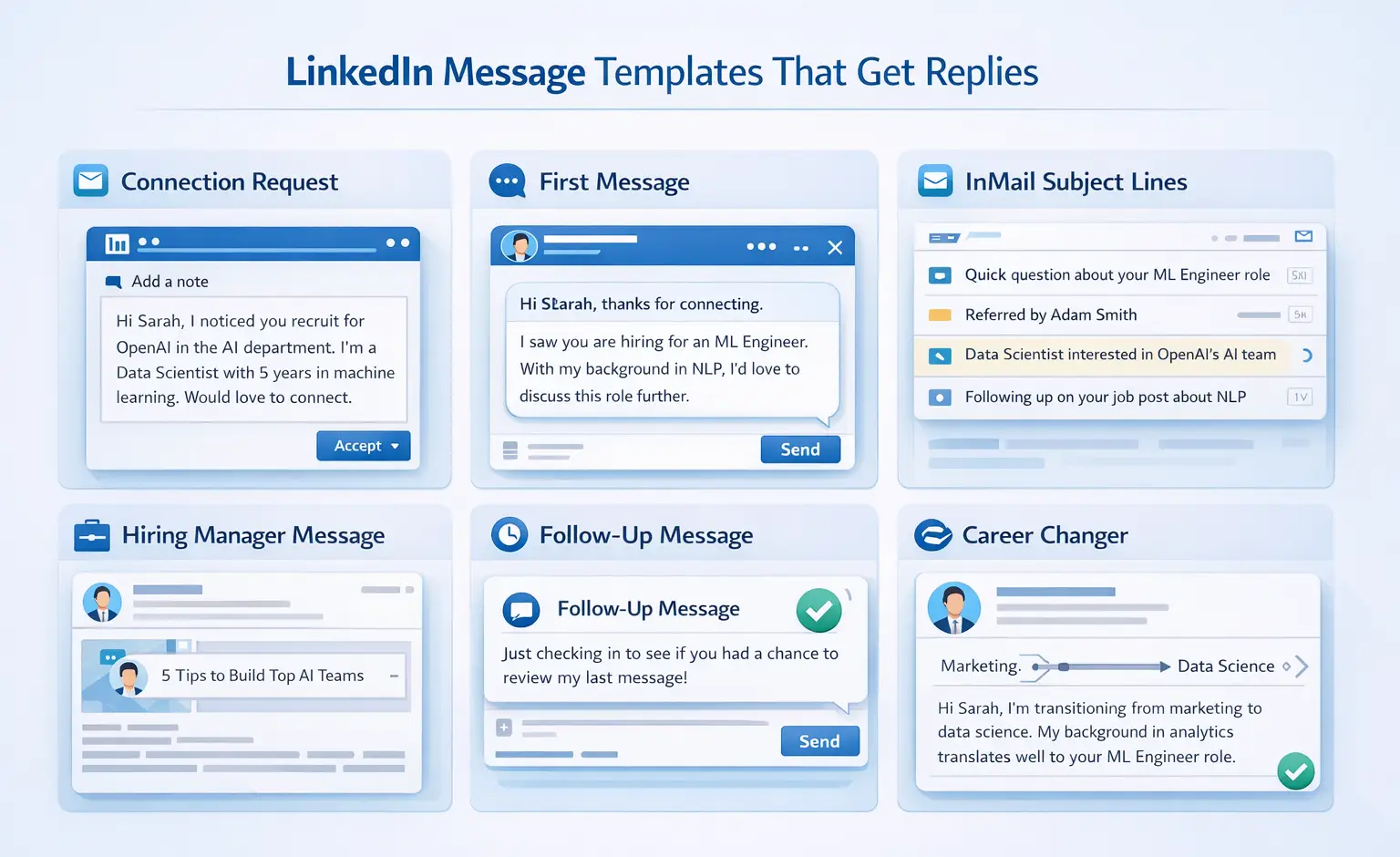
Use these as frameworks. You can find more formats in LinkedIn message templates for outreach. Fill in the bracketed sections with real, specific details before sending.
Template 1: Connection Request Note (Under 300 Characters)
Hi [Name], I noticed you recruit for [Company Name] in the [Department] space. I am a [Job Title] with [X years] in [relevant skill or industry]. Would love to connect.
Why it works: It tells them who you are, why the connection makes sense, and asks for nothing yet.
Template 2: First Message After Connecting (Cold Outreach)
Hi [Name], thanks for connecting. I have been following [Company Name]'s work in [specific area], and I saw you are hiring for [specific role]. With my background in [relevant skill/experience], I think I could contribute meaningfully. Would you be open to a quick conversation about the role? Happy to share more context if helpful.
Why it works: References a specific role. States a clear reason for relevance. Asks one small question. Under 80 words.
InMail Subject Lines That Get Opened
Your InMail subject line is the only thing standing between your message and the trash folder.
- "Quick question about the [Role Name] opening"
- "Referred by [Mutual Connection Name]"
- "[Your Job Title] interested in [Company Name]'s [Department] team"
- "Following up on your post about [topic]"
- "[Specific skill] background, open to [role type] roles"
Rule: Keep subject lines under 50 characters. State the purpose, not a greeting. "Hi there!" is not a subject line, it is a wasted opportunity.
Template 3: Message to a Hiring Manager (Not a Recruiter)
Hi [Name], I came across your [post/article/job posting] about [specific topic or role] and it caught my attention. I am currently a [Job Title] at [Company] with experience in [relevant area]. I would love to understand more about the team you are building. Would you be open to a brief conversation?
Why it works: Hiring managers respond to interest in their vision, not just the job. Opening with their content makes it feel like a conversation, not an application.
Template 4: Follow-Up After No Response (Sent After 5 to 7 Days)
Hi [Name], just following up on my message from last week. I know your inbox moves fast. I am still very interested in the [role name] opportunity at [Company Name]. If now is not the right time, I completely understand. Happy to stay in touch for future openings.
Why it works: It is low pressure. It acknowledges their time. It keeps the door open without being needy.
Template 5: Career Changer Introduction
Hi [Name], I am making a deliberate transition from [Current Field] to [Target Field], and I am focusing on companies like [Company Name] where [specific reason this company appeals to you]. My background in [transferable skill] translates well to [target role]. Would you be open to a short conversation about how I might fit into your team?
Why it works: Career changers need to lead with their "why" immediately. This template frames the transition as intentional, not desperate.
What to Do After a Recruiter Replies
The moment a recruiter replies is when most candidates lose the opportunity by moving too fast.
Here is the right sequence:
- Reply within 2 to 4 hours if possible. Response speed signals genuine interest.
- Answer their question first before adding anything new. Do not dump your full career history in message two.
- Suggest a specific time if they ask for a call. Do not say "anytime works." Offer two specific slots.
- Send your resume only when they ask. Not before.
How to Personalize Outreach Without Spending Hours on Each Message
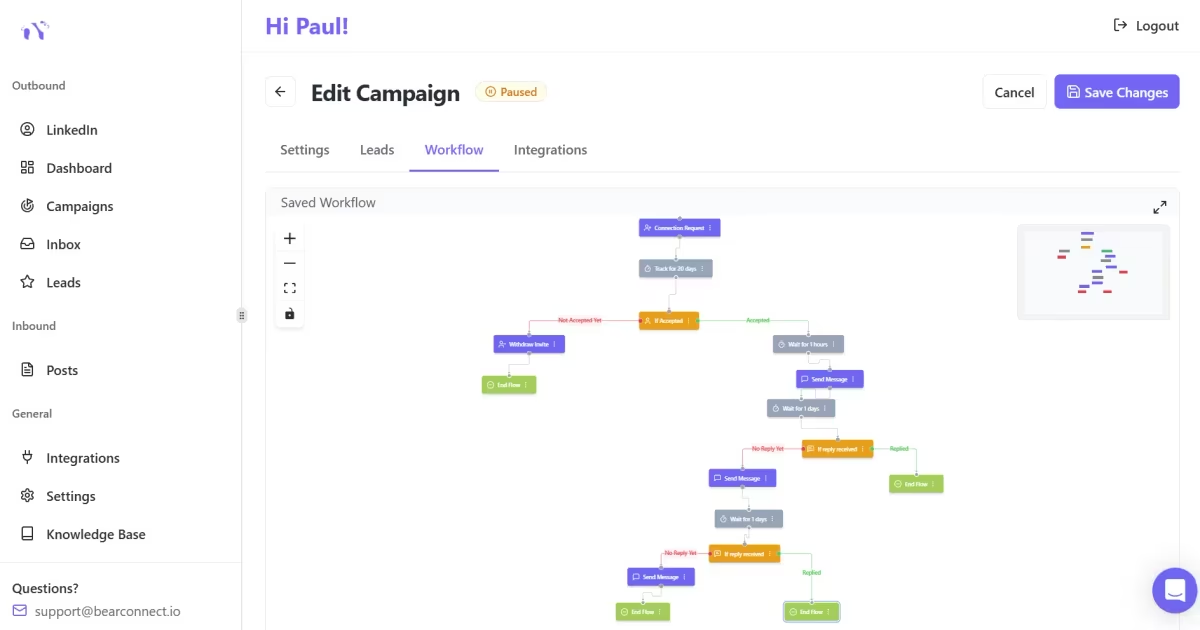
Personalization is the biggest lever you have but it is also the most time-consuming part. This is where smart tools make a real difference.
Bearconnect is an AI-powered LinkedIn automation tool that helps you build and run messaging campaigns with personalized sequences at scale.
Instead of copy-pasting templates one by one, you can set up a connection request sequence followed by a follow-up message, with each one automatically personalized using the lead's name, job title, and company.
Here is how it fits into the framework above:
- Import recruiter leads from a LinkedIn Search URL or Sales Navigator directly into Bearconnect
- Use Brand Voice so every message sounds like you, not a robot
- Track replies and engagement inside the Unified Inbox, so no conversation falls through the cracks
- Set up a 2-step sequence: connection request note, then a follow-up DM after acceptance
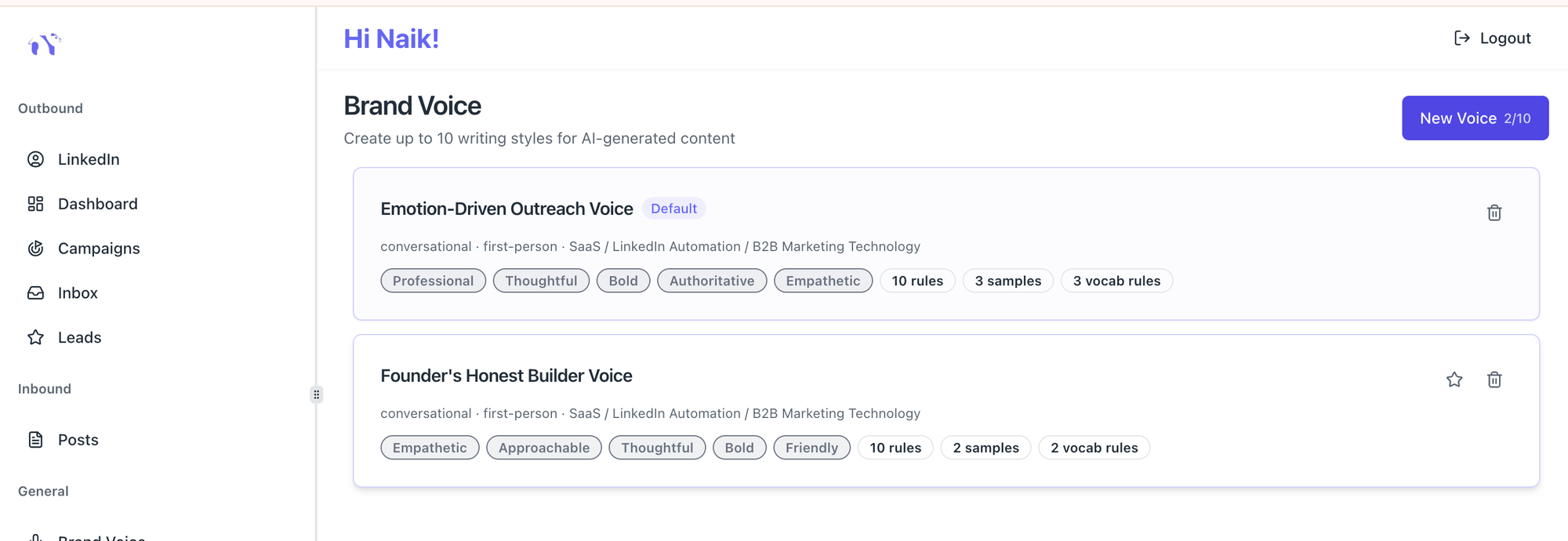
Pro Tip: Bearconnect's Brand Voice feature lets you configure your tone, vocabulary, and message style once. Every AI-generated message across your campaigns stays consistent with how you actually write.
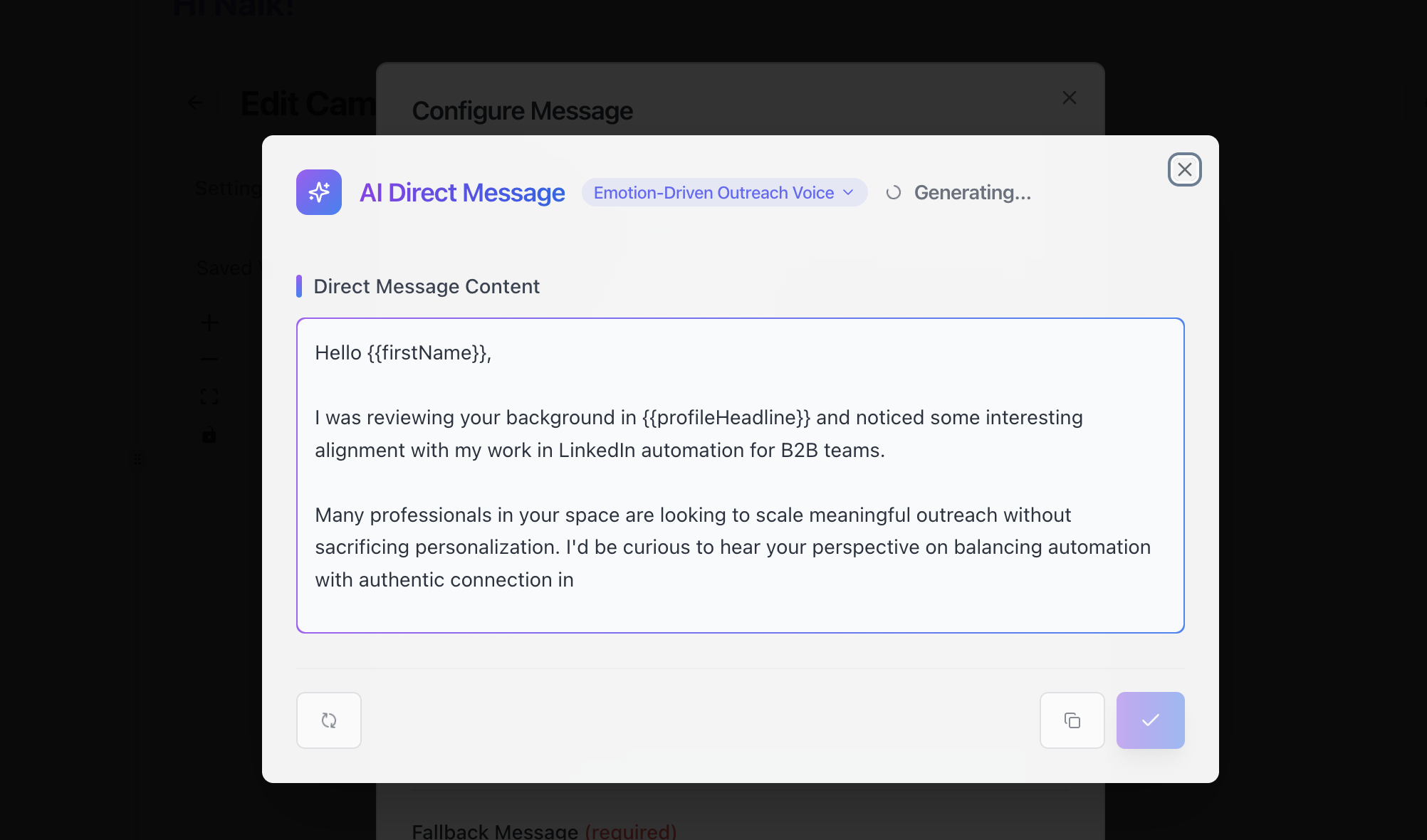
This is critical when you are reaching out to 50 recruiters in a week and need every message to feel human.
This is not about spamming recruiters. It is about removing the manual friction so you can spend your energy on actual conversations, not copy-paste tasks.
Common Mistakes to Avoid
Avoid these mistakes to keep your outreach professional and effective. For a full breakdown of LinkedIn outreach without being salesy, that guide covers the mindset side in detail.
- Sending more than one ask per message. Pick one: a call, a response, or a referral. Not all three.
- Opening with your resume. Share it only after they ask or after a conversation starts.
- Using the same message for every recruiter. Even one personalized sentence improves response rates significantly.
- Messaging at odd hours. Send between 8 AM and 11 AM local time on Tuesday through Thursday for the highest open rate.
- Giving up after one message. A single follow-up, sent professionally, recovers a meaningful percentage of non-replies.
5 FAQs: Reaching Out to Recruiters on LinkedIn
Q1: Should I send a LinkedIn InMail or a connection request first?
Start with a connection request and a short note. InMail costs credits and can feel more formal. A warm connection request first builds context. Use InMail only when the recruiter's profile does not allow direct messaging.
Q2: How long should my first message to a recruiter be?
Keep it under 100 words. Recruiters skim messages quickly. One short paragraph with a clear ask performs better than a detailed career summary. Save the detail for after they reply.
Q3: Is it okay to reach out to a recruiter even if there is no open job posted?
Yes. Many recruiters source candidates before roles go live. A well-crafted message that states your skills and interest in the company can put you in their pipeline for future openings. Always mention the type of role you are targeting so they can match you when something opens.
Q4: What is the best time to message a recruiter on LinkedIn?
Send messages on Tuesday, Wednesday, or Thursday between 8 AM and 11 AM in the recruiter's time zone. Mondays are typically high-volume inbox days. Fridays see lower engagement as the week winds down.
Q5: How do I follow up without sounding desperate?
Send one follow-up after 5 to 7 days. Keep it shorter than your first message. Acknowledge that they are busy, restate your interest in one sentence, and leave the door open. A confident, brief follow-up reads as persistence, not desperation.
Start Your Outreach Today
You now have the templates, the framework, and the recruiter psychology behind what makes messages work.
The next step is simple: pick one recruiter you have been hesitating to message, use Template 1 from this guide, and send the connection request today.
If you are reaching out to multiple recruiters and want to run personalized sequences without the manual work, try Bearconnect.
It handles the connection requests, follow-ups, and inbox management in one place so you can focus on the conversations that matter.
Not ready to automate yet? Bookmark the 5 templates above and start with one message today. See Bearconnect pricing whenever you are ready to scale.
Ready to Transform Your LinkedIn Strategy?
Join thousands of professionals already using Bearconnect to automate their outreach and grow their network.
7-day free trial • Cancel anytime
Related Articles
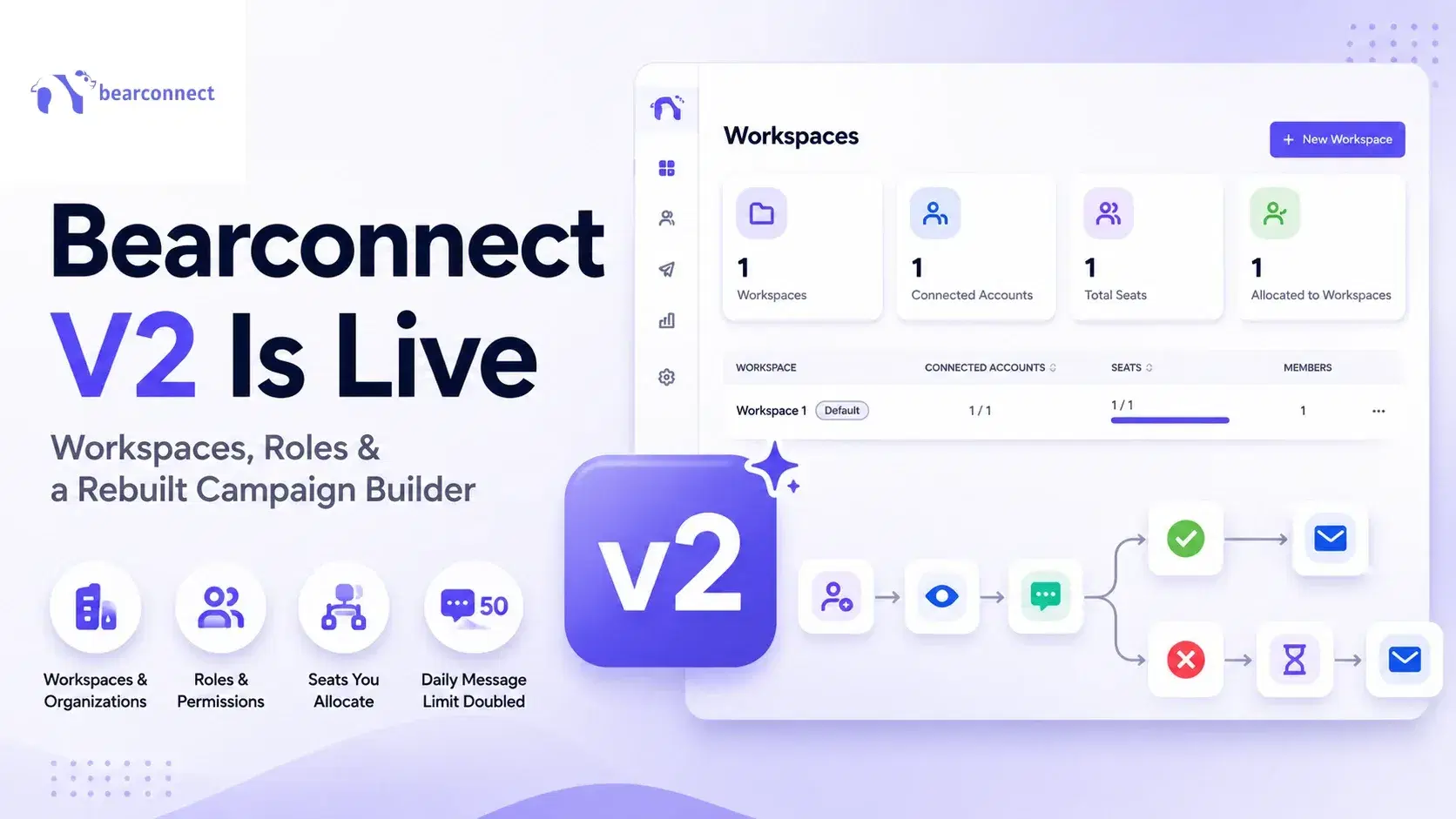
Bearconnect V2 Is Live: Workspaces, Roles and a Rebuilt Campaign Builder
Bearconnect V2 introduces dedicated workspaces, flexible roles, and a rebuilt campaign builder, giving agencies and sales teams more control over every LinkedIn account they manage.
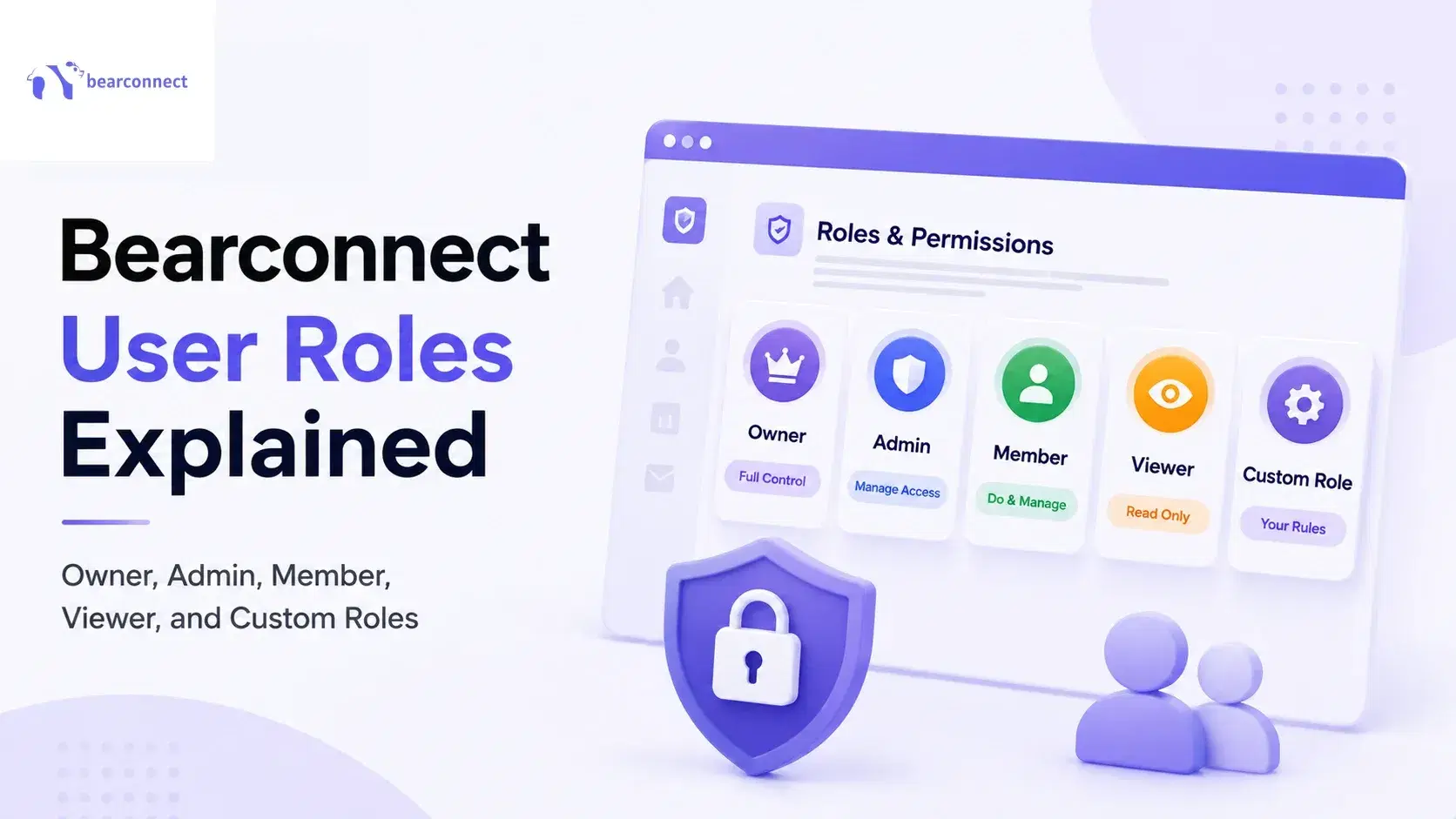
Bearconnect User Roles Explained: Owner, Admin, Member, Viewer, and custom roles
Bearconnect gives you four built-in roles, Owner, Admin, Member and Viewer, plus custom roles you build yourself. This guide breaks down exactly what each role can access,
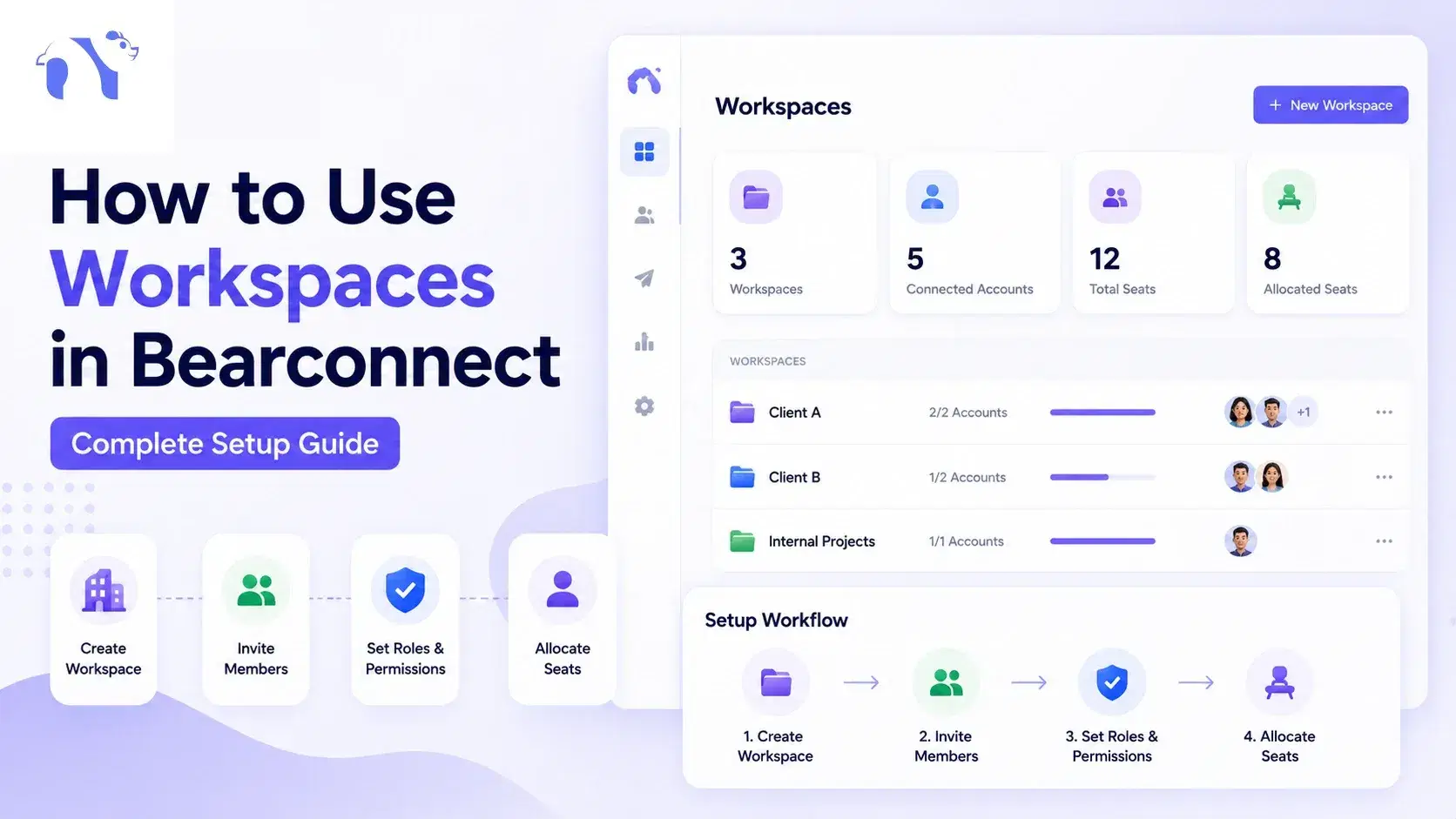
How to Use Workspaces in Bearconnect: Complete Setup Guide
To use workspaces in Bearconnect, sign up or log in, then go to Settings > Workspaces. TL;DR: Workspace Setup in 4 Steps * Create → Settings > Workspaces > + New Workspace = a fresh environment with its own campaigns and inbox * Allocate → three dots > Edit > allocate seats = the workspace can now hold a LinkedIn account * Connect → LinkedIn > Add Account inside that workspace = outreach runs in isolation * Invite → Settings > Members > invite by email with a role = no password sharing, e