LinkedIn Automation Without Credit Limits: The One Feature Power Users Actually Need
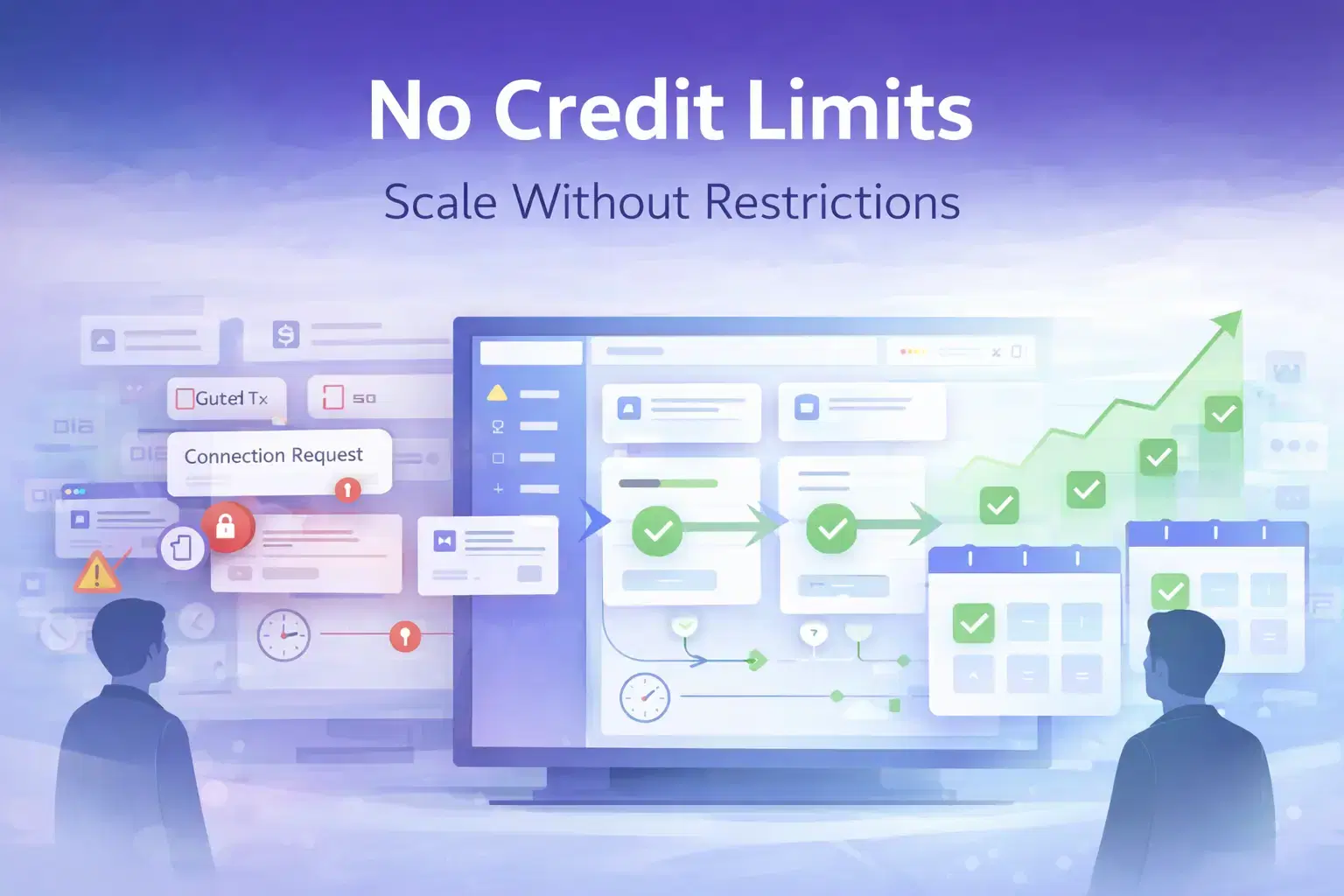
Credit limits are the silent quota killing your LinkedIn outreach every month.
A few tools throttle your campaigns using credit systems, daily caps, and per-action charges that force you to pay more just to keep running.
The fix is switching to a flat-rate LinkedIn automation tool with no credit system like Bearconnect so your campaigns never stop because of a billing rule.
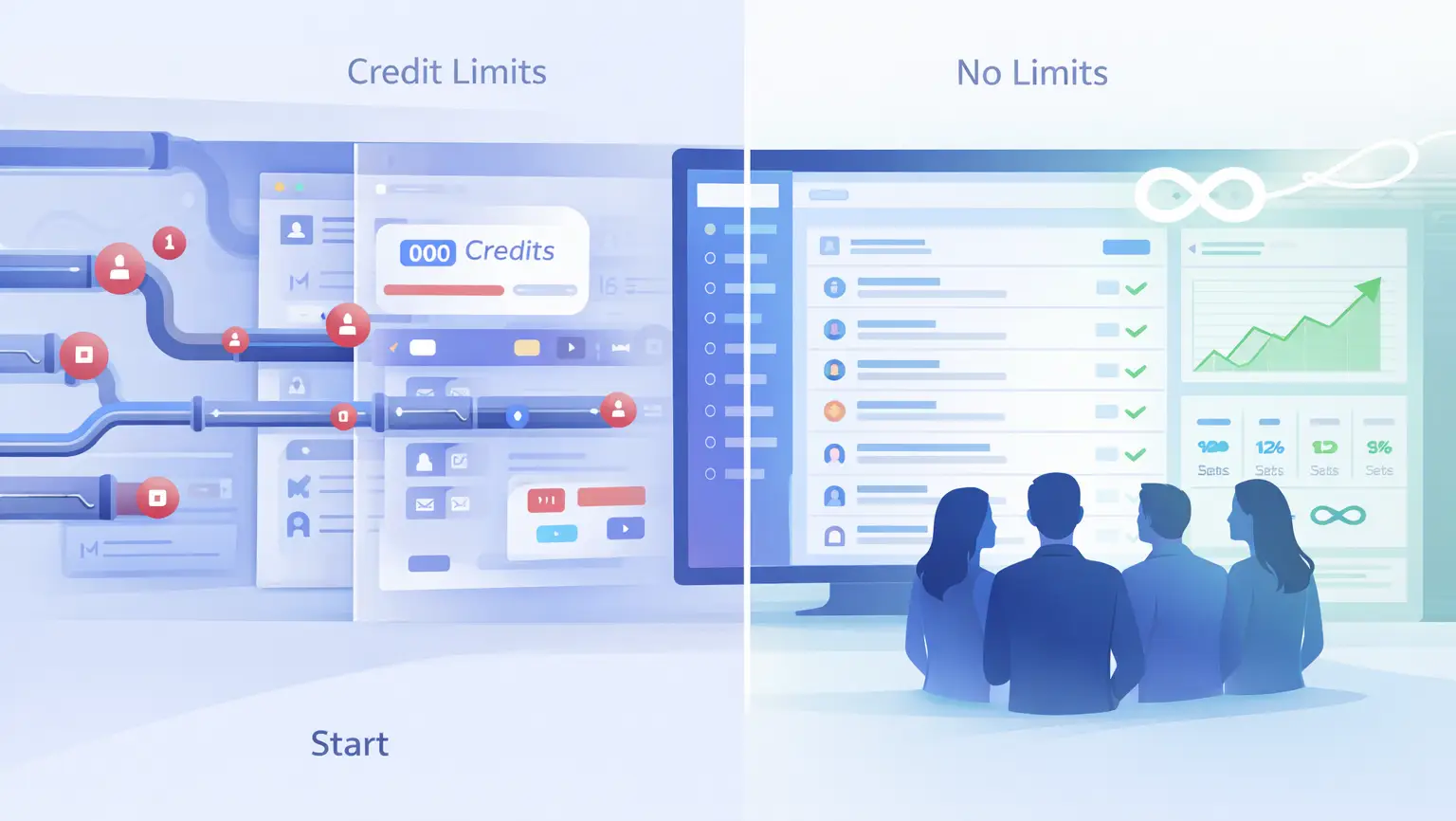
TL;DR
- Most LinkedIn automation tools use a credit system that caps connection requests, email finder usage, and campaign volume
- Dripify charges $79/month per seat and sells extra email finder credits in packs of $39 to $129
- Waalaxy caps email finder at 800 credits/month on its Advanced plan
- Bearconnect charges $67/month per LinkedIn account with no credit caps, unlimited campaigns, and a unified inbox
Why Credit Limits Are the Real Problem in LinkedIn Automation
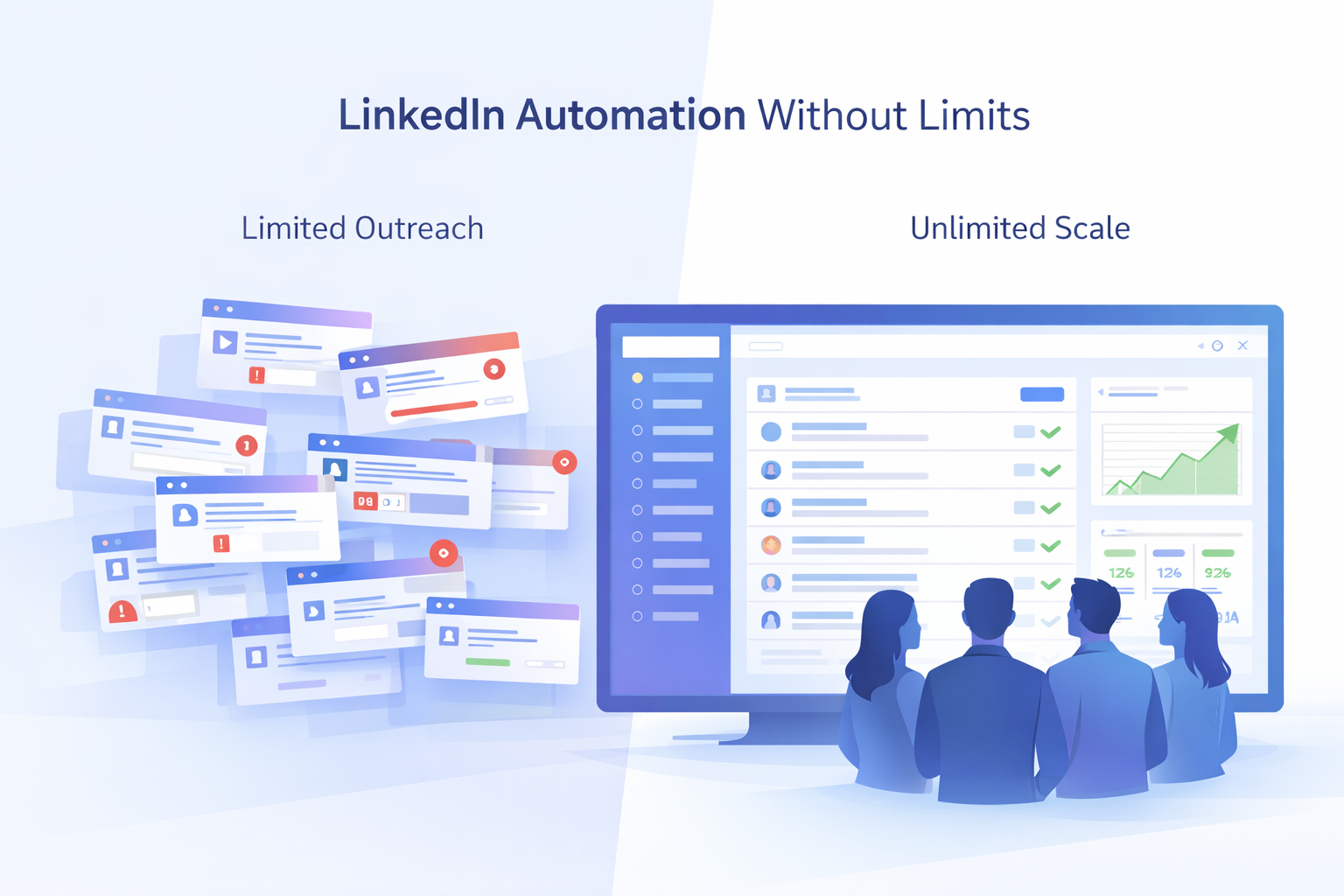
Credit limits do not protect your LinkedIn account. They protect the “ tool's revenue model.”
- Every time a tool puts a cap on connection requests, email credits, or campaign slots, they create a ceiling on your growth.
- You hit that ceiling, you pay more. You scale to a new plan, you hit the next ceiling.
- This is not a LinkedIn rule. LinkedIn sets its own safe activity thresholds.
- The credit system is a separate billing layer that tool vendors add on top of those thresholds.
Power users running outreach at scale are the ones who pay the most for this.
How the Credit System Works Across Most Tools
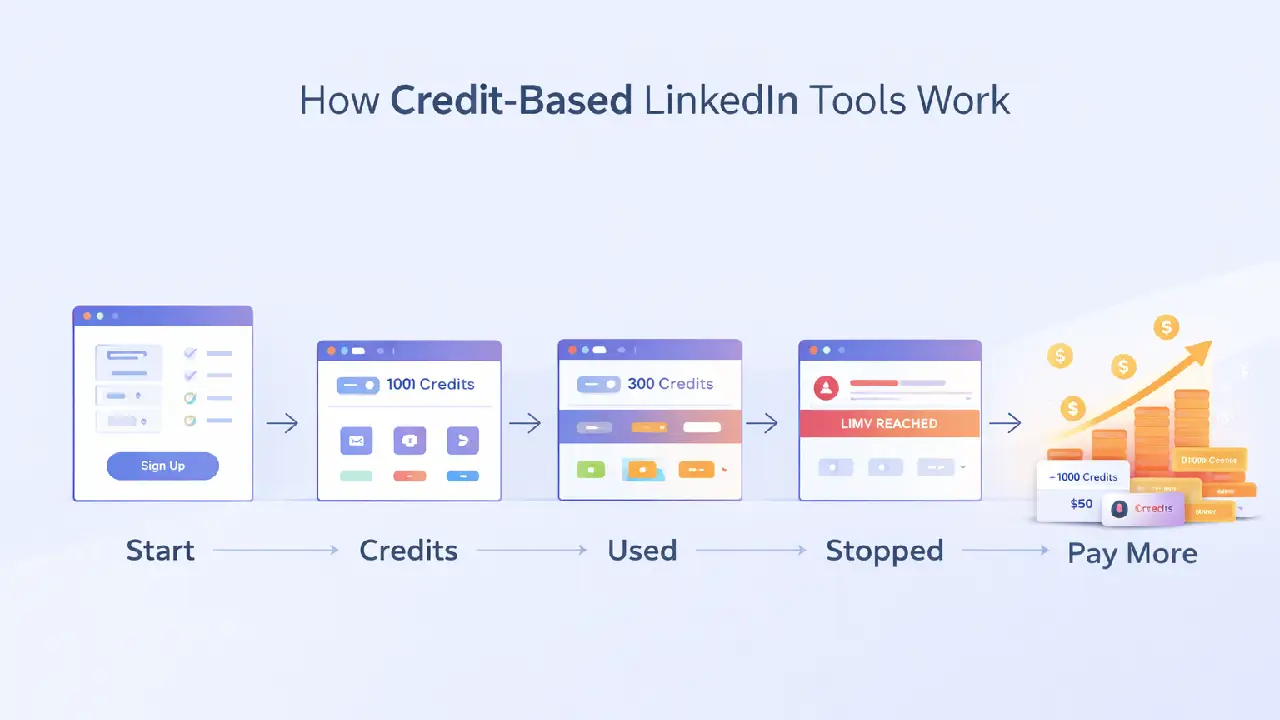
The credit system is designed to look simple but cost you more as you grow.
Here is how it typically works:
- You sign up for a base plan
- The plan includes a fixed number of "credits" for actions like email finding, connection requests, or message sends
- When you exhaust those credits, your campaigns pause or you pay for add-on packs
- At scale, those add-on costs compound fast
Common actions that consume credits across tools:
- Email finder lookups per contact
- Connection request sends per day
- InMail or message sends per month
- Campaign slots (number of active sequences)
- Data exports and CRM syncs
Most users do not see this until they are mid-campaign and their automation stops. That is when the frustration hits.
The Three Tools That Cap Your Outreach: A Honest Look
1. Dripify: Per-Seat Pricing and Paid Email Credits
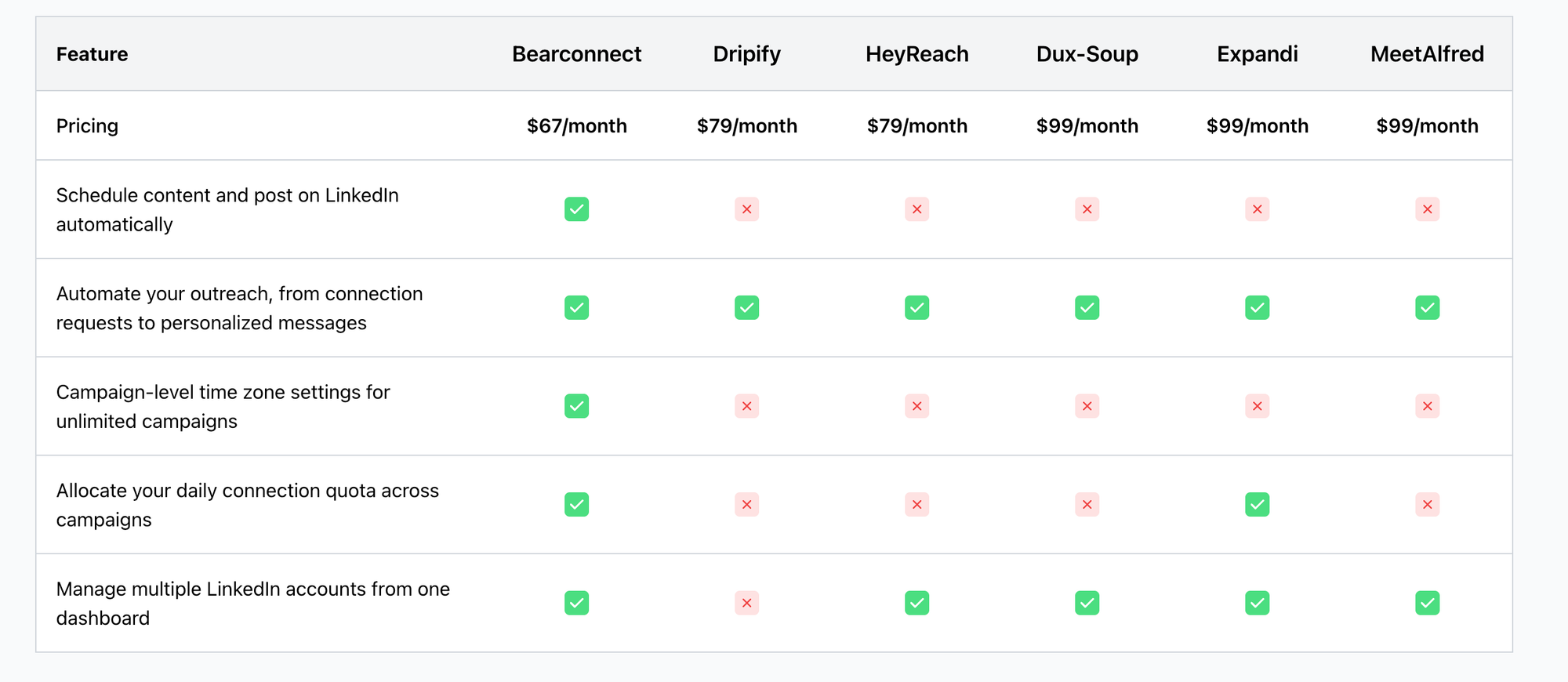
Dripify dropped its old Basic plan, and every plan now includes unlimited campaigns. But pricing starts at $79/month per seat ($59 billed annually), and each seat covers only one LinkedIn account.
Dripify also applies daily quotas to protect your account, and those quotas sit inside LinkedIn's own weekly connection limit, so the real ceiling is tighter than it looks.
The email finder credit problem:
Dripify gives you 100 email finder credits free with every plan. The moment you need more, you pay add-on fees:
- 1,000 credits: $39/month
- 2,000 credits: $69/month
- 5,000 credits: $99/month
- 10,000 credits: $129/month
For a sales team running active prospecting campaigns, these add-ons can easily double or triple the actual monthly cost beyond the advertised plan price.
Pro Tip: Before committing to any LinkedIn automation tool, calculate your real monthly cost including email credit add-ons, not just the base plan price. Most tools advertise the floor, not the ceiling.
See the best Dripify alternatives for agencies if you are already at this point.
2. Waalaxy: Email Credits Cap at 800 Per Month
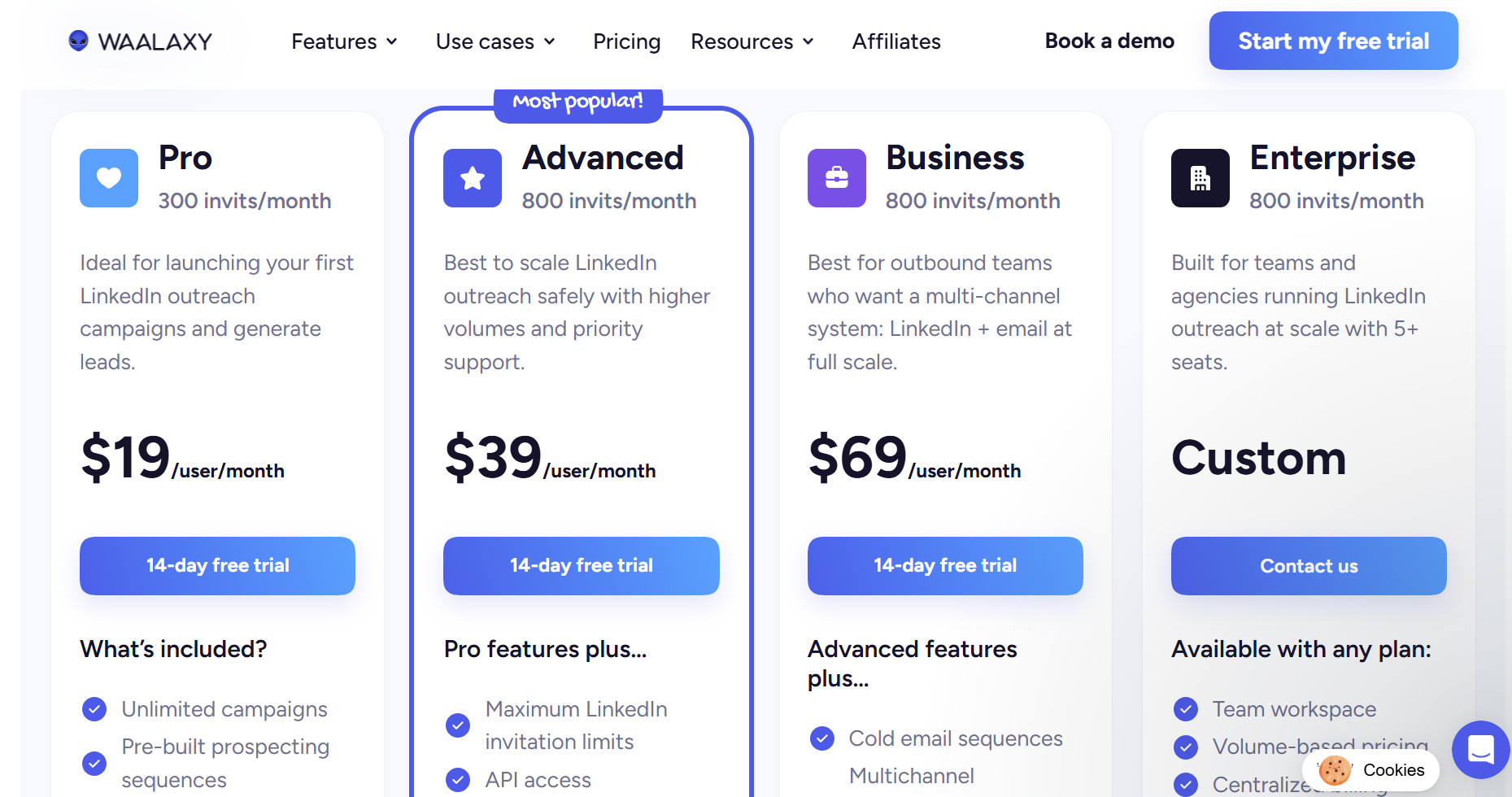
Waalaxy's Advanced plan gives you 800 email finder credits per month. Once you exhaust those, outreach that depends on email verification either pauses or requires an upgrade.
The pricing structure looks affordable at first glance. The Pro plan starts at $19/month.
But each LinkedIn profile requires a separate paid license. If you manage multiple accounts, costs stack up fast without a unified inbox to manage them together.
Waalaxy's other key limitations:
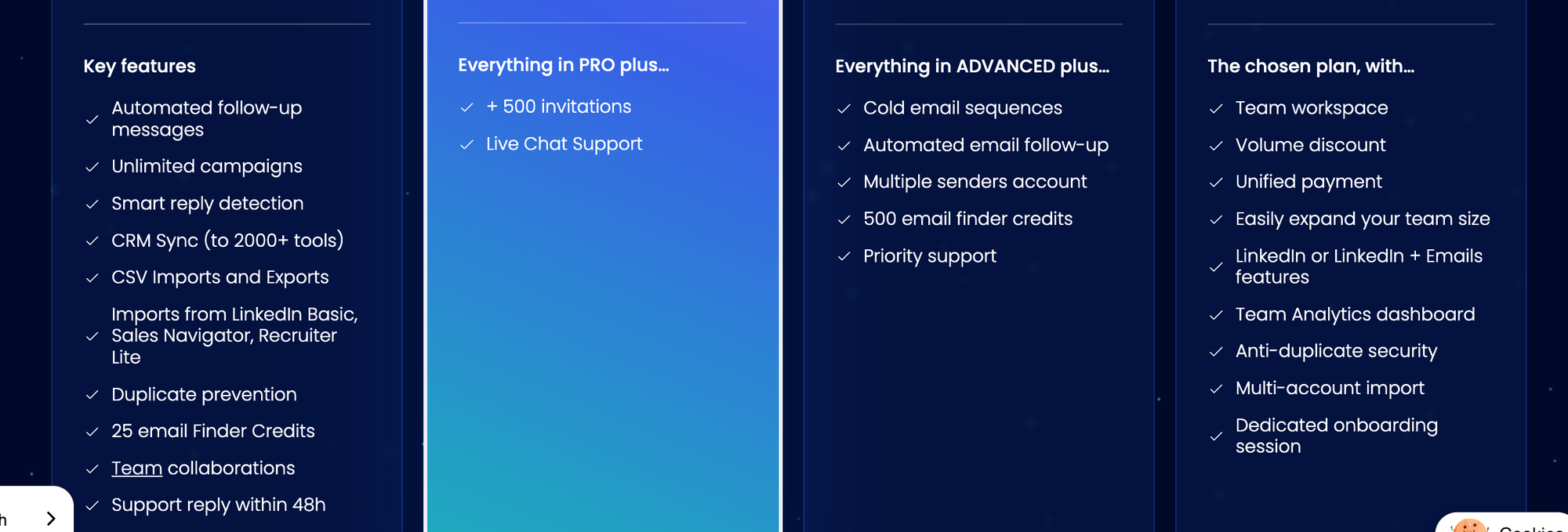
- No built-in unified inbox across accounts
- No content scheduling or AI post generation
- Focuses only on outbound, no inbound LinkedIn visibility tools
- Requires separate browser profiles for each account
If you are an agency or a founder running more than two LinkedIn accounts, Waalaxy's architecture makes multi-account management harder, not easier.
What "No Credit Limit" Actually Means for Your Outreach
A no-credit-limit model means your automation runs based on safe LinkedIn activity thresholds, not a tool's billing caps.
Here is the practical difference:
| Metric | Credit-Based Tool | No Credit Limit Tool |
|---|---|---|
| Campaign slots | Limited by plan tier | Unlimited |
| Email finder usage | Capped monthly, pay for more | Integrated without per-lookup charge |
| Connection requests | Throttled by daily/weekly credits | Runs within LinkedIn's own safe limits |
| Scaling cost | Increases with activity volume | Flat per-account pricing |
| Campaign pausing | Pauses when credits exhaust | Runs continuously |
When you remove the credit layer, your campaigns run as long as your LinkedIn account stays within safe activity ranges.
You are not paying a toll for every action. You pay a flat rate for the seat.
Bearconnect: LinkedIn Automation at Flat Rate, No Credit Wall
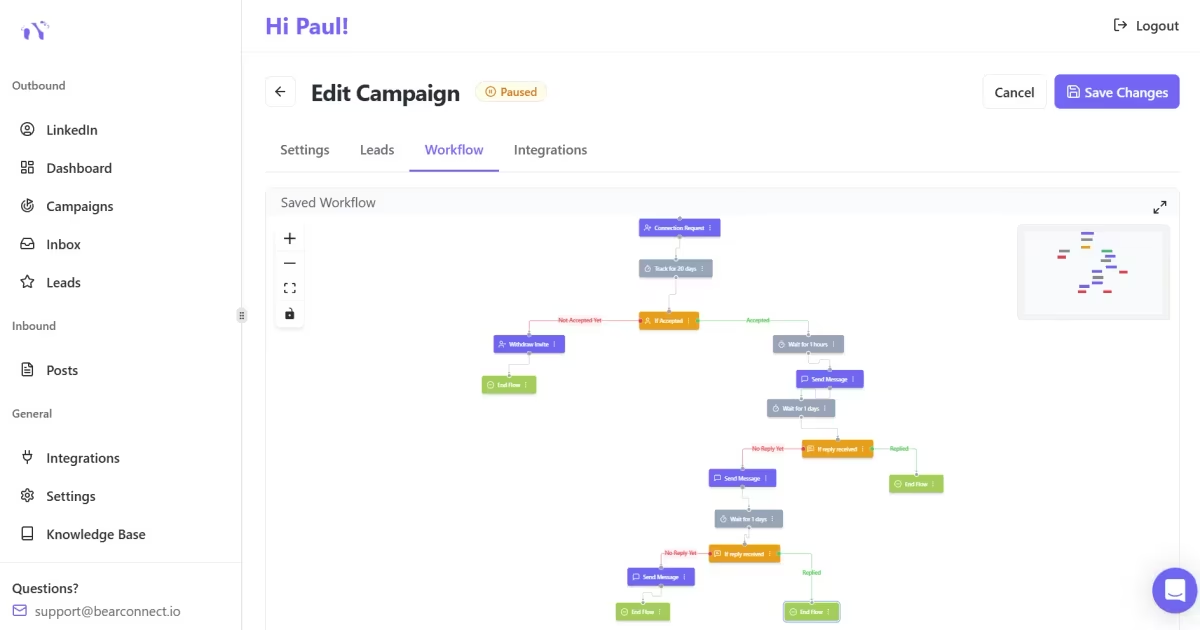
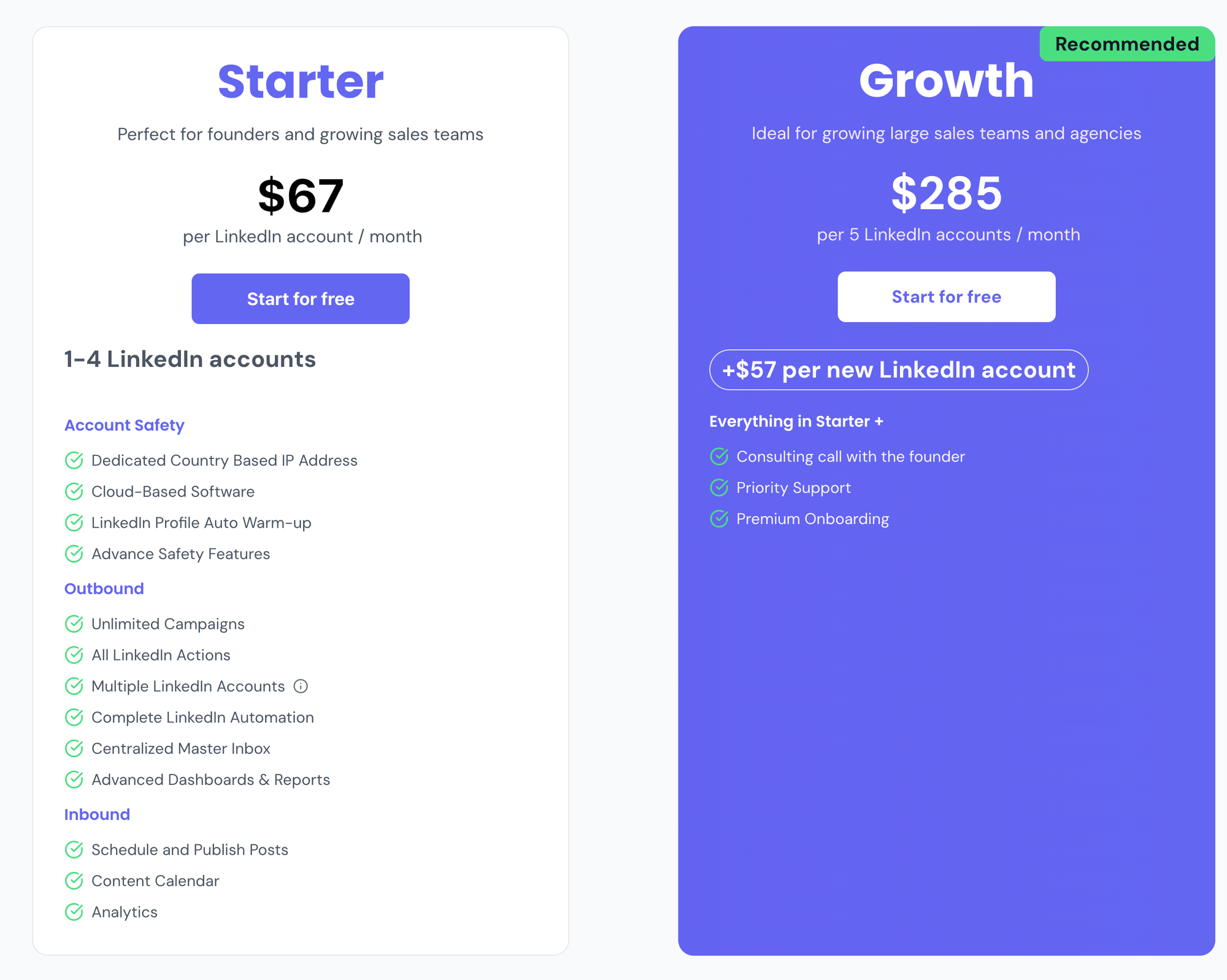
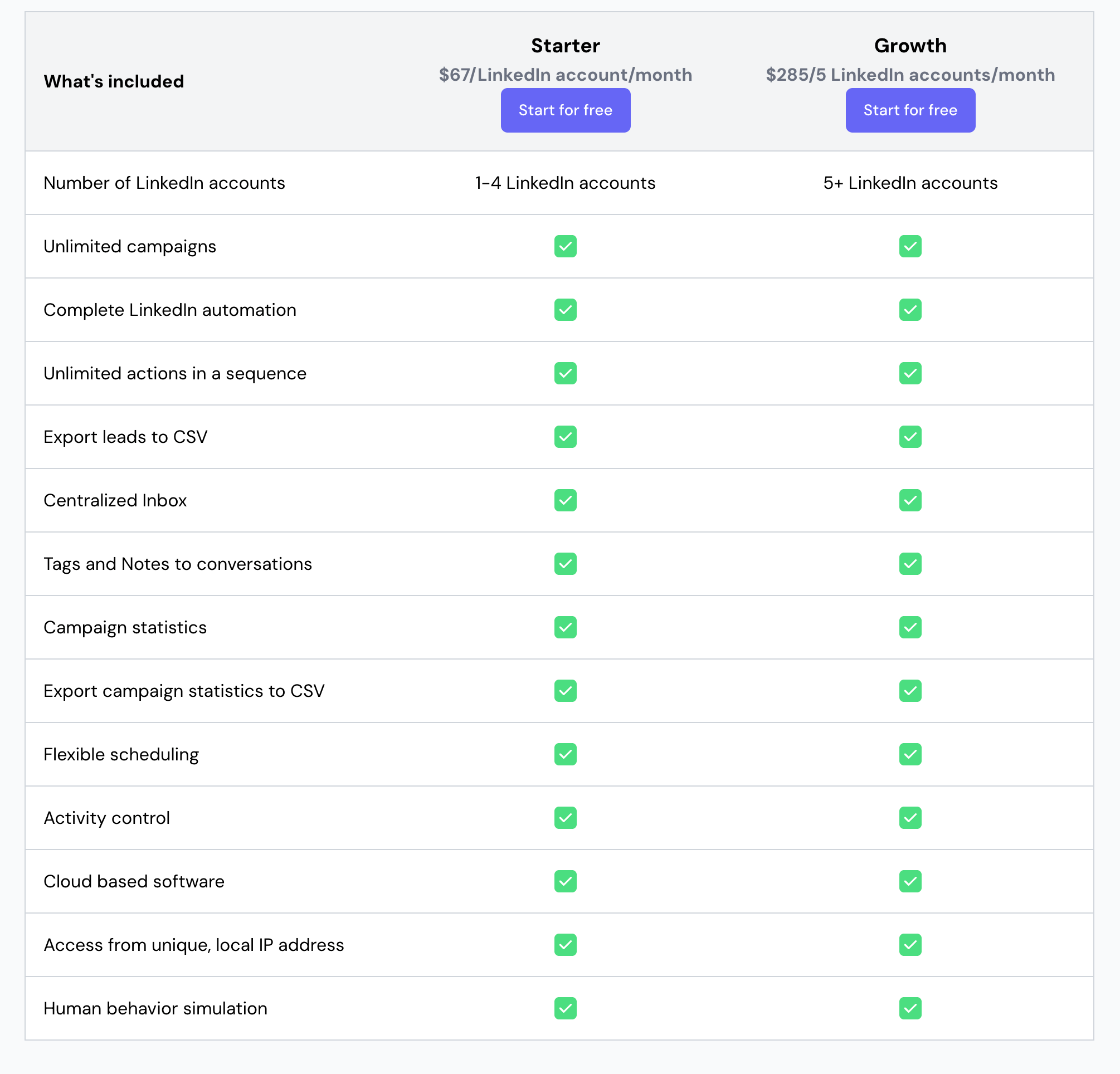
Bearconnect charges $67/month per LinkedIn account with no credit system, no campaign limits, and no action-based charges.
If you connect five or more LinkedIn accounts, the price drops to $57/month per account. That is straightforward, predictable pricing that does not change based on how much you use the tool.
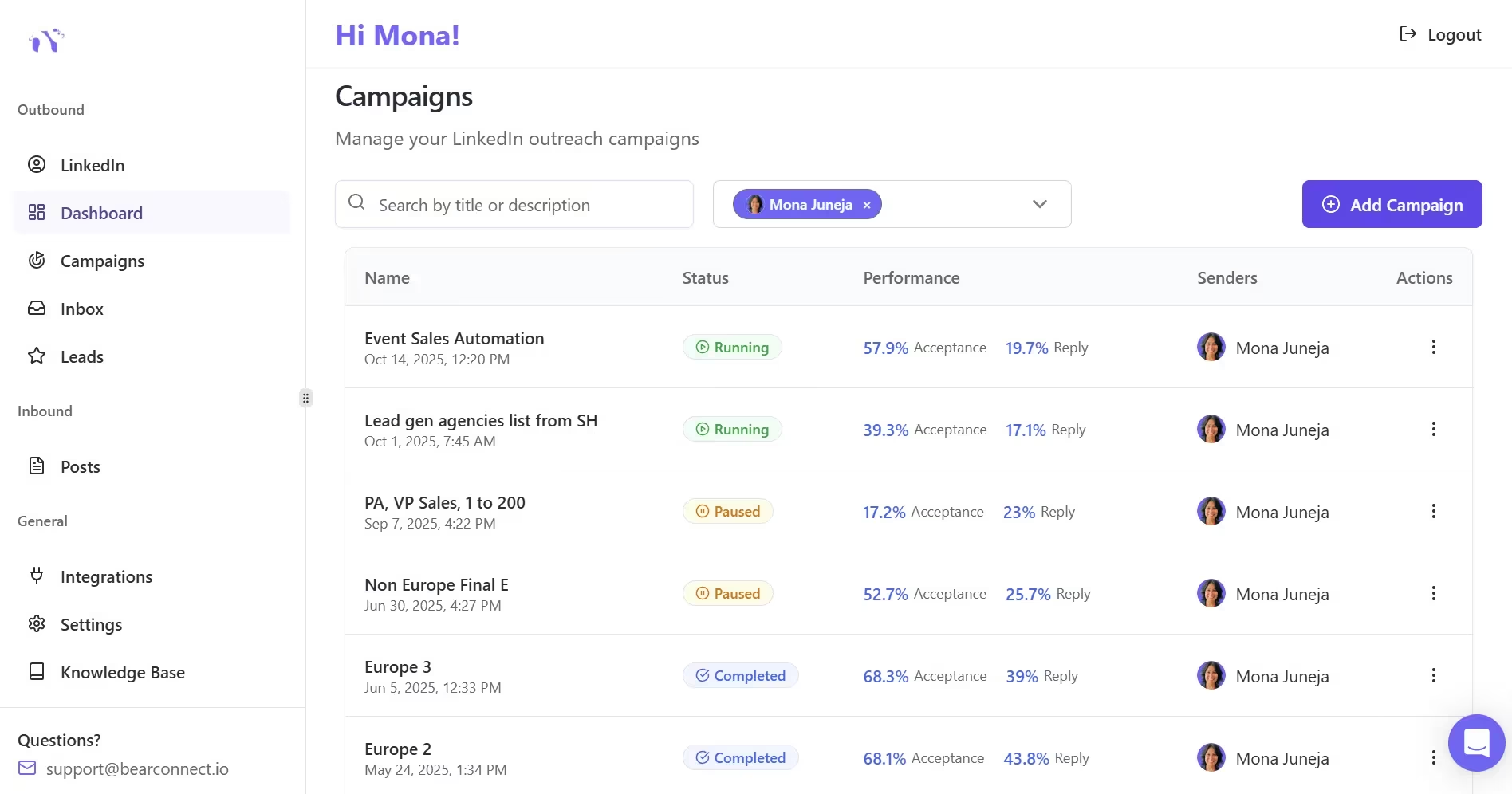
What you get with every Bearconnect seat:
- Unlimited campaigns with no cap on active sequences
- Unified inbox that consolidates all conversations from every connected LinkedIn account into one dashboard
- AI-powered post generation and content scheduling
- Advanced analytics including A/B testing and conversion tracking
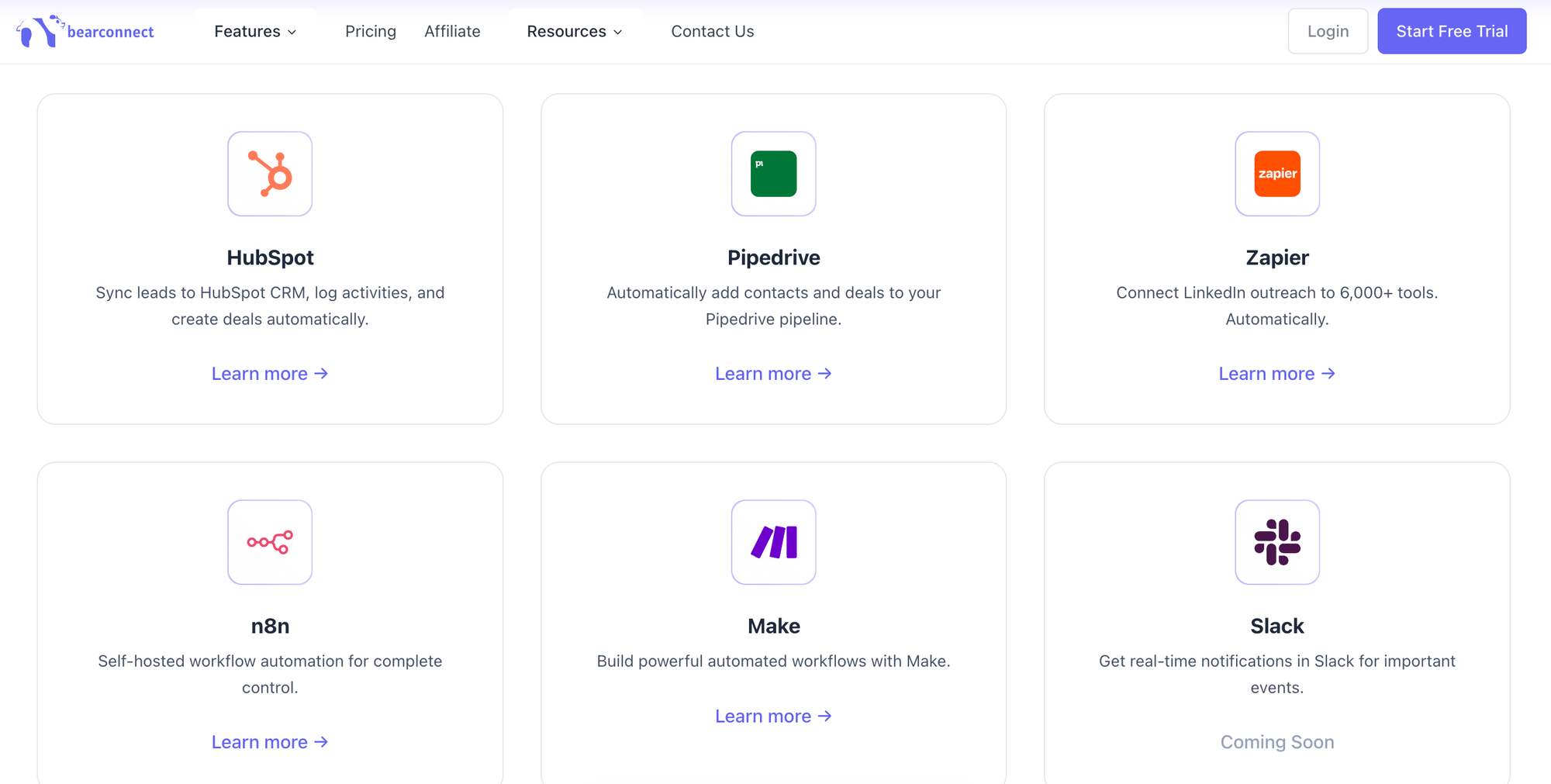
- CRM integrations with HubSpot and Pipedrive
- Lead imports from LinkedIn Search, Events, and Connections
- Cloud-based infrastructure running 24/7 without browser dependency
The unified inbox alone is a feature most tools charge premium plan pricing to access, or do not offer at all.
With Dripify, Waalaxy, and many others, managing replies across multiple accounts means switching between browser profiles or separate dashboards.
Pro Tip: The unified inbox is not a convenience feature. For agencies and sales teams managing five-plus accounts, a unified inbox directly reduces the time spent per account by eliminating manual tab-switching and profile juggling.
Real-World Scenario: Agency Running 5 LinkedIn Accounts
An agency managing five LinkedIn accounts for clients will pay and experience very different outcomes depending on which tool they choose.
Here is a direct cost and capability comparison for five accounts:
| Tool | Monthly Cost (5 Accounts) | Unified Inbox | Unlimited Campaigns | Content Scheduling |
|---|---|---|---|---|
| Dripify (Pro x5) | $395/month + credit add-ons | No | Yes | No |
| Waalaxy (Advanced x5) | $220/month | No | Limited | No |
| Bearconnect | $285/month ($57 x 5) | Yes | Yes, unlimited | Yes (AI-powered) |
The $285/month Bearconnect figure includes features that would require separate subscriptions in the other tools: inbox management, content scheduling, advanced analytics.
On a true total-cost basis, Bearconnect is consistently more cost-effective for teams at scale.
The Hidden Cost of Credit-Based Tools at Scale
Credit-based pricing is designed to look affordable at low volume and become expensive at the volume that actually matters.
Think through a typical B2B outreach scenario:
- You run 3 active campaigns targeting different industries
- Each campaign needs email verification for 500 prospects monthly
- You need an inbox solution to manage replies from 5 accounts
- You want A/B testing to improve connection request acceptance rates
Dripify vs Bearconnect: Real Monthly Cost Breakdown
| What You Need | Dripify | Bearconnect |
|---|---|---|
| Base plan | $79/month (Pro); A/B testing needs Advanced at $99/month | $67/month (flat per account) |
| Multiple campaigns | Included, unlimited | Included, unlimited |
| Unified inbox | One account per seat, no shared inbox | Included |
| Content scheduling | Not available | Included (AI-powered) |
| CRM integration | HubSpot included on Pro | Included |
| Actual monthly total | $168/month ($99 Advanced + $69 for 2,000 email credits) | $67/month |
What to Look for in a LinkedIn Automation Tool With No Credit Limits
The right tool should solve outreach volume, account management, and pipeline visibility in one flat-rate seat.
Check these five things before you commit:
- **Campaign limits:** Is it truly unlimited or capped by plan tier?
- Email finder model: Included in the flat rate or charged per lookup?
- **Inbox management:** Unified across all accounts or managed separately?
- Daily action allocation: Applied per account or split across campaigns? Split limits reduce your real output.
- Content automation: Does it handle post scheduling too, or do you need a separate tool?
Bearconnect satisfies all five. That is why it positions as the practical alternative for power users hitting Dripify's credit wall or HeyReach's campaign-limit split.
5 FAQs: LinkedIn Automation Without Credit Limits
Q1: Do all LinkedIn automation tools use a credit system?
No, but most do. Tools like Dripify and Waalaxy charge credits for email finder lookups. Bearconnect uses flat-rate per-account pricing with no action-based credit charges.
Q2: Will removing credit limits put my LinkedIn account at risk?
No. Credit limits are a billing mechanism, not a safety feature. Safe activity thresholds are set by LinkedIn itself. A no-credit tool like Bearconnect operates within those LinkedIn-defined safe limits regardless.
Q3: How many LinkedIn accounts can I manage without a credit system limiting me?
With Bearconnect, you manage each account as a separate seat at $67/month, dropping to $57/month for five or more accounts. There is no technical cap on the number of accounts. Each account runs its own unlimited campaigns within LinkedIn's safe activity range.
Q4: What happens to my campaigns if I run out of email finder credits on Dripify?
Your campaigns either pause or require you to purchase an add-on credit pack before they resume. Dripify's add-on packs range from $39 for 1,000 credits to $129 for 10,000 credits. These costs add up quickly on high-volume prospecting campaigns.
Q5: Is Bearconnect suitable for solo founders or only for agencies?
Bearconnect works for both. Solo founders pay $67/month for one LinkedIn account with unlimited campaigns, unified inbox, and content scheduling. Agencies managing five or more accounts pay $57/month per account. The flat pricing scales down for individuals and scales economically for teams.
Try LinkedIn Automation Without the Credit Wall
If you are paying for Dripify credit top-ups, watching Waalaxy credits drain before the month ends, or seeing HeyReach split your daily quota too thin across campaigns, the issue is structural, not fixable with a plan upgrade.
Bearconnect runs your LinkedIn outreach on flat-rate per-account pricing with no credit caps, unlimited campaigns, a unified inbox for all your accounts, and AI-powered content scheduling built in.
Start your 7-day free trial at bearconnect.io and run your first unlimited campaign today.
Ready to Transform Your LinkedIn Strategy?
Join thousands of professionals already using Bearconnect to automate their outreach and grow their network.
7-day free trial • Cancel anytime
Related Articles
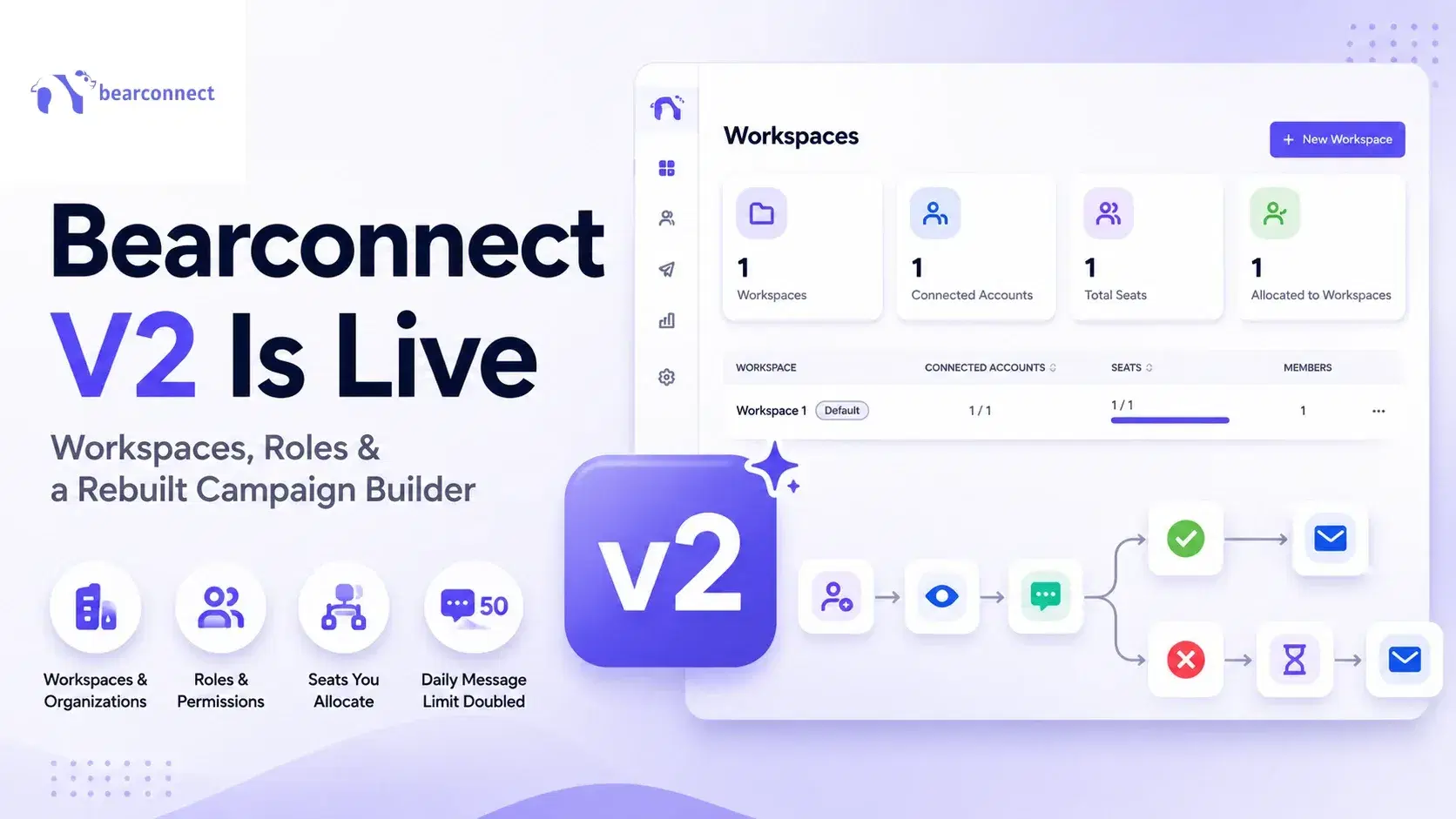
Bearconnect V2 Is Live: Workspaces, Roles and a Rebuilt Campaign Builder
Bearconnect V2 introduces dedicated workspaces, flexible roles, and a rebuilt campaign builder, giving agencies and sales teams more control over every LinkedIn account they manage.
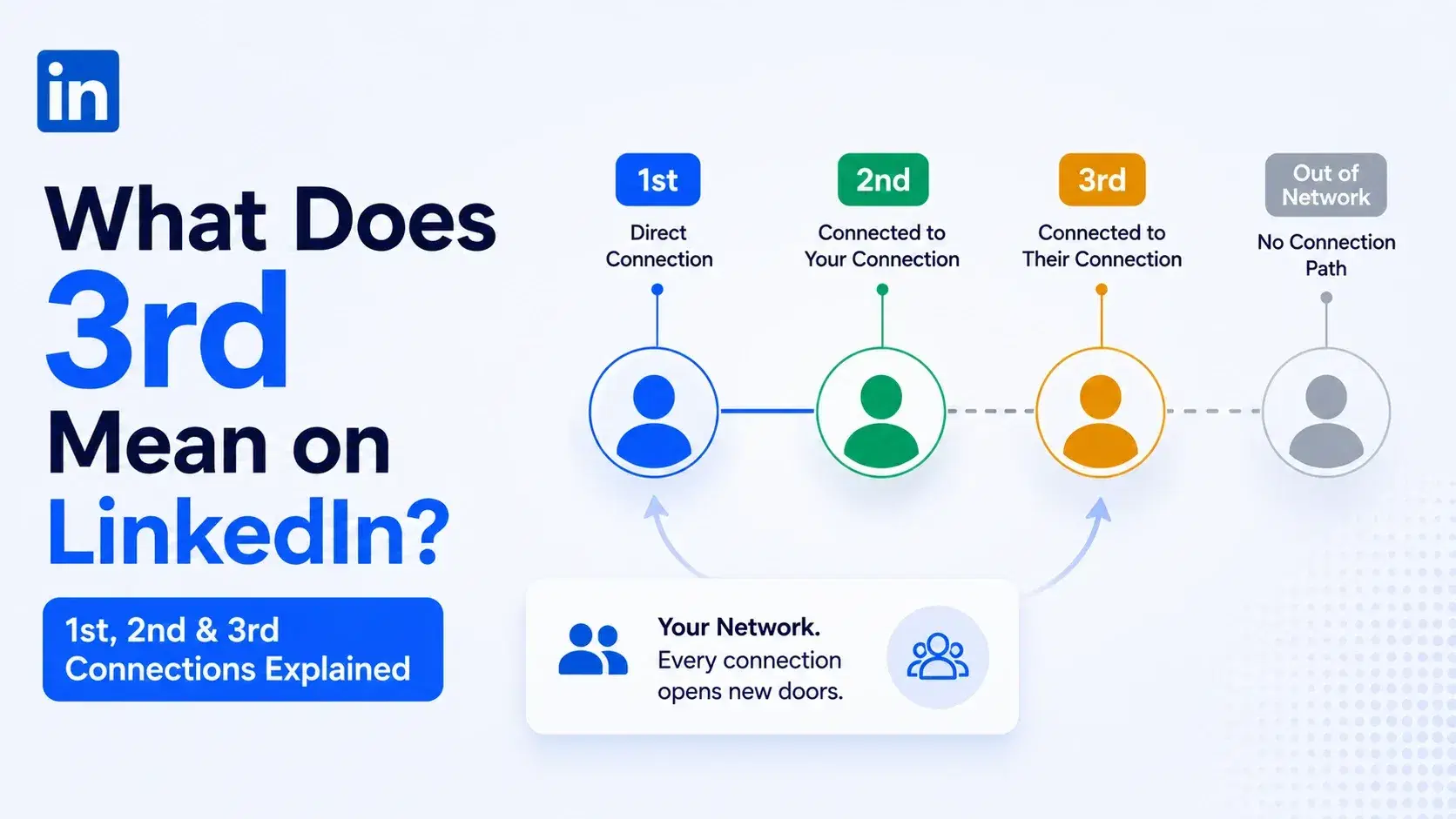
What Does 3rd Mean on LinkedIn? 1st, 2nd and 3rd Connections Explained
That gray 3rd next to a name is not a wall, it is a puzzle. Here is what 1st, 2nd, and 3rd degree connections mean, and how to reach any of them.
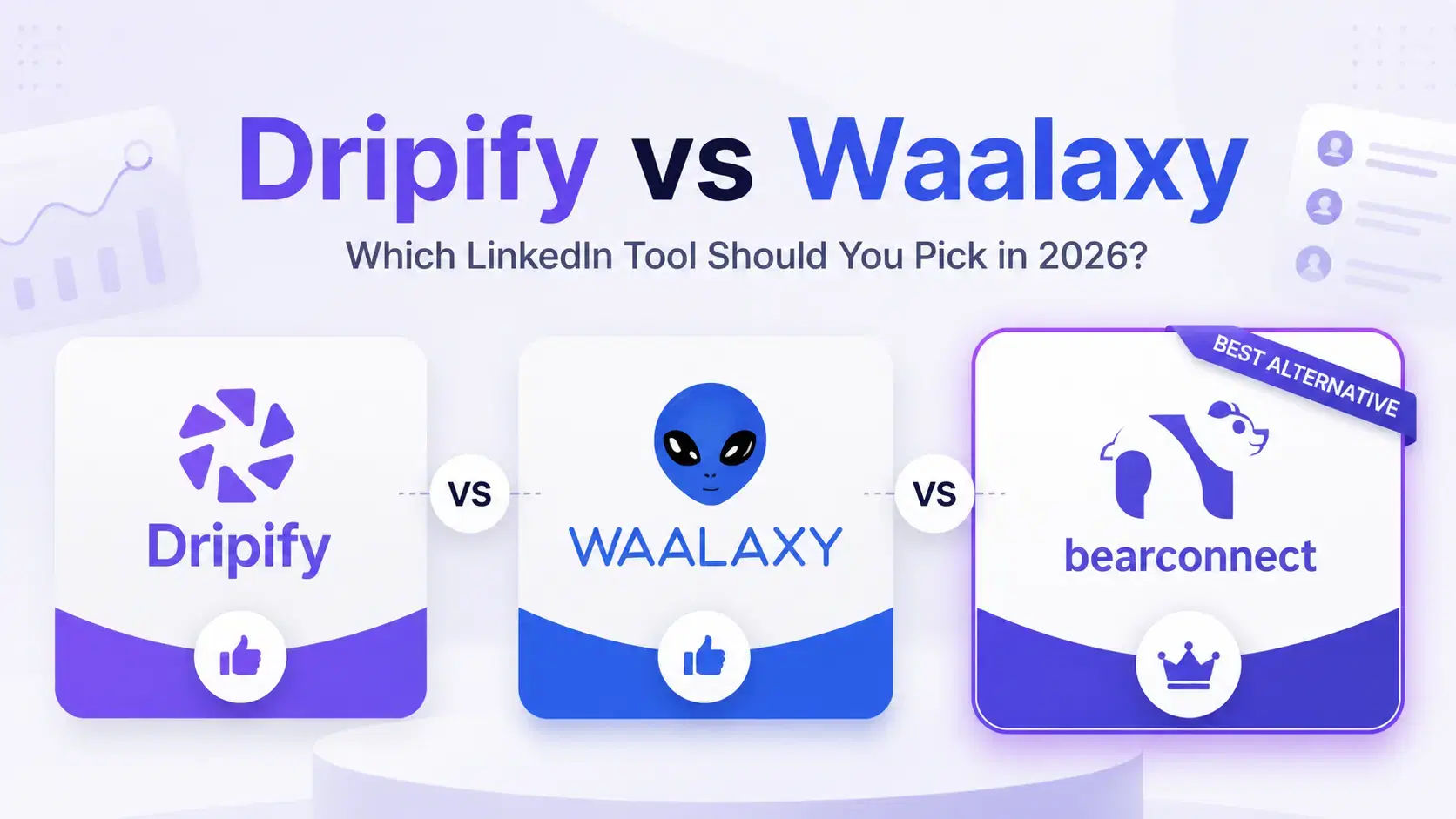
Dripify vs Waalaxy: Which LinkedIn Tool Should You Pick in 2026?
Compare Dripify vs Waalaxy on features, pricing, safety, and performance. Find the right LinkedIn outreach tool and discover a smarter alternative.