Best LinkedIn Automation Tools with CRM Integration (HubSpot, Pipedrive & More)
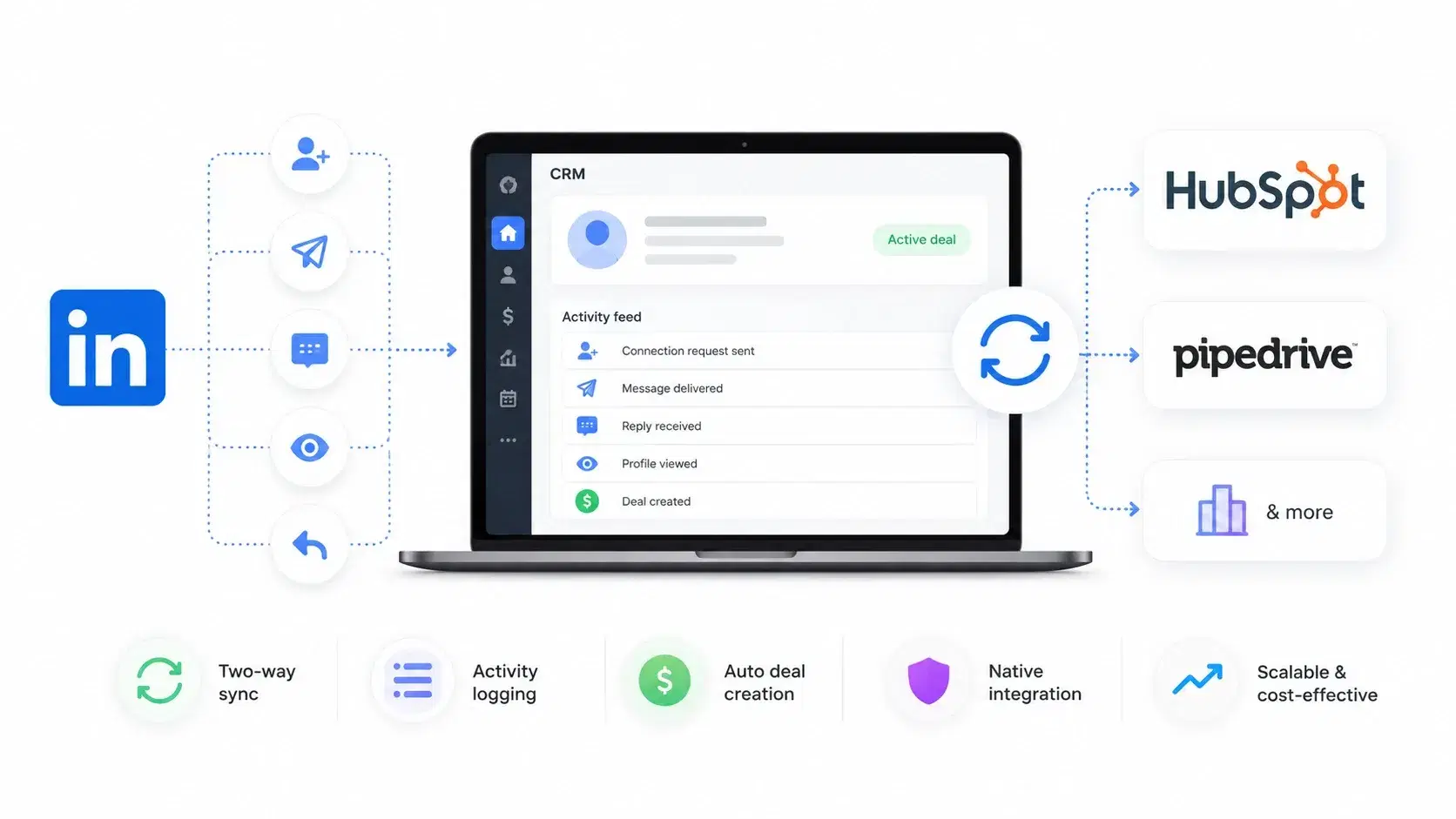
The best LinkedIn automation tools with CRM integration are Bearconnect, Expandi, Dripify, Linked Helper, and Dux-Soup. After testing over a dozen tools across agency and SDR workflows.
I found that Bearconnect offers the strongest native CRM sync for HubSpot and Pipedrive users at a price point that actually makes sense for scaling teams.
If your LinkedIn outreach data lives in one tab and your CRM pipeline lives in another, you already know the pain.
Leads fall through cracks. Follow-ups get missed. Pipeline reporting turns into guesswork.
TL;DR
- Bearconnect stands out for native HubSpot and Pipedrive integration with two-way sync, deal creation, and activity logging at $67/month per LinkedIn account ($57/month per account when connecting 5 or more).
- Expandi works well for agencies but requires Zapier or Make for most CRM connections, which adds cost and complexity.
- Dripify offers a basic CRM export but lacks real-time, two-way sync with HubSpot or Pipedrive.
- Linked Helper is powerful for scraping and sequencing but treats CRM integration as an afterthought.
- If you already run your pipeline in HubSpot or Pipedrive and need LinkedIn leads flowing in automatically, Bearconnect is the most cost-effective option I tested.
Why LinkedIn Automation Without CRM Integration Is a Revenue Leak
Every LinkedIn connection request you send without CRM tracking is a data point your sales team will never see.
- I learned this the hard way. I was running outreach for three B2B clients from my LinkedIn account, generating 30 to 40 warm replies per week. Sounds great, right?
- Except half those conversations never made it into HubSpot. My SDRs had no context. Prospects got duplicate messages. Pipeline meetings turned into guessing games.
That experience pushed me to evaluate LinkedIn automation tools specifically through the lens of CRM integration. Not as a bonus feature. As the core requirement.
Here is what a disconnected workflow actually costs you:
- Lost leads → Prospects reply on LinkedIn but never enter your pipeline
- Duplicate outreach → Two reps contact the same person because neither sees the other's activity
- Broken reporting → Your CRM shows 20 opportunities but your LinkedIn tool shows 50 warm conversations
- Wasted hours → SDRs spend 5 to 8 hours per week manually copying lead data into the CRM
If any of that sounds familiar, you need a LinkedIn automation tool with CRM integration. Not a workaround. Not a Zapier hack. A real sync.
Best LinkedIn Automation Tools with CRM Integration (Compared)
I evaluated each tool based on four criteria: native CRM support, sync depth (one-way vs. two-way), ease of setup, and total cost of ownership including any third-party connectors.
1. Bearconnect (Best for HubSpot and Pipedrive Users)
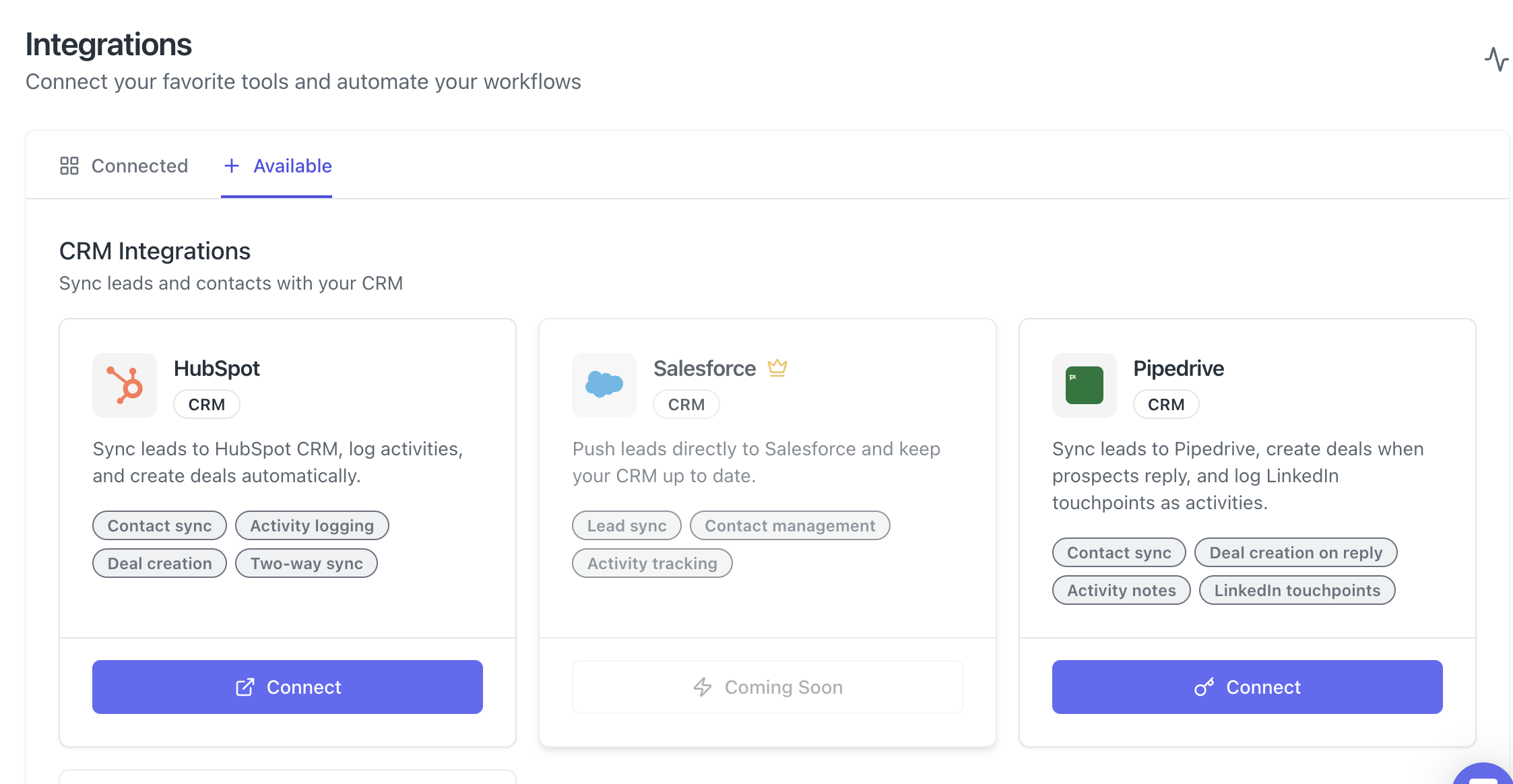
Bearconnect is the tool I now use for my own agency outreach, and here is why: it offers native, two-way CRM integration with HubSpot and Pipedrive without needing Zapier, Make, or any middleware.
What the HubSpot integration does:
- Contact sync between Bearconnect and HubSpot
- Activity logging for every LinkedIn touchpoint (connection sent, message delivered, reply received)
- Automatic deal creation based on campaign outcomes
- Two-way sync so updates in HubSpot reflect in Bearconnect and vice versa
What the Pipedrive integration does:
- Contact sync and lead push into Pipedrive pipelines
- Deal creation on reply (when a prospect responds, a deal auto-creates in your pipeline)
- Activity notes and LinkedIn touchpoint logging
- Pipeline stage updates based on outreach progress
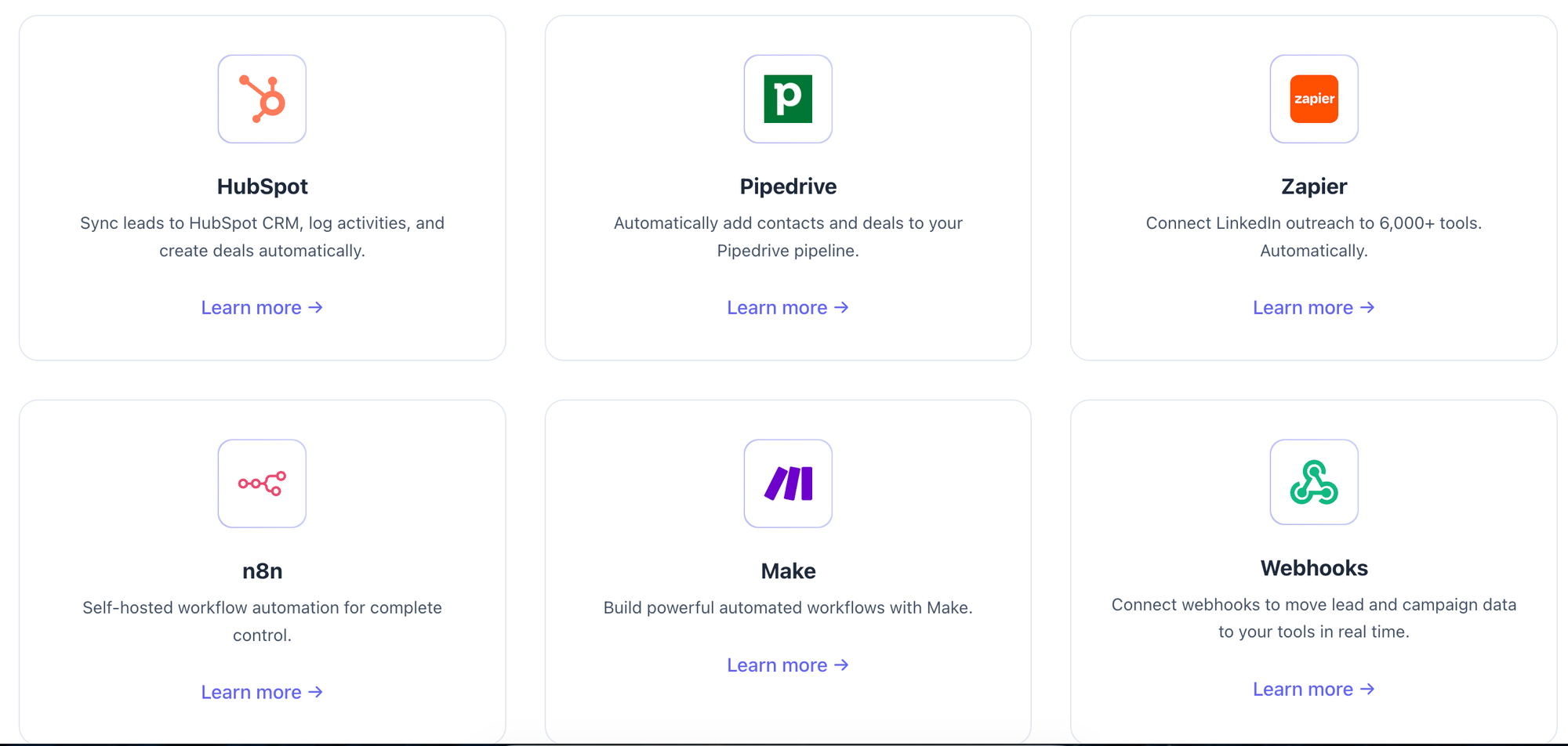
Pricing: $67/month per LinkedIn account. When you connect 5 or more LinkedIn accounts, the price drops to $57/month per account. For a 5-person sales team, that is $285/month total, with unlimited campaigns, a unified inbox, and full CRM sync included.
Pro tip: If you manage client accounts as an agency, connect 5 or more LinkedIn profiles to unlock the $57/month rate. At that price, you can resell LinkedIn outreach as a service with healthy margins built in.
Best for: B2B sales teams, agencies managing multiple clients, founders who live inside HubSpot or Pipedrive.
Explore the Bearconnect HubSpot integration →Explore the Bearconnect Pipedrive integration →
2. Expandi (Best for Agency-Level Personalization)
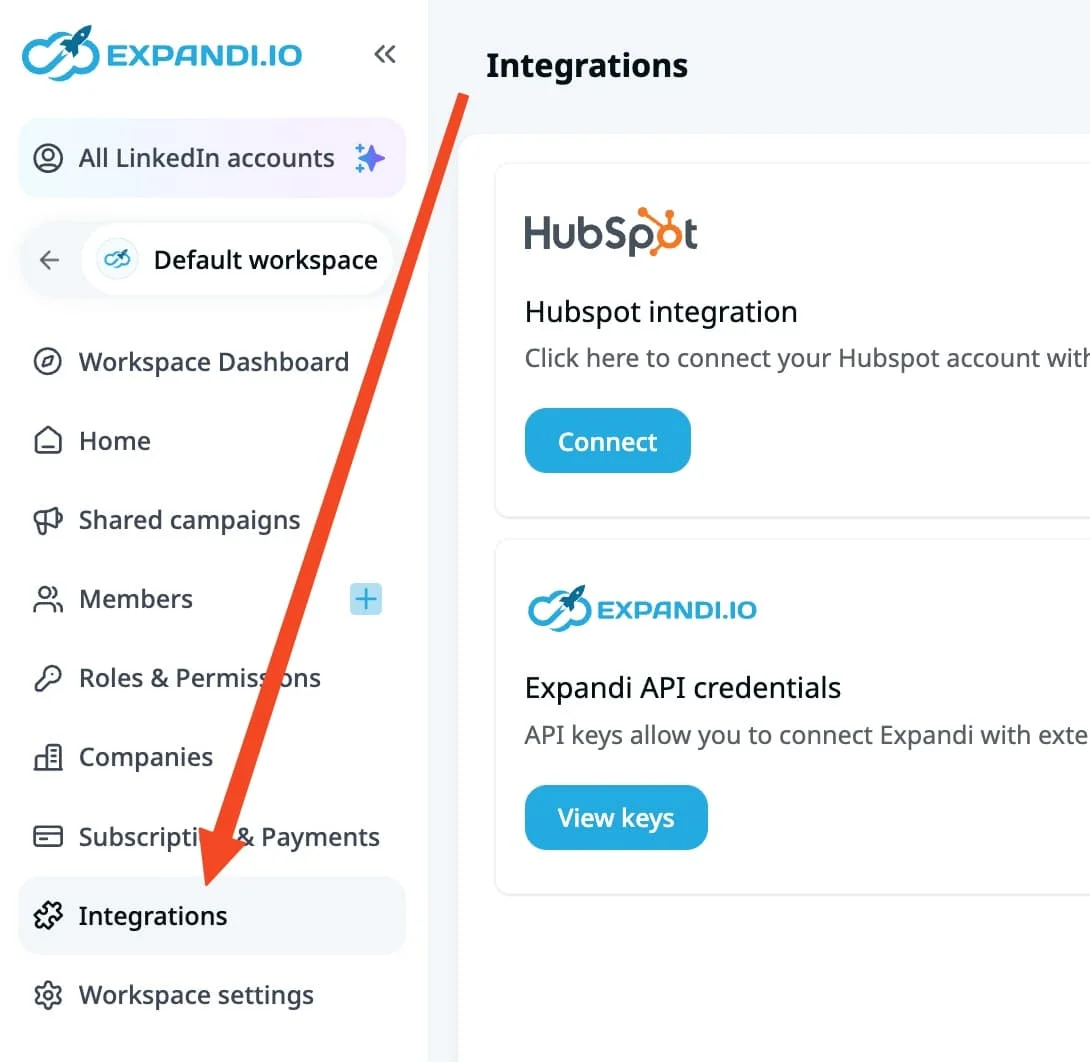
Expandi is a solid LinkedIn automation tool that excels at hyper-personalized outreach and smart sequencing.
However, Expandi does not offer native CRM integration with HubSpot or Pipedrive out of the box. You need to connect through Zapier or Make, which means:
- Extra setup time configuring triggers and actions
- Additional monthly cost ($20 to $50/month for Zapier depending on volume)
- Risk of sync failures when Zapier workflows break
- One-way data flow in most configurations
Pricing: Starts around $99/month per seat.
Best for: Agencies that already have a Zapier/Make infrastructure and want granular personalization features.
3. Dripify (Best for Simple Drip Sequences)
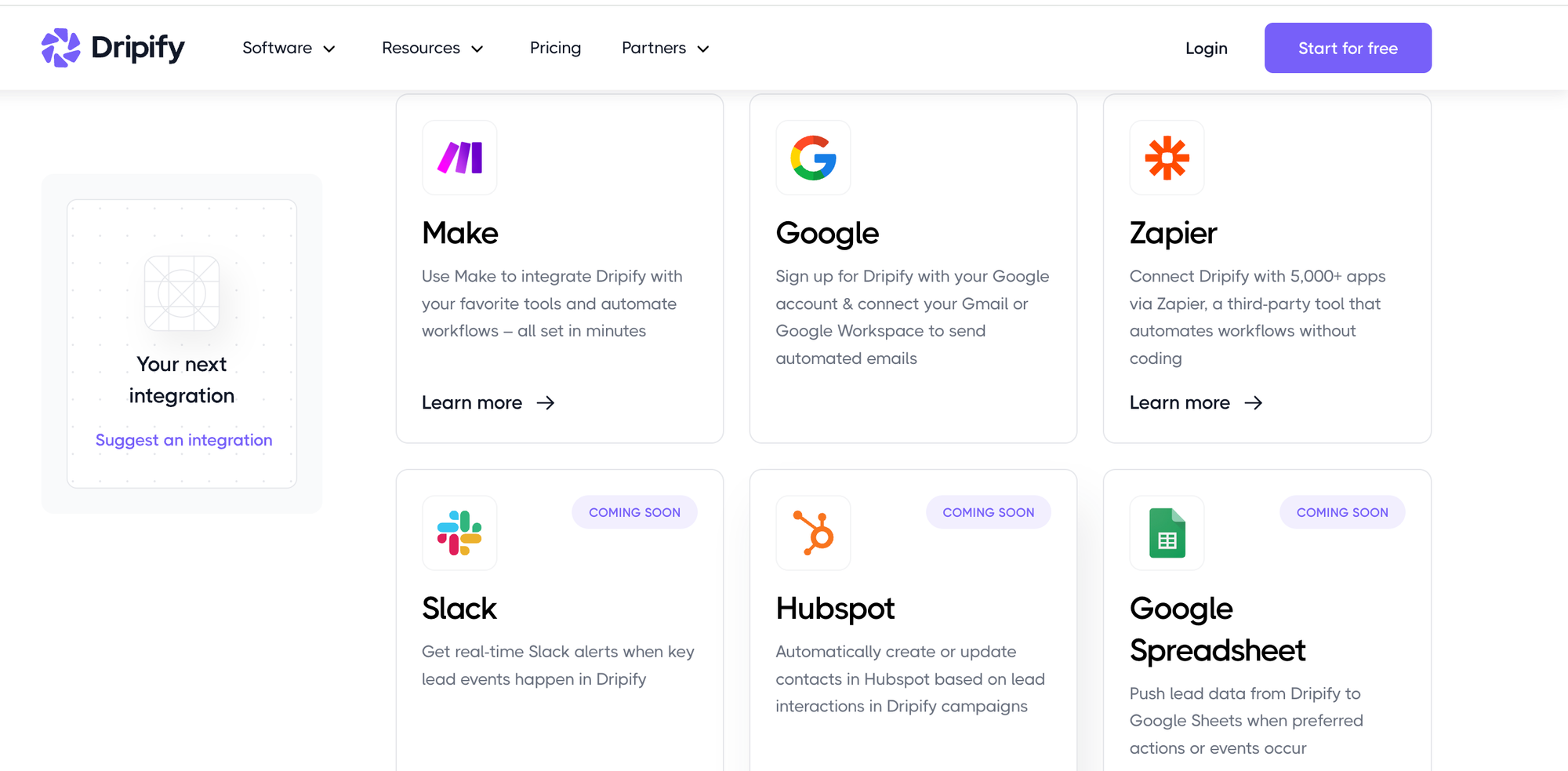
Dripify makes LinkedIn drip campaigns easy to build and launch. The interface is clean, and the sequence builder works well for straightforward outreach flows.
On the CRM side, Dripify offers CSV exports and basic webhook support. It does integrate with HubSpot and Zapier, but the sync is limited:
- Lead data exports to your CRM, but activity logging is minimal
- No two-way sync (changes in HubSpot do not reflect back)
- Webhook setup requires technical knowledge
Pricing: Starts at $59/month per user for the Pro plan.
Best for: Solo founders or small teams running simple LinkedIn sequences who do not need deep CRM sync.
4. Linked Helper (Best for Power Users Who Code)
Linked Helper is a desktop-based tool with deep LinkedIn scraping and sequencing capabilities. It attracts power users who want granular control over every action.
CRM integration exists through CSV exports and third-party connectors, but it is not native:
- Requires manual CSV imports or Zapier/Make workflows
- No built-in HubSpot or Pipedrive sync
- Desktop-based, so it only runs when your computer is on
Pricing: Starts at $15/month for the basic plan, $45/month for the Pro version.
Best for: Technical users who prioritize scraping depth and do not mind manual CRM workflows.
5. Dux-Soup (Best Budget Option for Solo Prospectors)
Dux-Soup offers both browser extension and cloud that automates LinkedIn profile visits, connection requests, and follow-up messages. It is lightweight and affordable.
CRM integration depends entirely on Zapier or Pipedrive's native webhooks:
- Basic Pipedrive integration available through Zapier
- HubSpot connection requires middleware
- No activity-level sync or deal creation
Pricing: Starts at $14.99/month for the Pro plan.
Best for: Individual sales reps or consultants who want basic LinkedIn automation on a tight budget.
What to Look for in a LinkedIn Automation Tool with CRM Integration
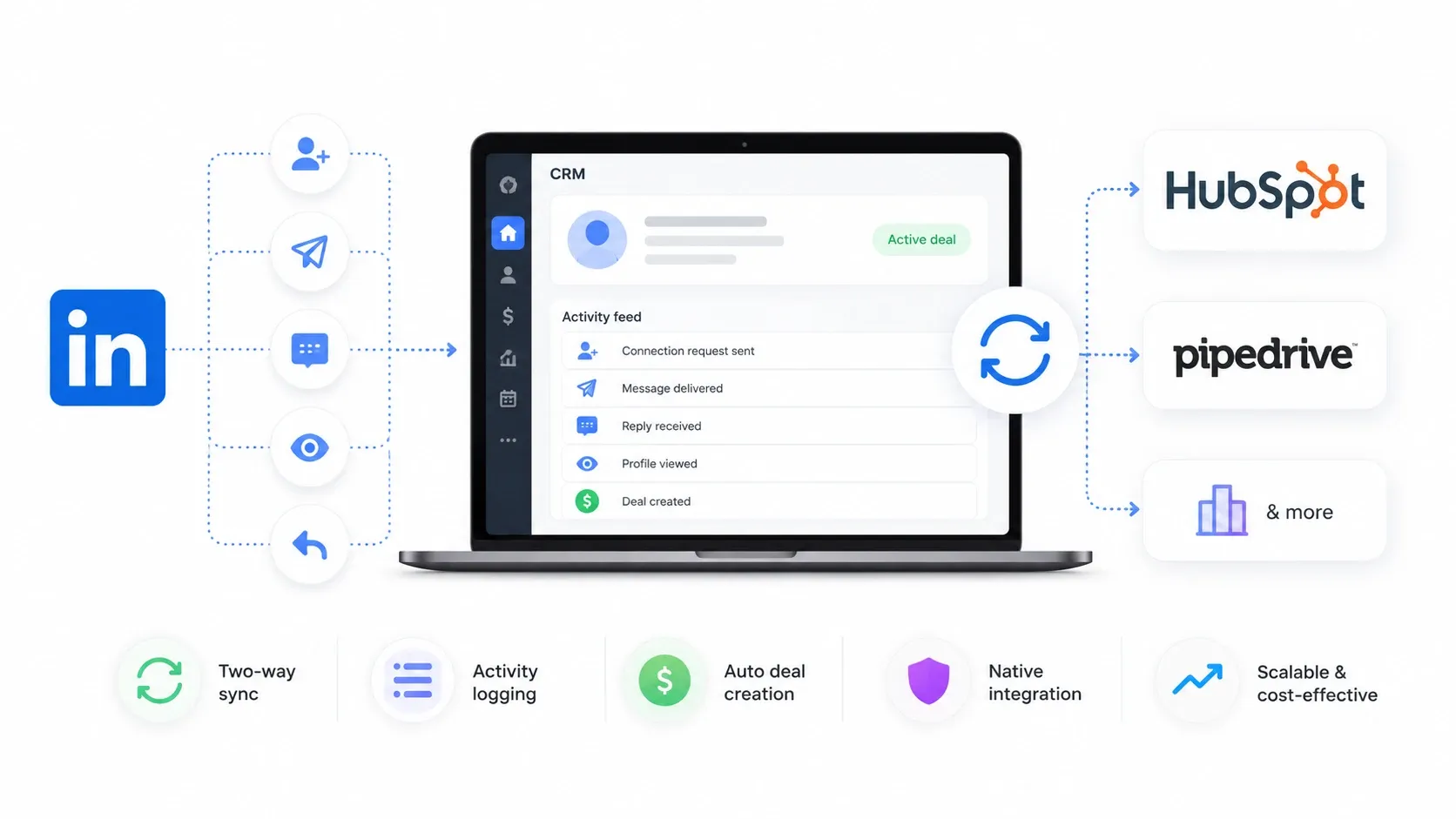
Not all CRM integrations deliver equal value. Here is the checklist I use when evaluating any LinkedIn outreach tool for CRM compatibility.
1. Two-way sync vs. one-way export
- One-way exports push data from LinkedIn to your CRM. That helps, but it does not solve the problem of keeping both systems aligned.
- Two-way sync means changes in your CRM (like a deal stage update or a contact note) reflect back in your outreach tool. Bearconnect offers this with both HubSpot and Pipedrive.
2. Activity-level logging
Contact creation alone is not enough. You need every LinkedIn touchpoint (connection request sent, message delivered, reply received, profile viewed) logged as activities inside your CRM. This gives your sales team full context before every call.
3. Automatic deal creation
- The best tools create CRM deals automatically when a prospect takes a high-intent action, like replying to your outreach.
- Bearconnect creates deals on reply in Pipedrive, which eliminates the step where your SDR has to manually add the opportunity.
4. No middleware dependency
Every Zapier or Make step you add between your LinkedIn tool and your CRM is a potential point of failure. Native integrations are faster to set up, more reliable, and cheaper to maintain.
5. Scalability at a reasonable price
- If you plan to connect multiple LinkedIn accounts (common for agencies and sales teams), the per-seat cost matters.
- Bearconnect drops to $57/month per account when you connect 5 or more. Most competitors charge $99+ per seat with no volume discount. Check the full pricing details here.
"Wait, Can't I Just Use Zapier to Connect Any Tool to My CRM?"
Technically, yes. Practically, it breaks more often than you think.
I tried this exact setup for six months. I connected a different LinkedIn tool to HubSpot using a 5-step Zapier workflow.
Here is what happened:
- The Zap broke silently twice in one month, and I lost 3 weeks of lead data
- Zapier charged me $49/month on top of the LinkedIn tool subscription
- Debugging a failed Zap required checking trigger logs, filter conditions, and HubSpot field mappings
- My total monthly cost (LinkedIn tool + Zapier) exceeded what Bearconnect charges for native integration
The lesson: middleware works for simple, low-volume automations. But if LinkedIn outreach is a core revenue channel, you want native CRM sync. Full stop.
How to Set Up LinkedIn to CRM Automation in Bearconnect
Setting up the CRM connection takes under 5 minutes. Here is the process I followed for HubSpot:
- Log into your Bearconnect dashboard
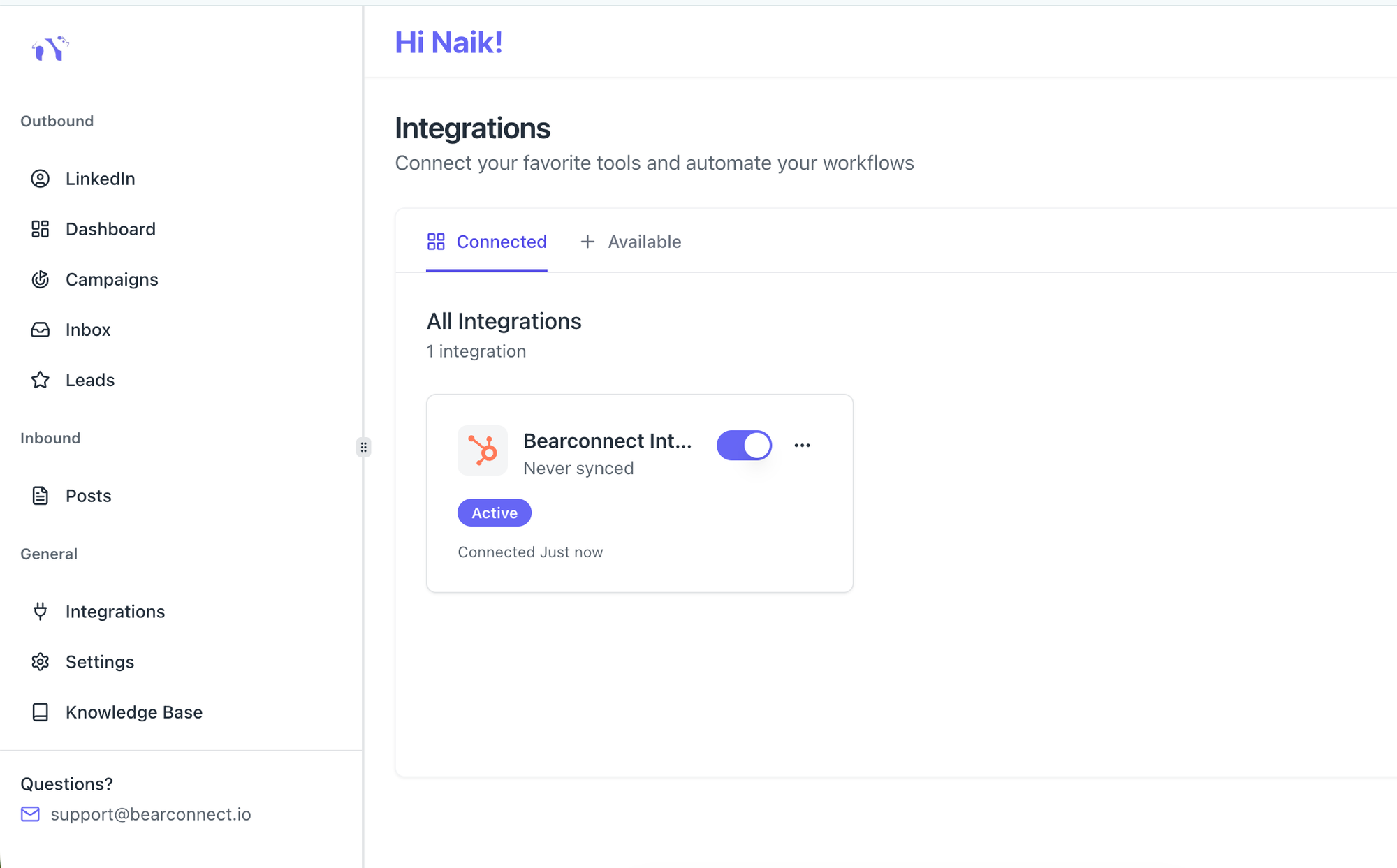
- Navigate to Integrations and click Connect under HubSpot
- Authorize the HubSpot OAuth connection
- Map your Bearconnect campaign fields to HubSpot contact properties
- Enable auto-sync for contacts, activities, and deals
That is it. Every lead from your LinkedIn campaigns now flows into HubSpot with full activity history. No CSV exports. No Zapier. No manual data entry.
The Pipedrive setup follows the same pattern. Connect, authorize, map fields, and enable sync. Bearconnect logs every LinkedIn touchpoint as a Pipedrive activity note, so your team sees the full conversation history before picking up the phone.
Pro tip: After connecting your CRM, run a small test campaign with 20 to 30 prospects first. Verify that contacts, activities, and deals appear correctly in your CRM before scaling to full-volume outreach.
Step-by-step HubSpot setup guide →Step-by-step Pipedrive setup guide →
Which Tool Should You Pick? (My Honest Take)
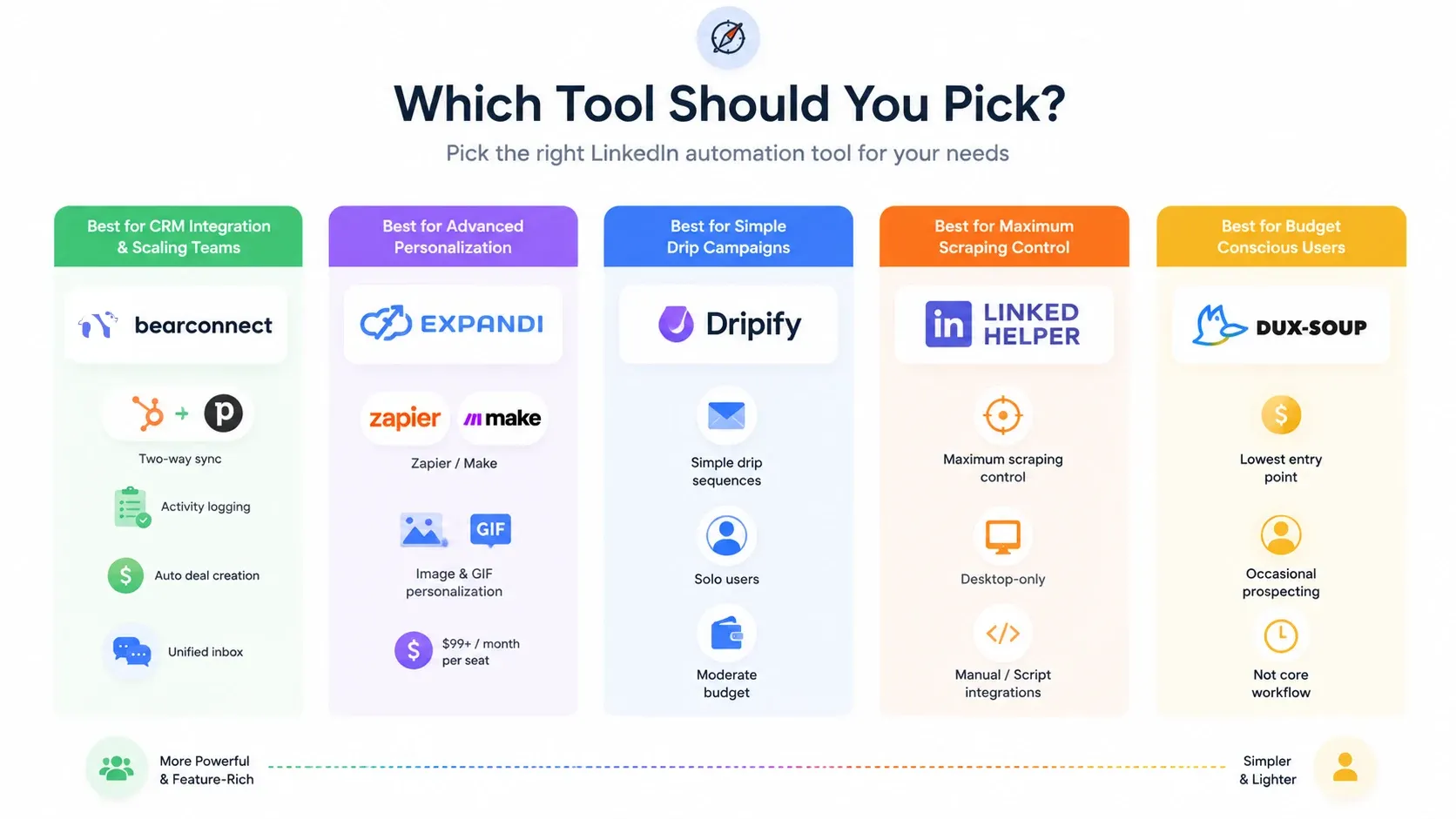
Your best choice depends on your CRM and your team size.
Choose Bearconnect if:
- You run your pipeline in HubSpot or Pipedrive
- You need two-way sync, activity logging, and auto deal creation
- You manage 5+ LinkedIn accounts and want volume pricing
- You want a unified inbox for all your LinkedIn conversations
Choose Expandi if:
- You already pay for Zapier/Make and have an automation engineer on staff
- You need advanced image and GIF personalization in outreach
- You do not mind paying $99+/month per seat
Choose Linked Helper if:
- You want maximum scraping control and do not mind desktop-only operation
- You handle CRM integration manually or through scripts
Choose Dux-Soup if:
- You need the cheapest possible entry point
- You prospect on LinkedIn occasionally, not as a core workflow
FAQs
1. Can I sync LinkedIn leads to HubSpot automatically?
Yes. Tools like Bearconnect offer native HubSpot integration that syncs contacts, logs LinkedIn activities, and creates deals automatically. No Zapier or manual CSV exports required. You connect HubSpot through OAuth in under 5 minutes and every outreach touchpoint flows into your CRM in real time.
2. What is the best LinkedIn automation tool with Pipedrive integration?
Bearconnect offers the deepest native Pipedrive integration I have tested. It syncs contacts, creates deals when prospects reply, and logs every LinkedIn touchpoint as a Pipedrive activity. Most competitors require Zapier or Make to connect with Pipedrive, which adds cost and failure points.
3. How much does LinkedIn automation with CRM integration cost?
Prices range from $15/month (Linked Helper basic) to $99+/month (Expandi). Bearconnect sits at $67/month per LinkedIn account with native CRM integration included. If you connect 5 or more accounts, the price drops to $57/month per account with no feature restrictions.
4. Is it safe to automate LinkedIn outreach?
Yes, when you use a cloud-based tool with behavior mimicry and local IP rotation. Bearconnect operates through dedicated local IPs and randomizes action pacing to stay within LinkedIn's acceptable usage patterns. Avoid tools that blast hundreds of connections per day without safety controls.
5. Can I connect multiple LinkedIn accounts to one CRM?
Yes. Bearconnect lets you manage unlimited LinkedIn accounts from one dashboard. Each account syncs independently to your HubSpot or Pipedrive workspace, so your CRM captures leads from every connected profile without overlap or data conflicts.
Final Thought
If you are still copying LinkedIn leads into your CRM by hand, you are spending hours on work that a native integration handles in seconds.
I have tested the manual route, the Zapier route, and the native-sync route. Native wins every time on reliability, speed, and total cost.
Bearconnect gives you that native sync with HubSpot and Pipedrive today, with Salesforce and Zoho CRM support on the way.
Start a free trial, connect your CRM in under 5 minutes, and run a test campaign. You will see the difference in your first week.
Ready to Transform Your LinkedIn Strategy?
Join thousands of professionals already using Bearconnect to automate their outreach and grow their network.
7-day free trial • Cancel anytime
Related Articles

LinkedIn Automation: The Complete Guide for 2026
What LinkedIn automation is, how it works, what LinkedIn allows, safe limits, how to choose a tool and how to run your first campaign.
How to Remove a Connection on LinkedIn (Do They Get Notified?)
Removing a LinkedIn connection takes a few clicks, but most people want to know one thing first: does the other person get notified? This guide covers the steps on desktop and mobile, and what changes afterward.
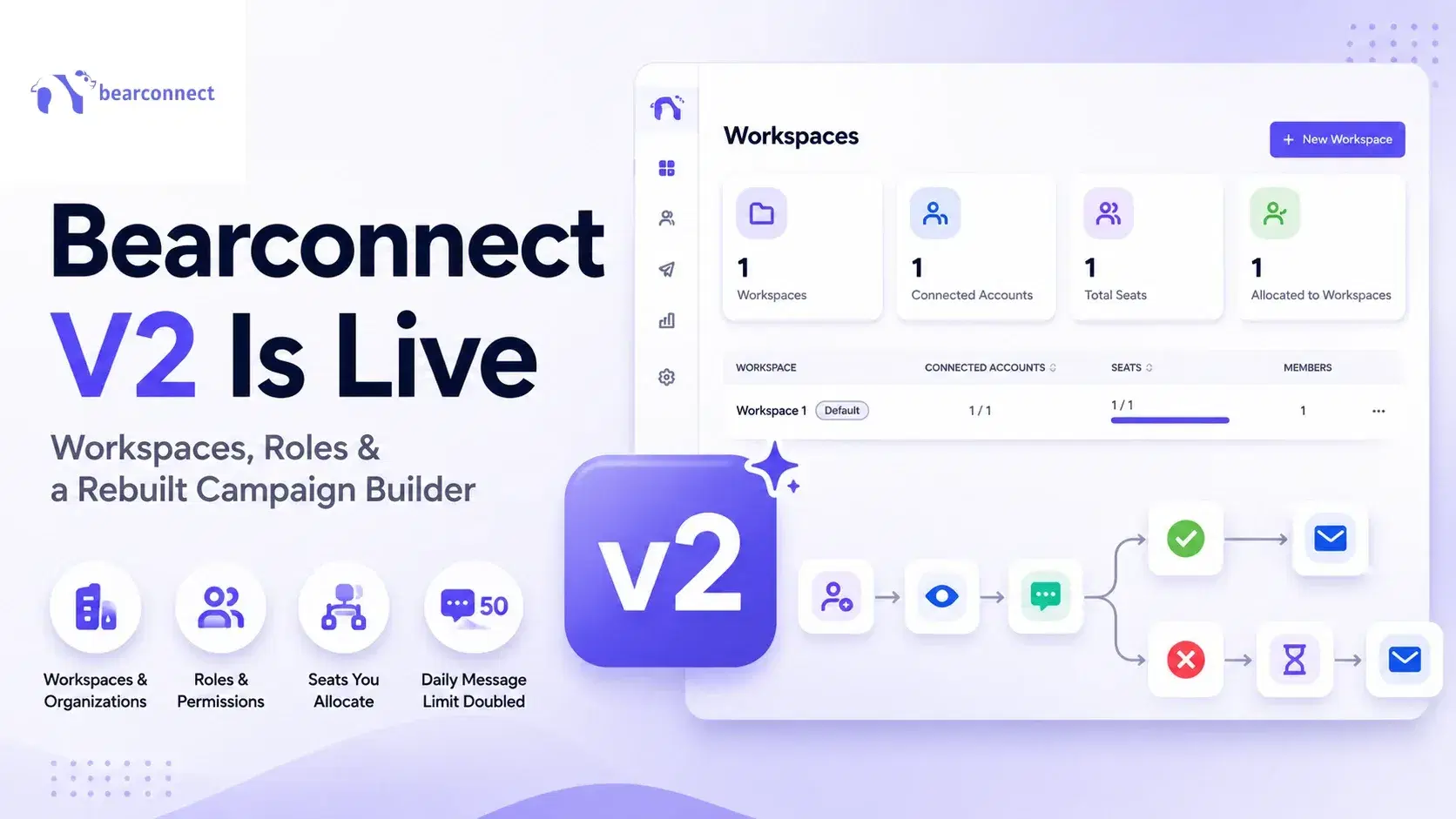
Bearconnect V2 Is Live: Workspaces, Roles and a Rebuilt Campaign Builder
Bearconnect V2 introduces dedicated workspaces, flexible roles, and a rebuilt campaign builder, giving agencies and sales teams more control over every LinkedIn account they manage.