Dripify Account Banned? Here Are 5 Safer LinkedIn Automation Tools in 2026
If your Dripify account got banned or flagged, you are not alone.
LinkedIn has been cracking down hard on automation tools, and Dripify users are feeling the heat.
TL;DR
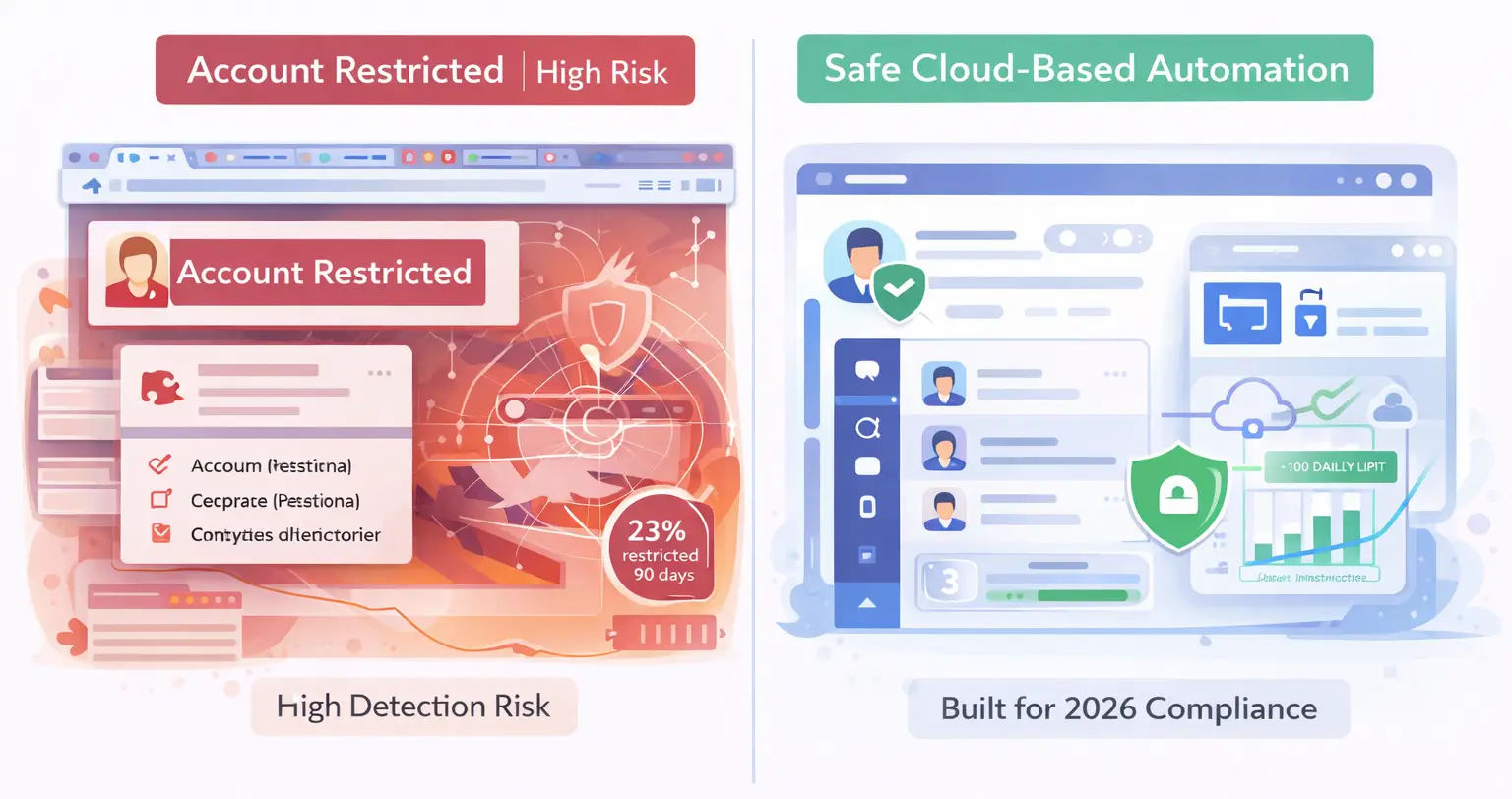
- LinkedIn is aggressively detecting and banning automation tools in 2026, with Dripify users facing 23% restriction rates within 90 days
- Cloud-based tools with dedicated IPs and behavior mimicry are 40-60% safer than browser extensions
- Bearconnect, Expandi, Dux-Soup, Meet Alfred, and Waalaxy offer safer alternatives with better safety infrastructure
- Key safety features: local IPs, human-like delays, daily action limits, and gradual account warm-up
- Stick to safe limits: under 100 connection requests daily, spaced messaging, and mixed manual engagement
Why LinkedIn Is Banning Dripify Users in 2026
LinkedIn doesn't want automation on its platform, period. The reality is brutal but simple.
The platform has been tightening restrictions on all automation tools lately. Dripify, Expandi, and nearly every player in the space is feeling it.
Here's what LinkedIn's detection system watches for:
- Volume spikes: Sudden increases in connection requests or messages trigger immediate red flags
- Timing patterns: Activity outside normal working hours or constant 24/7 engagement screams automation
- Generic messaging: Copy-paste templates sent to hundreds of prospects get caught instantly
- Browser extensions: Third-party tools running directly in LinkedIn's interface are easiest to detect
Understanding how LinkedIn automation works behind the scenes helps you avoid detection patterns that trigger bans.
Read the complete breakdown of LinkedIn automation policy in 2025 to understand what triggers restrictions.
The Real Cost of a LinkedIn Ban
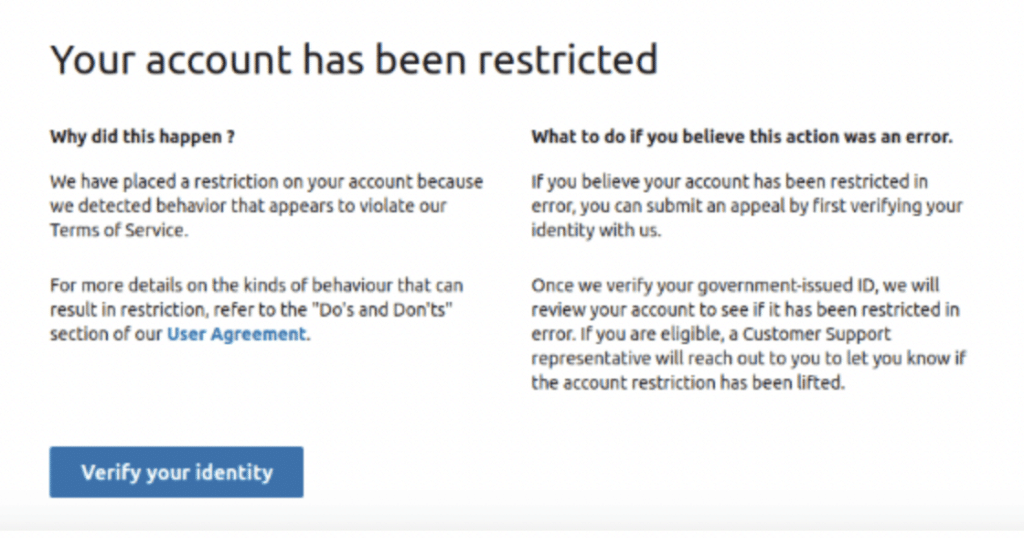
Getting banned isn't just inconvenient. It's business-destroying.
What you lose:
- Complete account termination without recovery option
- Loss of all connections, content, and engagement history
- IP address blacklisting that prevents new account creation
- Years of network-building gone in 24 hours
- Revenue pipeline instantly cut off
One user on Reddit shared: "I've been using Dripify for years... I've been flagged. But not like a crazy amount of times".
Another commented their account got completely banned.
The anxiety is real. Your outreach engine is your revenue engine.
What Makes an Automation Tool Actually Safe in 2026?
Not all automation tools are created equal. The safest ones share specific infrastructure characteristics.
Safety architecture checklist:
- Local IP connections, not shared cloud IPs that LinkedIn easily flags
- Behavior randomization features that mimic human unpredictability
- Gradual account warm-up protocols for new profiles
- Daily limit controls with safety buffers built in
- Human-like delays between every action
Cloud-based tools with dedicated IPs reduce ban risks by 40-60% compared to browser extensions.
Compare safe LinkedIn automation tools to find platforms with proven safety records.
Pro Tip: Browser extensions inject code directly into your LinkedIn session, Learn why cloud-based automation is safer than browser-based tools.
5 Safer LinkedIn Automation Tools to Use Instead of Dripify
1. Bearconnect - Cloud Based AI Powered LinkedIn Automation Tool
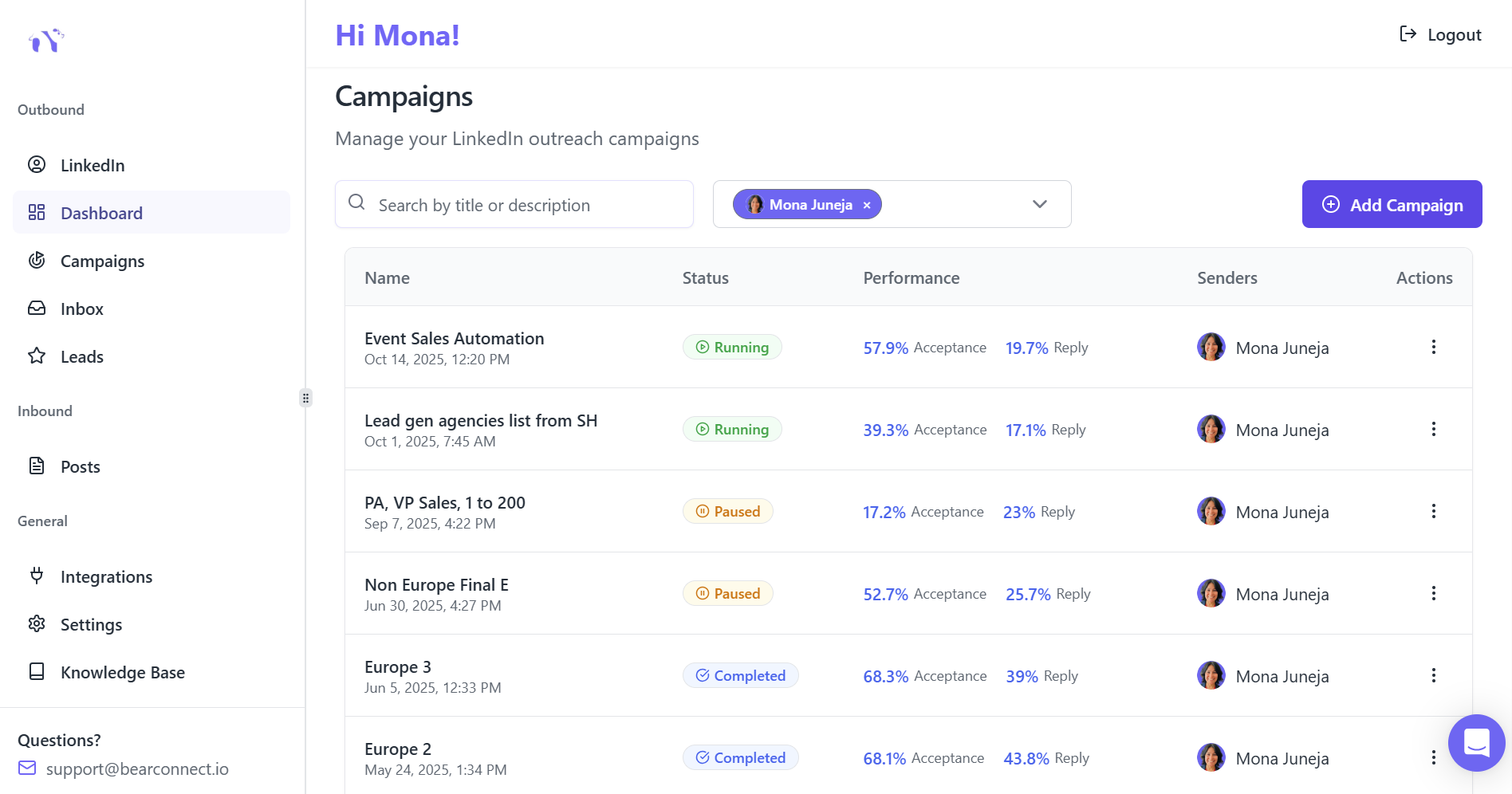
Best for: Agencies, startups, and SDRs managing multiple LinkedIn accounts safely
Bearconnect operates from local IPs for every user, protecting accounts from LinkedIn detection. The platform mimics real human behavior with built-in delays and randomization.
Key safety features:
- Local IP behavior mimicry that appears organic to LinkedIn's detection systems
- Smart throttling that respects LinkedIn's daily limits
- Gradual account warm-up to avoid red flags
- Unified inbox to manage unlimited LinkedIn accounts from one dashboard
Additional benefits:
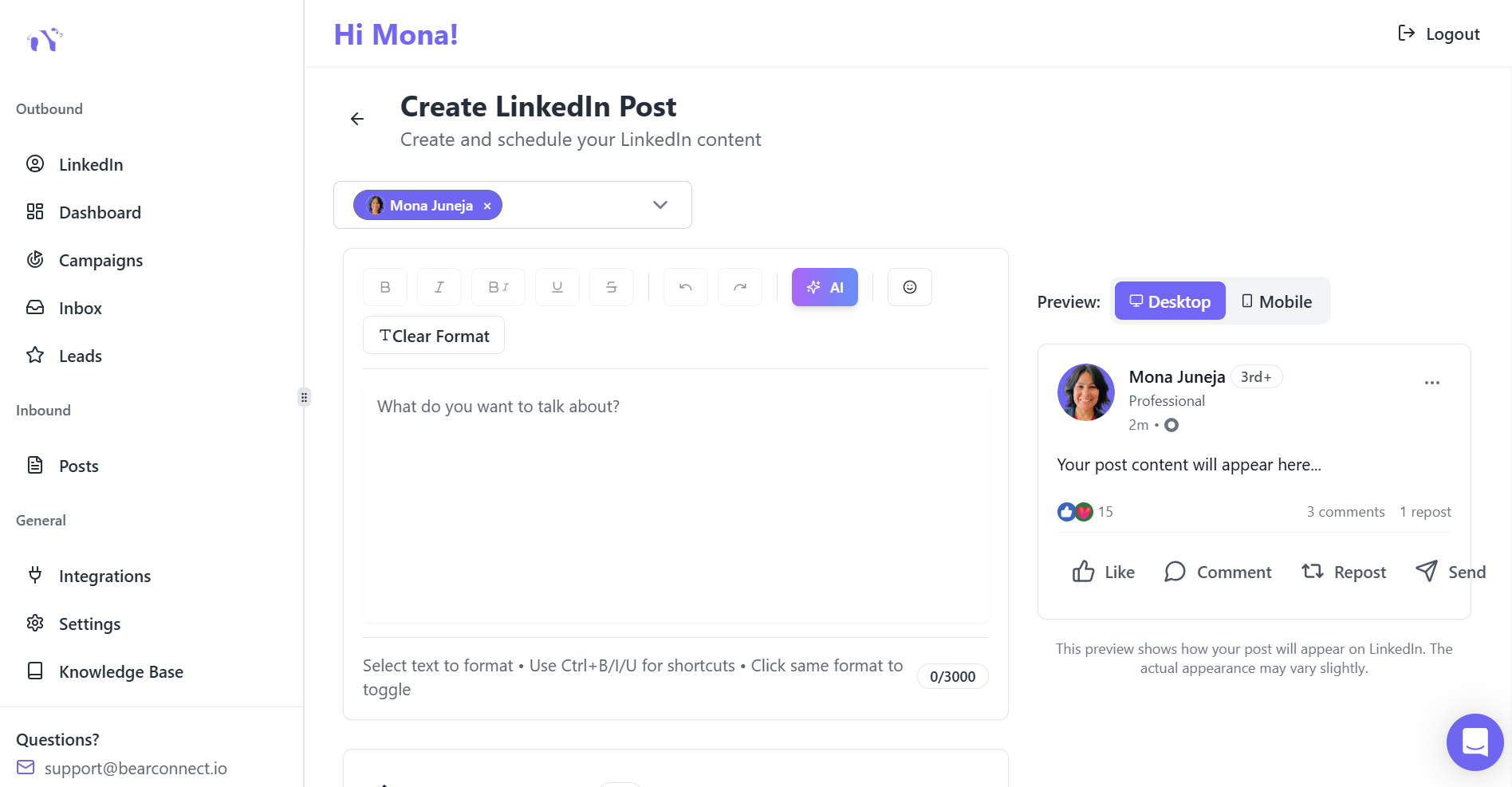
- AI-powered post scheduling to build consistent brand authority
- Direct CRM integrations with HubSpot and Pipedrive
- Real-time campaign editing without restarts
- Track safety metrics with advanced analytics to monitor account health.
Pricing: $67/month per LinkedIn account. When you connect 5 or more accounts, the price drops to $57/month per account.
Why it's safer: Read our full Bearconnect platform overview to see all safety features. Compare Bearconnect vs Expandi for detailed safety analysis.
2. Expandi
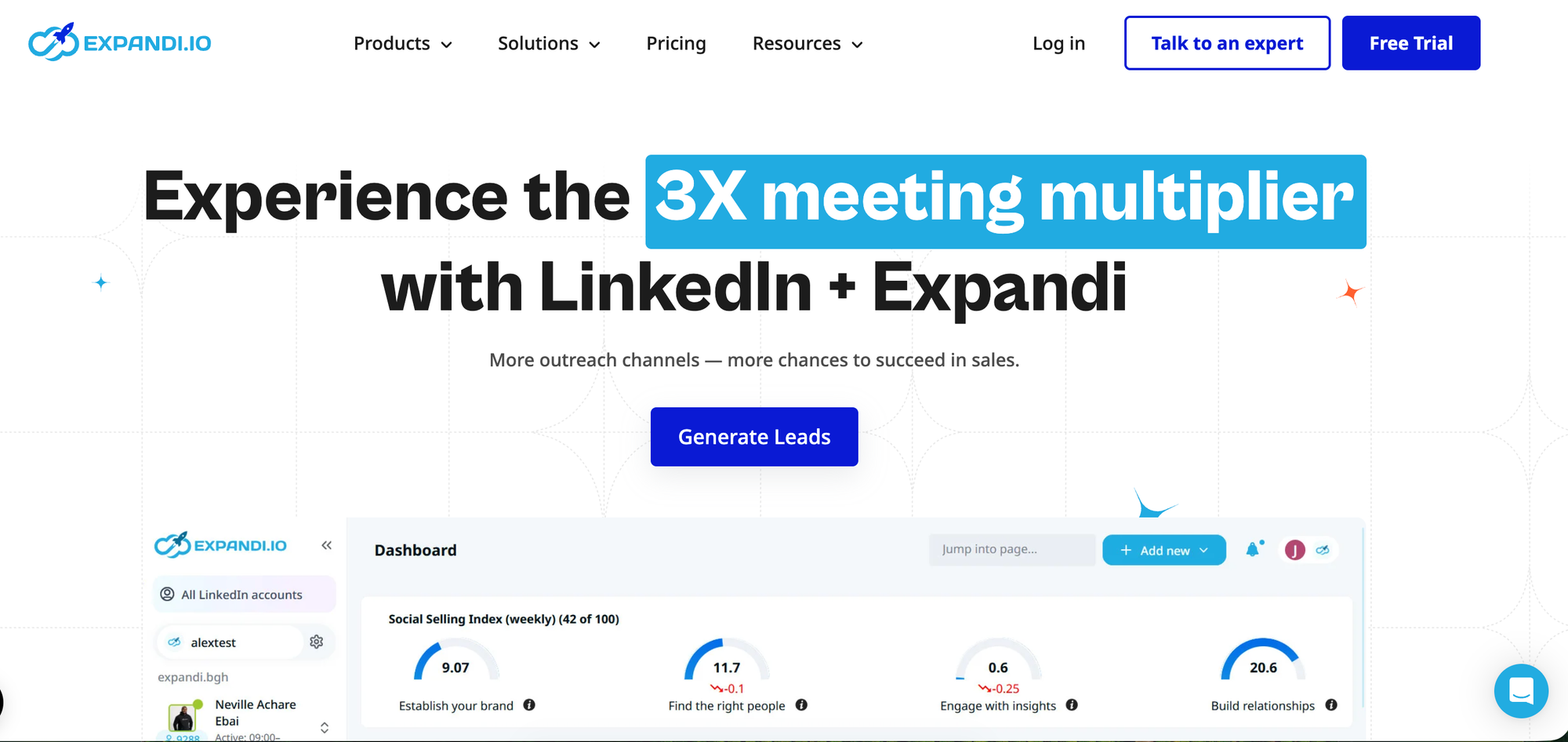
Best for: Growth hackers and agencies focused on hyper-personalized outreach
Expandi has become the gold standard for safe LinkedIn automation. The platform runs entirely in the cloud with dedicated IP infrastructure.
Safety features:
- Randomized delay patterns that mimic human behavior
- Smart throttling and daily activity caps
- Cloud-based execution, not browser extensions
- Safe account warm-up features for new profiles
Pricing: Starts at $99/month per LinkedIn account
Read our detailed Expandi review for complete feature breakdown and safety testing results.
3. Dux-Soup
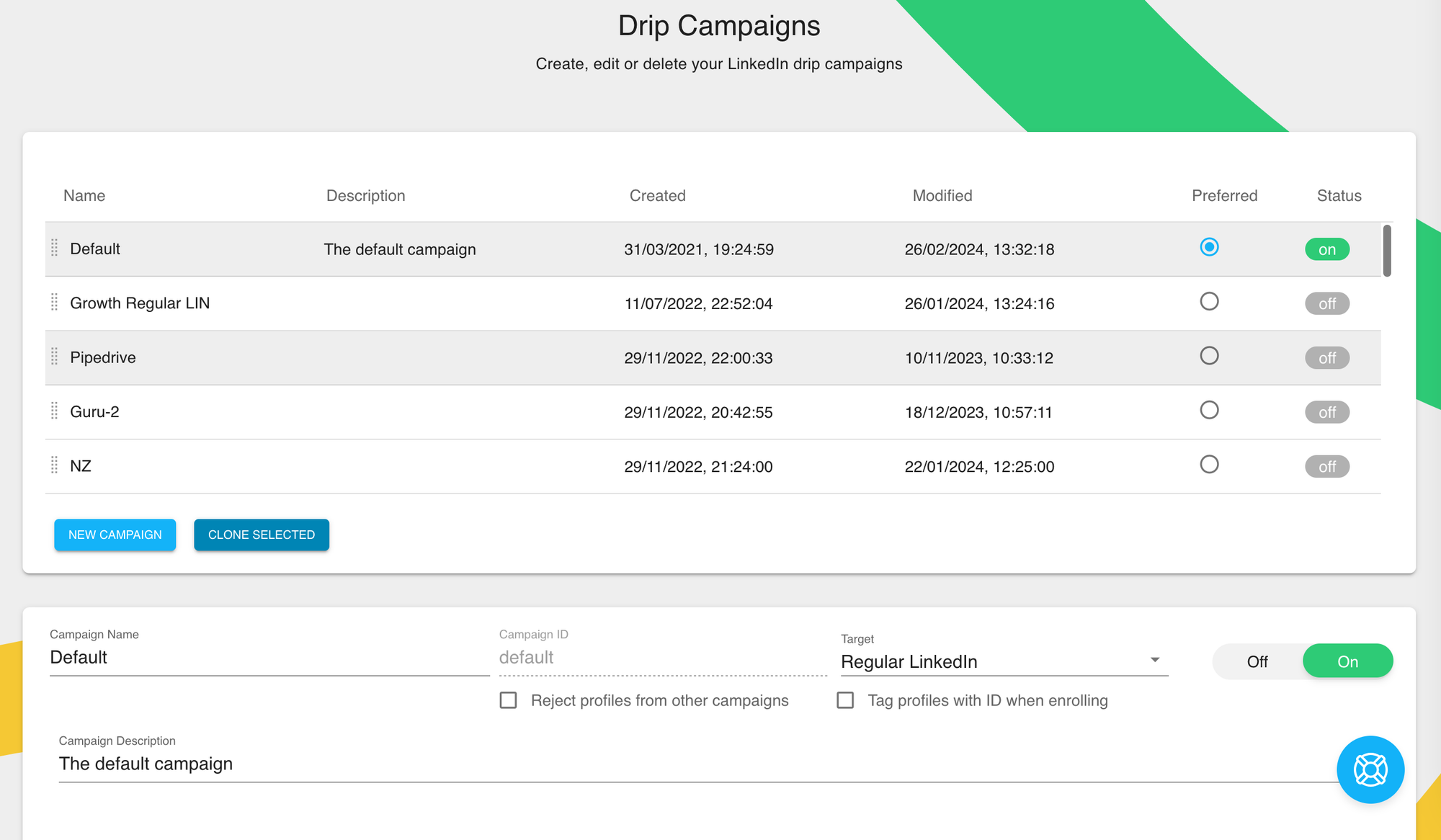
Best for: Budget-conscious professionals wanting effective lead management
Dux-Soup offers affordable automation with essential safety controls.
Safety features:
- Proxy integration options
- Randomized delays to reduce ban risk
- Three pricing tiers for different needs
Pricing: Starting at $15/month
Note: Browser-based tools like Dux-Soup carry inherent detection vulnerabilities. Use with caution and stay well below LinkedIn's daily limits.
See our comprehensive Dux-Soup review and alternatives before committing.
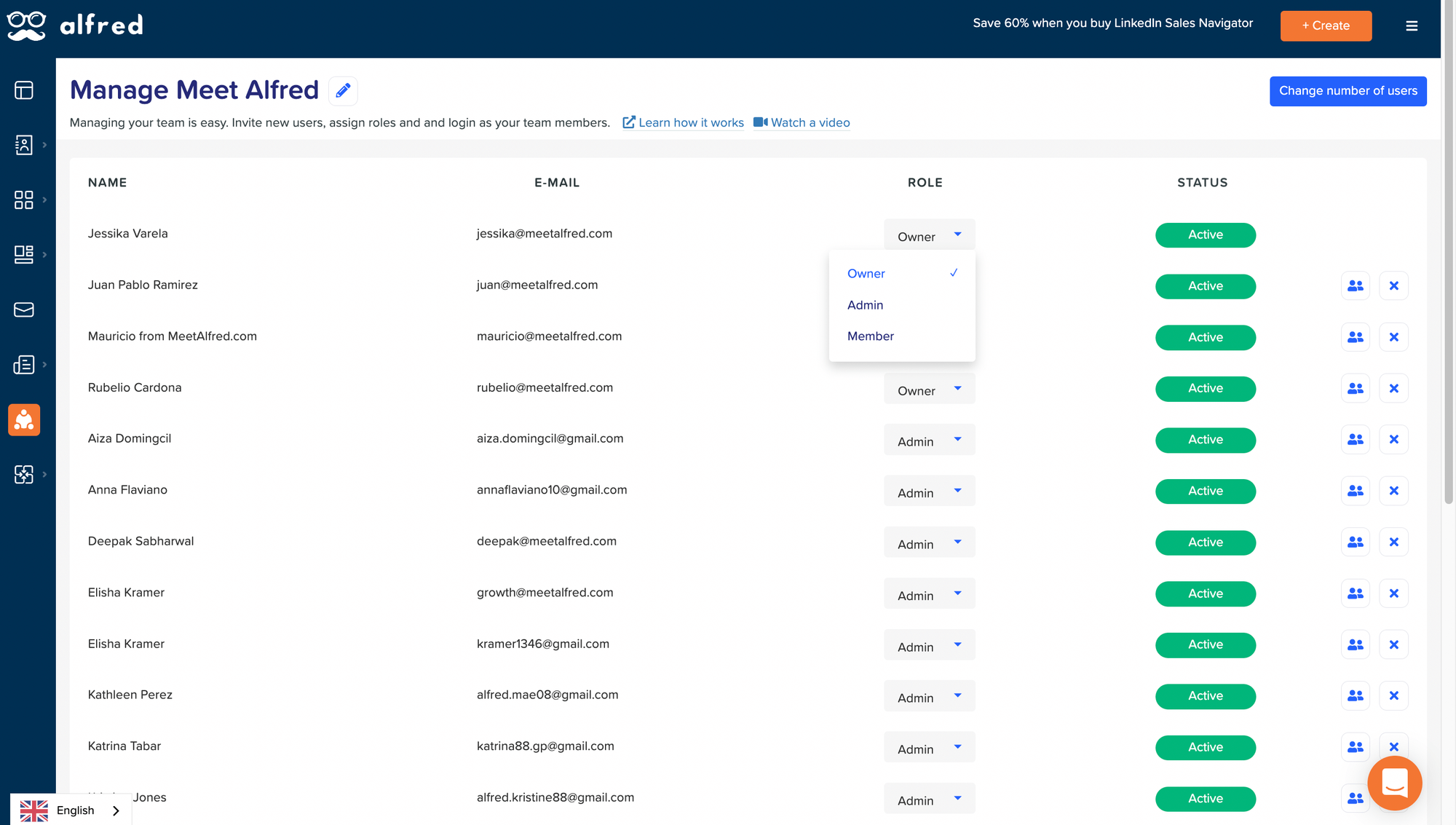
4. Meet Alfred
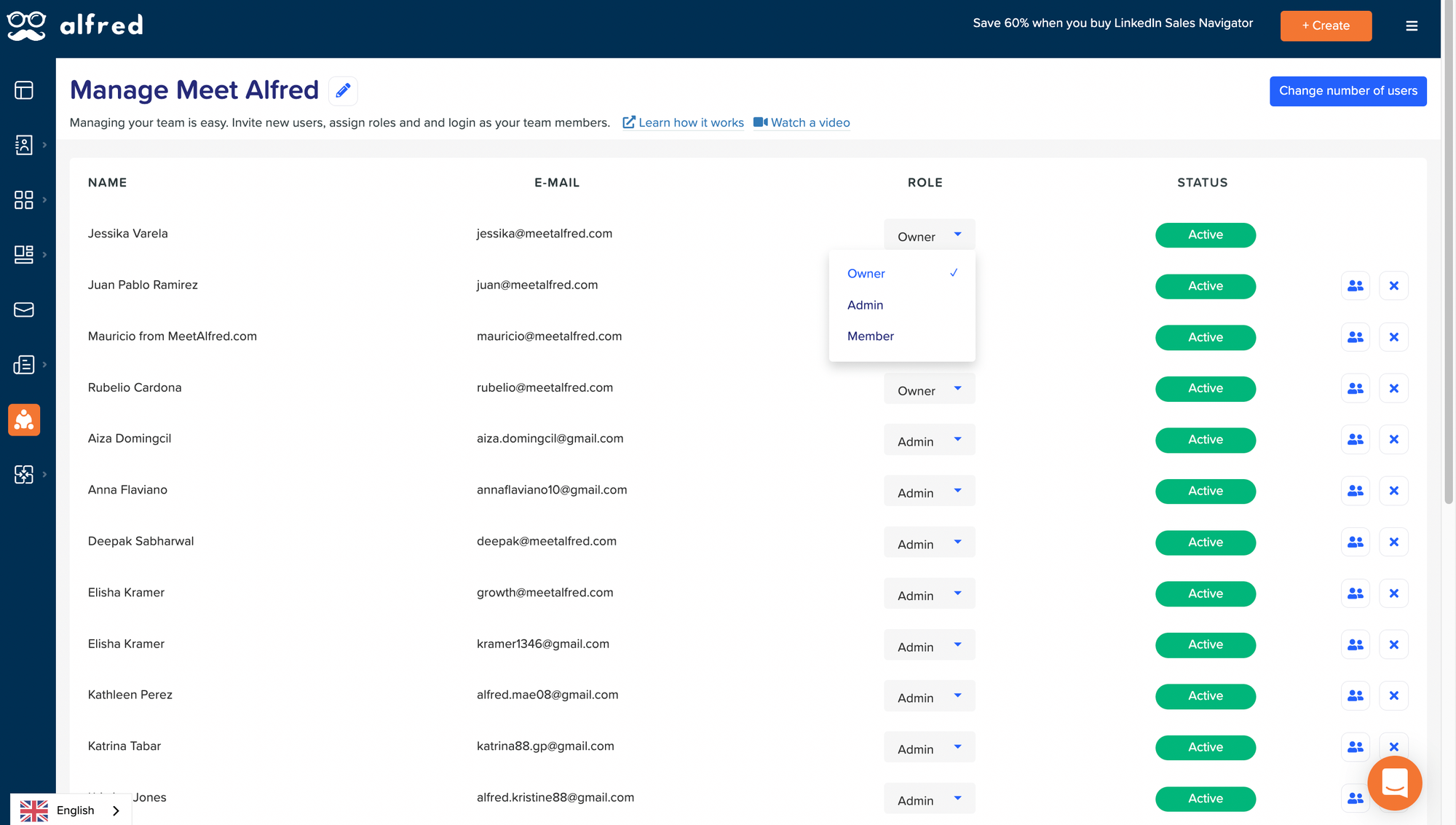
Best for: Professionals wanting reliable, hands-off LinkedIn and email automation
Meet Alfred combines LinkedIn automation with email sequences in one platform.
Safety features:
- Intelligent throttling mechanisms
- Human-like delays between actions
- Regular compliance updates
Pricing: Plans start at $59/month
Check our Meet Alfred review for real user experiences and safety data.
5. Waalaxy
Best for: Multi-channel outreach combining LinkedIn and email
Waalaxy offers solid safety records with multi-channel capabilities.
Safety features:
- Cloud-based infrastructure
- Built-in safety limits
- Email integration for diversified outreach
Pricing: Multiple tiers starting around $60/month
Read our tested Waalaxy review for honest pros and cons.
How to Prevent Future LinkedIn Bans
Switching tools isn't enough. You need to change how you use automation.
Follow our LinkedIn automation dos and don'ts to stay compliant.
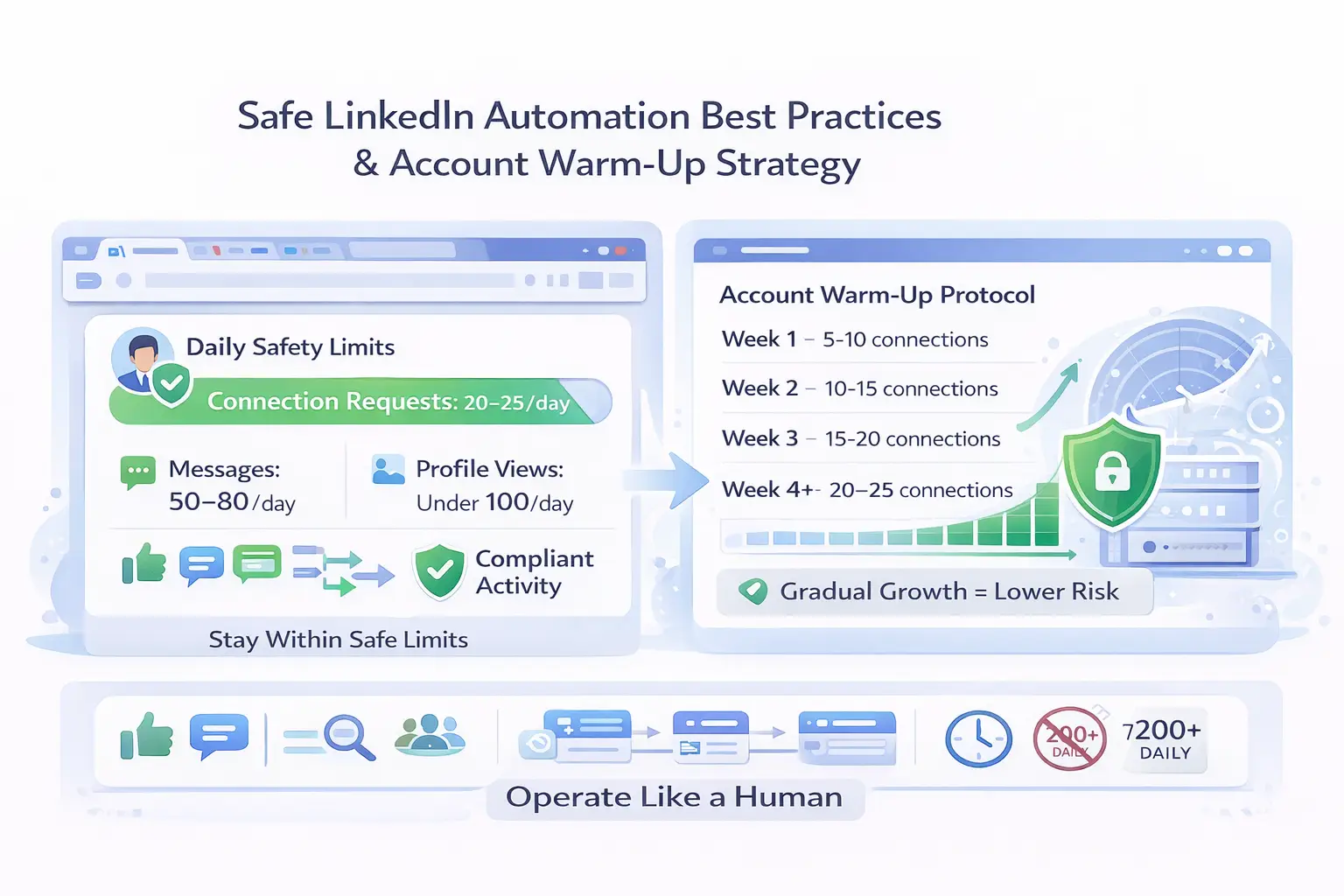
Daily safety limits to follow:
- Connection requests: 20-25 maximum daily
- Messages: 50-80 maximum daily
- Profile views: Stay under 50 daily
- Mix manual activity with automation regularly
Account warm-up protocol:
Week 1: 5-10 connection requests daily
Week 2: 10-15 connection requests daily
Week 3: 15-20 connection requests daily
Week 4+: Maintain 20-25 connection requests daily
Pro Tip: Pause your current automation for 3-5 days before switching to a new tool. This cooling-off period helps reset LinkedIn's detection algorithms.
Best practices that work:
- Engage manually daily: like posts, comment genuinely, share content
- Rotate between Sales Navigator, personal activity, and automation
- Use different message templates for different audience segments
- Avoid activity outside normal business hours in your timezone
- Never promise 200+ connection requests daily
- Follow our LinkedIn automation dos and don'ts to stay compliant.
Red Flags to Watch For in Any Automation Tool
Not sure if your current tool is safe? Watch for these warning signs.
Immediate disqualifiers:
- Account ban guarantees: No tool can guarantee LinkedIn safety
- Unrealistic volume promises: Claims of 100+ daily automated actions
- Generic messaging focus: Tools that don't emphasize personalization
- Poor support reviews: Consistent complaints about customer service
- Hidden costs: Pricing requiring multiple add-ons for full functionality
Making the Switch: Transition Strategy
Moving from Dripify to a safer alternative requires careful planning.
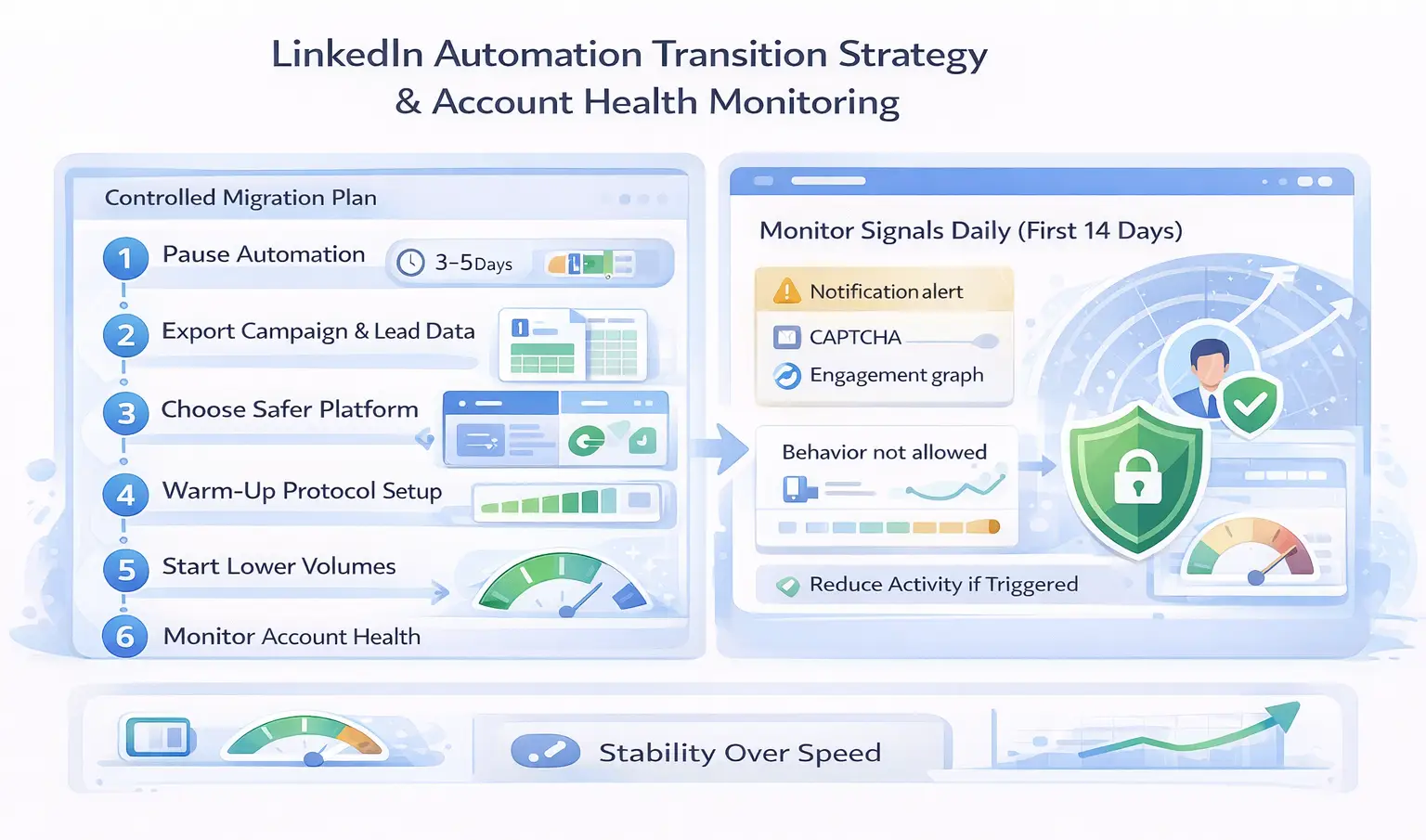
Step-by-step transition:
- Pause all automation immediately for 3-5 days
- Export your campaign data and lead lists from Dripify
- Choose your new platform based on your specific needs and budget
- Set up gradual warm-up protocols in the new tool
- Start with lower volumes than you used previously
- Monitor account health signals daily for the first two weeks
Account health indicators to watch:
- Unusual activity warnings from LinkedIn
- Search limits or frequent CAPTCHAs
- Sharp drops in post or message engagement
- "Behavior not allowed" popups
If you see any of these signals, reduce your activity immediately.
The Smarter Approach: Automation with Safety First
Automation is powerful. Unsafe automation is expensive.
The professionals winning on LinkedIn in 2026 aren't the ones sending the most connection requests. They're the ones building systems that balance automation with authentic engagement.
The winning formula:
- Use cloud-based tools with proven safety infrastructure
- Stay within conservative daily limits
- Mix automation with genuine manual activity
- Personalize at scale, don't spam at scale
- Monitor account health signals constantly
Your LinkedIn account represents years of networking and relationship-building. Protect it with tools built for 2026's detection landscape.
Ready to switch?
Start with a 3-5 day automation pause, then choose a platform with local IP infrastructure and behavior mimicry built in.
Your future self will thank you.
5 FAQs About LinkedIn Automation Safety
Q1: Can any LinkedIn automation tool guarantee my account won't get banned?
No tool can guarantee complete safety because LinkedIn explicitly prohibits third-party automation in their User Agreement. However, cloud-based tools with local IPs and behavior mimicry reduce restriction risks by 40-60% compared to browser extensions. The safest approach combines quality tools with conservative daily limits.
Q2: How long should I wait before using automation on a new LinkedIn account?
Wait at least 2-4 weeks before adding any automation to a new LinkedIn account. Spend this time building your profile, manually connecting with 5-10 people daily, and posting content regularly. This establishes normal activity patterns that make later automation less detectable.
Q3: What are the safest daily limits for LinkedIn automation in 2026?
Stay under 20-25 connection requests daily, 50-80 messages daily, and 50 profile views daily. These limits keep you well within LinkedIn's acceptable activity ranges. Always mix automated actions with manual engagement like commenting and posting.
Q4: Is Bearconnect really safer than Dripify for LinkedIn automation?
Yes. Bearconnect uses local IP connections and behavior mimicry specifically designed to avoid LinkedIn's detection systems. While Dripify users report 23% restriction rates within 90 days, Bearconnect's architecture reduces these risks significantly through dedicated local IPs and smart throttling.
Q5: What should I do immediately if I get a LinkedIn automation warning?
Stop all automation immediately and pause for 3-7 days. Review which actions triggered the warning: sudden volume increases, new tools, or pattern changes. Resume activity manually at much lower volumes, then gradually introduce safer automation tools with conservative limits after the cooling-off period.
Ready to Transform Your LinkedIn Strategy?
Join thousands of professionals already using Bearconnect to automate their outreach and grow their network.
7-day free trial • Cancel anytime
Related Articles
How to Set Up n8n Integration in Bearconnect: Build Self-Hosted LinkedIn Lead Workflows Without Code
Connect Bearconnect with n8n to automate LinkedIn lead workflows using flexible, self-hosted automation. Sync data across your CRM and tools, build custom workflows, and gain full control over your automation setup.
How to Set Up Make Integration in Bearconnect: Build Visual Lead Workflows Across Any App Without Code
Connect Bearconnect with Make to build visual LinkedIn lead workflows across your CRM, Slack, and other tools without code. Automate lead capture, streamline processes, and sync data seamlessly in real time.
How to Set Up Zapier Integration in Bearconnect: Auto-Send Leads to Your CRM, Slack, or Google Sheets
Connect Bearconnect with Zapier to automatically send LinkedIn leads to your CRM, Slack, or Google Sheets. This step-by-step guide helps you streamline workflows, reduce manual work, and capture leads in real time.