50+ LinkedIn Connection Request Message Templates That Get Accepted (2026)
The best LinkedIn connection request message templates share one trait: they make the recipient feel seen, not sold to.
Below are 50+ ready-to-copy templates organized by use case (sales, recruiting, networking, agencies) plus the psychology behind why each one works.
Here are three you can copy right now:
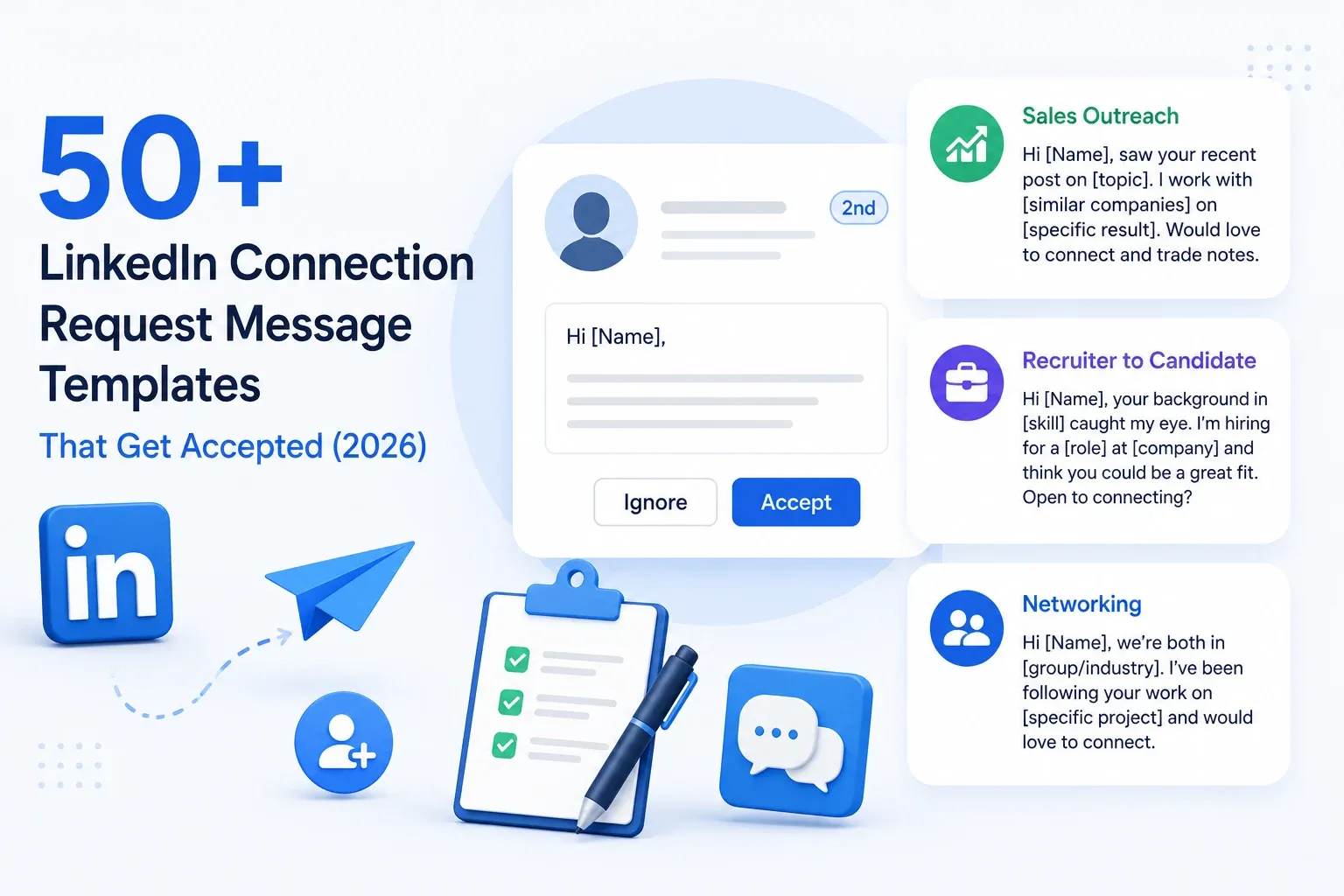
→ Cold sales outreach: "Hi [Name], saw your recent post on [topic]. I work with [similar companies] on [specific result]. Would love to connect and trade notes."
→ Recruiter to candidate: "Hi [Name], your background in [skill] caught my eye. I'm hiring for a [role] at [company] and think you could be a great fit. Open to connecting?"
→ Networking: "Hi [Name], we're both in [group/industry]. I've been following your work on [specific project] and would love to connect."
Personalization is the difference between a 15% acceptance rate and a 45%+ acceptance rate.
TL;DR
- LinkedIn gives you 300 characters (free) or 300 characters (Premium) for connection messages. Every word counts.
- Reference something specific: a post, mutual connection, shared group, or recent job change.
- Templates work best as starting frameworks. Swap in real details before hitting send.
- If you are sending more than 20 requests a day, consider automation with personalization tokens to avoid sounding robotic.
How to Write a LinkedIn Connection Request That Gets Accepted
A connection request gets accepted when the recipient immediately understands why you want to connect and what is in it for them. That is the whole formula.
From my experience, requests with even one personalized detail outperform generic ones by a wide margin. Most benchmarks put personalized acceptance rates between 35% and 55%, compared to under 25% for generic messages.
What to Include in 300 Characters or Less
LinkedIn caps your connection message at 300 characters. That is roughly two short sentences. Here is what to fit in:
- Who you are (one phrase, not your life story)
- Why you are reaching out (specific, not "to expand my network")
- One personal detail (their post, mutual connection, shared industry, or recent achievement)
Skip the flattery. Skip the pitch. Your connection request is a handshake, not a sales call.
The One Thing Every Accepted Request Has in Common
Specificity. Every high-performing connection request I have tested references something only that recipient would recognize.
It signals "I looked at your profile" instead of "I blasted 500 people today."
That one detail is the difference between "Hi, I'd love to connect" (ignored) and "Hi Sarah, your take on ABM at SaaS North was spot on" (accepted).
Pro tip: Before sending any connection request, spend 30 seconds scanning their last three LinkedIn posts or their headline. One detail from that scan is all you need.
LinkedIn Connection Request Templates for Sales and Outreach
These templates are for SDRs, founders, and sales professionals reaching out to prospects. Keep the pitch out of the connection request. Your goal here is to get accepted, not to close a deal.
Cold Outreach to Strangers
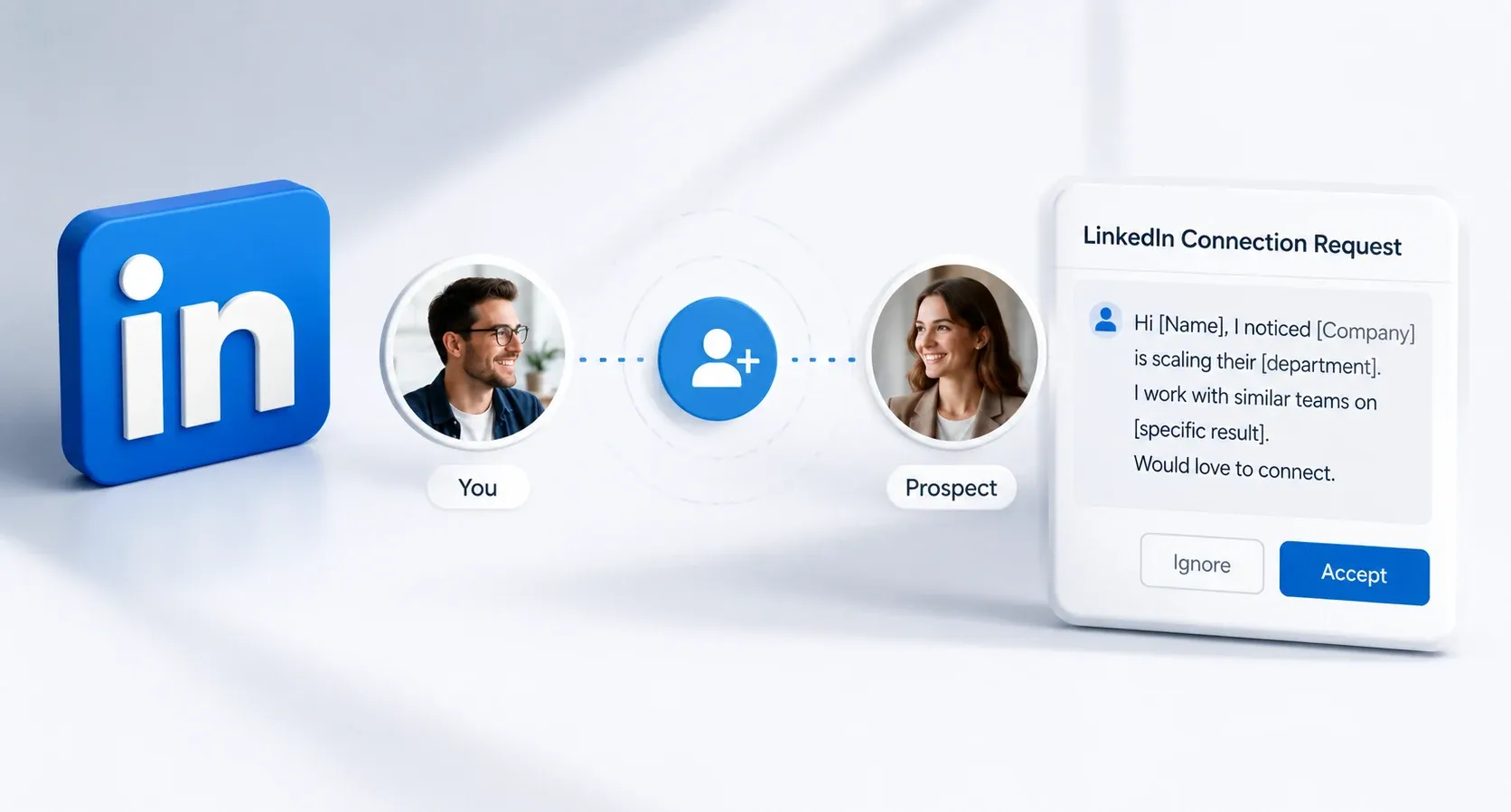
1. "Hi [Name], I noticed [Company] is scaling their [department]. I work with similar teams on [specific result]. Would love to connect."
2. "Hi [Name], your work at [Company] caught my attention. I help [similar role/industry] with [specific outcome]. Happy to share some insights if useful."
3. "Hi [Name], I saw you're hiring for [role]. I work with teams solving [related problem] and thought it'd be great to connect."
4. "Hi [Name], we both work in [industry]. I've been researching [topic] and would love to hear your take."
5. "Hi [Name], came across your profile while researching [industry trend]. Your experience at [Company] stood out. Let's connect."
6. "Hi [Name], saw your comment on [mutual connection]'s post about [topic]. Great perspective. Would love to connect."
Templates for Warm Leads (Mutual Connection, Shared Group, Post Engager)
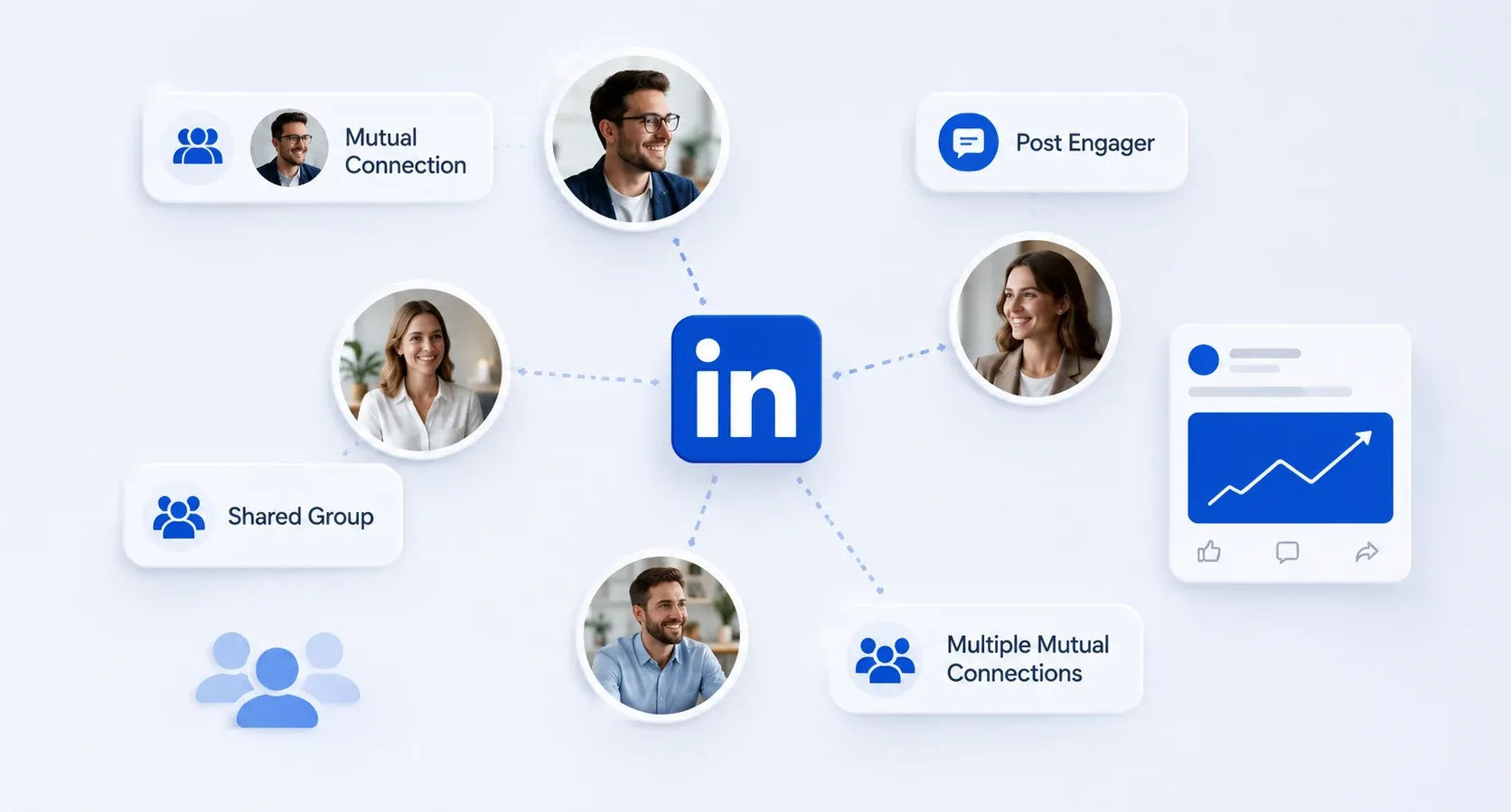
7. "Hi [Name], we're both connected with [mutual connection]. They've spoken highly of your work at [Company]. Let's connect."
8. "Hi [Name], noticed we're both in the [LinkedIn Group] group. Your insights on [topic] have been helpful. Would love to connect directly."
9. "Hi [Name], [mutual connection] suggested I reach out. I'm working on [specific project] and think we could help each other."
10. "Hi [Name], I saw you liked [mutual connection]'s post on [topic]. I'm working on something similar. Would love to connect."
11. "Hi [Name], we share [number] mutual connections in [industry]. Figured it made sense to connect directly."
Templates That Reference a Recent Post or Activity
12. "Hi [Name], your post on [topic] was one of the best takes I've read this week. Would love to follow your content more closely."
13. "Hi [Name], your breakdown of [specific topic] really resonated. I've been testing something similar at [my company]. Let's connect."
14. "Hi [Name], your recent article on [topic] challenged my thinking on [specific point]. Would love to connect and continue the conversation."
15. "Hi [Name], noticed you just launched [product/initiative]. Congrats. I'm in a similar space and would love to follow your journey."
16. "Hi [Name], your comment on [post] about [insight] was the most useful thing I read today. Let's connect."
17. "Hi [Name], I shared your post on [topic] with my team last week. It sparked a great conversation. Would love to connect."
That one template (#12) consistently pulls the highest acceptance rates in my outreach. People love knowing their content landed.
Your invite copy can be shorter when you already know what a LinkedIn Open Networker is and how open they are to new contacts.
LinkedIn Connection Request Templates for Recruiters and Job Seekers
Recruiting messages need a different tone. Candidates are wary of generic recruiter spam, and recruiters are flooded with desperate pitches. Specificity wins both ways.
Reaching Out to a Recruiter
18. "Hi [Name], I'm a [role] with [X years] in [industry]. I see you recruit for [type of company]. Would love to connect in case there's a fit."
19. "Hi [Name], I noticed you specialize in [industry/role type] recruitment. I'm currently exploring new opportunities and would love to connect."
20. "Hi [Name], I've been following [Company]'s growth. If you're hiring for [department], I'd love to be on your radar."
21. "Hi [Name], [mutual connection] mentioned you as a great contact in [industry] recruiting. Would love to connect."
22. "Hi [Name], I recently completed [certification/project] in [field]. I see you place candidates in this space. Happy to connect."
Recruiter Reaching Out to a Candidate
23. "Hi [Name], your experience in [specific skill] is exactly what we're looking for at [Company]. Would love to chat about a [role] we're filling."
24. "Hi [Name], I came across your profile while sourcing for a [role]. Your background at [Company] is impressive. Open to connecting?"
25. "Hi [Name], we're building a [team type] at [Company] and your work on [project/skill] stood out. Let's connect."
26. "Hi [Name], [mutual connection] recommended you for a role we're hiring for. Would love to connect and share details."
27. "Hi [Name], your [certification/skill] background is rare. I'd love to connect and keep you in mind for roles at [Company]."
28. "Hi [Name], I recruit for [industry] roles and your profile shows exactly the kind of experience our clients look for. Open to connecting?"
For a deeper look at structuring outreach specifically for hiring use cases, see this guide on LinkedIn outreach for recruiters.
LinkedIn Connection Request Templates for Networking and Career Growth
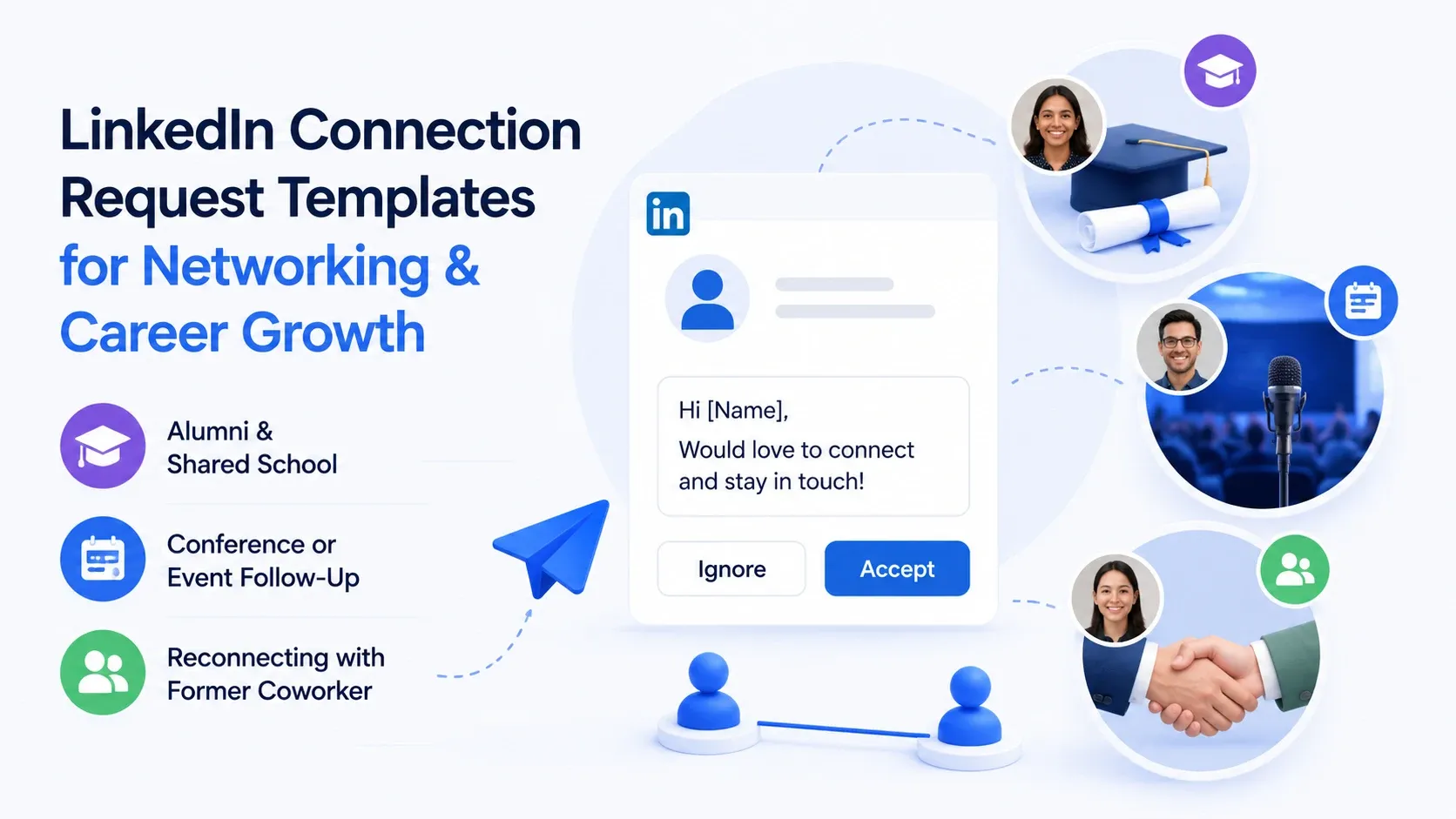
Not every connection request is about sales or jobs. Some of the most valuable LinkedIn connections come from genuine professional curiosity.
Alumni and Shared School/Program
29. "Hi [Name], fellow [University] alum here! I graduated in [year] with a [degree]. Would love to connect and stay in touch."
30. "Hi [Name], noticed we both went through [program/bootcamp]. How has your experience been applying [skill] since graduating?"
31. "Hi [Name], I saw you also studied [major] at [University]. Small world. Let's connect."
Conference or Event Follow-Up
32. "Hi [Name], great meeting you at [event] last week. Enjoyed our conversation about [topic]. Let's stay connected."
33. "Hi [Name], I attended your session on [topic] at [event]. Your point about [specific insight] really stuck with me. Would love to connect."
34. "Hi [Name], we didn't get to chat at [event], but your talk on [topic] was a highlight. Let's connect here."
For a ready-made sequence covering this exact scenario, check out LinkedIn event follow-up automation.
Reconnecting with a Former Coworker
35. "Hi [Name], it's been a while since our time at [Company]. I saw you moved to [new company]. Congrats. Let's reconnect."
36. "Hi [Name], loved working with you on [project] at [Company]. Would be great to stay connected."
37. "Hi [Name], I noticed you're now leading [team/initiative] at [Company]. That's exciting. Let's catch up."
LinkedIn Connection Request Templates for Agencies and Client Outreach
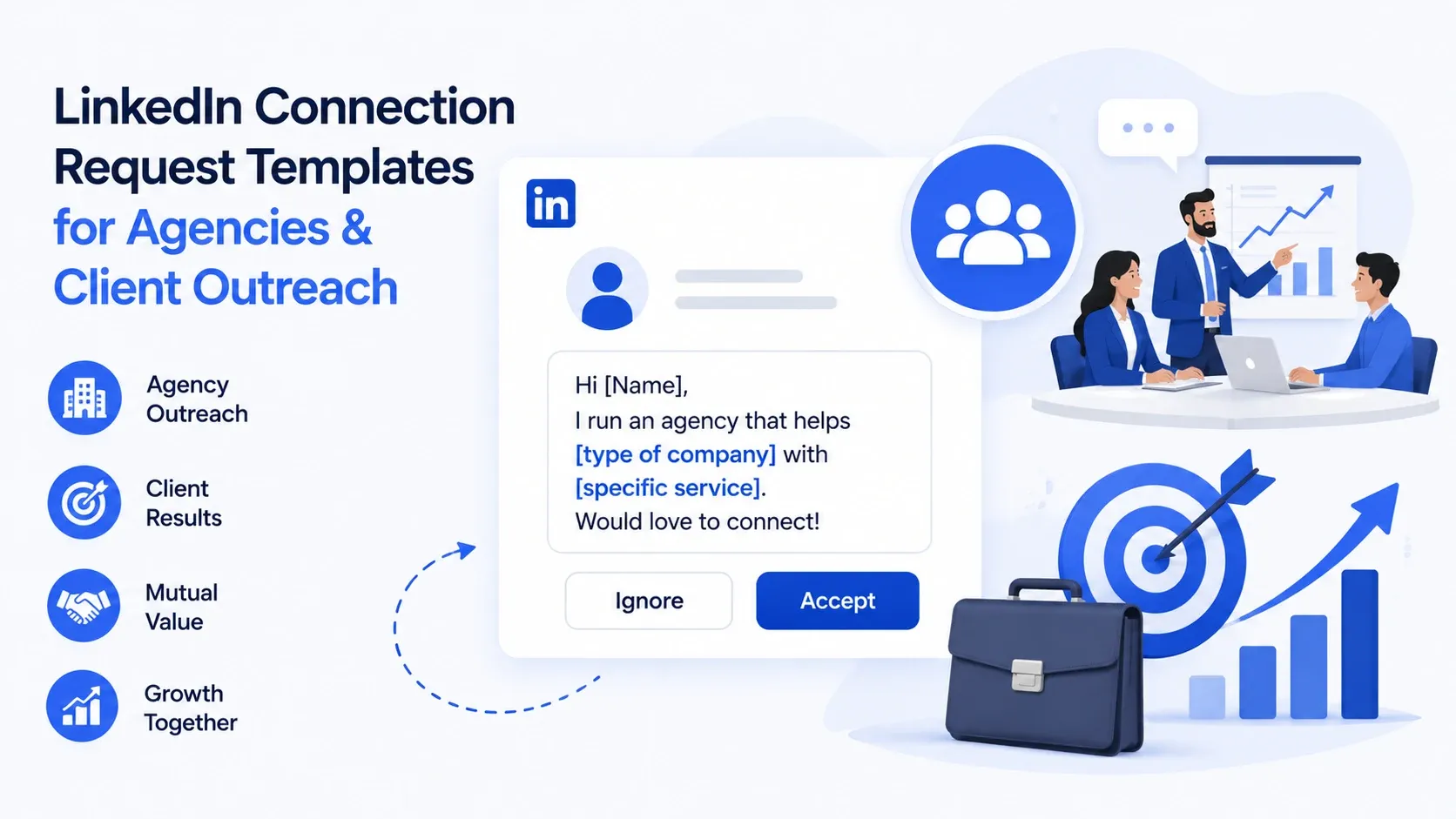
Agency operators send requests on behalf of clients or for their own business development. The challenge: you are connecting with people who know what outreach looks like.
38. "Hi [Name], I run an agency that helps [type of company] with [specific service]. I've been following [Company]'s approach to [area] and would love to connect."
39. "Hi [Name], I noticed [Company] recently [trigger event]. We help similar companies with [outcome]. Happy to connect and share a few ideas."
40. "Hi [Name], your work at [Company] is impressive. We specialize in [niche] and I thought connecting could be mutually beneficial."
41. "Hi [Name], [mutual connection] suggested I reach out. My agency focuses on [service] for [industry]. Let's connect."
42. "Hi [Name], I help [company type] generate [specific result] using LinkedIn. Would love to connect and learn more about your goals at [Company]."
43. "Hi [Name], saw your post about [challenge]. We solved something similar for [similar company]. Happy to share what worked."
44. "Hi [Name], I lead [Agency Name] and we've helped [similar companies] with [specific outcome]. Would love to connect."
45. "Hi [Name], noticed [Company] is expanding into [market/region]. We've helped teams navigate that transition. Let's connect."
46. "Hi [Name], I've helped several [industry] companies improve their LinkedIn outreach results. Would love to connect and see if there's synergy."
47. "Hi [Name], your team's approach to [specific strategy] is impressive. I work with similar companies on scaling that. Happy to exchange ideas."
48. "Hi [Name], I noticed we serve overlapping audiences. Connecting could open up partnership opportunities for both of us."
If you are running this at scale across multiple client accounts, this breakdown on how agencies run LinkedIn outreach for clients covers the workflow in more depth.
How Bearconnect's AI Writes On-Brand Connection Requests for You
Picking the right template is half the battle. Writing 50 personalized versions of it without sounding like a robot is the other half.
Bearconnect's AI handles this by learning your brand voice first, not generic LinkedIn copywriting patterns.
Here is what that actually looks like inside a drip campaign:
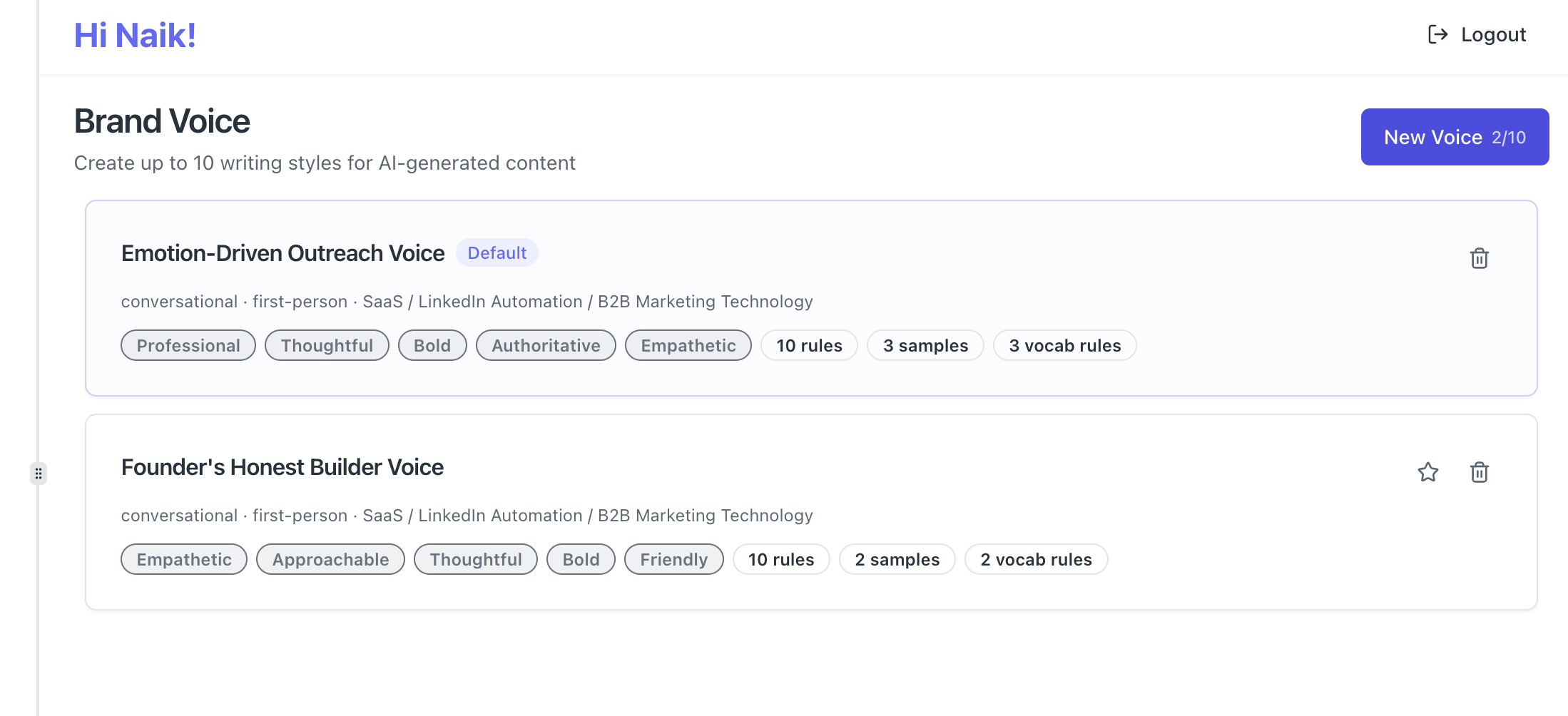
- Brand voice setup once, applied everywhere. Train the AI on your tone (formal, casual, witty, direct) and it carries that voice across every message in the sequence, not just the first one.
- AI-generated connection requests pulled from real signals. Instead of a static [Name] and [Company] template, Bearconnect's AI references the prospect's recent posts, job title, or industry to draft a first-touch message that reads as researched.
- Multi-step sequences built around the 300-character limit. The connection request, the Day 1 thank-you, the Day 3 value-add, and the Day 7 soft ask are all generated together so the tone stays consistent from first touch to soft pitch.
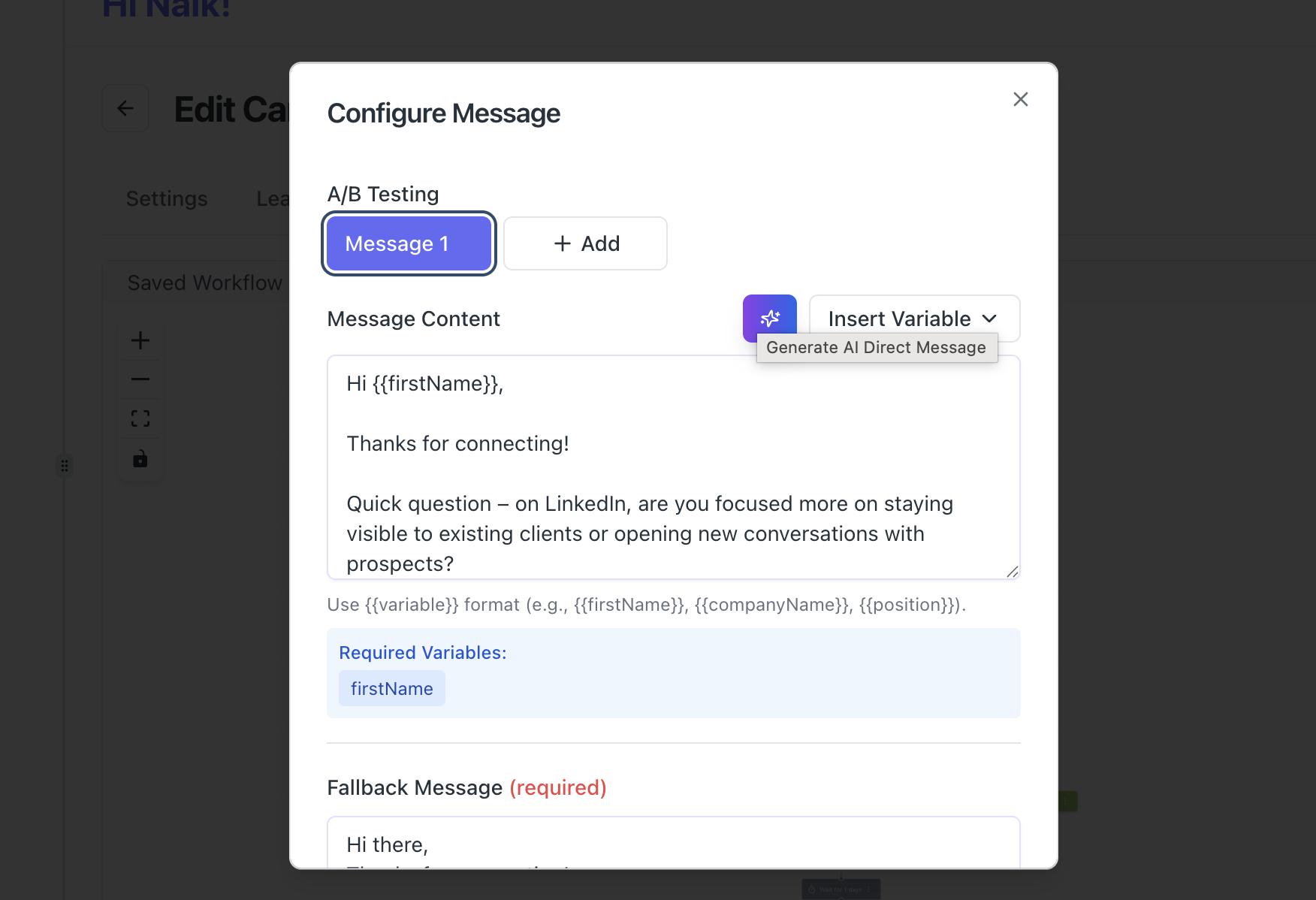
- Dynamic personalization tokens, written intelligently. Tokens like first name and company are not just inserted into a fixed sentence. The AI adjusts sentence structure around them so messages do not all read like the same mail-merge.
- A/B testing built into the sequence builder. Run two AI-written variations of the same connection request across a segment and let response data tell you which voice converts better, instead of guessing.
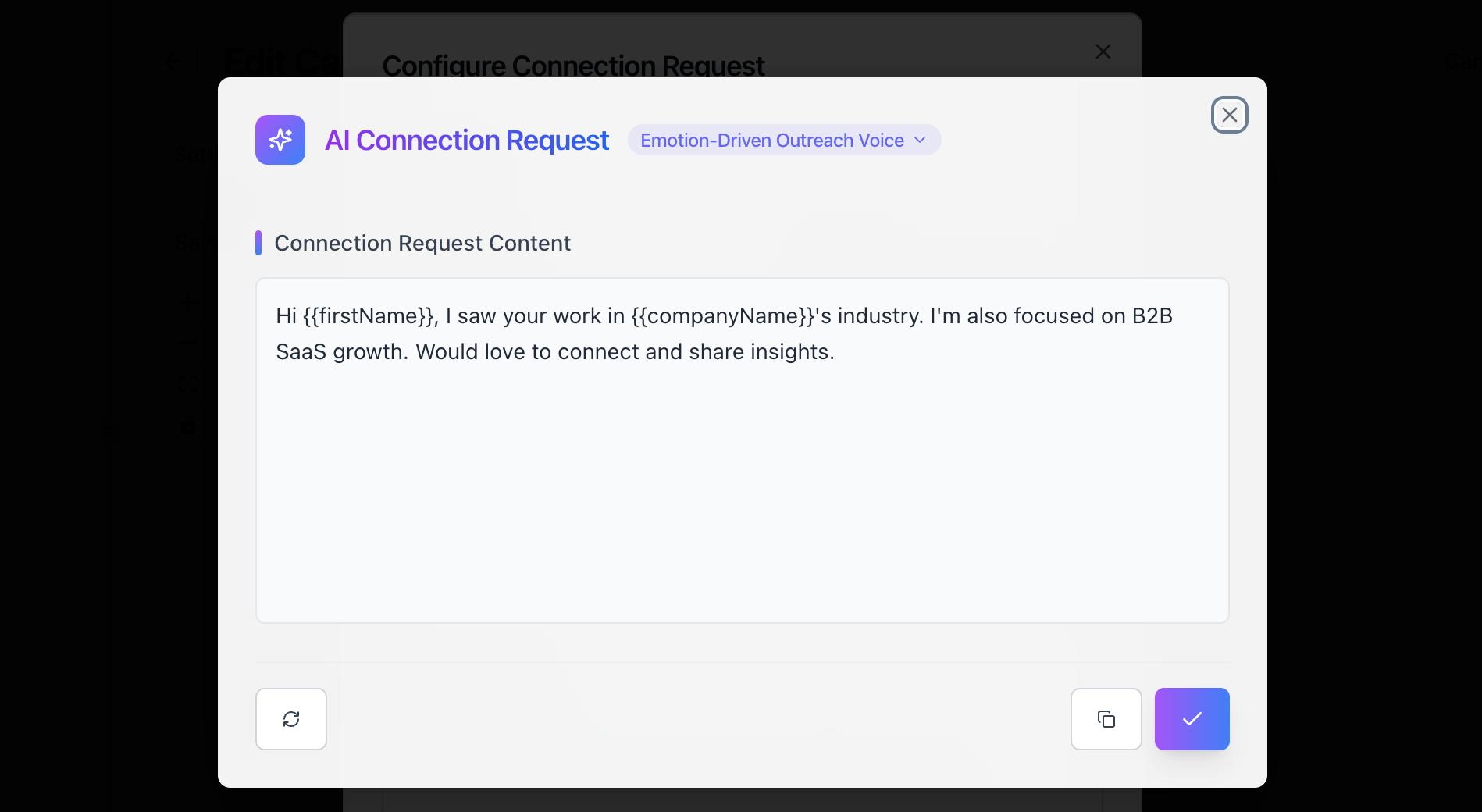
The result is a drip sequence where the recipient never feels like message three was written by a different person than message one. That consistency is what separates outreach that gets read from outreach that gets reported.
For more on this, see how to set up AI-assisted LinkedIn outreach.
5 Connection Request Mistakes That Get You Ignored (or Reported)
Most connection requests fail for the same five reasons. Avoid these and you are already ahead of 80% of LinkedIn users.
| Mistake | Why It Fails | Fix |
|---|---|---|
| Sending a blank request to a stranger | No context, no reason to accept | Add a 1-2 sentence personalized note |
| Pitching in the connection request | Feels pushy before trust is built | Save the pitch for after they accept |
| Using the same message for everyone | Screams automation and laziness | Swap in at least one unique detail |
| Writing more than 300 characters of fluff | You cannot. LinkedIn cuts you off | Get to the point in two sentences |
| Connecting with no clear reason | "I'd love to expand my network" means nothing | State a specific reason: shared interest, mutual contact, or relevant work |
Wait, you might be thinking: "But I've seen people pitch in connection requests and get results."
Sure. It happens. But it works only when the pitch is hyper-relevant and the timing is perfect. For every one that works, fifty get ignored. The safer play is to connect first, then pitch in your follow-up message.
If you want to avoid LinkedIn flagging your account altogether, this guide on LinkedIn jail and avoiding automation restrictions is worth a read.
What to Send After They Accept Your Request
The connection request is step one. The real conversation starts after they click accept.
Most people immediately send a 500-word pitch. Do not do this. Your first follow-up should continue the warmth of your connection request, not nuke it with a sales deck.
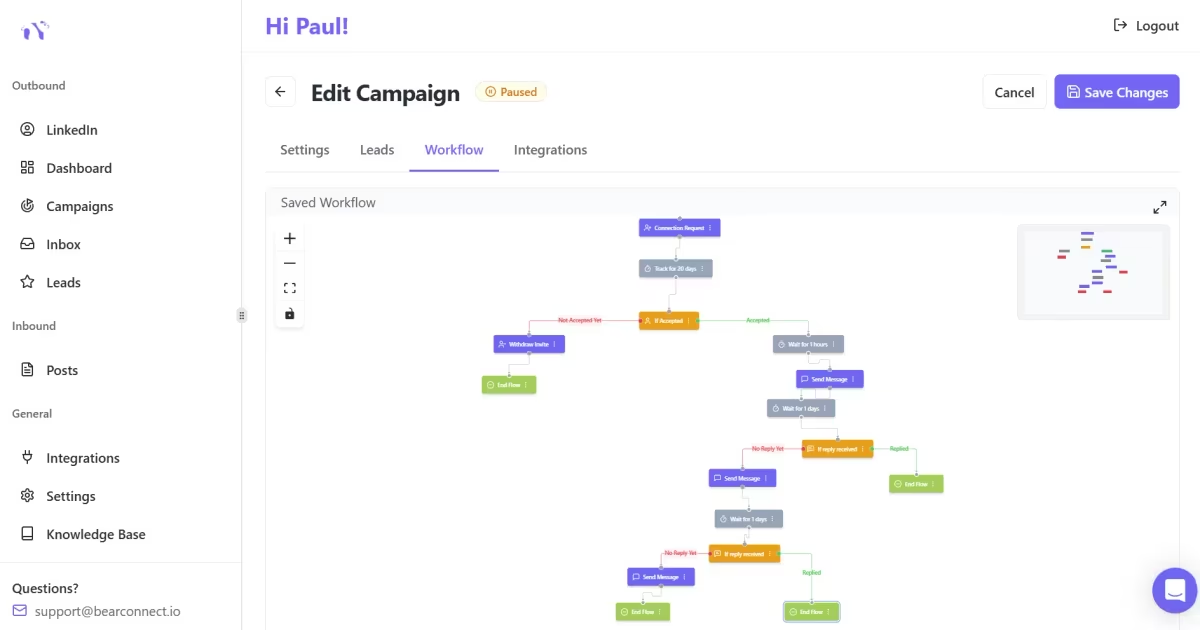
A simple three-touch framework:
- Day 1 (after acceptance): Thank them. Reference your connection request. Share one helpful resource with no strings attached.
- Day 3 to 5: Add value. Send a relevant insight or question related to their work. No pitch yet.
- Day 7 to 14: Make a soft ask. Suggest a quick call or share how you helped someone similar. Keep it under 4 sentences.
This is where templates become sequences. And sequences are where most people run into a time problem. Manually following up with 30 to 50 new connections per week takes hours.
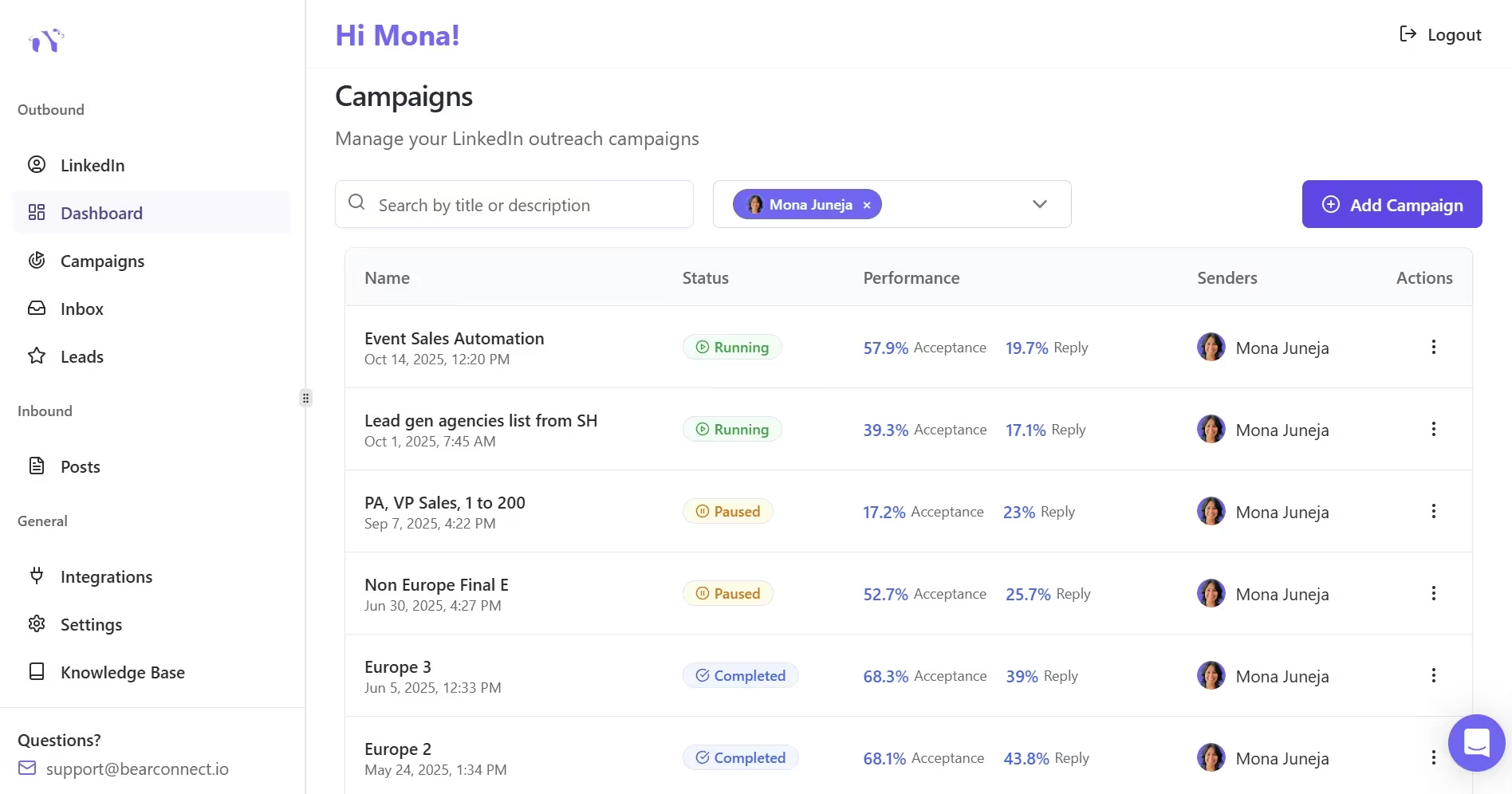
Tools like Bearconnect solve this by letting you build drip sequences with personalization tokens that auto-insert names, companies, and custom fields into each message.
- Your outreach looks personal because it is built on a personal template. It just runs automatically.
- You can learn more about writing LinkedIn connection requests that do not get ignored on the Bearconnect blog.
How to Send These Templates at Scale Without Sounding Robotic
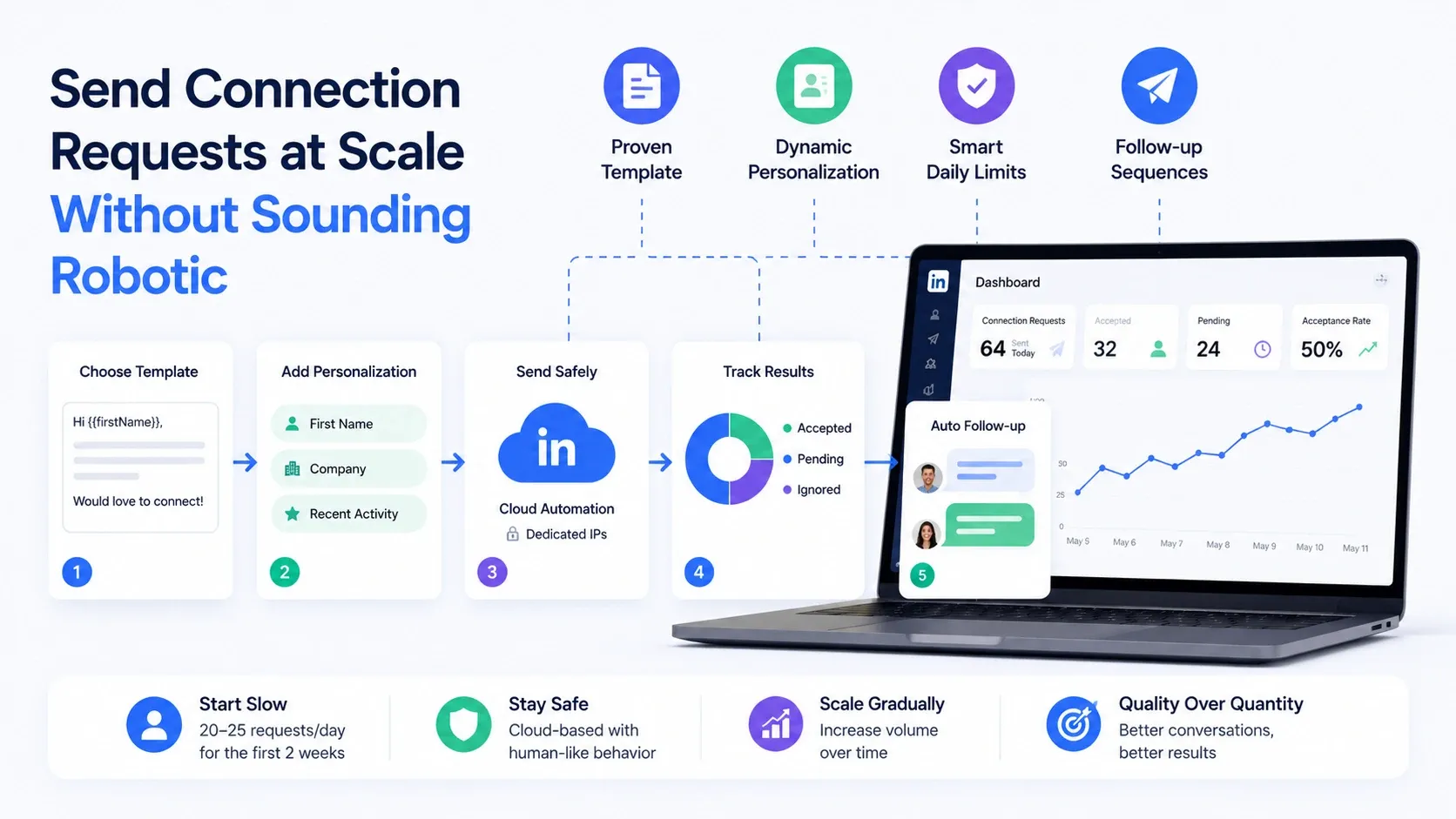
The right template means nothing if you are copying and pasting it 50 times a day with the same [Name] placeholder.
Scaling connection requests works when you combine:
- A proven template (like the ones above)
- Dynamic personalization (first name, company, recent activity pulled automatically)
- Smart daily limits (20 to 25 requests per day depending on your account age)
- Follow-up sequences that trigger only when someone accepts
Cloud-based LinkedIn automation platforms handle this using dedicated IPs and human-like behavior patterns to keep your account safe. For a side-by-side on why cloud-based wins here, see cloud-based vs browser LinkedIn automation.
Pro tip: Start with 15 to 20 connection requests per day for the first two weeks, then gradually increase. Sudden spikes trigger LinkedIn's safety systems.
For a deeper breakdown of safe automation tools, check out this guide on safe LinkedIn automation tools for smarter outreach.
FAQs
1. How many characters can a LinkedIn connection request be?
LinkedIn allows up to 300 characters for connection request messages, regardless of whether you have a free or Premium account. That is roughly two short sentences. Write your most important point first because character limits force brevity.
2. How many connection requests can I send per week on LinkedIn?
LinkedIn limits most accounts to roughly 100 connection requests per week. Newer accounts or accounts with low acceptance rates may face stricter limits. Staying within 20 to 25 requests per day is a safe starting point.
3. What is a good LinkedIn connection acceptance rate?
The average acceptance rate across LinkedIn sits around 25% to 30%. With personalized messages, you can push this to 35% to 55% depending on your targeting quality and message relevance. Anything below 20% means your messaging or audience targeting needs work.
4. Can I edit or withdraw a LinkedIn connection request after sending it?
You cannot edit a sent connection request, but you can withdraw it. Go to My Network, then Manage, then Sent, and click Withdraw. Keep in mind that withdrawing a request means you cannot resend it to that person for up to three weeks. For the full step-by-step, see how to withdraw LinkedIn connection requests.
Start Connecting Smarter
These 50+ LinkedIn connection request message templates cover every scenario: cold outreach, recruiting, networking, alumni connections, and agency prospecting.
The templates are your starting point. Personalization is what makes them work. Pick three templates from this list, customize them for your next 10 connection requests, and track your acceptance rates. You will see the difference in a week.
If you want to scale from there, Bearconnect's 7-day free trial lets you test drip sequences, personalization tokens, and multi-account management.
See full Bearconnect pricing for details.
Ready to Transform Your LinkedIn Strategy?
Join thousands of professionals already using Bearconnect to automate their outreach and grow their network.
7-day free trial • Cancel anytime
Related Articles
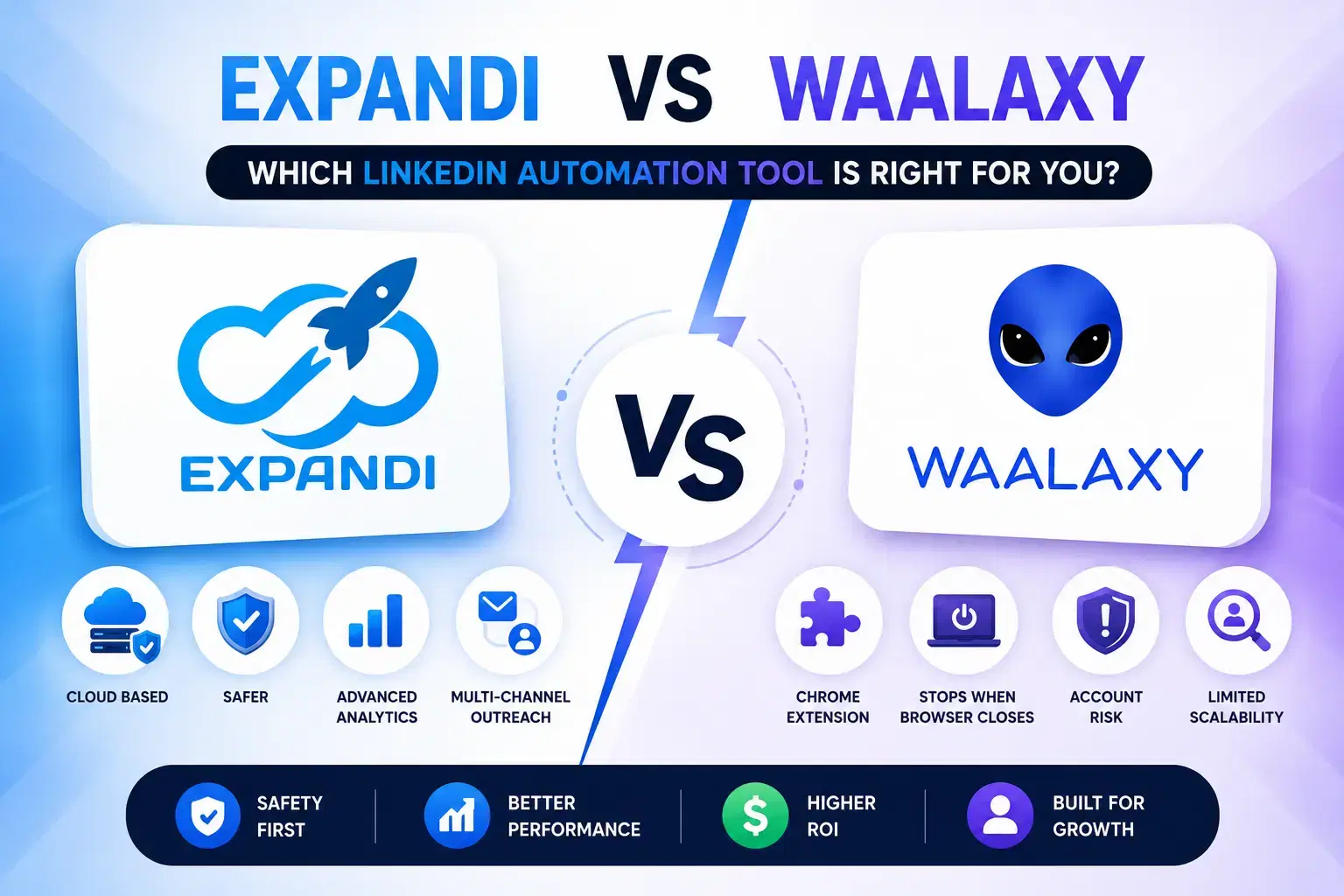
Expandi vs Waalaxy: Which LinkedIn Automation Tool Is Right For You?
Expandi vs Waalaxy comparison for LinkedIn automation. Explore pricing, safety, features, and find the best tool for scaling outreach in 2026.
Best LinkedIn Sales Automation Tools to Book More Meetings in 2026
Looking for LinkedIn sales automation tools that actually fill your calendar? We broke down the top platforms for 2026 by features, pricing, and meeting-booking ROI.
Best LinkedIn Analytics Tools to Track Outreach and Growth in 2026
Tracking LinkedIn outreach without the right analytics is just guessing. Here are the best LinkedIn analytics tools in 2026, ranked for sales teams, agencies, and founders who want real pipeline data, not vanity metrics.