LinkedIn Profile View Notifications: What They Mean and How to Turn Them Into Leads
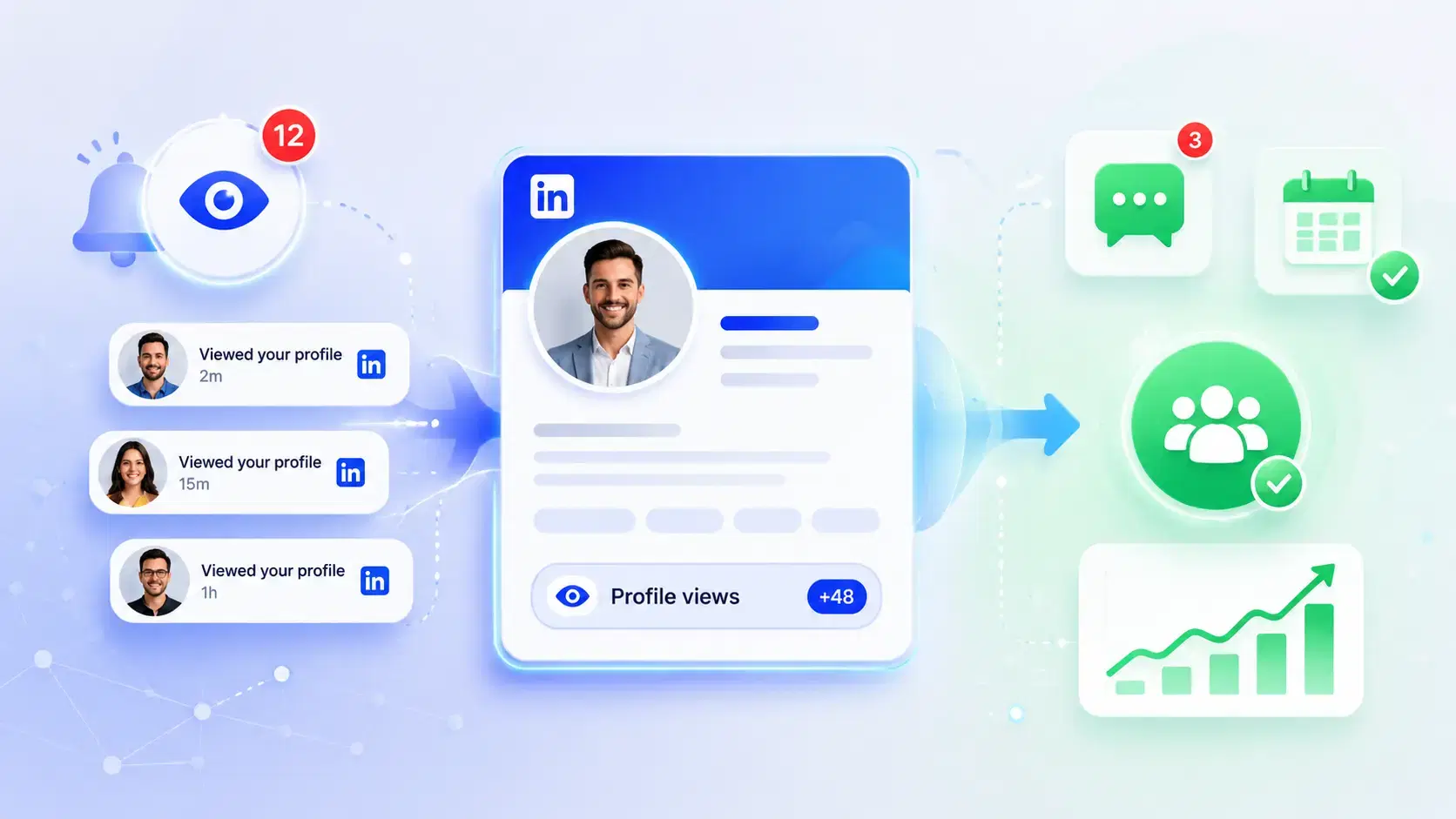
LinkedIn profile view notifications tell you someone checked your profile, and they can signal real buying interest if you read them the right way. Use them as a warm lead signal, then follow up fast with a relevant message.
TL;DR
- Profile view notifications mean your profile got attention, but not every view is a buyer.
- Free LinkedIn accounts usually show only a limited viewer list, while Premium gives deeper viewer history and filters.
- The best way to turn views into leads is to check context, look for patterns, and send a simple, useful follow-up.
- Search appearances and profile views are different. Search appearances show discovery, profile views show interest.
- If you get many views, you need a repeatable process. That is where Bearconnect can help you follow up without losing warm leads.
What these LinkedIn Profile notifications mean?
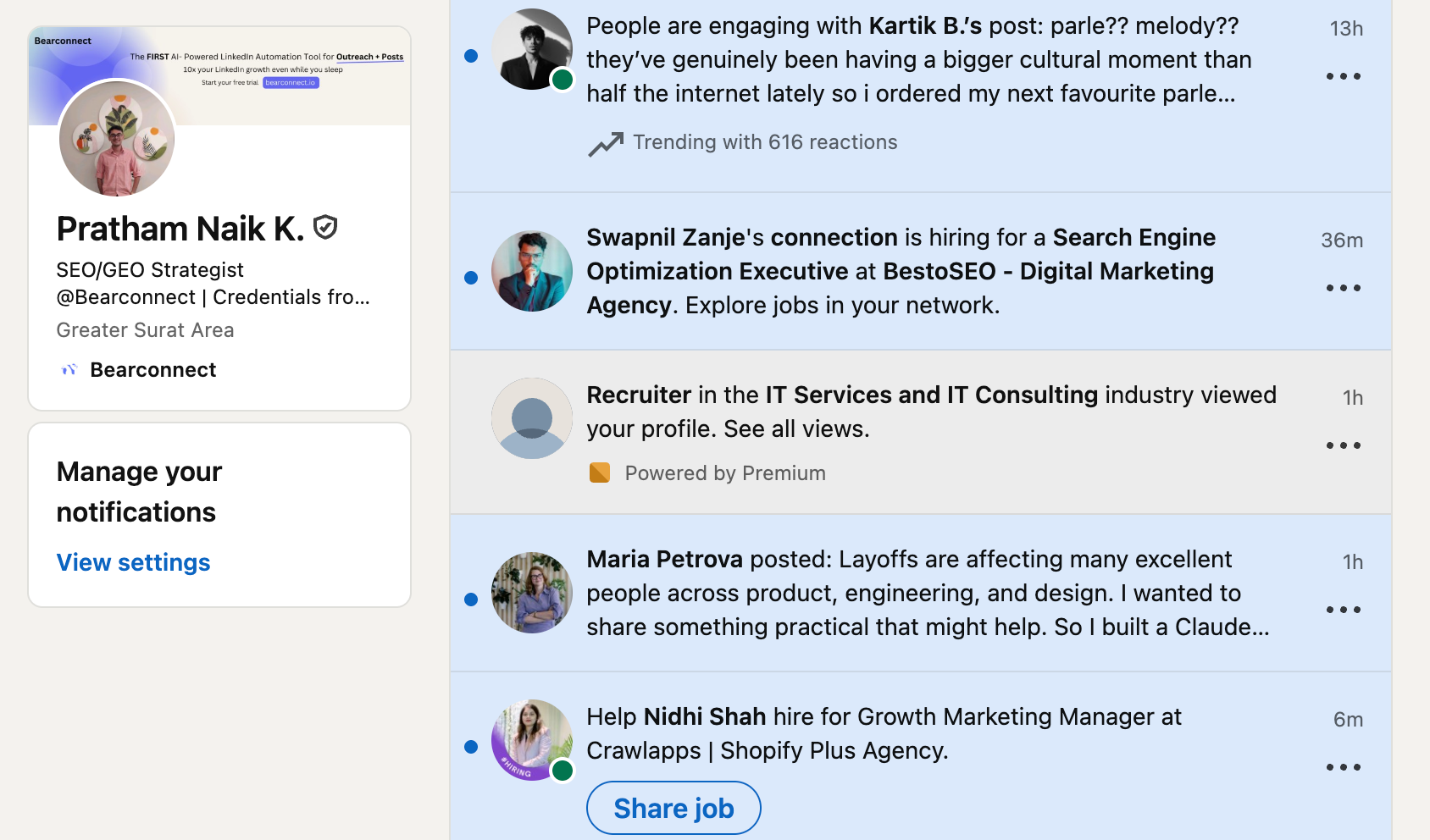
A LinkedIn profile view notification means your profile showed up on someone’s screen and they opened it. That person may be a prospect, recruiter, competitor, partner, or just a curious visitor.
If you want a deeper breakdown of viewer identity, read Does LinkedIn Show Who Viewed Your Profile?.
This matters because profile views often happen after a trigger. The trigger can be a post, a comment, a connection request, a shared group, or a search result.
What a view can signal
A profile view can mean:
- They found your content useful.
- They searched for your role or keywords.
- They checked you after seeing your comment or connection request.
- They are comparing vendors, candidates, or service providers.
- They want to know who you are before replying or buying.
Real-world scenario
A founder posts about reducing sales manual work. A sales manager views the profile the same day. That view may look small, but it often means interest at the problem level.
If you want to understand the limits of viewer visibility, see How to See LinkedIn Profile Viewers Without Premium.
Why Some Profile Viewers Appear Anonymous
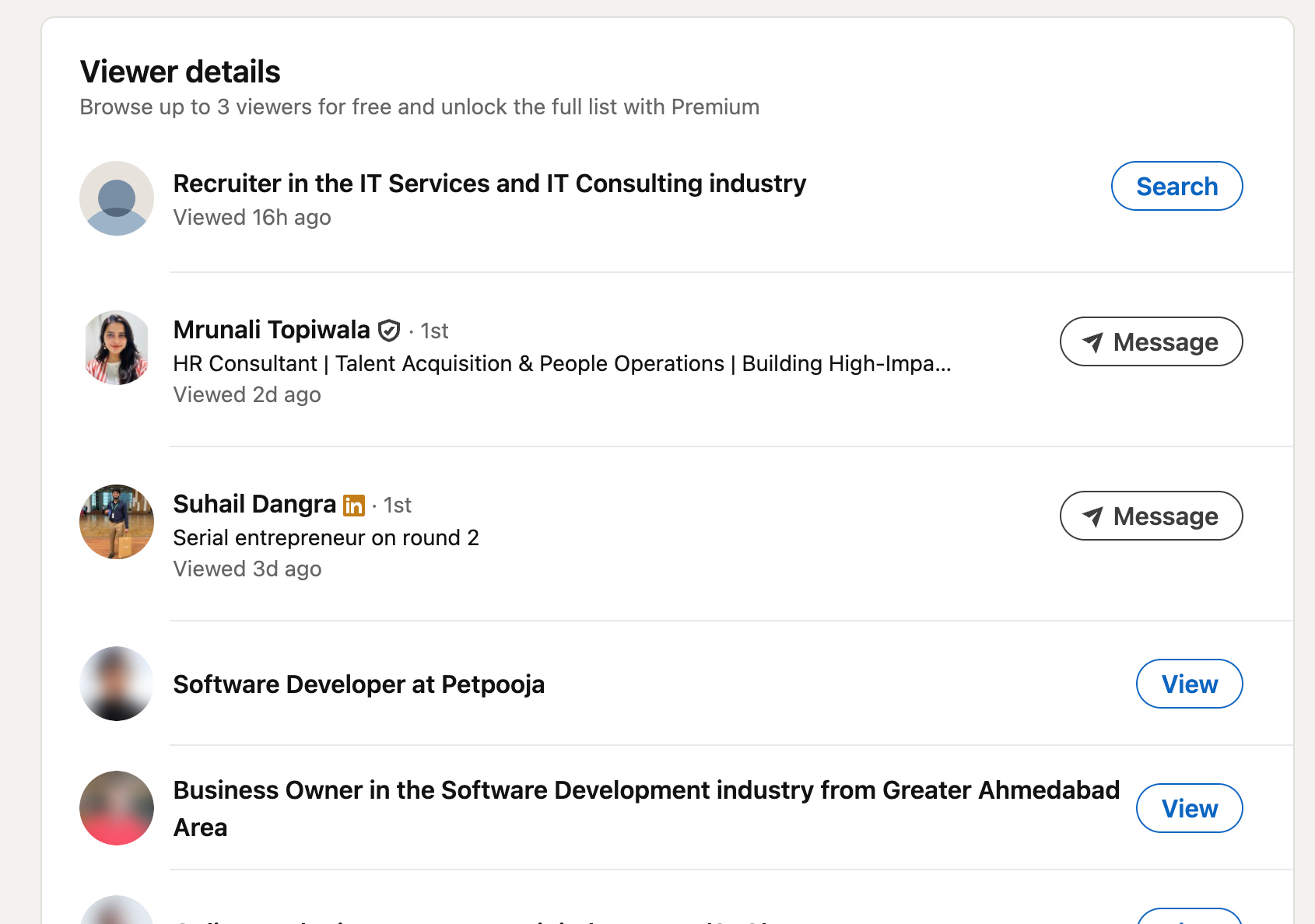
LinkedIn shows different levels of viewer identity based on privacy settings. Some viewers reveal their name and headline, some show partial details, and some appear as “LinkedIn Member.”
If you want to control how you appear when you browse, review LinkedIn’s privacy settings in Does LinkedIn Show Who Viewed Your Profile?.
Who viewed my LinkedIn profile
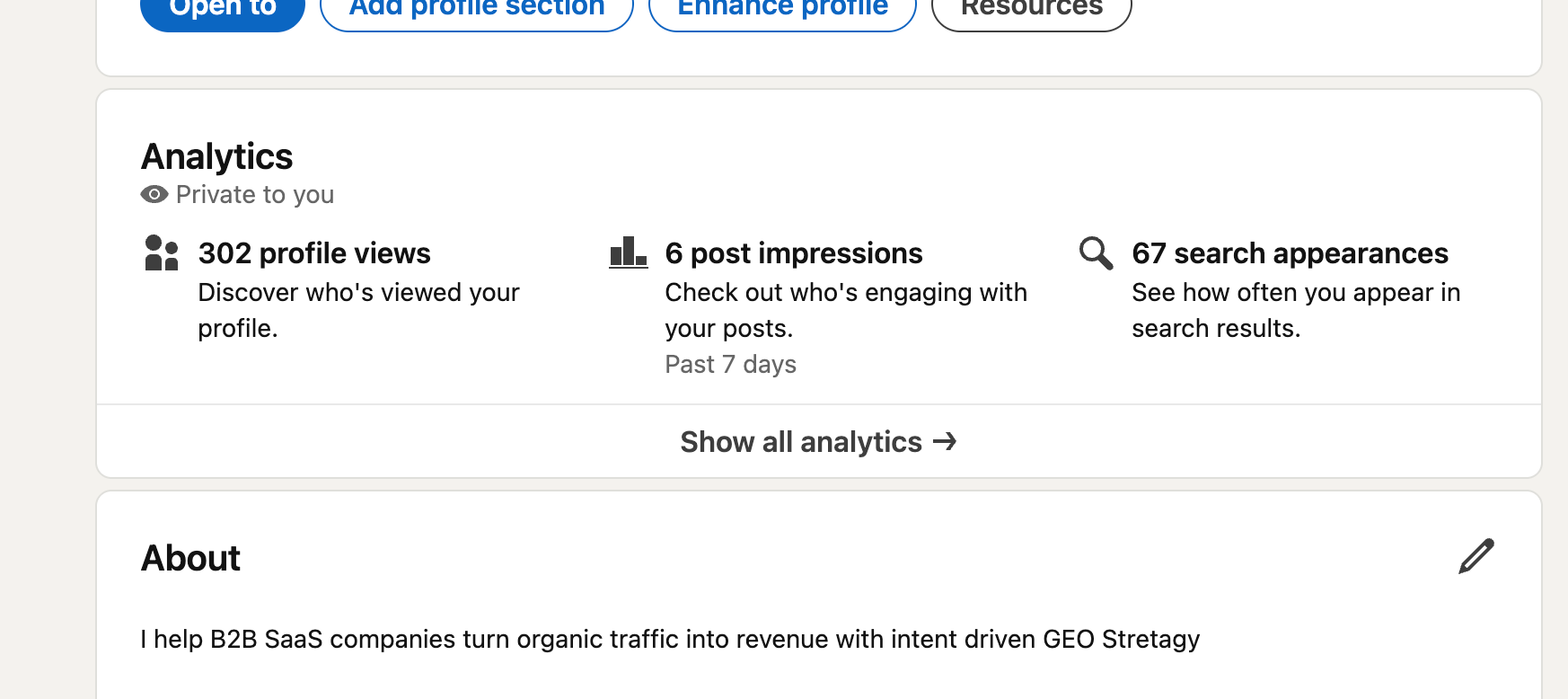
This is one of the most common questions because people want names, not just numbers.
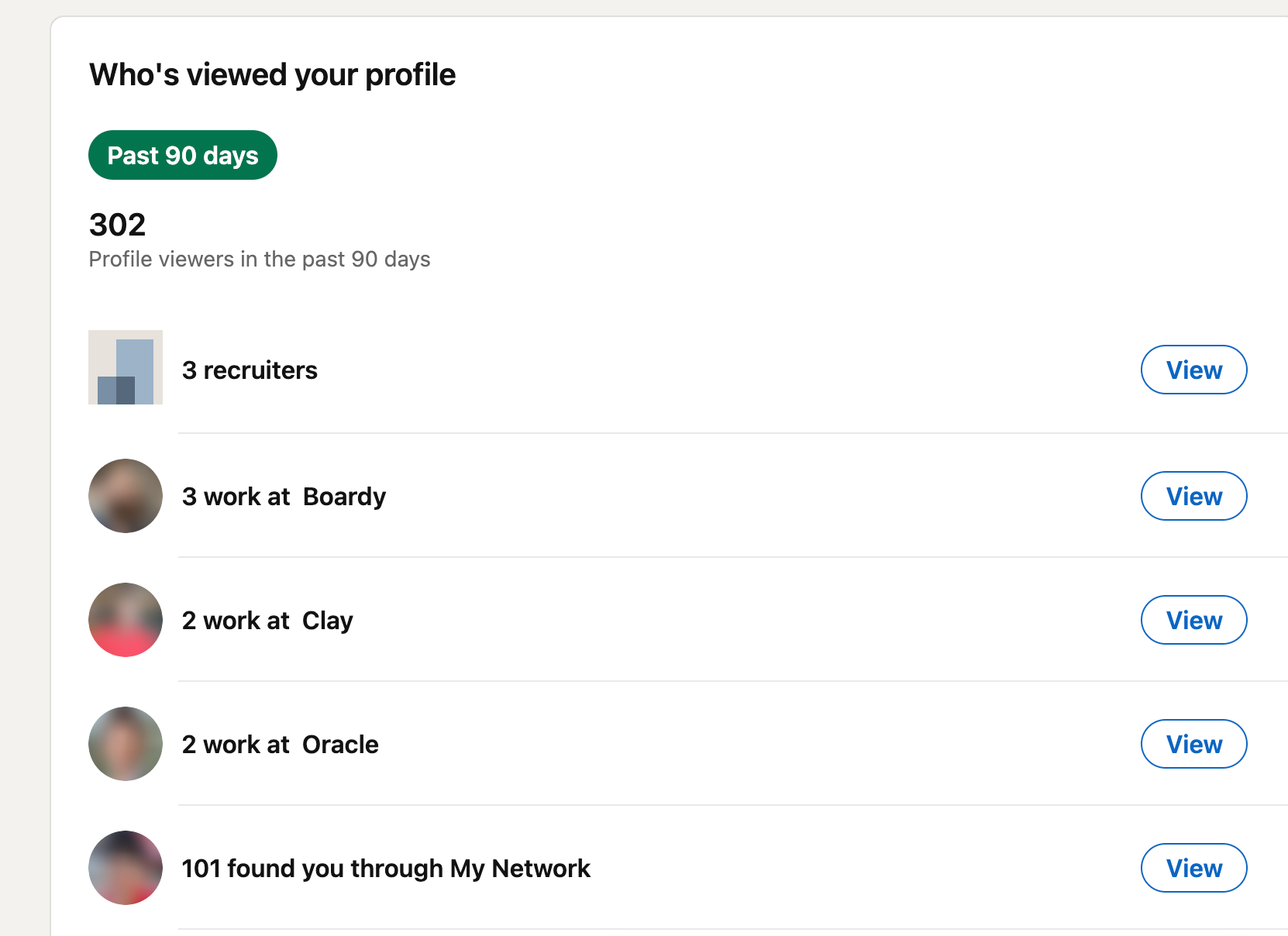
LinkedIn lets you see viewer insights, but free accounts usually show only a limited set of recent viewers, while Premium provides more history and filters.
That limitation changes how you should think about the data. Do not treat the viewer list as a full report. Treat it as a lead signal and a prioritization tool.
To see what free accounts hide, read How to See LinkedIn Profile Viewers Without Premium.
What to check first
Look at:
- Job title.
- Company.
- Industry.
- Location.
- Whether they match your target customer profile.
If the viewer matches your ideal customer, take action fast. If the viewer is unrelated, ignore it or use it as a soft signal that your profile has broader reach.
Pro tip
Check your viewer list daily or at least every few days. That helps you catch names before they fall off the free viewer window.
Can People See When You View Their Profile?
Yes, if your profile viewing mode allows it. If you want to browse quietly, LinkedIn lets you change your visibility settings in profile viewing options. For a fuller privacy view, read Does LinkedIn Show Who Viewed Your Profile?.
Profile views vs search appearances
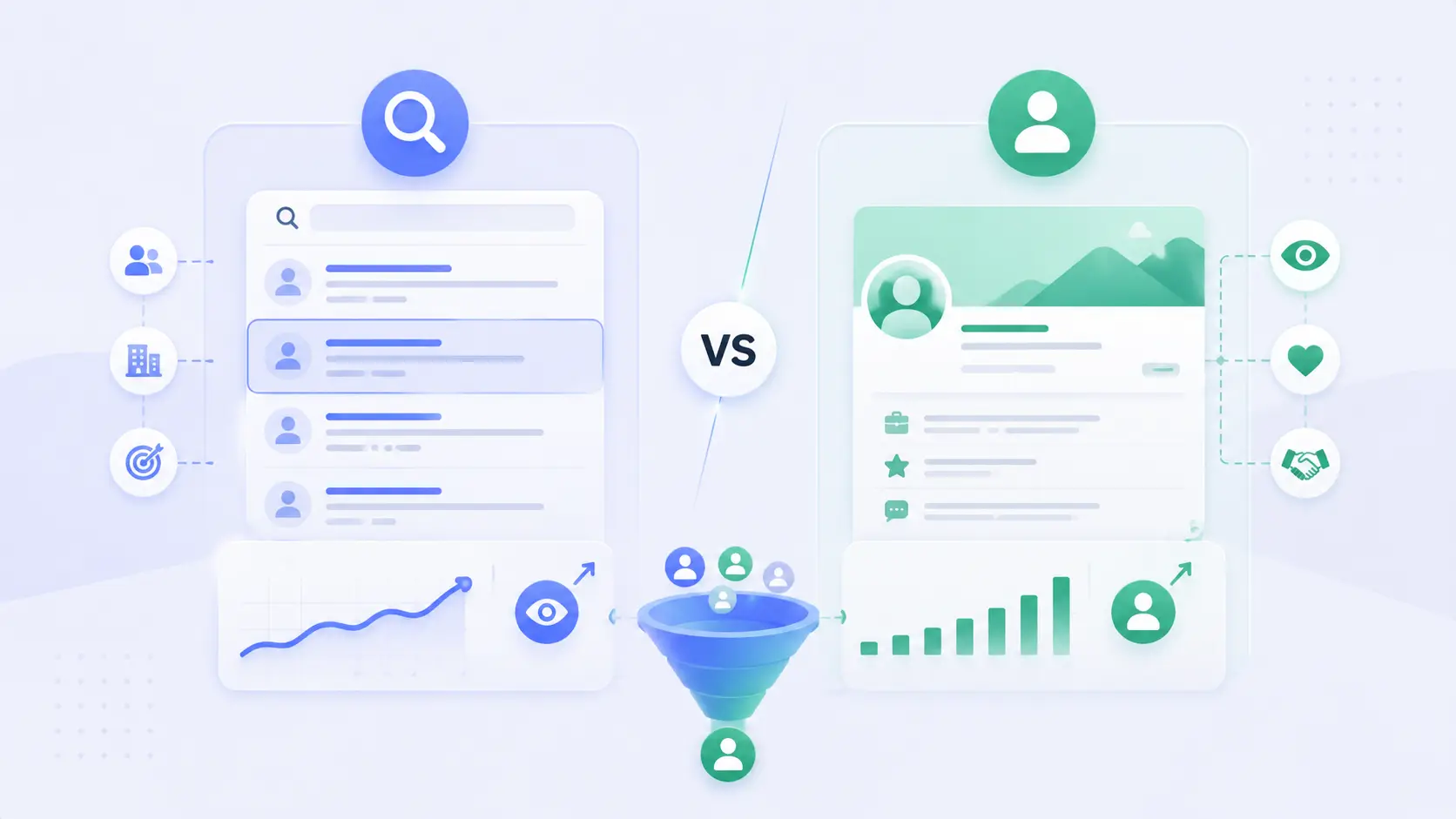
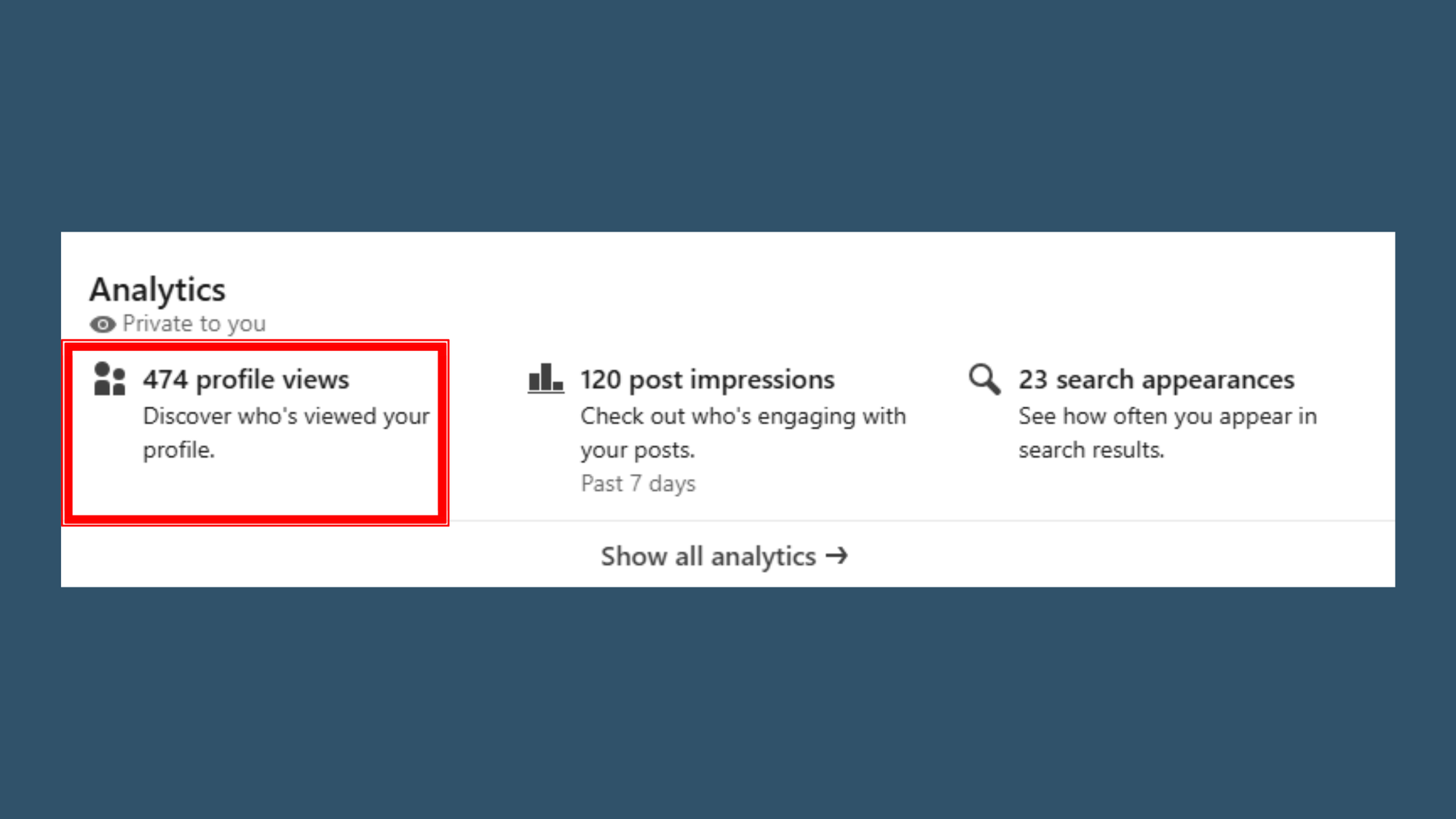
Profile views and search appearances are different signals, and you need both to understand intent.
- Search appearances mean someone found your profile in search. Profile views mean they chose to open it.
- That distinction matters because search appearances tell you about visibility, while profile views tell you about interest.
- If search appearances rise but profile views stay flat, your headline or summary may not be strong enough.
- If you want the deeper visibility metric, see How to See LinkedIn Profile Viewers Without Premium.
How to use both together
Use this simple framework:
- Track search appearances.
- Track profile views.
- Compare changes after you post, comment, or update your headline.
- Watch for spikes from specific industries or job titles.
- Follow up with the strongest matches first.
Example
A consultant updates their headline with a clear value proposition and target keyword. Search appearances rise first. Then profile views increase from founders and operators in the right niche. That tells the consultant the profile now attracts relevant traffic, not random views.
How to turn views into leads
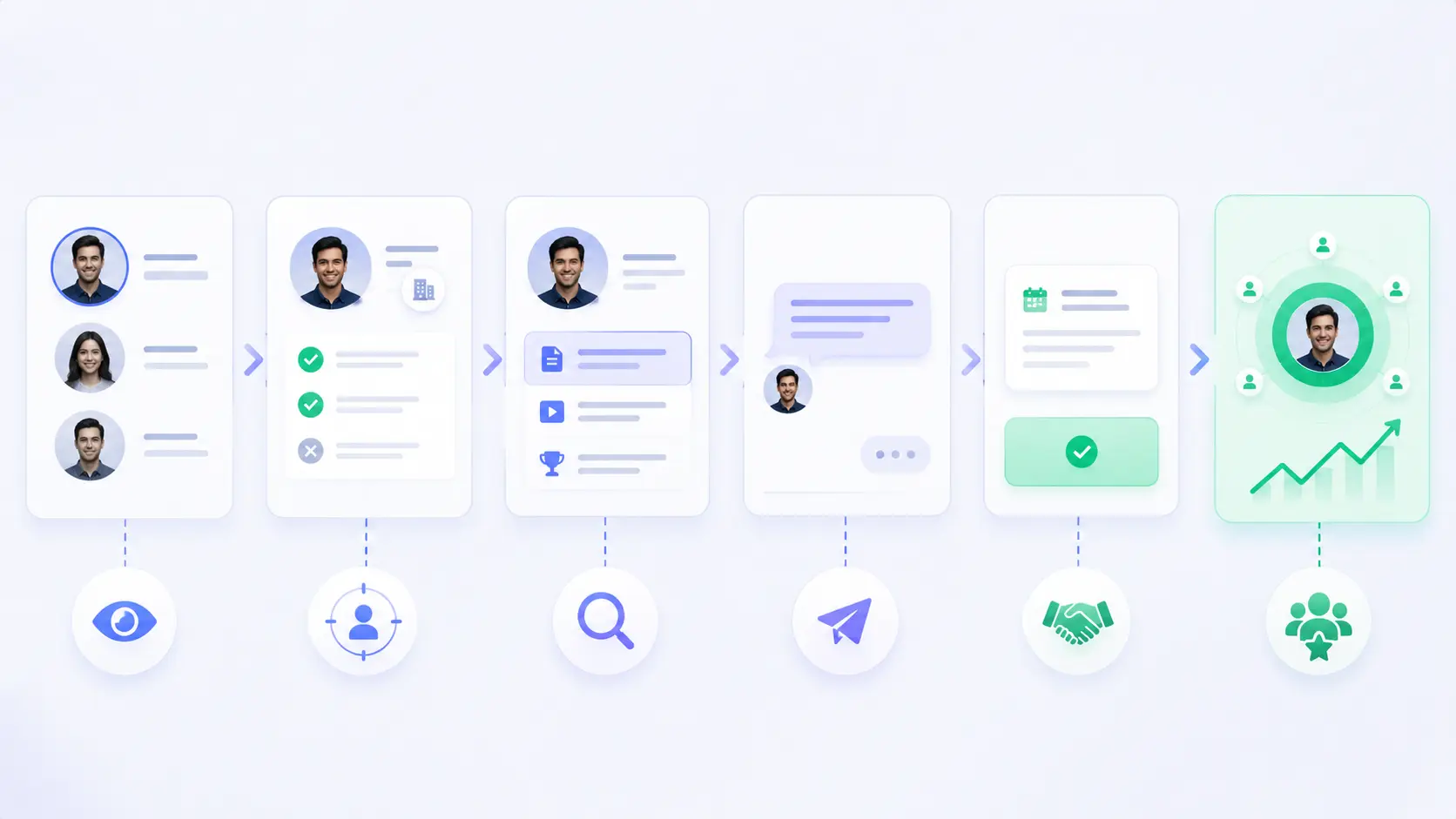
A profile view becomes a lead when you respond with context, speed, and relevance. The goal is not to pitch hard. The goal is to start a useful conversation.
For the messaging part, pair this with How to Write Personalized LinkedIn Outreach Messages.
Use this simple process:
- Identify the viewer.
- Check if they fit your target audience.
- Look at what triggered the view.
- Send a short message tied to that trigger.
- Offer one helpful next step.
When to Follow Up After a Profile View
The best window is within 24 to 48 hours while the profile visit is still fresh. If the viewer also liked, commented, or viewed after a post, respond even faster.
For a wider follow-up system, see LinkedIn Outreach Automation Guide for Sales Teams 2026.
Message formula
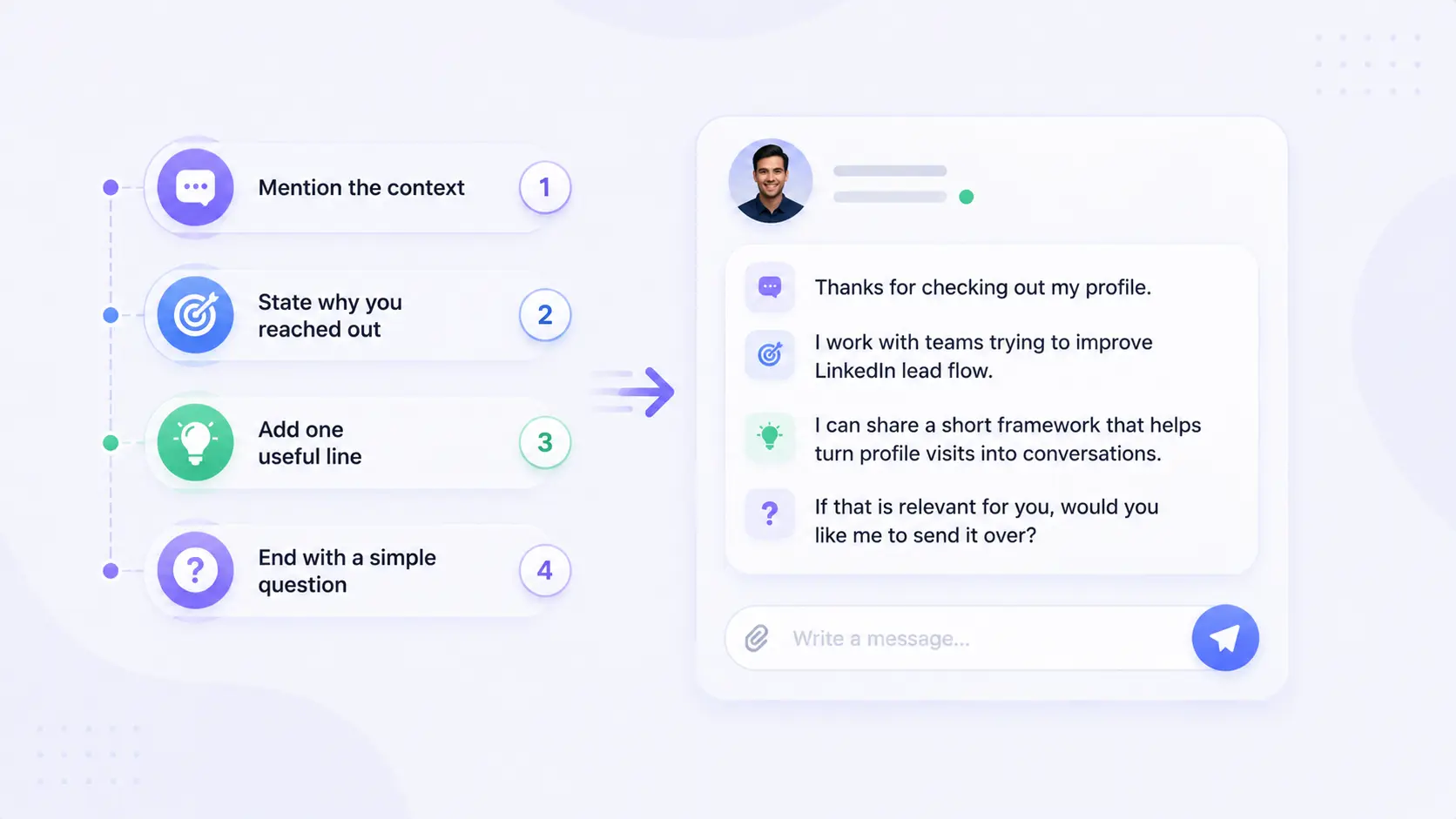
Use this structure:
- Mention the context.
- State why you reached out.
- Add one useful line.
- End with a simple question.
Example:
“Thanks for checking out my profile. I work with teams trying to improve LinkedIn lead flow. If that is relevant for you, I can share a short framework that helps turn profile visits into conversations.”
This works because it feels natural. It does not sound automated. It also gives the other person a low-friction way to reply.
Better follow-up angles
Use different angles based on the viewer:
- Prospect, mention their role or company.
- Recruiter, mention mutual fit or hiring needs.
- Partner, mention collaboration.
- Peer, mention shared content or industry topic.
- Competitor, stay professional and keep it brief.
Best lead signals to watch
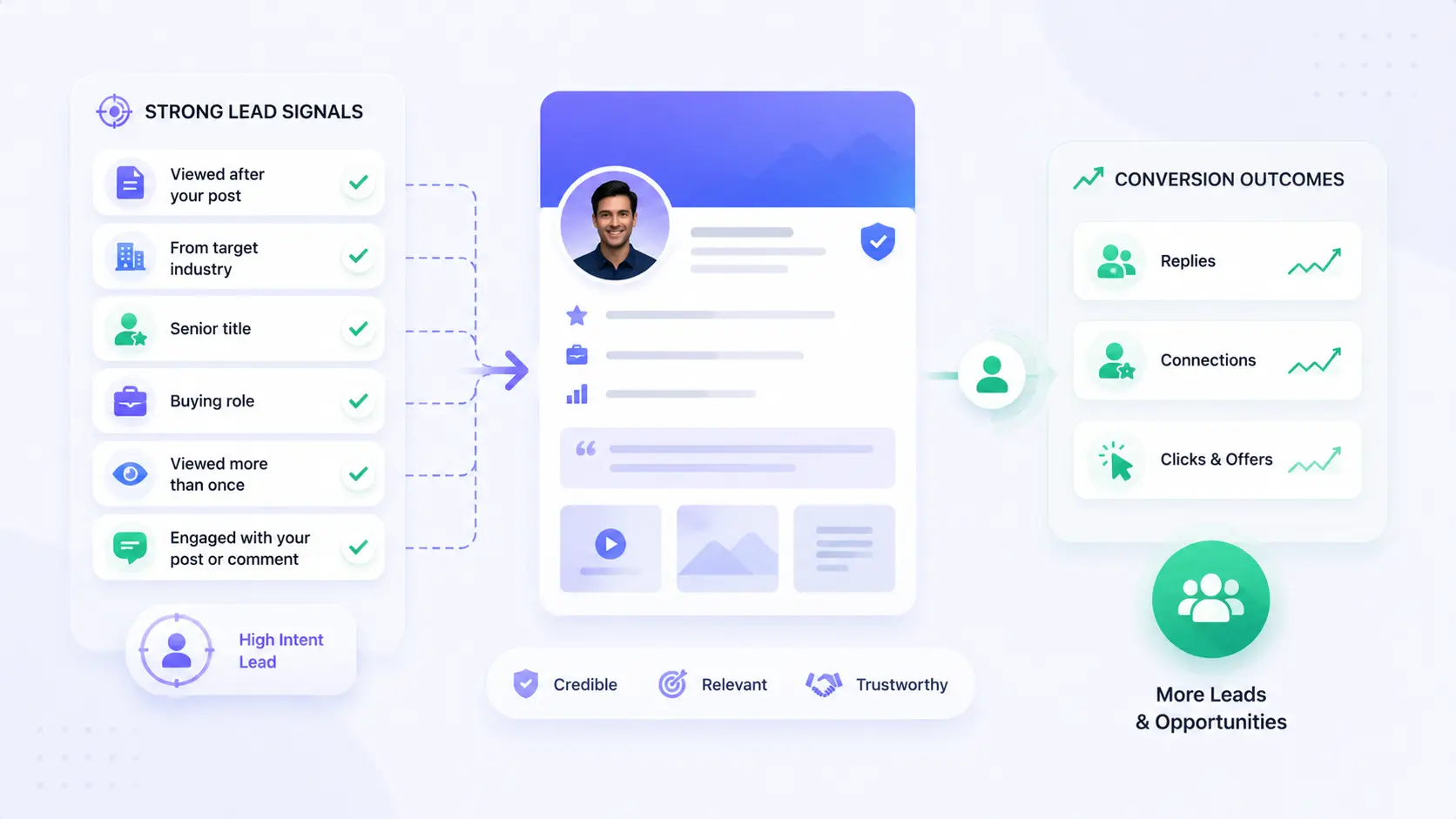
Not every viewer deserves a follow-up. The best leads usually show more than one signal. To convert more of them, pair your outreach with How to Generate LinkedIn Leads and How to Set Up LinkedIn Automation for Lead Generation.
Watch for these patterns:
- They viewed your profile after you posted content.
- They came from your target industry.
- They have a senior title.
- They match a buying role.
- They viewed you more than once.
- They engaged with your post or comment too.
Why Your Profile Must Be Ready to Convert Views
Your profile has to close the gap between curiosity and trust. If the viewer likes what they see, they are more likely to reply, connect, or click through to your offer.
Before you scale outreach, use How to Create a Great LinkedIn Profile in 2026 and 7 LinkedIn Profile Optimization Steps Before Automation.
Simple scoring method
Use a 3-point score:
- 1 point if they match your audience.
- 1 point if they viewed after engagement.
- 1 point if they have decision-making power.
A score of 2 or 3 means you should reach out quickly. A score of 0 or 1 usually means you can ignore it or save it for later.
How to prioritize viewers
- Follow up now, if they match your ICP and viewed after engagement.
- Save for later, if they fit your market but the signal is weak.
- Ignore, if the title, company, or industry is irrelevant.
Practical benchmark
If you get 10 profile views in a week and 3 of them match your buyer profile, that is more valuable than 30 random views. Relevance beats raw volume every time.
What free and Premium users can see
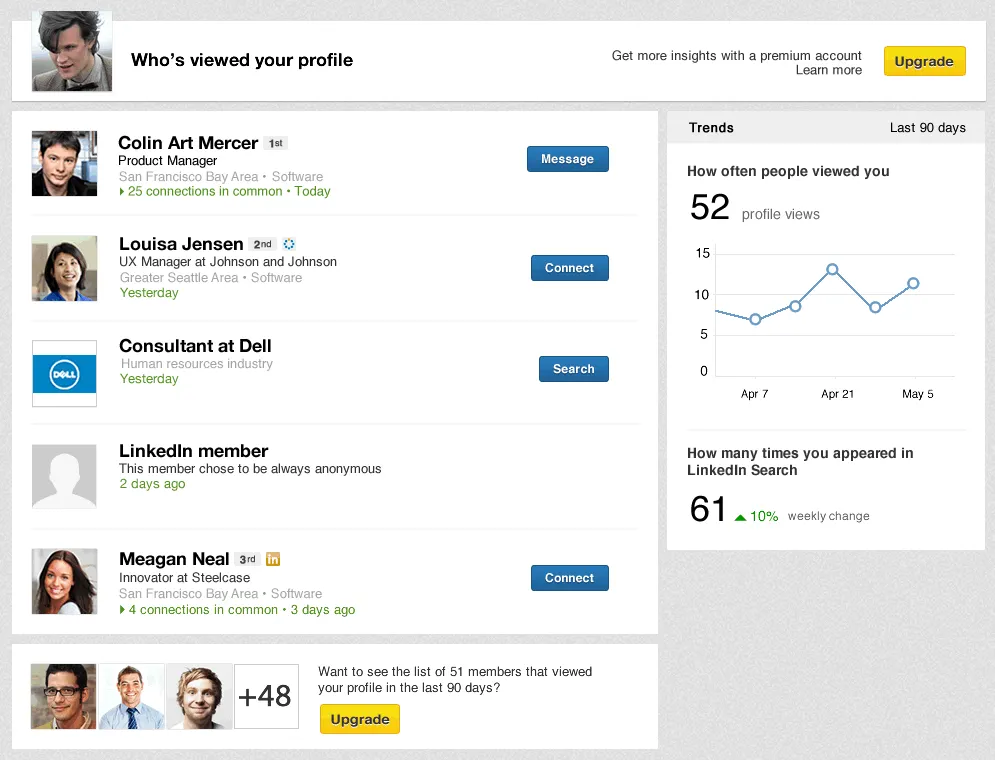
LinkedIn free and Premium accounts do not give the same level of detail. Free accounts usually show only a small slice of recent viewers, while Premium can reveal more history and stronger filtering options.
That difference matters for lead generation. If you run a serious outbound process, limited viewer visibility can cause missed opportunities.
What that means for you
If you use a free account:
- Check often.
- Track names manually.
- Save viewer details in a sheet.
- Follow up the same day.
If you use Premium:
- Review viewer filters.
- Sort by company or title.
- Identify strong-fit leads faster.
- Prioritize accounts with buyer intent.
Common mistakes to avoid
Most people waste profile view data because they react too slowly or message too vaguely. That kills the lead opportunity. To avoid weak follow-up, use LinkedIn Outreach Automation Guide for Sales Teams 2026.
Avoid these mistakes:
- Sending a generic pitch.
- Waiting too long to reply.
- Treating all viewers the same.
- Ignoring search appearances.
- Chasing vanity views instead of buyer-fit views.
- Not updating the profile to attract the right people.
Real-world scenario
A marketer gets several profile views from founders after a post. They wait one week, then send a cold sales message. By then, the lead signal is gone. If they had reached out within 24 hours with a useful note, the reply rate would likely be much better.
How Bearconnect fits in
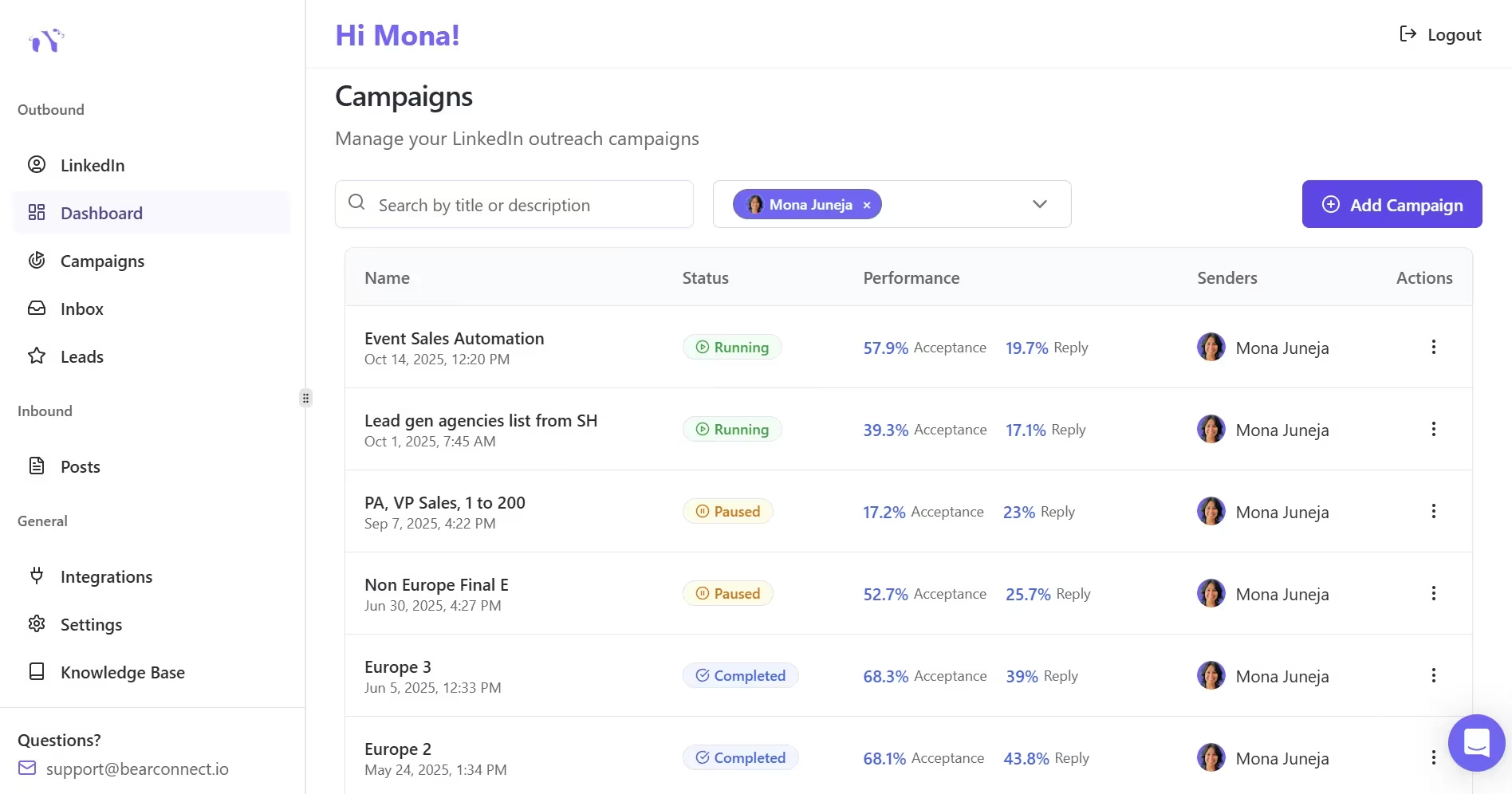
Bearconnect helps you turn profile interest into a repeatable outreach process. That matters when you start seeing more viewers than you can track manually. Learn more on Bearconnect, then compare the workflow in Bearconnect Features.
Use it when you need to:
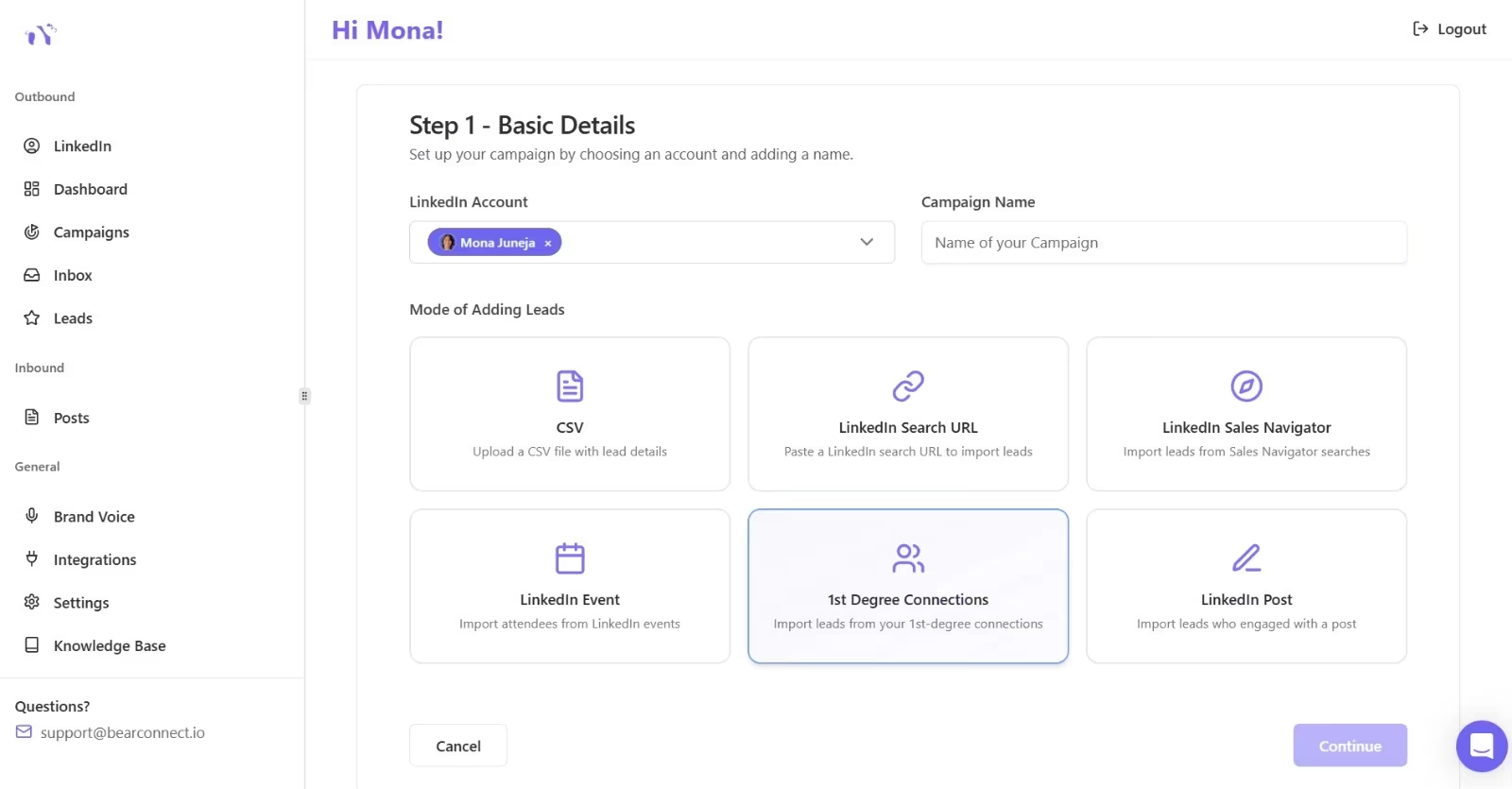
- Follow up with LinkedIn leads consistently.
- Organize outreach around warm signals.
- Reduce manual tracking.
- Keep conversations moving after profile visits.
- Build a cleaner lead flow from LinkedIn activity.
Best use case
If your profile views come from target buyers every week, manual follow-up gets messy fast. Bearconnect gives you a more scalable way to manage outreach, so you do not lose warm leads in the noise.
How to Build a Repeatable Follow-Up System
A repeatable system helps you act on profile views before the signal goes cold. Start by reviewing your viewers daily, scoring them by fit and intent, then sending a short message within 24 to 48 hours.
If you want to scale this with workflow and reporting, look at Bearconnect Analytics and Bearconnect Unified Inbox.
Use this process:
- Review new viewers.
- Mark target-fit accounts.
- Check for trigger context, such as a post or comment.
- Send one tailored message.
- Track replies and refine your approach.
FAQ
1. What does a LinkedIn profile view notification mean?
It means someone opened your profile after seeing it in search, content, a request, or a recommendation. It is a signal of interest, but not always buying intent.
2. Can I see who viewed my LinkedIn profile for free?
Yes, but only a limited number of recent viewers. Premium gives you more viewer history and more filters.
3. What is the difference between profile views and search appearances?
Search appearances show how often LinkedIn shows your profile in search results. Profile views show how often people actually open your profile.
4. How do I turn profile views into leads?
Check whether the viewer matches your ideal customer, then send a short message tied to the context. Keep it specific, useful, and fast.
5. Why do profile views matter for LinkedIn lead generation?
They reveal warm interest. Someone who views your profile is already closer to a conversation than someone who has never seen you.
What to Do Next With Profile Views
Profile views only matter when you act on them fast and with context. The best next step is to review the viewer, check fit, and send one short message tied to a real trigger like a post, comment, or role change.
To support that workflow, use How to Generate LinkedIn Leads.
Use this simple action plan:
- Check the most relevant viewers first.
- Prioritize people from your target account list.
- Send a short, specific follow-up within 24 to 48 hours.
- Offer one useful resource or question, not a hard pitch.
- Track which viewers reply so you can refine your outreach.
Ready to Transform Your LinkedIn Strategy?
Join thousands of professionals already using Bearconnect to automate their outreach and grow their network.
7-day free trial • Cancel anytime
Related Articles
LinkedIn Automation: The Complete Guide for 2026
What LinkedIn automation is, how it works, what LinkedIn allows, safe limits, how to choose a tool and how to run your first campaign.
How to Remove a Connection on LinkedIn (Do They Get Notified?)
Removing a LinkedIn connection takes a few clicks, but most people want to know one thing first: does the other person get notified? This guide covers the steps on desktop and mobile, and what changes afterward.
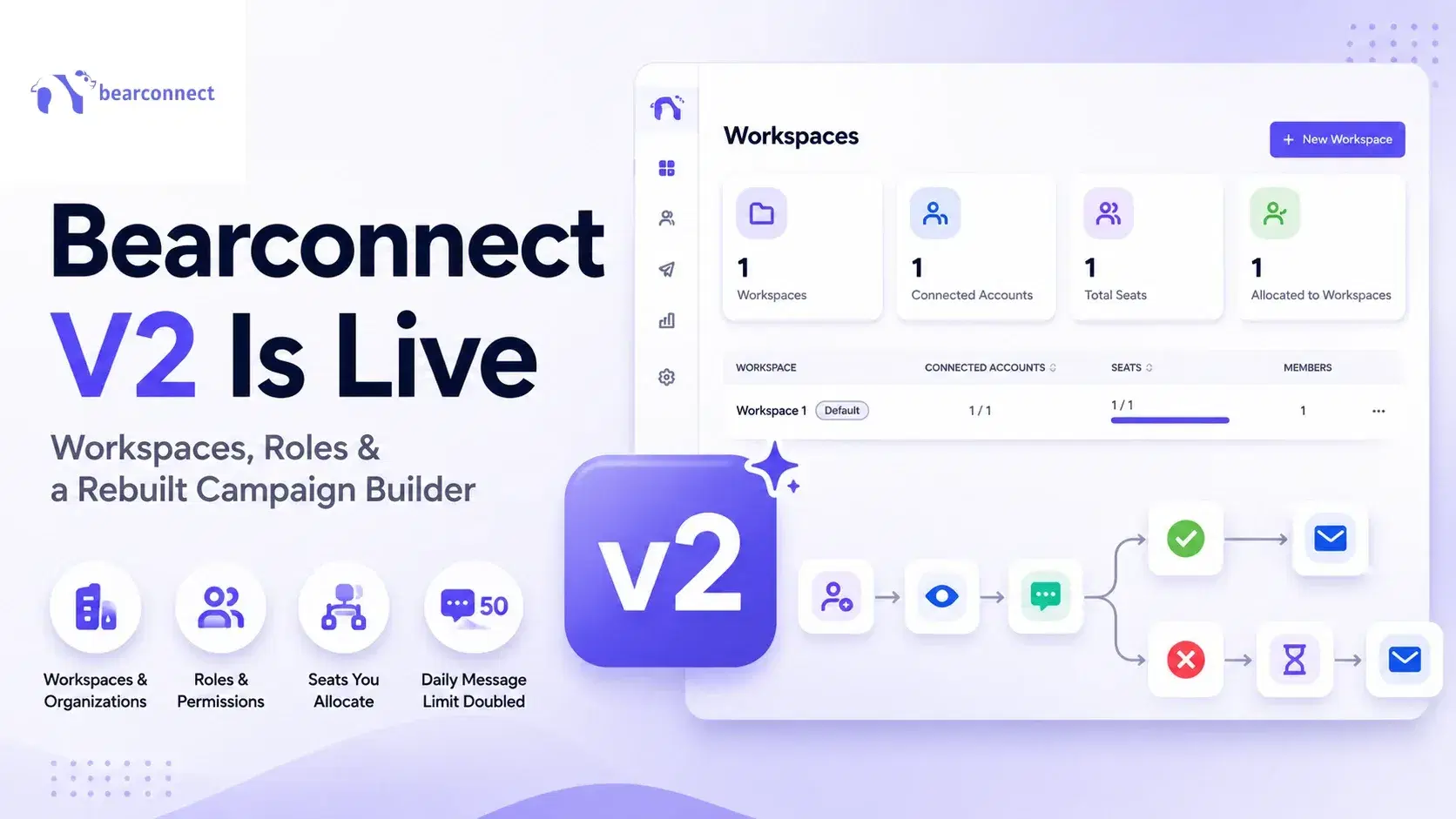
Bearconnect V2 Is Live: Workspaces, Roles and a Rebuilt Campaign Builder
Bearconnect V2 introduces dedicated workspaces, flexible roles, and a rebuilt campaign builder, giving agencies and sales teams more control over every LinkedIn account they manage.