Salesflow Review 2026: Pricing, Features, and the Best Alternative
Is Salesflow actually worth $99/month in 2026?
Based on a deep analysis of Salesflow's features, real verified Capterra user feedback, and a direct pricing comparison with alternatives, Salesflow works for basic solo LinkedIn outreach but falls short for agencies and teams who need scalability, transparency, and reliable support.
If you are evaluating Salesflow right now, this review covers everything: features, real user complaints, pricing breakdown, and why Bearconnect is the stronger alternative for most teams in 2026.
TL;DR
- Salesflow starts at $99/month per user and targets solo founders, sales teams, and agencies
- Starter (5+ seats), Pro, Agency, and Enterprise plans require a sales demo. Only the Basic plan has public pricing.
- Verified Capterra reviews document post-cancellation billing, hostile support, and a buggy dashboard
- Salesflow lacks a unified inbox for managing multiple LinkedIn accounts
- Bearconnect offers LinkedIn outreach plus AI content creation at $67/month per account, with volume pricing at $57/month per account for 5 or more accounts
What Is Salesflow?
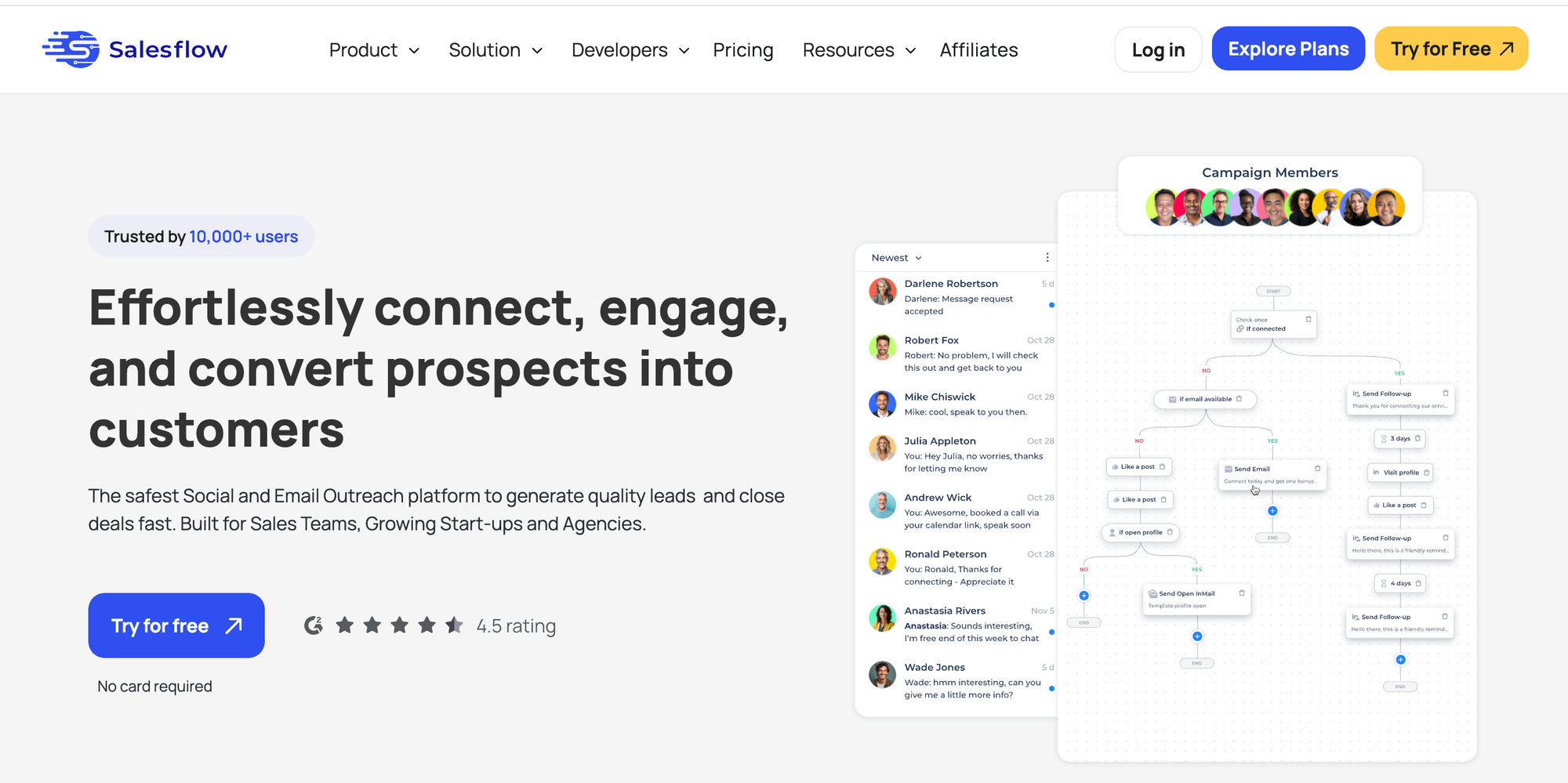
Salesflow is a cloud-based LinkedIn automation tool built for lead generation, connection requests, automated follow-ups, and InMail outreach.
It targets sales teams, agencies, and solo founders, and works with LinkedIn Basic, Premium, and Sales Navigator.
Alongside its self-serve plans, Salesflow also offers a "Done-for-You" managed outreach service for teams who want fully outsourced campaign management.
Salesflow Features Overview
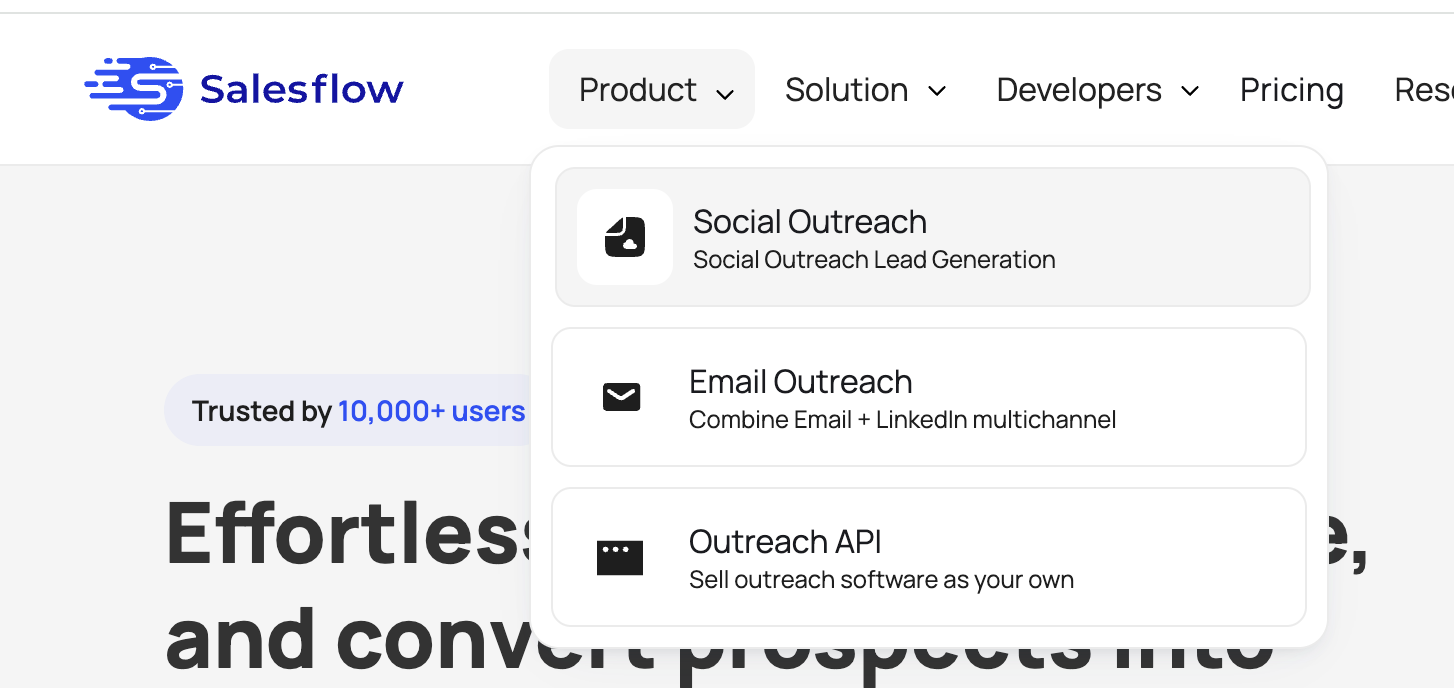
Salesflow covers most core LinkedIn outreach needs, but several limitations start to show at scale.
1. LinkedIn Outreach Automation
- Salesflow allows up to 400 connection invites per month, 1,000 follow-up messages, and 800 Open InMails.
2. Campaign Builder
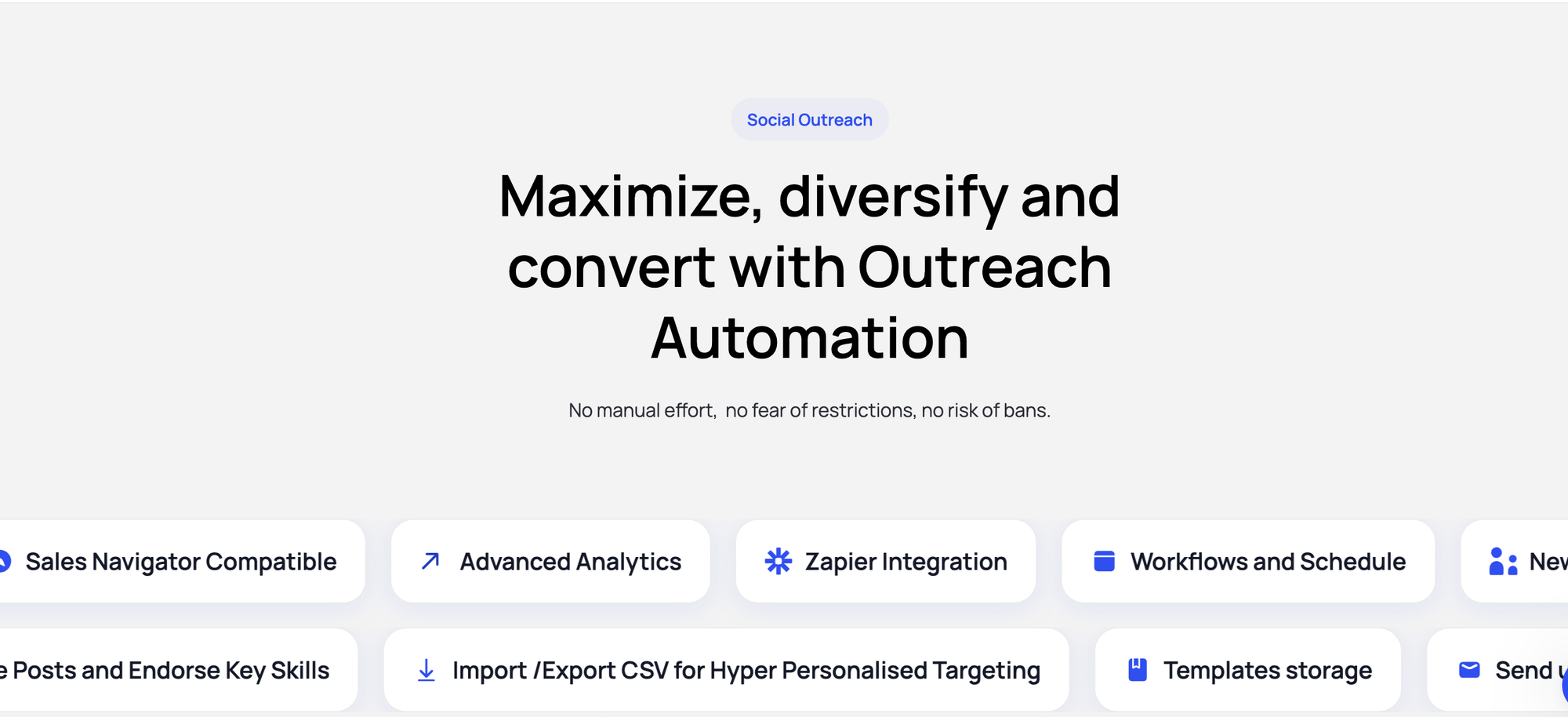
- You get multi-step sequences with time delays, reply detection, and warm-up actions including profile visits, post likes, and skill endorsements.
- The campaign setup process is straightforward for solo users and gets good marks from early users.
3. Inbox Management
- Salesflow offers a centralized inbox, but only for single accounts. If you manage multiple LinkedIn accounts, there is no unified multi-account inbox.
- You switch accounts manually per client, which is a real friction point for agencies.
4. Analytics and Reporting
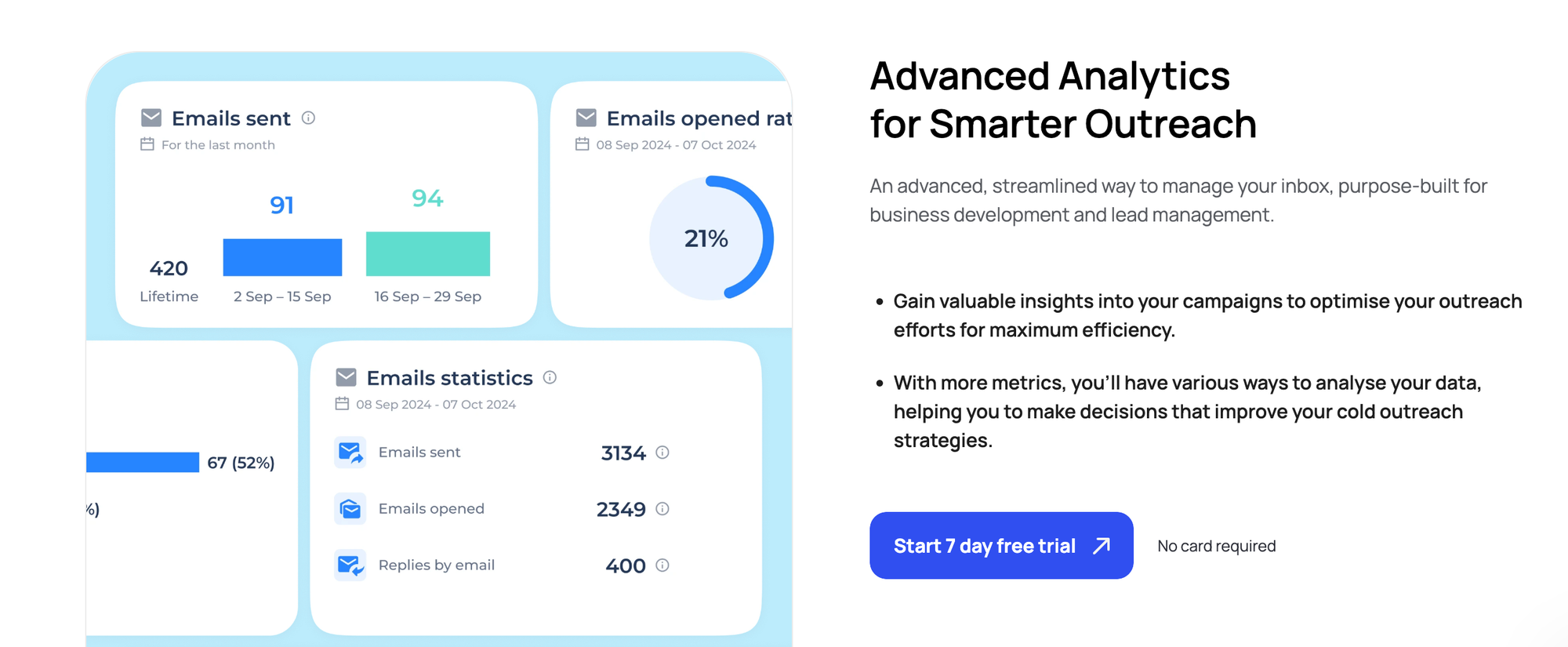
Salesflow tracks invite volume, connection rates, and follow-up reply rates. It lacks deeper segmentation, so if you want campaign-level breakdowns by audience segment or sequence step performance, the data falls short.
5. Integrations
Salesflow connects with HubSpot, Salesforce, Pipedrive, Zapier, API, Google Sheets, and CSV import. Note that CRM sync requires Zapier for most integrations. There is no direct native CRM connection.
Salesflow Pricing Plans
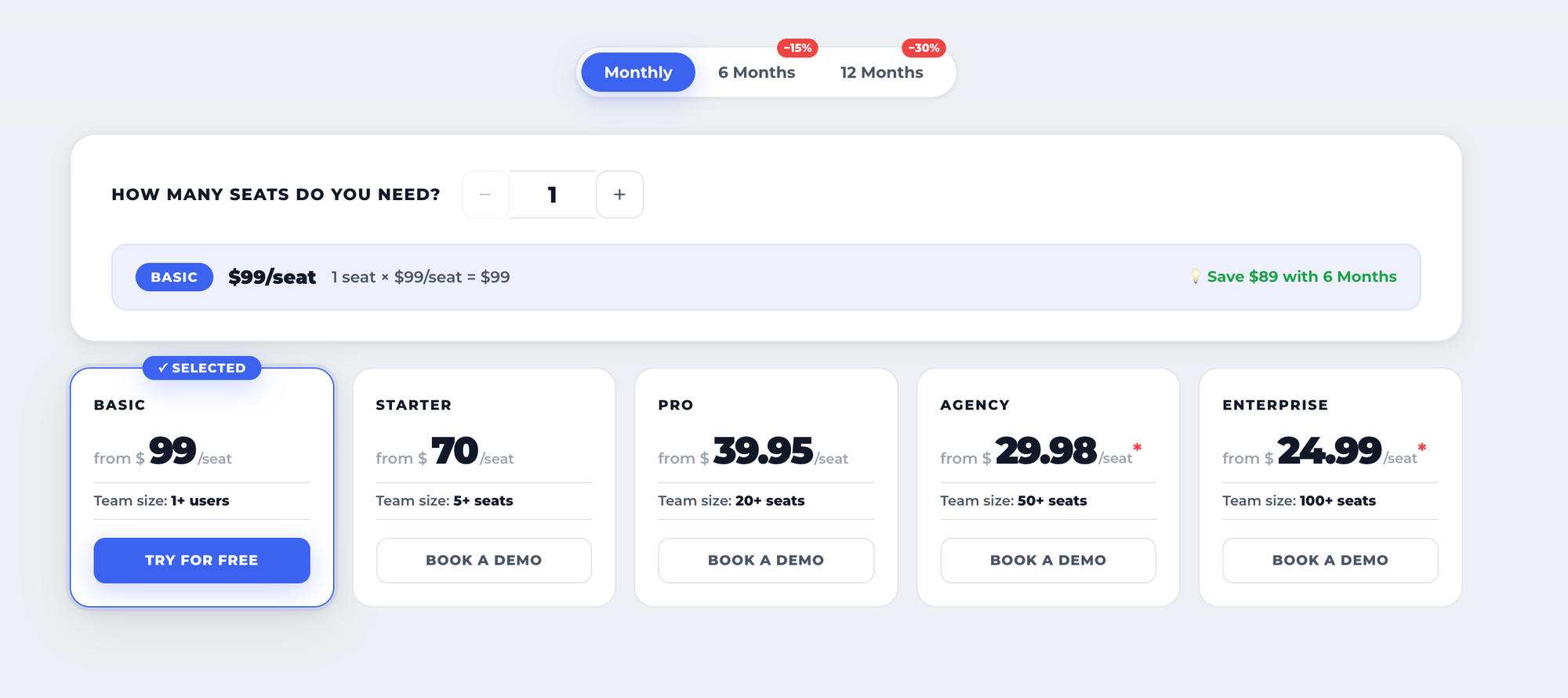
Salesflow's pricing structure is volume-based and only partly transparent at the Basic level.
Monthly Billing
| Plan | Seats Required | Price Per Seat/Month |
|---|---|---|
| Basic | 1+ users | $99/seat |
| Starter | 5+ seats | $70/seat |
| Pro | 20+ seats | $39.95/seat |
| Agency | 50+ seats | $29.98/seat |
| Enterprise | 100+ seats | $24.99/seat |
12-Month Billing (30% Discount)
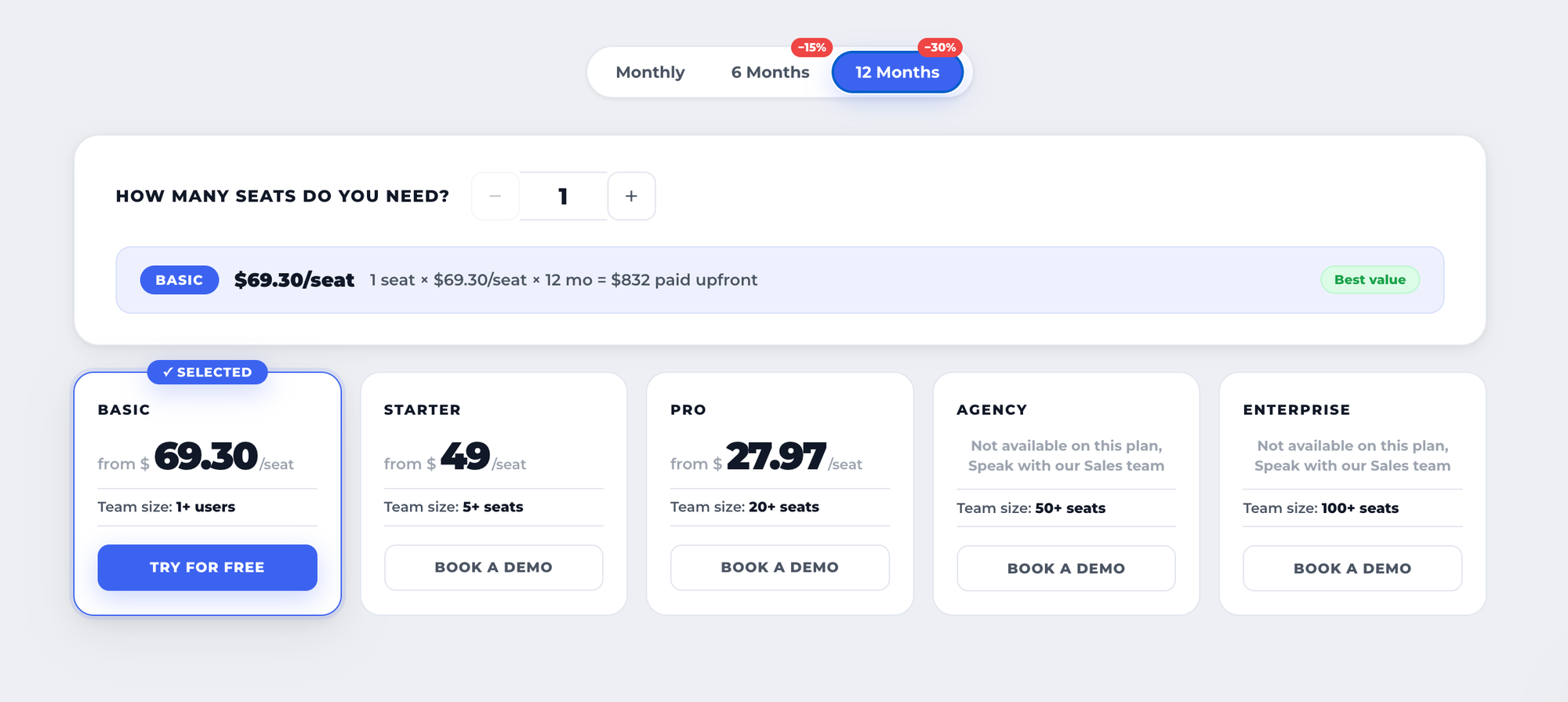
The UI shows a 30% savings compared to monthly rates. For the Basic plan, switching to 12 months saves an additional $178 compared to the 6-month plan. Specific per-seat prices for higher tiers at 12 months are not publicly listed.
Key details:
- Free trial is available on the Basic plan only
- Starter, Pro, Agency, and Enterprise tiers all require a demo call to access pricing
- Volume discounts apply only once your team crosses each seat threshold
Salesflow's Basic plan pricing is public, but everything above it requires a demo call before you see any number. For buyers who want to compare tools quickly, this creates unnecessary friction. Most direct competitors publish their full pricing upfront.
Pro Tip: If a vendor hides pricing behind a demo, always ask for a written quote before the call ends. Surprises often come at renewal.
Real User Reviews: What Customers Actually Say About Salesflow
Verified Capterra reviews show a clear pattern: strong satisfaction in 2022, sharp decline from 2023 onward.
This timeline matters. If you see mostly positive reviews, check the date. The product's track record shifted significantly after LinkedIn tightened its connection limits.
What Positive Reviews Say
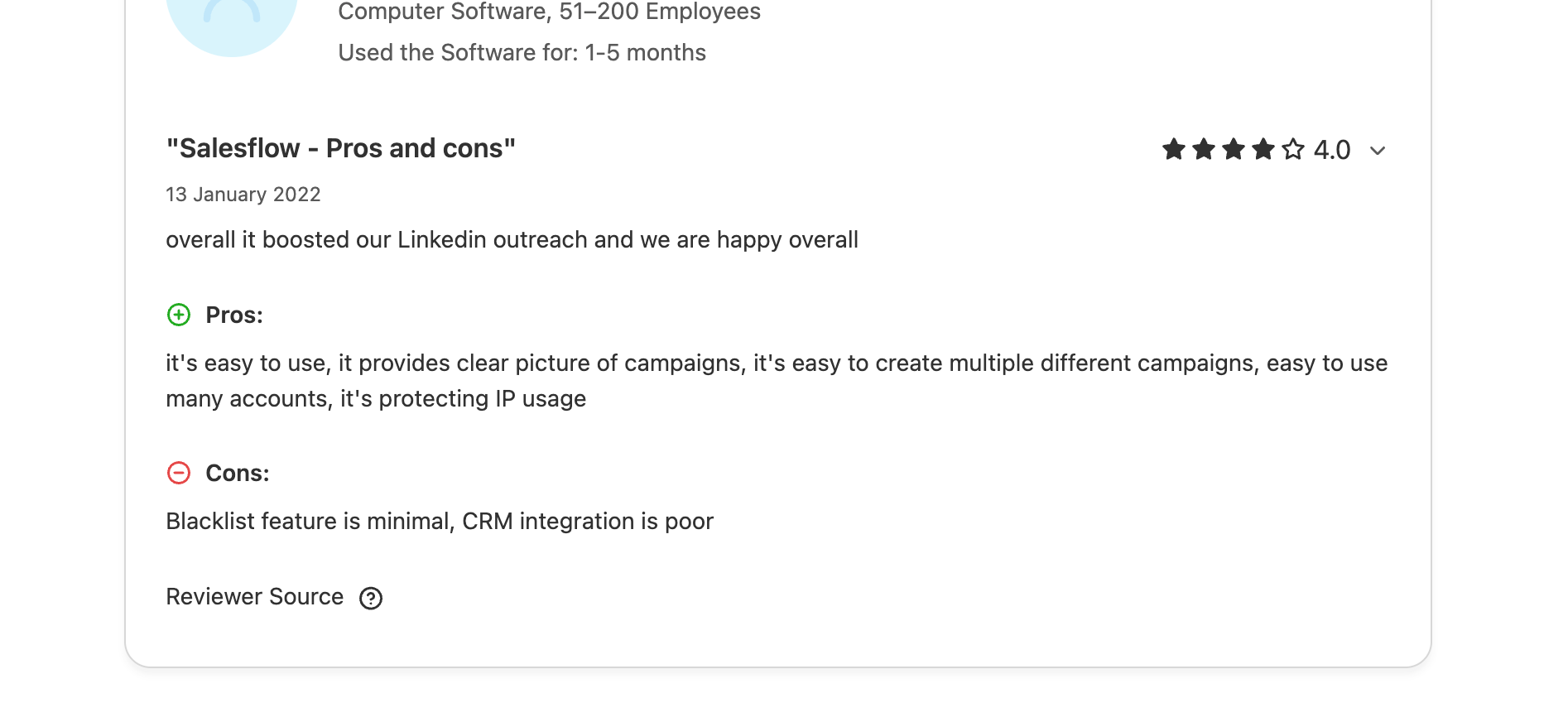
- Easy campaign setup and lead tracking from a single dashboard
- Response rates were reportedly strong before LinkedIn's 2023 limit changes
- Support described as empathetic and responsive in earlier years
- Clean campaign creation flow for managing multiple accounts
What Recent Negative Reviews Say
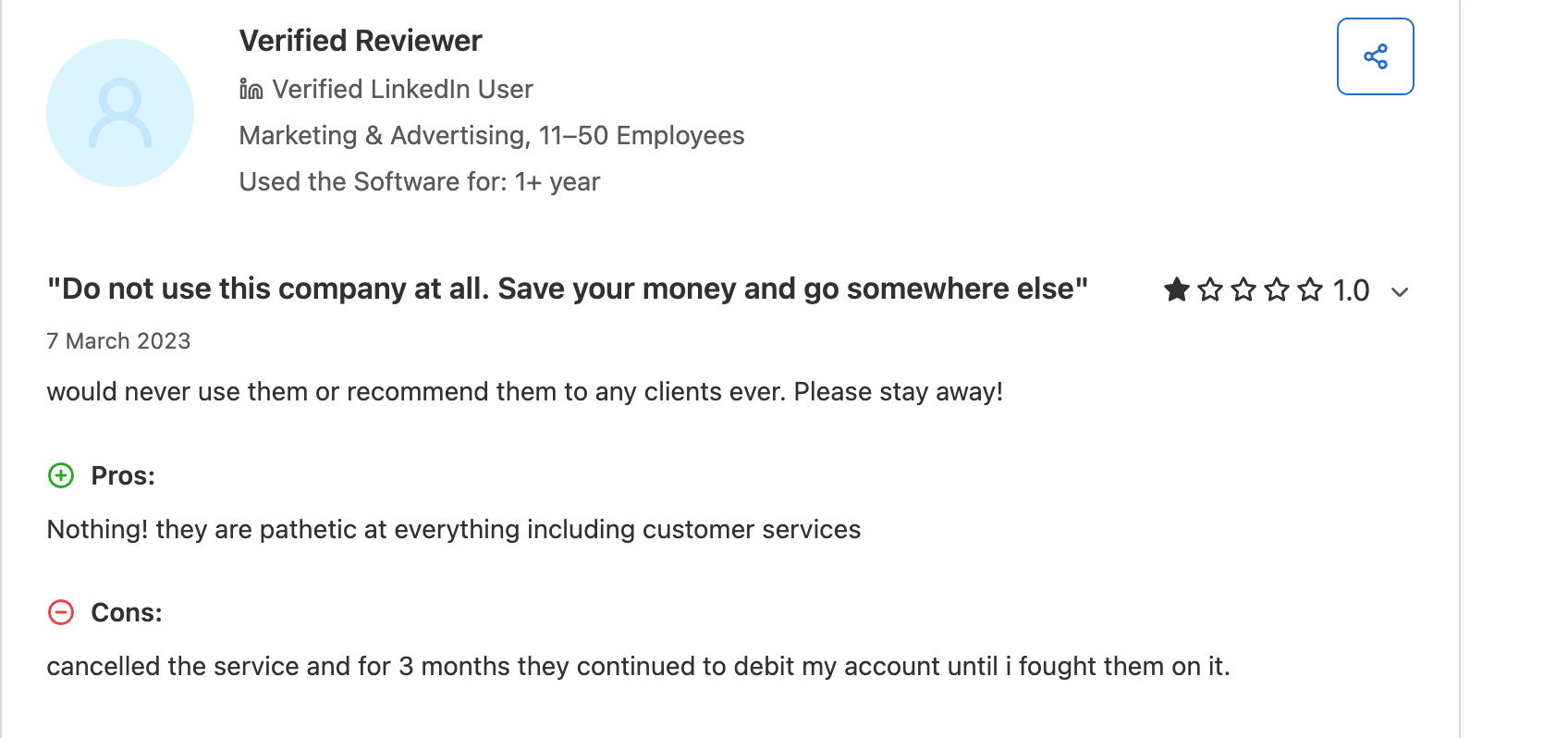
- Post-cancellation billing: A verified Capterra reviewer reported being debited for three months after cancellation and having to fight to stop the charges. This is not a one-off complaint. Multiple users document the same pattern.
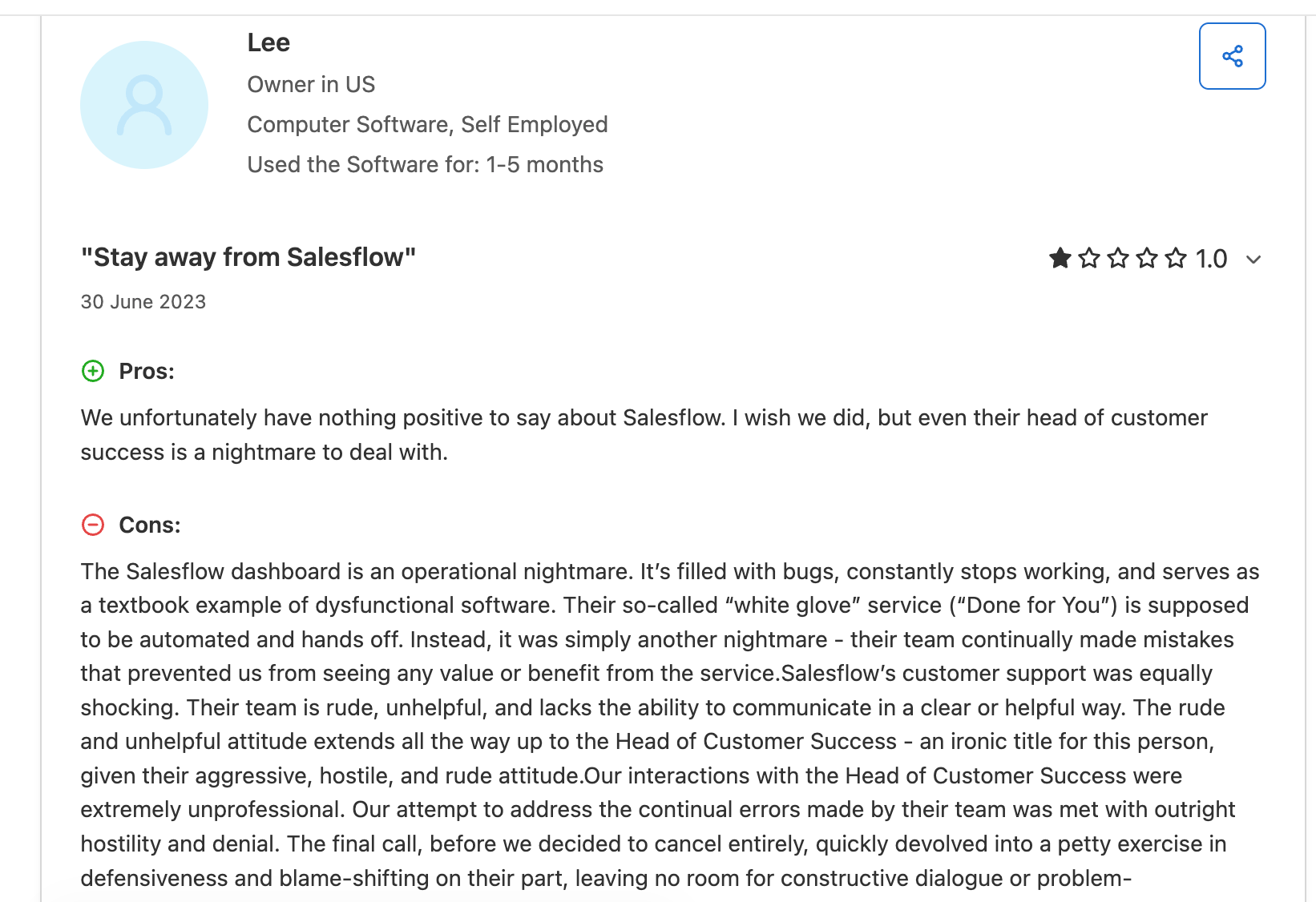
- Hostile customer support: Multiple verified Capterra reviewers describe the support team as rude and unhelpful. One reviewer specifically flagged the Head of Customer Success as aggressive and hostile during an escalation call. Another described the team as unable to communicate clearly.
- No-refund policy: Multiple users report being refused refunds even when the tool delivered no measurable results.
- Done-for-You failures: Users on the managed service report repeated errors that prevented any ROI. One user cancelled entirely after months of wasted spend.
- LinkedIn limit impact: One long-term user noted that LinkedIn's tighter connection limits fundamentally destroyed the business model they had built on Salesflow. The combined cost of Salesflow and LinkedIn Premium was no longer justifiable.
- Buggy dashboard: A US-based software company owner described the dashboard as an operational nightmare riddled with bugs that stopped the tool from functioning.
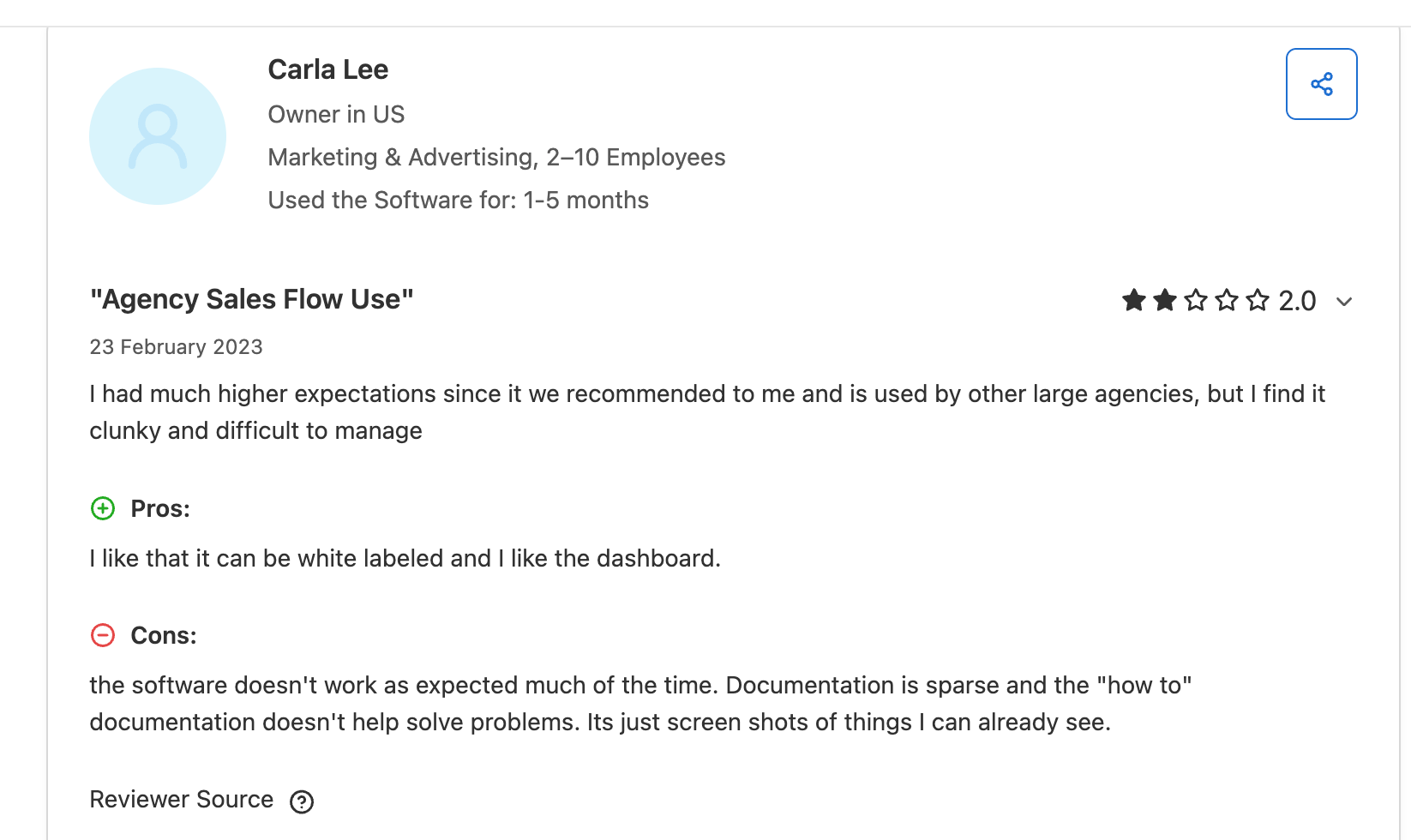
Key takeaway: The positive reviews cluster around 2022. From 2023 onward, the negative pattern is stronger and more consistent. This is not a coincidence. It maps directly to LinkedIn's platform changes and how Salesflow responded.
Salesflow Pros and Cons
Pros
- Straightforward campaign setup for solo users
- Works with LinkedIn Sales Navigator for advanced targeting
- Multichannel outreach combining LinkedIn and email
- Cloud-based architecture reduces browser extension restriction risk
- White-label option available for agencies on the Agency plan
Cons
- Starts at $99/month, expensive relative to alternatives with more features
- Frequent account disconnection issues reported in user reviews
- Analytics lack segmentation depth for serious campaign optimization
- Post-cancellation billing issues documented on Capterra
- Customer support quality rated poorly in recent 2023 to 2026 reviews
Bearconnect: The Best Salesflow Alternative for LinkedIn-First Teams
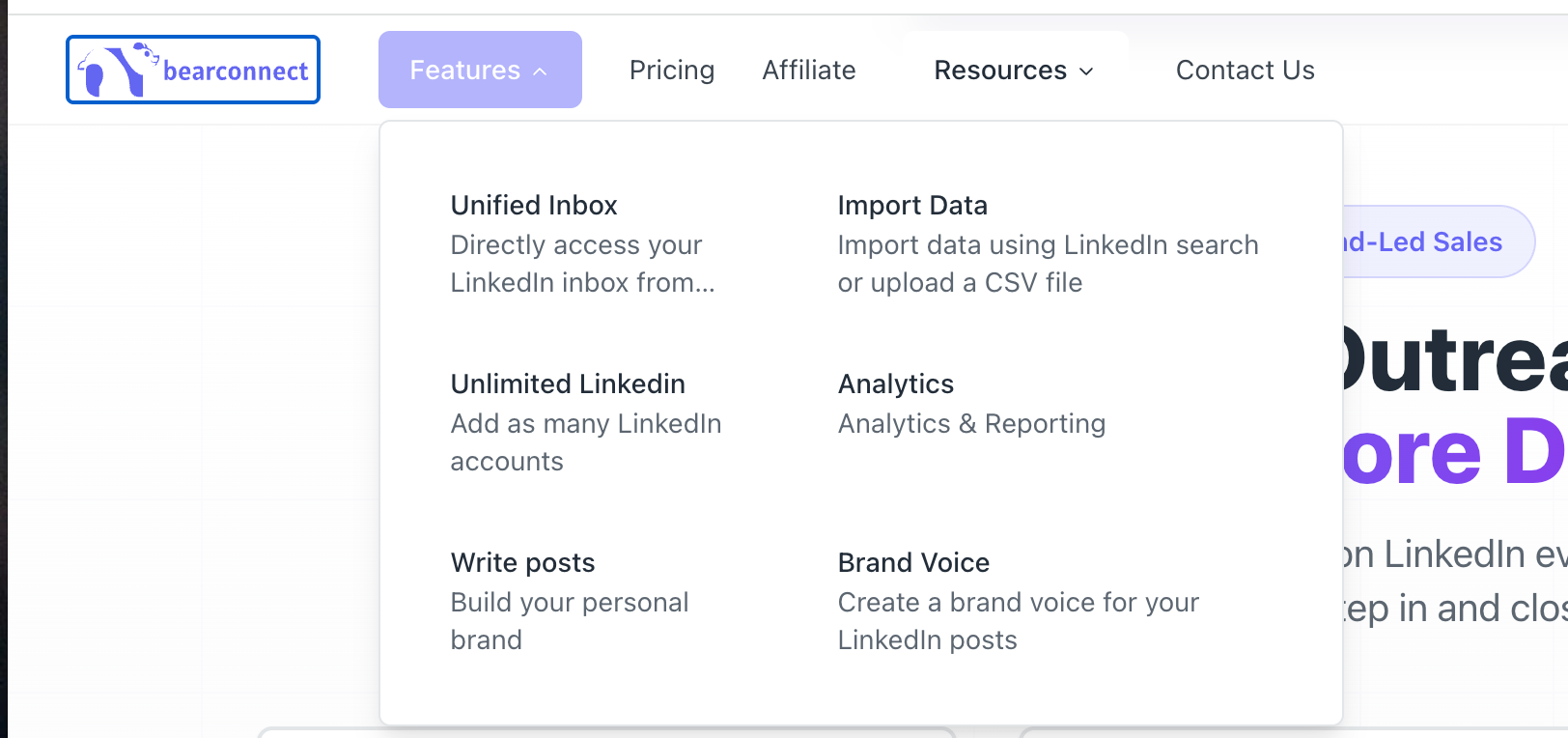
Bearconnect is an AI-powered LinkedIn automation tool that combines outbound outreach (connection requests, DMs, follow-ups) with inbound content automation (AI post writing and scheduling) in one tool.
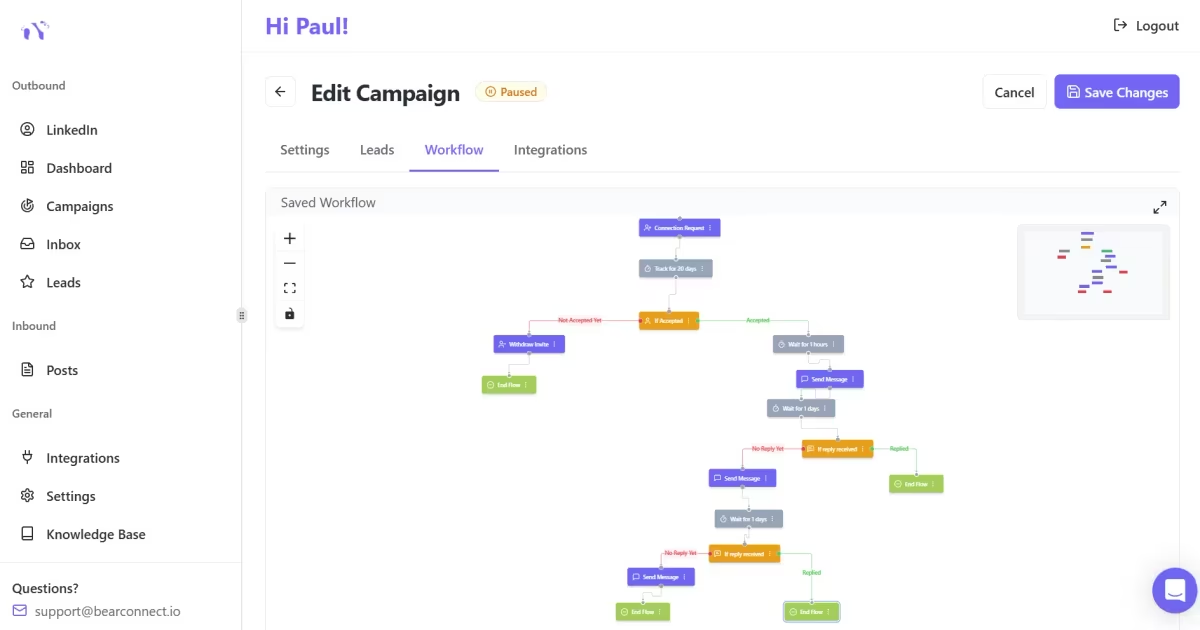
Built for founders, sales teams, agencies, and B2B creators, Bearconnect launched in 2025 as a SaaS platform based in Wyoming, USA.
Salesflow vs Bearconnect: Feature Comparison
| Feature | Salesflow | Bearconnect |
|---|---|---|
| Pricing | $99/month per user | $67/month per LinkedIn account |
| Volume discount | Custom Teams plan (demo required) | $57/month per account for 5 or more accounts |
| Unified inbox | Single account only | Multi-account unified inbox |
| AI post writing | No | Yes, with Brand Voice AI |
| Lead import methods | CSV, Sales Navigator | LinkedIn Search, Sales Navigator, CSV, Events, 1st-degree connections |
| CRM integrations | HubSpot, Salesforce, Pipedrive via Zapier | HubSpot, Pipedrive, Make, n8n, Webhooks |
| Content scheduling | No | Yes, Write Posts |
| Multi-account management | Manual account switching, no shared inbox | True multi-account with unified inbox |
Bearconnect Pricing
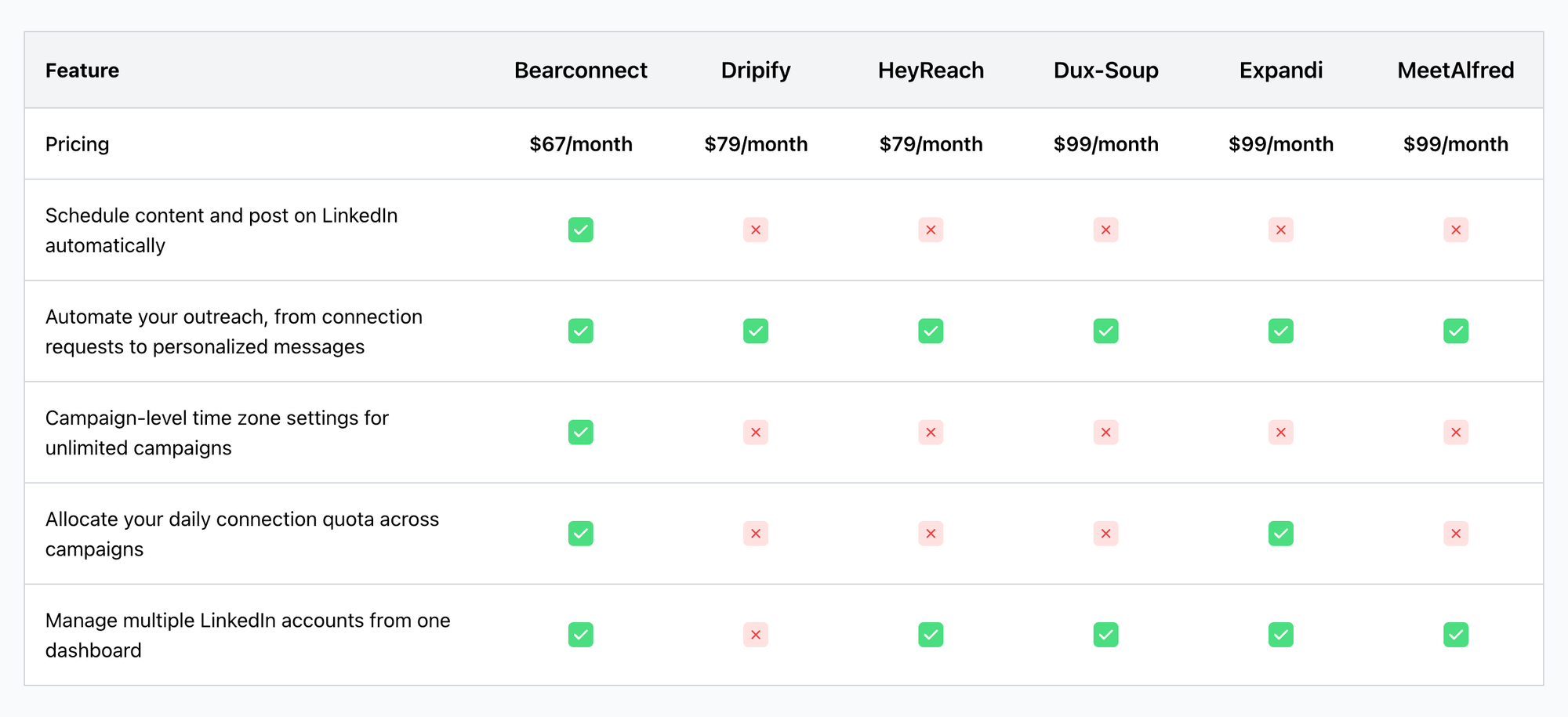
Bearconnect pricing is flat and fully public, no demo required.
- $67 per month for each LinkedIn account you connect
- $57 per month per account when you connect 5 or more accounts
- Example: 5 LinkedIn accounts = $285/month total at $57 per account
- Compare that to Salesflow's opaque pricing that requires a demo call just to get a number
See full pricing at bearconnect.io/pricing.
Why Bearconnect Wins for Specific Use Cases
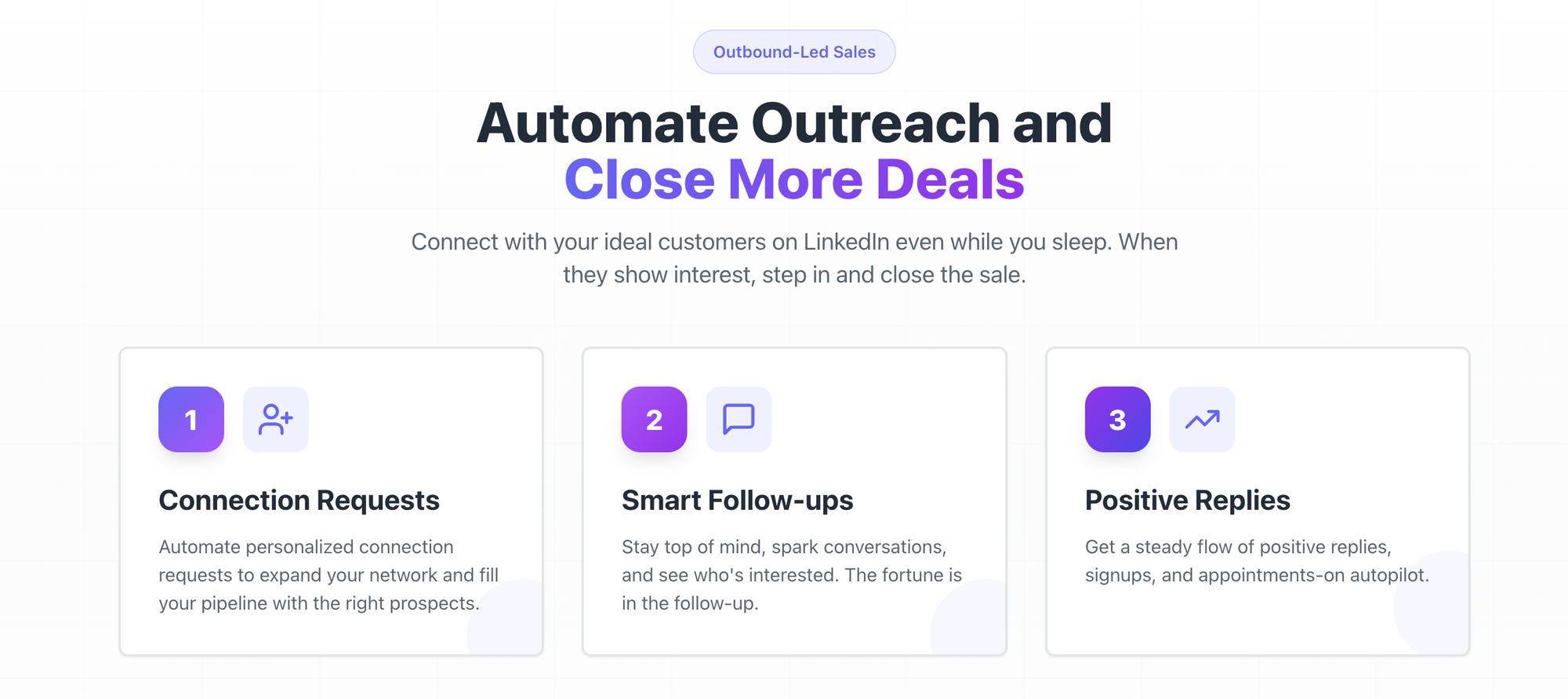
- Agencies managing multiple client LinkedIn accounts: Bearconnect's unified inbox and per-account volume pricing scale cleanly without a custom deal or demo wall.
- Founders who also want LinkedIn content: Brand Voice AI generates posts that sound like you, not generic copy. You get outreach and content growth from one dashboard.
- Teams switching from Salesflow: Bearconnect's import data tools support LinkedIn Search, Sales Navigator, CSV, Events, and 1st-degree connections. Getting up and running is fast.
- Anyone burned by opaque billing: Bearconnect's flat per-account pricing has no hidden fees and no custom quote required. You know what you pay before you sign up.
You can also track full campaign performance via Bearconnect analytics with real visibility into what is working.
Pro Tip: If you manage 5 LinkedIn accounts, Bearconnect at $285/month beats Salesflow's $495/month (5 x $99) on price alone, and you get AI content creation and a unified inbox on top of that.
Salesflow vs Bearconnect: Quick Decision Guide
- Solo user running basic LinkedIn outreach only: Salesflow's $79/month annual plan works at this level. But Bearconnect at $67/month adds AI content creation on top of outreach for less money.
- Agency managing 5 or more LinkedIn accounts: Bearconnect's $57/account volume pricing beats Salesflow's opaque team pricing that requires a demo to even get a number.
- Need AI-written LinkedIn posts alongside outreach: Salesflow does not offer this. Bearconnect's Brand Voice AI does, and it is built into the same platform.
- Had billing issues with past tools: Bearconnect uses flat per-account pricing with no hidden costs and no custom quote required, the opposite of what multiple Salesflow users reported on Capterra.
Other Salesflow Alternatives
If Salesflow's pricing or support track record gives you pause, here are the tools worth comparing.
- HeyReach: Best for agencies needing multi-account outreach with a unified inbox. Starts at $79/month per sender. Requires a larger budget at scale. Read our HeyReach review.
- Lemlist: Better for multichannel outreach with built-in email warm-up. Good if email is as important as LinkedIn in your outreach. Read our Lemlist review.
- Expandi / Dripify: Lower-cost options with strong sequence logic. Both are browser-based, which carries higher LinkedIn account restriction risk. Read our Expandi review and Dripify review.
If you want LinkedIn outreach and AI content creation in one platform with transparent per-account pricing, Bearconnect is the strongest option.
Frequently Asked Questions
1. Is Salesflow worth it in 2026?
For solo users running basic LinkedIn outreach, Salesflow can work at its $79/month annual rate. However, verified Capterra reviews from 2023 onward document billing abuse, hostile support, and a buggy dashboard. For agencies or teams managing multiple accounts, better-value alternatives exist.
2. How much does Salesflow cost per month?
Salesflow's Single User plan costs $99/month, or $79/month billed annually. Team and Agency plans require a demo and do not publish pricing publicly.
3. Does Salesflow work with LinkedIn Sales Navigator?
Yes, Salesflow works with LinkedIn Basic, Premium, and Sales Navigator. Sales Navigator enables more precise audience targeting through advanced filters. However, you still pay for Sales Navigator separately on top of your Salesflow subscription.
4. What is the best alternative to Salesflow?
Bearconnect is the strongest alternative for most LinkedIn-first teams in 2026. It offers LinkedIn outreach automation, a multi-account unified inbox, AI post writing, and transparent per-account pricing starting at $67/month, with no demo required to see what you will pay.
5. Is Bearconnect better than Salesflow for agencies?
Yes, for agencies managing multiple LinkedIn accounts, Bearconnect is the stronger choice. Bearconnect offers a true multi-account unified inbox at $57/month per account for 5 or more accounts, with full pricing visible before you sign up. Learn more at bearconnect.io/agencies.
Ready to Try a Better LinkedIn Outreach Tool?
Salesflow works for basic solo outreach, but the billing complaints, missing unified inbox, and demo-gated pricing make it a hard sell for agencies and growing teams in 2026.
If you want LinkedIn outreach, AI content creation, and multi-account management in one platform, with pricing you can see before you sign up, Bearconnect is worth a serious look.
Here is what you get with Bearconnect:
- Automated connection requests, follow-ups, and DMs from one dashboard
- Multi-account unified inbox so you manage every client conversation in one place
- Brand Voice AI that writes LinkedIn posts in your tone, not generic copy
- Lead import from LinkedIn Search, Sales Navigator, CSV, Events, and 1st-degree connections
- Full campaign analytics to track what is actually working
- Flat pricing at $67/month per LinkedIn account, or $57/month per account for 5 or more accounts. No demo required, no hidden fees.
No long-term contracts. No surprise charges after cancellation. Just a clean tool built for LinkedIn-first teams who want results.
Visit bearconnect.io to start your free trial today.
Ready to Transform Your LinkedIn Strategy?
Join thousands of professionals already using Bearconnect to automate their outreach and grow their network.
7-day free trial • Cancel anytime
Related Articles
Best LinkedIn Scheduling Tools for Posts & Outreach in 2026
Choosing the right LinkedIn scheduling tool can make or break your outreach results in 2026. This guide compares top platforms for scheduling posts, automating outreach, and growing your network so you can pick the one that fits your workflow.

Best LinkedIn Lead Generator Tools in 2026: Free, Paid & AI-Powered Options Compared
Choosing the right LinkedIn lead generator tool in 2026 comes down to budget, automation depth, and how well it fits your workflow. This guide compares the top free, paid, and AI-powered options on features, pricing, and real-world fit, so you can shortlist the right tool faster.
10 Best HeyReach Alternatives for Lead generation in 2026 (That Actually Worth it)
I compared 10 HeyReach alternatives on the three things that actually decide whether a LinkedIn tool is worth it: per-sender pricing, account safety, and how it holds up at scale. Here's what I found, no guesswork