10 Best HeyReach Alternatives for Lead generation in 2026 (That Actually Worth it)
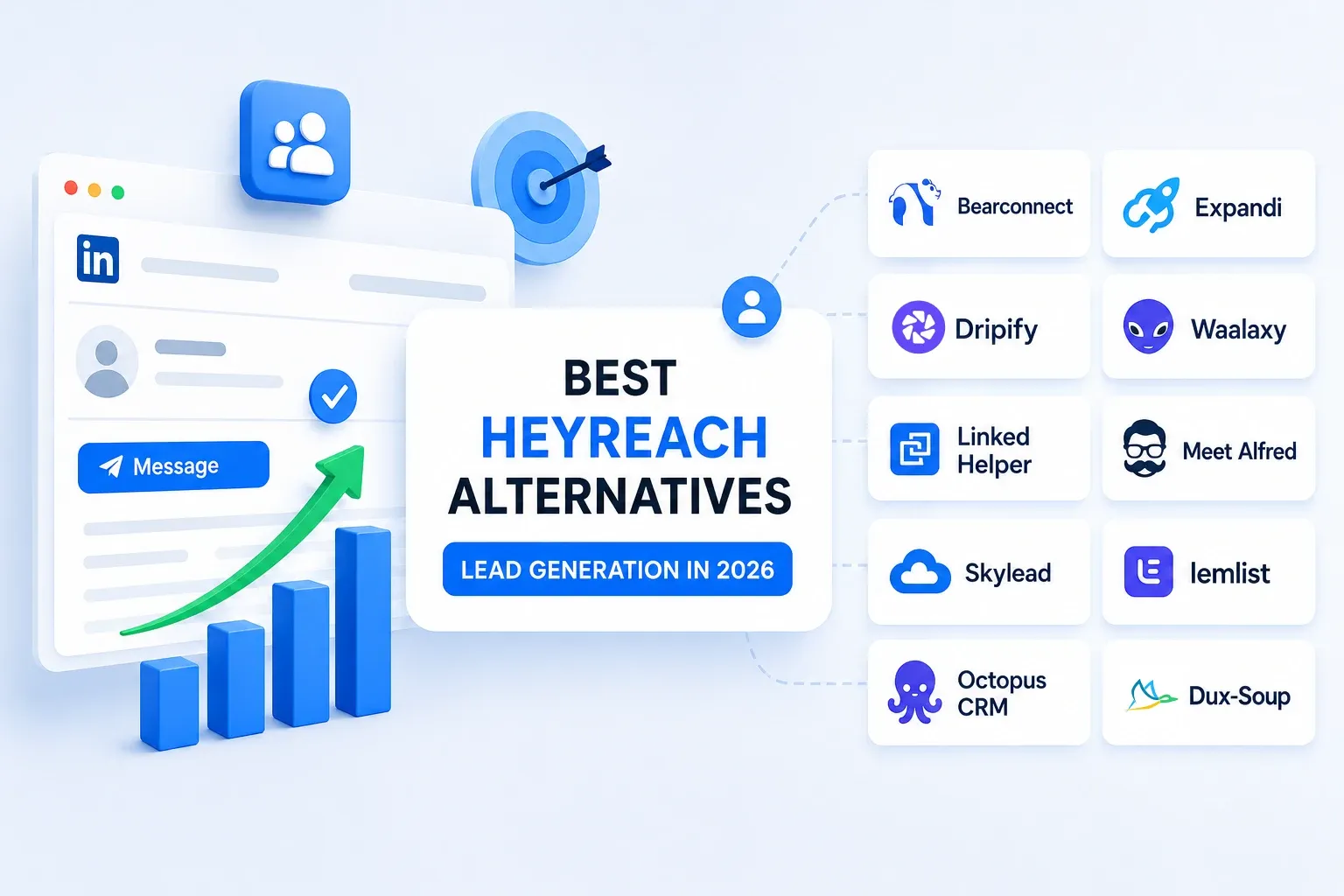
The best HeyReach alternatives for lead generation in 2026 are Bearconnect, Expandi, Dripify, Waalaxy, Linked Helper, Meet Alfred, Skylead, Lemlist, Octopus CRM, and Dux-Soup.
Most people looking for a switch aren't unhappy with what HeyReach does. They're unhappy with what it costs once you're running more than one or two LinkedIn accounts, and with how much extra tooling you end up bolting on around it.
I've run outreach across a dozen LinkedIn accounts over the past year and a half.
Some tools earned their keep. One nearly got a client account restricted inside two weeks.
This is the shortlist I'd actually send a friend who asked, "should I leave HeyReach?"
TL;DR (Read This First)
- Bearconnect is the strongest HeyReach alternative if you run multiple LinkedIn accounts and want unified inbox, AI content, and outreach in one place at $67 per account ($57 at 5 or more).
- Expandi stays the safest choice for solo users who care more about ban risk than budget.
- Dripify and Waalaxy win for visual sequence builders who also need email.
- Linked Helper and Octopus CRM are the budget picks under $20 per month.
- HeyReach is still excellent if you manage 30 plus accounts and need true agency-grade coordination. Below that, you are overpaying.
Who This Guide Is For
This guide is written for the people HeyReach starts to hurt, not the people it serves perfectly.
- → Founders running their own outreach who feel $79 per seat is overkill for one profile.
- → SDRs and B2B sales teams who want AI personalization without paying for agency-tier infrastructure.
- → Agency owners managing 5 to 15 client LinkedIn accounts where per-seat pricing compounds painfully.
- → Recruiters and consultants who need consistent pipeline without a steep onboarding curve.
If you are running 50 accounts under a whitelabel banner, stay with HeyReach. If you are not, keep reading.
Why People Are Leaving HeyReach in 2026
Most HeyReach churn comes down to three patterns I keep hearing on calls and in founder Slack groups.
1. The per-seat pricing math breaks at scale.
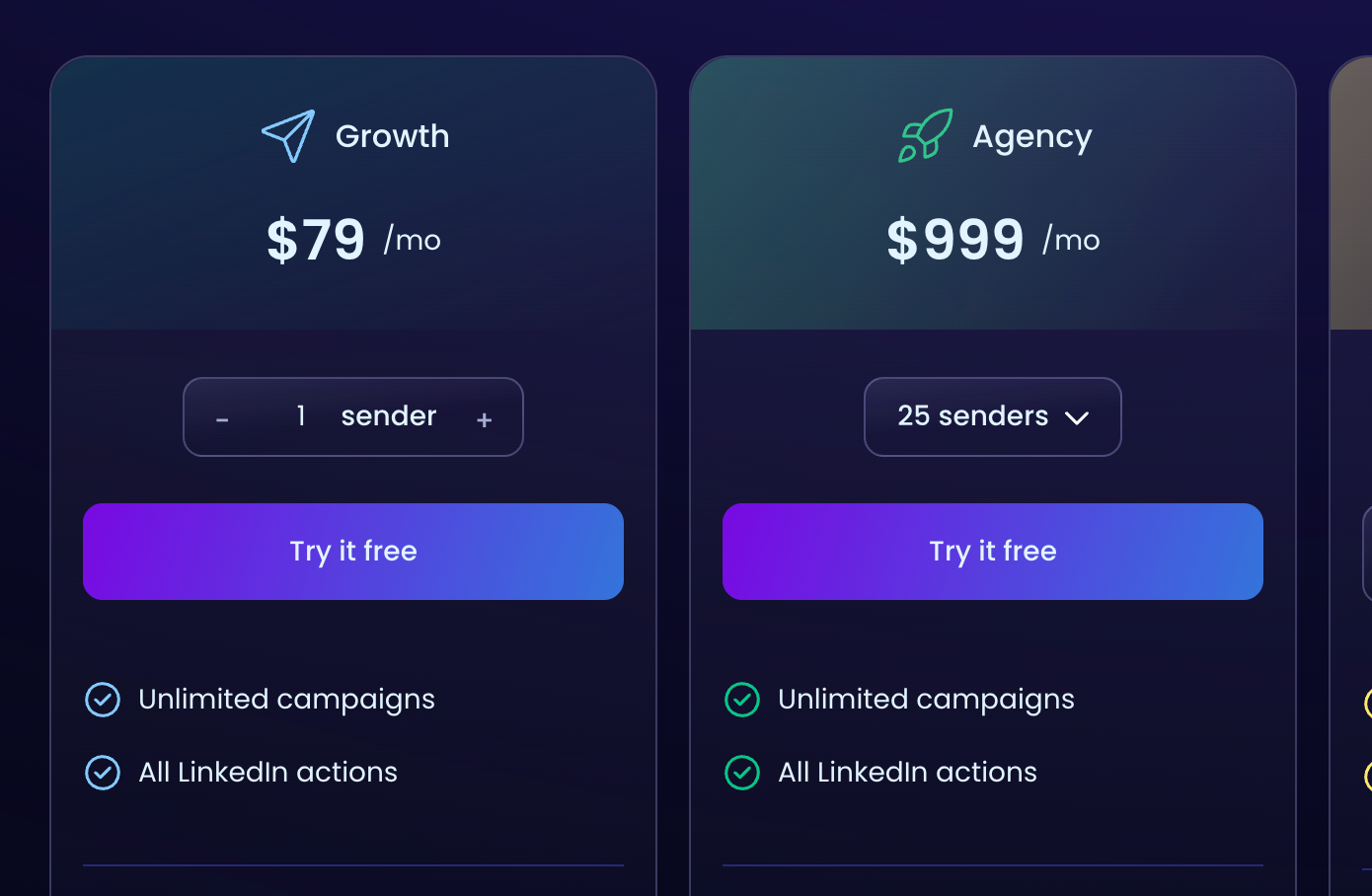
HeyReach starts at $79 per sender per month. That feels fine for one account.
Run 5 client profiles and you are at $395. Run 10 and you are at $590, with no intermediate plan between single-sender and the $999 Agency tier.
The pricing cliff is real.
2. Feature gaps that matter in 2026.
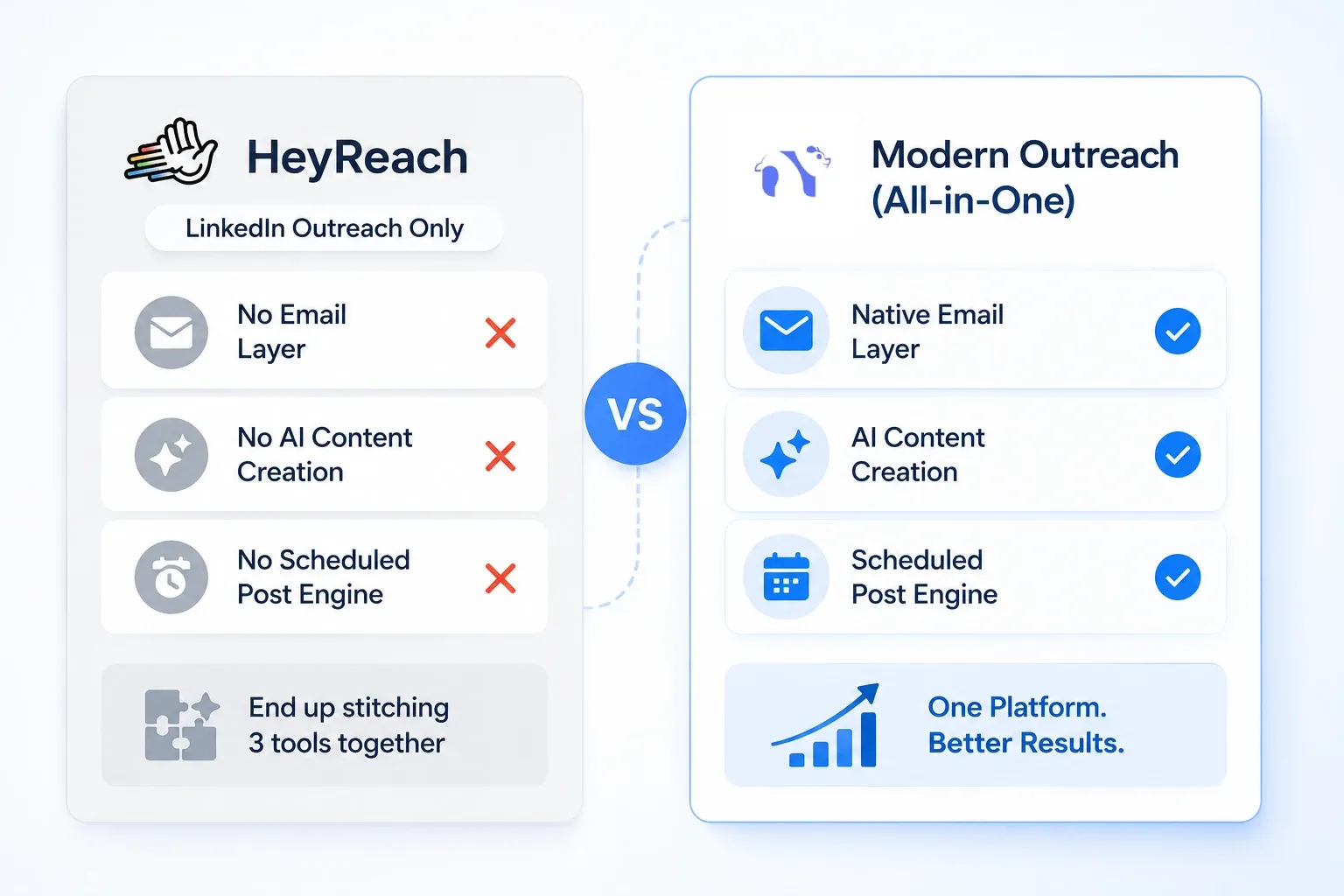
HeyReach is LinkedIn outreach only. There is no native email layer. There is no built-in AI content creation. There is no scheduled post engine.
If your strategy in 2026 includes inbound content plus outbound (and it should), you end up stitching together 3 tools.
What Actually Makes a Good HeyReach Alternative Right Now
A great HeyReach alternative in 2026 has to solve three problems at once: safety, scale economics, and feature coverage beyond pure outreach.
Here is the framework I use when shortlisting any LinkedIn automation tool:
- Cloud-based execution. Browser extensions are easier to detect. Campaigns must run when your laptop is closed.
- Safety hardcoded, not configured. Random send delays, daily limits, gradual warmup, and IP rotation should be defaults, not toggles.
- Per-account pricing that rewards scale. If the second account costs the same as the first, the model punishes agencies.
- Unified inbox. Once you cross 3 LinkedIn accounts, jumping between profiles burns 40 minutes a day. A single inbox fixes that.
- AI that actually personalizes. Variable tags are not AI. Real AI reads the profile and writes a contextual opener.
- CRM integration. HubSpot, Pipedrive, and webhook support are table stakes in 2026.
Cloud-Based vs Browser-Based: Why It Matters
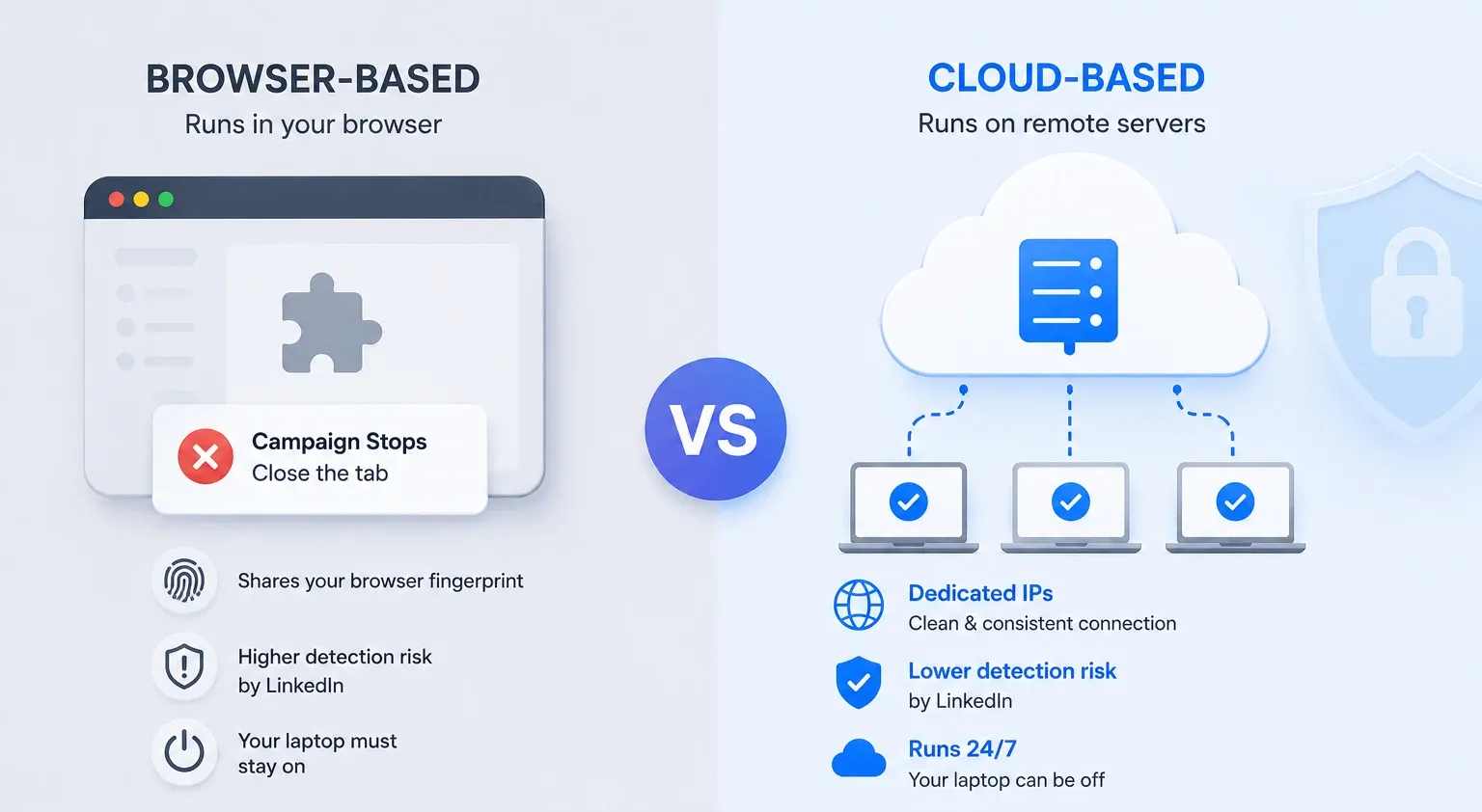
Browser extensions (like older versions of Dux-Soup or Linked Helper) run inside your Chrome tab. Close the tab, the campaign stops. Worse, LinkedIn can detect extension activity patterns because the automation shares your browser fingerprint.
Cloud-based tools run on remote servers with dedicated IPs. Your laptop can be off. LinkedIn sees a clean connection from a consistent IP, not a script injecting clicks into your browser DOM.
In 2026, cloud-based is not a nice-to-have. It is a safety requirement.
With that filter applied, here are the 10 tools that survived.
1. Bearconnect: The Strongest HeyReach Alternative for Multi-Account Lead Generation
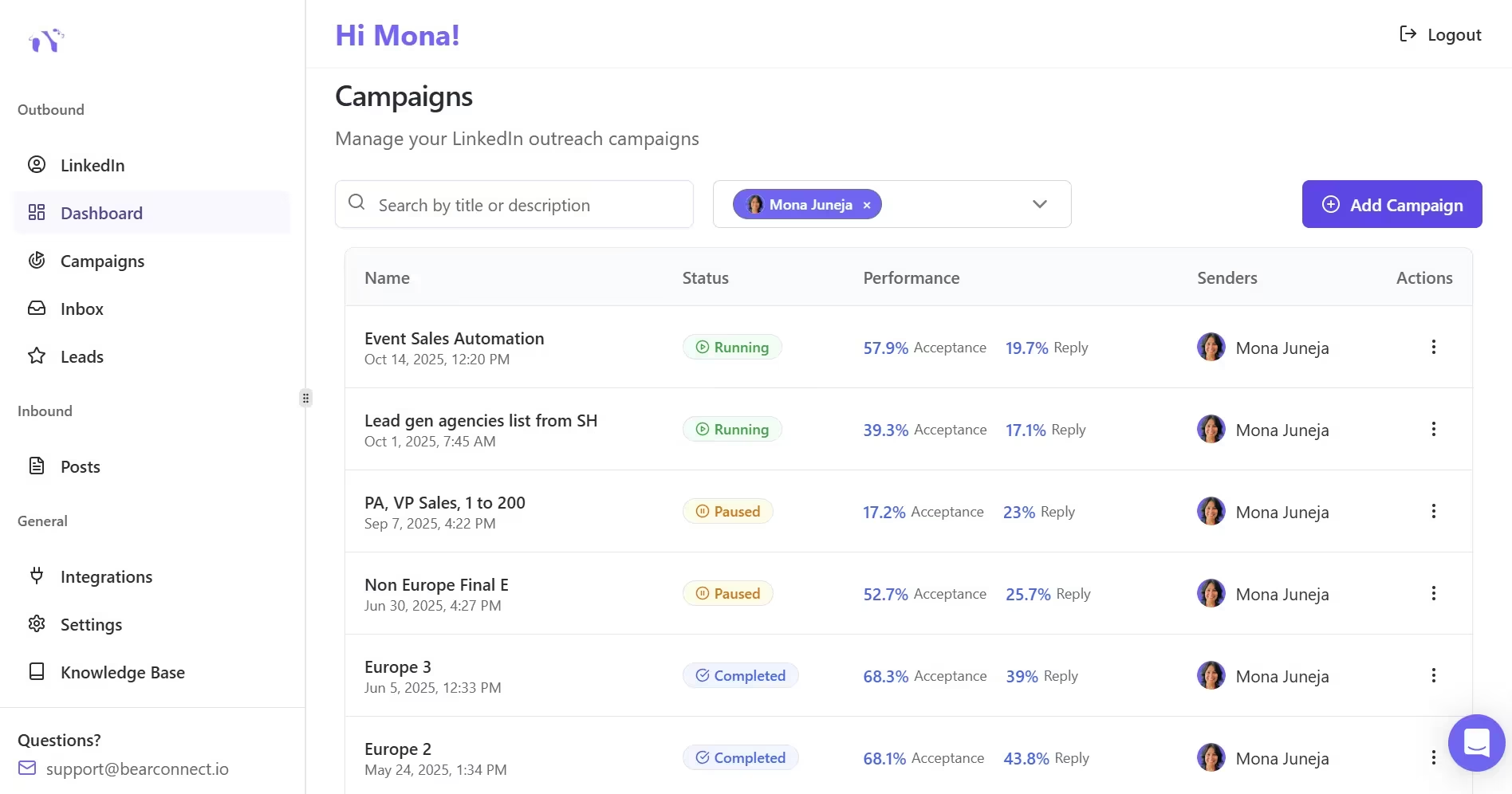
Bearconnect is the HeyReach alternative I would pick if I were starting again today, especially if I planned to run more than one LinkedIn account.
The reason is simple.
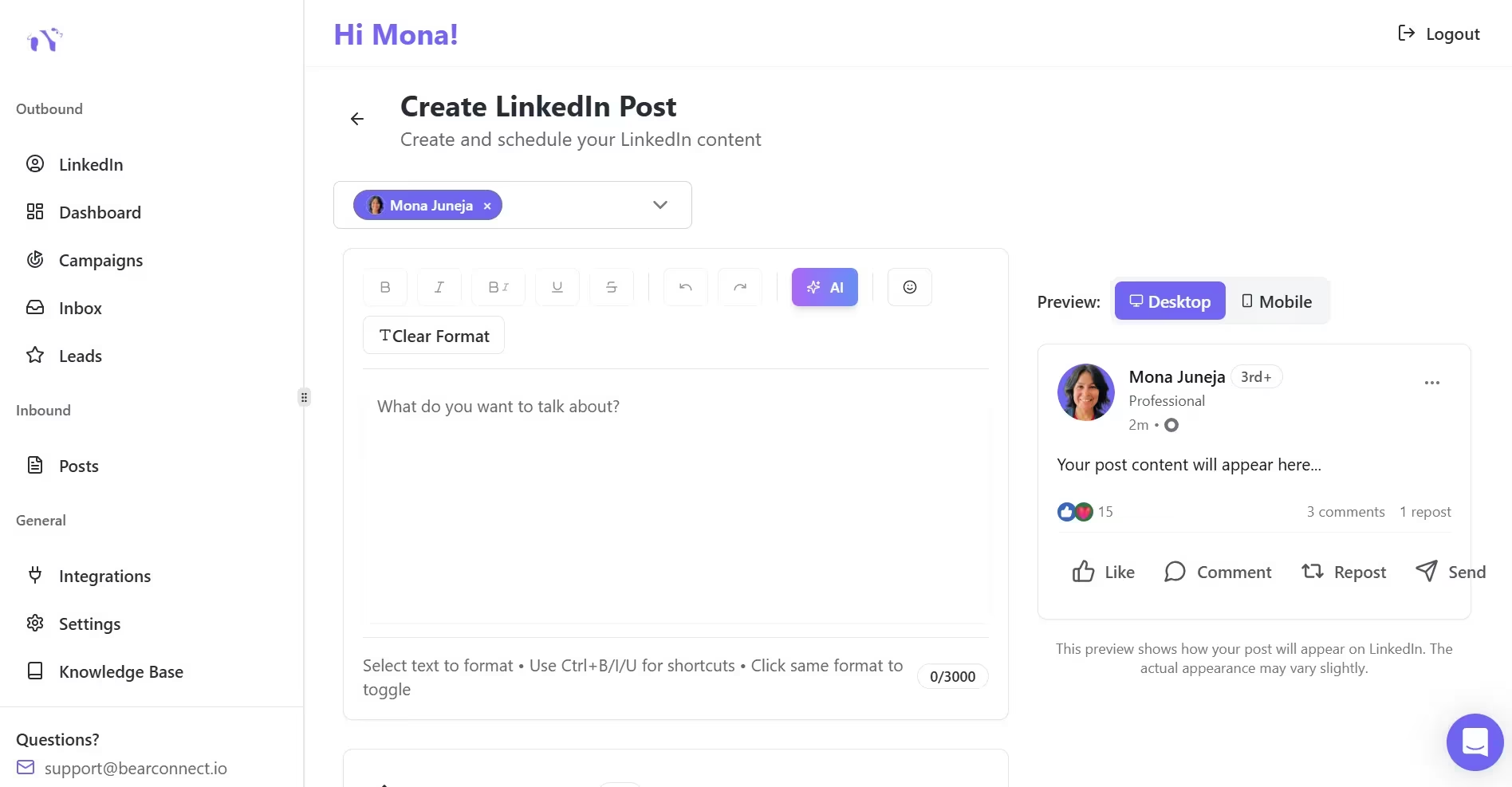
Bearconnect bundles outbound outreach, inbound AI content scheduling, multi-account management, and a unified cross-account inbox under one per-account price.
HeyReach makes you pay for outreach. Then you pay for a content tool. Then you stitch a CRM in. With Bearconnect, that whole stack is one platform.
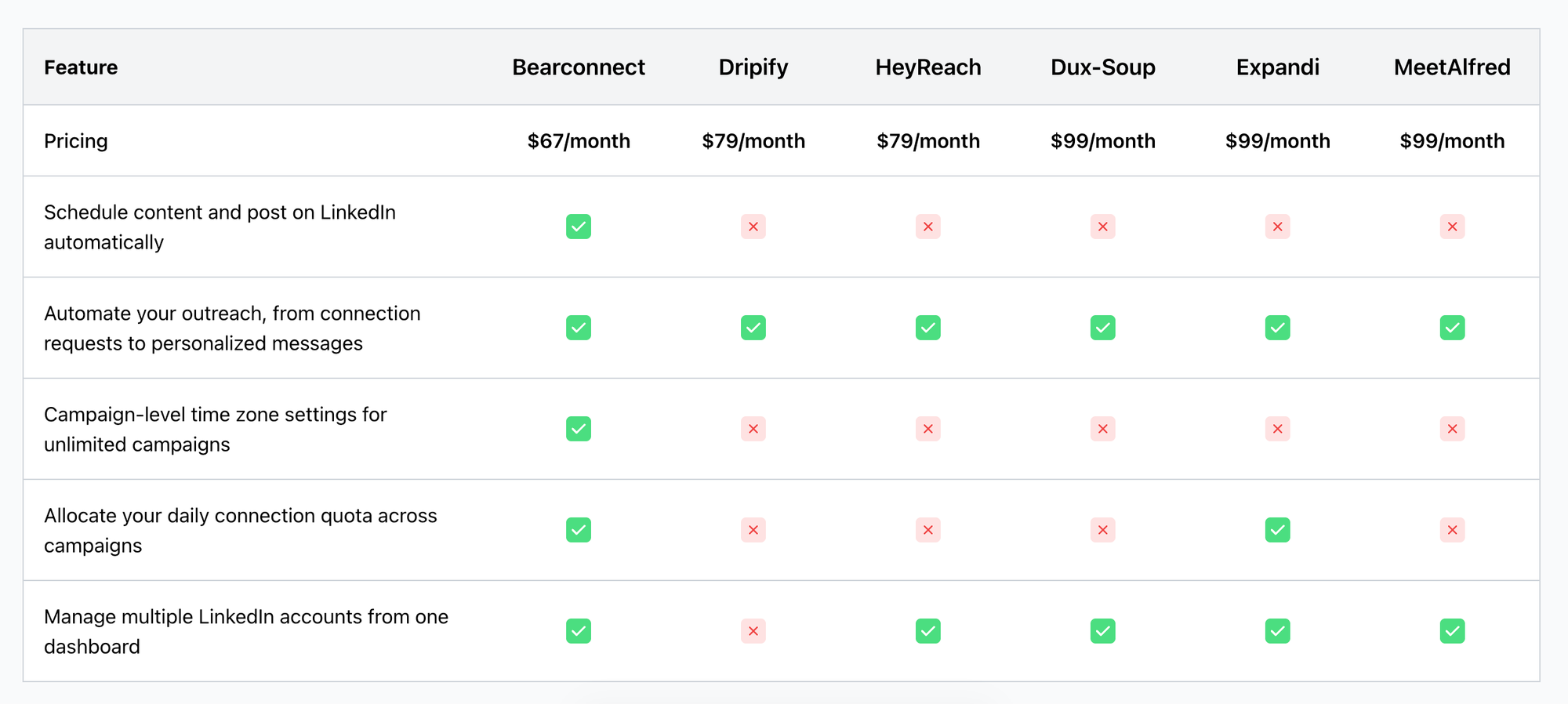
What it does well:
- → Outreach automation with drip sequences, connection requests, and follow-ups.
- → AI-powered LinkedIn content creation plus scheduled posting across multiple accounts.
- → Unified inbox that pulls every reply from every connected account into one screen.
- → "LinkedIn Post Leads" feature that turns post engagers into outreach targets without CSV exports.
- → Native CRM integrations with HubSpot and Pipedrive, plus webhook support for n8n and Make.
- → Multi-account dashboard built for agencies running client profiles.
Pricing:
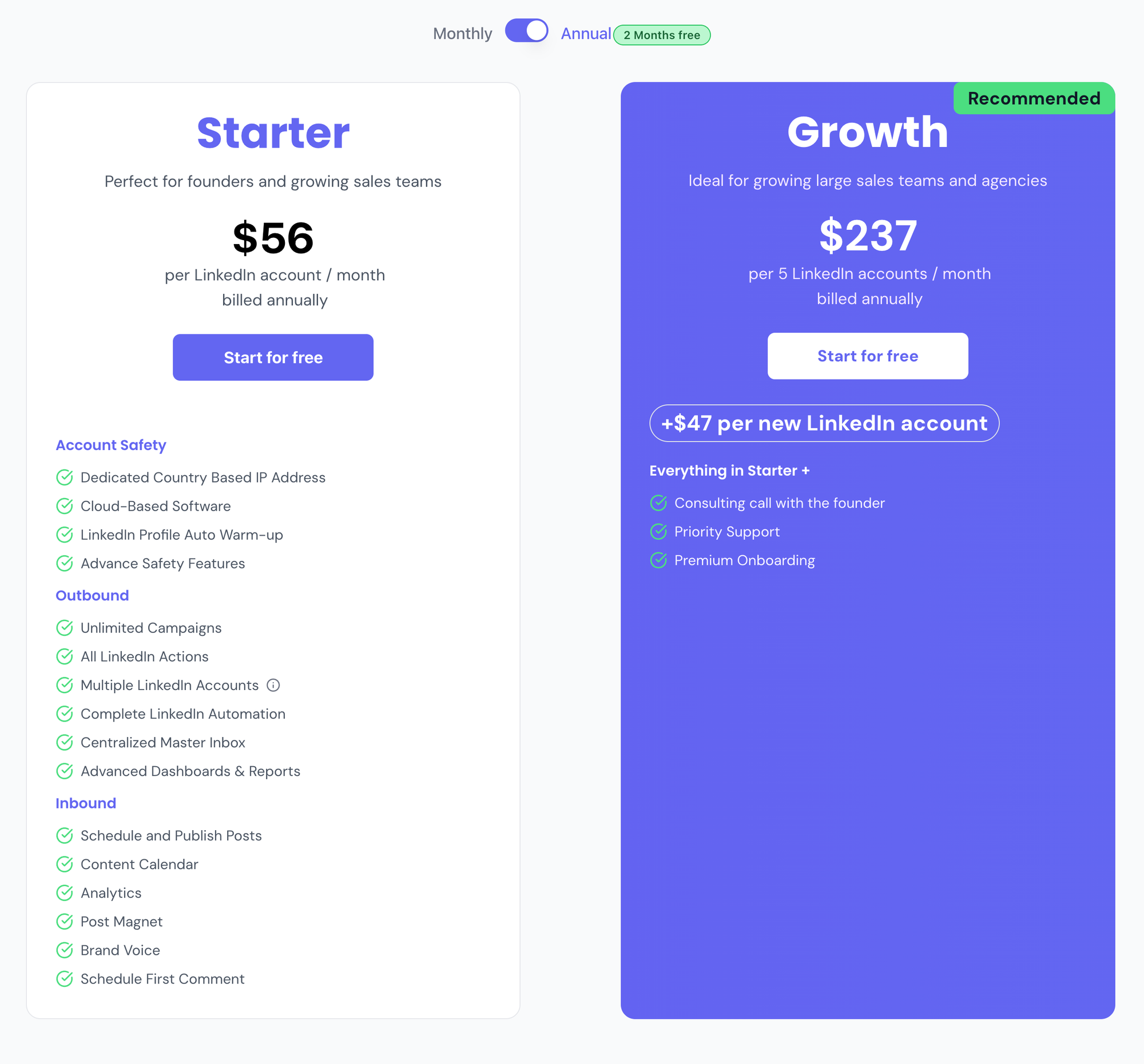
$67 per month per LinkedIn account. Drops to $57 per month per account when you connect 5 or more.
Real pricing math vs HeyReach at 5 accounts:
- Bearconnect: 5 × $57 = $285/month
- HeyReach Growth: 5 × $79 = $395/month
- Bearconnect wins on price AND includes AI content, and post scheduling.
Honest trade-off:
If you are managing 25 or more accounts under one whitelabel brand, HeyReach's flat $999 Agency tier becomes cheaper per account. Bearconnect's linear pricing is built for the 1 to 20 account range, which is where most agencies actually sit.
A scenario from my own use:
I ran a campaign for a B2B SaaS client where we needed inbound LinkedIn content posting plus outbound drip sequences across 4 founder profiles.
With HeyReach, we would have needed HeyReach for outreach, a separate scheduler for content, and a third tool for cross-account inbox triage.
With Bearconnect, the entire stack collapsed into one dashboard. The time saved on context switching alone was about 6 hours a week across the team.
Best for: Founders, SDRs, agencies managing 1 to 20 LinkedIn accounts who want outreach and inbound content in one platform.
Try it: Book a Bearconnect demo.
2. Expandi: The Safety-First Choice for Solo Operators
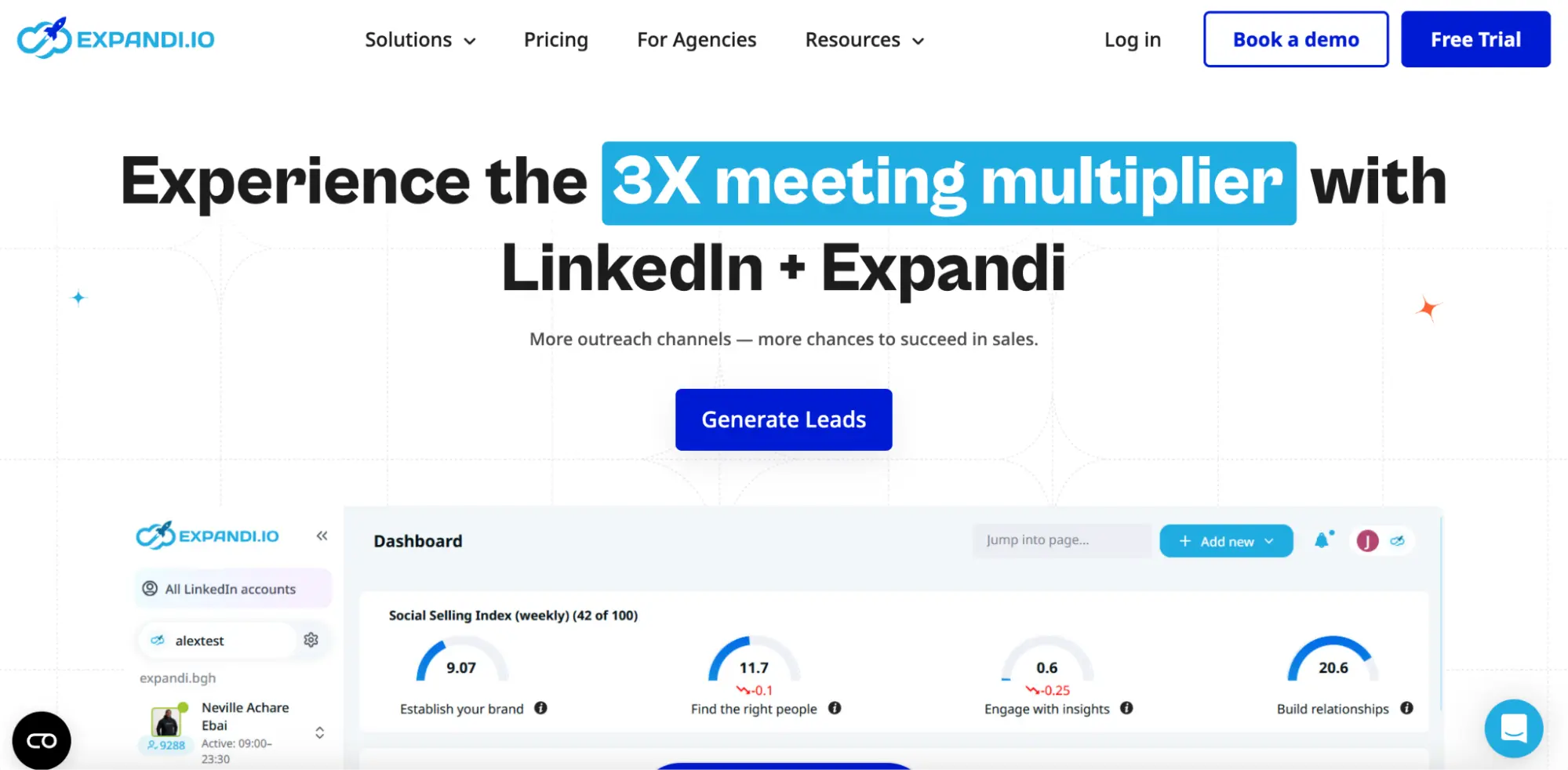
Expandi remains the safest LinkedIn automation tool for single-account users who would rather pay more than risk a ban.
Their dedicated IP per account approach is genuinely well-engineered. Each account looks like it is operating from a unique geographic location, which lowers detection risk significantly. Warmup sequences and randomized delays are built in.
What it does well:
- → Dedicated IP per LinkedIn account.
- → Smart sequences with conditional branching.
- → Solid reputation around account safety.
Where it falls short:
- → AI personalization features are limited and partly require paid add-ons (Hyperise, Sendspark).
- → Pricing is $99 per account, which gets expensive quickly.
Pricing: Starts at $99 per LinkedIn account per month.
Best for: Solo founders or consultants running 1 to 2 accounts where account safety outweighs every other concern.
3. Dripify: The Visual Builder for LinkedIn Plus Email
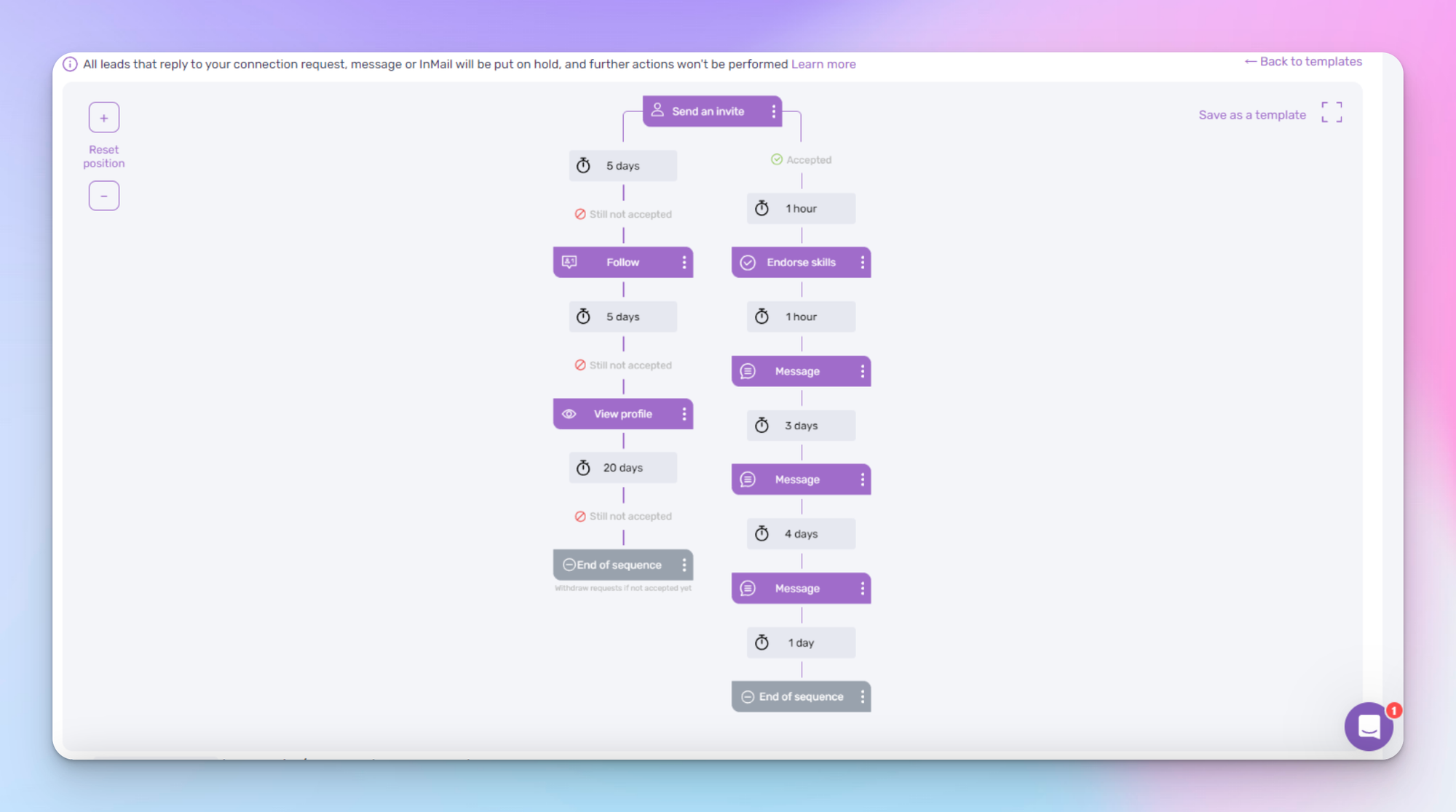
Dripify wins when you want LinkedIn plus email in one tool with a drag-and-drop visual sequence builder.
The interface is one of the most intuitive in this category. You can map an entire prospect journey (connection request → wait 2 days → message → wait 3 days → email follow-up) without writing a single line of logic.
What it does well:
- → Visual drag-and-drop sequence builder.
- → LinkedIn plus email in one campaign flow.
- → Clean reporting layer.
Where it falls short:
- → The Basic plan caps connection requests at 20 per day, which is well below LinkedIn's actual weekly limit.
- → To unlock real volume and email features, you need the Pro plan at $79 per month.
- → No multi-account coordination at the level HeyReach or Bearconnect offer.
Pricing: $79 per month (Pro plan).
Best for: Solo operators or small teams who want LinkedIn plus email in a single drag-and-drop interface.
4. Waalaxy: The Flowchart-Style Sequence Builder
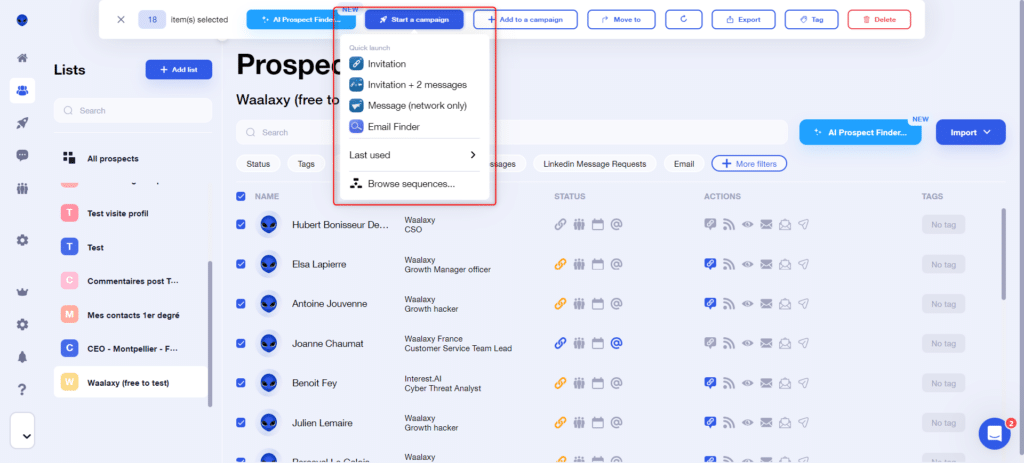
Waalaxy is the visual alternative for people who think in flowcharts and want LinkedIn plus email under one workflow.
The branching logic is genuinely useful. You can build sequences that adapt based on whether a prospect accepted your connection, replied, or stayed silent. That kind of conditional logic is hard to find at this price point.
What it does well:
- → Visual flowchart builder with conditional logic.
- → Solid email integration on higher tiers.
- → Strong UX for non-technical users.
Where it falls short:
- → Lower tiers cap connection requests at around 300 per month.
- → You need the Business plan ($79 per month) to unlock email and full LinkedIn quotas.
- → Inbox feature is a paid add-on, not included by default.
Pricing: $79 per month (Business plan).
Best for: Marketers and SDRs who want a clean visual interface and multi-channel sequences.
5. Linked Helper: The Feature-Rich Budget Pick
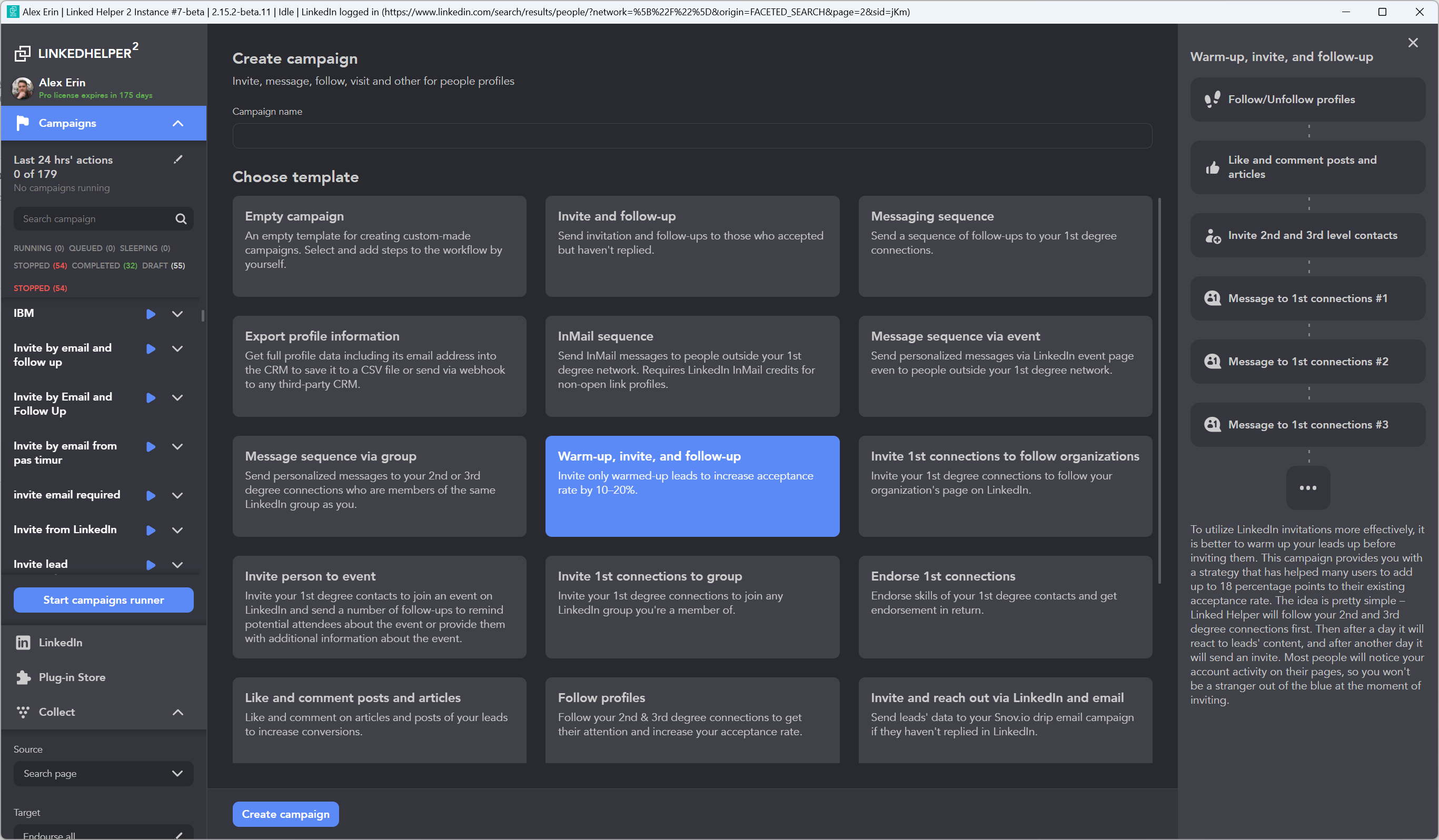
Linked Helper is the most feature-dense tool in this list relative to its price, and it has been around long enough that the kinks are mostly worked out.
The downside is that it runs as a desktop app, not a true cloud tool. Your machine needs to be on for campaigns to execute. For some users that is fine. For agencies running 24/7 it is a dealbreaker.
What it does well:
- → Massive feature library (skill endorsements, profile views, follow, message sequences).
- → Strong CRM-like contact tagging and segmentation.
- → 14-day free trial.
Where it falls short:
- → Desktop-only execution model.
- → UI feels dated compared to newer tools.
- → No real AI personalization layer.
Pricing: Starts at $15 per month with flexible billing tiers.
Best for: Budget-conscious solo users who want maximum feature surface area per dollar.
Pro tip: If you are choosing between Linked Helper and Octopus CRM purely on price, pick Linked Helper for feature depth and Octopus CRM for cleaner UX. Both work, but they serve slightly different users.
6. Meet Alfred: The Multichannel Budget Play
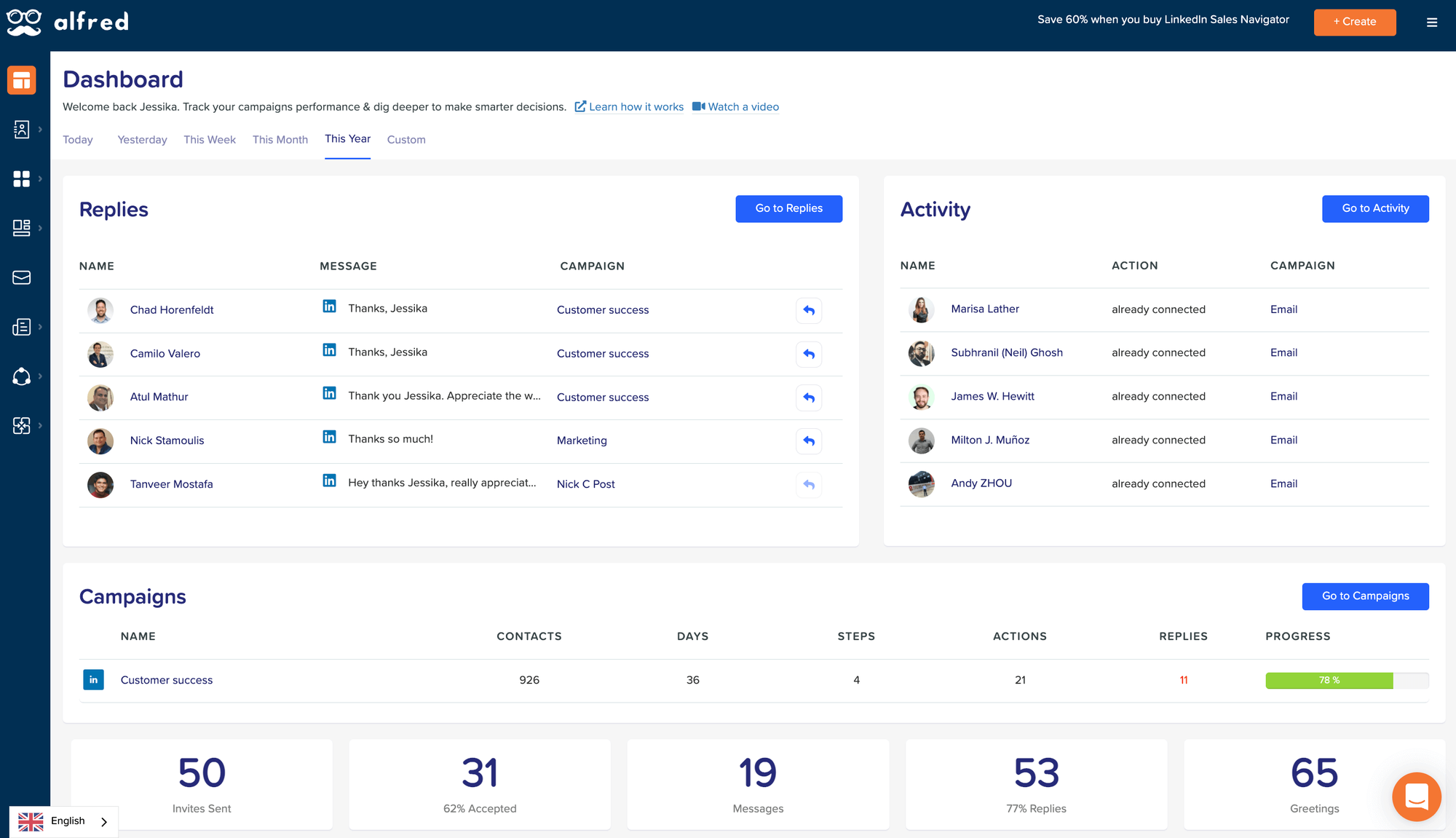
Meet Alfred is the cheapest way to run LinkedIn, email, and X (Twitter) outreach from a single platform.
That breadth comes with trade-offs. The G2 rating sits around 3.4 out of 5, with recurring reports of campaign bugs and slow support. If you can tolerate the occasional rough edge in exchange for multichannel reach, the pricing is hard to beat.
What it does well:
- → LinkedIn + email + X outreach in one platform.
- → Lowest entry price for true multichannel automation.
- → Unified smart inbox across channels.
Where it falls short:
- → Reliability complaints from users.
- → Slower customer support cycles.
- → Not the best fit for agencies who cannot afford downtime.
Pricing: $59 per month
Best for: Solo founders on tight budgets who genuinely need email + LinkedIn + X in one workflow.
7. Skylead: The Volume Player for High-Output Teams
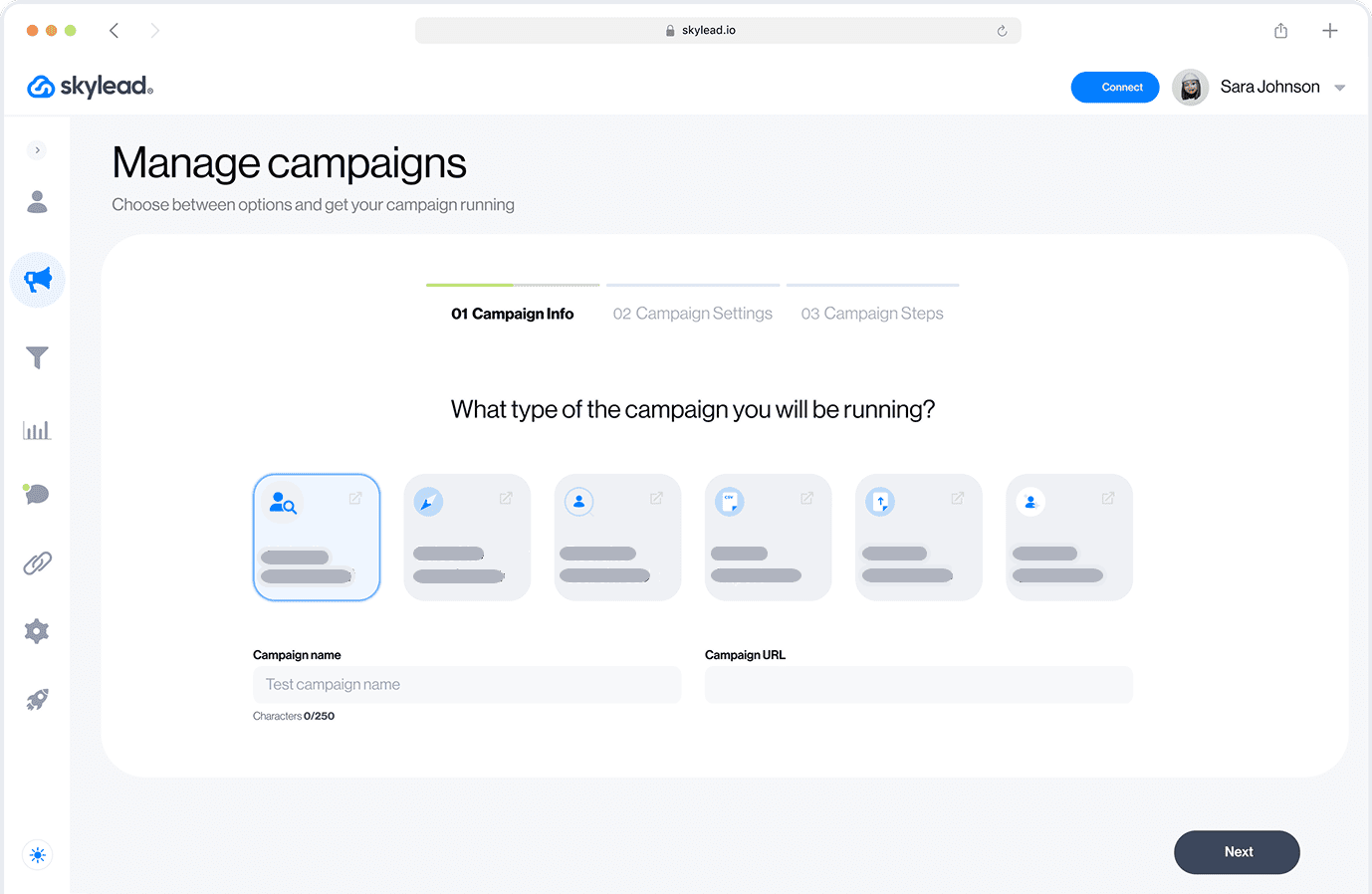
Skylead is built for teams who want to run aggressive volume without thinking about daily limits.
Their cloud-based system layers warmup features into every account, which helps newer profiles avoid spam detection.
Unlimited emails bundled with LinkedIn outreach makes Skylead a strong all-in-one play for outbound-heavy teams.
What it does well:
- → Cloud-based execution with built-in warmup.
- → Unlimited email plus LinkedIn campaigns.
- → Smart sequences with conditional logic.
Where it falls short:
- → No unified multi-account inbox at the level Bearconnect or HeyReach offer.
- → Pricier than budget tools at $100 per month per seat.
- → AI personalization is templated, not contextual.
Pricing: $100 per month per seat.
Best for: High-volume B2B sales teams running aggressive outbound across LinkedIn and email.
8. Lemlist: The Email-First Tool That Adds LinkedIn
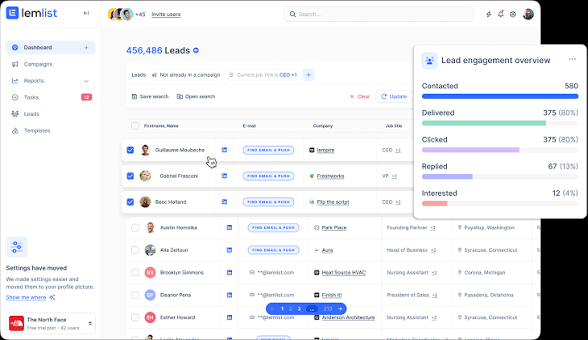
Lemlist is the strongest choice when email is your primary channel and LinkedIn is a supporting touchpoint.
Their deliverability features (warmup via lemwarm, advanced dynamic personalization, large built-in lead database) are more developed than anything HeyReach offers.
The trade-off is that LinkedIn automation is only available on the Multichannel Expert plan.
What it does well:
- → Best-in-class email deliverability tooling.
- → Large native lead database baked in.
- → Multichannel sequences (email + LinkedIn + calls).
Where it falls short:
- → LinkedIn features locked behind the $109/month Multichannel Expert plan.
- → Entry plan is email-only.
- → Less granular LinkedIn safety controls than dedicated LinkedIn tools.
Pricing: $109 per month (Multichannel Expert plan).
Best for: Outbound teams where email is the primary engine and LinkedIn rounds out the sequence.
9. Octopus CRM: The Sub-$20 Starter Pick
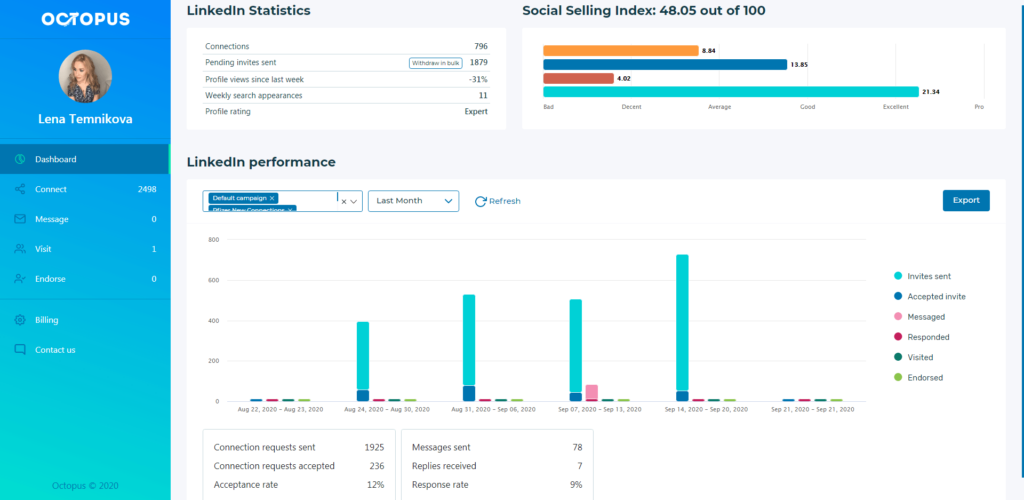
Octopus CRM is the cheapest tool in this list that still delivers usable LinkedIn automation.
At $9.99 per month, it is the easiest "yes" if you want to test LinkedIn outreach without committing to a premium tier. The A/B testing feature is genuinely useful, and the UI is clean.
What it does well:
- → Lowest price point for cloud-based LinkedIn automation.
- → A/B testing for connection messages.
- → Clean, simple interface.
Where it falls short:
- → No unified inbox for multiple accounts.
- → No AI personalization layer.
- → Lower feature ceiling than premium tools.
Pricing: $9.99 per month.
Best for: Solopreneurs and first-time automation users on tight budgets.
10. Dux-Soup: The Veteran with Hybrid Cloud Plus Extension
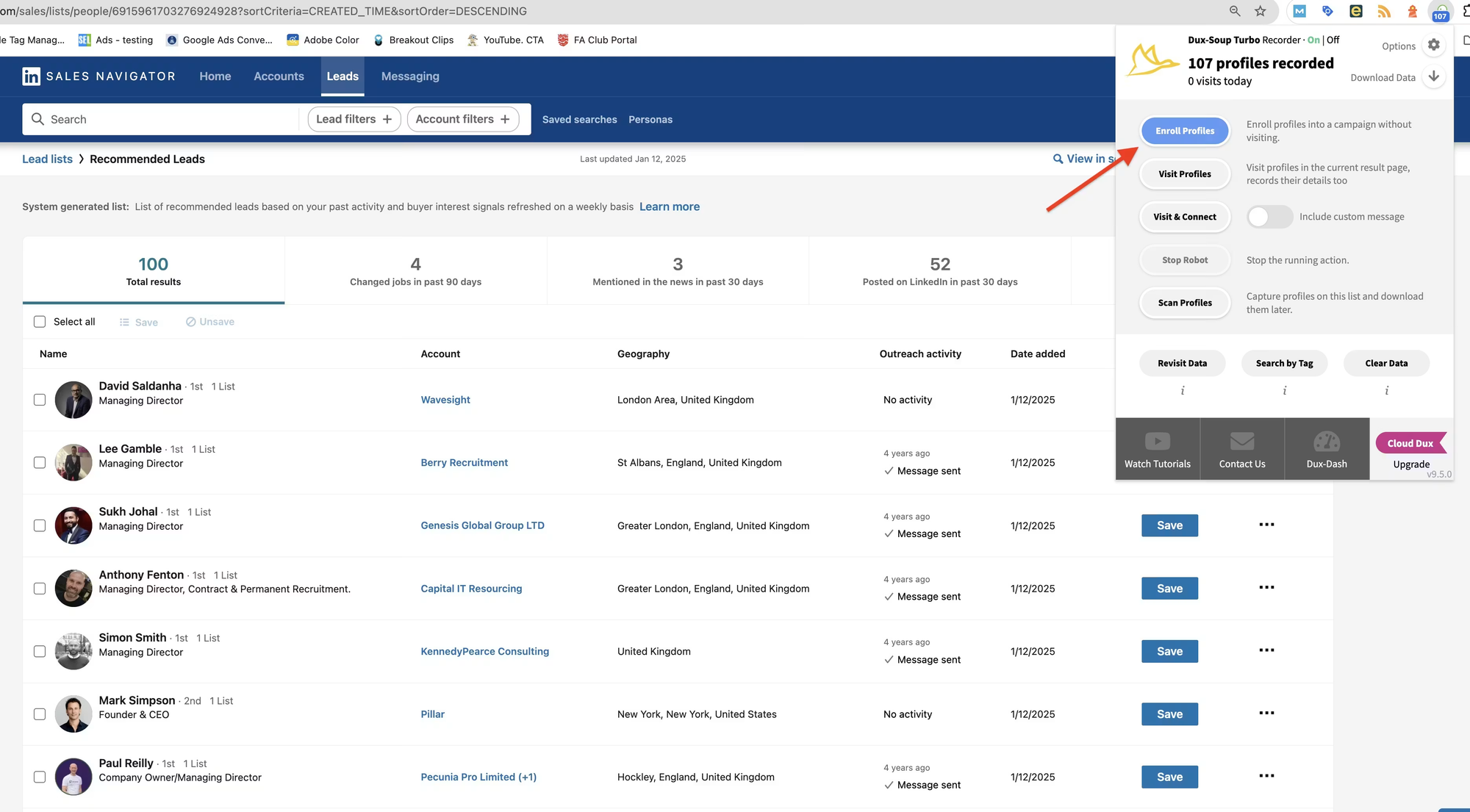
Dux-Soup has been around since 2015, which is both a strength (battle-tested) and a weakness (UI feels older than newer competitors).
Their hybrid model lets you choose between a Chrome extension and cloud execution. That flexibility is rare. Their mobile control feature is genuinely useful for founders who want to pause campaigns on the go.
What it does well:
- → Hybrid extension plus cloud deployment.
- → GDPR-compliant data handling.
- → Mobile pause/resume controls.
Where it falls short:
- → No multi-account unified inbox.
- → Limited AI personalization.
- → UI shows its age.
Pricing: Starts around $14.99 per month.
Best for: Users who want flexibility between browser extension and cloud, with a long product track record behind them.
Quick Comparison: 10 HeyReach Alternatives Side by Side
| Tool | Pricing (Monthly) | Channels | Multi-Account | Unified Inbox | AI Content | Best For |
|---|---|---|---|---|---|---|
| Bearconnect | $67/account ($57 at 5+) | LinkedIn (outreach + inbound) | Yes | Yes | Yes | 1 to 20 accounts |
| Expandi | $99/account | Limited | No native | Add-on | Safety-first solo users | |
| Dripify | $79 | LinkedIn + Email | No | No | Templated | Visual builder fans |
| Waalaxy | $55 | LinkedIn + Email | No | Add-on | Templated | Flowchart users |
| Linked Helper | $15+ | Limited | No | No | Budget feature seekers | |
| Meet Alfred | $59 | LinkedIn + Email + X | Limited | Yes | Templated | Multichannel budget |
| Skylead | $100 | LinkedIn + Email | Limited | No | Templated | High-volume teams |
| Lemlist | $109 | Email + LinkedIn | Limited | Limited | Yes | Email-first teams |
| Octopus CRM | $9.99 | No | No | No | Solo starters | |
| Dux-Soup | $14.99+ | Limited | No | No | Hybrid execution fans | |
| HeyReach | $79/seat | Yes | Yes | No | 30+ account agencies |
Is LinkedIn Automation Safe in 2026?
Yes. But only if the tool you pick was built for how LinkedIn detects automation today, not how it detected it in 2023.
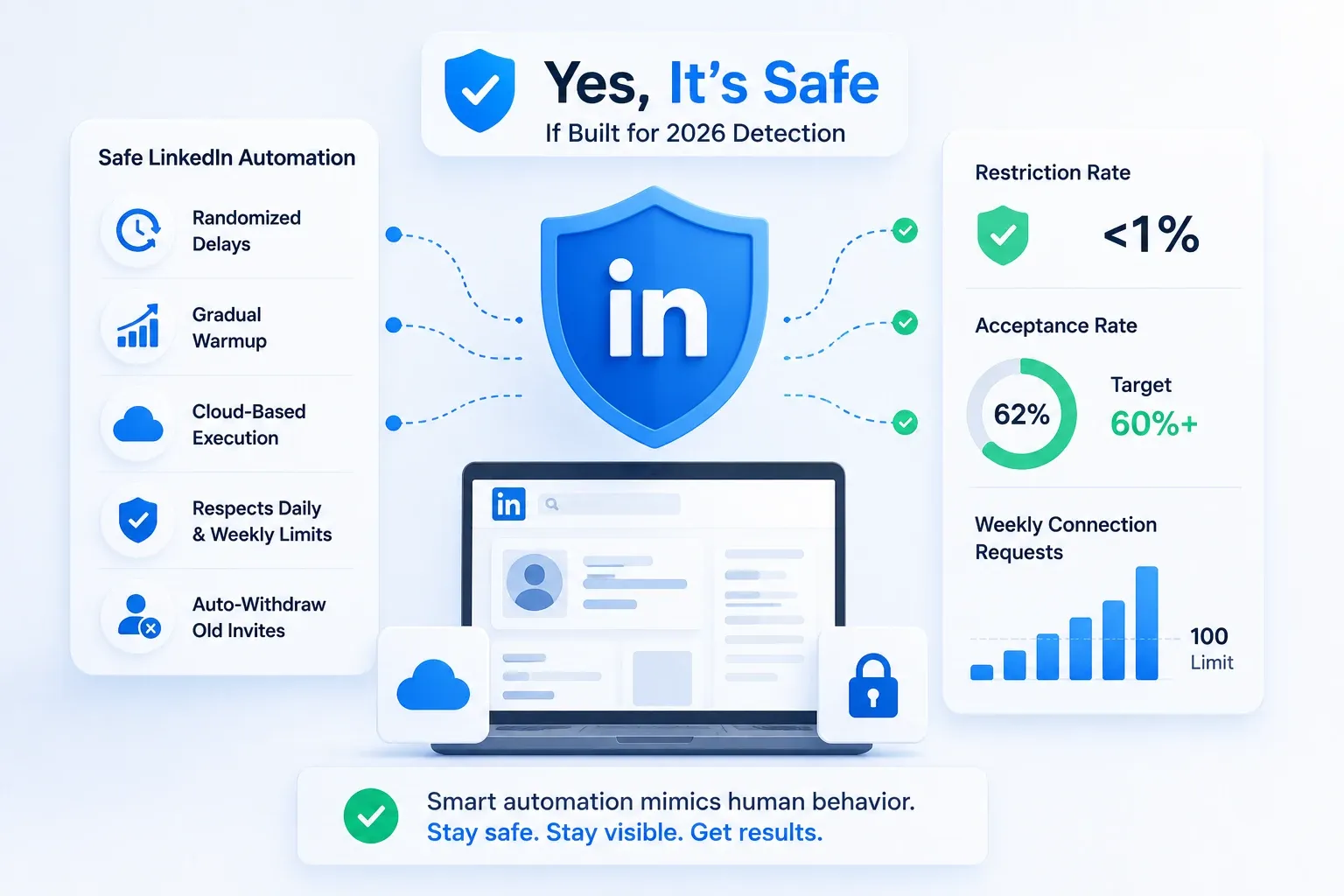
LinkedIn's detection system in 2026 does not just look at volume. It analyzes behavioral patterns.
If your tool sends exactly 25 connection requests every day at exactly 9:00 AM with zero variation, that is a script signature.
Humans are messy. Good automation mimics that mess.
Here is what safe looks like in practice:
- → Randomized delays between actions (not fixed 60-second intervals).
- → Gradual warmup for new accounts (start at 10 to 15 requests per day, scale up over 2 weeks).
- → Cloud-based execution with a dedicated IP per account.
- → Daily limits that respect LinkedIn's weekly caps (roughly 100 connection requests per week).
- → Auto-withdraw for pending invitations older than 14 to 30 days.
Tools that hardcode these protections (Bearconnect, Expandi, Botdog) report sub-1% restriction rates. Tools that leave safety as a manual toggle put the risk on you.
One thing worth knowing: LinkedIn also monitors your acceptance rate. If fewer than 60% of your connection requests get accepted, LinkedIn starts throttling your reach. That is a targeting quality problem, not a tool problem.
What LinkedIn Outreach Reply Rates to Expect in 2026
Realistic benchmarks matter because most "alternative" posts throw around numbers without context.
Here is what I have seen across campaigns in the last 6 months:
- → Connection acceptance rates: 25 to 45% for well-targeted lists. Below 20% means your targeting or messaging needs work.
- → Reply rates (first message after connection): 15 to 30% for personalized messages. Under 10% usually signals a generic template problem.
- → Positive reply rates (interested, not "stop messaging me"): 8 to 18% for strong campaigns.
- → Meeting booked rates from outreach: 2 to 5% of total connections for most B2B use cases.
These numbers assume you are using a tool with AI personalization and targeting relevant prospects.
Spray-and-pray to unqualified lists will get you below 5% replies no matter what tool you use.
The tool matters less than the list and the message. But the right tool makes it easier to personalize at scale.
What Does a High-Converting LinkedIn Outreach Sequence Look Like?
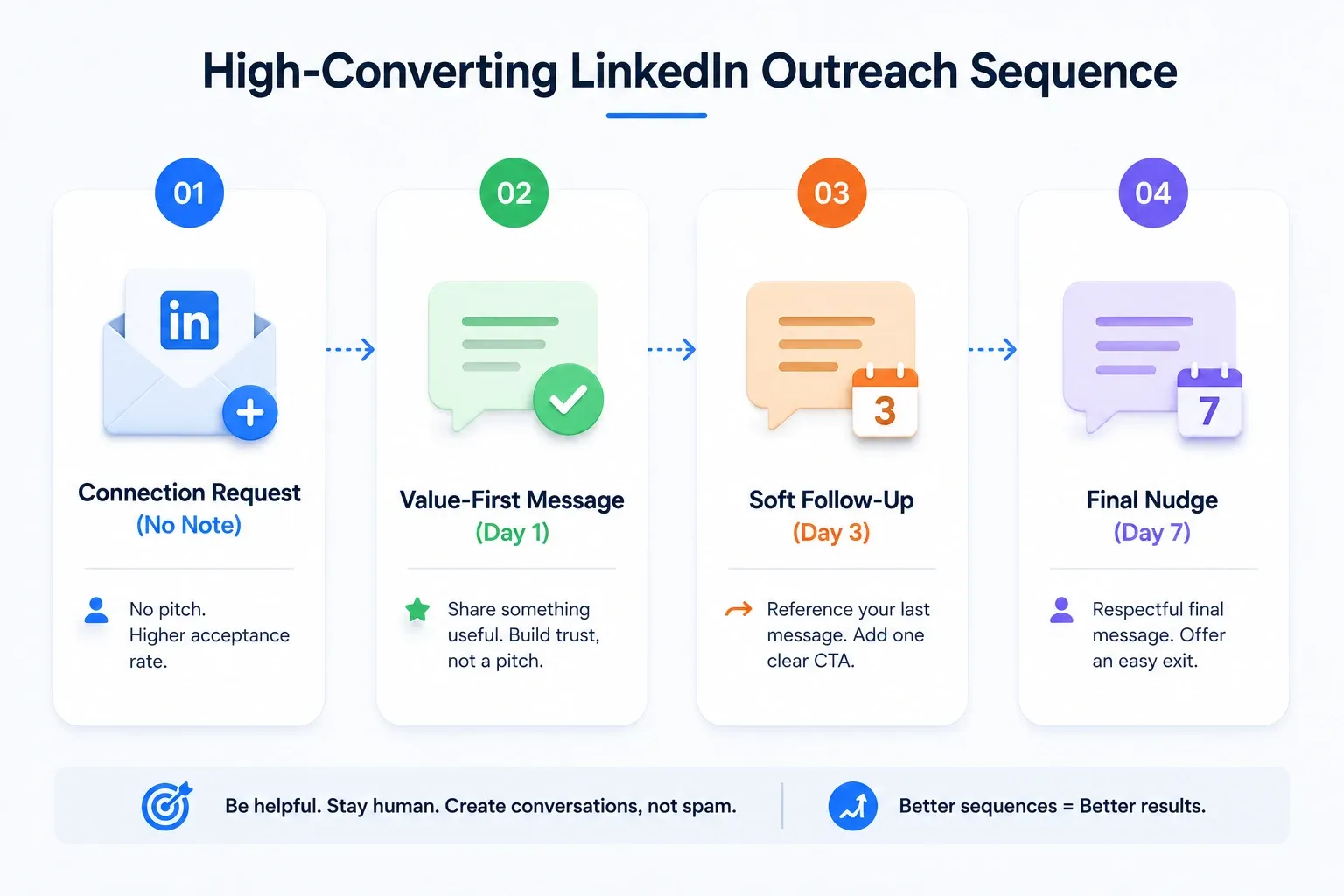
The best HeyReach alternative in the world will not fix a bad sequence. Here is a 4-step drip framework I use across most B2B campaigns.
Step 1: Connection request (no note).
LinkedIn data suggests requests without notes get slightly higher acceptance rates than requests with generic pitches. Save your first message for after they accept.
Step 2: Value-first message (Day 1 after acceptance).
Do not pitch. Share something useful. A relevant case study, a stat they care about, or a question about a problem you know they have.
Step 3: Soft follow-up (Day 3).
Reference your first message. Keep it under 3 lines. Add a single clear CTA.
Example: "Just following up on my last note. If you are exploring better LinkedIn automation tools, I put together a short comparison that might save you time. Want me to send it over?"
Step 4: Final nudge (Day 7).
One final message. Respectful. Offer an easy exit.
Example: "Last follow-up from me. If the timing is off, no worries at all. If outreach tools are on your radar, I am always around."
How to Migrate from HeyReach Without Losing Leads
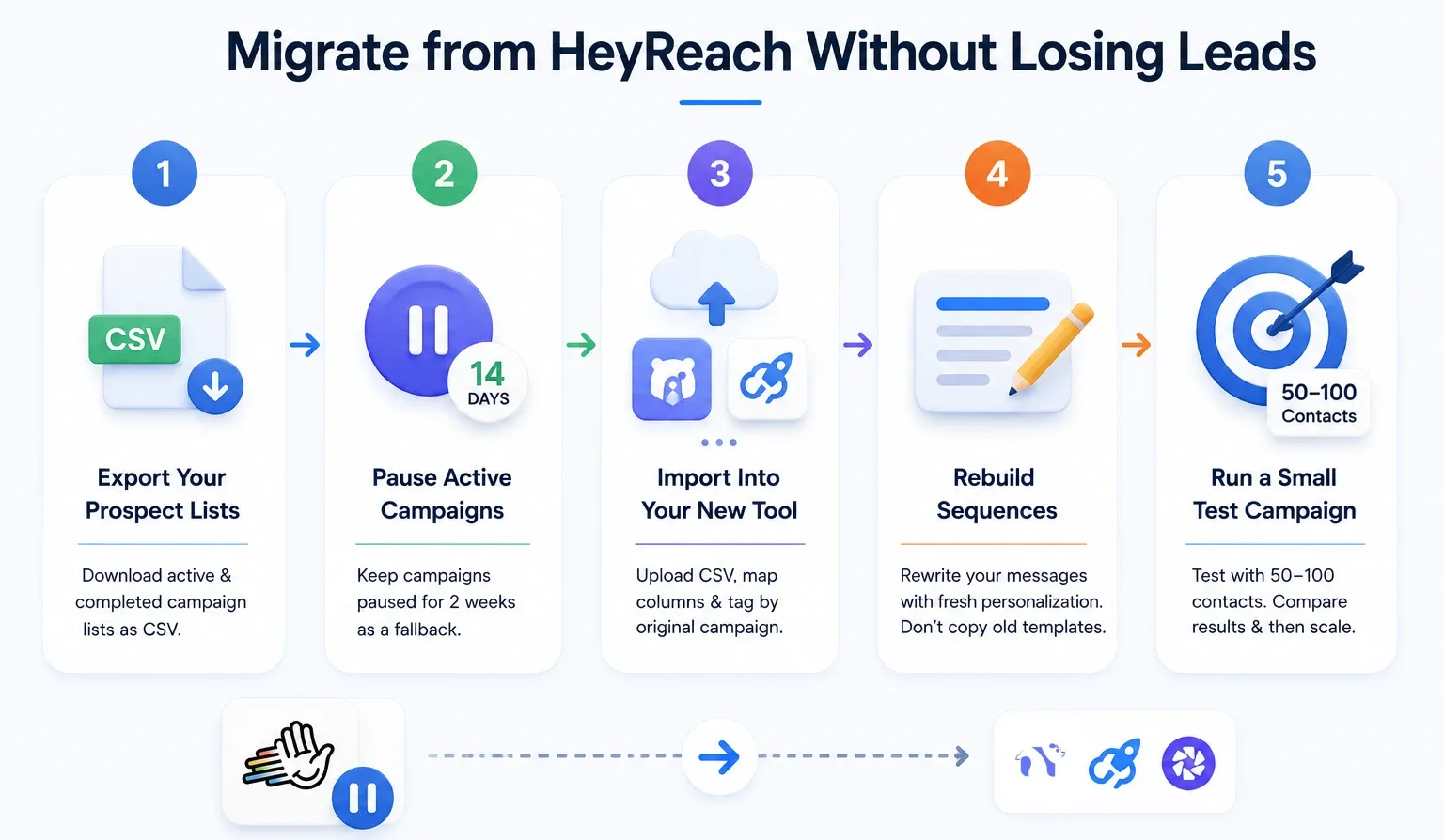
Switching tools does not mean starting from zero. Here is the migration path I have walked agencies through.
Step 1: Export your prospect lists.
HeyReach lets you export campaign contacts as CSV files. Download every active and completed campaign list. Tag each list by campaign name so you can map them later.
Step 2: Pause active campaigns (do not delete).
Keep HeyReach campaigns paused for 2 weeks. This gives you a fallback if something goes wrong on the new tool side.
Step 3: Import into your new tool.
Most alternatives (Bearconnect, Expandi, Dripify) support CSV import. Upload your lists, map the columns, and tag contacts by original campaign.
Step 4: Rebuild sequences (not templates).
Do not copy-paste your old HeyReach templates. Use the migration as a chance to rewrite your messages with fresh personalization. Old templates carry old performance ceilings.
Step 5: Run a small test campaign first.
Pick 50 to 100 contacts. Run them through your new sequence. Compare acceptance and reply rates against your HeyReach baseline. Only scale once you match or beat previous performance.
Most teams complete the full migration in 1 to 2 days. The biggest time cost is rewriting messages, not moving data.
How to Choose the Right HeyReach Alternative
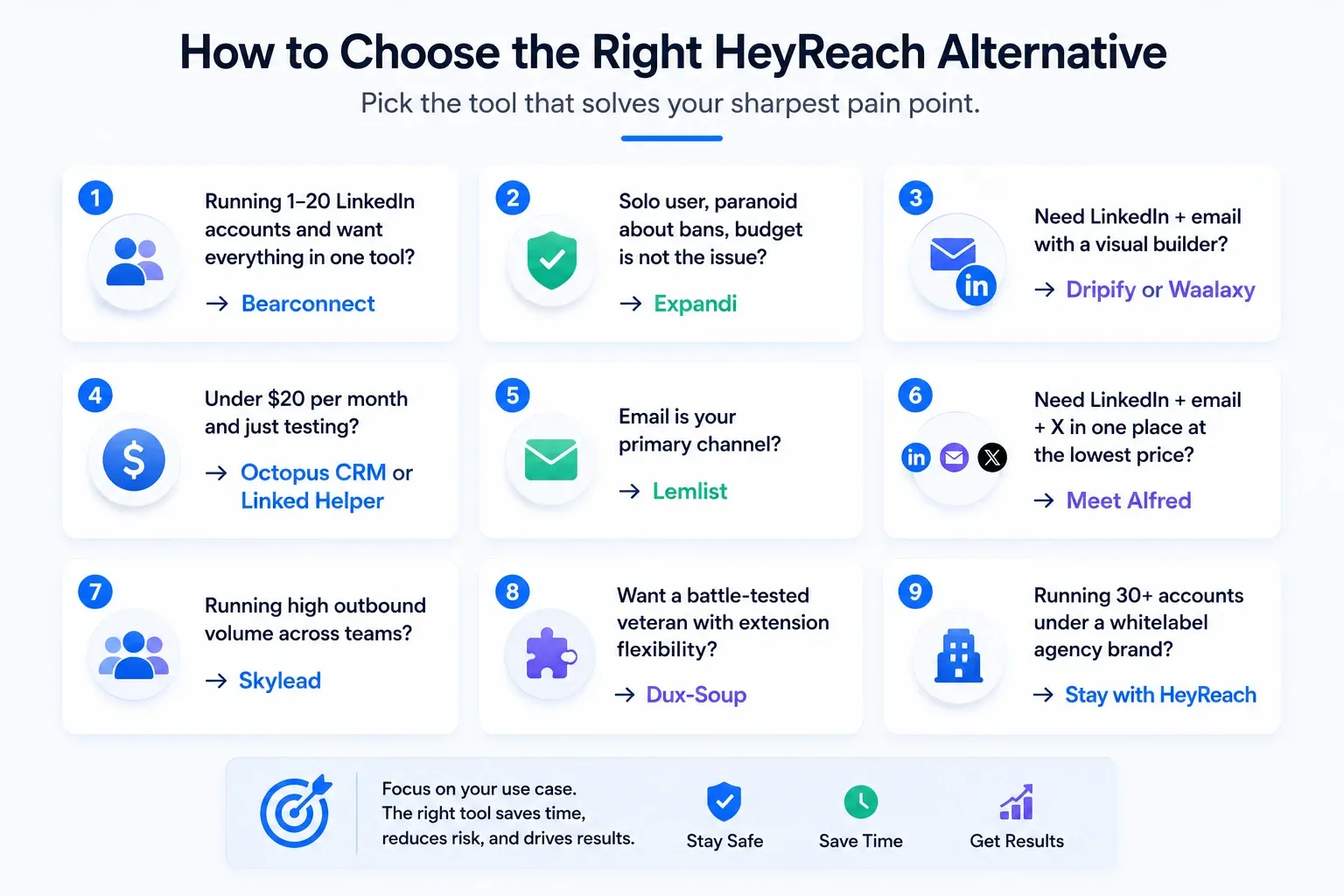
Pick the tool that solves your sharpest pain point, not the one with the longest feature list.
Here is the quick-pick framework I use:
- Running 1 to 20 LinkedIn accounts and want everything in one tool? → Bearconnect.
- Solo user, paranoid about bans, budget is not the issue? → Expandi.
- Need LinkedIn + email with a visual builder? → Dripify or Waalaxy.
- Under $20 per month and just testing? → Octopus CRM or Linked Helper.
- Email is your primary channel? → Lemlist.
- Need LinkedIn + email + X in one place at the lowest price? → Meet Alfred.
- Running high outbound volume across teams? → Skylead.
- Want a battle-tested veteran with extension flexibility? → Dux-Soup.
- Running 30 plus accounts under a whitelabel agency brand? → Stay with HeyReach.
Pro tip: Do not switch tools just to save $20 per month. Switch only when the gap between what you need and what your current tool delivers is causing real revenue leakage. Counting hours saved per week is a better signal than counting features.
When to Stay with HeyReach (Yes, Really)
HeyReach is still the right tool in some cases, and I would not waste your time pretending otherwise.
Stay with HeyReach if:
- → You are managing 30 plus LinkedIn accounts under one agency brand.
- → Whitelabel branding for client dashboards is a must-have.
- → You have already built your reporting layer on top of HeyReach's API.
- → Your team prefers HeyReach's multi-sender campaign UI and switching cost is high.
For everyone else, the 10 alternatives above will likely fit better.
Real-World Pricing Math: Agency Running 5 Client Accounts
Let me run the actual numbers I run for agency owners who message me asking which tool to pick.
Scenario: agency managing 5 client LinkedIn accounts, needs unified inbox, drip sequences, and content scheduling.
- HeyReach Growth: 5 × $79 = $395/month, outreach only. Add a separate content tool around $40/month. Total $435/month.
- Bearconnect: 5 × $57 = $285/month, includes outreach, content scheduling, AI content, unified inbox, multi-account dashboard. Total $285/month.
- Expandi: 5 × $99 = $495/month, outreach only. Add content tool. Total $535/month.
Bearconnect wins on price AND collapses your stack from 2 tools into 1.
Frequently Asked Questions
1. What is the best HeyReach alternative for agencies in 2026?
Bearconnect is the strongest pick for agencies running 1 to 20 client LinkedIn accounts because of per-account pricing that drops at scale ($57 per account at 5 or more) plus a unified inbox across all connected profiles.
2. HeyReach vs Bearconnect: which is better for small teams?
For teams running 1 to 20 LinkedIn accounts, Bearconnect wins on value. At 5 accounts, Bearconnect costs $285 per month versus HeyReach's $395 per month, and Bearconnect includes unified inbox, AI content creation, and post scheduling that HeyReach charges separately for. HeyReach only wins at 25 or more accounts where the flat Agency tier kicks in.
3. Does Bearconnect support multiple LinkedIn accounts under one dashboard?
Yes, Bearconnect is built around multi-account management with a unified cross-account inbox, AI content scheduling per account, and outreach automation that scales linearly at $67 per account or $57 per account when you connect 5 or more.
The Bottom Line
If HeyReach is hurting your wallet or your workflow, you have real options in 2026.
For most agencies, founders, and SDRs running 1 to 20 LinkedIn accounts, Bearconnect is the cleanest fit.
You get outreach automation, AI content creation, multi-account management, and a unified inbox under one per-account price that rewards scale.
The math at 5 accounts already beats HeyReach, and the workflow is built for the operator, not the corporate buyer.
Want to see how Bearconnect actually runs across multiple LinkedIn accounts? Book a 15-minute Bearconnect demo and I will walk you through the unified inbox and multi-account dashboard live.
Or if you want to test a single feature first, start by exploring how Bearconnect turns post engagers into qualified outreach leads with LinkedIn Post Leads. That alone has changed how I run inbound for the last 6 months.
Ready to Transform Your LinkedIn Strategy?
Join thousands of professionals already using Bearconnect to automate their outreach and grow their network.
7-day free trial • Cancel anytime
Related Articles

LinkedIn Automation: The Complete Guide for 2026
What LinkedIn automation is, how it works, what LinkedIn allows, safe limits, how to choose a tool and how to run your first campaign.

How to Remove a Connection on LinkedIn (Do They Get Notified?)
Removing a LinkedIn connection takes a few clicks, but most people want to know one thing first: does the other person get notified? This guide covers the steps on desktop and mobile, and what changes afterward.
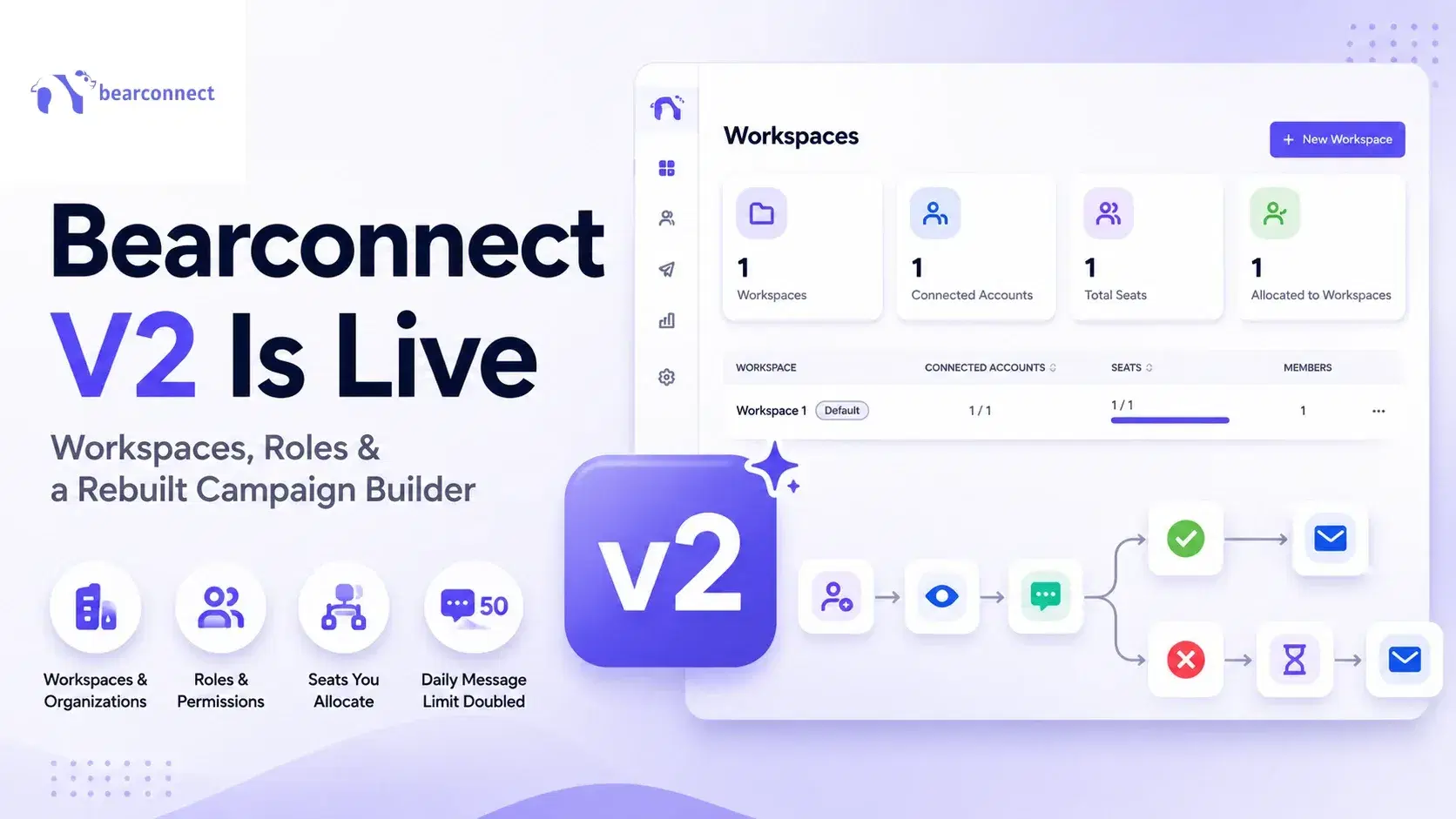
Bearconnect V2 Is Live: Workspaces, Roles and a Rebuilt Campaign Builder
Bearconnect V2 introduces dedicated workspaces, flexible roles, and a rebuilt campaign builder, giving agencies and sales teams more control over every LinkedIn account they manage.