Is Octopus CRM Still Worth Using in 2026? An Honest Review After Testing It Myself
Octopus CRM works for basic LinkedIn automation, but its Chrome extension architecture, billing complaints, and missing features make it the wrong choice the moment you manage more than one account or need outreach that actually scales.
I set out to evaluate Octopus CRM the way a solo founder or SDR actually uses it. Not from a pricing page, not from a YouTube tutorial.
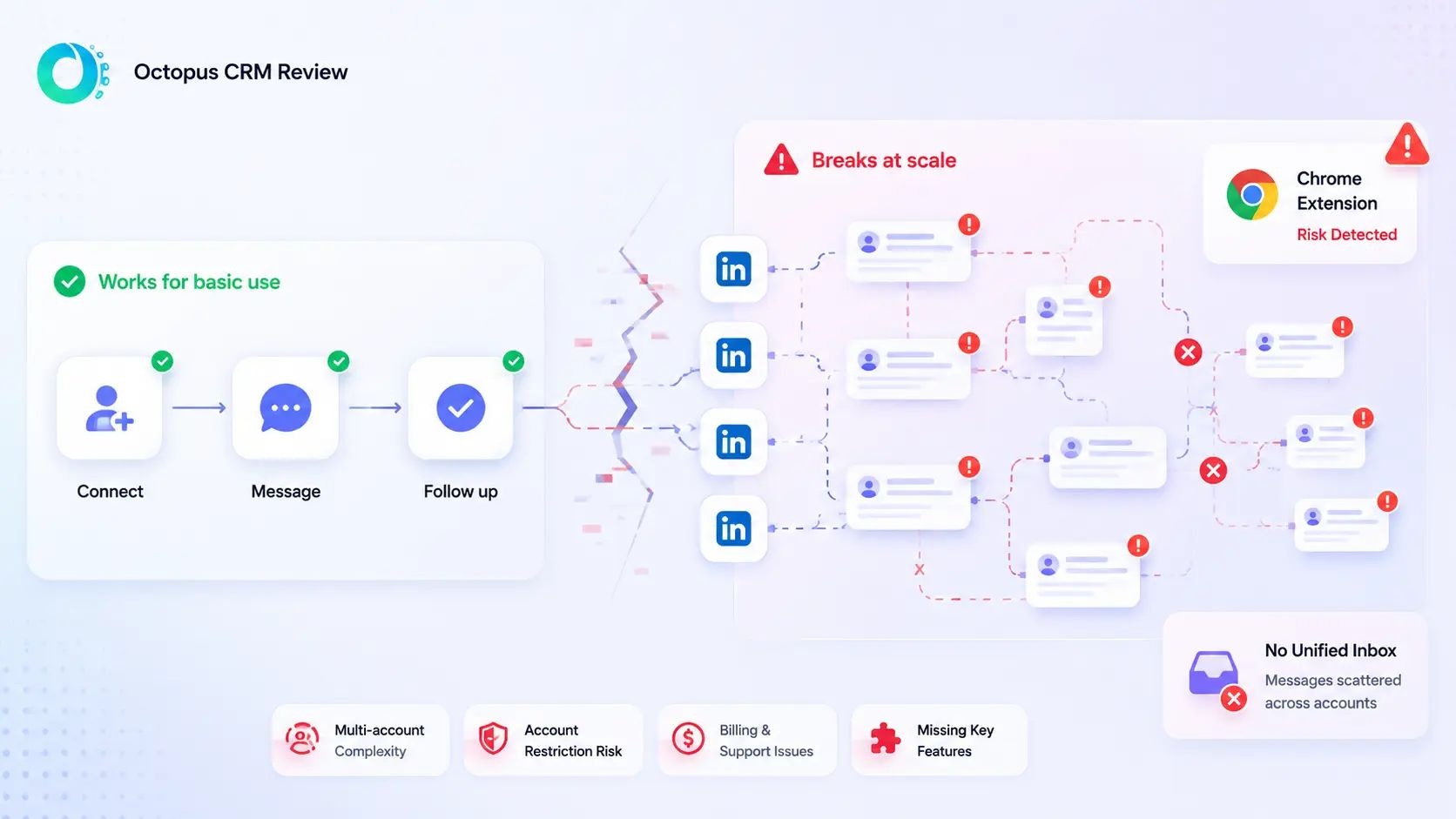
From running real campaigns and hitting real walls. Here is the honest octopus crm review you will not find on an affiliate blog.
TL;DR: Octopus CRM Review 2026
- Octopus CRM holds a 4.3/5 rating on G2 with consistent praise for ease of use and consistent complaints about billing and support
- Best for solo users running simple, low-volume LinkedIn connection campaigns
- Chrome extension architecture creates real LinkedIn account restriction risk, especially for multi-account users
- Billing is a documented problem: users report charges continuing after cancellation with no resolution
- No unified inbox, no AI content generation, no cloud safety, no agency workspace
- Best octopus crm alternative for agencies and SDRs: Bearconnect at $67/month per LinkedIn account
What Is Octopus CRM?
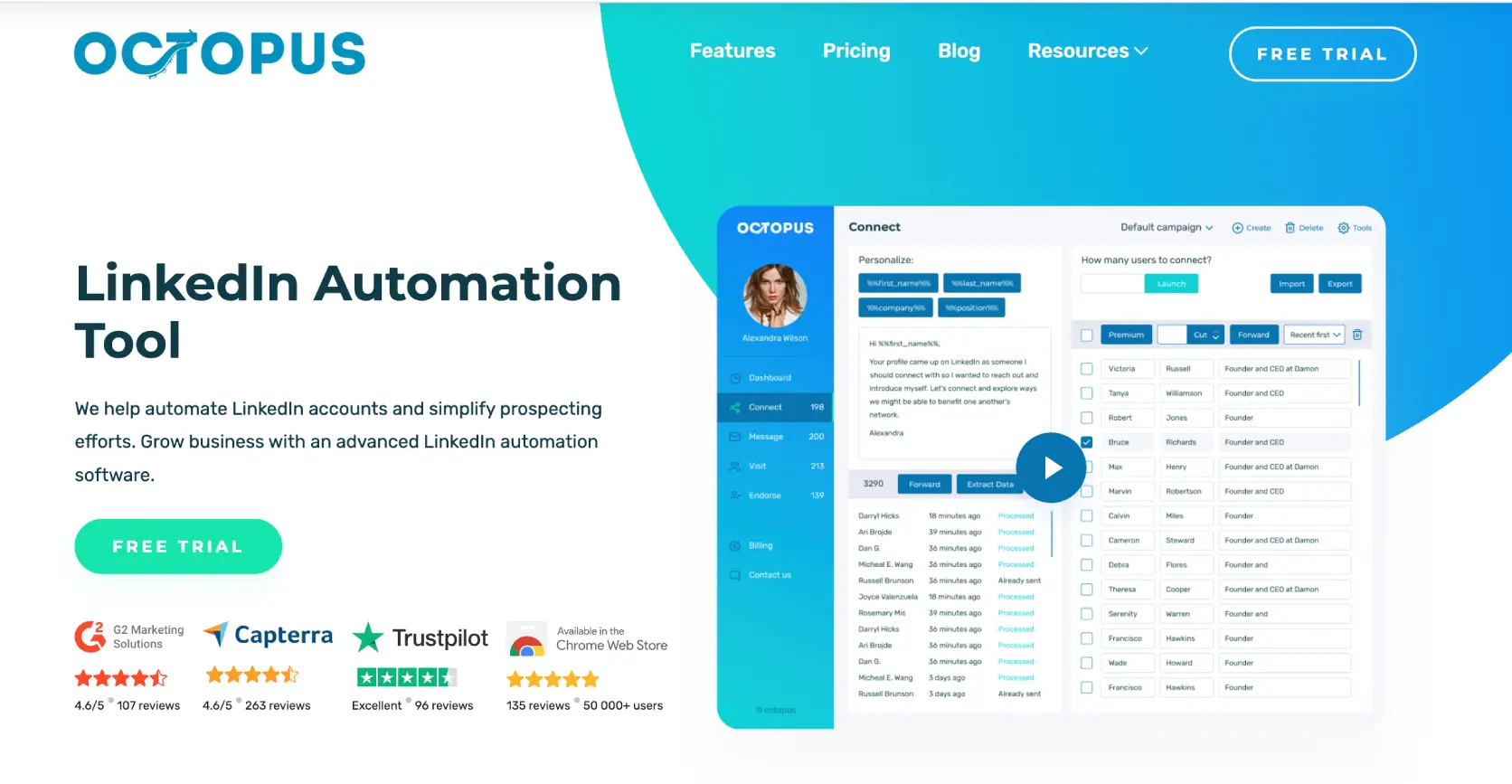
Octopus CRM is a Chrome extension-based LinkedIn automation tool designed for basic connection request automation, drip campaigns, and LinkedIn funnel building.
It sits at the affordable end of the market, starting at $9.99/month. It appeals to solo founders, recruiters, and SDRs who want to dip into LinkedIn automation without committing to a higher price point.
The tool installs as a Chrome extension, connects to your LinkedIn account through the browser, and lets you run automated connection sequences and follow-up message campaigns.
That low price is the hook. Whether it survives the full value calculation is a different question entirely.
The Chrome Extension Risk: The Thing No One Says Out Loud
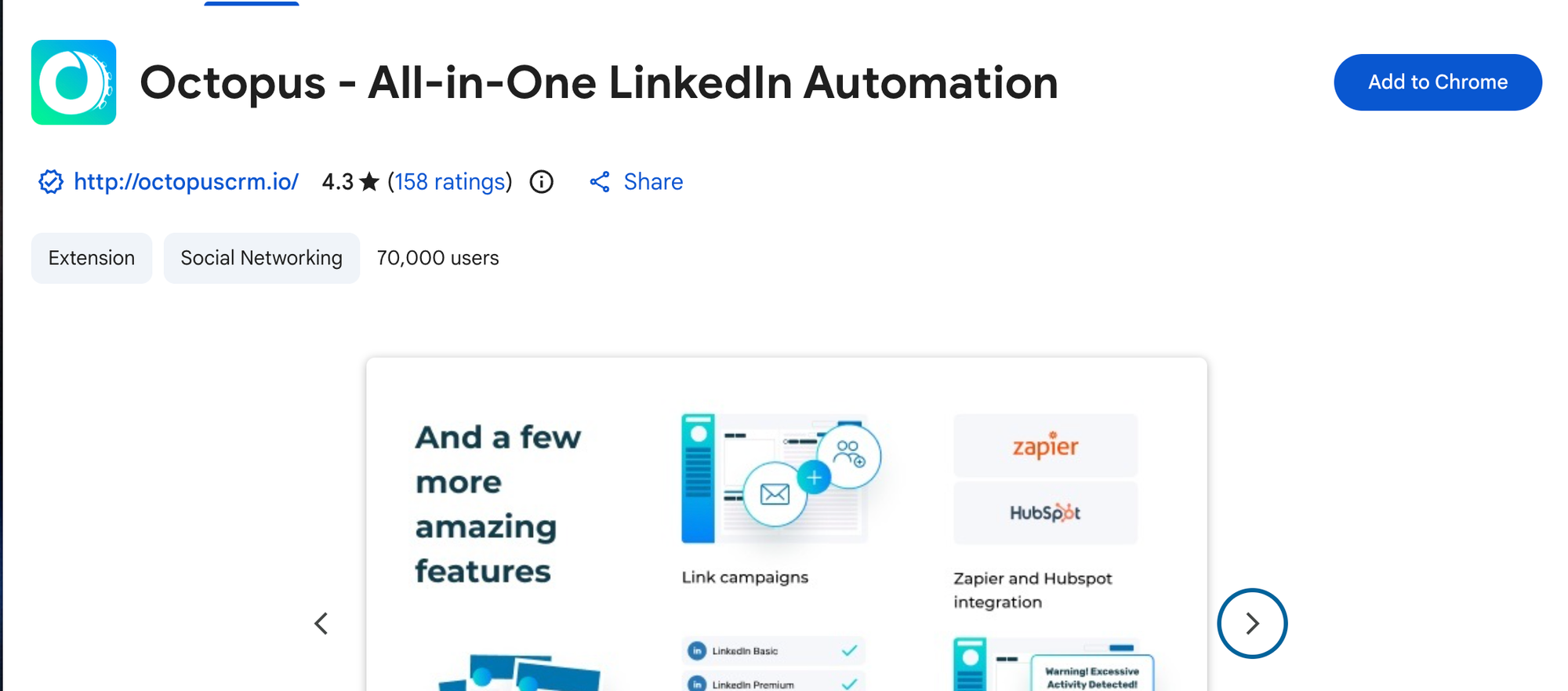
Octopus CRM's Chrome extension architecture is the single biggest liability in 2026, and most review blogs will not say it directly because Octopus CRM pays good affiliate commissions.
Here is the actual risk:
- LinkedIn actively monitors for automated browser behavior patterns generated by Chrome extensions
- A Chrome extension runs inside your browser and uses your LinkedIn session cookie, making every automated action traceable to your personal account
- Cloud-based tools operate from dedicated servers with country-specific IPs assigned per account, which is a fundamentally different risk profile
- If your LinkedIn account gets restricted while using a Chrome extension tool, you lose access to every connection, conversation, and campaign you have built
LinkedIn's detection has become more sophisticated every year. Running a Chrome extension automation tool in 2026 is not the same risk level it was in 2020.
This is not theoretical.
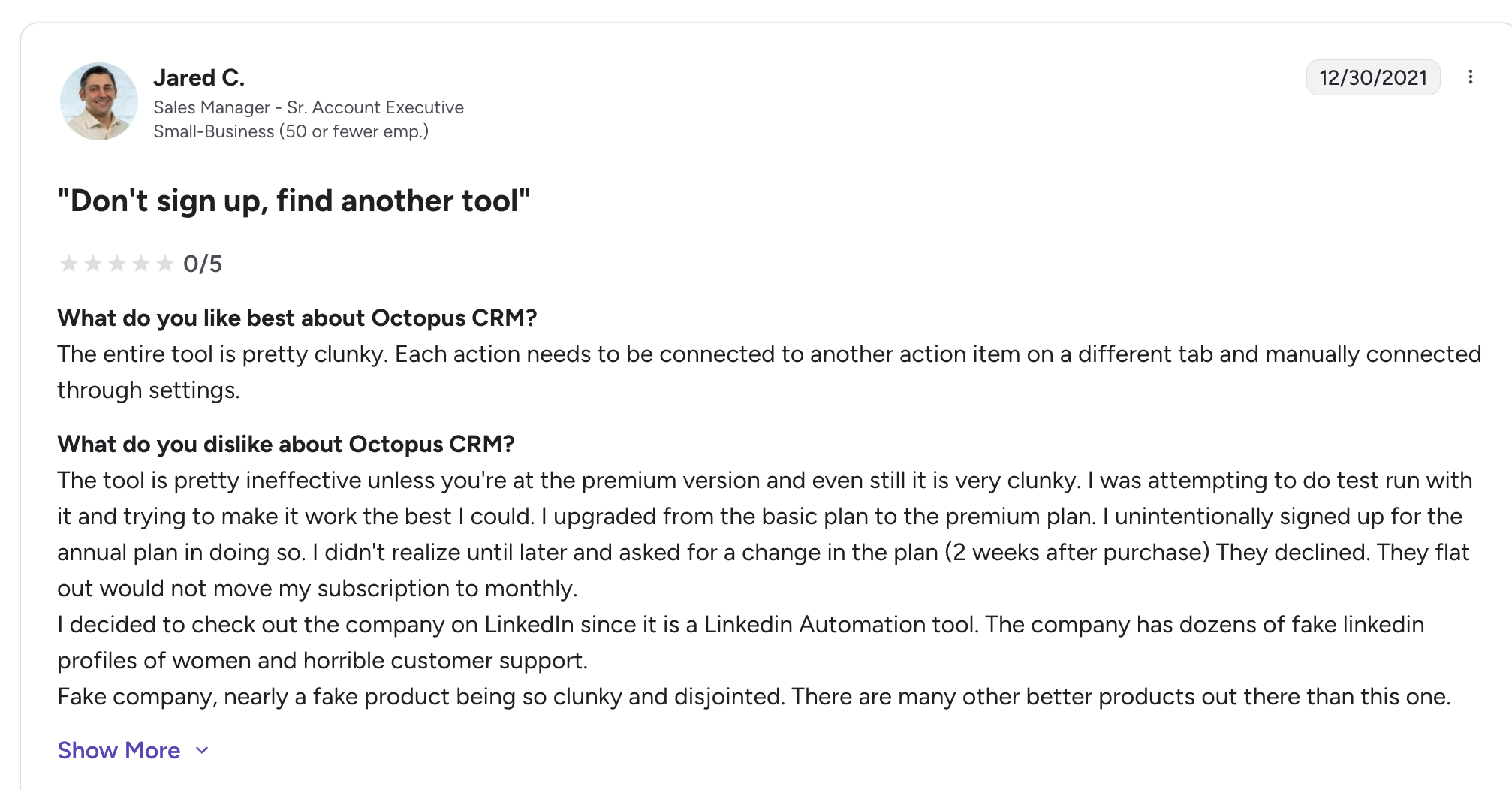
Jared C. (0/5, G2, Dec 30, 2021)
"The tool is pretty ineffective unless you're at the premium version and even still it is very clunky. The company has dozens of fake LinkedIn profiles of women and horrible customer support."
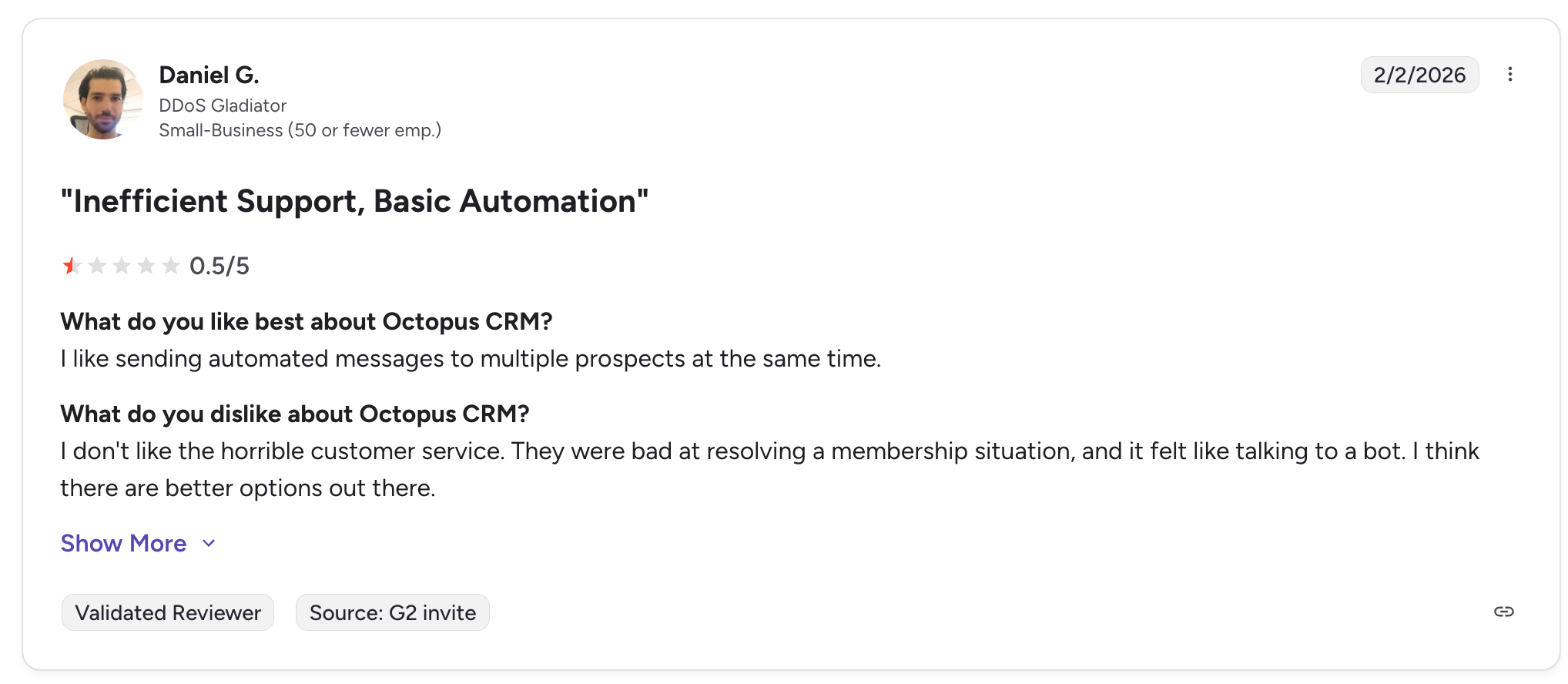
Daniel G. (0.5/5, G2, Feb 2, 2026)
"I don't like the horrible customer service. They were bad at resolving a membership situation, and it felt like talking to a bot. I think there are better options out there."
The risk compounds when you run multiple client accounts.
Each client account needs its own Chrome profile, its own browser session, and its own management overhead. There is no centralized dashboard. There is no dedicated IP per account.
One detection event can cascade across every account tied to the same setup.
How Octopus CRM Works: Step by Step
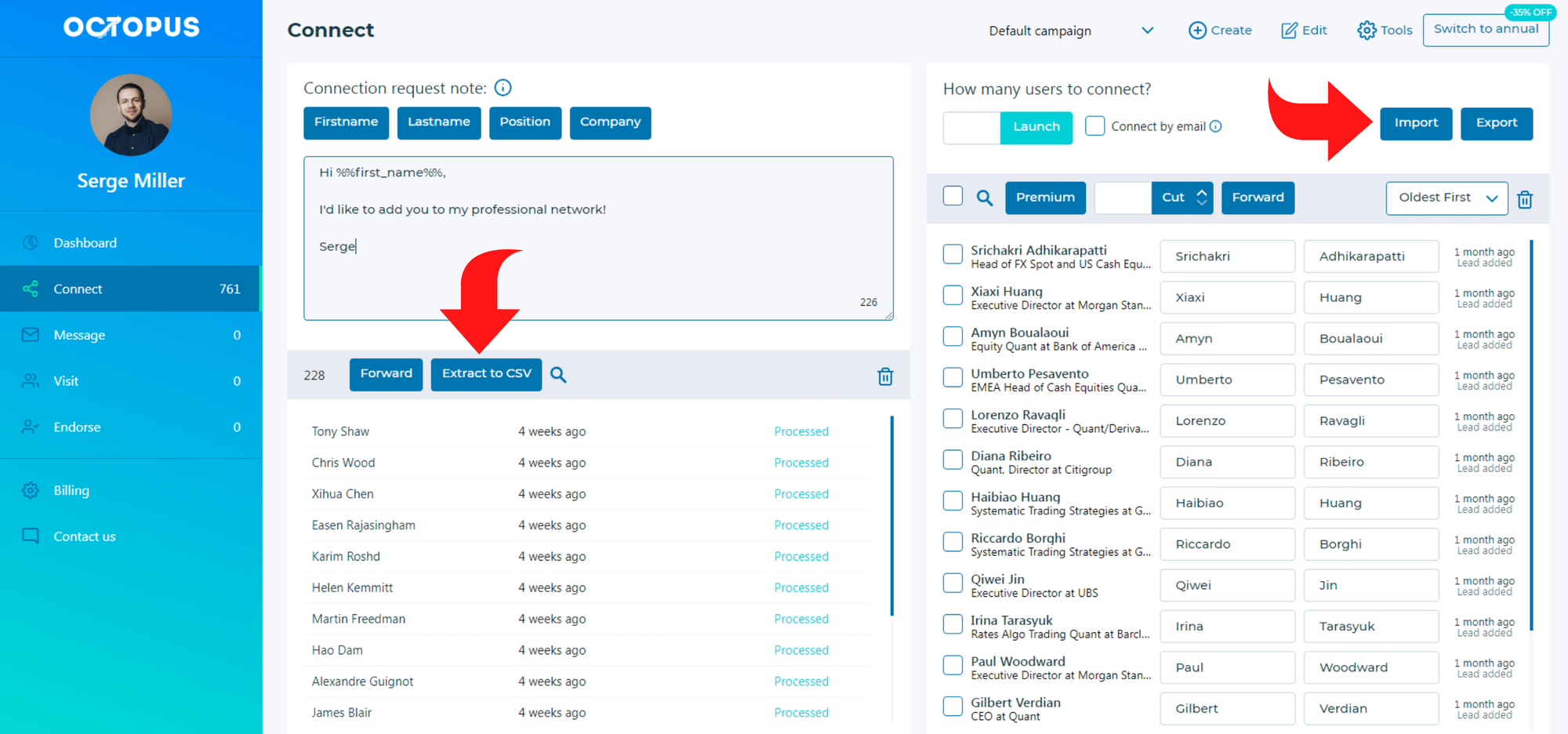
Octopus CRM's setup is genuinely fast, but the limitations surface quickly once you try to do anything beyond basic connection campaigns.
- Install the Chrome extension. Takes under 2 minutes. Connects to your LinkedIn session automatically.
- Import leads from LinkedIn Search or Sales Navigator. You click through LinkedIn results and the extension captures the profiles. Manual, sequential, and slow for large lists.
- Build a campaign sequence. Set up connection request, message 1, message 2, and follow-up steps. The funnel builder covers the basics.
- Run the campaign. The extension must be active in your browser while campaigns run. Close Chrome, pause the campaign. This is not a fire-and-forget cloud tool.
- Check basic analytics. View connection rates and response rates on a simple dashboard. No deep segmentation, no AI-driven insights.
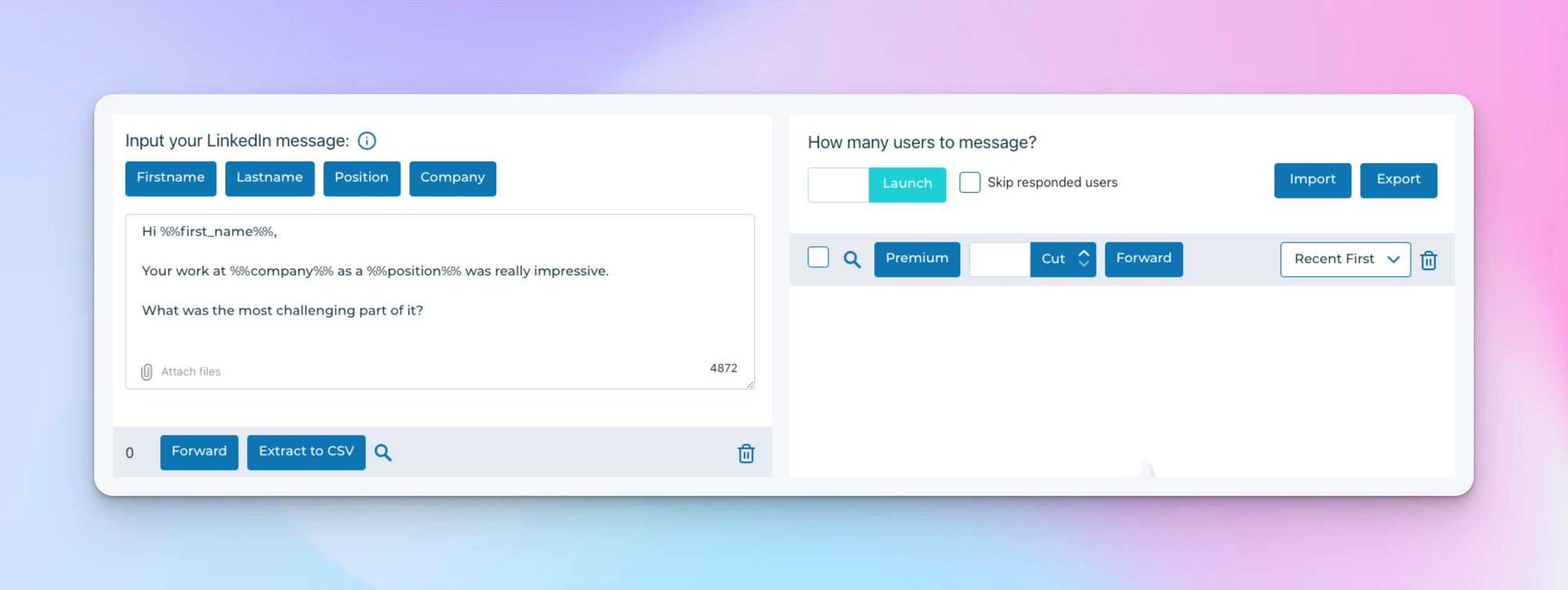
Manage replies manually. There is no unified inbox. LinkedIn notifications handle your replies. For one account, this is manageable. For three accounts, it is a daily juggling act.
Verified User in Civil Engineering (3.5/5, G2, Jul 31, 2025)
"Octopus CRM is honestly a lifesaver if you're doing a lot of LinkedIn outreach. I started using it to automate connection requests and follow-ups, and it instantly made my workflow smoother."
That quote is accurate for one account, simple campaigns, and patient users. It stops being accurate the moment the scale grows.
Octopus CRM Features
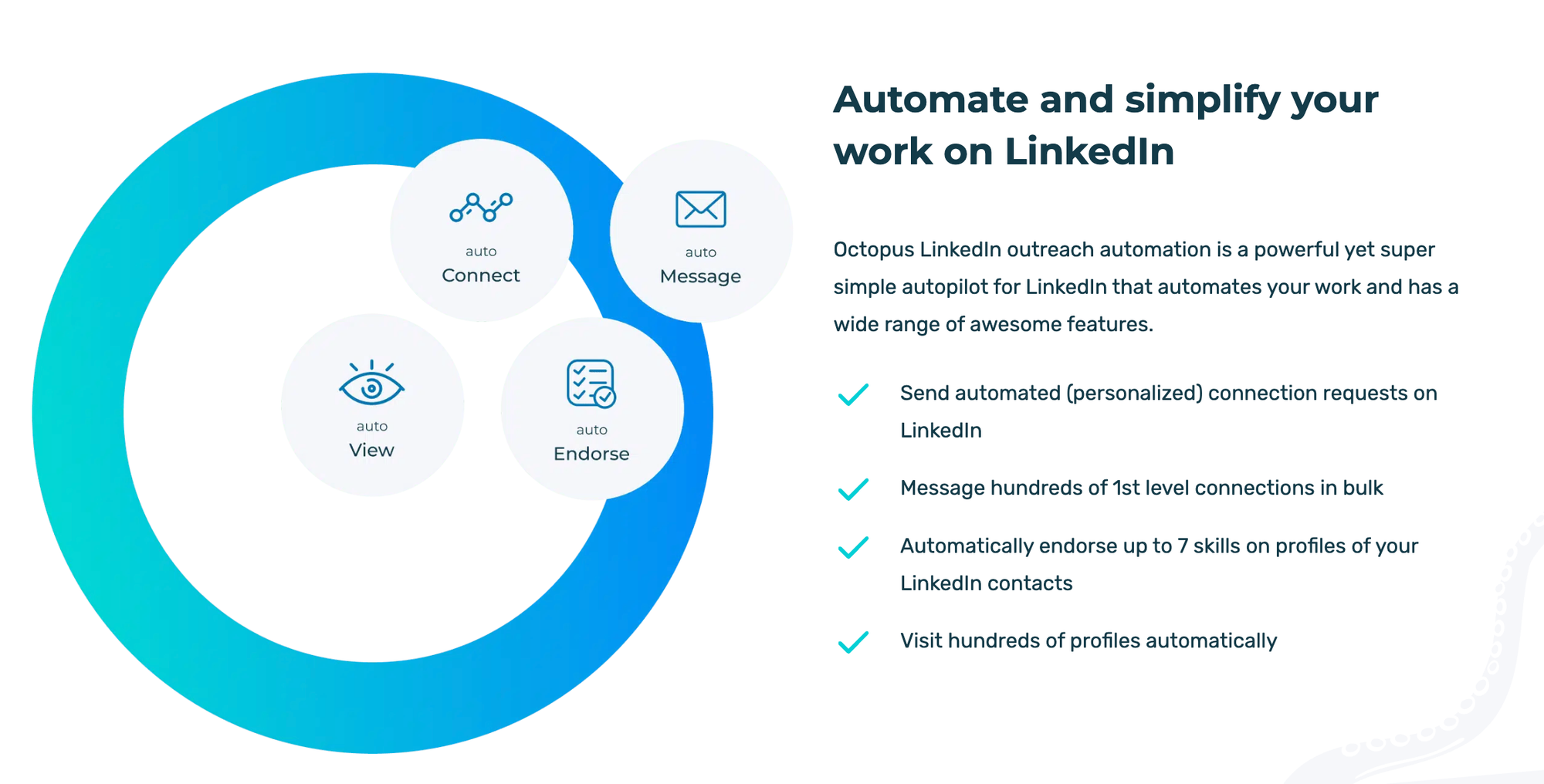
Octopus CRM covers the outreach basics. It does not cover anything beyond them.
| Feature | What It Does |
|---|---|
| Connection Request Automation | Sends automated connection requests from your LinkedIn account |
| Message Sequences | Multi-step follow-up drip campaigns |
| LinkedIn Funnel Builder | Profile visits, follows, connection requests, messages in sequence |
| Basic Analytics Dashboard | Connection rate, reply rate, campaign metrics |
| Zapier and HubSpot Integration | Basic CRM and automation workflow connections |
| LinkedIn Endorsement Automation | Auto-endorses skills on prospect profiles |
| CSV Lead Import | Import prospect lists via CSV files |
- Standout feature: The funnel builder is genuinely useful for solo users. Visiting a profile, following, connecting, and messaging in sequence mimics human behavior better than raw connection blasts.
- Weakest feature: The browser dependency. Every campaign stops the moment Chrome closes. That is not a limitation. That is a fundamental architectural problem for anyone running serious outreach.
Octopus CRM Pricing 2026
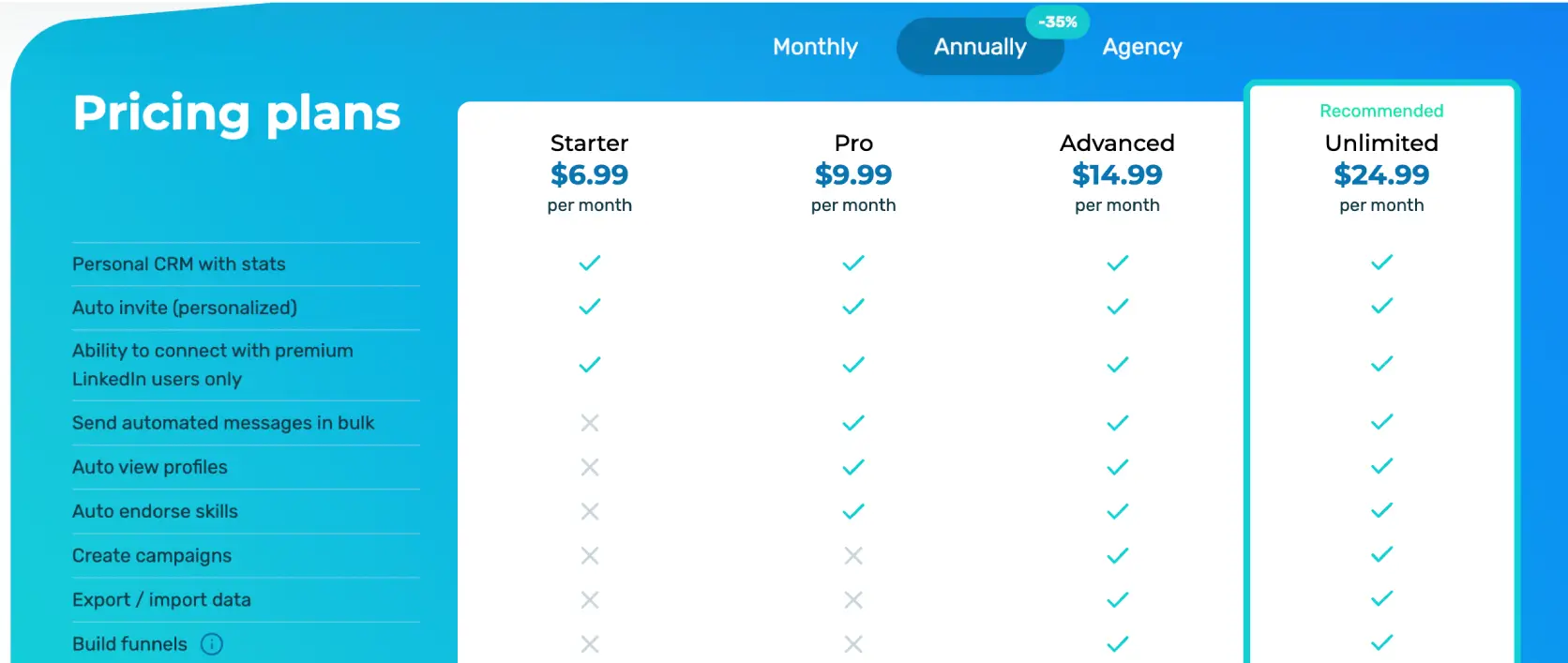
Octopus CRM's entry price is its best marketing asset, but the real cost becomes visible when you add what it cannot do.
| Plan | Price | What You Get |
|---|---|---|
| Starter | $6.99/month | Basic automation, limited campaigns |
| Pro | $9.99/month | Unlimited campaigns, basic analytics |
| Advanced | $14.99/month | All features, Zapier/HubSpot integration |
| Unlimited | $24.99/month | Everything + LinkedIn Sales Navigator support |
The Real Cost Calculation
- $6.99 to $24.99/month covers one LinkedIn account, one browser session, no cloud safety
- Add a content scheduling tool: $20 to $40/month extra
- Add a unified inbox tool: $15 to $30/month extra
- Add a dedicated IP safety tool: not available through Octopus CRM at any price
- → Total real cost for a complete LinkedIn outreach stack: $50 to $95/month with no agency management and still no cloud safety
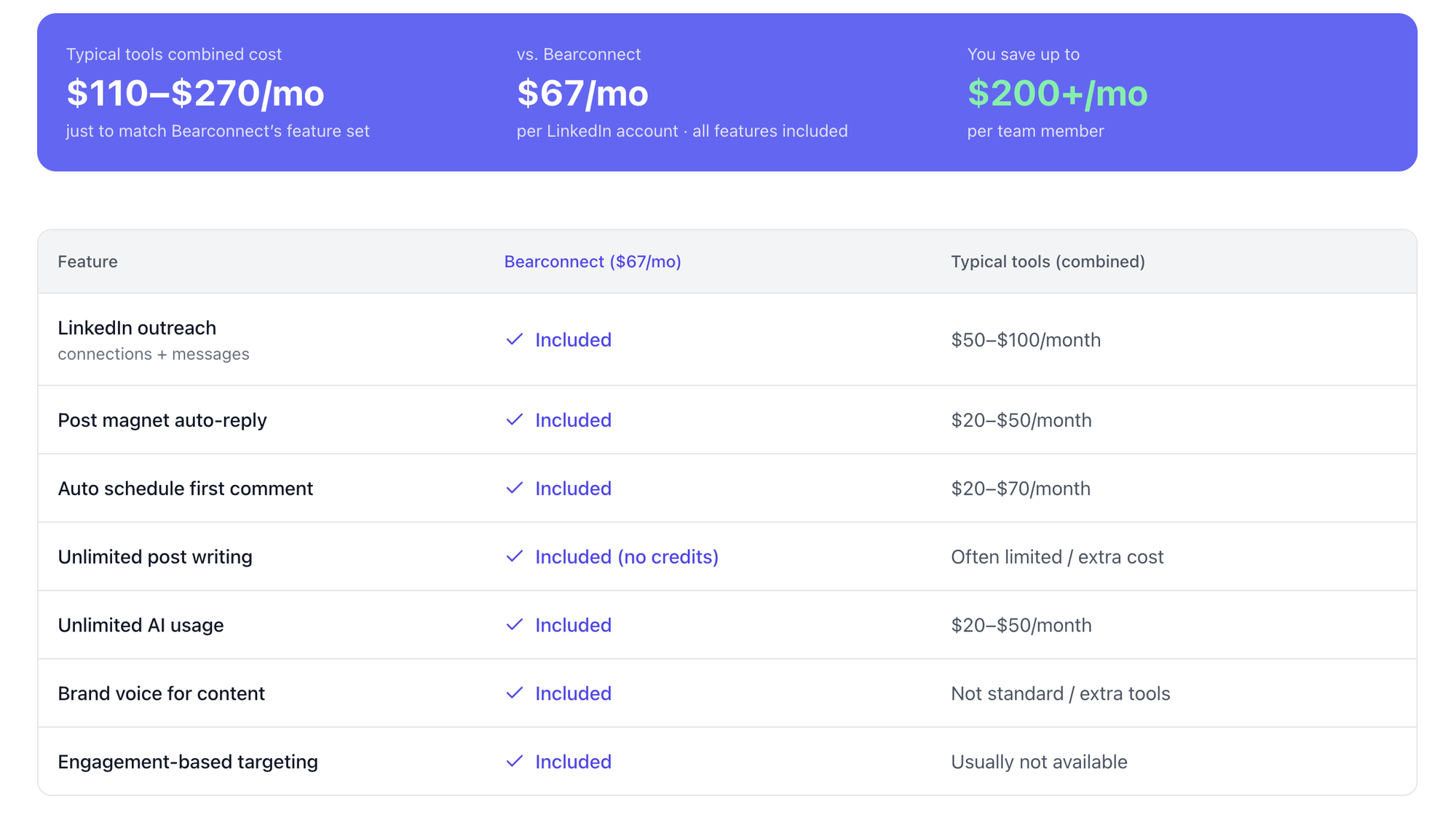
Bearconnect costs $67/month per LinkedIn account and includes cloud-based safety, dedicated IPs, a unified inbox, AI post generation, and unlimited campaigns.
No add-ons. No hidden tiers. For 5 or more accounts, the price drops to $57/month per account with full feature access.
Pro tip: Before signing up for Octopus CRM, calculate your full outreach stack cost including content, inbox management, and safety tools. The $6.99 starting price rarely stays at $6.99 once you factor in everything a real campaign needs.
What Real G2 Users Say: Honest Reviews
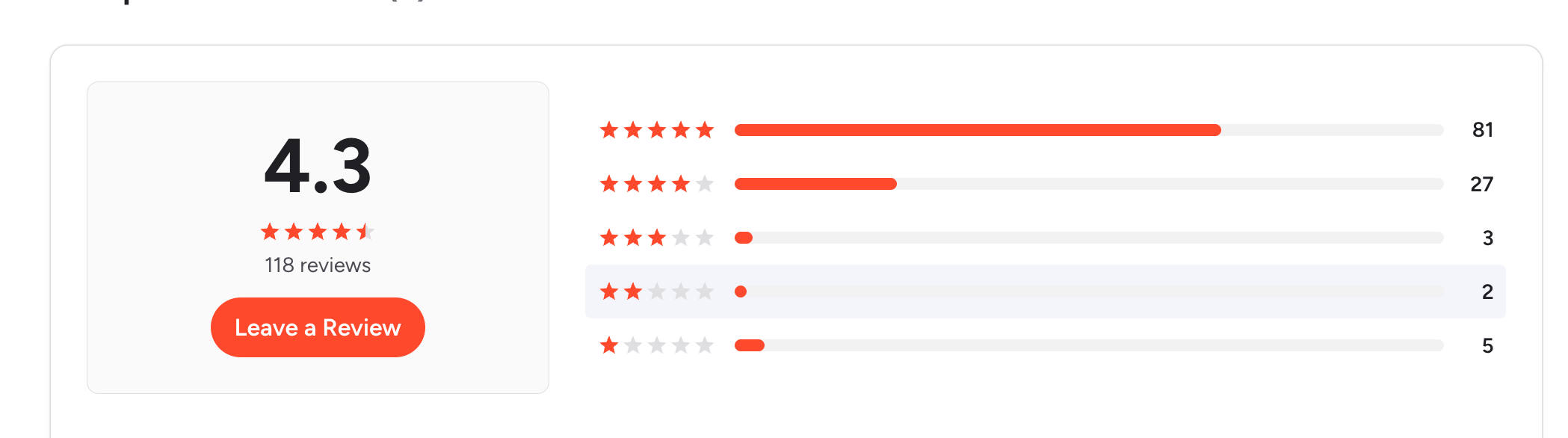
The G2 review pattern for Octopus CRM is consistent: solo users doing simple campaigns like it, and everyone who needed more than that regrets it.
What Users Like
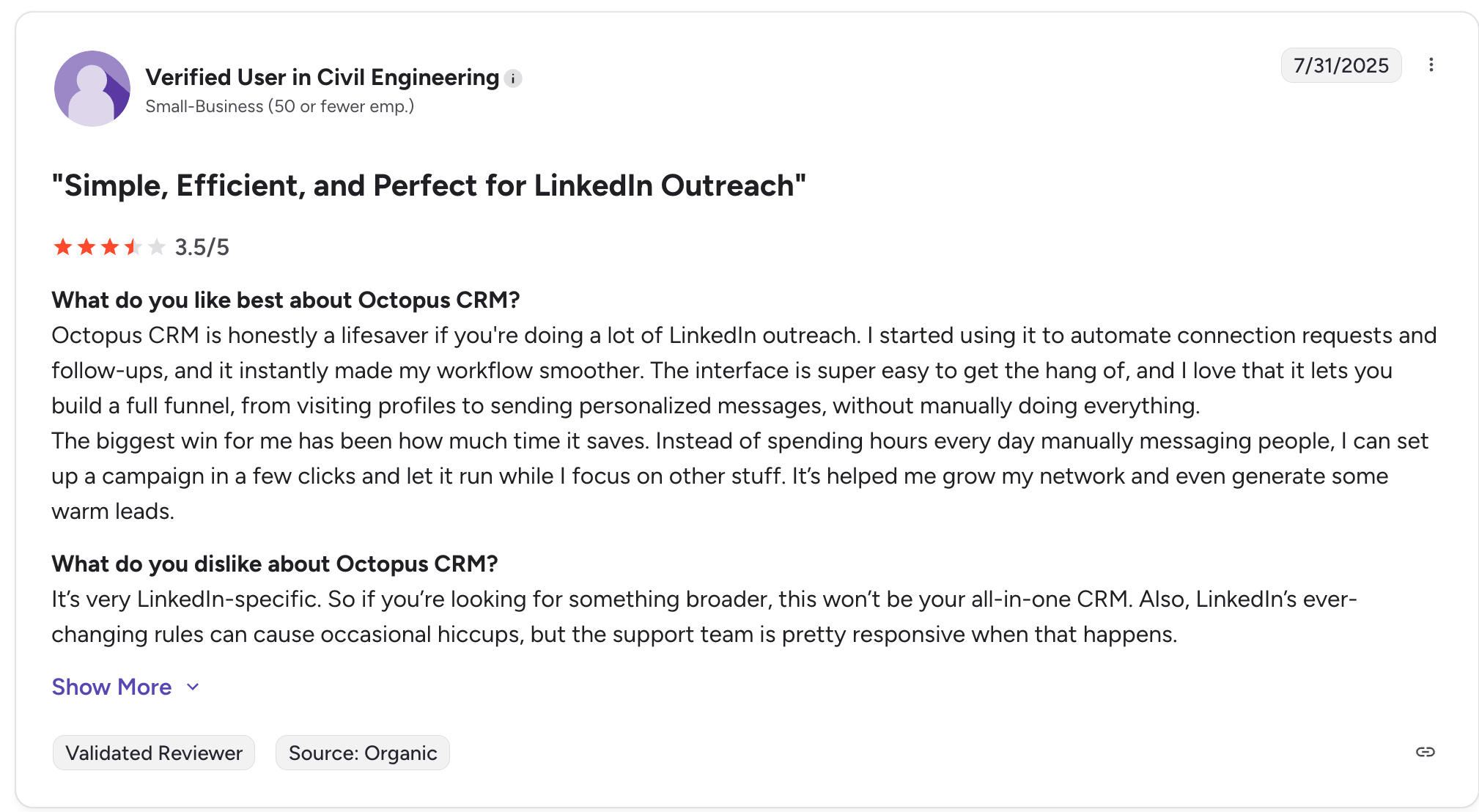
Verified User in Civil Engineering (3.5/5, G2, Jul 31, 2025)
"The biggest win for me has been how much time it saves. Instead of spending hours every day manually messaging people, I can set up a campaign in a few clicks and let it run while I focus on other stuff. It's helped me grow my network and even generate some warm leads."
What Users Dislike
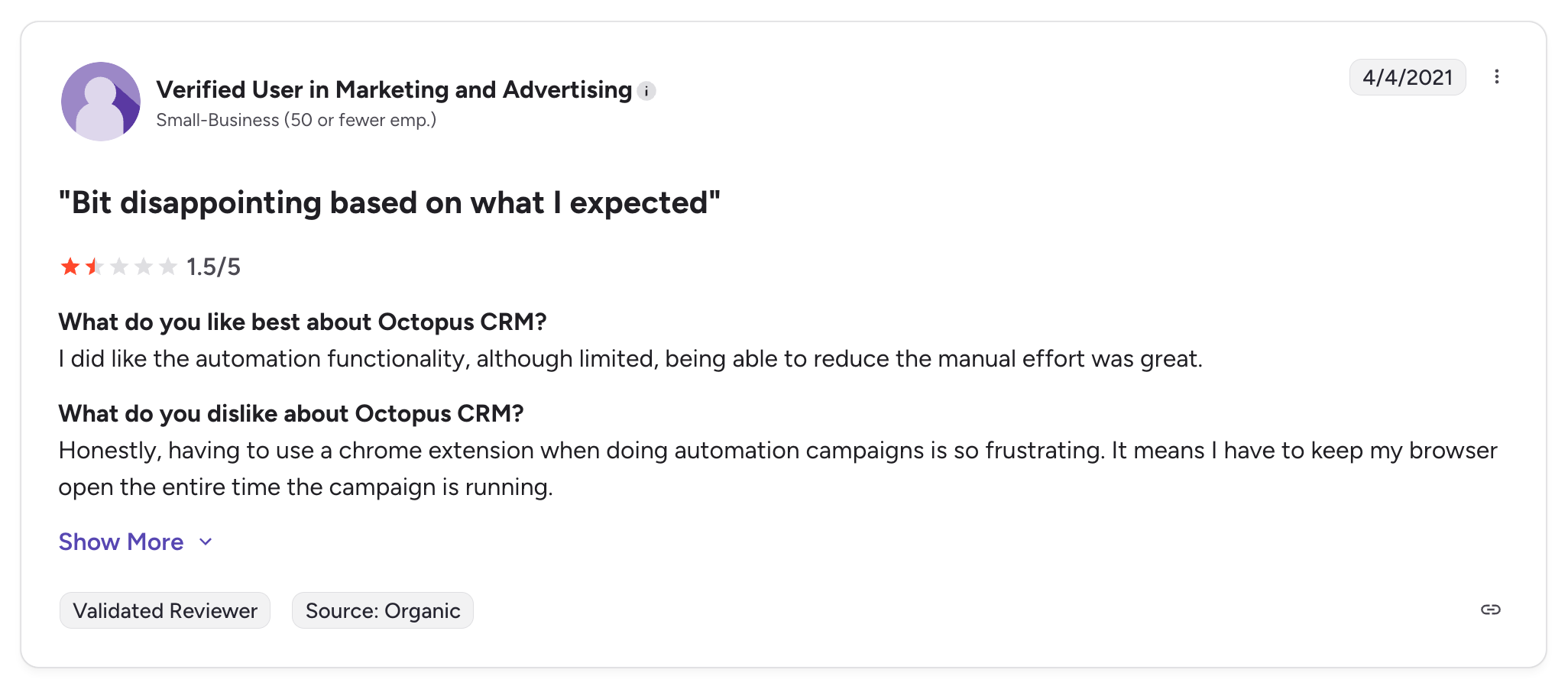
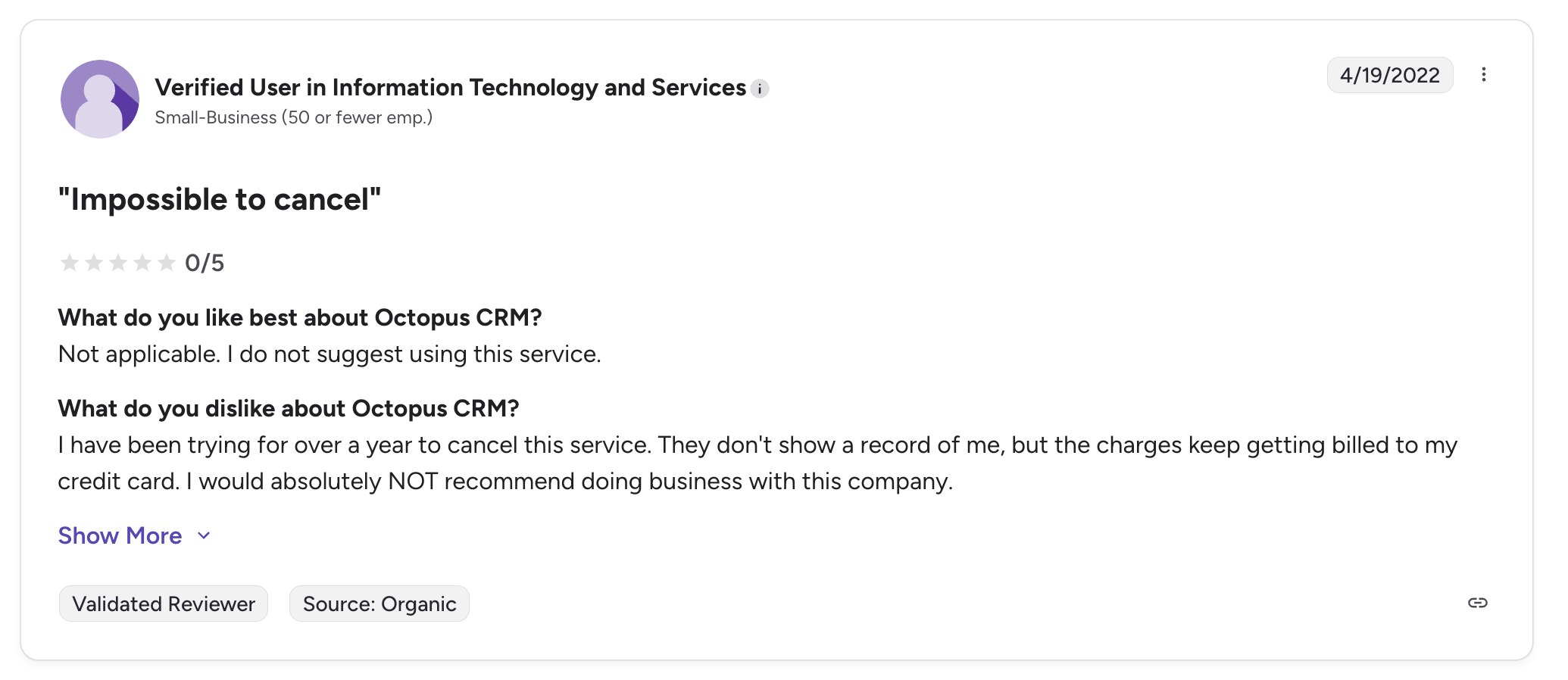
Verified User in Information Technology and Services (0/5, G2, Apr 19, 2022)
"I have been trying for over a year to cancel this service. They don't show a record of me, but the charges keep getting billed to my credit card. I would absolutely NOT recommend doing business with this company."
Jared C., Sales Manager (0/5, G2, Dec 30, 2021)
"I unintentionally signed up for the annual plan. I didn't realize until later and asked for a change in the plan two weeks after purchase. They declined. They flat out would not move my subscription to monthly."
The billing complaints are not isolated incidents from years ago. The Daniel G. review is from February 2026. The pattern has not changed.
What Octopus CRM Cannot Do
Knowing what Octopus CRM cannot do tells you more than any feature list.
- Cannot run campaigns without an open Chrome browser session
- Cannot manage multiple LinkedIn accounts from one dashboard
- Cannot provide a unified inbox for replies across accounts
- Cannot generate or schedule LinkedIn content natively
- Cannot assign dedicated IPs per LinkedIn account for safety
- Cannot support agency-level multi-account workflows without separate Chrome profiles
- Cannot guarantee cancellation will stop billing, based on documented user evidence
That last point matters more than any feature gap.
Is Octopus CRM Right For You?
Octopus CRM is a good fit for a narrow, specific use case. Outside that window, it creates more problems than it solves.
Octopus CRM Is a Good Fit If:
- You manage exactly 1 LinkedIn account
- You run simple, low-volume connection and follow-up campaigns
- You keep your Chrome browser open during working hours
- Content scheduling is not part of your LinkedIn strategy
- You are comfortable monitoring your billing statement closely every month
Octopus CRM Is NOT a Good Fit If:
- You manage 2 or more LinkedIn accounts for yourself or clients
- You need campaigns to run without an active browser session
- You need a unified inbox across multiple profiles
- You want AI post generation and content scheduling alongside outreach
- You are an agency billing clients for LinkedIn outreach services
- You cannot risk a billing dispute with unresponsive customer support
The Better Octopus CRM Alternative: Bearconnect
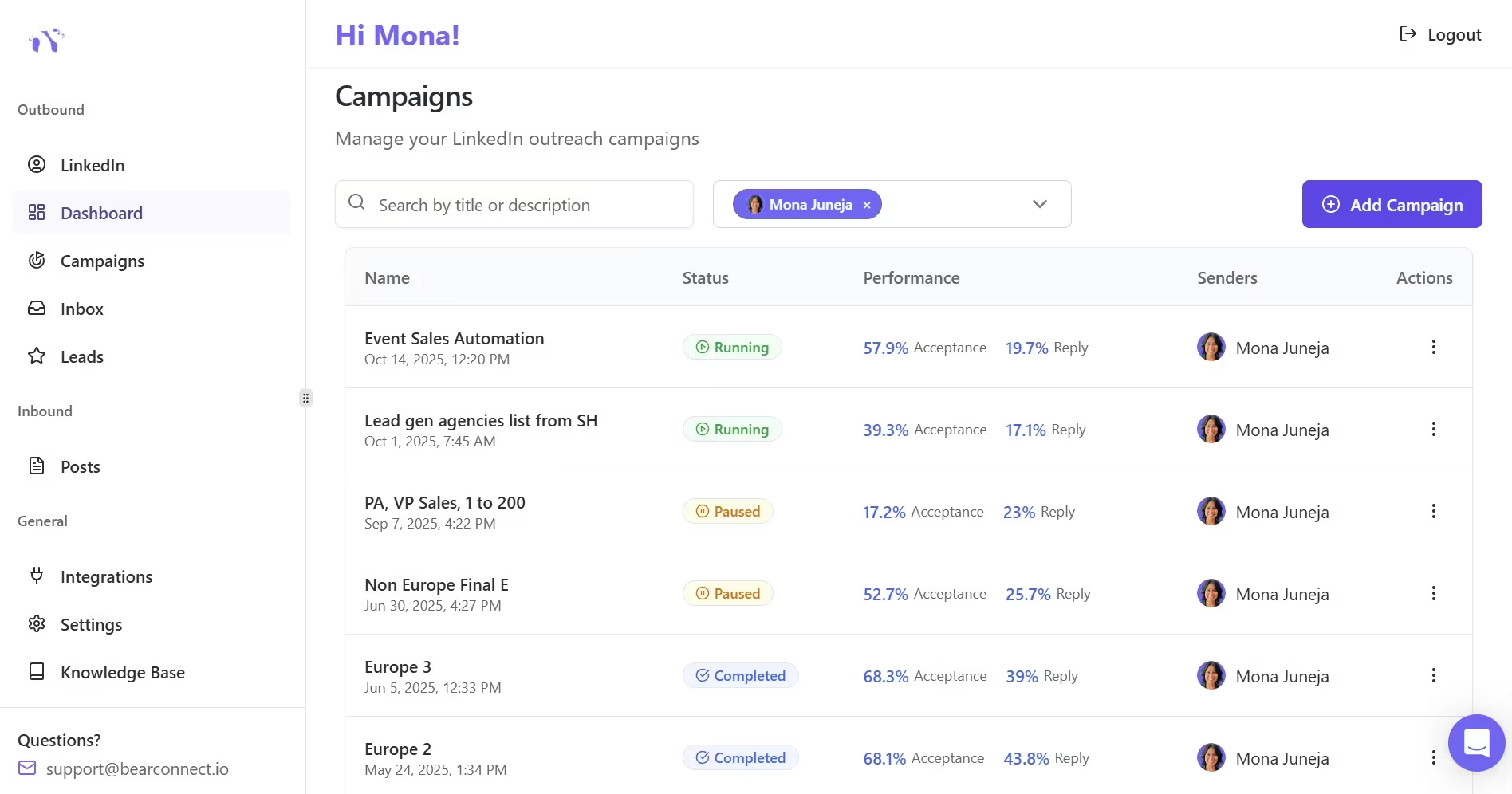
If Octopus CRM's Chrome extension risk, billing issues, or missing agency features are the reason you are still searching for an alternative, here is exactly what Bearconnect solves.
| Feature | Octopus CRM | Bearconnect |
|---|---|---|
| Architecture | Chrome extension | Cloud-based, no browser dependency |
| Pricing | $6.99 to $24.99/month | $67/month per account, $57 for 5+ accounts |
| Multi-account management | Separate Chrome profiles per account | Unlimited accounts, one dashboard |
| Unified inbox | No | Yes, all accounts in one inbox |
| AI content generation | No | Yes, included at no extra cost |
| Post scheduling | No | Yes, with brand voice |
| Dedicated IP per account | No | Yes, country-specific IP per account |
| Post Magnet (engagement targeting) | No | Yes, import leads from post engagers |
| Lead import sources | LinkedIn Search, CSV | Search, Posts, Events, Connections |
| Agency workspace | No | Built for agencies |
| CRM integrations | Zapier, HubSpot | HubSpot, Pipedrive, Zapier, Make, n8n |
| Support | Chat only, documented delays | Responsive support with escalation |
| Free trial | Available | 7-day full-access free trial |
Why Bearconnect Directly Solves Octopus CRM's Core Weaknesses:
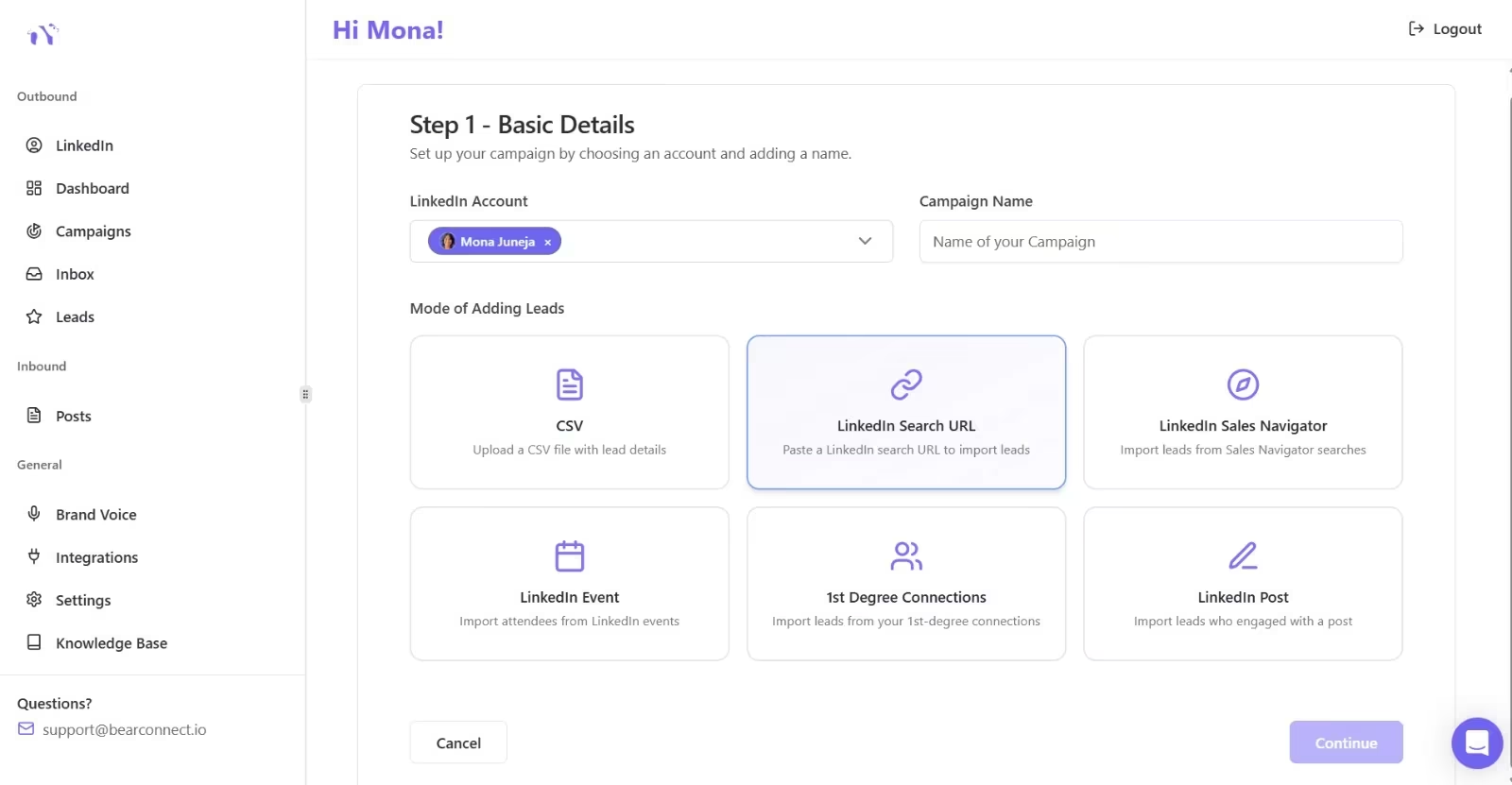
- Cloud safety over Chrome extension risk. Bearconnect runs from dedicated servers with country-specific IPs per account. No browser session required. No account detection risk from extension behavior. Learn more about how to automate LinkedIn safely.
- Unified inbox for all accounts. Every reply from every LinkedIn account lands in one place. Octopus CRM has no equivalent at any price tier.
- AI content included, not sold separately. Generate and schedule LinkedIn posts alongside outreach campaigns from one platform. No second tool. No monthly add-on. See how AI post generation works.
- Transparent, predictable billing. $67/month per account. $57/month for 5 or more accounts. No surprise annual lock-ins. No "we don't have a record of you" support responses.
Final Verdict: Is Octopus CRM Worth It in 2026?
Octopus CRM genuinely delivers value for one specific use case: a solo user running basic LinkedIn connection campaigns from a single account on a tight budget.
Outside that use case, the Chrome extension risk, absent unified inbox, missing content tools, and documented billing complaints make it too unreliable for professional use.
The gap between what $6.99/month provides and what a real outreach stack needs is larger than the price difference suggests.
If you want LinkedIn automation that runs from the cloud, manages multiple accounts cleanly, includes AI content generation, and comes with billing you can actually trust, Bearconnect gives you that at $67/month per account with a 7-day free trial.
Ready to Move Past Octopus CRM?
Start your free 7-day Bearconnect trial and run your first cloud-based LinkedIn campaign today. No Chrome extension. No billing traps. No browser babysitting.
Frequently Asked Questions
1. Is Octopus CRM safe for LinkedIn accounts in 2026?
Octopus CRM is a Chrome extension, which means it automates actions through your browser using your LinkedIn session. LinkedIn actively monitors and restricts accounts showing unusual browser automation patterns. Cloud-based tools with dedicated IPs carry significantly lower account restriction risk. For a deeper look at how to avoid LinkedIn automation restrictions, see our guide.
2. What is Octopus CRM's pricing in 2026?
Octopus CRM starts at $6.99/month for the Starter plan, with Pro at $9.99, Advanced at $14.99, and Unlimited at $24.99 per month. Each plan covers one LinkedIn account. For comparison, Bearconnect is $67/month per account with cloud safety, unified inbox, and AI content included. No add-ons required.
3. What is the best Octopus CRM alternative for agencies in 2026?
Bearconnect is the strongest alternative for agencies. It runs from the cloud, supports unlimited LinkedIn accounts from one dashboard, includes unified inbox, and offers transparent agency pricing at $57/month per account for 5 or more accounts. See how agencies manage multiple LinkedIn accounts using Bearconnect.
4. Does Octopus CRM include LinkedIn content scheduling?
No. Octopus CRM does not include LinkedIn post generation or scheduling in any plan. Teams that need outreach and content from one platform need a separate tool or can switch to Bearconnect, which includes AI post generation and scheduling at no additional cost.
5. Can Octopus CRM run campaigns without Chrome being open?
No. Octopus CRM requires an active Chrome browser session to execute campaigns. If you close Chrome or your computer sleeps, campaigns pause. Cloud-based tools like Bearconnect run continuously from dedicated servers, requiring no browser session or local device to stay active.
Ready to Transform Your LinkedIn Strategy?
Join thousands of professionals already using Bearconnect to automate their outreach and grow their network.
7-day free trial • Cancel anytime
Related Articles

LinkedIn Automation: The Complete Guide for 2026
What LinkedIn automation is, how it works, what LinkedIn allows, safe limits, how to choose a tool and how to run your first campaign.
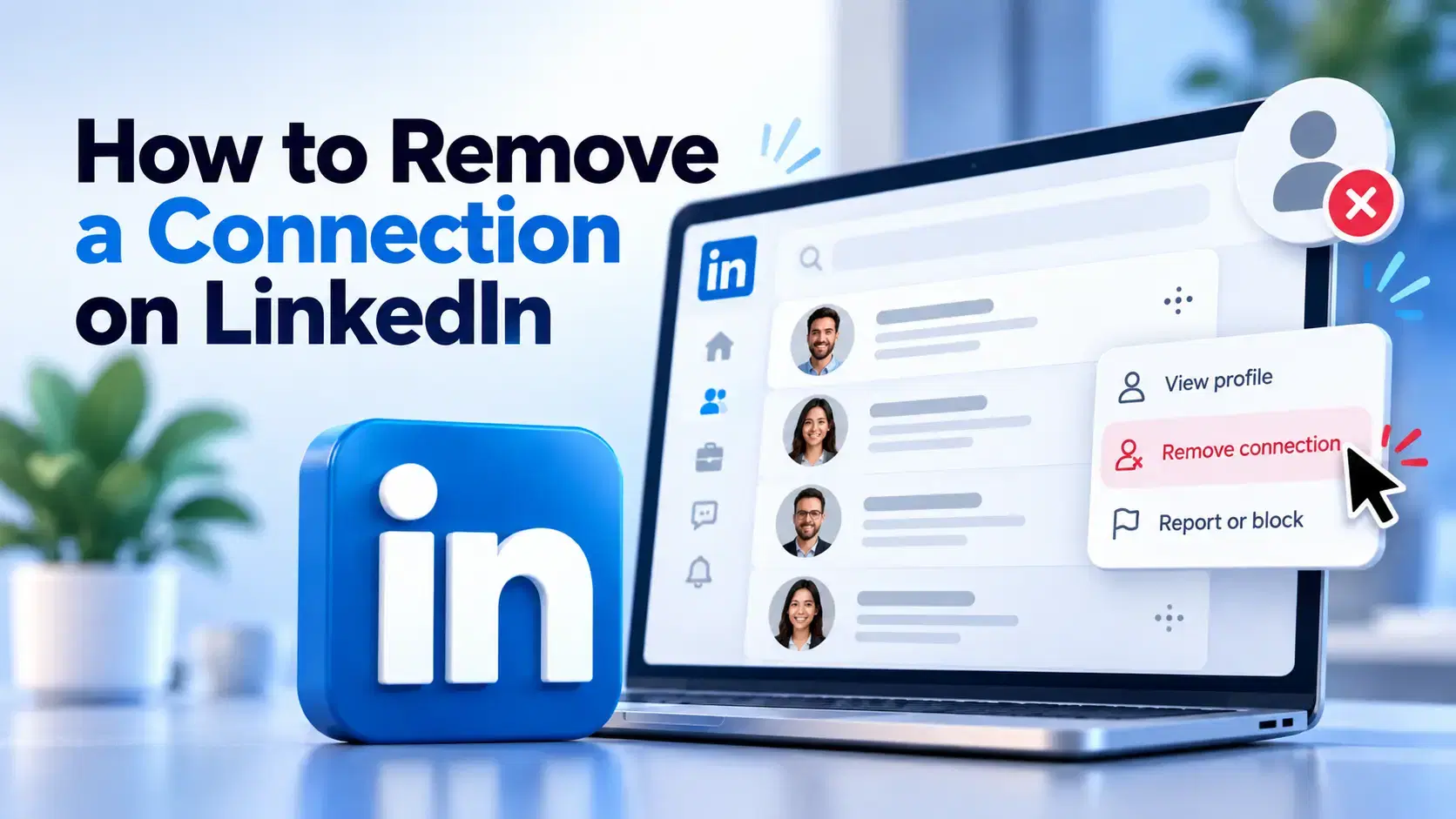
How to Remove a Connection on LinkedIn (Do They Get Notified?)
Removing a LinkedIn connection takes a few clicks, but most people want to know one thing first: does the other person get notified? This guide covers the steps on desktop and mobile, and what changes afterward.
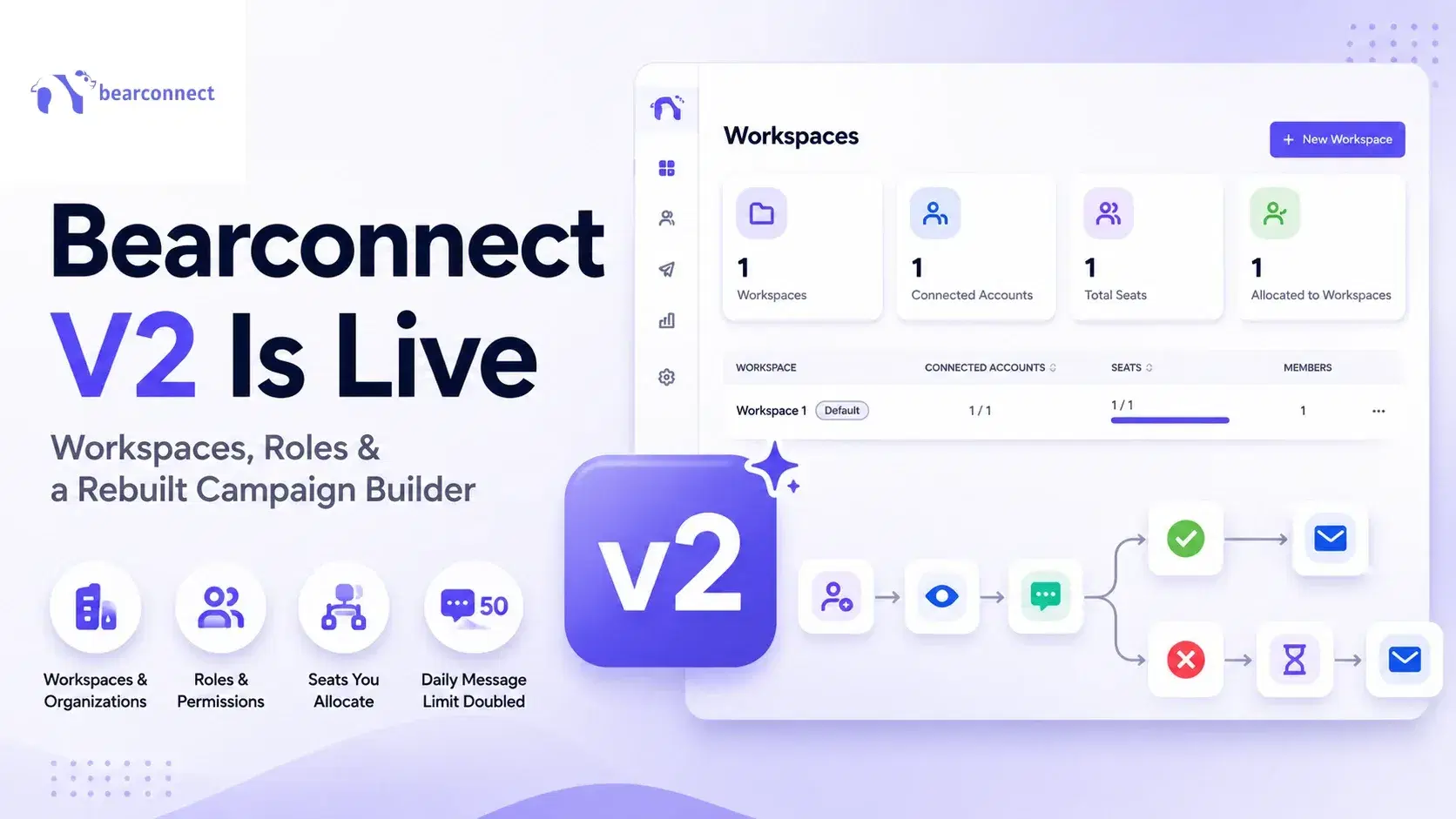
Bearconnect V2 Is Live: Workspaces, Roles and a Rebuilt Campaign Builder
Bearconnect V2 introduces dedicated workspaces, flexible roles, and a rebuilt campaign builder, giving agencies and sales teams more control over every LinkedIn account they manage.