What Does a LinkedIn Endorsement Mean (And How to Use It to Get More Leads)
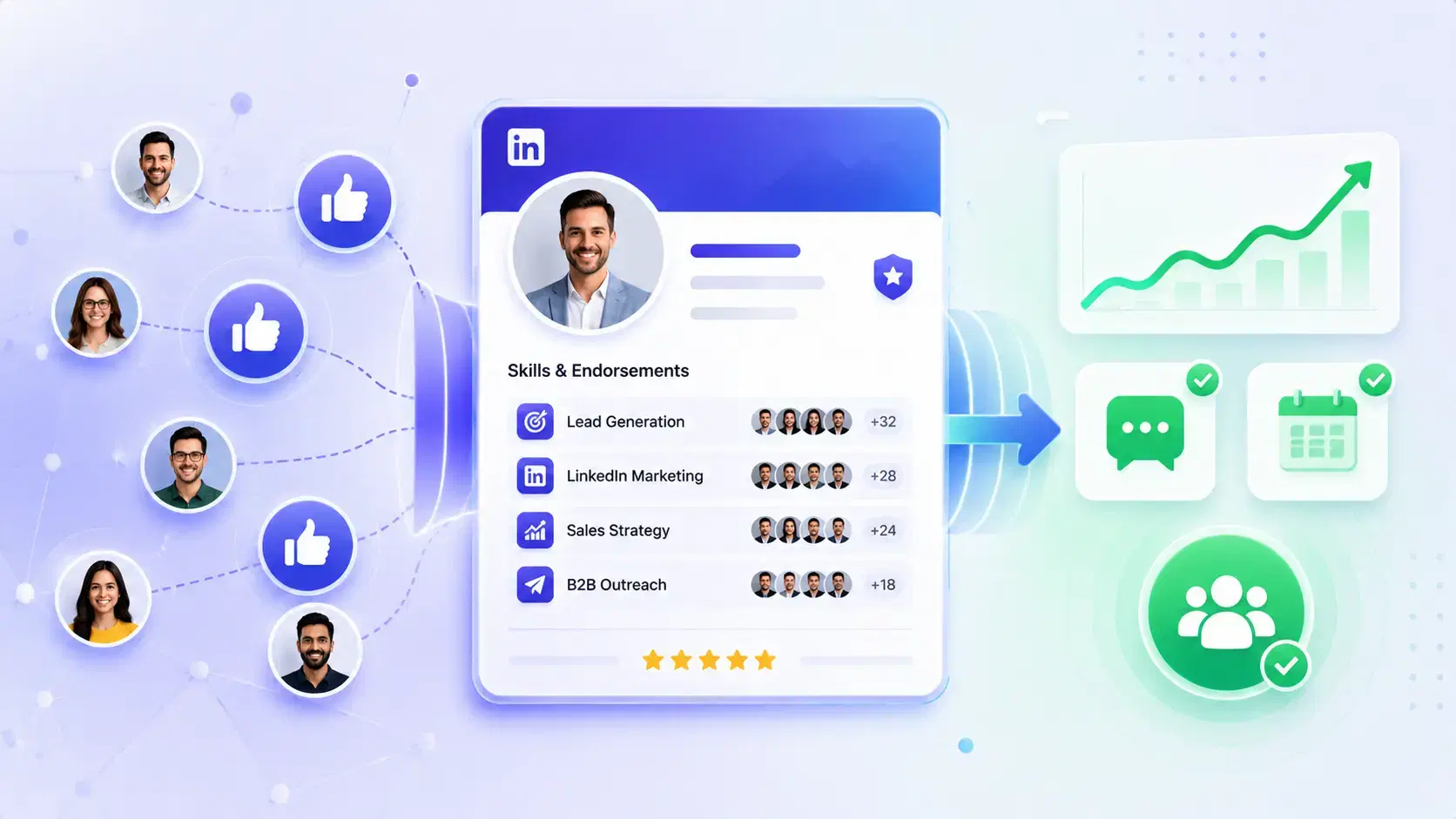
If you’ve ever seen someone endorse your skills on LinkedIn and wondered what it actually means, here’s the simple answer.
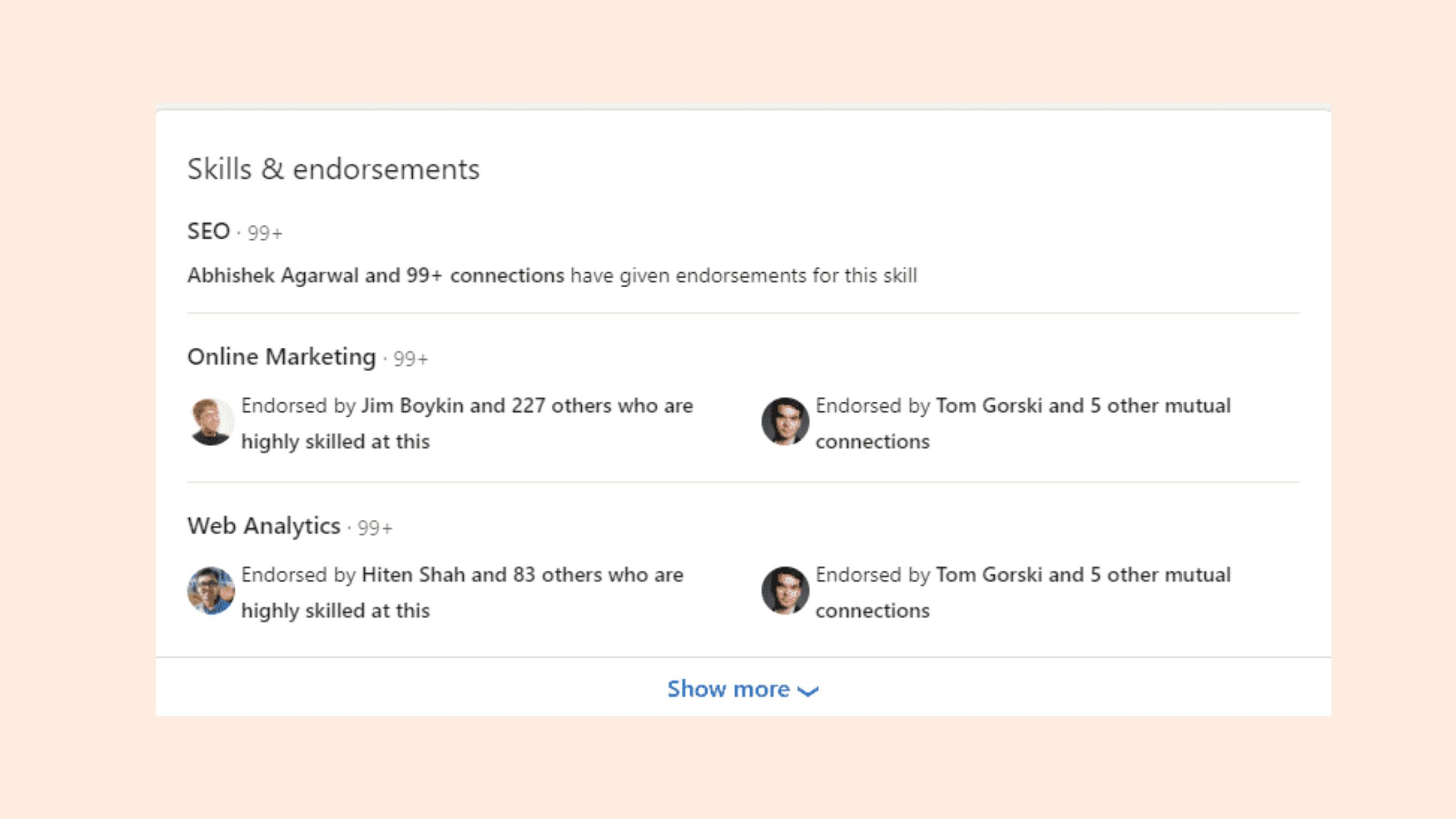
A LinkedIn endorsement means a 1st-degree connection has validated one of the skills listed on your profile.
It is a trust signal that can improve credibility, support discovery, and help your outreach convert better.
LinkedIn says these validations reinforce profile strength and increase the likelihood that you will be discovered for opportunities related to your skills.
TL;DR
- LinkedIn endorsements are skill validations from your network.
- They are not the same as recommendations, and they carry less weight.
- They help your profile look more credible before a prospect replies.
- They work best when your headline, about section, and outreach all match.
- Bearconnect helps you turn profile trust into outbound conversations with automation, unified inbox management, and drip campaigns.
What does a LinkedIn endorsement mean?
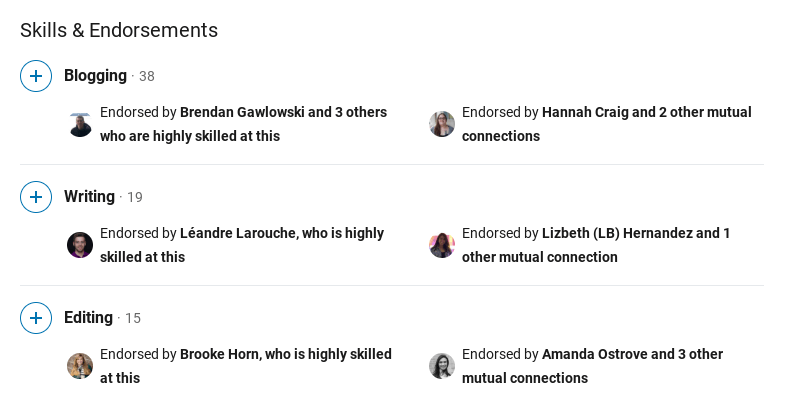
A LinkedIn endorsement means someone has clicked to validate a skill you listed on your profile.
LinkedIn says skill endorsements reinforce your profile strength and can increase the likelihood of being discovered for opportunities related to those skills.
From my point of view, this is a small signal with practical value. It does not replace proof, but it helps a prospect feel that your profile is real, active, and professionally aligned with what you sell.
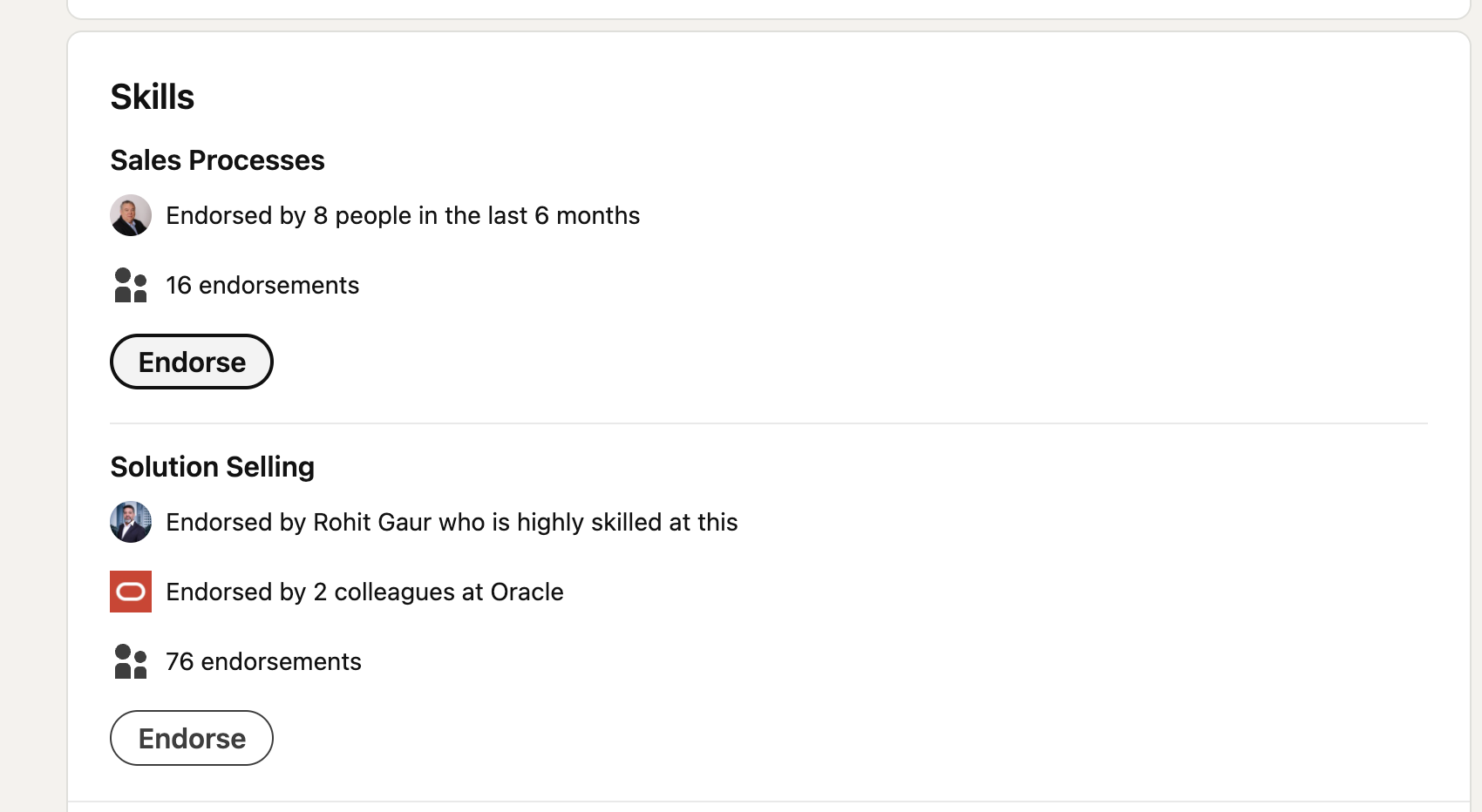
- If you are in B2B sales, that matters because many buyers check your profile before they reply.
- They may not read every line, but they do scan for trust markers. Endorsements give them one more reason to keep reading.
Endorsement vs recommendation
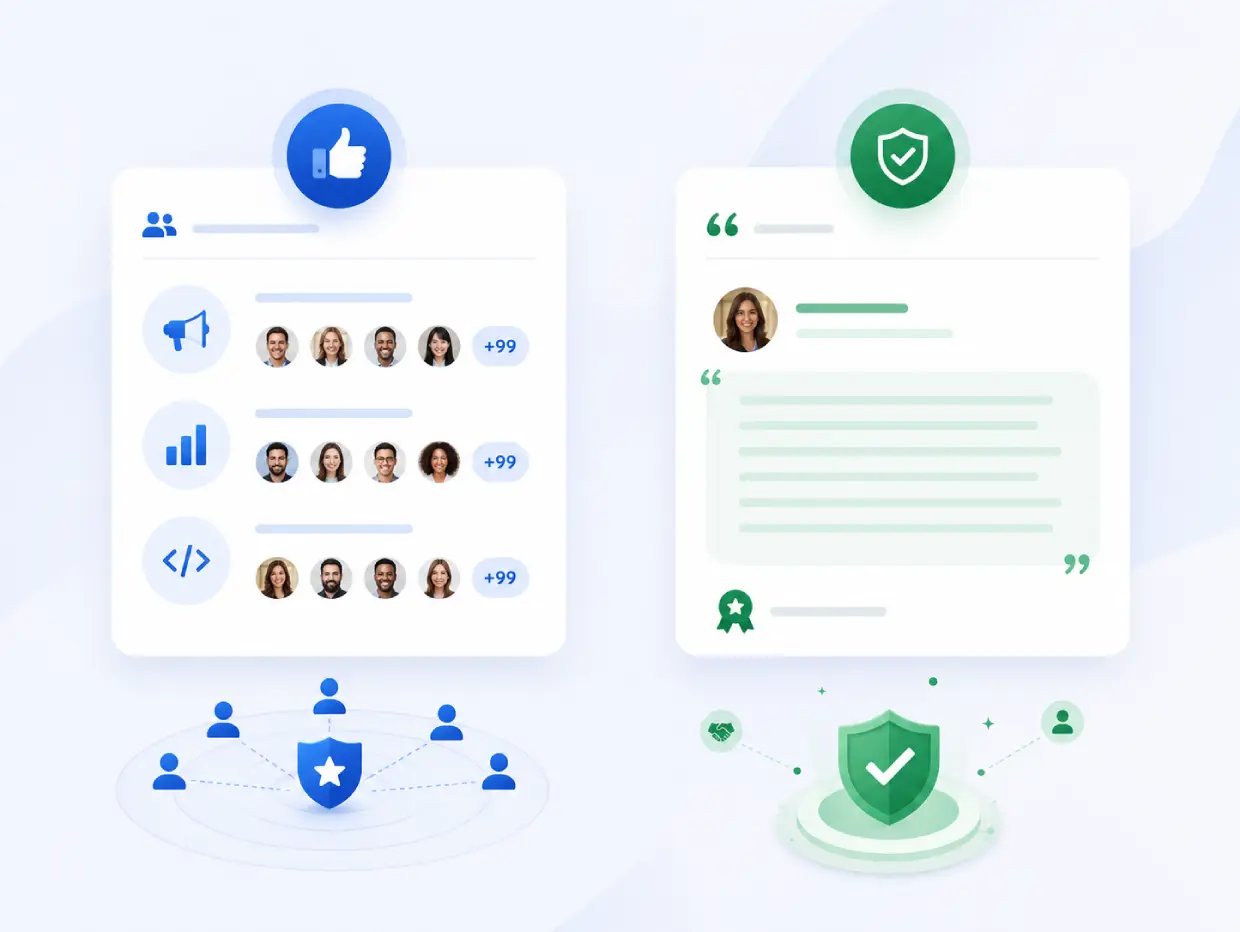
Endorsements and recommendations are not the same.
- An endorsement is a quick validation of a skill.
- A recommendation is a written statement that explains why someone trusts you.
I treat endorsements like a signal of familiarity and recommendations like proof. A buyer usually notices recommendations more, but endorsements still help because they show that your network recognizes your strengths.
Use this simple rule:
- Endorsements support visibility and lightweight credibility.
- Recommendations support deeper trust.
- Case studies support buying confidence.
- Outreach turns trust into conversations.
Why Endorsements matter for lead generation
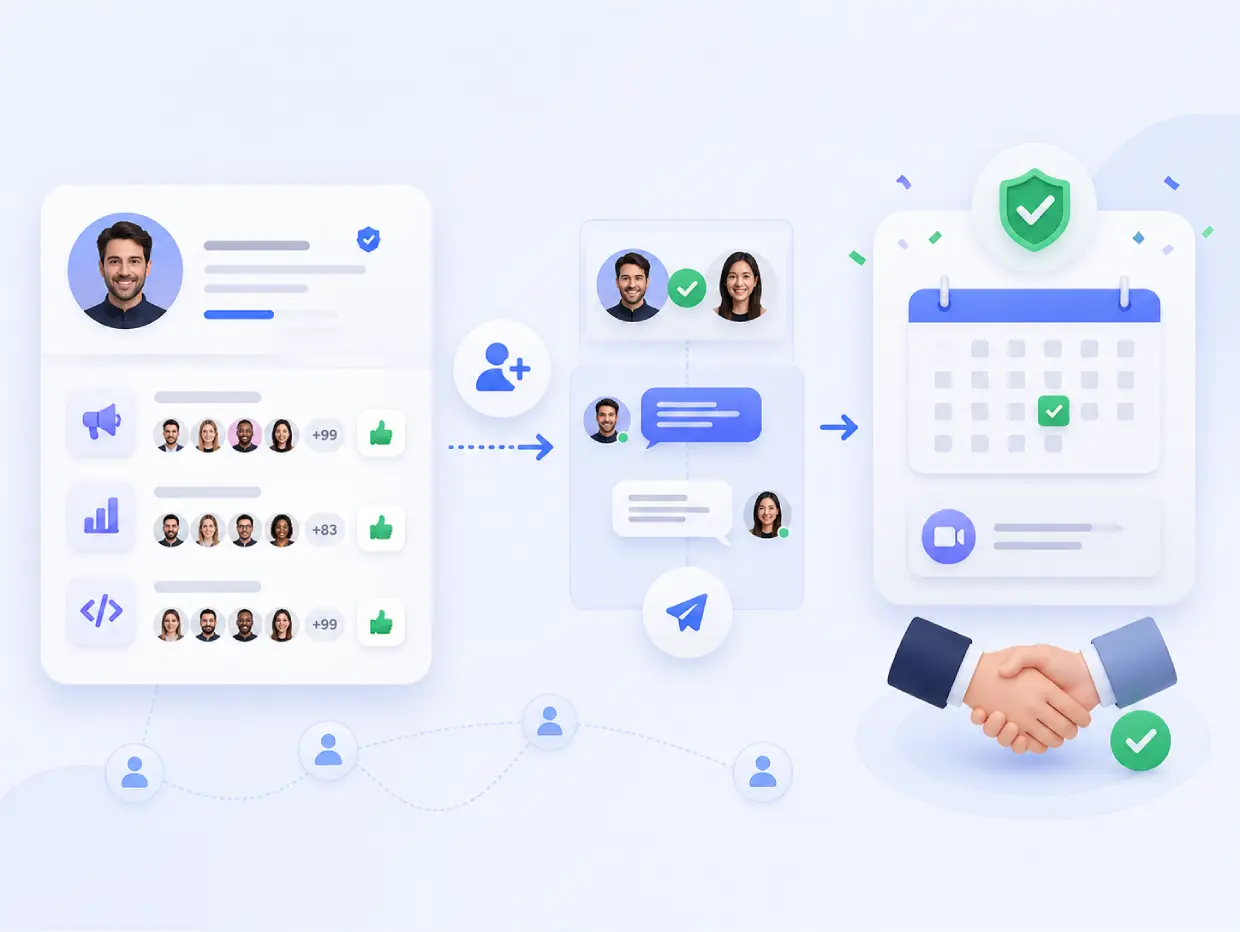
Endorsements matter because they reduce friction. When a prospect sees relevant skill validation, your profile feels less generic and more believable.
That matters most in three moments:
- Before a connection request gets accepted.
- Before a cold prospect replies.
- Before a lead books a call.
If your profile already communicates a clear value proposition, endorsements help reinforce it. If your profile is weak, endorsements will not save it.
If you need help tightening that foundation, read How to Create a Great LinkedIn Profile in 2026.
Should you care about endorsements?
- Yes, but only as a support signal.
- No, if you expect them to create leads on their own.
- They matter most when your profile and outreach are already aligned.
What endorsements actually do
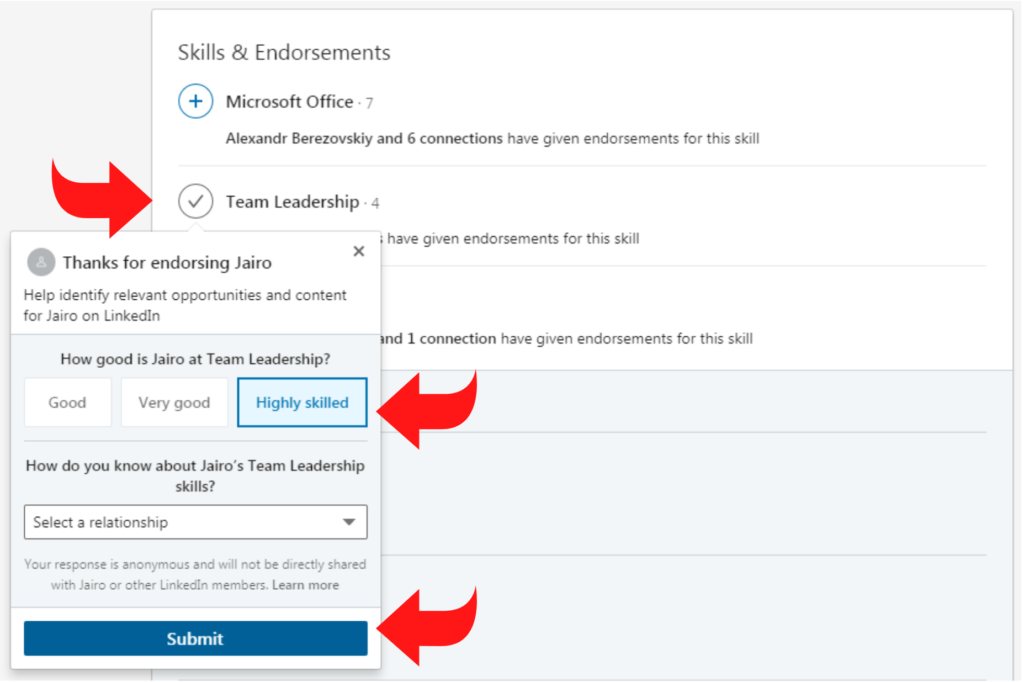
They help you in four ways:
- They add social proof.
- They support profile credibility.
- They improve how your skills section looks to visitors.
- They can support discovery around relevant skills.
They do not do these things:
- They do not create leads automatically.
- They do not replace outbound strategy.
- They do not fix poor positioning.
- They do not close deals by themselves.
That distinction matters. A lot of people overrate the badge and underrate the system behind it.
How LinkedIn uses endorsements
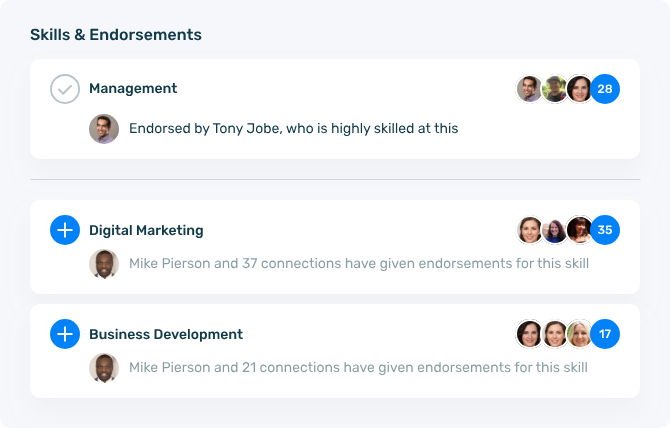
- LinkedIn connects endorsements to the skills you list.
- More relevant skills can improve profile strength.
- Endorsements help your profile look more aligned with search and opportunity discovery.
What prospects notice on your profile
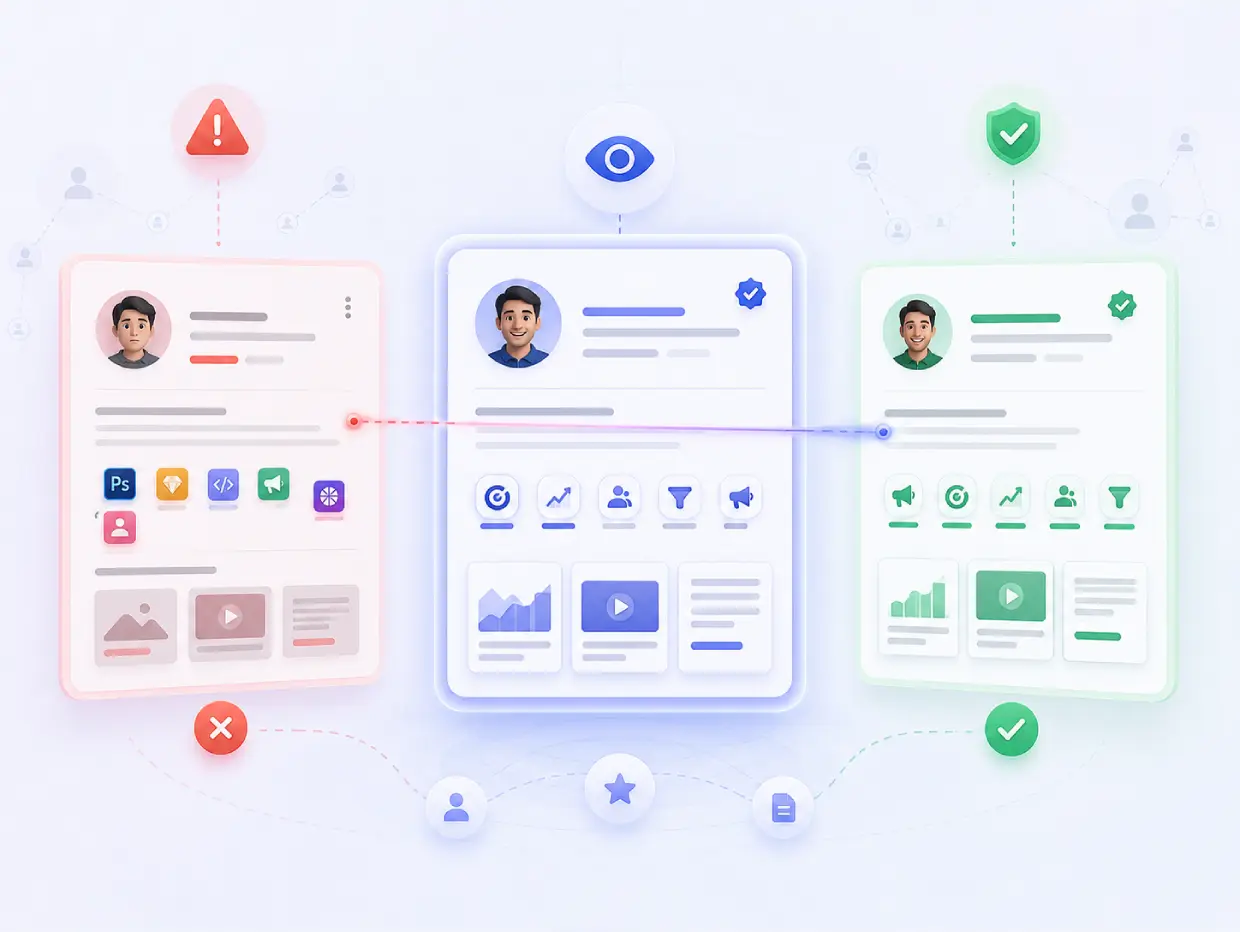
Prospects do not study endorsements like analysts. They skim. They look for patterns.
Here is what I have seen matter most:
- Are the endorsed skills relevant to the service?
- Does the profile headline match those skills?
- Does the About section say who you help?
- Do the Featured posts show proof?
- Does the profile look active or abandoned?
If a founder says they help SaaS teams book more meetings, but their skills section shows random software, design, and leadership badges, the profile feels inconsistent. Consistency builds trust.
Lets Understand with Some Examples
Imagine a sales consultant who wants more inbound leads.
Their profile shows:
- LinkedIn outreach.
- Lead generation.
- B2B sales.
- Social selling.
- Prospecting.
Their endorsements support those exact skills. A prospect lands on the profile after a message. The profile now feels aligned with the offer. That makes the reply easier.
The next step is not to wait. The next step is to start a conversation with the right people using a clear process, like the one in LinkedIn Outreach for Beginners.
How to get more value from endorsements
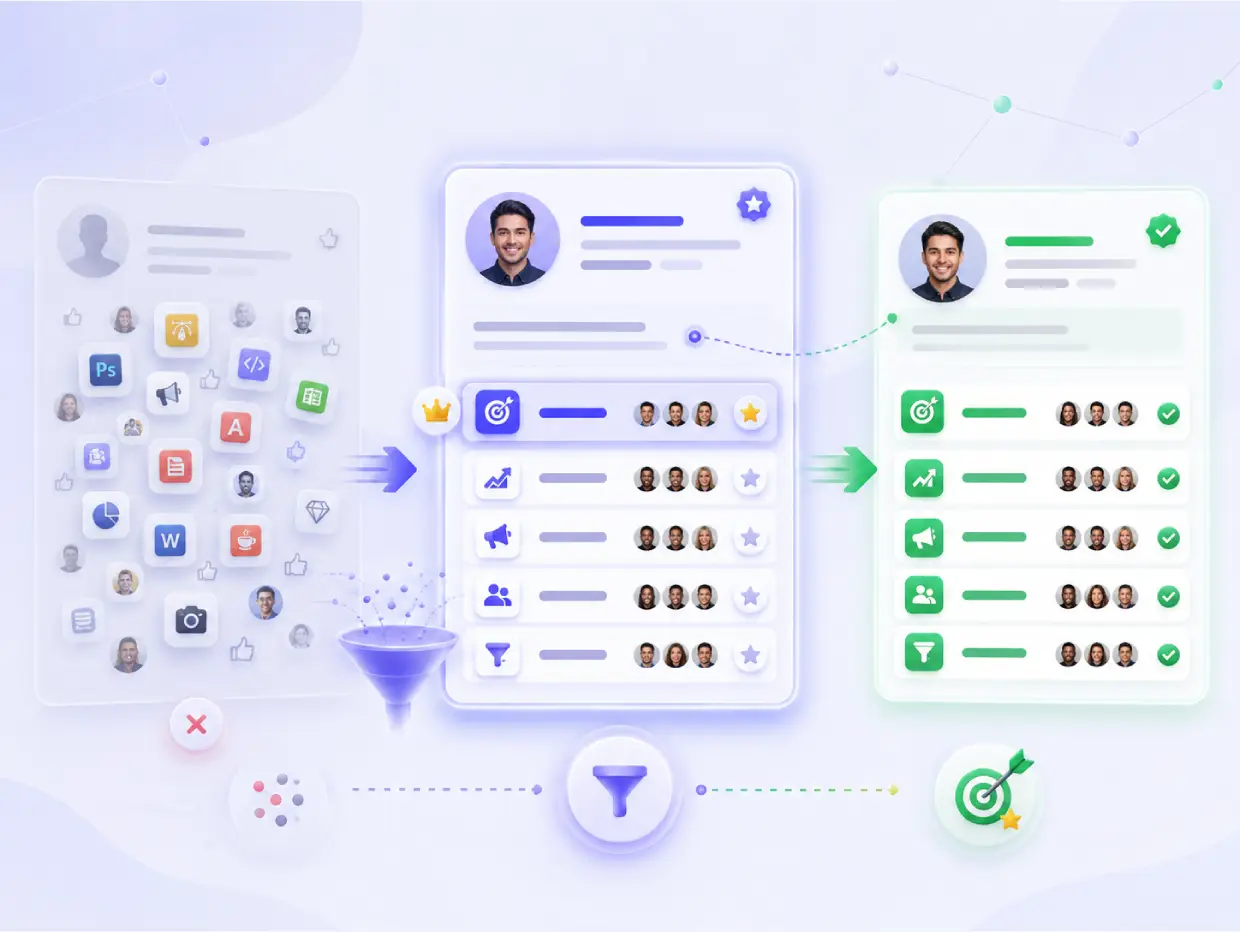
You get more value by choosing the right skills, not by collecting random clicks.
I would use this process:
- Pick 3 to 5 core skills that match your offer.
- Put the most important skill near the top.
- Keep your skills section aligned with your headline.
- Ask relevant contacts to endorse those skills.
- Endorse others when it makes sense, because reciprocity often helps.
The goal is not to look popular. The goal is to look relevant.
Best skill choices for B2B lead gen
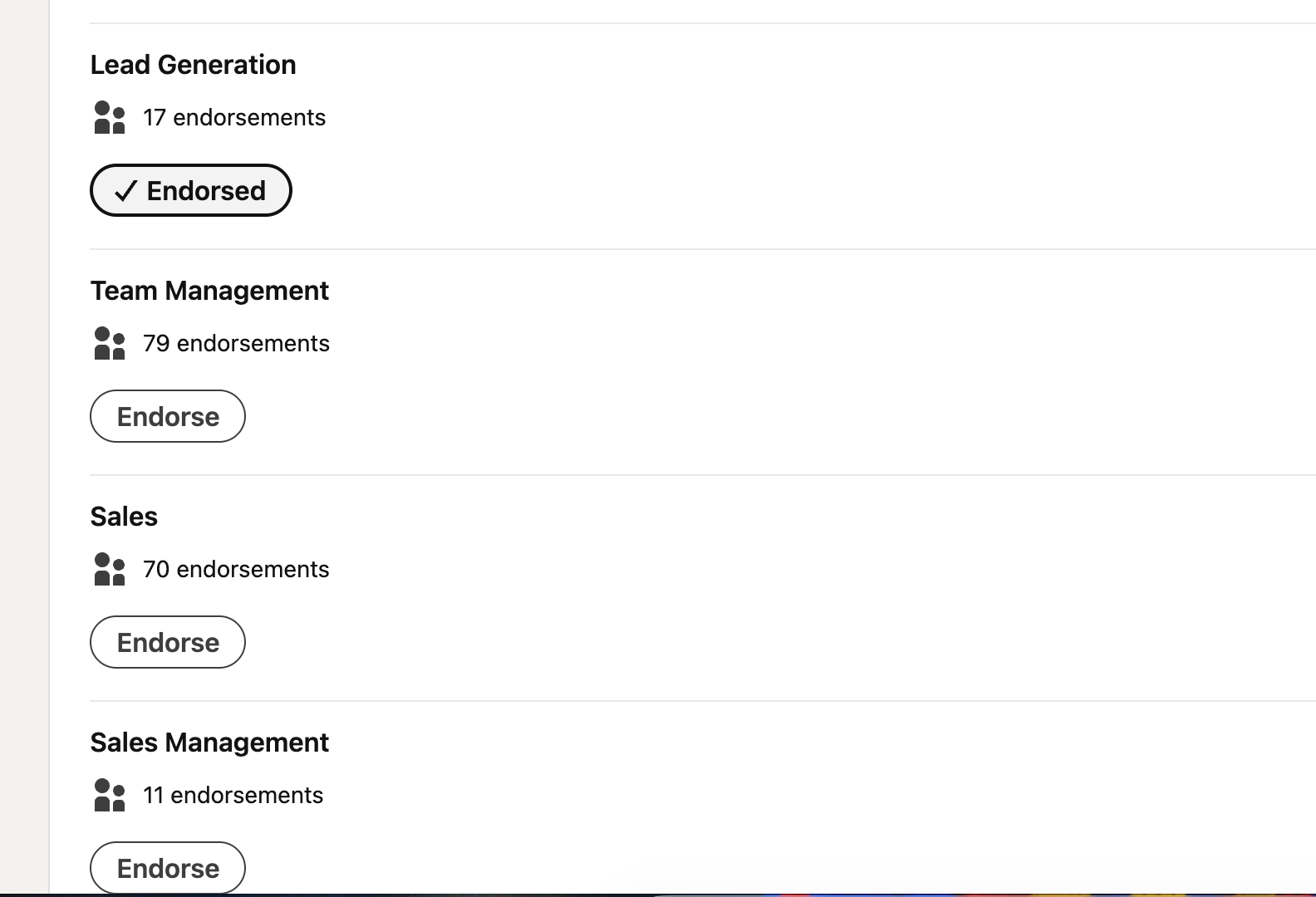
If your goal is leads, strong skill choices often include:
- LinkedIn outreach.
- Lead generation.
- B2B sales.
- Social selling.
- Prospecting.
- Content strategy.
- LinkedIn automation.
- Client acquisition.
These tell a cleaner story than broad or unrelated skills.
The next step is not to wait. The next step is to start a conversation with the right people using a clear process, like the one in LinkedIn Outreach for Beginners.
Pro tip
Do not ask everyone to endorse everything. Ask the right people to endorse the right skills. A small set of relevant endorsements looks stronger than a long list that feels inflated.
How to use endorsements to get more leads
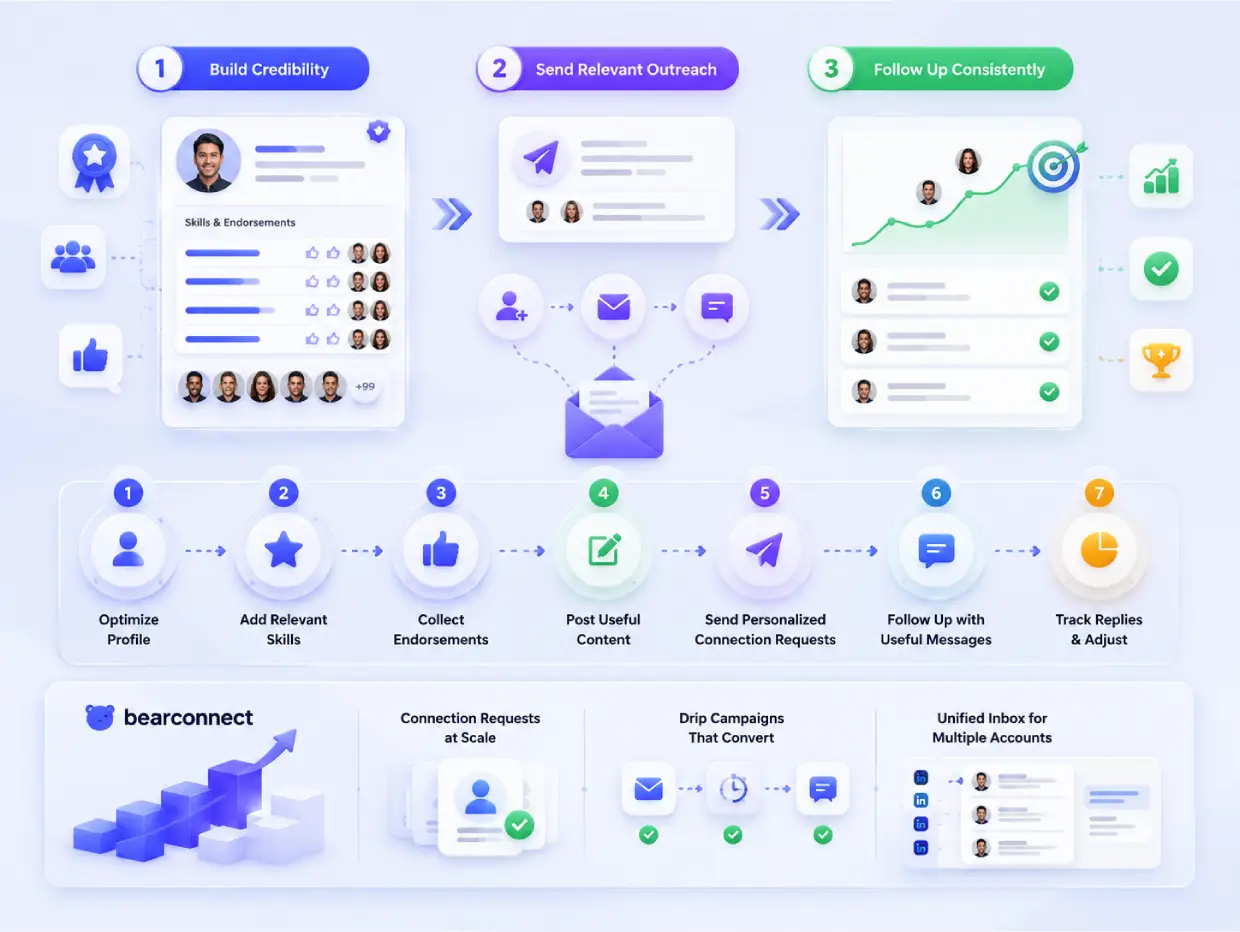
I use endorsements as part of a three-step trust ladder:
- First, make the profile credible.
- Second, send relevant outreach.
- Third, follow up consistently.
That sequence matters because endorsements create interest, but outreach creates the conversation.
Here is the practical flow:
- Optimize the profile.
- Add relevant skills.
- Collect endorsements from real contacts.
- Post useful content.
- Send personalized connection requests.
- Follow up with short, useful messages.
- Track replies and adjust.
If you want help with the outreach side, read How to Set Up LinkedIn Automation for Lead Generation.
This is where Bearconnect help you. Once the profile builds trust, Bearconnect helps you scale the active part through connection requests, drip campaigns, and a unified inbox for multiple LinkedIn accounts.
What actually works better than endorsements alone
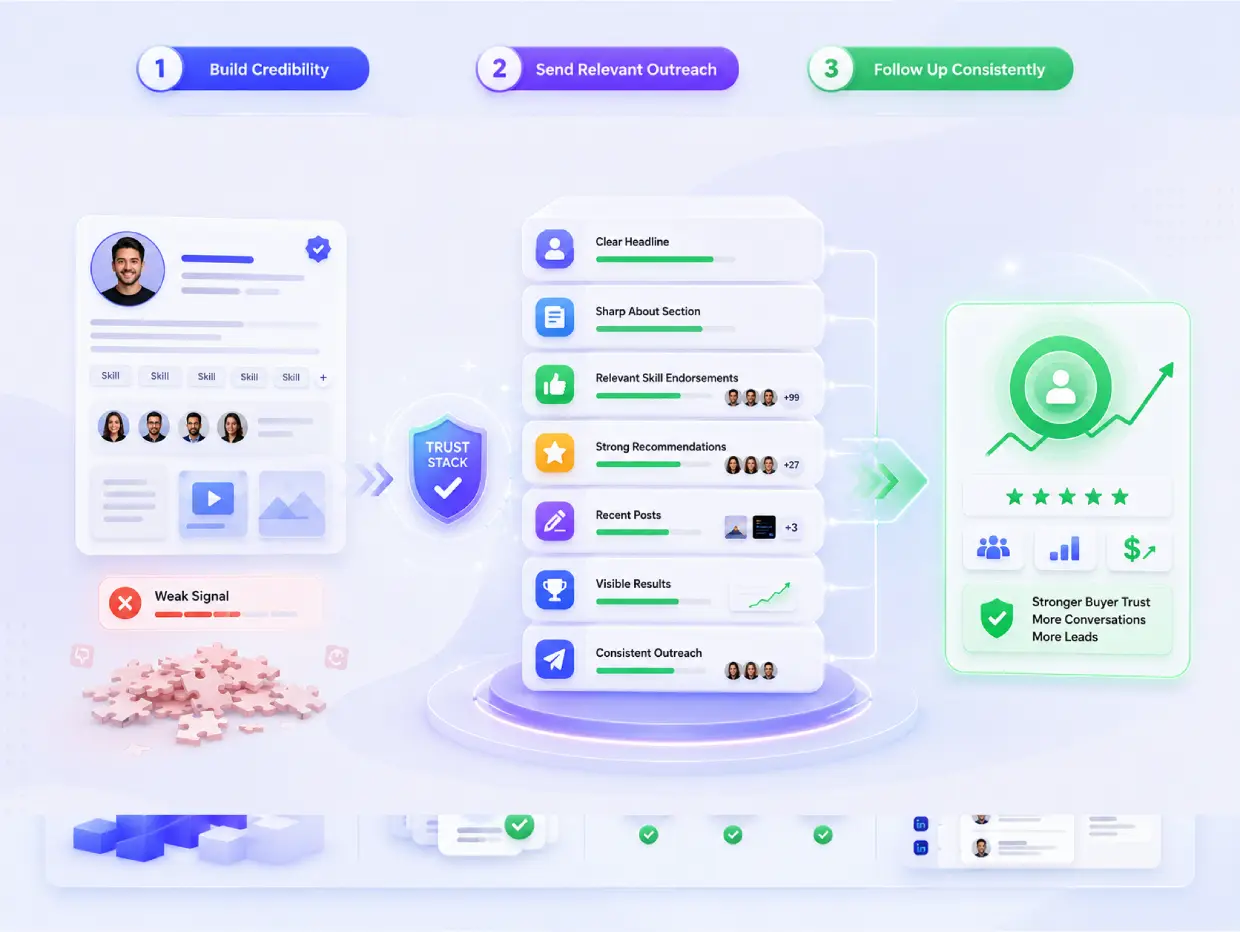
Endorsements help, but they work best inside a larger trust stack.
The strongest LinkedIn presence usually combines:
- A clear headline.
- A sharp About section.
- Relevant skill endorsements.
- Strong recommendations.
- Recent posts.
- Visible results.
- Consistent outreach.
If you only focus on endorsements, you build a weak signal. If you combine them with proof and activity, you build a stronger buyer experience.
Why this matters for sales
In B2B, buyers want speed and certainty. They want to know three things:
- Do you understand my problem?
- Do you work with people like me?
- Can I trust you enough to reply?
Endorsements help with the second question. Your content and outreach answer the first and third.
That is why content consistency matters too. If you want to support your outreach with regular posting, Bearconnect also lets you create, schedule, and publish LinkedIn posts.
How I would structure the profile
If my goal were leads, I would optimize in this order:
- Headline.
- About section.
- Featured section.
- Skills and endorsements.
- Recommendations.
- Content consistency.
- Outreach system.
This order works because buyers decide fast. LinkedIn also says skills and endorsements reinforce your profile strength and help with discovery for relevant opportunities.
How Bearconnect help to generate leads?
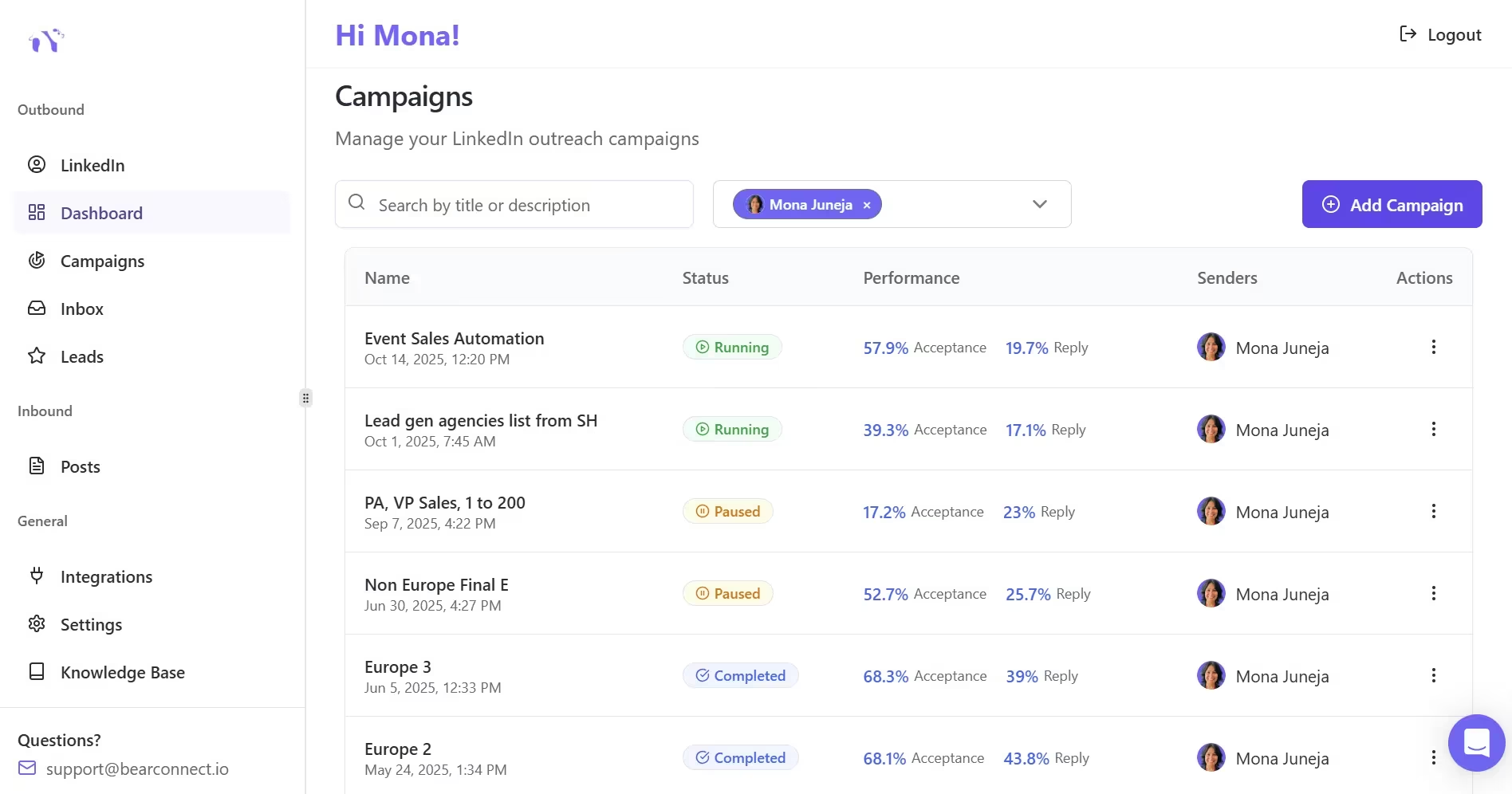
Endorsements build trust on the profile. Bearconnect helps you act on that trust by turning profile visits into conversations through automated outreach and follow-up.
Bearconnect fits when you want to turn credibility into pipeline.
It supports outbound and inbound LinkedIn growth by letting you automate connection requests, schedule posts, manage multiple accounts, and keep replies organized in one place.
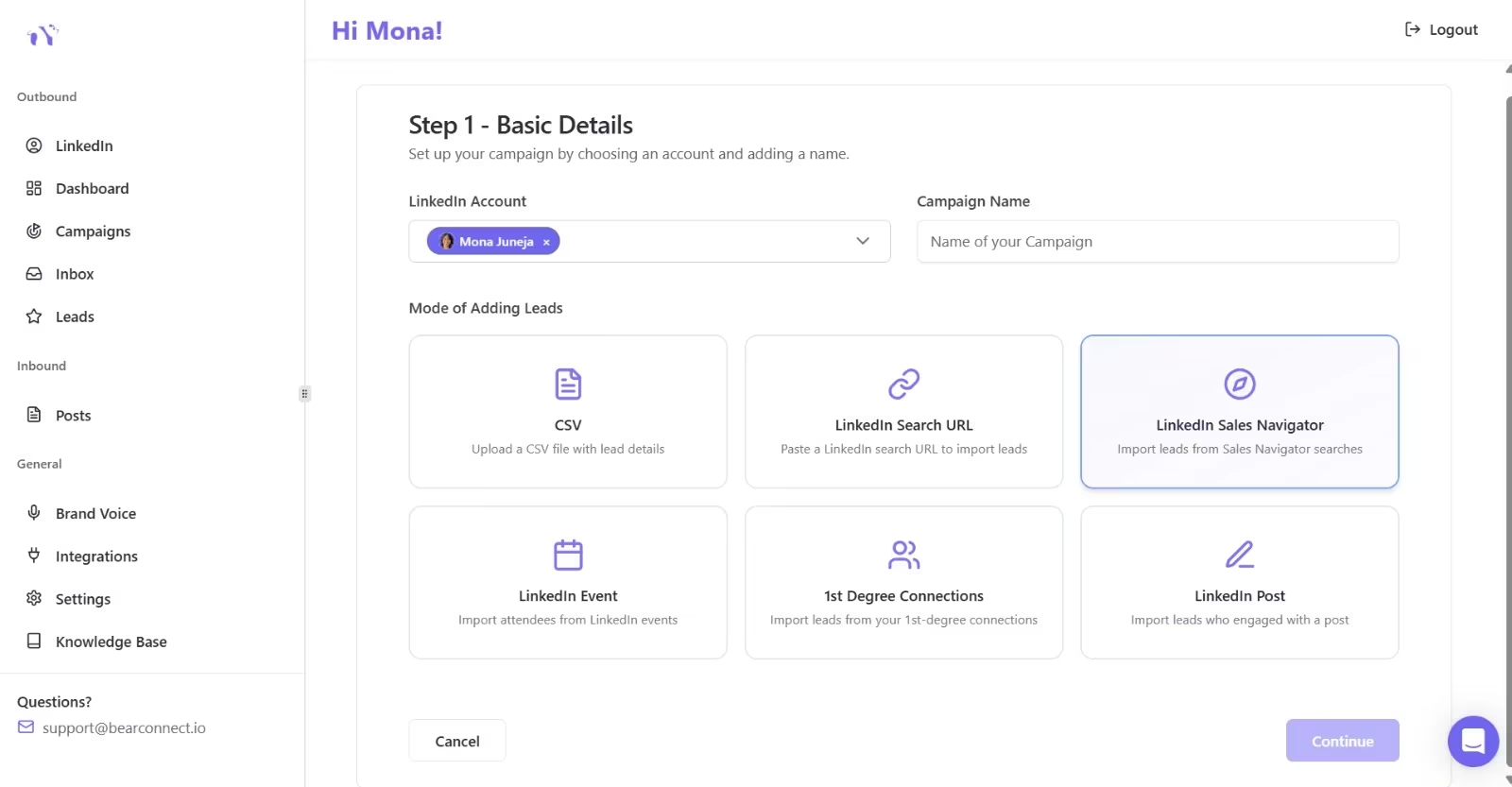
That matters because endorsements are passive. Outreach is active. Most pipeline comes from the second one.
At Bearconnect pricing, the platform starts at $67 per LinkedIn account per month, and if you connect five or more LinkedIn accounts, the price drops to $57 per account.
Simple profile formula
Use this formula in your profile:
- Who you help.
- What result you create.
- What keywords describe that result.
- Proof that supports the claim.
- A direct next step.
That formula is stronger than trying to impress people with a long list of skills.
Endorsement checklist
- Your top 3 skills match your offer.
- Your headline supports those skills.
- Your About section says who you help.
- Your profile has at least one strong proof point.
- Your outreach message matches the same promise.
Common mistakes you can avoid
I see three mistakes often:
- Chasing endorsement volume instead of relevance.
- Treating endorsements like proof of results.
- Using automation before fixing the profile.
If your profile looks weak, automation just speeds up a weak message. Fix the positioning first.
This guide on LinkedIn connection requests that don't get ignored is a strong next read if you want better outreach quality.
What is better approach for Endorsements?
Do this instead:
- Make your profile clear.
- Add relevant skills.
- Collect relevant endorsements.
- Publish useful content.
- Send targeted outreach.
- Use automation only when the message is ready.
That sequence gives you the best chance of turning attention into leads.
Final take
A LinkedIn endorsement means someone has validated a skill on your profile. It is a useful trust signal, but it works best when your profile, content, and outreach all point to the same offer.
FAQ
1. What does a LinkedIn endorsement mean?
It means a 1st-degree connection has validated one of your listed skills. LinkedIn uses these validations to reinforce profile strength and discovery.
2. Do LinkedIn endorsements help get more leads?
Yes, but indirectly. They improve credibility, which can help prospects trust your profile before they reply or book a call.
3. Are endorsements better than recommendations?
No. Recommendations usually carry more weight because they contain written proof. Endorsements are lighter, but still useful as supporting social proof.
4. How many endorsements should I have?
There is no perfect number. Relevance matters more than volume. A few endorsements on the right skills are stronger than many on random skills.
5. Should I use Bearconnect after optimizing endorsements?
Yes, if you want to turn profile trust into meetings. Bearconnect helps you scale outreach, manage follow-ups, and keep multiple accounts organized from one place. See the Unified Inbox feature and pricing page.
What to do next
The real value comes from aligning your profile signals with your outreach. If your top skills, endorsements, and headline all point to the same offer, prospects understand your value faster.
From there, keep your outreach simple.
- Connect with the right people.
- Follow up with short, useful messages.
- Share proof through posts or case studies.
- Use a tool like Bearconnect when you want to manage outreach at scale without losing control through post scheduling, drip campaigns, and a unified inbox.
Ready to Transform Your LinkedIn Strategy?
Join thousands of professionals already using Bearconnect to automate their outreach and grow their network.
7-day free trial • Cancel anytime
Related Articles

LinkedIn Automation: The Complete Guide for 2026
What LinkedIn automation is, how it works, what LinkedIn allows, safe limits, how to choose a tool and how to run your first campaign.
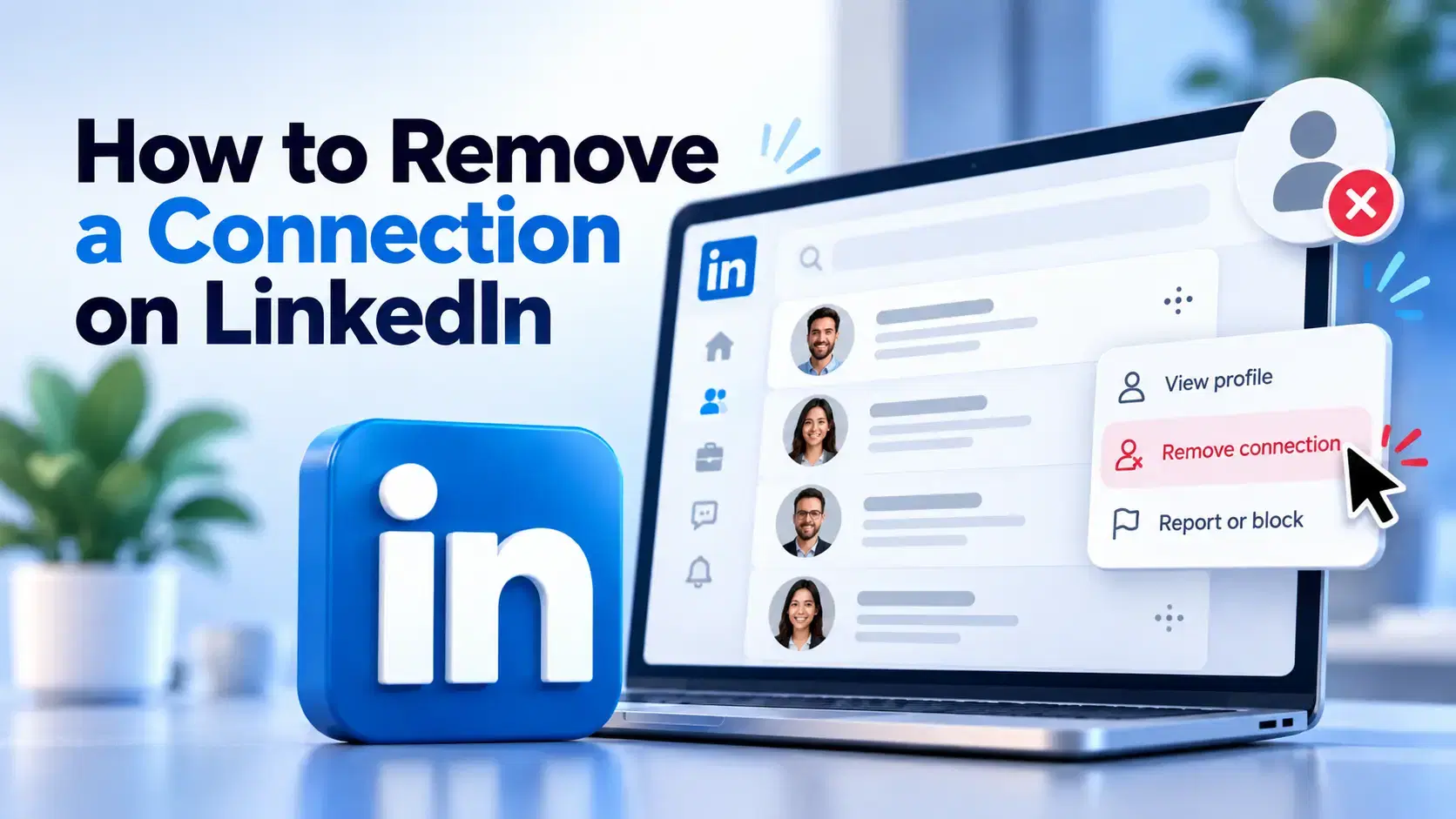
How to Remove a Connection on LinkedIn (Do They Get Notified?)
Removing a LinkedIn connection takes a few clicks, but most people want to know one thing first: does the other person get notified? This guide covers the steps on desktop and mobile, and what changes afterward.
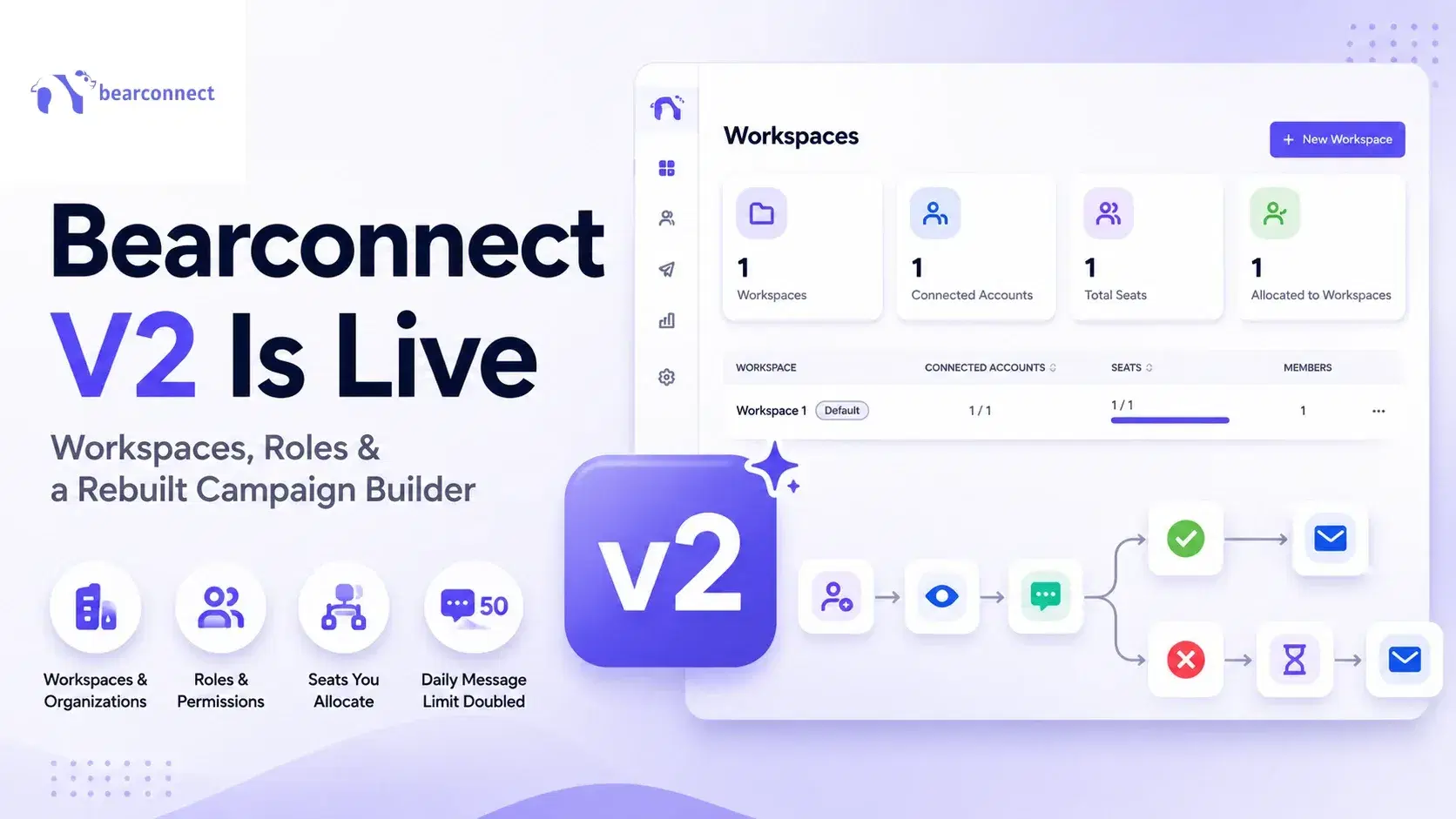
Bearconnect V2 Is Live: Workspaces, Roles and a Rebuilt Campaign Builder
Bearconnect V2 introduces dedicated workspaces, flexible roles, and a rebuilt campaign builder, giving agencies and sales teams more control over every LinkedIn account they manage.