What Does 3rd Mean on LinkedIn? 1st, 2nd and 3rd Connections Explained
You open LinkedIn, spot the perfect prospect, and then you see it: a tiny gray "3rd" next to their name. Ever felt stuck there?
Me neither. Here is why.
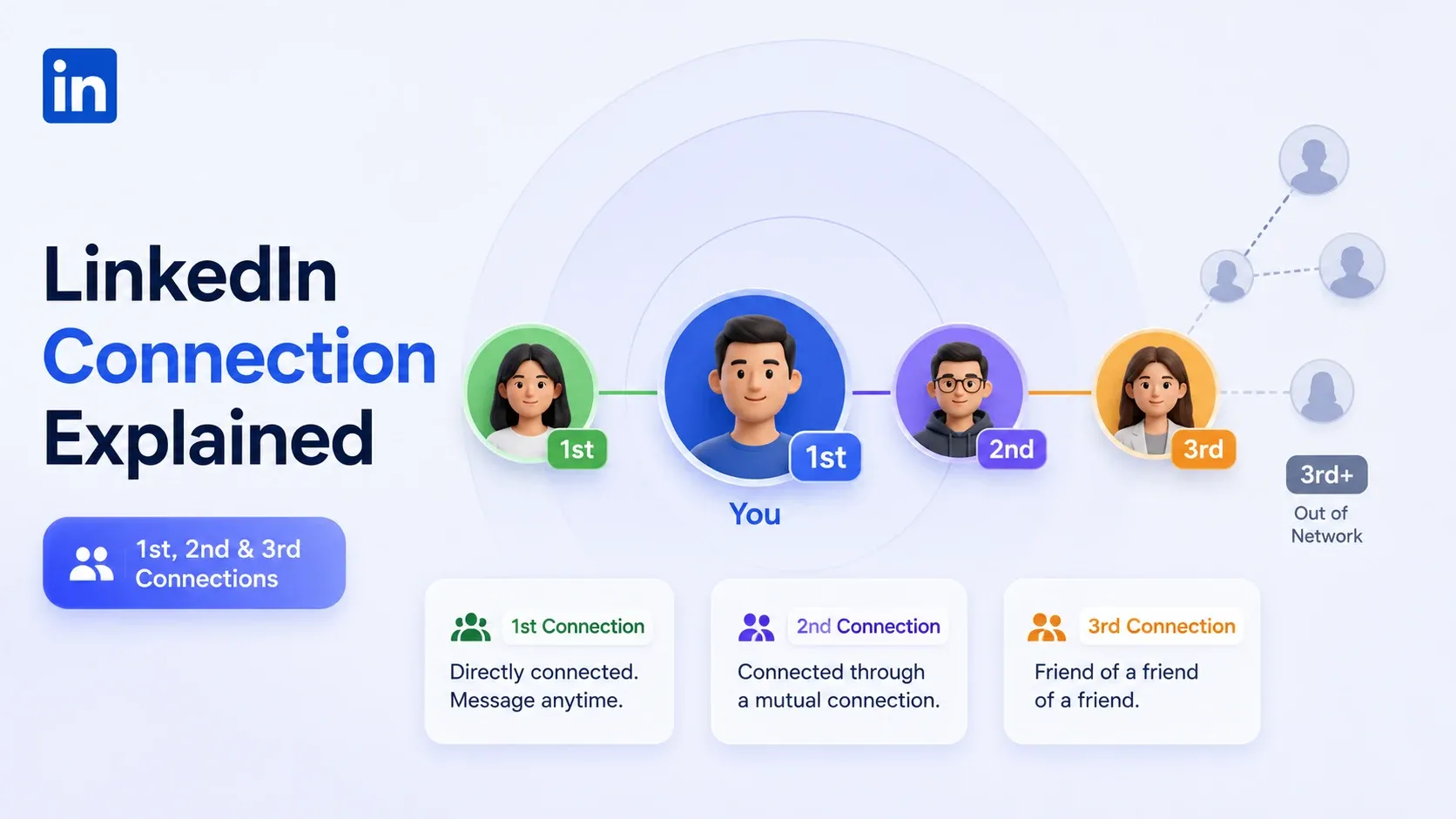
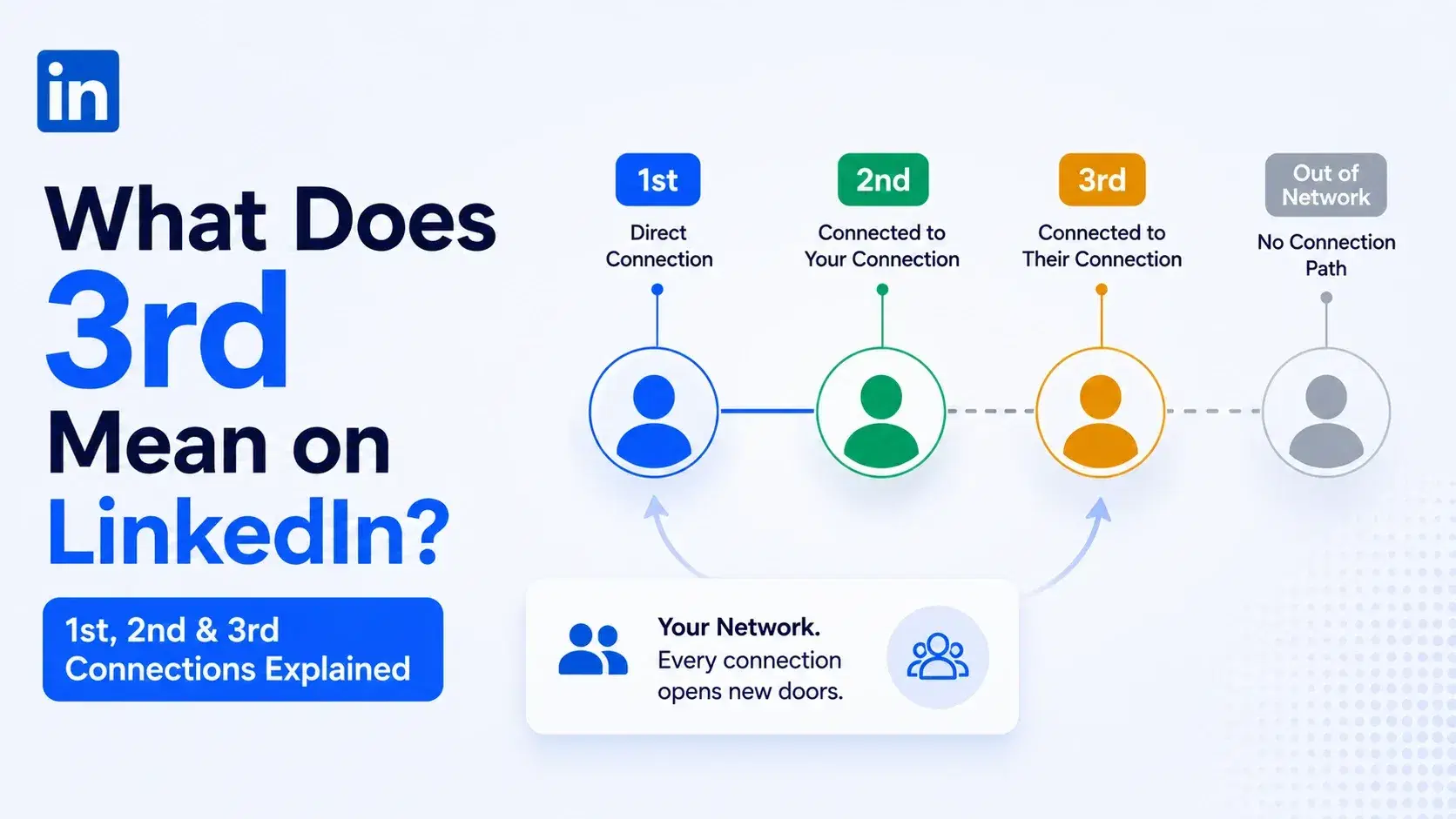
"3rd" on LinkedIn means the person is a third-degree connection, a friend of a friend of a friend. You are not directly connected, and you share no direct mutual contact, but LinkedIn can still see a path to them through your network.
That little label decides how you can reach someone. So let me break down every degree, what you can do with each, and how I actually message people who sit three steps away.
TL;DR
- 1st = you are directly connected. Message them free, anytime.
- 2nd = connected to your 1st-degree contacts. One layer away.
- 3rd = a friend of a friend of a friend. No direct mutual contact.
- 3+ or 3rd+ = outside your visible network path, shown as "Out of Network."
- You can still reach 3rd connections through a connection request, InMail, a warm intro, or engagement first.
What Does "3rd" Mean on LinkedIn? (Quick Answer)
A 3rd-degree connection is someone linked to you only through a chain of two other people. They know someone who knows someone you know.
LinkedIn ranks your network in degrees to show how close you are to any profile. The closer the degree, the more access and trust you have.
Think of it as social distance:
→ 1st = direct contact
→ 2nd = one mutual link away
→ 3rd = two mutual links away
LinkedIn Connection Degrees Explained
Your connection degree controls visibility, messaging, and outreach options. Here is what each level means in plain terms.
1. What Is a 1st-Degree Connection?
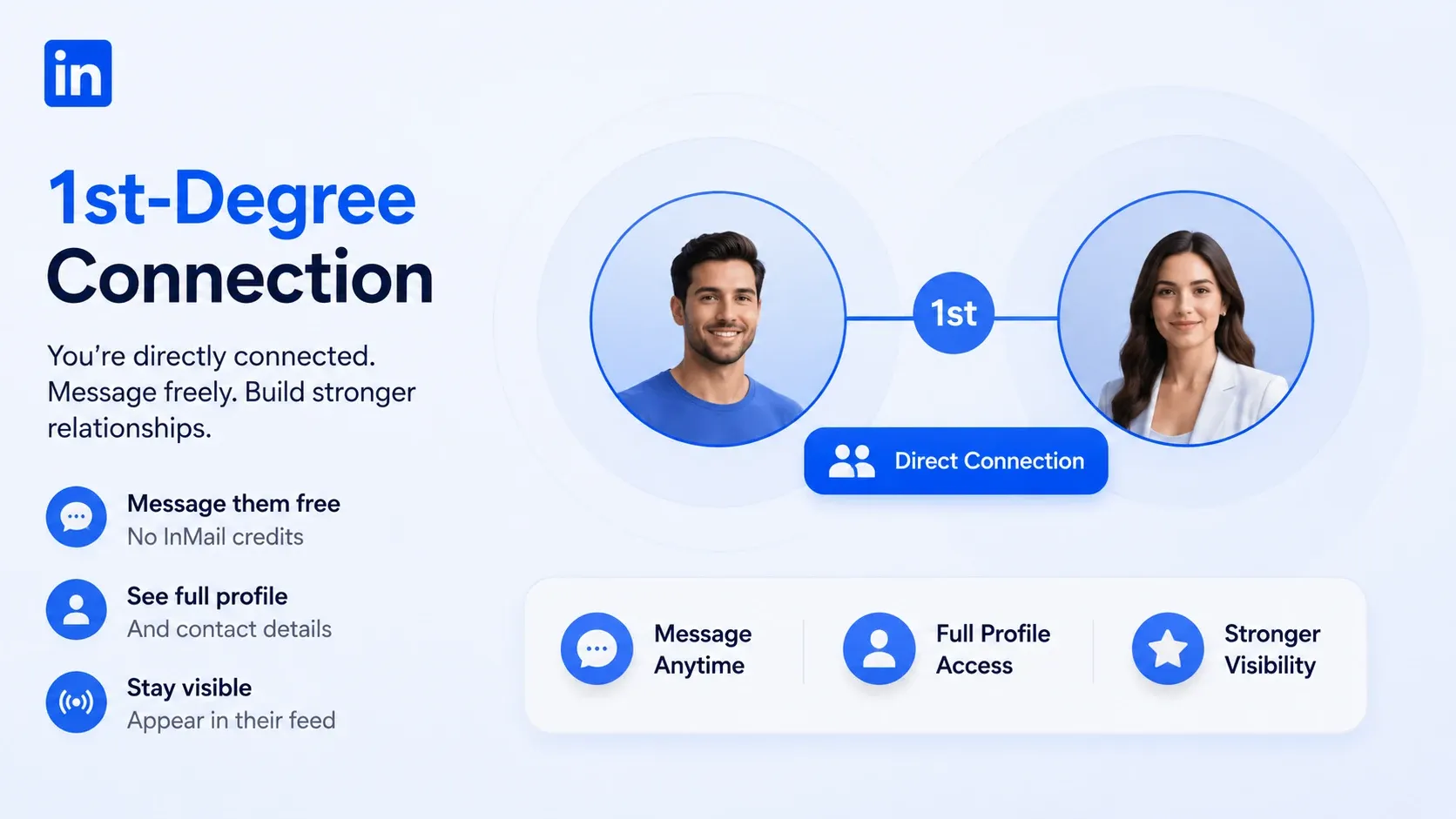
A 1st-degree connection is someone you are directly connected to. Either you sent an invite and they accepted, or they invited you and you said yes.
With 1st-degree contacts, I can:
- Message them free, with no InMail credits.
- See their full profile and contact details.
- Show up naturally in their feed when I post.
These are my warmest relationships. They accept meetings faster and reply more often.
Degrees matter less when you message a LinkedIn Open Networker (LION), since these profiles accept requests from almost anyone.
Activating Your 1st-Degree Connections at Scale
Once you grow your 1st-degree network, the next win is activating it with relevant outreach. Manual messaging does not scale past a few dozen people. The right tool saves hours here.
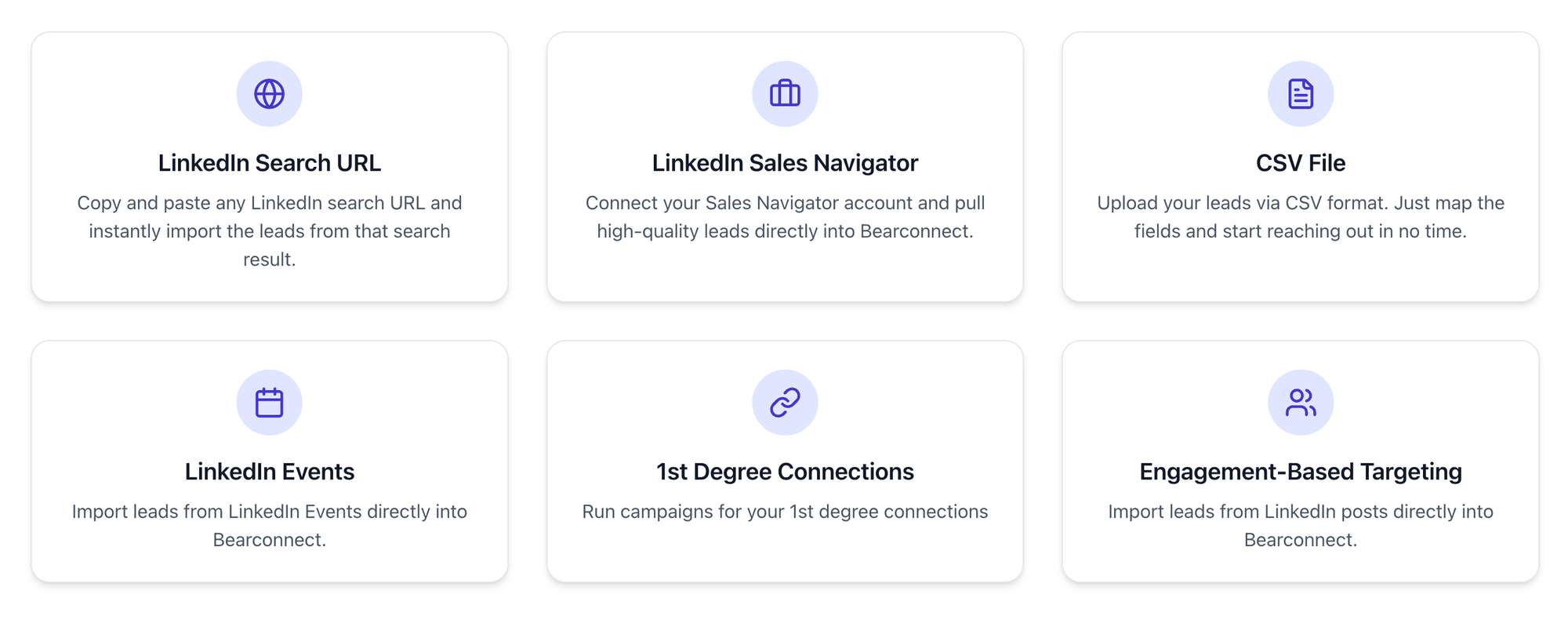
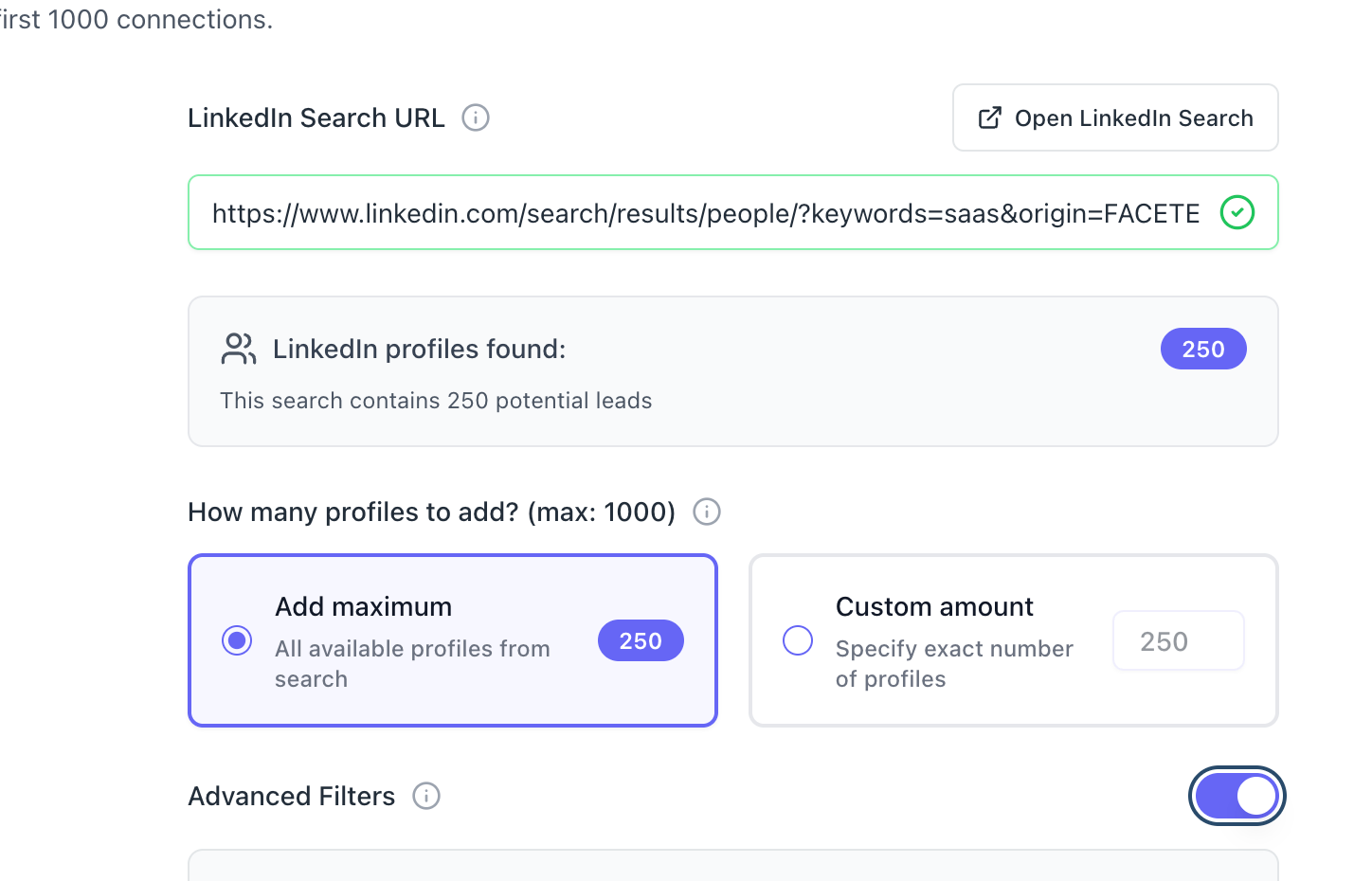
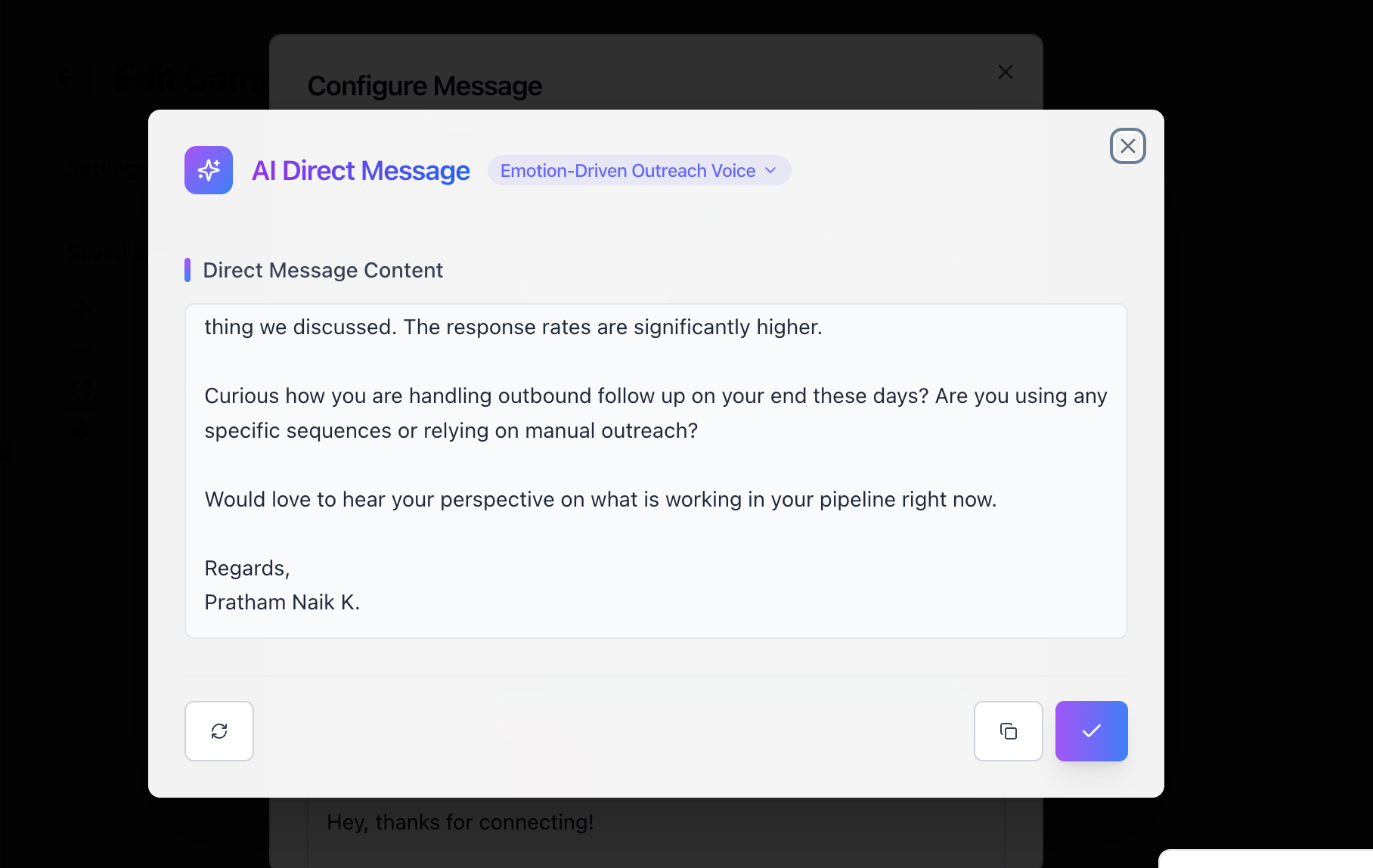
Inside Bearconnect, one of the lead import modes is
Here's how it works:
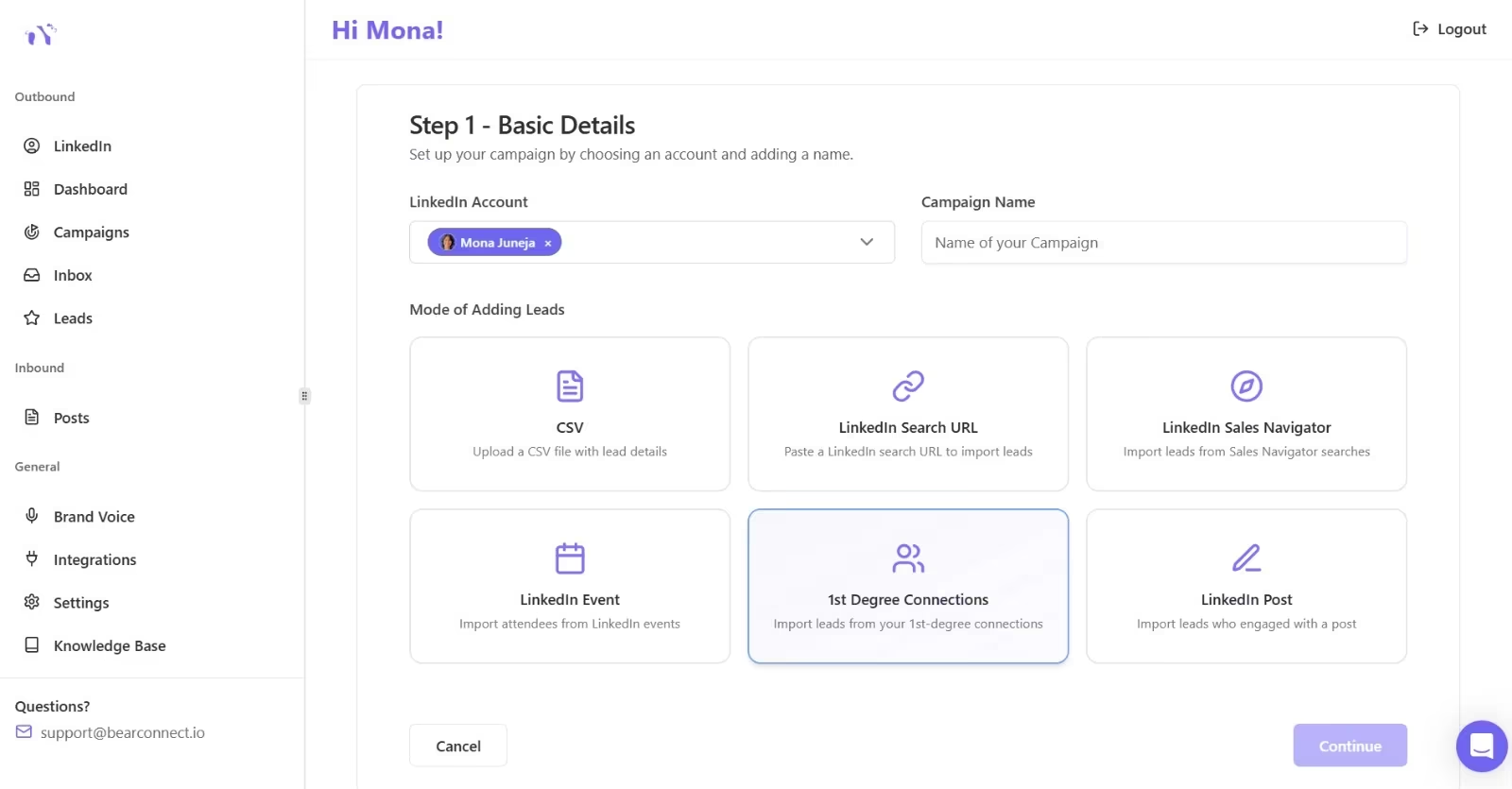
- You create a new campaign and pick the LinkedIn account to run it from.
- You select "1st Degree Connections" as the lead source.
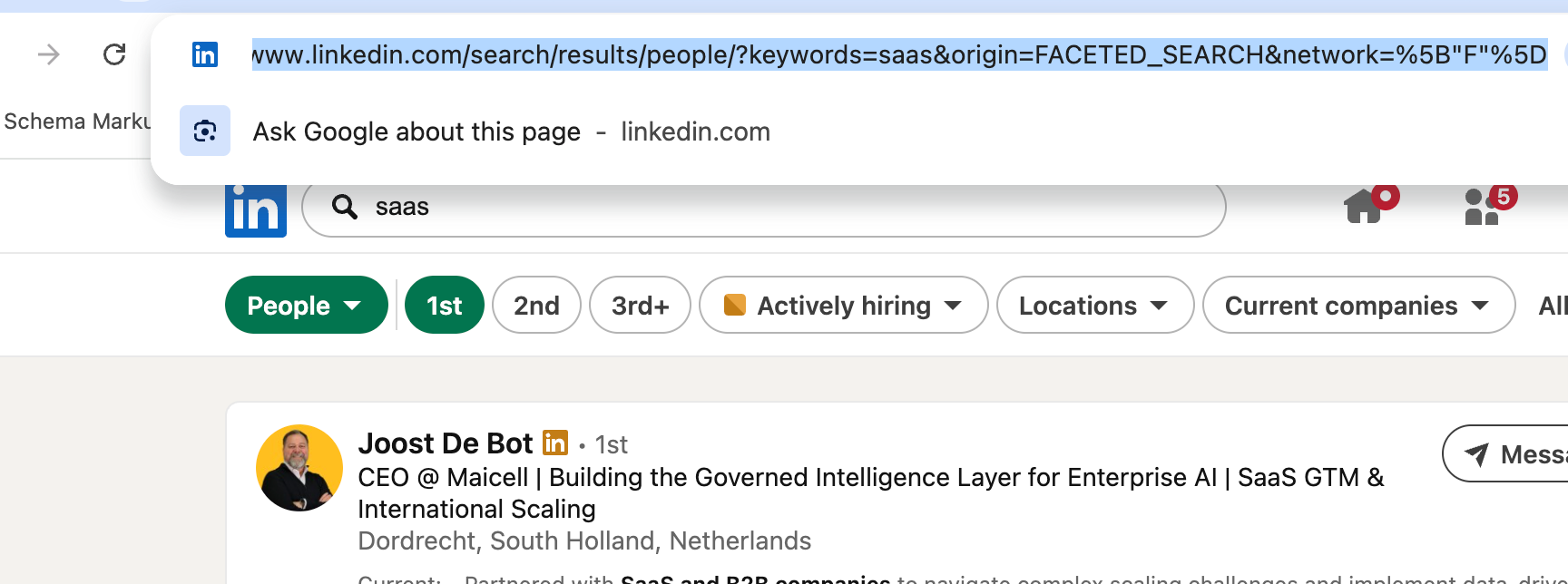
- Bearconnect pulls your existing network straight into the campaign. No CSV export, no manual copy-paste.
- You build a personalized, multi-step drip sequence and send it directly through LinkedIn outreach.
Because these contacts are already 1st-degree:
- Every message sends for free.
- No connection request is needed.
- No InMail credit gets used.
The whole reactivation happens from one dashboard.
Bearconnect lets you import leads from several sources:
- 1st-degree connections
- A LinkedIn search URL
- Sales Navigator searches
- LinkedIn events
- People who engaged with a post
Unlimited LinkedIn accounts means you can reactivate a warm network, or build a fresh targeted list, from one place. Warm audience first, cold outreach second.
2. What Is a 2nd-Degree Connection?
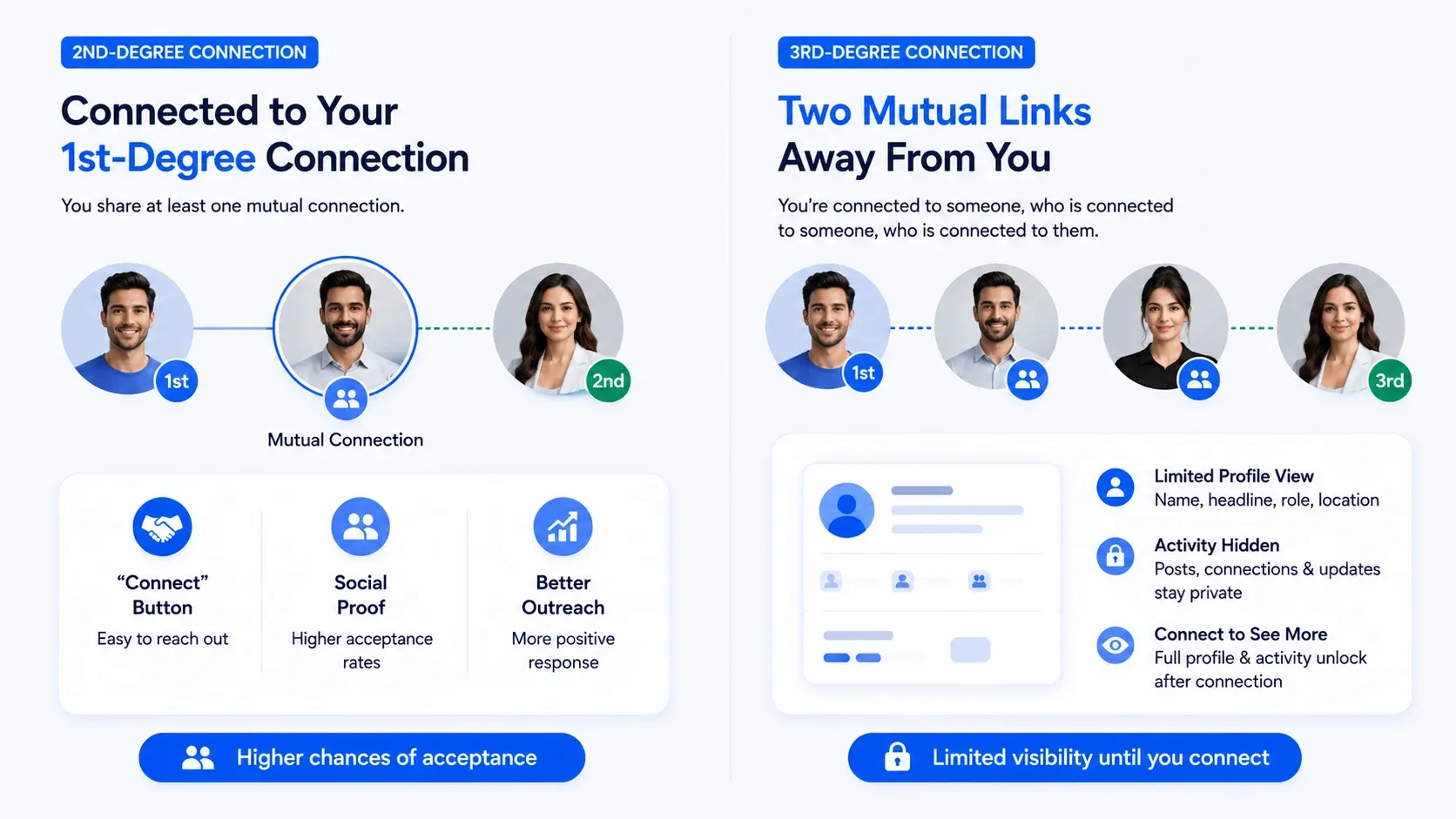
A 2nd-degree connection is connected to one of your 1st-degree contacts. You share at least one mutual connection.
- You will see a "Connect" button on most 2nd-degree profiles. That shared contact acts as social proof, which lifts acceptance rates.
- In my experience, connection requests to 2nd-degree people get accepted far more often than cold 3rd-degree invites.
3. What Is a 3rd-Degree Connection?
A 3rd-degree connection sits two mutual links away from you. You are connected to someone, who is connected to someone, who is connected to them.
LinkedIn still shows you a limited view of their profile. You often see their name, headline, current role, and location, but deeper activity stays hidden until you connect.
This is the group most people give up on. That is a mistake.
What Does "3rd+" or "3+" Mean on LinkedIn?
"3rd+" means the person is beyond your third-degree network, effectively out of your reachable path. LinkedIn cannot map a clear connection chain to them.
You will usually see these profiles marked as "Out of Network." Names may appear partially hidden, showing only a first name and a last initial.
To reach 3+ profiles, you almost always need InMail or a shared group.
What About "Out of Network" and Followers?
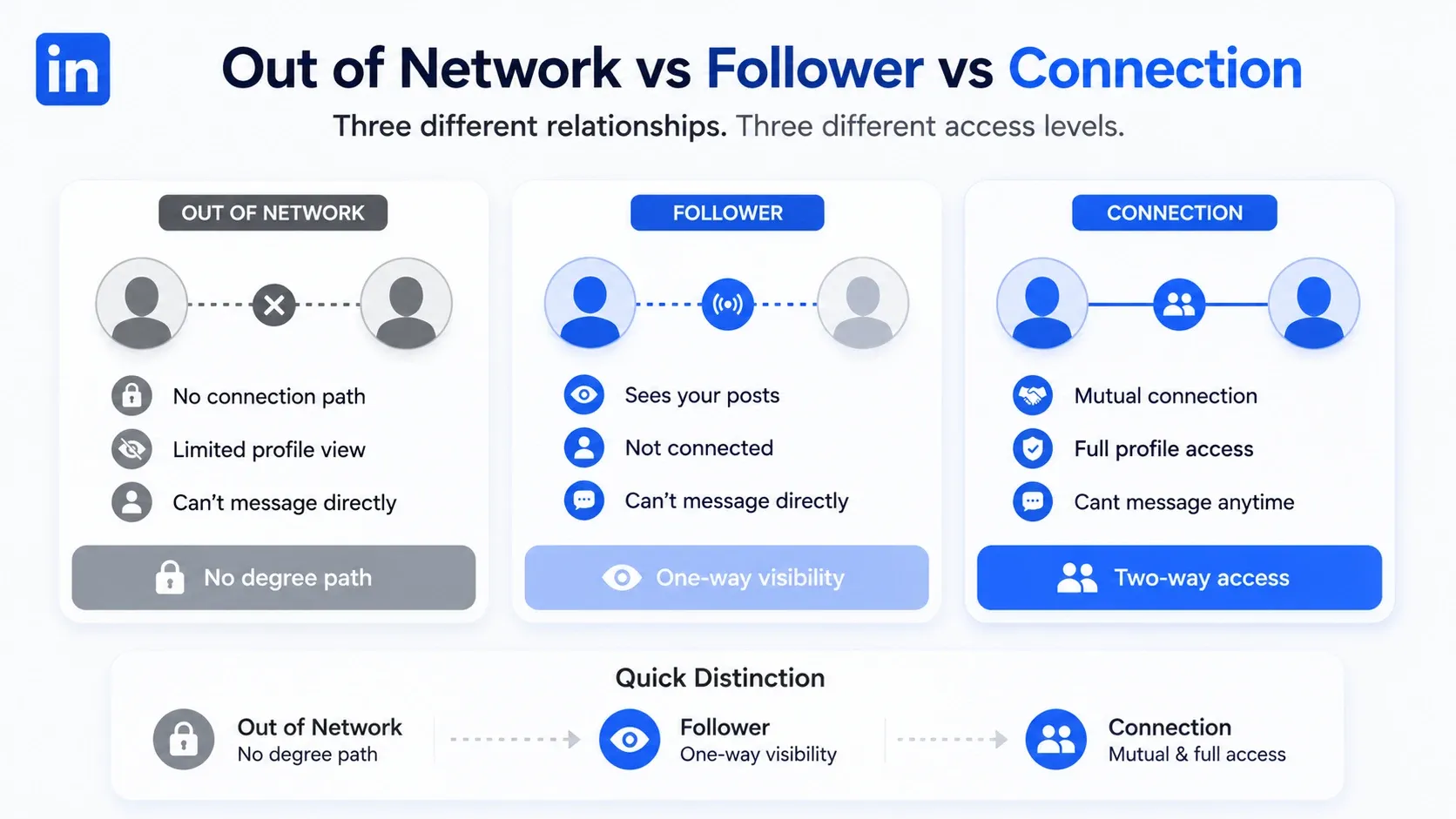
"Out of Network" means LinkedIn sees no connection path, while a follower is someone who sees your posts without being a connection. They are two different things.
Quick distinction:
- Out of Network → no degree path, limited profile view.
- Follower → sees your content, but you are not connected.
- Connection → mutual link, full two-way access.
If you want to go deeper on this, I cover the difference between a follower and a connection in a separate guide. The logic is simple once you see it.
1st vs 2nd vs 3rd Connections: Side-by-Side Comparison
Each degree unlocks different access, and this table shows the practical difference. Use it as a quick reference before you reach out.
| Degree | Who they are | See full profile | Message for free | How to connect | See your posts |
|---|---|---|---|---|---|
| 1st | Direct connection | Yes | Yes | Already connected | Yes, in feed |
| 2nd | Share a mutual contact | Mostly | No | Connect button | Sometimes |
| 3rd | Friend of a friend of a friend | Limited | No | Connect or InMail | Rarely |
| 3+ / Out of Network | No visible path | Minimal | No | InMail or shared group | No |
The pattern is clear. Closer degree = more access = easier outreach.
What Can You Actually Do With a 3rd-Degree Connection?
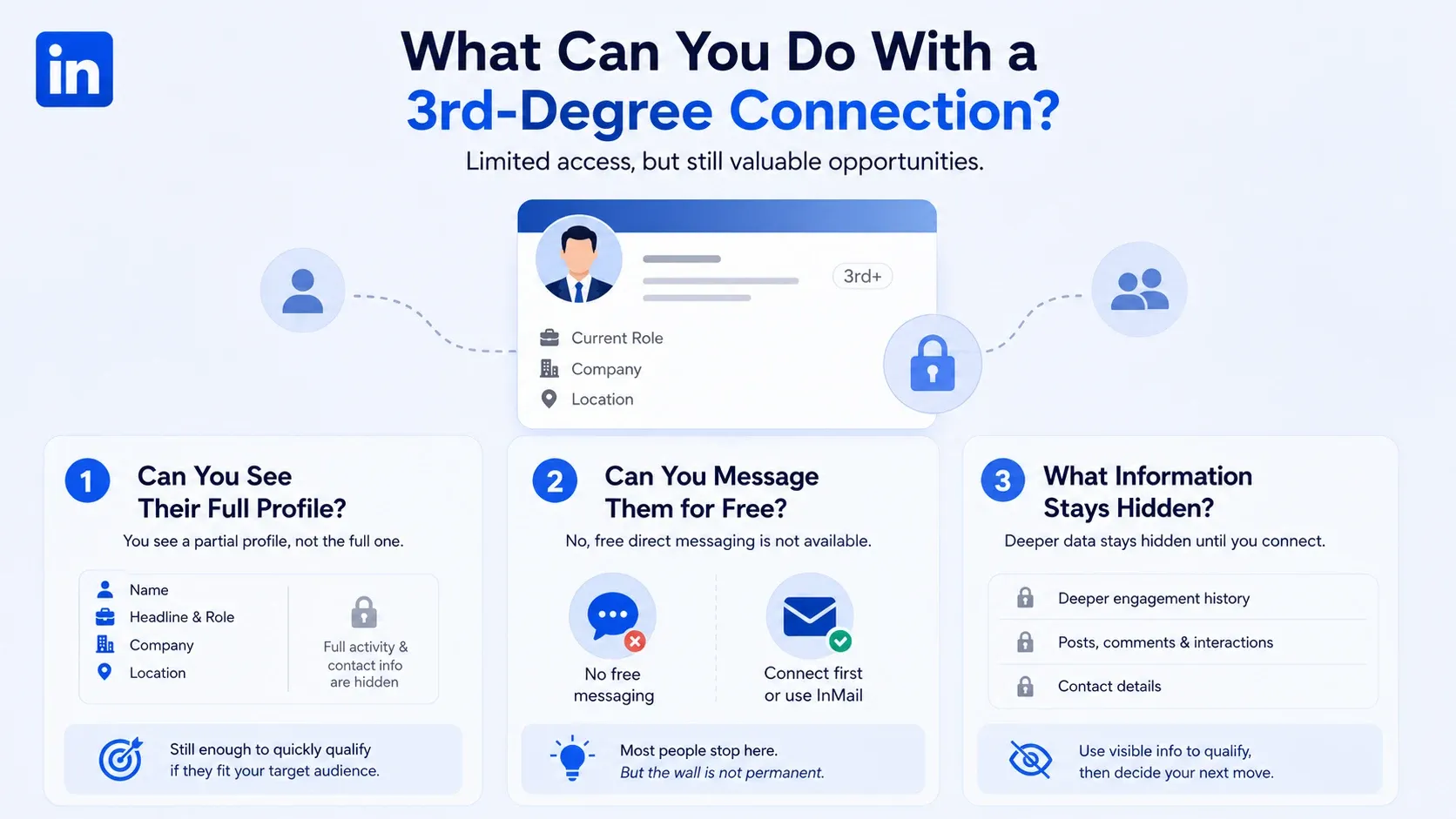
You can view a limited profile, but you cannot message a 3rd-degree connection for free. LinkedIn keeps some doors locked until you build a connection.
1. Can You See Their Full Profile?
- You see a partial profile, not the full one. Name, headline, role, and location usually show, while full activity and contact info stay hidden.
- That is still enough to qualify a lead. I can tell in seconds whether a 3rd-degree profile fits my target audience.
2. Can You Message Them for Free?
- No, free direct messaging is not available for 3rd-degree connections. You either connect first or use InMail.
This is exactly where most people stall. They assume the wall is permanent.
It is not.
3. What Information Stays Hidden?
- Deeper engagement history and direct contact details stay hidden until you connect. LinkedIn protects that data for people outside your close network.
- So treat the visible fields as your qualification layer, then decide if the person is worth a connection request.
How to Message or Reach a 3rd-Degree Connection
You have four reliable ways to reach a 3rd-degree connection, and connecting first is usually the smartest. Pick the method that matches your goal and budget.
1. Send a Connection Request (the Free Way)
A personalized connection request is the cheapest and often the most effective route. No Premium needed, no credits spent.
Keep the note short and relevant:
- Reference a shared interest, group, or piece of content.
- State a clear, low-pressure reason to connect.
- Skip the pitch in the first message.
From my experience, personalized requests beat blank ones by a wide margin on acceptance. If you send them at volume, learn how to auto-connect on LinkedIn safely first.
2. Use InMail With LinkedIn Premium or Sales Navigator
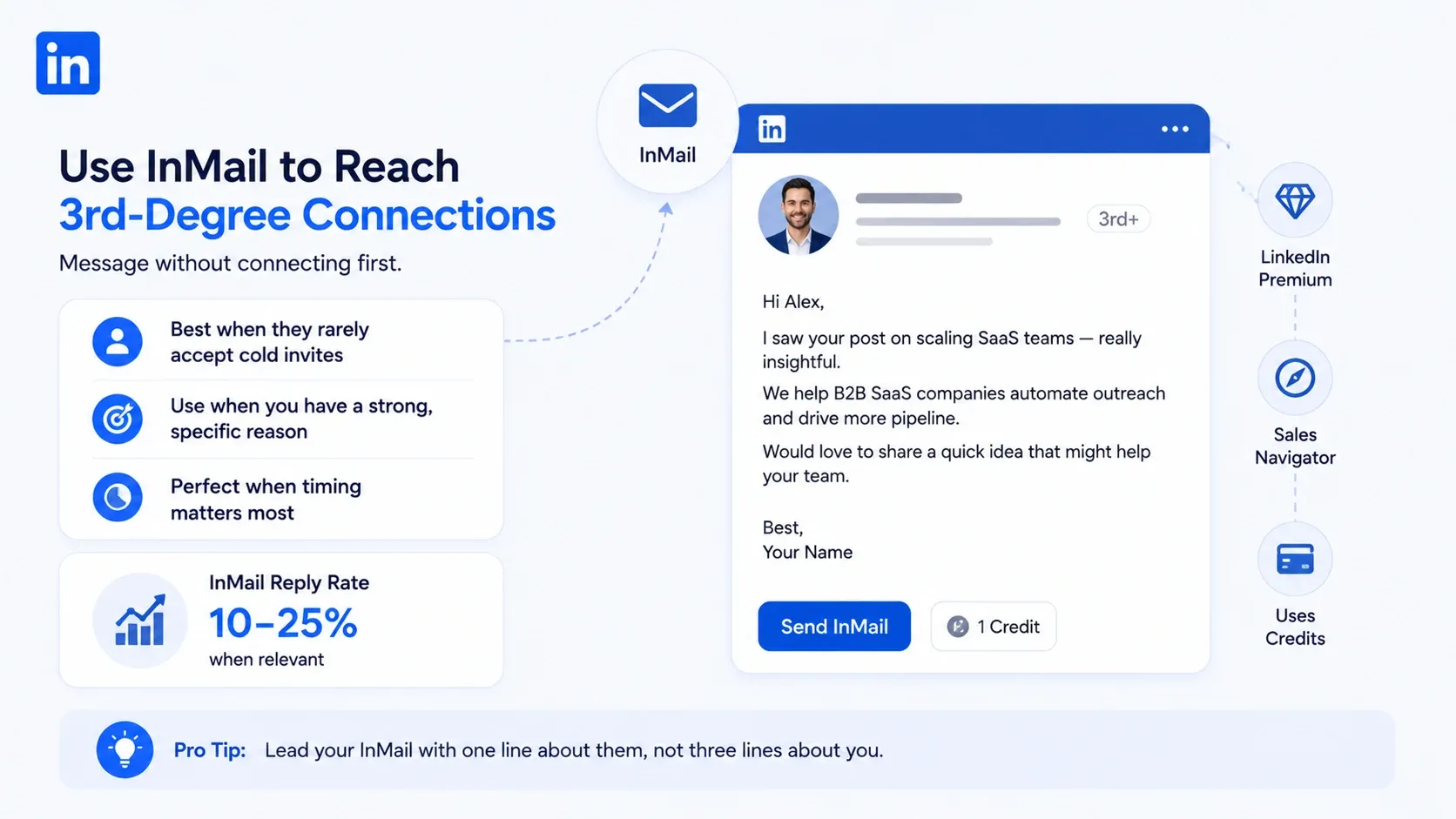
InMail lets you message a 3rd-degree connection without connecting first, but it costs credits. It comes with LinkedIn Premium and Sales Navigator.
InMail works best when:
- The person rarely accepts cold invites.
- You have a strong, specific reason to reach out.
- Timing matters and you cannot wait for an accept.
Realistic benchmark: InMail reply rates often land in the 10 to 25 percent range when the message is relevant. For the full breakdown, see my notes on InMail costs and response rates.
Pro tip: Lead your InMail with one line about them, not three lines about you.
3. Get Introduced Through a Mutual Connection
- A warm introduction converts better than any cold message. Since a 3rd-degree connection links back to your network, an intro is often one ask away.
- Find the mutual path, message your 1st-degree contact, and request a soft introduction. People trust referrals from people they already know.
Warm Up First: Engage Before You Pitch
Engaging with someone's content before you reach out raises your reply odds. You become a familiar name, not a stranger.
A simple sequence I use:
- Follow the person.
- Leave two thoughtful comments over a week.
- Send the connection request after that.
Familiarity lowers resistance. Cold becomes warm, and warm prospecting beats cold outreach almost every time.
How to Find Your 3rd-Degree Connections
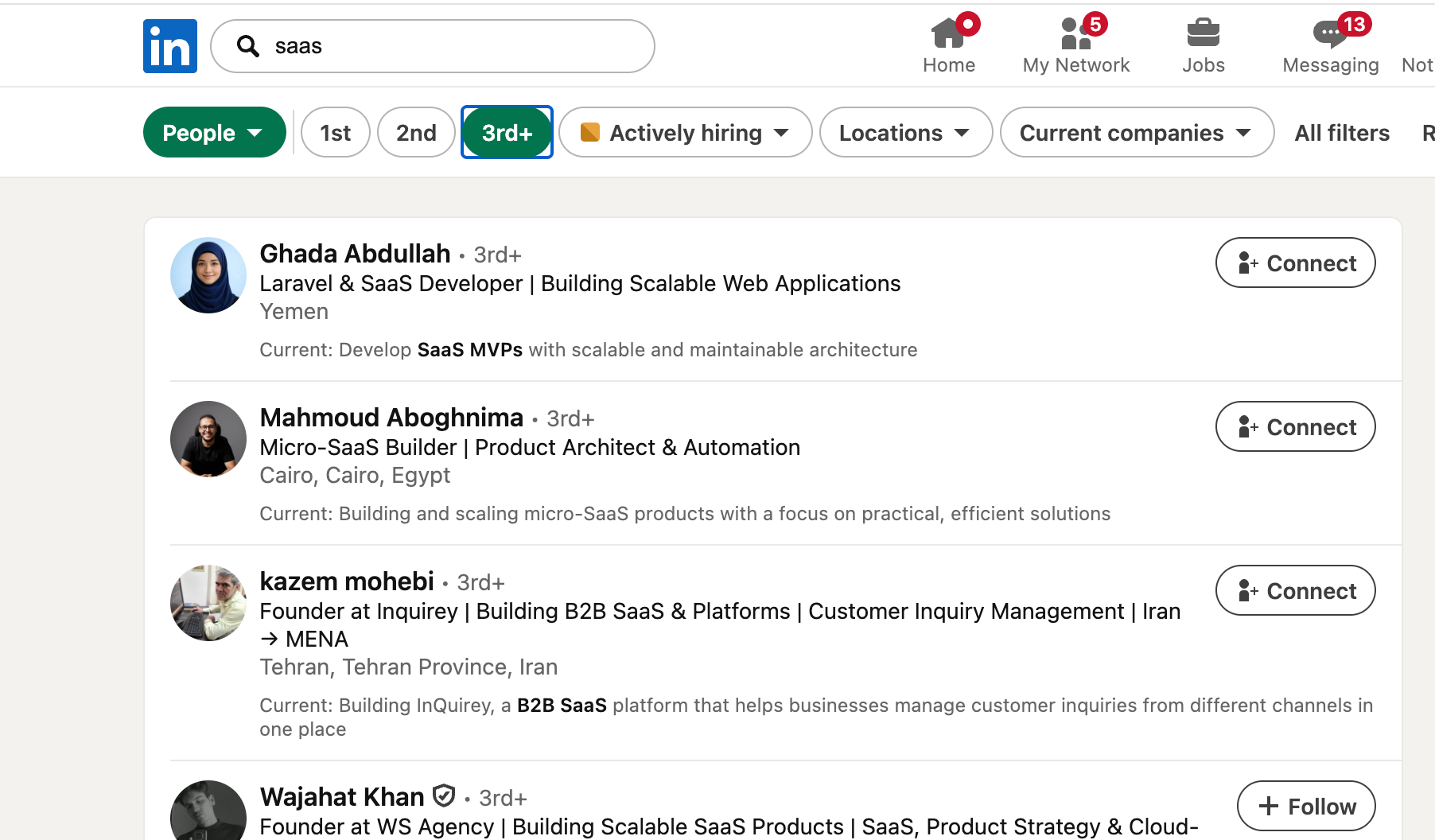
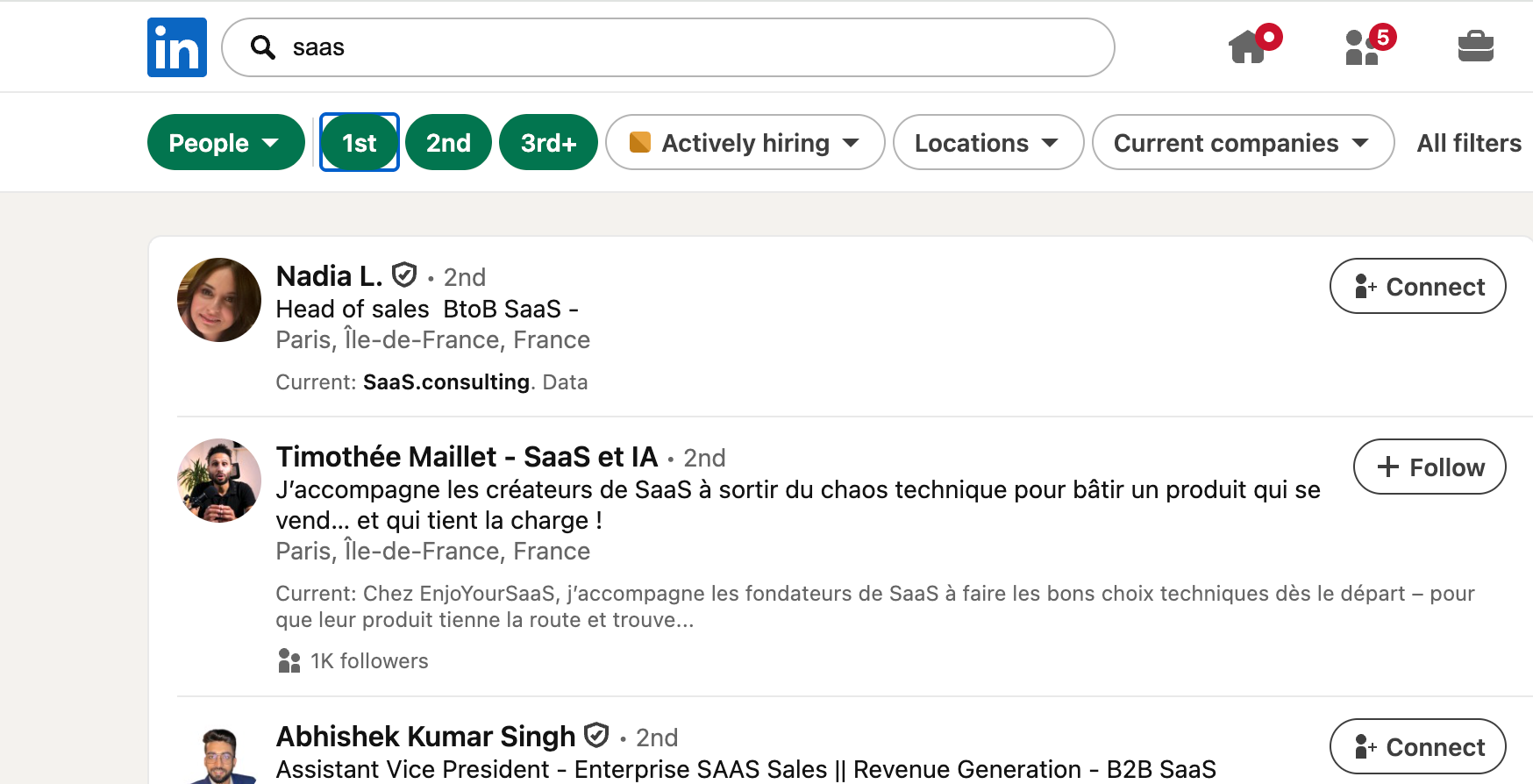
You can find 3rd-degree connections using LinkedIn search filters or Sales Navigator. Both let you filter by connection degree.
Using LinkedIn Search Filters
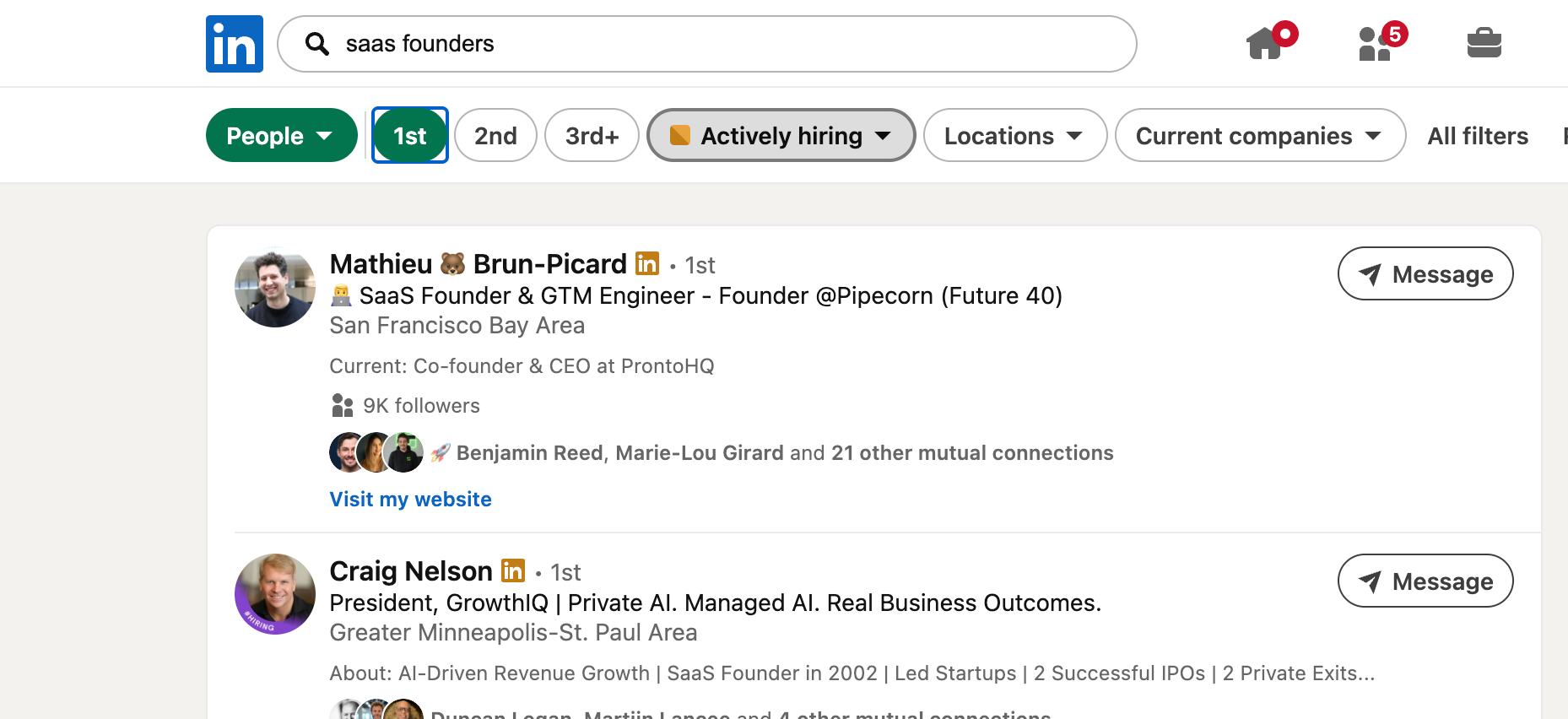
- Standard LinkedIn search includes a connection-level filter. Run a people search, then filter by "3rd" under connections.
- Layer filters like location, industry, and title to keep the list relevant. A tight filter beats a huge, messy one every time.
Using Sales Navigator for Larger Lists
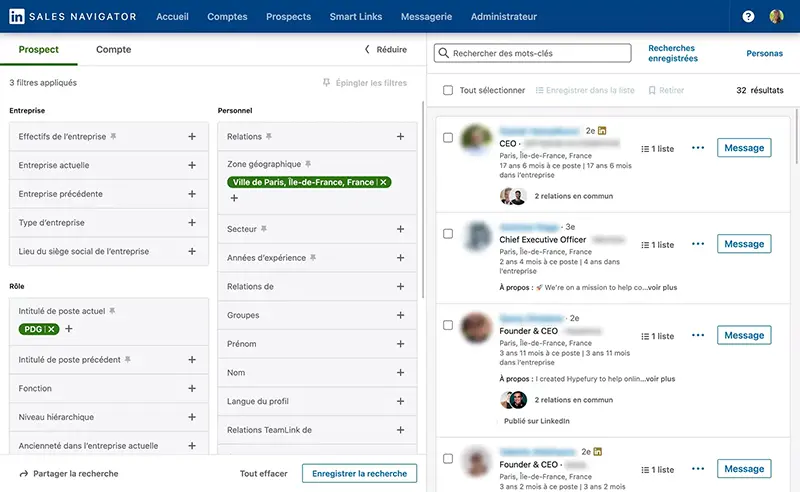
- Sales Navigator gives you deeper filters and bigger saved lists. It is built for prospecting at volume.
- You can segment by seniority, company size, and recent activity, then save leads into targeted lists. New to it? Start with my guide to Sales Navigator for beginners.
Read more How to Block Someone on LinkedIn Without Them Knowing
Should You Connect With 3rd-Degree Connections?
Yes, connect with 3rd-degree connections when they match your target audience, and skip them when they do not. Relevance decides everything.
When It Makes Sense
Connecting makes sense when the person fits your ideal customer, candidate, or peer group. Strong use cases include prospecting, recruiting, and niche community building.
Good reasons to connect:
- They match your buyer or candidate profile.
- You share an industry, event, or group.
- You have a clear value angle for them.
When to Skip It
- Skip the connection when the person is off-target or you have no relevant reason. Random invites lower your acceptance rate and weaken your network quality.
Wait, you might be thinking: are 3rd-degree connections basically strangers?
Partly, yes. But a relevant stranger with a shared context is a warm lead in disguise, and that context is your opening line.
How Connection Degrees Shape Your Outreach Strategy
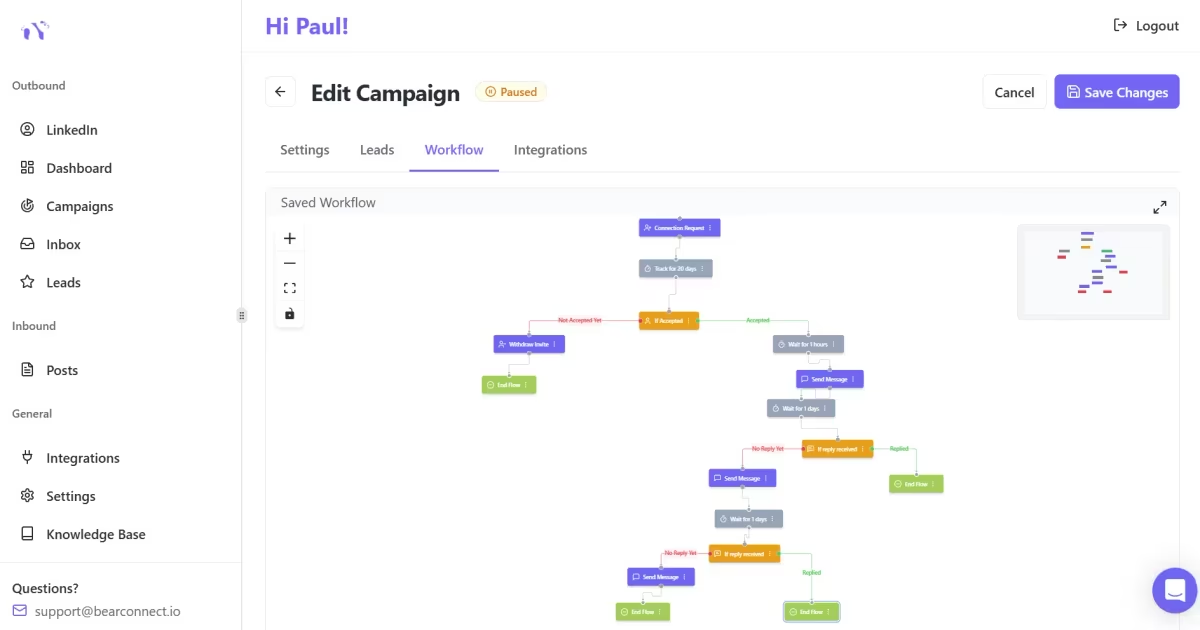
Your network degrees are a growth engine, because every new 1st-degree connection expands your reachable 2nd and 3rd network. Growth compounds.
Why More 1st-Degree Connections Widen Your Network
Each 1st-degree connection multiplies your 2nd and 3rd-degree reach. Their network becomes visible and reachable to you.
The math is simple:
→ More 1st-degree contacts = more 2nd-degree paths = more warm intros available
That is why smart networkers treat 1st-degree growth as a priority. It is also the foundation of how I generate high-quality LinkedIn leads.
Activating Your 1st-Degree Connections at Scale
Once you grow your 1st-degree network, the next win is activating it with relevant outreach, and this is where the right tool saves hours. Manual messaging does not scale past a few dozen people.
This is the one place I will point you to a tool I use. With the Bearconnect lead import feature, I pull my 1st-degree connections straight into a campaign, then run personalized, human-like outreach without exporting spreadsheets.
Bearconnect lets me import leads from several sources:
- 1st-degree connections
- A LinkedIn search URL
- Sales Navigator searches
- LinkedIn events
- People who engaged with a post
Because you can connect unlimited LinkedIn accounts, I can reactivate a warm network, or build a fresh targeted list, from one place. Warm audience first, cold outreach second.
Pro tip: Reactivate 20 to 40 connections per day per account to keep your activity natural and your replies manageable.
Frequently Asked Questions
1. What does 3+ mean on LinkedIn?
3+ means the person is outside your third-degree network, shown as "Out of Network." LinkedIn sees no clear connection path, so you usually need InMail or a shared group to reach them.
2. Can 3rd-degree connections see my profile?
Yes, but with limits based on your privacy settings. They can typically see your public details like name, headline, and role, while some activity stays restricted until you connect.
3. Can I message a 3rd connection without Premium?
Not directly for free. You must send a connection request first, or use InMail, which requires LinkedIn Premium or Sales Navigator. A personalized invite is the no-cost option.
4. What is the difference between a follower and a connection?
A follower sees your posts but is not connected to you, so the relationship is one-way. A connection is a mutual link with two-way messaging and fuller profile access.
5. Is there a limit to 1st-degree connections?
Yes, LinkedIn caps 1st-degree connections at 30,000 per account. After that, people can still follow you, but you cannot add new direct connections until you remove some, which is one reason teams connect unlimited LinkedIn accounts to scale reach.
Key Takeaways
Connection degrees are simple once you know the pattern, and they directly shape how you network and sell on LinkedIn. Here is the recap.
- 1st = direct, message free.
- 2nd = one mutual link away, easy to connect.
- 3rd = friend of a friend of a friend, connect or InMail.
- 3+ = out of network, needs InMail or a shared group.
Understanding these labels turns a confusing gray "3rd" into a clear next step.
Your move: pick five relevant 3rd-degree profiles today, send personalized requests, and start turning distant contacts into warm conversations. Want the next step? Read my guide on LinkedIn outreach for beginners and start building a network that actually replies.
Ready to Transform Your LinkedIn Strategy?
Join thousands of professionals already using Bearconnect to automate their outreach and grow their network.
7-day free trial • Cancel anytime
Related Articles
LinkedIn Automation: The Complete Guide for 2026
What LinkedIn automation is, how it works, what LinkedIn allows, safe limits, how to choose a tool and how to run your first campaign.
How to Remove a Connection on LinkedIn (Do They Get Notified?)
Removing a LinkedIn connection takes a few clicks, but most people want to know one thing first: does the other person get notified? This guide covers the steps on desktop and mobile, and what changes afterward.
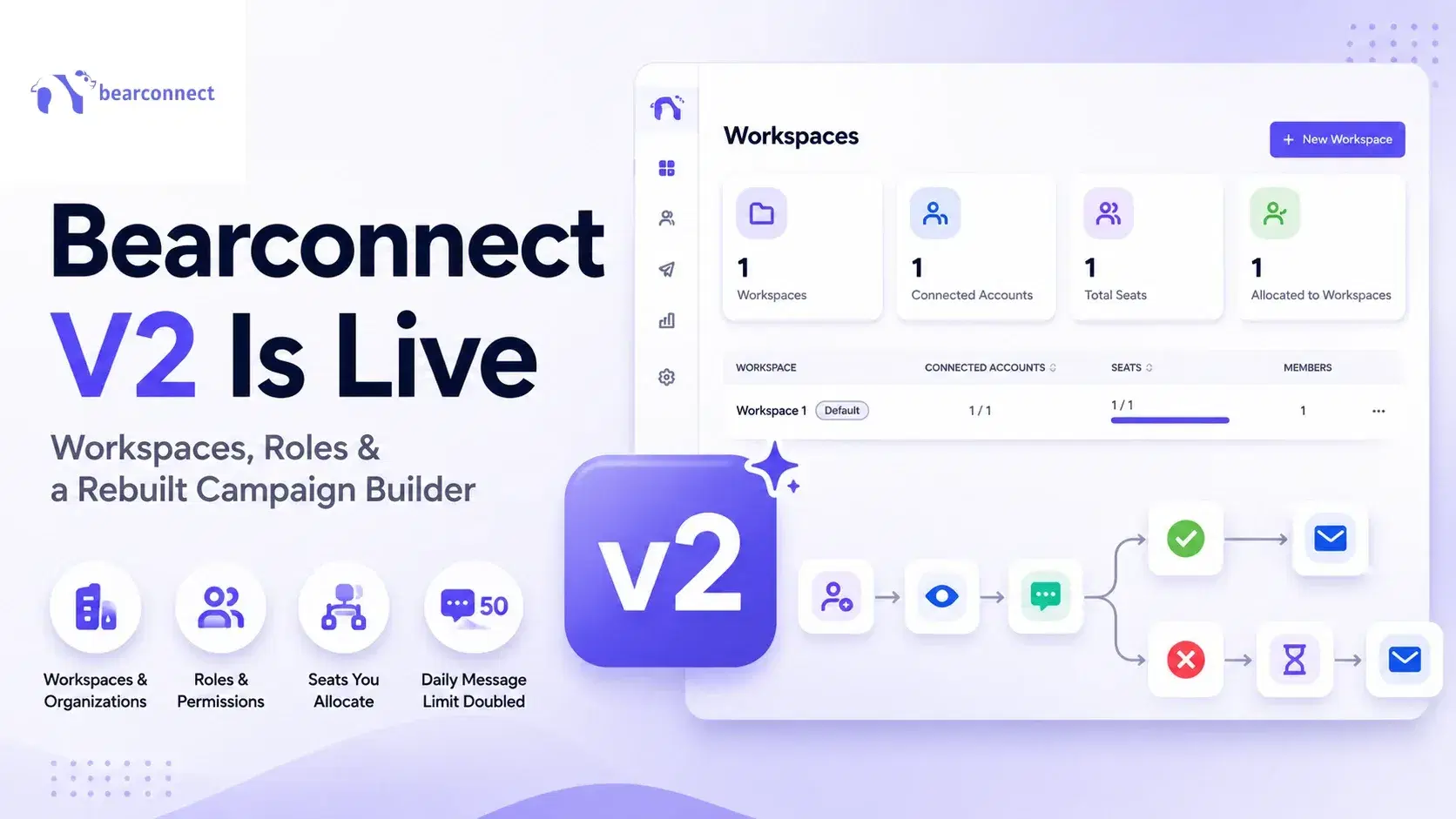
Bearconnect V2 Is Live: Workspaces, Roles and a Rebuilt Campaign Builder
Bearconnect V2 introduces dedicated workspaces, flexible roles, and a rebuilt campaign builder, giving agencies and sales teams more control over every LinkedIn account they manage.