Best LinkedIn Sales Automation Tools to Book More Meetings in 2026
The best LinkedIn sales automation tools to book more meetings in 2026 are the ones that go beyond sending connection requests and actually support the full outreach journey: Targeting, sequencing, inbox management, and follow-up.
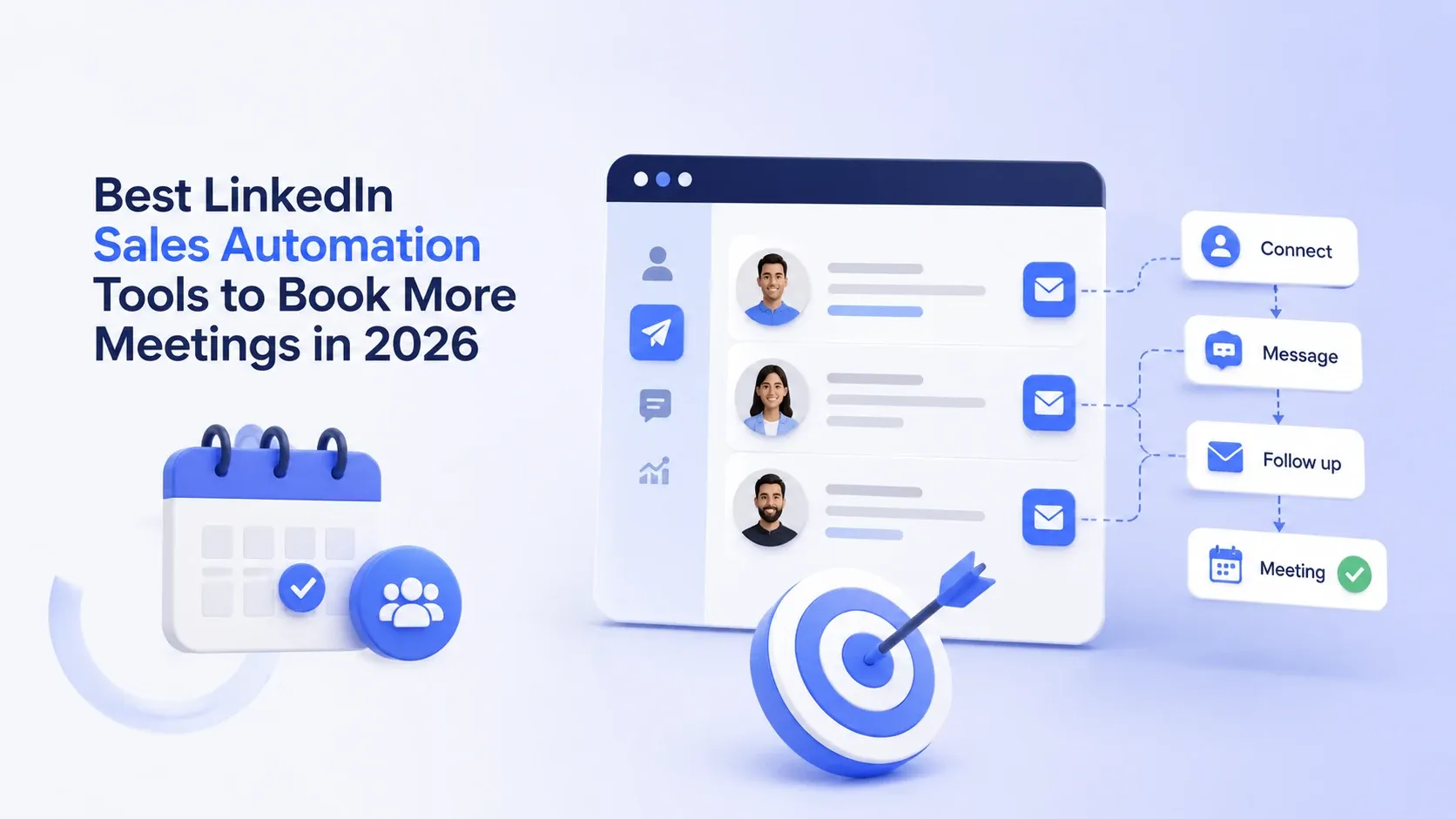
After testing eight tools hands-on, I narrowed it down to the ones that reliably move the needle on meetings booked per week.
TL;DR
- → Best overall for agencies and teams: Bearconnect ($67/month per LinkedIn account $56/month Annual plan, $57/month at 5+ accounts)
- → Best for enterprise SDR teams: Expandi (higher cost, strong deliverability)
- → Best for solo founders: Lemlist or Waalaxy at entry-level price
- → Tools that automate only connections are not enough you need sequences, inbox, and analytics
- → Safety matters: local IP behavior mimicry and gradual warm-up are non-negotiable in 2026
Why Are People Looking for LinkedIn Sales Automation Tools in 2026?
Sales reps are spending 60 to 70% of their week on non-revenue tasks. Sending connection requests one by one.
Copy-pasting follow-up messages. Switching between five client LinkedIn tabs to check who replied. That is not a sales process. That is data entry with a LinkedIn logo on it.
Three things pushed the search volume for LinkedIn sales automation tools sharply upward this year.
1. LinkedIn became the highest-converting B2B channel
- Email open rates dropped below 20% on average. Cold calling pick-up rates fell even further.
- LinkedIn still delivers connection acceptance rates of 20 to 30% and reply rates of 8 to 15% when the sequence is done right. Buyers moved here. Sales teams followed.
2. Headcount stayed flat but pipeline targets went up
- Most B2B sales teams did not get bigger in 2025 and 2026. They got leaner. The same number of SDRs are now expected to fill a larger pipeline.
- Automation is not a nice-to-have anymore. It is how you hit quota without burning out your team.
3. Agencies started offering LinkedIn outreach as a standalone service
- A new wave of B2B agencies entered the market offering LinkedIn lead generation as a managed service. One person running five to ten client accounts cannot do that manually.
- They need a tool that handles the sequencing, the inbox, and the reporting automatically while they focus on strategy and client delivery.
The demand is not coming from curiosity. It is coming from pressure.
Why I Set Out to Evaluate These Tools
Last year I watched a sales team waste six weeks using a LinkedIn automation tool that maxed out at "connection sent." That was it. No follow-up. No inbox management. No way to know if anyone actually replied.
They booked zero meetings from it.
The tool technically worked. It just stopped at the wrong step. That's the problem with most LinkedIn sales automation tools today: they optimize for vanity activity instead of revenue outcomes.
So I set out to evaluate tools specifically on the question: does this tool help you book meetings on LinkedIn, or just send bulk connection requests?
How I Evaluated These LinkedIn Sales Automation Tools
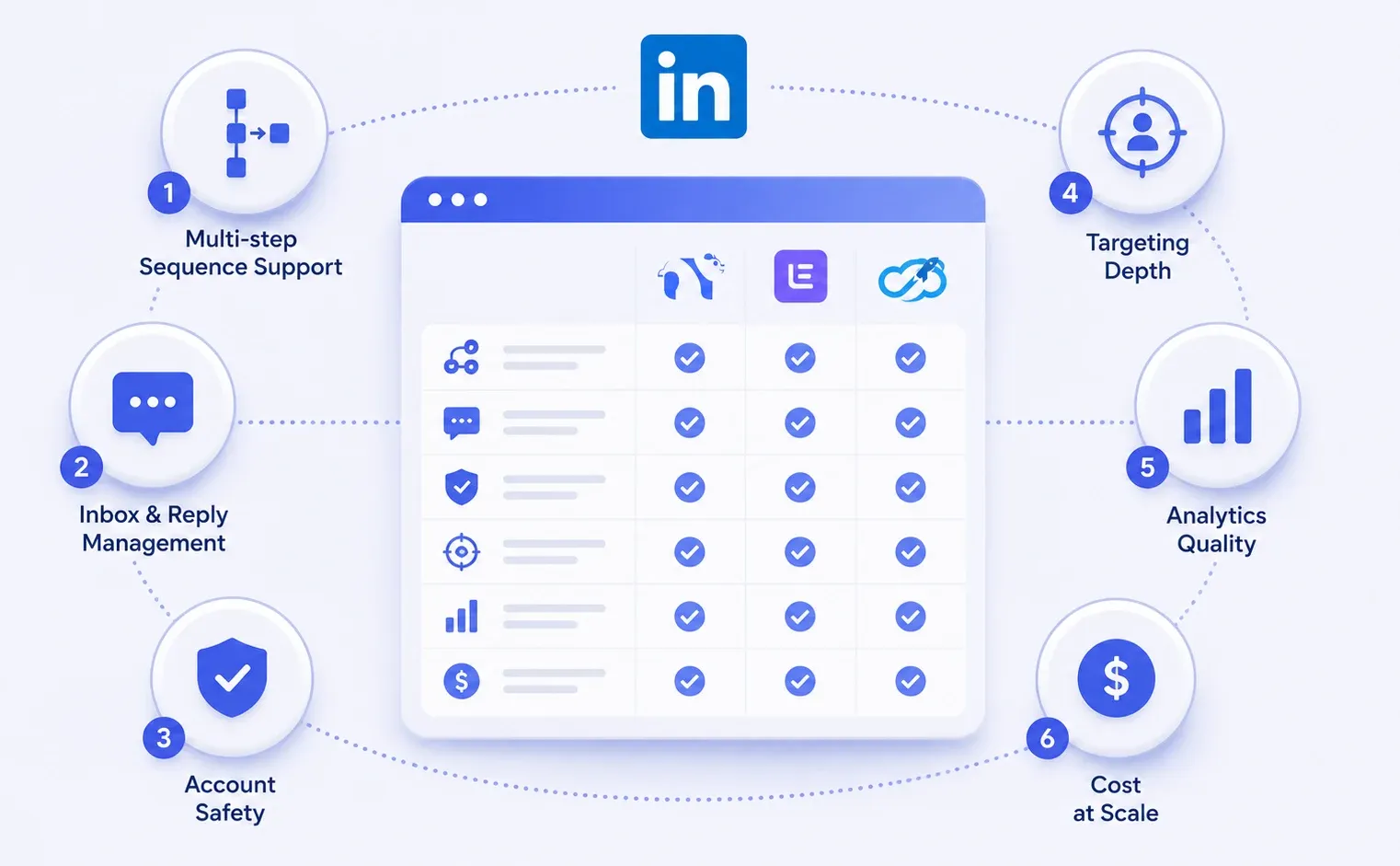
Not all LinkedIn automation tools deserve the same trust. I evaluated each tool against six criteria that map directly to the meeting-booked outcome:
- Multi-step sequence support — Can it run drip follow-ups, not just one-shot invites?
- Inbox and reply management — Does it help you handle responses without switching tabs?
- Account safety — Does it use local IPs and human behavior mimicry?
- Targeting depth — Can you filter by job title, seniority, industry, and keywords?
- Analytics quality — Does it show you acceptance rate, reply rate, and conversion, not just sends?
- Cost at scale — What does it actually cost to run 5, 10, or 20 LinkedIn accounts?
Every tool on this list passed the first three. Most stumbled on four through six.
The 8 Best LinkedIn Sales Automation Tools to Book More Meetings in 2026
1. Bearconnect — Best All-in-One for Agencies and Sales Teams
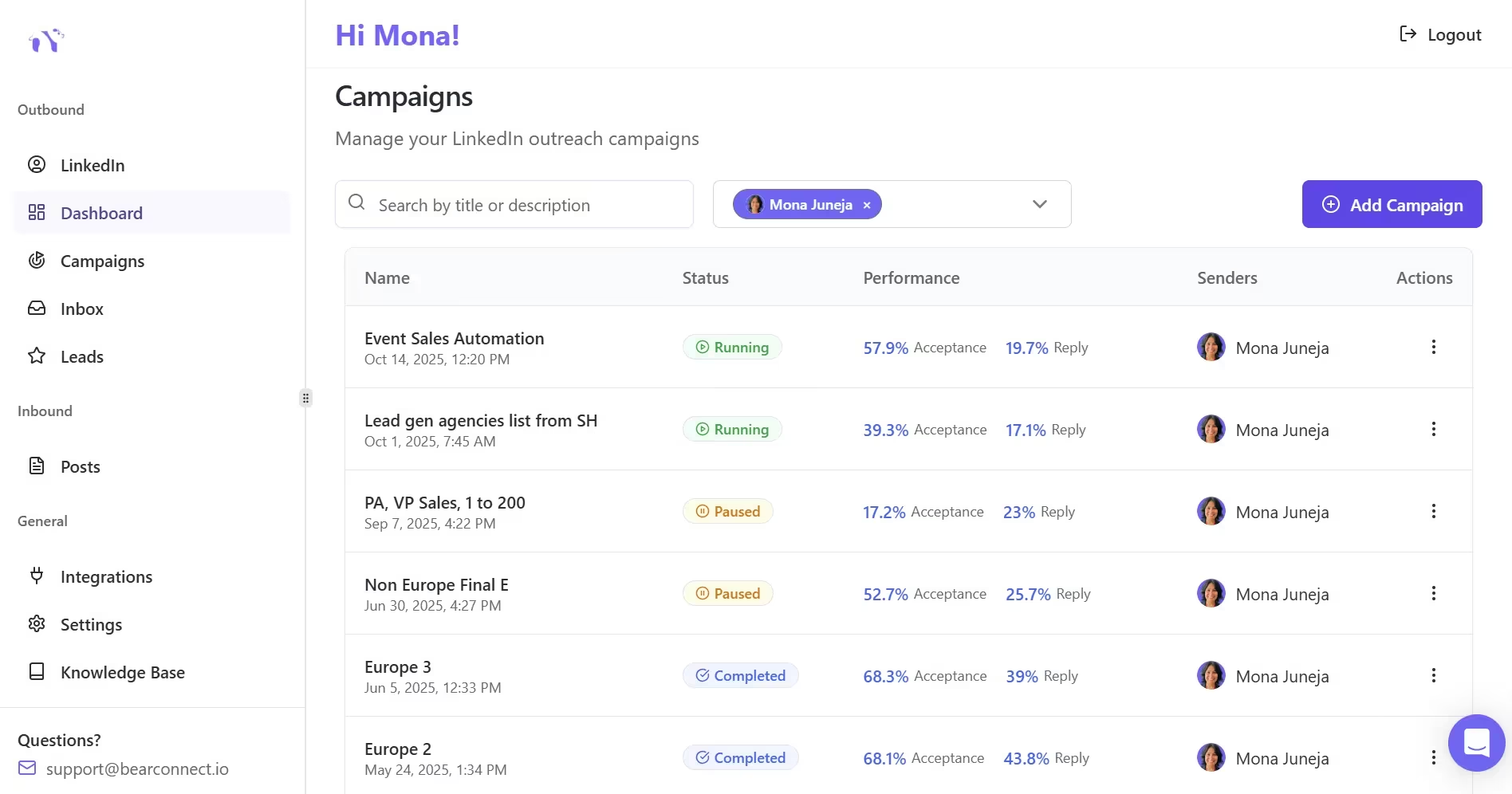
Bearconnect earns the top spot because it is the only tool in this list that covers both outbound automation and inbound content strategy under one login.
Most tools force you to choose: either automate your outreach or manage your LinkedIn content. Bearconnect does both.
That matters for meeting-booking because prospects check your profile and posts before they reply. A weak content presence kills reply rates even when your outreach sequence is strong.
Key strengths:
- Automated connection requests with personalized dynamic fields
- Multi-step drip sequences with smart delays and conditions
- Unified inbox: all replies from all connected accounts in one place
- AI post creation and scheduling to strengthen inbound presence while outbound runs
- Advanced analytics: acceptance rate, reply rate, conversion tracking per campaign
- HubSpot and Salesforce integration for direct CRM sync with LinkedIn outreach
- Local IP behavior mimicry and gradual account warm-up for safety
Pricing:
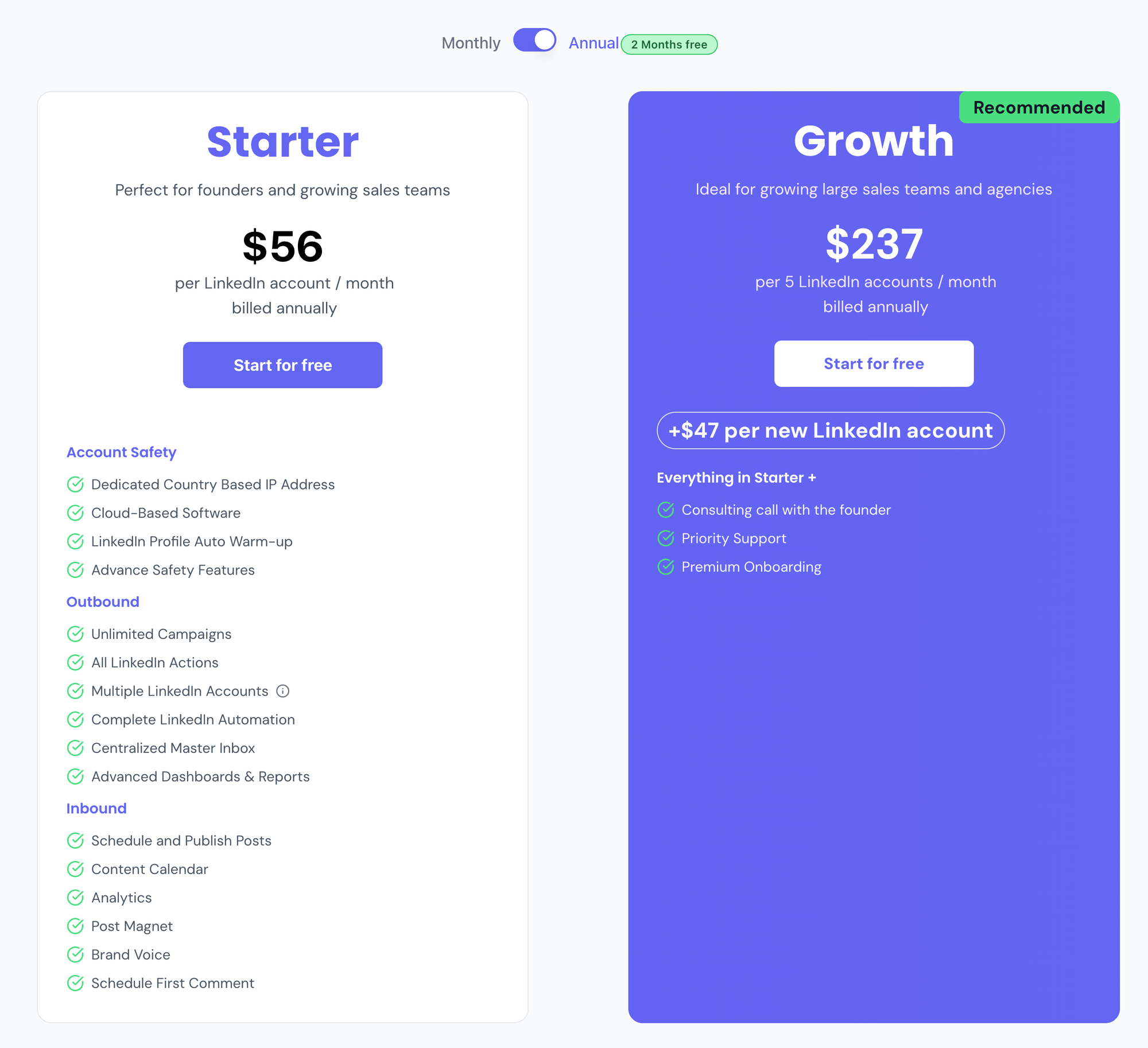
Bearconnect offers both monthly and annual billing. Annual plans include 2 months free.
| Accounts | Monthly Cost | Annual Cost (per month) | Annual Savings |
|---|---|---|---|
| 1 account (Starter) | $67/month | $56/month | $132/year |
| 5 accounts (Growth) | $285/month | $237/month | $576/year |
| 10 accounts (Growth) | $570/month | $517/month ($47 x 5 add-ons + $237) | $636/year |
For agencies managing client accounts, the math is straightforward. Connect 5+ accounts on the Growth plan and your per-account cost drops significantly versus the Starter tier.
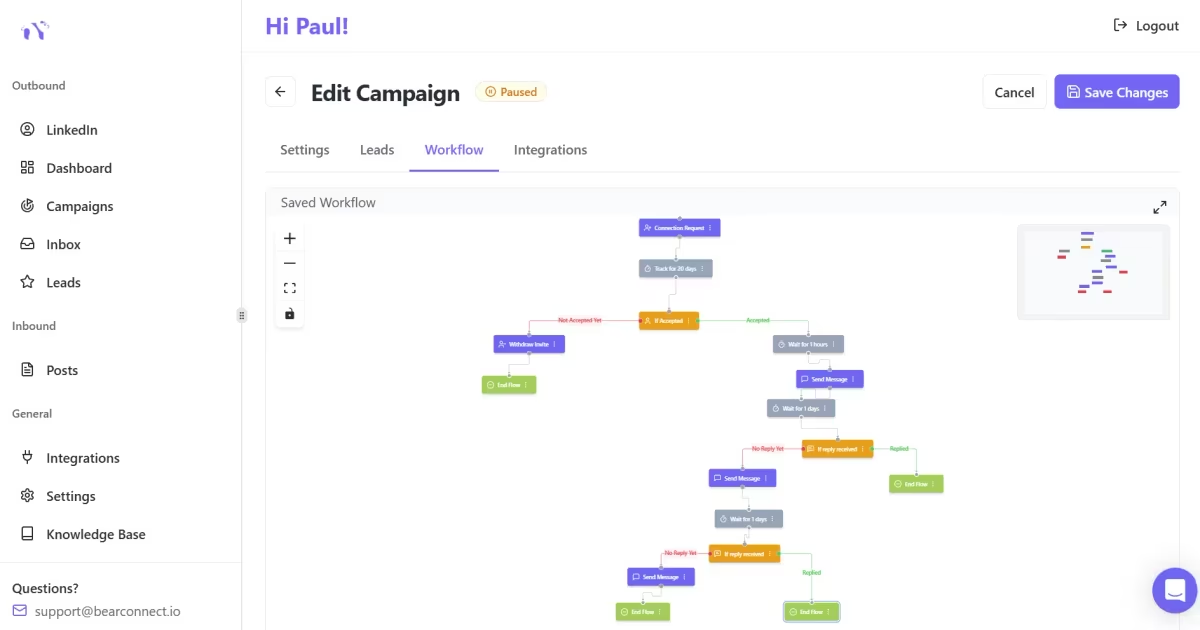
Pro tip: Use Bearconnect's unified inbox to catch replies from multiple client accounts in one place — no more losing hot leads because you forgot to check a client's LinkedIn.
If you want to explore the full feature set, Bearconnect LinkedIn automation features overview covers the entire platform in detail.
2. Expandi — Best for Enterprise SDR Teams Prioritizing Deliverability
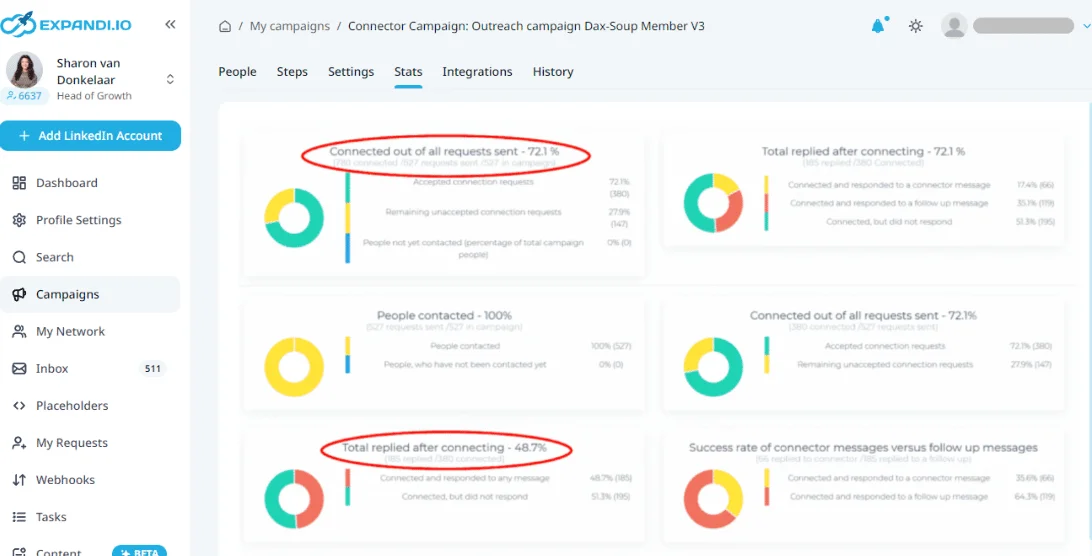
Expandi is the go-to for SDR teams at 100+ person companies who need enterprise-grade deliverability and CRM depth.
It runs every account from a dedicated cloud server with a static IP per user, which reduces LinkedIn flag risk. Sequences are solid and the reporting is detailed enough for SDR managers who need to track performance per rep.
Where it falls short: Expensive at scale. For agencies managing 10+ client accounts, costs balloon fast. And there is no built-in LinkedIn content creation, so your content and outreach pipelines stay separate.
If you're evaluating Expandi, it's worth reading how Bearconnect compares as an Expandi alternative before committing.
Pricing: Starts around $99/month per account.
3. HeyReach — Best for High-Volume Multi-Account Outreach
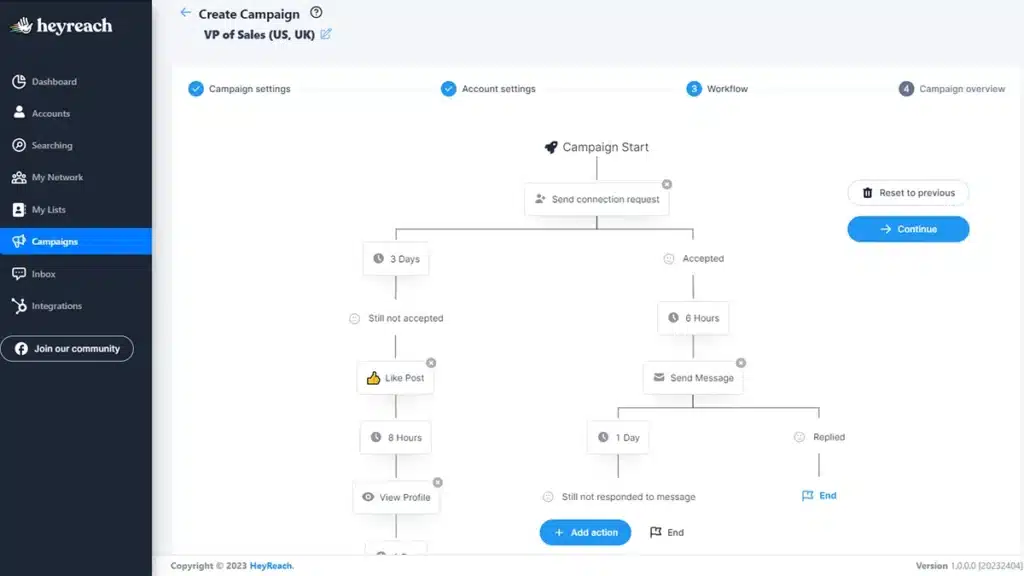
HeyReach is purpose-built for running high-volume connection campaigns across multiple LinkedIn accounts simultaneously.
- Where most tools run accounts sequentially, HeyReach can rotate connection requests across multiple profiles in a single campaign.
- This is useful for SDR teams where each rep has their own LinkedIn account and you want synchronized outreach toward the same prospect list.
- The analytics dashboard is one of the cleaner ones I have seen. Campaign comparison across accounts is genuinely useful.
Where it falls short: Inbox management is limited. If your goal is booking meetings from LinkedIn DMs (not just getting connections), you will need a separate process for reply management.
You can also see how HeyReach stacks up in the Bearconnect vs HeyReach comparison.
Pricing: Starts around $79/month per account, drops with volume.
4. Waalaxy — Best for Solo Founders and Early-Stage Teams
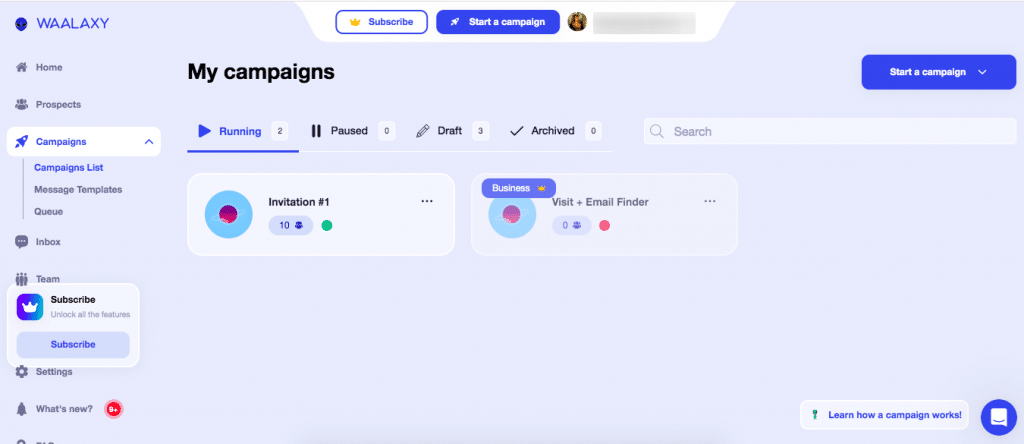
Waalaxy is the easiest LinkedIn sales automation tool to get up and running in under 30 minutes, making it ideal for solo founders.
- The UI is clean. Sequences are pre-built. You do not need a technical background to start a campaign. For a founder doing their own outreach, this is a good starting point.
- The free plan is generous for testing. The paid plans top out at solid but not enterprise-level features.
Where it falls short: Multi-account management is not its strength. If you are running more than two LinkedIn profiles, it becomes messy. Read our full Waalaxy review for a deeper breakdown.
Pricing: Free tier available. Paid starts around $40-$80/month.
5. Dripify — Best for Sequence Depth and Conditional Logic
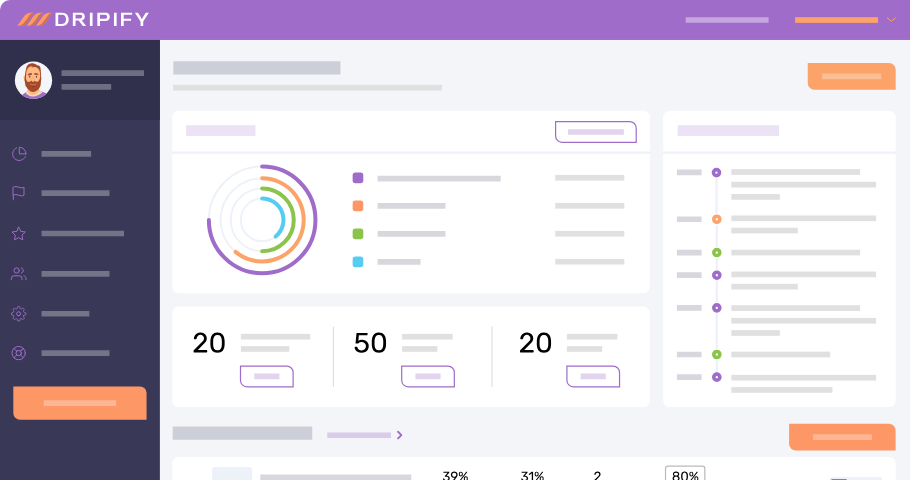
Dripify has some of the most flexible drip sequence builders on the market, which makes it strong for teams that need complex conditional follow-up logic.
- You can branch sequences based on whether a prospect accepted, replied, or ignored. This means your follow-up is genuinely personalized to behavior, not just time-based.
- The downside is a steeper learning curve. New users often spend two to three hours setting up their first campaign correctly.
If Dripify's credit limits or pricing are a concern, check out Dripify alternatives built for agencies or a Dripify alternative with no credit limits.
Pricing: Around $59-$99/month per account depending on plan.
6. Lemlist — Best for Multichannel Outreach (LinkedIn + Email)
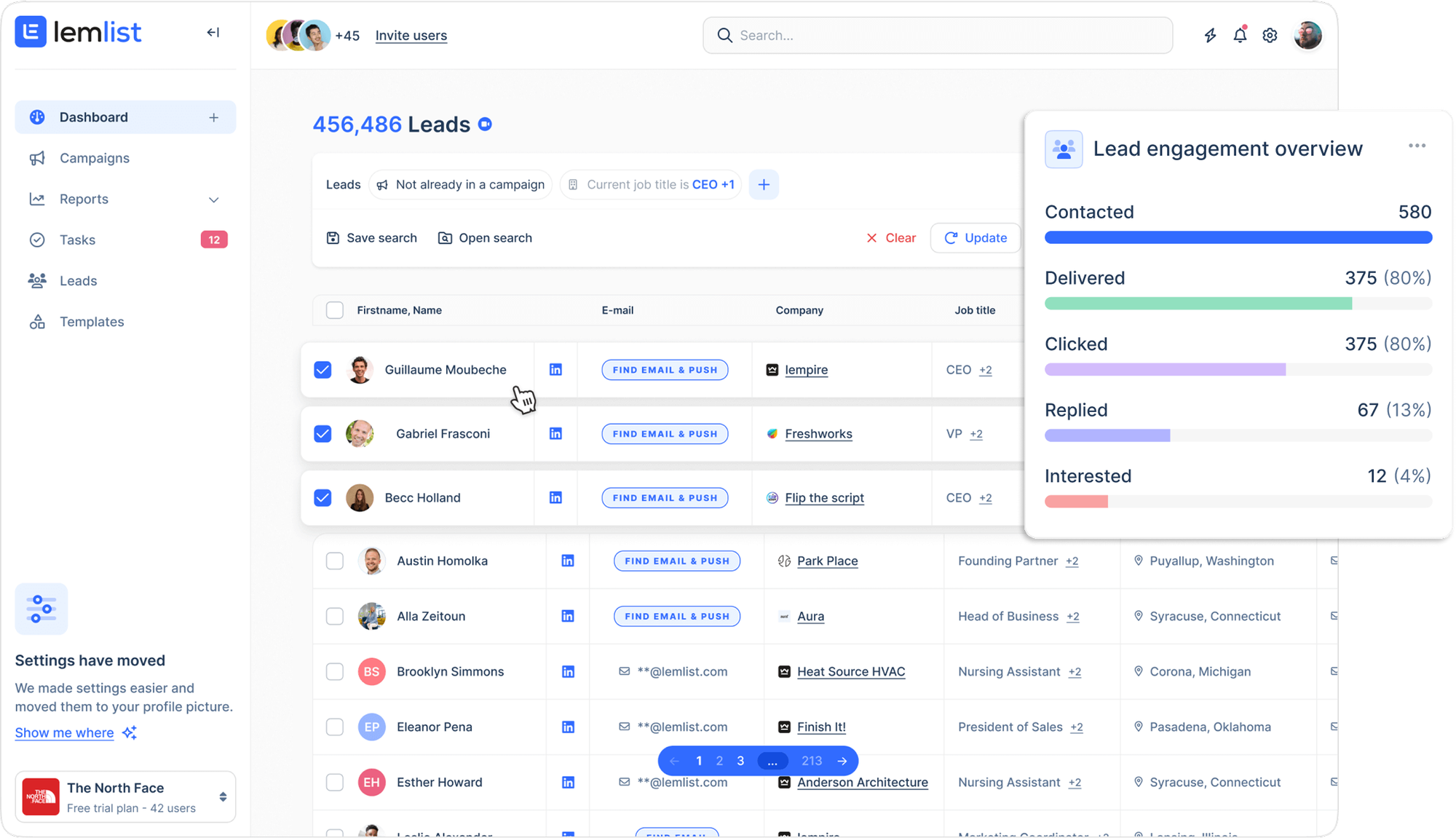
Lemlist is the right pick if your outreach strategy combines LinkedIn messages with cold email in the same sequence.
- It is not a pure LinkedIn tool. It is a multichannel sequencer where LinkedIn touches sit alongside email steps.
- If your buyers respond better to email follow-up after a LinkedIn connection, Lemlist handles both.
- Image personalization in emails (with the prospect's company logo or LinkedIn photo) is a standout feature for improving reply rates.
Read our full Lemlist review for 2026 for an in-depth look, or compare the best Lemlist alternatives if you're still deciding.
Pricing: Around $99-$150/month depending on plan and usage.
7. Meet Alfred — Best for Teams Already Invested in Twitter/X Outreach
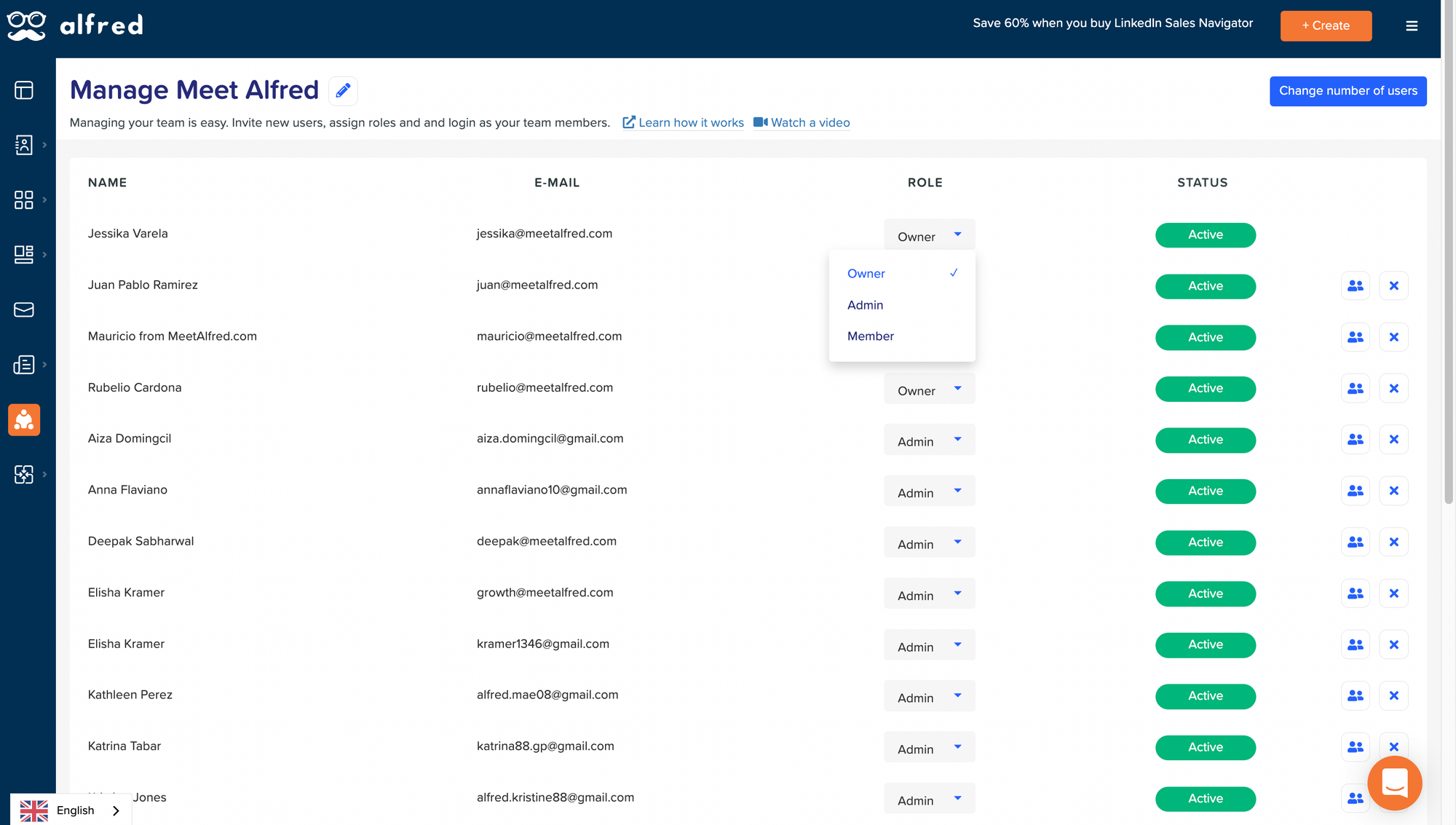
Meet Alfred is worth considering if your sales team runs outreach across LinkedIn, email, and Twitter/X simultaneously.
- The multichannel approach is its key differentiator. The LinkedIn sequences are competent but not class-leading compared to dedicated LinkedIn tools.
- Where it falls short: Account safety features are less robust than dedicated LinkedIn-first tools. The platform has had a mixed reputation on LinkedIn compliance over the years.
See how Meet Alfred compares in the Bearconnect vs Meet Alfred breakdown.
Pricing: Around $79-$299/month depending on team size.
8. Zopto — Best for Sales Teams Using LinkedIn Sales Navigator
Zopto is built for users who are already paying for LinkedIn Sales Navigator and want to automate their outreach from that filtered list.
- It connects directly to Sales Navigator searches. If your SDR team lives in Sales Navigator, Zopto removes the manual step of exporting and importing lead lists.
- The downside is that you are paying for both Sales Navigator and Zopto, which makes the combined cost significant for smaller teams.
If cost is a concern, explore the best LinkedIn Sales Navigator alternatives.
Pricing: Around $215-$395/month per account.
Quick Comparison Table: LinkedIn Sales Automation Tools 2026
| Tool | Best For | Starting Price | Unified Inbox | AI Content | Multi-Account |
|---|---|---|---|---|---|
| Bearconnect | Agencies + teams | $67/mo/account | Yes | Yes | Unlimited |
| Expandi | Enterprise SDR | $99/mo/account | Limited | No | Yes |
| HeyReach | High-volume | $79/mo/account | Limited | No | Yes |
| Waalaxy | Solo founders | $40/mo | No | No | Limited |
| Dripify | Complex sequences | $79/mo/account | No | No | Yes |
| Lemlist | Email + LinkedIn | $99/mo | No | No | Limited |
| Meet Alfred | Multichannel | $79/mo | No | No | Yes |
| Zopto | Sales Nav users | $215/mo/account | No | No | Yes |
What Results Can You Realistically Expect From LinkedIn Sales Automation?
Realistic benchmarks matter more than vendor promises. Here is what well-run LinkedIn automation campaigns actually deliver:
| Metric | Without Automation | With Automation (Optimized) |
|---|---|---|
| Connection acceptance rate | 10-15% | 20-30% |
| First message reply rate | 2-5% | 8-15% |
| Meetings booked per 100 connections | 1-3 | 5-10 |
| Hours spent on outreach per week | 10-15 hours | 2-3 hours |
| Follow-up consistency | Inconsistent | 100% automated |
| Cost per meeting booked | High (manual labor) | 50-70% lower |
These numbers assume clean targeting, a personalized sequence of 3 to 5 steps, and a reply management process that catches responses within 24 hours.
Learn more about how much time LinkedIn automation actually saves.
Which LinkedIn Sales Automation Tool Actually Books More Meetings?
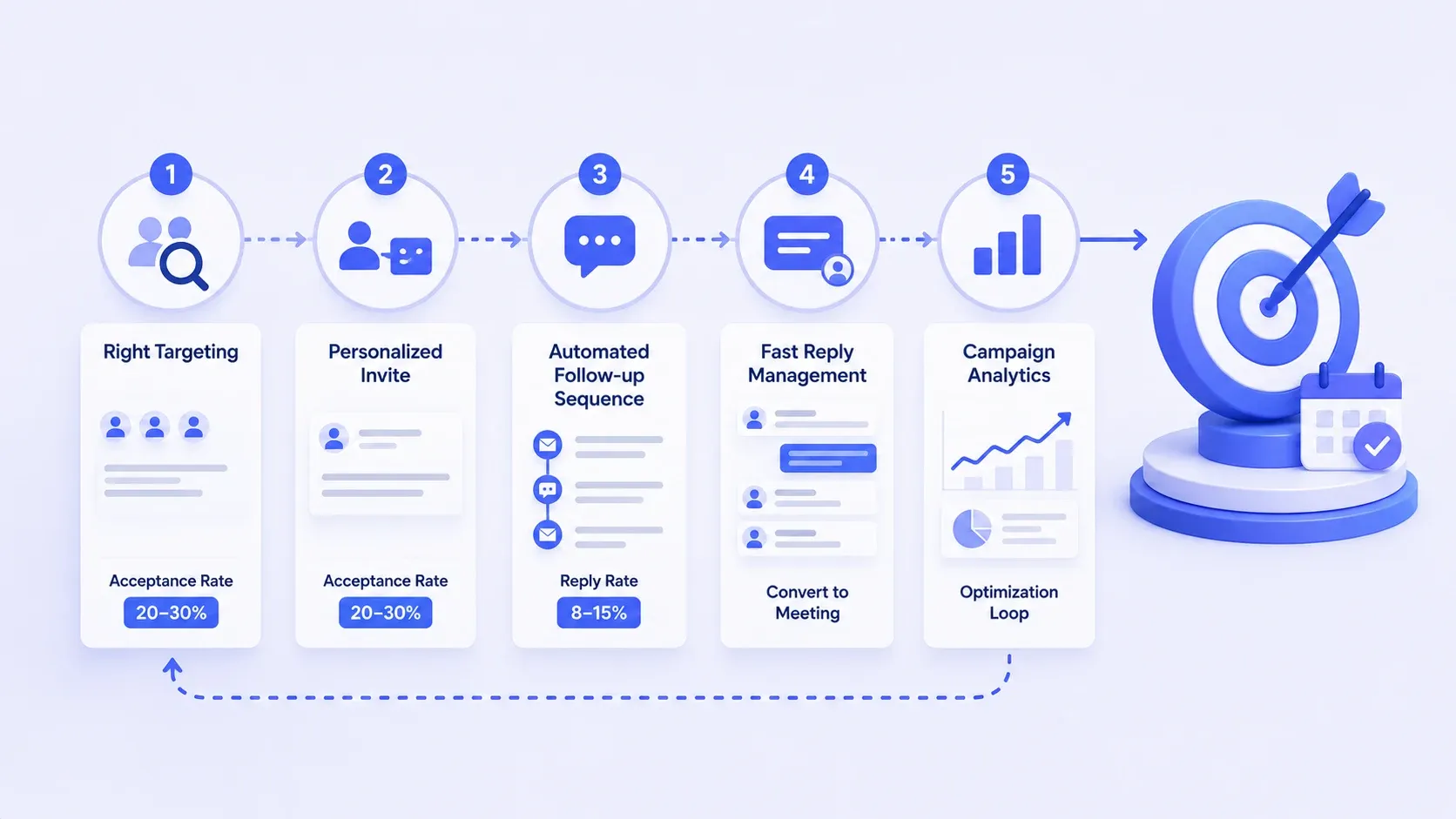
The tools that book meetings share three traits: they follow up automatically after the initial connection, they make it easy to respond to replies fast, and they show you the data to improve your sequences.
Sending a connection request and waiting is not a sales strategy. It is wishful thinking.
The meeting-booking formula looks like this:
- → Right targeting + personalized invite = higher acceptance rate (target: 20-30%)
- → Automated follow-up sequence = first reply rate (target: 8-15%)
- → Fast reply management + inbox visibility = conversion to booked meeting
- → Campaign analytics = optimization loop to improve each step
For a practical walkthrough, see this 7-step LinkedIn DM sequence for booking meetings.
Tools that only do step one are not LinkedIn sales automation tools. They are connection-request senders with a billing page.
Portuguese-speaking readers can also check our guide to the melhores alternativas ao PhantomBuster (in Portuguese).
Which LinkedIn Sales Automation Tool Should You Choose?
The right tool depends on one question: what does your outreach operation actually look like today?
| Your Situation | Best Tool | Why |
|---|---|---|
| Solo founder doing own outreach | Bearconnect or Walaaxy | Easy setup, low cost, handles sequences |
| SDR team of 3 to 10 reps | Bearconnect Growth or Expandi | Multi-account, CRM sync, analytics per rep |
| Agency managing 5+ client accounts | Bearconnect Growth | Unified inbox, $57/account at 5+, margin-friendly |
| Team running LinkedIn + cold email together | Lemlist | Multichannel sequences in one platform |
| Enterprise team in Sales Navigator | Zopto | Direct Sales Nav integration |
| High-volume outreach across many accounts | HeyReach | Account rotation, volume-first architecture |
| Complex conditional follow-up logic needed | Dripify | Best sequence branching on the market |
Wait, Doesn't LinkedIn Ban Automation Tools?
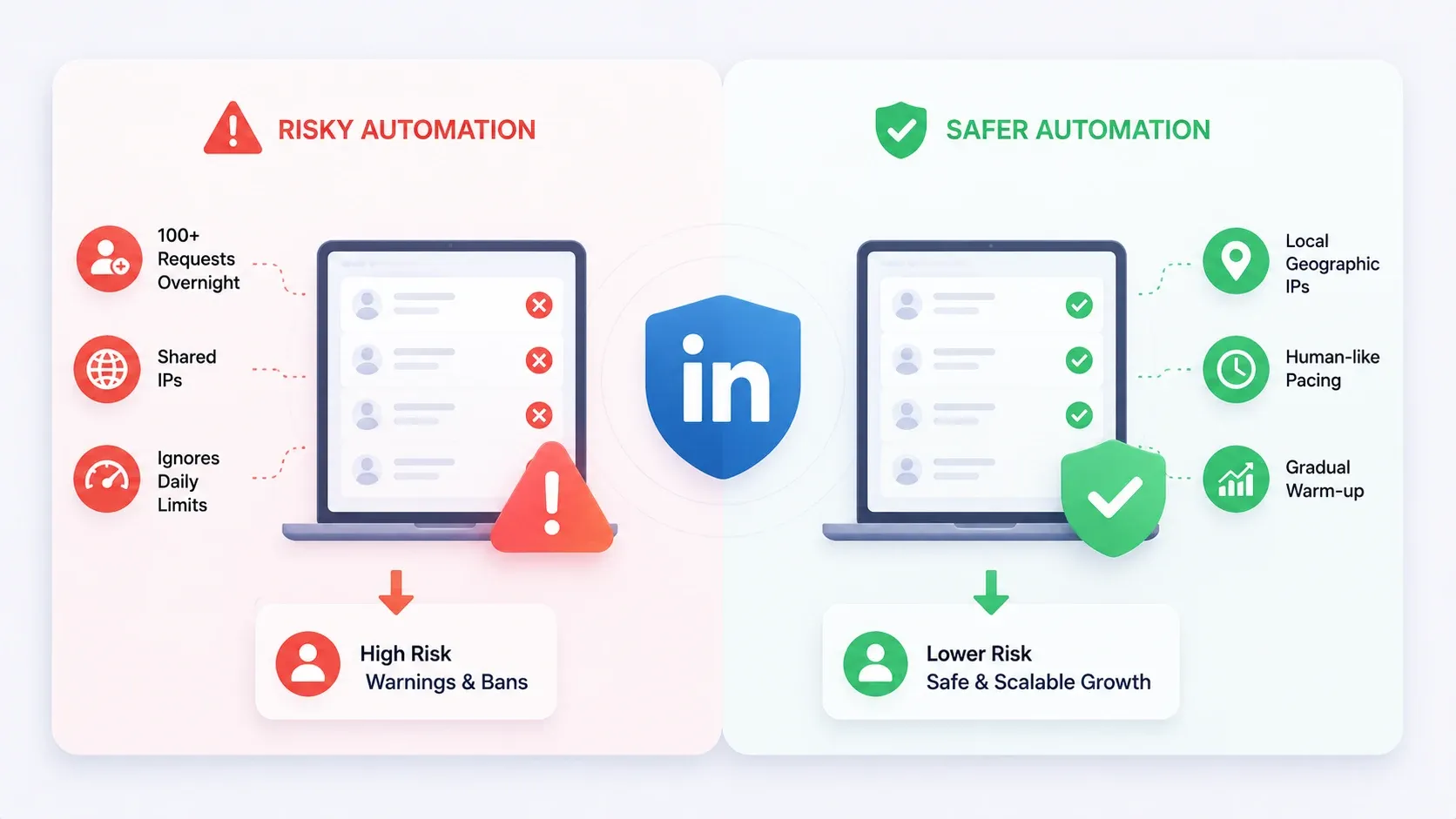
This is the question every buyer eventually asks. Here is the honest answer.
LinkedIn does take action against accounts that use automation in ways that clearly violate their terms, specifically bulk spamming, unnatural activity spikes, and bot-like behavior. But not all automation tools carry the same risk.
The key difference is how the tool behaves:
- Risky tools: Send 100+ connection requests overnight, use shared IPs, ignore daily limits
- Safer tools: Operate from local geographic IPs, mimic natural human pacing, use gradual warm-up periods for new accounts
Bearconnect, Expandi, and HeyReach all build safety mechanisms into their platforms. Gradual warm-up means your account starts slow and builds volume over two to three weeks.
Local IP assignment makes activity look like it is coming from your actual location.
No tool eliminates risk entirely. But using a poorly built tool versus a well-built one is the difference between a warning and a suspension.
Learn how to avoid LinkedIn jail and automation restrictions.
Best LinkedIn Automation Tool for Agencies Managing Client Accounts
For agencies, the economics of multi-account management change everything.
Running separate subscriptions across five different LinkedIn automation tools for five clients is a margin killer. You need one platform, one login, and one pricing model that rewards volume.
Read more about how agencies run LinkedIn outreach for clients and how to manage multiple LinkedIn accounts as an agency.
This is where Bearconnect's agency pricing becomes the most practical option:
- → 1 to 4 accounts: $67/month per account
- → 5+ accounts: $57/month per account
- → 5 client accounts at $57 = $285/month platform cost
- → Resell services at $250-$500 per client = $1,250-$2,500 monthly revenue
- → Margin at minimum resell price = $965/month on five clients
The unified inbox also means one team member can monitor reply activity across all five client accounts without switching logins. That is hours saved per week.
For a deeper look at setting up a client outreach system, this guide on LinkedIn outreach automation setup for agencies walks through the full workflow.
What to Look for in a LinkedIn Sales Automation Tool (Non-Negotiable Checklist)
Before you commit to any tool on this list, run it through this checklist:
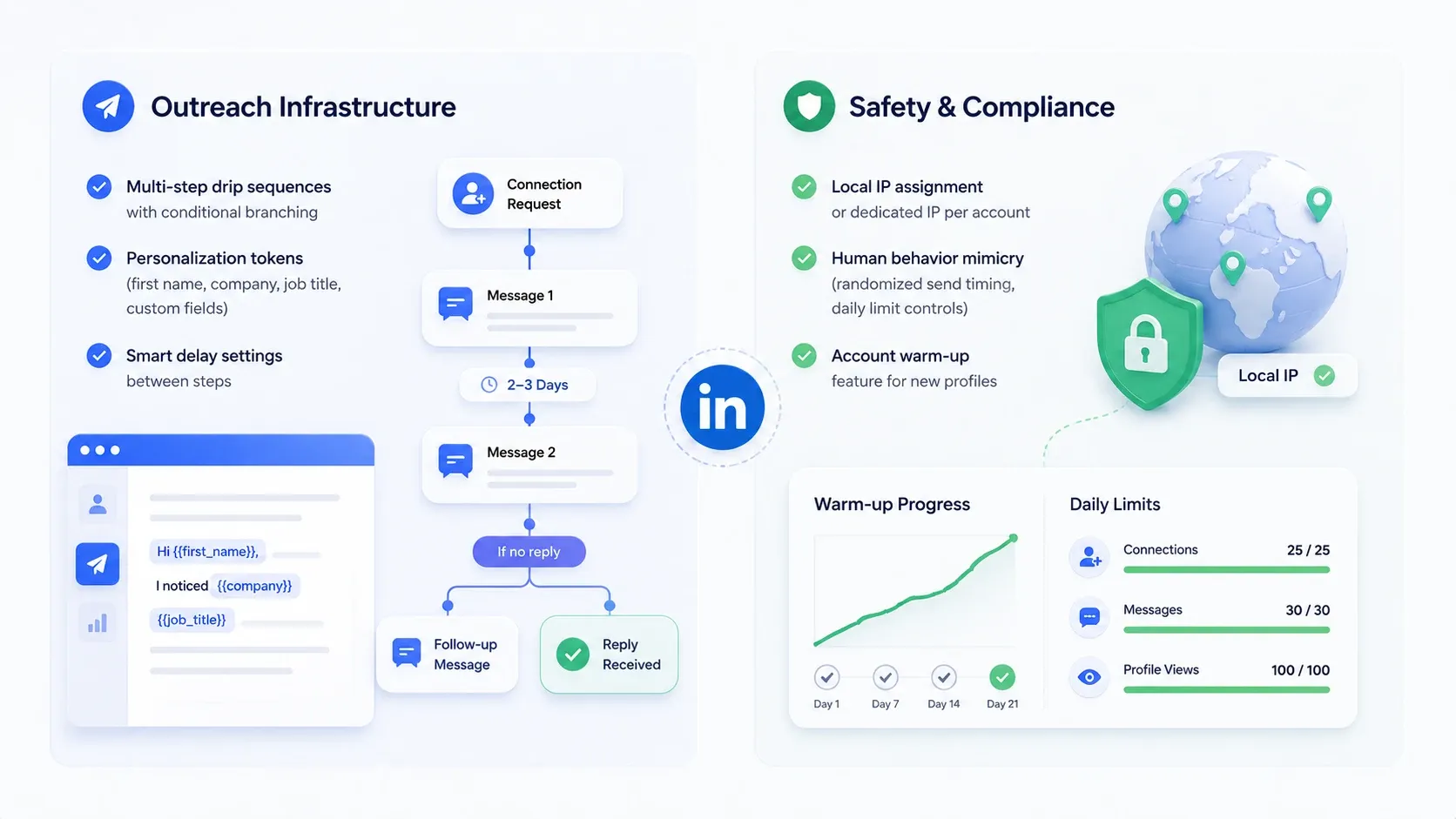
Outreach infrastructure:
- Multi-step drip sequences with conditional branching
- Personalization tokens (first name, company, job title, custom fields). Learn how to write personalized LinkedIn outreach messages that get replies.
- Smart delay settings between steps (not just fixed hours)
Safety and compliance:
- Local IP assignment or dedicated IP per account
- Human behavior mimicry (randomized send timing, daily limit controls)
- Account warm-up feature for new profiles. Learn how to hibernate or warm up your LinkedIn account safely.
Tool choice should match where LinkedIn automation is heading, not just what worked last year.
Inbox and reply handling:
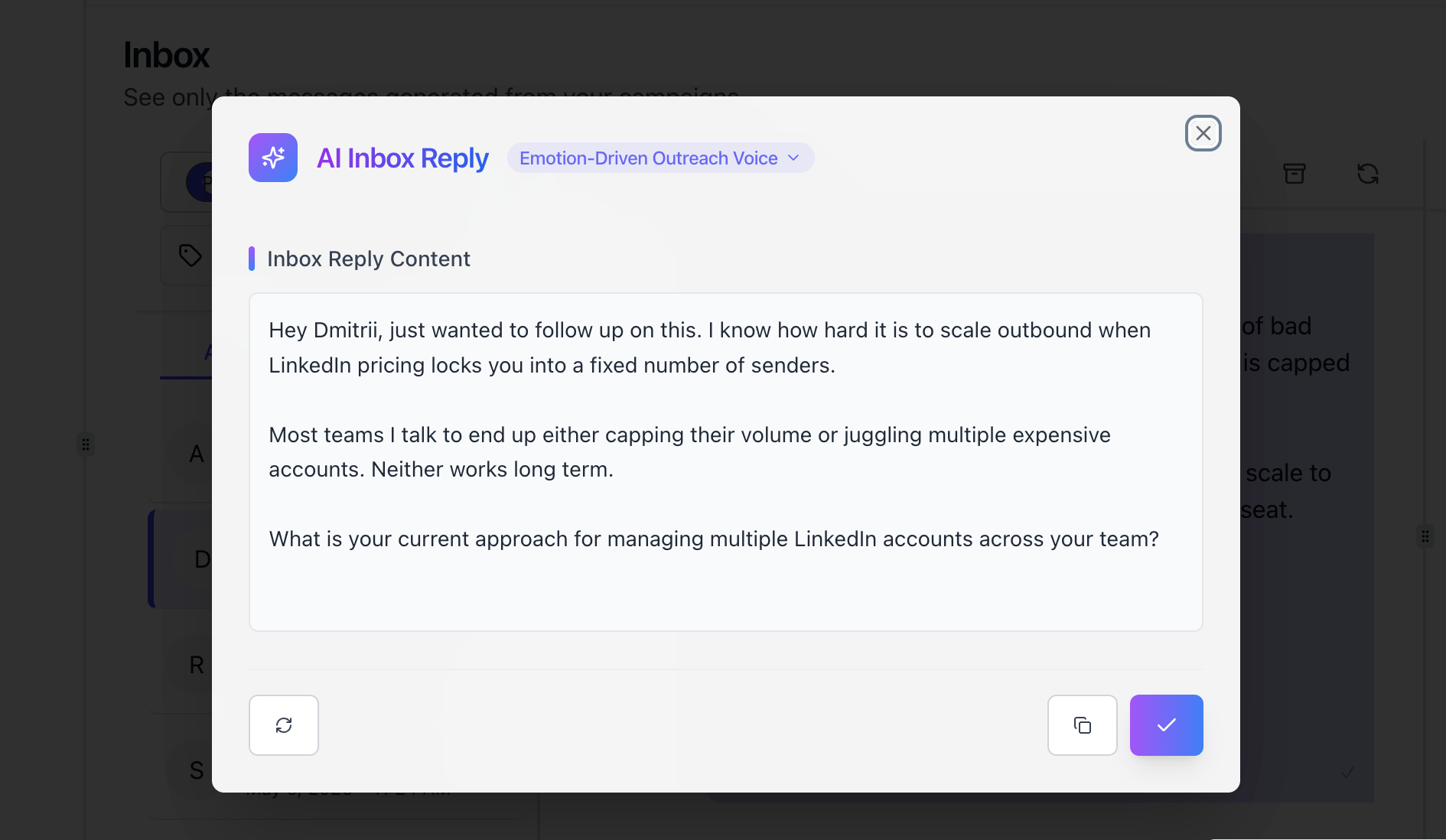
- Unified inbox for multi-account management
- In-platform reply tagging or labeling
- Notification system for new replies
Analytics and optimization:
- Acceptance rate per campaign
- Reply rate per step in the sequence
- Conversion tracking from connection to meeting booked
- Read how many leads LinkedIn automation can generate in 2026 to set realistic benchmarks.
Integration:
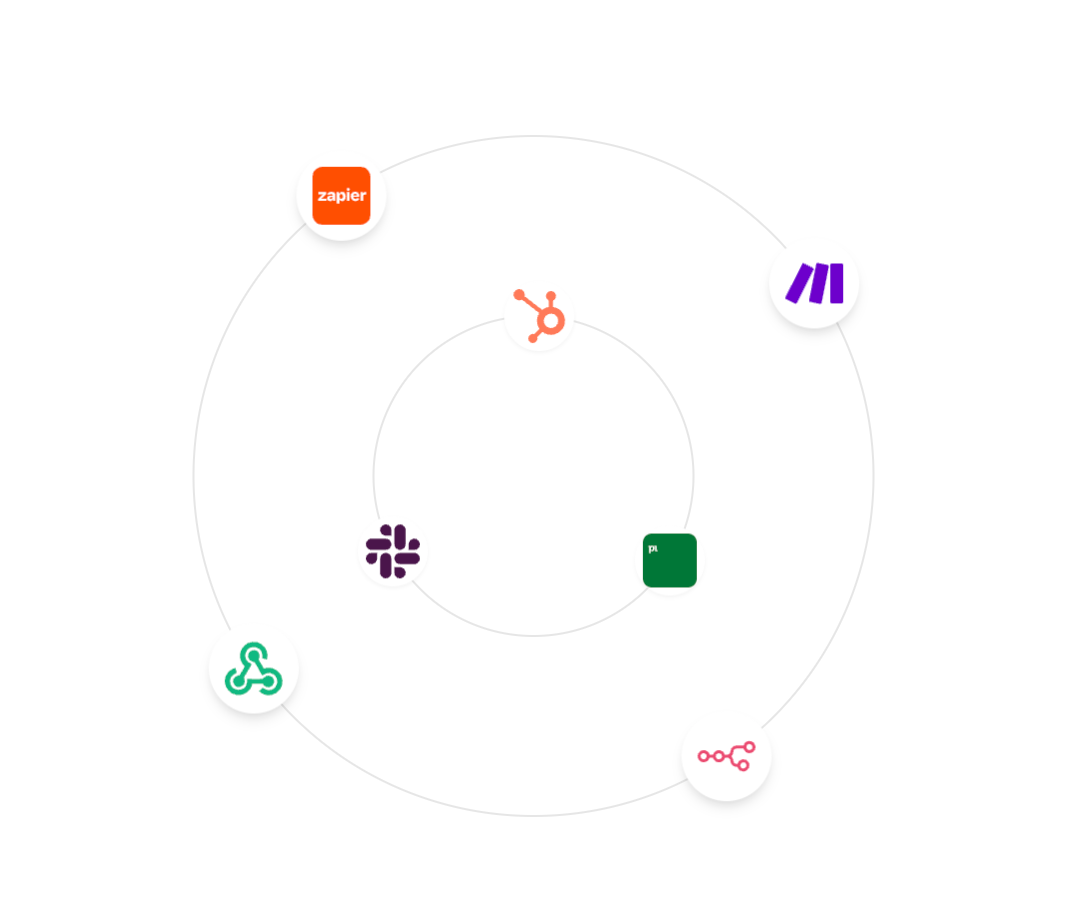
- CRM sync (HubSpot or Salesforce minimum)
- CSV import/export for lead lists. See how to import leads from a LinkedIn post.
If a tool cannot check the boxes in all four categories, you are adding manual work back into the system at some stage. That defeats the purpose.
FAQs: LinkedIn Sales Automation Tools
Q: What is the best LinkedIn automation tool for booking meetings in 2026?
A: Bearconnect is the strongest all-in-one option for teams and agencies, combining outbound sequence automation with unified inbox management and AI post creation. For solo founders, Waalaxy is easier to start with, and Dripify is strong for complex conditional sequences.
Q: How many connection requests can I send per day with LinkedIn automation?
A: Most safe LinkedIn automation tools cap daily connection requests at 20-25 per account to stay within LinkedIn's acceptable activity range. Tools with gradual warm-up features start lower (10-15/day) and increase volume over two to three weeks. Exceeding these thresholds raises flag risk significantly. Learn more in our LinkedIn automation beginner guide.
Q: Can I manage multiple LinkedIn accounts with one automation tool?
A: Yes, several tools support multi-account management. Bearconnect supports unlimited LinkedIn accounts under one subscription, with a unified inbox showing all replies across all accounts. HeyReach and Expandi also support multi-account workflows, though the pricing models differ.
Q: Is LinkedIn automation safe to use?
A: Using automation tools that mimic natural behavior, use local IP addresses, and respect LinkedIn's daily limits is significantly safer than tools that do not. The risk is never zero, but tools like Bearconnect and Expandi build compliance safeguards directly into the platform. Read the full breakdown of LinkedIn automation safety and account risks.
Q: How much do LinkedIn sales automation tools cost for agencies?
A: Costs vary widely. Bearconnect charges $67/month per LinkedIn account (dropping to $57/month when you connect five or more accounts). Expandi charges around $99/month per account. Zopto starts at $215/month per account. For agencies managing multiple client profiles, Bearconnect's volume pricing is typically the most margin-friendly option.
Conclusion
The right LinkedIn sales automation tool is not the one with the most features. It is the one that keeps working after the connection is sent.
That means drip sequences, reply management, safety controls, and analytics that show you what is actually driving meetings, not just what looks busy.
If your current tool stops at "connection request sent," you are leaving the most important part of the sales process completely manual.
If you are ready to test a tool that handles the full journey from outreach to inbox to analytics, start your Bearconnect trial at bearconnect.io and run your first campaign in under an hour.
Ready to Transform Your LinkedIn Strategy?
Join thousands of professionals already using Bearconnect to automate their outreach and grow their network.
7-day free trial • Cancel anytime
Related Articles

LinkedIn Automation: The Complete Guide for 2026
What LinkedIn automation is, how it works, what LinkedIn allows, safe limits, how to choose a tool and how to run your first campaign.
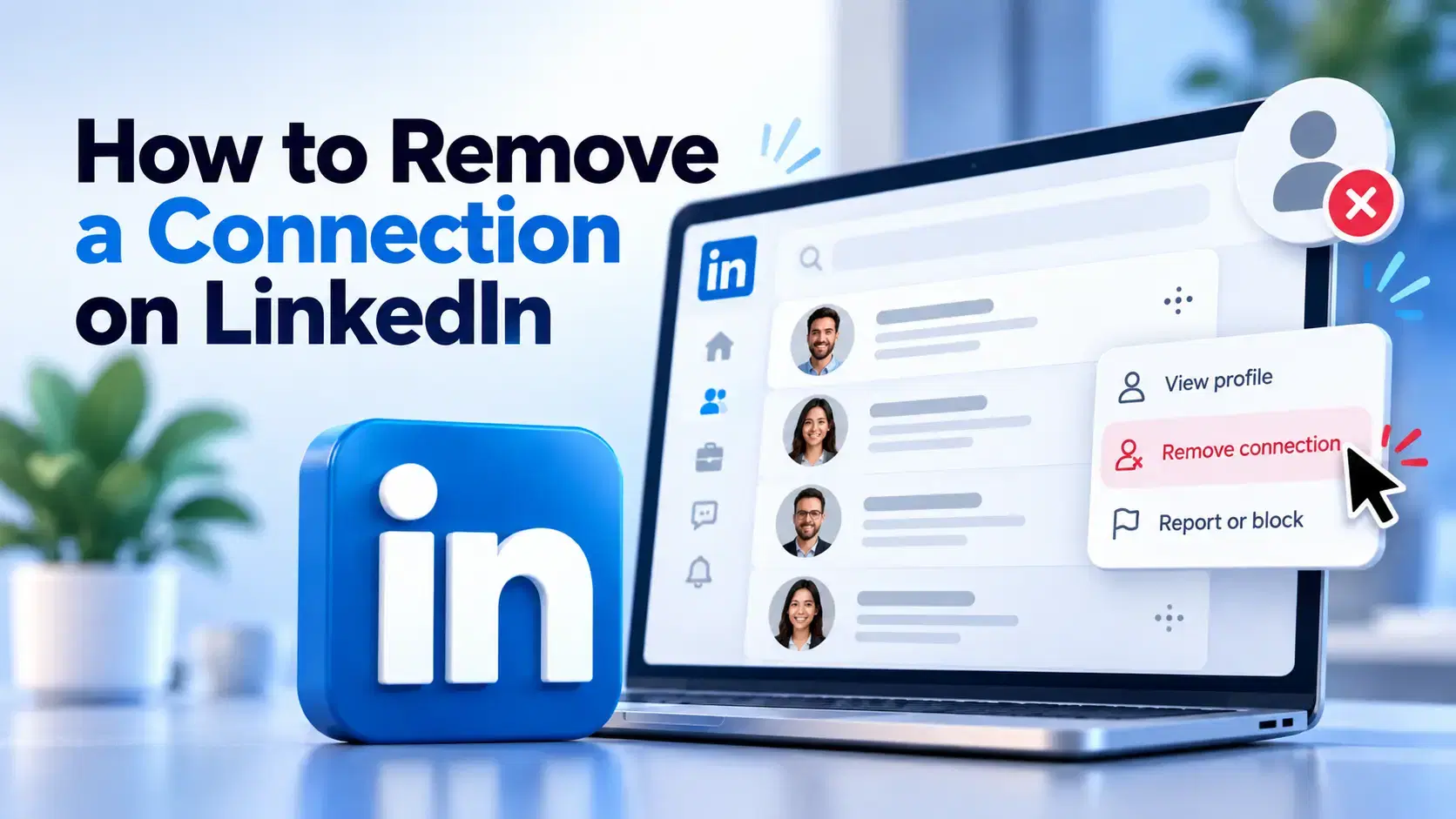
How to Remove a Connection on LinkedIn (Do They Get Notified?)
Removing a LinkedIn connection takes a few clicks, but most people want to know one thing first: does the other person get notified? This guide covers the steps on desktop and mobile, and what changes afterward.
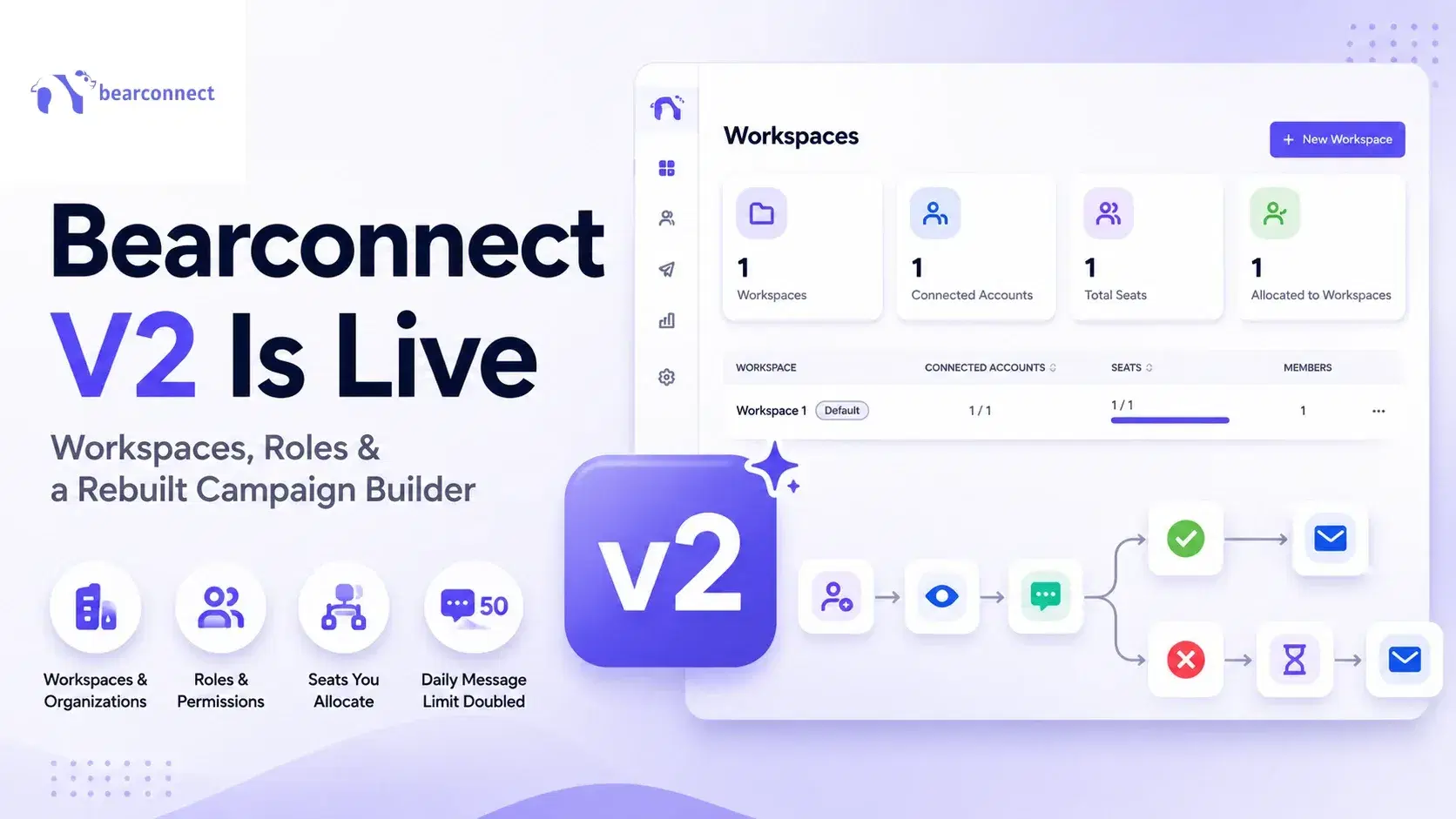
Bearconnect V2 Is Live: Workspaces, Roles and a Rebuilt Campaign Builder
Bearconnect V2 introduces dedicated workspaces, flexible roles, and a rebuilt campaign builder, giving agencies and sales teams more control over every LinkedIn account they manage.